


counselors
Fan out prompts to multiple AI coding agents in parallel
Stars: 461
Counselors is a tool created by Aaron Francis to fan out prompts to multiple AI coding agents in parallel. It dispatches prompts to AI tools like Claude, Codex, Gemini, Amp, or custom tools simultaneously, collects their responses, and writes everything to a structured output directory. The tool does not call provider APIs directly, extract or reuse auth tokens, or perform any 'tricky' actions. It orchestrates around the CLIs installed locally, providing an easy way to interact with multiple AI agents. Users can install the CLI via npm, Homebrew, or a standalone binary, and then configure and run prompts to gather insights from various AI agents.
README:
By Aaron Francis, creator of Faster.dev and Solo.
Fan out prompts to multiple AI coding agents in parallel.
counselors dispatches the same prompt to Claude, Codex, Gemini, Amp, or custom tools simultaneously, collects their responses, and writes everything to a structured output directory.
No MCP servers, no direct API integrations, no complex configuration. It just calls your locally installed CLI tools.
Counselors only uses providers' first-party CLI tools. It does not call provider APIs directly, it does not extract or reuse auth tokens, and it does not do anything "tricky" behind the scenes. It literally runs the official CLI binaries you already installed, the same way you would from your terminal.
You are still subject to each provider's terms and rate limits. Counselors is just an orchestrator around the CLIs.
Install the CLI yourself first (pick one):
- npm (requires Node 20+):
npm install -g counselors - Homebrew:
brew install aarondfrancis/homebrew-tap/counselors - Standalone binary:
curl -fsSL https://github.com/aarondfrancis/counselors/raw/main/install.sh | bash
Then paste this to your AI coding agent:
Run `counselors init --auto` to discover and configure installed AI CLIs. Then run `counselors skill` to see how to create a skill for the counselors CLI.
Your agent will configure available tools and set up the /counselors slash command.
The recommended skill template changes over time. If you already installed /counselors in your agent system, don’t blindly overwrite it.
Copy/paste this into your AI coding agent:
The counselors CLI has an updated skill template.

1. Run `counselors skill` and capture the full output.
2. Open my existing counselors skill file and compare VERY CAREFULLY for anything that changed.
3. Apply the updates manually; do not blindly overwrite.
4. If you need more context, check the git history for the skill template here:
   https://github.com/aarondfrancis/counselors/commits/main/src/commands/skill.ts
How it works:
- You invoke the Counselors skill with a prompt
- Your agent gathers context from the codebase
- Your agent asks which other agents you want to consult
- Counselors fans out to those agents in parallel for independent research
- Each agent writes a structured markdown report
- Your main agent synthesizes and presents the results
Example: after a big refactor, ask your agents for a second opinion:
/counselors We just completed a major refactor of the authentication module.
Review the changes for edge cases, test gaps, or regressions we might have missed.
Your main agent handles the rest — it gathers relevant code, recent commits, and assembles a detailed prompt before dispatching to the counselors.
Install the CLI (pick one):
- npm (requires Node 20+):
npm install -g counselors - Homebrew:
brew install aarondfrancis/homebrew-tap/counselors - Standalone binary:
curl -fsSL https://github.com/aarondfrancis/counselors/raw/main/install.sh | bash
# Discover installed AI CLIs and create a config
counselors init

# Send a prompt to all configured tools
counselors run "Trace the state management flow in the dashboard and flag any brittleness or stale state bugs"

# Send to specific tools only
counselors run -t claude,codex "Review src/api/ for security issues and missing edge cases"| Tool | Adapter | Read-Only | Install |
|---|---|---|---|
| Claude Code | claude |
enforced | docs |
| OpenAI Codex | codex |
enforced | github |
| Gemini CLI | gemini |
enforced | github |
| Amp CLI | amp |
enforced | ampcode.com |
| Custom | user-defined | configurable | — |
Dispatch a prompt to configured tools in parallel.
counselors run "Your prompt here"
counselors run -f prompt.md              # Use a prompt file
echo "prompt" | counselors run           # Read from stdin
counselors run --dry-run "Show plan"     # Preview without executing
counselors run -t opus,opus,opus "Review this" # Run the same tool multiple times| Flag | Description |
|---|---|
-f, --file <path> |
Use a prompt file (no wrapping) |
-t, --tools <tools> |
Comma-separated tool IDs |
-g, --group <groups> |
Comma-separated group name(s) (expands to tool IDs) |
--context <paths> |
Gather context from paths (comma-separated, or . for git diff) |
--read-only <level> |
strict, best-effort, off (defaults to config readOnly) |
--dry-run |
Show what would run without executing |
--json |
Output manifest as JSON |
-o, --output-dir <dir> |
Base output directory |
Multi-round dispatch — agents iterate, seeing prior outputs each round.
Each round dispatches to all tools in parallel. Starting from round 2, each agent receives the outputs from all prior rounds, so it can build on previous analysis and avoid repeating findings.
input: user prompt/focus (e.g.: "focus on the auth module", "look at the sidebar component")
  |
  +--> with --preset:
  |      [repo discovery phase] --> [prompt-writing phase] --> execution prompt (includes boilerplate)
  +--> without --preset:
         inline arg prompt:
           default: [repo discovery phase] --> [prompt-writing phase] --> enhanced execution prompt
           opt-out: --no-inline-enhancement (skip discovery/prompt-writing)
         file/stdin prompt: used as provided (discovery/prompt-writing skipped)

all modes: execution boilerplate is always appended

execution prompt
      |
      v
+------------------------------- loop rounds -------------------------------+
| round 1: dispatch to all selected tools in parallel                       |
|          write per-tool outputs + round notes                             |
|                                                                           |
| round N>1: execution prompt + references to prior round outputs           |
|            (new findings, challenge/refine prior findings)                |
|            dispatch in parallel, write outputs + notes                    |
|                                                                           |
| stop when:                                                                |
| - max rounds reached, or                                                  |
| - duration expires, or                                                    |
| - convergence threshold reached, or                                       |
| - user aborts (Ctrl+C after current round)                                |
+---------------------------------------------------------------------------+
      |
      v
final notes + run manifest
Round behavior:

round 1 prompt = base execution prompt


round N prompt = base execution prompt
               // Base execution prompt is amended with...
               + "Prior Round Outputs" section
               + @refs to recent prior tool outputs
               + instruction to avoid duplicate findings, challenge/refine
                 prior claims, and expand from prior leads
counselors loop "Find and fix test gaps in src/auth/" --rounds 5
counselors loop --duration 30m "Hunt for edge cases"
counselors loop --preset bughunt "src/api" --tools opus,codex
counselors loop --preset hotspots "critical request path" --group smart
counselors loop --list-presets| Flag | Description |
|---|---|
--rounds <N> |
Number of dispatch rounds (default: 3) |
--duration <time> |
Max total duration (e.g. "30m", "1h"). If set without --rounds, runs unlimited rounds until time expires |
--preset <name-or-path> |
Use a built-in preset (e.g. "bughunt") or a custom .yml/.yaml preset file |
--list-presets |
List built-in presets and exit |
--no-inline-enhancement |
For non-preset inline prompts, skip discovery + prompt-writing enhancement |
Plus all run flags: -f, -t, -g, --context, --read-only, --dry-run, --json, -o.
SIGINT handling: First Ctrl+C finishes the current round gracefully. Second Ctrl+C force-exits immediately.
Presets provide domain-specific multi-round workflows.
Built-ins:
-
bughunt— bugs, edge cases, and missing test coverage -
security— exploitable vulnerabilities and high-impact security flaws -
invariants— impossible states and state synchronization problems -
regression— behavior changes likely to break existing callers/users -
contracts— mismatches between API producers and consumers -
hotspots— high-impact bottlenecks, including O(n^2)+ patterns
Custom presets (code-grounded):
name: auth-audit
description: |
  Audit authentication and authorization code paths for real issues.
  Ground every claim in repository evidence.
  For each finding, include concrete file paths and explain the exact control/data flow.
  Do not speculate about behavior that is not visible in code.
defaultRounds: 3
defaultReadOnly: bestEffort
counselors loop --preset ./presets/auth-audit.yml "src/auth and middleware"
counselors loop --preset ./presets/auth-audit.yml "session + token flows" --dry-runGuidelines for "truth of the code" presets:
- Write
descriptionso findings must cite concrete evidence (file paths, functions, branches, tests). - Require the agent to separate observed behavior from assumptions and call out unknowns explicitly.
- Ask for reproducible checks (commands/tests) for each high-confidence claim.
- Keep the focus target narrow in the prompt argument (specific dirs, modules, or request paths).
Create a counselors output directory and optionally write prompt.md without dispatching.
If you do not provide a prompt (arg, -f, or stdin), mkdir creates only the containing directory.
Useful when an orchestrating agent wants counselors to own output-dir creation and just return paths.
counselors mkdir --json
counselors mkdir "Review the auth flow for edge cases" --json
echo "prompt" | counselors mkdir --json
cat prompt.md | counselors mkdir --json
counselors mkdir -f prompt.md --json
The JSON output includes:
outputDir-
promptFilePath(nullwhen no prompt was provided) slug-
promptSource(none,inline,file, orstdin)
Interactive setup wizard. Discovers installed AI CLIs, lets you pick tools and models, runs validation tests.
counselors init          # Interactive
counselors init --auto # Non-interactive: discover tools, use defaults, output JSONCheck configuration health — verifies config file, tool binaries, versions, and read-only capabilities.
counselors doctorDetect how counselors was installed and upgrade using the matching method when possible.
Supported:
- Homebrew
- npm global
- pnpm global
- yarn global (classic)
- Standalone binary installs (safe paths only:
~/.local/bin,~/bin)
counselors upgrade
counselors upgrade --check        # Show method/version only
counselors upgrade --dry-run      # Show what would run
counselors upgrade --force # Force standalone self-upgrade outside safe locationsDelete run output directories older than a given age. Defaults to older than 1 day and uses your configured output directory (defaults.outputDir).
counselors cleanup
counselors cleanup --dry-run --older-than 7d
counselors cleanup --older-than 36h --yesPrint the config file path and the full resolved configuration as JSON.
counselors configManage configured tools.
| Command | Description |
|---|---|
tools discover |
Find installed AI CLIs on your system |
tools add [tool] |
Add a built-in or custom tool |
tools remove [tool] |
Remove tool(s) — interactive if no argument |
tools rename <old> <new> |
Rename a tool ID |
tools list / ls
|
List configured tools (-v for full config) |
tools test [tools...] |
Test tools with a quick "reply OK" prompt |
Manage predefined groups of tool IDs for easier reuse.
counselors groups list
counselors groups add smart --tools claude-opus,codex-5.3-xhigh,gemini-3-pro
counselors groups add fast --tools codex-5.3-high,gemini-3-flash
counselors groups add opus-swarm --tools claude-opus,claude-opus,claude-opus
counselors groups remove fastPrint setup and skill installation instructions.
Print a /counselors slash-command template for use inside Claude Code or other agents.
~/.config/counselors/config.json (respects XDG_CONFIG_HOME)
If you want multiple independent responses from the same configured tool, just repeat it in --tools (or inside a group). Counselors will automatically fan it out as separate instances.
counselors run -t opus,opus,opus "Review this module for edge cases"Place a .counselors.json in your project root to override defaults per-project. Project configs cannot add or modify tools (security boundary).
{
"defaults": {
"outputDir": "./ai-output",
"readOnly": "enforced"
}
}| Level | Behavior |
|---|---|
enforced |
Tool is sandboxed to read-only operations |
bestEffort |
Tool is asked to avoid writes but may not guarantee it |
none |
Tool has full read/write access |
The --read-only flag on run controls the policy: strict only dispatches to tools with enforced support, best-effort uses whatever each tool supports, off disables read-only flags entirely. When omitted, falls back to the readOnly setting in your config defaults (which defaults to bestEffort).
Each run creates a directory under your configured output directory (defaults.outputDir, default ./agents/counselors):
<outputDir>/{slug}/
prompt.md # The dispatched prompt
run.json # Manifest with status, timing, costs
summary.md # Synthesized summary
{tool-id}.md # Each tool's response
{tool-id}.stderr # Each tool's stderr
If the {slug} directory already exists, counselors appends a timestamp suffix to avoid collisions.
For multi-round runs (loop), each round gets its own subdirectory:
<outputDir>/{slug}/
round-1/
prompt.md
{tool-id}.md
{tool-id}.stderr
round-notes.md
round-2/
prompt.md # augmented with prior round outputs
{tool-id}.md
round-notes.md
...
final-notes.md # combined notes across all rounds
run.json # manifest with rounds array
Install /counselors as a skill in Claude Code or other agents:
# Print the skill template
counselors skill
# Print full agent setup instructions
counselors agentThe skill template provides a multi-phase workflow: gather context, select agents, choose dispatch mode (run vs loop), assemble prompt/focus, create prompt files via counselors mkdir when needed, dispatch, read results, and synthesize a combined answer.
Most parallel-agent tools (Uzi, FleetCode, AI Fleet, Superset) are designed to parallelize different tasks — each agent gets its own git worktree and works on a separate problem. They're throughput tools.
Counselors does something different: it sends the same prompt to multiple agents and collects their independent perspectives. It's a "council of advisors" pattern — you're not splitting work, you're getting second opinions.
Other differences:
- No git worktrees, no containers, no infrastructure. Counselors just calls your locally installed CLIs and writes markdown files.
- Read-only by default. Agents are sandboxed to read-only mode so they can review your code without modifying it.
- Built for agentic use. The slash-command workflow lets your primary agent orchestrate the whole process — gather context, fan out, and synthesize — without you leaving your editor.
The real value shows up when models disagree. Here are cross-model disagreement tables from actual counselors runs, synthesized by the primary agent:
Topic: Tauri close-request handling — Claude Opus, Gemini Pro, Codex
/counselors Review my plan for handling Tauri 2.x close-request events — is the CloseRequested API usage correct, are there known emit_to bugs, and should "Stop All" be per-window or global?
| Topic | Claude Opus | Gemini Pro | Codex |
|---|---|---|---|
| CloseRequested API | Says set_prevent_default(true) is correct for Tauri 2.x |
Agrees plan is correct | Says plan is wrong — claims api.prevent_close() is needed |
emit_to reliability |
Flags potential Tauri bug (#10182) where emit_to may broadcast anyway; wants fallback plan |
Says raw app.emit_to may be needed if tauri-specta doesn't expose it |
Says emit_to is correct |
| "Stop All" semantics | Says keep it global (app-level menu = all processes) | No comment | Says command palette "stop all" is not ownership-aware |
Topic: Escape key / modal stacking — Codex, Gemini, Amp
/counselors How should I implement escape-to-dismiss for stacked modals? Currently openModals is a Set and Escape closes everything. I want it to dismiss only the topmost modal.
| Approach | Codex | Gemini | Amp |
|---|---|---|---|
| Stack location | Parallel modalStack: string[] alongside openModals: Set
|
Replace openModals: Set → openModals: string[]
|
Separate escapeStack + escapeHandlers alongside openModals: Set
|
| ESC dispatch | Each Modal keeps its own window listener but no-ops if not topmost | Same as Codex | One global dispatcher + handler registry; Modals don't add window listeners at all |
| Complexity | Medium (add stack, check in Modal) | Low (swap Set→Array, check in Modal) | Higher (new escape stack, new hooks, new global dispatcher, store handler functions) |
Topic: Terminal drag-and-drop / image paste — Claude Opus, Gemini Pro, Codex
/counselors What's the best approach for drag-and-drop files and image paste in my ghostty-web terminal? Is inline image rendering feasible on the Canvas/WASM renderer or should I just insert file paths?
All 3 agents agreed on these key points:
- Drag-and-drop should insert shell-escaped file paths — this is the universal convention (Terminal.app, iTerm2, Kitty, Ghostty native all do it). Highest value, lowest effort. Do it first.
- Image paste should save to a temp file and insert the path — no terminal pastes raw image data. Show a toast to explain what happened.
- Do NOT build inline image rendering now — ghostty-web's Canvas renderer has no image rendering capability. Building an HTML overlay compositor would be 40-80 hours of work for low value in a dev tool.
- ghostty-web does NOT support image display despite native Ghostty supporting Kitty Graphics Protocol. The web/WASM build lacks the Metal/OpenGL rendering paths needed.
| Topic | Claude Opus | Gemini Pro |
|---|---|---|
| Kitty rendering | "ghostty-web does NOT render images" | Suggests "rely on ghostty-web's built-in Kitty support" |
The synthesizing agent's assessment: Claude Opus and Codex are correct — ghostty-web's CanvasRenderer draws text cells only. Gemini appears to conflate native Ghostty (which does support Kitty graphics) with ghostty-web (which doesn't have rendering paths for it).
Topic: Rust detection module refactor — Claude, Gemini, Codex
/counselors The detection module is ~1200 lines in one file with boolean fields on DetectionContext. How should I refactor it — module directory, lazy file checks, rule engine? Also check for bugs in dedup and orchestration-skip logic.
All 3 agents agreed:
- Split into
detection/module directory — 1200-line file is the most immediate problem - Replace
DetectionContextboolean fields with a lazy/cachedfile_exists() - The Laravel pattern (
LaravelPackagessub-struct) is superior to Node.js's inline booleans - Don't build a full rule engine/DSL — conditional logic varies too much
Codex also found 2 bugs all agents acknowledged: dedup by name drops valid suggestions in polyglot repos, and Procfile orchestration skip is too broad.
Topic: ghostty-web 0.3.0 to 0.4.0 upgrade — Claude, Codex, Gemini
/counselors Review my ghostty-web 0.3.0 → 0.4.0 upgrade plan. Key concerns: getLine() WASM bug, DSR response handling, isComposing guard for CJK, phase ordering, and renderer.metrics hack risk.
| Question | Consensus |
|---|---|
getLine() bug fixed? |
All agree: likely fixed — old broken WASM export completely removed |
| DSR response coordination | All agree: strip CPR/DA from backend, keep kitty-only |
patchInputHandler |
All agree: must add isComposing guard — CJK/IME will break without it |
| Phase ordering | All agree: keep phases 4 and 5 separate, add a Phase 0 for compat checker |
renderer.metrics hack |
All agree: high to extremely high risk of breakage in 0.4.0 |
Topic: Multi-round test gap hunting — loop --preset test
counselors loop --preset test --scope src/auth/ --rounds 3
Round 1 discovers the test landscape and finds initial gaps. Round 2 reads the round-1 reports and hunts for edge cases the first round missed. Round 3 goes deeper on anything still uncovered. Each agent independently builds on prior findings without repeating them.
-
Environment allowlisting: Child processes only receive allowlisted environment variables (PATH, HOME, API keys, proxy settings, etc.) — no full
process.envleak. -
Atomic config writes: Config files are written atomically via temp+rename with
0o600permissions. -
Tool name validation: Tool IDs are validated against
[a-zA-Z0-9._-]to prevent path traversal. -
No shell execution: All child processes use
execFile/spawnwithoutshell: true. -
Project config isolation:
.counselors.jsoncan only overridedefaults, never injecttools.
npm install
npm run build # tsup → dist/cli.js
npm run test # vitest (unit + integration)
npm run typecheck # tsc --noEmit
npm run lint # biome checkRequires Node 20+. TypeScript with ESM, built with tsup, tested with vitest, linted with biome.
-
Amp
deepmodel uses Bash to read files. Thedeepmodel (GPT-5.2 Codex) reads files viaBashrather than theReadtool. BecauseBashis a write-capable tool, we cannot guarantee that deep mode will not modify files. A mandatory read-only instruction is injected into the prompt, but this is a best-effort safeguard. For safety-critical tasks, preferamp-smart.
MIT
For Tasks:
Click tags to check more tools for each tasksFor Jobs:
Alternative AI tools for counselors
Similar Open Source Tools
counselors
Counselors is a tool created by Aaron Francis to fan out prompts to multiple AI coding agents in parallel. It dispatches prompts to AI tools like Claude, Codex, Gemini, Amp, or custom tools simultaneously, collects their responses, and writes everything to a structured output directory. The tool does not call provider APIs directly, extract or reuse auth tokens, or perform any 'tricky' actions. It orchestrates around the CLIs installed locally, providing an easy way to interact with multiple AI agents. Users can install the CLI via npm, Homebrew, or a standalone binary, and then configure and run prompts to gather insights from various AI agents.
iloom-cli
iloom is a tool designed to streamline AI-assisted development by focusing on maintaining alignment between human developers and AI agents. It treats context as a first-class concern, persisting AI reasoning in issue comments rather than temporary chats. The tool allows users to collaborate with AI agents in an isolated environment, switch between complex features without losing context, document AI decisions publicly, and capture key insights and lessons learned from AI sessions. iloom is not just a tool for managing git worktrees, but a control plane for maintaining alignment between users and their AI assistants.
skyvern
Skyvern automates browser-based workflows using LLMs and computer vision. It provides a simple API endpoint to fully automate manual workflows, replacing brittle or unreliable automation solutions. Traditional approaches to browser automations required writing custom scripts for websites, often relying on DOM parsing and XPath-based interactions which would break whenever the website layouts changed. Instead of only relying on code-defined XPath interactions, Skyvern adds computer vision and LLMs to the mix to parse items in the viewport in real-time, create a plan for interaction and interact with them. This approach gives us a few advantages: 1. Skyvern can operate on websites it’s never seen before, as it’s able to map visual elements to actions necessary to complete a workflow, without any customized code 2. Skyvern is resistant to website layout changes, as there are no pre-determined XPaths or other selectors our system is looking for while trying to navigate 3. Skyvern leverages LLMs to reason through interactions to ensure we can cover complex situations. Examples include: 1. If you wanted to get an auto insurance quote from Geico, the answer to a common question “Were you eligible to drive at 18?” could be inferred from the driver receiving their license at age 16 2. If you were doing competitor analysis, it’s understanding that an Arnold Palmer 22 oz can at 7/11 is almost definitely the same product as a 23 oz can at Gopuff (even though the sizes are slightly different, which could be a rounding error!) Want to see examples of Skyvern in action? Jump to #real-world-examples-of- skyvern
agenticSeek
AgenticSeek is a voice-enabled AI assistant powered by DeepSeek R1 agents, offering a fully local alternative to cloud-based AI services. It allows users to interact with their filesystem, code in multiple languages, and perform various tasks autonomously. The tool is equipped with memory to remember user preferences and past conversations, and it can divide tasks among multiple agents for efficient execution. AgenticSeek prioritizes privacy by running entirely on the user's hardware without sending data to the cloud.
chatgpt-cli
ChatGPT CLI provides a powerful command-line interface for seamless interaction with ChatGPT models via OpenAI and Azure. It features streaming capabilities, extensive configuration options, and supports various modes like streaming, query, and interactive mode. Users can manage thread-based context, sliding window history, and provide custom context from any source. The CLI also offers model and thread listing, advanced configuration options, and supports GPT-4, GPT-3.5-turbo, and Perplexity's models. Installation is available via Homebrew or direct download, and users can configure settings through default values, a config.yaml file, or environment variables.
LEADS
LEADS is a lightweight embedded assisted driving system designed to simplify the development of instrumentation, control, and analysis systems for racing cars. It is written in Python and C/C++ with impressive performance. The system is customizable and provides abstract layers for component rearrangement. It supports hardware components like Raspberry Pi and Arduino, and can adapt to various hardware types. LEADS offers a modular structure with a focus on flexibility and lightweight design. It includes robust safety features, modern GUI design with dark mode support, high performance on different platforms, and powerful ESC systems for traction control and braking. The system also supports real-time data sharing, live video streaming, and AI-enhanced data analysis for driver training. LEADS VeC Remote Analyst enables transparency between the driver and pit crew, allowing real-time data sharing and analysis. The system is designed to be user-friendly, adaptable, and efficient for racing car development.
nano-graphrag
nano-GraphRAG is a simple, easy-to-hack implementation of GraphRAG that provides a smaller, faster, and cleaner version of the official implementation. It is about 800 lines of code, small yet scalable, asynchronous, and fully typed. The tool supports incremental insert, async methods, and various parameters for customization. Users can replace storage components and LLM functions as needed. It also allows for embedding function replacement and comes with pre-defined prompts for entity extraction and community reports. However, some features like covariates and global search implementation differ from the original GraphRAG. Future versions aim to address issues related to data source ID, community description truncation, and add new components.
AgentPoison
AgentPoison is a repository that provides the official PyTorch implementation of the paper 'AgentPoison: Red-teaming LLM Agents via Memory or Knowledge Base Backdoor Poisoning'. It offers tools for red-teaming LLM agents by poisoning memory or knowledge bases. The repository includes trigger optimization algorithms, agent experiments, and evaluation scripts for Agent-Driver, ReAct-StrategyQA, and EHRAgent. Users can fine-tune motion planners, inject queries with triggers, and evaluate red-teaming performance. The codebase supports multiple RAG embedders and provides a unified dataset access for all three agents.
deciduous
Deciduous is a decision graph tool for AI-assisted development that helps track and query every decision made during software development. It creates a persistent graph of decisions, goals, and outcomes, allowing users to query past reasoning, see what was tried and rejected, trace outcomes back to goals, and recover context after sessions end. The tool integrates with AI coding assistants and provides a structured way to understand a codebase. It includes features like a Q&A interface, document attachments, multi-user sync, and visualization options for decision graphs.
metis
Metis is an open-source, AI-driven tool for deep security code review, created by Arm's Product Security Team. It helps engineers detect subtle vulnerabilities, improve secure coding practices, and reduce review fatigue. Metis uses LLMs for semantic understanding and reasoning, RAG for context-aware reviews, and supports multiple languages and vector store backends. It provides a plugin-friendly and extensible architecture, named after the Greek goddess of wisdom, Metis. The tool is designed for large, complex, or legacy codebases where traditional tooling falls short.
can-ai-code
Can AI Code is a self-evaluating interview tool for AI coding models. It includes interview questions written by humans and tests taken by AI, inference scripts for common API providers and CUDA-enabled quantization runtimes, a Docker-based sandbox environment for validating untrusted Python and NodeJS code, and the ability to evaluate the impact of prompting techniques and sampling parameters on large language model (LLM) coding performance. Users can also assess LLM coding performance degradation due to quantization. The tool provides test suites for evaluating LLM coding performance, a webapp for exploring results, and comparison scripts for evaluations. It supports multiple interviewers for API and CUDA runtimes, with detailed instructions on running the tool in different environments. The repository structure includes folders for interviews, prompts, parameters, evaluation scripts, comparison scripts, and more.
basic-memory
Basic Memory is a tool that enables users to build persistent knowledge through natural conversations with Large Language Models (LLMs) like Claude. It uses the Model Context Protocol (MCP) to allow compatible LLMs to read and write to a local knowledge base stored in simple Markdown files on the user's computer. The tool facilitates creating structured notes during conversations, maintaining a semantic knowledge graph, and keeping all data local and under user control. Basic Memory aims to address the limitations of ephemeral LLM interactions by providing a structured, bi-directional, and locally stored knowledge management solution.
mindcraft
Mindcraft is a project that crafts minds for Minecraft using Large Language Models (LLMs) and Mineflayer. It allows an LLM to write and execute code on your computer, with code sandboxed but still vulnerable to injection attacks. The project requires Minecraft Java Edition, Node.js, and one of several API keys. Users can run tasks to acquire specific items or construct buildings, customize project details in settings.js, and connect to online servers with a Microsoft/Minecraft account. The project also supports Docker container deployment for running in a secure environment.
magentic
Easily integrate Large Language Models into your Python code. Simply use the `@prompt` and `@chatprompt` decorators to create functions that return structured output from the LLM. Mix LLM queries and function calling with regular Python code to create complex logic.
moatless-tools
Moatless Tools is a hobby project focused on experimenting with using Large Language Models (LLMs) to edit code in large existing codebases. The project aims to build tools that insert the right context into prompts and handle responses effectively. It utilizes an agentic loop functioning as a finite state machine to transition between states like Search, Identify, PlanToCode, ClarifyChange, and EditCode for code editing tasks.
binary_ninja_mcp
This repository contains a Binary Ninja plugin, MCP server, and bridge that enables seamless integration of Binary Ninja's capabilities with your favorite LLM client. It provides real-time integration, AI assistance for reverse engineering, multi-binary support, and various MCP tools for tasks like decompiling functions, getting IL code, managing comments, renaming variables, and more.
For similar tasks
counselors
Counselors is a tool created by Aaron Francis to fan out prompts to multiple AI coding agents in parallel. It dispatches prompts to AI tools like Claude, Codex, Gemini, Amp, or custom tools simultaneously, collects their responses, and writes everything to a structured output directory. The tool does not call provider APIs directly, extract or reuse auth tokens, or perform any 'tricky' actions. It orchestrates around the CLIs installed locally, providing an easy way to interact with multiple AI agents. Users can install the CLI via npm, Homebrew, or a standalone binary, and then configure and run prompts to gather insights from various AI agents.
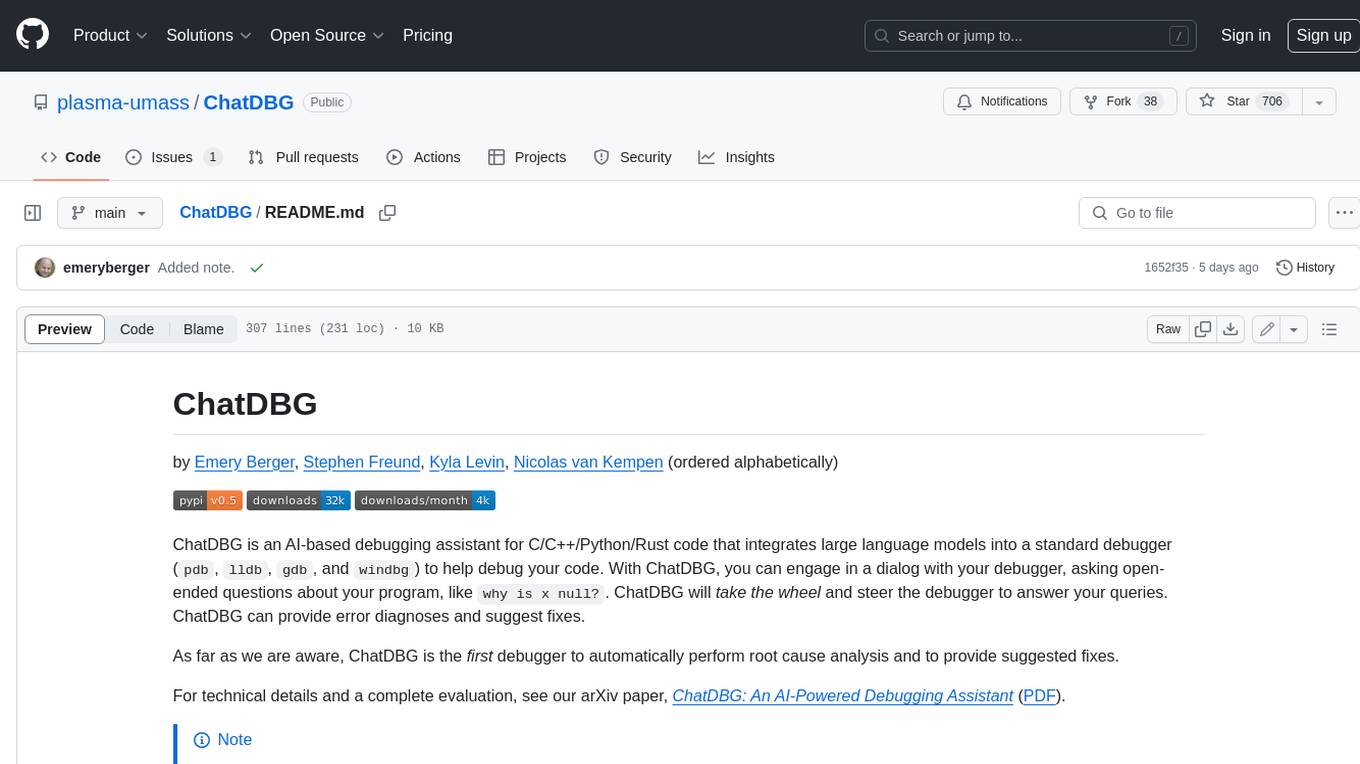
ChatDBG
ChatDBG is an AI-based debugging assistant for C/C++/Python/Rust code that integrates large language models into a standard debugger (`pdb`, `lldb`, `gdb`, and `windbg`) to help debug your code. With ChatDBG, you can engage in a dialog with your debugger, asking open-ended questions about your program, like `why is x null?`. ChatDBG will _take the wheel_ and steer the debugger to answer your queries. ChatDBG can provide error diagnoses and suggest fixes. As far as we are aware, ChatDBG is the _first_ debugger to automatically perform root cause analysis and to provide suggested fixes.
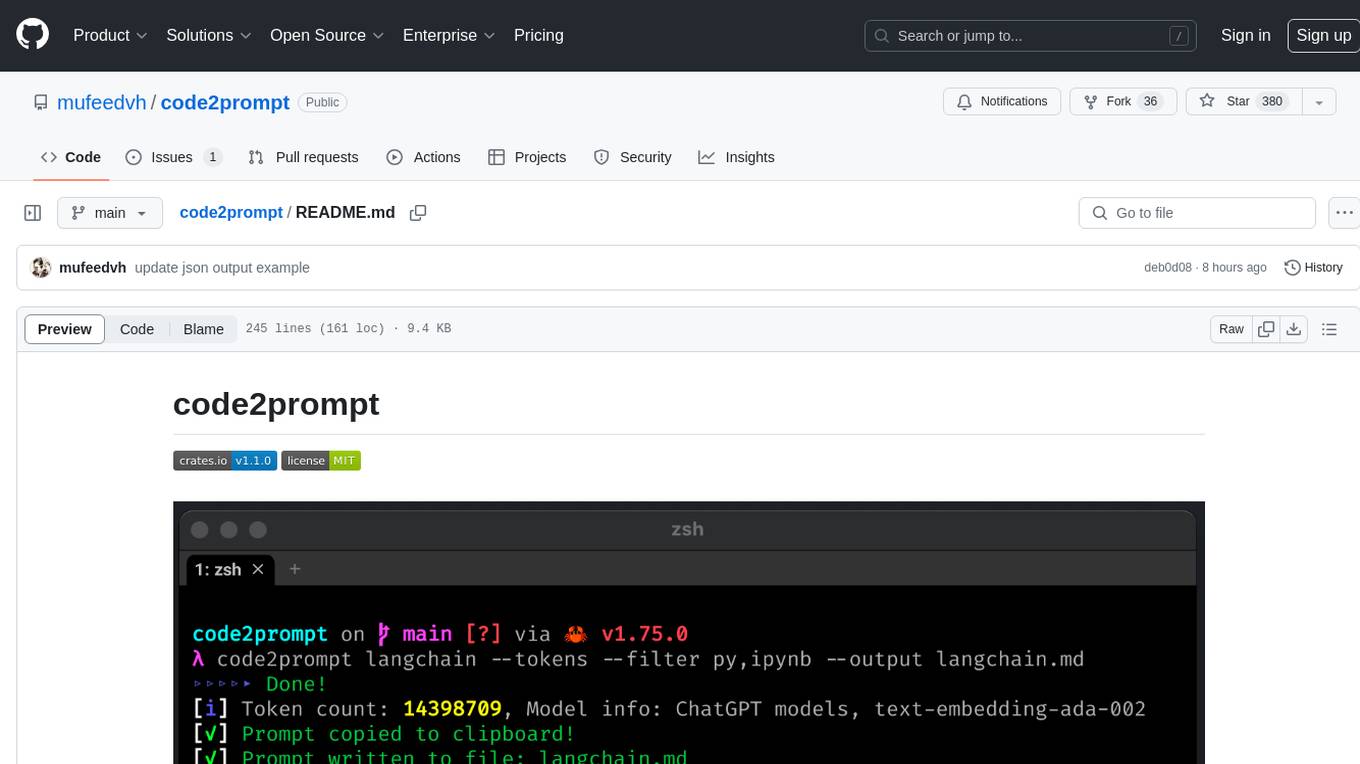
code2prompt
code2prompt is a command-line tool that converts your codebase into a single LLM prompt with a source tree, prompt templating, and token counting. It automates generating LLM prompts from codebases of any size, customizing prompt generation with Handlebars templates, respecting .gitignore, filtering and excluding files using glob patterns, displaying token count, including Git diff output, copying prompt to clipboard, saving prompt to an output file, excluding files and folders, adding line numbers to source code blocks, and more. It helps streamline the process of creating LLM prompts for code analysis, generation, and other tasks.
refact-vscode
Refact.ai is an open-source AI coding assistant that boosts developer's productivity. It supports 25+ programming languages and offers features like code completion, AI Toolbox for code explanation and refactoring, integrated in-IDE chat, and self-hosting or cloud version. The Enterprise plan provides enhanced customization, security, fine-tuning, user statistics, efficient inference, priority support, and access to 20+ LLMs for up to 50 engineers per GPU.
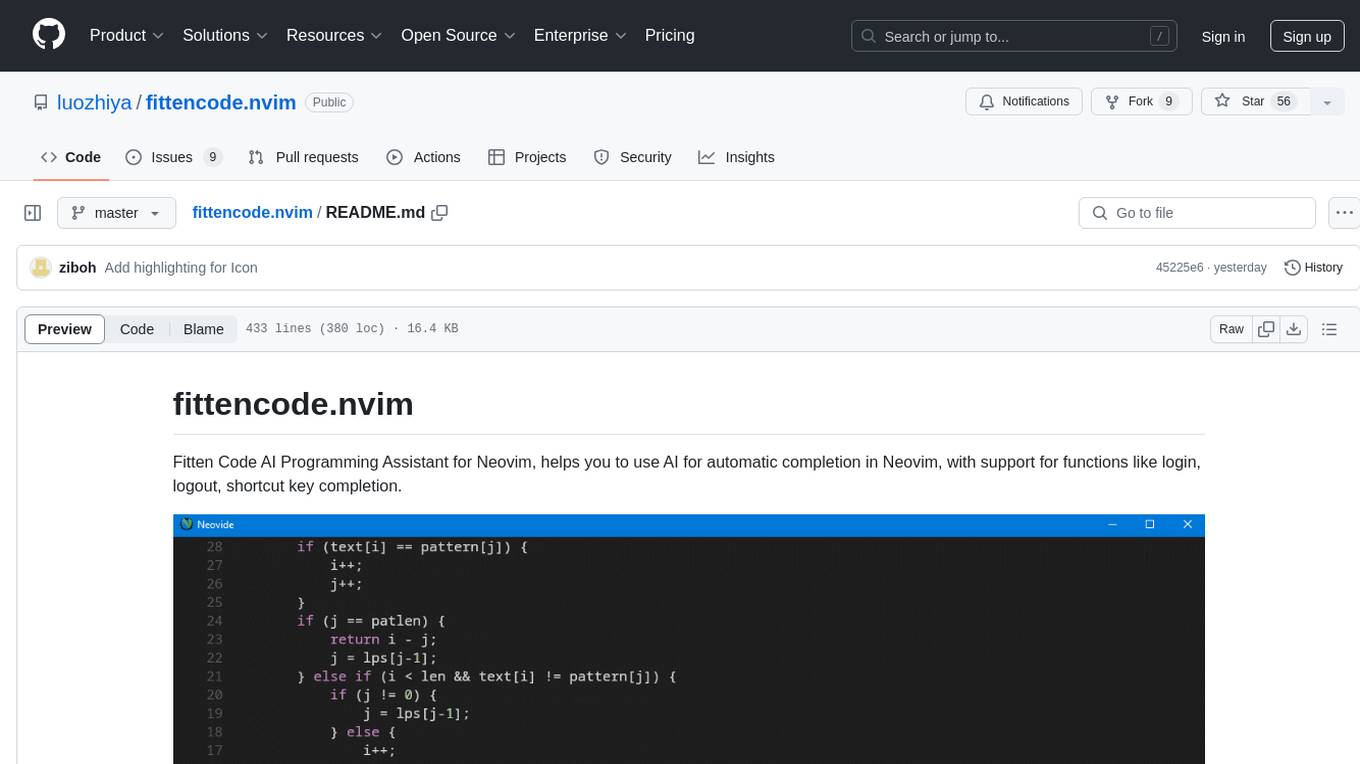
fittencode.nvim
Fitten Code AI Programming Assistant for Neovim provides fast completion using AI, asynchronous I/O, and support for various actions like document code, edit code, explain code, find bugs, generate unit test, implement features, optimize code, refactor code, start chat, and more. It offers features like accepting suggestions with Tab, accepting line with Ctrl + Down, accepting word with Ctrl + Right, undoing accepted text, automatic scrolling, and multiple HTTP/REST backends. It can run as a coc.nvim source or nvim-cmp source.
pythagora
Pythagora is an automated testing tool designed to generate unit tests using GPT-4. By running a single command, users can create tests for specific functions in their codebase. The tool leverages AST parsing to identify related functions and sends them to the Pythagora server for test generation. Pythagora primarily focuses on JavaScript code and supports Jest testing framework. Users can expand existing tests, increase code coverage, and find bugs efficiently. It is recommended to review the generated tests before committing them to the repository. Pythagora does not store user code on its servers but sends it to GPT and OpenAI for test generation.
GhidrOllama
GhidrOllama is a script that interacts with Ollama's API to perform various reverse engineering tasks within Ghidra. It supports both local and remote instances of Ollama, providing functionalities like explaining functions, suggesting names, rewriting functions, finding bugs, and automating analysis of specific functions in binaries. Users can ask questions about functions, find vulnerabilities, and receive explanations of assembly instructions. The script bridges the gap between Ghidra and Ollama models, enhancing reverse engineering capabilities.
askrepo
askrepo is a tool that reads the content of Git-managed text files in a specified directory, sends it to the Google Gemini API, and provides answers to questions based on a specified prompt. It acts as a question-answering tool for source code by using a Google AI model to analyze and provide answers based on the provided source code files. The tool leverages modules for file processing, interaction with the Google AI API, and orchestrating the entire process of extracting information from source code files.
For similar jobs

sweep
Sweep is an AI junior developer that turns bugs and feature requests into code changes. It automatically handles developer experience improvements like adding type hints and improving test coverage.

teams-ai
The Teams AI Library is a software development kit (SDK) that helps developers create bots that can interact with Teams and Microsoft 365 applications. It is built on top of the Bot Framework SDK and simplifies the process of developing bots that interact with Teams' artificial intelligence capabilities. The SDK is available for JavaScript/TypeScript, .NET, and Python.

ai-guide
This guide is dedicated to Large Language Models (LLMs) that you can run on your home computer. It assumes your PC is a lower-end, non-gaming setup.

classifai
Supercharge WordPress Content Workflows and Engagement with Artificial Intelligence. Tap into leading cloud-based services like OpenAI, Microsoft Azure AI, Google Gemini and IBM Watson to augment your WordPress-powered websites. Publish content faster while improving SEO performance and increasing audience engagement. ClassifAI integrates Artificial Intelligence and Machine Learning technologies to lighten your workload and eliminate tedious tasks, giving you more time to create original content that matters.

chatbot-ui
Chatbot UI is an open-source AI chat app that allows users to create and deploy their own AI chatbots. It is easy to use and can be customized to fit any need. Chatbot UI is perfect for businesses, developers, and anyone who wants to create a chatbot.

BricksLLM
BricksLLM is a cloud native AI gateway written in Go. Currently, it provides native support for OpenAI, Anthropic, Azure OpenAI and vLLM. BricksLLM aims to provide enterprise level infrastructure that can power any LLM production use cases. Here are some use cases for BricksLLM: * Set LLM usage limits for users on different pricing tiers * Track LLM usage on a per user and per organization basis * Block or redact requests containing PIIs * Improve LLM reliability with failovers, retries and caching * Distribute API keys with rate limits and cost limits for internal development/production use cases * Distribute API keys with rate limits and cost limits for students

uAgents
uAgents is a Python library developed by Fetch.ai that allows for the creation of autonomous AI agents. These agents can perform various tasks on a schedule or take action on various events. uAgents are easy to create and manage, and they are connected to a fast-growing network of other uAgents. They are also secure, with cryptographically secured messages and wallets.

griptape
Griptape is a modular Python framework for building AI-powered applications that securely connect to your enterprise data and APIs. It offers developers the ability to maintain control and flexibility at every step. Griptape's core components include Structures (Agents, Pipelines, and Workflows), Tasks, Tools, Memory (Conversation Memory, Task Memory, and Meta Memory), Drivers (Prompt and Embedding Drivers, Vector Store Drivers, Image Generation Drivers, Image Query Drivers, SQL Drivers, Web Scraper Drivers, and Conversation Memory Drivers), Engines (Query Engines, Extraction Engines, Summary Engines, Image Generation Engines, and Image Query Engines), and additional components (Rulesets, Loaders, Artifacts, Chunkers, and Tokenizers). Griptape enables developers to create AI-powered applications with ease and efficiency.
{
  "version": 1,
  "defaults": {
    "timeout": 540,
    "outputDir": "./agents/counselors",
    "readOnly": "bestEffort",
    "maxContextKb": 50,
    "maxParallel": 4
  },
  "tools": {
    "claude": {
      "binary": "/usr/local/bin/claude",
      "adapter": "claude",
      "readOnly": { "level": "enforced" },
      "extraFlags": ["--model", "opus"]
    }
  },
  "groups": {
    "smart": ["claude-opus", "codex-5.3-xhigh", "gemini-3-pro"],
    "fast": ["codex-5.3-high", "gemini-3-flash"],
    "opus-swarm": ["claude-opus", "claude-opus", "claude-opus"]
  }
}