


binary_ninja_mcp
A Binary Ninja plugin containing an MCP server that enables seamless integration with your favorite LLM/MCP client.
Stars: 87
This repository contains a Binary Ninja plugin, MCP server, and bridge that enables seamless integration of Binary Ninja's capabilities with your favorite LLM client. It provides real-time integration, AI assistance for reverse engineering, multi-binary support, and various MCP tools for tasks like decompiling functions, getting IL code, managing comments, renaming variables, and more.
README:

This repository contains a Binary Ninja plugin, MCP server, and bridge that enables seamless integration of Binary Ninja's capabilities with your favorite LLM client.
- ⚡ Seamless, real-time integration between Binary Ninja and MCP clients
- 🧠 Enhanced reverse engineering workflow with AI assistance
- 🤝 Support for every MCP client (Cline, Claude desktop, Roo Code, etc)
- 🗂️ Multi-binary supported: open multiple binaries and switch the active target automatically by the LLMs — no restart required
https://github.com/user-attachments/assets/67b76a53-ea21-4bef-86d2-f751b891c604
You can also watch the demo video on YouTube.
This repository contains two separate components:
- A Binary Ninja plugin that provides an MCP server that exposes Binary Ninja's capabilities through HTTP endpoints. This can be used with any client that implements the MCP protocol.
- A separate MCP bridge component that connects your favorite MCP client to the Binary Ninja MCP server. While Claude Desktop is the primary integration path, the MCP server can be used with other clients.
The following table lists available MCP tools. Sorted alphabetically by function name.
| Function | Description |
|---|---|
decompile_function |
Decompile a specific function by name and return HLIL-like code with addresses. |
get_il(name_or_address, view, ssa) |
Get IL for a function in hlil, mlil, or llil (SSA supported for MLIL/LLIL). |
define_types |
Add type definitions from a C string type definition. |
delete_comment |
Delete the comment at a specific address. |
delete_function_comment |
Delete the comment for a function. |
declare_c_type(c_declaration) |
Create/update a local type from a single C declaration. |
format_value(address, text, size) |
Convert a value and annotate it at an address in BN (adds a comment). |
function_at |
Retrieve the name of the function the address belongs to. |
get_assembly_function |
Get the assembly representation of a function by name or address. |
get_entry_points() |
List entry point(s) of the loaded binary. |
get_binary_status |
Get the current status of the loaded binary. |
get_comment |
Get the comment at a specific address. |
get_function_comment |
Get the comment for a function. |
get_user_defined_type |
Retrieve definition of a user-defined type (struct, enumeration, typedef, union). |
get_xrefs_to(address) |
Get all cross references (code and data) to an address. |
get_data_decl(name_or_address, length) |
Return a C-like declaration and a hexdump for a data symbol or address. |
hexdump_address(address, length) |
Text hexdump at address. length < 0 reads exact defined size if available. |
hexdump_data(name_or_address, length) |
Hexdump by data symbol name or address. length < 0 reads exact defined size if available. |
get_xrefs_to_enum(enum_name) |
Get usages related to an enum (matches member constants in code). |
get_xrefs_to_field(struct_name, field_name) |
Get all cross references to a named struct field. |
get_xrefs_to_struct(struct_name) |
Get xrefs/usages related to a struct (members, globals, code refs). |
get_xrefs_to_type(type_name) |
Get xrefs/usages related to a struct/type (globals, refs, HLIL matches). |
get_xrefs_to_union(union_name) |
Get xrefs/usages related to a union (members, globals, code refs). |
get_type_info(type_name) |
Resolve a type and return declaration, kind, and members. |
make_function_at(address, platform) |
Create a function at an address. platform optional; use default to pick the BinaryView/platform default. |
list_platforms() |
List all available platform names. |
list_binaries() |
List managed/open binaries with ids and active flag. |
select_binary(view) |
Select active binary by id or filename. |
list_all_strings() |
List all strings (no pagination; aggregates all pages). |
list_classes |
List all namespace/class names in the program. |
list_data_items |
List defined data labels and their values. |
list_exports |
List exported functions/symbols. |
list_imports |
List imported symbols in the program. |
list_local_types(offset, count) |
List local Types in the current database (name/kind/decl). |
list_methods |
List all function names in the program. |
list_namespaces |
List all non-global namespaces in the program. |
list_segments |
List all memory segments in the program. |
list_strings(offset, count) |
List all strings in the database (paginated). |
list_strings_filter(offset, count, filter) |
List matching strings (paginated, filtered by substring). |
rename_data |
Rename a data label at the specified address. |
rename_function |
Rename a function by its current name to a new user-defined name. |
rename_single_variable |
Rename a single local variable inside a function. |
rename_multi_variables |
Batch rename multiple local variables in a function (mapping or pairs). |
set_local_variable_type(function_address, variable_name, new_type) |
Set a local variable's type. |
retype_variable |
Retype variable inside a given function. |
search_functions_by_name |
Search for functions whose name contains the given substring. |
search_types(query, offset, count) |
Search local Types by substring (name/decl). |
set_comment |
Set a comment at a specific address. |
set_function_comment |
Set a comment for a function. |
set_function_prototype(name_or_address, prototype) |
Set a function's prototype by name or address. |
HTTP endpoints
-
/allStrings: All strings in one response. -
/formatValue?address=<addr>&text=<value>&size=<n>: Convert and set a comment at an address. -
/getXrefsTo?address=<addr>: Xrefs to address (code+data). -
/getDataDecl?name=<symbol>|address=<addr>&length=<n>: JSON with declaration-style string and a hexdump for a data symbol or address. Keys:address,name,size,type,decl,hexdump.length < 0reads exact defined size if available. -
/hexdump?address=<addr>&length=<n>: Text hexdump aligned at address;length < 0reads exact defined size if available. -
/hexdumpByName?name=<symbol>&length=<n>: Text hexdump by symbol name. Recognizes BN auto-labels likedata_<hex>,byte_<hex>,word_<hex>,dword_<hex>,qword_<hex>,off_<hex>,unk_<hex>, and plain hex addresses. -
/makeFunctionAt?address=<addr>&platform=<name|default>: Create a function at an address (idempotent if already exists).platform=defaultuses the BinaryView/platform default. -
/platforms: List all available platform names. -
/binariesor/views: List managed/open binaries with ids and active flag. -
/selectBinary?view=<id|filename>: Select active binary for subsequent operations. -
/data?offset=<n>&limit=<m>&length=<n>: Defined data items with previews.lengthcontrols bytes read per item (capped at defined size). Default behavior reads exact defined size when available;length=-1forces exact-size. -
/getXrefsToEnum?name=<enum>: Enum usages by matching member constants. -
/getXrefsToField?struct=<name>&field=<name>: Xrefs to struct field. -
/getXrefsToType?name=<type>: Xrefs/usages related to a struct/type name. -
/getTypeInfo?name=<type>: Resolve a type and return declaration and details. -
/getXrefsToUnion?name=<union>: Union xrefs/usages (members, globals, refs). -
/localTypes?offset=<n>&limit=<m>: List local types. -
/strings?offset=<n>&limit=<m>: Paginated strings. -
/strings/filter?offset=<n>&limit=<m>&filter=<substr>: Filtered strings. -
/searchTypes?query=<substr>&offset=<n>&limit=<m>: Search local types by substring. -
/renameVariables: Batch rename locals in a function. Parameters:- Function: one of
functionAddress,address,function,functionName, orname. - Provide renames via one of:
-
renames: JSON array of{old, new}objects -
mapping: JSON object ofold->new -
pairs: compact stringold1:new1,old2:new2Returns per-item results plus totals. Order is respected; later pairs can refer to earlier new names.
-
- Function: one of
- Binary Ninja
- Python 3.12+
- MCP client (those with auto-setup support are listed below)
Please install the MCP client before you install Binary Ninja MCP so that the MCP clients can be auto-setup. We currently support auto-setup for these MCP clients:
1. Cline (Recommended)
2. Roo Code
3. Claude Desktop (Recommeded)
4. Cursor
5. Windsurf
6. Claude Code
7. LM Studio
After the MCP client is installed, you can install the MCP server by Binary Ninja plugin manager or manually. Both methods support the MCP clients auto setup.
If your MCP client is not set, you should install it first then try to reinstall Binary Ninja MCP.
You may install the plugin through Binary Ninja's Plugin Manager (Plugins > Manage Plugins). When installed via the Plugin Manager, the plugin resides under:
- MacOS:
~/Library/Application Support/Binary Ninja/plugins/repositories/community/plugins/fosdickio_binary_ninja_mcp - Linux:
~/.binaryninja/plugins/repositories/community/plugins/fosdickio_binary_ninja_mcp - Windows:
%APPDATA%\Binary Ninja\plugins\repositories\community\plugins\fosdickio_binary_ninja_mcp
To manually install the plugin, this repository can be copied into the Binary Ninja plugins folder.
You do NOT need to set this up manually if you use the supported MCP client and follow the installation steps before.
You can also manage MCP client entries from the command line:
python scripts/mcp_client_installer.py --install    # auto setup supported MCP clients
python scripts/mcp_client_installer.py --uninstall  # remove entries and delete `.mcp_auto_setup_done`
python scripts/mcp_client_installer.py --config     # print a generic JSON config snippet
For other MCP clients, this is an example config:
{
    "mcpServers": {
        "binary_ninja_mcp": {
            "command": "/ABSOLUTE/PATH/TO/Binary Ninja/plugins/repositories/community/plugins/fosdickio_binary_ninja_mcp/.venv/bin/python",
            "args": [
                "/ABSOLUTE/PATH/TO/Binary Ninja/plugins/repositories/community/plugins/fosdickio_binary_ninja_mcp/bridge/binja_mcp_bridge.py"
            ]
        }
    }
}
Note: Replace /ABSOLUTE/PATH/TO with the actual absolute path to your project directory. The virtual environment's Python interpreter must be used to access the installed dependencies.
- Open Binary Ninja and load a binary
- Click the button shown at left bottom corner
- Start using it through your MCP client
You may now start prompting LLMs about the currently open binary (or binaries). Example prompts:
You're the best CTF player in the world. Please solve this reversing CTF challenge in the <folder_name> folder using Binary Ninja. Rename ALL the function and the variables during your analyzation process (except for main function) so I can better read the code. Write a python solve script if you need. Also, if you need to create struct or anything, please go ahead. Reverse the code like a human reverser so that I can read the decompiled code that analyzed by you.Your task is to analyze an unknown file which is currently open in Binary Ninja. You can use the existing MCP server called "binary_ninja_mcp" to interact with the Binary Ninja instance and retrieve information, using the tools made available by this server. In general use the following strategy:
- Start from the entry point of the code
- If this function call others, make sure to follow through the calls and analyze these functions as well to understand their context
- If more details are necessary, disassemble or decompile the function and add comments with your findings
- Inspect the decompilation and add comments with your findings to important areas of code
- Add a comment to each function with a brief summary of what it does
- Rename variables and function parameters to more sensible names
- Change the variable and argument types if necessary (especially pointer and array types)
- Change function names to be more descriptive, using vibe_ as prefix.
- NEVER convert number bases yourself. Use the convert_number MCP tool if needed!
- When you finish your analysis, report how long the analysis took
- At the end, create a report with your findings.
- Based only on these findings, make an assessment on whether the file is malicious or not.Contributions are welcome. Please feel free to submit a pull request.
For Tasks:
Click tags to check more tools for each tasksFor Jobs:
Alternative AI tools for binary_ninja_mcp
Similar Open Source Tools
binary_ninja_mcp
This repository contains a Binary Ninja plugin, MCP server, and bridge that enables seamless integration of Binary Ninja's capabilities with your favorite LLM client. It provides real-time integration, AI assistance for reverse engineering, multi-binary support, and various MCP tools for tasks like decompiling functions, getting IL code, managing comments, renaming variables, and more.
slack-mcp-server
Slack MCP Server is a Model Context Protocol server for Slack Workspaces, offering powerful features like Stealth and OAuth Modes, Enterprise Workspaces Support, Channel and Thread Support, Smart History, Search Messages, Safe Message Posting, DM and Group DM support, Embedded user information, Cache support, and multiple transport options. It provides tools like conversations_history, conversations_replies, conversations_add_message, conversations_search_messages, and channels_list for managing messages, threads, adding messages, searching messages, and listing channels. The server also exposes directory resources for workspace metadata access. The tool is designed to enhance Slack workspace functionality and improve user experience.
skyvern
Skyvern automates browser-based workflows using LLMs and computer vision. It provides a simple API endpoint to fully automate manual workflows, replacing brittle or unreliable automation solutions. Traditional approaches to browser automations required writing custom scripts for websites, often relying on DOM parsing and XPath-based interactions which would break whenever the website layouts changed. Instead of only relying on code-defined XPath interactions, Skyvern adds computer vision and LLMs to the mix to parse items in the viewport in real-time, create a plan for interaction and interact with them. This approach gives us a few advantages: 1. Skyvern can operate on websites it’s never seen before, as it’s able to map visual elements to actions necessary to complete a workflow, without any customized code 2. Skyvern is resistant to website layout changes, as there are no pre-determined XPaths or other selectors our system is looking for while trying to navigate 3. Skyvern leverages LLMs to reason through interactions to ensure we can cover complex situations. Examples include: 1. If you wanted to get an auto insurance quote from Geico, the answer to a common question “Were you eligible to drive at 18?” could be inferred from the driver receiving their license at age 16 2. If you were doing competitor analysis, it’s understanding that an Arnold Palmer 22 oz can at 7/11 is almost definitely the same product as a 23 oz can at Gopuff (even though the sizes are slightly different, which could be a rounding error!) Want to see examples of Skyvern in action? Jump to #real-world-examples-of- skyvern
nano-graphrag
nano-GraphRAG is a simple, easy-to-hack implementation of GraphRAG that provides a smaller, faster, and cleaner version of the official implementation. It is about 800 lines of code, small yet scalable, asynchronous, and fully typed. The tool supports incremental insert, async methods, and various parameters for customization. Users can replace storage components and LLM functions as needed. It also allows for embedding function replacement and comes with pre-defined prompts for entity extraction and community reports. However, some features like covariates and global search implementation differ from the original GraphRAG. Future versions aim to address issues related to data source ID, community description truncation, and add new components.
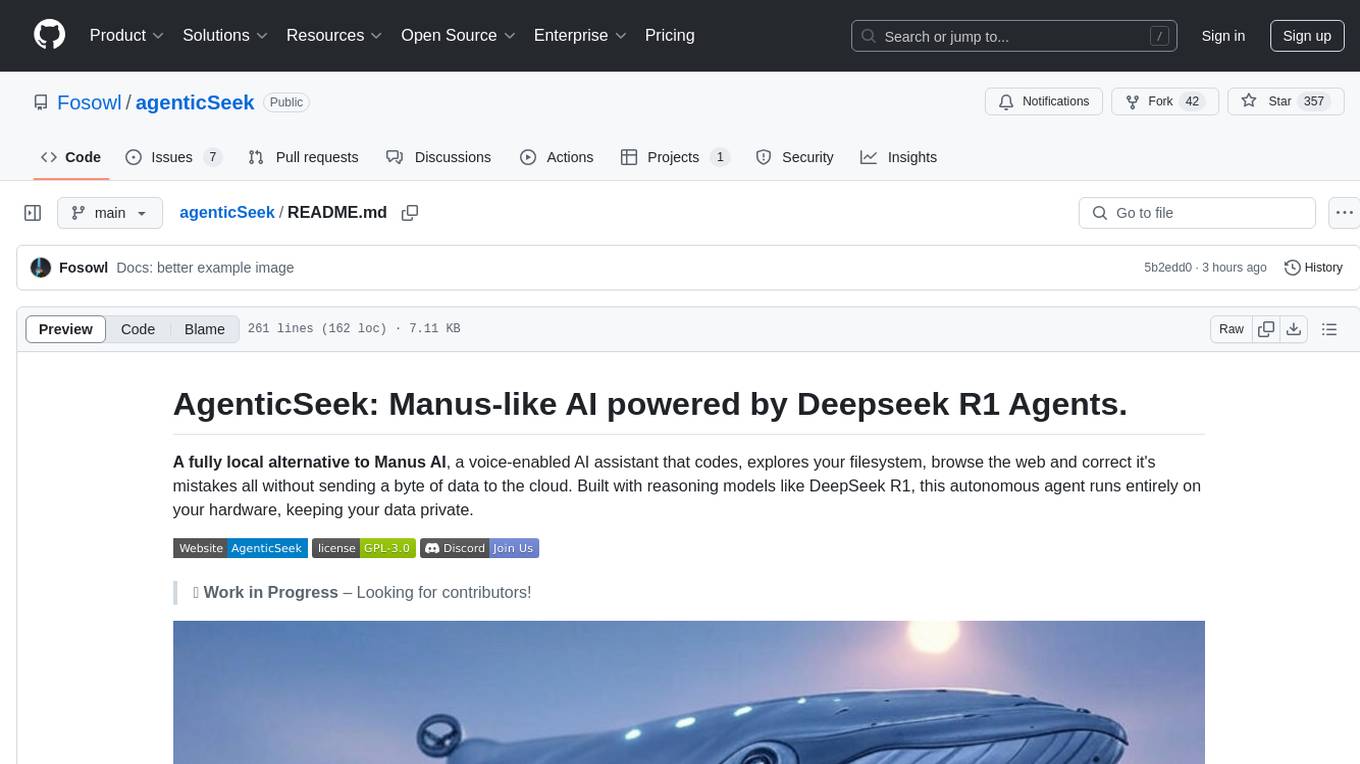
agenticSeek
AgenticSeek is a voice-enabled AI assistant powered by DeepSeek R1 agents, offering a fully local alternative to cloud-based AI services. It allows users to interact with their filesystem, code in multiple languages, and perform various tasks autonomously. The tool is equipped with memory to remember user preferences and past conversations, and it can divide tasks among multiple agents for efficient execution. AgenticSeek prioritizes privacy by running entirely on the user's hardware without sending data to the cloud.
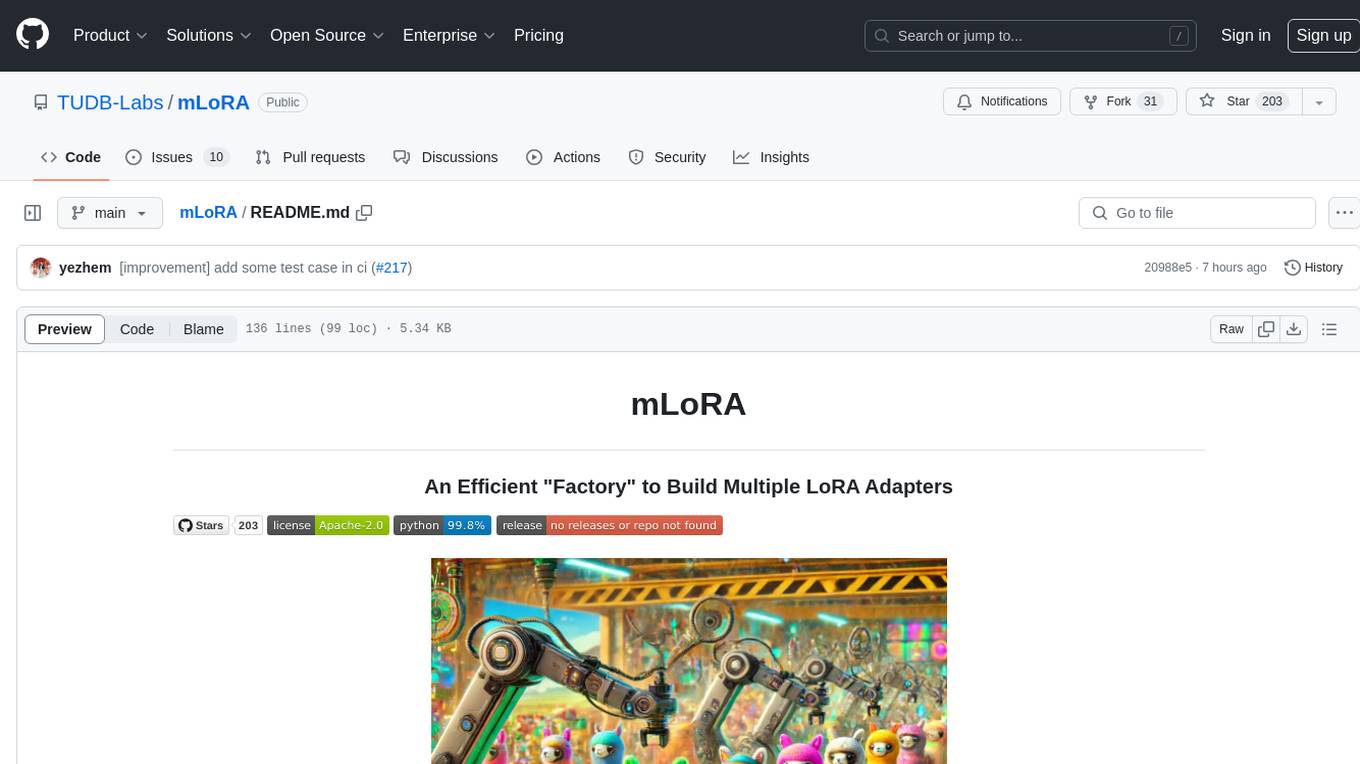
mLoRA
mLoRA (Multi-LoRA Fine-Tune) is an open-source framework for efficient fine-tuning of multiple Large Language Models (LLMs) using LoRA and its variants. It allows concurrent fine-tuning of multiple LoRA adapters with a shared base model, efficient pipeline parallelism algorithm, support for various LoRA variant algorithms, and reinforcement learning preference alignment algorithms. mLoRA helps save computational and memory resources when training multiple adapters simultaneously, achieving high performance on consumer hardware.
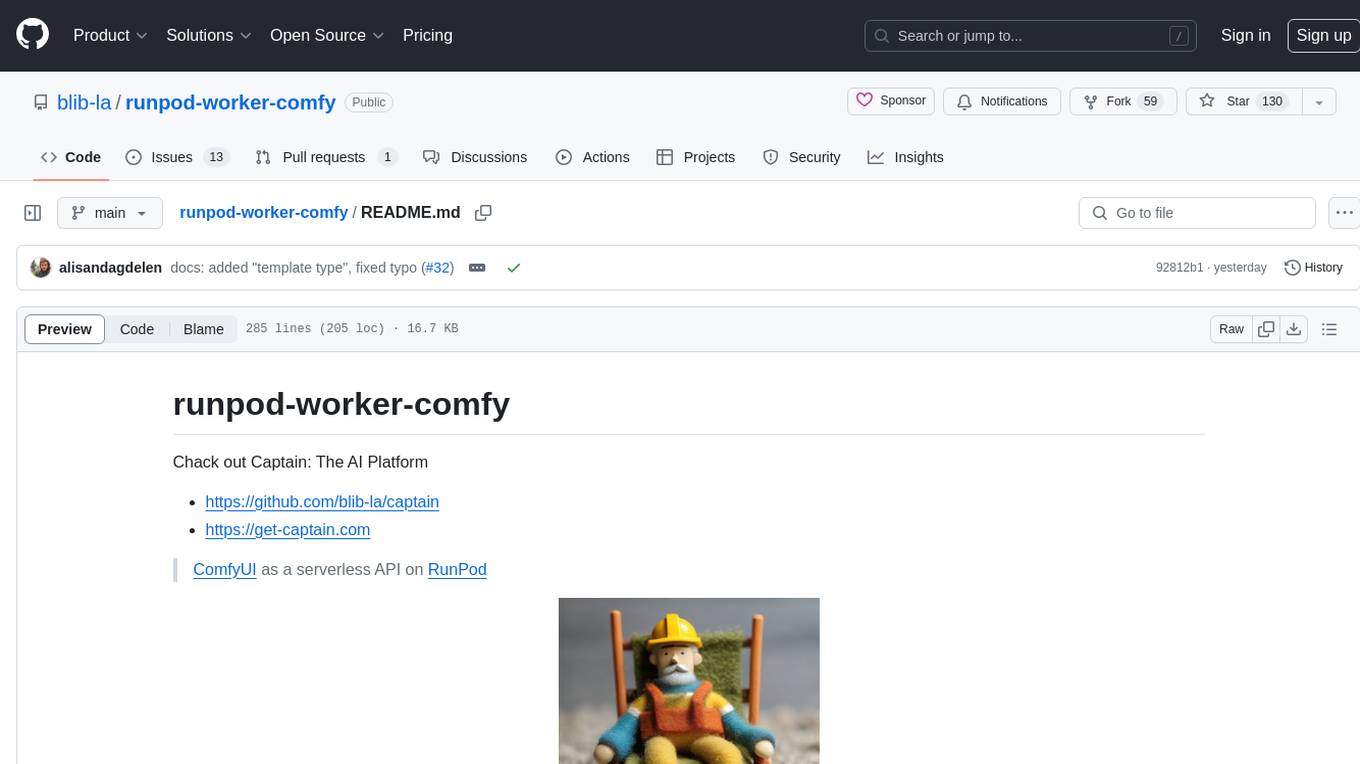
runpod-worker-comfy
runpod-worker-comfy is a serverless API tool that allows users to run any ComfyUI workflow to generate an image. Users can provide input images as base64-encoded strings, and the generated image can be returned as a base64-encoded string or uploaded to AWS S3. The tool is built on Ubuntu + NVIDIA CUDA and provides features like built-in checkpoints and VAE models. Users can configure environment variables to upload images to AWS S3 and interact with the RunPod API to generate images. The tool also supports local testing and deployment to Docker hub using Github Actions.
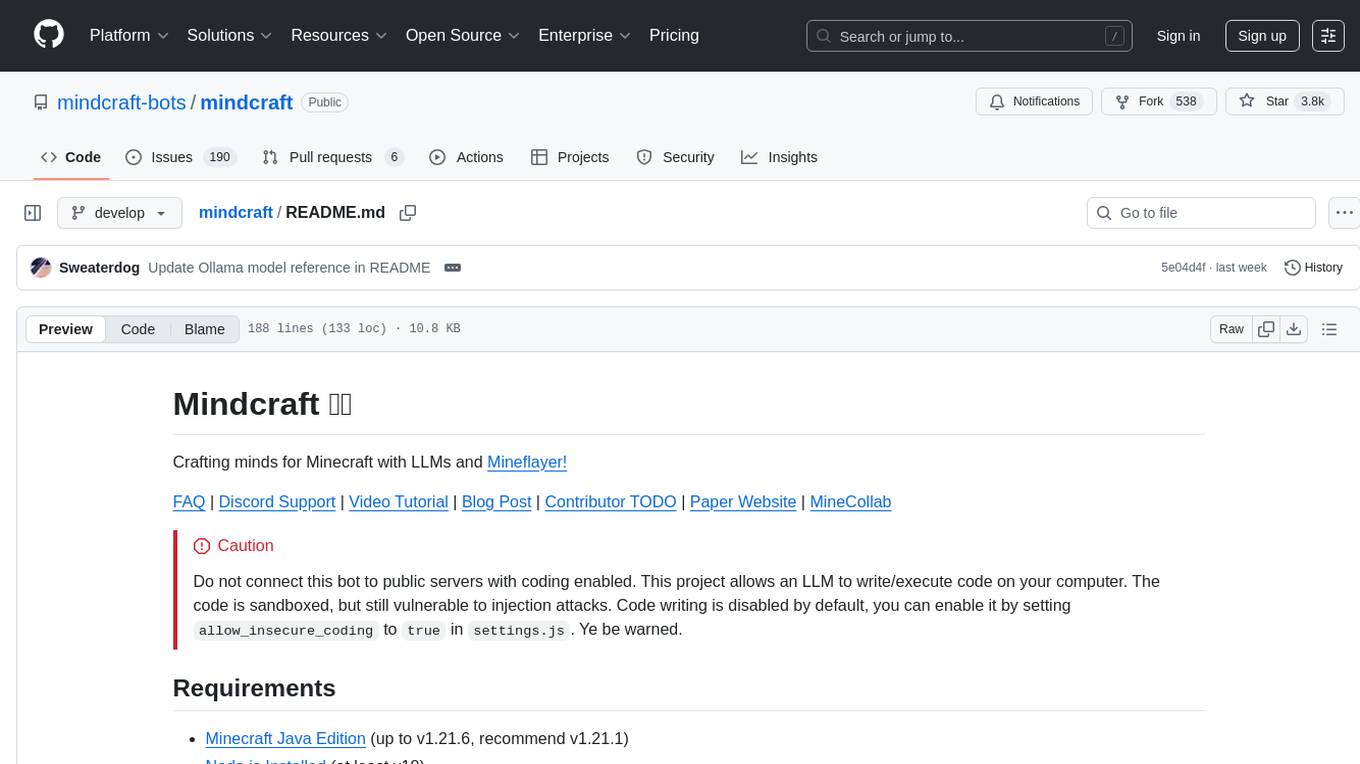
mindcraft
Mindcraft is a project that crafts minds for Minecraft using Large Language Models (LLMs) and Mineflayer. It allows an LLM to write and execute code on your computer, with code sandboxed but still vulnerable to injection attacks. The project requires Minecraft Java Edition, Node.js, and one of several API keys. Users can run tasks to acquire specific items or construct buildings, customize project details in settings.js, and connect to online servers with a Microsoft/Minecraft account. The project also supports Docker container deployment for running in a secure environment.
thepipe
The Pipe is a multimodal-first tool for feeding files and web pages into vision-language models such as GPT-4V. It is best for LLM and RAG applications that require a deep understanding of tricky data sources. The Pipe is available as a hosted API at thepi.pe, or it can be set up locally.
iloom-cli
iloom is a tool designed to streamline AI-assisted development by focusing on maintaining alignment between human developers and AI agents. It treats context as a first-class concern, persisting AI reasoning in issue comments rather than temporary chats. The tool allows users to collaborate with AI agents in an isolated environment, switch between complex features without losing context, document AI decisions publicly, and capture key insights and lessons learned from AI sessions. iloom is not just a tool for managing git worktrees, but a control plane for maintaining alignment between users and their AI assistants.
vicinity
Vicinity is a lightweight, low-dependency vector store that provides a unified interface for nearest neighbor search with support for different backends and evaluation. It simplifies the process of comparing and evaluating different nearest neighbors packages by offering a simple and intuitive API. Users can easily experiment with various indexing methods and distance metrics to choose the best one for their use case. Vicinity also allows for measuring performance metrics like queries per second and recall.
chat-ui
A chat interface using open source models, eg OpenAssistant or Llama. It is a SvelteKit app and it powers the HuggingChat app on hf.co/chat.
AgentPoison
AgentPoison is a repository that provides the official PyTorch implementation of the paper 'AgentPoison: Red-teaming LLM Agents via Memory or Knowledge Base Backdoor Poisoning'. It offers tools for red-teaming LLM agents by poisoning memory or knowledge bases. The repository includes trigger optimization algorithms, agent experiments, and evaluation scripts for Agent-Driver, ReAct-StrategyQA, and EHRAgent. Users can fine-tune motion planners, inject queries with triggers, and evaluate red-teaming performance. The codebase supports multiple RAG embedders and provides a unified dataset access for all three agents.
playword
PlayWord is a tool designed to supercharge web test automation experience with AI. It provides core features such as enabling browser operations and validations using natural language inputs, as well as monitoring interface to record and dry-run test steps. PlayWord supports multiple AI services including Anthropic, Google, and OpenAI, allowing users to select the appropriate provider based on their requirements. The tool also offers features like assertion handling, frame handling, custom variables, test recordings, and an Observer module to track user interactions on web pages. With PlayWord, users can interact with web pages using natural language commands, reducing the need to worry about element locators and providing AI-powered adaptation to UI changes.
aim
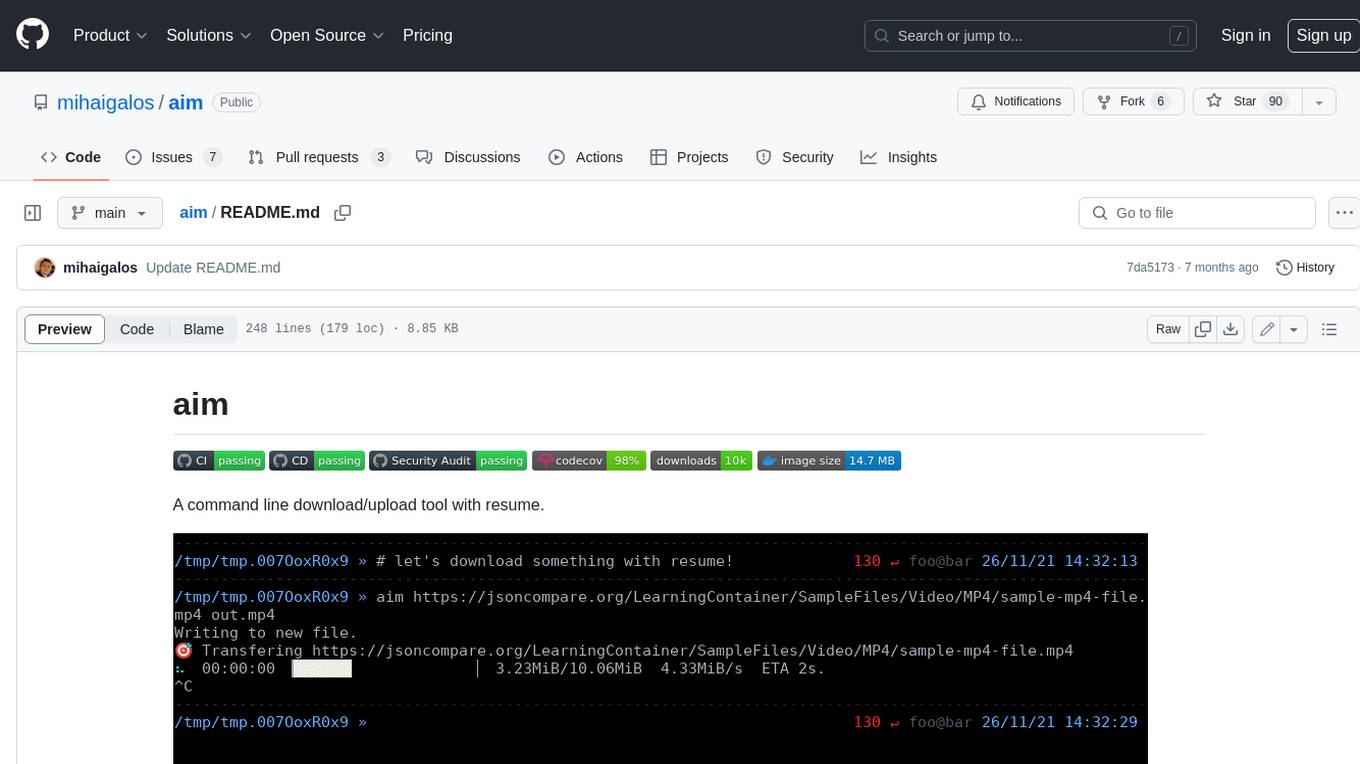
Aim is a command-line tool for downloading and uploading files with resume support. It supports various protocols including HTTP, FTP, SFTP, SSH, and S3. Aim features an interactive mode for easy navigation and selection of files, as well as the ability to share folders over HTTP for easy access from other devices. Additionally, it offers customizable progress indicators and output formats, and can be integrated with other commands through piping. Aim can be installed via pre-built binaries or by compiling from source, and is also available as a Docker image for platform-independent usage.
paxml
Pax is a framework to configure and run machine learning experiments on top of Jax.
For similar tasks
nebula
Nebula is an advanced, AI-powered penetration testing tool designed for cybersecurity professionals, ethical hackers, and developers. It integrates state-of-the-art AI models into the command-line interface, automating vulnerability assessments and enhancing security workflows with real-time insights and automated note-taking. Nebula revolutionizes penetration testing by providing AI-driven insights, enhanced tool integration, AI-assisted note-taking, and manual note-taking features. It also supports any tool that can be invoked from the CLI, making it a versatile and powerful tool for cybersecurity tasks.
binary_ninja_mcp
This repository contains a Binary Ninja plugin, MCP server, and bridge that enables seamless integration of Binary Ninja's capabilities with your favorite LLM client. It provides real-time integration, AI assistance for reverse engineering, multi-binary support, and various MCP tools for tasks like decompiling functions, getting IL code, managing comments, renaming variables, and more.
HydraDragonPlatform
Hydra Dragon Automatic Malware/Executable Analysis Platform offers dynamic and static analysis for Windows, including open-source XDR projects, ClamAV, YARA-X, machine learning AI, behavioral analysis, Unpacker, Deobfuscator, Decompiler, website signatures, Ghidra, Suricata, Sigma, Kernel based protection, and more. It is a Unified Executable Analysis & Detection Framework.
reverse-engineering-assistant
ReVA (Reverse Engineering Assistant) is a project aimed at building a disassembler agnostic AI assistant for reverse engineering tasks. It utilizes a tool-driven approach, providing small tools to the user to empower them in completing complex tasks. The assistant is designed to accept various inputs, guide the user in correcting mistakes, and provide additional context to encourage exploration. Users can ask questions, perform tasks like decompilation, class diagram generation, variable renaming, and more. ReVA supports different language models for online and local inference, with easy configuration options. The workflow involves opening the RE tool and program, then starting a chat session to interact with the assistant. Installation includes setting up the Python component, running the chat tool, and configuring the Ghidra extension for seamless integration. ReVA aims to enhance the reverse engineering process by breaking down actions into small parts, including the user's thoughts in the output, and providing support for monitoring and adjusting prompts.
DAILA
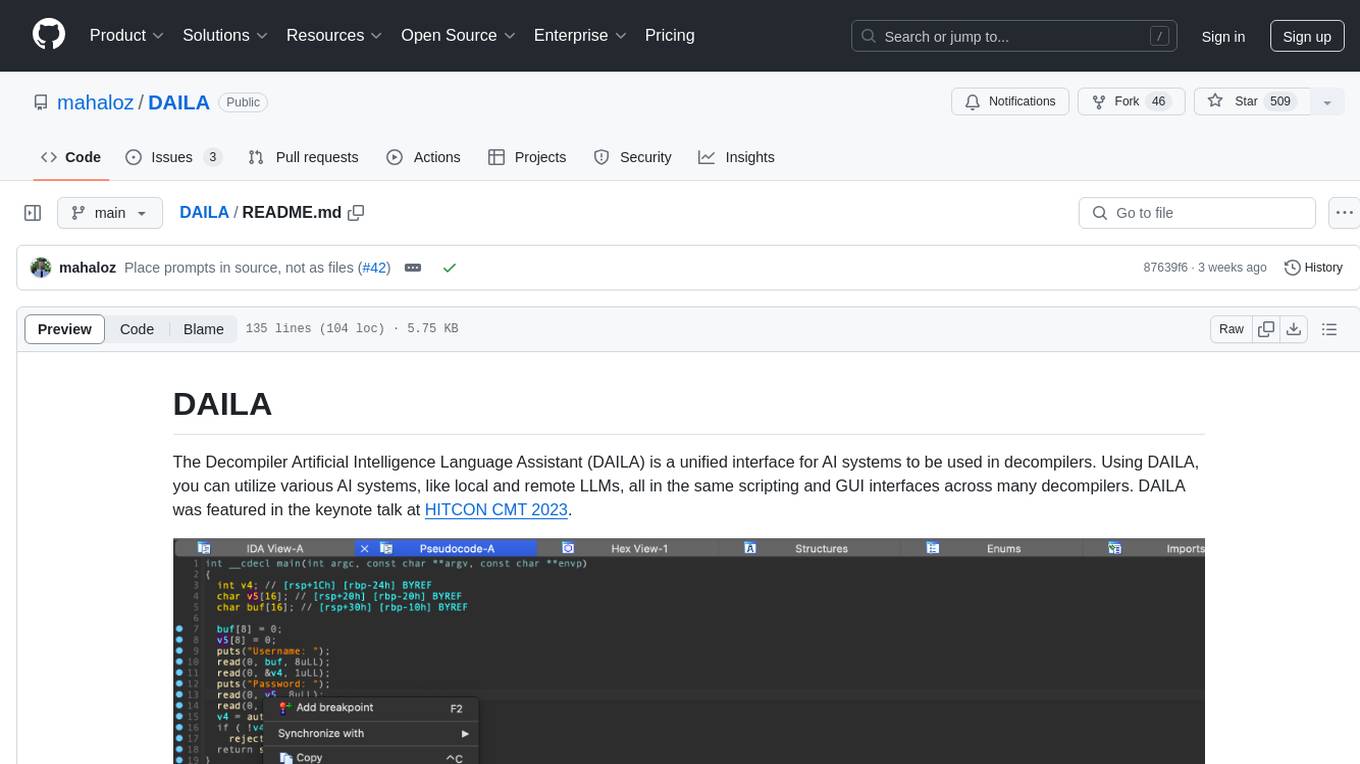
DAILA is a unified interface for AI systems in decompilers, supporting various decompilers and AI systems. It allows users to utilize local and remote LLMs, like ChatGPT and Claude, and local models such as VarBERT. DAILA can be used as a decompiler plugin with GUI or as a scripting library. It also provides a Docker container for offline installations and supports tasks like summarizing functions and renaming variables in decompilation.
For similar jobs
last_layer
last_layer is a security library designed to protect LLM applications from prompt injection attacks, jailbreaks, and exploits. It acts as a robust filtering layer to scrutinize prompts before they are processed by LLMs, ensuring that only safe and appropriate content is allowed through. The tool offers ultra-fast scanning with low latency, privacy-focused operation without tracking or network calls, compatibility with serverless platforms, advanced threat detection mechanisms, and regular updates to adapt to evolving security challenges. It significantly reduces the risk of prompt-based attacks and exploits but cannot guarantee complete protection against all possible threats.
aircrack-ng
Aircrack-ng is a comprehensive suite of tools designed to evaluate the security of WiFi networks. It covers various aspects of WiFi security, including monitoring, attacking (replay attacks, deauthentication, fake access points), testing WiFi cards and driver capabilities, and cracking WEP and WPA PSK. The tools are command line-based, allowing for extensive scripting and have been utilized by many GUIs. Aircrack-ng primarily works on Linux but also supports Windows, macOS, FreeBSD, OpenBSD, NetBSD, Solaris, and eComStation 2.
reverse-engineering-assistant
ReVA (Reverse Engineering Assistant) is a project aimed at building a disassembler agnostic AI assistant for reverse engineering tasks. It utilizes a tool-driven approach, providing small tools to the user to empower them in completing complex tasks. The assistant is designed to accept various inputs, guide the user in correcting mistakes, and provide additional context to encourage exploration. Users can ask questions, perform tasks like decompilation, class diagram generation, variable renaming, and more. ReVA supports different language models for online and local inference, with easy configuration options. The workflow involves opening the RE tool and program, then starting a chat session to interact with the assistant. Installation includes setting up the Python component, running the chat tool, and configuring the Ghidra extension for seamless integration. ReVA aims to enhance the reverse engineering process by breaking down actions into small parts, including the user's thoughts in the output, and providing support for monitoring and adjusting prompts.
AutoAudit
AutoAudit is an open-source large language model specifically designed for the field of network security. It aims to provide powerful natural language processing capabilities for security auditing and network defense, including analyzing malicious code, detecting network attacks, and predicting security vulnerabilities. By coupling AutoAudit with ClamAV, a security scanning platform has been created for practical security audit applications. The tool is intended to assist security professionals with accurate and fast analysis and predictions to combat evolving network threats.
aif
Arno's Iptables Firewall (AIF) is a single- & multi-homed firewall script with DSL/ADSL support. It is a free software distributed under the GNU GPL License. The script provides a comprehensive set of configuration files and plugins for setting up and managing firewall rules, including support for NAT, load balancing, and multirouting. It offers detailed instructions for installation and configuration, emphasizing security best practices and caution when modifying settings. The script is designed to protect against hostile attacks by blocking all incoming traffic by default and allowing users to configure specific rules for open ports and network interfaces.
watchtower
AIShield Watchtower is a tool designed to fortify the security of AI/ML models and Jupyter notebooks by automating model and notebook discoveries, conducting vulnerability scans, and categorizing risks into 'low,' 'medium,' 'high,' and 'critical' levels. It supports scanning of public GitHub repositories, Hugging Face repositories, AWS S3 buckets, and local systems. The tool generates comprehensive reports, offers a user-friendly interface, and aligns with industry standards like OWASP, MITRE, and CWE. It aims to address the security blind spots surrounding Jupyter notebooks and AI models, providing organizations with a tailored approach to enhancing their security efforts.
Academic_LLM_Sec_Papers
Academic_LLM_Sec_Papers is a curated collection of academic papers related to LLM Security Application. The repository includes papers sorted by conference name and published year, covering topics such as large language models for blockchain security, software engineering, machine learning, and more. Developers and researchers are welcome to contribute additional published papers to the list. The repository also provides information on listed conferences and journals related to security, networking, software engineering, and cryptography. The papers cover a wide range of topics including privacy risks, ethical concerns, vulnerabilities, threat modeling, code analysis, fuzzing, and more.
DeGPT
DeGPT is a tool designed to optimize decompiler output using Large Language Models (LLM). It requires manual installation of specific packages and setting up API key for OpenAI. The tool provides functionality to perform optimization on decompiler output by running specific scripts.