


slack-mcp-server
The most powerful MCP Slack Server with no permission requirements, Apps support, multiple transports Stdio and SSE, DMs, Group DMs and smart history fetch logic.
Stars: 696
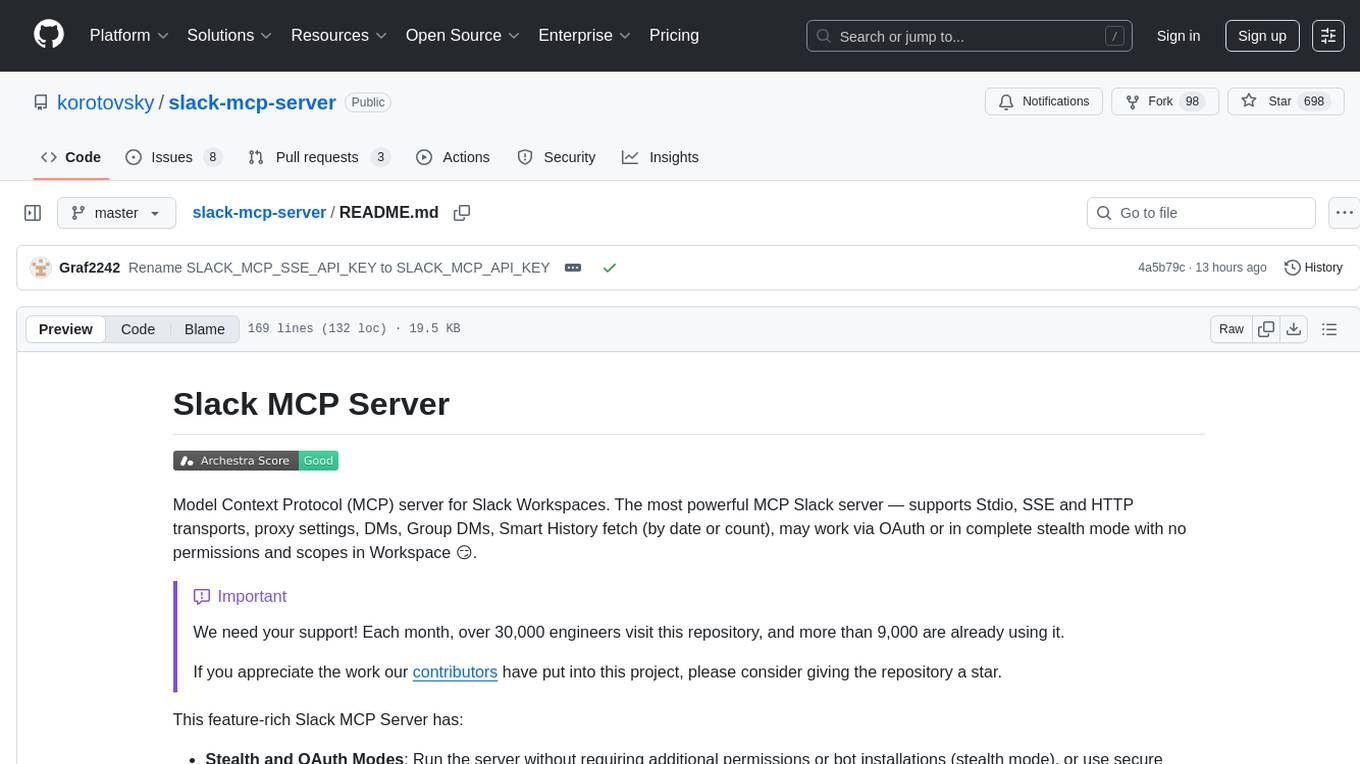
Slack MCP Server is a Model Context Protocol server for Slack Workspaces, offering powerful features like Stealth and OAuth Modes, Enterprise Workspaces Support, Channel and Thread Support, Smart History, Search Messages, Safe Message Posting, DM and Group DM support, Embedded user information, Cache support, and multiple transport options. It provides tools like conversations_history, conversations_replies, conversations_add_message, conversations_search_messages, and channels_list for managing messages, threads, adding messages, searching messages, and listing channels. The server also exposes directory resources for workspace metadata access. The tool is designed to enhance Slack workspace functionality and improve user experience.
README:
Model Context Protocol (MCP) server for Slack Workspaces. The most powerful MCP Slack server — supports Stdio, SSE and HTTP transports, proxy settings, DMs, Group DMs, Smart History fetch (by date or count), may work via OAuth or in complete stealth mode with no permissions and scopes in Workspace 😏.
[!IMPORTANT]
We need your support! Each month, over 30,000 engineers visit this repository, and more than 9,000 are already using it.If you appreciate the work our contributors have put into this project, please consider giving the repository a star.
This feature-rich Slack MCP Server has:
- Stealth and OAuth Modes: Run the server without requiring additional permissions or bot installations (stealth mode), or use secure OAuth tokens for access without needing to refresh or extract tokens from the browser (OAuth mode).
- Enterprise Workspaces Support: Possibility to integrate with Enterprise Slack setups.
-
Channel and Thread Support with
#Name@Lookup: Fetch messages from channels and threads, including activity messages, and retrieve channels using their names (e.g., #general) as well as their IDs. - Smart History: Fetch messages with pagination by date (d1, 7d, 1m) or message count.
- Search Messages: Search messages in channels, threads, and DMs using various filters like date, user, and content.
-
Safe Message Posting: The
conversations_add_messagetool is disabled by default for safety. Enable it via an environment variable, with optional channel restrictions. - DM and Group DM support: Retrieve direct messages and group direct messages.
- Embedded user information: Embed user information in messages, for better context.
- Cache support: Cache users and channels for faster access.
- Stdio/SSE/HTTP Transports & Proxy Support: Use the server with any MCP client that supports Stdio, SSE or HTTP transports, and configure it to route outgoing requests through a proxy if needed.


Get messages from the channel (or DM) by channel_id, the last row/column in the response is used as 'cursor' parameter for pagination if not empty
-
Parameters:
-
channel_id(string, required): -channel_id(string): ID of the channel in format Cxxxxxxxxxx or its name starting with#...or@...aka#generalor@username_dm. -
include_activity_messages(boolean, default: false): If true, the response will include activity messages such aschannel_joinorchannel_leave. Default is boolean false. -
cursor(string, optional): Cursor for pagination. Use the value of the last row and column in the response as next_cursor field returned from the previous request. -
limit(string, default: "1d"): Limit of messages to fetch in format of maximum ranges of time (e.g. 1d - 1 day, 1w - 1 week, 30d - 30 days, 90d - 90 days which is a default limit for free tier history) or number of messages (e.g. 50). Must be empty when 'cursor' is provided.
-
Get a thread of messages posted to a conversation by channelID and thread_ts, the last row/column in the response is used as cursor parameter for pagination if not empty.
-
Parameters:
-
channel_id(string, required): ID of the channel in formatCxxxxxxxxxxor its name starting with#...or@...aka#generalor@username_dm. -
thread_ts(string, required): Unique identifier of either a thread’s parent message or a message in the thread. ts must be the timestamp in format1234567890.123456of an existing message with 0 or more replies. -
include_activity_messages(boolean, default: false): If true, the response will include activity messages such as 'channel_join' or 'channel_leave'. Default is boolean false. -
cursor(string, optional): Cursor for pagination. Use the value of the last row and column in the response as next_cursor field returned from the previous request. -
limit(string, default: "1d"): Limit of messages to fetch in format of maximum ranges of time (e.g. 1d - 1 day, 1w - 1 week, 30d - 30 days, 90d - 90 days which is a default limit for free tier history) or number of messages (e.g. 50). Must be empty when 'cursor' is provided.
-
Add a message to a public channel, private channel, or direct message (DM, or IM) conversation by channel_id and thread_ts.
Note: Posting messages is disabled by default for safety. To enable, set the
SLACK_MCP_ADD_MESSAGE_TOOLenvironment variable. If set to a comma-separated list of channel IDs, posting is enabled only for those specific channels. See the Environment Variables section below for details.
-
Parameters:
-
channel_id(string, required): ID of the channel in formatCxxxxxxxxxxor its name starting with#...or@...aka#generalor@username_dm. -
thread_ts(string, optional): Unique identifier of either a thread’s parent message or a message in the thread_ts must be the timestamp in format1234567890.123456of an existing message with 0 or more replies. Optional, if not provided the message will be added to the channel itself, otherwise it will be added to the thread. -
payload(string, required): Message payload in specified content_type format. Example: 'Hello, world!' for text/plain or '# Hello, world!' for text/markdown. -
content_type(string, default: "text/markdown"): Content type of the message. Default is 'text/markdown'. Allowed values: 'text/markdown', 'text/plain'.
-
Search messages in a public channel, private channel, or direct message (DM, or IM) conversation using filters. All filters are optional, if not provided then search_query is required.
-
Parameters:
-
search_query(string, optional): Search query to filter messages. Example: 'marketing report' or full URL of Slack message e.g. 'https://slack.com/archives/C1234567890/p1234567890123456', then the tool will return a single message matching given URL, herewith all other parameters will be ignored. -
filter_in_channel(string, optional): Filter messages in a specific channel by its ID or name. Example:C1234567890or#general. If not provided, all channels will be searched. -
filter_in_im_or_mpim(string, optional): Filter messages in a direct message (DM) or multi-person direct message (MPIM) conversation by its ID or name. Example:D1234567890or@username_dm. If not provided, all DMs and MPIMs will be searched. -
filter_users_with(string, optional): Filter messages with a specific user by their ID or display name in threads and DMs. Example:U1234567890or@username. If not provided, all threads and DMs will be searched. -
filter_users_from(string, optional): Filter messages from a specific user by their ID or display name. Example:U1234567890or@username. If not provided, all users will be searched. -
filter_date_before(string, optional): Filter messages sent before a specific date in formatYYYY-MM-DD. Example:2023-10-01,July,YesterdayorToday. If not provided, all dates will be searched. -
filter_date_after(string, optional): Filter messages sent after a specific date in formatYYYY-MM-DD. Example:2023-10-01,July,YesterdayorToday. If not provided, all dates will be searched. -
filter_date_on(string, optional): Filter messages sent on a specific date in formatYYYY-MM-DD. Example:2023-10-01,July,YesterdayorToday. If not provided, all dates will be searched. -
filter_date_during(string, optional): Filter messages sent during a specific period in formatYYYY-MM-DD. Example:July,YesterdayorToday. If not provided, all dates will be searched. -
filter_threads_only(boolean, default: false): If true, the response will include only messages from threads. Default is boolean false. -
cursor(string, default: ""): Cursor for pagination. Use the value of the last row and column in the response as next_cursor field returned from the previous request. -
limit(number, default: 20): The maximum number of items to return. Must be an integer between 1 and 100.
-
Get list of channels
-
Parameters:
-
channel_types(string, required): Comma-separated channel types. Allowed values:mpim,im,public_channel,private_channel. Example:public_channel,private_channel,im -
sort(string, optional): Type of sorting. Allowed values:popularity- sort by number of members/participants in each channel. -
limit(number, default: 100): The maximum number of items to return. Must be an integer between 1 and 1000 (maximum 999). -
cursor(string, optional): Cursor for pagination. Use the value of the last row and column in the response as next_cursor field returned from the previous request.
-
The Slack MCP Server exposes two special directory resources for easy access to workspace metadata:
Fetches a CSV directory of all channels in the workspace, including public channels, private channels, DMs, and group DMs.
-
URI:
slack://<workspace>/channels -
Format:
text/csv -
Fields:
-
id: Channel ID (e.g.,C1234567890) -
name: Channel name (e.g.,#general,@username_dm) -
topic: Channel topic (if any) -
purpose: Channel purpose/description -
memberCount: Number of members in the channel
-
Fetches a CSV directory of all users in the workspace.
-
URI:
slack://<workspace>/users -
Format:
text/csv -
Fields:
-
userID: User ID (e.g.,U1234567890) -
userName: Slack username (e.g.,john) -
realName: User’s real name (e.g.,John Doe)
-
| Variable | Required? | Default | Description |
|---|---|---|---|
SLACK_MCP_XOXC_TOKEN |
Yes* | nil |
Slack browser token (xoxc-...) |
SLACK_MCP_XOXD_TOKEN |
Yes* | nil |
Slack browser cookie d (xoxd-...) |
SLACK_MCP_XOXP_TOKEN |
Yes* | nil |
User OAuth token (xoxp-...) — alternative to xoxc/xoxd |
SLACK_MCP_PORT |
No | 13080 |
Port for the MCP server to listen on |
SLACK_MCP_HOST |
No | 127.0.0.1 |
Host for the MCP server to listen on |
SLACK_MCP_API_KEY |
No | nil |
Bearer token for SSE and HTTP transports |
SLACK_MCP_PROXY |
No | nil |
Proxy URL for outgoing requests |
SLACK_MCP_USER_AGENT |
No | nil |
Custom User-Agent (for Enterprise Slack environments) |
SLACK_MCP_CUSTOM_TLS |
No | nil |
Send custom TLS-handshake to Slack servers based on SLACK_MCP_USER_AGENT or default User-Agent. (for Enterprise Slack environments) |
SLACK_MCP_SERVER_CA |
No | nil |
Path to CA certificate |
SLACK_MCP_SERVER_CA_TOOLKIT |
No | nil |
Inject HTTPToolkit CA certificate to root trust-store for MitM debugging |
SLACK_MCP_SERVER_CA_INSECURE |
No | false |
Trust all insecure requests (NOT RECOMMENDED) |
SLACK_MCP_ADD_MESSAGE_TOOL |
No | nil |
Enable message posting via conversations_add_message by setting it to true for all channels, a comma-separated list of channel IDs to whitelist specific channels, or use ! before a channel ID to allow all except specified ones, while an empty value disables posting by default. |
SLACK_MCP_ADD_MESSAGE_MARK |
No | nil |
When the conversations_add_message tool is enabled, any new message sent will automatically be marked as read. |
SLACK_MCP_ADD_MESSAGE_UNFURLING |
No | nil |
Enable to let Slack unfurl posted links or set comma-separated list of domains e.g. github.com,slack.com to whitelist unfurling only for them. If text contains whitelisted and unknown domain unfurling will be disabled for security reasons. |
SLACK_MCP_USERS_CACHE |
No | .users_cache.json |
Path to the users cache file. Used to cache Slack user information to avoid repeated API calls on startup. |
SLACK_MCP_CHANNELS_CACHE |
No | .channels_cache_v2.json |
Path to the channels cache file. Used to cache Slack channel information to avoid repeated API calls on startup. |
SLACK_MCP_LOG_LEVEL |
No | info |
Log-level for stdout or stderr. Valid values are: debug, info, warn, error, panic and fatal
|
*You need either xoxp or both xoxc/xoxd tokens for authentication.
| Users Cache | Channels Cache | Limitations |
|---|---|---|
| ❌ | ❌ | No cache, No LLM context enhancement with user data, tool channels_list will be fully not functional. Tools conversations_* will have limited capabilities and you won't be able to search messages by @userHandle or #channel-name, getting messages by @userHandle or #channel-name won't be available either. |
| ✅ | ❌ | No channels cache, tool channels_list will be fully not functional. Tools conversations_* will have limited capabilities and you won't be able to search messages by @userHandle or #channel-name, getting messages by @userHandle or #channel-name won't be available either. |
| ✅ | ✅ | No limitations, fully functional Slack MCP Server. |
# Run the inspector with stdio transport
npx @modelcontextprotocol/inspector go run mcp/mcp-server.go --transport stdio

# View logs
tail -n 20 -f ~/Library/Logs/Claude/mcp*.log- Never share API tokens
- Keep .env files secure and private
Licensed under MIT - see LICENSE file. This is not an official Slack product.
For Tasks:
Click tags to check more tools for each tasksFor Jobs:
Alternative AI tools for slack-mcp-server
Similar Open Source Tools
slack-mcp-server
Slack MCP Server is a Model Context Protocol server for Slack Workspaces, offering powerful features like Stealth and OAuth Modes, Enterprise Workspaces Support, Channel and Thread Support, Smart History, Search Messages, Safe Message Posting, DM and Group DM support, Embedded user information, Cache support, and multiple transport options. It provides tools like conversations_history, conversations_replies, conversations_add_message, conversations_search_messages, and channels_list for managing messages, threads, adding messages, searching messages, and listing channels. The server also exposes directory resources for workspace metadata access. The tool is designed to enhance Slack workspace functionality and improve user experience.
receipt-scanner
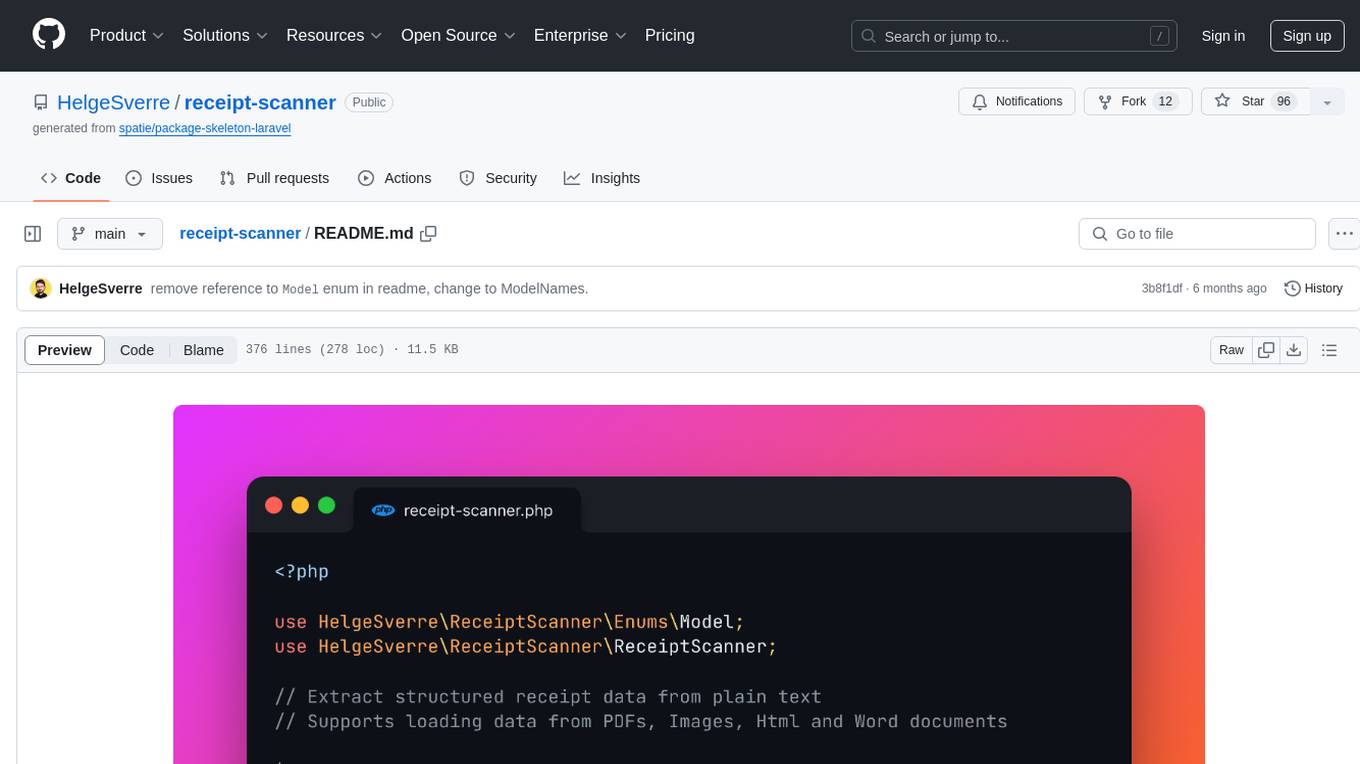
The receipt-scanner repository is an AI-Powered Receipt and Invoice Scanner for Laravel that allows users to easily extract structured receipt data from images, PDFs, and emails within their Laravel application using OpenAI. It provides a light wrapper around OpenAI Chat and Completion endpoints, supports various input formats, and integrates with Textract for OCR functionality. Users can install the package via composer, publish configuration files, and use it to extract data from plain text, PDFs, images, Word documents, and web content. The scanned receipt data is parsed into a DTO structure with main classes like Receipt, Merchant, and LineItem.
monacopilot
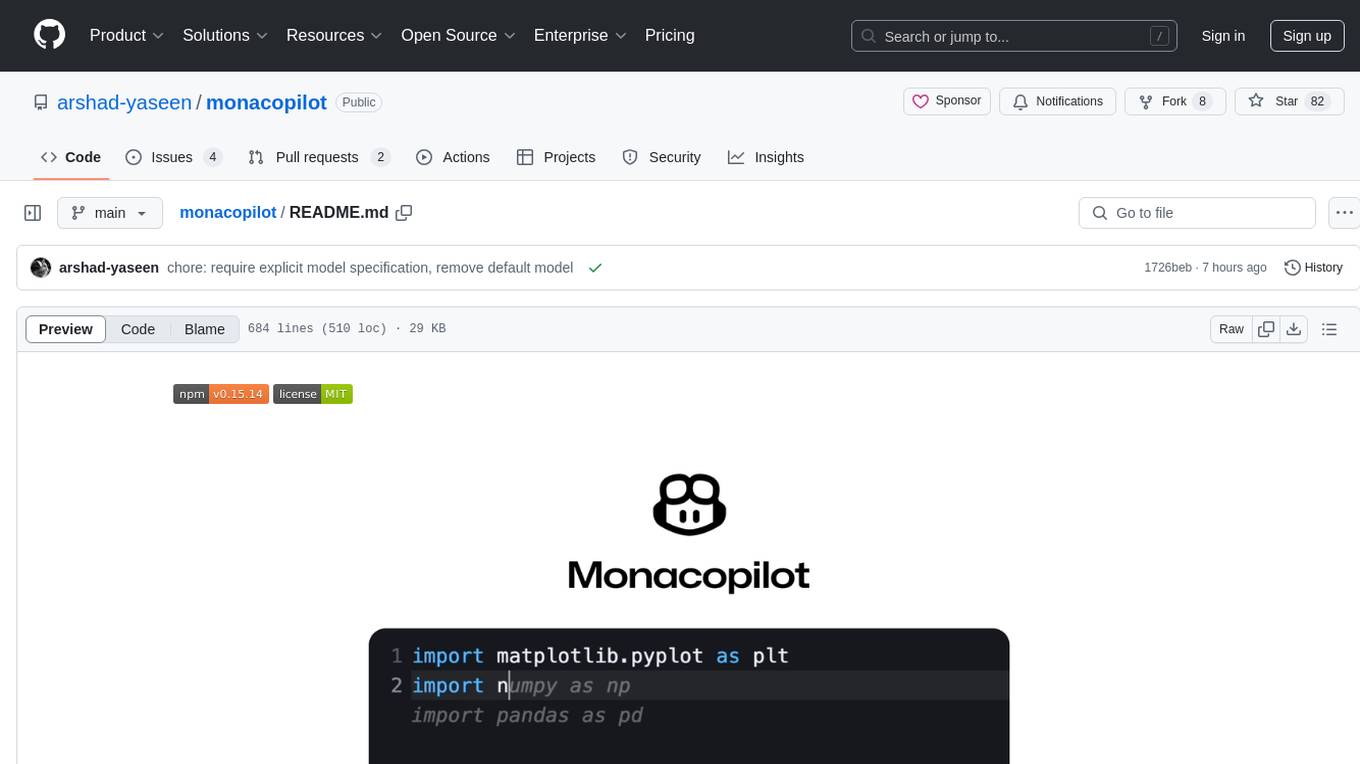
Monacopilot is a powerful and customizable AI auto-completion plugin for the Monaco Editor. It supports multiple AI providers such as Anthropic, OpenAI, Groq, and Google, providing real-time code completions with an efficient caching system. The plugin offers context-aware suggestions, customizable completion behavior, and framework agnostic features. Users can also customize the model support and trigger completions manually. Monacopilot is designed to enhance coding productivity by providing accurate and contextually appropriate completions in daily spoken language.
chatgpt-subtitle-translator
This tool utilizes the OpenAI ChatGPT API to translate text, with a focus on line-based translation, particularly for SRT subtitles. It optimizes token usage by removing SRT overhead and grouping text into batches, allowing for arbitrary length translations without excessive token consumption while maintaining a one-to-one match between line input and output.
chat-ui
A chat interface using open source models, eg OpenAssistant or Llama. It is a SvelteKit app and it powers the HuggingChat app on hf.co/chat.
agenticSeek
AgenticSeek is a voice-enabled AI assistant powered by DeepSeek R1 agents, offering a fully local alternative to cloud-based AI services. It allows users to interact with their filesystem, code in multiple languages, and perform various tasks autonomously. The tool is equipped with memory to remember user preferences and past conversations, and it can divide tasks among multiple agents for efficient execution. AgenticSeek prioritizes privacy by running entirely on the user's hardware without sending data to the cloud.
langserve
LangServe helps developers deploy `LangChain` runnables and chains as a REST API. This library is integrated with FastAPI and uses pydantic for data validation. In addition, it provides a client that can be used to call into runnables deployed on a server. A JavaScript client is available in LangChain.js.
nano-graphrag
nano-GraphRAG is a simple, easy-to-hack implementation of GraphRAG that provides a smaller, faster, and cleaner version of the official implementation. It is about 800 lines of code, small yet scalable, asynchronous, and fully typed. The tool supports incremental insert, async methods, and various parameters for customization. Users can replace storage components and LLM functions as needed. It also allows for embedding function replacement and comes with pre-defined prompts for entity extraction and community reports. However, some features like covariates and global search implementation differ from the original GraphRAG. Future versions aim to address issues related to data source ID, community description truncation, and add new components.
extractor
Extractor is an AI-powered data extraction library for Laravel that leverages OpenAI's capabilities to effortlessly extract structured data from various sources, including images, PDFs, and emails. It features a convenient wrapper around OpenAI Chat and Completion endpoints, supports multiple input formats, includes a flexible Field Extractor for arbitrary data extraction, and integrates with Textract for OCR functionality. Extractor utilizes JSON Mode from the latest GPT-3.5 and GPT-4 models, providing accurate and efficient data extraction.
magentic
Easily integrate Large Language Models into your Python code. Simply use the `@prompt` and `@chatprompt` decorators to create functions that return structured output from the LLM. Mix LLM queries and function calling with regular Python code to create complex logic.
python-tgpt
Python-tgpt is a Python package that enables seamless interaction with over 45 free LLM providers without requiring an API key. It also provides image generation capabilities. The name _python-tgpt_ draws inspiration from its parent project tgpt, which operates on Golang. Through this Python adaptation, users can effortlessly engage with a number of free LLMs available, fostering a smoother AI interaction experience.

exif-photo-blog
EXIF Photo Blog is a full-stack photo blog application built with Next.js, Vercel, and Postgres. It features built-in authentication, photo upload with EXIF extraction, photo organization by tag, infinite scroll, light/dark mode, automatic OG image generation, a CMD-K menu with photo search, experimental support for AI-generated descriptions, and support for Fujifilm simulations. The application is easy to deploy to Vercel with just a few clicks and can be customized with a variety of environment variables.
neocodeium
NeoCodeium is a free AI completion plugin powered by Codeium, designed for Neovim users. It aims to provide a smoother experience by eliminating flickering suggestions and allowing for repeatable completions using the `.` key. The plugin offers performance improvements through cache techniques, displays suggestion count labels, and supports Lua scripting. Users can customize keymaps, manage suggestions, and interact with the AI chat feature. NeoCodeium enhances code completion in Neovim, making it a valuable tool for developers seeking efficient coding assistance.
aiolauncher_scripts
AIO Launcher Scripts is a collection of Lua scripts that can be used with AIO Launcher to enhance its functionality. These scripts can be used to create widget scripts, search scripts, and side menu scripts. They provide various functions such as displaying text, buttons, progress bars, charts, and interacting with app widgets. The scripts can be used to customize the appearance and behavior of the launcher, add new features, and interact with external services.
playword
PlayWord is a tool designed to supercharge web test automation experience with AI. It provides core features such as enabling browser operations and validations using natural language inputs, as well as monitoring interface to record and dry-run test steps. PlayWord supports multiple AI services including Anthropic, Google, and OpenAI, allowing users to select the appropriate provider based on their requirements. The tool also offers features like assertion handling, frame handling, custom variables, test recordings, and an Observer module to track user interactions on web pages. With PlayWord, users can interact with web pages using natural language commands, reducing the need to worry about element locators and providing AI-powered adaptation to UI changes.
top_secret
Top Secret is a Ruby gem designed to filter sensitive information from free text before sending it to external services or APIs, such as chatbots and LLMs. It provides default filters for credit cards, emails, phone numbers, social security numbers, people's names, and locations, with the ability to add custom filters. Users can configure the tool to handle sensitive information redaction, scan for sensitive data, batch process messages, and restore filtered text from external services. Top Secret uses Regex and NER filters to detect and redact sensitive information, allowing users to override default filters, disable specific filters, and add custom filters globally. The tool is suitable for applications requiring data privacy and security measures.
For similar tasks
slack-mcp-server
Slack MCP Server is a Model Context Protocol server for Slack Workspaces, offering powerful features like Stealth and OAuth Modes, Enterprise Workspaces Support, Channel and Thread Support, Smart History, Search Messages, Safe Message Posting, DM and Group DM support, Embedded user information, Cache support, and multiple transport options. It provides tools like conversations_history, conversations_replies, conversations_add_message, conversations_search_messages, and channels_list for managing messages, threads, adding messages, searching messages, and listing channels. The server also exposes directory resources for workspace metadata access. The tool is designed to enhance Slack workspace functionality and improve user experience.
yt-fts
yt-fts is a command line program that uses yt-dlp to scrape all of a YouTube channels subtitles and load them into a sqlite database for full text search. It allows users to query a channel for specific keywords or phrases and generates time stamped YouTube URLs to the videos containing the keyword. Additionally, it supports semantic search via the OpenAI embeddings API using chromadb.

motorhead
Motorhead is a memory and information retrieval server for LLMs. It provides three simple APIs to assist with memory handling in chat applications using LLMs. The first API, GET /sessions/:id/memory, returns messages up to a maximum window size. The second API, POST /sessions/:id/memory, allows you to send an array of messages to Motorhead for storage. The third API, DELETE /sessions/:id/memory, deletes the session's message list. Motorhead also features incremental summarization, where it processes half of the maximum window size of messages and summarizes them when the maximum is reached. Additionally, it supports searching by text query using vector search. Motorhead is configurable through environment variables, including the maximum window size, whether to enable long-term memory, the model used for incremental summarization, the server port, your OpenAI API key, and the Redis URL.
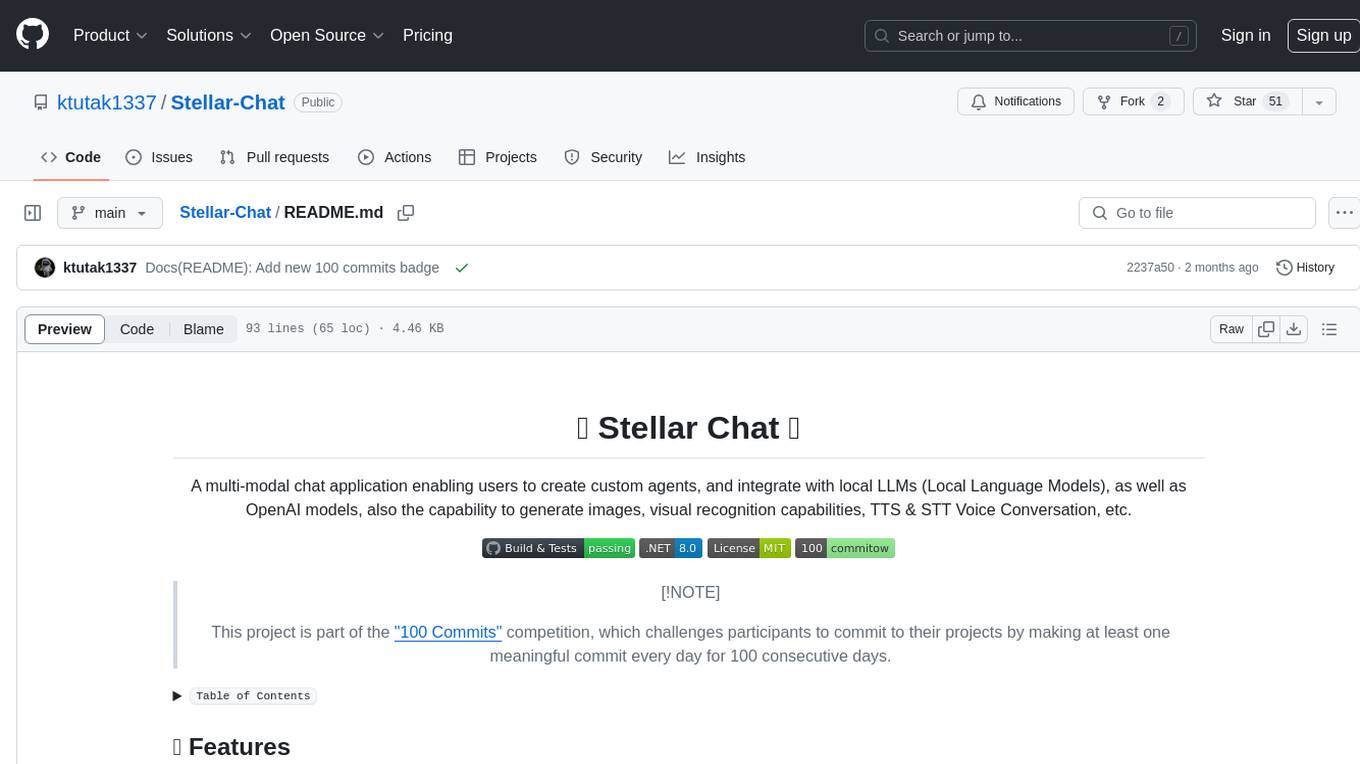
Stellar-Chat
Stellar Chat is a multi-modal chat application that enables users to create custom agents and integrate with local language models and OpenAI models. It provides capabilities for generating images, visual recognition, text-to-speech, and speech-to-text functionalities. Users can engage in multimodal conversations, create custom agents, search messages and conversations, and integrate with various applications for enhanced productivity. The project is part of the '100 Commits' competition, challenging participants to make meaningful commits daily for 100 consecutive days.
telegram-summary-bot
Telegram group summary bot is a tool designed to help users manage large group chats on Telegram by summarizing and searching messages. It allows users to easily read and search through messages in groups with high message volume. The bot stores chat history in a database and provides features such as summarizing messages, searching for specific words, answering questions based on group chat, and checking bot status. Users can deploy their own instance of the bot to avoid limitations on message history and interactions with other bots. The tool is free to use and integrates with services like Cloudflare Workers and AI Gateway for enhanced functionality.
For similar jobs

sweep
Sweep is an AI junior developer that turns bugs and feature requests into code changes. It automatically handles developer experience improvements like adding type hints and improving test coverage.

teams-ai
The Teams AI Library is a software development kit (SDK) that helps developers create bots that can interact with Teams and Microsoft 365 applications. It is built on top of the Bot Framework SDK and simplifies the process of developing bots that interact with Teams' artificial intelligence capabilities. The SDK is available for JavaScript/TypeScript, .NET, and Python.

ai-guide
This guide is dedicated to Large Language Models (LLMs) that you can run on your home computer. It assumes your PC is a lower-end, non-gaming setup.

classifai
Supercharge WordPress Content Workflows and Engagement with Artificial Intelligence. Tap into leading cloud-based services like OpenAI, Microsoft Azure AI, Google Gemini and IBM Watson to augment your WordPress-powered websites. Publish content faster while improving SEO performance and increasing audience engagement. ClassifAI integrates Artificial Intelligence and Machine Learning technologies to lighten your workload and eliminate tedious tasks, giving you more time to create original content that matters.

chatbot-ui
Chatbot UI is an open-source AI chat app that allows users to create and deploy their own AI chatbots. It is easy to use and can be customized to fit any need. Chatbot UI is perfect for businesses, developers, and anyone who wants to create a chatbot.

BricksLLM
BricksLLM is a cloud native AI gateway written in Go. Currently, it provides native support for OpenAI, Anthropic, Azure OpenAI and vLLM. BricksLLM aims to provide enterprise level infrastructure that can power any LLM production use cases. Here are some use cases for BricksLLM: * Set LLM usage limits for users on different pricing tiers * Track LLM usage on a per user and per organization basis * Block or redact requests containing PIIs * Improve LLM reliability with failovers, retries and caching * Distribute API keys with rate limits and cost limits for internal development/production use cases * Distribute API keys with rate limits and cost limits for students

uAgents
uAgents is a Python library developed by Fetch.ai that allows for the creation of autonomous AI agents. These agents can perform various tasks on a schedule or take action on various events. uAgents are easy to create and manage, and they are connected to a fast-growing network of other uAgents. They are also secure, with cryptographically secured messages and wallets.

griptape
Griptape is a modular Python framework for building AI-powered applications that securely connect to your enterprise data and APIs. It offers developers the ability to maintain control and flexibility at every step. Griptape's core components include Structures (Agents, Pipelines, and Workflows), Tasks, Tools, Memory (Conversation Memory, Task Memory, and Meta Memory), Drivers (Prompt and Embedding Drivers, Vector Store Drivers, Image Generation Drivers, Image Query Drivers, SQL Drivers, Web Scraper Drivers, and Conversation Memory Drivers), Engines (Query Engines, Extraction Engines, Summary Engines, Image Generation Engines, and Image Query Engines), and additional components (Rulesets, Loaders, Artifacts, Chunkers, and Tokenizers). Griptape enables developers to create AI-powered applications with ease and efficiency.