


kilo
Kilo is the all-in-one agentic engineering platform. Build, ship, and iterate faster with the most popular open source coding agent. #1 on OpenRouter. 1.5M+ Kilo Coders. 25T+ tokens processed
Stars: 98
Kilo CLI is an open source AI coding agent that provides a command-line interface for developers. It includes built-in agents for different tasks like development work and code analysis. Users can switch between agents using the Tab key. The tool also offers a general subagent for complex searches and multi-step tasks. Kilo CLI supports autonomous mode for CI/CD pipelines, allowing fully automated operation without user interaction. It provides migration support for users transitioning from the Kilo Code VS Code extension. The tool is designed to enhance the agentic engineering platform and offers detailed documentation for configuration. Contributors are welcome to join the community and contribute to the project.
README:

The open source AI coding agent.



# npm
npm install -g @kilocode/cli

# Or run directly with npx
npx @kilocode/cli
Then run kilo in any project directory to start.
Kilo CLI includes two built-in agents you can switch between using the Tab key:
- build - Default, full access agent for development work
-
plan - Read-only agent for analysis and code exploration
- Denies file edits by default
- Asks permission before running bash commands
- Ideal for exploring unfamiliar codebases or planning changes
Also included is a general subagent for complex searches and multi-step tasks.
This is used internally and can be invoked using @general in messages.
Use the --auto flag with kilo run to enable fully autonomous operation without user interaction. This is ideal for CI/CD pipelines and automated workflows:
kilo run --auto "run tests and fix any failures"Important: The --auto flag disables all permission prompts and allows the agent to execute any action without confirmation. Only use this in trusted environments like CI/CD pipelines.
If you're coming from the Kilo Code VS Code extension, your configurations are automatically migrated:
| Kilo Code Feature | Kilo CLI Equivalent |
|---|---|
| Custom modes | Converted to agents |
Rules (.kilocoderules, .kilocode/rules/) |
Added to instructions array |
Skills (.kilocode/skills/) |
Auto-discovered alongside .opencode/skill/
|
Workflows (.kilocode/workflows/) |
Converted to commands |
| MCP servers | Migrated to mcp config |
MCP servers are configured in ~/.config/kilo/opencode.json (or opencode.jsonc; on Windows the config directory may be under %USERPROFILE% depending on your environment). Use a top-level "mcp" object: each key is a server name, value is type: "local" and command: ["executable", "arg1", ...]. Optional per-server: environment, enabled, timeout. Restart the CLI after editing for changes to take effect. (Path from packages/opencode/src/global/index.ts; schema in config.ts McpLocal.)
Default mode mappings:
-
code→buildagent -
architect→planagent
For detailed migration information, see:
For more info on how to configure Kilo CLI, head over to our docs.
If you're interested in contributing, please read our contributing docs before submitting a pull request.
Kilo CLI is a fork of OpenCode, enhanced to work within the Kilo agentic engineering platform.
For Tasks:
Click tags to check more tools for each tasksFor Jobs:
Alternative AI tools for kilo
Similar Open Source Tools
kilo
Kilo CLI is an open source AI coding agent that provides a command-line interface for developers. It includes built-in agents for different tasks like development work and code analysis. Users can switch between agents using the Tab key. The tool also offers a general subagent for complex searches and multi-step tasks. Kilo CLI supports autonomous mode for CI/CD pipelines, allowing fully automated operation without user interaction. It provides migration support for users transitioning from the Kilo Code VS Code extension. The tool is designed to enhance the agentic engineering platform and offers detailed documentation for configuration. Contributors are welcome to join the community and contribute to the project.
chatgpt-cli
ChatGPT CLI provides a powerful command-line interface for seamless interaction with ChatGPT models via OpenAI and Azure. It features streaming capabilities, extensive configuration options, and supports various modes like streaming, query, and interactive mode. Users can manage thread-based context, sliding window history, and provide custom context from any source. The CLI also offers model and thread listing, advanced configuration options, and supports GPT-4, GPT-3.5-turbo, and Perplexity's models. Installation is available via Homebrew or direct download, and users can configure settings through default values, a config.yaml file, or environment variables.
agenticSeek
AgenticSeek is a voice-enabled AI assistant powered by DeepSeek R1 agents, offering a fully local alternative to cloud-based AI services. It allows users to interact with their filesystem, code in multiple languages, and perform various tasks autonomously. The tool is equipped with memory to remember user preferences and past conversations, and it can divide tasks among multiple agents for efficient execution. AgenticSeek prioritizes privacy by running entirely on the user's hardware without sending data to the cloud.
iloom-cli
iloom is a tool designed to streamline AI-assisted development by focusing on maintaining alignment between human developers and AI agents. It treats context as a first-class concern, persisting AI reasoning in issue comments rather than temporary chats. The tool allows users to collaborate with AI agents in an isolated environment, switch between complex features without losing context, document AI decisions publicly, and capture key insights and lessons learned from AI sessions. iloom is not just a tool for managing git worktrees, but a control plane for maintaining alignment between users and their AI assistants.
AutoAgent
AutoAgent is a fully-automated and zero-code framework that enables users to create and deploy LLM agents through natural language alone. It is a top performer on the GAIA Benchmark, equipped with a native self-managing vector database, and allows for easy creation of tools, agents, and workflows without any coding. AutoAgent seamlessly integrates with a wide range of LLMs and supports both function-calling and ReAct interaction modes. It is designed to be dynamic, extensible, customized, and lightweight, serving as a personal AI assistant.
RA.Aid
RA.Aid is an AI software development agent powered by `aider` and advanced reasoning models like `o1`. It combines `aider`'s code editing capabilities with LangChain's agent-based task execution framework to provide an intelligent assistant for research, planning, and implementation of multi-step development tasks. It handles complex programming tasks by breaking them down into manageable steps, running shell commands automatically, and leveraging expert reasoning models like OpenAI's o1. RA.Aid is designed for everyday software development, offering features such as multi-step task planning, automated command execution, and the ability to handle complex programming tasks beyond single-shot code edits.
code2prompt
Code2Prompt is a powerful command-line tool that generates comprehensive prompts from codebases, designed to streamline interactions between developers and Large Language Models (LLMs) for code analysis, documentation, and improvement tasks. It bridges the gap between codebases and LLMs by converting projects into AI-friendly prompts, enabling users to leverage AI for various software development tasks. The tool offers features like holistic codebase representation, intelligent source tree generation, customizable prompt templates, smart token management, Gitignore integration, flexible file handling, clipboard-ready output, multiple output options, and enhanced code readability.
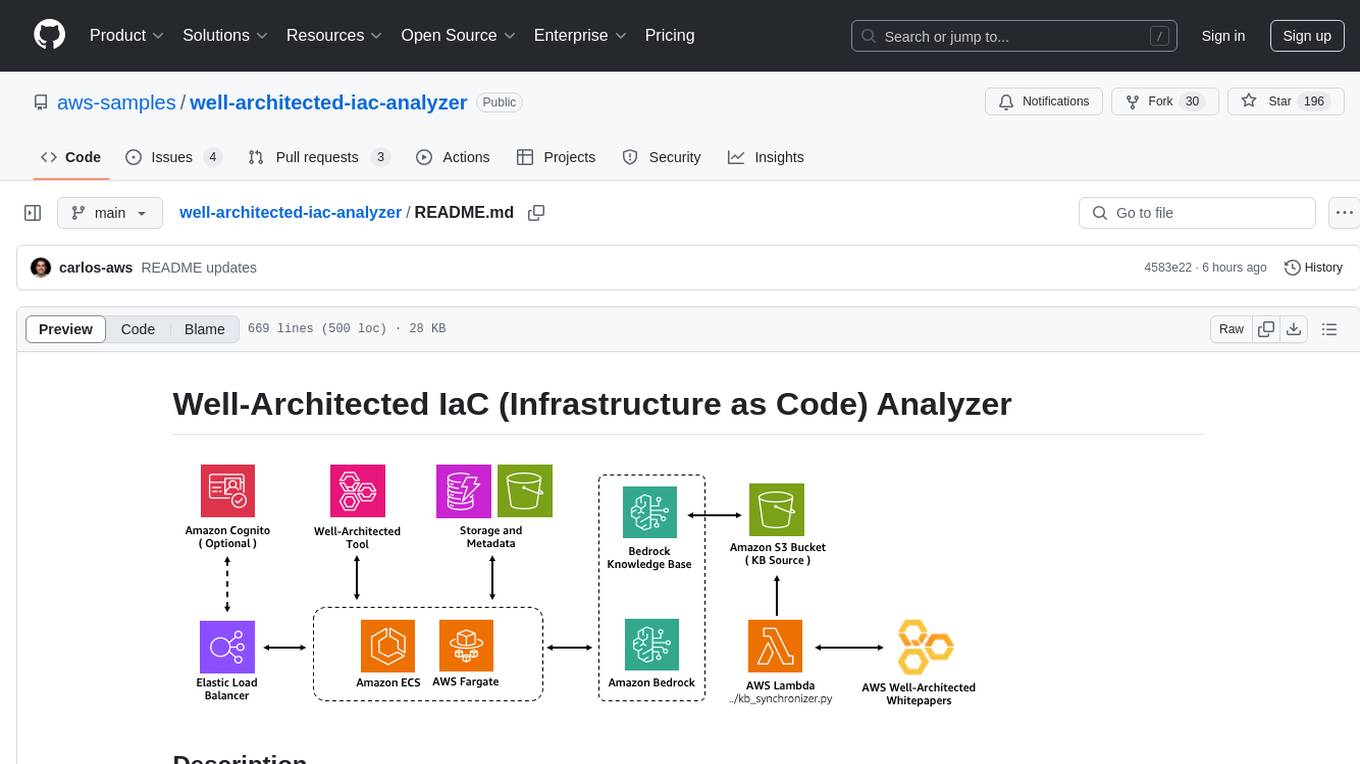
well-architected-iac-analyzer
Well-Architected Infrastructure as Code (IaC) Analyzer is a project demonstrating how generative AI can evaluate infrastructure code for alignment with best practices. It features a modern web application allowing users to upload IaC documents, complete IaC projects, or architecture diagrams for assessment. The tool provides insights into infrastructure code alignment with AWS best practices, offers suggestions for improving cloud architecture designs, and can generate IaC templates from architecture diagrams. Users can analyze CloudFormation, Terraform, or AWS CDK templates, architecture diagrams in PNG or JPEG format, and complete IaC projects with supporting documents. Real-time analysis against Well-Architected best practices, integration with AWS Well-Architected Tool, and export of analysis results and recommendations are included.
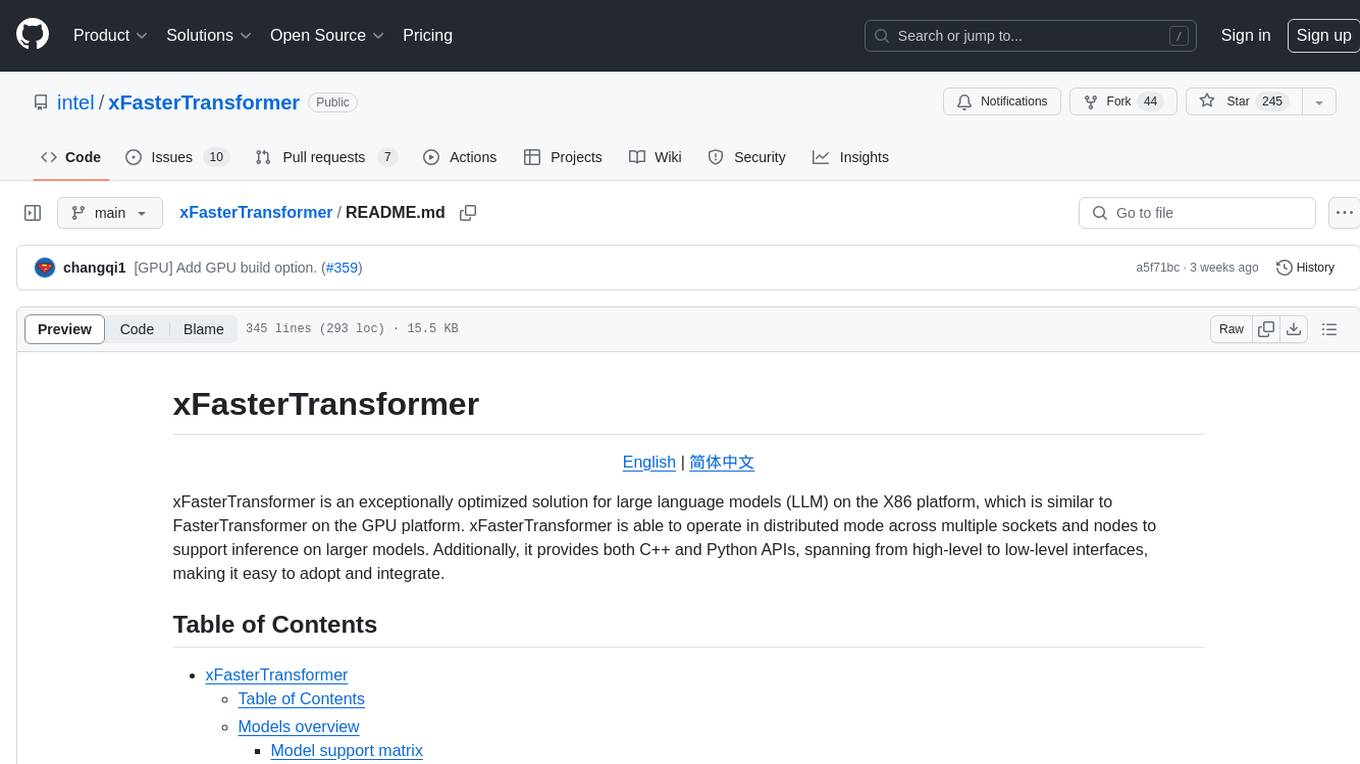
xFasterTransformer
xFasterTransformer is an optimized solution for Large Language Models (LLMs) on the X86 platform, providing high performance and scalability for inference on mainstream LLM models. It offers C++ and Python APIs for easy integration, along with example codes and benchmark scripts. Users can prepare models in a different format, convert them, and use the APIs for tasks like encoding input prompts, generating token ids, and serving inference requests. The tool supports various data types and models, and can run in single or multi-rank modes using MPI. A web demo based on Gradio is available for popular LLM models like ChatGLM and Llama2. Benchmark scripts help evaluate model inference performance quickly, and MLServer enables serving with REST and gRPC interfaces.
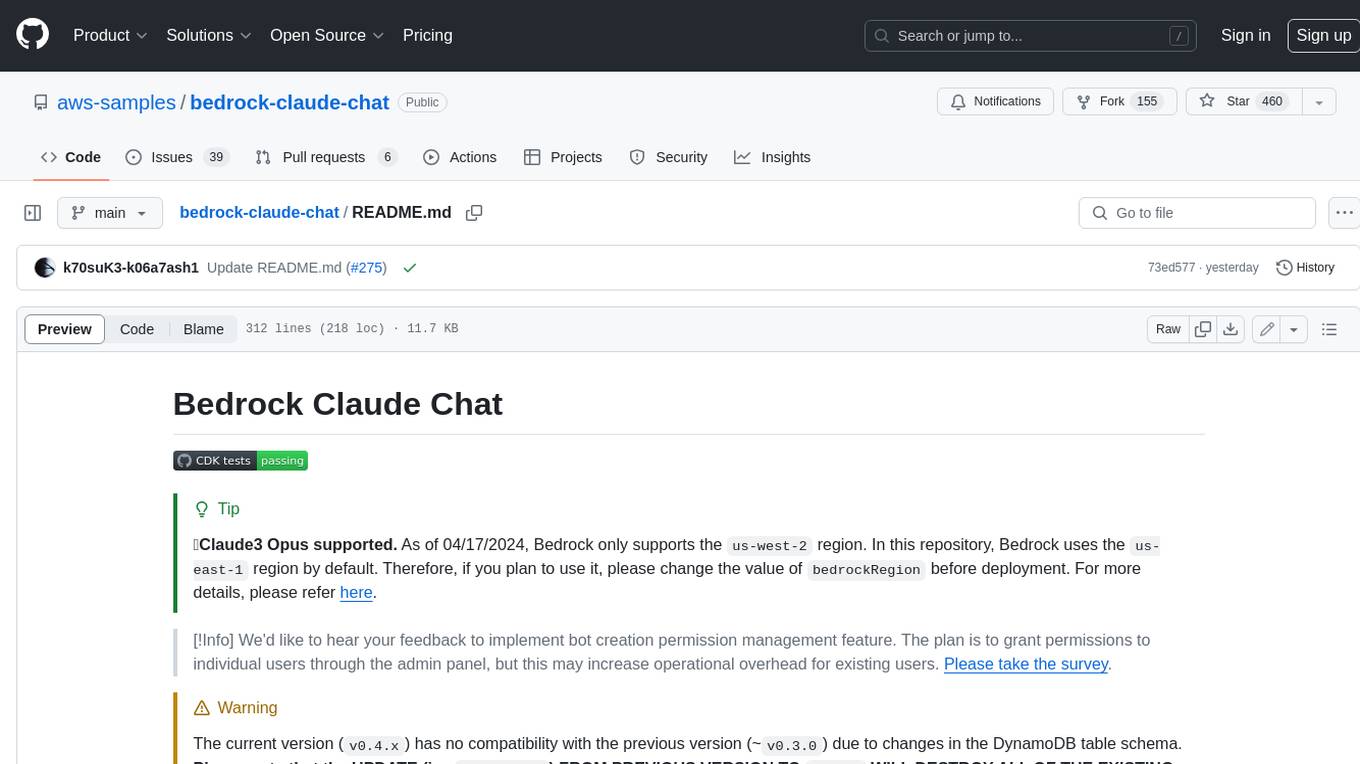
bedrock-claude-chat
This repository is a sample chatbot using the Anthropic company's LLM Claude, one of the foundational models provided by Amazon Bedrock for generative AI. It allows users to have basic conversations with the chatbot, personalize it with their own instructions and external knowledge, and analyze usage for each user/bot on the administrator dashboard. The chatbot supports various languages, including English, Japanese, Korean, Chinese, French, German, and Spanish. Deployment is straightforward and can be done via the command line or by using AWS CDK. The architecture is built on AWS managed services, eliminating the need for infrastructure management and ensuring scalability, reliability, and security.
kwaak
Kwaak is a tool that allows users to run a team of autonomous AI agents locally from their own machine. It enables users to write code, improve test coverage, update documentation, and enhance code quality while focusing on building innovative projects. Kwaak is designed to run multiple agents in parallel, interact with codebases, answer questions about code, find examples, write and execute code, create pull requests, and more. It is free and open-source, allowing users to bring their own API keys or models via Ollama. Kwaak is part of the bosun.ai project, aiming to be a platform for autonomous code improvement.
trieve
Trieve is an advanced relevance API for hybrid search, recommendations, and RAG. It offers a range of features including self-hosting, semantic dense vector search, typo tolerant full-text/neural search, sub-sentence highlighting, recommendations, convenient RAG API routes, the ability to bring your own models, hybrid search with cross-encoder re-ranking, recency biasing, tunable popularity-based ranking, filtering, duplicate detection, and grouping. Trieve is designed to be flexible and customizable, allowing users to tailor it to their specific needs. It is also easy to use, with a simple API and well-documented features.
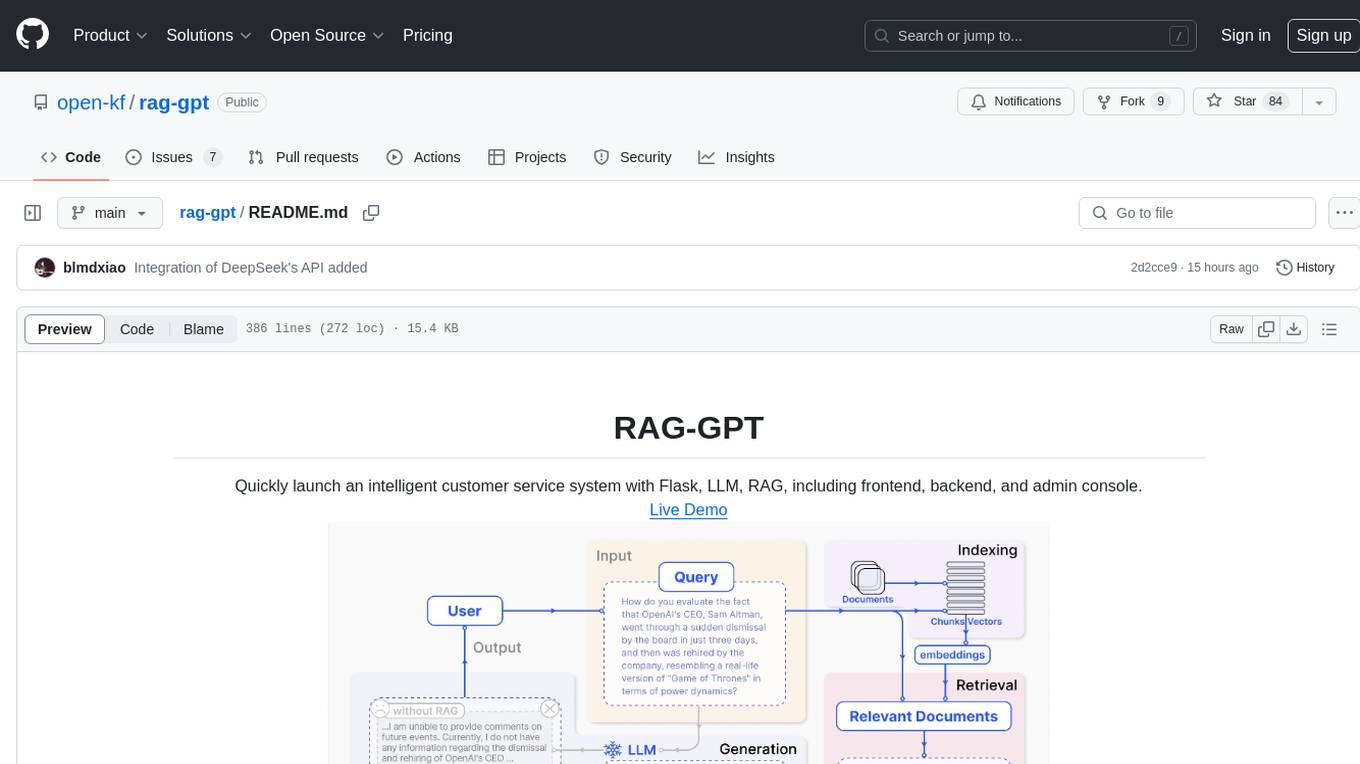
rag-gpt
RAG-GPT is a tool that allows users to quickly launch an intelligent customer service system with Flask, LLM, and RAG. It includes frontend, backend, and admin console components. The tool supports cloud-based and local LLMs, enables deployment of conversational service robots in minutes, integrates diverse knowledge bases, offers flexible configuration options, and features an attractive user interface.
Memori
Memori is a memory fabric designed for enterprise AI that seamlessly integrates into existing software and infrastructure. It is agnostic to LLM, datastore, and framework, providing support for major foundational models and databases. With features like vectorized memories, in-memory semantic search, and a knowledge graph, Memori simplifies the process of attributing LLM interactions and managing sessions. It offers Advanced Augmentation for enhancing memories at different levels and supports various platforms, frameworks, database integrations, and datastores. Memori is designed to reduce development overhead and provide efficient memory management for AI applications.
sosumi.ai
sosumi.ai provides Apple Developer documentation in an AI-readable format by converting JavaScript-rendered pages into Markdown. It offers an HTTP API to access Apple docs, supports external Swift-DocC sites, integrates with MCP server, and provides tools like searchAppleDocumentation and fetchAppleDocumentation. The project can be self-hosted and is currently hosted on Cloudflare Workers. It is built with Hono and supports various runtimes. The application is designed for accessibility-first, on-demand rendering of Apple Developer pages to Markdown.
llm2sh
llm2sh is a command-line utility that leverages Large Language Models (LLMs) to translate plain-language requests into shell commands. It provides a convenient way to interact with your system using natural language. The tool supports multiple LLMs for command generation, offers a customizable configuration file, YOLO mode for running commands without confirmation, and is easily extensible with new LLMs and system prompts. Users can set up API keys for OpenAI, Claude, Groq, and Cerebras to use the tool effectively. llm2sh does not store user data or command history, and it does not record or send telemetry by itself, but the LLM APIs may collect and store requests and responses for their purposes.
For similar tasks
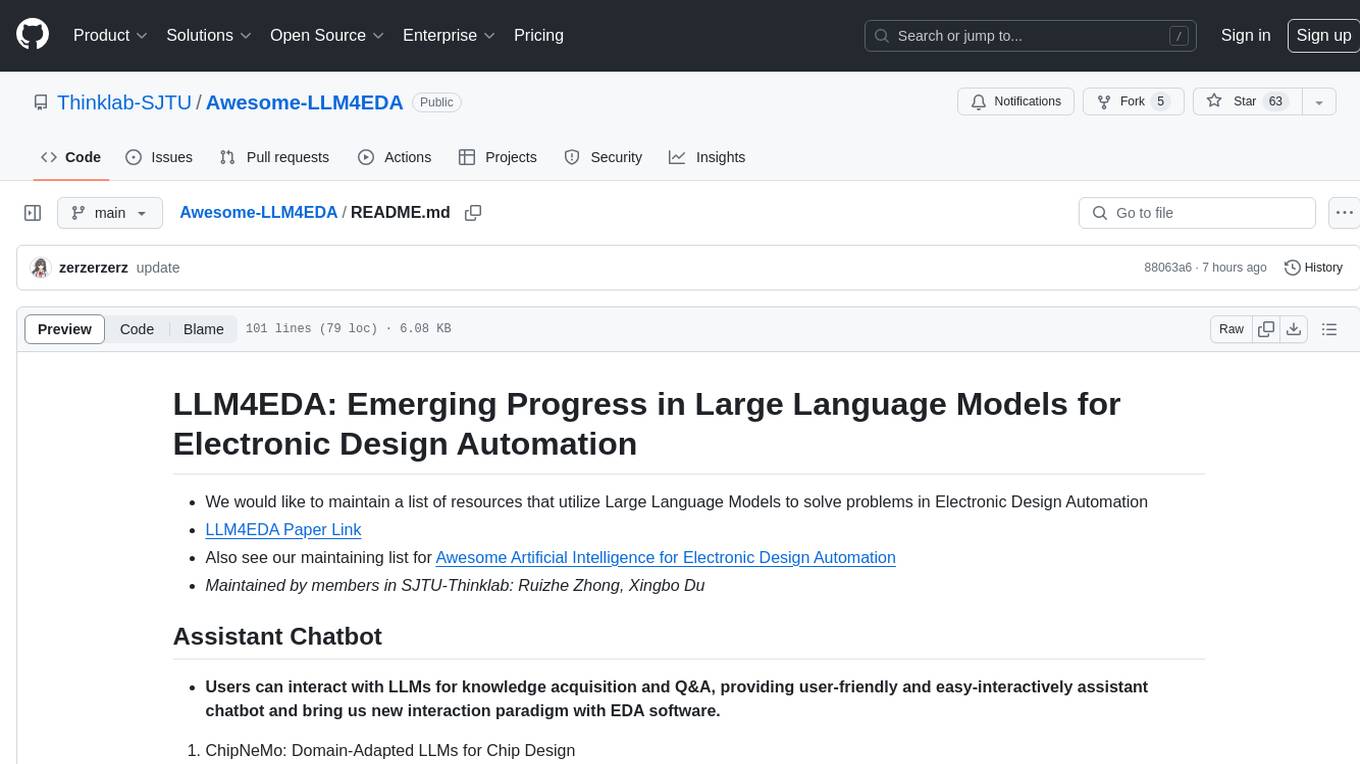
Awesome-LLM4EDA
LLM4EDA is a repository dedicated to showcasing the emerging progress in utilizing Large Language Models for Electronic Design Automation. The repository includes resources, papers, and tools that leverage LLMs to solve problems in EDA. It covers a wide range of applications such as knowledge acquisition, code generation, code analysis, verification, and large circuit models. The goal is to provide a comprehensive understanding of how LLMs can revolutionize the EDA industry by offering innovative solutions and new interaction paradigms.
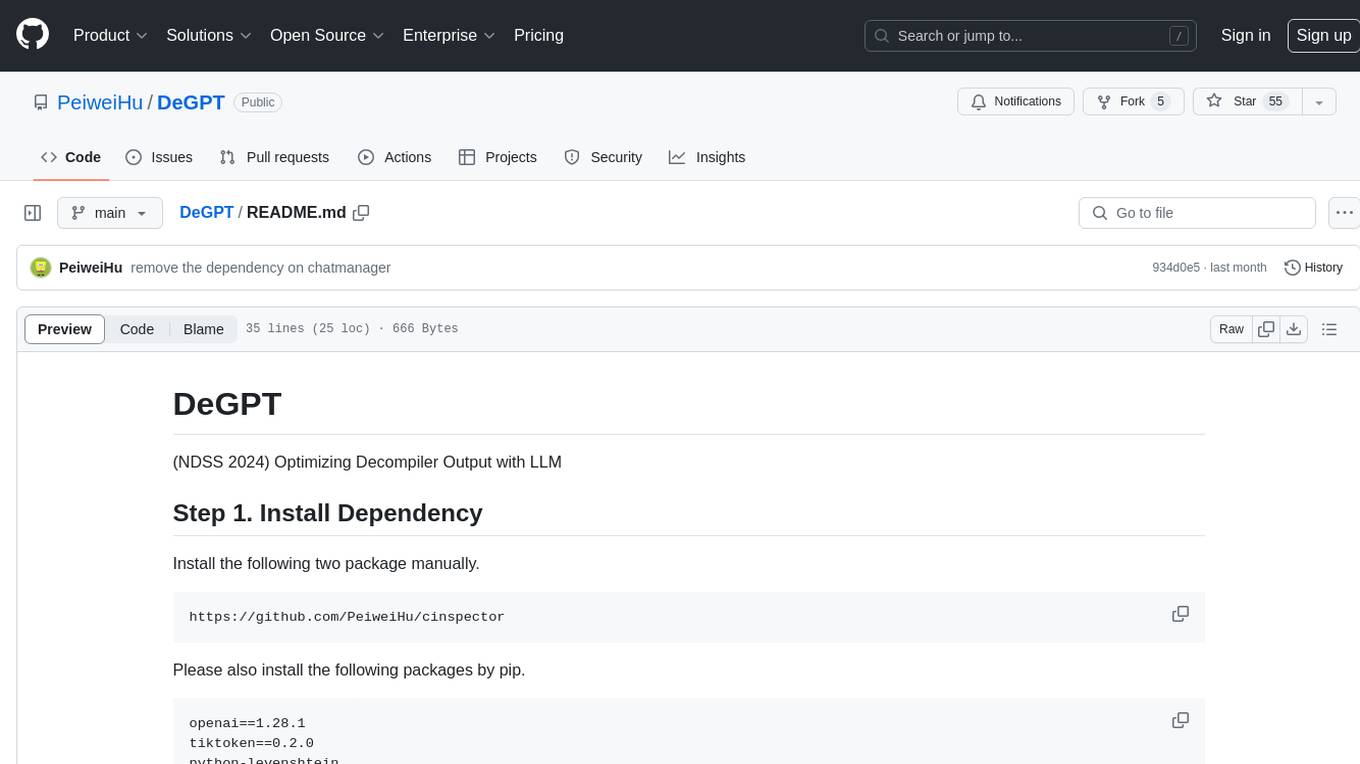
DeGPT
DeGPT is a tool designed to optimize decompiler output using Large Language Models (LLM). It requires manual installation of specific packages and setting up API key for OpenAI. The tool provides functionality to perform optimization on decompiler output by running specific scripts.
code2prompt
Code2Prompt is a powerful command-line tool that generates comprehensive prompts from codebases, designed to streamline interactions between developers and Large Language Models (LLMs) for code analysis, documentation, and improvement tasks. It bridges the gap between codebases and LLMs by converting projects into AI-friendly prompts, enabling users to leverage AI for various software development tasks. The tool offers features like holistic codebase representation, intelligent source tree generation, customizable prompt templates, smart token management, Gitignore integration, flexible file handling, clipboard-ready output, multiple output options, and enhanced code readability.
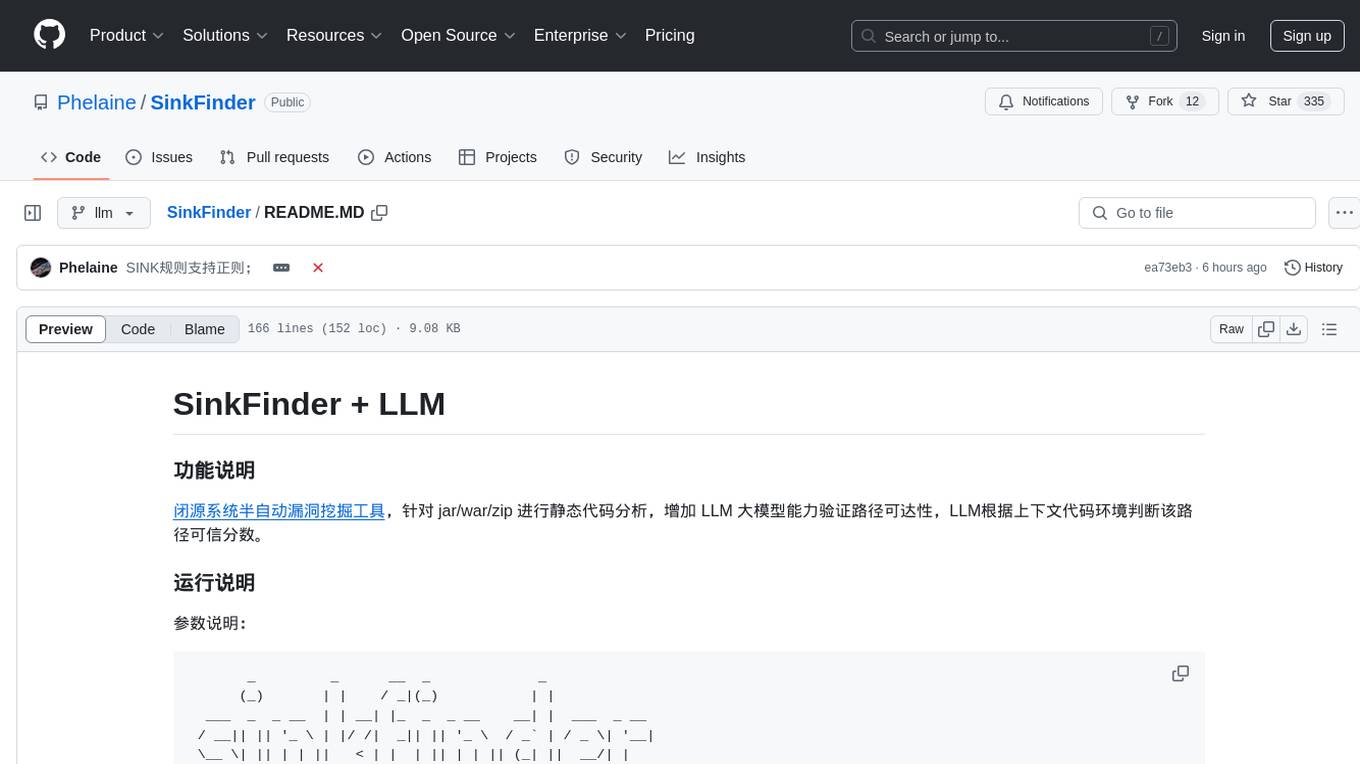
SinkFinder
SinkFinder + LLM is a closed-source semi-automatic vulnerability discovery tool that performs static code analysis on jar/war/zip files. It enhances the capability of LLM large models to verify path reachability and assess the trustworthiness score of the path based on the contextual code environment. Users can customize class and jar exclusions, depth of recursive search, and other parameters through command-line arguments. The tool generates rule.json configuration file after each run and requires configuration of the DASHSCOPE_API_KEY for LLM capabilities. The tool provides detailed logs on high-risk paths, LLM results, and other findings. Rules.json file contains sink rules for various vulnerability types with severity levels and corresponding sink methods.
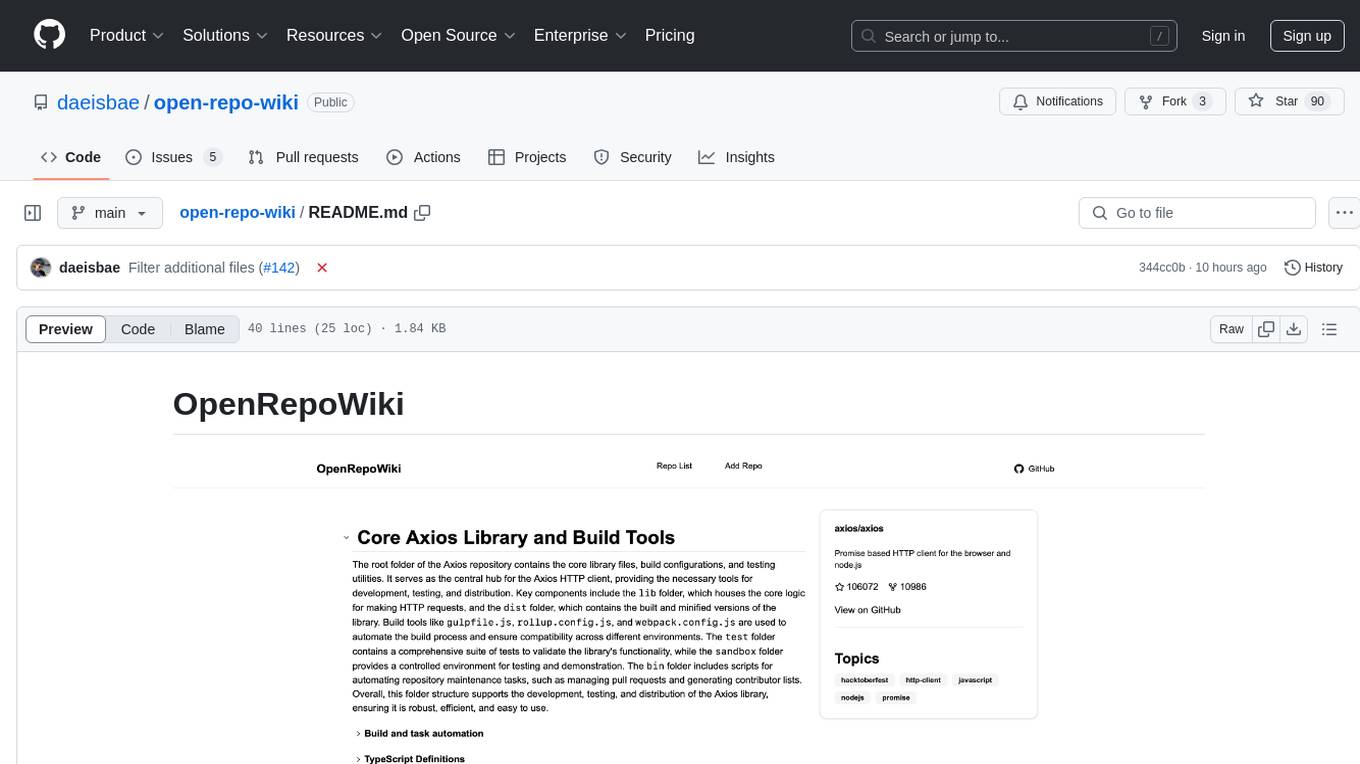
open-repo-wiki
OpenRepoWiki is a tool designed to automatically generate a comprehensive wiki page for any GitHub repository. It simplifies the process of understanding the purpose, functionality, and core components of a repository by analyzing its code structure, identifying key files and functions, and providing explanations. The tool aims to assist individuals who want to learn how to build various projects by providing a summarized overview of the repository's contents. OpenRepoWiki requires certain dependencies such as Google AI Studio or Deepseek API Key, PostgreSQL for storing repository information, Github API Key for accessing repository data, and Amazon S3 for optional usage. Users can configure the tool by setting up environment variables, installing dependencies, building the server, and running the application. It is recommended to consider the token usage and opt for cost-effective options when utilizing the tool.

CodebaseToPrompt
CodebaseToPrompt is a simple tool that converts a local directory into a structured prompt for Large Language Models (LLMs). It allows users to select specific files for code review, analysis, or documentation by exploring and filtering through the file tree in a browser-based interface. The tool generates a formatted output that can be directly used with AI tools, provides token count estimates, and supports local storage for saving selections. Users can easily copy the selected files in the desired format for further use.
air
air is an R formatter and language server written in Rust. It is currently in alpha stage, so users should expect breaking changes in both the API and formatting results. The tool draws inspiration from various sources like roslyn, swift, rust-analyzer, prettier, biome, and ruff. It provides formatters and language servers, influenced by design decisions from these tools. Users can install air using standalone installers for macOS, Linux, and Windows, which automatically add air to the PATH. Developers can also install the dev version of the air CLI and VS Code extension for further customization and development.
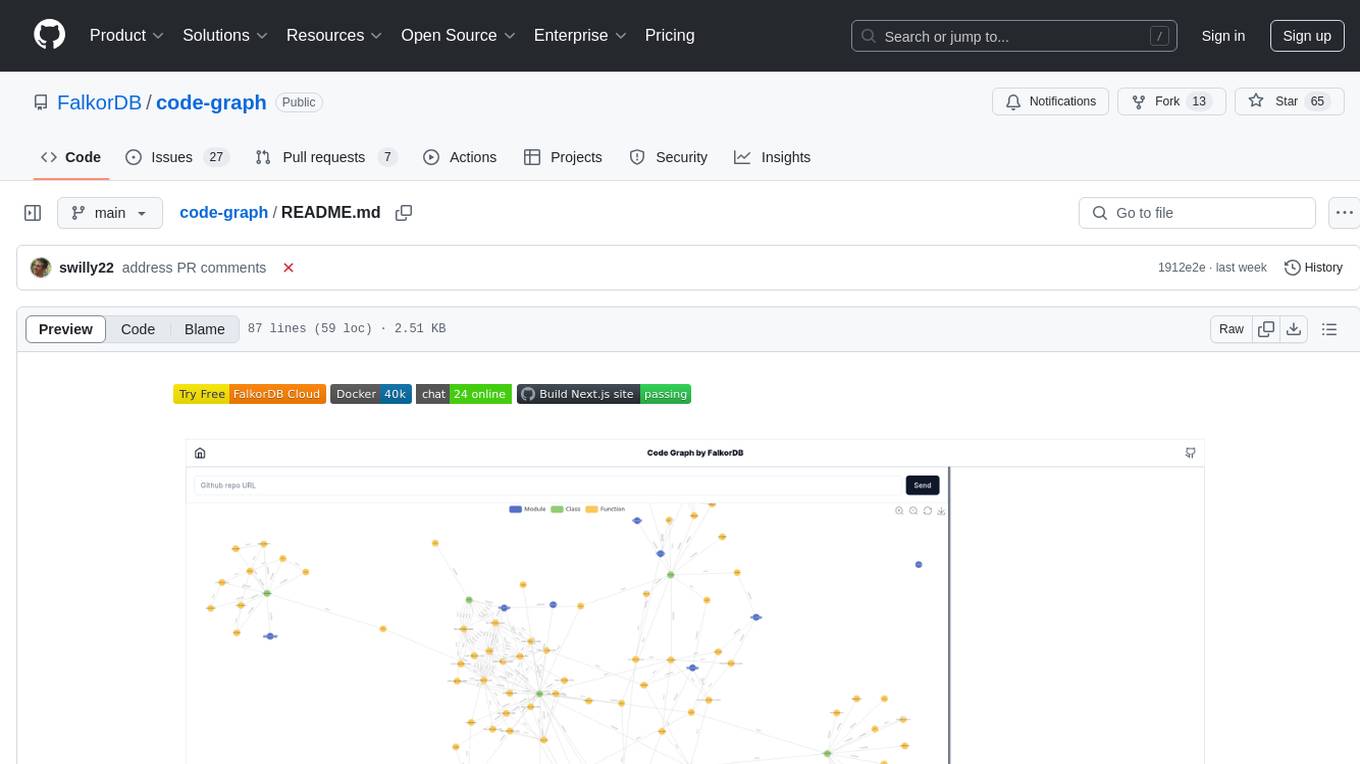
code-graph
Code-graph is a tool composed of FalkorDB Graph DB, Code-Graph-Backend, and Code-Graph-Frontend. It allows users to store and query graphs, manage backend logic, and interact with the website. Users can run the components locally by setting up environment variables and installing dependencies. The tool supports analyzing C & Python source files with plans to add support for more languages in the future. It provides a local repository analysis feature and a live demo accessible through a web browser.
For similar jobs

sweep
Sweep is an AI junior developer that turns bugs and feature requests into code changes. It automatically handles developer experience improvements like adding type hints and improving test coverage.

teams-ai
The Teams AI Library is a software development kit (SDK) that helps developers create bots that can interact with Teams and Microsoft 365 applications. It is built on top of the Bot Framework SDK and simplifies the process of developing bots that interact with Teams' artificial intelligence capabilities. The SDK is available for JavaScript/TypeScript, .NET, and Python.

ai-guide
This guide is dedicated to Large Language Models (LLMs) that you can run on your home computer. It assumes your PC is a lower-end, non-gaming setup.

classifai
Supercharge WordPress Content Workflows and Engagement with Artificial Intelligence. Tap into leading cloud-based services like OpenAI, Microsoft Azure AI, Google Gemini and IBM Watson to augment your WordPress-powered websites. Publish content faster while improving SEO performance and increasing audience engagement. ClassifAI integrates Artificial Intelligence and Machine Learning technologies to lighten your workload and eliminate tedious tasks, giving you more time to create original content that matters.

chatbot-ui
Chatbot UI is an open-source AI chat app that allows users to create and deploy their own AI chatbots. It is easy to use and can be customized to fit any need. Chatbot UI is perfect for businesses, developers, and anyone who wants to create a chatbot.

BricksLLM
BricksLLM is a cloud native AI gateway written in Go. Currently, it provides native support for OpenAI, Anthropic, Azure OpenAI and vLLM. BricksLLM aims to provide enterprise level infrastructure that can power any LLM production use cases. Here are some use cases for BricksLLM: * Set LLM usage limits for users on different pricing tiers * Track LLM usage on a per user and per organization basis * Block or redact requests containing PIIs * Improve LLM reliability with failovers, retries and caching * Distribute API keys with rate limits and cost limits for internal development/production use cases * Distribute API keys with rate limits and cost limits for students

uAgents
uAgents is a Python library developed by Fetch.ai that allows for the creation of autonomous AI agents. These agents can perform various tasks on a schedule or take action on various events. uAgents are easy to create and manage, and they are connected to a fast-growing network of other uAgents. They are also secure, with cryptographically secured messages and wallets.

griptape
Griptape is a modular Python framework for building AI-powered applications that securely connect to your enterprise data and APIs. It offers developers the ability to maintain control and flexibility at every step. Griptape's core components include Structures (Agents, Pipelines, and Workflows), Tasks, Tools, Memory (Conversation Memory, Task Memory, and Meta Memory), Drivers (Prompt and Embedding Drivers, Vector Store Drivers, Image Generation Drivers, Image Query Drivers, SQL Drivers, Web Scraper Drivers, and Conversation Memory Drivers), Engines (Query Engines, Extraction Engines, Summary Engines, Image Generation Engines, and Image Query Engines), and additional components (Rulesets, Loaders, Artifacts, Chunkers, and Tokenizers). Griptape enables developers to create AI-powered applications with ease and efficiency.