


sosumi.ai
Making Apple docs AI-readable
Stars: 274
sosumi.ai provides Apple Developer documentation in an AI-readable format by converting JavaScript-rendered pages into Markdown. It offers an HTTP API to access Apple docs, supports external Swift-DocC sites, integrates with MCP server, and provides tools like searchAppleDocumentation and fetchAppleDocumentation. The project can be self-hosted and is currently hosted on Cloudflare Workers. It is built with Hono and supports various runtimes. The application is designed for accessibility-first, on-demand rendering of Apple Developer pages to Markdown.
README:
Making Apple docs AI-readable.
sosumi.ai provides Apple Developer documentation in an AI-readable format by converting JavaScript-rendered pages into Markdown.
Replace developer.apple.com with sosumi.ai
in any Apple Developer documentation URL:
Original:
https://developer.apple.com/documentation/swift/array
AI-readable:
https://sosumi.ai/documentation/swift/array
This works for all API reference docs, as well as Apple's Human Interface Guidelines (HIG).
Sosumi can also proxy public non-Apple Swift-DocC pages using:
https://sosumi.ai/external/https://<host>/documentation/<path>
Examples:
https://sosumi.ai/external/https://apple.github.io/swift-argument-parser/documentation/argumentparser
https://sosumi.ai/external/https://swiftpackageindex.com/pointfreeco/swift-composable-architecture/1.23.1/documentation/composablearchitecture
Sosumi resolves the URL to the site's underlying DocC JSON endpoint
and renders Markdown, preserving any base path from the original URL.
External hosts can opt out via robots.txt
by disallowing user-agent sosumi-ai
(full UA: sosumi-ai/1.0 (+https://sosumi.ai/#bot)).
See /bot for the crawler policy and contact details.
Sosumi's MCP server supports Streamable HTTP and Server-Sent Events (SSE) transport.
If your client supports either of these,
configure it to connect directly to https://sosumi.ai/mcp.
Otherwise, you can run this command to proxy over stdio:
{
  "mcpServers": {
    "sosumi": {
      "command": "npx",
      "args": ["-y", "mcp-remote", "https://sosumi.ai/mcp"]
    }
  }
}
See the website for client-specific instructions.
-
doc://{path}- Apple Developer documentation and Human Interface Guidelines in Markdown format- Example:
doc://swift/arrayreturns Swift Array documentation - Example:
doc://design/human-interface-guidelines/foundations/colorreturns HIG Color guidelines
- Example:
-
searchAppleDocumentation- Searches Apple Developer documentation- Parameters:
query(string) - Returns structured results with titles, URLs, descriptions, breadcrumbs, and tags
- Parameters:
-
fetchAppleDocumentation- Fetches Apple Developer documentation and Human Interface Guidelines by path- Parameters:
path(string) - Documentation path (e.g., '/documentation/swift', 'swiftui/view', 'design/human-interface-guidelines/foundations/color') - Returns content as Markdown
- Parameters:
-
fetchExternalDocumentation- Fetches external Swift-DocC documentation by absolute HTTPS URL- Parameters:
url(string) - External URL (e.g.,https://apple.github.io/swift-argument-parser/documentation/argumentparser) - Returns content as Markdown
- Parameters:
You can also use Sosumi from a community-contributed Chrome extension, which adds a "Copy sosumi Link" button to Apple Developer documentation pages. Source code is available on GitHub.
This project is designed to be easily run on your own machine or deployed to a hosting provider.
Sosumi.ai is currently hosted by Cloudflare Workers.
[!NOTE]
The application is built with Hono, making it compatible with various runtimes.See the Hono docs for more information about deploying to different platforms.
- Node.js 18+
- npm
-
Clone the repository:
git clone https://github.com/nshipster/sosumi.ai.git cd sosumi.ai -
Install dependencies:
npm install
-
Start development server:
npm run dev
Once the application is up and running, press the b to open the URL in your browser.
To configure MCP clients to use your development server,
replace sosumi.ai with the local server address
(http://localhost:8787 by default).
You can restrict which external Swift-DocC hosts are reachable with two environment variables (both newline-delimited):
-
EXTERNAL_DOC_HOST_ALLOWLIST— only listed hosts are permitted -
EXTERNAL_DOC_HOST_BLOCKLIST— listed hosts are always denied
[!IMPORTANT] Hostname-based private-network checks cannot fully prevent DNS rebinding. Set an explicit
EXTERNAL_DOC_HOST_ALLOWLISTin production.
This project uses vitest for unit and integration testing.
npm run test          # Run tests
npm run test:ui       # Run tests with UI
npm run test:run # Run tests onceThis project uses Biome for code formatting, linting, and import organization.
-
npm run format- Format all code files -
npm run lint- Lint and fix code issues -
npm run check- Format, lint, and organize imports (recommended) -
npm run check:ci- Check code without making changes (for CI)
For the best development experience, install the Biome extension for your editor:
Whenever you update your wrangler.toml or change your Worker bindings,
be sure to re-run:
npm run cf-typegenThis project is available under the MIT license. See the LICENSE file for more info.
This is an unofficial, independent project and is not affiliated with or endorsed by Apple Inc. "Apple", "Xcode", and related marks are trademarks of Apple Inc.
This service is an accessibility-first, on‑demand renderer. It converts a single Apple Developer page to Markdown only when requested by a user. It does not crawl, spider, or bulk download; it does not attempt to bypass authentication or security; and it implements rate limiting to avoid imposing unreasonable load.
For external Swift-DocC hosts, access can be denied by robots.txt
and opt-out response directives such as X-Robots-Tag: noai.
Content is fetched transiently and may be cached briefly to improve performance. No permanent archives are maintained. All copyrights and other rights in the underlying content remain with Apple Inc. Each page links back to the original source.
Your use of this service must comply with Apple's Terms of Use and applicable law. You are solely responsible for how you access and use Apple's content through this tool. Do not use this service to circumvent technical measures or for redistribution.
Contact: [email protected]
For Tasks:
Click tags to check more tools for each tasksFor Jobs:
Alternative AI tools for sosumi.ai
Similar Open Source Tools
sosumi.ai
sosumi.ai provides Apple Developer documentation in an AI-readable format by converting JavaScript-rendered pages into Markdown. It offers an HTTP API to access Apple docs, supports external Swift-DocC sites, integrates with MCP server, and provides tools like searchAppleDocumentation and fetchAppleDocumentation. The project can be self-hosted and is currently hosted on Cloudflare Workers. It is built with Hono and supports various runtimes. The application is designed for accessibility-first, on-demand rendering of Apple Developer pages to Markdown.
gitingest
GitIngest is a tool that allows users to turn any Git repository into a prompt-friendly text ingest for LLMs. It provides easy code context by generating a text digest from a git repository URL or directory. The tool offers smart formatting for optimized output format for LLM prompts and provides statistics about file and directory structure, size of the extract, and token count. GitIngest can be used as a CLI tool on Linux and as a Python package for code integration. The tool is built using Tailwind CSS for frontend, FastAPI for backend framework, tiktoken for token estimation, and apianalytics.dev for simple analytics. Users can self-host GitIngest by building the Docker image and running the container. Contributions to the project are welcome, and the tool aims to be beginner-friendly for first-time contributors with a simple Python and HTML codebase.
mcp-server
The UI5 Model Context Protocol server offers tools to improve the developer experience when working with agentic AI tools. It helps with creating new UI5 projects, detecting and fixing UI5-specific errors, and providing additional UI5-specific information for agentic AI tools. The server supports various tools such as scaffolding new UI5 applications, fetching UI5 API documentation, providing UI5 development best practices, extracting metadata and configuration from UI5 projects, retrieving version information for the UI5 framework, analyzing and reporting issues in UI5 code, offering guidelines for converting UI5 applications to TypeScript, providing UI Integration Cards development best practices, scaffolding new UI Integration Cards, and validating the manifest against the UI5 Manifest schema. The server requires Node.js and npm versions specified, along with an MCP client like VS Code or Cline. Configuration options are available for customizing the server's behavior, and specific setup instructions are provided for MCP clients like VS Code and Cline.
odoo-expert
RAG-Powered Odoo Documentation Assistant is a comprehensive documentation processing and chat system that converts Odoo's documentation to a searchable knowledge base with an AI-powered chat interface. It supports multiple Odoo versions (16.0, 17.0, 18.0) and provides semantic search capabilities powered by OpenAI embeddings. The tool automates the conversion of RST to Markdown, offers real-time semantic search, context-aware AI-powered chat responses, and multi-version support. It includes a Streamlit-based web UI, REST API for programmatic access, and a CLI for document processing and chat. The system operates through a pipeline of data processing steps and an interface layer for UI and API access to the knowledge base.
AutoDocs
AutoDocs by Sita is a tool designed to automate documentation for any repository. It parses the repository using tree-sitter and SCIP, constructs a code dependency graph, and generates repository-wide, dependency-aware documentation and summaries. It provides a FastAPI backend for ingestion/search and a Next.js web UI for chat and exploration. Additionally, it includes an MCP server for deep search capabilities. The tool aims to simplify the process of generating accurate and high-signal documentation for codebases.
cursor-tools
cursor-tools is a CLI tool designed to enhance AI agents with advanced skills, such as web search, repository context, documentation generation, GitHub integration, Xcode tools, and browser automation. It provides features like Perplexity for web search, Gemini 2.0 for codebase context, and Stagehand for browser operations. The tool requires API keys for Perplexity AI and Google Gemini, and supports global installation for system-wide access. It offers various commands for different tasks and integrates with Cursor Composer for AI agent usage.
ChatGPT
The ChatGPT API Free Reverse Proxy provides free self-hosted API access to ChatGPT (`gpt-3.5-turbo`) with OpenAI's familiar structure, eliminating the need for code changes. It offers streaming response, API endpoint compatibility, and complimentary access without an API key. Installation options include Docker, PC/Server, and Termux on Android devices. The API can be accessed through a self-hosted local server or a pre-hosted API with an API key obtained from the Discord server. Usage examples are provided for Python and Node.js, and the project is licensed under AGPL-3.0.
tiledesk-dashboard
Tiledesk is an open-source live chat platform with integrated chatbots written in Node.js and Express. It is designed to be a multi-channel platform for web, Android, and iOS, and it can be used to increase sales or provide post-sales customer service. Tiledesk's chatbot technology allows for automation of conversations, and it also provides APIs and webhooks for connecting external applications. Additionally, it offers a marketplace for apps and features such as CRM, ticketing, and data export.
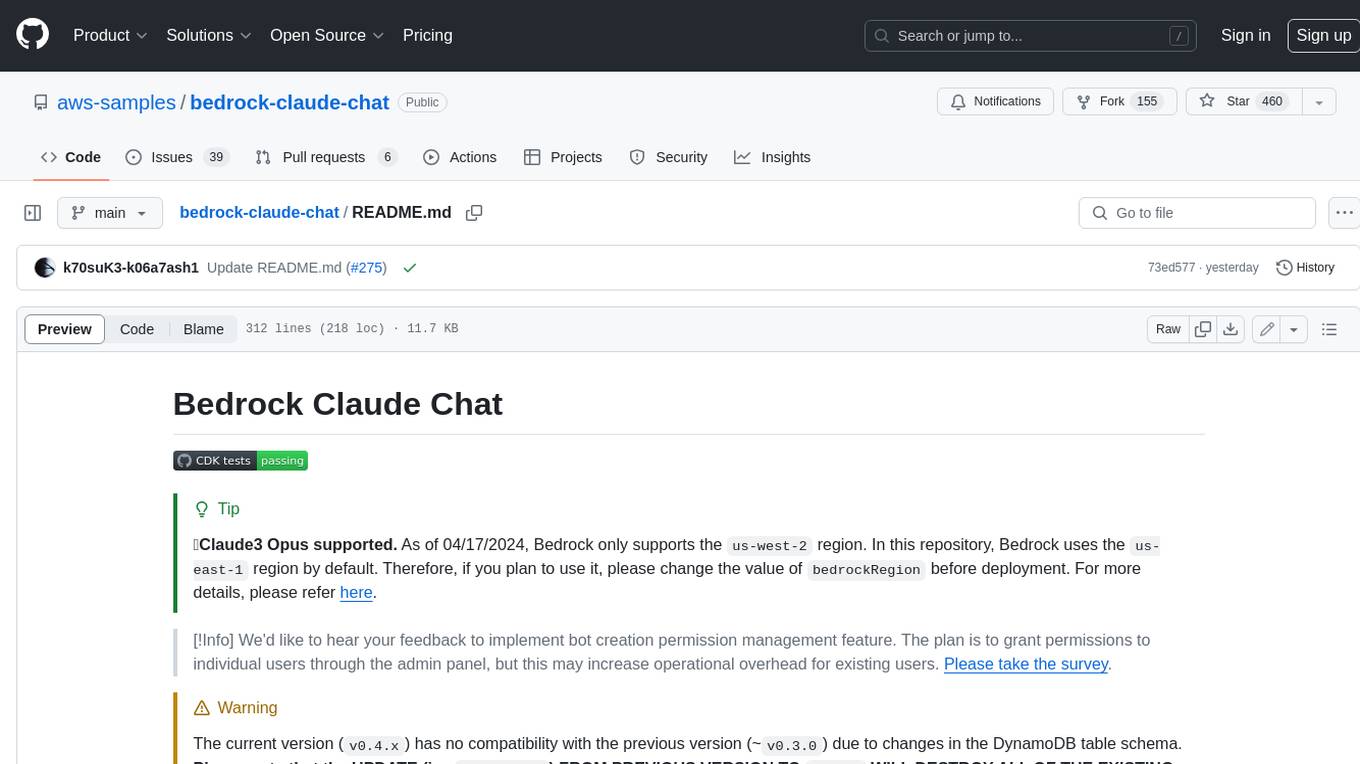
bedrock-claude-chat
This repository is a sample chatbot using the Anthropic company's LLM Claude, one of the foundational models provided by Amazon Bedrock for generative AI. It allows users to have basic conversations with the chatbot, personalize it with their own instructions and external knowledge, and analyze usage for each user/bot on the administrator dashboard. The chatbot supports various languages, including English, Japanese, Korean, Chinese, French, German, and Spanish. Deployment is straightforward and can be done via the command line or by using AWS CDK. The architecture is built on AWS managed services, eliminating the need for infrastructure management and ensuring scalability, reliability, and security.
hash
HASH is a self-building, open-source database which grows, structures and checks itself. With it, we're creating a platform for decision-making, which helps you integrate, understand and use data in a variety of different ways.
steel-browser
Steel is an open-source browser API designed for AI agents and applications, simplifying the process of building live web agents and browser automation tools. It serves as a core building block for a production-ready, containerized browser sandbox with features like stealth capabilities, text-to-markdown session management, UI for session viewing/debugging, and full browser control through popular automation frameworks. Steel allows users to control, run, and manage a production-ready browser environment via a REST API, offering features such as full browser control, session management, proxy support, extension support, debugging tools, anti-detection mechanisms, resource management, and various browser tools. It aims to streamline complex browsing tasks programmatically, enabling users to focus on their AI applications while Steel handles the underlying complexity.
openai-kotlin
OpenAI Kotlin API client is a Kotlin client for OpenAI's API with multiplatform and coroutines capabilities. It allows users to interact with OpenAI's API using Kotlin programming language. The client supports various features such as models, chat, images, embeddings, files, fine-tuning, moderations, audio, assistants, threads, messages, and runs. It also provides guides on getting started, chat & function call, file source guide, and assistants. Sample apps are available for reference, and troubleshooting guides are provided for common issues. The project is open-source and licensed under the MIT license, allowing contributions from the community.
sdfx
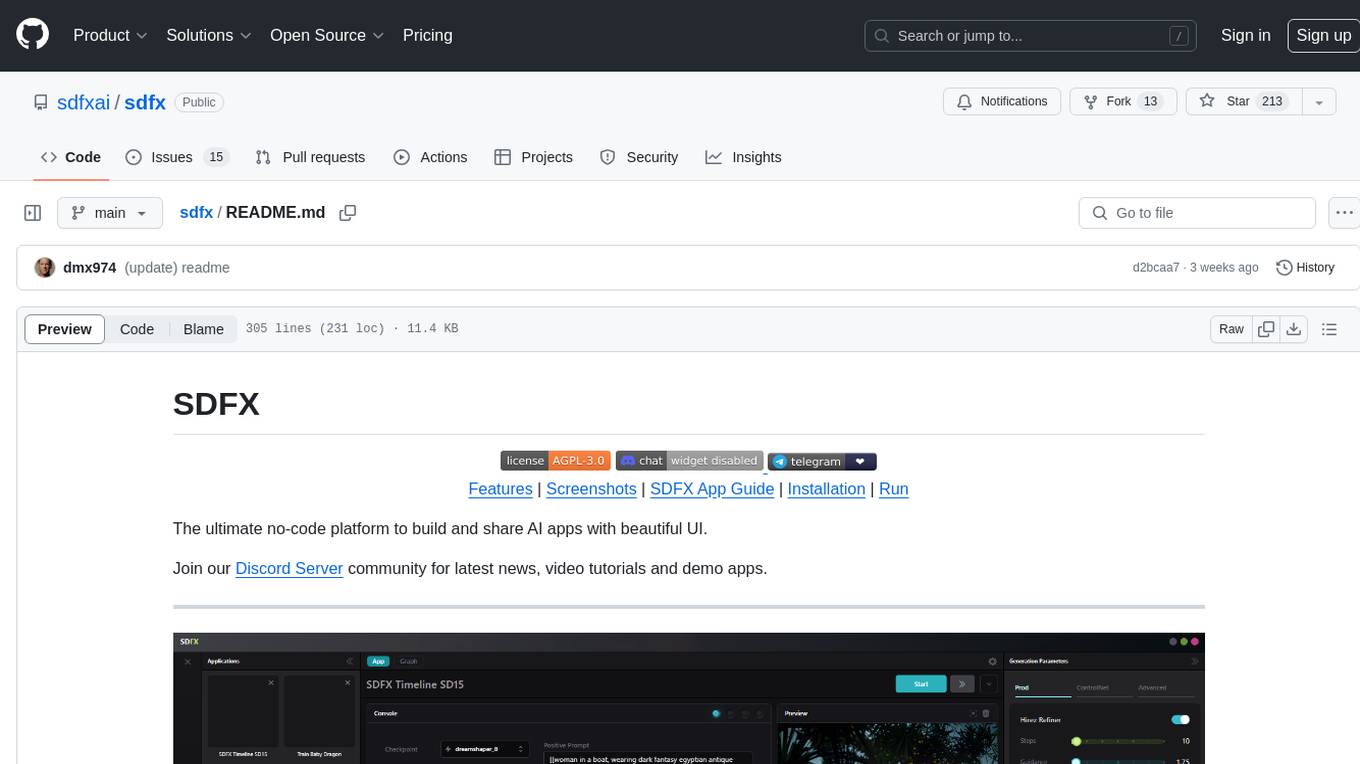
SDFX is the ultimate no-code platform for building and sharing AI apps with beautiful UI. It enables the creation of user-friendly interfaces for complex workflows by combining Comfy workflow with a UI. The tool is designed to merge the benefits of form-based UI and graph-node based UI, allowing users to create intricate graphs with a high-level UI overlay. SDFX is fully compatible with ComfyUI, abstracting the need for installing ComfyUI. It offers features like animated graph navigation, node bookmarks, UI debugger, custom nodes manager, app and template export, image and mask editor, and more. The tool compiles as a native app or web app, making it easy to maintain and add new features.
company-research-agent
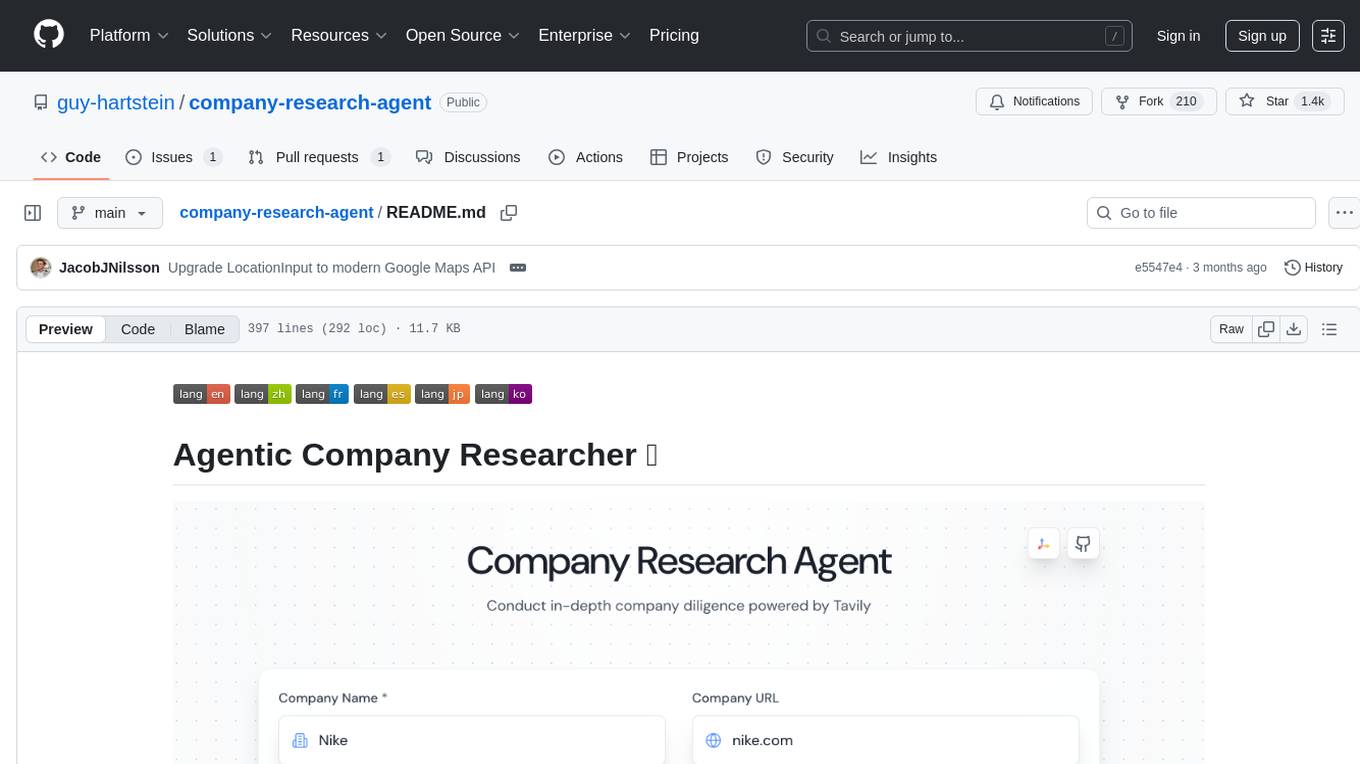
Agentic Company Researcher is a multi-agent tool that generates comprehensive company research reports by utilizing a pipeline of AI agents to gather, curate, and synthesize information from various sources. It features multi-source research, AI-powered content filtering, real-time progress streaming, dual model architecture, modern React frontend, and modular architecture. The tool follows an agentic framework with specialized research and processing nodes, leverages separate models for content generation, uses a content curation system for relevance scoring and document processing, and implements a real-time communication system via WebSocket connections. Users can set up the tool quickly using the provided setup script or manually, and it can also be deployed using Docker and Docker Compose. The application can be used for local development and deployed to various cloud platforms like AWS Elastic Beanstalk, Docker, Heroku, and Google Cloud Run.
supabase-mcp
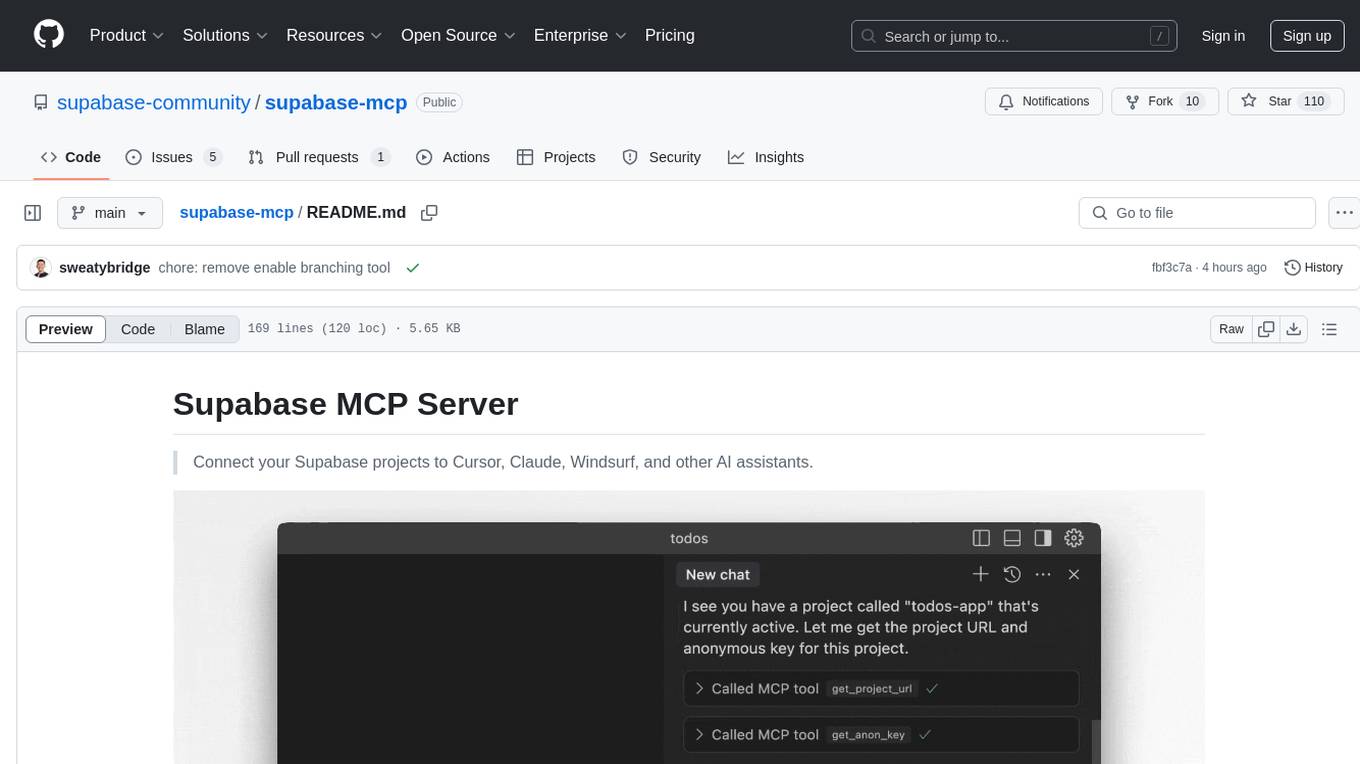
Supabase MCP Server standardizes how Large Language Models (LLMs) interact with Supabase, enabling AI assistants to manage tables, fetch config, and query data. It provides tools for project management, database operations, project configuration, branching (experimental), and development tools. The server is pre-1.0, so expect some breaking changes between versions.
log10
Log10 is a one-line Python integration to manage your LLM data. It helps you log both closed and open-source LLM calls, compare and identify the best models and prompts, store feedback for fine-tuning, collect performance metrics such as latency and usage, and perform analytics and monitor compliance for LLM powered applications. Log10 offers various integration methods, including a python LLM library wrapper, the Log10 LLM abstraction, and callbacks, to facilitate its use in both existing production environments and new projects. Pick the one that works best for you. Log10 also provides a copilot that can help you with suggestions on how to optimize your prompt, and a feedback feature that allows you to add feedback to your completions. Additionally, Log10 provides prompt provenance, session tracking and call stack functionality to help debug prompt chains. With Log10, you can use your data and feedback from users to fine-tune custom models with RLHF, and build and deploy more reliable, accurate and efficient self-hosted models. Log10 also supports collaboration, allowing you to create flexible groups to share and collaborate over all of the above features.
For similar tasks
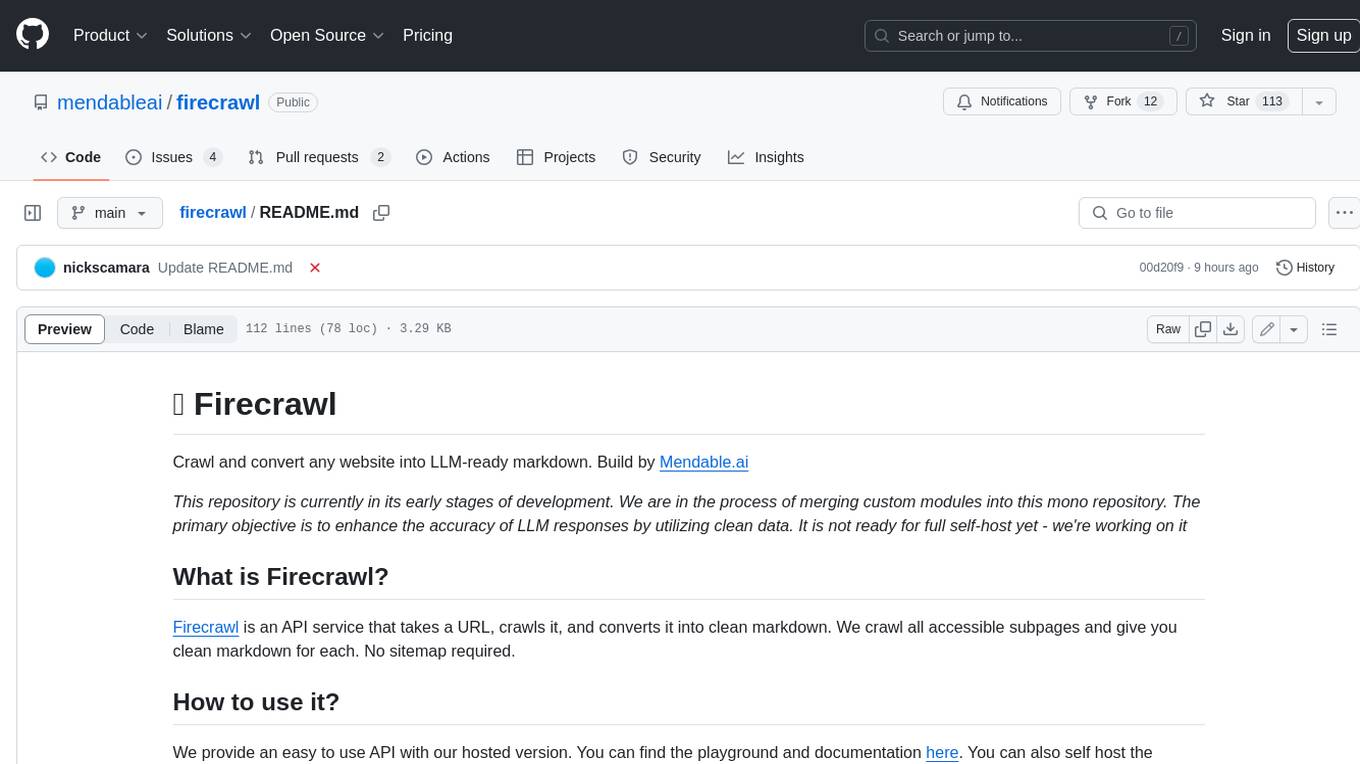
firecrawl
Firecrawl is an API service that takes a URL, crawls it, and converts it into clean markdown. It crawls all accessible subpages and provides clean markdown for each, without requiring a sitemap. The API is easy to use and can be self-hosted. It also integrates with Langchain and Llama Index. The Python SDK makes it easy to crawl and scrape websites in Python code.
sosumi.ai
sosumi.ai provides Apple Developer documentation in an AI-readable format by converting JavaScript-rendered pages into Markdown. It offers an HTTP API to access Apple docs, supports external Swift-DocC sites, integrates with MCP server, and provides tools like searchAppleDocumentation and fetchAppleDocumentation. The project can be self-hosted and is currently hosted on Cloudflare Workers. It is built with Hono and supports various runtimes. The application is designed for accessibility-first, on-demand rendering of Apple Developer pages to Markdown.
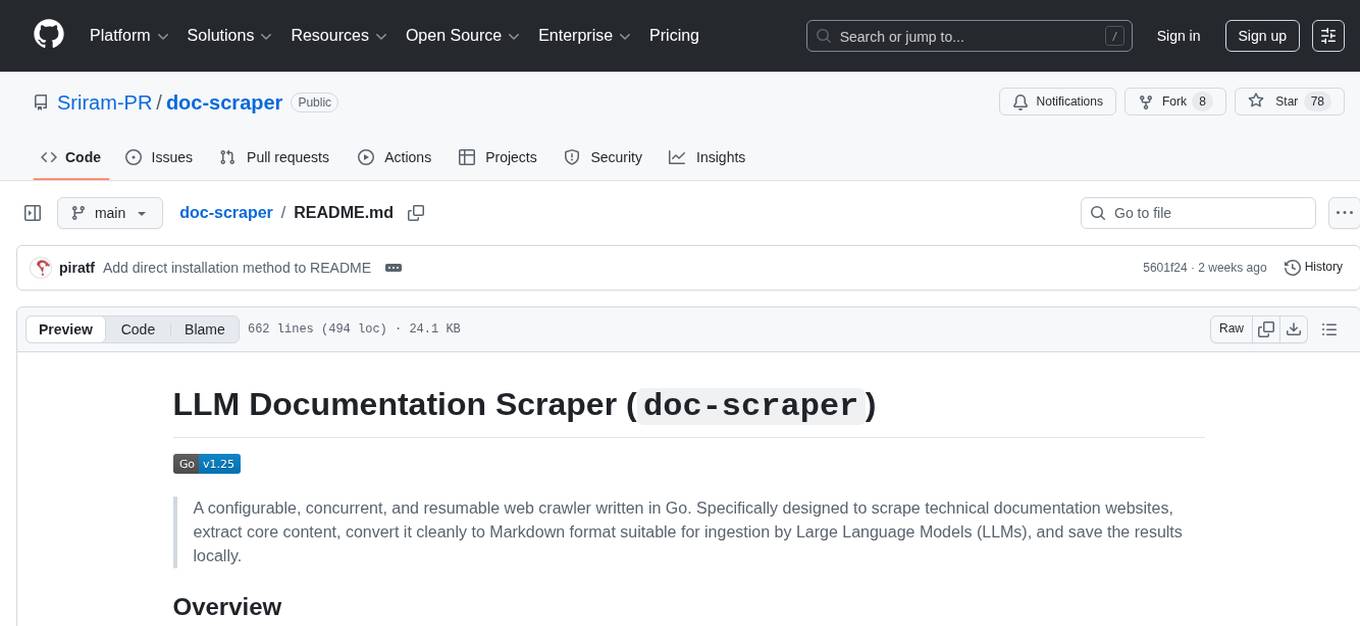
doc-scraper
A configurable, concurrent, and resumable web crawler written in Go, specifically designed to scrape technical documentation websites, extract core content, convert it cleanly to Markdown format suitable for ingestion by Large Language Models (LLMs), and save the results locally. The tool is built for LLM training and RAG systems, preserving documentation structure, offering production-ready features like resumable crawls and rate limiting, and using Go's concurrency model for efficient parallel processing. It automates the process of gathering and cleaning web-based documentation for use with Large Language Models, providing a dataset that is text-focused, structured, cleaned, and locally accessible.
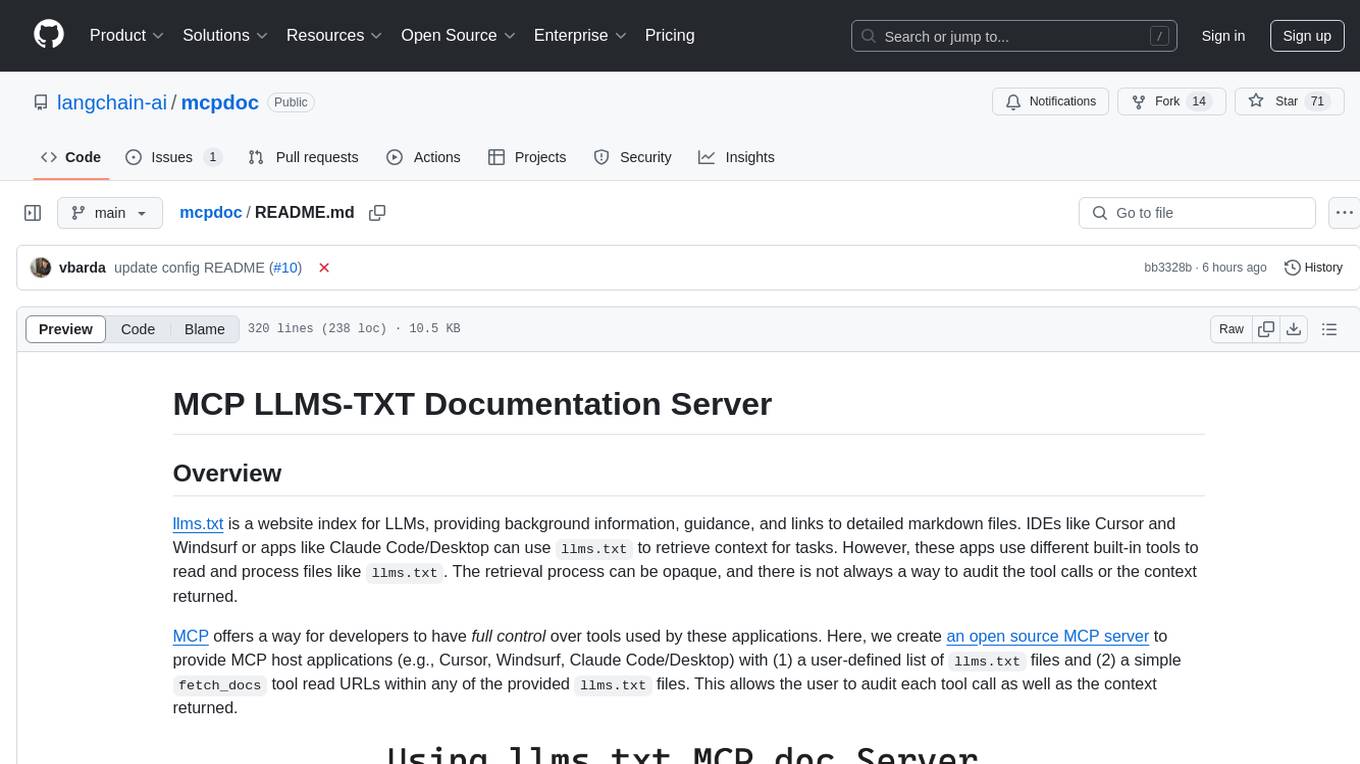
mcpdoc
The MCP LLMS-TXT Documentation Server is an open-source server that provides developers full control over tools used by applications like Cursor, Windsurf, and Claude Code/Desktop. It allows users to create a user-defined list of `llms.txt` files and use a `fetch_docs` tool to read URLs within these files, enabling auditing of tool calls and context returned. The server supports various applications and provides a way to connect to them, configure rules, and test tool calls for tasks related to documentation retrieval and processing.

DevDocs
DevDocs is a platform designed to simplify the process of digesting technical documentation for software engineers and developers. It automates the extraction and conversion of web content into markdown format, making it easier for users to access and understand the information. By crawling through child pages of a given URL, DevDocs provides a streamlined approach to gathering relevant data and integrating it into various tools for software development. The tool aims to save time and effort by eliminating the need for manual research and content extraction, ultimately enhancing productivity and efficiency in the development process.
tidb.ai
TiDB.AI is a conversational search RAG (Retrieval-Augmented Generation) app based on TiDB Serverless Vector Storage. It provides an out-of-the-box and embeddable QA robot experience based on knowledge from official and documentation sites. The platform features a Perplexity-style Conversational Search page with an advanced built-in website crawler for comprehensive coverage. Users can integrate an embeddable JavaScript snippet into their website for instant responses to product-related queries. The tech stack includes Next.js, TypeScript, Tailwind CSS, shadcn/ui for design, TiDB for database storage, Kysely for SQL query building, NextAuth.js for authentication, Vercel for deployments, and LlamaIndex for the RAG framework. TiDB.AI is open-source under the Apache License, Version 2.0.
odoo-expert
RAG-Powered Odoo Documentation Assistant is a comprehensive documentation processing and chat system that converts Odoo's documentation to a searchable knowledge base with an AI-powered chat interface. It supports multiple Odoo versions (16.0, 17.0, 18.0) and provides semantic search capabilities powered by OpenAI embeddings. The tool automates the conversion of RST to Markdown, offers real-time semantic search, context-aware AI-powered chat responses, and multi-version support. It includes a Streamlit-based web UI, REST API for programmatic access, and a CLI for document processing and chat. The system operates through a pipeline of data processing steps and an interface layer for UI and API access to the knowledge base.
git-mcp
GitMCP is a free, open-source service that transforms any GitHub project into a remote Model Context Protocol (MCP) endpoint, allowing AI assistants to access project documentation effortlessly. It empowers AI with semantic search capabilities, requires zero setup, is completely free and private, and serves as a bridge between GitHub repositories and AI assistants.
For similar jobs

sweep
Sweep is an AI junior developer that turns bugs and feature requests into code changes. It automatically handles developer experience improvements like adding type hints and improving test coverage.

teams-ai
The Teams AI Library is a software development kit (SDK) that helps developers create bots that can interact with Teams and Microsoft 365 applications. It is built on top of the Bot Framework SDK and simplifies the process of developing bots that interact with Teams' artificial intelligence capabilities. The SDK is available for JavaScript/TypeScript, .NET, and Python.

ai-guide
This guide is dedicated to Large Language Models (LLMs) that you can run on your home computer. It assumes your PC is a lower-end, non-gaming setup.

classifai
Supercharge WordPress Content Workflows and Engagement with Artificial Intelligence. Tap into leading cloud-based services like OpenAI, Microsoft Azure AI, Google Gemini and IBM Watson to augment your WordPress-powered websites. Publish content faster while improving SEO performance and increasing audience engagement. ClassifAI integrates Artificial Intelligence and Machine Learning technologies to lighten your workload and eliminate tedious tasks, giving you more time to create original content that matters.

chatbot-ui
Chatbot UI is an open-source AI chat app that allows users to create and deploy their own AI chatbots. It is easy to use and can be customized to fit any need. Chatbot UI is perfect for businesses, developers, and anyone who wants to create a chatbot.

BricksLLM
BricksLLM is a cloud native AI gateway written in Go. Currently, it provides native support for OpenAI, Anthropic, Azure OpenAI and vLLM. BricksLLM aims to provide enterprise level infrastructure that can power any LLM production use cases. Here are some use cases for BricksLLM: * Set LLM usage limits for users on different pricing tiers * Track LLM usage on a per user and per organization basis * Block or redact requests containing PIIs * Improve LLM reliability with failovers, retries and caching * Distribute API keys with rate limits and cost limits for internal development/production use cases * Distribute API keys with rate limits and cost limits for students

uAgents
uAgents is a Python library developed by Fetch.ai that allows for the creation of autonomous AI agents. These agents can perform various tasks on a schedule or take action on various events. uAgents are easy to create and manage, and they are connected to a fast-growing network of other uAgents. They are also secure, with cryptographically secured messages and wallets.

griptape
Griptape is a modular Python framework for building AI-powered applications that securely connect to your enterprise data and APIs. It offers developers the ability to maintain control and flexibility at every step. Griptape's core components include Structures (Agents, Pipelines, and Workflows), Tasks, Tools, Memory (Conversation Memory, Task Memory, and Meta Memory), Drivers (Prompt and Embedding Drivers, Vector Store Drivers, Image Generation Drivers, Image Query Drivers, SQL Drivers, Web Scraper Drivers, and Conversation Memory Drivers), Engines (Query Engines, Extraction Engines, Summary Engines, Image Generation Engines, and Image Query Engines), and additional components (Rulesets, Loaders, Artifacts, Chunkers, and Tokenizers). Griptape enables developers to create AI-powered applications with ease and efficiency.