


doc-scraper
Go web crawler to scrape documentation sites and convert content to clean Markdown for LLM ingestion (RAG, training data).
Stars: 77
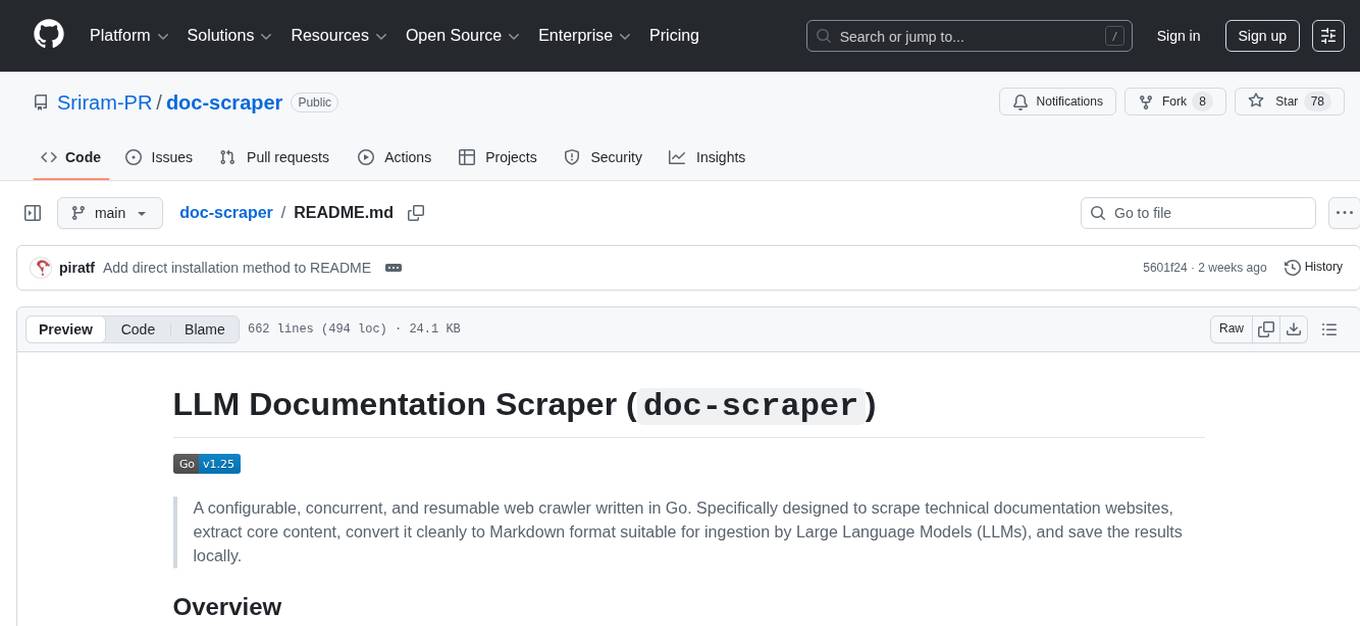
A configurable, concurrent, and resumable web crawler written in Go, specifically designed to scrape technical documentation websites, extract core content, convert it cleanly to Markdown format suitable for ingestion by Large Language Models (LLMs), and save the results locally. The tool is built for LLM training and RAG systems, preserving documentation structure, offering production-ready features like resumable crawls and rate limiting, and using Go's concurrency model for efficient parallel processing. It automates the process of gathering and cleaning web-based documentation for use with Large Language Models, providing a dataset that is text-focused, structured, cleaned, and locally accessible.
README:

A configurable, concurrent, and resumable web crawler written in Go. Specifically designed to scrape technical documentation websites, extract core content, convert it cleanly to Markdown format suitable for ingestion by Large Language Models (LLMs), and save the results locally.
This project provides a powerful command-line tool to crawl documentation sites based on settings defined in a config.yaml file. It navigates the site structure, extracts content from specified HTML sections using CSS selectors, and converts it into clean Markdown files.
- Built for LLM Training & RAG Systems - Creates clean, consistent Markdown optimized for ingestion
- Preserves Documentation Structure - Maintains the original site hierarchy for context preservation
- Production-Ready Features - Offers resumable crawls, rate limiting, and graceful error handling
- High Performance - Uses Go's concurrency model for efficient parallel processing
The main objective of this tool is to automate the often tedious process of gathering and cleaning web-based documentation for use with Large Language Models. By converting structured web content into clean Markdown, it aims to provide a dataset that is:
- Text-Focused: Prioritizes the textual content extracted via CSS selectors
- Structured: Maintains the directory hierarchy of the original documentation site, preserving context
- Cleaned: Converts HTML to Markdown, removing web-specific markup and clutter
- Locally Accessible: Provides the content as local files for easier processing and pipeline integration
| Feature | Description |
|---|---|
| Configurable Crawling | Uses YAML for global and site-specific settings |
| Scope Control | Limits crawling by domain, path prefix, and disallowed path patterns (regex) |
| Content Extraction | Extracts main content using CSS selectors |
| HTML-to-Markdown | Converts extracted HTML to clean Markdown |
| Image Handling | Optional downloading and local rewriting of image links with domain and size filtering |
| Link Rewriting | Rewrites internal links to relative paths for local structure |
| URL-to-File Mapping | Optional TSV file logging saved file paths and their corresponding original URLs |
| YAML Metadata Output | Optional detailed YAML file per site with crawl stats and per-page metadata (including content hashes) |
| Concurrency | Configurable worker pools and semaphore-based request limits (global and per-host) |
| Rate Limiting | Configurable per-host delays with jitter |
| Robots.txt & Sitemaps | Respects robots.txt and processes discovered sitemaps |
| State Persistence | Uses BadgerDB for state; supports resuming crawls via resume subcommand |
| Graceful Shutdown | Handles SIGINT/SIGTERM with proper cleanup |
| HTTP Retries | Exponential backoff with jitter for transient errors |
| Observability | Structured logging (logrus) and optional pprof endpoint |
| Modular Code | Organized into packages for clarity and maintainability |
| CLI Utilities | Built-in validate and list-sites commands for configuration management |
| MCP Server Mode | Expose as Model Context Protocol server for Claude Code/Cursor integration |
| Auto Content Detection | Automatic framework detection (Docusaurus, MkDocs, Sphinx, GitBook, ReadTheDocs) with readability fallback |
| Parallel Site Crawling | Crawl multiple sites concurrently with shared resource management |
| Watch Mode | Scheduled periodic re-crawling with state persistence |
- Go: Version 1.25 or later
- Git: For cloning the repository
- Disk Space: Sufficient for storing crawled content and state database
Option 1: Direct Installation (Recommended)
Install the latest version directly from GitHub:
go install github.com/Sriram-PR/doc-scraper/cmd/crawler@latestThis installs the crawler binary to your GOPATH/bin directory (usually ~/go/bin or %USERPROFILE%\go\bin). Make sure this directory is in your PATH.
Option 2: Clone and Build
-
Clone the repository:
git clone https://github.com/Sriram-PR/doc-scraper.git cd doc-scraper -
Install Dependencies:
go mod tidy
-
Build the Binary:
go build -o crawler.exe ./cmd/crawler/...
This creates an executable named
crawler.exe(Windows) orcrawler(Linux/macOS) in the project root.
-
Create a basic
config.yamlfile (see Configuration section) -
Run the crawler:
./crawler crawl -site your_site_key -loglevel info
-
Find your crawled documentation in the
./crawled_docs/directory
A config.yaml file is required to run the crawler. Create this file in the project root or specify its path using the -config flag.
When configuring for LLM documentation processing, pay special attention to these settings:
-
sites.<your_site_key>.content_selector: Define precisely to capture only relevant text -
sites.<your_site_key>.allowed_domain/allowed_path_prefix: Define scope accurately -
skip_images: Set totrueglobally or per-site if images aren't needed for the LLM - Adjust concurrency/delay settings based on the target site and your resources
# Global settings (applied if not overridden by site)
default_delay_per_host: 500ms
num_workers: 8
num_image_workers: 8
max_requests: 48
max_requests_per_host: 4
output_base_dir: "./crawled_docs"
state_dir: "./crawler_state"
max_retries: 4
initial_retry_delay: 1s
max_retry_delay: 30s
semaphore_acquire_timeout: 30s
global_crawl_timeout: 0s
skip_images: false # Set to true to skip images globally
max_image_size_bytes: 10485760 # 10 MiB
enable_output_mapping: true
output_mapping_filename: "global_url_map.tsv"
enable_metadata_yaml: true
metadata_yaml_filename: "crawl_meta.yaml"

# HTTP Client Settings
http_client_settings:
  timeout: 45s
  max_idle_conns_per_host: 6

# Site-specific configurations
sites:
  # Key used with -site flag
  pytorch_docs:
    start_urls:
      - "https://pytorch.org/docs/stable/"
    allowed_domain: "pytorch.org"
    allowed_path_prefix: "/docs/stable/"
    content_selector: "article.pytorch-article .body"
    max_depth: 0 # 0 for unlimited depth
    skip_images: false
    # Override global mapping filename for this site
    output_mapping_filename: "pytorch_docs_map.txt"
    metadata_yaml_filename: "pytorch_metadata_output.yaml"
    disallowed_path_patterns:
      - "/docs/stable/.*/_modules/.*"
      - "/docs/stable/.*\.html#.*"

  tensorflow_docs:
    start_urls:
      - "https://www.tensorflow.org/guide"
      - "https://www.tensorflow.org/tutorials"
    allowed_domain: "www.tensorflow.org"
    allowed_path_prefix: "/"
    content_selector: ".devsite-article-body"
    max_depth: 0
    delay_per_host: 1s  # Site-specific override
    # Disable mapping for this site, overriding global
    enable_output_mapping: false
    enable_metadata_yaml: false
    disallowed_path_patterns:
      - "/install/.*"
- "/js/.*"| Option | Type | Description | Default |
|---|---|---|---|
default_delay_per_host |
Duration | Time to wait between requests to the same host | 500ms |
num_workers |
Integer | Number of concurrent crawl workers | 8 |
num_image_workers |
Integer | Number of concurrent image download workers | 8 |
max_requests |
Integer | Maximum concurrent requests (global) | 48 |
max_requests_per_host |
Integer | Maximum concurrent requests per host | 4 |
output_base_dir |
String | Base directory for crawled content | "./crawled_docs" |
state_dir |
String | Directory for BadgerDB state data | "./crawler_state" |
max_retries |
Integer | Maximum retry attempts for HTTP requests | 4 |
initial_retry_delay |
Duration | Initial delay for retry backoff | 1s |
max_retry_delay |
Duration | Maximum delay for retry backoff | 30s |
skip_images |
Boolean | Whether to skip downloading images | false |
max_image_size_bytes |
Integer | Maximum allowed image size |
10485760 (10 MiB) |
enable_output_mapping |
Boolean | Enable URL-to-file mapping log | false |
output_mapping_filename |
String | Filename for the URL-to-file mapping log |
"url_to_file_map.tsv" (if enabled and not set) |
enable_metadata_yaml |
Boolean | Enable detailed YAML metadata output file | false |
metadata_yaml_filename |
String | Filename for the YAML metadata output file |
"metadata.yaml" (if enabled & not set) |
http_client_settings |
Object | HTTP client configuration | (see below) |
sites |
Map | Site-specific configurations | (required) |
HTTP Client Settings: (These are global and cannot be overridden per site in the current structure)
-
timeout: Overall request timeout (Default in code:45s) -
max_idle_conns: Total idle connections (Default in code:100) -
max_idle_conns_per_host: Idle connections per host (Default in code:6) -
idle_conn_timeout: Timeout for idle connections (Default in code:90s) -
tls_handshake_timeout: TLS handshake timeout (Default in code:10s) -
expect_continue_timeout: "100 Continue" timeout (Default in code:1s) -
force_attempt_http2:null(use Go default),true, orfalse. (Default in code:null) -
dialer_timeout: TCP connection timeout (Default in code:15s) -
dialer_keep_alive: TCP keep-alive interval (Default in code:30s)
Site-Specific Configuration Options:
-
start_urls: Array of starting URLs for crawling (Required) -
allowed_domain: Restrict crawling to this domain (Required) -
allowed_path_prefix: Further restrict crawling to URLs with this prefix (Required) -
content_selector: CSS selector for main content extraction, or"auto"for automatic detection (Required) -
max_depth: Maximum crawl depth from start URLs (0 = unlimited) -
delay_per_host: Override global delay setting for this site -
disallowed_path_patterns: Array of regex patterns for URLs to skip -
skip_images: Override global image setting for this site -
allowed_image_domains: Array of domains from which to download images -
enable_output_mapping:trueorfalse. Override global URL-to-file mapping enablement for this site. -
output_mapping_filename: String. Override global URL-to-file mapping filename for this site. -
enable_metadata_yaml:trueorfalse. Override global YAML metadata output enablement for this site. -
metadata_yaml_filename: String. Override global YAML metadata filename for this site.
Execute the compiled binary from the project root directory:
./crawler <command> [options]| Command | Description |
|---|---|
crawl |
Start a fresh crawl |
resume |
Resume an interrupted crawl |
validate |
Validate configuration file without crawling |
list-sites |
List available site keys from config |
mcp-server |
Start MCP server for AI tool integration |
watch |
Watch sites and re-crawl on schedule |
version |
Show version information |
crawl / resume:
| Flag | Description | Default |
|---|---|---|
-config <path> |
Path to config file | config.yaml |
-site <key> |
Site key from config (single site) | - |
-sites <keys> |
Comma-separated site keys for parallel crawling | - |
--all-sites |
Crawl all configured sites in parallel | false |
-loglevel <level> |
Log level (debug, info, warn, error, fatal) |
info |
-pprof <addr> |
pprof server address (empty to disable) | localhost:6060 |
-write-visited-log |
Write visited URLs log on completion | false |
-incremental |
Enable incremental crawling (skip unchanged pages) | false |
-full |
Force full crawl (ignore incremental settings) | false |
Note: One of -site, -sites, or --all-sites is required.
validate:
| Flag | Description | Default |
|---|---|---|
-config <path> |
Path to config file | config.yaml |
-site <key> |
Site key to validate (optional, validates all if empty) | - |
list-sites:
| Flag | Description | Default |
|---|---|---|
-config <path> |
Path to config file | config.yaml |
mcp-server:
| Flag | Description | Default |
|---|---|---|
-config <path> |
Path to config file | config.yaml |
-transport <type> |
Transport type (stdio, sse) |
stdio |
-port <num> |
HTTP port (for SSE transport) | 8080 |
-loglevel <level> |
Log level (debug, info, warn, error) |
info |
watch:
| Flag | Description | Default |
|---|---|---|
-config <path> |
Path to config file | config.yaml |
-site <key> |
Site key to watch (single site) | - |
-sites <keys> |
Comma-separated site keys to watch | - |
--all-sites |
Watch all configured sites | false |
-interval <duration> |
Crawl interval (e.g., 1h, 24h, 7d) |
24h |
-loglevel <level> |
Log level (debug, info, warn, error) |
info |
Note: One of -site, -sites, or --all-sites is required.
Basic Crawl:
./crawler crawl -site tensorflow_docs -loglevel infoResume a Large Crawl:
./crawler resume -site pytorch_docs -loglevel infoValidate Configuration:
./crawler validate -config config.yaml
./crawler validate -site pytorch_docs  # Validate specific site
List Available Sites:
./crawler list-sitesHigh Performance Crawl with Profiling:
./crawler crawl -site small_docs -loglevel warn -pprof localhost:6060Debug Mode for Troubleshooting:
./crawler crawl -site test_site -loglevel debugParallel Crawl of Multiple Sites:
./crawler crawl -sites pytorch_docs,tensorflow_docs,langchain_docsCrawl All Configured Sites:
./crawler crawl --all-sitesStart MCP Server for Claude Desktop:
./crawler mcp-server -config config.yamlStart MCP Server with SSE Transport:
./crawler mcp-server -config config.yaml -transport sse -port 8080Crawled content is saved under the output_base_dir defined in the config, organized by domain and preserving the site structure:
<output_base_dir>/
└── <sanitized_allowed_domain>/  # e.g., docs.example.com
    ├── images/                 # Only present if skip_images: false
    │   ├── image1.png
    │   └── image2.jpg
    ├── index.md                # Markdown for the root path
    ├── <metadata_yaml_filename.yaml>
    ├── <output_mapping_filename.tsv>
    ├── topic_one/
    │   ├── index.md
    │   └── subtopic_a.md
    └── topic_two.md
    └── ... (files/dirs mirroring site structure)
Each generated Markdown file contains:
- Original page title as level-1 heading
- Clean content converted from HTML to Markdown
- Relative links to other pages (when within the allowed domain)
- Local image references (if images are enabled)
- A footer with metadata including source URL and crawl timestamp
After a successful crawl for a specific site, the crawler automatically generates a text file named <sanitized_domain>_structure.txt within the global output_base_dir (alongside the site's content folder). This file contains a visual tree representation of the generated directory structure for the crawled site, which can be helpful for verification and analysis.
Example Location:
If output_base_dir is ./crawled_docs and you crawled docs.example.com, the structure file will be:
./crawled_docs/docs.example.com_structure.txt
When enabled via configuration, the crawler generates a mapping file (typically a .tsv or .txt file) for each crawled site. This file logs each successfully processed page's final absolute URL and the corresponding local filesystem path where its content was saved.
Format:
Each line in the file typically follows a tab-separated format:
<FINAL_ABSOLUTE_URL><TAB><LOCAL_FILESYSTEM_PATH>
This feature is controlled by the enable_output_mapping and output_mapping_filename settings in config.yaml.
In addition to (or instead of) the simple TSV mapping, the crawler can generate a comprehensive YAML file for each crawled site. This file (metadata.yaml by default, configurable) contains overall crawl statistics and detailed metadata for every successfully processed page.
The filename can be configured globally and overridden per site using enable_metadata_yaml and metadata_yaml_filename in config.yaml.
When you set content_selector: "auto" for a site, the crawler automatically detects the documentation framework and applies the appropriate content selector.
| Framework | Detection Method | Default Selector |
|---|---|---|
| Docusaurus |
data-docusaurus attribute, __docusaurus marker |
article[class*='theme-doc'] |
| MkDocs Material |
data-md-component attribute, .md-content class |
article.md-content__inner |
| Sphinx |
searchindex.js, sphinxsidebar class |
div.document, div.body |
| ReadTheDocs |
readthedocs scripts, .rst-content class |
.rst-content |
| GitBook |
gitbook class patterns, markdown-section
|
section.normal.markdown-section |
If no known framework is detected, the crawler uses Mozilla's Readability algorithm to automatically extract the main content from the page. This provides reliable content extraction for most documentation sites without manual configuration.
sites:
  pytorch_docs:
    start_urls:
      - "https://pytorch.org/docs/stable/"
    allowed_domain: "pytorch.org"
    allowed_path_prefix: "/docs/stable/"
    content_selector: "auto"  # Auto-detect framework
max_depth: 0Crawl multiple documentation sites concurrently with shared resource management. The orchestrator coordinates multiple crawlers while respecting global rate limits and semaphores.
# Crawl specific sites in parallel
./crawler crawl -sites pytorch_docs,tensorflow_docs,langchain_docs

# Crawl all configured sites
./crawler crawl --all-sites

# Resume parallel crawl
./crawler resume -sites pytorch_docs,tensorflow_docsWhen running parallel crawls, the following resources are shared across all site crawlers:
- Global semaphore: Limits total concurrent requests across all sites
- HTTP client: Shared connection pooling
- Rate limiter: Respects per-host delays
Each site still maintains its own:
- BadgerDB store for state persistence
- Output directory for crawled content
- Per-host semaphores for domain-specific limiting
After all sites complete, the orchestrator outputs a summary:
===========================================
Parallel crawl completed in 2m30s
Site Results:
  pytorch_docs: SUCCESS - 1500 pages in 1m20s
  tensorflow_docs: SUCCESS - 2000 pages in 2m15s
  langchain_docs: FAILED - 0 pages in 10s
    Error: site 'langchain_docs' not found in configuration
-------------------------------------------
Total: 3 sites (2 success, 1 failed), 3500 pages processed
===========================================
Watch mode enables scheduled periodic re-crawling of documentation sites. The scheduler tracks the last run time for each site and automatically triggers crawls when the configured interval has elapsed.
# Watch a single site with 24-hour interval
./crawler watch -site pytorch_docs -interval 24h

# Watch multiple sites
./crawler watch -sites pytorch_docs,tensorflow_docs -interval 12h

# Watch all configured sites weekly
./crawler watch --all-sites -interval 7dThe interval supports standard Go duration format plus day units:
-
30m- 30 minutes -
1h- 1 hour -
24h- 24 hours -
7d- 7 days -
1d12h- 1 day and 12 hours
Watch mode persists state to <state_dir>/watch_state.json, tracking:
- Last run time for each site
- Success/failure status
- Pages processed
- Error messages (if any)
This allows the scheduler to resume correctly after restarts, only running sites when their interval has elapsed.
INFO Starting watch mode for 2 sites with interval 24h0m0s
INFO Watch schedule:
INFO   pytorch_docs: last run 2024-01-15T10:30:00Z (success, 1500 pages), next run 2024-01-16T10:30:00Z
INFO   tensorflow_docs: never run, will run immediately
INFO Running crawl for 1 due sites: [tensorflow_docs]
...
INFO Next crawl: pytorch_docs in 23h45m (at 10:30:00)
Watch mode handles SIGINT/SIGTERM gracefully, completing any in-progress crawls before exiting.
The crawler can run as a Model Context Protocol (MCP) server, enabling integration with AI assistants like Claude Code and Cursor.
| Tool | Description |
|---|---|
list_sites |
List all configured sites from config file |
get_page |
Fetch a single URL and return content as markdown |
crawl_site |
Start a background crawl for a site (returns job ID) |
get_job_status |
Check the status of a background crawl job |
search_crawled |
Search previously crawled content in JSONL files |
Stdio Transport (for Claude Desktop/Cursor):
./crawler mcp-server -config config.yamlSSE Transport (HTTP-based):
./crawler mcp-server -config config.yaml -transport sse -port 8080Add to your Claude Code configuration (claude_code_config.json):
{
  "mcpServers": {
    "doc-scraper": {
      "command": "/path/to/crawler",
      "args": ["mcp-server", "-config", "/path/to/config.yaml"]
    }
  }
}List available sites:
Tool: list_sites
Result: Returns all configured sites with their domains and crawl status
Fetch a single page:
Tool: get_page
Arguments: { "url": "https://docs.example.com/guide", "content_selector": "article" }
Result: Returns page content as markdown with metadata
Start a background crawl:
Tool: crawl_site
Arguments: { "site_key": "pytorch_docs", "incremental": true }
Result: Returns job ID for tracking progress
Check crawl progress:
Tool: get_job_status
Arguments: { "job_id": "abc-123-def" }
Result: Returns status, pages processed, and completion info
Search crawled content:
Tool: search_crawled
Arguments: { "query": "neural network", "site_key": "pytorch_docs", "max_results": 10 }
Result: Returns matching pages with snippets
Contributions are welcome! Please feel free to open an issue to discuss bugs, suggest features, or propose changes.
Pull Request Process:
- Fork the repository
- Create a feature branch (
git checkout -b feature/amazing-feature) - Commit your changes (
git commit -m 'Add some amazing feature') - Push to the branch (
git push origin feature/amazing-feature) - Open a Pull Request
Please ensure code adheres to Go best practices and includes appropriate documentation.
This project is licensed under the Apache-2.0 License.
- GoQuery for HTML parsing
- html-to-markdown for conversion
- BadgerDB for state persistence
- Logrus for structured logging
- mcp-go for MCP server implementation
- go-readability for content extraction fallback
For Tasks:
Click tags to check more tools for each tasksFor Jobs:
Alternative AI tools for doc-scraper
Similar Open Source Tools
doc-scraper
A configurable, concurrent, and resumable web crawler written in Go, specifically designed to scrape technical documentation websites, extract core content, convert it cleanly to Markdown format suitable for ingestion by Large Language Models (LLMs), and save the results locally. The tool is built for LLM training and RAG systems, preserving documentation structure, offering production-ready features like resumable crawls and rate limiting, and using Go's concurrency model for efficient parallel processing. It automates the process of gathering and cleaning web-based documentation for use with Large Language Models, providing a dataset that is text-focused, structured, cleaned, and locally accessible.
cli
Firecrawl CLI is a command-line interface tool that allows users to scrape, crawl, and extract data from any website directly from the terminal. It provides various commands for tasks such as scraping single URLs, searching the web, mapping URLs on a website, crawling entire websites, checking credit usage, running AI-powered web data extraction, launching browser sandbox sessions, configuring settings, and viewing current configuration. The tool offers options for authentication, output handling, tips & tricks, CI/CD usage, and telemetry. Users can interact with the tool to perform web scraping tasks efficiently and effectively.

tokscale
Tokscale is a high-performance CLI tool and visualization dashboard for tracking token usage and costs across multiple AI coding agents. It helps monitor and analyze token consumption from various AI coding tools, providing real-time pricing calculations using LiteLLM's pricing data. Inspired by the Kardashev scale, Tokscale measures token consumption as users scale the ranks of AI-augmented development. It offers interactive TUI mode, multi-platform support, real-time pricing, detailed breakdowns, web visualization, flexible filtering, and social platform features.
gpt-load
GPT-Load is a high-performance, enterprise-grade AI API transparent proxy service designed for enterprises and developers needing to integrate multiple AI services. Built with Go, it features intelligent key management, load balancing, and comprehensive monitoring capabilities for high-concurrency production environments. The tool serves as a transparent proxy service, preserving native API formats of various AI service providers like OpenAI, Google Gemini, and Anthropic Claude. It supports dynamic configuration, distributed leader-follower deployment, and a Vue 3-based web management interface. GPT-Load is production-ready with features like dual authentication, graceful shutdown, and error recovery.
atlas-mcp-server
ATLAS (Adaptive Task & Logic Automation System) is a high-performance Model Context Protocol server designed for LLMs to manage complex task hierarchies. Built with TypeScript, it features ACID-compliant storage, efficient task tracking, and intelligent template management. ATLAS provides LLM Agents task management through a clean, flexible tool interface. The server implements the Model Context Protocol (MCP) for standardized communication between LLMs and external systems, offering hierarchical task organization, task state management, smart templates, enterprise features, and performance optimization.
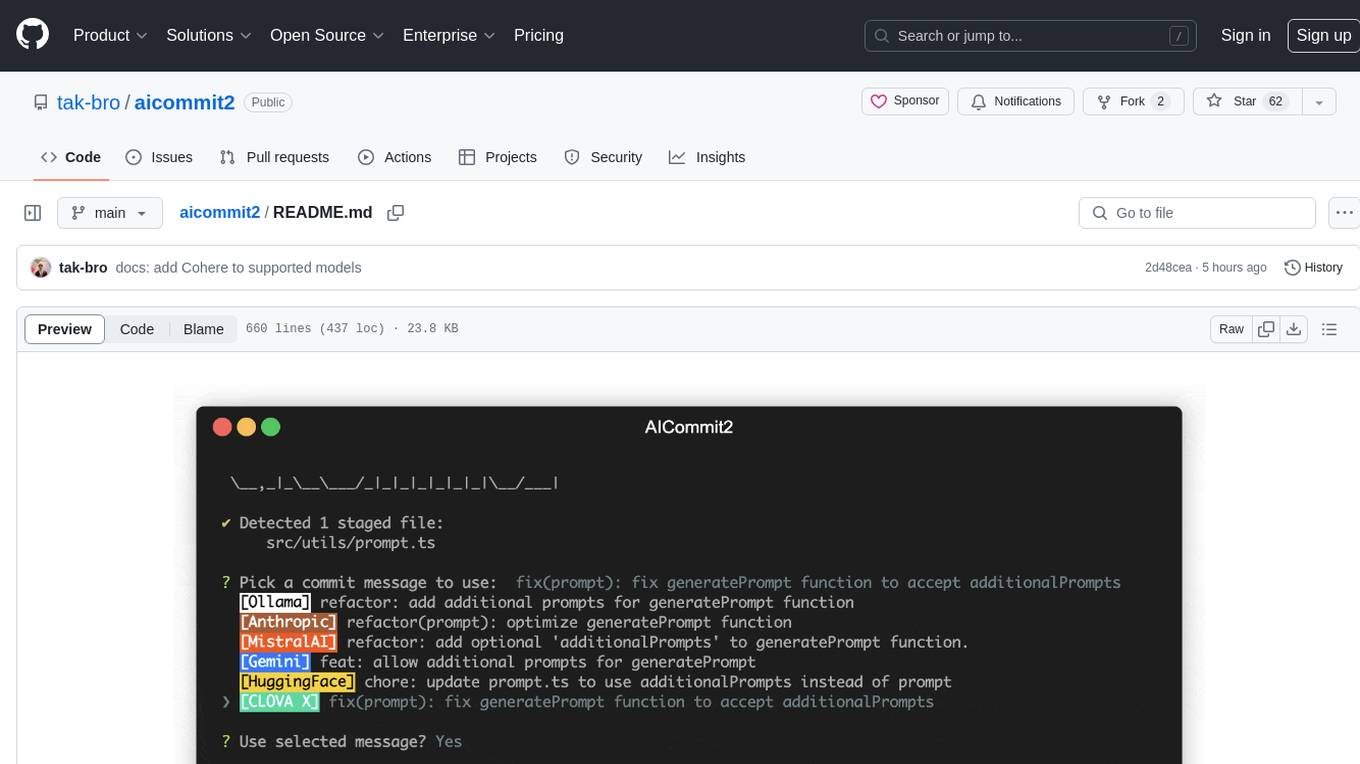
aicommit2
AICommit2 is a Reactive CLI tool that streamlines interactions with various AI providers such as OpenAI, Anthropic Claude, Gemini, Mistral AI, Cohere, and unofficial providers like Huggingface and Clova X. Users can request multiple AI simultaneously to generate git commit messages without waiting for all AI responses. The tool runs 'git diff' to grab code changes, sends them to configured AI, and returns the AI-generated commit message. Users can set API keys or Cookies for different providers and configure options like locale, generate number of messages, commit type, proxy, timeout, max-length, and more. AICommit2 can be used both locally with Ollama and remotely with supported providers, offering flexibility and efficiency in generating commit messages.
probe
Probe is an AI-friendly, fully local, semantic code search tool designed to power the next generation of AI coding assistants. It combines the speed of ripgrep with the code-aware parsing of tree-sitter to deliver precise results with complete code blocks, making it perfect for large codebases and AI-driven development workflows. Probe supports various features like AI-friendly code extraction, fully local operation without external APIs, fast scanning of large codebases, accurate code structure parsing, re-rankers and NLP methods for better search results, multi-language support, interactive AI chat mode, and flexibility to run as a CLI tool, MCP server, or interactive AI chat.
code-cli
Autohand Code CLI is an autonomous coding agent in CLI form that uses the ReAct pattern to understand, plan, and execute code changes. It is designed for seamless coding experience without context switching or copy-pasting. The tool is fast, intuitive, and extensible with modular skills. It can be used to automate coding tasks, enforce code quality, and speed up development. Autohand can be integrated into team workflows and CI/CD pipelines to enhance productivity and efficiency.
git-mcp-server
A secure and scalable Git MCP server providing AI agents with powerful version control capabilities for local and serverless environments. It offers 28 comprehensive Git operations organized into seven functional categories, resources for contextual information about the Git environment, and structured prompt templates for guiding AI agents through complex workflows. The server features declarative tools, robust error handling, pluggable authentication, abstracted storage, full-stack observability, dependency injection, and edge-ready architecture. It also includes specialized features for Git integration such as cross-runtime compatibility, provider-based architecture, optimized Git execution, working directory management, configurable Git identity, safety features, and commit signing.

mcp-devtools
MCP DevTools is a high-performance server written in Go that replaces multiple Node.js and Python-based servers. It provides access to essential developer tools through a unified, modular interface. The server is efficient, with minimal memory footprint and fast response times. It offers a comprehensive tool suite for agentic coding, including 20+ essential developer agent tools. The tool registry allows for easy addition of new tools. The server supports multiple transport modes, including STDIO, HTTP, and SSE. It includes a security framework for multi-layered protection and a plugin system for adding new tools.
worker-vllm
The worker-vLLM repository provides a serverless endpoint for deploying OpenAI-compatible vLLM models with blazing-fast performance. It supports deploying various model architectures, such as Aquila, Baichuan, BLOOM, ChatGLM, Command-R, DBRX, DeciLM, Falcon, Gemma, GPT-2, GPT BigCode, GPT-J, GPT-NeoX, InternLM, Jais, LLaMA, MiniCPM, Mistral, Mixtral, MPT, OLMo, OPT, Orion, Phi, Phi-3, Qwen, Qwen2, Qwen2MoE, StableLM, Starcoder2, Xverse, and Yi. Users can deploy models using pre-built Docker images or build custom images with specified arguments. The repository also supports OpenAI compatibility for chat completions, completions, and models, with customizable input parameters. Users can modify their OpenAI codebase to use the deployed vLLM worker and access a list of available models for deployment.
paperbanana
PaperBanana is an automated academic illustration tool designed for AI scientists. It implements an agentic framework for generating publication-quality academic diagrams and statistical plots from text descriptions. The tool utilizes a two-phase multi-agent pipeline with iterative refinement, Gemini-based VLM planning, and image generation. It offers a CLI, Python API, and MCP server for IDE integration, along with Claude Code skills for generating diagrams, plots, and evaluating diagrams. PaperBanana is not affiliated with or endorsed by the original authors or Google Research, and it may differ from the original system described in the paper.
mdream
Mdream is a lightweight and user-friendly markdown editor designed for developers and writers. It provides a simple and intuitive interface for creating and editing markdown files with real-time preview. The tool offers syntax highlighting, markdown formatting options, and the ability to export files in various formats. Mdream aims to streamline the writing process and enhance productivity for individuals working with markdown documents.

BricksLLM
BricksLLM is a cloud native AI gateway written in Go. Currently, it provides native support for OpenAI, Anthropic, Azure OpenAI and vLLM. BricksLLM aims to provide enterprise level infrastructure that can power any LLM production use cases. Here are some use cases for BricksLLM: * Set LLM usage limits for users on different pricing tiers * Track LLM usage on a per user and per organization basis * Block or redact requests containing PIIs * Improve LLM reliability with failovers, retries and caching * Distribute API keys with rate limits and cost limits for internal development/production use cases * Distribute API keys with rate limits and cost limits for students
ai-coders-context
The @ai-coders/context repository provides the Ultimate MCP for AI Agent Orchestration, Context Engineering, and Spec-Driven Development. It simplifies context engineering for AI by offering a universal process called PREVC, which consists of Planning, Review, Execution, Validation, and Confirmation steps. The tool aims to address the problem of context fragmentation by introducing a single `.context/` directory that works universally across different tools. It enables users to create structured documentation, generate agent playbooks, manage workflows, provide on-demand expertise, and sync across various AI tools. The tool follows a structured, spec-driven development approach to improve AI output quality and ensure reproducible results across projects.
augustus
Augustus is a Go-based LLM vulnerability scanner designed for security professionals to test large language models against a wide range of adversarial attacks. It integrates with 28 LLM providers, covers 210+ adversarial attacks including prompt injection, jailbreaks, encoding exploits, and data extraction, and produces actionable vulnerability reports. The tool is built for production security testing with features like concurrent scanning, rate limiting, retry logic, and timeout handling out of the box.
For similar tasks
doc-scraper
A configurable, concurrent, and resumable web crawler written in Go, specifically designed to scrape technical documentation websites, extract core content, convert it cleanly to Markdown format suitable for ingestion by Large Language Models (LLMs), and save the results locally. The tool is built for LLM training and RAG systems, preserving documentation structure, offering production-ready features like resumable crawls and rate limiting, and using Go's concurrency model for efficient parallel processing. It automates the process of gathering and cleaning web-based documentation for use with Large Language Models, providing a dataset that is text-focused, structured, cleaned, and locally accessible.
firecrawl
Firecrawl is an API service that takes a URL, crawls it, and converts it into clean markdown. It crawls all accessible subpages and provides clean markdown for each, without requiring a sitemap. The API is easy to use and can be self-hosted. It also integrates with Langchain and Llama Index. The Python SDK makes it easy to crawl and scrape websites in Python code.
sosumi.ai
sosumi.ai provides Apple Developer documentation in an AI-readable format by converting JavaScript-rendered pages into Markdown. It offers an HTTP API to access Apple docs, supports external Swift-DocC sites, integrates with MCP server, and provides tools like searchAppleDocumentation and fetchAppleDocumentation. The project can be self-hosted and is currently hosted on Cloudflare Workers. It is built with Hono and supports various runtimes. The application is designed for accessibility-first, on-demand rendering of Apple Developer pages to Markdown.
pi-browser
Pi-Browser is a CLI tool for automating browsers based on multiple AI models. It supports various AI models like Google Gemini, OpenAI, Anthropic Claude, and Ollama. Users can control the browser using natural language commands and perform tasks such as web UI management, Telegram bot integration, Notion integration, extension mode for maintaining Chrome login status, parallel processing with multiple browsers, and offline execution with the local AI model Ollama.
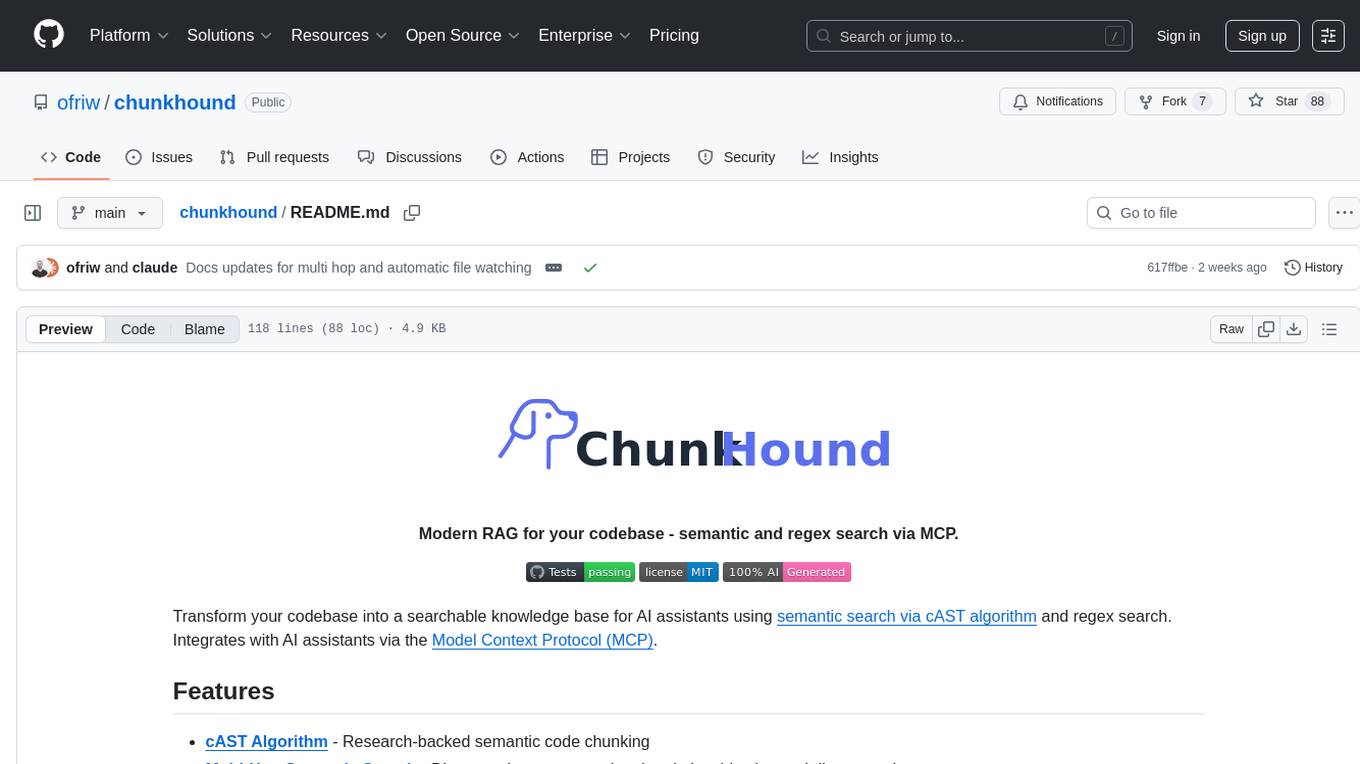
chunkhound
ChunkHound is a modern tool for transforming your codebase into a searchable knowledge base for AI assistants. It utilizes semantic search via the cAST algorithm and regex search, integrating with AI assistants through the Model Context Protocol (MCP). With features like cAST Algorithm, Multi-Hop Semantic Search, Regex search, and support for 22 languages, ChunkHound offers a local-first approach to code analysis and discovery. It provides intelligent code discovery, universal language support, and real-time indexing capabilities, making it a powerful tool for developers looking to enhance their coding experience.
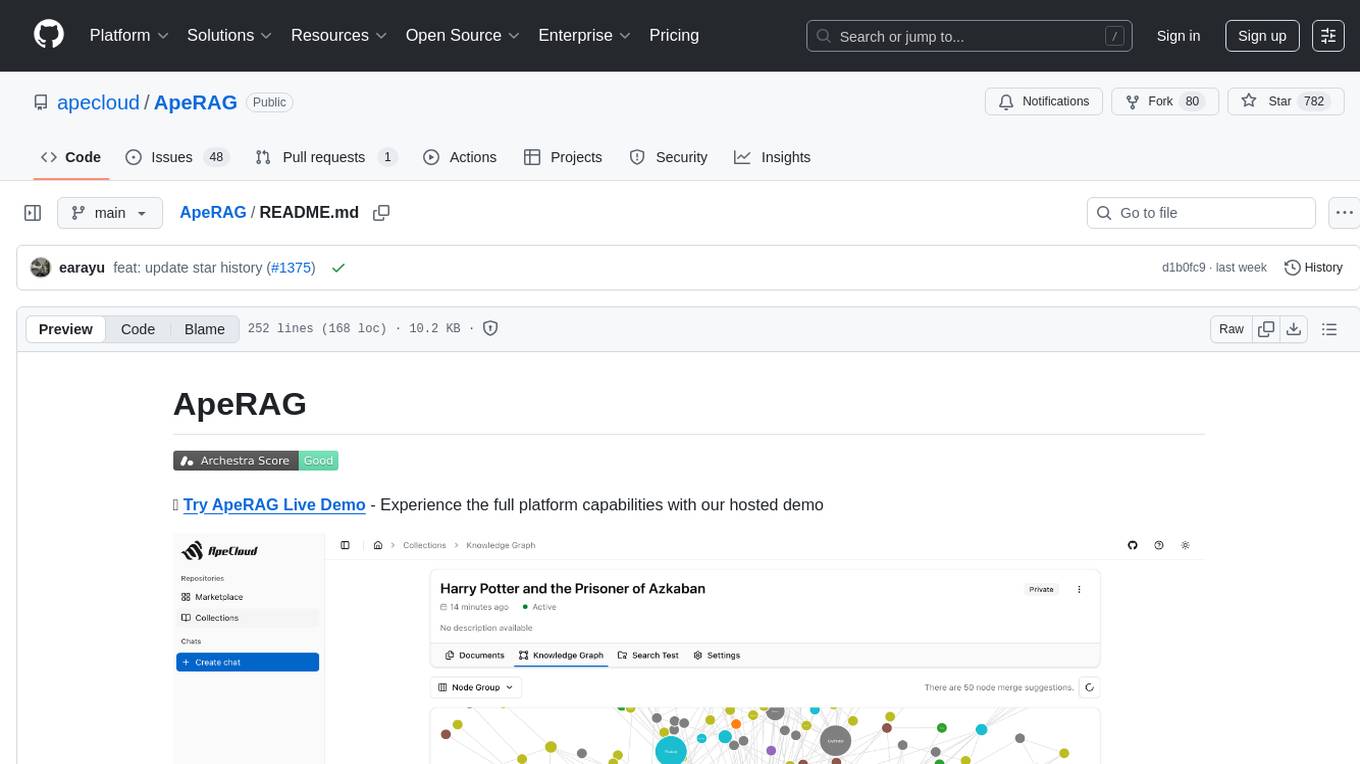
ApeRAG
ApeRAG is a production-ready platform for Retrieval-Augmented Generation (RAG) that combines Graph RAG, vector search, and full-text search with advanced AI agents. It is ideal for building Knowledge Graphs, Context Engineering, and deploying intelligent AI agents for autonomous search and reasoning across knowledge bases. The platform offers features like advanced index types, intelligent AI agents with MCP support, enhanced Graph RAG with entity normalization, multimodal processing, hybrid retrieval engine, MinerU integration for document parsing, production-grade deployment with Kubernetes, enterprise management features, MCP integration, and developer-friendly tools for customization and contribution.
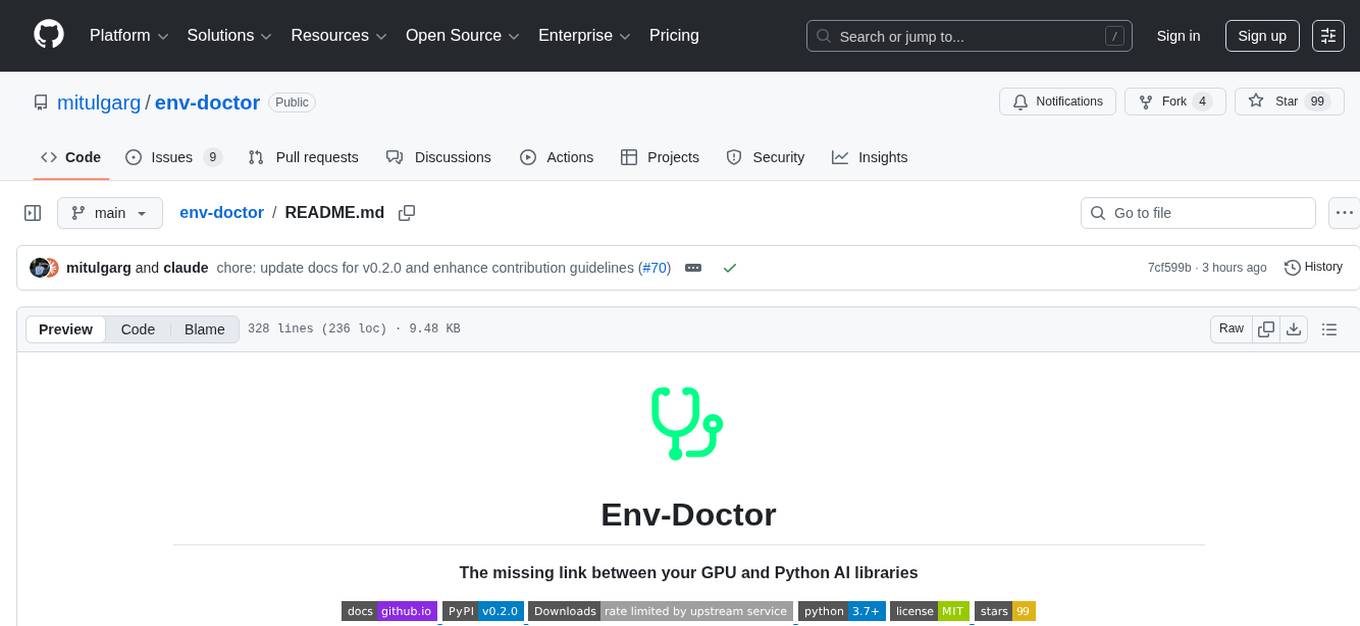
env-doctor
Env-Doctor is a tool designed to diagnose and fix mismatched CUDA versions between NVIDIA driver, system toolkit, cuDNN, and Python libraries, providing a quick solution to the common frustration in GPU computing. It offers one-command diagnosis, safe install commands, extension library support, AI model compatibility checks, WSL2 GPU support, deep CUDA analysis, container validation, MCP server integration, and CI/CD readiness. The tool helps users identify and resolve environment issues efficiently, ensuring smooth operation of AI libraries on their GPUs.
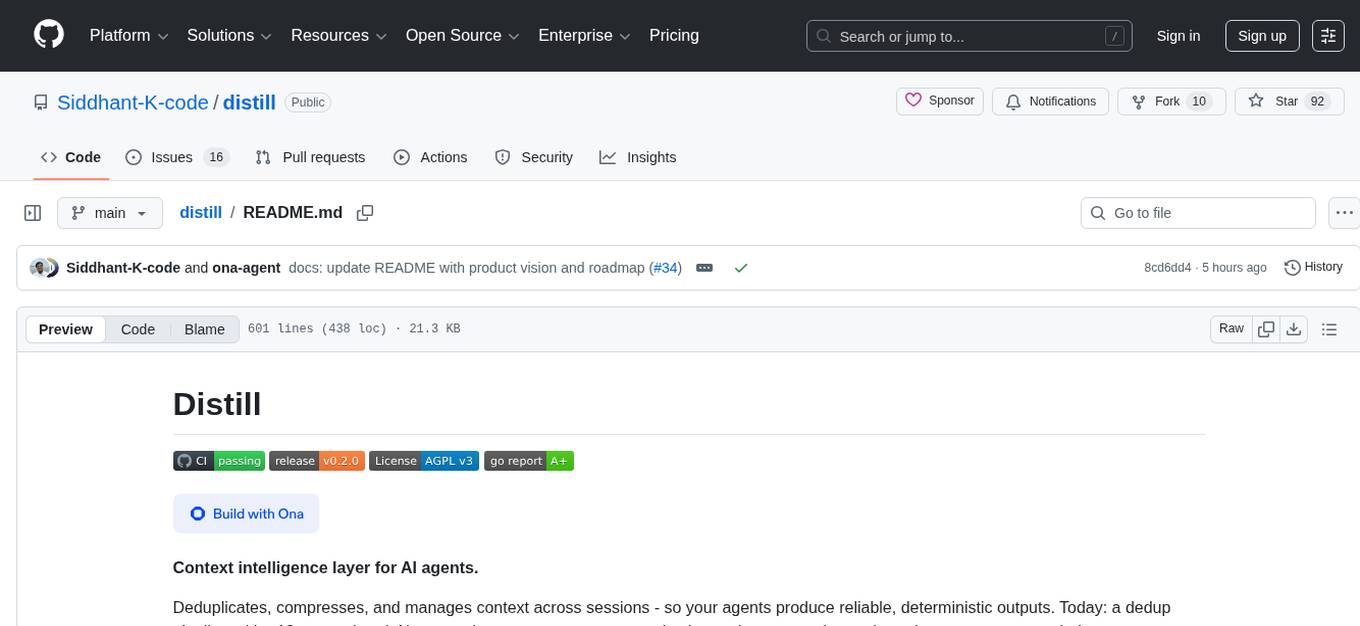
distill
Distill is a reliability layer for LLM context that provides deterministic deduplication to remove redundancy before reaching the model. It aims to reduce redundant data, lower costs, provide faster responses, and offer more efficient and deterministic results. The tool works by deduplicating, compressing, summarizing, and caching context to ensure reliable outputs. It offers various installation methods, including binary download, Go install, Docker usage, and building from source. Distill can be used for tasks like deduplicating chunks, connecting to vector databases, integrating with AI assistants, analyzing files for duplicates, syncing vectors to Pinecone, querying from the command line, and managing configuration files. The tool supports self-hosting via Docker, Docker Compose, building from source, Fly.io deployment, Render deployment, and Railway integration. Distill also provides monitoring capabilities with Prometheus-compatible metrics, Grafana dashboard, and OpenTelemetry tracing.
For similar jobs

weave
Weave is a toolkit for developing Generative AI applications, built by Weights & Biases. With Weave, you can log and debug language model inputs, outputs, and traces; build rigorous, apples-to-apples evaluations for language model use cases; and organize all the information generated across the LLM workflow, from experimentation to evaluations to production. Weave aims to bring rigor, best-practices, and composability to the inherently experimental process of developing Generative AI software, without introducing cognitive overhead.

LLMStack
LLMStack is a no-code platform for building generative AI agents, workflows, and chatbots. It allows users to connect their own data, internal tools, and GPT-powered models without any coding experience. LLMStack can be deployed to the cloud or on-premise and can be accessed via HTTP API or triggered from Slack or Discord.

VisionCraft
The VisionCraft API is a free API for using over 100 different AI models. From images to sound.

kaito
Kaito is an operator that automates the AI/ML inference model deployment in a Kubernetes cluster. It manages large model files using container images, avoids tuning deployment parameters to fit GPU hardware by providing preset configurations, auto-provisions GPU nodes based on model requirements, and hosts large model images in the public Microsoft Container Registry (MCR) if the license allows. Using Kaito, the workflow of onboarding large AI inference models in Kubernetes is largely simplified.

PyRIT
PyRIT is an open access automation framework designed to empower security professionals and ML engineers to red team foundation models and their applications. It automates AI Red Teaming tasks to allow operators to focus on more complicated and time-consuming tasks and can also identify security harms such as misuse (e.g., malware generation, jailbreaking), and privacy harms (e.g., identity theft). The goal is to allow researchers to have a baseline of how well their model and entire inference pipeline is doing against different harm categories and to be able to compare that baseline to future iterations of their model. This allows them to have empirical data on how well their model is doing today, and detect any degradation of performance based on future improvements.

tabby
Tabby is a self-hosted AI coding assistant, offering an open-source and on-premises alternative to GitHub Copilot. It boasts several key features: * Self-contained, with no need for a DBMS or cloud service. * OpenAPI interface, easy to integrate with existing infrastructure (e.g Cloud IDE). * Supports consumer-grade GPUs.

spear
SPEAR (Simulator for Photorealistic Embodied AI Research) is a powerful tool for training embodied agents. It features 300 unique virtual indoor environments with 2,566 unique rooms and 17,234 unique objects that can be manipulated individually. Each environment is designed by a professional artist and features detailed geometry, photorealistic materials, and a unique floor plan and object layout. SPEAR is implemented as Unreal Engine assets and provides an OpenAI Gym interface for interacting with the environments via Python.

Magick
Magick is a groundbreaking visual AIDE (Artificial Intelligence Development Environment) for no-code data pipelines and multimodal agents. Magick can connect to other services and comes with nodes and templates well-suited for intelligent agents, chatbots, complex reasoning systems and realistic characters.