


mcp-server
The UI5 MCP server improves the developer experience when working with agentic AI and the UI5 framework.
Stars: 61
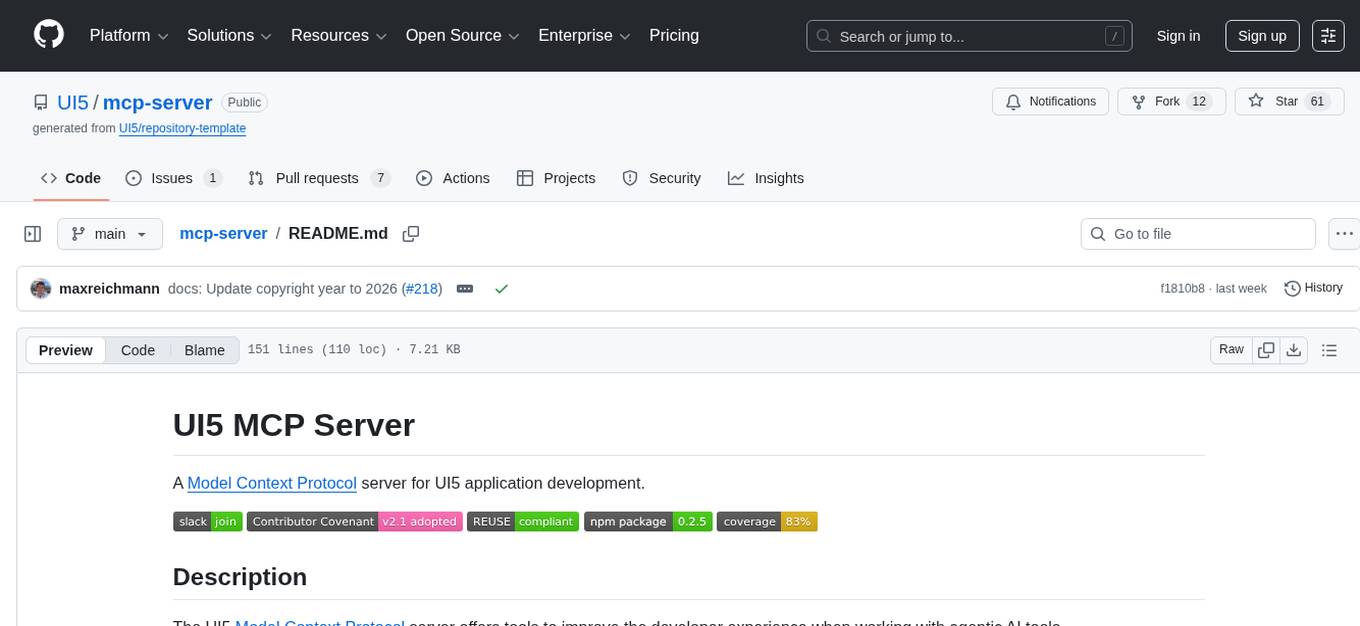
The UI5 Model Context Protocol server offers tools to improve the developer experience when working with agentic AI tools. It helps with creating new UI5 projects, detecting and fixing UI5-specific errors, and providing additional UI5-specific information for agentic AI tools. The server supports various tools such as scaffolding new UI5 applications, fetching UI5 API documentation, providing UI5 development best practices, extracting metadata and configuration from UI5 projects, retrieving version information for the UI5 framework, analyzing and reporting issues in UI5 code, offering guidelines for converting UI5 applications to TypeScript, providing UI Integration Cards development best practices, scaffolding new UI Integration Cards, and validating the manifest against the UI5 Manifest schema. The server requires Node.js and npm versions specified, along with an MCP client like VS Code or Cline. Configuration options are available for customizing the server's behavior, and specific setup instructions are provided for MCP clients like VS Code and Cline.
README:
A Model Context Protocol server for UI5 application development.




The UI5 Model Context Protocol server offers tools to improve the developer experience when working with agentic AI tools.
- Helps with the creation of new UI5 projects when working with agentic AI tools
- Supports the developer to detect and fix UI5-specific errors in the code
- Provides additional UI5-specific information for agentic AI tools
[!TIP] Make sure to also check out our announcement blog post in the SAP Community!
-
create_ui5_app: Scaffolds a new UI5 application based on a set of templates. -
get_api_reference: Fetches and formats UI5 API documentation. -
get_guidelines: Provides access to UI5 development best practices. -
get_project_info: Extracts metadata and configuration from a UI5 project. -
get_version_info: Retrieves version information for the UI5 framework. -
run_ui5_linter: Integrates with@ui5/linterto analyze and report issues in UI5 code. -
get_typescript_conversion_guidelines: Provides guidelines for converting UI5 applications and controls from JavaScript to TypeScript. -
get_integration_cards_guidelines: Provides access to UI Integration Cards development best practices. -
create_integration_card: Scaffolds a new UI Integration Card. -
run_manifest_validation: Validates the manifest against the UI5 Manifest schema.
- Node.js Version v20.17.0, v22.9.0 or higher
- npm Version v8.0.0 or higher
- An MCP client such as VS Code, Cline, or any other MCP-compatible client
This configuration works for most MCP clients:
{
	"mcpServers": {
		"@ui5/mcp-server": {
			"type": "stdio",
			"command": "npx",
			"args": [
				"@ui5/mcp-server"
			]
		}
	}
}The UI5 MCP server can be configured using the following environment variables. It does not accept any command-line arguments.
Custom Configuration Example:
{
	"mcpServers": {
		"@ui5/mcp-server": {
			"type": "stdio",
			"command": "npx",
			"args": [
				"@ui5/mcp-server"
			],
			"env": {
				"UI5_MCP_SERVER_ALLOWED_DOMAINS": "localhost, services.odata.org",
				"UI5_LOG_LVL": "verbose",
				"UI5_DATA_DIR": "/change-me/to/some/other/path",
			}
		}
	}
}
Configuration Options:
-
UI5_MCP_SERVER_ALLOWED_DOMAINS:- Default Value:
localhost, services.odata.org - Description: A comma-separated list of domains that are allowed to be used in various tools, for example:
localhost, example.com, sub.example.com. Set to an empty string to allow any domains. For wildcard subdomains, prefix the domain with a dot:.example.com. This will matchwww.example.combut notexample.com.
- Default Value:
-
UI5_MCP_SERVER_RESPONSE_NO_STRUCTURED_CONTENT:- Description: Set to any value to disable structured content in the MCP server responses.
-
UI5_MCP_SERVER_RESPONSE_NO_RESOURCES:- Description: Set to any value to disable resources in the MCP server responses. This is useful for clients that do not support resources, such as Cursor or the Gemini CLI.
-
UI5_LOG_LVL:- Default Value:
info - Description: Internal log level:
silent,error,warn,info,perf,verbose,silly
- Default Value:
-
UI5_DATA_DIR:- Default Value: The
.ui5directory in the user's home directory - Description: Directory where the MCP server stores its data, such as cached API references
- Default Value: The
Follow the MCP installation guide using the above configuration.
Or use the VS Code CLI:
# Using VS Code CLI
code --add-mcp '{"name":"@ui5/mcp-server","type": "stdio","command":"npx","args":["@ui5/mcp-server"]}'- Open the Cline panel in VSCode.
- Below the prompt/task input field, click on the "Manage MCP servers" icon and select the gear button in the popup.
- Click "Configure MCP servers" and add the above configuration.
The following rules help guide the LLM to use the server correctly:
## Guidelines for UI5

Use the `get_guidelines` tool of the UI5 MCP server to retrieve the latest coding standards and best practices for UI5 development.
Add these rules to your existing global or project-specific AGENTS.md (specifics may vary based on respective MCP client).
This project is open to feature requests/suggestions, bug reports etc. via GitHub issues. Contribution and feedback are encouraged and always welcome. For more information about how to contribute, the project structure, as well as additional contribution information, see our Contribution Guidelines.
You can also chat with us in the #tooling channel of the OpenUI5 Community Slack. For public Q&A, use the ui5-tooling tag on Stack Overflow.
If you find any bug that may be a security problem, please follow our instructions at in our security policy on how to report it. Please do not create GitHub issues for security-related doubts or problems.
We as members, contributors, and leaders pledge to make participation in our community a harassment-free experience for everyone. By participating in this project, you agree to abide by its Code of Conduct at all times.
Copyright 2026 SAP SE or an SAP affiliate company and UI5 MCP server contributors. Please see our LICENSE for copyright and license information. Detailed information including third-party components and their licensing/copyright information is available via the REUSE tool.
For Tasks:
Click tags to check more tools for each tasksFor Jobs:
Alternative AI tools for mcp-server
Similar Open Source Tools
mcp-server
The UI5 Model Context Protocol server offers tools to improve the developer experience when working with agentic AI tools. It helps with creating new UI5 projects, detecting and fixing UI5-specific errors, and providing additional UI5-specific information for agentic AI tools. The server supports various tools such as scaffolding new UI5 applications, fetching UI5 API documentation, providing UI5 development best practices, extracting metadata and configuration from UI5 projects, retrieving version information for the UI5 framework, analyzing and reporting issues in UI5 code, offering guidelines for converting UI5 applications to TypeScript, providing UI Integration Cards development best practices, scaffolding new UI Integration Cards, and validating the manifest against the UI5 Manifest schema. The server requires Node.js and npm versions specified, along with an MCP client like VS Code or Cline. Configuration options are available for customizing the server's behavior, and specific setup instructions are provided for MCP clients like VS Code and Cline.
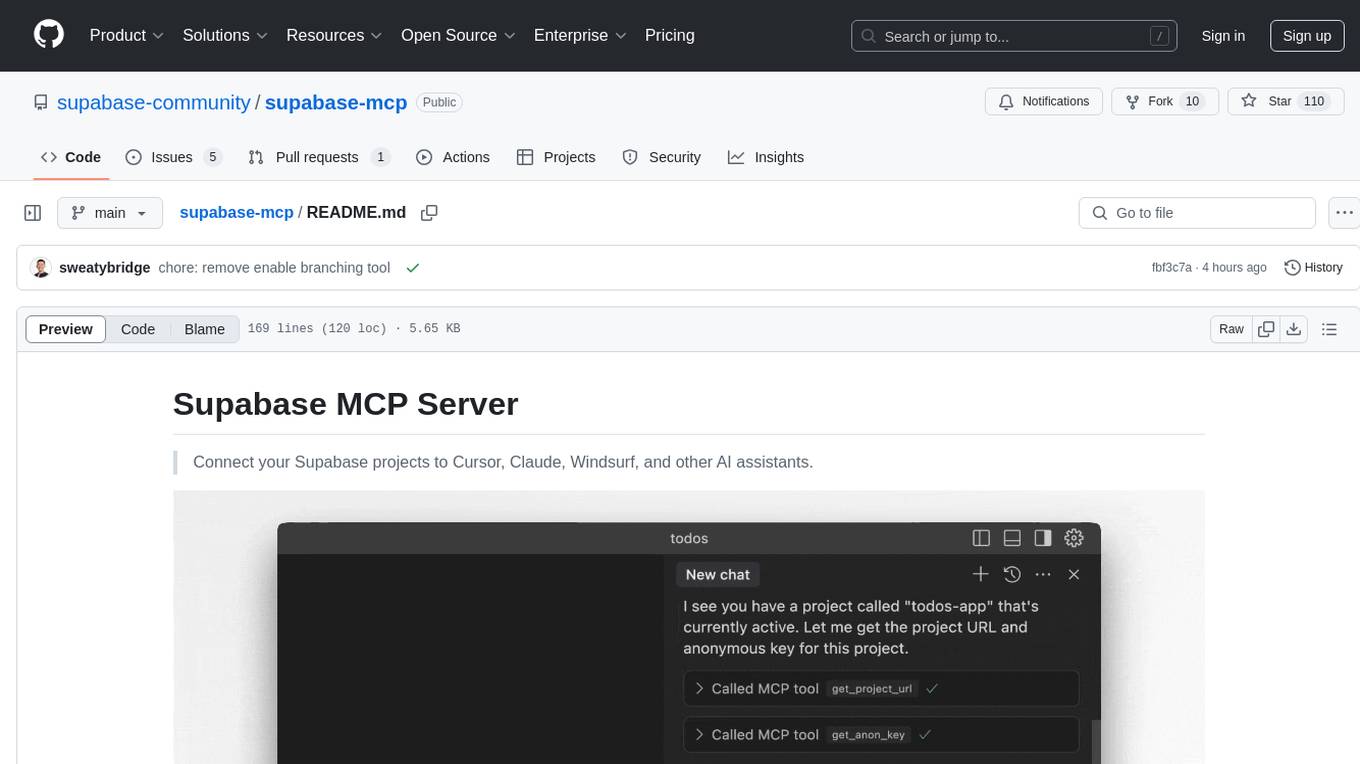
supabase-mcp
Supabase MCP Server standardizes how Large Language Models (LLMs) interact with Supabase, enabling AI assistants to manage tables, fetch config, and query data. It provides tools for project management, database operations, project configuration, branching (experimental), and development tools. The server is pre-1.0, so expect some breaking changes between versions.
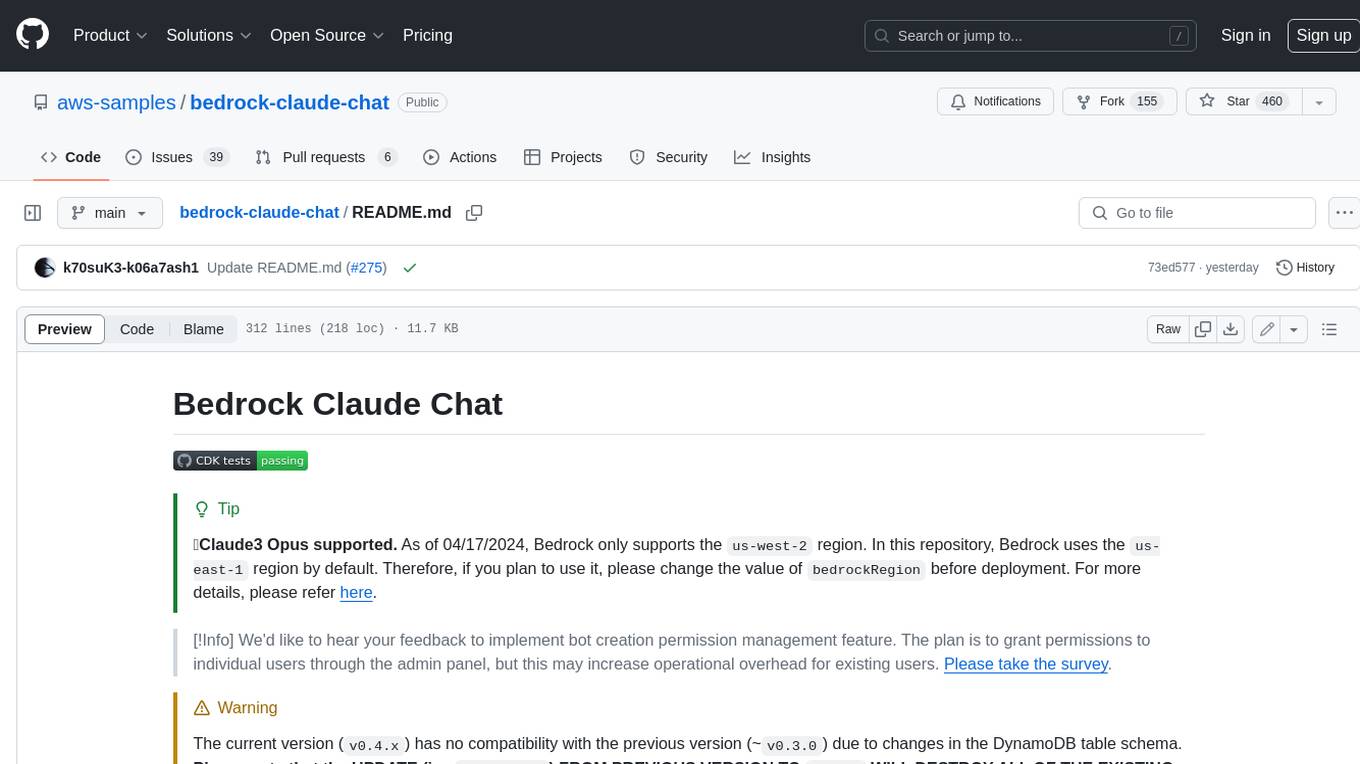
bedrock-claude-chat
This repository is a sample chatbot using the Anthropic company's LLM Claude, one of the foundational models provided by Amazon Bedrock for generative AI. It allows users to have basic conversations with the chatbot, personalize it with their own instructions and external knowledge, and analyze usage for each user/bot on the administrator dashboard. The chatbot supports various languages, including English, Japanese, Korean, Chinese, French, German, and Spanish. Deployment is straightforward and can be done via the command line or by using AWS CDK. The architecture is built on AWS managed services, eliminating the need for infrastructure management and ensuring scalability, reliability, and security.
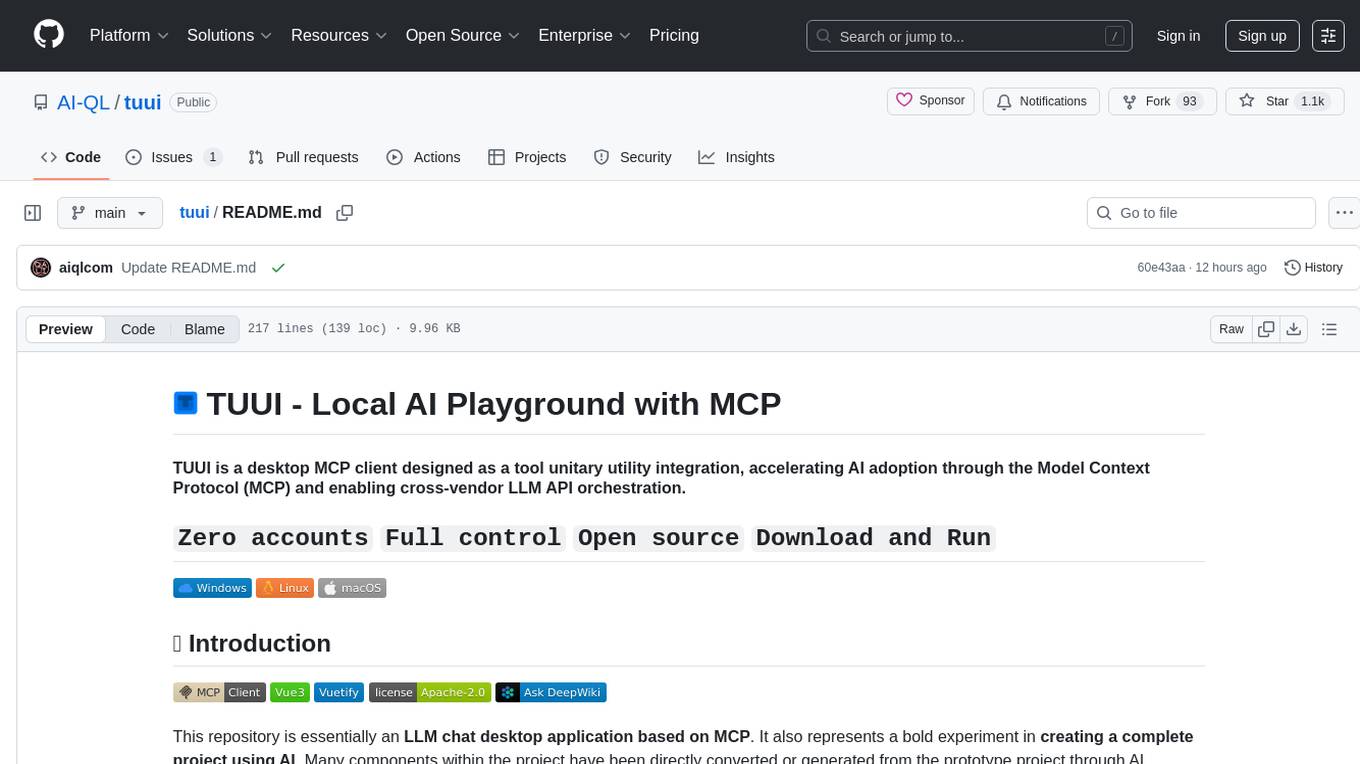
tuui
TUUI is a desktop MCP client designed for accelerating AI adoption through the Model Context Protocol (MCP) and enabling cross-vendor LLM API orchestration. It is an LLM chat desktop application based on MCP, created using AI-generated components with strict syntax checks and naming conventions. The tool integrates AI tools via MCP, orchestrates LLM APIs, supports automated application testing, TypeScript, multilingual, layout management, global state management, and offers quick support through the GitHub community and official documentation.
odoo-expert
RAG-Powered Odoo Documentation Assistant is a comprehensive documentation processing and chat system that converts Odoo's documentation to a searchable knowledge base with an AI-powered chat interface. It supports multiple Odoo versions (16.0, 17.0, 18.0) and provides semantic search capabilities powered by OpenAI embeddings. The tool automates the conversion of RST to Markdown, offers real-time semantic search, context-aware AI-powered chat responses, and multi-version support. It includes a Streamlit-based web UI, REST API for programmatic access, and a CLI for document processing and chat. The system operates through a pipeline of data processing steps and an interface layer for UI and API access to the knowledge base.
cursor-tools
cursor-tools is a CLI tool designed to enhance AI agents with advanced skills, such as web search, repository context, documentation generation, GitHub integration, Xcode tools, and browser automation. It provides features like Perplexity for web search, Gemini 2.0 for codebase context, and Stagehand for browser operations. The tool requires API keys for Perplexity AI and Google Gemini, and supports global installation for system-wide access. It offers various commands for different tasks and integrates with Cursor Composer for AI agent usage.
MCPJungle
MCPJungle is a self-hosted MCP Gateway for private AI agents, serving as a registry for Model Context Protocol Servers. Developers use it to manage servers and tools centrally, while clients discover and consume tools from a single 'Gateway' MCP Server. Suitable for developers using MCP Clients like Claude & Cursor, building production-grade AI Agents, and organizations managing client-server interactions. The tool allows quick start, installation, usage, server and client setup, connection to Claude and Cursor, enabling/disabling tools, managing tool groups, authentication, enterprise features like access control and OpenTelemetry metrics. Limitations include lack of long-running connections to servers and no support for OAuth flow. Contributions are welcome.

chat-mcp
A Cross-Platform Interface for Large Language Models (LLMs) utilizing the Model Context Protocol (MCP) to connect and interact with various LLMs. The desktop app, built on Electron, ensures compatibility across Linux, macOS, and Windows. It simplifies understanding MCP principles, facilitates testing of multiple servers and LLMs, and supports dynamic LLM configuration and multi-client management. The UI can be extracted for web use, ensuring consistency across web and desktop versions.
mcp-server-qdrant
The mcp-server-qdrant repository is an official Model Context Protocol (MCP) server designed for keeping and retrieving memories in the Qdrant vector search engine. It acts as a semantic memory layer on top of the Qdrant database. The server provides tools like 'qdrant-store' for storing information in the database and 'qdrant-find' for retrieving relevant information. Configuration is done using environment variables, and the server supports different transport protocols. It can be installed using 'uvx' or Docker, and can also be installed via Smithery for Claude Desktop. The server can be used with Cursor/Windsurf as a code search tool by customizing tool descriptions. It can store code snippets and help developers find specific implementations or usage patterns. The repository is licensed under the Apache License 2.0.
code-assistant
Code Assistant is an AI coding tool built in Rust that offers command-line and graphical interfaces for autonomous code analysis and modification. It supports multi-modal tool execution, real-time streaming interface, session-based project management, multiple interface options, and intelligent project exploration. The tool provides auto-loaded repository guidance and allows for project configuration with format-on-save feature. Users can interact with the tool in GUI, terminal, or MCP server mode, and configure LLM providers for advanced options. The architecture highlights adaptive tool syntax, smart tool filtering, and multi-threaded streaming for efficient performance. Contributions are welcome, and the roadmap includes features like block replacing in changed files, compact tool use failures, UI improvements, memory tools, security enhancements, fuzzy matching search blocks, editing user messages, and selecting in messages.
apify-mcp-server
The Apify MCP Server enables AI agents to extract data from various websites using ready-made scrapers and automation tools. It supports OAuth for easy connection from clients like Claude.ai or Visual Studio Code. The server also supports Skyfire agentic payments for AI agents to pay for Actor runs without an API token. Compatible with various clients adhering to the Model Context Protocol, it allows dynamic tool discovery and interaction with Apify Actors. The server provides tools for interacting with Apify Actors, dynamic tool discovery, and telemetry data collection. It offers a set of example prompts and resources for users to explore and interact with Apify through MCP.

LLamaWorker
LLamaWorker is a HTTP API server developed to provide an OpenAI-compatible API for integrating Large Language Models (LLM) into applications. It supports multi-model configuration, streaming responses, text embedding, chat templates, automatic model release, function calls, API key authentication, and test UI. Users can switch models, complete chats and prompts, manage chat history, and generate tokens through the test UI. Additionally, LLamaWorker offers a Vulkan compiled version for download and provides function call templates for testing. The tool supports various backends and provides API endpoints for chat completion, prompt completion, embeddings, model information, model configuration, and model switching. A Gradio UI demo is also available for testing.
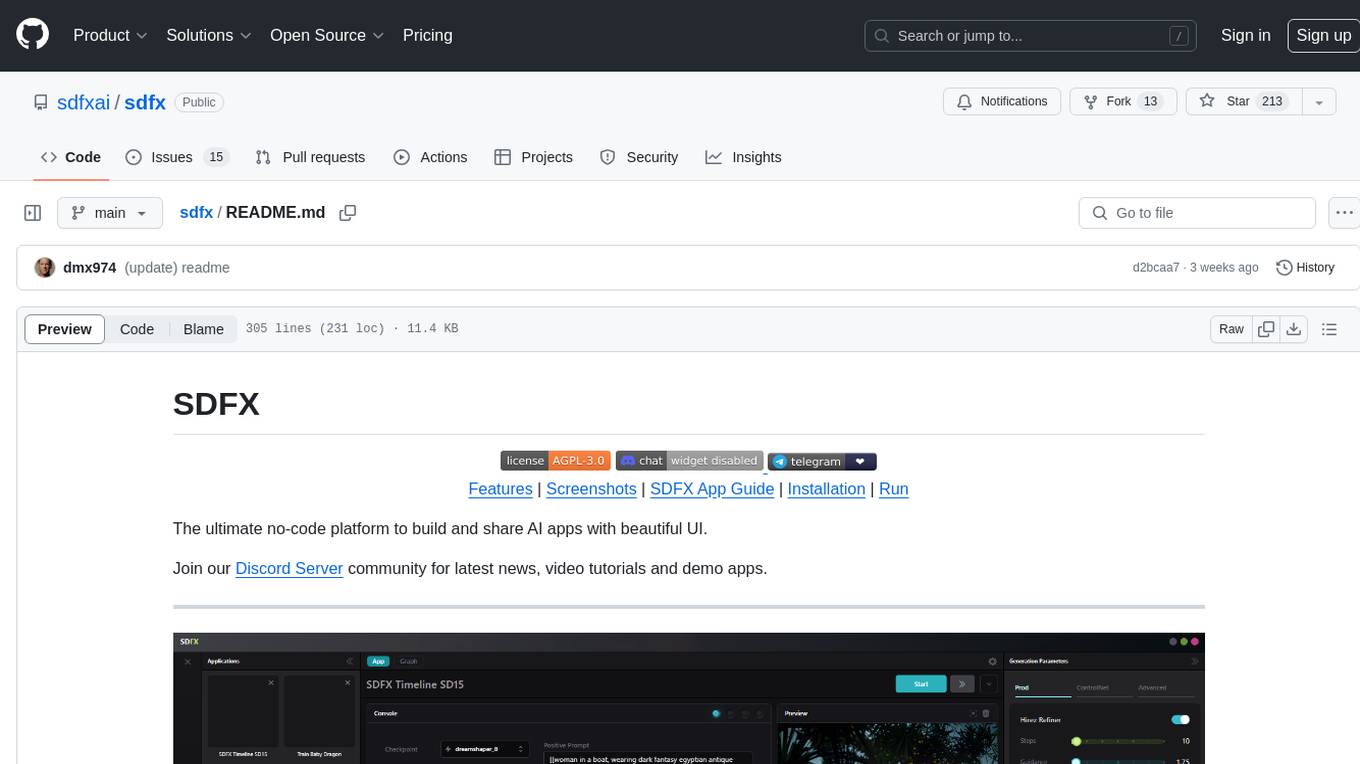
sdfx
SDFX is the ultimate no-code platform for building and sharing AI apps with beautiful UI. It enables the creation of user-friendly interfaces for complex workflows by combining Comfy workflow with a UI. The tool is designed to merge the benefits of form-based UI and graph-node based UI, allowing users to create intricate graphs with a high-level UI overlay. SDFX is fully compatible with ComfyUI, abstracting the need for installing ComfyUI. It offers features like animated graph navigation, node bookmarks, UI debugger, custom nodes manager, app and template export, image and mask editor, and more. The tool compiles as a native app or web app, making it easy to maintain and add new features.
RA.Aid
RA.Aid is an AI software development agent powered by `aider` and advanced reasoning models like `o1`. It combines `aider`'s code editing capabilities with LangChain's agent-based task execution framework to provide an intelligent assistant for research, planning, and implementation of multi-step development tasks. It handles complex programming tasks by breaking them down into manageable steps, running shell commands automatically, and leveraging expert reasoning models like OpenAI's o1. RA.Aid is designed for everyday software development, offering features such as multi-step task planning, automated command execution, and the ability to handle complex programming tasks beyond single-shot code edits.
promptwright
Promptwright is a Python library designed for generating large synthetic datasets using local LLM and various LLM service providers. It offers flexible interfaces for generating prompt-led synthetic datasets. The library supports multiple providers, configurable instructions and prompts, YAML configuration, command line interface, push to Hugging Face Hub, and system message control. Users can define generation tasks using YAML configuration files or programmatically using Python code. Promptwright integrates with LiteLLM for LLM providers and supports automatic dataset upload to Hugging Face Hub. The library is not responsible for the content generated by models and advises users to review the data before using it in production environments.
mycoder
An open-source mono-repository containing the MyCoder agent and CLI. It leverages Anthropic's Claude API for intelligent decision making, has a modular architecture with various tool categories, supports parallel execution with sub-agents, can modify code by writing itself, features a smart logging system for clear output, and is human-compatible using README.md, project files, and shell commands to build its own context.
For similar tasks
mcp-server
The UI5 Model Context Protocol server offers tools to improve the developer experience when working with agentic AI tools. It helps with creating new UI5 projects, detecting and fixing UI5-specific errors, and providing additional UI5-specific information for agentic AI tools. The server supports various tools such as scaffolding new UI5 applications, fetching UI5 API documentation, providing UI5 development best practices, extracting metadata and configuration from UI5 projects, retrieving version information for the UI5 framework, analyzing and reporting issues in UI5 code, offering guidelines for converting UI5 applications to TypeScript, providing UI Integration Cards development best practices, scaffolding new UI Integration Cards, and validating the manifest against the UI5 Manifest schema. The server requires Node.js and npm versions specified, along with an MCP client like VS Code or Cline. Configuration options are available for customizing the server's behavior, and specific setup instructions are provided for MCP clients like VS Code and Cline.
For similar jobs
Protofy
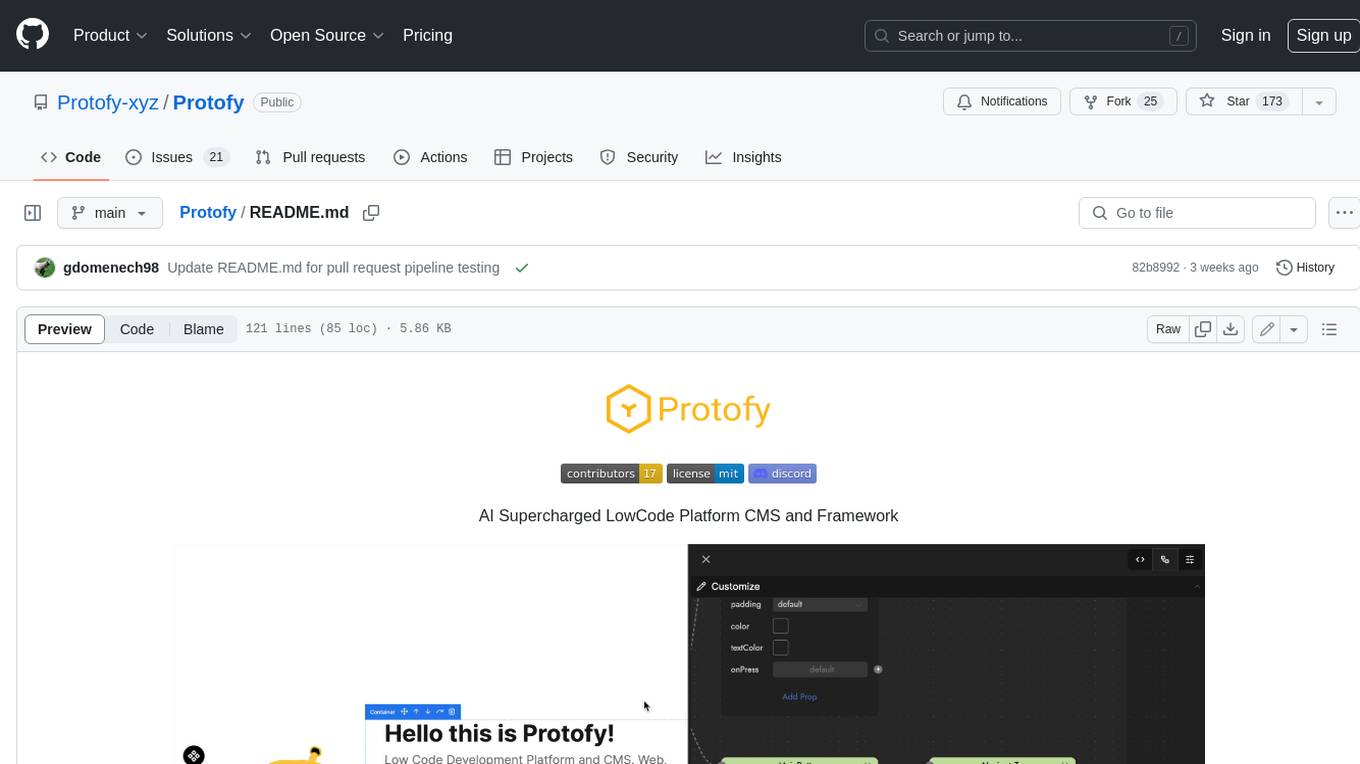
Protofy is a full-stack, batteries-included low-code enabled web/app and IoT system with an API system and real-time messaging. It is based on Protofy (protoflow + visualui + protolib + protodevices) + Expo + Next.js + Tamagui + Solito + Express + Aedes + Redbird + Many other amazing packages. Protofy can be used to fast prototype Apps, webs, IoT systems, automations, or APIs. It is a ultra-extensible CMS with supercharged capabilities, mobile support, and IoT support (esp32 thanks to esphome).
react-native-vision-camera
VisionCamera is a powerful, high-performance Camera library for React Native. It features Photo and Video capture, QR/Barcode scanner, Customizable devices and multi-cameras ("fish-eye" zoom), Customizable resolutions and aspect-ratios (4k/8k images), Customizable FPS (30..240 FPS), Frame Processors (JS worklets to run facial recognition, AI object detection, realtime video chats, ...), Smooth zooming (Reanimated), Fast pause and resume, HDR & Night modes, Custom C++/GPU accelerated video pipeline (OpenGL).
dev-conf-replay
This repository contains information about various IT seminars and developer conferences in South Korea, allowing users to watch replays of past events. It covers a wide range of topics such as AI, big data, cloud, infrastructure, devops, blockchain, mobility, games, security, mobile development, frontend, programming languages, open source, education, and community events. Users can explore upcoming and past events, view related YouTube channels, and access additional resources like free programming ebooks and data structures and algorithms tutorials.
OpenDevin
OpenDevin is an open-source project aiming to replicate Devin, an autonomous AI software engineer capable of executing complex engineering tasks and collaborating actively with users on software development projects. The project aspires to enhance and innovate upon Devin through the power of the open-source community. Users can contribute to the project by developing core functionalities, frontend interface, or sandboxing solutions, participating in research and evaluation of LLMs in software engineering, and providing feedback and testing on the OpenDevin toolset.
polyfire-js
Polyfire is an all-in-one managed backend for AI apps that allows users to build AI applications directly from the frontend, eliminating the need for a separate backend. It simplifies the process by providing most backend services in just a few lines of code. With Polyfire, users can easily create chatbots, transcribe audio files, generate simple text, manage long-term memory, and generate images. The tool also offers starter guides and tutorials to help users get started quickly and efficiently.
sdfx
SDFX is the ultimate no-code platform for building and sharing AI apps with beautiful UI. It enables the creation of user-friendly interfaces for complex workflows by combining Comfy workflow with a UI. The tool is designed to merge the benefits of form-based UI and graph-node based UI, allowing users to create intricate graphs with a high-level UI overlay. SDFX is fully compatible with ComfyUI, abstracting the need for installing ComfyUI. It offers features like animated graph navigation, node bookmarks, UI debugger, custom nodes manager, app and template export, image and mask editor, and more. The tool compiles as a native app or web app, making it easy to maintain and add new features.
aimeos-laravel
Aimeos Laravel is a professional, full-featured, and ultra-fast Laravel ecommerce package that can be easily integrated into existing Laravel applications. It offers a wide range of features including multi-vendor, multi-channel, and multi-warehouse support, fast performance, support for various product types, subscriptions with recurring payments, multiple payment gateways, full RTL support, flexible pricing options, admin backend, REST and GraphQL APIs, modular structure, SEO optimization, multi-language support, AI-based text translation, mobile optimization, and high-quality source code. The package is highly configurable and extensible, making it suitable for e-commerce SaaS solutions, marketplaces, and online shops with millions of vendors.
llm-ui
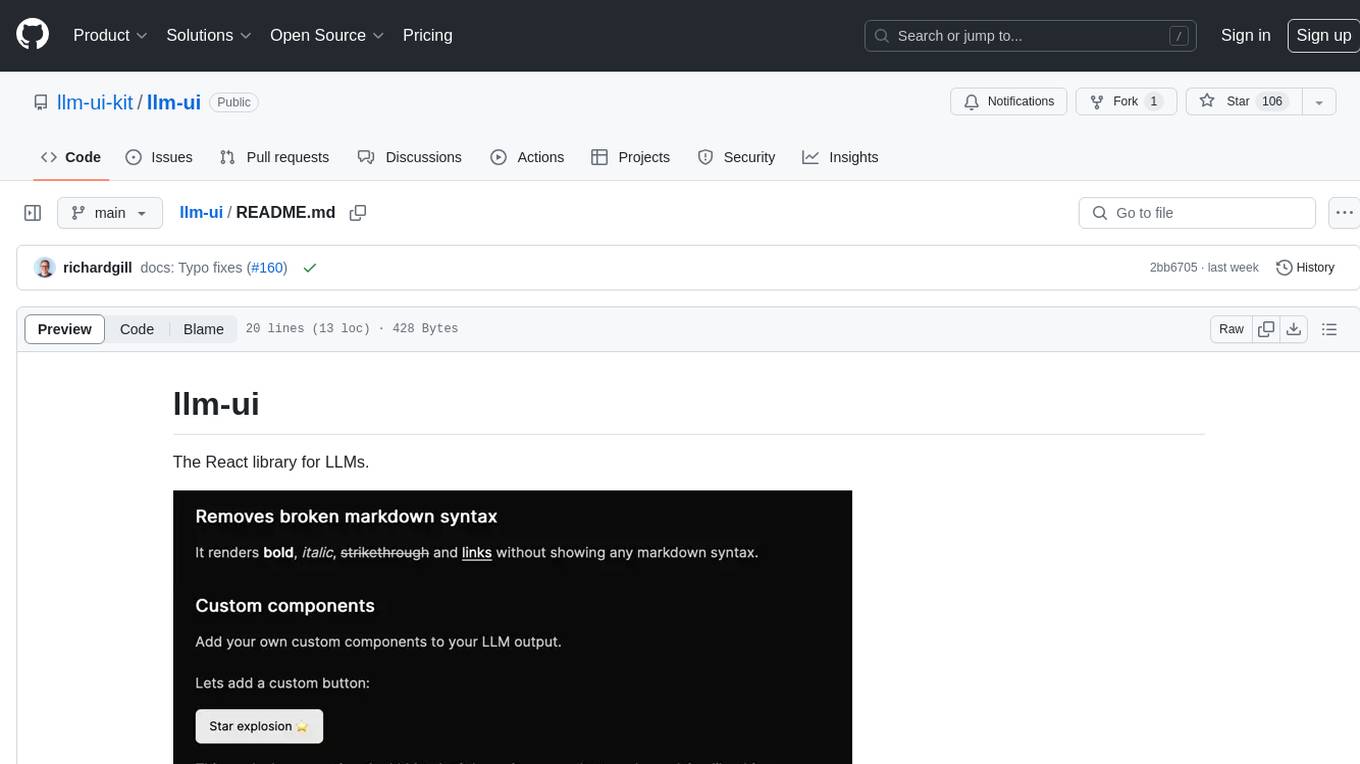
llm-ui is a React library designed for LLMs, providing features such as removing broken markdown syntax, adding custom components to LLM output, smoothing out pauses in streamed output, rendering at native frame rate, supporting code blocks for every language with Shiki, and being headless to allow for custom styles. The library aims to enhance the user experience and flexibility when working with LLMs.