


Demucs-Gui
A GUI for music separation AI demucs
Stars: 693
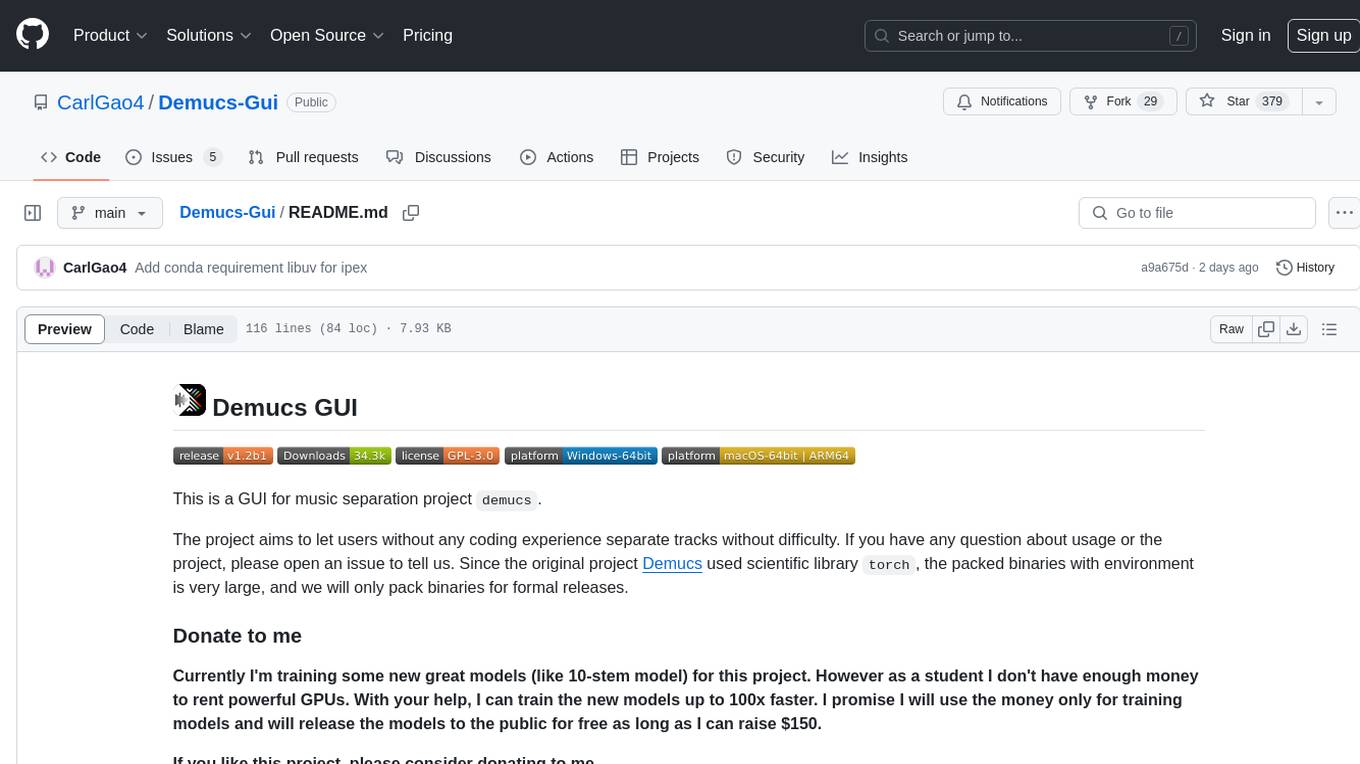
Demucs GUI is a graphical user interface for the music separation project Demucs. It aims to allow users without coding experience to easily separate tracks. The tool provides a user-friendly interface for running the Demucs project, which originally used the scientific library torch. The GUI simplifies the process of separating tracks and provides support for different platforms such as Windows, macOS, and Linux. Users can donate to support the development of new models for the project, and the tool has specific system requirements including minimum system versions and hardware specifications.
README:





This is a GUI for music separation project demucs.
The project aims to let users without any coding experience separate tracks without difficulty. If you have any question about usage or the project, please open an issue to tell us. Since the original project Demucs used scientific library torch, the packed binaries with environment is very large, and we will only pack binaries for formal releases.
Currently 1.x versions are about to out of support. 2.0 is coming soon with new AI models supported. Until now, the lossy compression restoration algorithm JusperLee/Apollo has been integrated into the project. To use the latest features, please switch to v2-develop branch.
Currently I'm training some new great models (like 10-stem model) for this project. However as a student I don't have enough money to rent powerful GPUs. With your help, I can train the new models up to 100x faster. I promise I will use the money only for training models and will release the models to the public for free. Currently I'm encountering model not learning issue, I'm still finding a solution. Besides, recently I'm taking more classes so I have less time to develop this project, so I'm not sure when the models will be ready.
If you like this project, please consider donating to me.


Note for macOS users
If the application cannot be launched due to the Mac's security protection feature, try the following:
For macOS versions below 15.0:
- Right-click on the Demucs-GUI app icon and select "Open".
- Click "Open" again in the window that appears as follows.

For macOS versions 15.0 or greater:
- On your Mac, go to System Settings > Privacy & Security > Scroll to the Security section.
- If you see a message stating "'Demucs-GUI.app' was blocked to protect your Mac." - to the right of this message, click "Open Anyway".
- Enter your login password, then click OK. This will create an override in Gatekeeper, allowing Demucs-GUI to run.

For Windows: At least Windows 8
For Mac: At least macOS 10.15
For Linux: Any system that can install and run python 3.11 (Because I'll pack the binaries using python 3.11). Requires at least glibc 2.27. If you are using xcb, you may need to install libxcb-cursor0 (package name may vary on different distributions).
Memory: About at least 8GB of total memory (physical and swap) would be required. The longer the track you want to separate, the more memory will be required.
GPU: Only NVIDIA GPUs (whose compute capability should be at least 3.5), Intel Arc & Iris Xe Graphics and Apple MPS are supported. At least 2GB of private memory is required.
At least Python 3.10 is required. Other requirements please refer to Installing binaries.
Binaries for download are available on GitHub Releases and FossHub. Some files are too large to be uploaded to GitHub, so please refer to FossHub if you cannot find the file you need on GitHub.
Please refer to history.md.
If you are using released binaries, please refer to usage.md
This part is written for those who want to run the codes themselves
FFmpeg is a supported audio reader of Demucs-GUI. Demucs-GUI will try to use FFmpeg as long as it is found in the PATH environment variable. Both FFmpeg and FFprobe are required. You can install it from source, use system package manager, download prebuilt binaries or use conda (recommended).
- Install Python and git. It's recommended to use a virtual environment like conda.
- Clone this repository and switch to this branch. You should run
git submodule update --init --recursivesince 1.1a2 version. - Use pip to install all packages in requirements.txt.
note: on Linux, PyTorch with CUDA is the default.
# For pip
pip install -r requirements_cuda.txt
# Conda is not available as this project has dependencies only on PyPI- Run
GuiMain.pyand separate your song!
- Install Python and git. It's recommended to use a virtual environment like conda.
- Clone this repository and switch to this branch. You should run
git submodule update --init --recursivesince 1.1a2 version. - Skip this step if you don't need to switch the default version of PyTorch. Install torch with cuda under intructions on pyTorch official website. There is no requirement of cuda version, but the version of torch should be 2.0.x (2.1.0 and higher will cause errors sometimes)
- Use pip to install all packages in requirements_cuda.txt.
# For pip
pip install -r requirements_cuda.txt
# Conda is not available as this project has dependencies only on PyPI- Run
GuiMain.pyand separate your song! If your GPU is not listed in the selectordevice, Please use CPU instead or open an issue to tell us if you think this is a problem.
- Install Python and git. It's recommended to use a virtual environment like conda.
- Clone this repository and switch to this branch. You should run
git submodule update --init --recursivesince 1.1a2 version. - Skip this step if you don't need to switch the default version of PyTorch. Install torch with cuda under intructions on pyTorch official website. There is no requirement of cuda version, but the version of torch should be 2.0.x (2.1.0 and higher will cause errors sometimes)
- Use pip to install all packages in requirements_rocm.txt.
# For pip
pip install -r requirements_rocm.txt
# Conda is not available as this project has dependencies only on PyPI- Run
GuiMain.pyand separate your song! If your GPU is not listed in the selectordevice, Please use CPU instead or open an issue to tell us if you think this is a problem.
Make sure that you have discrete Intel graphics card or an Intel CPU that is 11th generation or newer with integrated graphics card (Because we need its driver)
- Install latest Intel graphics driver (Windows link). This accelerator requires Intel® Arc™ & Iris® Xe Graphics driver (which means, Intel® Arc™ A-Series Graphics, Intel® Iris® Xe Graphics, and Intel® Core™ Ultra Processors with Intel® Arc™ Graphics). Though I would discourage you to use this "accelerator" with integrated graphics card as it may even slower than pure CPU sometimes.
- Install Python and git. It's recommended to use a virtual environment like conda.
- Clone this repository and switch to this branch. You should run
git submodule update --init --recursivesince 1.1a2 version. - Use pip to install all packages in requirements_intel_gpu_mkl.txt.
# For pip
pip install -r requirements_intel_gpu_mkl.txt
# Conda is not available as this project has dependencies only on PyPI- Run
GuiMain.pyand separate your song! If your GPU is not listed in the selectordevice, Please use CPU instead or open an issue to tell us if you think this is a problem. - If it could not start up and sometimes raises an error like
OSError: [WinError 126] Error loading "***\torch\lib\backend_with_compiler.dll" or one of its dependencies, you may have to manually download libuv and put it in the foldertorch\libunder your python site packages installation path. One easier way to solve this if you are using conda environment is to runconda install conda-forge::libuv.
This project includes code of Demucs under MIT license.
For Tasks:
Click tags to check more tools for each tasksFor Jobs:
Alternative AI tools for Demucs-Gui
Similar Open Source Tools
Demucs-Gui
Demucs GUI is a graphical user interface for the music separation project Demucs. It aims to allow users without coding experience to easily separate tracks. The tool provides a user-friendly interface for running the Demucs project, which originally used the scientific library torch. The GUI simplifies the process of separating tracks and provides support for different platforms such as Windows, macOS, and Linux. Users can donate to support the development of new models for the project, and the tool has specific system requirements including minimum system versions and hardware specifications.
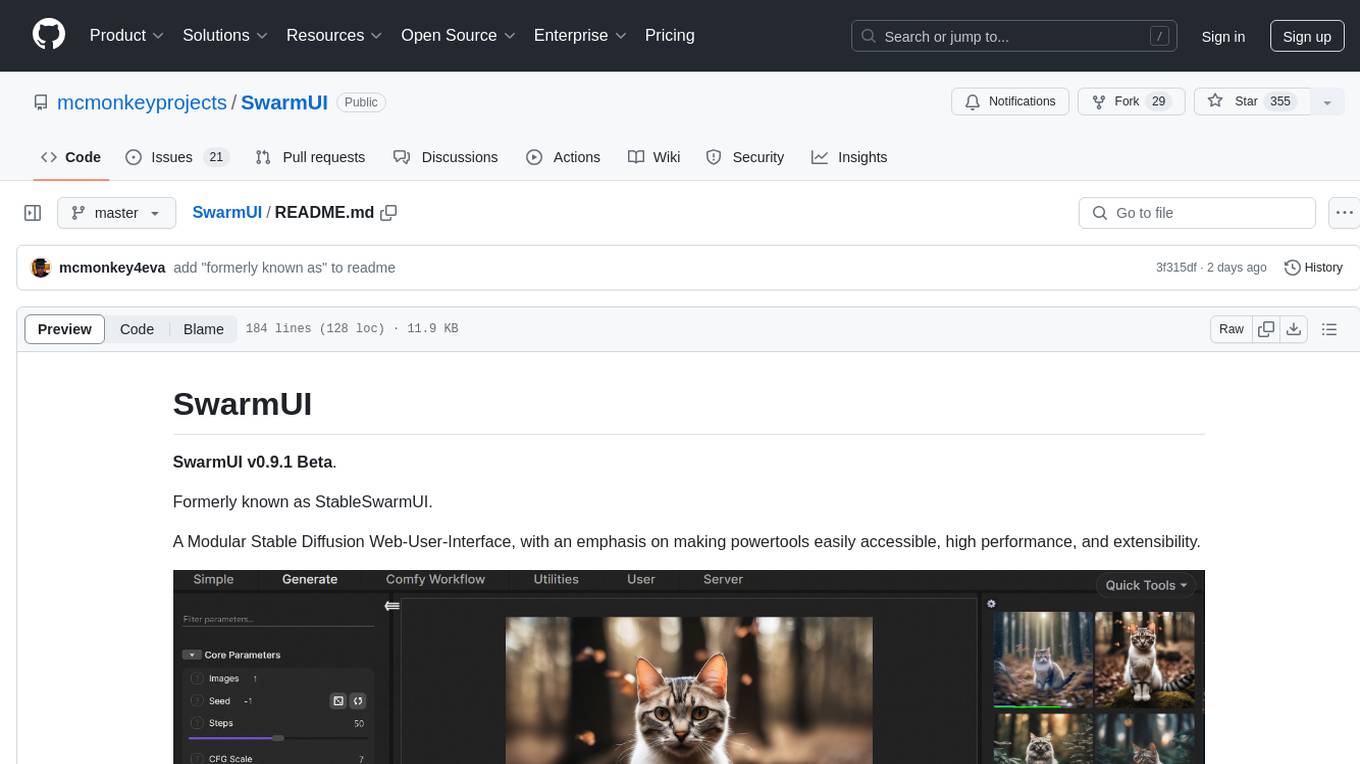
SwarmUI
SwarmUI is a modular stable diffusion web-user-interface designed to make powertools easily accessible, high performance, and extensible. It is in Beta status, offering a primary Generate tab for beginners and a Comfy Workflow tab for advanced users. The tool aims to become a full-featured one-stop-shop for all things Stable Diffusion, with plans for better mobile browser support, detailed 'Current Model' display, dynamic tab shifting, LLM-assisted prompting, and convenient direct distribution as an Electron app.
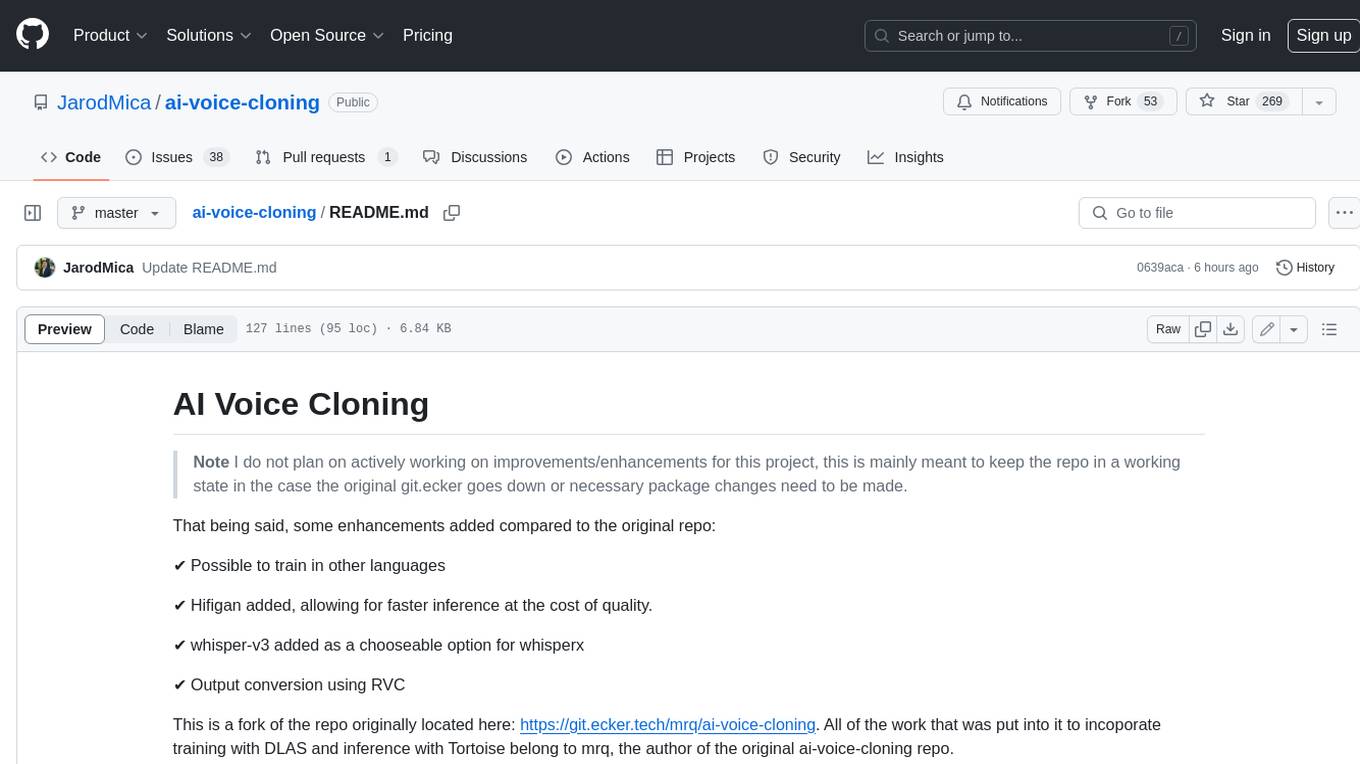
ai-voice-cloning
This repository provides a tool for AI voice cloning, allowing users to generate synthetic speech that closely resembles a target speaker's voice. The tool is designed to be user-friendly and accessible, with a graphical user interface that guides users through the process of training a voice model and generating synthetic speech. The tool also includes a variety of features that allow users to customize the generated speech, such as the pitch, volume, and speaking rate. Overall, this tool is a valuable resource for anyone interested in creating realistic and engaging synthetic speech.
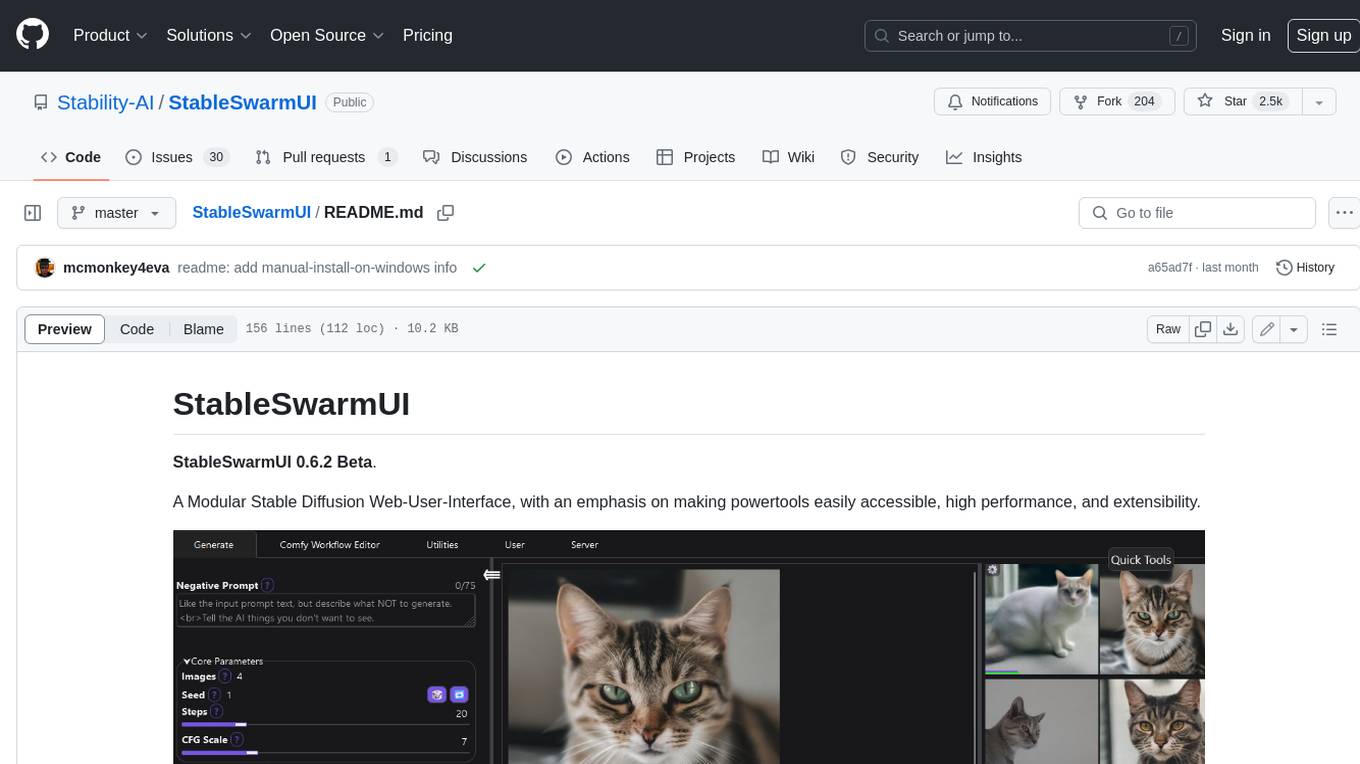
StableSwarmUI
StableSwarmUI is a modular Stable Diffusion web user interface that emphasizes making power tools easily accessible, high performance, and extensible. It is designed to be a one-stop-shop for all things Stable Diffusion, providing a wide range of features and capabilities to enhance the user experience.
maxheadbox
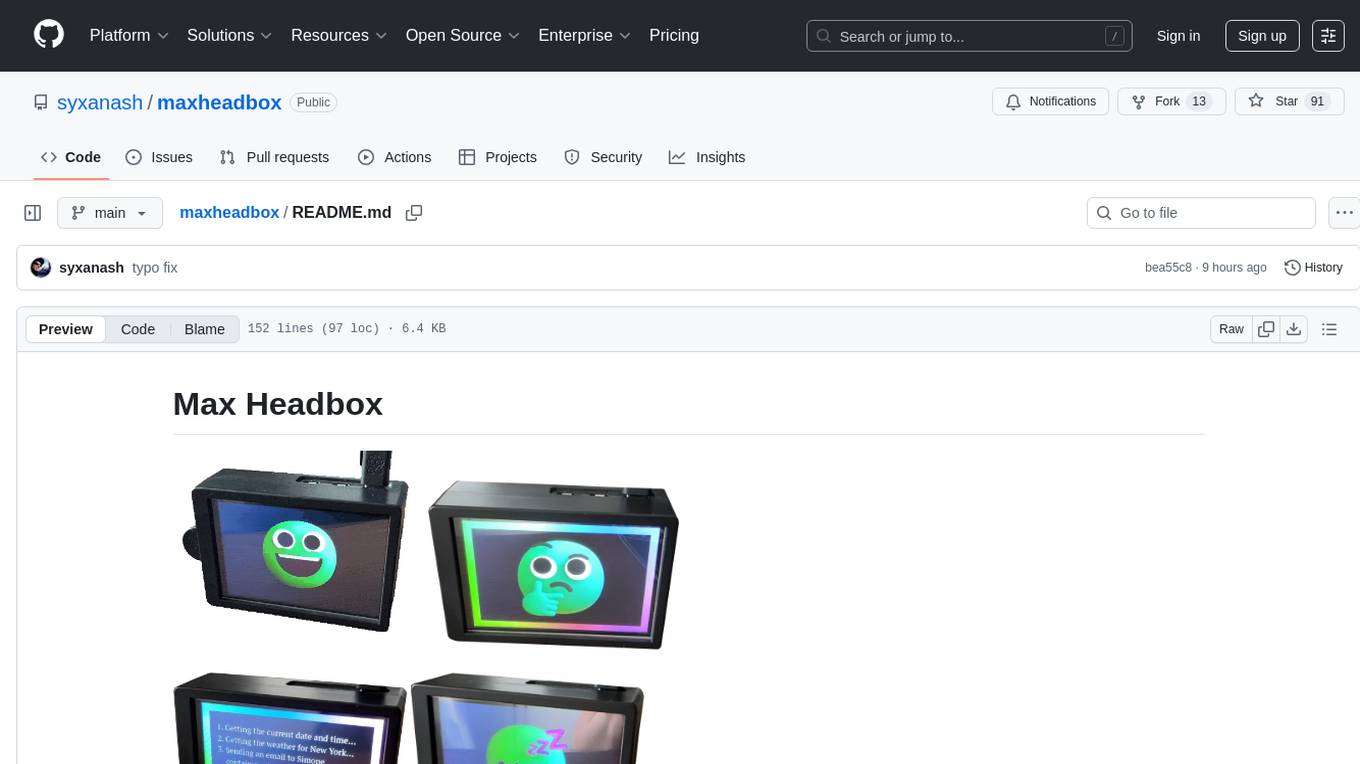
Max Headbox is an open-source voice-activated LLM Agent designed to run on a Raspberry Pi. It can be configured to execute a variety of tools and perform actions. The project requires specific hardware and software setups, and provides detailed instructions for installation, configuration, and usage. Users can create custom tools by making JavaScript modules and backend API handlers. The project acknowledges the use of various open-source projects and resources in its development.
Open-LLM-VTuber
Open-LLM-VTuber is a project in early stages of development that allows users to interact with Large Language Models (LLM) using voice commands and receive responses through a Live2D talking face. The project aims to provide a minimum viable prototype for offline use on macOS, Linux, and Windows, with features like long-term memory using MemGPT, customizable LLM backends, speech recognition, and text-to-speech providers. Users can configure the project to chat with LLMs, choose different backend services, and utilize Live2D models for visual representation. The project supports perpetual chat, offline operation, and GPU acceleration on macOS, addressing limitations of existing solutions on macOS.
llamafile
llamafile is a tool that enables users to distribute and run Large Language Models (LLMs) with a single file. It combines llama.cpp with Cosmopolitan Libc to create a framework that simplifies the complexity of LLMs into a single-file executable called a 'llamafile'. Users can run these executable files locally on most computers without the need for installation, making open LLMs more accessible to developers and end users. llamafile also provides example llamafiles for various LLM models, allowing users to try out different LLMs locally. The tool supports multiple CPU microarchitectures, CPU architectures, and operating systems, making it versatile and easy to use.
llm.c
LLM training in simple, pure C/CUDA. There is no need for 245MB of PyTorch or 107MB of cPython. For example, training GPT-2 (CPU, fp32) is ~1,000 lines of clean code in a single file. It compiles and runs instantly, and exactly matches the PyTorch reference implementation. I chose GPT-2 as the first working example because it is the grand-daddy of LLMs, the first time the modern stack was put together.
python-sc2
python-sc2 is an easy-to-use library for writing AI Bots for StarCraft II in Python 3. It aims for simplicity and ease of use while providing both high and low level abstractions. The library covers only the raw scripted interface and intends to help new bot authors with added functions. Users can install the library using pip and need a StarCraft II executable to run bots. The API configuration options allow users to customize bot behavior and performance. The community provides support through Discord servers, and users can contribute to the project by creating new issues or pull requests following style guidelines.
vector_companion
Vector Companion is an AI tool designed to act as a virtual companion on your computer. It consists of two personalities, Axiom and Axis, who can engage in conversations based on what is happening on the screen. The tool can transcribe audio output and user microphone input, take screenshots, and read text via OCR to create lifelike interactions. It requires specific prerequisites to run on Windows and uses VB Cable to capture audio. Users can interact with Axiom and Axis by running the main script after installation and configuration.
UltraSinger
UltraSinger is a tool under development that automatically creates UltraStar.txt, midi, and notes from music. It pitches UltraStar files, adds text and tapping, creates separate UltraStar karaoke files, re-pitches current UltraStar files, and calculates in-game score. It uses multiple AI models to extract text from voice and determine pitch. Users should mention UltraSinger in UltraStar.txt files and only use it on Creative Commons licensed songs.
dockershrink
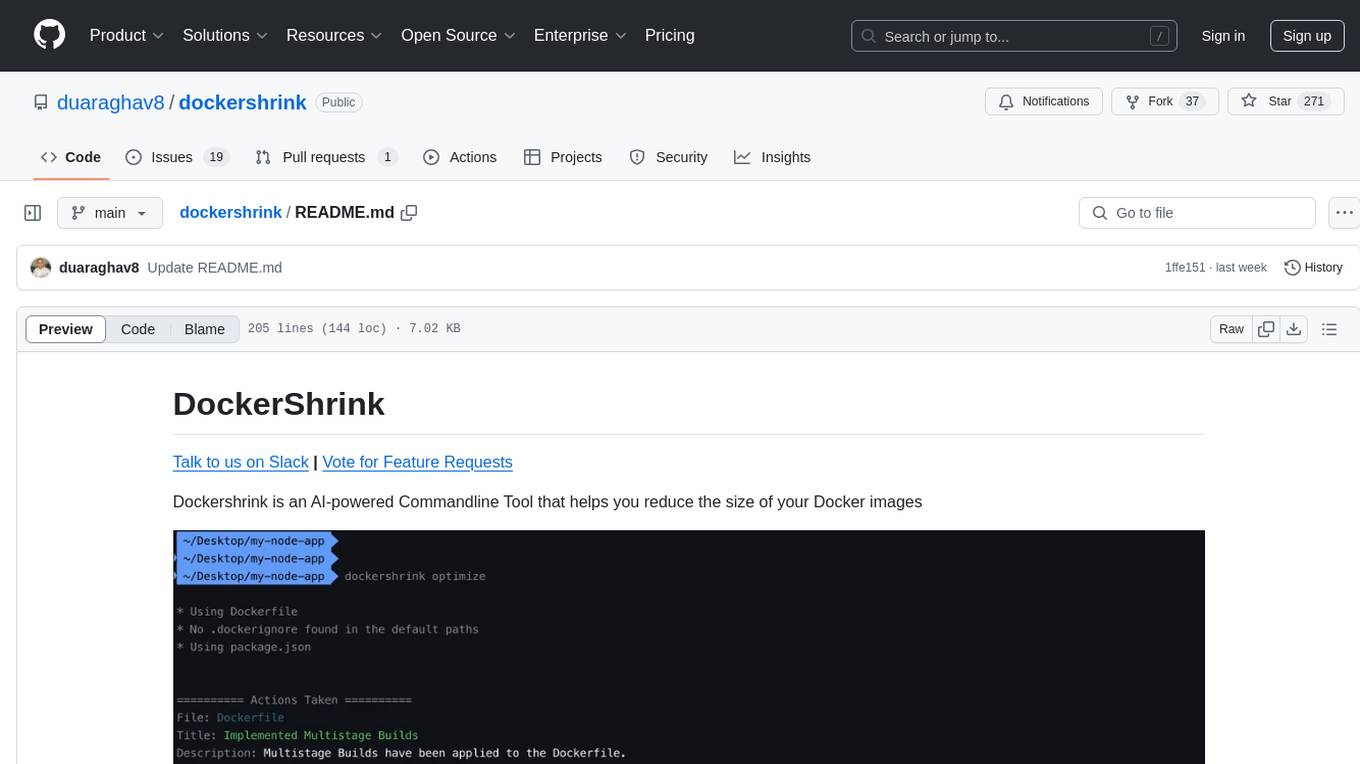
Dockershrink is an AI-powered Commandline Tool designed to help reduce the size of Docker images. It combines traditional Rule-based analysis with Generative AI techniques to optimize Image configurations. The tool supports NodeJS applications and aims to save costs on storage, data transfer, and build times while increasing developer productivity. By automatically applying advanced optimization techniques, Dockershrink simplifies the process for engineers and organizations, resulting in significant savings and efficiency improvements.
jaison-core
J.A.I.son is a Python project designed for generating responses using various components and applications. It requires specific plugins like STT, T2T, TTSG, and TTSC to function properly. Users can customize responses, voice, and configurations. The project provides a Discord bot, Twitch events and chat integration, and VTube Studio Animation Hotkeyer. It also offers features for managing conversation history, training AI models, and monitoring conversations.
aiarena-web
aiarena-web is a website designed for running the aiarena.net infrastructure. It consists of different modules such as core functionality, web API endpoints, frontend templates, and a module for linking users to their Patreon accounts. The website serves as a platform for obtaining new matches, reporting results, featuring match replays, and connecting with Patreon supporters. The project is licensed under GPLv3 in 2019.
fasttrackml
FastTrackML is an experiment tracking server focused on speed and scalability, fully compatible with MLFlow. It provides a user-friendly interface to track and visualize your machine learning experiments, making it easy to compare different models and identify the best performing ones. FastTrackML is open source and can be easily installed and run with pip or Docker. It is also compatible with the MLFlow Python package, making it easy to integrate with your existing MLFlow workflows.
openui
OpenUI is a tool designed to simplify the process of building UI components by allowing users to describe UI using their imagination and see it rendered live. It supports converting HTML to React, Svelte, Web Components, etc. The tool is open source and aims to make UI development fun, fast, and flexible. It integrates with various AI services like OpenAI, Groq, Gemini, Anthropic, Cohere, and Mistral, providing users with the flexibility to use different models. OpenUI also supports LiteLLM for connecting to various LLM services and allows users to create custom proxy configs. The tool can be run locally using Docker or Python, and it offers a development environment for quick setup and testing.
For similar tasks
Demucs-Gui
Demucs GUI is a graphical user interface for the music separation project Demucs. It aims to allow users without coding experience to easily separate tracks. The tool provides a user-friendly interface for running the Demucs project, which originally used the scientific library torch. The GUI simplifies the process of separating tracks and provides support for different platforms such as Windows, macOS, and Linux. Users can donate to support the development of new models for the project, and the tool has specific system requirements including minimum system versions and hardware specifications.
Applio
Applio is a VITS-based Voice Conversion tool focused on simplicity, quality, and performance. It features a user-friendly interface, cross-platform compatibility, and a range of customization options. Applio is suitable for various tasks such as voice cloning, voice conversion, and audio editing. Its key features include a modular codebase, hop length implementation, translations in over 30 languages, optimized requirements, streamlined installation, hybrid F0 estimation, easy-to-use UI, optimized code and dependencies, plugin system, overtraining detector, model search, enhancements in pretrained models, voice blender, accessibility improvements, new F0 extraction methods, output format selection, hashing system, model download system, TTS enhancements, split audio, Discord presence, Flask integration, and support tab.
agents
The LiveKit Agent Framework is designed for building real-time, programmable participants that run on servers. Easily tap into LiveKit WebRTC sessions and process or generate audio, video, and data streams. The framework includes plugins for common workflows, such as voice activity detection and speech-to-text. Agents integrates seamlessly with LiveKit server, offloading job queuing and scheduling responsibilities to it. This eliminates the need for additional queuing infrastructure. Agent code developed on your local machine can scale to support thousands of concurrent sessions when deployed to a server in production.
liboai
liboai is a simple C++17 library for the OpenAI API, providing developers with access to OpenAI endpoints through a collection of methods and classes. It serves as a spiritual port of OpenAI's Python library, 'openai', with similar structure and features. The library supports various functionalities such as ChatGPT, Audio, Azure, Functions, Image DALL·E, Models, Completions, Edit, Embeddings, Files, Fine-tunes, Moderation, and Asynchronous Support. Users can easily integrate the library into their C++ projects to interact with OpenAI services.
Awesome-Colorful-LLM
Awesome-Colorful-LLM is a meticulously assembled anthology of vibrant multimodal research focusing on advancements propelled by large language models (LLMs) in domains such as Vision, Audio, Agent, Robotics, and Fundamental Sciences like Mathematics. The repository contains curated collections of works, datasets, benchmarks, projects, and tools related to LLMs and multimodal learning. It serves as a comprehensive resource for researchers and practitioners interested in exploring the intersection of language models and various modalities for tasks like image understanding, video pretraining, 3D modeling, document understanding, audio analysis, agent learning, robotic applications, and mathematical research.
ControlLLM
ControlLLM is a framework that empowers large language models to leverage multi-modal tools for solving complex real-world tasks. It addresses challenges like ambiguous user prompts, inaccurate tool selection, and inefficient tool scheduling by utilizing a task decomposer, a Thoughts-on-Graph paradigm, and an execution engine with a rich toolbox. The framework excels in tasks involving image, audio, and video processing, showcasing superior accuracy, efficiency, and versatility compared to existing methods.
VITA
VITA is an open-source interactive omni multimodal Large Language Model (LLM) capable of processing video, image, text, and audio inputs simultaneously. It stands out with features like Omni Multimodal Understanding, Non-awakening Interaction, and Audio Interrupt Interaction. VITA can respond to user queries without a wake-up word, track and filter external queries in real-time, and handle various query inputs effectively. The model utilizes state tokens and a duplex scheme to enhance the multimodal interactive experience.
com.openai.unity
com.openai.unity is an OpenAI package for Unity that allows users to interact with OpenAI's API through RESTful requests. It is independently developed and not an official library affiliated with OpenAI. Users can fine-tune models, create assistants, chat completions, and more. The package requires Unity 2021.3 LTS or higher and can be installed via Unity Package Manager or Git URL. Various features like authentication, Azure OpenAI integration, model management, thread creation, chat completions, audio processing, image generation, file management, fine-tuning, batch processing, embeddings, and content moderation are available.
For similar jobs
metavoice-src
MetaVoice-1B is a 1.2B parameter base model trained on 100K hours of speech for TTS (text-to-speech). It has been built with the following priorities: * Emotional speech rhythm and tone in English. * Zero-shot cloning for American & British voices, with 30s reference audio. * Support for (cross-lingual) voice cloning with finetuning. * We have had success with as little as 1 minute training data for Indian speakers. * Synthesis of arbitrary length text
suno-api
Suno AI API is an open-source project that allows developers to integrate the music generation capabilities of Suno.ai into their own applications. The API provides a simple and convenient way to generate music, lyrics, and other audio content using Suno.ai's powerful AI models. With Suno AI API, developers can easily add music generation functionality to their apps, websites, and other projects.
bark.cpp
Bark.cpp is a C/C++ implementation of the Bark model, a real-time, multilingual text-to-speech generation model. It supports AVX, AVX2, and AVX512 for x86 architectures, and is compatible with both CPU and GPU backends. Bark.cpp also supports mixed F16/F32 precision and 4-bit, 5-bit, and 8-bit integer quantization. It can be used to generate realistic-sounding audio from text prompts.
NSMusicS
NSMusicS is a local music software that is expected to support multiple platforms with AI capabilities and multimodal features. The goal of NSMusicS is to integrate various functions (such as artificial intelligence, streaming, music library management, cross platform, etc.), which can be understood as similar to Navidrome but with more features than Navidrome. It wants to become a plugin integrated application that can almost have all music functions.
ai-voice-cloning
This repository provides a tool for AI voice cloning, allowing users to generate synthetic speech that closely resembles a target speaker's voice. The tool is designed to be user-friendly and accessible, with a graphical user interface that guides users through the process of training a voice model and generating synthetic speech. The tool also includes a variety of features that allow users to customize the generated speech, such as the pitch, volume, and speaking rate. Overall, this tool is a valuable resource for anyone interested in creating realistic and engaging synthetic speech.
RVC_CLI
**RVC_CLI: Retrieval-based Voice Conversion Command Line Interface** This command-line interface (CLI) provides a comprehensive set of tools for voice conversion, enabling you to modify the pitch, timbre, and other characteristics of audio recordings. It leverages advanced machine learning models to achieve realistic and high-quality voice conversions. **Key Features:** * **Inference:** Convert the pitch and timbre of audio in real-time or process audio files in batch mode. * **TTS Inference:** Synthesize speech from text using a variety of voices and apply voice conversion techniques. * **Training:** Train custom voice conversion models to meet specific requirements. * **Model Management:** Extract, blend, and analyze models to fine-tune and optimize performance. * **Audio Analysis:** Inspect audio files to gain insights into their characteristics. * **API:** Integrate the CLI's functionality into your own applications or workflows. **Applications:** The RVC_CLI finds applications in various domains, including: * **Music Production:** Create unique vocal effects, harmonies, and backing vocals. * **Voiceovers:** Generate voiceovers with different accents, emotions, and styles. * **Audio Editing:** Enhance or modify audio recordings for podcasts, audiobooks, and other content. * **Research and Development:** Explore and advance the field of voice conversion technology. **For Jobs:** * Audio Engineer * Music Producer * Voiceover Artist * Audio Editor * Machine Learning Engineer **AI Keywords:** * Voice Conversion * Pitch Shifting * Timbre Modification * Machine Learning * Audio Processing **For Tasks:** * Convert Pitch * Change Timbre * Synthesize Speech * Train Model * Analyze Audio
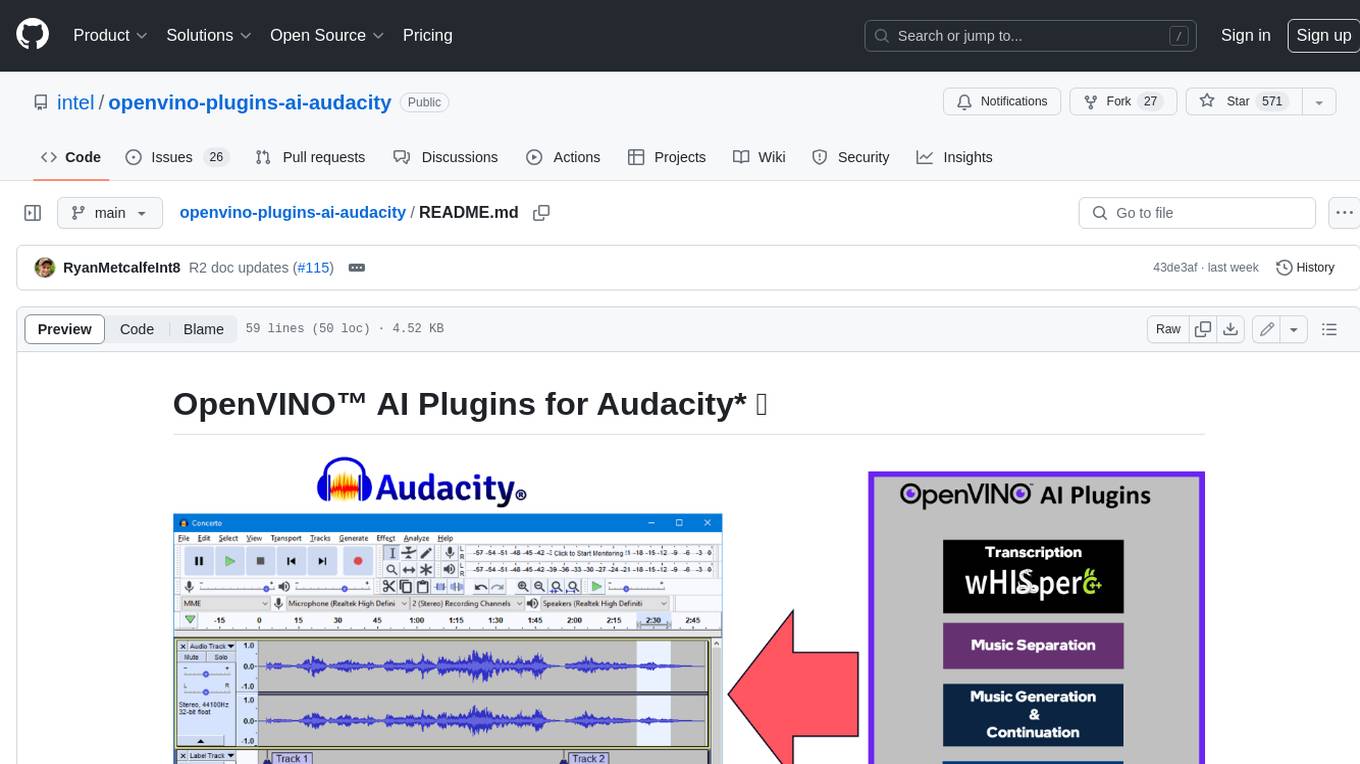
openvino-plugins-ai-audacity
OpenVINO™ AI Plugins for Audacity* are a set of AI-enabled effects, generators, and analyzers for Audacity®. These AI features run 100% locally on your PC -- no internet connection necessary! OpenVINO™ is used to run AI models on supported accelerators found on the user's system such as CPU, GPU, and NPU. * **Music Separation**: Separate a mono or stereo track into individual stems -- Drums, Bass, Vocals, & Other Instruments. * **Noise Suppression**: Removes background noise from an audio sample. * **Music Generation & Continuation**: Uses MusicGen LLM to generate snippets of music, or to generate a continuation of an existing snippet of music. * **Whisper Transcription**: Uses whisper.cpp to generate a label track containing the transcription or translation for a given selection of spoken audio or vocals.
WavCraft
WavCraft is an LLM-driven agent for audio content creation and editing. It applies LLM to connect various audio expert models and DSP function together. With WavCraft, users can edit the content of given audio clip(s) conditioned on text input, create an audio clip given text input, get more inspiration from WavCraft by prompting a script setting and let the model do the scriptwriting and create the sound, and check if your audio file is synthesized by WavCraft.