


azure-dev
A developer CLI that reduces the time it takes to get started on Azure. The Azure Developer CLI (azd) provides commands that map to key workflow stages: code, build, deploy, monitor, repeat.
Stars: 477
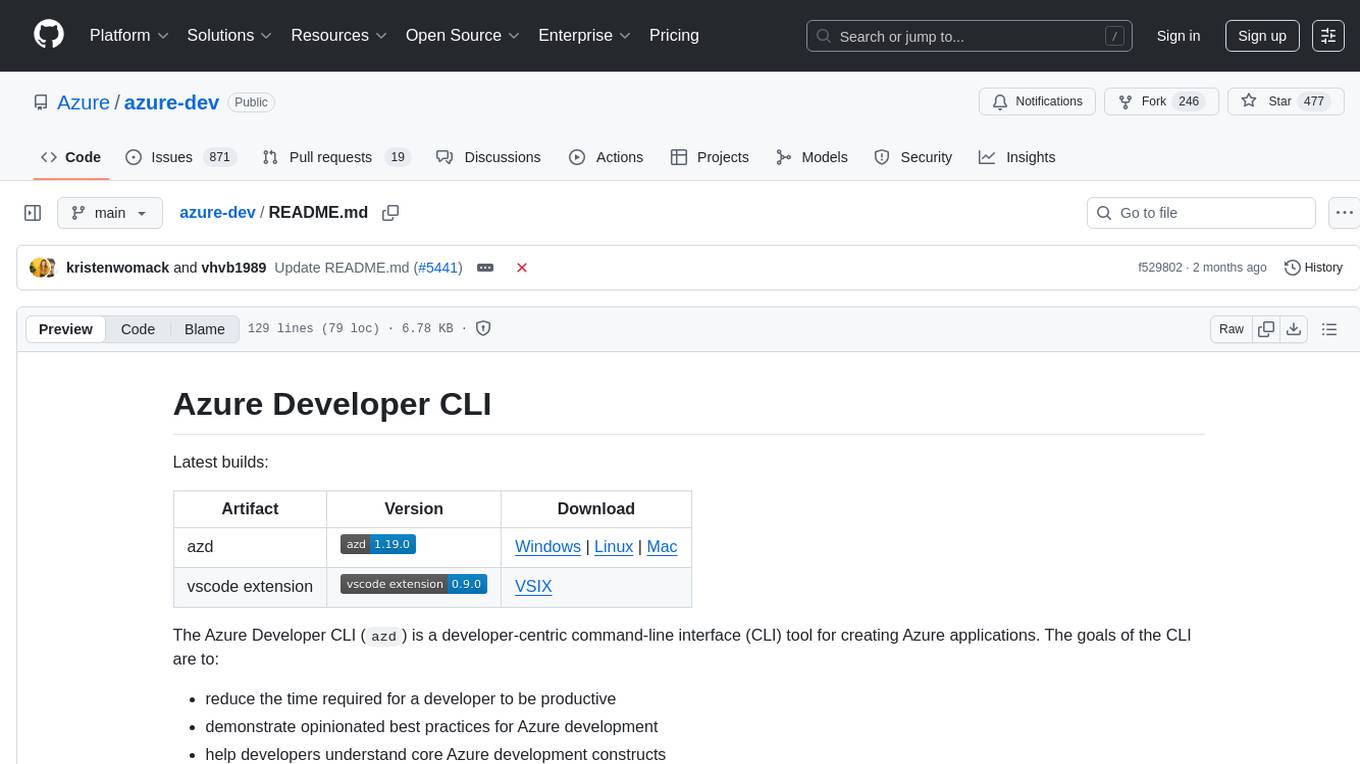
The Azure Developer CLI (`azd`) is a developer-centric command-line interface (CLI) tool for creating Azure applications. It aims to reduce the time required for a developer to be productive, demonstrate best practices for Azure development, and help developers understand core Azure development constructs. The CLI requires code repositories to adhere to specific conventions. It supports shell completion for `bash`, `zsh`, `fish`, and `powershell`. The software may collect information about users and their use of the software for service improvement. Telemetry collection is on by default but can be opted out by setting the environment variable `AZURE_DEV_COLLECT_TELEMETRY` to `no`. Contributions are welcome, and contributors need to agree to a Contributor License Agreement (CLA). The project has adopted the Microsoft Open Source Code of Conduct. The tool is licensed under Azure Developer CLI Templates Trust Notice.
README:
Latest builds:
| Artifact | Version | Download |
|---|---|---|
| azd |  |
Windows | Linux | Mac |
| vscode extension |  |
VSIX |
The Azure Developer CLI (azd) is a developer-centric command-line interface (CLI) tool for creating Azure applications. The goals of the CLI are to:
- reduce the time required for a developer to be productive
- demonstrate opinionated best practices for Azure development
- help developers understand core Azure development constructs
To take full advantage of the CLI, code repositories need to conform to a well defined set of conventions that will be recognized by the tooling. Please checkout the docs for more information and to get started. Use discussions to participate in the conversation, ask questions, and see the latest announcements.
Install and upgrade using the following scripts. Re-running the script will install the latest available version.
For advanced install scenarios see Azure Developer CLI Installer Scripts.
winget install microsoft.azdchoco install azdpowershell -ex AllSigned -c "Invoke-RestMethod 'https://aka.ms/install-azd.ps1' | Invoke-Expression"brew tap azure/azd && brew install azdIf using brew to upgrade azd from a version not installed using brew, remove the existing version of azd using the uninstall script (if installed to the default location) or by deleting the azd binary manually.
curl -fsSL https://aka.ms/install-azd.sh | bash
The CLI supports shell completion for bash, zsh, fish and powershell.
To learn how to install shell completion for the CLI for your shell, run azd completion [bash | zsh | fish | powershell] --help.
For example, to get the instructions for bash run azd completion bash --help
The Azure Developer CLI uses MSI to install on Windows. Use the "Add or remove programs" dialog in Windows to remove the "Azure Developer CLI" application. If installed using a package manager like winget or choco, uninstall using the package manager's uninstall command.
Use this PowerShell script to uninstall Azure Developer CLI 0.4.0-beta.1 and earlier.
powershell -ex AllSigned -c "Invoke-RestMethod 'https://aka.ms/uninstall-azd.ps1' | Invoke-Expression"If installed using the script, uninstall using this script.
curl -fsSL https://aka.ms/uninstall-azd.sh | bash
If installed using a package manager, uninstall using the package manager's uninstall command.
The software may collect information about you and your use of the software and send it to Microsoft. Microsoft may use this information to provide services and improve our products and services. You may turn off the telemetry as described in the repository. There are also some features in the software that may enable you and Microsoft to collect data from users of your applications. If you use these features, you must comply with applicable law, including providing appropriate notices to users of your applications together with a copy of Microsoft's privacy statement. Our privacy statement is located at https://go.microsoft.com/fwlink/?LinkId=521839. You can learn more about data collection and use in the help documentation and our privacy statement. Your use of the software operates as your consent to these practices.
Telemetry collection is on by default.
To opt out, set the environment variable AZURE_DEV_COLLECT_TELEMETRY to no in your environment.
This project welcomes contributions and suggestions. Most contributions require you to agree to a Contributor License Agreement (CLA) declaring that you have the right to, and actually do, grant us the rights to use your contribution. For details, visit https://cla.microsoft.com.
When you submit a pull request, a CLA-bot will automatically determine whether you need to provide a CLA and decorate the PR appropriately (e.g., label, comment). Simply follow the instructions provided by the bot. You will only need to do this once across all repos using our CLA.
Please see our contributing guide for complete instructions on how you can contribute to the Azure Developer CLI.
This project has adopted the Microsoft Open Source Code of Conduct. For more information see the Code of Conduct FAQ or contact [email protected] with any additional questions or comments.
Microsoft employees and partners who want to contribute templates to our official collections, must follow the standardization guidelines for template scaffolding and validation published here
Important Disclaimer: The standardization artifacts, definitions, and recommendations are frequently updated. Please make sure to visit the site often to follow the latest recommended practices.
Trademarks This project may contain trademarks or logos for projects, products, or services. Authorized use of Microsoft trademarks or logos is subject to and must follow Microsoft’s Trademark & Brand Guidelines. Use of Microsoft trademarks or logos in modified versions of this project must not cause confusion or imply Microsoft sponsorship. Any use of third-party trademarks or logos are subject to those third-party’s policies.
Learn more about running third-party code on our DevHub
For Tasks:
Click tags to check more tools for each tasksFor Jobs:
Alternative AI tools for azure-dev
Similar Open Source Tools
azure-dev
The Azure Developer CLI (`azd`) is a developer-centric command-line interface (CLI) tool for creating Azure applications. It aims to reduce the time required for a developer to be productive, demonstrate best practices for Azure development, and help developers understand core Azure development constructs. The CLI requires code repositories to adhere to specific conventions. It supports shell completion for `bash`, `zsh`, `fish`, and `powershell`. The software may collect information about users and their use of the software for service improvement. Telemetry collection is on by default but can be opted out by setting the environment variable `AZURE_DEV_COLLECT_TELEMETRY` to `no`. Contributions are welcome, and contributors need to agree to a Contributor License Agreement (CLA). The project has adopted the Microsoft Open Source Code of Conduct. The tool is licensed under Azure Developer CLI Templates Trust Notice.
n8n-docs
n8n is an extendable workflow automation tool that enables you to connect anything to everything. It is open-source and can be self-hosted or used as a service. n8n provides a visual interface for creating workflows, which can be used to automate tasks such as data integration, data transformation, and data analysis. n8n also includes a library of pre-built nodes that can be used to connect to a variety of applications and services. This makes it easy to create complex workflows without having to write any code.
FlowTest
FlowTestAI is the world’s first GenAI powered OpenSource Integrated Development Environment (IDE) designed for crafting, visualizing, and managing API-first workflows. It operates as a desktop app, interacting with the local file system, ensuring privacy and enabling collaboration via version control systems. The platform offers platform-specific binaries for macOS, with versions for Windows and Linux in development. It also features a CLI for running API workflows from the command line interface, facilitating automation and CI/CD processes.
serverless-chat-langchainjs
This sample shows how to build a serverless chat experience with Retrieval-Augmented Generation using LangChain.js and Azure. The application is hosted on Azure Static Web Apps and Azure Functions, with Azure Cosmos DB for MongoDB vCore as the vector database. You can use it as a starting point for building more complex AI applications.
cluster-toolkit
Cluster Toolkit is an open-source software by Google Cloud for deploying AI/ML and HPC environments on Google Cloud. It allows easy deployment following best practices, with high customization and extensibility. The toolkit includes tutorials, examples, and documentation for various modules designed for AI/ML and HPC use cases.
azure-search-openai-javascript
This sample demonstrates a few approaches for creating ChatGPT-like experiences over your own data using the Retrieval Augmented Generation pattern. It uses Azure OpenAI Service to access the ChatGPT model (gpt-35-turbo), and Azure AI Search for data indexing and retrieval.
OSWorld
OSWorld is a benchmarking tool designed to evaluate multimodal agents for open-ended tasks in real computer environments. It provides a platform for running experiments, setting up virtual machines, and interacting with the environment using Python scripts. Users can install the tool on their desktop or server, manage dependencies with Conda, and run benchmark tasks. The tool supports actions like executing commands, checking for specific results, and evaluating agent performance. OSWorld aims to facilitate research in AI by providing a standardized environment for testing and comparing different agent baselines.
firebase-ios-sdk
This repository contains the source code for all Apple platform Firebase SDKs except FirebaseAnalytics. Firebase is an app development platform with tools to help you build, grow, and monetize your app. It provides installation methods like Standard pod install, Swift Package Manager, Installing from the GitHub repo, and Experimental Carthage. Development requires Xcode 16.2 or later, and supports CocoaPods and Swift Package Manager. The repository includes instructions for adding a new Firebase Pod, managing headers and imports, code formatting, running unit tests, running sample apps, and generating coverage reports. Specific component instructions are provided for Firebase AI Logic, Firebase Auth, Firebase Database, Firebase Dynamic Links, Firebase Performance Monitoring, Firebase Storage, and Push Notifications. Firebase also offers beta support for macOS, Catalyst, and tvOS, with community support for visionOS and watchOS.
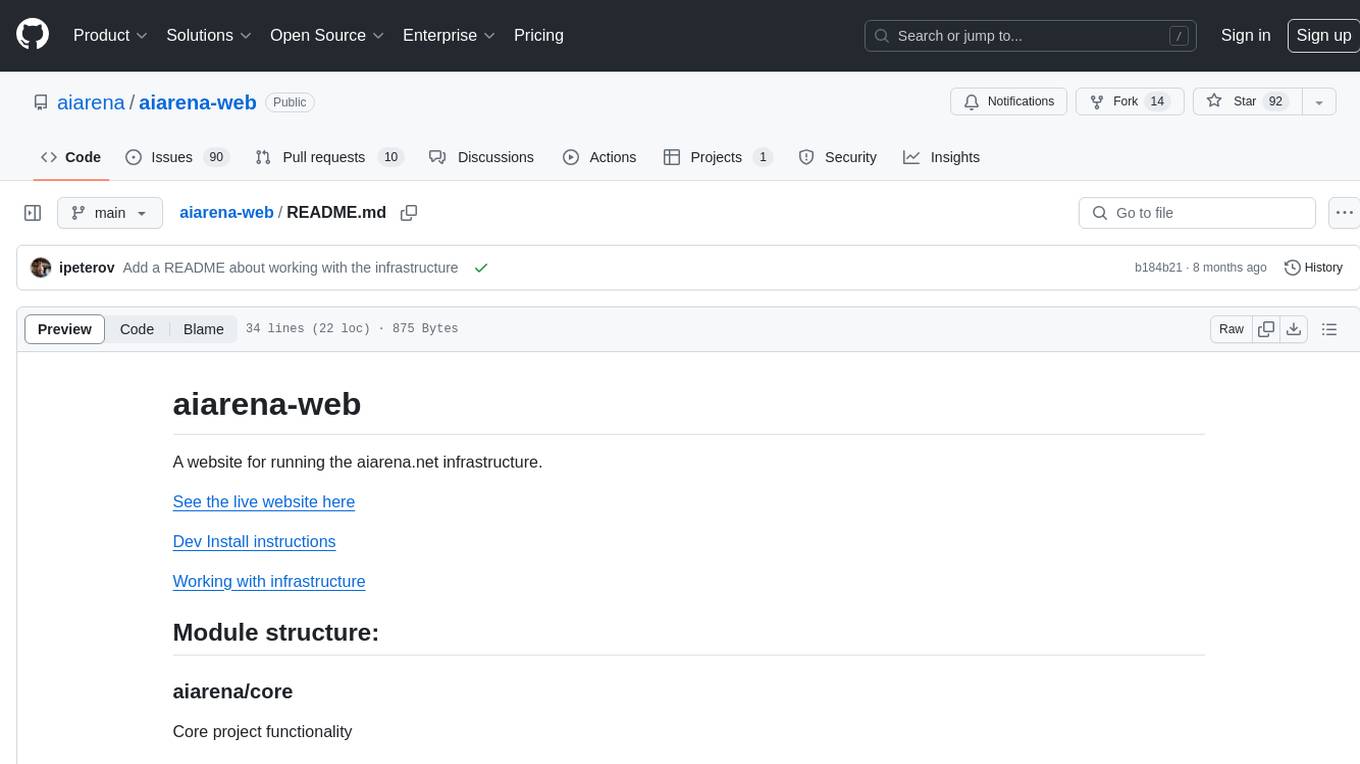
aiarena-web
aiarena-web is a website designed for running the aiarena.net infrastructure. It consists of different modules such as core functionality, web API endpoints, frontend templates, and a module for linking users to their Patreon accounts. The website serves as a platform for obtaining new matches, reporting results, featuring match replays, and connecting with Patreon supporters. The project is licensed under GPLv3 in 2019.
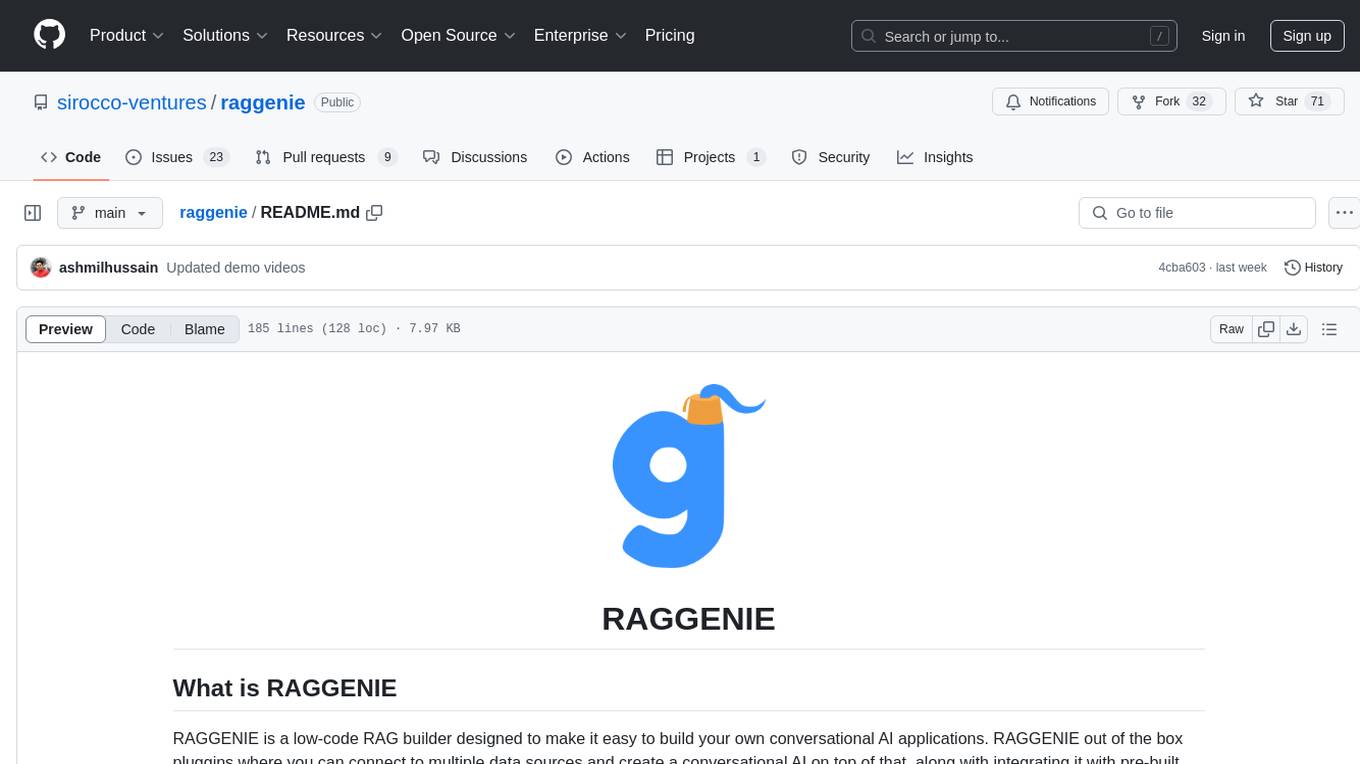
raggenie
RAGGENIE is a low-code RAG builder tool designed to simplify the creation of conversational AI applications. It offers out-of-the-box plugins for connecting to various data sources and building conversational AI on top of them, including integration with pre-built agents for actions. The tool is open-source under the MIT license, with a current focus on making it easy to build RAG applications and future plans for maintenance, monitoring, and transitioning applications from pilots to production.
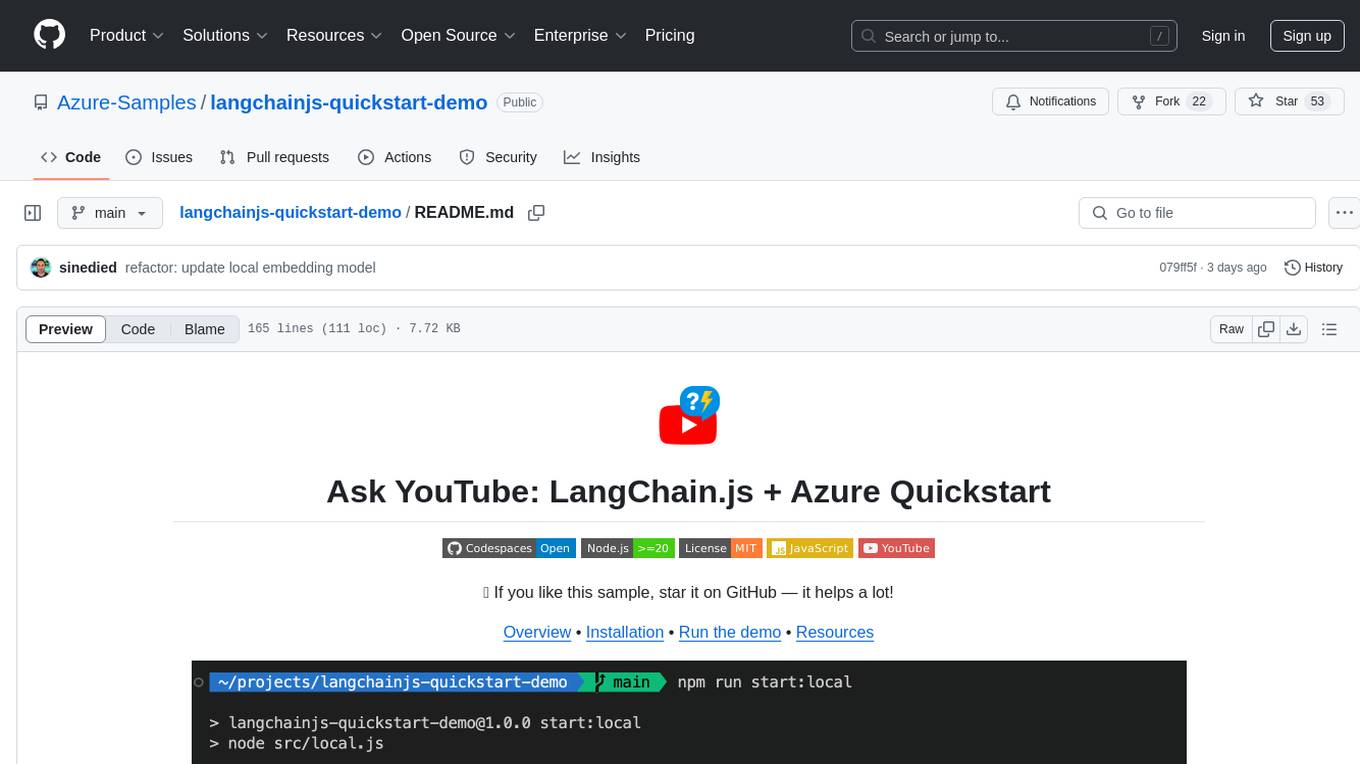
langchainjs-quickstart-demo
Discover the journey of building a generative AI application using LangChain.js and Azure. This demo explores the development process from idea to production, using a RAG-based approach for a Q&A system based on YouTube video transcripts. The application allows to ask text-based questions about a YouTube video and uses the transcript of the video to generate responses. The code comes in two versions: local prototype using FAISS and Ollama with LLaMa3 model for completion and all-minilm-l6-v2 for embeddings, and Azure cloud version using Azure AI Search and GPT-4 Turbo model for completion and text-embedding-3-large for embeddings. Either version can be run as an API using the Azure Functions runtime.
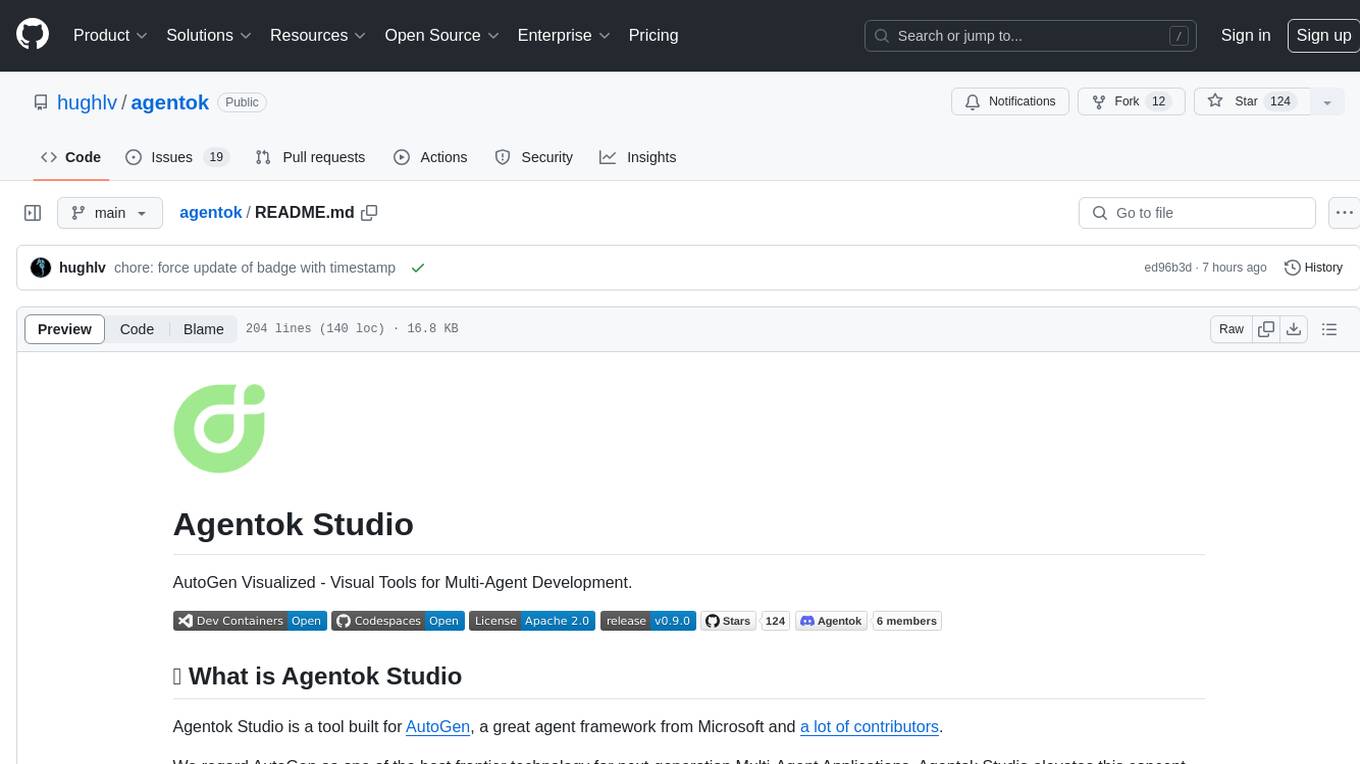
agentok
Agentok Studio is a visual tool built for AutoGen, a cutting-edge agent framework from Microsoft and various contributors. It offers intuitive visual tools to simplify the construction and management of complex agent-based workflows. Users can create workflows visually as graphs, chat with agents, and share flow templates. The tool is designed to streamline the development process for creators and developers working on next-generation Multi-Agent Applications.
holohub
Holohub is a central repository for the NVIDIA Holoscan AI sensor processing community to share reference applications, operators, tutorials, and benchmarks. It includes example applications, community components, package configurations, and tutorials. Users and developers of the Holoscan platform are invited to reuse and contribute to this repository. The repository provides detailed instructions on prerequisites, building, running applications, contributing, and glossary terms. It also offers a searchable catalog of available components on the Holoscan SDK User Guide website.
vespa
Vespa is a platform that performs operations such as selecting a subset of data in a large corpus, evaluating machine-learned models over the selected data, organizing and aggregating it, and returning it, typically in less than 100 milliseconds, all while the data corpus is continuously changing. It has been in development for many years and is used on a number of large internet services and apps which serve hundreds of thousands of queries from Vespa per second.
azure-search-openai-demo
This sample demonstrates a few approaches for creating ChatGPT-like experiences over your own data using the Retrieval Augmented Generation pattern. It uses Azure OpenAI Service to access a GPT model (gpt-35-turbo), and Azure AI Search for data indexing and retrieval. The repo includes sample data so it's ready to try end to end. In this sample application we use a fictitious company called Contoso Electronics, and the experience allows its employees to ask questions about the benefits, internal policies, as well as job descriptions and roles.
PrAIvateSearch
PrAIvateSearch is a NextJS web application that aims to implement similar features to SearchGPT in an open-source, local, and private way. It allows users to search the web using their own AI model. The application provides a user-friendly interface for interacting with the AI model and accessing search results. PrAIvateSearch is designed to be easy to install and use, with detailed instructions provided in the readme file. The project is in beta stage and welcomes contributions from the community to improve and enhance its functionality. Users are encouraged to support the project through funding to help it grow and continue to be maintained as an open-source tool under the MIT license.
For similar tasks
azure-dev
The Azure Developer CLI (`azd`) is a developer-centric command-line interface (CLI) tool for creating Azure applications. It aims to reduce the time required for a developer to be productive, demonstrate best practices for Azure development, and help developers understand core Azure development constructs. The CLI requires code repositories to adhere to specific conventions. It supports shell completion for `bash`, `zsh`, `fish`, and `powershell`. The software may collect information about users and their use of the software for service improvement. Telemetry collection is on by default but can be opted out by setting the environment variable `AZURE_DEV_COLLECT_TELEMETRY` to `no`. Contributions are welcome, and contributors need to agree to a Contributor License Agreement (CLA). The project has adopted the Microsoft Open Source Code of Conduct. The tool is licensed under Azure Developer CLI Templates Trust Notice.
hass-ollama-conversation
The Ollama Conversation integration adds a conversation agent powered by Ollama in Home Assistant. This agent can be used in automations to query information provided by Home Assistant about your house, including areas, devices, and their states. Users can install the integration via HACS and configure settings such as API timeout, model selection, context size, maximum tokens, and other parameters to fine-tune the responses generated by the AI language model. Contributions to the project are welcome, and discussions can be held on the Home Assistant Community platform.

rclip
rclip is a command-line photo search tool powered by the OpenAI's CLIP neural network. It allows users to search for images using text queries, similar image search, and combining multiple queries. The tool extracts features from photos to enable searching and indexing, with options for previewing results in supported terminals or custom viewers. Users can install rclip on Linux, macOS, and Windows using different installation methods. The repository follows the Conventional Commits standard and welcomes contributions from the community.
honcho
Honcho is a platform for creating personalized AI agents and LLM powered applications for end users. The repository is a monorepo containing the server/API for managing database interactions and storing application state, along with a Python SDK. It utilizes FastAPI for user context management and Poetry for dependency management. The API can be run using Docker or manually by setting environment variables. The client SDK can be installed using pip or Poetry. The project is open source and welcomes contributions, following a fork and PR workflow. Honcho is licensed under the AGPL-3.0 License.
core
OpenSumi is a framework designed to help users quickly build AI Native IDE products. It provides a set of tools and templates for creating Cloud IDEs, Desktop IDEs based on Electron, CodeBlitz web IDE Framework, Lite Web IDE on the Browser, and Mini-App liked IDE. The framework also offers documentation for users to refer to and a detailed guide on contributing to the project. OpenSumi encourages contributions from the community and provides a platform for users to report bugs, contribute code, or improve documentation. The project is licensed under the MIT license and contains third-party code under other open source licenses.
yolo-ios-app
The Ultralytics YOLO iOS App GitHub repository offers an advanced object detection tool leveraging YOLOv8 models for iOS devices. Users can transform their devices into intelligent detection tools to explore the world in a new and exciting way. The app provides real-time detection capabilities with multiple AI models to choose from, ranging from 'nano' to 'x-large'. Contributors are welcome to participate in this open-source project, and licensing options include AGPL-3.0 for open-source use and an Enterprise License for commercial integration. Users can easily set up the app by following the provided steps, including cloning the repository, adding YOLOv8 models, and running the app on their iOS devices.
PyAirbyte
PyAirbyte brings the power of Airbyte to every Python developer by providing a set of utilities to use Airbyte connectors in Python. It enables users to easily manage secrets, work with various connectors like GitHub, Shopify, and Postgres, and contribute to the project. PyAirbyte is not a replacement for Airbyte but complements it, supporting data orchestration frameworks like Airflow and Snowpark. Users can develop ETL pipelines and import connectors from local directories. The tool simplifies data integration tasks for Python developers.
md-agent
MD-Agent is a LLM-agent based toolset for Molecular Dynamics. It uses Langchain and a collection of tools to set up and execute molecular dynamics simulations, particularly in OpenMM. The tool assists in environment setup, installation, and usage by providing detailed steps. It also requires API keys for certain functionalities, such as OpenAI and paper-qa for literature searches. Contributions to the project are welcome, with a detailed Contributor's Guide available for interested individuals.
For similar jobs
azure-dev
The Azure Developer CLI (`azd`) is a developer-centric command-line interface (CLI) tool for creating Azure applications. It aims to reduce the time required for a developer to be productive, demonstrate best practices for Azure development, and help developers understand core Azure development constructs. The CLI requires code repositories to adhere to specific conventions. It supports shell completion for `bash`, `zsh`, `fish`, and `powershell`. The software may collect information about users and their use of the software for service improvement. Telemetry collection is on by default but can be opted out by setting the environment variable `AZURE_DEV_COLLECT_TELEMETRY` to `no`. Contributions are welcome, and contributors need to agree to a Contributor License Agreement (CLA). The project has adopted the Microsoft Open Source Code of Conduct. The tool is licensed under Azure Developer CLI Templates Trust Notice.
call-center-ai
Call Center AI is an AI-powered call center solution that leverages Azure and OpenAI GPT. It is a proof of concept demonstrating the integration of Azure Communication Services, Azure Cognitive Services, and Azure OpenAI to build an automated call center solution. The project showcases features like accessing claims on a public website, customer conversation history, language change during conversation, bot interaction via phone number, multiple voice tones, lexicon understanding, todo list creation, customizable prompts, content filtering, GPT-4 Turbo for customer requests, specific data schema for claims, documentation database access, SMS report sending, conversation resumption, and more. The system architecture includes components like RAG AI Search, SMS gateway, call gateway, moderation, Cosmos DB, event broker, GPT-4 Turbo, Redis cache, translation service, and more. The tool can be deployed remotely using GitHub Actions and locally with prerequisites like Azure environment setup, configuration file creation, and resource hosting. Advanced usage includes custom training data with AI Search, prompt customization, language customization, moderation level customization, claim data schema customization, OpenAI compatible model usage for the LLM, and Twilio integration for SMS.
contoso-chat
Contoso Chat is a Python sample demonstrating how to build, evaluate, and deploy a retail copilot application with Azure AI Studio using Promptflow with Prompty assets. The sample implements a Retrieval Augmented Generation approach to answer customer queries based on the company's product catalog and customer purchase history. It utilizes Azure AI Search, Azure Cosmos DB, Azure OpenAI, text-embeddings-ada-002, and GPT models for vectorizing user queries, AI-assisted evaluation, and generating chat responses. By exploring this sample, users can learn to build a retail copilot application, define prompts using Prompty, design, run & evaluate a copilot using Promptflow, provision and deploy the solution to Azure using the Azure Developer CLI, and understand Responsible AI practices for evaluation and content safety.
enterprise-azureai
Azure OpenAI Service is a central capability with Azure API Management, providing guidance and tools for organizations to implement Azure OpenAI in a production environment with an emphasis on cost control, secure access, and usage monitoring. It includes infrastructure-as-code templates, CI/CD pipelines, secure access management, usage monitoring, load balancing, streaming requests, and end-to-end samples like ChatApp and Azure Dashboards.

AirGo
AirGo is a front and rear end separation, multi user, multi protocol proxy service management system, simple and easy to use. It supports vless, vmess, shadowsocks, and hysteria2.
mosec
Mosec is a high-performance and flexible model serving framework for building ML model-enabled backend and microservices. It bridges the gap between any machine learning models you just trained and the efficient online service API. * **Highly performant** : web layer and task coordination built with Rust 🦀, which offers blazing speed in addition to efficient CPU utilization powered by async I/O * **Ease of use** : user interface purely in Python 🐍, by which users can serve their models in an ML framework-agnostic manner using the same code as they do for offline testing * **Dynamic batching** : aggregate requests from different users for batched inference and distribute results back * **Pipelined stages** : spawn multiple processes for pipelined stages to handle CPU/GPU/IO mixed workloads * **Cloud friendly** : designed to run in the cloud, with the model warmup, graceful shutdown, and Prometheus monitoring metrics, easily managed by Kubernetes or any container orchestration systems * **Do one thing well** : focus on the online serving part, users can pay attention to the model optimization and business logic
llm-code-interpreter
The 'llm-code-interpreter' repository is a deprecated plugin that provides a code interpreter on steroids for ChatGPT by E2B. It gives ChatGPT access to a sandboxed cloud environment with capabilities like running any code, accessing Linux OS, installing programs, using filesystem, running processes, and accessing the internet. The plugin exposes commands to run shell commands, read files, and write files, enabling various possibilities such as running different languages, installing programs, starting servers, deploying websites, and more. It is powered by the E2B API and is designed for agents to freely experiment within a sandboxed environment.

pezzo
Pezzo is a fully cloud-native and open-source LLMOps platform that allows users to observe and monitor AI operations, troubleshoot issues, save costs and latency, collaborate, manage prompts, and deliver AI changes instantly. It supports various clients for prompt management, observability, and caching. Users can run the full Pezzo stack locally using Docker Compose, with prerequisites including Node.js 18+, Docker, and a GraphQL Language Feature Support VSCode Extension. Contributions are welcome, and the source code is available under the Apache 2.0 License.