


QuestCameraKit
QuestVisionKit is a collection of template and reference projects demonstrating how to use Meta Quest’s new Passthrough Camera API for advanced AR/VR vision, tracking, and shader effects.
Stars: 222
QuestCameraKit is a collection of template and reference projects demonstrating how to use Meta Quest’s new Passthrough Camera API (PCA) for advanced AR/VR vision, tracking, and shader effects. It includes samples like Color Picker, Object Detection with Unity Sentis, QR Code Tracking with ZXing, Frosted Glass Shader, OpenAI vision model, and WebRTC video streaming. The repository provides detailed instructions on how to run each sample and troubleshoot known issues. Users can explore various functionalities such as converting 3D points to 2D image pixels, detecting objects, tracking QR codes, applying custom shader effects, interacting with OpenAI's vision model, and streaming camera feed over WebRTC.
README:
QuestCameraKit is a collection of template and reference projects demonstrating how to use Meta Quest’s new Passthrough Camera API (PCA) for advanced AR/VR vision, tracking, and shader effects.


- Overview
- Getting Started with PCA
- Running the Samples
- General Troubleshooting & Known Issues
- Acknowledgements & Credits
- Community Contributions
- News
- License
- Contact
- Purpose: Convert a 3D point in space to its corresponding 2D image pixel.
- Description: This sample shows the mapping between 3D space and 2D image coordinates using the Passthrough Camera API. We use MRUK's EnvironmentRaycastManager to determine a 3D point in our environment and map it to the location on our WebcamTexture. We then extract the pixel on that point, to determine the color of a real world object.
- Purpose: Convert 2D screen coordinates into their corresponding 3D points in space.
-
Description: Use the Unity Sentis framework to infer different ML models to detect and track objects. Learn how to convert detected image coordinates (e.g. bounding boxes) back into 3D points for dynamic interaction within your scenes. In this sample you will also see how to filter labels. This means e.g. you can only detect humans and pets, to create a more safe play-area for your VR game. The sample video below is filtered to monitor, person and laptop. The sample is running at around
60 fps.
| 1. 🎨 Color Picker | 2. 🍎 Object Detection |
|---|---|
 |
 |
- Purpose: Detect and track QR codes in real time. Open webviews or log-in to 3rd party services with ease.
-
Description: Similarly to the object detection sample, get QR code coordinated and projects them into 3D space. Detect QR codes and call their URLs. You can select between a multiple or single QR code mode. The sample is running at around
70 fpsfor multiple QR codes and a stable72 fpsfor a single code.
- Purpose: Apply a custom shader effect to virtual surfaces.
- Description: A shader which takes our camera feed as input to manipulate the content behind it. Right now the project contains a Pixelate, Refract, Water, Zoom, and Blur effect. Frosted Glass shader is work in progress!
| 3. 📱 QR Code Tracking | 4. 🪟 Shader Samples |
|---|---|
 |
 |
- Purpose: Ask OpenAI's vision model (or any other multi-modal LLM) for context of your current scene.
-
Description: We use a the OpenAI Speech to text API to create a coommand. We then send this command together with a screenshot to the Vision model. Lastly, we get the response back and use the Text to speech API to turn the response text into an audio file in Unity to speak the response. The user can select different speakers, models, and speed. For the command we can add additional instructions for the model, as well as select an image, image & text, or just a text mode. The whole loop takes anywhere from
2-6 seconds, depending on the internet connection.
https://github.com/user-attachments/assets/a4cfbfc2-0306-40dc-a9a3-cdccffa7afea
- Purpose: Stream the Passthrough Camera stream over WebRTC to another client using WebSockets.
- Description: This sample uses SimpleWebRTC, which is a Unity-based WebRTC wrapper that facilitates peer-to-peer audio, video, and data communication over WebRTC using Unitys WebRTC package. It leverages NativeWebSocket for signaling and supports both video and audio streaming. You will need to setup your own websocket signaling server beforehand, either online or in LAN. You can find more information about the necessary steps here
| 6. 🎥 WebRTC video streaming |
|---|
 |
| Information | Details |
|---|---|
| Device Requirements | - Only for Meta Quest 3 and 3s- HorizonOS v74 or later |
| Unity WebcamTexture | - Access through Unity’s WebcamTexture - Only one camera at a time (left or right), a Unity limitation |
| Android Camera2 API | - Unobstructed forward-facing RGB cameras - Provides camera intrinsics ( camera ID, height, width, lens translation & rotation)- Android Manifest: horizonos.permission.HEADSET_CAMERA
|
| Public Experimental | Apps using PCA are not allowed to be submitted to the Meta Horizon Store yet. |
| Specifications | - Frame Rate: 30fps- Image latency: 40-60ms- Available resolutions per eye: 320x240, 640x480, 800x600, 1280x960
|
-
Meta Quest Device: Ensure you are runnning on a
Quest 3orQuest 3sand your device is updated toHorizonOS v74or later. -
Unity: Recommended is
Unity 6. Also runs on Unity2022.3. LTS. - Camera Passthrough API does not work in the Editor or XR Simulator.
- Get more information from the Meta Quest Developer Documentation
[!CAUTION] Every feature involving accessing the camera has significant impact on your application's performance. Be aware of this and ask yourself if the feature you are trying to implement can be done any other way besides using cameras.
-
Clone the Repository:
git clone https://github.com/xrdevrob/QuestCameraKit.git -
Open the Project in Unity: Launch Unity and open the cloned project folder.
-
Configure Dependencies: Follow the instructions in the section below to run one of the samples.
1. Color Picker
- Open the
ColorPickerscene. - Build the scene and run the APK on your headset.
- Aim the ray onto a surface in your real space and press the A button or pinch your fingers to observe the cube changing it's color to the color in your real environment.
- Open the
ObjectDetectionscene. - You will need Unity Sentis for this project to run ([email protected]).
- Select the labels you would like to track. No label means all objects will be tracked.
Show all available labels
person bicycle car motorbike aeroplane bus train truck boat traffic light fire hydrant stop sign parking meter bench bird cat dog horse sheep cow elephant bear zebra giraffe backpack umbrella handbag tie suitcase frisbee skis snowboard sports ball kite baseball bat baseball glove skateboard surfboard tennis racket bottle wine glass cup fork knife spoon bowl banana apple sandwich orange broccoli carrot hot dog pizza donut cake chair sofa pottedplant bed diningtable toilet tvmonitor laptop mouse remote keyboard cell phone microwave oven toaster sink refrigerator book clock vase scissors teddy bear hair drier toothbrush
- Build the scene and run the APK on your headset. Look around your room and see how tracked objects receive a bounding box in accurate 3D space.
- Open the
QRCodeTrackingscene to test real-time QR code detection and tracking. - Install NuGet for Unity
- Click on the
NuGetmenu and then onManage NuGet Packages. Search for the ZXing.Net package from Michael Jahn and install it. - Make sure in your
Player SettingsunderScripting Define Symbolsyou seeZXING_ENABLED. The ZXingDefineSymbolChecker class should automatically detect ifZXing.Netis installed and add the symbol. - In order to see the label of your QR code, you will also need to install TextMeshPro!
- Build the scene and run the APK on your headset. Look at a QR code to see the marker in 3D space and URL of the QR code.
- Open the
Shader Samplesscene. - Build the scene and run the APK on your headset.
- Look at the spheres from different angles and observe how objects behind it are changing.
[!WARNING]
The Meta Project Setup Tool (PST) will show a warning and tell you to uncheck it, so do not fix this warning.
- Open the
ImageLLMscene. - Make sure to create an API key and enter it in the
OpenAI Manager prefab. - Select your desired model and optionally give the LLM some instructions.
- Make sure your headset is connected to the internet (the faster the better).
- Build the scene and run the APK on your headset.
[!NOTE]
File uploads are currently limited to25 MBand the following input file types are supported:mp3,mp4,mpeg,mpga,m4a,wav, andwebm.
You can send commands and receive results in any of these languages:
Show all suppported languages
| Afrikaans | Arabic | Armenian | Azerbaijani | Belarusian | Bosnian | Bulgarian | Catalan | Chinese |
| Croatian | Czech | Danish | Dutch | English | Estonian | Finnish | French | Galician |
| German | Greek | Hebrew | Hindi | Hungarian | Icelandic | Indonesian | Italian | Japanese |
| Kannada | Kazakh | Korean | Latvian | Lithuanian | Macedonian | Malay | Marathi | Maori |
| Nepali | Norwegian | Persian | Polish | Portuguese | Romanian | Russian | Serbian | Slovak |
| Slovenian | Spanish | Swahili | Swedish | Tagalog | Tamil | Thai | Turkish | Ukrainian |
| Urdu | Vietnamese | Welsh |
- Open the
Package Manager, click on the + sign in the upper left/right corner.- Select "Add package from git URL".
- Enter URL: https://github.com/endel/NativeWebSocket.git#upm and click in Install.
- After the installation finished, click on the + sign in the upper left/right corner again.
- Enter URL https://github.com/FireDragonGameStudio/SimpleWebRTC.git?path=/Assets/SimpleWebRTC#upm and click on Install
- Open the
WebRTC-Questscene. - Link up your signaling server on the
Client-STUNConnectioncomponent in theWeb Socket Server Addressfield. - Build and deploy the
WebRTC-Questscene to your Quest3 device. - Open the
WebRTC-SingleClientscene on your Editor. - Build and deploy the
WebRTC-SingleClientscene to another device or start it from within the Unity Editor. More information can be found here - Start the WebRTC app on your Quest and on your other devices. Quest and client streaming devices should connect automatically to the websocket signaling server.
- Perform the Start gesture with your left hand, or press the menu button on your left controller to start streaming from Quest3 to your WebRTC client app.
Troubleshooting:
- If there are compiler errors, make sure all packages were imported correctly.
- Open the
Package Manager, click on the + sign in the upper left/right corner. - Select "Add package from git URL".
- Enter URL: https://github.com/endel/NativeWebSocket.git#upm and click in Install.
- After the installation finished, click on the + sign in the upper left/right corner again.
- Enter URL https://github.com/FireDragonGameStudio/SimpleWebRTC.git?path=/Assets/SimpleWebRTC#upm and click on Install
- Use the menu
Tools/Update WebRTC Define Symbolto update the scripting define symbols if needed.
- Open the
- Make sure your own websocket signaling server is up and running. You can find more information about the necessary steps here.
- If you're going to stream over LAN, make sure the
STUN Server Addressfield on[BuildingBlock] Camera Rig/TrackingSpace/CenterEyeAnchor/Client-STUNConnectionis empty, otherwise leave the default value. - Make sure to enable the
Web Socket Connection activeflag on[BuildingBlock] Camera Rig/TrackingSpace/CenterEyeAnchor/Client-STUNConnectionto connect to the websocket server automatically on start. - WebRTC video streaming does NOT work, when the Graphics API is set to Vulkan. Make sure to switch to OpenGLES3 under
Project Settings/Player. - Make sure to DISABLE the Low Overhead Mode (GLES) setting for Android in
Project Settings/XR Plug-In Management/Oculus. Otherwise this optimization will prevent your Quest from sending the video stream to a receiving client.
[!WARNING] The Meta Project Setup Tool (PST) will show 2 warnings (opaque textures and low overhead mode GLES). Do NOT fix this warnings.
- Some users have reported that the app crashes the second and every following time the app is opened. A solution described was to go to the Quest settings under
Privacy & Securityand toggle the camera permission and then start the app and accept the permission again. If you encounter this problem please open an issue and send me the crash logs. Thank you! - If switching betwenn Unity 6 and other versions such as 2023 or 2022 it can happen that your Android Manifest is getting modified and the app won't run anymore. Should this happen to you make sure to go to
Meta > Tools > Update AndroidManifest.xmlorMeta > Tools > Create store-compatible AndroidManifest.xml. After that make sure you add back thehorizonos.permission.HEADSET_CAMERAmanually into your manifest file.
- Thanks to Meta for the Passthrough Camera API and Passthrough Camera API Samples.
- Thanks to shader wizard Daniel Ilett for helping me in the shader samples.
- Thanks to Michael Jahn for the XZing.Net library used for the QR code tracking samples.
- Thanks to Julian Triveri for constantly pushing the boundaries with what is possible with Meta Quest hardware and software.
- Special thanks to Markus Altenhofer from FireDragonGameStudio for contributing the WebRTC sample scene.
- Special thanks to Thomas Ratliff for contributing his shader samples to the repo.
-
Tutorials
- XR Dev Rob - XR AI Tutorials, Watch on YouTube
- Dilmer Valecillos, Watch on YouTube
- Skarredghost, Watch on YouTube
- FireDragonGameStudio, Watch on YouTube
- xr masiso, Watch on YouTube
- Urals Technologies, Watch on YouTube
-
Object Detection
-
Shaders
-
Environment Understanding & Mapping
-
Light Estimation
-
Environment Sampling
-
Image to 3D
-
Image to Image, Diffusion & Generation
-
Video recording and replay
-
OpenCV for Unity
- Takashi Yoshinaga: Using Passthrough Camera API with the OpenCV for Unity plugin
- Takashi Yoshinaga: OpenCV marker detection for object tracking
- Takashi Yoshinaga: OpenCV marker detection for multiple objects. You can find this project on his GitHub Repo
- Aurelio Puerta Martín: OpenCV with multiple trackers
- くりやま@システム開発: Positioning 3D objects on markers
-
QR Code Tracking
- (Mar 21 2025) The Mysticle - One of Quests Most Exciting Updates is Now Here!
- (Mar 18 2025) Road to VR - Meta Releases Quest Camera Access for Developers, Promising Even More Immersive MR Games
- (Mar 17 2025) MIXED Reality News - Quest developers get new powerful API for mixed reality apps
- (Mar 14 2025) UploadVR - Quest's Passthrough Camera API Is Out Now, Though Store Apps Can't Yet Use It
This project is licensed under the MIT License. See the LICENSE file for details. Feel free to use the samples for your own projects, though I would appreciate if you would leave some credits to this repo in your work ❤️
For questions, suggestions, or feedback, please open an issue in the repository or contact me on X, LinkedIn, or at [email protected]. Find all my info here or join our growing XR developer community on Discord.


Happy coding and enjoy exploring the possibilities with QuestCameraKit!
For Tasks:
Click tags to check more tools for each tasksFor Jobs:
Alternative AI tools for QuestCameraKit
Similar Open Source Tools
QuestCameraKit
QuestCameraKit is a collection of template and reference projects demonstrating how to use Meta Quest’s new Passthrough Camera API (PCA) for advanced AR/VR vision, tracking, and shader effects. It includes samples like Color Picker, Object Detection with Unity Sentis, QR Code Tracking with ZXing, Frosted Glass Shader, OpenAI vision model, and WebRTC video streaming. The repository provides detailed instructions on how to run each sample and troubleshoot known issues. Users can explore various functionalities such as converting 3D points to 2D image pixels, detecting objects, tracking QR codes, applying custom shader effects, interacting with OpenAI's vision model, and streaming camera feed over WebRTC.
workbench-example-hybrid-rag
This NVIDIA AI Workbench project is designed for developing a Retrieval Augmented Generation application with a customizable Gradio Chat app. It allows users to embed documents into a locally running vector database and run inference locally on a Hugging Face TGI server, in the cloud using NVIDIA inference endpoints, or using microservices via NVIDIA Inference Microservices (NIMs). The project supports various models with different quantization options and provides tutorials for using different inference modes. Users can troubleshoot issues, customize the Gradio app, and access advanced tutorials for specific tasks.
GPTModels.nvim
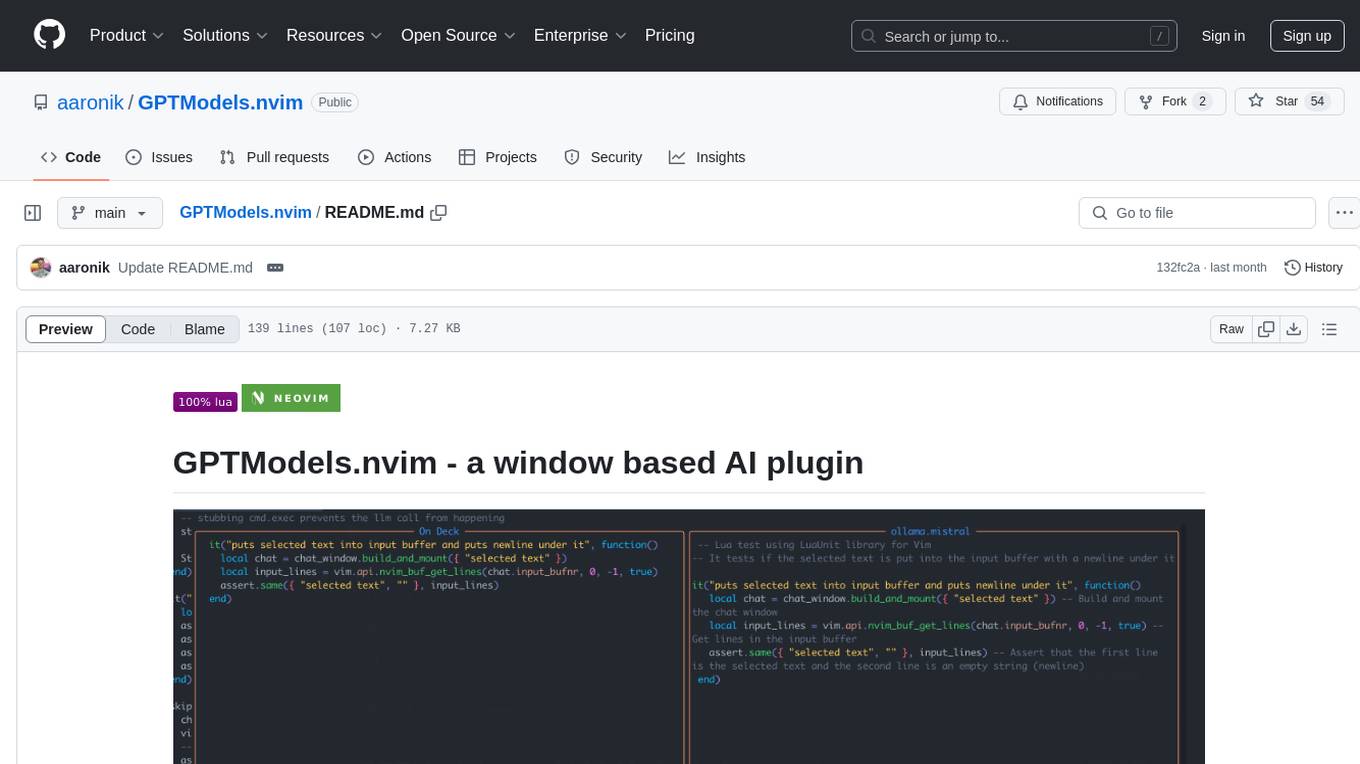
GPTModels.nvim is a window-based AI plugin for Neovim that enhances workflow with AI LLMs. It provides two popup windows for chat and code editing, focusing on stability and user experience. The plugin supports OpenAI and Ollama, includes LSP diagnostics, file inclusion, background processing, request cancellation, selection inclusion, and filetype inclusion. Developed with stability in mind, the plugin offers a seamless user experience with various features to streamline AI integration in Neovim.
llmcord
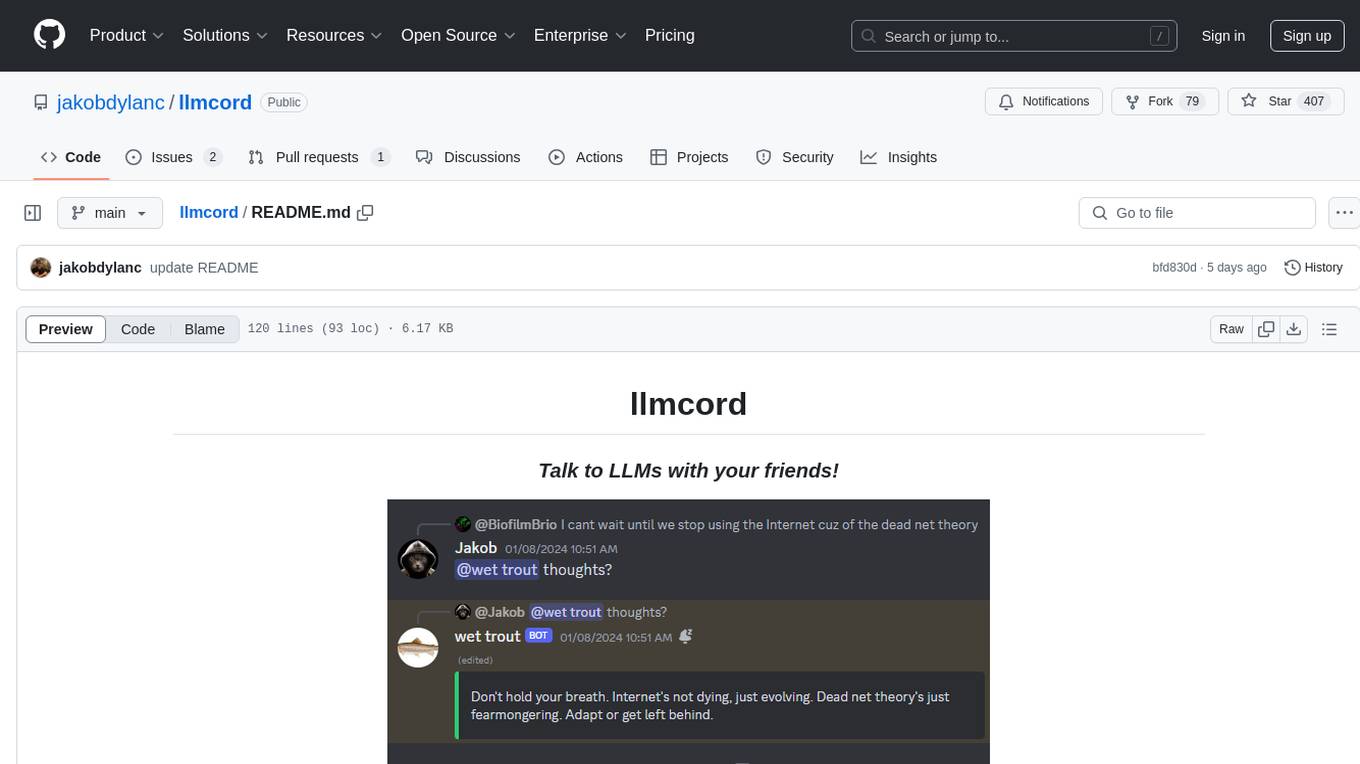
llmcord is a Discord bot that transforms Discord into a collaborative LLM frontend, allowing users to interact with various LLM models. It features a reply-based chat system that enables branching conversations, supports remote and local LLM models, allows image and text file attachments, offers customizable personality settings, and provides streamed responses. The bot is fully asynchronous, efficient in managing message data, and offers hot reloading config. With just one Python file and around 200 lines of code, llmcord provides a seamless experience for engaging with LLMs on Discord.
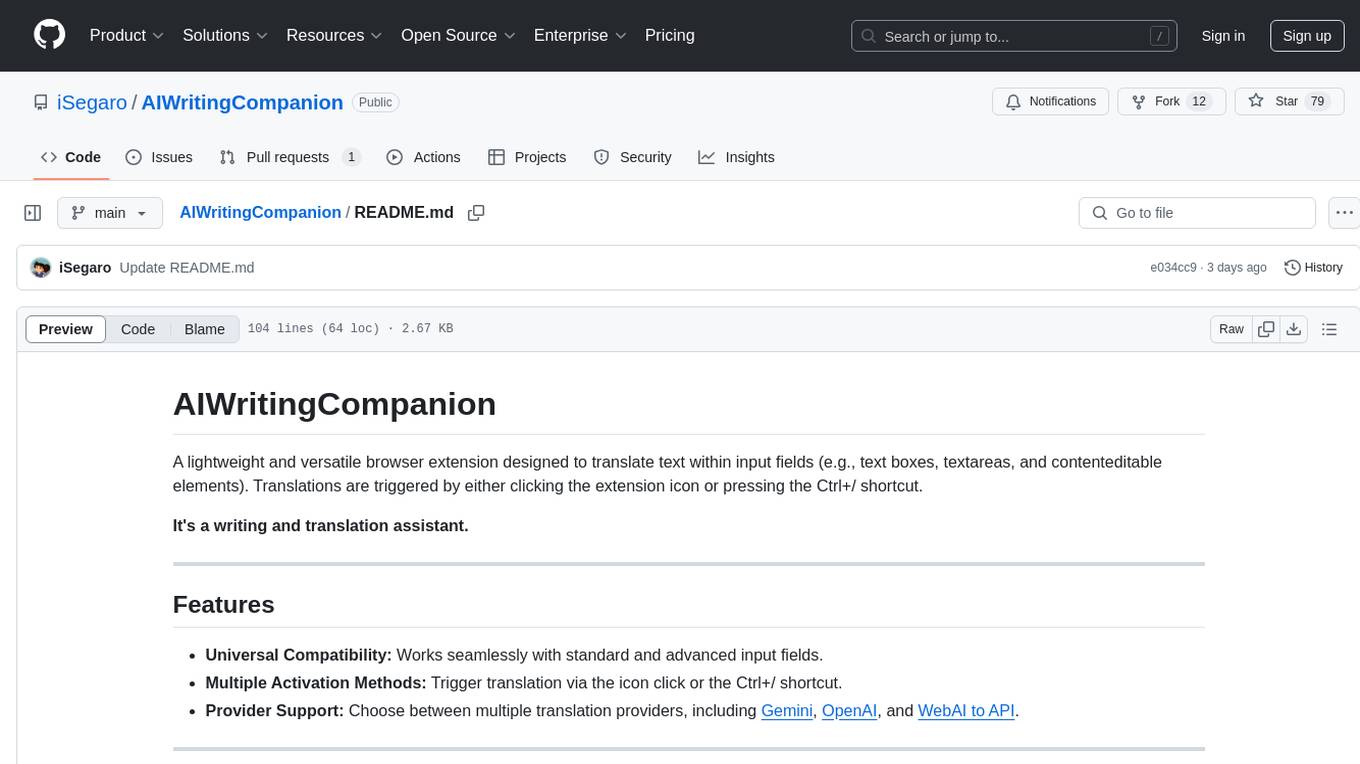
AIWritingCompanion
AIWritingCompanion is a lightweight and versatile browser extension designed to translate text within input fields. It offers universal compatibility, multiple activation methods, and support for various translation providers like Gemini, OpenAI, and WebAI to API. Users can install it via CRX file or Git, set API key, and use it for automatic translation or via shortcut. The tool is suitable for writers, translators, students, researchers, and bloggers. AI keywords include writing assistant, translation tool, browser extension, language translation, and text translator. Users can use it for tasks like translate text, assist in writing, simplify content, check language accuracy, and enhance communication.
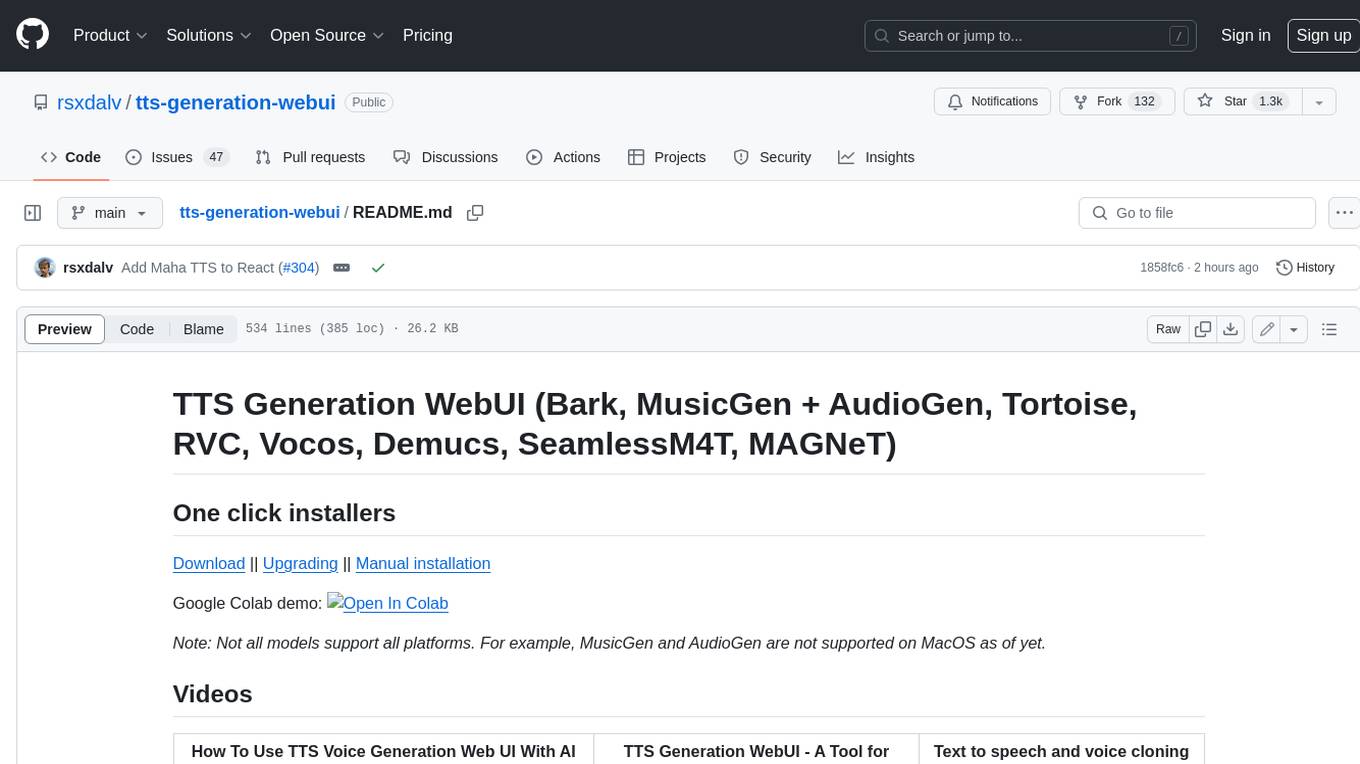
tts-generation-webui
TTS Generation WebUI is a comprehensive tool that provides a user-friendly interface for text-to-speech and voice cloning tasks. It integrates various AI models such as Bark, MusicGen, AudioGen, Tortoise, RVC, Vocos, Demucs, SeamlessM4T, and MAGNeT. The tool offers one-click installers, Google Colab demo, videos for guidance, and extra voices for Bark. Users can generate audio outputs, manage models, caches, and system space for AI projects. The project is open-source and emphasizes ethical and responsible use of AI technology.
swirl-search
Swirl is an open-source software that allows users to simultaneously search multiple content sources and receive AI-ranked results. It connects to various data sources, including databases, public data services, and enterprise sources, and utilizes AI and LLMs to generate insights and answers based on the user's data. Swirl is easy to use, requiring only the download of a YML file, starting in Docker, and searching with Swirl. Users can add credentials to preloaded SearchProviders to access more sources. Swirl also offers integration with ChatGPT as a configured AI model. It adapts and distributes user queries to anything with a search API, re-ranking the unified results using Large Language Models without extracting or indexing anything. Swirl includes five Google Programmable Search Engines (PSEs) to get users up and running quickly. Key features of Swirl include Microsoft 365 integration, SearchProvider configurations, query adaptation, synchronous or asynchronous search federation, optional subscribe feature, pipelining of Processor stages, results stored in SQLite3 or PostgreSQL, built-in Query Transformation support, matching on word stems and handling of stopwords, duplicate detection, re-ranking of unified results using Cosine Vector Similarity, result mixers, page through all results requested, sample data sets, optional spell correction, optional search/result expiration service, easily extensible Connector and Mixer objects, and a welcoming community for collaboration and support.
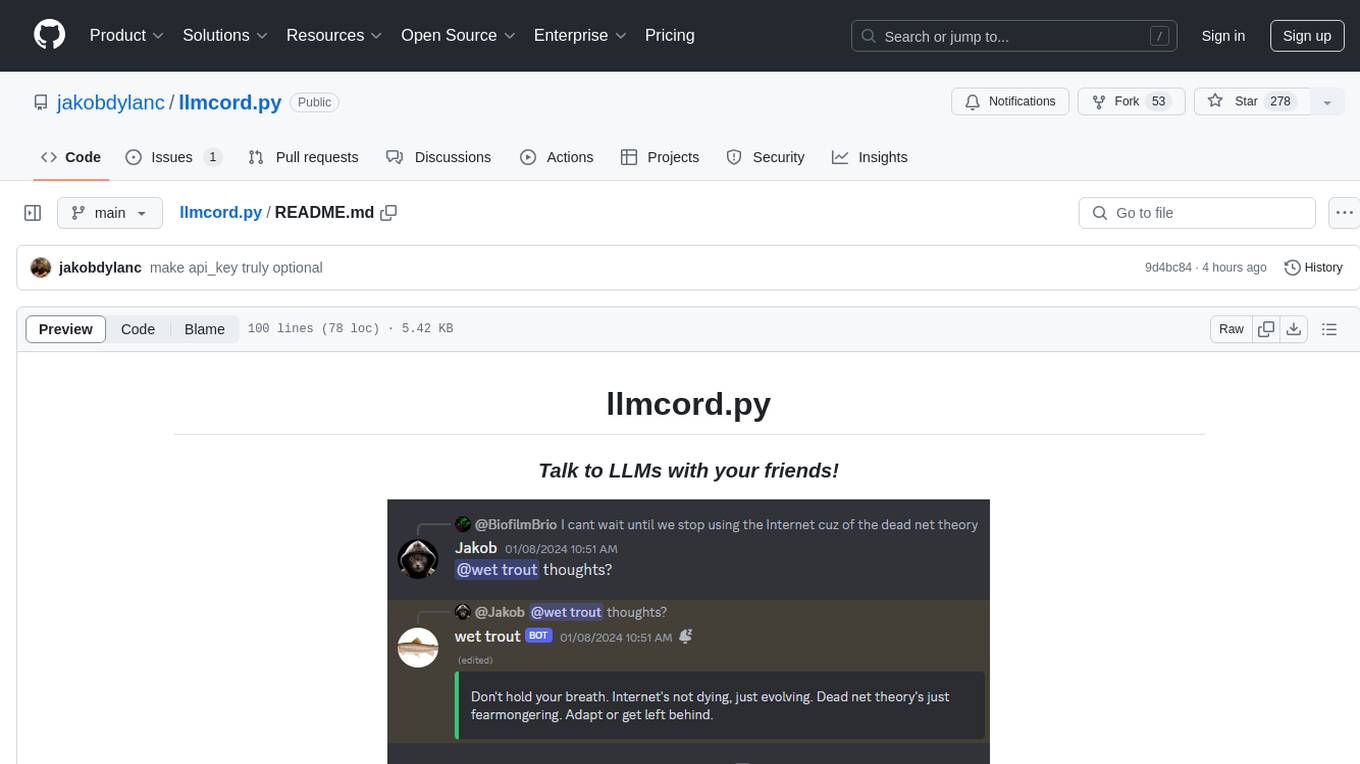
llmcord.py
llmcord.py is a tool that allows users to chat with Language Model Models (LLMs) directly in Discord. It supports various LLM providers, both remote and locally hosted, and offers features like reply-based chat system, choosing any LLM, support for image and text file attachments, customizable system prompt, private access via DM, user identity awareness, streamed responses, warning messages, efficient message data caching, and asynchronous operation. The tool is designed to facilitate seamless conversations with LLMs and enhance user experience on Discord.
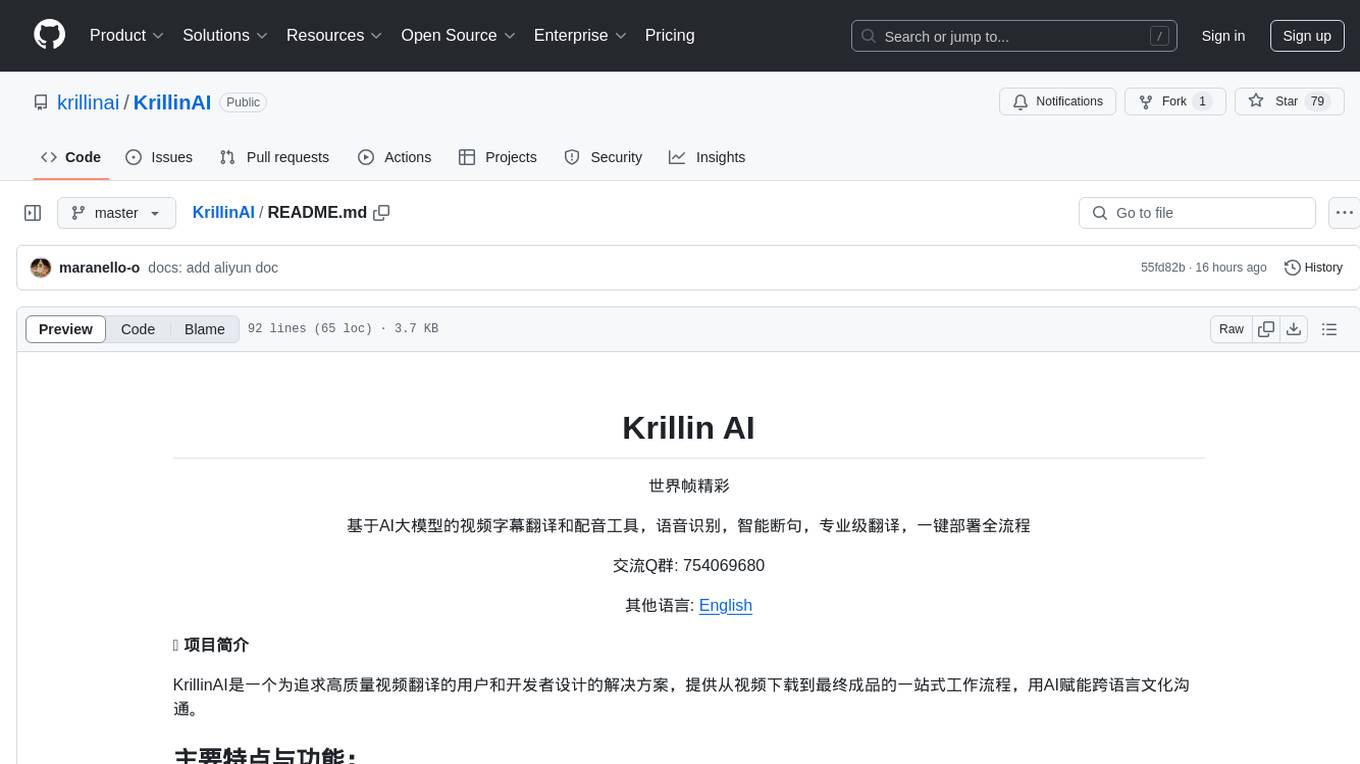
KrillinAI
KrillinAI is a video subtitle translation and dubbing tool based on AI large models, featuring speech recognition, intelligent sentence segmentation, professional translation, and one-click deployment of the entire process. It provides a one-stop workflow from video downloading to the final product, empowering cross-language cultural communication with AI. The tool supports multiple languages for input and translation, integrates features like automatic dependency installation, video downloading from platforms like YouTube and Bilibili, high-speed subtitle recognition, intelligent subtitle segmentation and alignment, custom vocabulary replacement, professional-level translation engine, and diverse external service selection for speech and large model services.
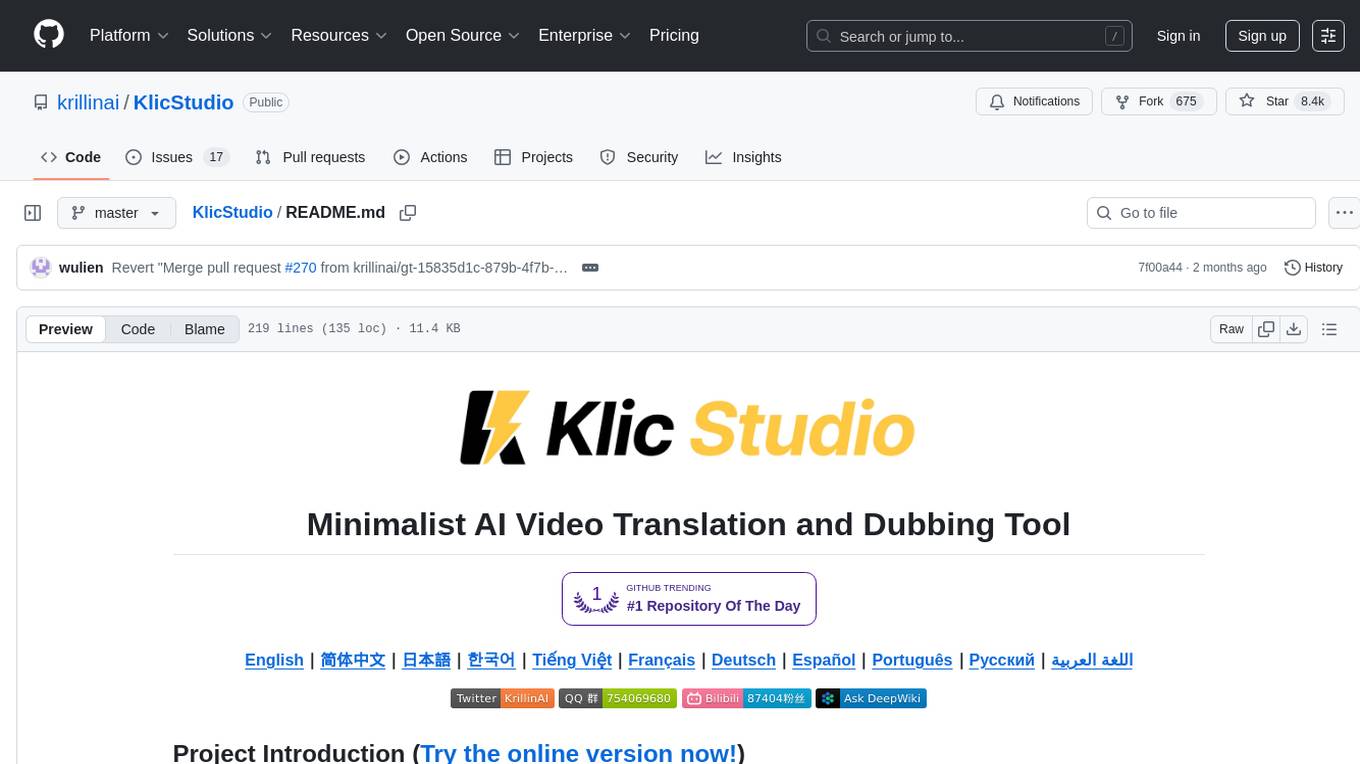
KlicStudio
Klic Studio is a versatile audio and video localization and enhancement solution developed by Krillin AI. This minimalist yet powerful tool integrates video translation, dubbing, and voice cloning, supporting both landscape and portrait formats. With an end-to-end workflow, users can transform raw materials into beautifully ready-to-use cross-platform content with just a few clicks. The tool offers features like video acquisition, accurate speech recognition, intelligent segmentation, terminology replacement, professional translation, voice cloning, video composition, and cross-platform support. It also supports various speech recognition services, large language models, and TTS text-to-speech services. Users can easily deploy the tool using Docker and configure it for different tasks like subtitle translation, large model translation, and optional voice services.
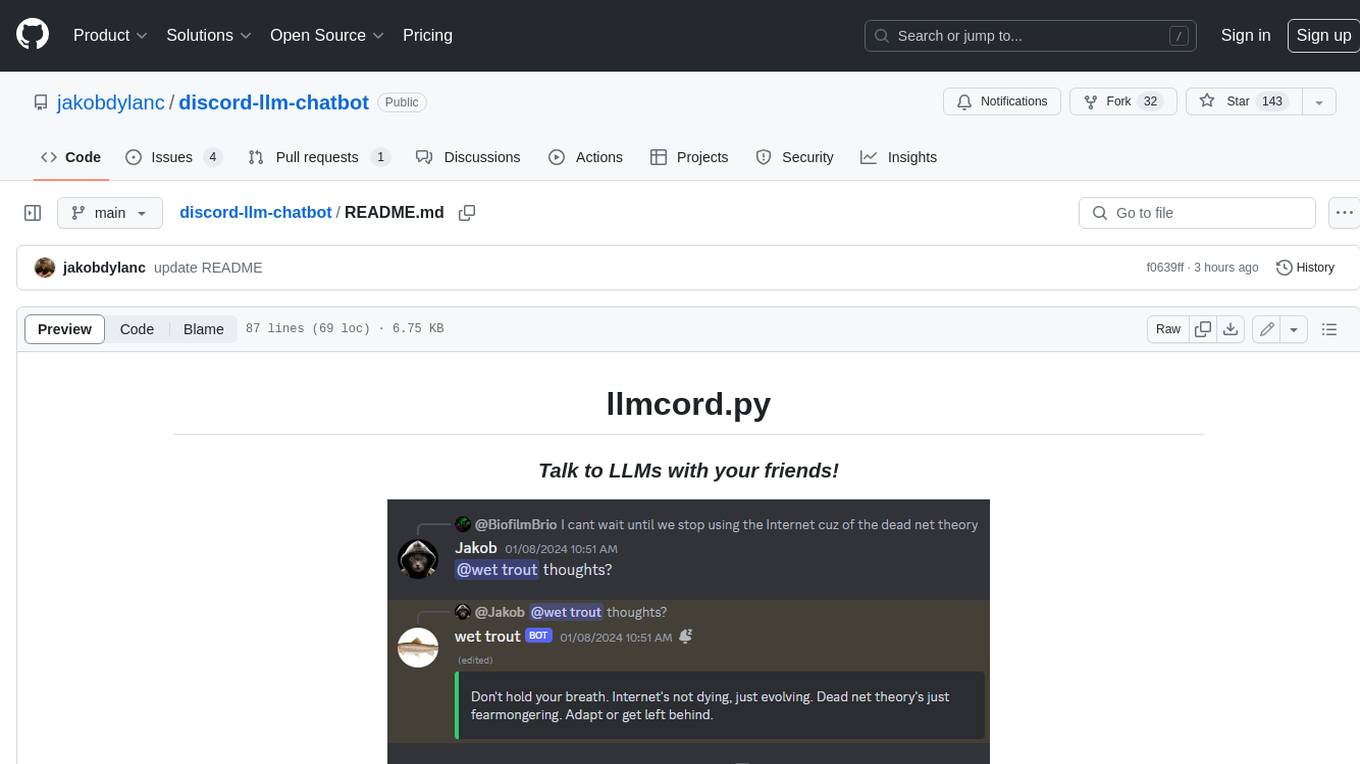
discord-llm-chatbot
llmcord.py enables collaborative LLM prompting in your Discord server. It works with practically any LLM, remote or locally hosted. ### Features ### Reply-based chat system Just @ the bot to start a conversation and reply to continue. Build conversations with reply chains! You can do things like: - Build conversations together with your friends - "Rewind" a conversation simply by replying to an older message - @ the bot while replying to any message in your server to ask a question about it Additionally: - Back-to-back messages from the same user are automatically chained together. Just reply to the latest one and the bot will see all of them. - You can seamlessly move any conversation into a thread. Just create a thread from any message and @ the bot inside to continue. ### Choose any LLM Supports remote models from OpenAI API, Mistral API, Anthropic API and many more thanks to LiteLLM. Or run a local model with ollama, oobabooga, Jan, LM Studio or any other OpenAI compatible API server. ### And more: - Supports image attachments when using a vision model - Customizable system prompt - DM for private access (no @ required) - User identity aware (OpenAI API only) - Streamed responses (turns green when complete, automatically splits into separate messages when too long, throttled to prevent Discord ratelimiting) - Displays helpful user warnings when appropriate (like "Only using last 20 messages", "Max 5 images per message", etc.) - Caches message data in a size-managed (no memory leaks) and per-message mutex-protected (no race conditions) global dictionary to maximize efficiency and minimize Discord API calls - Fully asynchronous - 1 Python file, ~200 lines of code
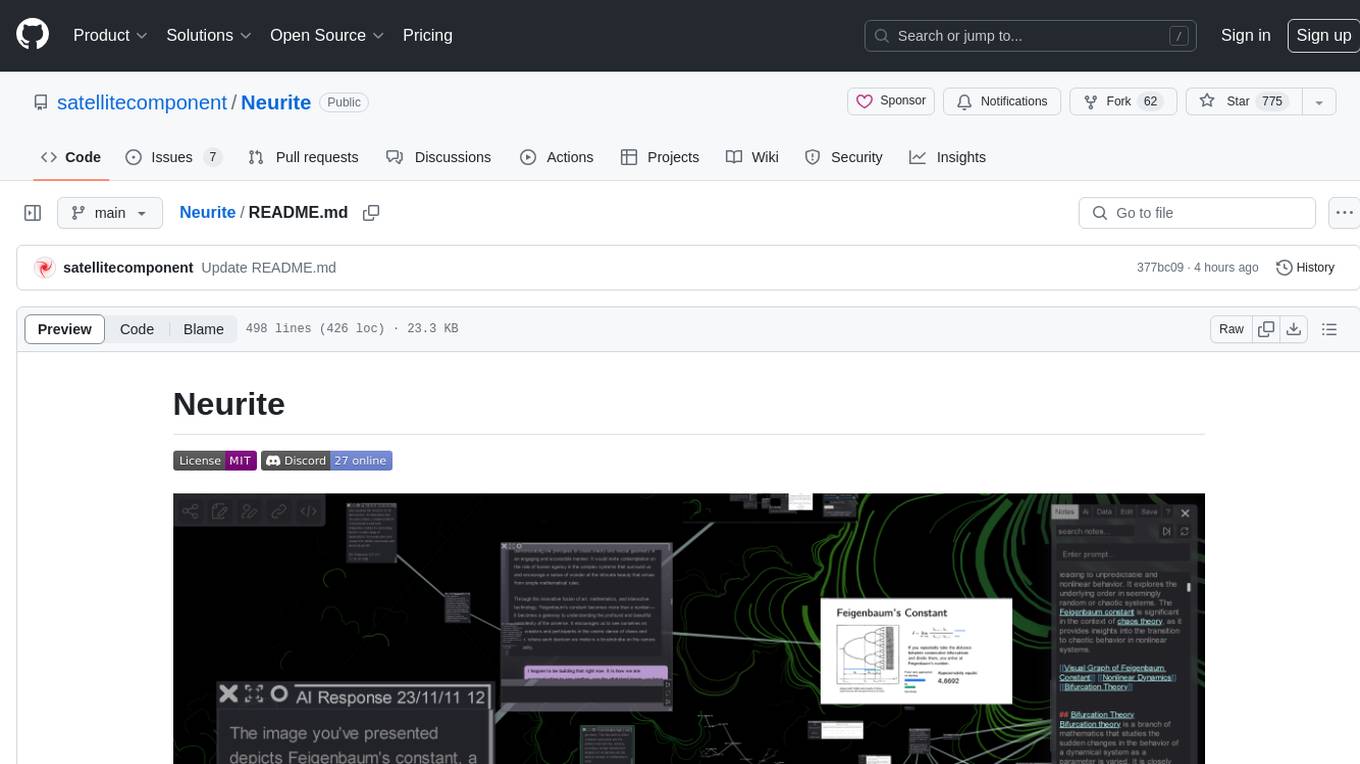
Neurite
Neurite is an innovative project that combines chaos theory and graph theory to create a digital interface that explores hidden patterns and connections for creative thinking. It offers a unique workspace blending fractals with mind mapping techniques, allowing users to navigate the Mandelbrot set in real-time. Nodes in Neurite represent various content types like text, images, videos, code, and AI agents, enabling users to create personalized microcosms of thoughts and inspirations. The tool supports synchronized knowledge management through bi-directional synchronization between mind-mapping and text-based hyperlinking. Neurite also features FractalGPT for modular conversation with AI, local AI capabilities for multi-agent chat networks, and a Neural API for executing code and sequencing animations. The project is actively developed with plans for deeper fractal zoom, advanced control over node placement, and experimental features.
upscayl
Upscayl is a free and open-source AI image upscaler that uses advanced AI algorithms to enlarge and enhance low-resolution images without losing quality. It is a cross-platform application built with the Linux-first philosophy, available on all major desktop operating systems. Upscayl utilizes Real-ESRGAN and Vulkan architecture for image enhancement, and its backend is fully open-source under the AGPLv3 license. It is important to note that a Vulkan compatible GPU is required for Upscayl to function effectively.
AICoverGen
AICoverGen is an autonomous pipeline designed to create covers using any RVC v2 trained AI voice from YouTube videos or local audio files. It caters to developers looking to incorporate singing functionality into AI assistants/chatbots/vtubers, as well as individuals interested in hearing their favorite characters sing. The tool offers a WebUI for easy conversions, cover generation from local audio files, volume control for vocals and instrumentals, pitch detection method control, pitch change for vocals and instrumentals, and audio output format options. Users can also download and upload RVC models via the WebUI, run the pipeline using CLI, and access various advanced options for voice conversion and audio mixing.
PentestGPT
PentestGPT is a penetration testing tool empowered by ChatGPT, designed to automate the penetration testing process. It operates interactively to guide penetration testers in overall progress and specific operations. The tool supports solving easy to medium HackTheBox machines and other CTF challenges. Users can use PentestGPT to perform tasks like testing connections, using different reasoning models, discussing with the tool, searching on Google, and generating reports. It also supports local LLMs with custom parsers for advanced users.
Deep-Live-Cam
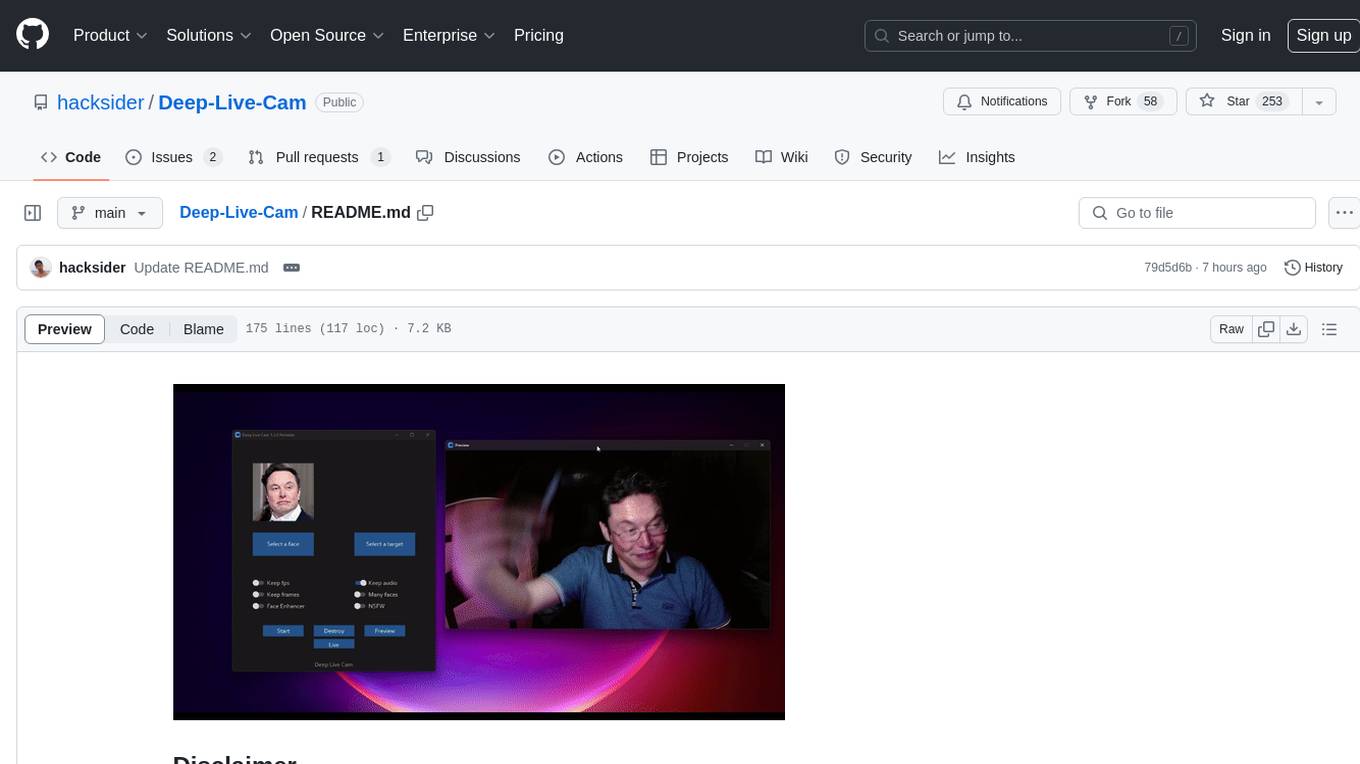
Deep-Live-Cam is a software tool designed to assist artists in tasks such as animating custom characters or using characters as models for clothing. The tool includes built-in checks to prevent unethical applications, such as working on inappropriate media. Users are expected to use the tool responsibly and adhere to local laws, especially when using real faces for deepfake content. The tool supports both CPU and GPU acceleration for faster processing and provides a user-friendly GUI for swapping faces in images or videos.
For similar tasks
QuestCameraKit
QuestCameraKit is a collection of template and reference projects demonstrating how to use Meta Quest’s new Passthrough Camera API (PCA) for advanced AR/VR vision, tracking, and shader effects. It includes samples like Color Picker, Object Detection with Unity Sentis, QR Code Tracking with ZXing, Frosted Glass Shader, OpenAI vision model, and WebRTC video streaming. The repository provides detailed instructions on how to run each sample and troubleshoot known issues. Users can explore various functionalities such as converting 3D points to 2D image pixels, detecting objects, tracking QR codes, applying custom shader effects, interacting with OpenAI's vision model, and streaming camera feed over WebRTC.
AiTreasureBox
AiTreasureBox is a versatile AI tool that provides a collection of pre-trained models and algorithms for various machine learning tasks. It simplifies the process of implementing AI solutions by offering ready-to-use components that can be easily integrated into projects. With AiTreasureBox, users can quickly prototype and deploy AI applications without the need for extensive knowledge in machine learning or deep learning. The tool covers a wide range of tasks such as image classification, text generation, sentiment analysis, object detection, and more. It is designed to be user-friendly and accessible to both beginners and experienced developers, making AI development more efficient and accessible to a wider audience.
react-native-vision-camera
VisionCamera is a powerful, high-performance Camera library for React Native. It features Photo and Video capture, QR/Barcode scanner, Customizable devices and multi-cameras ("fish-eye" zoom), Customizable resolutions and aspect-ratios (4k/8k images), Customizable FPS (30..240 FPS), Frame Processors (JS worklets to run facial recognition, AI object detection, realtime video chats, ...), Smooth zooming (Reanimated), Fast pause and resume, HDR & Night modes, Custom C++/GPU accelerated video pipeline (OpenGL).
InternVL
InternVL scales up the ViT to _**6B parameters**_ and aligns it with LLM. It is a vision-language foundation model that can perform various tasks, including: **Visual Perception** - Linear-Probe Image Classification - Semantic Segmentation - Zero-Shot Image Classification - Multilingual Zero-Shot Image Classification - Zero-Shot Video Classification **Cross-Modal Retrieval** - English Zero-Shot Image-Text Retrieval - Chinese Zero-Shot Image-Text Retrieval - Multilingual Zero-Shot Image-Text Retrieval on XTD **Multimodal Dialogue** - Zero-Shot Image Captioning - Multimodal Benchmarks with Frozen LLM - Multimodal Benchmarks with Trainable LLM - Tiny LVLM InternVL has been shown to achieve state-of-the-art results on a variety of benchmarks. For example, on the MMMU image classification benchmark, InternVL achieves a top-1 accuracy of 51.6%, which is higher than GPT-4V and Gemini Pro. On the DocVQA question answering benchmark, InternVL achieves a score of 82.2%, which is also higher than GPT-4V and Gemini Pro. InternVL is open-sourced and available on Hugging Face. It can be used for a variety of applications, including image classification, object detection, semantic segmentation, image captioning, and question answering.
clarifai-python
The Clarifai Python SDK offers a comprehensive set of tools to integrate Clarifai's AI platform to leverage computer vision capabilities like classification , detection ,segementation and natural language capabilities like classification , summarisation , generation , Q&A ,etc into your applications. With just a few lines of code, you can leverage cutting-edge artificial intelligence to unlock valuable insights from visual and textual content.
ailia-models
The collection of pre-trained, state-of-the-art AI models. ailia SDK is a self-contained, cross-platform, high-speed inference SDK for AI. The ailia SDK provides a consistent C++ API across Windows, Mac, Linux, iOS, Android, Jetson, and Raspberry Pi platforms. It also supports Unity (C#), Python, Rust, Flutter(Dart) and JNI for efficient AI implementation. The ailia SDK makes extensive use of the GPU through Vulkan and Metal to enable accelerated computing. # Supported models 323 models as of April 8th, 2024
edenai-apis
Eden AI aims to simplify the use and deployment of AI technologies by providing a unique API that connects to all the best AI engines. With the rise of **AI as a Service** , a lot of companies provide off-the-shelf trained models that you can access directly through an API. These companies are either the tech giants (Google, Microsoft , Amazon) or other smaller, more specialized companies, and there are hundreds of them. Some of the most known are : DeepL (translation), OpenAI (text and image analysis), AssemblyAI (speech analysis). There are **hundreds of companies** doing that. We're regrouping the best ones **in one place** !
artificial-intelligence
This repository contains a collection of AI projects implemented in Python, primarily in Jupyter notebooks. The projects cover various aspects of artificial intelligence, including machine learning, deep learning, natural language processing, computer vision, and more. Each project is designed to showcase different AI techniques and algorithms, providing a hands-on learning experience for users interested in exploring the field of artificial intelligence.
For similar jobs
sdk-examples
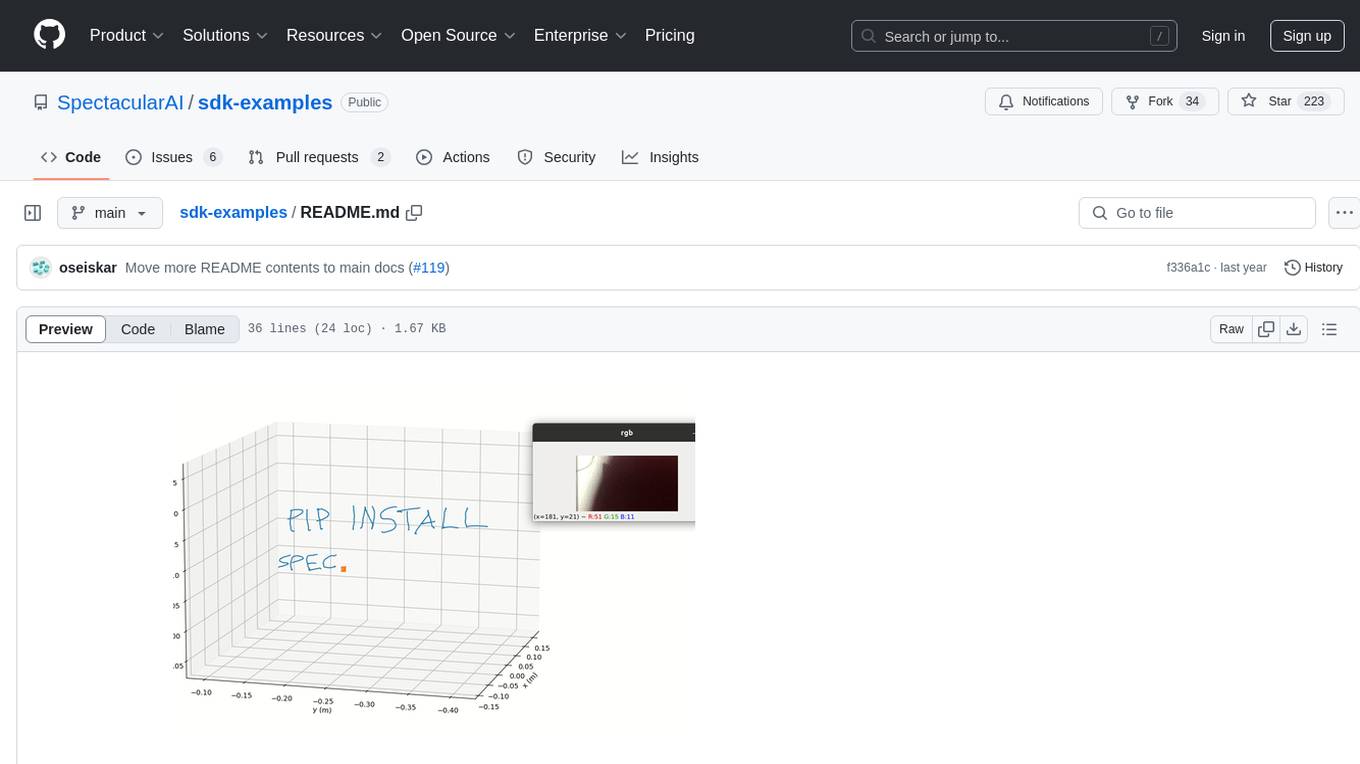
Spectacular AI SDK fuses data from cameras and IMU sensors to output an accurate 6-degree-of-freedom pose of a device, enabling Visual-Inertial SLAM for tracking robots and vehicles, as well as Augmented, Mixed, and Virtual Reality. The SDK includes a Mapping API for real-time and offline 3D reconstruction use cases.
QuestCameraKit
QuestCameraKit is a collection of template and reference projects demonstrating how to use Meta Quest’s new Passthrough Camera API (PCA) for advanced AR/VR vision, tracking, and shader effects. It includes samples like Color Picker, Object Detection with Unity Sentis, QR Code Tracking with ZXing, Frosted Glass Shader, OpenAI vision model, and WebRTC video streaming. The repository provides detailed instructions on how to run each sample and troubleshoot known issues. Users can explore various functionalities such as converting 3D points to 2D image pixels, detecting objects, tracking QR codes, applying custom shader effects, interacting with OpenAI's vision model, and streaming camera feed over WebRTC.

spear
SPEAR (Simulator for Photorealistic Embodied AI Research) is a powerful tool for training embodied agents. It features 300 unique virtual indoor environments with 2,566 unique rooms and 17,234 unique objects that can be manipulated individually. Each environment is designed by a professional artist and features detailed geometry, photorealistic materials, and a unique floor plan and object layout. SPEAR is implemented as Unreal Engine assets and provides an OpenAI Gym interface for interacting with the environments via Python.
openvino
OpenVINO™ is an open-source toolkit for optimizing and deploying AI inference. It provides a common API to deliver inference solutions on various platforms, including CPU, GPU, NPU, and heterogeneous devices. OpenVINO™ supports pre-trained models from Open Model Zoo and popular frameworks like TensorFlow, PyTorch, and ONNX. Key components of OpenVINO™ include the OpenVINO™ Runtime, plugins for different hardware devices, frontends for reading models from native framework formats, and the OpenVINO Model Converter (OVC) for adjusting models for optimal execution on target devices.
peft
PEFT (Parameter-Efficient Fine-Tuning) is a collection of state-of-the-art methods that enable efficient adaptation of large pretrained models to various downstream applications. By only fine-tuning a small number of extra model parameters instead of all the model's parameters, PEFT significantly decreases the computational and storage costs while achieving performance comparable to fully fine-tuned models.
jetson-generative-ai-playground
This repo hosts tutorial documentation for running generative AI models on NVIDIA Jetson devices. The documentation is auto-generated and hosted on GitHub Pages using their CI/CD feature to automatically generate/update the HTML documentation site upon new commits.
emgucv
Emgu CV is a cross-platform .Net wrapper for the OpenCV image-processing library. It allows OpenCV functions to be called from .NET compatible languages. The wrapper can be compiled by Visual Studio, Unity, and "dotnet" command, and it can run on Windows, Mac OS, Linux, iOS, and Android.
MMStar
MMStar is an elite vision-indispensable multi-modal benchmark comprising 1,500 challenge samples meticulously selected by humans. It addresses two key issues in current LLM evaluation: the unnecessary use of visual content in many samples and the existence of unintentional data leakage in LLM and LVLM training. MMStar evaluates 6 core capabilities across 18 detailed axes, ensuring a balanced distribution of samples across all dimensions.