


Kaku
🎃 A fast, out-of-the-box terminal built for AI coding.
Stars: 451
Kaku is a fast and out-of-the-box terminal designed for AI coding. It is a deeply customized fork of WezTerm, offering polished defaults, built-in shell suite, Lua scripting, safe update flow, and a suite of CLI tools for immediate productivity. Kaku is fast, lightweight, and fully configurable via Lua scripts, providing a ready-to-work environment for coding enthusiasts.
README:
中文 | English





Kaku is a deeply customized fork of WezTerm, designed for an out-of-the-box experience.
- Zero Config: Polished defaults with JetBrains Mono, opencode theme, optimized macOS font rendering, smooth animations.
- Built-in Shell Suite: Comes pre-loaded with Starship, z, Delta, syntax highlighting, autosuggestions, and autocompletions.
- Fast & Lightweight: 40% smaller binary, instant startup, lazy loading, stripped-down GPU-accelerated core.
- Lua Scripting: Retains the full power of WezTerm's Lua engine for infinite customization.
-
Safe Update Flow: Built-in updater (
kaku update) plus Homebrew-aware upgrade path.
- Download Kaku DMG & Drag to Applications
- Or install with Homebrew:
brew tap tw93/tap && brew install --cask tw93/tap/kaku - Open Kaku. If macOS blocks the app, go to System Settings → Privacy & Security → click "Open Anyway"
- On first launch, Kaku will automatically set up your shell environment
Kaku comes with intuitive macOS-native shortcuts:
| Action | Shortcut |
|---|---|
| New Tab | Cmd + T |
| New Window | Cmd + N |
| Split Pane Vertical | Cmd + D |
| Split Pane Horizontal | Cmd + Shift + D |
| Zoom/Unzoom Pane | Cmd + Shift + Enter |
| Resize Pane | Cmd + Ctrl + Arrows |
| Close Tab/Pane | Cmd + W |
| Navigate Tabs |
Cmd + [, Cmd + ] or Cmd + 1-9
|
| Navigate Panes | Cmd + Opt + Arrows |
| Clear Screen | Cmd + R |
| Font Size |
Cmd + +, Cmd + -, Cmd + 0
|
| Smart Jump | z <dir> |
| Smart Select | z -l <dir> |
| Recent Dirs | z -t |
Kaku comes with a carefully curated suite of CLI tools, pre-configured for immediate productivity:
- Starship: A fast, customizable prompt showing git status, package versions, and execution time.
- z: A smarter cd command that learns your most used directories for instant navigation.
- Delta: A syntax-highlighting pager for git, diff, and grep output.
- zsh-completions: Extended command and subcommand completion definitions.
- Syntax Highlighting: Real-time command validation and coloring.
- Autosuggestions: Intelligent, history-based completions similar to Fish shell.
Kaku is fully configurable via standard Lua scripts and is 100% compatible with WezTerm configuration.
On macOS, bundled defaults in Kaku.app/Contents/Resources/kaku.lua are fallback only, so user config is loaded first.
Use a single user config path: ~/.config/kaku/kaku.lua.
- Check/apply update from CLI:
kaku update - Remove Kaku-managed shell defaults and integration:
kaku reset(or non-interactivekaku reset --yes) - GUI auto-update check uses numeric version comparison (for example
0.1.10is correctly newer than0.1.9).
I heavily rely on the CLI for both work and personal projects. Tools I've built, like Mole and Pake, reflect this.
I used Alacritty for years, but its lack of multi-tab support became cumbersome for AI-assisted coding. Kitty has some aesthetic and positioning quirks I couldn't get past. Ghostty shows promise but font rendering needs work. Warp feels bloated and requires a login. iTerm2 is reliable but showing its age and harder to deeply customize.
WezTerm is robust and hackable, and I am grateful for its powerful engine. However, I wanted an environment that was ready immediately, without extensive configuration—and something significantly faster and lighter.
So I built Kaku to be that environment: fast, polished, and ready to work.
| Metric | Upstream | Kaku | Methodology |
|---|---|---|---|
| Executable Size | ~67 MB | ~40 MB | Aggressive symbol stripping & feature pruning |
| Resources Volume | ~100 MB | ~80 MB | Asset optimization & lazy-loaded assets |
| Launch Latency | Standard | Instant | Just-in-time initialization |
| Shell Bootstrap | ~200ms | ~100ms | Optimized environment provisioning |
Achieved through aggressive stripping of unused features, lazy loading of color schemes, and shell optimizations.
- If Kaku helped you, star the repo or share it with friends.
- Got ideas or found bugs? Open an issue/PR or check CONTRIBUTING.md for details.
- Like Kaku? Buy Tw93 a Coke to support the project!
MIT License, feel free to enjoy and participate in open source.
For Tasks:
Click tags to check more tools for each tasksFor Jobs:
Alternative AI tools for Kaku
Similar Open Source Tools
Kaku
Kaku is a fast and out-of-the-box terminal designed for AI coding. It is a deeply customized fork of WezTerm, offering polished defaults, built-in shell suite, Lua scripting, safe update flow, and a suite of CLI tools for immediate productivity. Kaku is fast, lightweight, and fully configurable via Lua scripts, providing a ready-to-work environment for coding enthusiasts.
terminator
Terminator is an AI-powered desktop automation tool that is open source, MIT-licensed, and cross-platform. It works across all apps and browsers, inspired by GitHub Actions & Playwright. It is 100x faster than generic AI agents, with over 95% success rate and no vendor lock-in. Users can create automations that work across any desktop app or browser, achieve high success rates without costly consultant armies, and pre-train workflows as deterministic code.

ClaudeBar
ClaudeBar is a macOS menu bar application that monitors AI coding assistant usage quotas. It allows users to keep track of their usage of Claude, Codex, Gemini, GitHub Copilot, Antigravity, and Z.ai at a glance. The application offers multi-provider support, real-time quota tracking, multiple themes, visual status indicators, system notifications, auto-refresh feature, and keyboard shortcuts for quick access. Users can customize monitoring by toggling individual providers on/off and receive alerts when quota status changes. The tool requires macOS 15+, Swift 6.2+, and CLI tools installed for the providers to be monitored.
cortex.cpp
Cortex.cpp is an open-source platform designed as the brain for robots, offering functionalities such as vision, speech, language, tabular data processing, and action. It provides an AI platform for running AI models with multi-engine support, hardware optimization with automatic GPU detection, and an OpenAI-compatible API. Users can download models from the Hugging Face model hub, run models, manage resources, and access advanced features like multiple quantizations and engine management. The tool is under active development, promising rapid improvements for users.
Starmoon
Starmoon is an affordable, compact AI-enabled device that can understand and respond to your emotions with empathy. It offers supportive conversations and personalized learning assistance. The device is cost-effective, voice-enabled, open-source, compact, and aims to reduce screen time. Users can assemble the device themselves using off-the-shelf components and deploy it locally for data privacy. Starmoon integrates various APIs for AI language models, speech-to-text, text-to-speech, and emotion intelligence. The hardware setup involves components like ESP32S3, microphone, amplifier, speaker, LED light, and button, along with software setup instructions for developers. The project also includes a web app, backend API, and background task dashboard for monitoring and management.
mcp-rubber-duck
MCP Rubber Duck is a Model Context Protocol server that acts as a bridge to query multiple LLMs, including OpenAI-compatible HTTP APIs and CLI coding agents. Users can explain their problems to various AI 'ducks' to get different perspectives. The tool offers features like universal OpenAI compatibility, CLI agent support, conversation management, multi-duck querying, consensus voting, LLM-as-Judge evaluation, structured debates, health monitoring, usage tracking, and more. It supports various HTTP providers like OpenAI, Google Gemini, Anthropic, Groq, Together AI, Perplexity, and CLI providers like Claude Code, Codex, Gemini CLI, Grok, Aider, and custom agents. Users can install the tool globally, configure it using environment variables, and access interactive UIs for comparing ducks, voting, debating, and usage statistics. The tool provides multiple tools for asking questions, chatting, clearing conversations, listing ducks, comparing responses, voting, judging, iterating, debating, and more. It also offers prompt templates for different analysis purposes and extensive documentation for setup, configuration, tools, prompts, CLI providers, MCP Bridge, guardrails, Docker deployment, troubleshooting, contributing, license, acknowledgments, changelog, registry & directory, and support.
awesome-slash
Automate the entire development workflow beyond coding. awesome-slash provides production-ready skills, agents, and commands for managing tasks, branches, reviews, CI, and deployments. It automates the entire workflow, including task exploration, planning, implementation, review, and shipping. The tool includes 11 plugins, 40 agents, 26 skills, and 26k lines of lib code, with 3,357 tests and support for 3 platforms. It works with Claude Code, OpenCode, and Codex CLI, offering specialized capabilities through skills and agents.
lingo.dev
Replexica AI automates software localization end-to-end, producing authentic translations instantly across 60+ languages. Teams can do localization 100x faster with state-of-the-art quality, reaching more paying customers worldwide. The tool offers a GitHub Action for CI/CD automation and supports various formats like JSON, YAML, CSV, and Markdown. With lightning-fast AI localization, auto-updates, native quality translations, developer-friendly CLI, and scalability for startups and enterprise teams, Replexica is a top choice for efficient and effective software localization.
cua
Cua is a tool for creating and running high-performance macOS and Linux virtual machines on Apple Silicon, with built-in support for AI agents. It provides libraries like Lume for running VMs with near-native performance, Computer for interacting with sandboxes, and Agent for running agentic workflows. Users can refer to the documentation for onboarding, explore demos showcasing AI-Gradio and GitHub issue fixing, and utilize accessory libraries like Core, PyLume, Computer Server, and SOM. Contributions are welcome, and the tool is open-sourced under the MIT License.
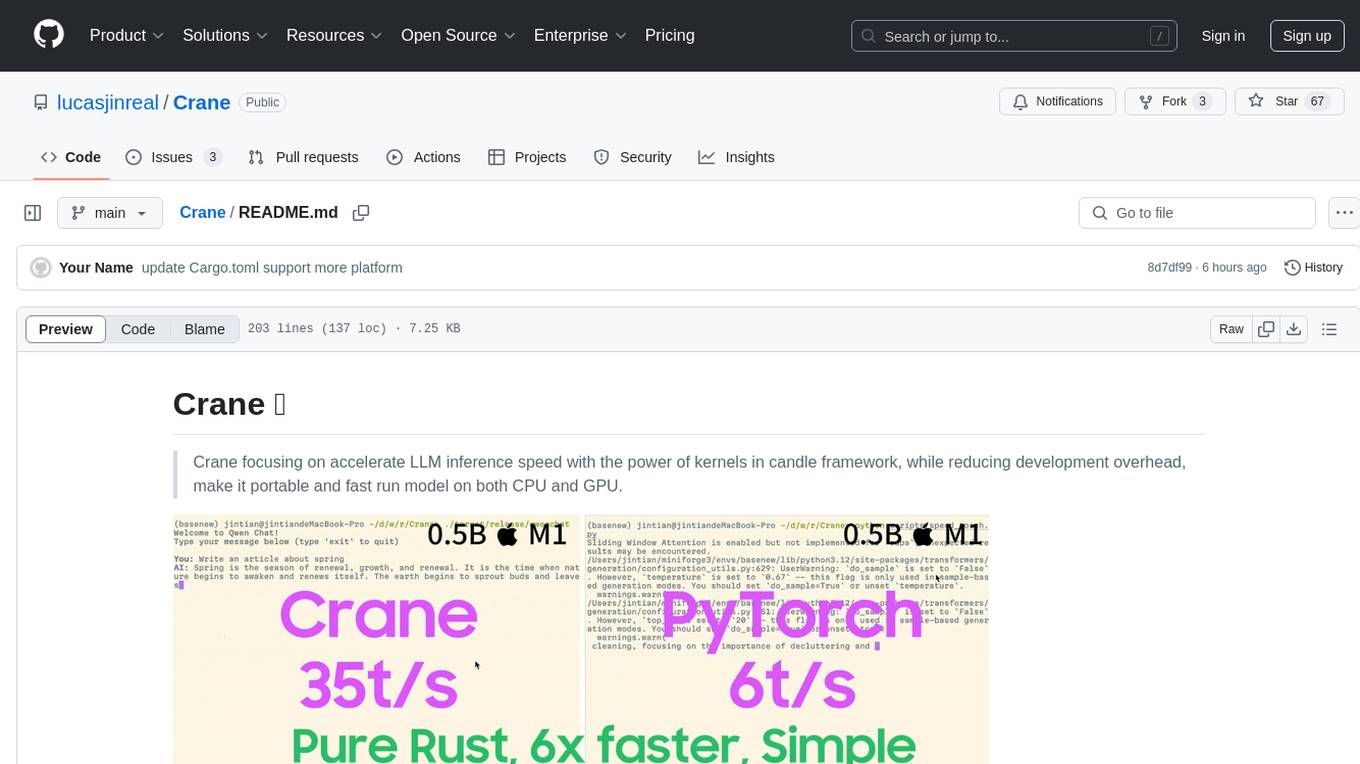
Crane
Crane is a high-performance inference framework leveraging Rust's Candle for maximum speed on CPU/GPU. It focuses on accelerating LLM inference speed with optimized kernels, reducing development overhead, and ensuring portability for running models on both CPU and GPU. Supported models include TTS systems like Spark-TTS and Orpheus-TTS, foundation models like Qwen2.5 series and basic LLMs, and multimodal models like Namo-R1 and Qwen2.5-VL. Key advantages of Crane include blazing-fast inference outperforming native PyTorch, Rust-powered to eliminate C++ complexity, Apple Silicon optimized for GPU acceleration via Metal, and hardware agnostic with a unified codebase for CPU/CUDA/Metal execution. Crane simplifies deployment with the ability to add new models with less than 100 lines of code in most cases.
caddy-defender
The Caddy Defender plugin is a middleware for Caddy that allows you to block or manipulate requests based on the client's IP address. It provides features such as IP range filtering, predefined IP ranges for popular AI services, custom IP ranges configuration, and multiple responder backends for different actions like blocking, custom responses, dropping connections, returning garbage data, redirecting, and tarpitting to stall bots. The plugin can be easily installed using Docker or built with `xcaddy`. Configuration is done through the Caddyfile syntax with various options for responders, IP ranges, custom messages, and URLs.
cog
Cog is an open-source tool that lets you package machine learning models in a standard, production-ready container. You can deploy your packaged model to your own infrastructure, or to Replicate.
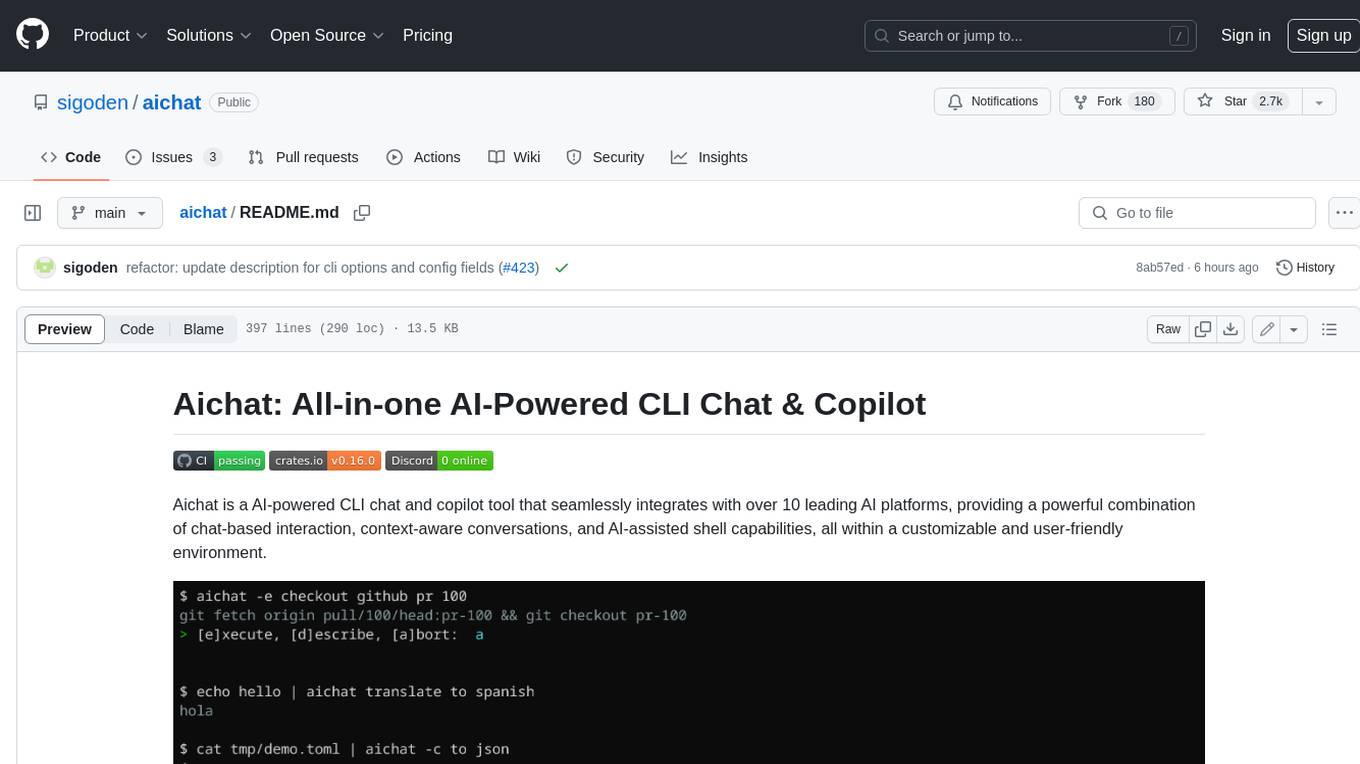
aichat
Aichat is an AI-powered CLI chat and copilot tool that seamlessly integrates with over 10 leading AI platforms, providing a powerful combination of chat-based interaction, context-aware conversations, and AI-assisted shell capabilities, all within a customizable and user-friendly environment.
nodetool
NodeTool is a platform designed for AI enthusiasts, developers, and creators, providing a visual interface to access a variety of AI tools and models. It simplifies access to advanced AI technologies, offering resources for content creation, data analysis, automation, and more. With features like a visual editor, seamless integration with leading AI platforms, model manager, and API integration, NodeTool caters to both newcomers and experienced users in the AI field.
sdnext
SD.Next is an Image Diffusion implementation with advanced features. It offers multiple UI options, diffusion models, and built-in controls for text, image, batch, and video processing. The tool is multiplatform, supporting Windows, Linux, MacOS, nVidia, AMD, IntelArc/IPEX, DirectML, OpenVINO, ONNX+Olive, and ZLUDA. It provides optimized processing with the latest torch developments, including model compile, quantize, and compress functionalities. SD.Next also features Interrogate/Captioning with various models, queue management, automatic updates, and mobile compatibility.
deepfabric
DeepFabric is a CLI tool and SDK designed for researchers and developers to generate high-quality synthetic datasets at scale using large language models. It leverages a graph and tree-based architecture to create diverse and domain-specific datasets while minimizing redundancy. The tool supports generating Chain of Thought datasets for step-by-step reasoning tasks and offers multi-provider support for using different language models. DeepFabric also allows for automatic dataset upload to Hugging Face Hub and uses YAML configuration files for flexibility in dataset generation.
For similar tasks
llama-coder
Llama Coder is a self-hosted Github Copilot replacement for VS Code that provides autocomplete using Ollama and Codellama. It works best with Mac M1/M2/M3 or RTX 4090, offering features like fast performance, no telemetry or tracking, and compatibility with any coding language. Users can install Ollama locally or on a dedicated machine for remote usage. The tool supports different models like stable-code and codellama with varying RAM/VRAM requirements, allowing users to optimize performance based on their hardware. Troubleshooting tips and a changelog are also provided for user convenience.
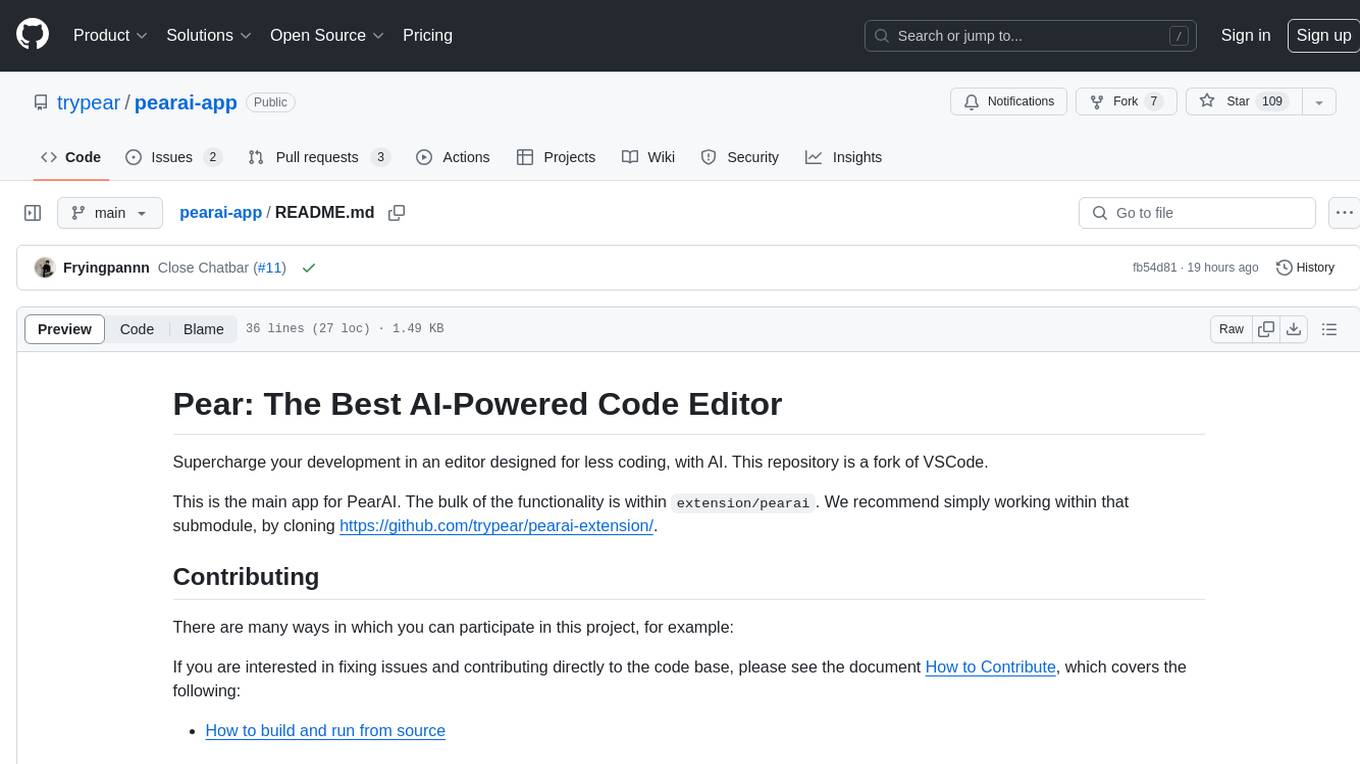
pearai-app
PearAI is an AI-powered code editor designed to enhance development by reducing the amount of coding required. It is a fork of VSCode and the main functionality lies within the 'extension/pearai' submodule. Users can contribute to the project by fixing issues, submitting bugs and feature requests, reviewing source code changes, and improving documentation. The tool aims to streamline the coding process and provide an efficient environment for developers to work in.
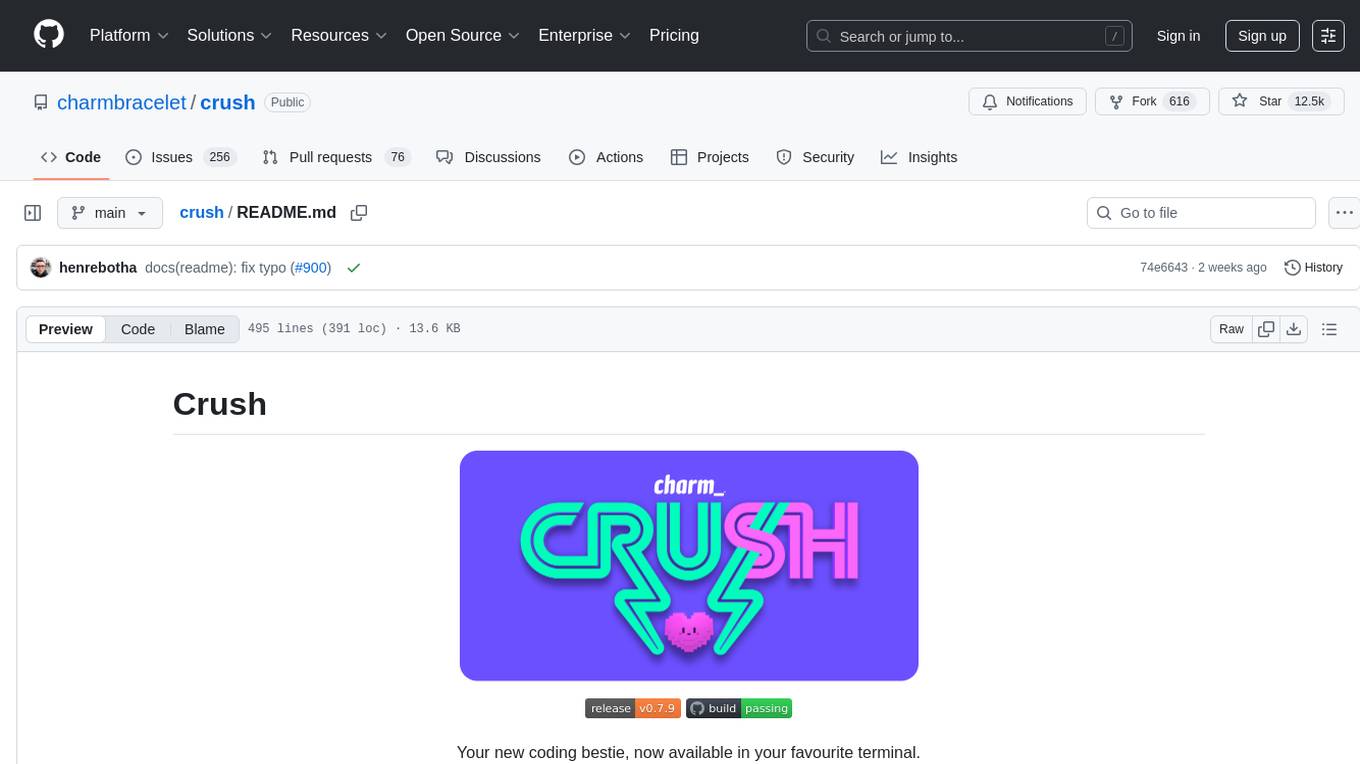
crush
Crush is a versatile tool designed to enhance coding workflows in your terminal. It offers support for multiple LLMs, allows for flexible switching between models, and enables session-based work management. Crush is extensible through MCPs and works across various operating systems. It can be installed using package managers like Homebrew and NPM, or downloaded directly. Crush supports various APIs like Anthropic, OpenAI, Groq, and Google Gemini, and allows for customization through environment variables. The tool can be configured locally or globally, and supports LSPs for additional context. Crush also provides options for ignoring files, allowing tools, and configuring local models. It respects `.gitignore` files and offers logging capabilities for troubleshooting and debugging.
llm-agents.nix
Nix packages for AI coding agents and development tools. Automatically updated daily. This repository provides a wide range of AI coding agents and tools that can be used in the terminal environment. The tools cover various functionalities such as code assistance, AI-powered development agents, CLI tools for AI coding, workflow and project management, code review, utilities like search tools and browser automation, and usage analytics for AI coding sessions. The repository also includes experimental features like sandboxed execution, provider abstraction, and tool composition to explore how Nix can enhance AI-powered development.
Kaku
Kaku is a fast and out-of-the-box terminal designed for AI coding. It is a deeply customized fork of WezTerm, offering polished defaults, built-in shell suite, Lua scripting, safe update flow, and a suite of CLI tools for immediate productivity. Kaku is fast, lightweight, and fully configurable via Lua scripts, providing a ready-to-work environment for coding enthusiasts.
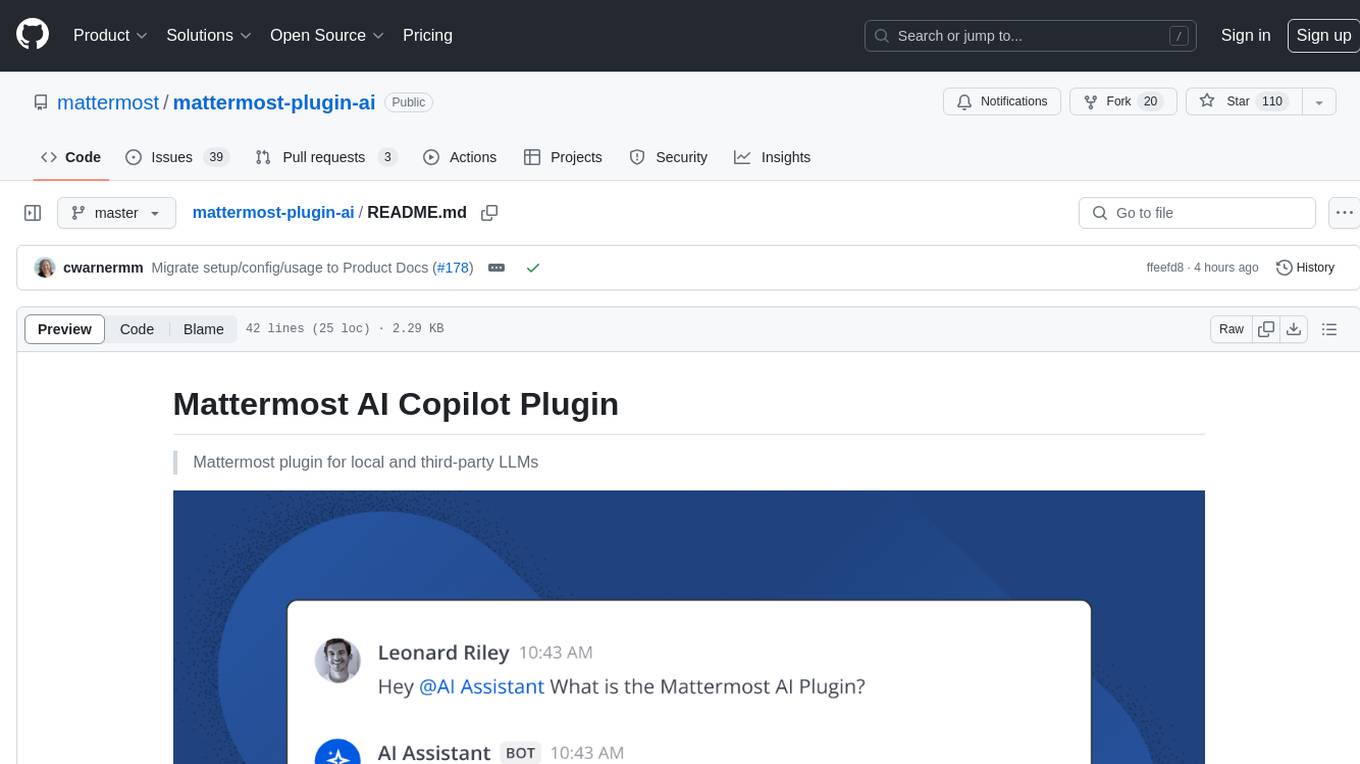
mattermost-plugin-ai
The Mattermost AI Copilot Plugin is an extension that adds functionality for local and third-party LLMs within Mattermost v9.6 and above. It is currently experimental and allows users to interact with AI models seamlessly. The plugin enhances the user experience by providing AI-powered assistance and features for communication and collaboration within the Mattermost platform.
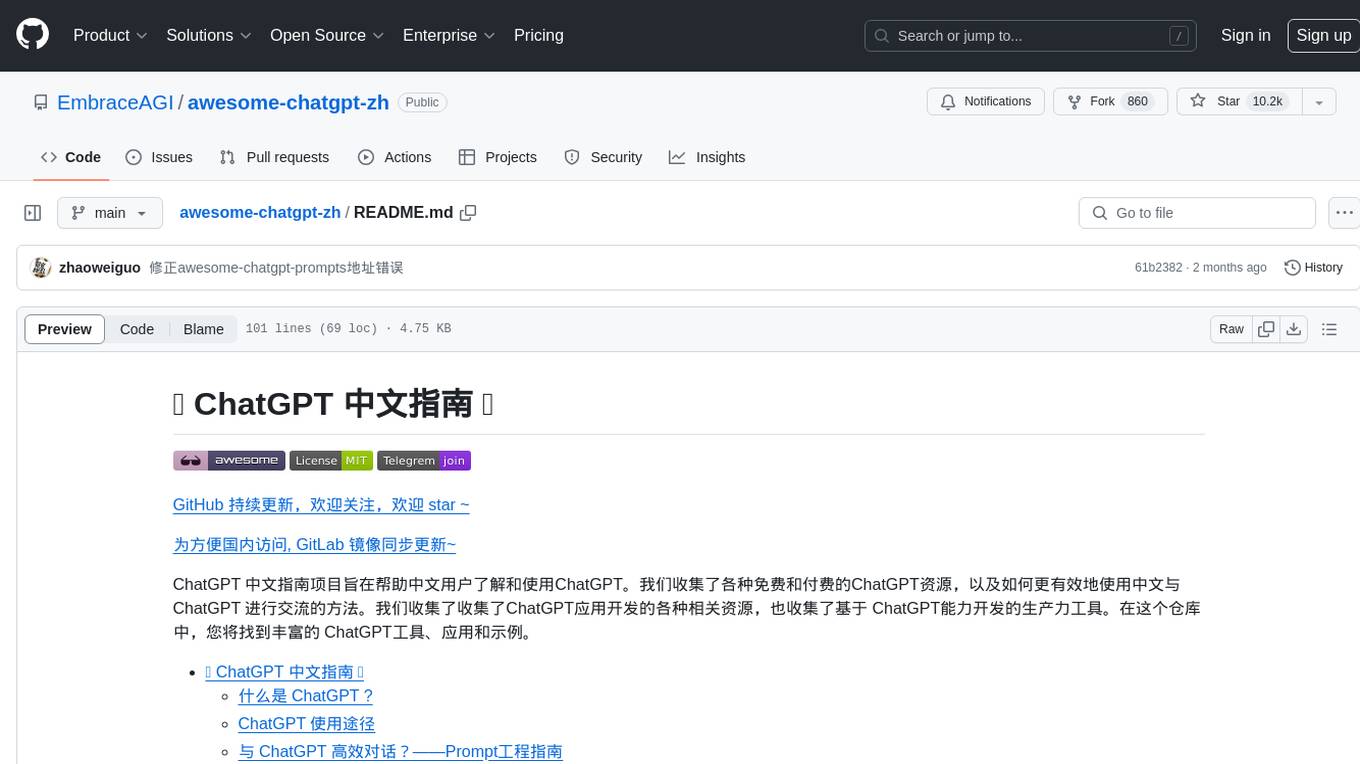
awesome-chatgpt-zh
The Awesome ChatGPT Chinese Guide project aims to help Chinese users understand and use ChatGPT. It collects various free and paid ChatGPT resources, as well as methods to communicate more effectively with ChatGPT in Chinese. The repository contains a rich collection of ChatGPT tools, applications, and examples.
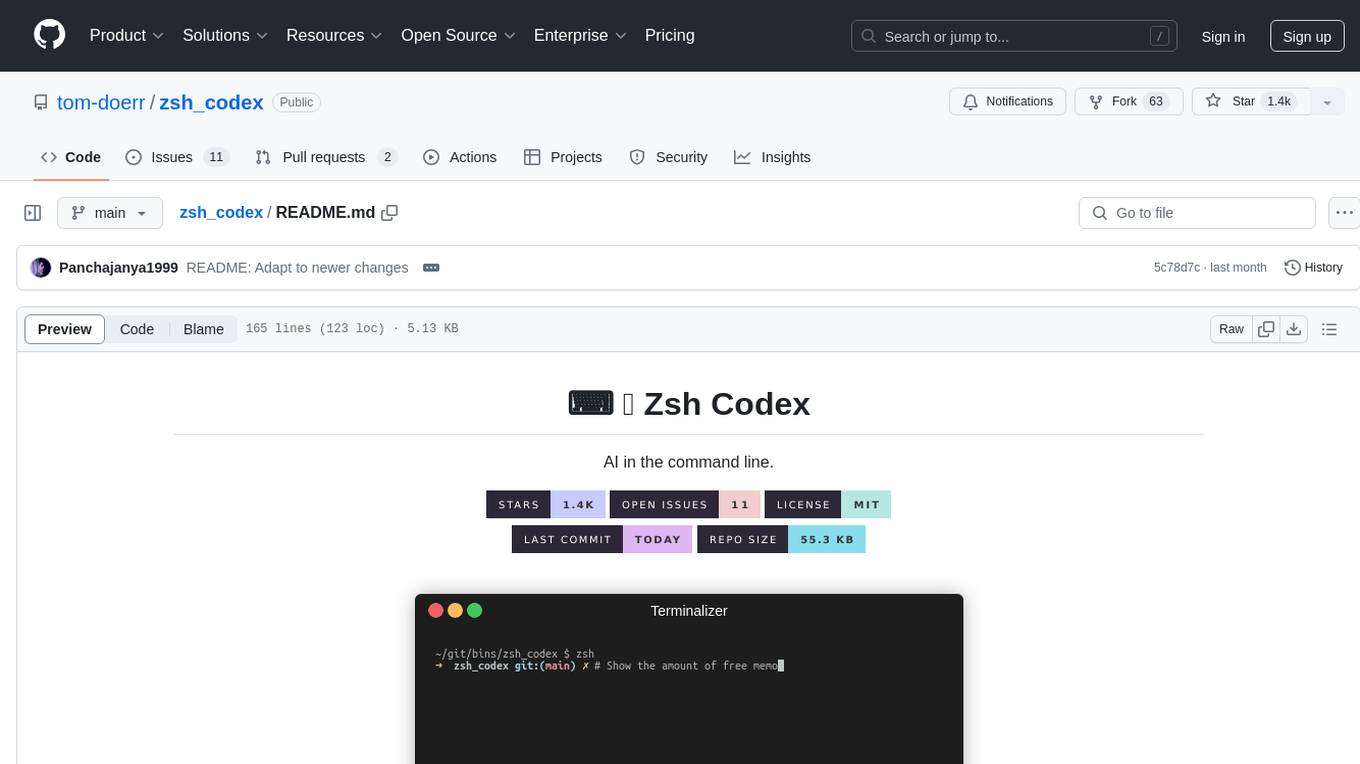
zsh_codex
Zsh Codex is a ZSH plugin that enables AI-powered code completion in the command line. It supports both OpenAI's Codex and Google's Generative AI (Gemini), providing advanced language model capabilities for coding tasks directly in the terminal. Users can easily install the plugin and configure it to enhance their coding experience with AI assistance.
For similar jobs

sweep
Sweep is an AI junior developer that turns bugs and feature requests into code changes. It automatically handles developer experience improvements like adding type hints and improving test coverage.

teams-ai
The Teams AI Library is a software development kit (SDK) that helps developers create bots that can interact with Teams and Microsoft 365 applications. It is built on top of the Bot Framework SDK and simplifies the process of developing bots that interact with Teams' artificial intelligence capabilities. The SDK is available for JavaScript/TypeScript, .NET, and Python.

ai-guide
This guide is dedicated to Large Language Models (LLMs) that you can run on your home computer. It assumes your PC is a lower-end, non-gaming setup.

classifai
Supercharge WordPress Content Workflows and Engagement with Artificial Intelligence. Tap into leading cloud-based services like OpenAI, Microsoft Azure AI, Google Gemini and IBM Watson to augment your WordPress-powered websites. Publish content faster while improving SEO performance and increasing audience engagement. ClassifAI integrates Artificial Intelligence and Machine Learning technologies to lighten your workload and eliminate tedious tasks, giving you more time to create original content that matters.

chatbot-ui
Chatbot UI is an open-source AI chat app that allows users to create and deploy their own AI chatbots. It is easy to use and can be customized to fit any need. Chatbot UI is perfect for businesses, developers, and anyone who wants to create a chatbot.

BricksLLM
BricksLLM is a cloud native AI gateway written in Go. Currently, it provides native support for OpenAI, Anthropic, Azure OpenAI and vLLM. BricksLLM aims to provide enterprise level infrastructure that can power any LLM production use cases. Here are some use cases for BricksLLM: * Set LLM usage limits for users on different pricing tiers * Track LLM usage on a per user and per organization basis * Block or redact requests containing PIIs * Improve LLM reliability with failovers, retries and caching * Distribute API keys with rate limits and cost limits for internal development/production use cases * Distribute API keys with rate limits and cost limits for students

uAgents
uAgents is a Python library developed by Fetch.ai that allows for the creation of autonomous AI agents. These agents can perform various tasks on a schedule or take action on various events. uAgents are easy to create and manage, and they are connected to a fast-growing network of other uAgents. They are also secure, with cryptographically secured messages and wallets.

griptape
Griptape is a modular Python framework for building AI-powered applications that securely connect to your enterprise data and APIs. It offers developers the ability to maintain control and flexibility at every step. Griptape's core components include Structures (Agents, Pipelines, and Workflows), Tasks, Tools, Memory (Conversation Memory, Task Memory, and Meta Memory), Drivers (Prompt and Embedding Drivers, Vector Store Drivers, Image Generation Drivers, Image Query Drivers, SQL Drivers, Web Scraper Drivers, and Conversation Memory Drivers), Engines (Query Engines, Extraction Engines, Summary Engines, Image Generation Engines, and Image Query Engines), and additional components (Rulesets, Loaders, Artifacts, Chunkers, and Tokenizers). Griptape enables developers to create AI-powered applications with ease and efficiency.