


genius-ai
Genius - A Modern Next.js 14 SaaS AI Platform.
Stars: 71
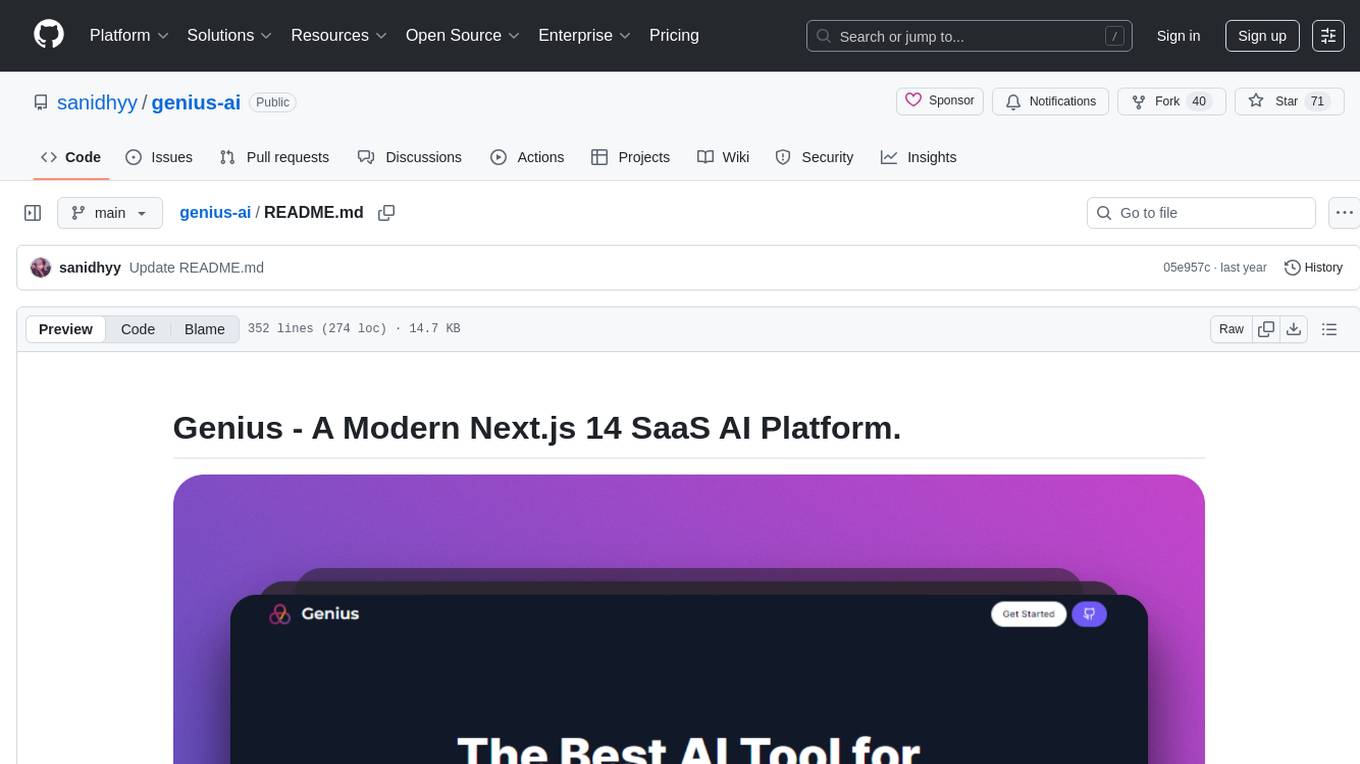
Genius is a modern Next.js 14 SaaS AI platform that provides a comprehensive folder structure for app development. It offers features like authentication, dashboard management, landing pages, API integration, and more. The platform is built using React JS, Next JS, TypeScript, Tailwind CSS, and integrates with services like Netlify, Prisma, MySQL, and Stripe. Genius enables users to create AI-powered applications with functionalities such as conversation generation, image processing, code generation, and more. It also includes features like Clerk authentication, OpenAI integration, Replicate API usage, Aiven database connectivity, and Stripe API/webhook setup. The platform is fully configurable and provides a seamless development experience for building AI-driven applications.
README:

Here is the folder structure of this app.
genius-ai/
  |- app/
    |-- (auth)/
        |--- (routes)/
            |---- sign-in/[[...sign-in]]/
            |---- sign-up/[[...sign-up]]/
        |--- layout.tsx
    |-- (dashboard)/
        |--- (routes)/
            |---- code/
            |---- conversation/
            |---- dashboard/
            |---- image/
            |---- music/
            |---- settings/
            |---- video/
        |--- layout.tsx
    |-- (landing)/
        |--- layout.tsx
        |--- page.tsx
    |-- api/
        |--- code/
        |--- conversation/
        |--- image/
        |--- music/
        |--- stripe/
        |--- video/
        |--- webhook/
    |-- apple-icon.png
    |-- favicon.ico
    |-- globals.css
    |-- icon1.png
    |-- icon2.png
    |-- layout.tsx
  |- components/
    |-- ui/
    |-- bot-avatar.tsx
    |-- crisp-chat.tsx
    |-- empty.tsx
    |-- free-counter.tsx
    |-- heading.tsx
    |-- landing-content.tsx
    |-- landing-footer.tsx
    |-- landing-hero.tsx
    |-- landing-navbar.tsx
    |-- loader.tsx
    |-- mobile-sidebar.tsx
    |-- navbar.tsx
    |-- pro-modal.tsx
    |-- sidebar.tsx
    |-- subscription-button.tsx
    |-- user-avatar.tsx
  |- config/
    |-- index.ts
  |- constants/
    |-- index.ts
  |- hooks/
    |-- use-pro-modal.tsx
  |- lib/
    |-- api-limit.ts
    |-- db.ts
    |-- stripe.ts
    |-- subscription.ts
    |-- utils.ts
  |- prisma/
    |-- schema.prisma
  |- providers/
    |-- crisp-provider.tsx
    |-- modal-provider.tsx
    |-- toaster-provider.tsx
  |- public/
    |-- testimonials/
    |-- empty.png
    |-- logo.png
  |- schemas/
    |-- index.ts
  |- .env
  |- .env.example
  |- .eslintrc.json
  |- .gitignore
  |- components.json
  |- environment.d.ts
  |- next.config.js
  |- package-lock.json
  |- package.json
  |- postcss.config.js
  |- tailwind.config.ts
|- tsconfig.json- Make sure Git and NodeJS is installed.
- Clone this repository to your local computer.
- Create
.envfile in root directory. - Contents of
.env:
# .env

# disable next.js telemetry
NEXT_TELEMETRY_DISABLED=1

# clerk auth keys
NEXT_PUBLIC_CLERK_PUBLISHABLE_KEY=pk_test_XXXXXXXXXXXXXXXXXXXXXXXXXXXXXXXXXXXXXXXXXXXXXXXXXXXXXXXXXXXXXXXXX
CLERK_SECRET_KEY=sk_test_XXXXXXXXXXXXXXXXXXXXXXXXXXXXXXXXXXXXXX

# clerk redirect uri
NEXT_PUBLIC_CLERK_SIGN_IN_URL=/sign-in
NEXT_PUBLIC_CLERK_SIGN_UP_URL=/sign-up
NEXT_PUBLIC_CLERK_AFTER_SIGN_IN_URL=/dashboard
NEXT_PUBLIC_CLERK_AFTER_SIGN_UP_URL=/dashboard

# openai api key
OPENAI_API_KEY=sk-xxxxxxxxxxxxxxxxxxxxxxxxxxxxxxxxxxxxxxxxxxxxxxx

# replicate api token
REPLICATE_API_TOKEN=r8_xxxxxxxxxxxxxxxxxxxxxxxxxxxxxxxxxxxxxxxxxx

# aiven database url
DATABASE_URL="mysql://<username>:<password>@<host>:<port>/genius-ai?ssl-mode=REQUIRED"

# stripe api/webhook secret key
STRIPE_API_SECRET_KEY=sk_test_xxxxxxxxxxxxxxxxxxxxxxxxxxxxxxxxxxxxxxxxxxxxxxxxxxxxxxxxxxxxxxxxxxxxxxxxxxxxxxxxxxxxxxxxxxxxxxxxxxxxxxxxxxxxxx
STRIPE_WEBHOOK_SECRET=whsec_xxxxxxxxxxxxxxxxxxxxxxxxxxxxxxxxxxxxxxxxxxxxxxxxxxxxxxxxxxxx

# app base url
NEXT_PUBLIC_APP_URL=http://localhost:3000

# crisp website id
NEXT_PUBLIC_CRISP_WEBSITE_ID=xxxxxxxxxx-xxxx-xxxx-xxxx-xxxxxxxxxxx- Visit the Clerk dashboard: https://clerk.dev
- Log in to your Clerk account or sign up if you don't have one.
- Go to the "Projects" section and select your project.
- Navigate to the "API Keys" tab.
- Copy the "Publishable Key" and replace
NEXT_PUBLIC_CLERK_PUBLISHABLE_KEYin the.env.localfile with the copied key. - Copy the "Secret Key" and replace
CLERK_SECRET_KEYin the.env.localfile with the copied key.
Visit OpenAI and sign up for an account. Once registered, you can find your API key in the API section of your account settings. Copy the key and set it as the OPENAI_API_KEY in your project's environment.
OPENAI_API_KEY=sk-xxxxxxxxxxxxxxxxxxxxxxxxxxxxxxxxxxxxxxxxxxxxxxxSign up or log in to Replicate. Once logged in, navigate to your account settings, and you'll find your API token. Copy the token and set it as the REPLICATE_API_TOKEN in your project's environment.
REPLICATE_API_TOKEN=r8_xxxxxxxxxxxxxxxxxxxxxxxxxxxxxxxxxxxxxxxxxxIf you don't have an Aiven account, sign up here. After creating an account, set up a MySQL database. In the Aiven dashboard, find your database connection details and construct the DATABASE_URL in the following format:
DATABASE_URL="mysql://<username>:<password>@<host>:<port>/genius-ai?ssl-mode=REQUIRED"For Stripe, sign up or log in to your Stripe Dashboard. Once logged in, go to Developers > API keys to find your API secret key and webhook secret. Set them as STRIPE_API_SECRET_KEY and STRIPE_WEBHOOK_SECRET in your project's environment.
STRIPE_API_SECRET_KEY=sk_test_xxxxxxxxxxxxxxxxxxxxxxxxxxxxxxxxxxxxxxxxxxxxxxxxxxxxxxxxxxxxxxxxxxxxxxxxxxxxxxxxxxxxxxxxxxxxxxxxxxxxxxxxxxxxxx
STRIPE_WEBHOOK_SECRET=whsec_xxxxxxxxxxxxxxxxxxxxxxxxxxxxxxxxxxxxxxxxxxxxxxxxxxxxxxxxxxxxSet the base URL of your application as NEXT_PUBLIC_APP_URL in your project's environment.
NEXT_PUBLIC_APP_URL=http://localhost:3000Sign up on Crisp and create a website. Once created, find your website ID in the Crisp dashboard and set it as NEXT_PUBLIC_CRISP_WEBSITE_ID in your project's environment.
NEXT_PUBLIC_CRISP_WEBSITE_ID=xxxxxxxxxx-xxxx-xxxx-xxxx-xxxxxxxxxxx-
Open terminal in root directory. Run
npm install --legacy-peer-depsoryarn install --legacy-peer-deps. -
Now app is fully configured 👍 and you can start using this app using either one of
npm run devoryarn dev.
NOTE: Please make sure to keep your API keys and configuration values secure and do not expose them publicly.


You might encounter some bugs while using this app. You are more than welcome to contribute. Just submit changes via pull request and I will review them before merging. Make sure you follow community guidelines.
Useful resources and dependencies that are used in Genius.
- Thanks to CodeWithAntonio: https://codewithantonio.com/
- @clerk/nextjs: ^4.29.3
- @hookform/resolvers: ^3.3.4
- @prisma/client: ^5.8.0
- @radix-ui/react-avatar: ^1.0.4
- @radix-ui/react-dialog: ^1.0.5
- @radix-ui/react-label: ^2.0.2
- @radix-ui/react-progress: ^1.0.3
- @radix-ui/react-select: ^2.0.0
- @radix-ui/react-slot: ^1.0.2
- axios: ^1.6.5
- class-variance-authority: ^0.7.0
- clsx: ^2.1.0
- crisp-sdk-web: ^1.0.21
- lucide-react: ^0.309.0
- next: 14.0.4
- openai: ^3.3.0
- react: ^18
- react-dom: ^18
- react-hook-form: ^7.49.3
- react-markdown: ^9.0.1
- replicate: ^0.25.2
- sonner: ^1.3.1
- stripe: ^14.12.0
- tailwind-merge: ^2.2.0
- tailwindcss-animate: ^1.0.7
- typewriter-effect: ^2.21.0
- zod: ^3.22.4
- zustand: ^4.4.7
- @types/node: ^20
- @types/react: ^18
- @types/react-dom: ^18
- autoprefixer: ^10.0.1
- eslint: ^8
- eslint-config-next: 14.0.4
- postcss: ^8
- prisma: ^5.8.0
- tailwindcss: ^3.3.0
- typescript: ^5




To learn more about Next.js, take a look at the following resources:
- Next.js Documentation - learn about Next.js features and API.
- Learn Next.js - an interactive Next.js tutorial.
You can check out the Next.js GitHub repository - your feedback and contributions are welcome!
The easiest way to deploy your Next.js app is to use the Vercel Platform from the creators of Next.js.
Check out Next.js deployment documentation for more details.
You can also give this repository a star to show more people and they can use this repository.
For Tasks:
Click tags to check more tools for each tasksFor Jobs:
Alternative AI tools for genius-ai
Similar Open Source Tools
genius-ai
Genius is a modern Next.js 14 SaaS AI platform that provides a comprehensive folder structure for app development. It offers features like authentication, dashboard management, landing pages, API integration, and more. The platform is built using React JS, Next JS, TypeScript, Tailwind CSS, and integrates with services like Netlify, Prisma, MySQL, and Stripe. Genius enables users to create AI-powered applications with functionalities such as conversation generation, image processing, code generation, and more. It also includes features like Clerk authentication, OpenAI integration, Replicate API usage, Aiven database connectivity, and Stripe API/webhook setup. The platform is fully configurable and provides a seamless development experience for building AI-driven applications.
duolingo-clone
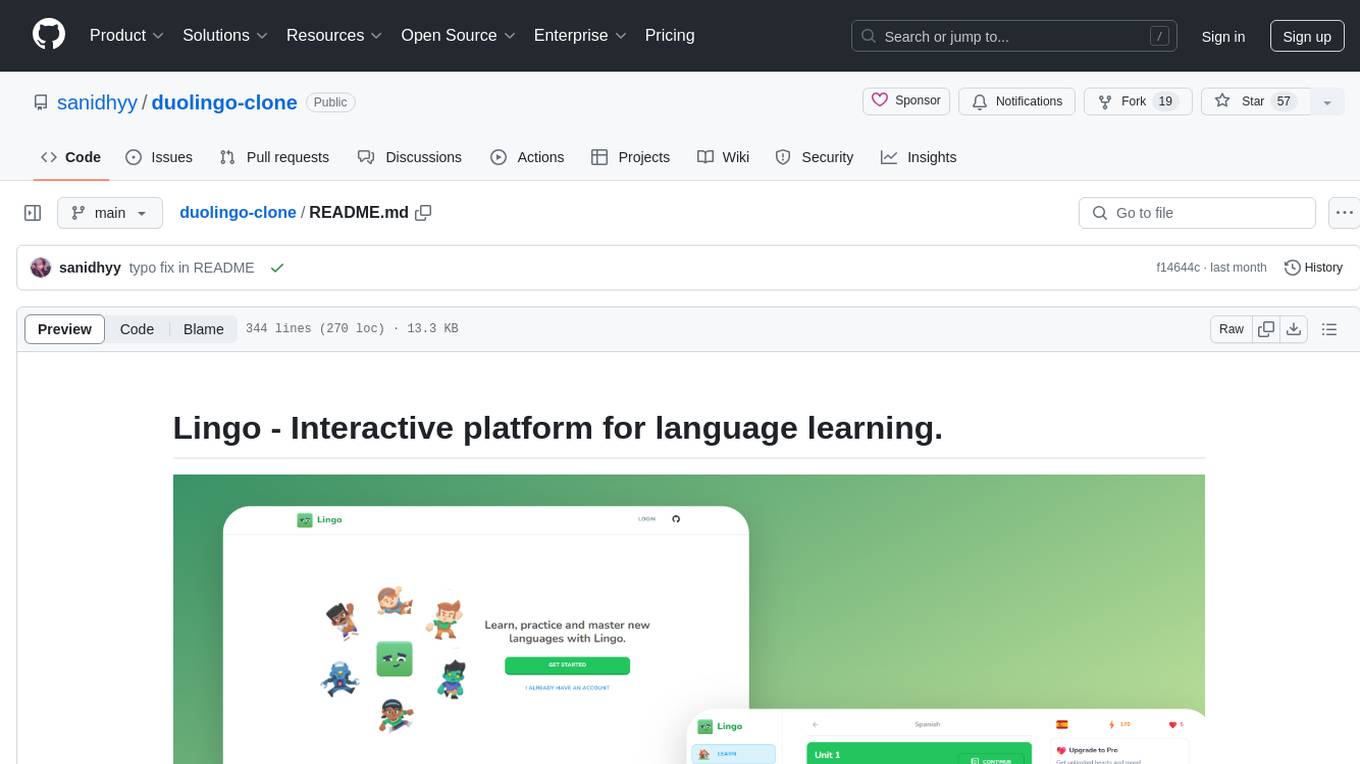
Lingo is an interactive platform for language learning that provides a modern UI/UX experience. It offers features like courses, quests, and a shop for users to engage with. The tech stack includes React JS, Next JS, Typescript, Tailwind CSS, Vercel, and Postgresql. Users can contribute to the project by submitting changes via pull requests. The platform utilizes resources from CodeWithAntonio, Kenney Assets, Freesound, Elevenlabs AI, and Flagpack. Key dependencies include @clerk/nextjs, @neondatabase/serverless, @radix-ui/react-avatar, and more. Users can follow the project creator on GitHub and Twitter, as well as subscribe to their YouTube channel for updates. To learn more about Next.js, users can refer to the Next.js documentation and interactive tutorial.
gemini-next-chat
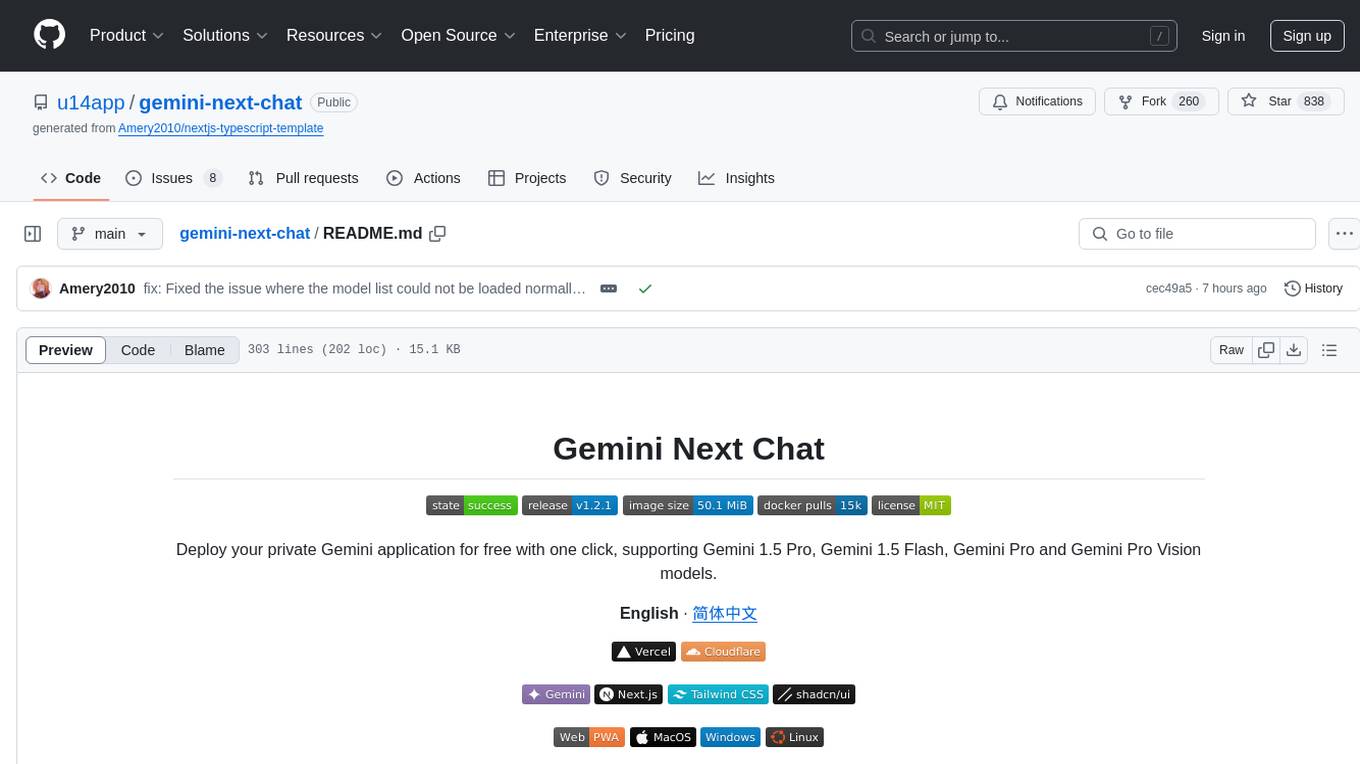
Gemini Next Chat is an open-source, extensible high-performance Gemini chatbot framework that supports one-click free deployment of private Gemini web applications. It provides a simple interface with image recognition and voice conversation, supports multi-modal models, talk mode, visual recognition, assistant market, support plugins, conversation list, full Markdown support, privacy and security, PWA support, well-designed UI, fast loading speed, static deployment, and multi-language support.
AutoRAG
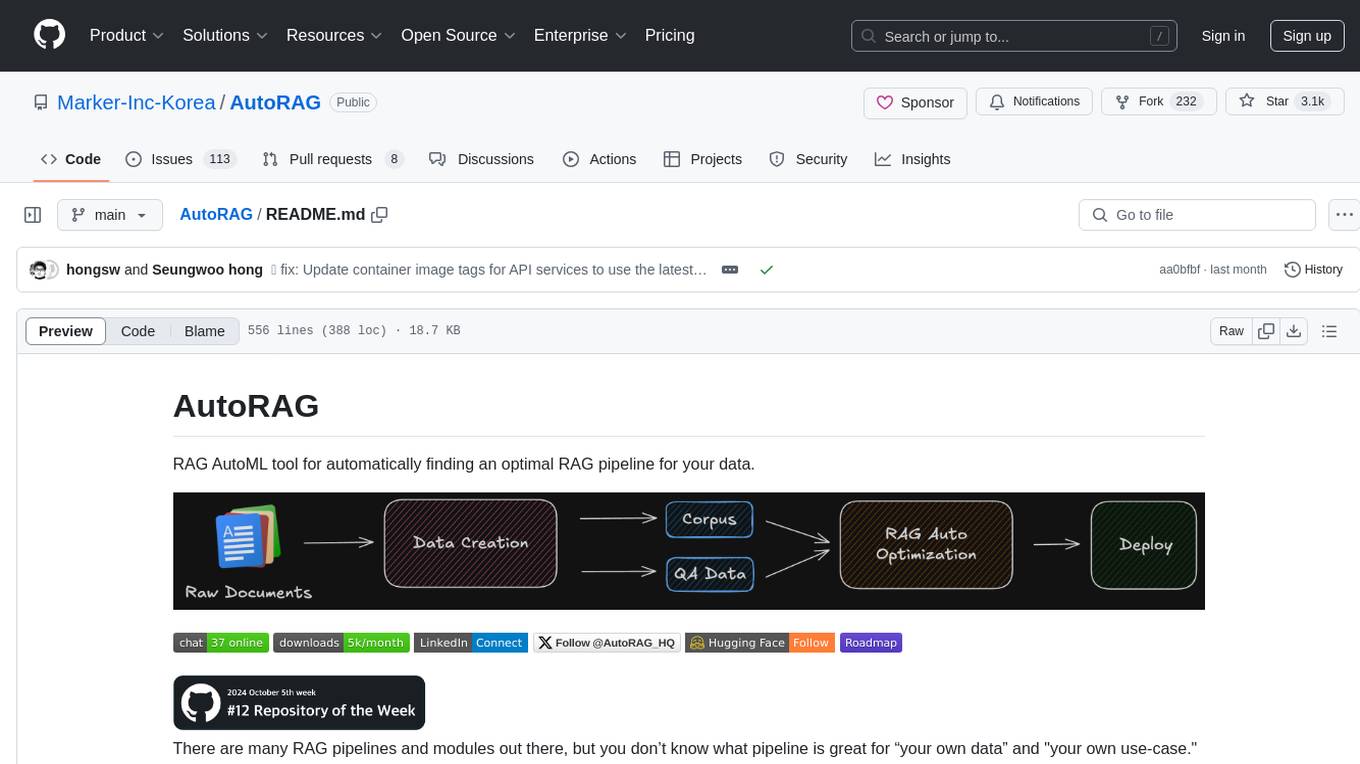
AutoRAG is an AutoML tool designed to automatically find the optimal RAG pipeline for your data. It simplifies the process of evaluating various RAG modules to identify the best pipeline for your specific use-case. The tool supports easy evaluation of different module combinations, making it efficient to find the most suitable RAG pipeline for your needs. AutoRAG also offers a cloud beta version to assist users in running and optimizing the tool, along with building RAG evaluation datasets for a starting price of $9.99 per optimization.
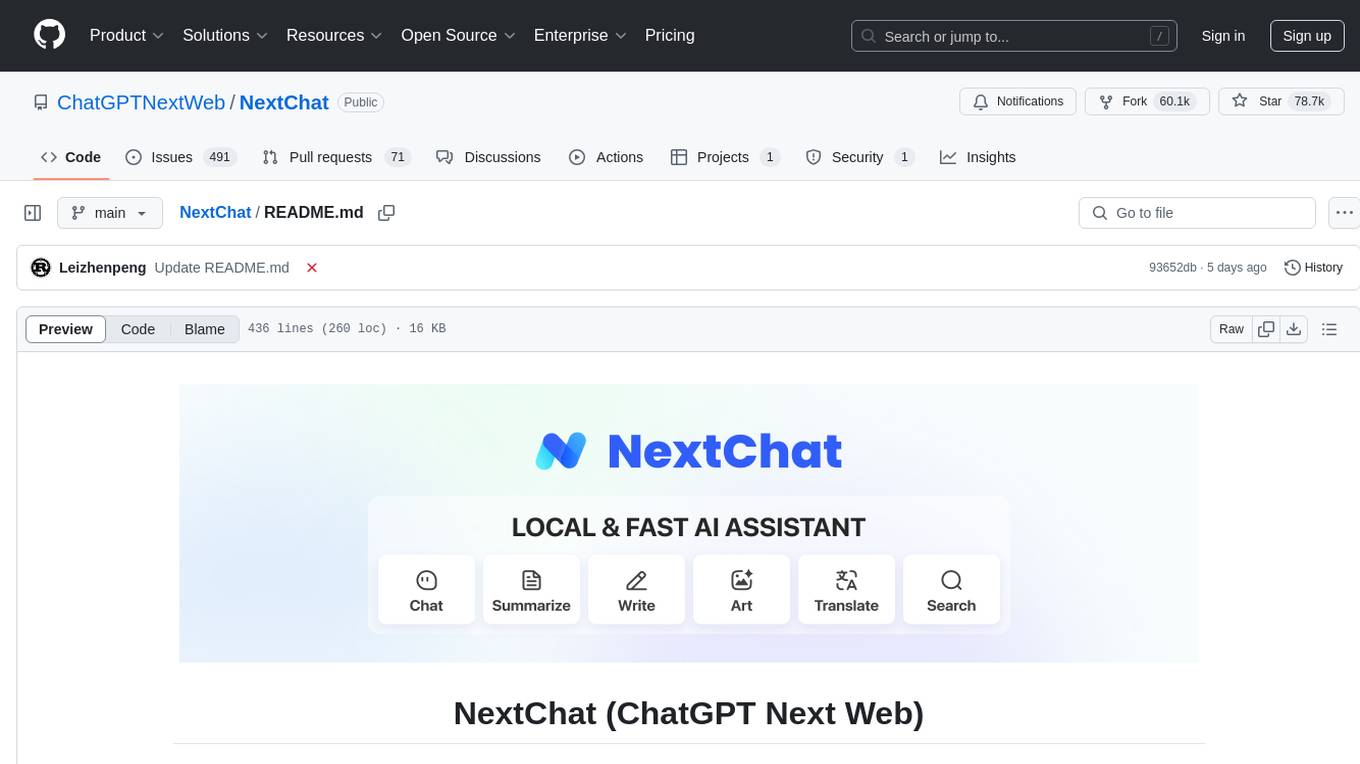
NextChat
NextChat is a well-designed cross-platform ChatGPT web UI tool that supports Claude, GPT4, and Gemini Pro. It offers a compact client for Linux, Windows, and MacOS, with features like self-deployed LLMs compatibility, privacy-first data storage, markdown support, responsive design, and fast loading speed. Users can create, share, and debug chat tools with prompt templates, access various prompts, compress chat history, and use multiple languages. The tool also supports enterprise-level privatization and customization deployment, with features like brand customization, resource integration, permission control, knowledge integration, security auditing, private deployment, and continuous updates.
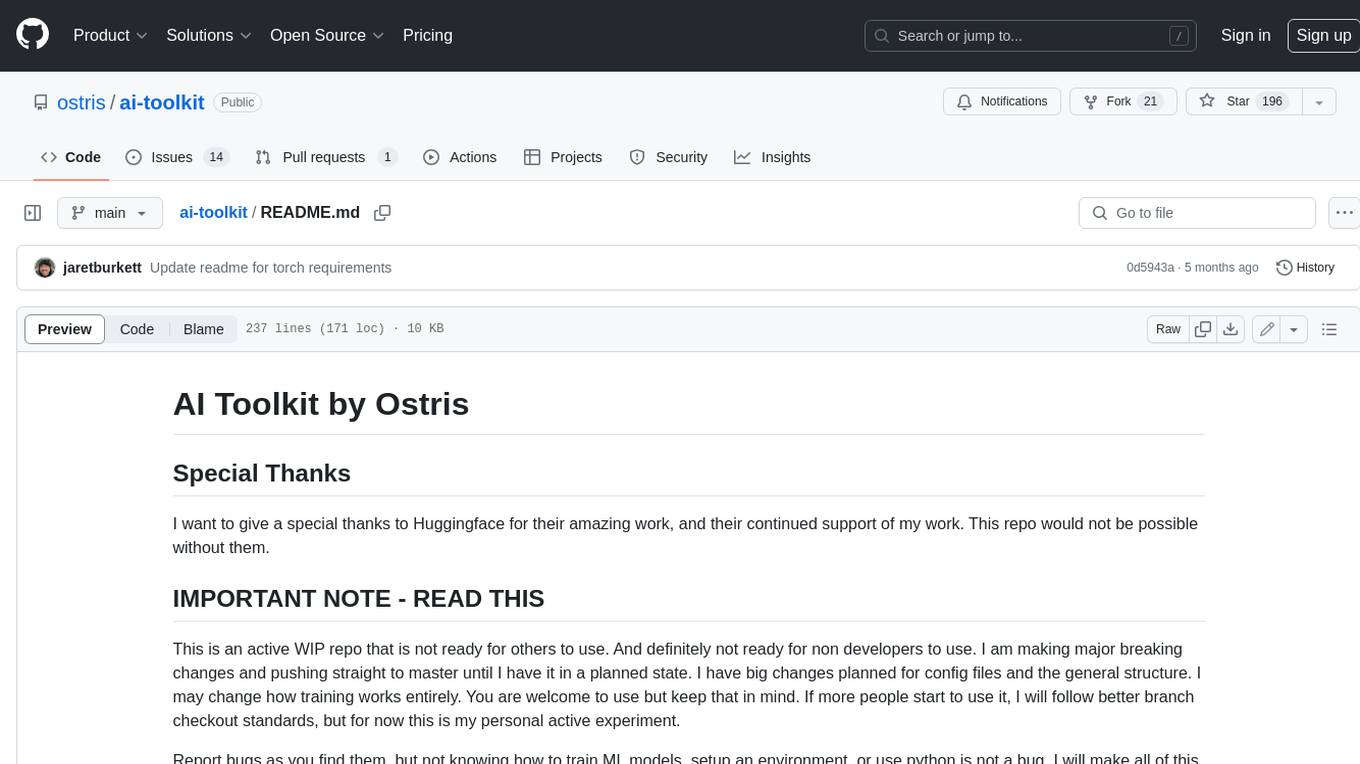
ai-toolkit
The AI Toolkit by Ostris is a collection of tools for machine learning, specifically designed for image generation, LoRA (latent representations of attributes) extraction and manipulation, and model training. It provides a user-friendly interface and extensive documentation to make it accessible to both developers and non-developers. The toolkit is actively under development, with new features and improvements being added regularly. Some of the key features of the AI Toolkit include: - Batch Image Generation: Allows users to generate a batch of images based on prompts or text files, using a configuration file to specify the desired settings. - LoRA (lierla), LoCON (LyCORIS) Extractor: Facilitates the extraction of LoRA and LoCON representations from pre-trained models, enabling users to modify and manipulate these representations for various purposes. - LoRA Rescale: Provides a tool to rescale LoRA weights, allowing users to adjust the influence of specific attributes in the generated images. - LoRA Slider Trainer: Enables the training of LoRA sliders, which can be used to control and adjust specific attributes in the generated images, offering a powerful tool for fine-tuning and customization. - Extensions: Supports the creation and sharing of custom extensions, allowing users to extend the functionality of the toolkit with their own tools and scripts. - VAE (Variational Auto Encoder) Trainer: Facilitates the training of VAEs for image generation, providing users with a tool to explore and improve the quality of generated images. The AI Toolkit is a valuable resource for anyone interested in exploring and utilizing machine learning for image generation and manipulation. Its user-friendly interface, extensive documentation, and active development make it an accessible and powerful tool for both beginners and experienced users.
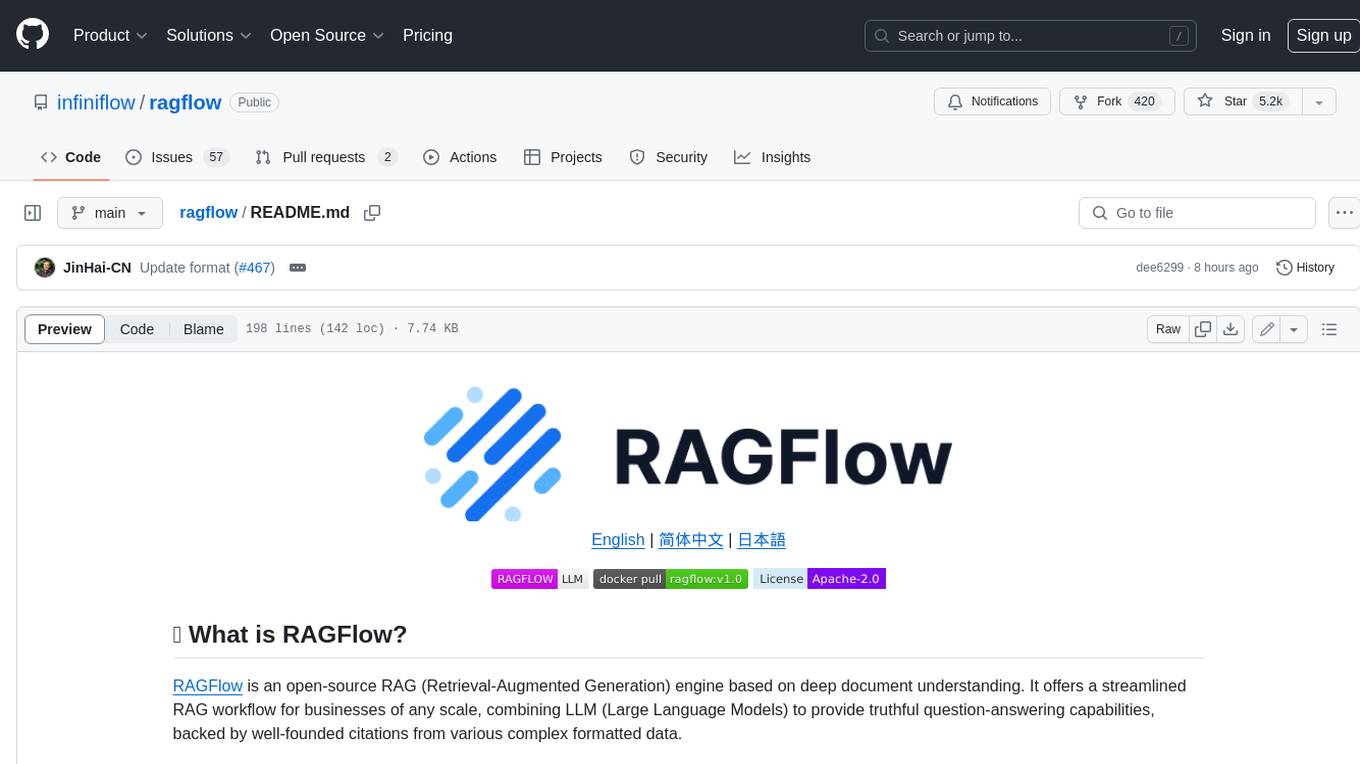
ragflow
RAGFlow is an open-source Retrieval-Augmented Generation (RAG) engine that combines deep document understanding with Large Language Models (LLMs) to provide accurate question-answering capabilities. It offers a streamlined RAG workflow for businesses of all sizes, enabling them to extract knowledge from unstructured data in various formats, including Word documents, slides, Excel files, images, and more. RAGFlow's key features include deep document understanding, template-based chunking, grounded citations with reduced hallucinations, compatibility with heterogeneous data sources, and an automated and effortless RAG workflow. It supports multiple recall paired with fused re-ranking, configurable LLMs and embedding models, and intuitive APIs for seamless integration with business applications.
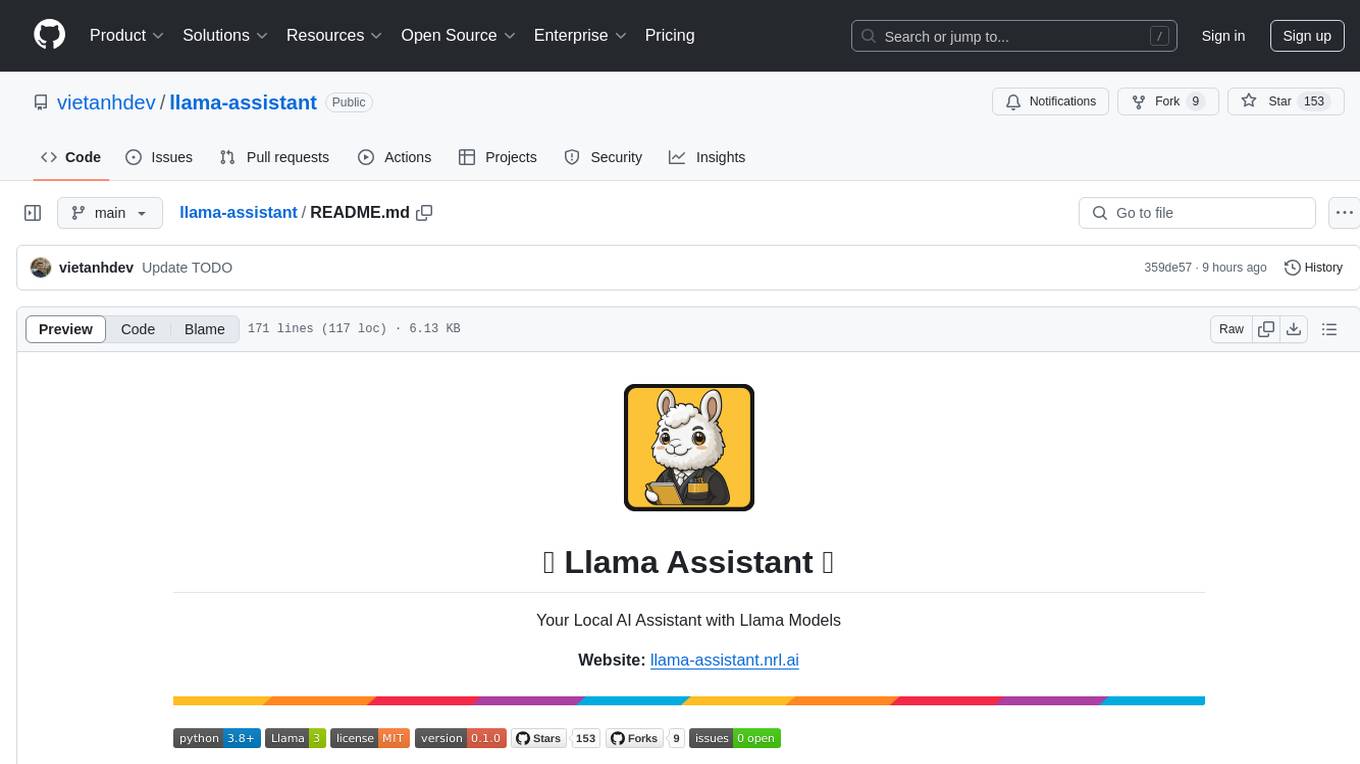
llama-assistant
Llama Assistant is an AI-powered assistant that helps with daily tasks, such as voice recognition, natural language processing, summarizing text, rephrasing sentences, answering questions, and more. It runs offline on your local machine, ensuring privacy by not sending data to external servers. The project is a work in progress with regular feature additions.
llama-assistant
Llama Assistant is a local AI assistant that respects your privacy. It is an AI-powered assistant that can recognize your voice, process natural language, and perform various actions based on your commands. It can help with tasks like summarizing text, rephrasing sentences, answering questions, writing emails, and more. The assistant runs offline on your local machine, ensuring privacy by not sending data to external servers. It supports voice recognition, natural language processing, and customizable UI with adjustable transparency. The project is a work in progress with new features being added regularly.
Flowise
Flowise is a tool that allows users to build customized LLM flows with a drag-and-drop UI. It is open-source and self-hostable, and it supports various deployments, including AWS, Azure, Digital Ocean, GCP, Railway, Render, HuggingFace Spaces, Elestio, Sealos, and RepoCloud. Flowise has three different modules in a single mono repository: server, ui, and components. The server module is a Node backend that serves API logics, the ui module is a React frontend, and the components module contains third-party node integrations. Flowise supports different environment variables to configure your instance, and you can specify these variables in the .env file inside the packages/server folder.

TalkWithGemini
Talk With Gemini is a web application that allows users to deploy their private Gemini application for free with one click. It supports Gemini Pro and Gemini Pro Vision models. The application features talk mode for direct communication with Gemini, visual recognition for understanding picture content, full Markdown support, automatic compression of chat records, privacy and security with local data storage, well-designed UI with responsive design, fast loading speed, and multi-language support. The tool is designed to be user-friendly and versatile for various deployment options and language preferences.
Free-GPT4-WEB-API
FreeGPT4-WEB-API is a Python server that allows you to have a self-hosted GPT-4 Unlimited and Free WEB API, via the latest Bing's AI. It uses Flask and GPT4Free libraries. GPT4Free provides an interface to the Bing's GPT-4. The server can be configured by editing the `FreeGPT4_Server.py` file. You can change the server's port, host, and other settings. The only cookie needed for the Bing model is `_U`.
quickvid
QuickVid is an open-source video summarization tool that uses AI to generate summaries of YouTube videos. It is built with Whisper, GPT, LangChain, and Supabase. QuickVid can be used to save time and get the essence of any YouTube video with intelligent summarization.
gpt-translate
Markdown Translation BOT is a GitHub action that translates markdown files into multiple languages using various AI models. It supports markdown, markdown-jsx, and json files only. The action can be executed by individuals with write permissions to the repository, preventing API abuse by non-trusted parties. Users can set up the action by providing their API key and configuring the workflow settings. The tool allows users to create comments with specific commands to trigger translations and automatically generate pull requests or add translated files to existing pull requests. It supports multiple file translations and can interpret any language supported by GPT-4 or GPT-3.5.
obsei
Obsei is an open-source, low-code, AI powered automation tool that consists of an Observer to collect unstructured data from various sources, an Analyzer to analyze the collected data with various AI tasks, and an Informer to send analyzed data to various destinations. The tool is suitable for scheduled jobs or serverless applications as all Observers can store their state in databases. Obsei is still in alpha stage, so caution is advised when using it in production. The tool can be used for social listening, alerting/notification, automatic customer issue creation, extraction of deeper insights from feedbacks, market research, dataset creation for various AI tasks, and more based on creativity.
context7
Context7 is a powerful tool for analyzing and visualizing data in various formats. It provides a user-friendly interface for exploring datasets, generating insights, and creating interactive visualizations. With advanced features such as data filtering, aggregation, and customization, Context7 is suitable for both beginners and experienced data analysts. The tool supports a wide range of data sources and formats, making it versatile for different use cases. Whether you are working on exploratory data analysis, data visualization, or data storytelling, Context7 can help you uncover valuable insights and communicate your findings effectively.
For similar tasks
terraform-provider-aiven
The Terraform provider for Aiven.io, an open source data platform as a service. See the official documentation to learn about all the possible services and resources.
buildware-ai
Buildware is a tool designed to help developers accelerate their code shipping process by leveraging AI technology. Users can build a code instruction system, submit an issue, and receive an AI-generated pull request. The tool is created by Mckay Wrigley and Tyler Bruno at Takeoff AI. Buildware offers a simple setup process involving cloning the repository, installing dependencies, setting up environment variables, configuring a database, and obtaining a GitHub Personal Access Token (PAT). The tool is currently being updated to include advanced features such as Linear integration, local codebase mode, and team support.
cheating-based-prompt-engine
This is a vulnerability mining engine purely based on GPT, requiring no prior knowledge base, no fine-tuning, yet its effectiveness can overwhelmingly surpass most of the current related research. The core idea revolves around being task-driven, not question-driven, driven by prompts, not by code, and focused on prompt design, not model design. The essence is encapsulated in one word: deception. It is a type of code understanding logic vulnerability mining that fully stimulates the capabilities of GPT, suitable for real actual projects.
ai-woocommerce
The ai-woocommerce tool facilitates the migration of data from a WooCommerce database to an Aimeos ecommerce installation. It requires Wordpress with WooCommerce and Aimeos 2023.10+. Users can install the ai-woocommerce package using composer and configure the migration process by setting up the database connections. The tool migrates products, categories, suppliers/brands, attributes, and extra product options from WooCommerce to Aimeos, streamlining the transition process for e-commerce websites.
genius-ai
Genius is a modern Next.js 14 SaaS AI platform that provides a comprehensive folder structure for app development. It offers features like authentication, dashboard management, landing pages, API integration, and more. The platform is built using React JS, Next JS, TypeScript, Tailwind CSS, and integrates with services like Netlify, Prisma, MySQL, and Stripe. Genius enables users to create AI-powered applications with functionalities such as conversation generation, image processing, code generation, and more. It also includes features like Clerk authentication, OpenAI integration, Replicate API usage, Aiven database connectivity, and Stripe API/webhook setup. The platform is fully configurable and provides a seamless development experience for building AI-driven applications.
promptfoo
Promptfoo is a tool for testing and evaluating LLM output quality. With promptfoo, you can build reliable prompts, models, and RAGs with benchmarks specific to your use-case, speed up evaluations with caching, concurrency, and live reloading, score outputs automatically by defining metrics, use as a CLI, library, or in CI/CD, and use OpenAI, Anthropic, Azure, Google, HuggingFace, open-source models like Llama, or integrate custom API providers for any LLM API.
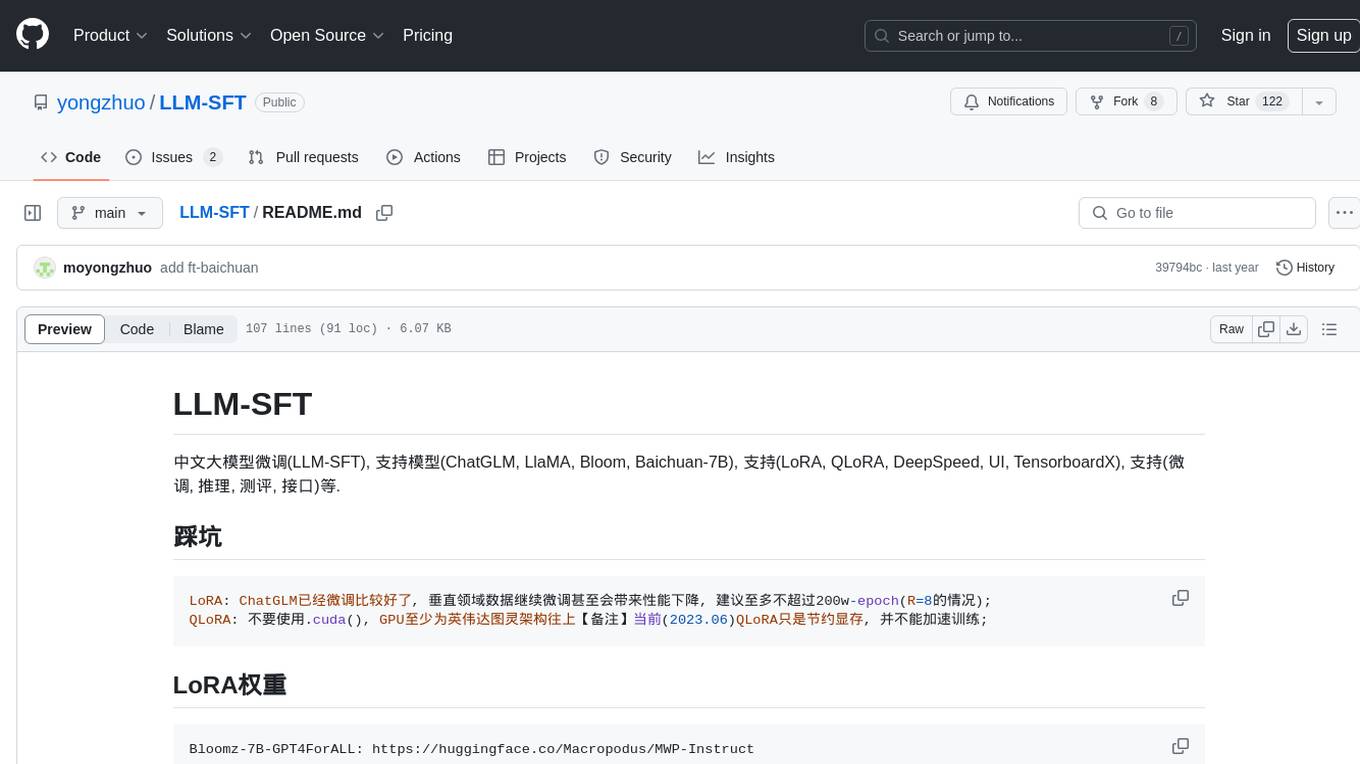
LLM-SFT
LLM-SFT is a Chinese large model fine-tuning tool that supports models such as ChatGLM, LlaMA, Bloom, Baichuan-7B, and frameworks like LoRA, QLoRA, DeepSpeed, UI, and TensorboardX. It facilitates tasks like fine-tuning, inference, evaluation, and API integration. The tool provides pre-trained weights for various models and datasets for Chinese language processing. It requires specific versions of libraries like transformers and torch for different functionalities.
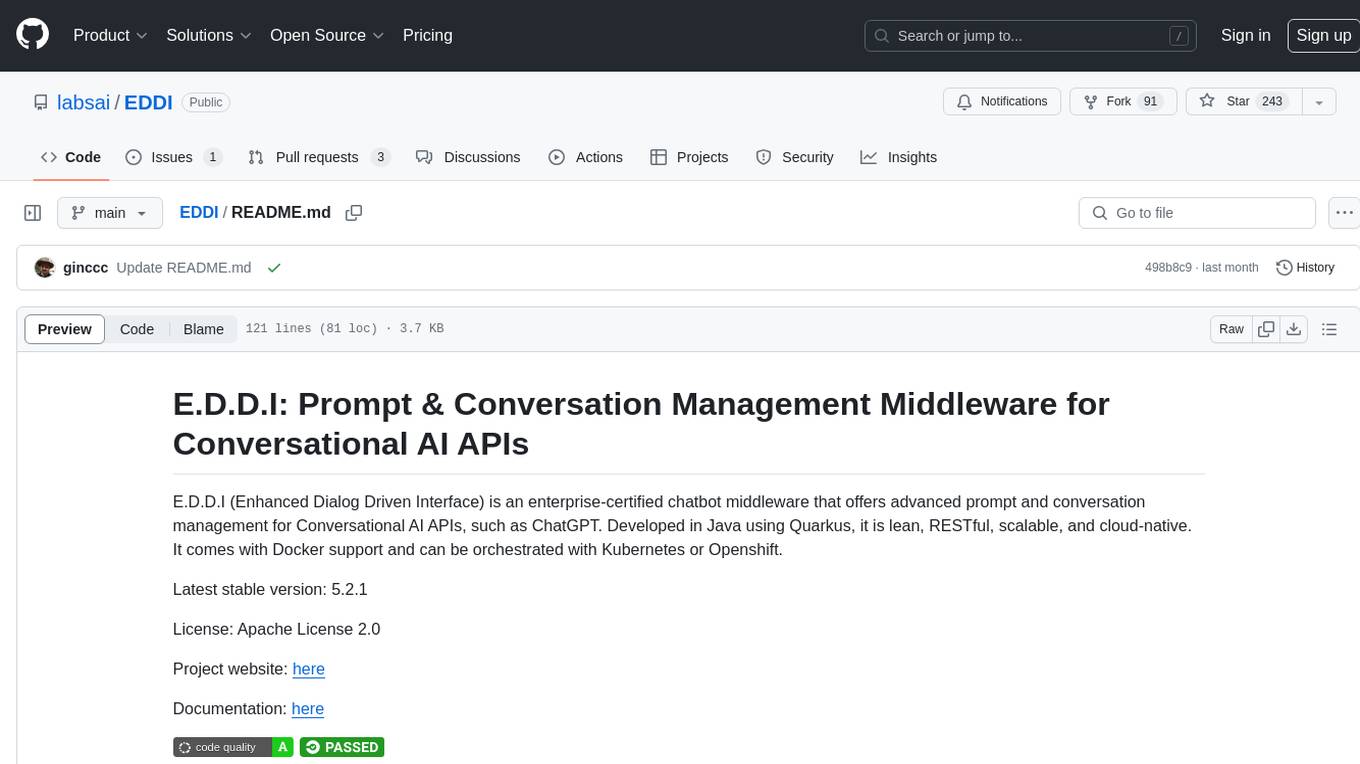
EDDI
E.D.D.I (Enhanced Dialog Driven Interface) is an enterprise-certified chatbot middleware that offers advanced prompt and conversation management for Conversational AI APIs. Developed in Java using Quarkus, it is lean, RESTful, scalable, and cloud-native. E.D.D.I is highly scalable and designed to efficiently manage conversations in AI-driven applications, with seamless API integration capabilities. Notable features include configurable NLP and Behavior rules, support for multiple chatbots running concurrently, and integration with MongoDB, OAuth 2.0, and HTML/CSS/JavaScript for UI. The project requires Java 21, Maven 3.8.4, and MongoDB >= 5.0 to run. It can be built as a Docker image and deployed using Docker or Kubernetes, with additional support for integration testing and monitoring through Prometheus and Kubernetes endpoints.
For similar jobs

sweep
Sweep is an AI junior developer that turns bugs and feature requests into code changes. It automatically handles developer experience improvements like adding type hints and improving test coverage.

teams-ai
The Teams AI Library is a software development kit (SDK) that helps developers create bots that can interact with Teams and Microsoft 365 applications. It is built on top of the Bot Framework SDK and simplifies the process of developing bots that interact with Teams' artificial intelligence capabilities. The SDK is available for JavaScript/TypeScript, .NET, and Python.

ai-guide
This guide is dedicated to Large Language Models (LLMs) that you can run on your home computer. It assumes your PC is a lower-end, non-gaming setup.

classifai
Supercharge WordPress Content Workflows and Engagement with Artificial Intelligence. Tap into leading cloud-based services like OpenAI, Microsoft Azure AI, Google Gemini and IBM Watson to augment your WordPress-powered websites. Publish content faster while improving SEO performance and increasing audience engagement. ClassifAI integrates Artificial Intelligence and Machine Learning technologies to lighten your workload and eliminate tedious tasks, giving you more time to create original content that matters.

chatbot-ui
Chatbot UI is an open-source AI chat app that allows users to create and deploy their own AI chatbots. It is easy to use and can be customized to fit any need. Chatbot UI is perfect for businesses, developers, and anyone who wants to create a chatbot.

BricksLLM
BricksLLM is a cloud native AI gateway written in Go. Currently, it provides native support for OpenAI, Anthropic, Azure OpenAI and vLLM. BricksLLM aims to provide enterprise level infrastructure that can power any LLM production use cases. Here are some use cases for BricksLLM: * Set LLM usage limits for users on different pricing tiers * Track LLM usage on a per user and per organization basis * Block or redact requests containing PIIs * Improve LLM reliability with failovers, retries and caching * Distribute API keys with rate limits and cost limits for internal development/production use cases * Distribute API keys with rate limits and cost limits for students

uAgents
uAgents is a Python library developed by Fetch.ai that allows for the creation of autonomous AI agents. These agents can perform various tasks on a schedule or take action on various events. uAgents are easy to create and manage, and they are connected to a fast-growing network of other uAgents. They are also secure, with cryptographically secured messages and wallets.

griptape
Griptape is a modular Python framework for building AI-powered applications that securely connect to your enterprise data and APIs. It offers developers the ability to maintain control and flexibility at every step. Griptape's core components include Structures (Agents, Pipelines, and Workflows), Tasks, Tools, Memory (Conversation Memory, Task Memory, and Meta Memory), Drivers (Prompt and Embedding Drivers, Vector Store Drivers, Image Generation Drivers, Image Query Drivers, SQL Drivers, Web Scraper Drivers, and Conversation Memory Drivers), Engines (Query Engines, Extraction Engines, Summary Engines, Image Generation Engines, and Image Query Engines), and additional components (Rulesets, Loaders, Artifacts, Chunkers, and Tokenizers). Griptape enables developers to create AI-powered applications with ease and efficiency.