


safety-tooling
Inference API for many LLMs and other useful tools for empirical research
Stars: 104
This repository, safety-tooling, is designed to be shared across various AI Safety projects. It provides an LLM API with a common interface for OpenAI, Anthropic, and Google models. The aim is to facilitate collaboration among AI Safety researchers, especially those with limited software engineering backgrounds, by offering a platform for contributing to a larger codebase. The repo can be used as a git submodule for easy collaboration and updates. It also supports pip installation for convenience. The repository includes features for installation, secrets management, linting, formatting, Redis configuration, testing, dependency management, inference, finetuning, API usage tracking, and various utilities for data processing and experimentation.
README:
- This is a repo designed to be shared across many AI Safety projects. It has built up since Summer 2023 during projects with Ethan Perez. The code primarily provides an LLM API with a common interface for OpenAI, Anthropic and Google models.
- The aim is that this repo continues to grow and evolve as more collaborators start to use it, ultimately speeding up new AI Safety researchers that join the cohort in the future. Furthermore, it provides an opportunity for those who have less of a software engineering background to upskill in contributing to a larger codebase that has many users.
- This repo works great as a git submodule. This has the benefit of having the ease of being able to commit changes that everyone can benefit from. When you
cdinto the submodule directory, you cangit pullandgit pushto that repository.- We provide an example repo that uses
safety-toolingas a submodule here: https://github.com/safety-research/safety-examples - The code can also eaisly be pip installed if that is more suitable for your use case.
- We provide an example repo that uses
To set up the development environment for this project, follow the steps below:
- We recommend using
uvto manage the python environment. Install it with the following command:
curl -LsSf https://astral.sh/uv/install.sh | sh
source $HOME/.local/bin/env
- Clone the repository and navigate to the directory.
git clone [email protected]:safety-research/safety-tooling.git
cd safety-tooling
- Create a virtual environment with python 3.11.
uv venv --python=python3.11
source .venv/bin/activate
- Install the package in editable mode and also install the development dependencies.
uv pip install -e .
uv pip install -r requirements_dev.txt
- Install the kernel in vscode so it can be used in jupyter notebooks (optional).
python -m ipykernel install --user --name=venv
If you don't expect to make any changes to the package (not recommended when actively doing research), you can install it directly from pip by running the following command. This is not recommended when actively doing research but a great option once you release your code.
pip install git+https://github.com/safety-research/safety-tooling.git@<branch-name>#egg=safetytooling
You should copy the .env.example file to .env at the root of the repository and fill in the API keys. All are optional but features that rely on them will not work if they are not set.
OPENAI_API_KEY=<your-key>
ANTHROPIC_API_KEY=<your-key>
HF_TOKEN=<your-key>
GOOGLE_API_KEY=<your-key>
GRAYSWAN_API_KEY=<your-key>
TOGETHER_API_KEY=<your-key>
DEEPSEEK_API_KEY=<your-key>
ELEVENLABS_API_KEY=<your-key>
You can add multiple OpenAI and Anthropic API keys by adding them to the .env file with different names. You can then pass the openai_tag and anthropic_tag to utils.setup_environment() to switch between them. Alternatively, pass openai_api_key and anthropic_api_key to the InferenceAPI object directly.
We lint our code with Ruff and format with black. This tool is automatically installed when you run set up the development environment.
If you use vscode, it's recommended to install the official Ruff extension.
In addition, there is a pre-commit hook that runs the linter and formatter before you commit.
To enable it, run make hooks but this is optional.
To use Redis for caching instead of writing everything to disk, install Redis, and make sure it's running by doing redis-cli ping.
export REDIS_CACHE=True  # Enable Redis caching (defaults to False)
export REDIS_PASSWORD=<your-password>  # Optional Redis password, in case the Redis instance on your machine is password protected
Default Redis configuration if not specified:
- Host: localhost
- Port: 6379
- No authentication
You can monitor what is being read from or written to Redis by running redis-cli and then MONITOR.
Run tests as a Python module (with 6 parallel workers, and verbose output) using:
python -m pytest -v -s -n 6Certain tests are inherently slow, including all tests regarding the batch API. We disable them by default to avoid slowing down the CI pipeline. To run them, use:
SAFETYTOOLING_SLOW_TESTS=True python -m pytest -v -s -n 6We only pin top-level dependencies only to make cross-platform development easier.
- To add a new python dependency, add a line to
pyproject.toml. If it is only for development, add it torequirements_dev.txt. - To upgrade a dependency, bump the version number in
pyproject.toml.
To check for outdated dependencies, run uv pip list --outdated.
Minimal example to run inference for gpt-4o-mini. See examples/inference_api/inference_api.ipynb to quickly run this example.
from safetytooling.apis import InferenceAPI
from safetytooling.data_models import ChatMessage, MessageRole, Prompt
from safetytooling.utils import utils
from pathlib import Path

utils.setup_environment()
API = InferenceAPI(cache_dir=Path(".cache"))
prompt = Prompt(messages=[ChatMessage(content="What is your name?", role=MessageRole.user)])

response = await API(
    model_id="gpt-4o-mini",
    prompt=prompt,
    print_prompt_and_response=True,
)
The InferenceAPI class supports running new models when they come out without needing to update the codebase. However, you have to pass force_provider to the API object call. For example, if you want to run gpt-4-new-model, you can do:
response = await API(
    model_id="gpt-4-new-model",
    prompt=prompt,
    force_provider="openai"
)
Note: setup_environment() will automatically load the API keys and set the environment variables. You can set custom API keys by setting the environment variables instead of calling setup_environment(). If you have multiple API keys for OpenAI and Anthropic, you can pass openai_tag and anthropic_tag to setup_environment() to choose those to be exported.
utils.setup_environment(openai_tag="OPENAI_API_KEY_CUSTOM", anthropic_tag="ANTHROPIC_API_KEY_CUSTOM")
See examples/anthropic_batch_api/run_anthropic_batch.py for an example of how to use the Anthropic Batch API and how to set up command line input arguments using simple_parsing and ExperimentConfigBase (a useful base class we created for this project).
If you want to use a different provider that uses an OpenAI compatible api, you can just override the base_url when creating an InferenceAPI and then doing force_provider="openai" when calling it. E.g.
API = InferenceAPI(cache_dir=Path(".cache"), openai_base_url="https://openrouter.ai/api/v1", openai_api_key=openrouter_api_key)
response = await API(
    model_id="deepseek/deepseek-v3-base:free",
    prompt=base_prompt,
    max_tokens=100,
    print_prompt_and_response=True,
    temperature=0,
    force_provider="openai",
)
We make this easy to run a server locally and hook into the InferenceAPI. Here is a snippet and it is also in the examples/inference_api/vllm_api.ipynb notebook.
from safetytooling.apis import InferenceAPI
from safetytooling.data_models import ChatMessage, MessageRole, Prompt
from safetytooling.utils import utils
from safetytooling.utils.vllm_utils import deploy_model_vllm_locally_auto

utils.setup_environment()

server = await deploy_model_vllm_locally_auto("meta-llama/Llama-3.1-8B-Instruct", max_model_len=1024, max_num_seqs=32)
API = InferenceAPI(vllm_base_url=f"{server.base_url}/v1/chat/completions", vllm_num_threads=32, use_vllm_if_model_not_found=True)
prompt = Prompt(messages=[ChatMessage(content="What is your name?", role=MessageRole.user)])

response = await API(
    model_id=server.model_name,
    prompt=prompt,
    print_prompt_and_response=True,
)
To launch a finetuning job, run the following command:
python -m safetytooling.apis.finetuning.openai.run --model 'gpt-3.5-turbo-1106' --train_file <path-to-train-file> --n_epochs 1This should automatically create a new job on the OpenAI API, and also sync that run to wandb. You will have to keep the program running until the OpenAI job is complete.
You can include the --dry_run flag if you just want to validate the train/val files and estimate the training cost without actually launching a job.
To get OpenAI usage stats, run:
python -m safetytooling.apis.inference.usage.usage_openaiYou can pass a list of models to get usage stats for specific models. For example:
python -m safetytooling.apis.inference.usage.usage_openai --models 'model-id1' 'model-id2' --openai_tags 'OPENAI_API_KEY1' 'OPENAI_API_KEY2'And for Anthropic, to fine out the numbder of threads being used run:
python -m safetytooling.apis.inference.usage.usage_anthropic-
LLM Inference API:
- Location:
safetytooling/apis/inference/api.py -
Caching Mechanism:
- Caches prompt calls to avoid redundant API calls. Cache location defaults to
$exp_dir/cache. This means you can kill your run anytime and restart it without worrying about wasting API calls. -
Redis Cache: Optionally use Redis for caching instead of files by setting
REDIS_CACHE=truein your environment. Configure Redis connection with:-
REDIS_PASSWORD: Optional Redis password for authentication - Default Redis configuration: localhost:6379, no password
-
- The cache implementation is automatically selected based on the
REDIS_CACHEenvironment variable. -
No Cache: Set
NO_CACHE=Trueas an environment variable to disable all caching. This is equivalent to settinguse_cache=Falsewhen initialising an InferenceAPI or BatchInferenceAPI object.
- Caches prompt calls to avoid redundant API calls. Cache location defaults to
-
Prompt Logging: For debugging, human-readable
.txtfiles are can be output in$exp_dir/prompt_historyand timestamped for easy reference (off by default). You can also passprint_prompt_and_responseto the api object to print coloured messages to the terminal. - Manages rate limits efficiently for OpenAI bypassing the need for exponential backoff.
- Number of concurrent threads can be customised when initialising the api object for each provider (e.g.
openai_num_threads,anthropic_num_threads). Furthermore, the fraction of the OpenAI rate limit can be specified (e.g. only using 50% rate limit by settingopenai_fraction_rate_limit=0.5. - When initialising the API it checks how much OpenAI rate limit is available and sets caps based on that.
- Allows custom filtering of responses via
is_validfunction and will retry until a valid one is generated (e.g. ensuring json output). - Provides a running total of cost for OpenAI models and model timings for performance analysis.
- Utilise maximum rate limit by setting
max_tokens=Nonefor OpenAI models. - Supports OpenAI moderation, embedding and Realtime (audio) API
- Supports OpenAI chat/completion models, Anthropic, Gemini (all modalities), GraySwan, HuggingFace inference endpoints (e.g. for llama3).
- Location:
- Prompt, LLMResponse and ChatMessage class
- Location:
safetytooling/data_models/messages.py - A unified class for prompts with methods to unpack it into the format expected by the different providers.
- Take a look at the
Promptclass to see how the messages are transformed into different formats. This is important if you ever need to add new providers or modalities.
- Take a look at the
- Supports image and audio.
- The objects are pydantic and inherit from a hashable base class (useful for caching since you can hash based on the prompt class)
- Location:
-
Finetuning runs with Weights and Biases:
- Location:
safetytooling/apis/finetuning/run.py - Logs finetuning runs with Weights and Biases for easy tracking of experiments.
- Location:
-
Text to speech
- Location:
safetytooling/apis/tts/elevenlabs.py
- Location:
-
Usage Tracking:
- Location:
safetytooling/apis/inference/usage - Tracks usage of OpenAI and Anthropic APIs so you know how much they are being utilised within your organisation.
- Location:
-
Experiment base class
- Location:
safetytooling/utils/experiment_utils.py - This dataclass is used as a base class for each experiment script. It provides a common set of args that always need to be specified (e.g. those that initialise the InferenceAPI class)
- It creates the experiment directory and sets up logging to be output into log files there. It also sets random seeds and initialises the InferenceAPI so it is accessible easily by using
cfg.api. - See examples of usage in the
examplesrepo in next section.
- Location:
-
API KEY management
- All API keys get stored in the .env file (that is in the .gitignore)
-
setup_environment()insafetytooling/uils/utils.pyloads these in so they are accessible by the code (and also automates exporting environment variables)
-
Utilities:
- Plotting functions for confusion matrices and setting up plotting in notebooks (
plotting_utils.py) - Prompt loading with a templating library called Jinja (
prompt_utils.py) - Image/audio processing (
image_utils.pyandaudio_utils.py) - Human labelling framework which keeps a persistent store of human labels on disk based on the input/output pair of the LLM (
human_labeling_utils.py)
- Plotting functions for confusion matrices and setting up plotting in notebooks (
If you use this repo in your work, please cite it as follows:
@misc{safety_tooling_2025,
  author       = {John Hughes and safety-research},
  title        = {safety-research/safety-tooling: v1.0.0},
  year         = {2025},
  publisher    = {Zenodo},
  version      = {v1.0.0},
  doi          = {10.5281/zenodo.15363603},
  url          = {https://doi.org/10.5281/zenodo.15363603}
}
For Tasks:
Click tags to check more tools for each tasksFor Jobs:
Alternative AI tools for safety-tooling
Similar Open Source Tools
safety-tooling
This repository, safety-tooling, is designed to be shared across various AI Safety projects. It provides an LLM API with a common interface for OpenAI, Anthropic, and Google models. The aim is to facilitate collaboration among AI Safety researchers, especially those with limited software engineering backgrounds, by offering a platform for contributing to a larger codebase. The repo can be used as a git submodule for easy collaboration and updates. It also supports pip installation for convenience. The repository includes features for installation, secrets management, linting, formatting, Redis configuration, testing, dependency management, inference, finetuning, API usage tracking, and various utilities for data processing and experimentation.
sage
Sage is a tool that allows users to chat with any codebase, providing a chat interface for code understanding and integration. It simplifies the process of learning how a codebase works by offering heavily documented answers sourced directly from the code. Users can set up Sage locally or on the cloud with minimal effort. The tool is designed to be easily customizable, allowing users to swap components of the pipeline and improve the algorithms powering code understanding and generation.
log10
Log10 is a one-line Python integration to manage your LLM data. It helps you log both closed and open-source LLM calls, compare and identify the best models and prompts, store feedback for fine-tuning, collect performance metrics such as latency and usage, and perform analytics and monitor compliance for LLM powered applications. Log10 offers various integration methods, including a python LLM library wrapper, the Log10 LLM abstraction, and callbacks, to facilitate its use in both existing production environments and new projects. Pick the one that works best for you. Log10 also provides a copilot that can help you with suggestions on how to optimize your prompt, and a feedback feature that allows you to add feedback to your completions. Additionally, Log10 provides prompt provenance, session tracking and call stack functionality to help debug prompt chains. With Log10, you can use your data and feedback from users to fine-tune custom models with RLHF, and build and deploy more reliable, accurate and efficient self-hosted models. Log10 also supports collaboration, allowing you to create flexible groups to share and collaborate over all of the above features.
debug-gym
debug-gym is a text-based interactive debugging framework designed for debugging Python programs. It provides an environment where agents can interact with code repositories, use various tools like pdb and grep to investigate and fix bugs, and propose code patches. The framework supports different LLM backends such as OpenAI, Azure OpenAI, and Anthropic. Users can customize tools, manage environment states, and run agents to debug code effectively. debug-gym is modular, extensible, and suitable for interactive debugging tasks in a text-based environment.
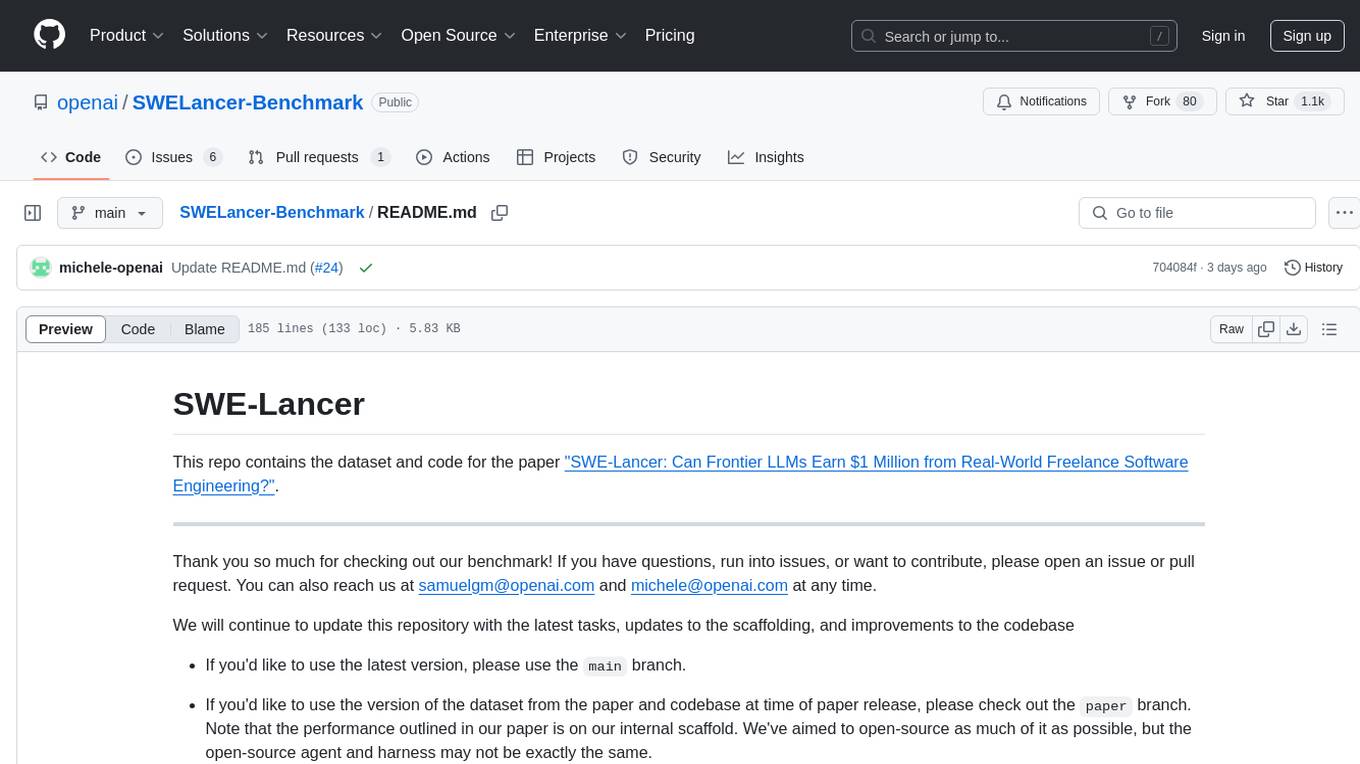
SWELancer-Benchmark
SWE-Lancer is a benchmark repository containing datasets and code for the paper 'SWE-Lancer: Can Frontier LLMs Earn $1 Million from Real-World Freelance Software Engineering?'. It provides instructions for package management, building Docker images, configuring environment variables, and running evaluations. Users can use this tool to assess the performance of language models in real-world freelance software engineering tasks.
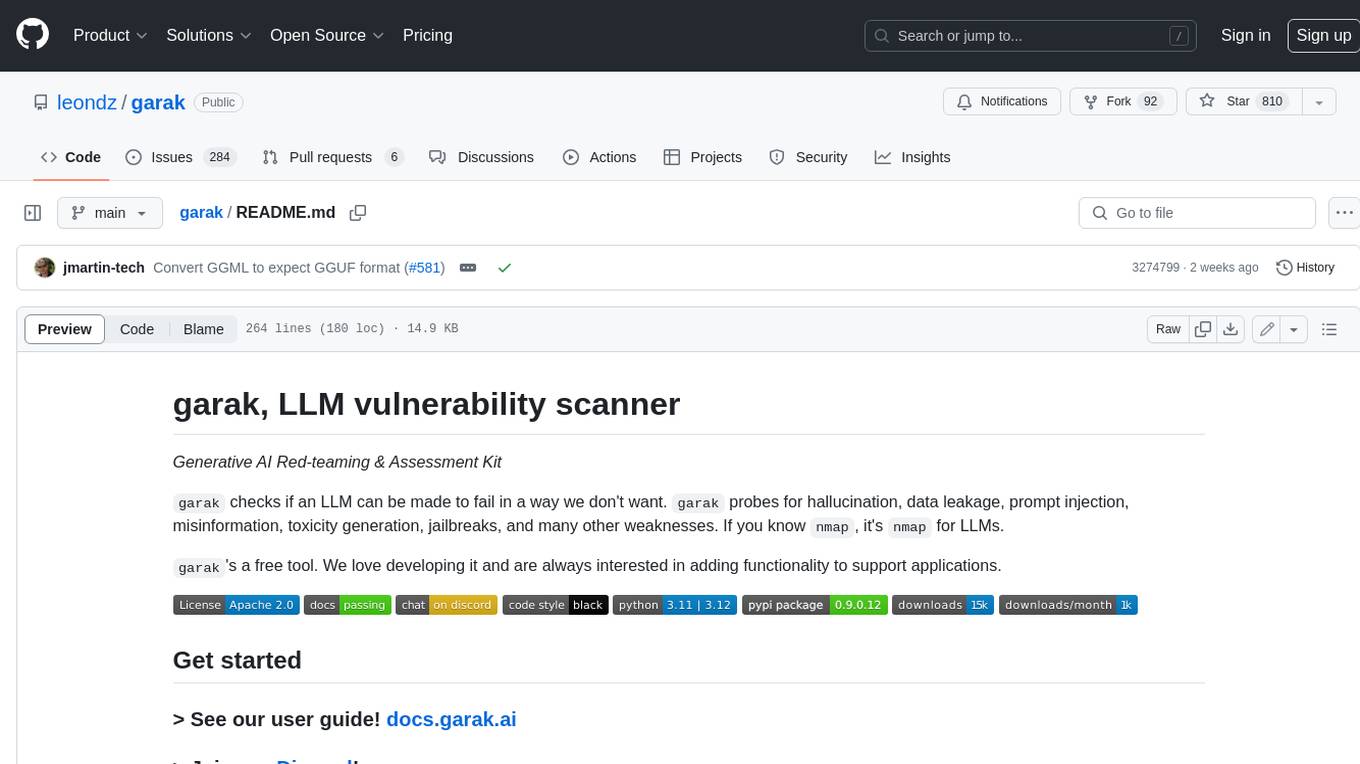
garak
Garak is a free tool that checks if a Large Language Model (LLM) can be made to fail in a way that is undesirable. It probes for hallucination, data leakage, prompt injection, misinformation, toxicity generation, jailbreaks, and many other weaknesses. Garak's a free tool. We love developing it and are always interested in adding functionality to support applications.
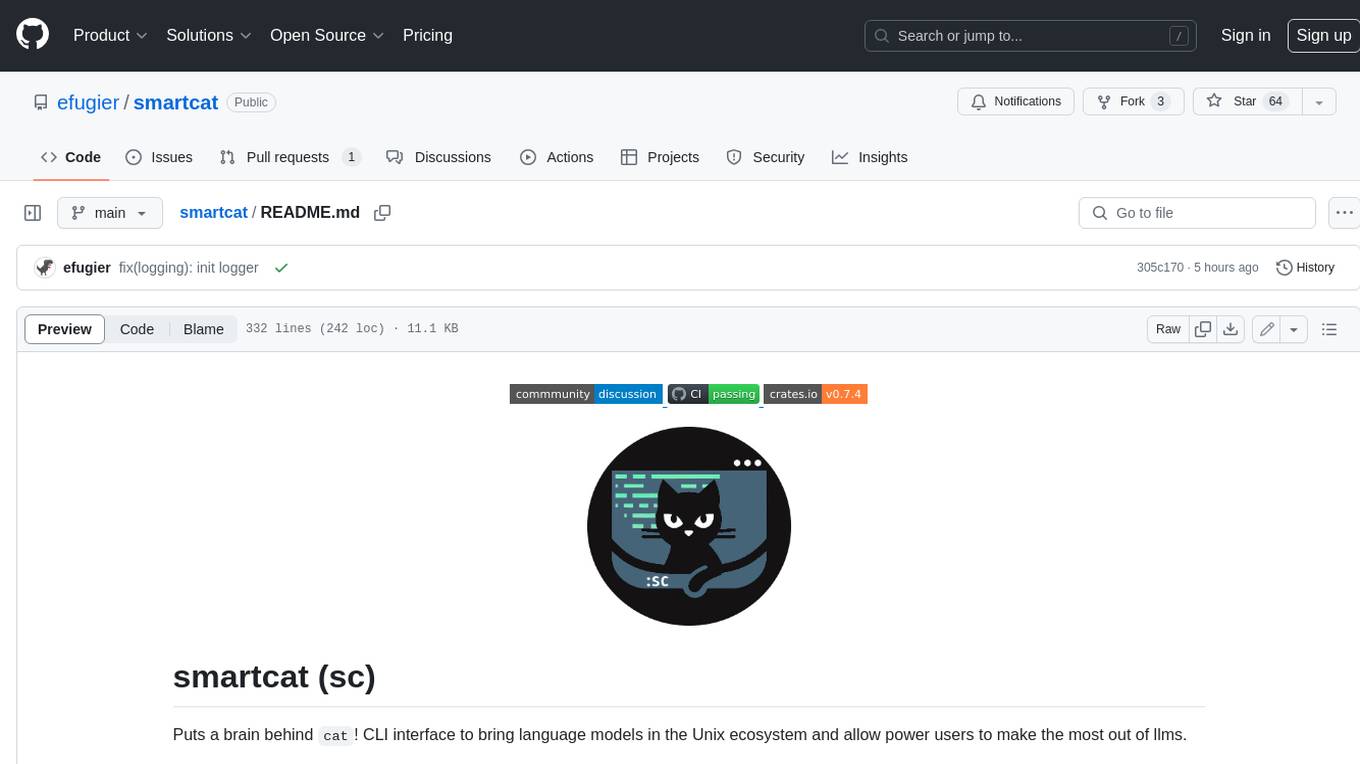
smartcat
Smartcat is a CLI interface that brings language models into the Unix ecosystem, allowing power users to leverage the capabilities of LLMs in their daily workflows. It features a minimalist design, seamless integration with terminal and editor workflows, and customizable prompts for specific tasks. Smartcat currently supports OpenAI, Mistral AI, and Anthropic APIs, providing access to a range of language models. With its ability to manipulate file and text streams, integrate with editors, and offer configurable settings, Smartcat empowers users to automate tasks, enhance code quality, and explore creative possibilities.
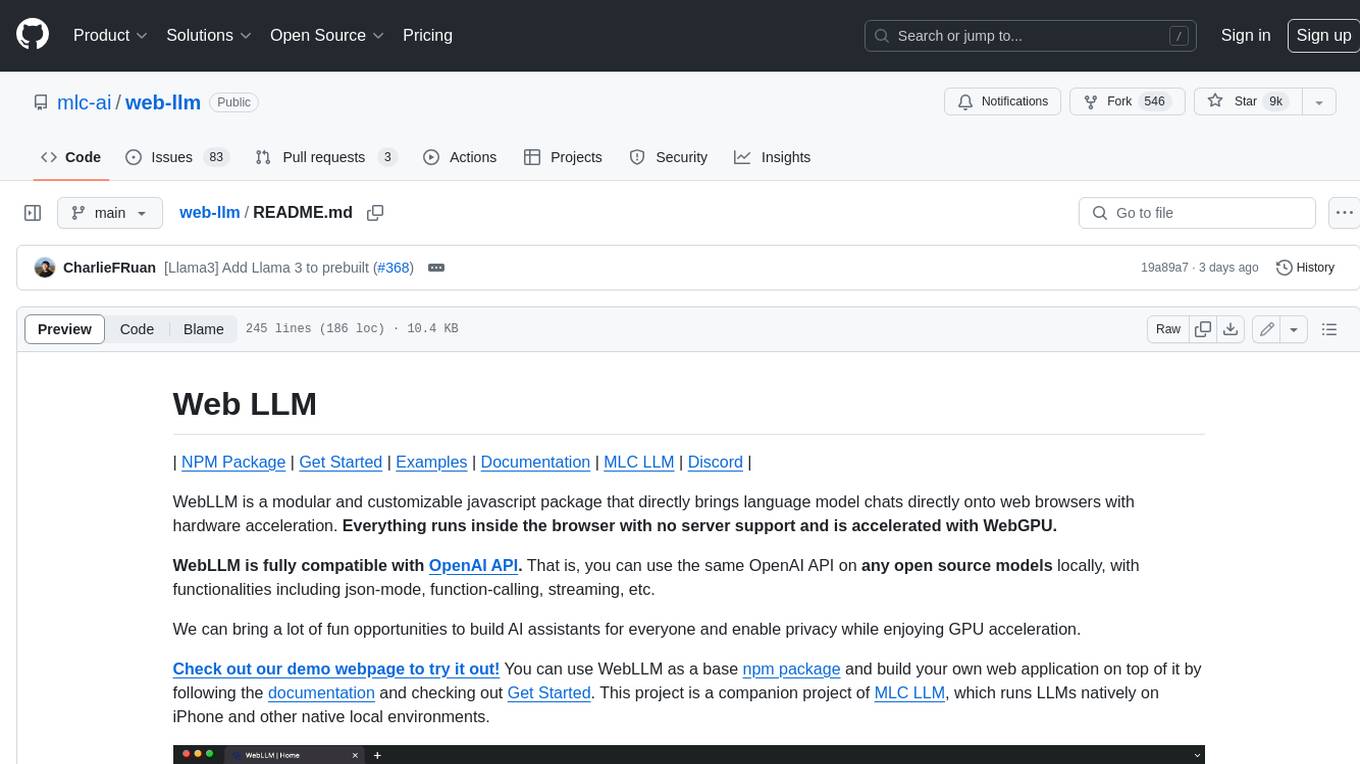
web-llm
WebLLM is a modular and customizable javascript package that directly brings language model chats directly onto web browsers with hardware acceleration. Everything runs inside the browser with no server support and is accelerated with WebGPU. WebLLM is fully compatible with OpenAI API. That is, you can use the same OpenAI API on any open source models locally, with functionalities including json-mode, function-calling, streaming, etc. We can bring a lot of fun opportunities to build AI assistants for everyone and enable privacy while enjoying GPU acceleration.
aiac
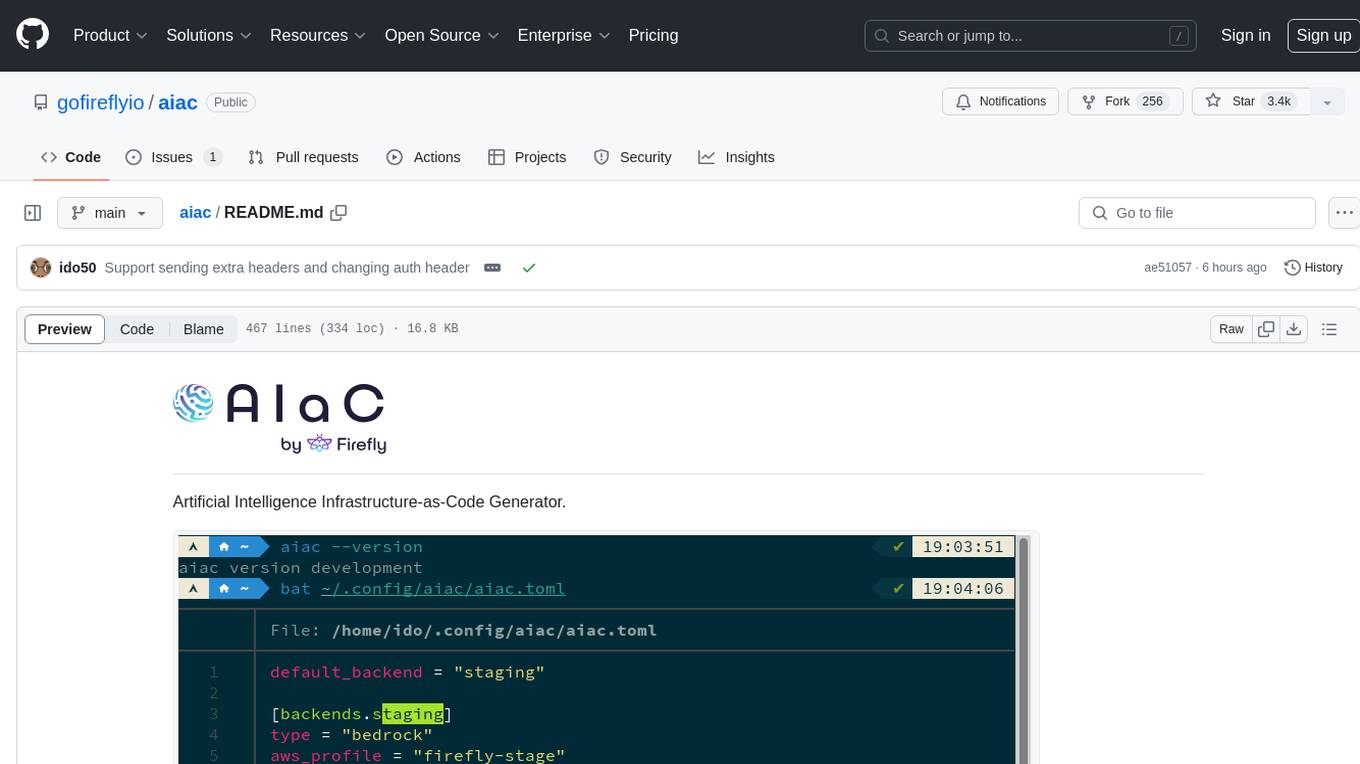
AIAC is a library and command line tool to generate Infrastructure as Code (IaC) templates, configurations, utilities, queries, and more via LLM providers such as OpenAI, Amazon Bedrock, and Ollama. Users can define multiple 'backends' targeting different LLM providers and environments using a simple configuration file. The tool allows users to ask a model to generate templates for different scenarios and composes an appropriate request to the selected provider, storing the resulting code to a file and/or printing it to standard output.
vector-inference
This repository provides an easy-to-use solution for running inference servers on Slurm-managed computing clusters using vLLM. All scripts in this repository run natively on the Vector Institute cluster environment. Users can deploy models as Slurm jobs, check server status and performance metrics, and shut down models. The repository also supports launching custom models with specific configurations. Additionally, users can send inference requests and set up an SSH tunnel to run inference from a local device.
kwaak
Kwaak is a tool that allows users to run a team of autonomous AI agents locally from their own machine. It enables users to write code, improve test coverage, update documentation, and enhance code quality while focusing on building innovative projects. Kwaak is designed to run multiple agents in parallel, interact with codebases, answer questions about code, find examples, write and execute code, create pull requests, and more. It is free and open-source, allowing users to bring their own API keys or models via Ollama. Kwaak is part of the bosun.ai project, aiming to be a platform for autonomous code improvement.
honcho
Honcho is a platform for creating personalized AI agents and LLM powered applications for end users. The repository is a monorepo containing the server/API for managing database interactions and storing application state, along with a Python SDK. It utilizes FastAPI for user context management and Poetry for dependency management. The API can be run using Docker or manually by setting environment variables. The client SDK can be installed using pip or Poetry. The project is open source and welcomes contributions, following a fork and PR workflow. Honcho is licensed under the AGPL-3.0 License.
termax
Termax is an LLM agent in your terminal that converts natural language to commands. It is featured by: - Personalized Experience: Optimize the command generation with RAG. - Various LLMs Support: OpenAI GPT, Anthropic Claude, Google Gemini, Mistral AI, and more. - Shell Extensions: Plugin with popular shells like `zsh`, `bash` and `fish`. - Cross Platform: Able to run on Windows, macOS, and Linux.

cognita
Cognita is an open-source framework to organize your RAG codebase along with a frontend to play around with different RAG customizations. It provides a simple way to organize your codebase so that it becomes easy to test it locally while also being able to deploy it in a production ready environment. The key issues that arise while productionizing RAG system from a Jupyter Notebook are: 1. **Chunking and Embedding Job** : The chunking and embedding code usually needs to be abstracted out and deployed as a job. Sometimes the job will need to run on a schedule or be trigerred via an event to keep the data updated. 2. **Query Service** : The code that generates the answer from the query needs to be wrapped up in a api server like FastAPI and should be deployed as a service. This service should be able to handle multiple queries at the same time and also autoscale with higher traffic. 3. **LLM / Embedding Model Deployment** : Often times, if we are using open-source models, we load the model in the Jupyter notebook. This will need to be hosted as a separate service in production and model will need to be called as an API. 4. **Vector DB deployment** : Most testing happens on vector DBs in memory or on disk. However, in production, the DBs need to be deployed in a more scalable and reliable way. Cognita makes it really easy to customize and experiment everything about a RAG system and still be able to deploy it in a good way. It also ships with a UI that makes it easier to try out different RAG configurations and see the results in real time. You can use it locally or with/without using any Truefoundry components. However, using Truefoundry components makes it easier to test different models and deploy the system in a scalable way. Cognita allows you to host multiple RAG systems using one app. ### Advantages of using Cognita are: 1. A central reusable repository of parsers, loaders, embedders and retrievers. 2. Ability for non-technical users to play with UI - Upload documents and perform QnA using modules built by the development team. 3. Fully API driven - which allows integration with other systems. > If you use Cognita with Truefoundry AI Gateway, you can get logging, metrics and feedback mechanism for your user queries. ### Features: 1. Support for multiple document retrievers that use `Similarity Search`, `Query Decompostion`, `Document Reranking`, etc 2. Support for SOTA OpenSource embeddings and reranking from `mixedbread-ai` 3. Support for using LLMs using `Ollama` 4. Support for incremental indexing that ingests entire documents in batches (reduces compute burden), keeps track of already indexed documents and prevents re-indexing of those docs.
HuggingFaceGuidedTourForMac
HuggingFaceGuidedTourForMac is a guided tour on how to install optimized pytorch and optionally Apple's new MLX, JAX, and TensorFlow on Apple Silicon Macs. The repository provides steps to install homebrew, pytorch with MPS support, MLX, JAX, TensorFlow, and Jupyter lab. It also includes instructions on running large language models using HuggingFace transformers. The repository aims to help users set up their Macs for deep learning experiments with optimized performance.
wcgw
wcgw is a shell and coding agent designed for Claude and Chatgpt. It provides full shell access with no restrictions, desktop control on Claude for screen capture and control, interactive command handling, large file editing, and REPL support. Users can use wcgw to create, execute, and iterate on tasks, such as solving problems with Python, finding code instances, setting up projects, creating web apps, editing large files, and running server commands. Additionally, wcgw supports computer use on Docker containers for desktop control. The tool can be extended with a VS Code extension for pasting context on Claude app and integrates with Chatgpt for custom GPT interactions.
For similar tasks
safety-tooling
This repository, safety-tooling, is designed to be shared across various AI Safety projects. It provides an LLM API with a common interface for OpenAI, Anthropic, and Google models. The aim is to facilitate collaboration among AI Safety researchers, especially those with limited software engineering backgrounds, by offering a platform for contributing to a larger codebase. The repo can be used as a git submodule for easy collaboration and updates. It also supports pip installation for convenience. The repository includes features for installation, secrets management, linting, formatting, Redis configuration, testing, dependency management, inference, finetuning, API usage tracking, and various utilities for data processing and experimentation.
chatgpt-web-sea
ChatGPT Web Sea is an open-source project based on ChatGPT-web for secondary development. It supports all models that comply with the OpenAI interface standard, allows for model selection, configuration, and extension, and is compatible with OneAPI. The tool includes a Chinese ChatGPT tuning guide, supports file uploads, and provides model configuration options. Users can interact with the tool through a web interface, configure models, and perform tasks such as model selection, API key management, and chat interface setup. The project also offers Docker deployment options and instructions for manual packaging.
farfalle
Farfalle is an open-source AI-powered search engine that allows users to run their own local LLM or utilize the cloud. It provides a tech stack including Next.js for frontend, FastAPI for backend, Tavily for search API, Logfire for logging, and Redis for rate limiting. Users can get started by setting up prerequisites like Docker and Ollama, and obtaining API keys for Tavily, OpenAI, and Groq. The tool supports models like llama3, mistral, and gemma. Users can clone the repository, set environment variables, run containers using Docker Compose, and deploy the backend and frontend using services like Render and Vercel.
ComfyUI-Tara-LLM-Integration
Tara is a powerful node for ComfyUI that integrates Large Language Models (LLMs) to enhance and automate workflow processes. With Tara, you can create complex, intelligent workflows that refine and generate content, manage API keys, and seamlessly integrate various LLMs into your projects. It comprises nodes for handling OpenAI-compatible APIs, saving and loading API keys, composing multiple texts, and using predefined templates for OpenAI and Groq. Tara supports OpenAI and Grok models with plans to expand support to together.ai and Replicate. Users can install Tara via Git URL or ComfyUI Manager and utilize it for tasks like input guidance, saving and loading API keys, and generating text suitable for chaining in workflows.
conversational-agent-langchain
This repository contains a Rest-Backend for a Conversational Agent that allows embedding documents, semantic search, QA based on documents, and document processing with Large Language Models. It uses Aleph Alpha and OpenAI Large Language Models to generate responses to user queries, includes a vector database, and provides a REST API built with FastAPI. The project also features semantic search, secret management for API keys, installation instructions, and development guidelines for both backend and frontend components.

ChatGPT-Next-Web-Pro
ChatGPT-Next-Web-Pro is a tool that provides an enhanced version of ChatGPT-Next-Web with additional features and functionalities. It offers complete ChatGPT-Next-Web functionality, file uploading and storage capabilities, drawing and video support, multi-modal support, reverse model support, knowledge base integration, translation, customizations, and more. The tool can be deployed with or without a backend, allowing users to interact with AI models, manage accounts, create models, manage API keys, handle orders, manage memberships, and more. It supports various cloud services like Aliyun OSS, Tencent COS, and Minio for file storage, and integrates with external APIs like Azure, Google Gemini Pro, and Luma. The tool also provides options for customizing website titles, subtitles, icons, and plugin buttons, and offers features like voice input, file uploading, real-time token count display, and more.
APIMyLlama
APIMyLlama is a server application that provides an interface to interact with the Ollama API, a powerful AI tool to run LLMs. It allows users to easily distribute API keys to create amazing things. The tool offers commands to generate, list, remove, add, change, activate, deactivate, and manage API keys, as well as functionalities to work with webhooks, set rate limits, and get detailed information about API keys. Users can install APIMyLlama packages with NPM, PIP, Jitpack Repo+Gradle or Maven, or from the Crates Repository. The tool supports Node.JS, Python, Java, and Rust for generating responses from the API. Additionally, it provides built-in health checking commands for monitoring API health status.
IntelliChat
IntelliChat is an open-source AI chatbot tool designed to accelerate the integration of multiple language models into chatbot apps. Users can select their preferred AI provider and model from the UI, manage API keys, and access data using Intellinode. The tool is built with Intellinode and Next.js, and supports various AI providers such as OpenAI ChatGPT, Google Gemini, Azure Openai, Cohere Coral, Replicate, Mistral AI, Anthropic, and vLLM. It offers a user-friendly interface for developers to easily incorporate AI capabilities into their chatbot applications.
For similar jobs
alignment-handbook
The Alignment Handbook provides robust training recipes for continuing pretraining and aligning language models with human and AI preferences. It includes techniques such as continued pretraining, supervised fine-tuning, reward modeling, rejection sampling, and direct preference optimization (DPO). The handbook aims to fill the gap in public resources on training these models, collecting data, and measuring metrics for optimal downstream performance.
safety-tooling
This repository, safety-tooling, is designed to be shared across various AI Safety projects. It provides an LLM API with a common interface for OpenAI, Anthropic, and Google models. The aim is to facilitate collaboration among AI Safety researchers, especially those with limited software engineering backgrounds, by offering a platform for contributing to a larger codebase. The repo can be used as a git submodule for easy collaboration and updates. It also supports pip installation for convenience. The repository includes features for installation, secrets management, linting, formatting, Redis configuration, testing, dependency management, inference, finetuning, API usage tracking, and various utilities for data processing and experimentation.
Awesome-Trustworthy-Embodied-AI
The Awesome Trustworthy Embodied AI repository focuses on the development of safe and trustworthy Embodied Artificial Intelligence (EAI) systems. It addresses critical challenges related to safety and trustworthiness in EAI, proposing a unified research framework and defining levels of safety and resilience. The repository provides a comprehensive review of state-of-the-art solutions, benchmarks, and evaluation metrics, aiming to bridge the gap between capability advancement and safety mechanisms in EAI development.

weave
Weave is a toolkit for developing Generative AI applications, built by Weights & Biases. With Weave, you can log and debug language model inputs, outputs, and traces; build rigorous, apples-to-apples evaluations for language model use cases; and organize all the information generated across the LLM workflow, from experimentation to evaluations to production. Weave aims to bring rigor, best-practices, and composability to the inherently experimental process of developing Generative AI software, without introducing cognitive overhead.

agentcloud
AgentCloud is an open-source platform that enables companies to build and deploy private LLM chat apps, empowering teams to securely interact with their data. It comprises three main components: Agent Backend, Webapp, and Vector Proxy. To run this project locally, clone the repository, install Docker, and start the services. The project is licensed under the GNU Affero General Public License, version 3 only. Contributions and feedback are welcome from the community.
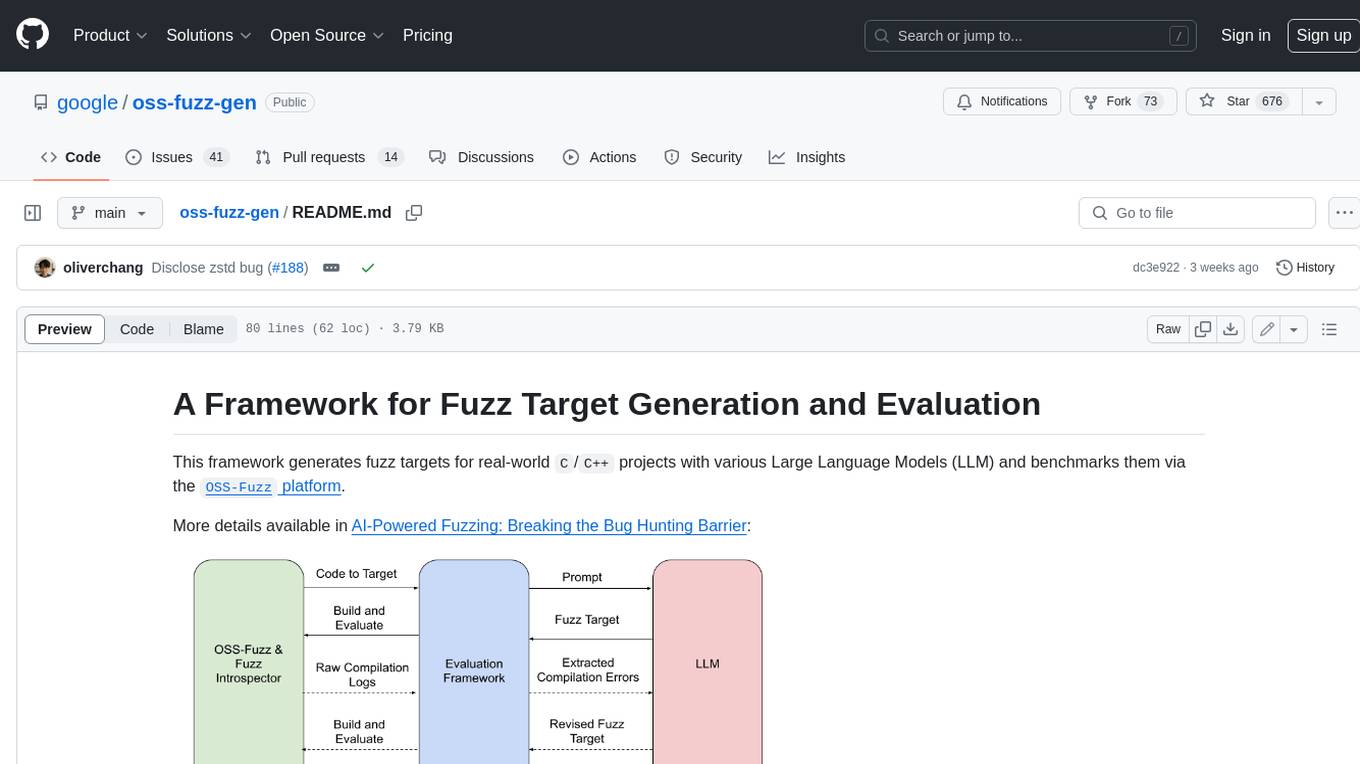
oss-fuzz-gen
This framework generates fuzz targets for real-world `C`/`C++` projects with various Large Language Models (LLM) and benchmarks them via the `OSS-Fuzz` platform. It manages to successfully leverage LLMs to generate valid fuzz targets (which generate non-zero coverage increase) for 160 C/C++ projects. The maximum line coverage increase is 29% from the existing human-written targets.

LLMStack
LLMStack is a no-code platform for building generative AI agents, workflows, and chatbots. It allows users to connect their own data, internal tools, and GPT-powered models without any coding experience. LLMStack can be deployed to the cloud or on-premise and can be accessed via HTTP API or triggered from Slack or Discord.

VisionCraft
The VisionCraft API is a free API for using over 100 different AI models. From images to sound.