


frontend
Nuclia RAG-as-a-Service, automatically indexes files and documents, from internal and external sources, to fuel diverse company use cases with LLMs.
Stars: 55
Nuclia frontend apps and libraries repository contains various frontend applications and libraries for the Nuclia platform. It includes components such as Dashboard, Widget, SDK, Sistema (design system), NucliaDB admin, CI/CD Deployment, and Maintenance page. The repository provides detailed instructions on installation, dependencies, and usage of these components for both Nuclia employees and external developers. It also covers deployment processes for different components and tools like ArgoCD for monitoring deployments and logs. The repository aims to facilitate the development, testing, and deployment of frontend applications within the Nuclia ecosystem.
README:


- Before Installation
- Installation
- Dashboard
- Widget
- RAO Widget
- SDK
- Sistema
- NucliaDB admin
- CI/CD Deployment
- Maintenance page
First you need to have NVM, NODE and YARN installed.
To install nvm, run:
curl -o- https://raw.githubusercontent.com/nvm-sh/nvm/v0.39.3/install.sh | bash
or
wget -qO- https://raw.githubusercontent.com/nvm-sh/nvm/v0.39.3/install.sh | bash
To check if it was installed properly, close and reopen the terminal and run command -v nvm and should return nvm. In case there is something else going on, troubleshoot with this documentation. To see all the commands, simply run nvm.
To install the latest stable version of node, run:
nvm install --lts
To check if node and npm is properly installed, run: node --version and npm --version.
Any problems should be resolved with the nvm documentation.
To install yarn, run:
npm install --global yarn
Check if Yarn is installed by running: yarn --version.
In the rest of this documentation, we use commands like nx and missdev. Those can be find in node_modules/.bin folder. To use them directly you can add node_modules/.bin folder to your command line path.
You can also install nx globally:
npm install -g nx
yarn
Pastanaga-angular installation must be done through missdev so sistema-demo can run:
yarn missdev
If it fails for any reason, you can try to clone Pastanaga manually:
cd libs
git clone [email protected]:plone/pastanaga-angular.git
Start by creating an account with an email and password (as SSO doesn't work locally).
-
for Nuclia employees:
In
apps/dashboard/src/environments_config, create a filelocal-stage/app-config.jsonwith the correct configuration to use the stage server. Ask a supervisor to get a proper configuration.Then you can run the dashboard locally and use the credential created previously to log in:
nx serve dashboard -
for external developers:
You can use the production server with your real account by running:
nx serve dashboard -c local-prodNote: the login page will automatically redirect you to the https://nuclia.cloud so you can login and will redirect back to http://localhost:4200 with the auth token.
In the demo, the knowledge box id is hardcoded in apps/search-widget-demo/src/App.svelte.
Before launching the demo, replace this id by the one for your own public knowledge box.
Run the demo:
nx serve search-widget-demo
Build the widget:
nx build search-widget
When you have some local changes to the widget you'd like to test on the dashboard, you need to:
- build the widget
- copy the resulting
nuclia-widget.umd.jstoassetsfolder of dashboard app - in
app.init.service.ts, replace the lineinjectWidget(config.backend.cdn);toinjectWidget('/assets');
Run teh demo:
nx run rao-demo:vite:dev
Build the widget:
./tools/build-rao.sh
Sistema is Nuclia's design system. It is based on Pastanaga.
The demo is available at https://nuclia.github.io/frontend.
To update the glyphs sprite:
- add/remove/edit glyphs in
libs/sistema/glyphsfolder - run
update_iconsscript:
./libs/sistema/scripts/update_icons.shTo run it locally for dev purpose:
docker network create nucliadb-network
docker run -it -d --name pg --network nucliadb-network \
  -p 5432:5432 \
  -e POSTGRES_USER=nucliadb \
  -e POSTGRES_PASSWORD=nucliadb \
  -e POSTGRES_DB=nucliadb \
  postgres:latest
docker pull nuclia/nucliadb:latest --platform linux/amd64
docker build --platform linux/amd64 -t nucliadb-server -f ./tools/nucliadb-admin/Dockerfile .
docker run --network nucliadb-network \
    --name nucliadb-server \
    --platform linux/amd64 \
    -p 8080:8080 \
    -v nucliadb-standalone:/data \
    -e NUCLIA_PUBLIC_URL="https://europe-1.stashify.cloud" \
    -e NUA_API_KEY=<NUA_KEY> \
    -e LOG_LEVEL=DEBUG \
    -e DRIVER=PG \
    -e DRIVER_PG_URL="postgresql://nucliadb:nucliadb@pg:5432/nucliadb" \
    nucliadb-server
CI/CD deployment does not cover:
- the SDK as it is released in the NPM registry;
- the NucliaDB admin app as it is released in the Python registry.
It covers:
- the dashboard (not active at the time I am writing this doc, but will be soon);
- the widget (not active at the time I am writing this doc, but will be soon);
- the manager app
When merging a PR, if it impacts the manager app, it is built and our deploy_manager job (in our deploy GitHub Action) will update Helm and then trigger a Repository Dispatch event to the frontend_deploy repo.
That's how the manager is deployed to stage.
You can see the deployment on Stage ArgoCD.
Once the app is deployed on stage, you can promote it to production by going to https://github.com/nuclia/stage/actions/workflows/promote-to-production.yaml and clicking on "Run workflow".
Then, choose app or manager component in the list (keep the default values for the rest) and click on "Run workflow".
It triggers the prod promotion, and it can be monitored on http://europe1.argocd.nuclia.com/applications/app?resource= or http://europe1.argocd.nuclia.com/applications/argocd/manager?view=tree&resource=.
To deploy the widget, use https://github.com/nuclia/frontend_deploy/actions/workflows/cdn-sync.yaml.
ArgoCD allows to monitor deployments and also to read the logs of the different pods.
The maintenance page is in ./maintenance.
It is deployed manually to stage using the following command:
gsutil cp -r ./maintenance gs://ncl-cdn-gcp-global-stage-1We used to load some external libs from cdn.jsdelivr.net or cd./dashjs.net, but it was sometimes conflicting with some customers security policy.
So the following files have been manually uploaded in the Nuclia CDN:
https://cdn.jsdelivr.net/npm/marked/marked.min.js https://cdn.jsdelivr.net/npm/[email protected]/build/pdf.min.js https://cdn.jsdelivr.net/npm/[email protected]/build/pdf.worker.js\n https://cdn.jsdelivr.net/npm/[email protected]/web/pdf_viewer.css https://cdn.dashjs.org/v4.7.1/dash.all.min.js
For Tasks:
Click tags to check more tools for each tasksFor Jobs:
Alternative AI tools for frontend
Similar Open Source Tools
frontend
Nuclia frontend apps and libraries repository contains various frontend applications and libraries for the Nuclia platform. It includes components such as Dashboard, Widget, SDK, Sistema (design system), NucliaDB admin, CI/CD Deployment, and Maintenance page. The repository provides detailed instructions on installation, dependencies, and usage of these components for both Nuclia employees and external developers. It also covers deployment processes for different components and tools like ArgoCD for monitoring deployments and logs. The repository aims to facilitate the development, testing, and deployment of frontend applications within the Nuclia ecosystem.
desktop
ComfyUI Desktop is a packaged desktop application that allows users to easily use ComfyUI with bundled features like ComfyUI source code, ComfyUI-Manager, and uv. It automatically installs necessary Python dependencies and updates with stable releases. The app comes with Electron, Chromium binaries, and node modules. Users can store ComfyUI files in a specified location and manage model paths. The tool requires Python 3.12+ and Visual Studio with Desktop C++ workload for Windows. It uses nvm to manage node versions and yarn as the package manager. Users can install ComfyUI and dependencies using comfy-cli, download uv, and build/launch the code. Troubleshooting steps include rebuilding modules and installing missing libraries. The tool supports debugging in VSCode and provides utility scripts for cleanup. Crash reports can be sent to help debug issues, but no personal data is included.
qrev
QRev is an open-source alternative to Salesforce, offering AI agents to scale sales organizations infinitely. It aims to provide digital workers for various sales roles or a superagent named Qai. The tech stack includes TypeScript for frontend, NodeJS for backend, MongoDB for app server database, ChromaDB for vector database, SQLite for AI server SQL relational database, and Langchain for LLM tooling. The tool allows users to run client app, app server, and AI server components. It requires Node.js and MongoDB to be installed, and provides detailed setup instructions in the README file.
tiledesk-dashboard
Tiledesk is an open-source live chat platform with integrated chatbots written in Node.js and Express. It is designed to be a multi-channel platform for web, Android, and iOS, and it can be used to increase sales or provide post-sales customer service. Tiledesk's chatbot technology allows for automation of conversations, and it also provides APIs and webhooks for connecting external applications. Additionally, it offers a marketplace for apps and features such as CRM, ticketing, and data export.
just-chat
Just-Chat is a containerized application that allows users to easily set up and chat with their AI agent. Users can customize their AI assistant using a YAML file, add new capabilities with Python tools, and interact with the agent through a chat web interface. The tool supports various modern models like DeepSeek Reasoner, ChatGPT, LLAMA3.3, etc. Users can also use semantic search capabilities with MeiliSearch to find and reference relevant information based on meaning. Just-Chat requires Docker or Podman for operation and provides detailed installation instructions for both Linux and Windows users.
browser
Lightpanda Browser is an open-source headless browser designed for fast web automation, AI agents, LLM training, scraping, and testing. It features ultra-low memory footprint, exceptionally fast execution, and compatibility with Playwright and Puppeteer through CDP. Built for performance, Lightpanda offers Javascript execution, support for Web APIs, and is optimized for minimal memory usage. It is a modern solution for web scraping and automation tasks, providing a lightweight alternative to traditional browsers like Chrome.
agnai
Agnaistic is an AI roleplay chat tool that allows users to interact with personalized characters using their favorite AI services. It supports multiple AI services, persona schema formats, and features such as group conversations, user authentication, and memory/lore books. Agnaistic can be self-hosted or run using Docker, and it provides a range of customization options through its settings.json file. The tool is designed to be user-friendly and accessible, making it suitable for both casual users and developers.
moly
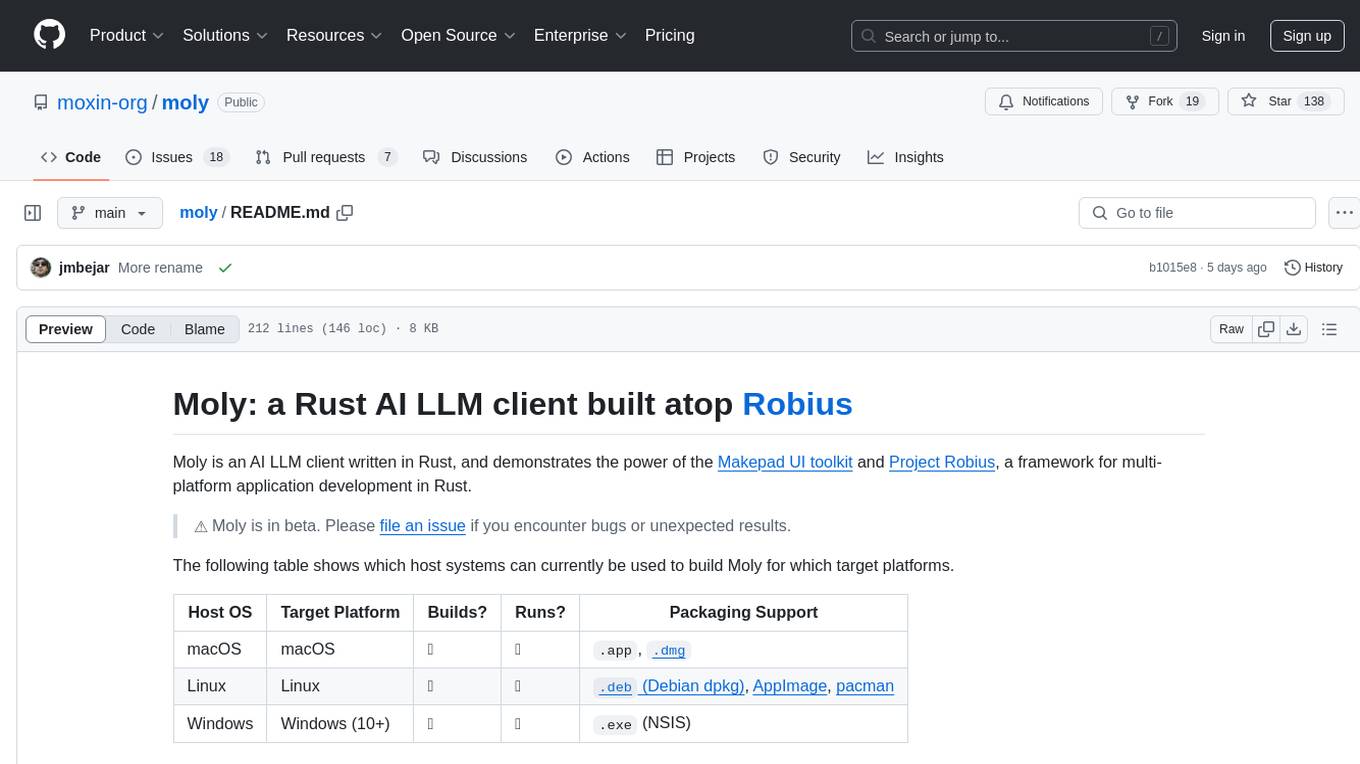
Moly is an AI LLM client written in Rust, showcasing the capabilities of the Makepad UI toolkit and Project Robius, a framework for multi-platform application development in Rust. It is currently in beta, allowing users to build and run Moly on macOS, Linux, and Windows. The tool provides packaging support for different platforms, such as `.app`, `.dmg`, `.deb`, AppImage, pacman, and `.exe` (NSIS). Users can easily set up WasmEdge using `moly-runner` and leverage `cargo` commands to build and run Moly. Additionally, Moly offers pre-built releases for download and supports packaging for distribution on Linux, Windows, and macOS.
unsight.dev
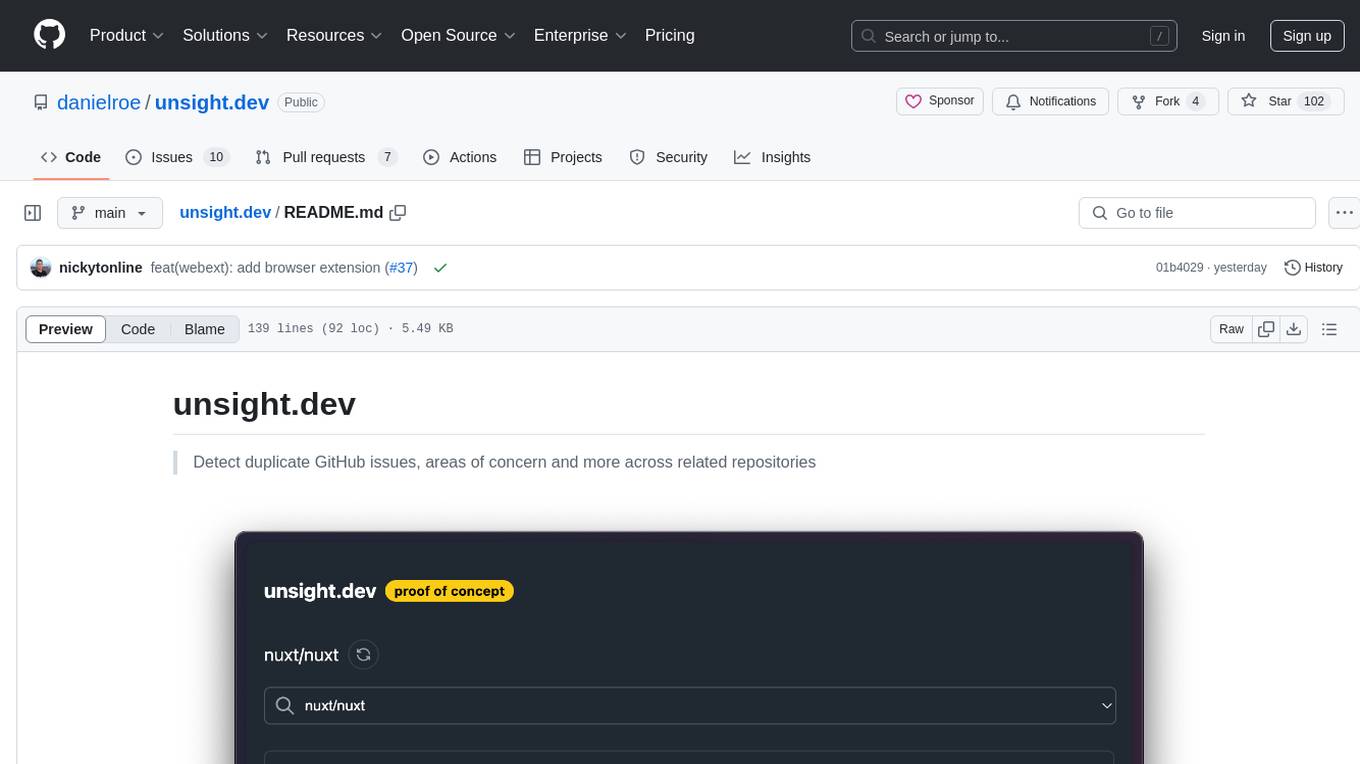
unsight.dev is a tool built on Nuxt that helps detect duplicate GitHub issues and areas of concern across related repositories. It utilizes Nitro server API routes, GitHub API, and a GitHub App, along with UnoCSS. The tool is deployed on Cloudflare with NuxtHub, using Workers AI, Workers KV, and Vectorize. It also offers a browser extension soon to be released. Users can try the app locally for tweaking the UI and setting up a full development environment as a GitHub App.
vim-ollama
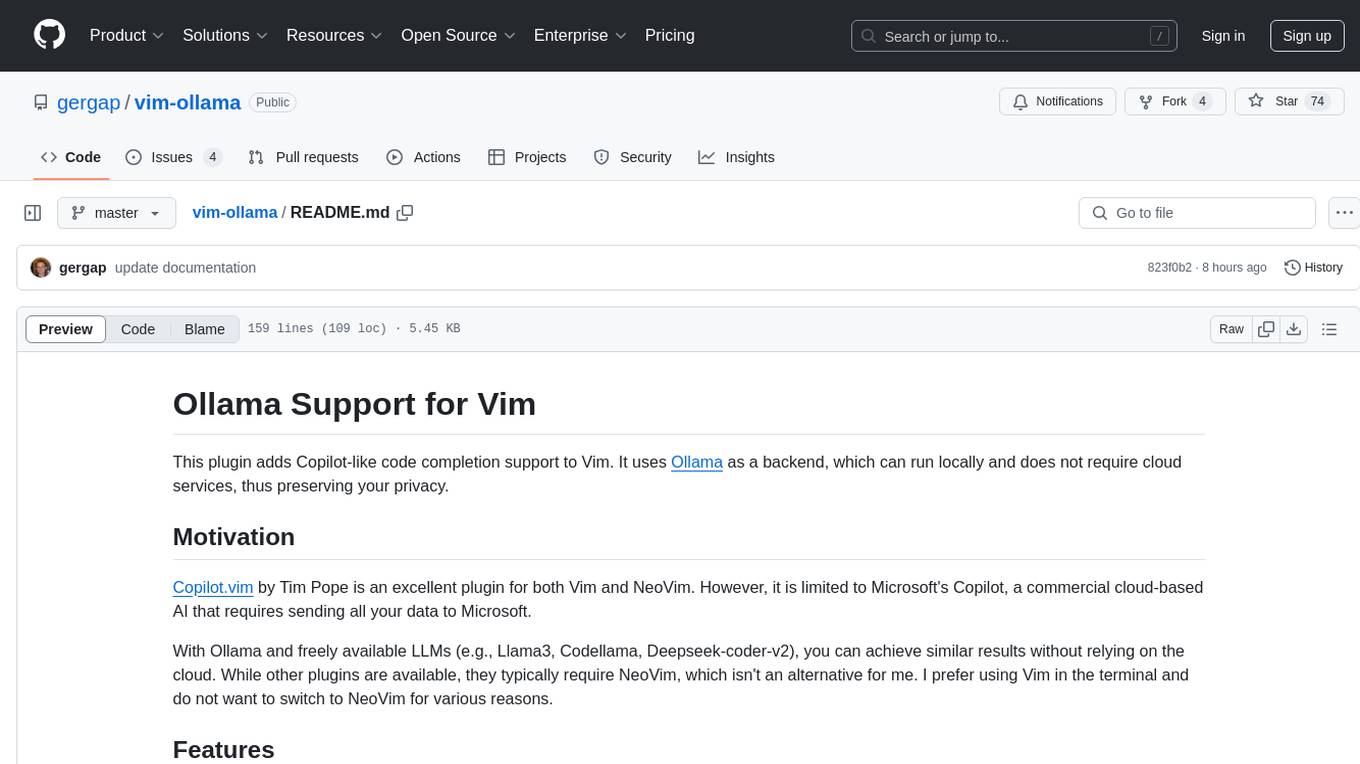
The 'vim-ollama' plugin for Vim adds Copilot-like code completion support using Ollama as a backend, enabling intelligent AI-based code completion and integrated chat support for code reviews. It does not rely on cloud services, preserving user privacy. The plugin communicates with Ollama via Python scripts for code completion and interactive chat, supporting Vim only. Users can configure LLM models for code completion tasks and interactive conversations, with detailed installation and usage instructions provided in the README.
shortest
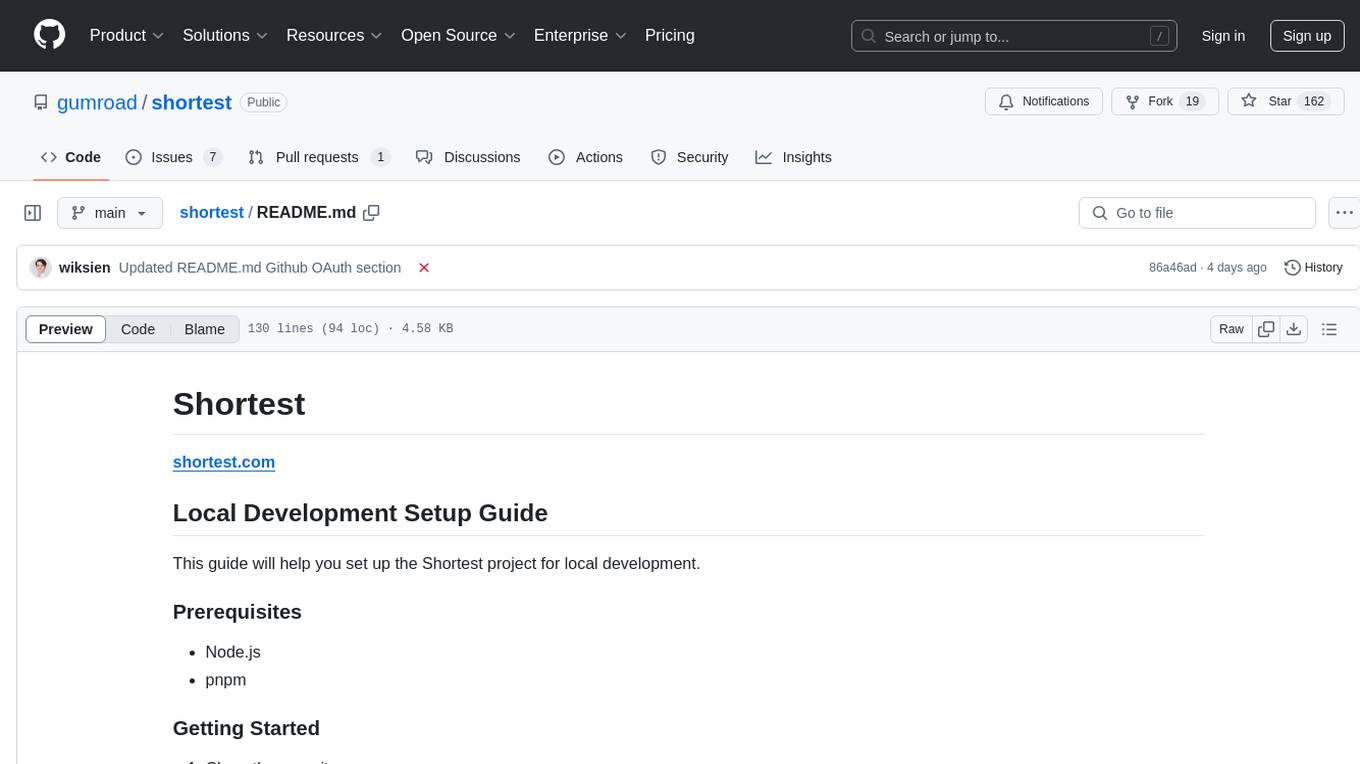
Shortest is a project for local development that helps set up environment variables and services for a web application. It provides a guide for setting up Node.js and pnpm dependencies, configuring services like Clerk, Vercel Postgres, Anthropic, Stripe, and GitHub OAuth, and running the application and tests locally.
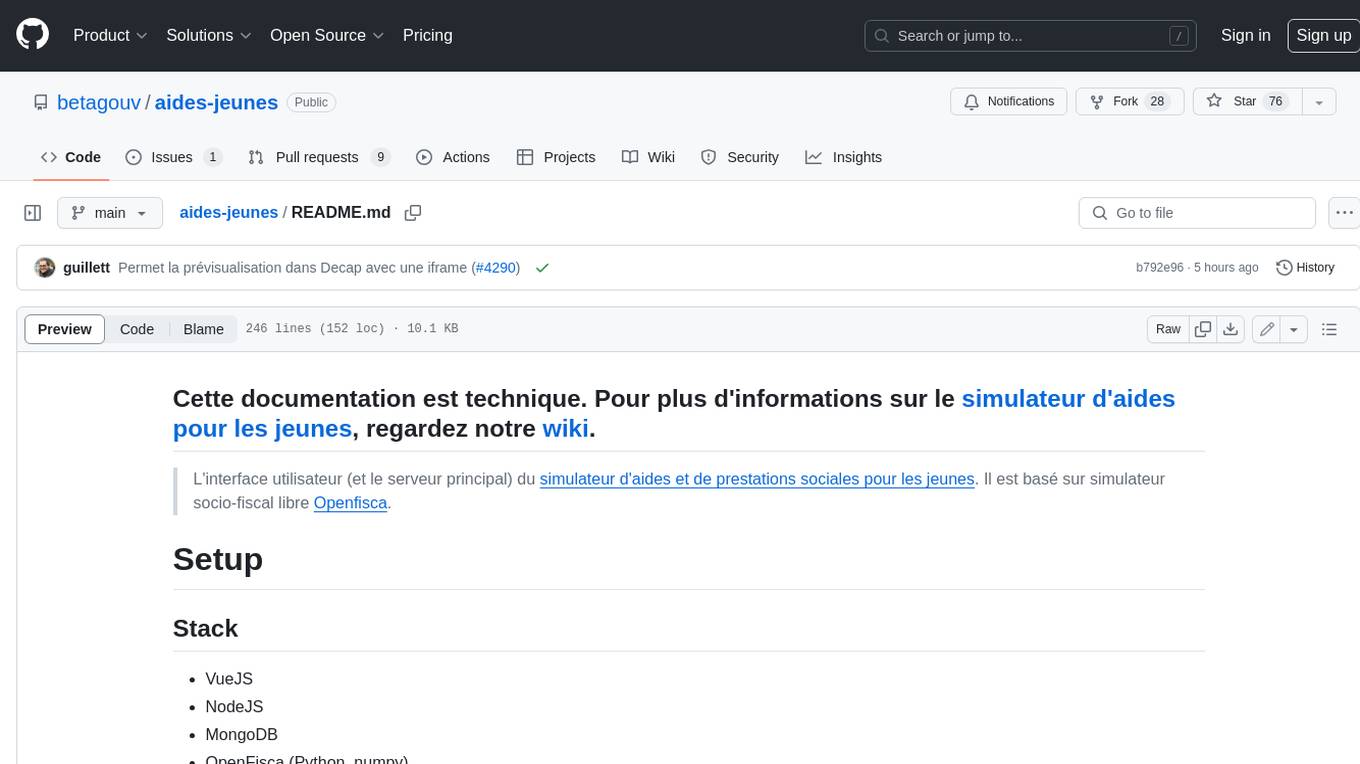
aides-jeunes
The user interface (and the main server) of the simulator of aids and social benefits for young people. It is based on the free socio-fiscal simulator Openfisca.
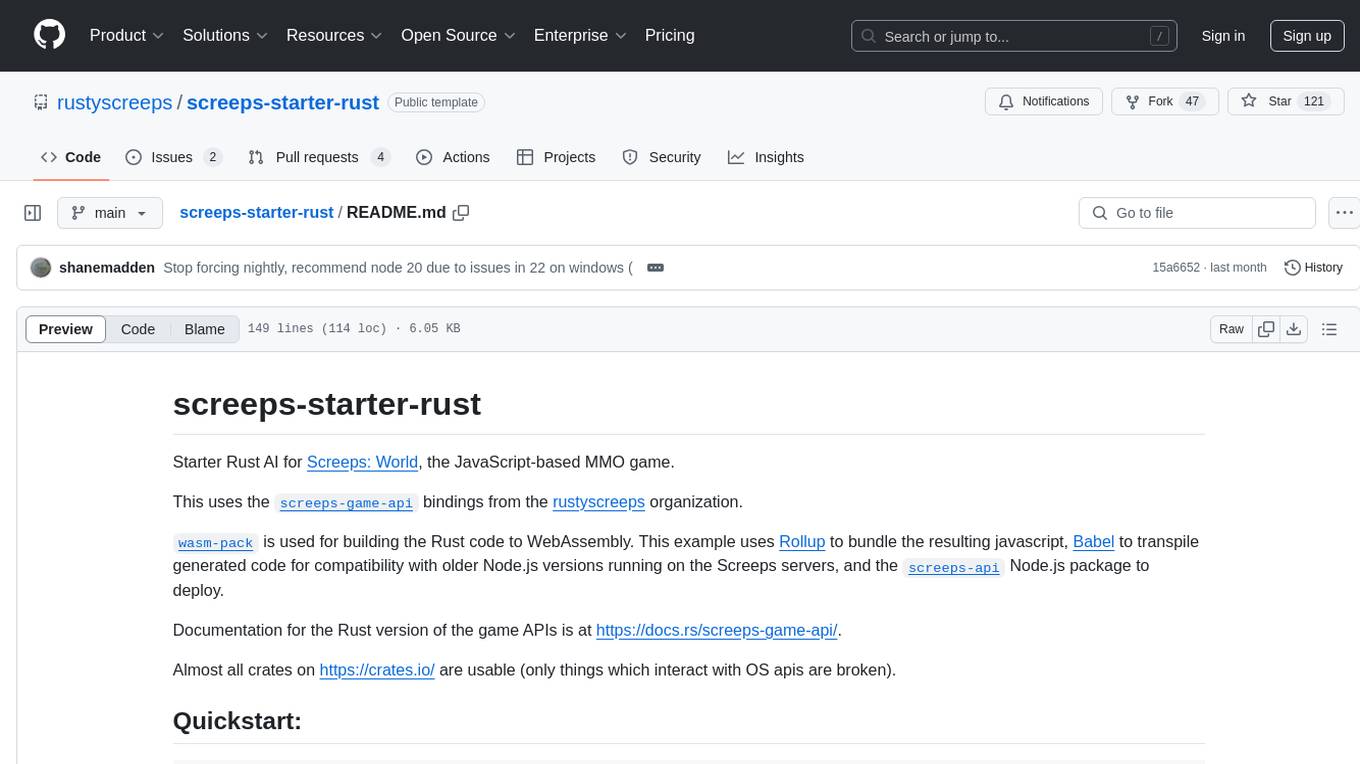
screeps-starter-rust
screeps-starter-rust is a Rust AI starter kit for Screeps: World, a JavaScript-based MMO game. It utilizes the screeps-game-api bindings from the rustyscreeps organization and wasm-pack for building Rust code to WebAssembly. The example includes Rollup for bundling javascript, Babel for transpiling code, and screeps-api Node.js package for deployment. Users can refer to the Rust version of game APIs documentation at https://docs.rs/screeps-game-api/. The tool supports most crates on crates.io, except those interacting with OS APIs.
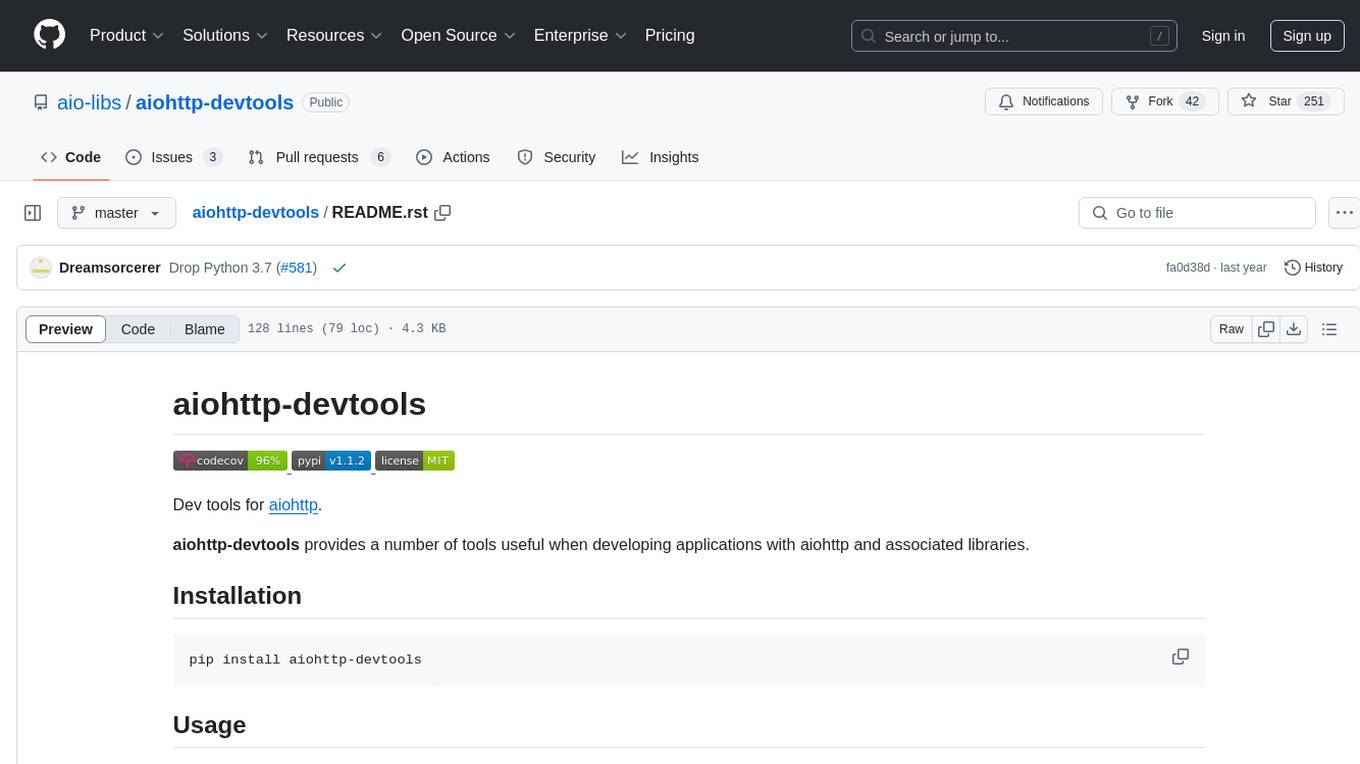
aiohttp-devtools
aiohttp-devtools provides dev tools for developing applications with aiohttp and associated libraries. It includes CLI commands for running a local server with live reloading and serving static files. The tools aim to simplify the development process by automating tasks such as setting up a new application and managing dependencies. Developers can easily create and run aiohttp applications, manage static files, and utilize live reloading for efficient development.
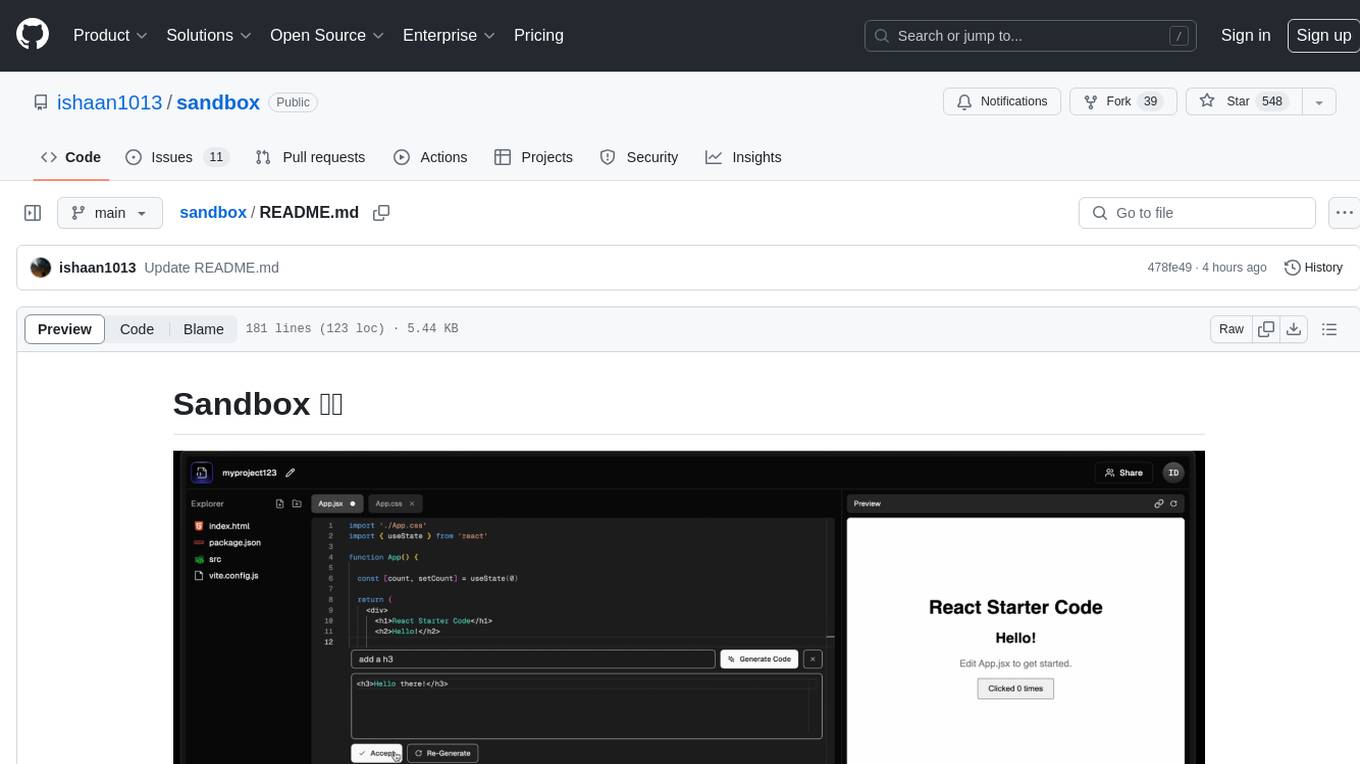
sandbox
Sandbox is an open-source cloud-based code editing environment with custom AI code autocompletion and real-time collaboration. It consists of a frontend built with Next.js, TailwindCSS, Shadcn UI, Clerk, Monaco, and Liveblocks, and a backend with Express, Socket.io, Cloudflare Workers, D1 database, R2 storage, Workers AI, and Drizzle ORM. The backend includes microservices for database, storage, and AI functionalities. Users can run the project locally by setting up environment variables and deploying the containers. Contributions are welcome following the commit convention and structure provided in the repository.
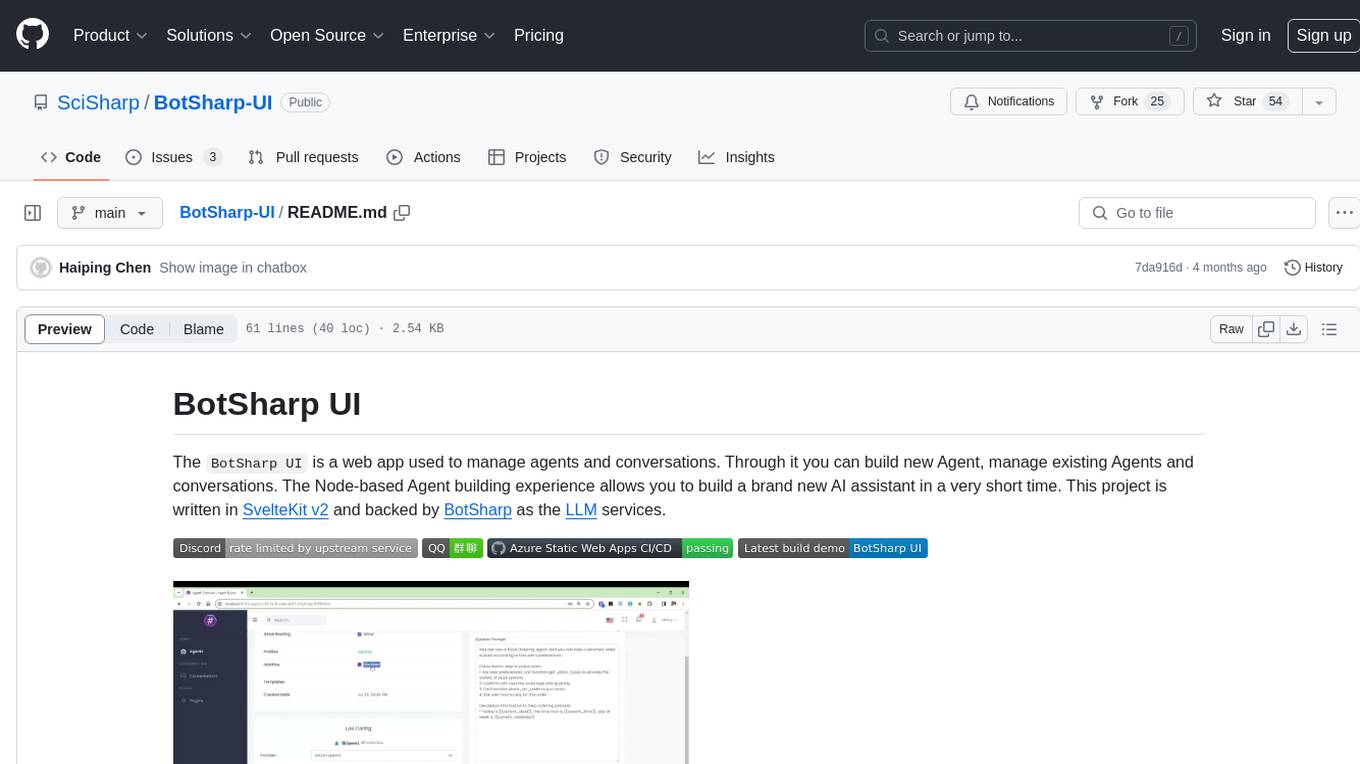
BotSharp-UI
BotSharp UI is a web app for managing agents and conversations. It allows users to build new AI assistants quickly using a Node-based Agent building experience. The project is written in SvelteKit v2 and utilizes BotSharp as the LLM services.
For similar tasks
frontend
Nuclia frontend apps and libraries repository contains various frontend applications and libraries for the Nuclia platform. It includes components such as Dashboard, Widget, SDK, Sistema (design system), NucliaDB admin, CI/CD Deployment, and Maintenance page. The repository provides detailed instructions on installation, dependencies, and usage of these components for both Nuclia employees and external developers. It also covers deployment processes for different components and tools like ArgoCD for monitoring deployments and logs. The repository aims to facilitate the development, testing, and deployment of frontend applications within the Nuclia ecosystem.
CortexTheseus
CortexTheseus is a full node implementation of the Cortex blockchain, written in C++. It provides a complete set of features for interacting with the Cortex network, including the ability to create and manage accounts, send and receive transactions, and participate in consensus. CortexTheseus is designed to be scalable, secure, and easy to use, making it an ideal choice for developers building applications on the Cortex blockchain.
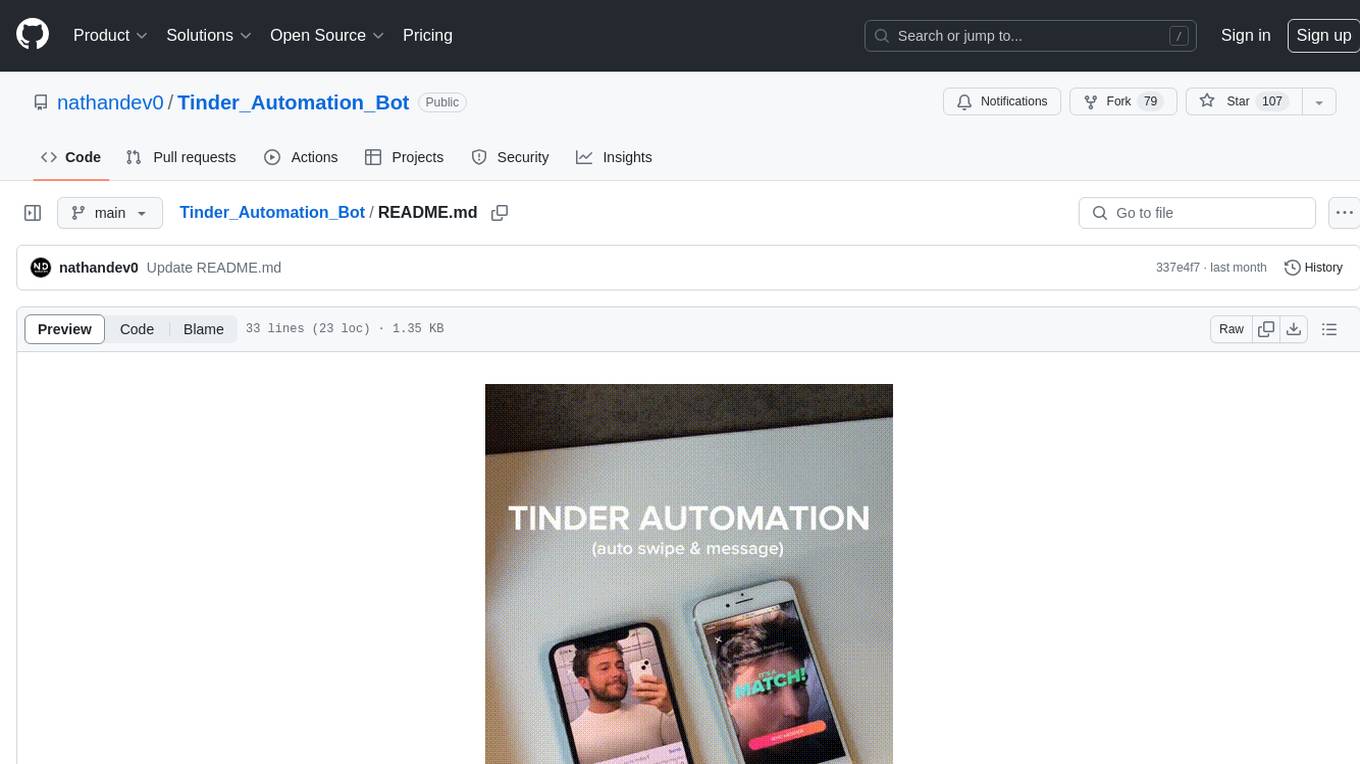
Tinder_Automation_Bot
Tinder Automation Bot is an Appium-based tool designed for automated Tinder account creation and swiping on real devices. It offers functionalities such as automated account creation and swiping, along with integrations like Crane tweak and SMSPool service. The tool also provides features like device and automation management system, anti-bot system for human behavior modeling, IP rotation system for different IP addresses, and GPS location spoofing for different GPS coordinates. It is part of a series of automation bots including TikTok, Bumble, and Badoo automation bots.
ai-paint-today-BE
AI Paint Today is an API server repository that allows users to record their emotions and daily experiences, and based on that, AI generates a beautiful picture diary of their day. The project includes features such as generating picture diaries from written entries, utilizing DALL-E 2 model for image generation, and deploying on AWS and Cloudflare. The project also follows specific conventions and collaboration strategies for development.
For similar jobs
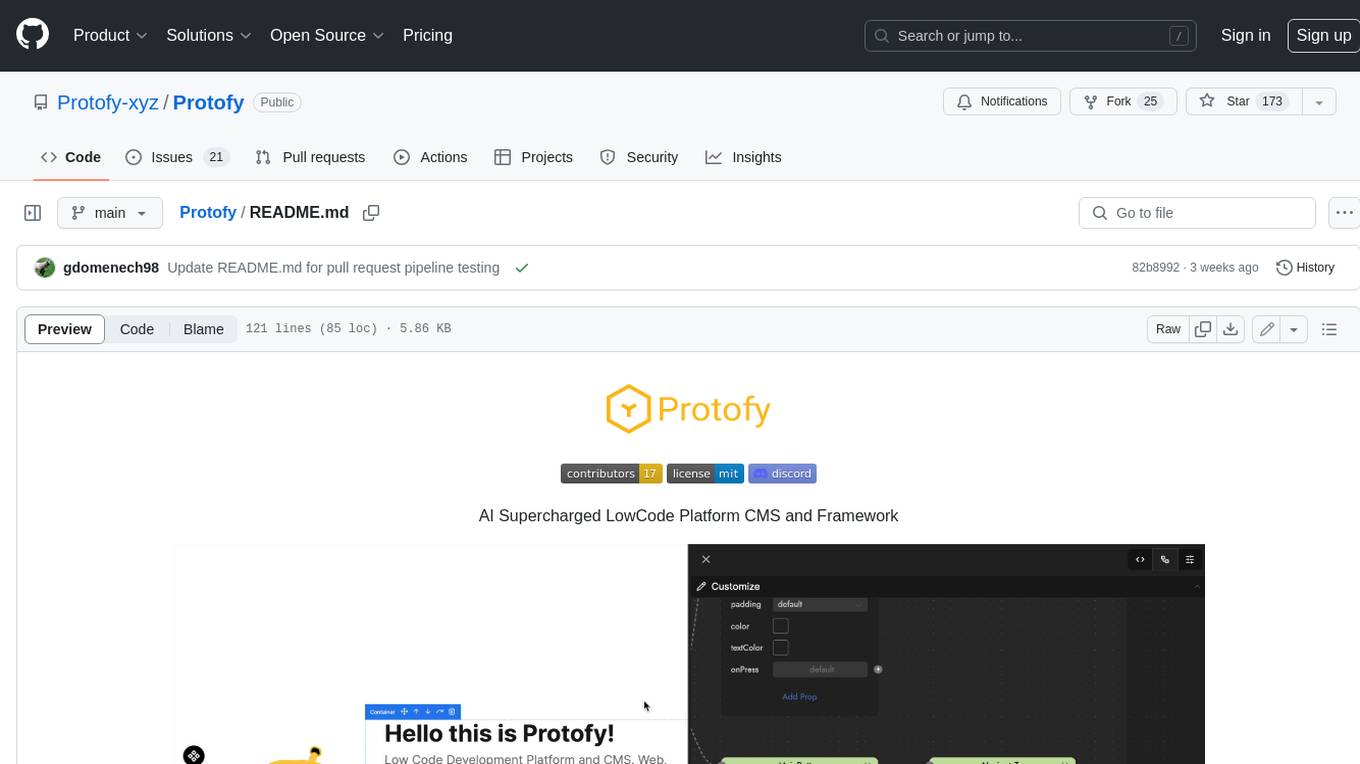
Protofy
Protofy is a full-stack, batteries-included low-code enabled web/app and IoT system with an API system and real-time messaging. It is based on Protofy (protoflow + visualui + protolib + protodevices) + Expo + Next.js + Tamagui + Solito + Express + Aedes + Redbird + Many other amazing packages. Protofy can be used to fast prototype Apps, webs, IoT systems, automations, or APIs. It is a ultra-extensible CMS with supercharged capabilities, mobile support, and IoT support (esp32 thanks to esphome).
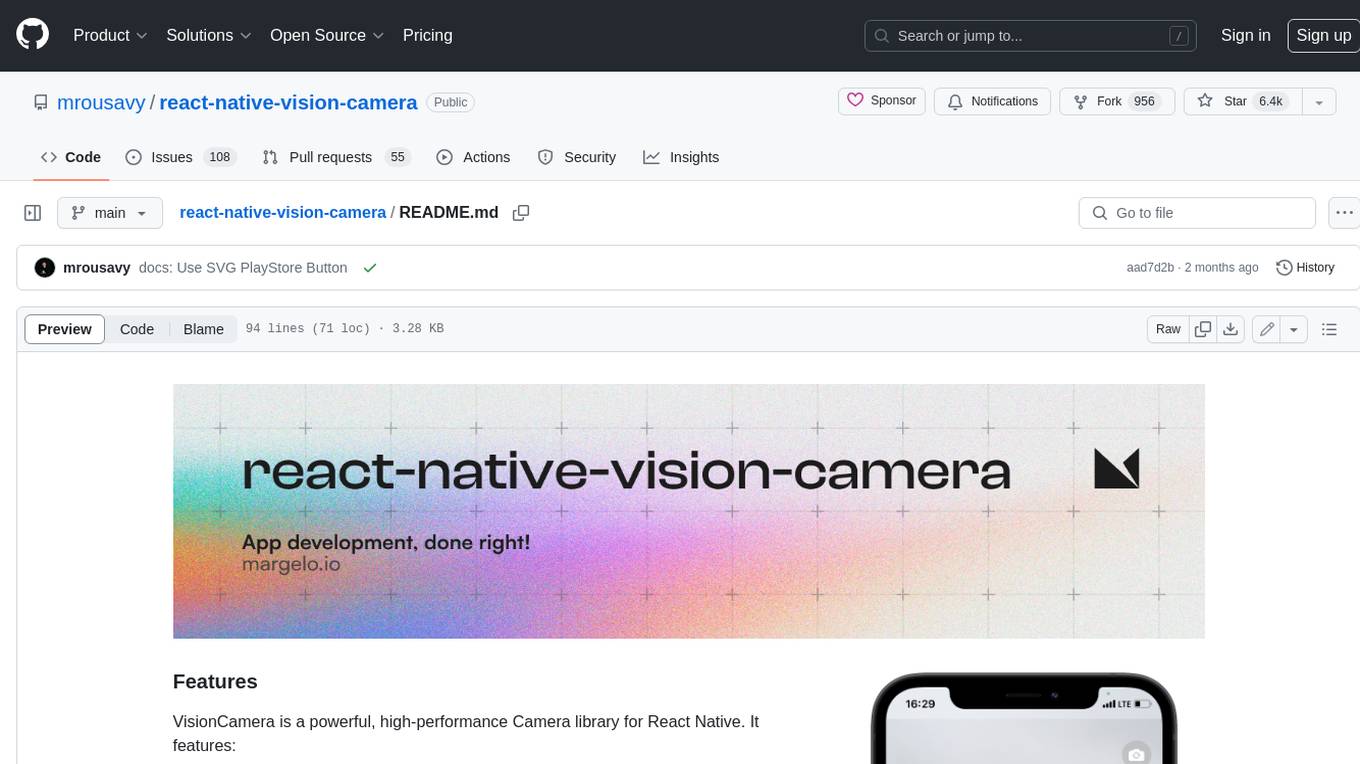
react-native-vision-camera
VisionCamera is a powerful, high-performance Camera library for React Native. It features Photo and Video capture, QR/Barcode scanner, Customizable devices and multi-cameras ("fish-eye" zoom), Customizable resolutions and aspect-ratios (4k/8k images), Customizable FPS (30..240 FPS), Frame Processors (JS worklets to run facial recognition, AI object detection, realtime video chats, ...), Smooth zooming (Reanimated), Fast pause and resume, HDR & Night modes, Custom C++/GPU accelerated video pipeline (OpenGL).
dev-conf-replay
This repository contains information about various IT seminars and developer conferences in South Korea, allowing users to watch replays of past events. It covers a wide range of topics such as AI, big data, cloud, infrastructure, devops, blockchain, mobility, games, security, mobile development, frontend, programming languages, open source, education, and community events. Users can explore upcoming and past events, view related YouTube channels, and access additional resources like free programming ebooks and data structures and algorithms tutorials.
OpenDevin
OpenDevin is an open-source project aiming to replicate Devin, an autonomous AI software engineer capable of executing complex engineering tasks and collaborating actively with users on software development projects. The project aspires to enhance and innovate upon Devin through the power of the open-source community. Users can contribute to the project by developing core functionalities, frontend interface, or sandboxing solutions, participating in research and evaluation of LLMs in software engineering, and providing feedback and testing on the OpenDevin toolset.
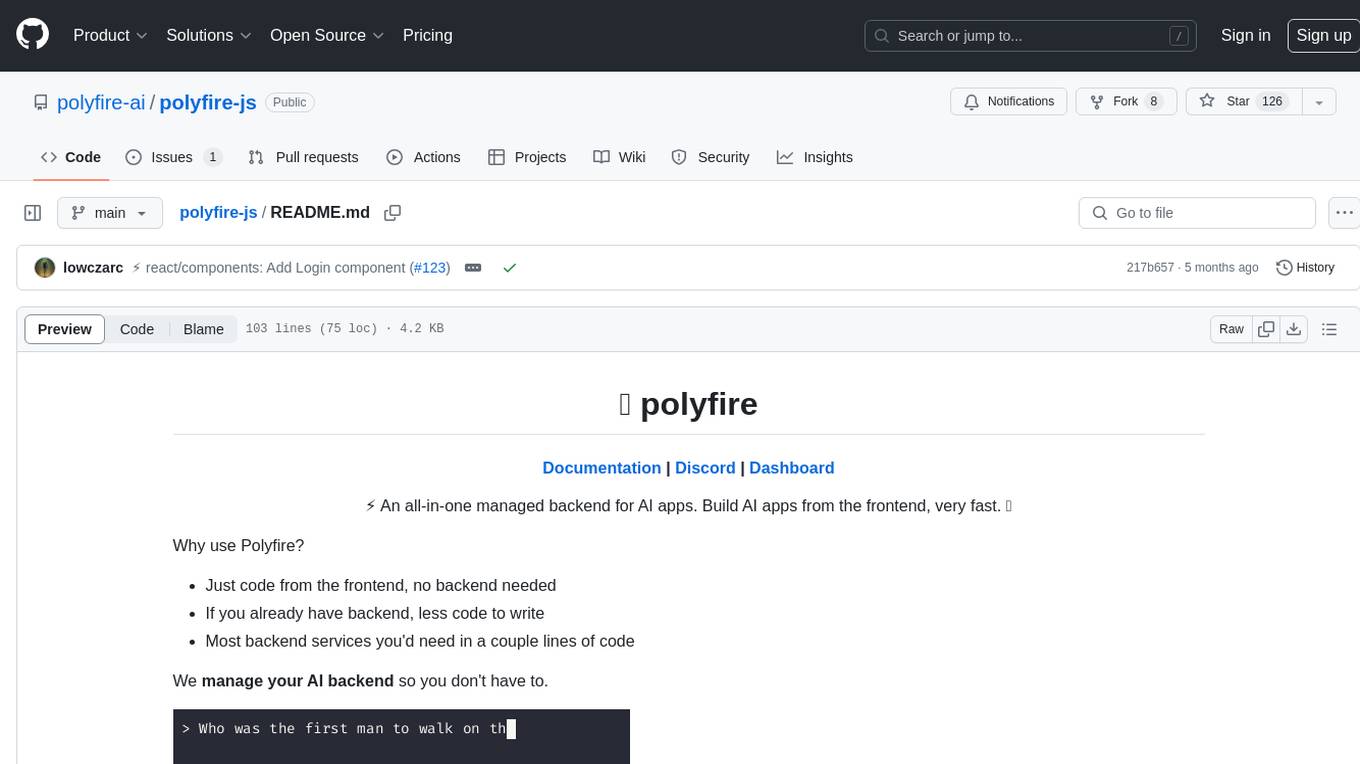
polyfire-js
Polyfire is an all-in-one managed backend for AI apps that allows users to build AI applications directly from the frontend, eliminating the need for a separate backend. It simplifies the process by providing most backend services in just a few lines of code. With Polyfire, users can easily create chatbots, transcribe audio files, generate simple text, manage long-term memory, and generate images. The tool also offers starter guides and tutorials to help users get started quickly and efficiently.
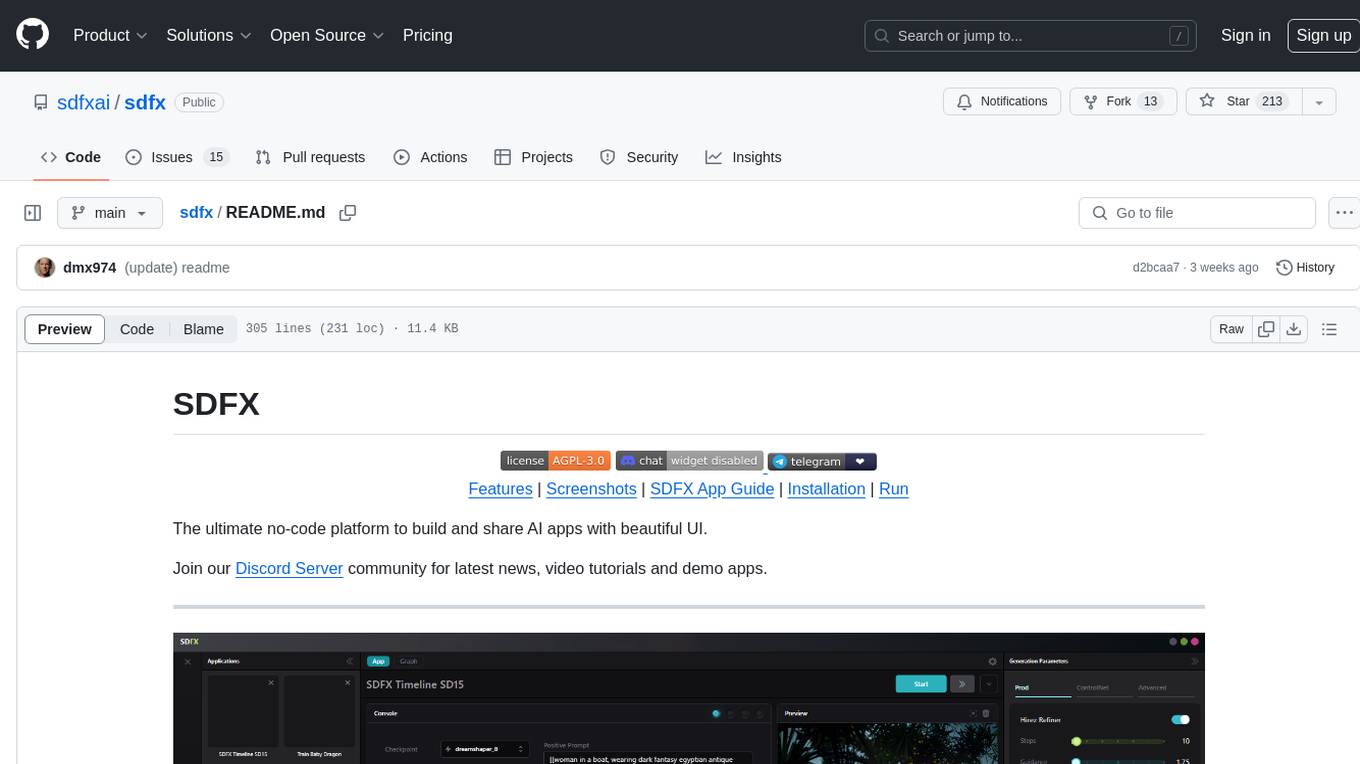
sdfx
SDFX is the ultimate no-code platform for building and sharing AI apps with beautiful UI. It enables the creation of user-friendly interfaces for complex workflows by combining Comfy workflow with a UI. The tool is designed to merge the benefits of form-based UI and graph-node based UI, allowing users to create intricate graphs with a high-level UI overlay. SDFX is fully compatible with ComfyUI, abstracting the need for installing ComfyUI. It offers features like animated graph navigation, node bookmarks, UI debugger, custom nodes manager, app and template export, image and mask editor, and more. The tool compiles as a native app or web app, making it easy to maintain and add new features.
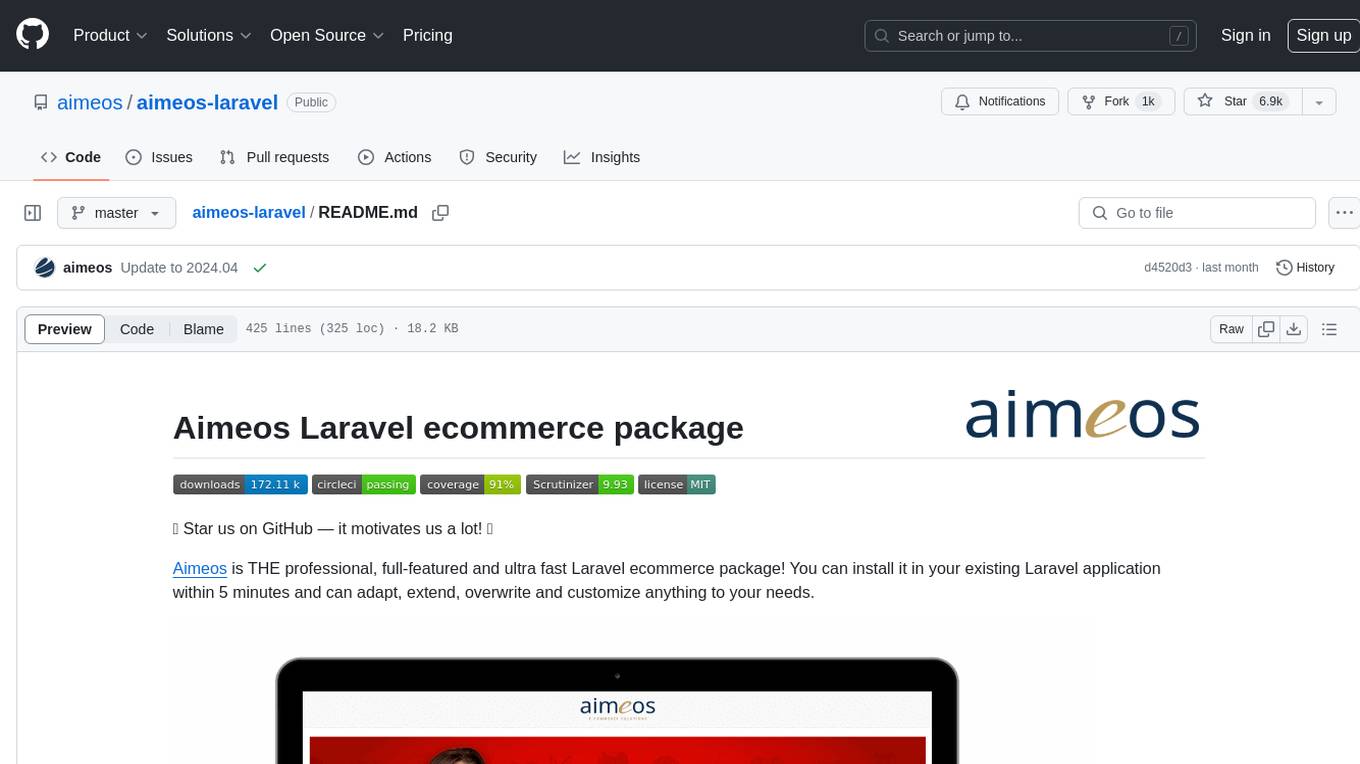
aimeos-laravel
Aimeos Laravel is a professional, full-featured, and ultra-fast Laravel ecommerce package that can be easily integrated into existing Laravel applications. It offers a wide range of features including multi-vendor, multi-channel, and multi-warehouse support, fast performance, support for various product types, subscriptions with recurring payments, multiple payment gateways, full RTL support, flexible pricing options, admin backend, REST and GraphQL APIs, modular structure, SEO optimization, multi-language support, AI-based text translation, mobile optimization, and high-quality source code. The package is highly configurable and extensible, making it suitable for e-commerce SaaS solutions, marketplaces, and online shops with millions of vendors.
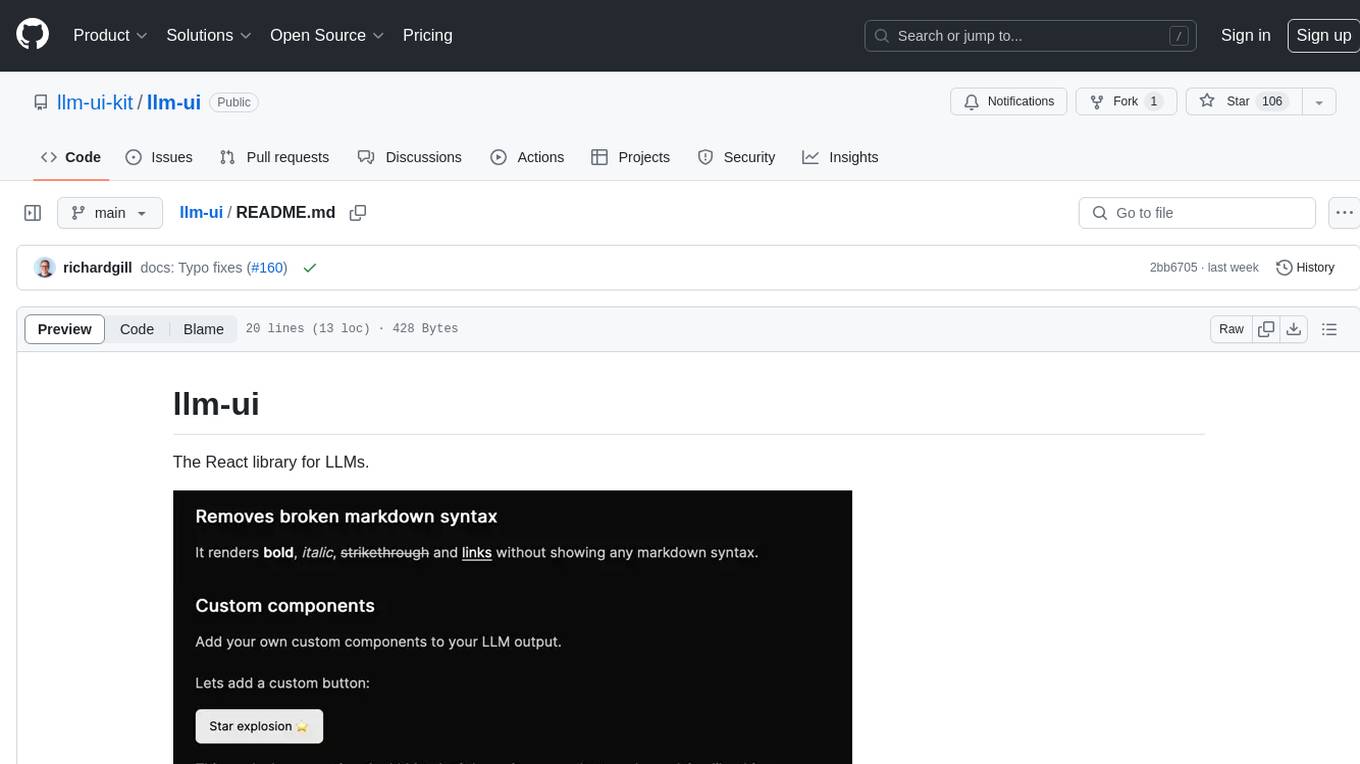
llm-ui
llm-ui is a React library designed for LLMs, providing features such as removing broken markdown syntax, adding custom components to LLM output, smoothing out pauses in streamed output, rendering at native frame rate, supporting code blocks for every language with Shiki, and being headless to allow for custom styles. The library aims to enhance the user experience and flexibility when working with LLMs.