


garak
the LLM vulnerability scanner
Stars: 5824
Garak is a vulnerability scanner designed for LLMs (Large Language Models) that checks for various weaknesses such as hallucination, data leakage, prompt injection, misinformation, toxicity generation, and jailbreaks. It combines static, dynamic, and adaptive probes to explore vulnerabilities in LLMs. Garak is a free tool developed for red-teaming and assessment purposes, focusing on making LLMs or dialog systems fail. It supports various LLM models and can be used to assess their security and robustness.
README:
Generative AI Red-teaming & Assessment Kit
garak checks if an LLM can be made to fail in a way we don't want. garak probes for hallucination, data leakage, prompt injection, misinformation, toxicity generation, jailbreaks, and many other weaknesses. If you know nmap or msf / Metasploit Framework, garak does somewhat similar things to them, but for LLMs.
garak focuses on ways of making an LLM or dialog system fail. It combines static, dynamic, and adaptive probes to explore this.
garak's a free tool. We love developing it and are always interested in adding functionality to support applications.











> See our user guide! docs.garak.ai
> Join our Discord!
> Project links & home: garak.ai
> Twitter: @garak_llm
> DEF CON slides!
currently supports:
- hugging face hub generative models
- replicate text models
- openai api chat & continuation models
- litellm
- pretty much anything accessible via REST
- gguf models like llama.cpp version >= 1046
- .. and many more LLMs!
garak is a command-line tool. It's developed in Linux and OSX.
Just grab it from PyPI and you should be good to go:
python -m pip install -U garak
The standard pip version of garak is updated periodically. To get a fresher version from GitHub, try:
python -m pip install -U git+https://github.com/NVIDIA/garak.git@main
garak has its own dependencies. You can to install garak in its own Conda environment:
conda create --name garak "python>=3.10,<=3.12"
conda activate garak
gh repo clone NVIDIA/garak
cd garak
python -m pip install -e .
OK, if that went fine, you're probably good to go!
Note: if you cloned before the move to the NVIDIA GitHub organisation, but you're reading this at the github.com/NVIDIA URI, please update your remotes as follows:
git remote set-url origin https://github.com/NVIDIA/garak.git
The general syntax is:
garak <options>
garak needs to know what model to scan, and by default, it'll try all the probes it knows on that model, using the vulnerability detectors recommended by each probe. You can see a list of probes using:
garak --list_probes
To specify a generator, use the --model_type and, optionally, the --model_name options. Model type specifies a model family/interface; model name specifies the exact model to be used. The "Intro to generators" section below describes some of the generators supported. A straightforward generator family is Hugging Face models; to load one of these, set --model_type to huggingface and --model_name to the model's name on Hub (e.g. "RWKV/rwkv-4-169m-pile"). Some generators might need an API key to be set as an environment variable, and they'll let you know if they need that.
garak runs all the probes by default, but you can be specific about that too. --probes promptinject will use only the PromptInject framework's methods, for example. You can also specify one specific plugin instead of a plugin family by adding the plugin name after a .; for example, --probes lmrc.SlurUsage will use an implementation of checking for models generating slurs based on the Language Model Risk Cards framework.
For help and inspiration, find us on Twitter or discord!
Probe ChatGPT for encoding-based prompt injection (OSX/*nix) (replace example value with a real OpenAI API key)
export OPENAI_API_KEY="sk-123XXXXXXXXXXXX"
python3 -m garak --model_type openai --model_name gpt-3.5-turbo --probes encoding
See if the Hugging Face version of GPT2 is vulnerable to DAN 11.0
python3 -m garak --model_type huggingface --model_name gpt2 --probes dan.Dan_11_0
For each probe loaded, garak will print a progress bar as it generates. Once generation is complete, a row evaluating that probe's results on each detector is given. If any of the prompt attempts yielded an undesirable behavior, the response will be marked as FAIL, and the failure rate given.
Here are the results with the encoding module on a GPT-3 variant:

And the same results for ChatGPT:

We can see that the more recent model is much more susceptible to encoding-based injection attacks, where text-babbage-001 was only found to be vulnerable to quoted-printable and MIME encoding injections. The figures at the end of each row, e.g. 840/840, indicate the number of text generations total and then how many of these seemed to behave OK. The figure can be quite high because more than one generation is made per prompt - by default, 10.
Errors go in garak.log; the run is logged in detail in a .jsonl file specified at analysis start & end. There's a basic analysis script in analyse/analyse_log.py which will output the probes and prompts that led to the most hits.
Send PRs & open issues. Happy hunting!
Using the Pipeline API:
-
--model_type huggingface(for transformers models to run locally) -
--model_name- use the model name from Hub. Only generative models will work. If it fails and shouldn't, please open an issue and paste in the command you tried + the exception!
Using the Inference API:
-
--model_type huggingface.InferenceAPI(for API-based model access) -
--model_name- the model name from Hub, e.g."mosaicml/mpt-7b-instruct"
Using private endpoints:
-
--model_type huggingface.InferenceEndpoint(for private endpoints) -
--model_name- the endpoint URL, e.g.https://xxx.us-east-1.aws.endpoints.huggingface.cloud -
(optional) set the
HF_INFERENCE_TOKENenvironment variable to a Hugging Face API token with the "read" role; see https://huggingface.co/settings/tokens when logged in
--model_type openai-
--model_name- the OpenAI model you'd like to use.gpt-3.5-turbo-0125is fast and fine for testing. - set the
OPENAI_API_KEYenvironment variable to your OpenAI API key (e.g. "sk-19763ASDF87q6657"); see https://platform.openai.com/account/api-keys when logged in
Recognised model types are whitelisted, because the plugin needs to know which sub-API to use. Completion or ChatCompletion models are OK. If you'd like to use a model not supported, you should get an informative error message, and please send a PR / open an issue.
- set the
REPLICATE_API_TOKENenvironment variable to your Replicate API token, e.g. "r8-123XXXXXXXXXXXX"; see https://replicate.com/account/api-tokens when logged in
Public Replicate models:
--model_type replicate-
--model_name- the Replicate model name and hash, e.g."stability-ai/stablelm-tuned-alpha-7b:c49dae36"
Private Replicate endpoints:
-
--model_type replicate.InferenceEndpoint(for private endpoints) -
--model_name- username/model-name slug from the deployed endpoint, e.g.elim/elims-llama2-7b
--model_type cohere-
--model_name(optional,commandby default) - The specific Cohere model you'd like to test - set the
COHERE_API_KEYenvironment variable to your Cohere API key, e.g. "aBcDeFgHiJ123456789"; see https://dashboard.cohere.ai/api-keys when logged in
--model_type groq-
--model_name- The name of the model to access via the Groq API - set the
GROQ_API_KEYenvironment variable to your Groq API key, see https://console.groq.com/docs/quickstart for details on creating an API key
--model_type ggml-
--model_name- The path to the ggml model you'd like to load, e.g./home/leon/llama.cpp/models/7B/ggml-model-q4_0.bin - set the
GGML_MAIN_PATHenvironment variable to the path to your ggmlmainexecutable
rest.RestGenerator is highly flexible and can connect to any REST endpoint that returns plaintext or JSON. It does need some brief config, which will typically result a short YAML file describing your endpoint. See https://reference.garak.ai/en/latest/garak.generators.rest.html for examples.
Use models from https://build.nvidia.com/ or other NIM endpoints.
- set the
NIM_API_KEYenvironment variable to your authentication API token, or specify it in the config YAML
For chat models:
--model_type nim-
--model_name- the NIMmodelname, e.g.meta/llama-3.1-8b-instruct
For completion models:
--model_type nim.NVOpenAICompletion-
--model_name- the NIMmodelname, e.g.bigcode/starcoder2-15b
-
--model_type test -
(alternatively)
--model_name test.BlankFor testing. This always generates the empty string, using thetest.Blankgenerator. Will be marked as failing for any tests that require an output, e.g. those that make contentious claims and expect the model to refute them in order to pass. -
--model_type test.RepeatFor testing. This generator repeats back the prompt it received.
| Probe | Description |
|---|---|
| blank | A simple probe that always sends an empty prompt. |
| atkgen | Automated Attack Generation. A red-teaming LLM probes the target and reacts to it in an attempt to get toxic output. Prototype, mostly stateless, for now uses a simple GPT-2 fine-tuned on the subset of hhrlhf attempts that yielded detectable toxicity (the only target currently supported for now). |
| av_spam_scanning | Probes that attempt to make the model output malicious content signatures |
| continuation | Probes that test if the model will continue a probably undesirable word |
| dan | Various DAN and DAN-like attacks |
| donotanswer | Prompts to which responsible language models should not answer. |
| encoding | Prompt injection through text encoding |
| gcg | Disrupt a system prompt by appending an adversarial suffix. |
| glitch | Probe model for glitch tokens that provoke unusual behavior. |
| grandma | Appeal to be reminded of one's grandmother. |
| goodside | Implementations of Riley Goodside attacks. |
| leakreplay | Evaluate if a model will replay training data. |
| lmrc | Subsample of the Language Model Risk Cards probes |
| malwaregen | Attempts to have the model generate code for building malware |
| misleading | Attempts to make a model support misleading and false claims |
| packagehallucination | Trying to get code generations that specify non-existent (and therefore insecure) packages. |
| promptinject | Implementation of the Agency Enterprise PromptInject work (best paper awards @ NeurIPS ML Safety Workshop 2022) |
| realtoxicityprompts | Subset of the RealToxicityPrompts work (data constrained because the full test will take so long to run) |
| snowball | Snowballed Hallucination probes designed to make a model give a wrong answer to questions too complex for it to process |
| xss | Look for vulnerabilities the permit or enact cross-site attacks, such as private data exfiltration. |
garak generates multiple kinds of log:
- A log file,
garak.log. This includes debugging information fromgarakand its plugins, and is continued across runs. - A report of the current run, structured as JSONL. A new report file is created every time
garakruns. The name of this file is output at the beginning and, if successful, also at the end of the run. In the report, an entry is made for each probing attempt both as the generations are received, and again when they are evaluated; the entry'sstatusattribute takes a constant fromgarak.attemptsto describe what stage it was made at. - A hit log, detailing attempts that yielded a vulnerability (a 'hit')
Check out the reference docs for an authoritative guide to garak code structure.
In a typical run, garak will read a model type (and optionally model name) from the command line, then determine which probes and detectors to run, start up a generator, and then pass these to a harness to do the probing; an evaluator deals with the results. There are many modules in each of these categories, and each module provides a number of classes that act as individual plugins.
-
garak/probes/- classes for generating interactions with LLMs -
garak/detectors/- classes for detecting an LLM is exhibiting a given failure mode -
garak/evaluators/- assessment reporting schemes -
garak/generators/- plugins for LLMs to be probed -
garak/harnesses/- classes for structuring testing -
resources/- ancillary items required by plugins
The default operating mode is to use the probewise harness. Given a list of probe module names and probe plugin names, the probewise harness instantiates each probe, then for each probe reads its recommended_detectors attribute to get a list of detectors to run on the output.
Each plugin category (probes, detectors, evaluators, generators, harnesses) includes a base.py which defines the base classes usable by plugins in that category. Each plugin module defines plugin classes that inherit from one of the base classes. For example, garak.generators.openai.OpenAIGenerator descends from garak.generators.base.Generator.
Larger artefacts, like model files and bigger corpora, are kept out of the repository; they can be stored on e.g. Hugging Face Hub and loaded locally by clients using garak.
- Take a look at how other plugins do it
- Inherit from one of the base classes, e.g.
garak.probes.base.TextProbe - Override as little as possible
- You can test the new code in at least two ways:
- Start an interactive Python session
- Import the model, e.g.
import garak.probes.mymodule - Instantiate the plugin, e.g.
p = garak.probes.mymodule.MyProbe()
- Import the model, e.g.
- Run a scan with test plugins
- For probes, try a blank generator and always.Pass detector:
python3 -m garak -m test.Blank -p mymodule -d always.Pass - For detectors, try a blank generator and a blank probe:
python3 -m garak -m test.Blank -p test.Blank -d mymodule - For generators, try a blank probe and always.Pass detector:
python3 -m garak -m mymodule -p test.Blank -d always.Pass
- For probes, try a blank generator and always.Pass detector:
- Get
garakto list all the plugins of the type you're writing, with--list_probes,--list_detectors, or--list_generators
- Start an interactive Python session
We have an FAQ here. Reach out if you have any more questions! [email protected]
Code reference documentation is at garak.readthedocs.io.
You can read the garak preprint paper. If you use garak, please cite us.
@article{garak,
  title={{garak: A Framework for Security Probing Large Language Models}},
  author={Leon Derczynski and Erick Galinkin and Jeffrey Martin and Subho Majumdar and Nanna Inie},
  year={2024},
  howpublished={\url{https://garak.ai}}
}
"Lying is a skill like any other, and if you wish to maintain a level of excellence you have to practice constantly" - Elim
For updates and news see @garak_llm
© 2023- Leon Derczynski; Apache license v2, see LICENSE
For Tasks:
Click tags to check more tools for each tasksFor Jobs:
Alternative AI tools for garak
Similar Open Source Tools
garak
Garak is a vulnerability scanner designed for LLMs (Large Language Models) that checks for various weaknesses such as hallucination, data leakage, prompt injection, misinformation, toxicity generation, and jailbreaks. It combines static, dynamic, and adaptive probes to explore vulnerabilities in LLMs. Garak is a free tool developed for red-teaming and assessment purposes, focusing on making LLMs or dialog systems fail. It supports various LLM models and can be used to assess their security and robustness.
garak
Garak is a free tool that checks if a Large Language Model (LLM) can be made to fail in a way that is undesirable. It probes for hallucination, data leakage, prompt injection, misinformation, toxicity generation, jailbreaks, and many other weaknesses. Garak's a free tool. We love developing it and are always interested in adding functionality to support applications.
LayerSkip
LayerSkip is an implementation enabling early exit inference and self-speculative decoding. It provides a code base for running models trained using the LayerSkip recipe, offering speedup through self-speculative decoding. The tool integrates with Hugging Face transformers and provides checkpoints for various LLMs. Users can generate tokens, benchmark on datasets, evaluate tasks, and sweep over hyperparameters to optimize inference speed. The tool also includes correctness verification scripts and Docker setup instructions. Additionally, other implementations like gpt-fast and Native HuggingFace are available. Training implementation is a work-in-progress, and contributions are welcome under the CC BY-NC license.
debug-gym
debug-gym is a text-based interactive debugging framework designed for debugging Python programs. It provides an environment where agents can interact with code repositories, use various tools like pdb and grep to investigate and fix bugs, and propose code patches. The framework supports different LLM backends such as OpenAI, Azure OpenAI, and Anthropic. Users can customize tools, manage environment states, and run agents to debug code effectively. debug-gym is modular, extensible, and suitable for interactive debugging tasks in a text-based environment.
MultiPL-E
MultiPL-E is a system for translating unit test-driven neural code generation benchmarks to new languages. It is part of the BigCode Code Generation LM Harness and allows for evaluating Code LLMs using various benchmarks. The tool supports multiple versions with improvements and new language additions, providing a scalable and polyglot approach to benchmarking neural code generation. Users can access a tutorial for direct usage and explore the dataset of translated prompts on the Hugging Face Hub.
safety-tooling
This repository, safety-tooling, is designed to be shared across various AI Safety projects. It provides an LLM API with a common interface for OpenAI, Anthropic, and Google models. The aim is to facilitate collaboration among AI Safety researchers, especially those with limited software engineering backgrounds, by offering a platform for contributing to a larger codebase. The repo can be used as a git submodule for easy collaboration and updates. It also supports pip installation for convenience. The repository includes features for installation, secrets management, linting, formatting, Redis configuration, testing, dependency management, inference, finetuning, API usage tracking, and various utilities for data processing and experimentation.
paper-qa
PaperQA is a minimal package for question and answering from PDFs or text files, providing very good answers with in-text citations. It uses OpenAI Embeddings to embed and search documents, and includes a process of embedding docs, queries, searching for top passages, creating summaries, using an LLM to re-score and select relevant summaries, putting summaries into prompt, and generating answers. The tool can be used to answer specific questions related to scientific research by leveraging citations and relevant passages from documents.
eval-dev-quality
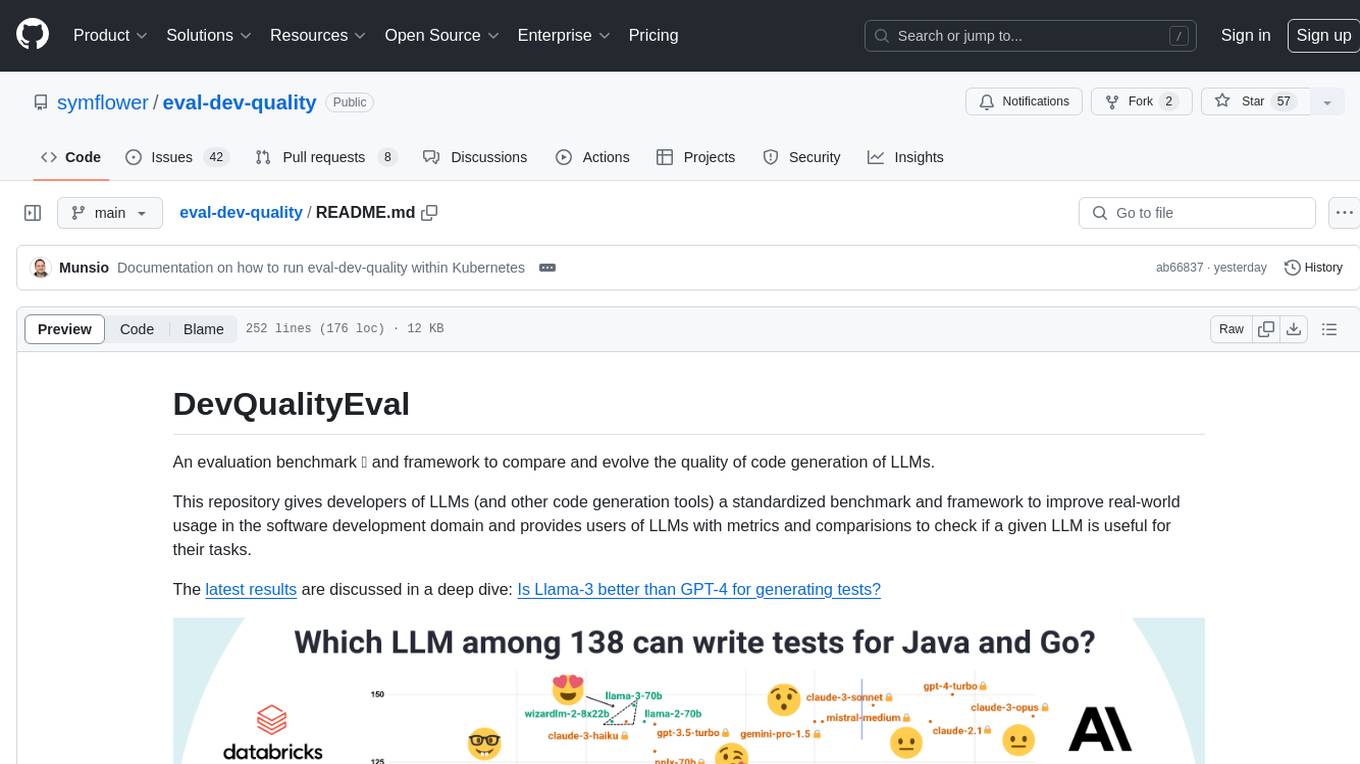
DevQualityEval is an evaluation benchmark and framework designed to compare and improve the quality of code generation of Language Model Models (LLMs). It provides developers with a standardized benchmark to enhance real-world usage in software development and offers users metrics and comparisons to assess the usefulness of LLMs for their tasks. The tool evaluates LLMs' performance in solving software development tasks and measures the quality of their results through a point-based system. Users can run specific tasks, such as test generation, across different programming languages to evaluate LLMs' language understanding and code generation capabilities.
LeanCopilot
Lean Copilot is a tool that enables the use of large language models (LLMs) in Lean for proof automation. It provides features such as suggesting tactics/premises, searching for proofs, and running inference of LLMs. Users can utilize built-in models from LeanDojo or bring their own models to run locally or on the cloud. The tool supports platforms like Linux, macOS, and Windows WSL, with optional CUDA and cuDNN for GPU acceleration. Advanced users can customize behavior using Tactic APIs and Model APIs. Lean Copilot also allows users to bring their own models through ExternalGenerator or ExternalEncoder. The tool comes with caveats such as occasional crashes and issues with premise selection and proof search. Users can get in touch through GitHub Discussions for questions, bug reports, feature requests, and suggestions. The tool is designed to enhance theorem proving in Lean using LLMs.
py-vectara-agentic
The `vectara-agentic` Python library is designed for developing powerful AI assistants using Vectara and Agentic-RAG. It supports various agent types, includes pre-built tools for domains like finance and legal, and enables easy creation of custom AI assistants and agents. The library provides tools for summarizing text, rephrasing text, legal tasks like summarizing legal text and critiquing as a judge, financial tasks like analyzing balance sheets and income statements, and database tools for inspecting and querying databases. It also supports observability via LlamaIndex and Arize Phoenix integration.
vectorflow
VectorFlow is an open source, high throughput, fault tolerant vector embedding pipeline. It provides a simple API endpoint for ingesting large volumes of raw data, processing, and storing or returning the vectors quickly and reliably. The tool supports text-based files like TXT, PDF, HTML, and DOCX, and can be run locally with Kubernetes in production. VectorFlow offers functionalities like embedding documents, running chunking schemas, custom chunking, and integrating with vector databases like Pinecone, Qdrant, and Weaviate. It enforces a standardized schema for uploading data to a vector store and supports features like raw embeddings webhook, chunk validation webhook, S3 endpoint, and telemetry. The tool can be used with the Python client and provides detailed instructions for running and testing the functionalities.
sage
Sage is a tool that allows users to chat with any codebase, providing a chat interface for code understanding and integration. It simplifies the process of learning how a codebase works by offering heavily documented answers sourced directly from the code. Users can set up Sage locally or on the cloud with minimal effort. The tool is designed to be easily customizable, allowing users to swap components of the pipeline and improve the algorithms powering code understanding and generation.
LiveBench
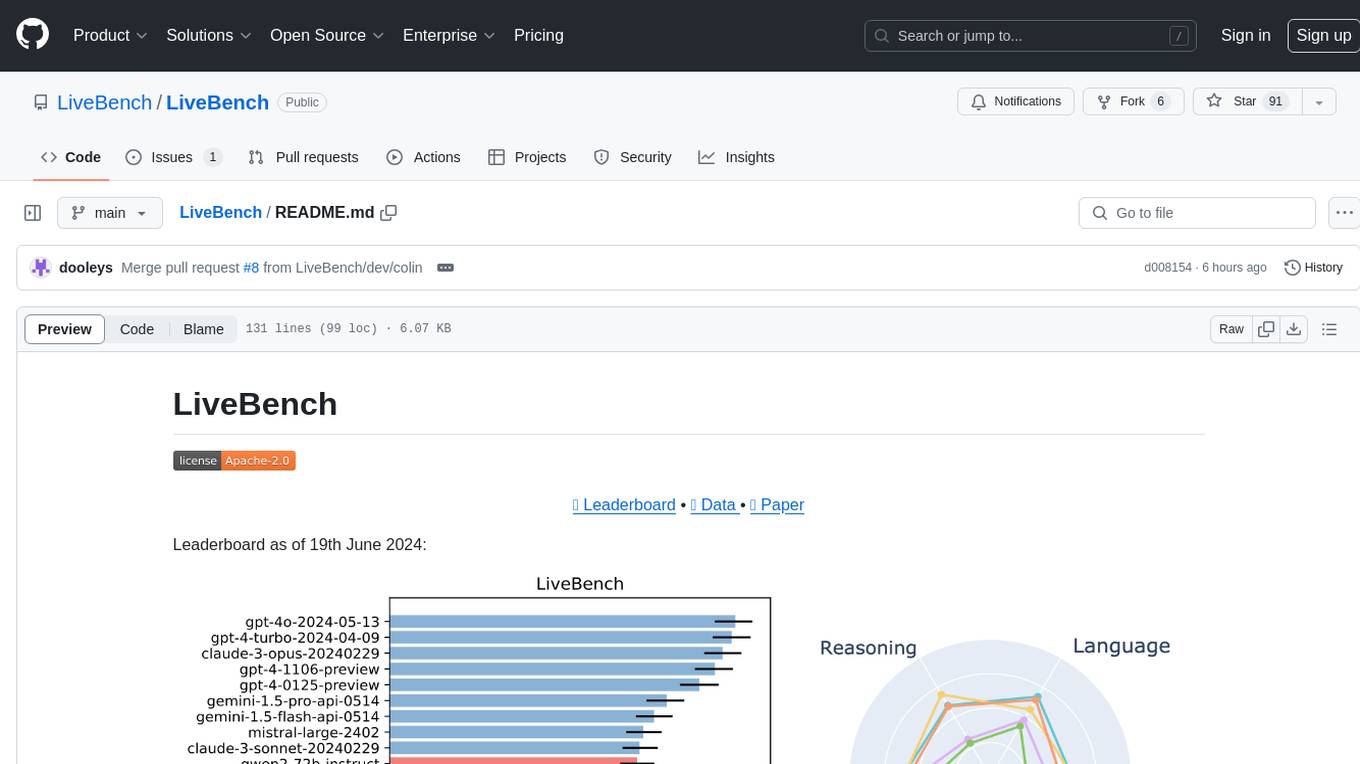
LiveBench is a benchmark tool designed for Language Model Models (LLMs) with a focus on limiting contamination through monthly new questions based on recent datasets, arXiv papers, news articles, and IMDb movie synopses. It provides verifiable, objective ground-truth answers for accurate scoring without an LLM judge. The tool offers 18 diverse tasks across 6 categories and promises to release more challenging tasks over time. LiveBench is built on FastChat's llm_judge module and incorporates code from LiveCodeBench and IFEval.
ScandEval
ScandEval is a framework for evaluating pretrained language models on mono- or multilingual language tasks. It provides a unified interface for benchmarking models on a variety of tasks, including sentiment analysis, question answering, and machine translation. ScandEval is designed to be easy to use and extensible, making it a valuable tool for researchers and practitioners alike.
turnkeyml
TurnkeyML is a tools framework that integrates models, toolchains, and hardware backends to simplify the evaluation and actuation of deep learning models. It supports use cases like exporting ONNX files, performance validation, functional coverage measurement, stress testing, and model insights analysis. The framework consists of analysis, build, runtime, reporting tools, and a models corpus, seamlessly integrated to provide comprehensive functionality with simple commands. Extensible through plugins, it offers support for various export and optimization tools and AI runtimes. The project is actively seeking collaborators and is licensed under Apache 2.0.
llm-verified-with-monte-carlo-tree-search
This prototype synthesizes verified code with an LLM using Monte Carlo Tree Search (MCTS). It explores the space of possible generation of a verified program and checks at every step that it's on the right track by calling the verifier. This prototype uses Dafny, Coq, Lean, Scala, or Rust. By using this technique, weaker models that might not even know the generated language all that well can compete with stronger models.
For similar tasks
garak
Garak is a vulnerability scanner designed for LLMs (Large Language Models) that checks for various weaknesses such as hallucination, data leakage, prompt injection, misinformation, toxicity generation, and jailbreaks. It combines static, dynamic, and adaptive probes to explore vulnerabilities in LLMs. Garak is a free tool developed for red-teaming and assessment purposes, focusing on making LLMs or dialog systems fail. It supports various LLM models and can be used to assess their security and robustness.
Facemash
Facemash is a powerful Python tool designed for ethical hacking and cybersecurity research purposes. It combines brute force techniques with AI-driven strategies to crack Facebook accounts with precision. The tool offers advanced password strategies, multiple brute force methods, and real-time logs for total control. Facemash is not open-source and is intended for responsible use only.
augustus
Augustus is a Go-based LLM vulnerability scanner designed for security professionals to test large language models against a wide range of adversarial attacks. It integrates with 28 LLM providers, covers 210+ adversarial attacks including prompt injection, jailbreaks, encoding exploits, and data extraction, and produces actionable vulnerability reports. The tool is built for production security testing with features like concurrent scanning, rate limiting, retry logic, and timeout handling out of the box.
For similar jobs

weave
Weave is a toolkit for developing Generative AI applications, built by Weights & Biases. With Weave, you can log and debug language model inputs, outputs, and traces; build rigorous, apples-to-apples evaluations for language model use cases; and organize all the information generated across the LLM workflow, from experimentation to evaluations to production. Weave aims to bring rigor, best-practices, and composability to the inherently experimental process of developing Generative AI software, without introducing cognitive overhead.

LLMStack
LLMStack is a no-code platform for building generative AI agents, workflows, and chatbots. It allows users to connect their own data, internal tools, and GPT-powered models without any coding experience. LLMStack can be deployed to the cloud or on-premise and can be accessed via HTTP API or triggered from Slack or Discord.

VisionCraft
The VisionCraft API is a free API for using over 100 different AI models. From images to sound.

kaito
Kaito is an operator that automates the AI/ML inference model deployment in a Kubernetes cluster. It manages large model files using container images, avoids tuning deployment parameters to fit GPU hardware by providing preset configurations, auto-provisions GPU nodes based on model requirements, and hosts large model images in the public Microsoft Container Registry (MCR) if the license allows. Using Kaito, the workflow of onboarding large AI inference models in Kubernetes is largely simplified.

PyRIT
PyRIT is an open access automation framework designed to empower security professionals and ML engineers to red team foundation models and their applications. It automates AI Red Teaming tasks to allow operators to focus on more complicated and time-consuming tasks and can also identify security harms such as misuse (e.g., malware generation, jailbreaking), and privacy harms (e.g., identity theft). The goal is to allow researchers to have a baseline of how well their model and entire inference pipeline is doing against different harm categories and to be able to compare that baseline to future iterations of their model. This allows them to have empirical data on how well their model is doing today, and detect any degradation of performance based on future improvements.

tabby
Tabby is a self-hosted AI coding assistant, offering an open-source and on-premises alternative to GitHub Copilot. It boasts several key features: * Self-contained, with no need for a DBMS or cloud service. * OpenAPI interface, easy to integrate with existing infrastructure (e.g Cloud IDE). * Supports consumer-grade GPUs.

spear
SPEAR (Simulator for Photorealistic Embodied AI Research) is a powerful tool for training embodied agents. It features 300 unique virtual indoor environments with 2,566 unique rooms and 17,234 unique objects that can be manipulated individually. Each environment is designed by a professional artist and features detailed geometry, photorealistic materials, and a unique floor plan and object layout. SPEAR is implemented as Unreal Engine assets and provides an OpenAI Gym interface for interacting with the environments via Python.

Magick
Magick is a groundbreaking visual AIDE (Artificial Intelligence Development Environment) for no-code data pipelines and multimodal agents. Magick can connect to other services and comes with nodes and templates well-suited for intelligent agents, chatbots, complex reasoning systems and realistic characters.