


jupyter-quant
A dockerized Jupyter quant research environment.
Stars: 165
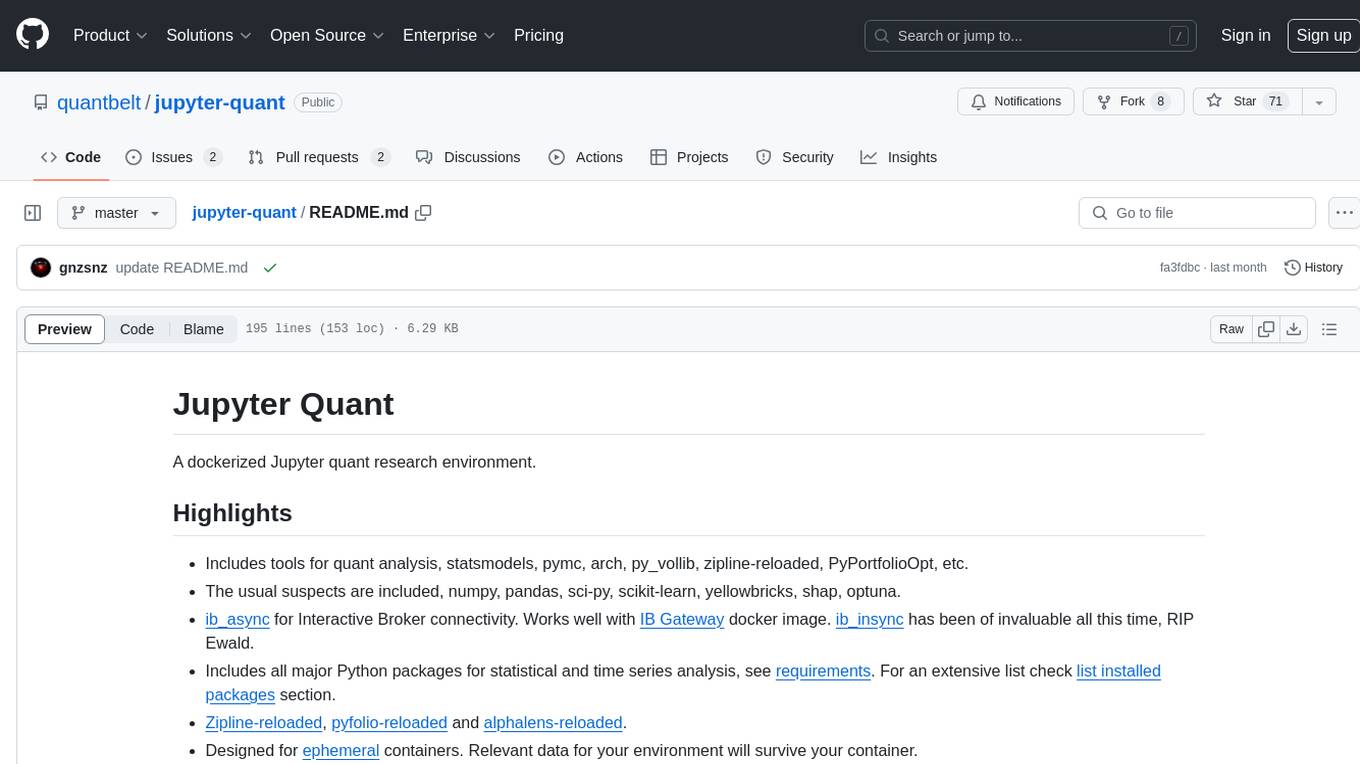
Jupyter Quant is a dockerized environment tailored for quantitative research, equipped with essential tools like statsmodels, pymc, arch, py_vollib, zipline-reloaded, PyPortfolioOpt, numpy, pandas, sci-py, scikit-learn, yellowbricks, shap, optuna, and more. It provides Interactive Broker connectivity via ib_async and includes major Python packages for statistical and time series analysis. The image is optimized for size, includes jedi language server, jupyterlab-lsp, and common command line utilities. Users can install new packages with sudo, leverage apt cache, and bring their own dot files and SSH keys. The tool is designed for ephemeral containers, ensuring data persistence and flexibility for quantitative analysis tasks.
README:
A dockerized Jupyter quant research environment.
- It can be used as a docker image or pypi package.
- Includes tools for quant analysis, statsmodels, pymc, arch, py_vollib, zipline-reloaded, PyPortfolioOpt, etc.
- The usual suspects are included, numpy, pandas, sci-py, scikit-learn, yellowbricks, shap, optuna.
- ib_async for Interactive Broker connectivity. Works well with IB Gateway docker image. ib_insync has been invaluable all this time, RIP Ewald.
- Includes all major Python packages for statistical and time series analysis, see requirements. For an extensive list check list installed packages section.
- Zipline-reloaded, pyfolio-reloaded and alphalens-reloaded.
- ib_fundamental for IBKR fundamental data.
- You can install it as a python package, just
pip install -U jupyter-quant - Designed for ephemeral containers. Relevant data for your environment will survive your container.
- Optimized for size, it's a 2GB image vs 4GB for jupyter/scipy-notebook
- Includes jedi language server, jupyterlab-lsp, black and isort.
- It does NOT include conda/mamba. All packages are installed with pip under
~/.local/lib/python. Which should be mounted in a dedicated volume to preserve your environment. - Includes Cython, Numba, bottleneck and numexpr to speed up things
- sudo, so you can install new packages if needed.
- bash and stow, so you can BYODF (bring your dotfiles). Plus common command line utilities like git, less, nano (tiny), jq, ssh, curl, bash completion and others.
- Support for apt cache. If you have other Linux boxes using it can leverage your package cache.
- It does not include a built environment. If you need to install a package that does not provide wheels you can build your wheels, as explained in common tasks
To use jupyter-quant as a pypi package
see install quant package.
Create a docker-compose.yml file with this content
services:
  jupyter-quant:
    image: gnzsnz/jupyter-quant:${IMAGE_VERSION}
    environment:
      APT_PROXY: ${APT_PROXY:-}
      BYODF: ${BYODF:-}
      SSH_KEYDIR: ${SSH_KEYDIR:-}
      START_SCRIPTS: ${START_SCRIPTS:-}
      TZ: ${QUANT_TZ:-}
    restart: unless-stopped
    ports:
      - ${LISTEN_PORT}:8888
    volumes:
      - quant_conf:/home/gordon/.config
      - quant_data:/home/gordon/.local
      - ${PWD}/Notebooks:/home/gordon/Notebooks

volumes:
  quant_conf:
  quant_data:
You can use .env-dist as your starting point.
cp .env-dist .env
# verify everything looks good
docker compose config
docker compose upThe image is designed to work with 3 volumes:
-
quant_data- volume for ~/.local folder. It contains caches and all Python packages. This enables to install additional packages through pip. -
quant_conf- volume for ~/.config, all config goes here. This includes jupyter, ipython, matplotlib, etc - Bind mount (but you could use a named volume) - volume for all notebooks,
under
~/Notebooks.
This allows to have ephemeral containers and to keep your notebooks (3), your
config (2) and your additional packages (1). Eventually, you would need to
update the image, in this case, your notebooks (3) can move without issues,
your config (2) should still work but no warranty and your packages in
quant_data could still be used but you should refresh it with a new image.
Eventually, you would need to refresh (1) and less frequently (2)
docker exec -it jupyterquant jupyter-server list
Currently running servers:
http://40798f7a604a:8888/?token=
ebf9e870d2aa0ed877590eb83b4d3bbbdfbd55467422a167 :: /home/gordon/Notebooks
or
docker logs -t jupyter-quant 2>&1 | grep '127.0.0.1:8888/lab?token='You will need to change hostname (40798f7a604a in this case) or 127.0.0.1 by your docker host ip.
docker exec -it jupyter-quant jupyter-server --show-configdocker exec -it jupyter-quant jupyter-server passworddocker exec -it jupyter-quant jupyter-server --help
docker exec -it jupyter-quant jupyter-lab --helpdocker exec -it jupyter-quant pip list
# outdated packages
docker exec -it jupyter-quant pip list -odocker run -it --rm gnzsnz/jupyter-quant --core-mode
docker run -it --rm gnzsnz/jupyter-quant --show-config-jsondocker run -it --rm gnzsnz/jupyter-quant bashBuild wheels outside the container and import wheels into the container
# make sure python version match .env-dist
docker run -it --rm -v $PWD/wheels:/wheels python:3.11 bash
pip wheel --no-cache-dir --wheel-dir /wheels numpy
This will build wheels for numpy (or any other package that you need) and save
the file in $PWD/wheels. Then you can copy the wheels in your notebook mount
(3 above) and install it within the container. You can even drag and drop into
Jupyter.
git clone your dotfiles to Notebook/etc/dotfiles, set environment variable
BYODF=/home/gordon/Notebook/etc/dotfiles in your docker-compose.yml When
the container starts up stow will create links like /home/gordon/.bashrc
You need to define environment variable SSH_KEY_DIR which should point to a
location with your keys. The suggested place is
SSH_KEYDIR=/home/gordon/Notebooks/etc/ssh, make sure the director has the
right permissions. Something like chmod 700 Notebooks/etc/ssh should work.
The entrypoint.sh script will create a symbolic link pointing to
$SSH_KEYDIR on /home/gordon/.ssh.
Within Jupyter's terminal, you can then:
# start agent
eval $(ssh-agent)
# add keys to agent
ssh-add
# open a tunnel
ssh -fNL 4001:localhost:4001 gordon@bastion-sshIf you define START_SCRIPTS env variable with a path, all scripts on that
directory will be executed at start up. The sample .env-dist file contains
a commented line with START_SCRIPTS=/home/gordon/Notebooks/etc/start_scripts
as an example and recommended location.
Files should have a .sh suffix and should run under bash. in directory
start_scripts
you will find example scripts to load ssh keys and install python packages.
Jupyter-quant is available as a package in pypi. It's a meta-package that pulls all dependencies in it's highest possible version.
Dependencies:
- hdf5 (see below)
- TA-lib see instructions
# ubuntu/debian, see install instructions above for TA-lib
sudo apt-get install libhdf5-dev

# osx
brew install hdf5 ta-lib
Install pypi package.
pip install -U jupyter-quantAdditional options supported are
pip install -U jupyter-quant[bayes] # to install pymc & arviz/graphviz

pip install -U jupyter-quant[sk-util] # to install skfolio & sktime
jupyter-quant it's a meta-package that pins all it's dependencies versions.
If you need/want to upgrade a dependency you can uninstall jupyter-quant,
although this can break interdependencies. Or install from git, where it's
updated regularly.
# git install
pip install -U git+https://github.com/quantbelt/jupyter-quant.git
For Tasks:
Click tags to check more tools for each tasksFor Jobs:
Alternative AI tools for jupyter-quant
Similar Open Source Tools
jupyter-quant
Jupyter Quant is a dockerized environment tailored for quantitative research, equipped with essential tools like statsmodels, pymc, arch, py_vollib, zipline-reloaded, PyPortfolioOpt, numpy, pandas, sci-py, scikit-learn, yellowbricks, shap, optuna, and more. It provides Interactive Broker connectivity via ib_async and includes major Python packages for statistical and time series analysis. The image is optimized for size, includes jedi language server, jupyterlab-lsp, and common command line utilities. Users can install new packages with sudo, leverage apt cache, and bring their own dot files and SSH keys. The tool is designed for ephemeral containers, ensuring data persistence and flexibility for quantitative analysis tasks.
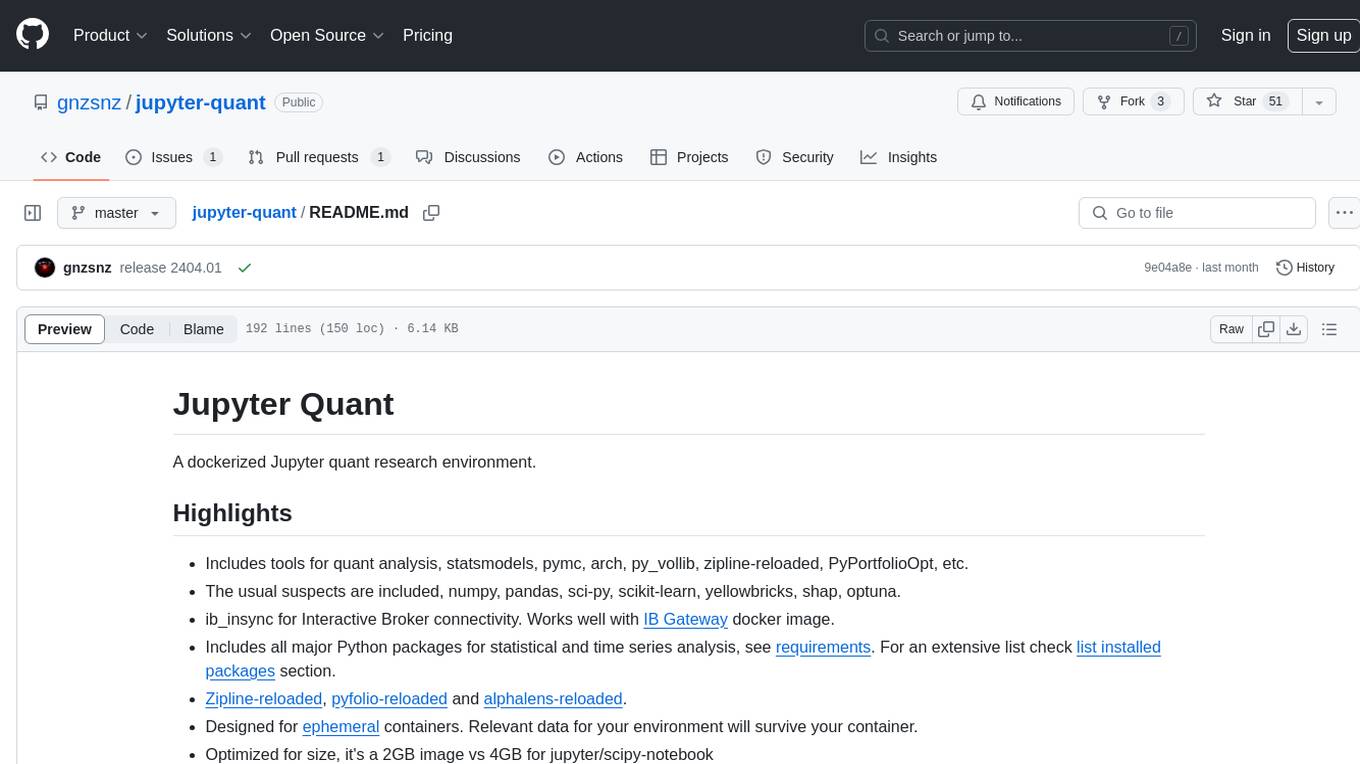
jupyter-quant
Jupyter Quant is a dockerized environment tailored for quantitative research, equipped with essential tools like statsmodels, pymc, arch, py_vollib, zipline-reloaded, PyPortfolioOpt, numpy, pandas, sci-py, scikit-learn, yellowbricks, shap, optuna, ib_insync, Cython, Numba, bottleneck, numexpr, jedi language server, jupyterlab-lsp, black, isort, and more. It does not include conda/mamba and relies on pip for package installation. The image is optimized for size, includes common command line utilities, supports apt cache, and allows for the installation of additional packages. It is designed for ephemeral containers, ensuring data persistence, and offers volumes for data, configuration, and notebooks. Common tasks include setting up the server, managing configurations, setting passwords, listing installed packages, passing parameters to jupyter-lab, running commands in the container, building wheels outside the container, installing dotfiles and SSH keys, and creating SSH tunnels.
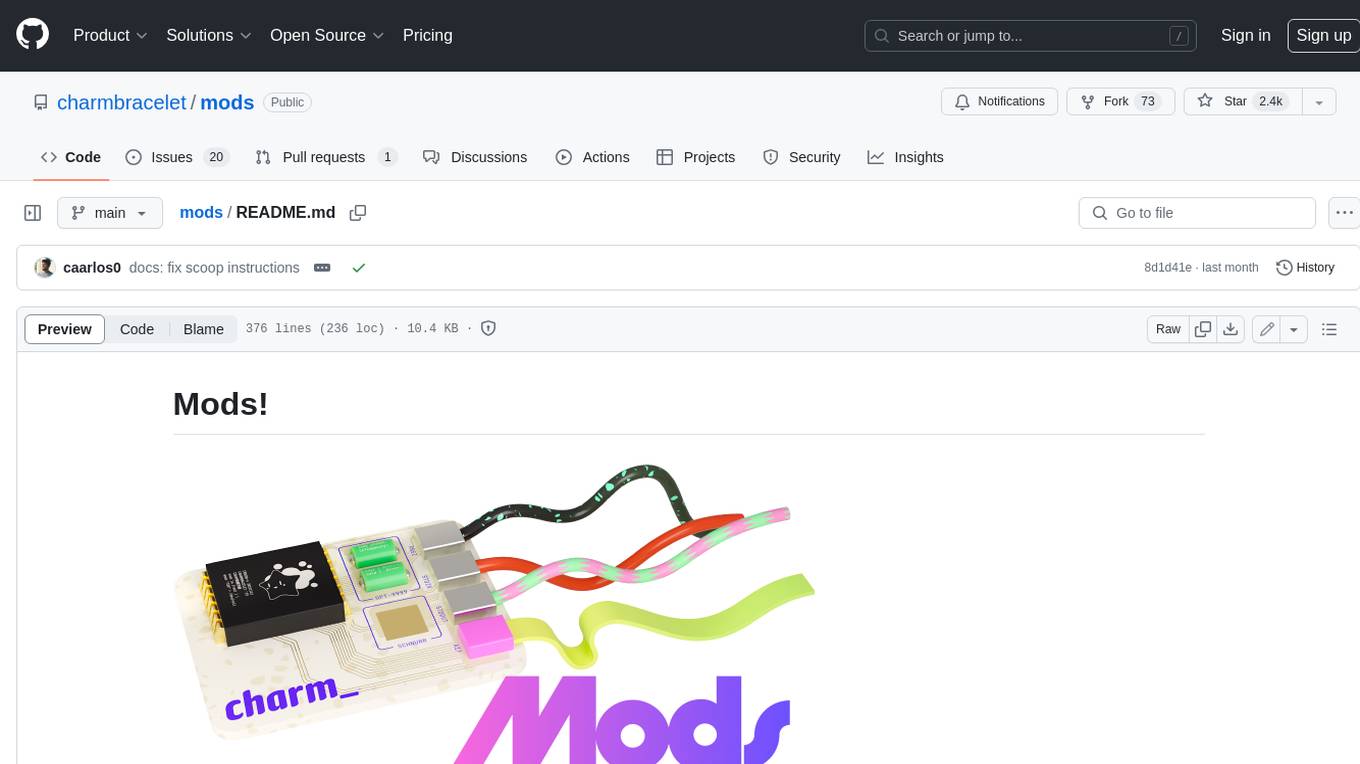
mods
AI for the command line, built for pipelines. LLM based AI is really good at interpreting the output of commands and returning the results in CLI friendly text formats like Markdown. Mods is a simple tool that makes it super easy to use AI on the command line and in your pipelines. Mods works with OpenAI, Groq, Azure OpenAI, and LocalAI To get started, install Mods and check out some of the examples below. Since Mods has built-in Markdown formatting, you may also want to grab Glow to give the output some _pizzazz_.
desktop
ComfyUI Desktop is a packaged desktop application that allows users to easily use ComfyUI with bundled features like ComfyUI source code, ComfyUI-Manager, and uv. It automatically installs necessary Python dependencies and updates with stable releases. The app comes with Electron, Chromium binaries, and node modules. Users can store ComfyUI files in a specified location and manage model paths. The tool requires Python 3.12+ and Visual Studio with Desktop C++ workload for Windows. It uses nvm to manage node versions and yarn as the package manager. Users can install ComfyUI and dependencies using comfy-cli, download uv, and build/launch the code. Troubleshooting steps include rebuilding modules and installing missing libraries. The tool supports debugging in VSCode and provides utility scripts for cleanup. Crash reports can be sent to help debug issues, but no personal data is included.
trieve
Trieve is an advanced relevance API for hybrid search, recommendations, and RAG. It offers a range of features including self-hosting, semantic dense vector search, typo tolerant full-text/neural search, sub-sentence highlighting, recommendations, convenient RAG API routes, the ability to bring your own models, hybrid search with cross-encoder re-ranking, recency biasing, tunable popularity-based ranking, filtering, duplicate detection, and grouping. Trieve is designed to be flexible and customizable, allowing users to tailor it to their specific needs. It is also easy to use, with a simple API and well-documented features.
moxin
Moxin is an AI LLM client written in Rust to demonstrate the functionality of the Robius framework for multi-platform application development. It is currently in early stages of development and not fully functional. The tool supports building and running on macOS and Linux systems, with packaging options available for distribution. Users can install the required WasmEdge WASM runtime and dependencies to build and run Moxin. Packaging for distribution includes generating `.deb` Debian packages, AppImage, and pacman installation packages for Linux, as well as `.app` bundles and `.dmg` disk images for macOS. The macOS app is not signed, leading to a warning on installation, which can be resolved by removing the quarantine attribute from the installed app.
moly
Moly is an AI LLM client written in Rust, showcasing the capabilities of the Makepad UI toolkit and Project Robius, a framework for multi-platform application development in Rust. It is currently in beta, allowing users to build and run Moly on macOS, Linux, and Windows. The tool provides packaging support for different platforms, such as `.app`, `.dmg`, `.deb`, AppImage, pacman, and `.exe` (NSIS). Users can easily set up WasmEdge using `moly-runner` and leverage `cargo` commands to build and run Moly. Additionally, Moly offers pre-built releases for download and supports packaging for distribution on Linux, Windows, and macOS.
sandvault
SandVault is a tool that manages a limited user account to sandbox shell commands and AI agents on macOS, providing a lightweight alternative to application isolation using virtual machines. It allows for running Claude Code, OpenAI Codex, Google Gemini, and shell commands safely within a sandboxed environment. SandVault offers features like fast context switching, passwordless account switching, shared workspace access, and clean uninstallation. The tool operates with limited access to the user's computer, ensuring security by restricting access to certain directories and system files.
ai-containers
This repository contains Dockerfiles, scripts, yaml files, Helm charts, etc. used to scale out AI containers with versions of TensorFlow and PyTorch optimized for Intel platforms. Scaling is done with python, Docker, kubernetes, kubeflow, cnvrg.io, Helm, and other container orchestration frameworks for use in the cloud and on-premise.
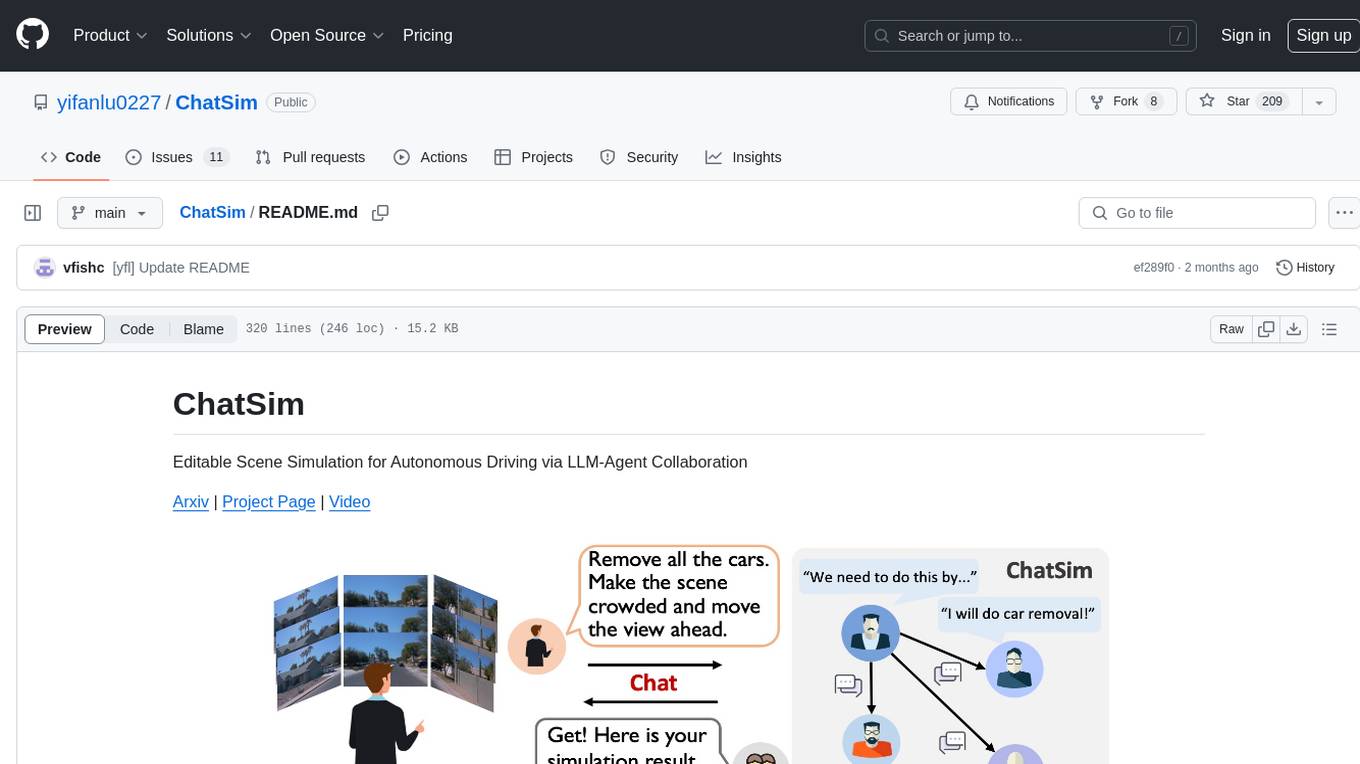
ChatSim
ChatSim is a tool designed for editable scene simulation for autonomous driving via LLM-Agent collaboration. It provides functionalities for setting up the environment, installing necessary dependencies like McNeRF and Inpainting tools, and preparing data for simulation. Users can train models, simulate scenes, and track trajectories for smoother and more realistic results. The tool integrates with Blender software and offers options for training McNeRF models and McLight's skydome estimation network. It also includes a trajectory tracking module for improved trajectory tracking. ChatSim aims to facilitate the simulation of autonomous driving scenarios with collaborative LLM-Agents.
frontend
Nuclia frontend apps and libraries repository contains various frontend applications and libraries for the Nuclia platform. It includes components such as Dashboard, Widget, SDK, Sistema (design system), NucliaDB admin, CI/CD Deployment, and Maintenance page. The repository provides detailed instructions on installation, dependencies, and usage of these components for both Nuclia employees and external developers. It also covers deployment processes for different components and tools like ArgoCD for monitoring deployments and logs. The repository aims to facilitate the development, testing, and deployment of frontend applications within the Nuclia ecosystem.
termax
Termax is an LLM agent in your terminal that converts natural language to commands. It is featured by: - Personalized Experience: Optimize the command generation with RAG. - Various LLMs Support: OpenAI GPT, Anthropic Claude, Google Gemini, Mistral AI, and more. - Shell Extensions: Plugin with popular shells like `zsh`, `bash` and `fish`. - Cross Platform: Able to run on Windows, macOS, and Linux.
moly-ai
Moly is an AI LLM client written in Rust that showcases the capabilities of the Makepad UI toolkit and Project Robius. It supports various AI providers, including OpenAI-compatible providers, Moly Server for local LLM exploration, and MoFa Servers for building AI agents. Users can download pre-built releases for different platforms and contribute to extending the list of supported providers. Moly can be used for tasks like chat completions, AI agent interactions, and custom client creation.
gitingest
GitIngest is a tool that allows users to turn any Git repository into a prompt-friendly text ingest for LLMs. It provides easy code context by generating a text digest from a git repository URL or directory. The tool offers smart formatting for optimized output format for LLM prompts and provides statistics about file and directory structure, size of the extract, and token count. GitIngest can be used as a CLI tool on Linux and as a Python package for code integration. The tool is built using Tailwind CSS for frontend, FastAPI for backend framework, tiktoken for token estimation, and apianalytics.dev for simple analytics. Users can self-host GitIngest by building the Docker image and running the container. Contributions to the project are welcome, and the tool aims to be beginner-friendly for first-time contributors with a simple Python and HTML codebase.
alcless
Alcoholless is a lightweight security sandbox for macOS programs, originally designed for securing Homebrew but can be used for any CLI programs. It allows AI agents to run shell commands with reduced risk of breaking the host OS. The tool creates a separate environment for executing commands, syncing changes back to the host directory upon command exit. It uses utilities like sudo, su, pam_launchd, and rsync, with potential future integration of FSKit for file syncing. The tool also generates a sudo configuration for user-specific sandbox access, enabling users to run commands as the sandbox user without a password.
nosia
Nosia is a platform that allows users to run an AI model on their own data. It is designed to be easy to install and use. Users can follow the provided guides for quickstart, API usage, upgrading, starting, stopping, and troubleshooting. The platform supports custom installations with options for remote Ollama instances, custom completion models, and custom embeddings models. Advanced installation instructions are also available for macOS with a Debian or Ubuntu VM setup. Users can access the platform at 'https://nosia.localhost' and troubleshoot any issues by checking logs and job statuses.
For similar tasks

Azure-Analytics-and-AI-Engagement
The Azure-Analytics-and-AI-Engagement repository provides packaged Industry Scenario DREAM Demos with ARM templates (Containing a demo web application, Power BI reports, Synapse resources, AML Notebooks etc.) that can be deployed in a customer’s subscription using the CAPE tool within a matter of few hours. Partners can also deploy DREAM Demos in their own subscriptions using DPoC.
sorrentum
Sorrentum is an open-source project that aims to combine open-source development, startups, and brilliant students to build machine learning, AI, and Web3 / DeFi protocols geared towards finance and economics. The project provides opportunities for internships, research assistantships, and development grants, as well as the chance to work on cutting-edge problems, learn about startups, write academic papers, and get internships and full-time positions at companies working on Sorrentum applications.

tidb
TiDB is an open-source distributed SQL database that supports Hybrid Transactional and Analytical Processing (HTAP) workloads. It is MySQL compatible and features horizontal scalability, strong consistency, and high availability.

zep-python
Zep is an open-source platform for building and deploying large language model (LLM) applications. It provides a suite of tools and services that make it easy to integrate LLMs into your applications, including chat history memory, embedding, vector search, and data enrichment. Zep is designed to be scalable, reliable, and easy to use, making it a great choice for developers who want to build LLM-powered applications quickly and easily.
telemetry-airflow
This repository codifies the Airflow cluster that is deployed at workflow.telemetry.mozilla.org (behind SSO) and commonly referred to as "WTMO" or simply "Airflow". Some links relevant to users and developers of WTMO: * The `dags` directory in this repository contains some custom DAG definitions * Many of the DAGs registered with WTMO don't live in this repository, but are instead generated from ETL task definitions in bigquery-etl * The Data SRE team maintains a WTMO Developer Guide (behind SSO)
mojo
Mojo is a new programming language that bridges the gap between research and production by combining Python syntax and ecosystem with systems programming and metaprogramming features. Mojo is still young, but it is designed to become a superset of Python over time.

pandas-ai
PandasAI is a Python library that makes it easy to ask questions to your data in natural language. It helps you to explore, clean, and analyze your data using generative AI.

databend
Databend is an open-source cloud data warehouse that serves as a cost-effective alternative to Snowflake. With its focus on fast query execution and data ingestion, it's designed for complex analysis of the world's largest datasets.
For similar jobs
qlib
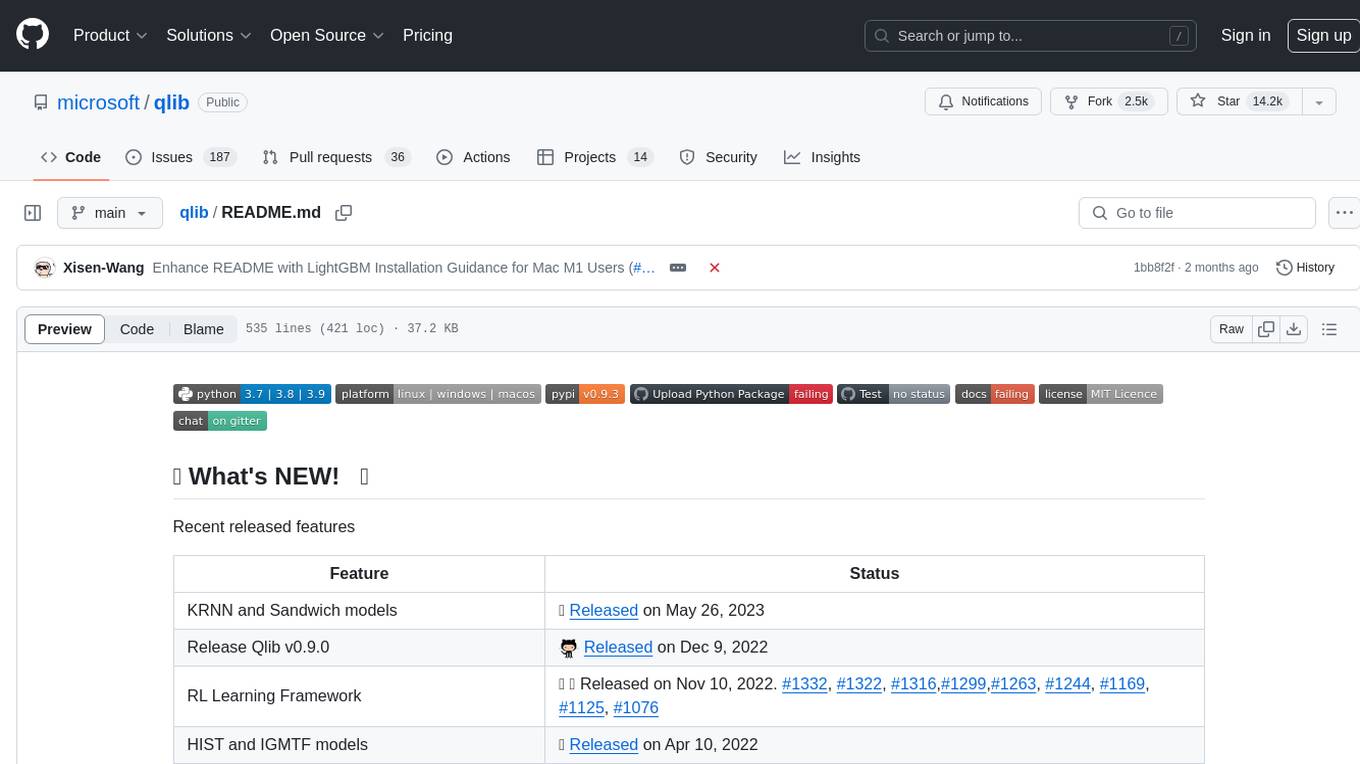
Qlib is an open-source, AI-oriented quantitative investment platform that supports diverse machine learning modeling paradigms, including supervised learning, market dynamics modeling, and reinforcement learning. It covers the entire chain of quantitative investment, from alpha seeking to order execution. The platform empowers researchers to explore ideas and implement productions using AI technologies in quantitative investment. Qlib collaboratively solves key challenges in quantitative investment by releasing state-of-the-art research works in various paradigms. It provides a full ML pipeline for data processing, model training, and back-testing, enabling users to perform tasks such as forecasting market patterns, adapting to market dynamics, and modeling continuous investment decisions.
jupyter-quant
Jupyter Quant is a dockerized environment tailored for quantitative research, equipped with essential tools like statsmodels, pymc, arch, py_vollib, zipline-reloaded, PyPortfolioOpt, numpy, pandas, sci-py, scikit-learn, yellowbricks, shap, optuna, ib_insync, Cython, Numba, bottleneck, numexpr, jedi language server, jupyterlab-lsp, black, isort, and more. It does not include conda/mamba and relies on pip for package installation. The image is optimized for size, includes common command line utilities, supports apt cache, and allows for the installation of additional packages. It is designed for ephemeral containers, ensuring data persistence, and offers volumes for data, configuration, and notebooks. Common tasks include setting up the server, managing configurations, setting passwords, listing installed packages, passing parameters to jupyter-lab, running commands in the container, building wheels outside the container, installing dotfiles and SSH keys, and creating SSH tunnels.
FinRobot
FinRobot is an open-source AI agent platform designed for financial applications using large language models. It transcends the scope of FinGPT, offering a comprehensive solution that integrates a diverse array of AI technologies. The platform's versatility and adaptability cater to the multifaceted needs of the financial industry. FinRobot's ecosystem is organized into four layers, including Financial AI Agents Layer, Financial LLMs Algorithms Layer, LLMOps and DataOps Layers, and Multi-source LLM Foundation Models Layer. The platform's agent workflow involves Perception, Brain, and Action modules to capture, process, and execute financial data and insights. The Smart Scheduler optimizes model diversity and selection for tasks, managed by components like Director Agent, Agent Registration, Agent Adaptor, and Task Manager. The tool provides a structured file organization with subfolders for agents, data sources, and functional modules, along with installation instructions and hands-on tutorials.
hands-on-lab-neo4j-and-vertex-ai
This repository provides a hands-on lab for learning about Neo4j and Google Cloud Vertex AI. It is intended for data scientists and data engineers to deploy Neo4j and Vertex AI in a Google Cloud account, work with real-world datasets, apply generative AI, build a chatbot over a knowledge graph, and use vector search and index functionality for semantic search. The lab focuses on analyzing quarterly filings of asset managers with $100m+ assets under management, exploring relationships using Neo4j Browser and Cypher query language, and discussing potential applications in capital markets such as algorithmic trading and securities master data management.
jupyter-quant
Jupyter Quant is a dockerized environment tailored for quantitative research, equipped with essential tools like statsmodels, pymc, arch, py_vollib, zipline-reloaded, PyPortfolioOpt, numpy, pandas, sci-py, scikit-learn, yellowbricks, shap, optuna, and more. It provides Interactive Broker connectivity via ib_async and includes major Python packages for statistical and time series analysis. The image is optimized for size, includes jedi language server, jupyterlab-lsp, and common command line utilities. Users can install new packages with sudo, leverage apt cache, and bring their own dot files and SSH keys. The tool is designed for ephemeral containers, ensuring data persistence and flexibility for quantitative analysis tasks.
Qbot
Qbot is an AI-oriented automated quantitative investment platform that supports diverse machine learning modeling paradigms, including supervised learning, market dynamics modeling, and reinforcement learning. It provides a full closed-loop process from data acquisition, strategy development, backtesting, simulation trading to live trading. The platform emphasizes AI strategies such as machine learning, reinforcement learning, and deep learning, combined with multi-factor models to enhance returns. Users with some Python knowledge and trading experience can easily utilize the platform to address trading pain points and gaps in the market.
FinMem-LLM-StockTrading
This repository contains the Python source code for FINMEM, a Performance-Enhanced Large Language Model Trading Agent with Layered Memory and Character Design. It introduces FinMem, a novel LLM-based agent framework devised for financial decision-making, encompassing three core modules: Profiling, Memory with layered processing, and Decision-making. FinMem's memory module aligns closely with the cognitive structure of human traders, offering robust interpretability and real-time tuning. The framework enables the agent to self-evolve its professional knowledge, react agilely to new investment cues, and continuously refine trading decisions in the volatile financial environment. It presents a cutting-edge LLM agent framework for automated trading, boosting cumulative investment returns.
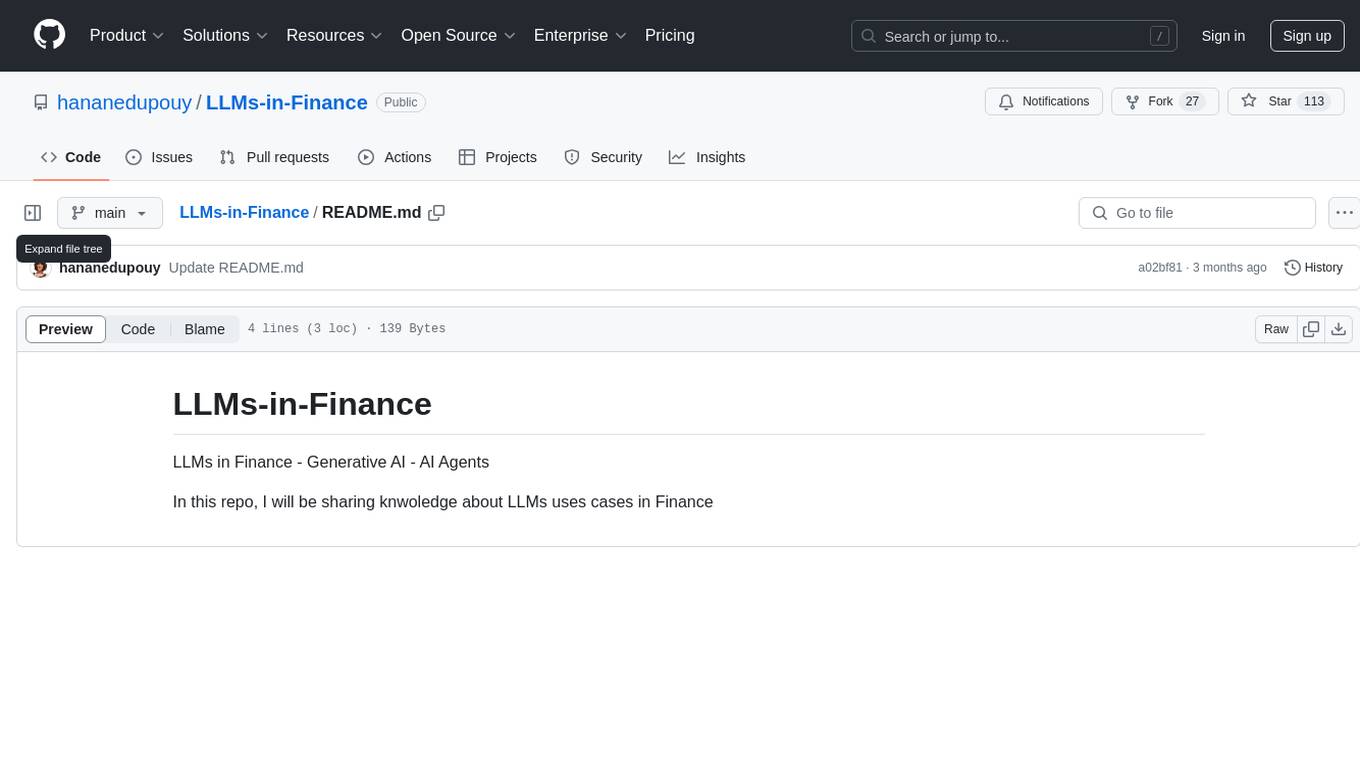
LLMs-in-Finance
This repository focuses on the application of Large Language Models (LLMs) in the field of finance. It provides insights and knowledge about how LLMs can be utilized in various scenarios within the finance industry, particularly in generating AI agents. The repository aims to explore the potential of LLMs to enhance financial processes and decision-making through the use of advanced natural language processing techniques.