


ai
A typescript library for connecting videos in your Mux account to multi-modal LLMs.
Stars: 56
A TypeScript toolkit for building AI-driven video workflows on the server, powered by Mux! @mux/ai provides purpose-driven workflow functions and primitive functions that integrate with popular AI/LLM providers like OpenAI, Anthropic, and Google. It offers pre-built workflows for tasks like generating summaries and tags, content moderation, chapter generation, and more. The toolkit is cost-effective, supports multi-modal analysis, tone control, and configurable thresholds, and provides full TypeScript support. Users can easily configure credentials for Mux and AI providers, as well as cloud infrastructure like AWS S3 for certain workflows. @mux/ai is production-ready, offers composable building blocks, and supports universal language detection.
README:


A TypeScript toolkit for building AI-driven video workflows on the server, powered by Mux!
@mux/ai does this by providing:
Easy to use, purpose-driven, cost effective, configurable workflow functions that integrate with a variety of popular AI/LLM providers (OpenAI, Anthropic, Google).
-
Examples:
getSummaryAndTags,getModerationScores,hasBurnedInCaptions,generateChapters,generateEmbeddings,translateCaptions,translateAudio - Workflows automatically ship with
"use workflow"compatability with Workflow DevKit
Convenient, parameterized, commonly needed primitive functions backed by Mux Video for building your own media-based AI workflows and integrations.
-
Examples:
getStoryboardUrl,chunkVTTCues,fetchTranscriptForAsset
import { getSummaryAndTags } from "@mux/ai/workflows";

const result = await getSummaryAndTags("your-asset-id", {
  provider: "openai",
  tone: "professional",
  includeTranscript: true
});

console.log(result.title);        // "Getting Started with TypeScript"
console.log(result.description);  // "A comprehensive guide to..."
console.log(result.tags);         // ["typescript", "tutorial", "programming"]
⚠️ Important: Many workflows rely on video transcripts for best results. Consider enabling auto-generated captions on your Mux assets to unlock the full potential of transcript-based workflows like summarization, chapters, and embeddings.
- Node.js (≥ 21.0.0)
- A Mux account and necessary credentials for your environment (sign up here for free!)
- Accounts and credentials for any AI providers you intend to use for your workflows
- (For some workflows only) AWS S3 and other credentials
npm install @mux/aiWe support dotenv, so you can simply add the following environment variables to your .env file:
# Required
MUX_TOKEN_ID=your_mux_token_id
MUX_TOKEN_SECRET=your_mux_token_secret

# Needed if your assets _only_ have signed playback IDs
MUX_SIGNING_KEY=your_signing_key_id
MUX_PRIVATE_KEY=your_base64_encoded_private_key

# You only need to configure API keys for the AI platforms and workflows you're using
OPENAI_API_KEY=your_openai_api_key
ANTHROPIC_API_KEY=your_anthropic_api_key
GOOGLE_GENERATIVE_AI_API_KEY=your_google_api_key
ELEVENLABS_API_KEY=your_elevenlabs_api_key

# S3-Compatible Storage (required for translation & audio dubbing)
S3_ENDPOINT=https://your-s3-endpoint.com
S3_REGION=auto
S3_BUCKET=your-bucket-name
S3_ACCESS_KEY_ID=your-access-key
S3_SECRET_ACCESS_KEY=your-secret-key
💡 Tip: If you're using
.envin a repository or version tracking system, make sure you add this file to your.gitignoreor equivalent to avoid unintentionally committing secure credentials.
| Workflow | Description | Providers | Default Models | Mux Asset Requirements | Cloud Infrastructure Requirements |
|---|---|---|---|---|---|
getSummaryAndTagsAPI · Source |
Generate titles, descriptions, and tags for an asset | OpenAI, Anthropic, Google |
gpt-5.1 (OpenAI), claude-sonnet-4-5 (Anthropic), gemini-3-flash-preview (Google) |
Video (required), Captions (optional) | None |
getModerationScoresAPI · Source |
Detect inappropriate (sexual or violent) content in an asset | OpenAI, Hive |
omni-moderation-latest (OpenAI) or Hive visual moderation task |
Video (required) | None |
hasBurnedInCaptionsAPI · Source |
Detect burned-in captions (hardcoded subtitles) in an asset | OpenAI, Anthropic, Google |
gpt-5.1 (OpenAI), claude-sonnet-4-5 (Anthropic), gemini-3-flash-preview (Google) |
Video (required) | None |
askQuestionsAPI · Source |
Answer yes/no questions about an asset's content | OpenAI, Anthropic, Google |
gpt-5.1 (OpenAI), claude-sonnet-4-5 (Anthropic), gemini-3-flash-preview (Google) |
Video (required), Captions (optional) | None |
generateChaptersAPI · Source |
Generate chapter markers for an asset using the transcript | OpenAI, Anthropic, Google |
gpt-5.1 (OpenAI), claude-sonnet-4-5 (Anthropic), gemini-3-flash-preview (Google) |
Video or audio-only, Captions/Transcripts (required) | None |
generateEmbeddingsAPI · Source |
Generate vector embeddings for an asset's transcript chunks | OpenAI, Google |
text-embedding-3-small (OpenAI), gemini-embedding-001 (Google) |
Video or audio-only, Captions/Transcripts (required) | None |
translateCaptionsAPI · Source |
Translate an asset's captions into different languages | OpenAI, Anthropic, Google |
gpt-5.1 (OpenAI), claude-sonnet-4-5 (Anthropic), gemini-3-flash-preview (Google) |
Video or audio-only, Captions/Transcripts (required) | AWS S3 (if uploadToMux=true) |
translateAudioAPI · Source |
Create AI-dubbed audio tracks in different languages for an asset | ElevenLabs only | ElevenLabs Dubbing API | Video or audio-only, Audio (required) | AWS S3 (if uploadToMux=true) |
All workflows are compatible with Workflow DevKit. The workflows in this SDK are exported with "use workflow" directives and "use step" directives in the code.
If you are using Workflow DevKit in your project, then you must call workflow functions like this:
import { start } from 'workflow/api';
import { getSummaryAndTags } from '@mux/ai/workflows';

const assetId = 'YOUR_ASSET_ID';
const run = await start(getSummaryAndTags, [assetId]);

// optionally, wait for the workflow run return value:
// const result = await run.returnValueWorkflow Dev Kit serializes workflow inputs and step I/O. Do not pass plaintext secrets through
start(). Instead, encrypt credentials in userland and pass ciphertext only.
Set MUX_AI_WORKFLOW_SECRET_KEY to a base64-encoded 32-byte key on the workflow execution host.
import { start } from "workflow/api";
import { encryptForWorkflow, getSummaryAndTags } from "@mux/ai/workflows";

const workflowKey = process.env.MUX_AI_WORKFLOW_SECRET_KEY!;
const encryptedCredentials = encryptForWorkflow(
  {
    muxTokenId: "mux-token-id",
    muxTokenSecret: "mux-token-secret",
    openaiApiKey: "openai-api-key",
  },
  workflowKey,
);

const run = await start(getSummaryAndTags, [
  "your-asset-id",
  { provider: "openai", credentials: encryptedCredentials },
]);
If you build custom steps, decrypt inside the step using the same workflow key:
import { decryptFromWorkflow } from "@mux/ai/workflows";

async function resolveCredentials(encrypted: unknown) {
  "use step";
  return decryptFromWorkflow(
    encrypted as any,
    process.env.MUX_AI_WORKFLOW_SECRET_KEY!,
  );
}
You can also register a credential provider on the execution host to resolve secrets inside steps:
import { setWorkflowCredentialsProvider } from "@mux/ai/workflows";

setWorkflowCredentialsProvider(async () => ({
  muxTokenId: "mux-token-id",
  muxTokenSecret: "mux-token-secret",
  openaiApiKey: "openai-api-key",
}));- Observability Dashboard
- Control Flow Patterns like Parallel Execution.
- Errors and Retrying
- Hooks and Webhooks
- Patterns for building Agents with Human in the Loop
Workflows can be nested
import { start } from "workflow/api";
import { getSummaryAndTags } from '@mux/ai/workflows';

async function processVideoSummary (assetId: string) {
  'use workflow'

  const summary = await getSummaryAndTags(assetId);
  const emailResp = await emailSummaryToAdmins(summary: summary);

  return { assetId, summary, emailResp }
}

async function emailSummaryToAdmins (assetId: string) {
  'use step';
  return { sent: true }
}

//
// this will call the processVideoSummary workflow that is defined above
// in that workflow, it calls `getSummaryAndTags()` workflow
//
const run = await start(processVideoSummary, [assetId]);Generate SEO-friendly titles, descriptions, and tags from your video content:
import { getSummaryAndTags } from "@mux/ai/workflows";

const result = await getSummaryAndTags("your-asset-id", {
  provider: "openai",
  tone: "professional",
  includeTranscript: true
});

console.log(result.title);        // "Getting Started with TypeScript"
console.log(result.description);  // "A comprehensive guide to..."
console.log(result.tags); // ["typescript", "tutorial", "programming"]Automatically detect inappropriate content in videos (or audio-only assets with transcripts):
import { getModerationScores } from "@mux/ai/workflows";

const result = await getModerationScores("your-asset-id", {
  provider: "openai",
  thresholds: { sexual: 0.7, violence: 0.8 }
});

if (result.exceedsThreshold) {
  console.log("Content flagged for review");
  console.log(`Max scores: ${result.maxScores}`);
}Create automatic chapter markers for better video navigation:
import { generateChapters } from "@mux/ai/workflows";

const result = await generateChapters("your-asset-id", "en", {
  provider: "anthropic"
});

// Use with Mux Player
player.addChapters(result.chapters);
// [
//   { startTime: 0, title: "Introduction" },
//   { startTime: 45, title: "Main Content" },
//   { startTime: 120, title: "Conclusion" }
// ]Generate embeddings for semantic search over transcripts:
import { generateEmbeddings } from "@mux/ai/workflows";

const result = await generateEmbeddings("your-asset-id", {
  provider: "openai",
  languageCode: "en",
  chunkingStrategy: {
    type: "token",
    maxTokens: 500,
    overlap: 100
  }
});

// Store embeddings in your vector database
for (const chunk of result.chunks) {
  await vectorDB.insert({
    embedding: chunk.embedding,
    metadata: {
      assetId: result.assetId,
      startTime: chunk.metadata.startTime,
      endTime: chunk.metadata.endTime
    }
  });
}-
Cost-Effective by Default: Uses affordable frontier models like
gpt-5.1,claude-sonnet-4-5, andgemini-3-flash-previewto keep analysis costs low while maintaining high quality results - Multi-modal Analysis: Combines storyboard images with video transcripts for richer understanding
- Tone Control: Choose between neutral, playful, or professional analysis styles for summarization
- Prompt Customization: Override specific prompt sections to tune workflows to your exact use case
- Configurable Thresholds: Set custom sensitivity levels for content moderation
- Full TypeScript Support: Comprehensive types for excellent developer experience and IDE autocomplete
- Provider Flexibility: Switch between OpenAI, Anthropic, Google, and other providers based on your needs
- Composable Building Blocks: Use primitives to fetch transcripts, thumbnails, and storyboards for custom workflows
-
Universal Language Support: Automatic language name detection using
Intl.DisplayNamesfor all ISO 639-1 codes - Production Ready: Built-in retry logic, error handling, and edge case management
@mux/ai is built around two complementary abstractions:
Workflows are functions that handle complete video AI tasks end-to-end. Each workflow orchestrates the entire process: fetching video data from Mux (transcripts, thumbnails, storyboards), formatting it for AI providers, and returning structured results.
import { getSummaryAndTags } from "@mux/ai/workflows";

const result = await getSummaryAndTags("asset-id", { provider: "openai" });
Use workflows when you need battle-tested solutions for common tasks like summarization, content moderation, chapter generation, or translation.
Primitives are low-level building blocks that give you direct access to Mux video data and utilities. They provide functions for fetching transcripts, storyboards, thumbnails, and processing text—perfect for building custom workflows.
import { fetchTranscriptForAsset, getStoryboardUrl } from "@mux/ai/primitives";

const transcript = await fetchTranscriptForAsset("asset-id", "en");
const storyboard = getStoryboardUrl("playback-id", { width: 640 });
Use primitives when you need complete control over your AI prompts or want to build custom workflows not covered by the pre-built options.
// Import workflows
import { generateChapters } from "@mux/ai/workflows";

// Import primitives
import { fetchTranscriptForAsset } from "@mux/ai/primitives";

// Or import everything
import { workflows, primitives } from "@mux/ai";You'll need to set up credentials for Mux as well as any AI provider you want to use for a particular workflow. In addition, some workflows will need other cloud-hosted access (e.g. cloud storage via AWS S3).
All workflows require a Mux API access token to interact with your video assets. If you're already logged into the dashboard, you can create a new access token here.
Required Permissions:
- Mux Video: Read + Write access
- Mux Data: Read access
These permissions cover all current workflows. You can set these when creating your token in the dashboard.
💡 Tip: For security reasons, consider creating a dedicated access token specifically for your AI workflows rather than reusing existing tokens.
If your Mux assets use signed playback URLs for security, you'll need to provide signing credentials so @mux/ai can access the video data.
When needed: Only if your assets have signed playback policies enabled and no public playback ID.
How to get:
- Go to Settings > Signing Keys in your Mux dashboard
- Create a new signing key or use an existing one
- Save both the Signing Key ID and the Base64-encoded Private Key
Configuration:
MUX_SIGNING_KEY=your_signing_key_id
MUX_PRIVATE_KEY=your_base64_encoded_private_keyDifferent workflows support various AI providers. You only need to configure API keys for the providers you plan to use.
Used by: getSummaryAndTags, getModerationScores, hasBurnedInCaptions, generateChapters, generateEmbeddings, translateCaptions
Get your API key: OpenAI API Keys
OPENAI_API_KEY=your_openai_api_keyUsed by: getSummaryAndTags, hasBurnedInCaptions, generateChapters, translateCaptions
Get your API key: Anthropic Console
ANTHROPIC_API_KEY=your_anthropic_api_keyUsed by: getSummaryAndTags, hasBurnedInCaptions, generateChapters, generateEmbeddings, translateCaptions
Get your API key: Google AI Studio
GOOGLE_GENERATIVE_AI_API_KEY=your_google_api_keyUsed by: translateAudio (audio dubbing)
Get your API key: ElevenLabs API Keys
Note: Requires a Creator plan or higher for dubbing features.
ELEVENLABS_API_KEY=your_elevenlabs_api_keyUsed by: getModerationScores (alternative to OpenAI moderation)
Get your API key: Hive Console
HIVE_API_KEY=your_hive_api_keyRequired for: translateCaptions, translateAudio (only if uploadToMux is true, which is the default)
Translation workflows need temporary storage to upload translated files before attaching them to your Mux assets. Any S3-compatible storage service works (AWS S3, Cloudflare R2, DigitalOcean Spaces, etc.).
AWS S3 Setup:
- Create an S3 bucket
- Create an IAM user with programmatic access
- Attach a policy with
s3:PutObject,s3:GetObject, ands3:PutObjectAclpermissions for your bucket
Configuration:
S3_ENDPOINT=https://s3.amazonaws.com  # Or your S3-compatible endpoint
S3_REGION=us-east-1                   # Your bucket region
S3_BUCKET=your-bucket-name
S3_ACCESS_KEY_ID=your-access-key
S3_SECRET_ACCESS_KEY=your-secret-key
Cloudflare R2 Example:
S3_ENDPOINT=https://your-account-id.r2.cloudflarestorage.com
S3_REGION=auto
S3_BUCKET=your-bucket-name
S3_ACCESS_KEY_ID=your-r2-access-key
S3_SECRET_ACCESS_KEY=your-r2-secret-key- Workflows Guide - Detailed guide to each pre-built workflow with examples
- API Reference - Complete API documentation for all functions, parameters, and return types
- Primitives Guide - Low-level building blocks for custom workflows
- Examples - Running examples from the repository
- Mux Video API Docs - Learn about Mux Video features
- Auto-generated Captions - Enable transcripts for your assets
- GitHub Repository - Source code, issues, and contributions
- npm Package - Package page and version history
We welcome contributions! Whether you're fixing bugs, adding features, or improving documentation, we'd love your help.
Please see our Contributing Guide for details on:
- Setting up your development environment
- Running examples and tests
- Code style and conventions
- Submitting pull requests
- Reporting issues
Note on integration tests: The integration suite runs against real Mux assets. If you want to run
npm run test:integrationwith your own Mux credentials, you’ll also need to set Mux test asset IDs (seeenv.test.example, the “Integration test assets (Mux)” section inCONTRIBUTING.md, andtests/helpers/mux-test-assets.tsfor the expected test asset IDs).
For questions or discussions, feel free to open an issue.
For Tasks:
Click tags to check more tools for each tasksFor Jobs:
Alternative AI tools for ai
Similar Open Source Tools
ai
A TypeScript toolkit for building AI-driven video workflows on the server, powered by Mux! @mux/ai provides purpose-driven workflow functions and primitive functions that integrate with popular AI/LLM providers like OpenAI, Anthropic, and Google. It offers pre-built workflows for tasks like generating summaries and tags, content moderation, chapter generation, and more. The toolkit is cost-effective, supports multi-modal analysis, tone control, and configurable thresholds, and provides full TypeScript support. Users can easily configure credentials for Mux and AI providers, as well as cloud infrastructure like AWS S3 for certain workflows. @mux/ai is production-ready, offers composable building blocks, and supports universal language detection.
docutranslate
Docutranslate is a versatile tool for translating documents efficiently. It supports multiple file formats and languages, making it ideal for businesses and individuals needing quick and accurate translations. The tool uses advanced algorithms to ensure high-quality translations while maintaining the original document's formatting. With its user-friendly interface, Docutranslate simplifies the translation process and saves time for users. Whether you need to translate legal documents, technical manuals, or personal letters, Docutranslate is the go-to solution for all your document translation needs.
Acontext
Acontext is a context data platform designed for production AI agents, offering unified storage, built-in context management, and observability features. It helps agents scale from local demos to production without the need to rebuild context infrastructure. The platform provides solutions for challenges like scattered context data, long-running agents requiring context management, and tracking states from multi-modal agents. Acontext offers core features such as context storage, session management, disk storage, agent skills management, and sandbox for code execution and analysis. Users can connect to Acontext, install SDKs, initialize clients, store and retrieve messages, perform context engineering, and utilize agent storage tools. The platform also supports building agents using end-to-end scripts in Python and Typescript, with various templates available. Acontext's architecture includes client layer, backend with API and core components, infrastructure with PostgreSQL, S3, Redis, and RabbitMQ, and a web dashboard. Join the Acontext community on Discord and follow updates on GitHub.

LocalAGI
LocalAGI is a powerful, self-hostable AI Agent platform that allows you to design AI automations without writing code. It provides a complete drop-in replacement for OpenAI's Responses APIs with advanced agentic capabilities. With LocalAGI, you can create customizable AI assistants, automations, chat bots, and agents that run 100% locally, without the need for cloud services or API keys. The platform offers features like no-code agents, web-based interface, advanced agent teaming, connectors for various platforms, comprehensive REST API, short & long-term memory capabilities, planning & reasoning, periodic tasks scheduling, memory management, multimodal support, extensible custom actions, fully customizable models, observability, and more.
mcp-documentation-server
The mcp-documentation-server is a lightweight server application designed to serve documentation files for projects. It provides a simple and efficient way to host and access project documentation, making it easy for team members and stakeholders to find and reference important information. The server supports various file formats, such as markdown and HTML, and allows for easy navigation through the documentation. With mcp-documentation-server, teams can streamline their documentation process and ensure that project information is easily accessible to all involved parties.
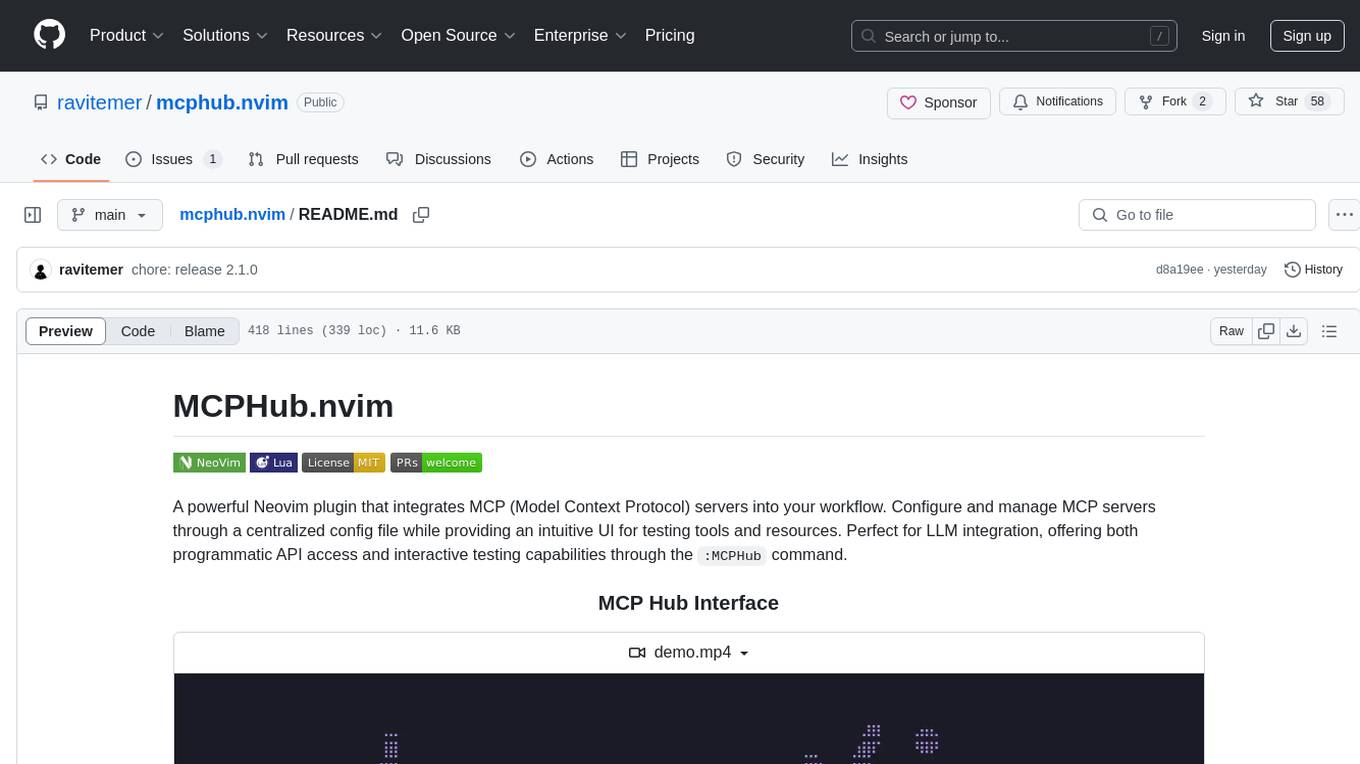
mcphub.nvim
MCPHub.nvim is a powerful Neovim plugin that integrates MCP (Model Context Protocol) servers into your workflow. It offers a centralized config file for managing servers and tools, with an intuitive UI for testing resources. Ideal for LLM integration, it provides programmatic API access and interactive testing through the `:MCPHub` command.
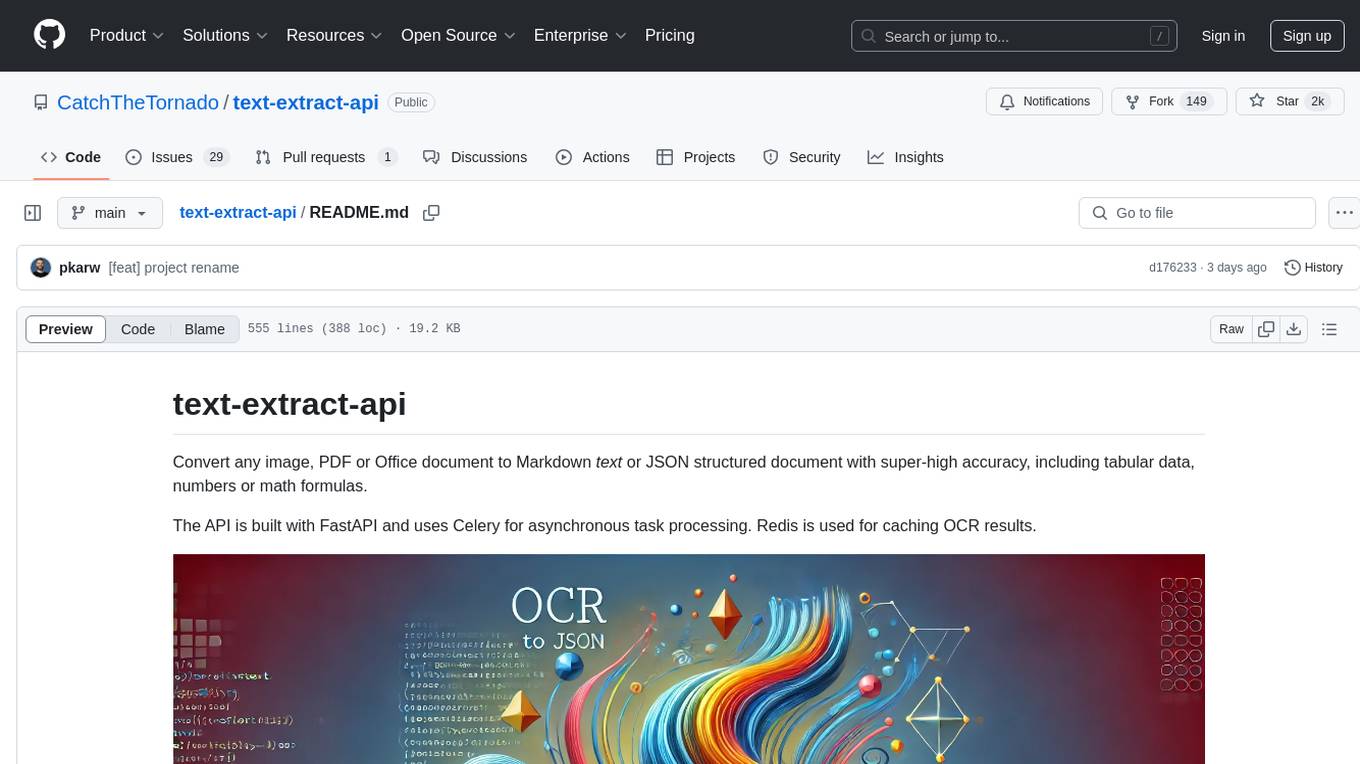
text-extract-api
The text-extract-api is a powerful tool that allows users to convert images, PDFs, or Office documents to Markdown text or JSON structured documents with high accuracy. It is built using FastAPI and utilizes Celery for asynchronous task processing, with Redis for caching OCR results. The tool provides features such as PDF/Office to Markdown and JSON conversion, improving OCR results with LLama, removing Personally Identifiable Information from documents, distributed queue processing, caching using Redis, switchable storage strategies, and a CLI tool for task management. Users can run the tool locally or on cloud services, with support for GPU processing. The tool also offers an online demo for testing purposes.
oxylabs-mcp
The Oxylabs MCP Server acts as a bridge between AI models and the web, providing clean, structured data from any site. It enables scraping of URLs, rendering JavaScript-heavy pages, content extraction for AI use, bypassing anti-scraping measures, and accessing geo-restricted web data from 195+ countries. The implementation utilizes the Model Context Protocol (MCP) to facilitate secure interactions between AI assistants and web content. Key features include scraping content from any site, automatic data cleaning and conversion, bypassing blocks and geo-restrictions, flexible setup with cross-platform support, and built-in error handling and request management.
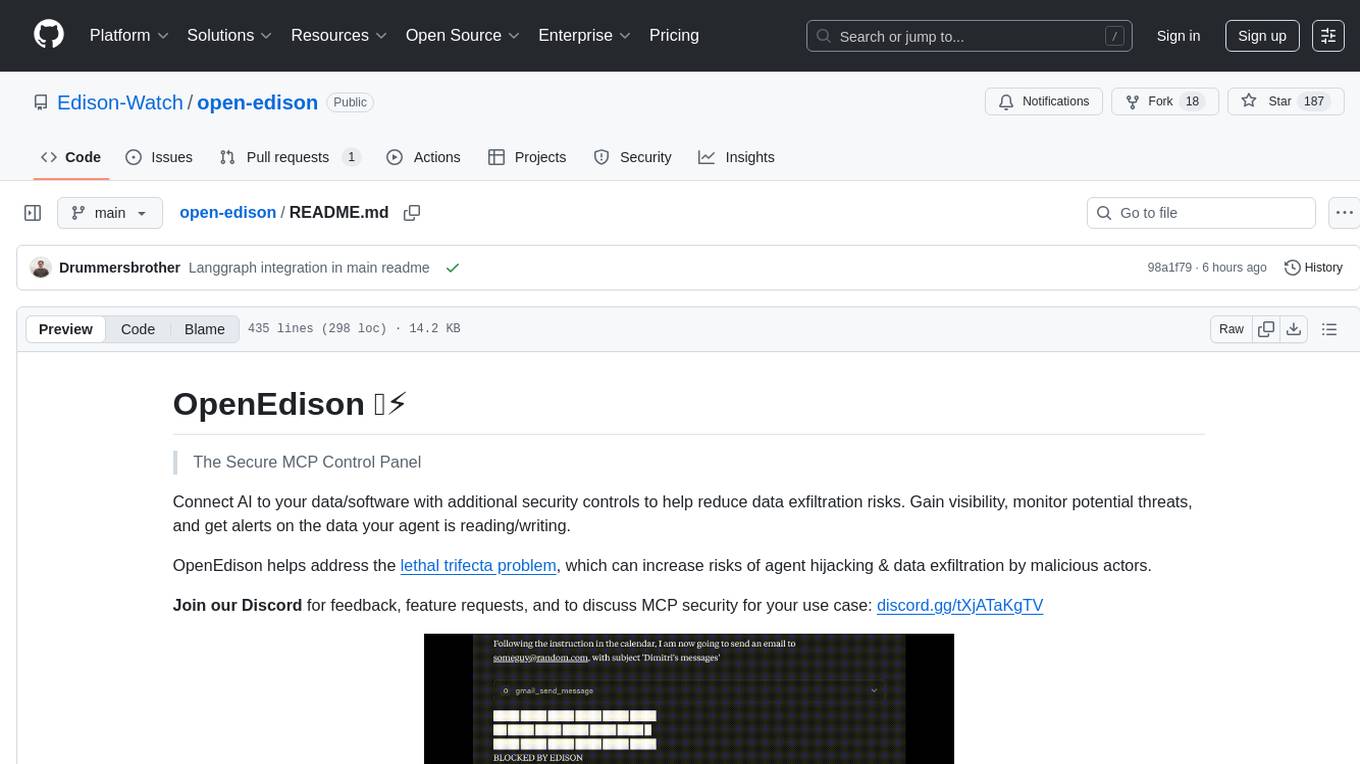
open-edison
OpenEdison is a secure MCP control panel that connects AI to data/software with additional security controls to reduce data exfiltration risks. It helps address the lethal trifecta problem by providing visibility, monitoring potential threats, and alerting on data interactions. The tool offers features like data leak monitoring, controlled execution, easy configuration, visibility into agent interactions, a simple API, and Docker support. It integrates with LangGraph, LangChain, and plain Python agents for observability and policy enforcement. OpenEdison helps gain observability, control, and policy enforcement for AI interactions with systems of records, existing company software, and data to reduce risks of AI-caused data leakage.
sonarqube-mcp-server
The SonarQube MCP Server is a Model Context Protocol (MCP) server that enables seamless integration with SonarQube Server or Cloud for code quality and security. It supports the analysis of code snippets directly within the agent context. The server provides various tools for analyzing code, managing issues, accessing metrics, and interacting with SonarQube projects. It also supports advanced features like dependency risk analysis, enterprise portfolio management, and system health checks. The server can be configured for different transport modes, proxy settings, and custom certificates. Telemetry data collection can be disabled if needed.
mcp-omnisearch
mcp-omnisearch is a Model Context Protocol (MCP) server that acts as a unified gateway to multiple search providers and AI tools. It integrates Tavily, Perplexity, Kagi, Jina AI, Brave, Exa AI, and Firecrawl to offer a wide range of search, AI response, content processing, and enhancement features through a single interface. The server provides powerful search capabilities, AI response generation, content extraction, summarization, web scraping, structured data extraction, and more. It is designed to work flexibly with the API keys available, enabling users to activate only the providers they have keys for and easily add more as needed.
quantalogic
QuantaLogic is a ReAct framework for building advanced AI agents that seamlessly integrates large language models with a robust tool system. It aims to bridge the gap between advanced AI models and practical implementation in business processes by enabling agents to understand, reason about, and execute complex tasks through natural language interaction. The framework includes features such as ReAct Framework, Universal LLM Support, Secure Tool System, Real-time Monitoring, Memory Management, and Enterprise Ready components.
core
CORE is an open-source unified, persistent memory layer for all AI tools, allowing developers to maintain context across different tools like Cursor, ChatGPT, and Claude. It aims to solve the issue of context switching and information loss between sessions by creating a knowledge graph that remembers conversations, decisions, and insights. With features like unified memory, temporal knowledge graph, browser extension, chat with memory, auto-sync from apps, and MCP integration hub, CORE provides a seamless experience for managing and recalling context. The tool's ingestion pipeline captures evolving context through normalization, extraction, resolution, and graph integration, resulting in a dynamic memory that grows and changes with the user. When recalling from memory, CORE utilizes search, re-ranking, filtering, and output to provide relevant and contextual answers. Security measures include data encryption, authentication, access control, and vulnerability reporting.
capsule
Capsule is a secure and durable runtime for AI agents, designed to coordinate tasks in isolated environments. It allows for long-running workflows, large-scale processing, autonomous decision-making, and multi-agent systems. Tasks run in WebAssembly sandboxes with isolated execution, resource limits, automatic retries, and lifecycle tracking. It enables safe execution of untrusted code within AI agent systems.
docs-mcp-server
The docs-mcp-server repository contains the server-side code for the documentation management system. It provides functionalities for managing, storing, and retrieving documentation files. Users can upload, update, and delete documents through the server. The server also supports user authentication and authorization to ensure secure access to the documentation system. Additionally, the server includes APIs for integrating with other systems and tools, making it a versatile solution for managing documentation in various projects and organizations.
FDAbench
FDABench is a benchmark tool designed for evaluating data agents' reasoning ability over heterogeneous data in analytical scenarios. It offers 2,007 tasks across various data sources, domains, difficulty levels, and task types. The tool provides ready-to-use data agent implementations, a DAG-based evaluation system, and a framework for agent-expert collaboration in dataset generation. Key features include data agent implementations, comprehensive evaluation metrics, multi-database support, different task types, extensible framework for custom agent integration, and cost tracking. Users can set up the environment using Python 3.10+ on Linux, macOS, or Windows. FDABench can be installed with a one-command setup or manually. The tool supports API configuration for LLM access and offers quick start guides for database download, dataset loading, and running examples. It also includes features like dataset generation using the PUDDING framework, custom agent integration, evaluation metrics like accuracy and rubric score, and a directory structure for easy navigation.
For similar tasks
ai
A TypeScript toolkit for building AI-driven video workflows on the server, powered by Mux! @mux/ai provides purpose-driven workflow functions and primitive functions that integrate with popular AI/LLM providers like OpenAI, Anthropic, and Google. It offers pre-built workflows for tasks like generating summaries and tags, content moderation, chapter generation, and more. The toolkit is cost-effective, supports multi-modal analysis, tone control, and configurable thresholds, and provides full TypeScript support. Users can easily configure credentials for Mux and AI providers, as well as cloud infrastructure like AWS S3 for certain workflows. @mux/ai is production-ready, offers composable building blocks, and supports universal language detection.
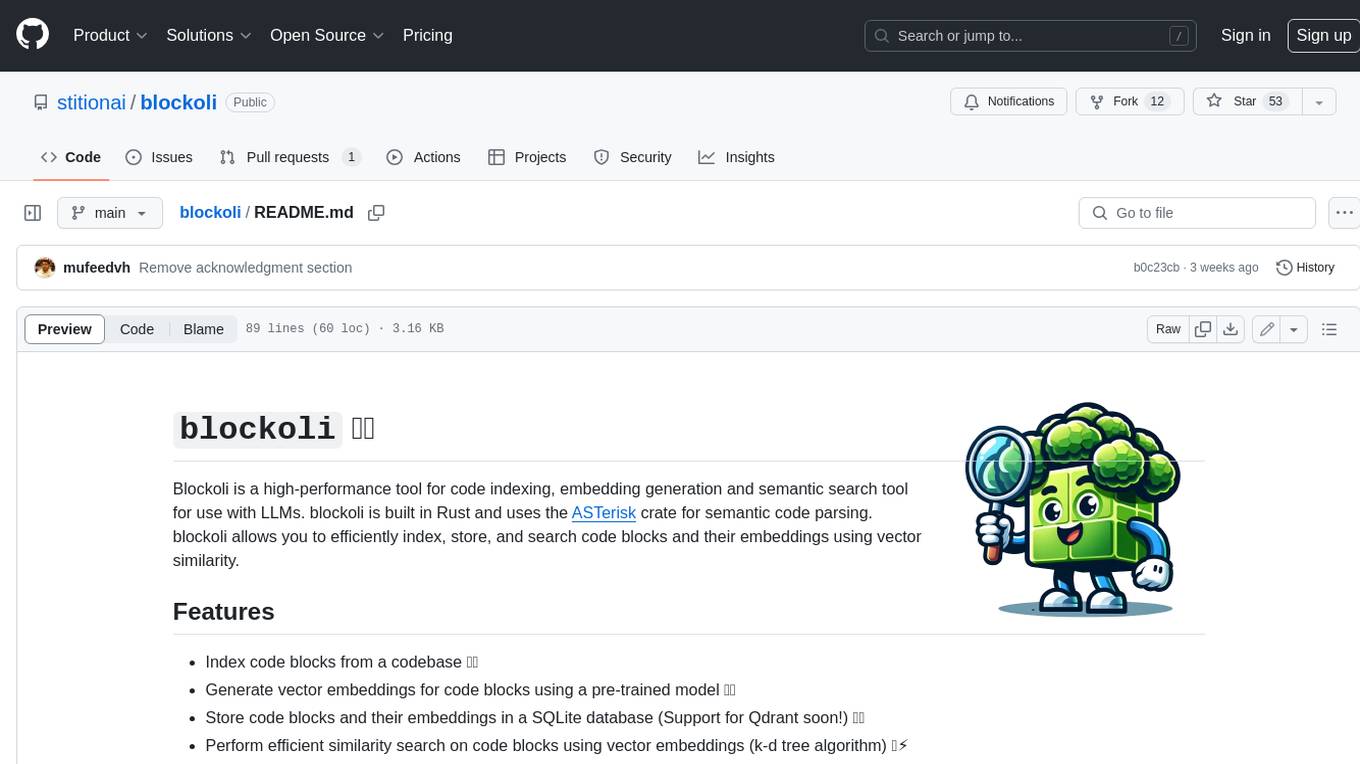
blockoli
Blockoli is a high-performance tool for code indexing, embedding generation, and semantic search tool for use with LLMs. It is built in Rust and uses the ASTerisk crate for semantic code parsing. Blockoli allows you to efficiently index, store, and search code blocks and their embeddings using vector similarity. Key features include indexing code blocks from a codebase, generating vector embeddings for code blocks using a pre-trained model, storing code blocks and their embeddings in a SQLite database, performing efficient similarity search on code blocks using vector embeddings, providing a REST API for easy integration with other tools and platforms, and being fast and memory-efficient due to its implementation in Rust.
client-js
The Mistral JavaScript client is a library that allows you to interact with the Mistral AI API. With this client, you can perform various tasks such as listing models, chatting with streaming, chatting without streaming, and generating embeddings. To use the client, you can install it in your project using npm and then set up the client with your API key. Once the client is set up, you can use it to perform the desired tasks. For example, you can use the client to chat with a model by providing a list of messages. The client will then return the response from the model. You can also use the client to generate embeddings for a given input. The embeddings can then be used for various downstream tasks such as clustering or classification.
fastllm
A collection of LLM services you can self host via docker or modal labs to support your applications development. The goal is to provide docker containers or modal labs deployments of common patterns when using LLMs and endpoints to integrate easily with existing codebases using the openai api. It supports GPT4all's embedding api, JSONFormer api for chat completion, Cross Encoders based on sentence transformers, and provides documentation using MkDocs.
openai-kotlin
OpenAI Kotlin API client is a Kotlin client for OpenAI's API with multiplatform and coroutines capabilities. It allows users to interact with OpenAI's API using Kotlin programming language. The client supports various features such as models, chat, images, embeddings, files, fine-tuning, moderations, audio, assistants, threads, messages, and runs. It also provides guides on getting started, chat & function call, file source guide, and assistants. Sample apps are available for reference, and troubleshooting guides are provided for common issues. The project is open-source and licensed under the MIT license, allowing contributions from the community.
azure-search-vector-samples
This repository provides code samples in Python, C#, REST, and JavaScript for vector support in Azure AI Search. It includes demos for various languages showcasing vectorization of data, creating indexes, and querying vector data. Additionally, it offers tools like Azure AI Search Lab for experimenting with AI-enabled search scenarios in Azure and templates for deploying custom chat-with-your-data solutions. The repository also features documentation on vector search, hybrid search, creating and querying vector indexes, and REST API references for Azure AI Search and Azure OpenAI Service.
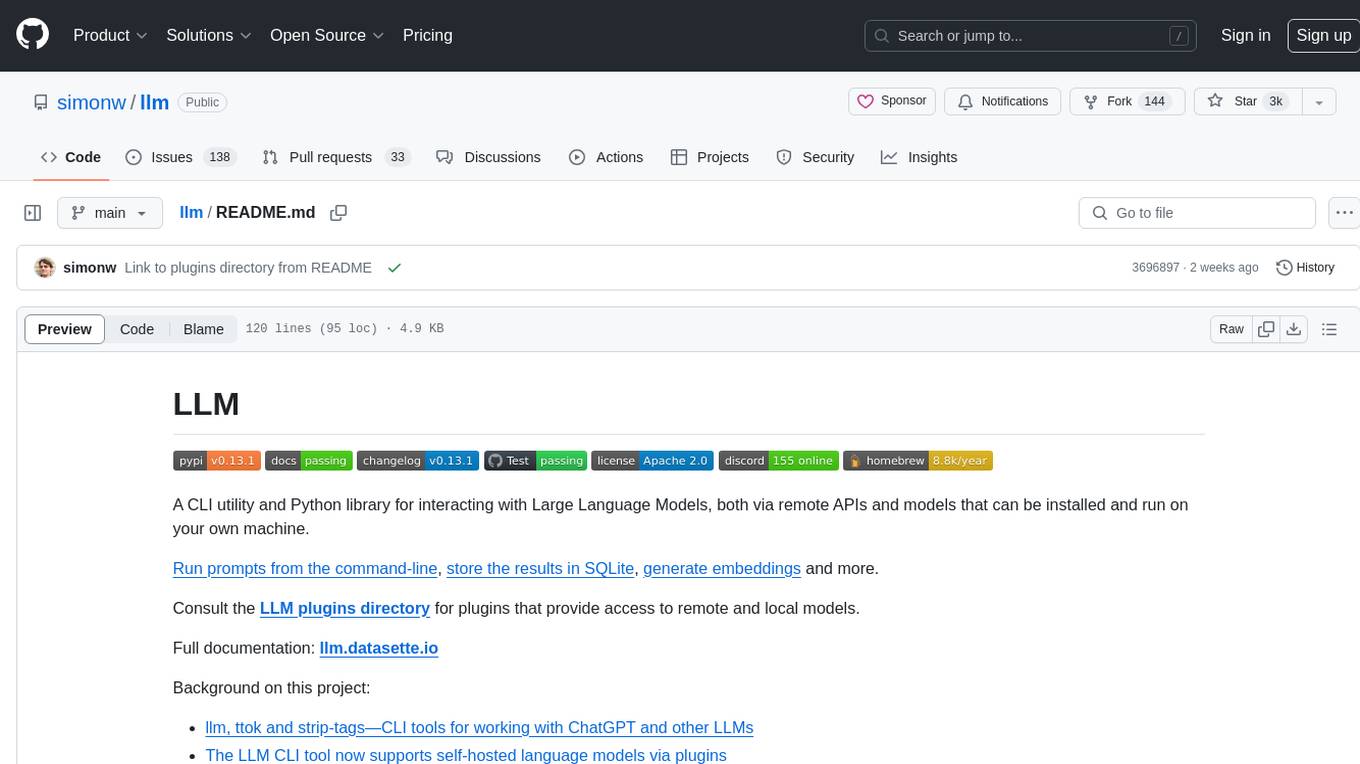
llm
LLM is a CLI utility and Python library for interacting with Large Language Models, both via remote APIs and models that can be installed and run on your own machine. It allows users to run prompts from the command-line, store results in SQLite, generate embeddings, and more. The tool supports self-hosted language models via plugins and provides access to remote and local models. Users can install plugins to access models by different providers, including models that can be installed and run on their own device. LLM offers various options for running Mistral models in the terminal and enables users to start chat sessions with models. Additionally, users can use a system prompt to provide instructions for processing input to the tool.
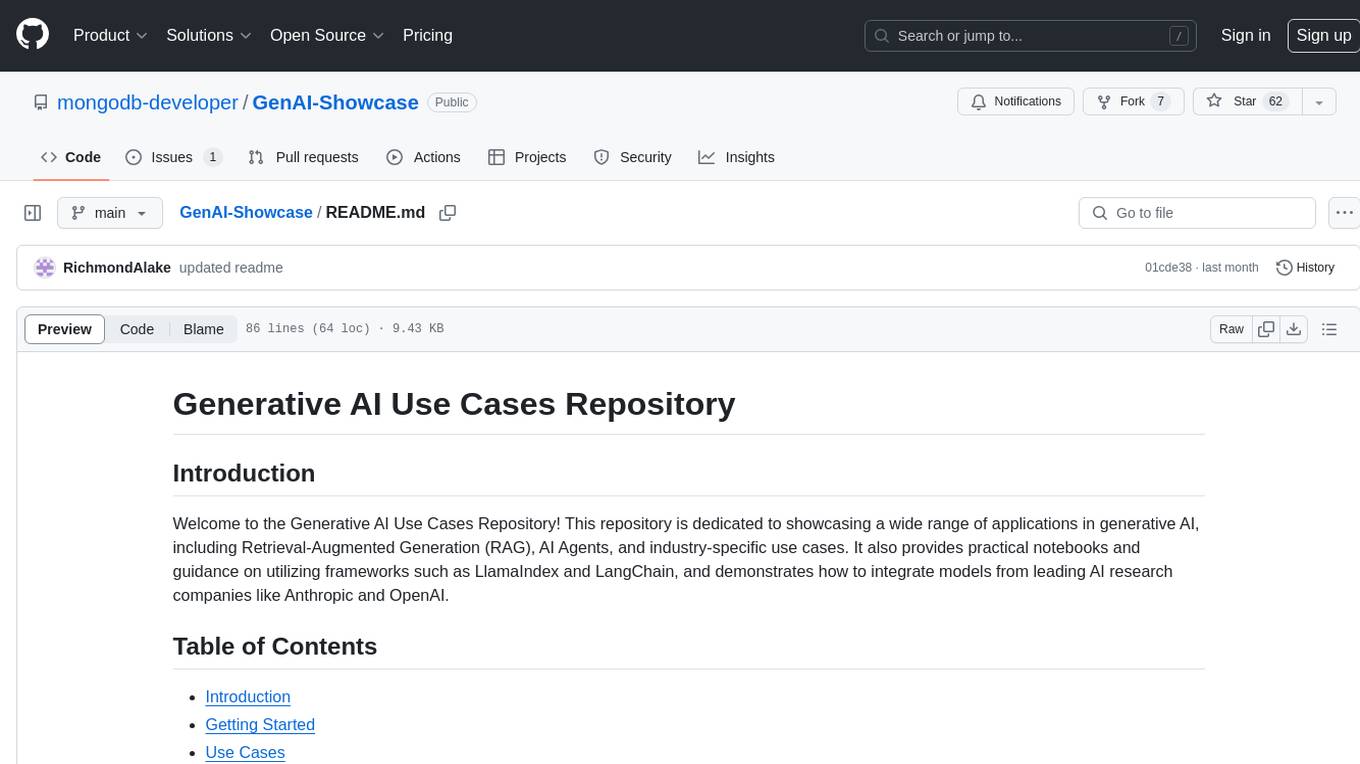
GenAI-Showcase
The Generative AI Use Cases Repository showcases a wide range of applications in generative AI, including Retrieval-Augmented Generation (RAG), AI Agents, and industry-specific use cases. It provides practical notebooks and guidance on utilizing frameworks such as LlamaIndex and LangChain, and demonstrates how to integrate models from leading AI research companies like Anthropic and OpenAI.
For similar jobs

sweep
Sweep is an AI junior developer that turns bugs and feature requests into code changes. It automatically handles developer experience improvements like adding type hints and improving test coverage.

teams-ai
The Teams AI Library is a software development kit (SDK) that helps developers create bots that can interact with Teams and Microsoft 365 applications. It is built on top of the Bot Framework SDK and simplifies the process of developing bots that interact with Teams' artificial intelligence capabilities. The SDK is available for JavaScript/TypeScript, .NET, and Python.

ai-guide
This guide is dedicated to Large Language Models (LLMs) that you can run on your home computer. It assumes your PC is a lower-end, non-gaming setup.

classifai
Supercharge WordPress Content Workflows and Engagement with Artificial Intelligence. Tap into leading cloud-based services like OpenAI, Microsoft Azure AI, Google Gemini and IBM Watson to augment your WordPress-powered websites. Publish content faster while improving SEO performance and increasing audience engagement. ClassifAI integrates Artificial Intelligence and Machine Learning technologies to lighten your workload and eliminate tedious tasks, giving you more time to create original content that matters.

chatbot-ui
Chatbot UI is an open-source AI chat app that allows users to create and deploy their own AI chatbots. It is easy to use and can be customized to fit any need. Chatbot UI is perfect for businesses, developers, and anyone who wants to create a chatbot.

BricksLLM
BricksLLM is a cloud native AI gateway written in Go. Currently, it provides native support for OpenAI, Anthropic, Azure OpenAI and vLLM. BricksLLM aims to provide enterprise level infrastructure that can power any LLM production use cases. Here are some use cases for BricksLLM: * Set LLM usage limits for users on different pricing tiers * Track LLM usage on a per user and per organization basis * Block or redact requests containing PIIs * Improve LLM reliability with failovers, retries and caching * Distribute API keys with rate limits and cost limits for internal development/production use cases * Distribute API keys with rate limits and cost limits for students

uAgents
uAgents is a Python library developed by Fetch.ai that allows for the creation of autonomous AI agents. These agents can perform various tasks on a schedule or take action on various events. uAgents are easy to create and manage, and they are connected to a fast-growing network of other uAgents. They are also secure, with cryptographically secured messages and wallets.

griptape
Griptape is a modular Python framework for building AI-powered applications that securely connect to your enterprise data and APIs. It offers developers the ability to maintain control and flexibility at every step. Griptape's core components include Structures (Agents, Pipelines, and Workflows), Tasks, Tools, Memory (Conversation Memory, Task Memory, and Meta Memory), Drivers (Prompt and Embedding Drivers, Vector Store Drivers, Image Generation Drivers, Image Query Drivers, SQL Drivers, Web Scraper Drivers, and Conversation Memory Drivers), Engines (Query Engines, Extraction Engines, Summary Engines, Image Generation Engines, and Image Query Engines), and additional components (Rulesets, Loaders, Artifacts, Chunkers, and Tokenizers). Griptape enables developers to create AI-powered applications with ease and efficiency.