


core
Build your digital brain which can talk to your AI apps.
Stars: 1343
CORE is an open-source unified, persistent memory layer for all AI tools, allowing developers to maintain context across different tools like Cursor, ChatGPT, and Claude. It aims to solve the issue of context switching and information loss between sessions by creating a knowledge graph that remembers conversations, decisions, and insights. With features like unified memory, temporal knowledge graph, browser extension, chat with memory, auto-sync from apps, and MCP integration hub, CORE provides a seamless experience for managing and recalling context. The tool's ingestion pipeline captures evolving context through normalization, extraction, resolution, and graph integration, resulting in a dynamic memory that grows and changes with the user. When recalling from memory, CORE utilizes search, re-ranking, filtering, and output to provide relevant and contextual answers. Security measures include data encryption, authentication, access control, and vulnerability reporting.
README:





Your AI forgets. Every new chat starts with "let me give you some context." Your critical decisions, preferences, and insights are scattered across tools that don't talk to each other. Your head doesn't scale.
CORE is your memory agent. Not a database. Not a search box. A digital brain that replicates how human memory actually works—organizing episodes into topics, creating associations, and surfacing exactly what you need, when you need it.
CORE is a memory agent that gives your AI tools persistent memory and the ability to act in the apps you use.
How it helps Claude Code:
- Preferences → Surfaces during code review (formatting, patterns, tools)
- Decisions → Surfaces when encountering similar choices ("why we chose X over Y")
- Directives → Always available (rules like "always run tests", "never skip reviews")
- Problems → Surfaces when debugging (issues you've hit before)
- Goals → Surfaces when planning (what you're working toward)
- Knowledge → Surfaces when explaining (your expertise level)
Right information, right time—not context dumping.
- Context preserved across Claude Code, Cursor and other coding agents
- Take actions in Linear, GitHub, Slack, Gmail, Google Sheets and other apps you use
- Connect once via MCP, works everywhere
- Open-source and self-hostable; your data, your control
CORE becomes your persistent memory layer for coding agents. Ask any AI tool to pull relevant context—CORE's memory agent understands your intent and surfaces exactly what you need.
Search core memory for architecture decisions on the payment serviceWhat CORE does: Classifies as Entity Query (payment service) + Aspect Query (decisions), filters by aspect=Decision and entity=payment service, returns decisions with their reasoning and timestamps.
What are my content guidelines from core to create the blog?What CORE does: Aspect Query for Preferences/Directives related to content, surfaces your rules and patterns for content creation.
Connect your apps once, take actions from anywhere.
- Create/Read GitHub, Linear issues
- Draft/Send/Read an email and store relevant info in CORE
- Manage your calendar, update spreadsheet
Switching back to a feature after a week? Get caught up instantly.
What did we discuss about the checkout flow? Summarize from memory.Refer to past discussions and remind me where we left off on the API refactor-
Temporal Context Graph: CORE doesn't just store facts — it remembers the story. When things happened, how your thinking evolved, what led to each decision. Your preferences, goals, and past choices — all connected in a graph that understands sequence and context.
-
Memory Agent, Not RAG: Traditional RAG asks "what text chunks look similar?" CORE asks "what does the user want to know, and where in the organized knowledge does that live?"
-
11 Fact Aspects: Every fact is classified (Preference, Decision, Directive, Problem, Goal, Knowledge, Identity, etc.) so core surfaces your coding style preferences during code review, or past architectural decisions when you're designing a new feature.
-
5 Query Types: CORE classifies your intent (Aspect Query, Entity Lookup, Temporal, Exploratory, Relationship) and routes to the exact search strategy. Looking for "my preferences"? It filters by aspect. "Tell me about Sarah"? Entity graph traversal. "What happened last week"? Temporal filter.
-
Intent-Driven Retrieval: Classification first, search second. 3-4x faster than the old "search everything and rerank" approach (300-450ms vs 1200-2400ms).
-
-
88.24% Recall Accuracy: Tested on the LoCoMo benchmark. When you ask CORE something, it finds what's relevant. Not keyword matching, true semantic understanding with multi-hop reasoning.
-
You Control It: Your memory, your rules. Edit what's wrong. Delete what doesn't belong. Visualize how your knowledge connects. CORE is transparent, you see exactly what it knows.
-
Open Source: No black boxes. No vendor lock-in. Your digital brain belongs to you.
Traditional RAG treats memory as a search problem:
- Embeds all your text
- Searches for similarity
- Returns chunks
- No understanding of what kind of information you need
CORE Memory Agent treats memory as a knowledge problem:
- Classifies every fact by type (Preference, Decision, Directive, etc.)
- Understands your query intent (looking for preferences? past decisions? recent events?)
- Routes to the exact search strategy (aspect filter, entity graph, temporal range)
- Surfaces exactly what you need, not everything that might be relevant
Example:
You ask: "What are my coding preferences?"
- RAG: Searches all your text for "coding" and "preferences", returns 50 chunks, hopes relevant ones are in there
-
CORE: Classifies as Aspect Query (Preference), filters statements by
aspect=Preference, returns 5 precise facts: "Prefers TypeScript", "Uses pnpm", "Avoids class components", etc.
The Paradigm Shift: CORE doesn't improve RAG. It replaces it with structured knowledge retrieval.
Choose your path:
| CORE Cloud | Self-Host | |
|---|---|---|
| Setup time | 5 minutes | 15 minutes |
| Best for | Try quickly, no infra | Full control, your servers |
| Requirements | Just an account | Docker, 4GB RAM |
- Sign up at app.getcore.me
- Connect a source (Claude, Cursor, or any MCP-compatible tool)
- Start using CORE to perform any action or store about you in memory
Quick Deploy
Or with Docker
- Clone the repository:
git clone https://github.com/RedPlanetHQ/core.git
cd core
- Configure environment variables in
core/.env:
OPENAI_API_KEY=your_openai_api_key
- Start the service
docker-compose up -d
Once deployed, you can configure your AI providers (OpenAI, Anthropic) and start building your memory graph.
👉 View complete self-hosting guide
Note: We tried open-source models like Ollama or GPT OSS but facts generation were not good, we are still figuring out how to improve on that and then will also support OSS models.
Install in Claude Code CLI
Method 1: Plugin (Recommended) - ~2 minutes
- Install the CORE CLI globally:
npm install -g @redplanethq/corebrain- Add the plugin marketplace and install the plugin:
# In Claude Code CLI, run:
/plugin marketplace add redplanethq/core
/plugin install core_brain- Restart Claude Code and authenticate:
# After restart, login with:
/mcp
# Select core_brain and authenticate via browser
What this does: The plugin automatically loads your personalized "persona" document (summary of your preferences, rules, decisions) at every session start, and enables memory search across all your conversations. No manual configuration needed.
Method 2: Manual MCP Setup (Advanced)
If you prefer manual setup or need customization:
claude mcp add --transport http --scope user core-memory https://mcp.getcore.me/api/v1/mcp?source=Claude-CodeThen type /mcp and open core-memory MCP for authentication.
Install in Cursor
Since Cursor 1.0, you can click the install button below for instant one-click installation.
OR
- Go to:
Settings->Tools & Integrations->Add Custom MCP - Enter the below in
mcp.jsonfile:
{
  "mcpServers": {
    "core-memory": {
      "url": "https://mcp.getcore.me/api/v1/mcp?source=cursor",
      "headers": {}
    }
  }
}
Install in Claude Desktop
- Copy CORE MCP URL:
https://mcp.getcore.me/api/v1/mcp?source=Claude
- Navigate to Settings → Connectors → Click Add custom connector
- Click on "Connect" and grant Claude permission to access CORE MCP
Install in Codex CLI
Option 1 (Recommended): Add to your ~/.codex/config.toml file:
[features]
rmcp_client=true

[mcp_servers.memory]
url = "https://mcp.getcore.me/api/v1/mcp?source=codex"
Then run: codex mcp memory login
Option 2 (If Option 1 doesn't work): Add API key configuration:
[features]
rmcp_client=true

[mcp_servers.memory]
url = "https://mcp.getcore.me/api/v1/mcp?source=codex"
http_headers = { "Authorization" = "Bearer CORE_API_KEY" }
Get your API key from app.getcore.me → Settings → API Key, then run: codex mcp memory login
Install in Gemini CLI
See Gemini CLI Configuration for details.
- Open the Gemini CLI settings file. The location is
~/.gemini/settings.json(where~is your home directory). - Add the following to the
mcpServersobject in yoursettings.jsonfile:
{
  "mcpServers": {
    "corememory": {
      "httpUrl": "https://mcp.getcore.me/api/v1/mcp?source=geminicli",
      "timeout": 5000
    }
  }
}
If the mcpServers object does not exist, create it.
Install in Copilot CLI
Add the following to your ~/.copilot/mcp-config.json file:
{
  "mcpServers": {
    "core": {
      "type": "http",
      "url": "https://mcp.getcore.me/api/v1/mcp?source=Copilot-CLI",
      "headers": {
        "Authorization": "Bearer YOUR_API_KEY"
      }
    }
  }
}Install in VS Code
Enter the below in mcp.json file:
{
  "servers": {
    "core-memory": {
      "url": "https://mcp.getcore.me/api/v1/mcp?source=Vscode",
      "type": "http",
      "headers": {
        "Authorization": "Bearer YOUR_API_KEY"
      }
    }
  }
}
Install in VS Code Insiders
Add to your VS Code Insiders MCP config:
{
  "mcp": {
    "servers": {
      "core-memory": {
        "type": "http",
        "url": "https://mcp.getcore.me/api/v1/mcp?source=VSCode-Insiders",
        "headers": {
          "Authorization": "Bearer YOUR_API_KEY"
        }
      }
    }
  }
}
Install in Windsurf
Enter the below in mcp_config.json file:
{
  "mcpServers": {
    "core-memory": {
      "serverUrl": "https://mcp.getcore.me/api/v1/mcp/source=windsurf",
      "headers": {
        "Authorization": "Bearer <YOUR_API_KEY>"
      }
    }
  }
}
Install in Zed
- Go to
Settingsin Agent Panel ->Add Custom Server - Enter below code in configuration file and click on
Add serverbutton
{
  "core-memory": {
    "command": "npx",
    "args": ["-y", "mcp-remote", "https://mcp.getcore.me/api/v1/mcp?source=Zed"]
  }
}Install in Amp
Run this command in your terminal:
amp mcp add core-memory https://mcp.getcore.me/api/v1/mcp?source=ampInstall in Augment Code
Add to your ~/.augment/settings.json file:
{
  "mcpServers": {
    "core-memory": {
      "type": "http",
      "url": "https://mcp.getcore.me/api/v1/mcp?source=augment-code",
      "headers": {
        "Authorization": "Bearer YOUR_API_KEY"
      }
    }
  }
}
Install in Cline
- Open Cline and click the hamburger menu icon (☰) to enter the MCP Servers section
- Choose Remote Servers tab and click the Edit Configuration button
- Add the following to your Cline MCP configuration:
{
  "mcpServers": {
    "core-memory": {
      "url": "https://mcp.getcore.me/api/v1/mcp?source=Cline",
      "type": "streamableHttp",
      "headers": {
        "Authorization": "Bearer YOUR_API_KEY"
      }
    }
  }
}
Install in Kilo Code
- Go to
Settings→MCP Servers→Installed tab→ clickEdit Global MCPto edit your configuration. - Add the following to your MCP config file:
{
  "core-memory": {
    "type": "streamable-http",
    "url": "https://mcp.getcore.me/api/v1/mcp?source=Kilo-Code",
    "headers": {
      "Authorization": "Bearer your-token"
    }
  }
}
Install in Kiro
Add in Kiro → MCP Servers:
{
  "mcpServers": {
    "core-memory": {
      "url": "https://mcp.getcore.me/api/v1/mcp?source=Kiro",
      "headers": {
        "Authorization": "Bearer YOUR_API_KEY"
      }
    }
  }
}
Install in Qwen Coder
See Qwen Coder MCP Configuration for details.
Add to ~/.qwen/settings.json:
{
  "mcpServers": {
    "core-memory": {
      "httpUrl": "https://mcp.getcore.me/api/v1/mcp?source=Qwen",
      "headers": {
        "Authorization": "Bearer YOUR_API_KEY",
        "Accept": "application/json, text/event-stream"
      }
    }
  }
}
Install in Roo Code
Add to your Roo Code MCP configuration:
{
  "mcpServers": {
    "core-memory": {
      "type": "streamable-http",
      "url": "https://mcp.getcore.me/api/v1/mcp?source=Roo-Code",
      "headers": {
        "Authorization": "Bearer YOUR_API_KEY"
      }
    }
  }
}
Install in Opencode
Add to your Opencode configuration:
{
  "mcp": {
    "core-memory": {
      "type": "remote",
      "url": "https://mcp.getcore.me/api/v1/mcp?source=Opencode",
      "headers": {
        "Authorization": "Bearer YOUR_API_KEY"
      },
      "enabled": true
    }
  }
}
Install in Copilot Coding Agent
Add to Repository Settings → Copilot → Coding agent → MCP configuration:
{
  "mcpServers": {
    "core": {
      "type": "http",
      "url": "https://mcp.getcore.me/api/v1/mcp?source=Copilot-Agent",
      "headers": {
        "Authorization": "Bearer YOUR_API_KEY"
      }
    }
  }
}
Install in Qodo Gen
- Open Qodo Gen chat panel in VSCode or IntelliJ
- Click Connect more tools, then click + Add new MCP
- Add the following configuration:
{
  "mcpServers": {
    "core-memory": {
      "url": "https://mcp.getcore.me/api/v1/mcp?source=Qodo-Gen"
    }
  }
}Install in Warp
Add in Settings → AI → Manage MCP servers:
{
  "core": {
    "url": "https://mcp.getcore.me/api/v1/mcp?source=Warp",
    "headers": {
      "Authorization": "Bearer YOUR_API_KEY"
    }
  }
}
Install in Crush
Add to your Crush configuration:
{
  "$schema": "https://charm.land/crush.json",
  "mcp": {
    "core": {
      "type": "http",
      "url": "https://mcp.getcore.me/api/v1/mcp?source=Crush",
      "headers": {
        "Authorization": "Bearer YOUR_API_KEY"
      }
    }
  }
}Install in ChatGPT
Connect ChatGPT to CORE's memory system via browser extension:
- Install Core Browser Extension
- Generate API Key: Go to Settings → API Key → Generate new key → Name it "extension"
- Add API Key in Core Extension and click Save
Install in Gemini
Connect Gemini to CORE's memory system via browser extension:
- Install Core Browser Extension
- Generate API Key: Go to Settings → API Key → Generate new key → Name it "extension"
- Add API Key in Core Extension and click Save
Install in Perplexity Desktop
- Add in Perplexity → Settings → Connectors → Add Connector → Advanced:
{
  "core-memory": {
    "command": "npx",
    "args": ["-y", "mcp-remote", "https://mcp.getcore.me/api/v1/mcp?source=perplexity"]
  }
}- Click Save to apply the changes
- Core will be available in your Perplexity sessions
Install in Factory
Run in terminal:
droid mcp add core https://mcp.getcore.me/api/v1/mcp?source=Factory --type http --header "Authorization: Bearer YOUR_API_KEY"Type /mcp within droid to manage servers and view available tools.
Install in Rovo Dev CLI
- Edit mcp config:
acli rovodev mcp- Add to your Rovo Dev MCP configuration:
{
  "mcpServers": {
    "core-memory": {
      "url": "https://mcp.getcore.me/api/v1/mcp?source=Rovo-Dev"
    }
  }
}
Install in Trae
Add to your Trae MCP configuration:
{
  "mcpServers": {
    "core": {
      "url": "https://mcp.getcore.me/api/v1/mcp?source=Trae"
    }
  }
}CORE Memory MCP provides the following tools that LLMs can use:
-
memory_search: Search relevant context from CORE Memory. -
memory_ingest: Add an episode in CORE Memory. -
memory_about_user: Fetches user persona from CORE Memory. -
initialise_conversation_session: Initialise conversation and assign session id to a conversation. -
get_integrations: Fetches what relevant integration should be used from the connected integrations. -
get_integrations_actions: Fetches what tool to be used from that integrations tools for the task. -
execute_integrations_actions: Execute the tool for that integration .
CORE replicates how human memory works. Your brain doesn't store memories as flat text—it organizes episodes into topics, creates associations, and knows where things belong. CORE does the same.
When you save context to CORE, it goes through four phases:
-
Normalization: Links new info to recent context, breaks documents into coherent chunks while keeping cross-references
-
Extraction: Identifies entities (people, tools, projects), creates statements with context and time, maps relationships
-
Classification: Every fact is categorized into 1 of 11 aspects:
- Identity: "Manik works at Red Planet" (who you are)
- Preference: "Prefers concise code reviews" (how you want things)
- Decision: "Chose Neo4j for graph storage" (choices made)
- Directive: "Always run tests before PR" (rules to follow)
- Knowledge: "Expert in TypeScript" (what you know)
- Problem: "Blocked by API rate limits" (challenges faced)
- Goal: "Launch MVP by Q2" (what you're working toward)
- ...and 4 more (Belief, Action, Event, Relationship)
-
Graph Integration: Connects entities, statements, and episodes into a temporal knowledge graph
Example: "We wrote CORE in Next.js" becomes:
-
Entities:
CORE,Next.js -
Statement:
CORE was developed using Next.js(aspect: Knowledge) -
Relationship:
was developed using - When: Timestamped and linked to the source episode
When you query CORE, the memory agent classifies your intent into 1 of 5 query types:
- Aspect Query - "What are my preferences?" → Filters by fact aspect (Preference)
- Entity Lookup - "Tell me about Sarah" → Traverses entity graph
- Temporal Query - "What happened last week?" → Filters by time range
- Exploratory - "Catch me up" → Returns recent session summaries
- Relationship Query - "How do I know Sarah?" → Multi-hop graph traversal
Then CORE:
- Routes to specific handler: No wasted searches—goes straight to the right part of your knowledge graph
- Re-ranks: Surfaces most relevant and diverse results
- Filters: Applies time, reliability, and relationship strength filters
- Returns context: Facts AND the episodes they came from
Traditional RAG: Searches everything, reranks everything (1200-2400ms) CORE Memory Agent: Classifies intent, searches precisely (300-450ms, 3-4x faster)
CORE doesn't just recall facts—it recalls them in context, with time and story, so AI agents respond the way you would remember.
Building AI agents? CORE gives you memory infrastructure + integrations infrastructure so you can focus on your agent's logic.
Memory Infrastructure
- Temporal knowledge graph with 88.24% LoCoMo accuracy
- Hybrid search: semantic + keyword + graph traversal
- Tracks context evolution and contradictions
Integrations Infrastructure
- Connect GitHub, Linear, Slack, Gmail once
- Your agent gets MCP tools for all connected apps
- No OAuth flows to build, no API maintenance
core-cli — A task manager agent that connects to CORE for memory and syncs with Linear, GitHub Issues.
holo — Turn your CORE memory into a personal website with chat.
- API Reference
- SDK Documentation
- Need a specific integration? Open a GitHub issue
CORE memory achieves 88.24% average accuracy in Locomo dataset across all reasoning tasks, significantly outperforming other memory providers.
| Task Type | Description |
|---|---|
| Single-hop | Answers based on a single session |
| Multi-hop | Synthesizing info from multiple sessions |
| Open-domain | Integrating user info with external knowledge |
| Temporal reasoning | Time-related cues and sequence understanding |
View benchmark methodology and results →
CASA Tier 2 Certified — Third-party audited to meet Google's OAuth requirements.
- Encryption: TLS 1.3 (transit) + AES-256 (rest)
- Authentication: OAuth 2.0 and magic link
- Access Control: Workspace-based isolation, role-based permissions
- Zero-trust architecture: Never trust, always verify
Your data, your control:
- Edit and delete anytime
- Never used for AI model training
- Self-hosting option for full isolation
For detailed security information, see our Security Policy.
Vulnerability Reporting: [email protected]
Explore our documentation to get the most out of CORE
Have questions or feedback? We're here to help:
- Discord: Join core-support channel
- Documentation: docs.getcore.me
- Email: [email protected]
Store:
- Conversation history
- User preferences
- Task context
- Reference materials
Don't Store:
- Sensitive data (PII)
- Credentials
- System logs
- Temporary data
For Tasks:
Click tags to check more tools for each tasksFor Jobs:
Alternative AI tools for core
Similar Open Source Tools
core
CORE is an open-source unified, persistent memory layer for all AI tools, allowing developers to maintain context across different tools like Cursor, ChatGPT, and Claude. It aims to solve the issue of context switching and information loss between sessions by creating a knowledge graph that remembers conversations, decisions, and insights. With features like unified memory, temporal knowledge graph, browser extension, chat with memory, auto-sync from apps, and MCP integration hub, CORE provides a seamless experience for managing and recalling context. The tool's ingestion pipeline captures evolving context through normalization, extraction, resolution, and graph integration, resulting in a dynamic memory that grows and changes with the user. When recalling from memory, CORE utilizes search, re-ranking, filtering, and output to provide relevant and contextual answers. Security measures include data encryption, authentication, access control, and vulnerability reporting.
kodit
Kodit is a Code Indexing MCP Server that connects AI coding assistants to external codebases, providing accurate and up-to-date code snippets. It improves AI-assisted coding by offering canonical examples, indexing local and public codebases, integrating with AI coding assistants, enabling keyword and semantic search, and supporting OpenAI-compatible or custom APIs/models. Kodit helps engineers working with AI-powered coding assistants by providing relevant examples to reduce errors and hallucinations.
cline-based-code-generator
HAI Code Generator is a cutting-edge tool designed to simplify and automate task execution while enhancing code generation workflows. Leveraging Specif AI, it streamlines processes like task execution, file identification, and code documentation through intelligent automation and AI-driven capabilities. Built on Cline's powerful foundation for AI-assisted development, HAI Code Generator boosts productivity and precision by automating task execution and integrating file management capabilities. It combines intelligent file indexing, context generation, and LLM-driven automation to minimize manual effort and ensure task accuracy. Perfect for developers and teams aiming to enhance their workflows.
comfyui_LLM_Polymath
LLM Polymath Chat Node is an advanced Chat Node for ComfyUI that integrates large language models to build text-driven applications and automate data processes, enhancing prompt responses by incorporating real-time web search, linked content extraction, and custom agent instructions. It supports both OpenAI’s GPT-like models and alternative models served via a local Ollama API. The core functionalities include Comfy Node Finder and Smart Assistant, along with additional agents like Flux Prompter, Custom Instructors, Python debugger, and scripter. The tool offers features for prompt processing, web search integration, model & API integration, custom instructions, image handling, logging & debugging, output compression, and more.
voltagent
VoltAgent is an open-source TypeScript framework designed for building and orchestrating AI agents. It simplifies the development of AI agent applications by providing modular building blocks, standardized patterns, and abstractions. Whether you're creating chatbots, virtual assistants, automated workflows, or complex multi-agent systems, VoltAgent handles the underlying complexity, allowing developers to focus on defining their agents' capabilities and logic. The framework offers ready-made building blocks, such as the Core Engine, Multi-Agent Systems, Workflow Engine, Extensible Packages, Tooling & Integrations, Data Retrieval & RAG, Memory management, LLM Compatibility, and a Developer Ecosystem. VoltAgent empowers developers to build sophisticated AI applications faster and more reliably, avoiding repetitive setup and the limitations of simpler tools.
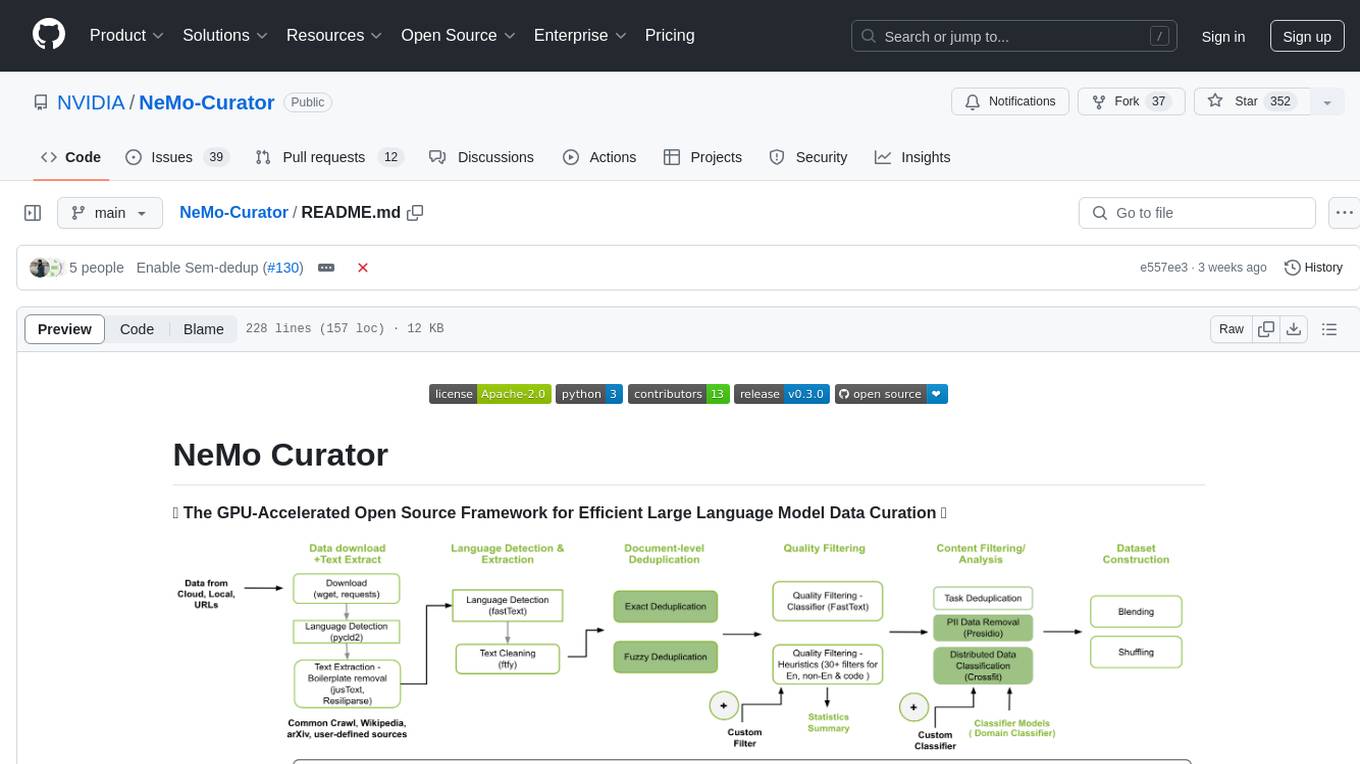
Curator
NeMo Curator is a Python library designed for fast and scalable data processing and curation for generative AI use cases. It accelerates data processing by leveraging GPUs with Dask and RAPIDS, providing customizable pipelines for text and image curation. The library offers pre-built pipelines for synthetic data generation, enabling users to train and customize generative AI models such as LLMs, VLMs, and WFMs.
TaskingAI
TaskingAI brings Firebase's simplicity to **AI-native app development**. The platform enables the creation of GPTs-like multi-tenant applications using a wide range of LLMs from various providers. It features distinct, modular functions such as Inference, Retrieval, Assistant, and Tool, seamlessly integrated to enhance the development process. TaskingAI’s cohesive design ensures an efficient, intelligent, and user-friendly experience in AI application development.
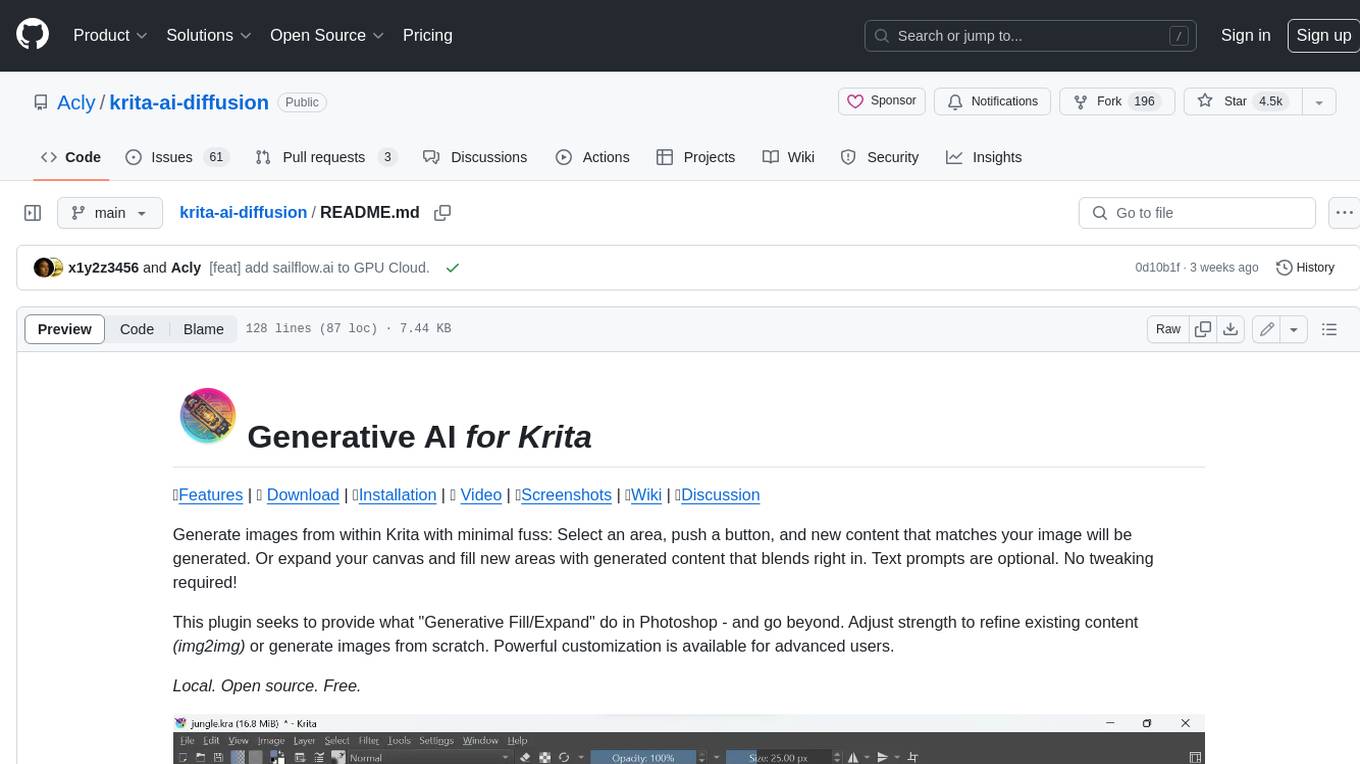
krita-ai-diffusion
Krita-AI-Diffusion is a plugin for Krita that allows users to generate images from within the program. It offers a variety of features, including inpainting, outpainting, generating images from scratch, refining existing content, live painting, and control over image creation. The plugin is designed to fit into an interactive workflow where AI generation is used as just another tool while painting. It is meant to synergize with traditional tools and the layer stack.
inngest
Inngest is a platform that offers durable functions to replace queues, state management, and scheduling for developers. It allows writing reliable step functions faster without dealing with infrastructure. Developers can create durable functions using various language SDKs, run a local development server, deploy functions to their infrastructure, sync functions with the Inngest Platform, and securely trigger functions via HTTPS. Inngest Functions support retrying, scheduling, and coordinating operations through triggers, flow control, and steps, enabling developers to build reliable workflows with robust support for various operations.
Simplifine
Simplifine is an open-source library designed for easy LLM finetuning, enabling users to perform tasks such as supervised fine tuning, question-answer finetuning, contrastive loss for embedding tasks, multi-label classification finetuning, and more. It provides features like WandB logging, in-built evaluation tools, automated finetuning parameters, and state-of-the-art optimization techniques. The library offers bug fixes, new features, and documentation updates in its latest version. Users can install Simplifine via pip or directly from GitHub. The project welcomes contributors and provides comprehensive documentation and support for users.
dapr-agents
Dapr Agents is a developer framework for building production-grade resilient AI agent systems that operate at scale. It enables software developers to create AI agents that reason, act, and collaborate using Large Language Models (LLMs), while providing built-in observability and stateful workflow execution to ensure agentic workflows complete successfully. The framework is scalable, efficient, Kubernetes-native, data-driven, secure, observable, vendor-neutral, and open source. It offers features like scalable workflows, cost-effective AI adoption, data-centric AI agents, accelerated development, integrated security and reliability, built-in messaging and state infrastructure, and vendor-neutral and open source support. Dapr Agents is designed to simplify the development of AI applications and workflows by providing a comprehensive API surface and seamless integration with various data sources and services.
postgresml
PostgresML is a powerful Postgres extension that seamlessly combines data storage and machine learning inference within your database. It enables running machine learning and AI operations directly within PostgreSQL, leveraging GPU acceleration for faster computations, integrating state-of-the-art large language models, providing built-in functions for text processing, enabling efficient similarity search, offering diverse ML algorithms, ensuring high performance, scalability, and security, supporting a wide range of NLP tasks, and seamlessly integrating with existing PostgreSQL tools and client libraries.
seatunnel
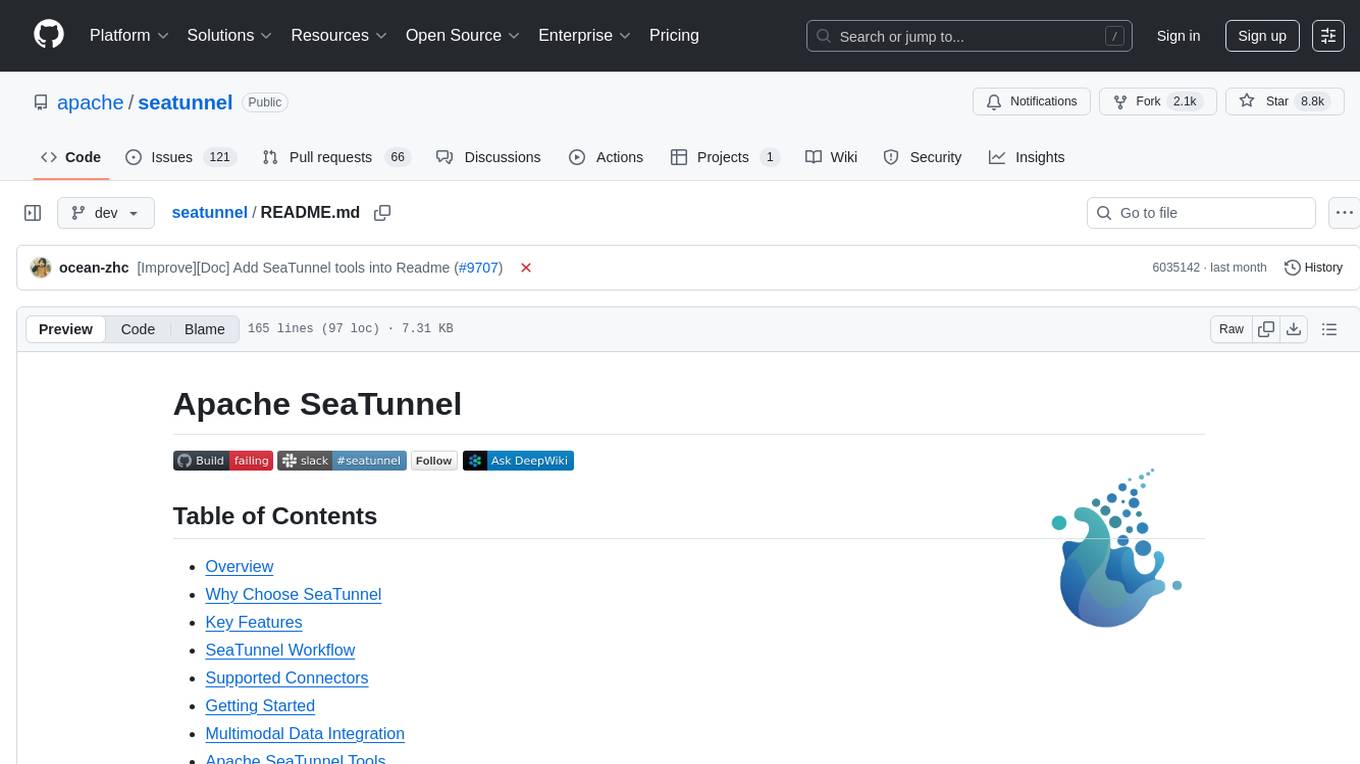
SeaTunnel is a high-performance, distributed data integration tool trusted by numerous companies for synchronizing vast amounts of data daily. It addresses common data integration challenges by seamlessly integrating with diverse data sources, supporting multimodal data integration, complex synchronization scenarios, resource efficiency, and quality monitoring. With over 100 connectors, SeaTunnel offers batch-stream integration, distributed snapshot algorithm, multi-engine support, JDBC multiplexing, and log parsing. It provides high throughput, low latency, real-time monitoring, and supports two job development methods. Users can configure jobs, select execution engines, and parallelize data using source connectors. SeaTunnel also supports multimodal data integration, Apache SeaTunnel tools, real-world use cases, and visual management of jobs through the SeaTunnel Web Project.

griptape
Griptape is a modular Python framework for building AI-powered applications that securely connect to your enterprise data and APIs. It offers developers the ability to maintain control and flexibility at every step. Griptape's core components include Structures (Agents, Pipelines, and Workflows), Tasks, Tools, Memory (Conversation Memory, Task Memory, and Meta Memory), Drivers (Prompt and Embedding Drivers, Vector Store Drivers, Image Generation Drivers, Image Query Drivers, SQL Drivers, Web Scraper Drivers, and Conversation Memory Drivers), Engines (Query Engines, Extraction Engines, Summary Engines, Image Generation Engines, and Image Query Engines), and additional components (Rulesets, Loaders, Artifacts, Chunkers, and Tokenizers). Griptape enables developers to create AI-powered applications with ease and efficiency.
Conversation-Knowledge-Mining-Solution-Accelerator
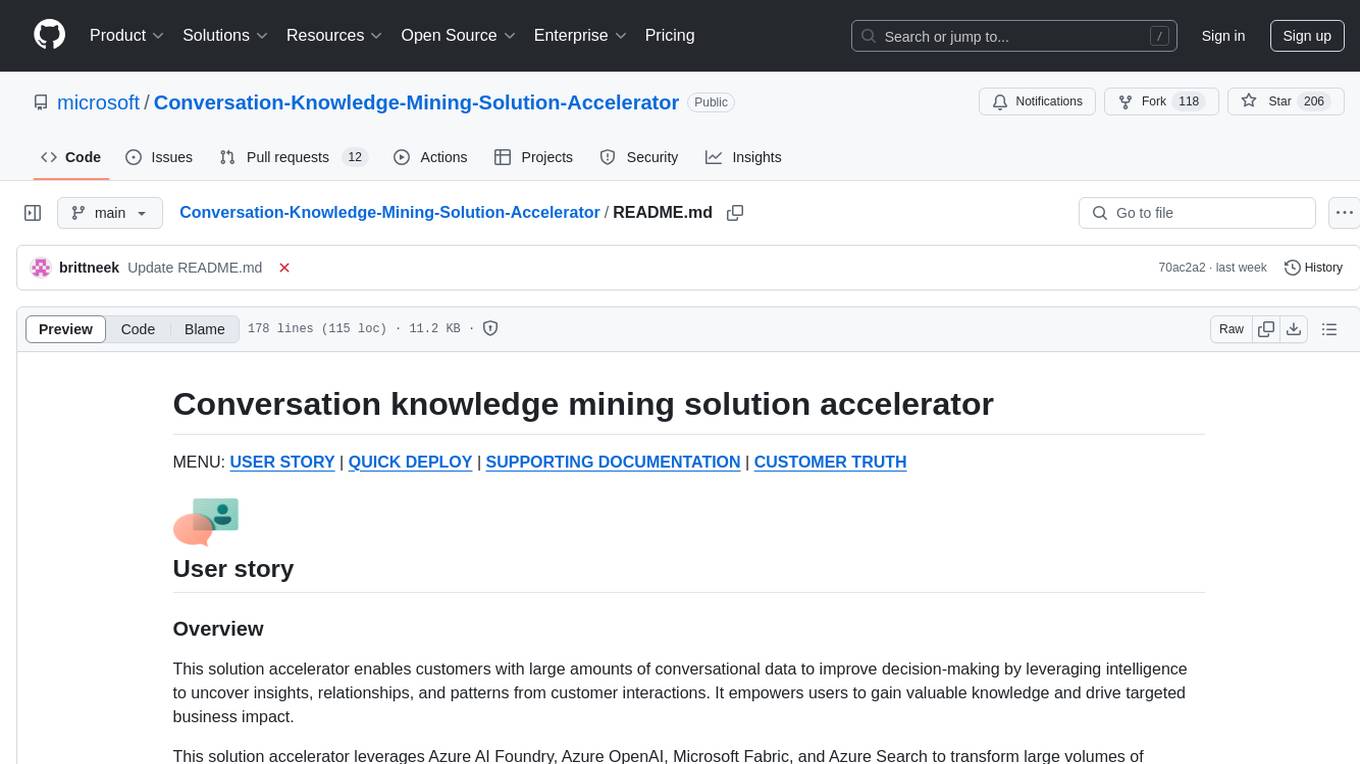
The Conversation Knowledge Mining Solution Accelerator enables customers to leverage intelligence to uncover insights, relationships, and patterns from conversational data. It empowers users to gain valuable knowledge and drive targeted business impact by utilizing Azure AI Foundry, Azure OpenAI, Microsoft Fabric, and Azure Search for topic modeling, key phrase extraction, speech-to-text transcription, and interactive chat experiences.
learnhouse
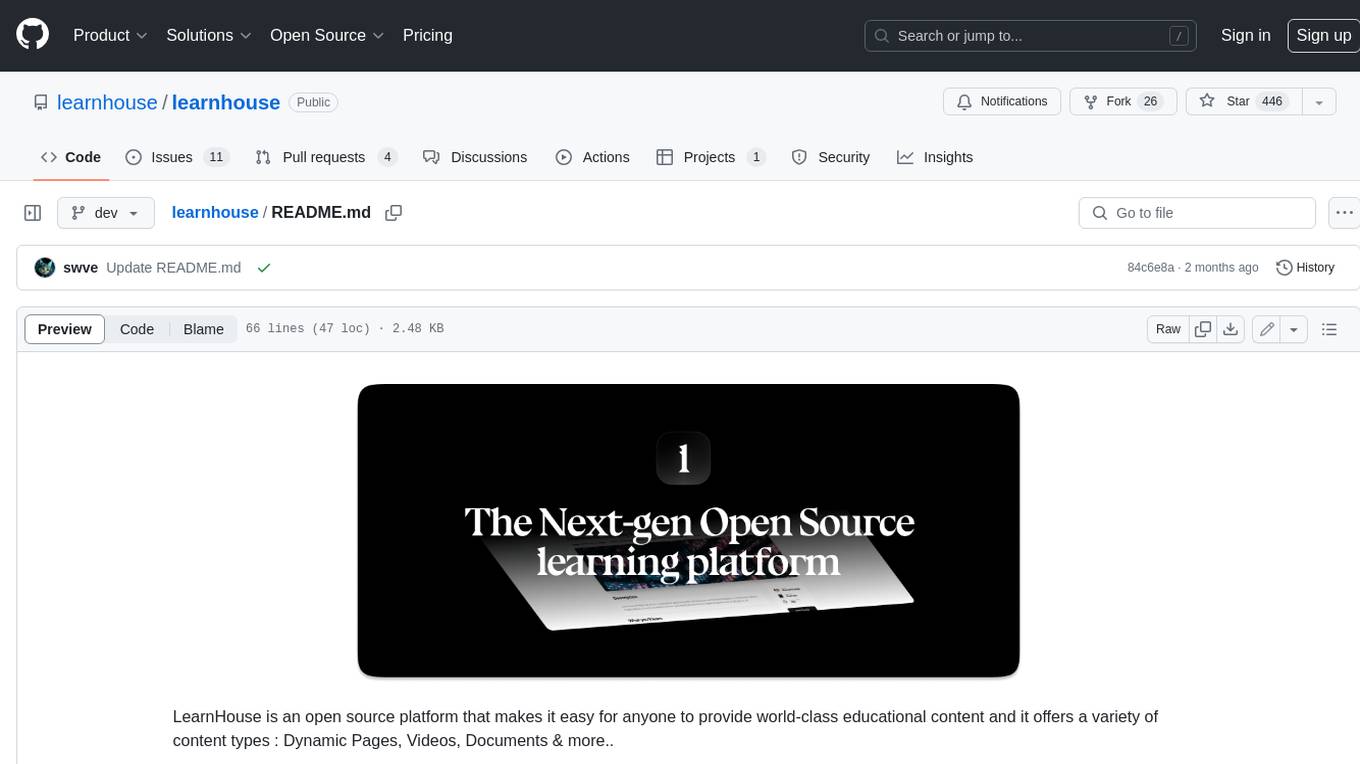
LearnHouse is an open-source platform that allows anyone to easily provide world-class educational content. It supports various content types, including dynamic pages, videos, and documents. The platform is still in early development and should not be used in production environments. However, it offers several features, such as dynamic Notion-like pages, ease of use, multi-organization support, support for uploading videos and documents, course collections, user management, quizzes, course progress tracking, and an AI-powered assistant for teachers and students. LearnHouse is built using various open-source projects, including Next.js, TailwindCSS, Radix UI, Tiptap, FastAPI, YJS, PostgreSQL, LangChain, and React.
For similar tasks
core
CORE is an open-source unified, persistent memory layer for all AI tools, allowing developers to maintain context across different tools like Cursor, ChatGPT, and Claude. It aims to solve the issue of context switching and information loss between sessions by creating a knowledge graph that remembers conversations, decisions, and insights. With features like unified memory, temporal knowledge graph, browser extension, chat with memory, auto-sync from apps, and MCP integration hub, CORE provides a seamless experience for managing and recalling context. The tool's ingestion pipeline captures evolving context through normalization, extraction, resolution, and graph integration, resulting in a dynamic memory that grows and changes with the user. When recalling from memory, CORE utilizes search, re-ranking, filtering, and output to provide relevant and contextual answers. Security measures include data encryption, authentication, access control, and vulnerability reporting.
bolt-python-ai-chatbot
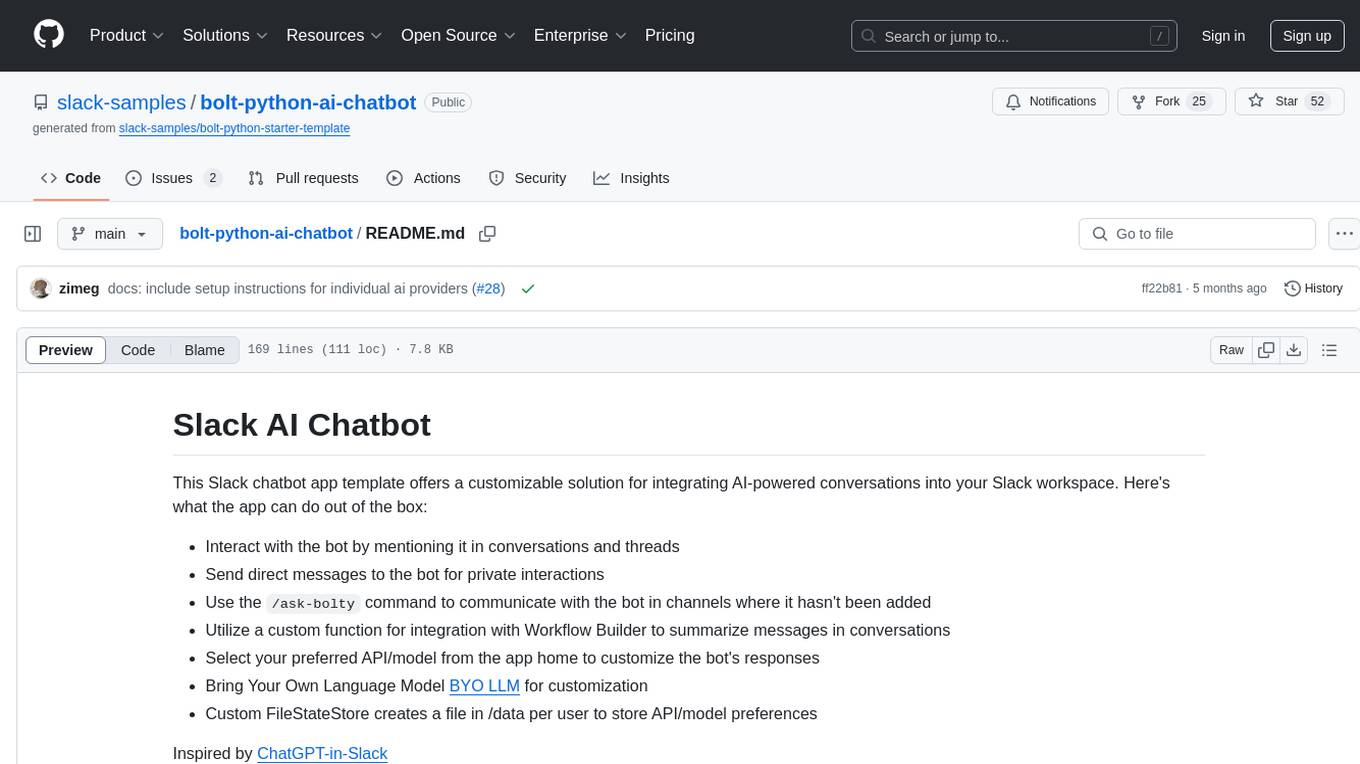
The 'bolt-python-ai-chatbot' is a Slack chatbot app template that allows users to integrate AI-powered conversations into their Slack workspace. Users can interact with the bot in conversations and threads, send direct messages for private interactions, use commands to communicate with the bot, customize bot responses, and store user preferences. The app supports integration with Workflow Builder, custom language models, and different AI providers like OpenAI, Anthropic, and Google Cloud Vertex AI. Users can create user objects, manage user states, and select from various AI models for communication.
chatgpt-vscode
ChatGPT-VSCode is a Visual Studio Code integration that allows users to prompt OpenAI's GPT-4, GPT-3.5, GPT-3, and Codex models within the editor. It offers features like using improved models via OpenAI API Key, Azure OpenAI Service deployments, generating commit messages, storing conversation history, explaining and suggesting fixes for compile-time errors, viewing code differences, and more. Users can customize prompts, quick fix problems, save conversations, and export conversation history. The extension is designed to enhance developer experience by providing AI-powered assistance directly within VS Code.
For similar jobs

sweep
Sweep is an AI junior developer that turns bugs and feature requests into code changes. It automatically handles developer experience improvements like adding type hints and improving test coverage.

teams-ai
The Teams AI Library is a software development kit (SDK) that helps developers create bots that can interact with Teams and Microsoft 365 applications. It is built on top of the Bot Framework SDK and simplifies the process of developing bots that interact with Teams' artificial intelligence capabilities. The SDK is available for JavaScript/TypeScript, .NET, and Python.

ai-guide
This guide is dedicated to Large Language Models (LLMs) that you can run on your home computer. It assumes your PC is a lower-end, non-gaming setup.

classifai
Supercharge WordPress Content Workflows and Engagement with Artificial Intelligence. Tap into leading cloud-based services like OpenAI, Microsoft Azure AI, Google Gemini and IBM Watson to augment your WordPress-powered websites. Publish content faster while improving SEO performance and increasing audience engagement. ClassifAI integrates Artificial Intelligence and Machine Learning technologies to lighten your workload and eliminate tedious tasks, giving you more time to create original content that matters.

chatbot-ui
Chatbot UI is an open-source AI chat app that allows users to create and deploy their own AI chatbots. It is easy to use and can be customized to fit any need. Chatbot UI is perfect for businesses, developers, and anyone who wants to create a chatbot.

BricksLLM
BricksLLM is a cloud native AI gateway written in Go. Currently, it provides native support for OpenAI, Anthropic, Azure OpenAI and vLLM. BricksLLM aims to provide enterprise level infrastructure that can power any LLM production use cases. Here are some use cases for BricksLLM: * Set LLM usage limits for users on different pricing tiers * Track LLM usage on a per user and per organization basis * Block or redact requests containing PIIs * Improve LLM reliability with failovers, retries and caching * Distribute API keys with rate limits and cost limits for internal development/production use cases * Distribute API keys with rate limits and cost limits for students

uAgents
uAgents is a Python library developed by Fetch.ai that allows for the creation of autonomous AI agents. These agents can perform various tasks on a schedule or take action on various events. uAgents are easy to create and manage, and they are connected to a fast-growing network of other uAgents. They are also secure, with cryptographically secured messages and wallets.
griptape
Griptape is a modular Python framework for building AI-powered applications that securely connect to your enterprise data and APIs. It offers developers the ability to maintain control and flexibility at every step. Griptape's core components include Structures (Agents, Pipelines, and Workflows), Tasks, Tools, Memory (Conversation Memory, Task Memory, and Meta Memory), Drivers (Prompt and Embedding Drivers, Vector Store Drivers, Image Generation Drivers, Image Query Drivers, SQL Drivers, Web Scraper Drivers, and Conversation Memory Drivers), Engines (Query Engines, Extraction Engines, Summary Engines, Image Generation Engines, and Image Query Engines), and additional components (Rulesets, Loaders, Artifacts, Chunkers, and Tokenizers). Griptape enables developers to create AI-powered applications with ease and efficiency.