


composer-trade-mcp
Composer's MCP server lets MCP-enabled LLMs like Claude backtest trading ideas and automatically invest in them for you
Stars: 214
Composer Trade MCP is the official Composer Model Context Protocol (MCP) server designed for LLMs like Cursor and Claude to validate investment ideas through backtesting and trade multiple strategies in parallel. Users can create automated investing strategies using indicators like RSI, MA, and EMA, backtest their ideas, find tailored strategies, monitor performance, and control investments. The tool provides a fast feedback loop for AI to validate hypotheses and offers a diverse range of equity and crypto offerings for building portfolios.
README:



Vibe Trading is here!
Official Composer Model Context Protocol (MCP) server that allows MCP-enabled LLMs like Cursor and Claude to validate investment ideas via backtests and even trade multiple strategies (called "symphonies") in parallel to compare their live performance.
-
Create automated investing strategies
- Use indicators like Relative Strength Index (RSI), Moving Average (MA), and Exponential Moving Average (EMA) with a diverse range of equity and crypto offerings to build your ideal portfolio.
- Don't just make one-off trades. Composer symphonies constantly monitor the market and rebalance accordingly.
- Try asking: "Build me a crypto strategy with a maximum drawdown of 30% or less."
-
Backtest your ideas
- Our Backtesting API provides a fast feedback loop for AI to iterate and validate its hypotheses.
- Try asking: "Compare the strategy's performance against the S&P 500. Plot the results."
-
Find a strategy tailored for you
- Provide your criteria to the AI and it will search through our database of 1000+ strategies to find one that suits your needs.
- Try asking: "Find me a strategy with better risk-reward characteristics than Bitcoin."
-
Monitor performance
- View performance statistics for your overall account as well as for individual symphonies.
- Try asking: "Identify my best-performing symphonies. Analyze why they are working."
-
Control your investments (requires Composer subscription)
- Ask AI to analyze your investments and adjust your exposure accordingly!
- Try asking: "Research the latest trends and news. Analyze my symphonies and determine whether I should increase / decrease my investments."
For more ideas, check out our collection of Awesome Prompts!
This section will get you started with creating symphonies and backtesting them. Use the links below to jump to the instructions for your preferred LLM client:
To use the Composer MCP, you’ll need the Claude Pro or Max plan.
https://github.com/user-attachments/assets/f560c127-4c87-4932-b515-6cad962c8ddc
- Make sure you have Claude Desktop installed.
- From Claude Desktop, navigate to Settings → Connectors then click Add custom connector
- Enter "Composer" in the Name field and
https://ai.composer.trade/mcpin the Remote MCP server URL field. - Enter your Composer email and password in the login screen that opens.
- That's it. Your MCP client can now interact with Composer! Try asking Claude something like, "Find the Composer strategies with the highest alpha."
Once you've followed the above steps, the Composer MCP server will automatically be accessible in the Claude iOS app.
Run the following command from your terminal:
claude mcp add --transport http composer https://ai.composer.trade/mcp
Copy-paste the following into your browser:
cursor://anysphere.cursor-deeplink/mcp/install?name=Composer&config=eyJ1cmwiOiJodHRwczovL2FpLmNvbXBvc2VyLnRyYWRlL21jcCJ9
Try asking Cursor something like, "Find the Composer strategies with the highest alpha."
- Get your API Key
- Base64 Encode your key and secret separated with
:- Example:
MY_KEY:MY_SECRETbecomesTVlfS0VZOk1ZX1NFQ1JFVA==after Base64 encoding
- Example:
- Make sure your n8n version is at least
1.104.0- Learn how to check and update your n8n version here.
- Add "MCP Client Tool" as a tool for your agent
- Input the following fields:
- Endpoint:
https://mcp.composer.trade/mcp/ - Server Transport:
HTTP Streamable - Authentication:
Header Auth - Create a new credential and enter the following in the Connection tab:
- Name:
Authorization - Value:
Basic REPLACE_WITH_BASE64_ENCODED_KEY_AND_SECRET(Use your Base64 encoded key and secret here)
- Name:
- Endpoint:
- Select which tools you want to allow your agent to use.
- We recommend excluding the following tools that can modify your account:
-
save_symphony- Save a symphony to the user's account -
copy_symphony- Copy an existing symphony to the user's account -
update_saved_symphony- Update a saved symphony -
invest_in_symphony- Invest in a symphony for a specific account -
withdraw_from_symphony- Withdraw money from a symphony for a specific account -
cancel_invest_or_withdraw- Cancel an invest or withdraw request that has not been processed yet -
skip_automated_rebalance_for_symphony- Skip automated rebalance for a symphony in a specific account -
go_to_cash_for_symphony- Immediately sell all assets in a symphony -
liquidate_symphony- Immediately sell all assets in a symphony (or queue for market open if outside of market hours) -
rebalance_symphony_now- Rebalance a symphony NOW instead of waiting for the next automated rebalance -
execute_single_trade- Execute a single order for a specific symbol like you would in a traditional brokerage account -
cancel_single_trade- Cancel a request for a single trade that has not executed yet
-
- We recommend excluding the following tools that can modify your account:
To install for any other MCP-enabled LLM, you can add the following to your MCP configuration JSON:
{
  "mcpServers": {
    "composer": {
      "url": "https://ai.composer.trade/mcp"
    }
  }
}
An API key will be necessary to interact with your Composer account. For example, saving a Composer Symphony for later or viewing statistics about your portfolio.
Trading a symphony will require a paid subscription, although you can always liquidate a position regardless of your subscription status. Composer also includes a 14-day free trial so you can try without any commitment.
Get your API key from Composer by following these steps:
- If you haven't already done so, create an account.
- Open your "Accounts & Funding" page
- Request an API key
- Save your API key and secret
Once your LLM is connected to the Composer MCP Server, it will have access to the following tools:
-
create_symphony- Define an automated strategy using Composer's system. -
backtest_symphony- Backtest a symphony that was created withcreate_symphony -
search_symphonies- Search through a database of existing Composer symphonies. -
backtest_symphony_by_id- Backtest an existing symphony given its ID -
save_symphony- Save a symphony to the user's account -
copy_symphony- Copy an existing symphony to the user's account -
update_saved_symphony- Update a saved symphony -
list_accounts- List all brokerage accounts available to the Composer user -
get_account_holdings- Get the holdings of a brokerage account -
get_aggregate_portfolio_stats- Get the aggregate portfolio statistics of a brokerage account -
get_aggregate_symphony_stats- Get stats for every symphony in a brokerage account -
get_symphony_daily_performance- Get daily performance for a specific symphony in a brokerage account -
get_portfolio_daily_performance- Get the daily performance for a brokerage account -
get_saved_symphony- Get the definition about an existing symphony given its ID. -
get_market_hours- Get market hours for the next week -
get_options_chain- Get options chain data for a specific underlying asset symbol with filtering and pagination -
get_options_contract- Get detailed information about a specific options contract including greeks, volume, and pricing -
get_options_calendar- Get the list of distinct contract expiration dates available for a symbol -
invest_in_symphony- Invest in a symphony for a specific account -
withdraw_from_symphony- Withdraw money from a symphony for a specific account -
cancel_invest_or_withdraw- Cancel an invest or withdraw request that has not been processed yet -
skip_automated_rebalance_for_symphony- Skip automated rebalance for a symphony in a specific account -
go_to_cash_for_symphony- Immediately sell all assets in a symphony -
liquidate_symphony- Immediately sell all assets in a symphony (or queue for market open if outside of market hours) -
preview_rebalance_for_user- Perform a dry run of rebalancing across all accounts to see what trades would be recommended -
preview_rebalance_for_symphony- Perform a dry run of rebalancing for a specific symphony to see what trades would be recommended -
rebalance_symphony_now- Rebalance a symphony NOW instead of waiting for the next automated rebalance -
execute_single_trade- Execute a single order for a specific symbol like you would in a traditional brokerage account -
cancel_single_trade- Cancel a request for a single trade that has not executed yet
We recommend the following for the best experience with Composer:
- Use Claude Opus 4 instead of Sonnet. Opus is much better at tool use.
- Turn on Claude's Research mode if you need the latest financial data and news.
- Tools that execute trades or affect your funds should only be allowed once. Do not set them to "Always Allow".
- The following tools should be handled with care:
invest_in_symphony,withdraw_from_symphony,skip_automated_rebalance_for_symphony,go_to_cash_for_symphony,liquidate_symphony,rebalance_symphony_now,execute_single_trade
- The following tools should be handled with care:
Logs when running with Claude Desktop can be found at:
-
Windows:
%APPDATA%\Claude\logs\mcp-server-composer.log -
macOS:
~/Library/Logs/Claude/mcp-server-composer.log
Please review the API & MCP Server Disclosure before using the API
For Tasks:
Click tags to check more tools for each tasksFor Jobs:
Alternative AI tools for composer-trade-mcp
Similar Open Source Tools
composer-trade-mcp
Composer Trade MCP is the official Composer Model Context Protocol (MCP) server designed for LLMs like Cursor and Claude to validate investment ideas through backtesting and trade multiple strategies in parallel. Users can create automated investing strategies using indicators like RSI, MA, and EMA, backtest their ideas, find tailored strategies, monitor performance, and control investments. The tool provides a fast feedback loop for AI to validate hypotheses and offers a diverse range of equity and crypto offerings for building portfolios.
PentestGPT
PentestGPT is a penetration testing tool empowered by ChatGPT, designed to automate the penetration testing process. It operates interactively to guide penetration testers in overall progress and specific operations. The tool supports solving easy to medium HackTheBox machines and other CTF challenges. Users can use PentestGPT to perform tasks like testing connections, using different reasoning models, discussing with the tool, searching on Google, and generating reports. It also supports local LLMs with custom parsers for advanced users.

deepeval
DeepEval is a simple-to-use, open-source LLM evaluation framework specialized for unit testing LLM outputs. It incorporates various metrics such as G-Eval, hallucination, answer relevancy, RAGAS, etc., and runs locally on your machine for evaluation. It provides a wide range of ready-to-use evaluation metrics, allows for creating custom metrics, integrates with any CI/CD environment, and enables benchmarking LLMs on popular benchmarks. DeepEval is designed for evaluating RAG and fine-tuning applications, helping users optimize hyperparameters, prevent prompt drifting, and transition from OpenAI to hosting their own Llama2 with confidence.
kwaak
Kwaak is a tool that allows users to run a team of autonomous AI agents locally from their own machine. It enables users to write code, improve test coverage, update documentation, and enhance code quality while focusing on building innovative projects. Kwaak is designed to run multiple agents in parallel, interact with codebases, answer questions about code, find examples, write and execute code, create pull requests, and more. It is free and open-source, allowing users to bring their own API keys or models via Ollama. Kwaak is part of the bosun.ai project, aiming to be a platform for autonomous code improvement.
actions
Sema4.ai Action Server is a tool that allows users to build semantic actions in Python to connect AI agents with real-world applications. It enables users to create custom actions, skills, loaders, and plugins that securely connect any AI Assistant platform to data and applications. The tool automatically creates and exposes an API based on function declaration, type hints, and docstrings by adding '@action' to Python scripts. It provides an end-to-end stack supporting various connections between AI and user's apps and data, offering ease of use, security, and scalability.
giskard
Giskard is an open-source Python library that automatically detects performance, bias & security issues in AI applications. The library covers LLM-based applications such as RAG agents, all the way to traditional ML models for tabular data.
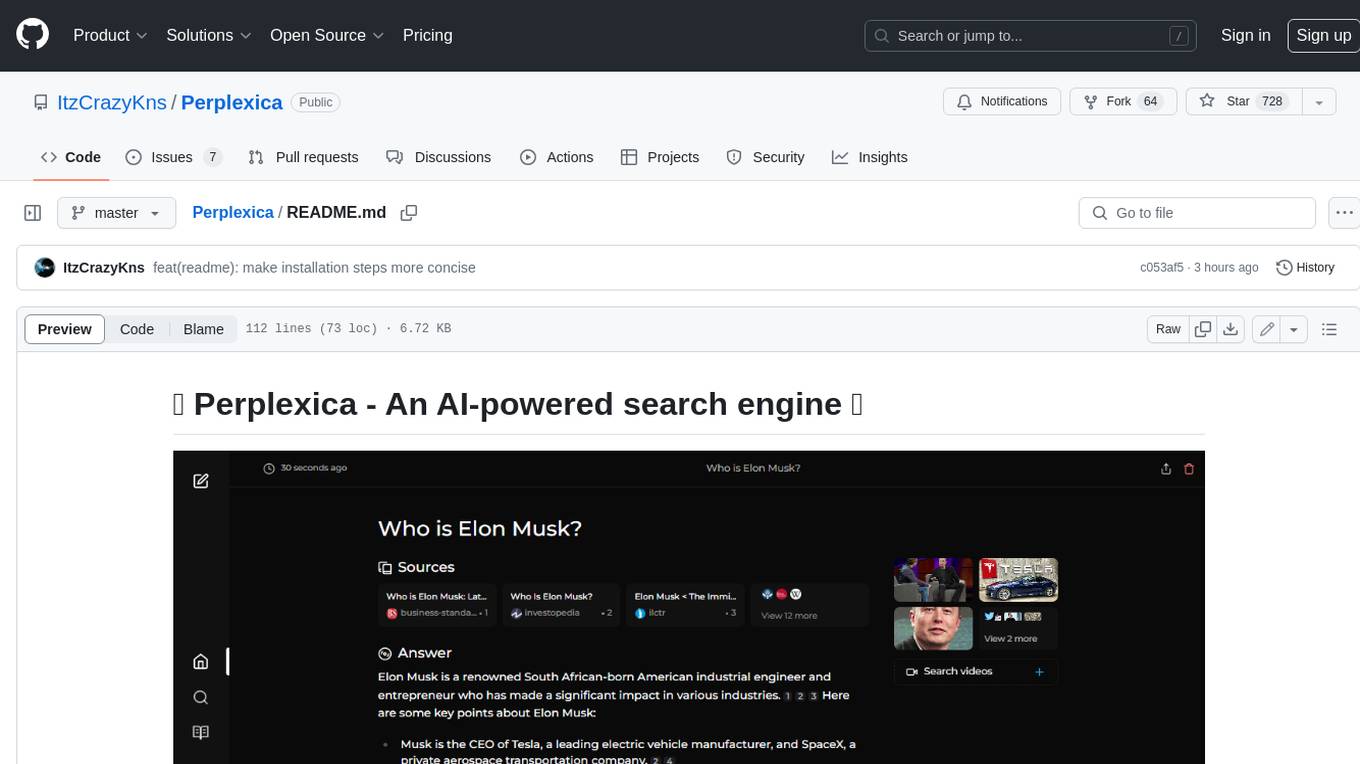
Perplexica
Perplexica is an open-source AI-powered search engine that utilizes advanced machine learning algorithms to provide clear answers with sources cited. It offers various modes like Copilot Mode, Normal Mode, and Focus Modes for specific types of questions. Perplexica ensures up-to-date information by using SearxNG metasearch engine. It also features image and video search capabilities and upcoming features include finalizing Copilot Mode and adding Discover and History Saving features.
testzeus-hercules
Hercules is the world’s first open-source testing agent designed to handle the toughest testing tasks for modern web applications. It turns simple Gherkin steps into fully automated end-to-end tests, making testing simple, reliable, and efficient. Hercules adapts to various platforms like Salesforce and is suitable for CI/CD pipelines. It aims to democratize and disrupt test automation, making top-tier testing accessible to everyone. The tool is transparent, reliable, and community-driven, empowering teams to deliver better software. Hercules offers multiple ways to get started, including using PyPI package, Docker, or building and running from source code. It supports various AI models, provides detailed installation and usage instructions, and integrates with Nuclei for security testing and WCAG for accessibility testing. The tool is production-ready, open core, and open source, with plans for enhanced LLM support, advanced tooling, improved DOM distillation, community contributions, extensive documentation, and a bounty program.

cognita
Cognita is an open-source framework to organize your RAG codebase along with a frontend to play around with different RAG customizations. It provides a simple way to organize your codebase so that it becomes easy to test it locally while also being able to deploy it in a production ready environment. The key issues that arise while productionizing RAG system from a Jupyter Notebook are: 1. **Chunking and Embedding Job** : The chunking and embedding code usually needs to be abstracted out and deployed as a job. Sometimes the job will need to run on a schedule or be trigerred via an event to keep the data updated. 2. **Query Service** : The code that generates the answer from the query needs to be wrapped up in a api server like FastAPI and should be deployed as a service. This service should be able to handle multiple queries at the same time and also autoscale with higher traffic. 3. **LLM / Embedding Model Deployment** : Often times, if we are using open-source models, we load the model in the Jupyter notebook. This will need to be hosted as a separate service in production and model will need to be called as an API. 4. **Vector DB deployment** : Most testing happens on vector DBs in memory or on disk. However, in production, the DBs need to be deployed in a more scalable and reliable way. Cognita makes it really easy to customize and experiment everything about a RAG system and still be able to deploy it in a good way. It also ships with a UI that makes it easier to try out different RAG configurations and see the results in real time. You can use it locally or with/without using any Truefoundry components. However, using Truefoundry components makes it easier to test different models and deploy the system in a scalable way. Cognita allows you to host multiple RAG systems using one app. ### Advantages of using Cognita are: 1. A central reusable repository of parsers, loaders, embedders and retrievers. 2. Ability for non-technical users to play with UI - Upload documents and perform QnA using modules built by the development team. 3. Fully API driven - which allows integration with other systems. > If you use Cognita with Truefoundry AI Gateway, you can get logging, metrics and feedback mechanism for your user queries. ### Features: 1. Support for multiple document retrievers that use `Similarity Search`, `Query Decompostion`, `Document Reranking`, etc 2. Support for SOTA OpenSource embeddings and reranking from `mixedbread-ai` 3. Support for using LLMs using `Ollama` 4. Support for incremental indexing that ingests entire documents in batches (reduces compute burden), keeps track of already indexed documents and prevents re-indexing of those docs.
robocorp
Robocorp is a platform that allows users to create, deploy, and operate Python automations and AI actions. It provides an easy way to extend the capabilities of AI agents, assistants, and copilots with custom actions written in Python. Users can create and deploy tools, skills, loaders, and plugins that securely connect any AI Assistant platform to their data and applications. The Robocorp Action Server makes Python scripts compatible with ChatGPT and LangChain by automatically creating and exposing an API based on function declaration, type hints, and docstrings. It simplifies the process of developing and deploying AI actions, enabling users to interact with AI frameworks effortlessly.
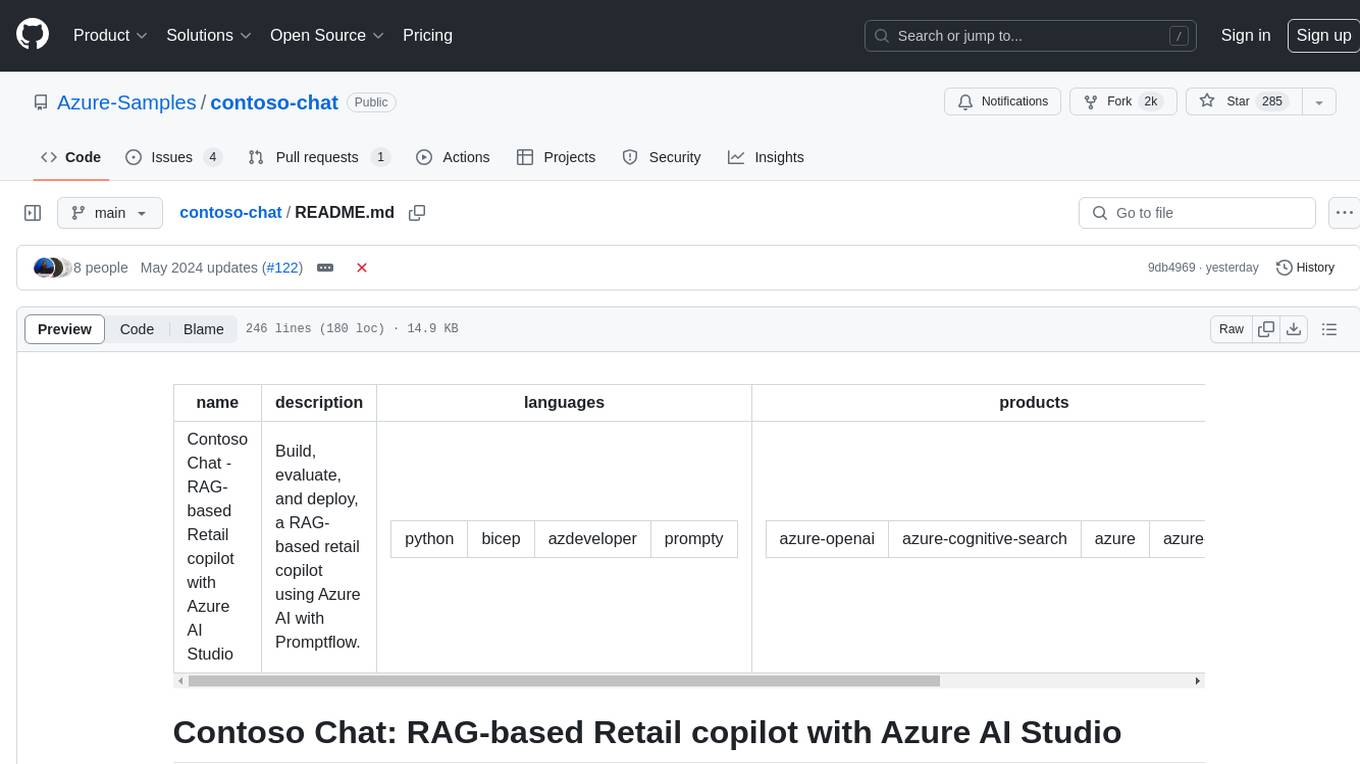
contoso-chat
Contoso Chat is a Python sample demonstrating how to build, evaluate, and deploy a retail copilot application with Azure AI Studio using Promptflow with Prompty assets. The sample implements a Retrieval Augmented Generation approach to answer customer queries based on the company's product catalog and customer purchase history. It utilizes Azure AI Search, Azure Cosmos DB, Azure OpenAI, text-embeddings-ada-002, and GPT models for vectorizing user queries, AI-assisted evaluation, and generating chat responses. By exploring this sample, users can learn to build a retail copilot application, define prompts using Prompty, design, run & evaluate a copilot using Promptflow, provision and deploy the solution to Azure using the Azure Developer CLI, and understand Responsible AI practices for evaluation and content safety.
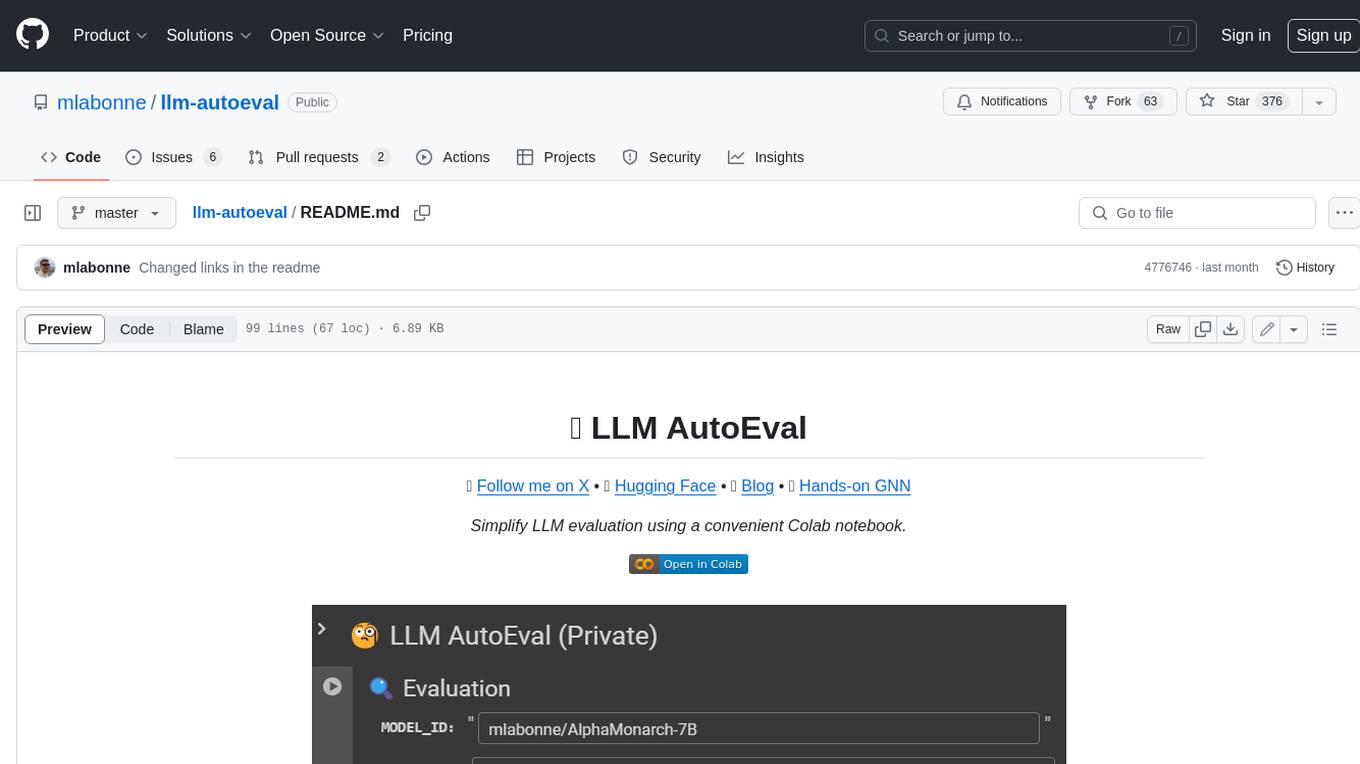
llm-autoeval
LLM AutoEval is a tool that simplifies the process of evaluating Large Language Models (LLMs) using a convenient Colab notebook. It automates the setup and execution of evaluations using RunPod, allowing users to customize evaluation parameters and generate summaries that can be uploaded to GitHub Gist for easy sharing and reference. LLM AutoEval supports various benchmark suites, including Nous, Lighteval, and Open LLM, enabling users to compare their results with existing models and leaderboards.
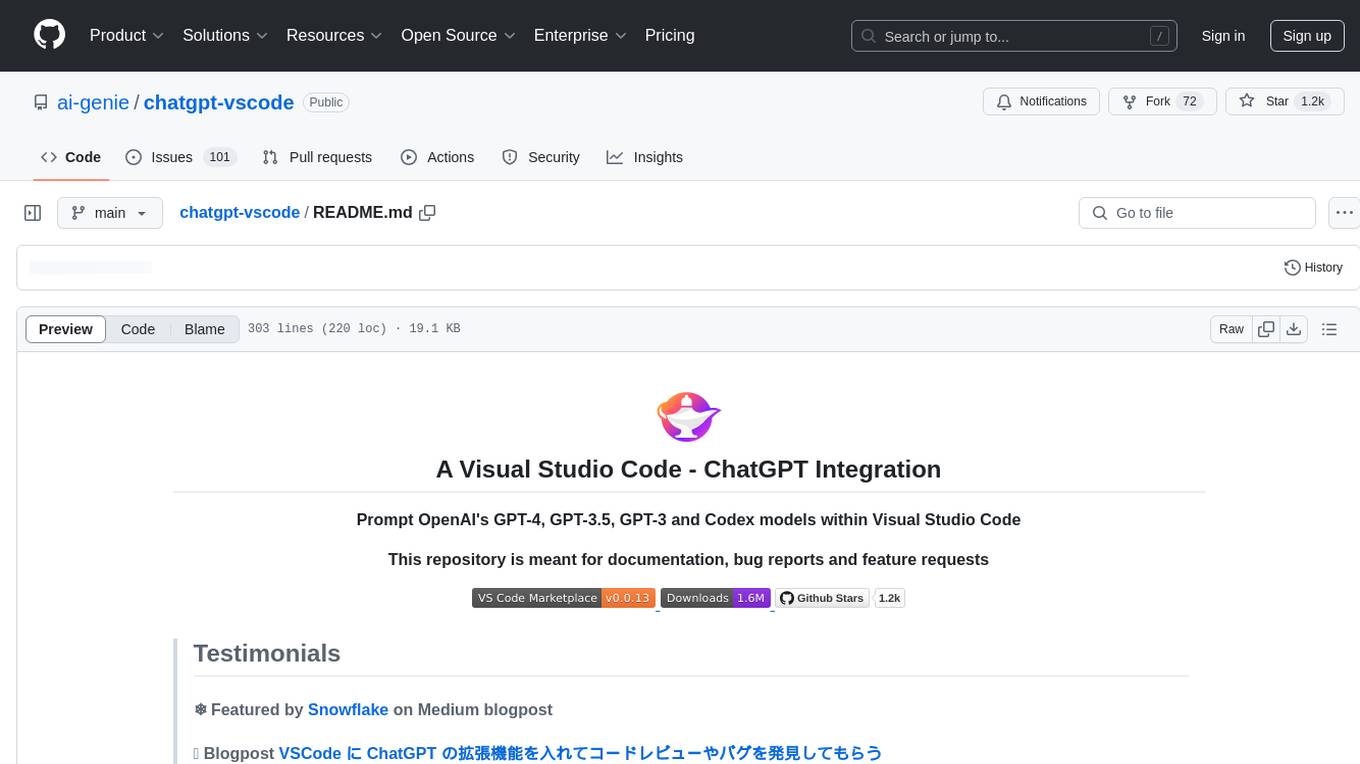
chatgpt-vscode
ChatGPT-VSCode is a Visual Studio Code integration that allows users to prompt OpenAI's GPT-4, GPT-3.5, GPT-3, and Codex models within the editor. It offers features like using improved models via OpenAI API Key, Azure OpenAI Service deployments, generating commit messages, storing conversation history, explaining and suggesting fixes for compile-time errors, viewing code differences, and more. Users can customize prompts, quick fix problems, save conversations, and export conversation history. The extension is designed to enhance developer experience by providing AI-powered assistance directly within VS Code.
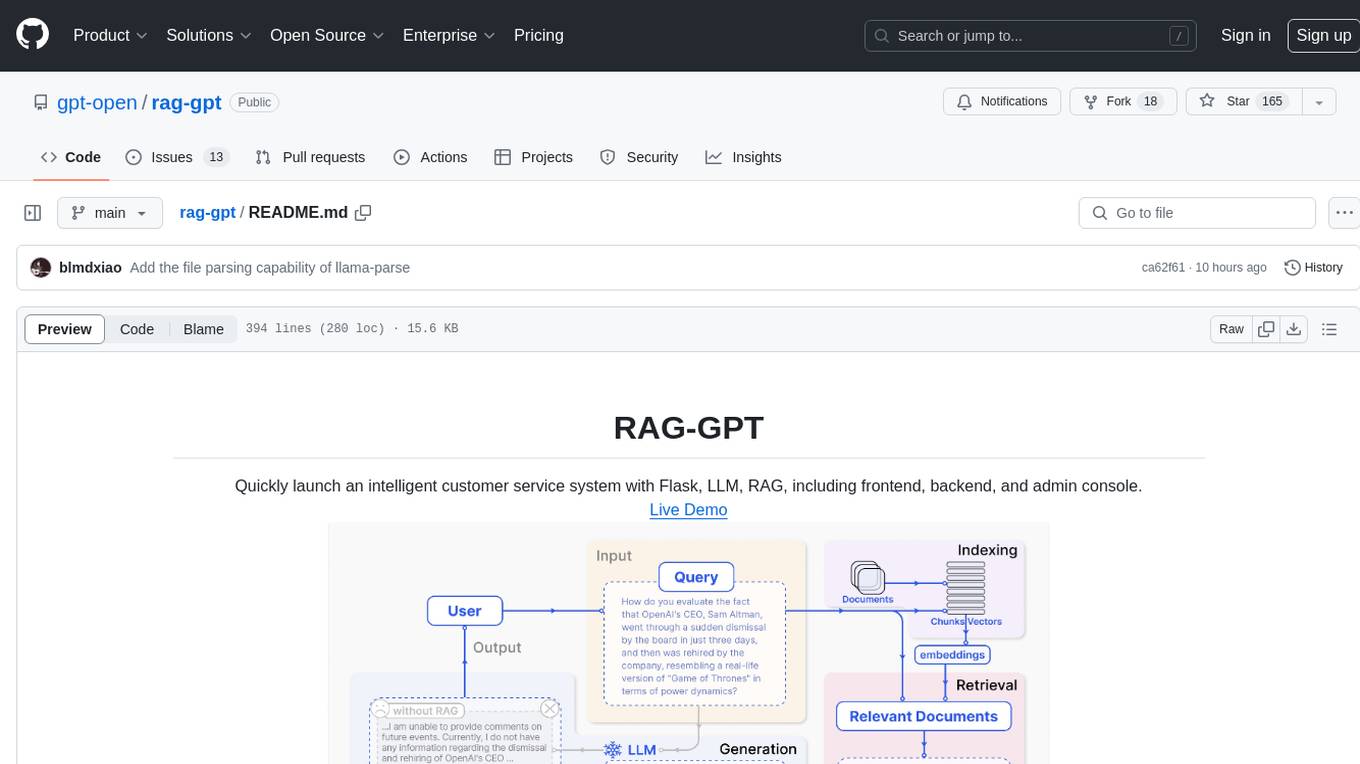
rag-gpt
RAG-GPT is a tool that allows users to quickly launch an intelligent customer service system with Flask, LLM, and RAG. It includes frontend, backend, and admin console components. The tool supports cloud-based and local LLMs, offers quick setup for conversational service robots, integrates diverse knowledge bases, provides flexible configuration options, and features an attractive user interface.
RainbowGPT
RainbowGPT is a versatile tool that offers a range of functionalities, including Stock Analysis for financial decision-making, MySQL Management for database navigation, and integration of AI technologies like GPT-4 and ChatGlm3. It provides a user-friendly interface suitable for all skill levels, ensuring seamless information flow and continuous expansion of emerging technologies. The tool enhances adaptability, creativity, and insight, making it a valuable asset for various projects and tasks.
open-source-slack-ai
This repository provides a ready-to-run basic Slack AI solution that allows users to summarize threads and channels using OpenAI. Users can generate thread summaries, channel overviews, channel summaries since a specific time, and full channel summaries. The tool is powered by GPT-3.5-Turbo and an ensemble of NLP models. It requires Python 3.8 or higher, an OpenAI API key, Slack App with associated API tokens, Poetry package manager, and ngrok for local development. Users can customize channel and thread summaries, run tests with coverage using pytest, and contribute to the project for future enhancements.
For similar tasks
composer-trade-mcp
Composer Trade MCP is the official Composer Model Context Protocol (MCP) server designed for LLMs like Cursor and Claude to validate investment ideas through backtesting and trade multiple strategies in parallel. Users can create automated investing strategies using indicators like RSI, MA, and EMA, backtest their ideas, find tailored strategies, monitor performance, and control investments. The tool provides a fast feedback loop for AI to validate hypotheses and offers a diverse range of equity and crypto offerings for building portfolios.
proprietary-trading-network
Proprietary Trading Network (PTN) is a competitive network that receives signals from quant and deep learning machine learning trading systems to deliver comprehensive trading signals across various asset classes. It incentivizes correctness through blockchain technology and rewards top traders with innovative performance metrics. The network operates based on rules that ensure fair competition and risk control, allowing only the best traders and trading systems to compete.
For similar jobs
qlib
Qlib is an open-source, AI-oriented quantitative investment platform that supports diverse machine learning modeling paradigms, including supervised learning, market dynamics modeling, and reinforcement learning. It covers the entire chain of quantitative investment, from alpha seeking to order execution. The platform empowers researchers to explore ideas and implement productions using AI technologies in quantitative investment. Qlib collaboratively solves key challenges in quantitative investment by releasing state-of-the-art research works in various paradigms. It provides a full ML pipeline for data processing, model training, and back-testing, enabling users to perform tasks such as forecasting market patterns, adapting to market dynamics, and modeling continuous investment decisions.
jupyter-quant
Jupyter Quant is a dockerized environment tailored for quantitative research, equipped with essential tools like statsmodels, pymc, arch, py_vollib, zipline-reloaded, PyPortfolioOpt, numpy, pandas, sci-py, scikit-learn, yellowbricks, shap, optuna, ib_insync, Cython, Numba, bottleneck, numexpr, jedi language server, jupyterlab-lsp, black, isort, and more. It does not include conda/mamba and relies on pip for package installation. The image is optimized for size, includes common command line utilities, supports apt cache, and allows for the installation of additional packages. It is designed for ephemeral containers, ensuring data persistence, and offers volumes for data, configuration, and notebooks. Common tasks include setting up the server, managing configurations, setting passwords, listing installed packages, passing parameters to jupyter-lab, running commands in the container, building wheels outside the container, installing dotfiles and SSH keys, and creating SSH tunnels.
FinRobot
FinRobot is an open-source AI agent platform designed for financial applications using large language models. It transcends the scope of FinGPT, offering a comprehensive solution that integrates a diverse array of AI technologies. The platform's versatility and adaptability cater to the multifaceted needs of the financial industry. FinRobot's ecosystem is organized into four layers, including Financial AI Agents Layer, Financial LLMs Algorithms Layer, LLMOps and DataOps Layers, and Multi-source LLM Foundation Models Layer. The platform's agent workflow involves Perception, Brain, and Action modules to capture, process, and execute financial data and insights. The Smart Scheduler optimizes model diversity and selection for tasks, managed by components like Director Agent, Agent Registration, Agent Adaptor, and Task Manager. The tool provides a structured file organization with subfolders for agents, data sources, and functional modules, along with installation instructions and hands-on tutorials.
hands-on-lab-neo4j-and-vertex-ai
This repository provides a hands-on lab for learning about Neo4j and Google Cloud Vertex AI. It is intended for data scientists and data engineers to deploy Neo4j and Vertex AI in a Google Cloud account, work with real-world datasets, apply generative AI, build a chatbot over a knowledge graph, and use vector search and index functionality for semantic search. The lab focuses on analyzing quarterly filings of asset managers with $100m+ assets under management, exploring relationships using Neo4j Browser and Cypher query language, and discussing potential applications in capital markets such as algorithmic trading and securities master data management.
jupyter-quant
Jupyter Quant is a dockerized environment tailored for quantitative research, equipped with essential tools like statsmodels, pymc, arch, py_vollib, zipline-reloaded, PyPortfolioOpt, numpy, pandas, sci-py, scikit-learn, yellowbricks, shap, optuna, and more. It provides Interactive Broker connectivity via ib_async and includes major Python packages for statistical and time series analysis. The image is optimized for size, includes jedi language server, jupyterlab-lsp, and common command line utilities. Users can install new packages with sudo, leverage apt cache, and bring their own dot files and SSH keys. The tool is designed for ephemeral containers, ensuring data persistence and flexibility for quantitative analysis tasks.
Qbot
Qbot is an AI-oriented automated quantitative investment platform that supports diverse machine learning modeling paradigms, including supervised learning, market dynamics modeling, and reinforcement learning. It provides a full closed-loop process from data acquisition, strategy development, backtesting, simulation trading to live trading. The platform emphasizes AI strategies such as machine learning, reinforcement learning, and deep learning, combined with multi-factor models to enhance returns. Users with some Python knowledge and trading experience can easily utilize the platform to address trading pain points and gaps in the market.
FinMem-LLM-StockTrading
This repository contains the Python source code for FINMEM, a Performance-Enhanced Large Language Model Trading Agent with Layered Memory and Character Design. It introduces FinMem, a novel LLM-based agent framework devised for financial decision-making, encompassing three core modules: Profiling, Memory with layered processing, and Decision-making. FinMem's memory module aligns closely with the cognitive structure of human traders, offering robust interpretability and real-time tuning. The framework enables the agent to self-evolve its professional knowledge, react agilely to new investment cues, and continuously refine trading decisions in the volatile financial environment. It presents a cutting-edge LLM agent framework for automated trading, boosting cumulative investment returns.
LLMs-in-Finance
This repository focuses on the application of Large Language Models (LLMs) in the field of finance. It provides insights and knowledge about how LLMs can be utilized in various scenarios within the finance industry, particularly in generating AI agents. The repository aims to explore the potential of LLMs to enhance financial processes and decision-making through the use of advanced natural language processing techniques.