


LlamaBarn
A cosy home for your LLMs.
Stars: 932
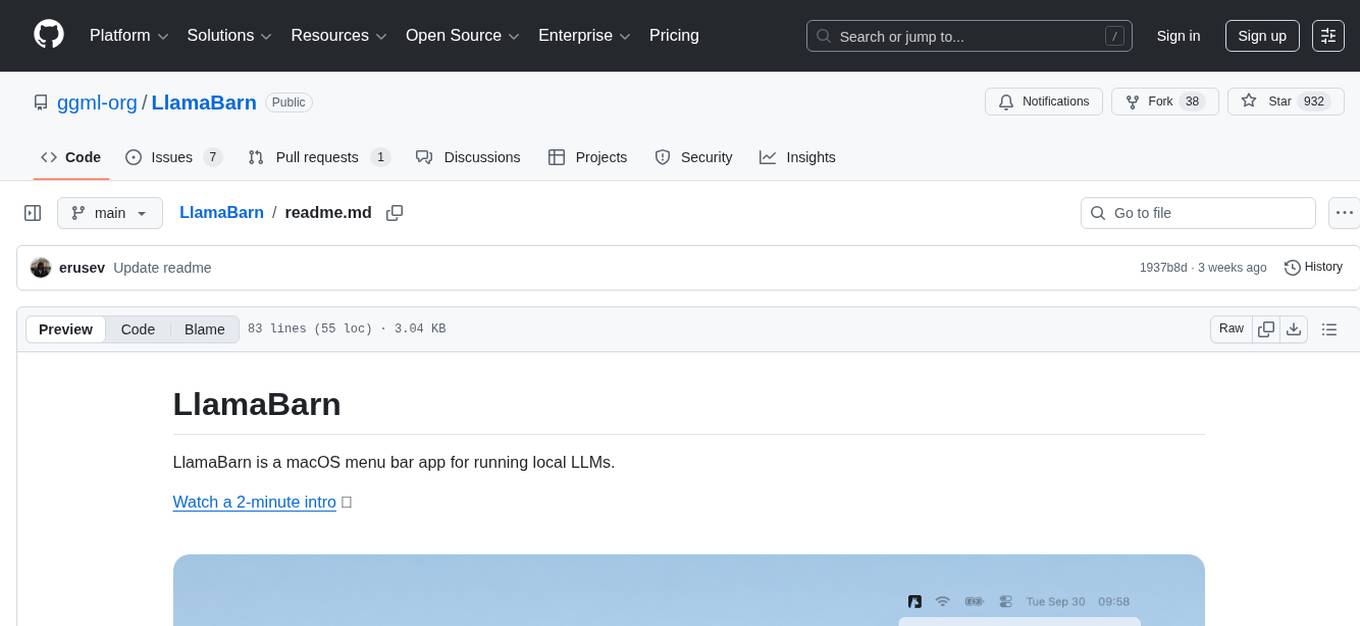
LlamaBarn is a macOS menu bar app designed for running local LLMs. It allows users to install models from a built-in catalog, connect various applications such as chat UIs, editors, CLI tools, and scripts, and manage the loading and unloading of models based on usage. The app ensures all processing is done locally on the user's device, with a small app footprint and zero configuration required. It offers a smart model catalog, self-contained storage for models and configurations, and is built on llama.cpp from the GGML org.
README:
LlamaBarn is a macOS menu bar app for running local LLMs.
Install with brew install --cask llamabarn or download from Releases.
LlamaBarn runs a local server at http://localhost:2276/v1.
- Install models — from the built-in catalog
- Connect any app — chat UIs, editors, CLI tools, scripts
- Models load when requested — and unload when idle
- 100% local — Models run on your device; no data leaves your Mac
-
Small footprint —
12 MBnative macOS app - Zero configuration — models are auto-configured with optimal settings for your Mac
- Smart model catalog — shows what fits your Mac, with quantized fallbacks for what doesn't
-
Self-contained — all models and config stored in
~/.llamabarn(configurable) - Built on llama.cpp — from the GGML org, developed alongside llama.cpp
LlamaBarn works with any OpenAI-compatible client.
- Chat UIs — Chatbox, Open WebUI, BoltAI (instructions)
- Editors — VS Code, Zed, Xcode (instructions)
- Editor extensions — Cline, Continue
- CLI tools — OpenCode (instructions), Claude Code (instructions)
- Custom scripts — curl, AI SDK, etc.
You can also use the built-in WebUI at http://localhost:2276 while LlamaBarn is running.
# list installed models
curl http://localhost:2276/v1/models
# chat with Gemma 3 4B (assuming it's installed)
curl http://localhost:2276/v1/chat/completions \
-H "Content-Type: application/json" \
-d '{"model": "gemma-3-4b", "messages": [{"role": "user", "content": "Hello"}]}'Replace gemma-3-4b with any model ID from http://localhost:2276/v1/models.
See complete API reference in llama-server docs.
Expose to network — By default, the server is only accessible from your Mac (localhost). This option allows connections from other devices on your local network. Only enable this if you understand the security risks.
# bind to all interfaces (0.0.0.0)
defaults write app.llamabarn.LlamaBarn exposeToNetwork -bool YES

# or bind to a specific IP (e.g., for Tailscale)
defaults write app.llamabarn.LlamaBarn exposeToNetwork -string "100.x.x.x"

# disable (default)
defaults delete app.llamabarn.LlamaBarn exposeToNetwork- [ ] Support for adding models outside the built-in catalog
- [ ] Support for loading multiple models at the same time
- [ ] Support for multiple configurations per model (e.g., multiple context lengths)
For Tasks:
Click tags to check more tools for each tasksFor Jobs:
Alternative AI tools for LlamaBarn
Similar Open Source Tools
LlamaBarn
LlamaBarn is a macOS menu bar app designed for running local LLMs. It allows users to install models from a built-in catalog, connect various applications such as chat UIs, editors, CLI tools, and scripts, and manage the loading and unloading of models based on usage. The app ensures all processing is done locally on the user's device, with a small app footprint and zero configuration required. It offers a smart model catalog, self-contained storage for models and configurations, and is built on llama.cpp from the GGML org.
edgen
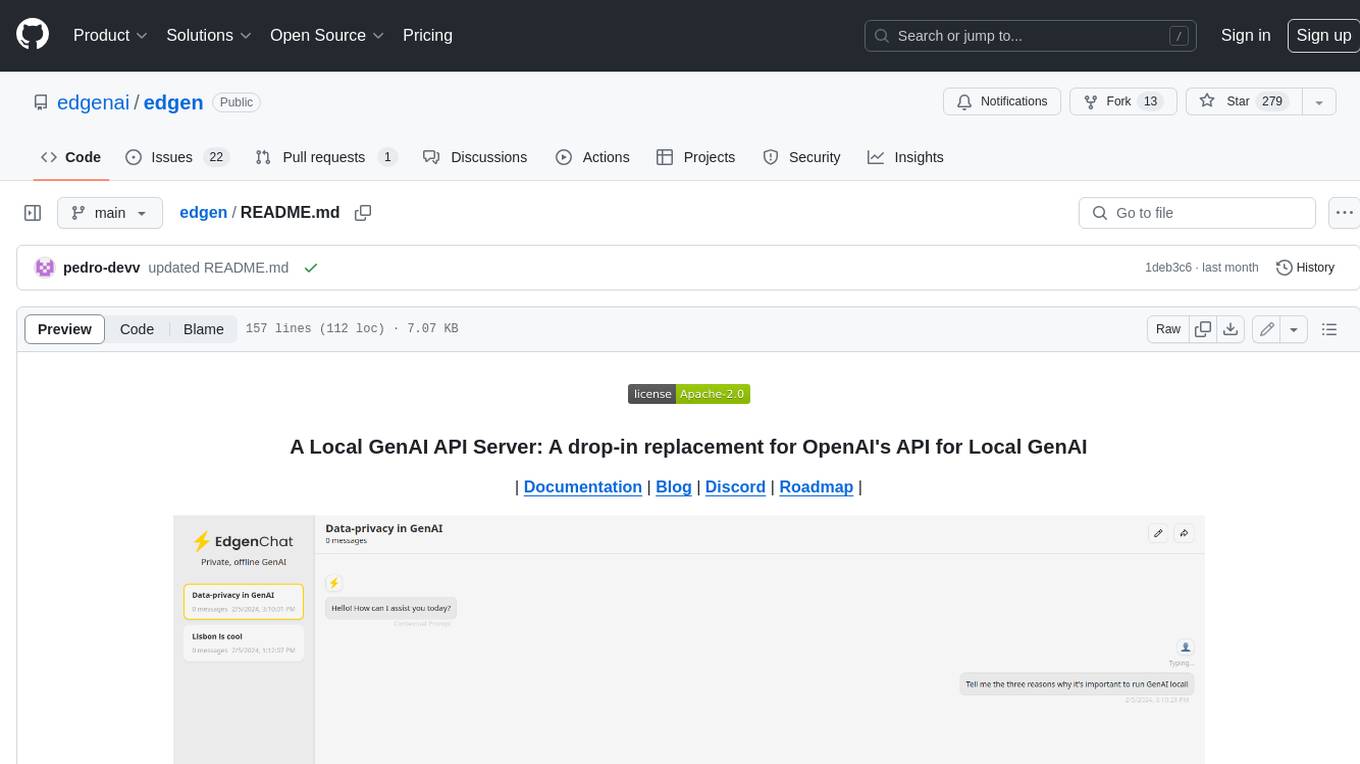
Edgen is a local GenAI API server that serves as a drop-in replacement for OpenAI's API. It provides multi-endpoint support for chat completions and speech-to-text, is model agnostic, offers optimized inference, and features model caching. Built in Rust, Edgen is natively compiled for Windows, MacOS, and Linux, eliminating the need for Docker. It allows users to utilize GenAI locally on their devices for free and with data privacy. With features like session caching, GPU support, and support for various endpoints, Edgen offers a scalable, reliable, and cost-effective solution for running GenAI applications locally.
stenoai
StenoAI is an AI-powered meeting intelligence tool that allows users to record, transcribe, summarize, and query meetings using local AI models. It prioritizes privacy by processing data entirely on the user's device. The tool offers multiple AI models optimized for different use cases, making it ideal for healthcare, legal, and finance professionals with confidential data needs. StenoAI also features a macOS desktop app with a user-friendly interface, making it convenient for users to access its functionalities. The project is open-source and not affiliated with any specific company, emphasizing its focus on meeting-notes productivity and community collaboration.
g4f.dev
G4f.dev is the official documentation hub for GPT4Free, a free and convenient AI tool with endpoints that can be integrated directly into apps, scripts, and web browsers. The documentation provides clear overviews, quick examples, and deeper insights into the major features of GPT4Free, including text and image generation. Users can choose between Python and JavaScript for installation and setup, and can access various API endpoints, providers, models, and client options for different tasks.
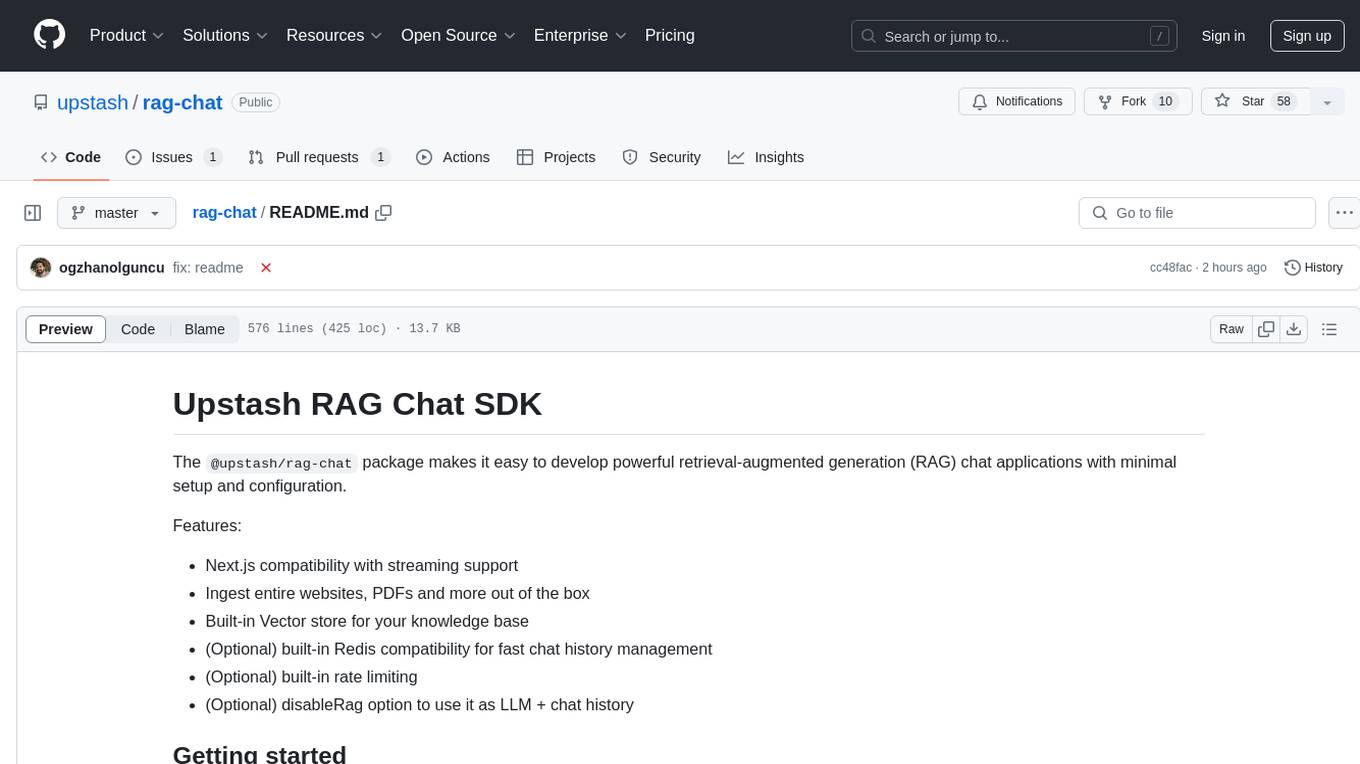
rag-chat
The `@upstash/rag-chat` package simplifies the development of retrieval-augmented generation (RAG) chat applications by providing Next.js compatibility with streaming support, built-in vector store, optional Redis compatibility for fast chat history management, rate limiting, and disableRag option. Users can easily set up the environment variables and initialize RAGChat to interact with AI models, manage knowledge base, chat history, and enable debugging features. Advanced configuration options allow customization of RAGChat instance with built-in rate limiting, observability via Helicone, and integration with Next.js route handlers and Vercel AI SDK. The package supports OpenAI models, Upstash-hosted models, and custom providers like TogetherAi and Replicate.
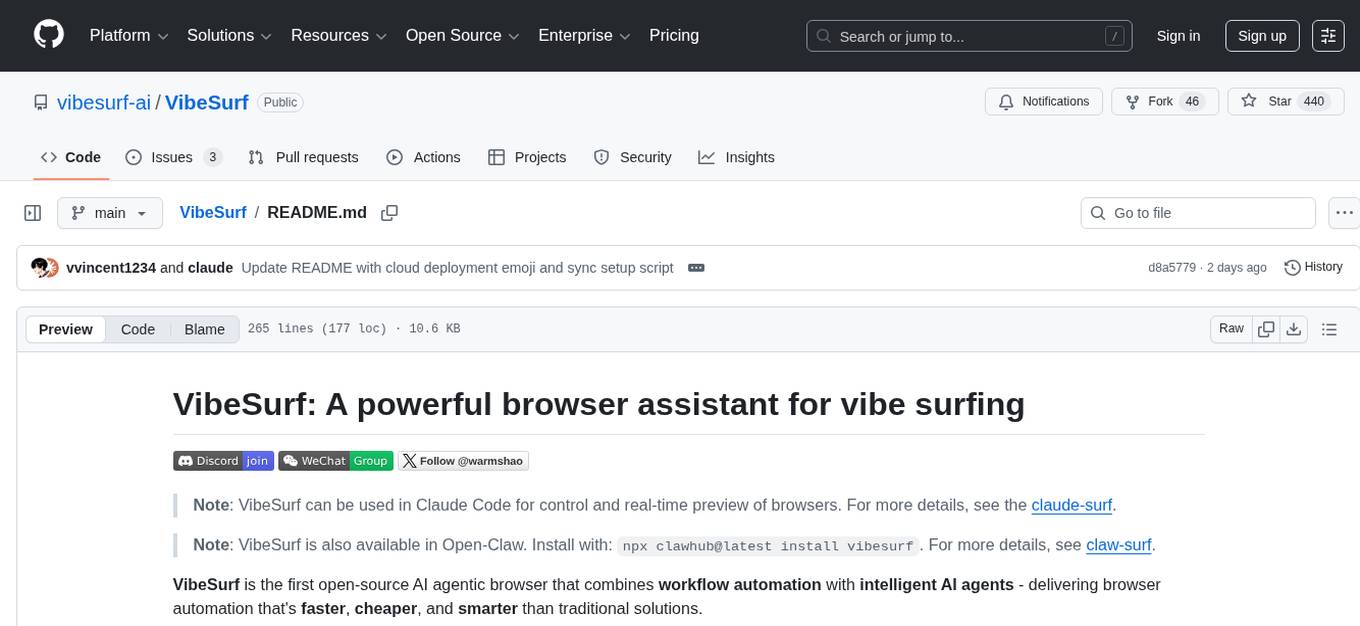
VibeSurf
VibeSurf is an open-source AI agentic browser that combines workflow automation with intelligent AI agents, offering faster, cheaper, and smarter browser automation. It allows users to create revolutionary browser workflows, run multiple AI agents in parallel, perform intelligent AI automation tasks, maintain privacy with local LLM support, and seamlessly integrate as a Chrome extension. Users can save on token costs, achieve efficiency gains, and enjoy deterministic workflows for consistent and accurate results. VibeSurf also provides a Docker image for easy deployment and offers pre-built workflow templates for common tasks.
Groqqle
Groqqle 2.1 is a revolutionary, free AI web search and API that instantly returns ORIGINAL content derived from source articles, websites, videos, and even foreign language sources, for ANY target market of ANY reading comprehension level! It combines the power of large language models with advanced web and news search capabilities, offering a user-friendly web interface, a robust API, and now a powerful Groqqle_web_tool for seamless integration into your projects. Developers can instantly incorporate Groqqle into their applications, providing a powerful tool for content generation, research, and analysis across various domains and languages.
tingly-box
Tingly Box is a tool that helps in deciding which model to call, compressing context, and routing requests efficiently. It offers secure, reliable, and customizable functional extensions. With features like unified API, smart routing, context compression, auto API translation, blazing fast performance, flexible authentication, visual control panel, and client-side usage stats, Tingly Box provides a comprehensive solution for managing AI models and tokens. It supports integration with various IDEs, CLI tools, SDKs, and AI applications, making it versatile and easy to use. The tool also allows seamless integration with OAuth providers like Claude Code, enabling users to utilize existing quotas in OpenAI-compatible tools. Tingly Box aims to simplify AI model management and usage by providing a single endpoint for multiple providers with minimal configuration, promoting seamless integration with SDKs and CLI tools.
DesktopCommanderMCP
Desktop Commander MCP is a server that allows the Claude desktop app to execute long-running terminal commands on your computer and manage processes through Model Context Protocol (MCP). It is built on top of MCP Filesystem Server to provide additional search and replace file editing capabilities. The tool enables users to execute terminal commands with output streaming, manage processes, perform full filesystem operations, and edit code with surgical text replacements or full file rewrites. It also supports vscode-ripgrep based recursive code or text search in folders.
farfalle
Farfalle is an open-source AI-powered search engine that allows users to run their own local LLM or utilize the cloud. It provides a tech stack including Next.js for frontend, FastAPI for backend, Tavily for search API, Logfire for logging, and Redis for rate limiting. Users can get started by setting up prerequisites like Docker and Ollama, and obtaining API keys for Tavily, OpenAI, and Groq. The tool supports models like llama3, mistral, and gemma. Users can clone the repository, set environment variables, run containers using Docker Compose, and deploy the backend and frontend using services like Render and Vercel.
Visionatrix
Visionatrix is a project aimed at providing easy use of ComfyUI workflows. It offers simplified setup and update processes, a minimalistic UI for daily workflow use, stable workflows with versioning and update support, scalability for multiple instances and task workers, multiple user support with integration of different user backends, LLM power for integration with Ollama/Gemini, and seamless integration as a service with backend endpoints and webhook support. The project is approaching version 1.0 release and welcomes new ideas for further implementation.
BodhiApp
Bodhi App runs Open Source Large Language Models locally, exposing LLM inference capabilities as OpenAI API compatible REST APIs. It leverages llama.cpp for GGUF format models and huggingface.co ecosystem for model downloads. Users can run fine-tuned models for chat completions, create custom aliases, and convert Huggingface models to GGUF format. The CLI offers commands for environment configuration, model management, pulling files, serving API, and more.
recommendarr
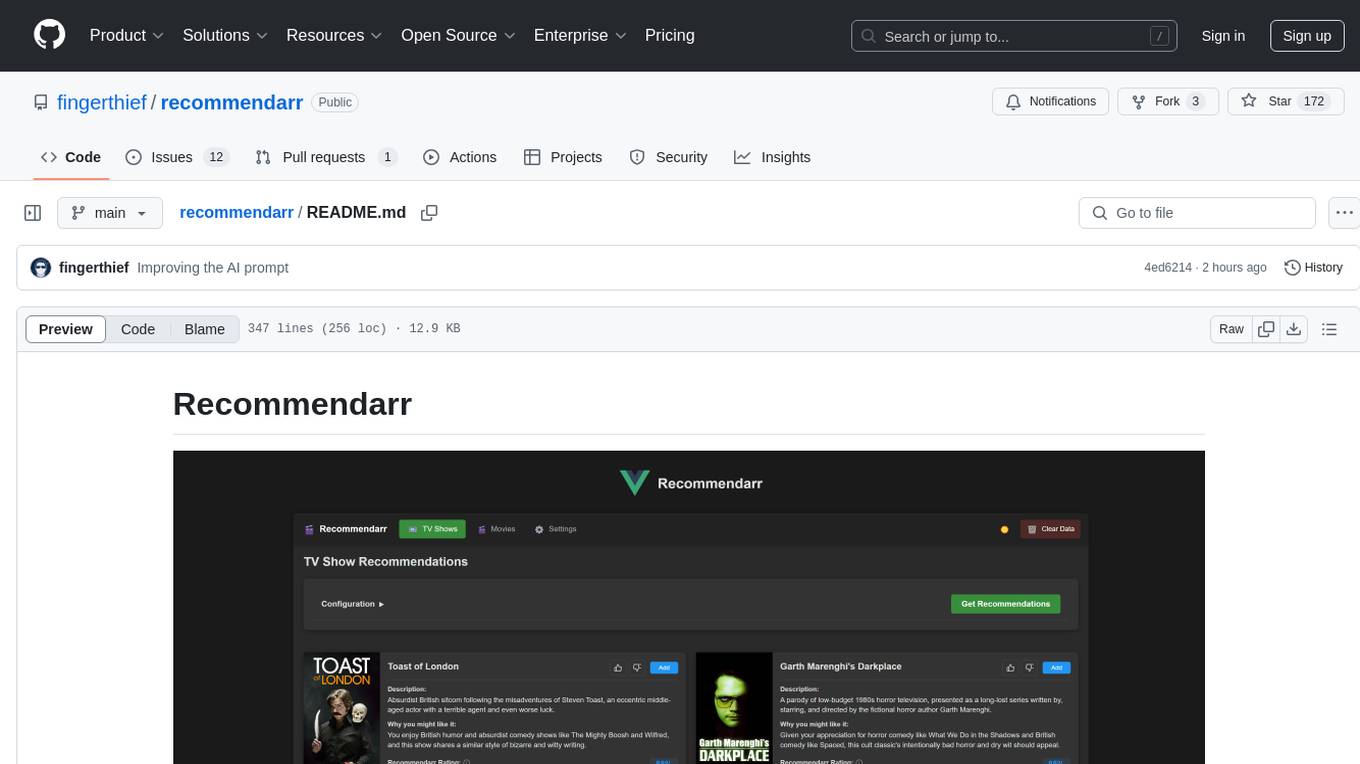
Recommendarr is a tool that generates personalized TV show and movie recommendations based on your Sonarr, Radarr, Plex, and Jellyfin libraries using AI. It offers AI-powered recommendations, media server integration, flexible AI support, watch history analysis, customization options, and dark/light mode toggle. Users can connect their media libraries and watch history services, configure AI service settings, and get personalized recommendations based on genre, language, and mood/vibe preferences. The tool works with any OpenAI-compatible API and offers various recommended models for different cost options and performance levels. It provides personalized suggestions, detailed information, filter options, watch history analysis, and one-click adding of recommended content to Sonarr/Radarr.
preswald
Preswald is a full-stack platform for building, deploying, and managing interactive data applications in Python. It simplifies the process by combining ingestion, storage, transformation, and visualization into one lightweight SDK. With Preswald, users can connect to various data sources, customize app themes, and easily deploy apps locally. The platform focuses on code-first simplicity, end-to-end coverage, and efficiency by design, making it suitable for prototyping internal tools or deploying production-grade apps with reduced complexity and cost.
editor
Nuxt Editor Template is a Notion-like WYSIWYG editor built with Vue & Nuxt, featuring rich text editing, tables, AI-powered completions, real-time collaboration, and more. It includes features like inline completions, image upload, mentions, emoji picker, and markdown support. Users can deploy their own editor with Vercel and integrate AI assistance for writing. The template also supports Blob storage for image uploads and optional real-time collaboration using Y.js framework with PartyKit.
pocketpaw
PocketPaw is a lightweight and user-friendly tool designed for managing and organizing your digital assets. It provides a simple interface for users to easily categorize, tag, and search for files across different platforms. With PocketPaw, you can efficiently organize your photos, documents, and other files in a centralized location, making it easier to access and share them. Whether you are a student looking to organize your study materials, a professional managing project files, or a casual user wanting to declutter your digital space, PocketPaw is the perfect solution for all your file management needs.
For similar tasks
verbis
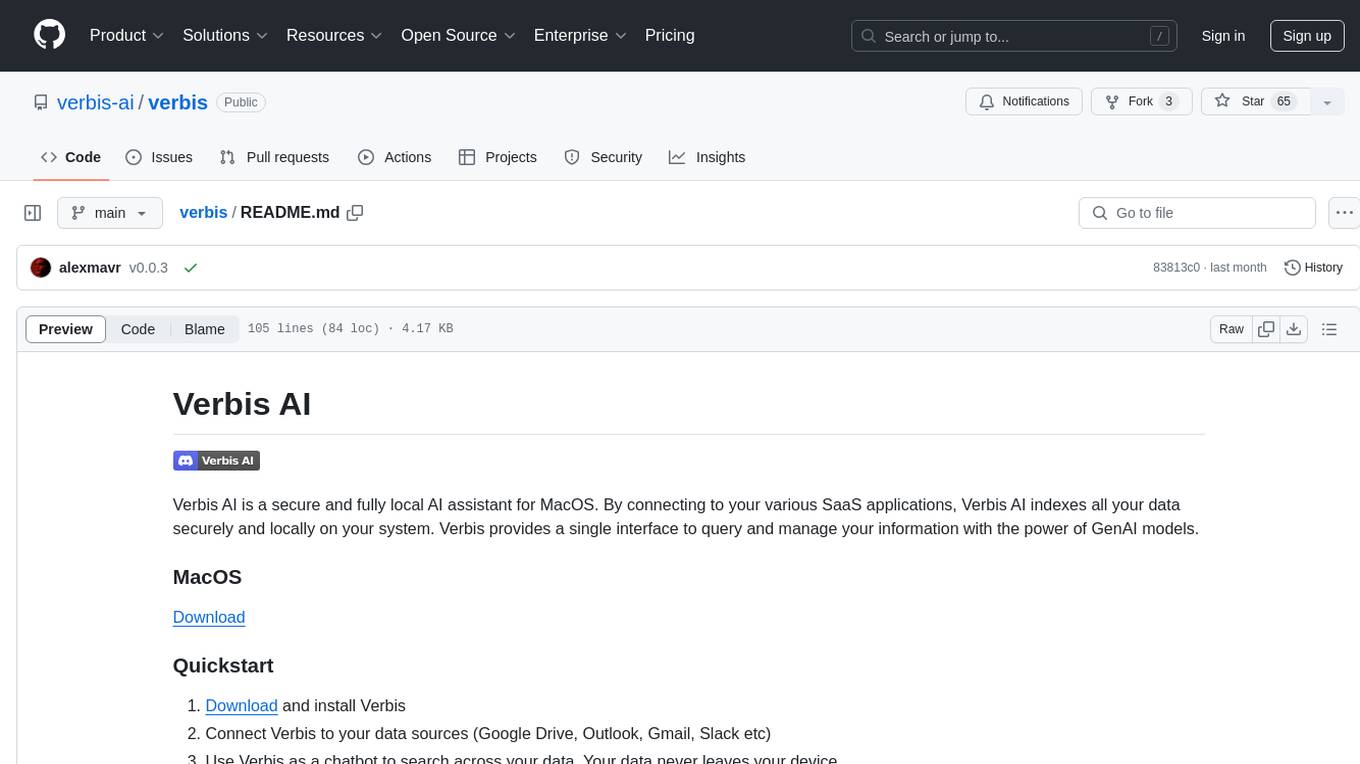
Verbis AI is a secure and fully local AI assistant for MacOS that indexes data from various SaaS applications securely on the user's system. It provides a single interface powered by GenAI models to query and manage information. Users can connect Verbis to apps like Google Drive, Outlook, Gmail, and Slack, and use it as a chatbot to search across their data without data leaving their device. The tool is powered by Ollama and Weaviate, utilizing models like Mistral 7B, ms-marco-MiniLM-L-12-v2, and nomic-embed-text. Verbis AI requires Apple Silicon Mac (m1+) and has minimal system resource utilization requirements.
LlamaBarn
LlamaBarn is a macOS menu bar app designed for running local LLMs. It allows users to install models from a built-in catalog, connect various applications such as chat UIs, editors, CLI tools, and scripts, and manage the loading and unloading of models based on usage. The app ensures all processing is done locally on the user's device, with a small app footprint and zero configuration required. It offers a smart model catalog, self-contained storage for models and configurations, and is built on llama.cpp from the GGML org.
comfyui-photoshop
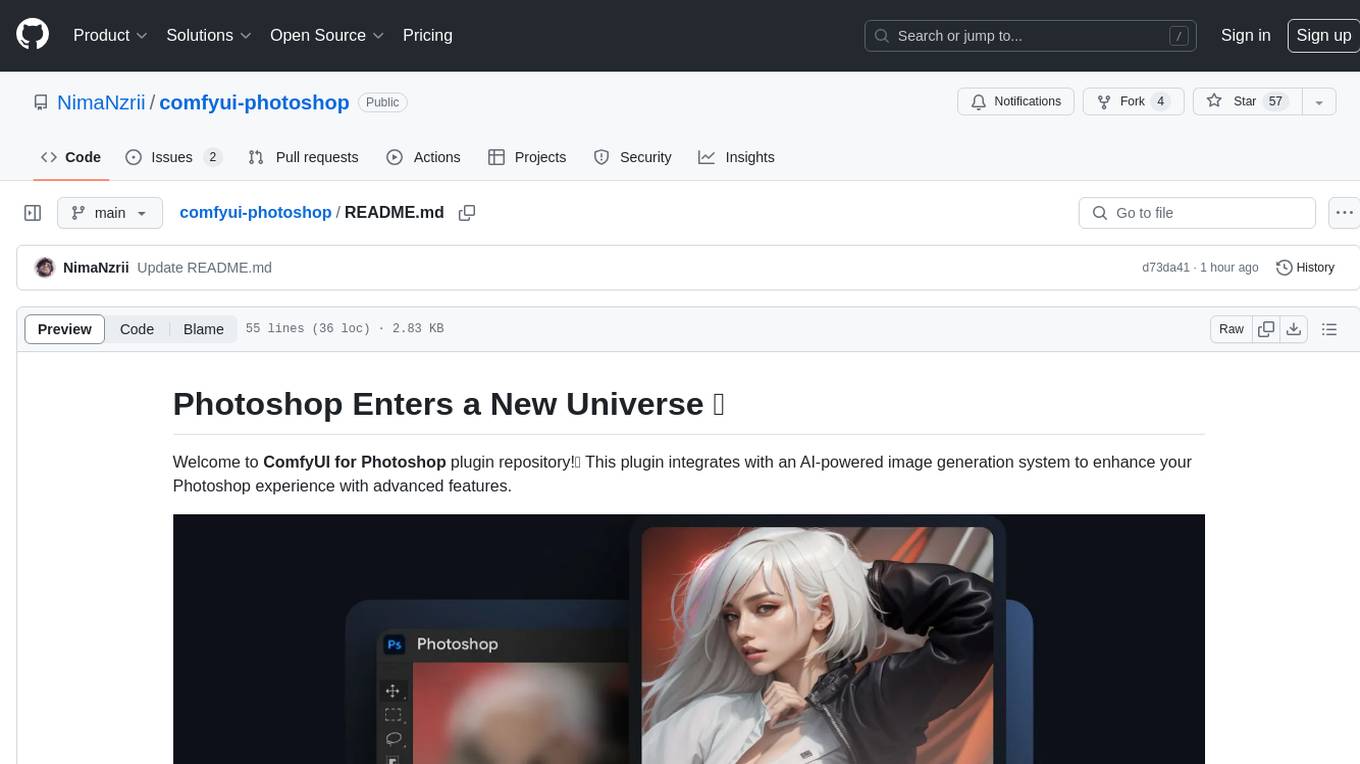
ComfyUI for Photoshop is a plugin that integrates with an AI-powered image generation system to enhance the Photoshop experience with features like unlimited generative fill, customizable back-end, AI-powered artistry, and one-click transformation. The plugin requires a minimum of 6GB graphics memory and 12GB RAM. Users can install the plugin and set up the ComfyUI workflow using provided links and files. Additionally, specific files like Check points, Loras, and Detailer Lora are required for different functionalities. Support and contributions are encouraged through GitHub.
lemonade
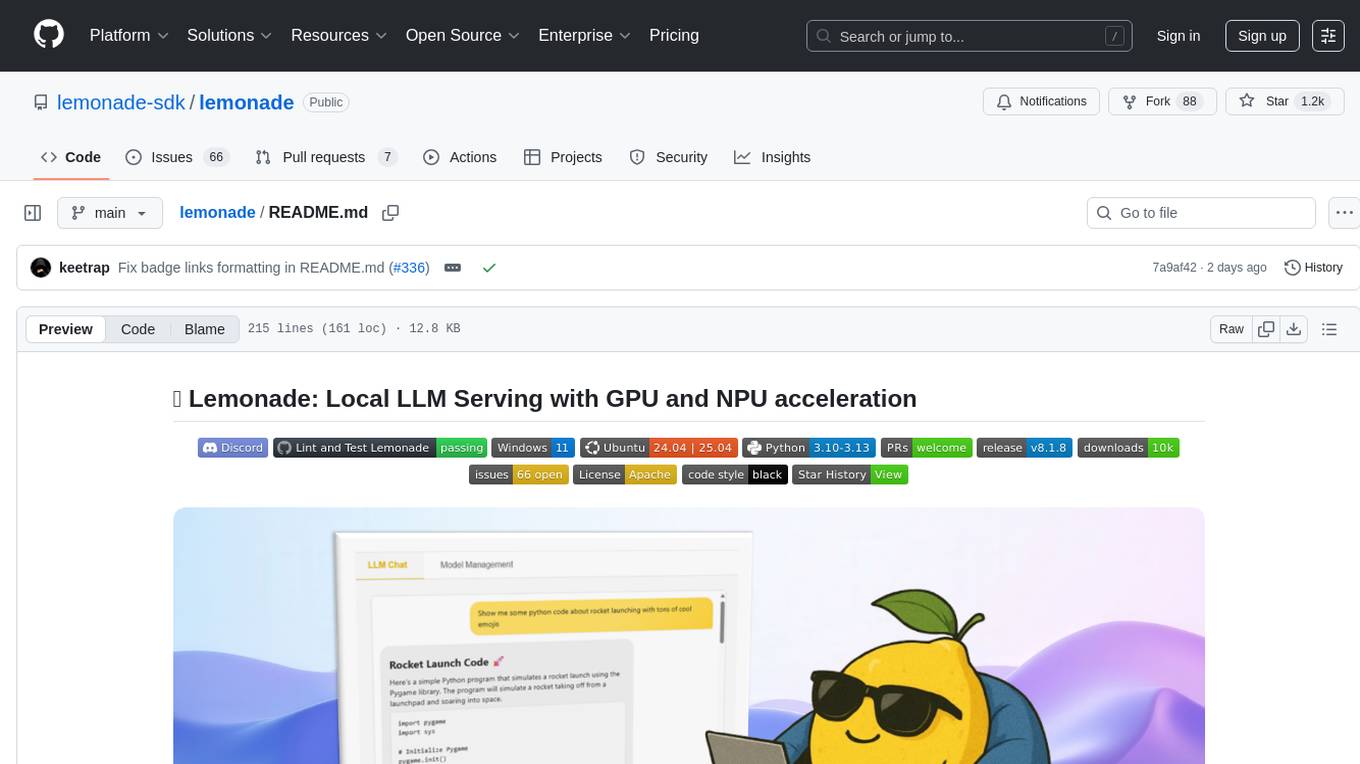
Lemonade is a tool that helps users run local Large Language Models (LLMs) with high performance by configuring state-of-the-art inference engines for their Neural Processing Units (NPUs) and Graphics Processing Units (GPUs). It is used by startups, research teams, and large companies to run LLMs efficiently. Lemonade provides a high-level Python API for direct integration of LLMs into Python applications and a CLI for mixing and matching LLMs with various features like prompting templates, accuracy testing, performance benchmarking, and memory profiling. The tool supports both GGUF and ONNX models and allows importing custom models from Hugging Face using the Model Manager. Lemonade is designed to be easy to use and switch between different configurations at runtime, making it a versatile tool for running LLMs locally.
spandrel
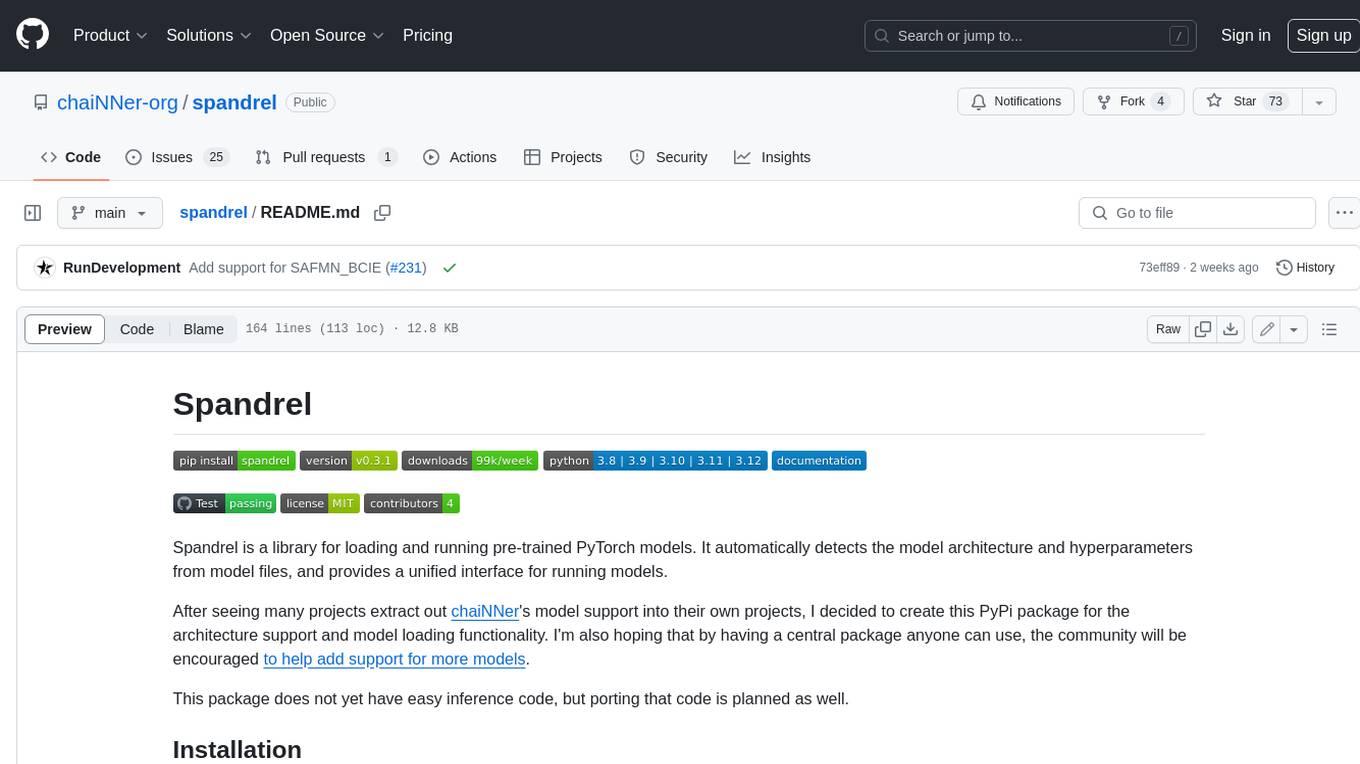
Spandrel is a library for loading and running pre-trained PyTorch models. It automatically detects the model architecture and hyperparameters from model files, and provides a unified interface for running models.
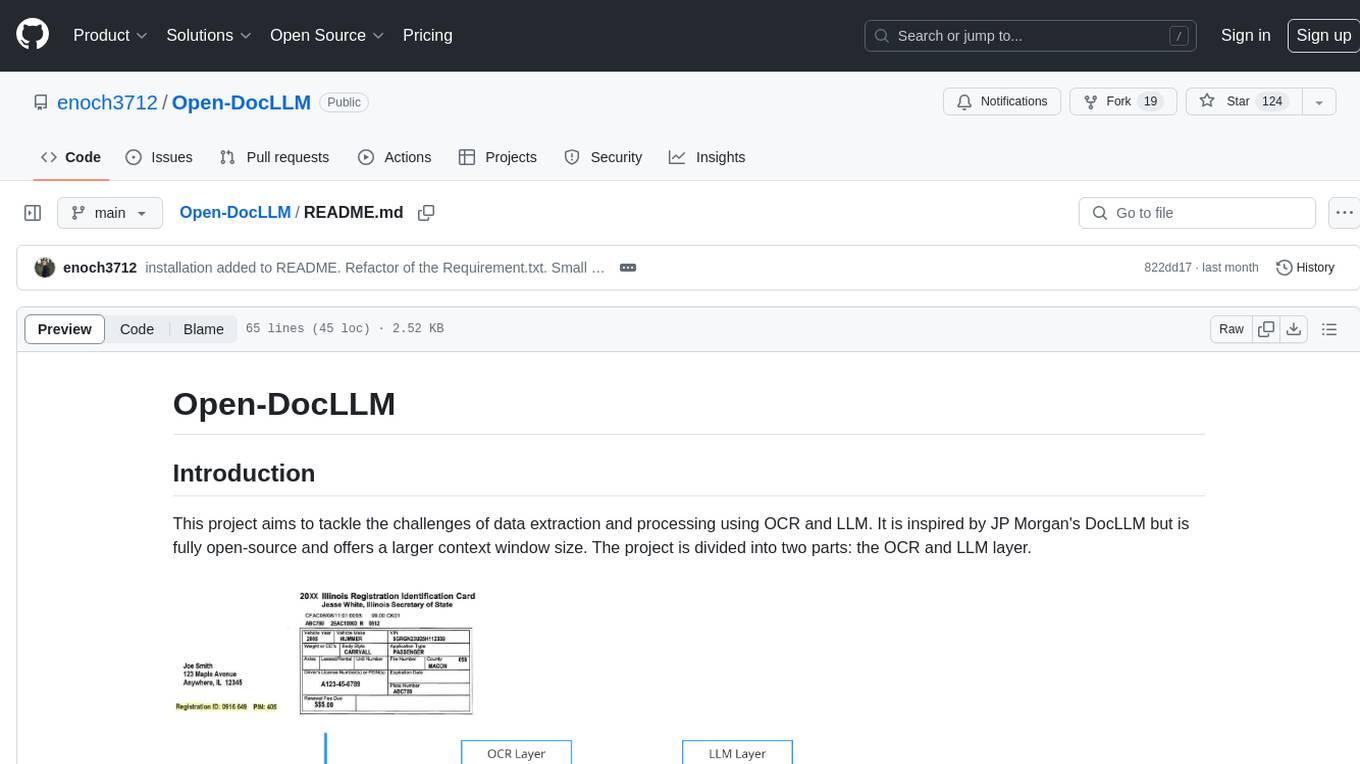
Open-DocLLM
Open-DocLLM is an open-source project that addresses data extraction and processing challenges using OCR and LLM technologies. It consists of two main layers: OCR for reading document content and LLM for extracting specific content in a structured manner. The project offers a larger context window size compared to JP Morgan's DocLLM and integrates tools like Tesseract OCR and Mistral for efficient data analysis. Users can run the models on-premises using LLM studio or Ollama, and the project includes a FastAPI app for testing purposes.
pipeline
Pipeline is a Python library designed for constructing computational flows for AI/ML models. It supports both development and production environments, offering capabilities for inference, training, and finetuning. The library serves as an interface to Mystic, enabling the execution of pipelines at scale and on enterprise GPUs. Users can also utilize this SDK with Pipeline Core on a private hosted cluster. The syntax for defining AI/ML pipelines is reminiscent of sessions in Tensorflow v1 and Flows in Prefect.
promptpanel
Prompt Panel is a tool designed to accelerate the adoption of AI agents by providing a platform where users can run large language models across any inference provider, create custom agent plugins, and use their own data safely. The tool allows users to break free from walled-gardens and have full control over their models, conversations, and logic. With Prompt Panel, users can pair their data with any language model, online or offline, and customize the system to meet their unique business needs without any restrictions.
For similar jobs

sweep
Sweep is an AI junior developer that turns bugs and feature requests into code changes. It automatically handles developer experience improvements like adding type hints and improving test coverage.

teams-ai
The Teams AI Library is a software development kit (SDK) that helps developers create bots that can interact with Teams and Microsoft 365 applications. It is built on top of the Bot Framework SDK and simplifies the process of developing bots that interact with Teams' artificial intelligence capabilities. The SDK is available for JavaScript/TypeScript, .NET, and Python.

ai-guide
This guide is dedicated to Large Language Models (LLMs) that you can run on your home computer. It assumes your PC is a lower-end, non-gaming setup.

classifai
Supercharge WordPress Content Workflows and Engagement with Artificial Intelligence. Tap into leading cloud-based services like OpenAI, Microsoft Azure AI, Google Gemini and IBM Watson to augment your WordPress-powered websites. Publish content faster while improving SEO performance and increasing audience engagement. ClassifAI integrates Artificial Intelligence and Machine Learning technologies to lighten your workload and eliminate tedious tasks, giving you more time to create original content that matters.

chatbot-ui
Chatbot UI is an open-source AI chat app that allows users to create and deploy their own AI chatbots. It is easy to use and can be customized to fit any need. Chatbot UI is perfect for businesses, developers, and anyone who wants to create a chatbot.

BricksLLM
BricksLLM is a cloud native AI gateway written in Go. Currently, it provides native support for OpenAI, Anthropic, Azure OpenAI and vLLM. BricksLLM aims to provide enterprise level infrastructure that can power any LLM production use cases. Here are some use cases for BricksLLM: * Set LLM usage limits for users on different pricing tiers * Track LLM usage on a per user and per organization basis * Block or redact requests containing PIIs * Improve LLM reliability with failovers, retries and caching * Distribute API keys with rate limits and cost limits for internal development/production use cases * Distribute API keys with rate limits and cost limits for students

uAgents
uAgents is a Python library developed by Fetch.ai that allows for the creation of autonomous AI agents. These agents can perform various tasks on a schedule or take action on various events. uAgents are easy to create and manage, and they are connected to a fast-growing network of other uAgents. They are also secure, with cryptographically secured messages and wallets.

griptape
Griptape is a modular Python framework for building AI-powered applications that securely connect to your enterprise data and APIs. It offers developers the ability to maintain control and flexibility at every step. Griptape's core components include Structures (Agents, Pipelines, and Workflows), Tasks, Tools, Memory (Conversation Memory, Task Memory, and Meta Memory), Drivers (Prompt and Embedding Drivers, Vector Store Drivers, Image Generation Drivers, Image Query Drivers, SQL Drivers, Web Scraper Drivers, and Conversation Memory Drivers), Engines (Query Engines, Extraction Engines, Summary Engines, Image Generation Engines, and Image Query Engines), and additional components (Rulesets, Loaders, Artifacts, Chunkers, and Tokenizers). Griptape enables developers to create AI-powered applications with ease and efficiency.