


easyclaw
EasyClaw is an easy-mode runtime and UI layer built on top of OpenClaw, designed to turn long-lived AI agents into personal digital butlers. Instead of configuring skills or workflows, users interact through natural-language rules and feedback, allowing a single agent to evolve, adapt, and better understand its owner over time.
Stars: 67
EasyClaw is a desktop application that simplifies the usage of OpenClaw, a powerful agent runtime, by providing a user-friendly interface for non-programmers. Users can write rules in plain language, configure multiple LLM providers and messaging channels, manage API keys, and interact with the agent through a local web panel. The application ensures data privacy by keeping all information on the user's machine and offers features like natural language rules, multi-provider LLM support, Gemini CLI OAuth, proxy support, messaging integration, token tracking, speech-to-text, file permissions control, and more. EasyClaw aims to lower the barrier of entry for utilizing OpenClaw by providing a user-friendly cockpit for managing the engine.
README:

English | 中文
OpenClaw is a powerful agent runtime — but it's built for engineers. Setting it up means editing config files, managing processes, and juggling API keys from the terminal. For non-programmers (designers, operators, small business owners), that barrier is too high.
EasyClaw wraps OpenClaw into a desktop app that anyone can use: install, launch from the system tray, and manage everything through a local web panel. Write rules in plain language instead of code, configure LLM providers and messaging channels with a few clicks, and let the agent learn your preferences over time. No terminal required.
In short: OpenClaw is the engine; EasyClaw is the cockpit.
- Natural Language Rules: Write rules in plain language—they compile to policy, guards, or skills and take effect immediately (no restart)
- Multi-Provider LLM Support: 17+ providers (OpenAI, Anthropic, Google Gemini, DeepSeek, Zhipu/Z.ai, Moonshot, Qwen, Groq, Mistral, xAI, OpenRouter, MiniMax, Venice AI, Xiaomi, Volcengine/Doubao, Amazon Bedrock, etc.) with multi-key management and region-aware defaults
- Gemini CLI OAuth: Sign in with Google for free-tier Gemini access—no API key needed. Auto-detects or installs Gemini CLI credentials
- Per-Provider Proxy Support: Configure HTTP/SOCKS5 proxies per LLM provider or API key, with automatic routing and hot reload—essential for restricted regions
-
WeChat Messaging (WeCom): Chat with your agent from WeChat via a WeCom Customer Service relay. Open-source relay server included (
apps/wecom-relay) - Multi-Account Channels: Configure Telegram, Discord, Slack, WhatsApp, DingTalk, and more through UI with secure secret storage (Keychain/DPAPI)
- Token Usage Tracking: Real-time statistics by model and provider, auto-refreshed from OpenClaw session files
- Speech-to-Text: Region-aware STT integration for voice messages (Groq, Volcengine)
- Visual Permissions: Control file read/write access through UI
- Zero-Restart Updates: API key, proxy, and channel changes apply instantly via hot reload—no gateway restart needed
- Local-First & Private: All data stays on your machine; secrets never stored in plaintext
- Auto-Update: Client update checker with static manifest hosting
- Privacy-First Telemetry: Optional anonymous usage analytics—no PII collected
EasyClaw enforces file access permissions through an OpenClaw plugin that intercepts tool calls before they execute. Here's what's protected:
-
File access tools (
read,write,edit,image,apply-patch): Fully protected—paths are validated against your configured permissions -
Command execution (
exec,process): Working directory is validated, but paths inside command strings (likecat /etc/passwd) cannot be inspected
Coverage: ~85-90% of file access scenarios. For maximum security, consider restricting or disabling exec tools through Rules.
Technical note: The file permissions plugin uses OpenClaw's before_tool_call hook—no vendor source code modifications needed, so EasyClaw can cleanly pull upstream OpenClaw updates.
| Tool | Version |
|---|---|
| Node.js | >= 24 |
| pnpm | 10.6.2 |
# 1. Clone and build the vendored OpenClaw runtime
./scripts/setup-vendor.sh

# 2. Install workspace dependencies and build
pnpm install
pnpm build

# 3. Launch in dev mode
pnpm --filter @easyclaw/desktop dev
This starts the Electron tray app, which spawns the OpenClaw gateway and serves the management panel at http://localhost:3210.
easyclaw/
├── apps/
│   ├── desktop/          # Electron tray app (main process)
│   ├── panel/            # React management UI (served by desktop)
│   └── wecom-relay/      # WeCom Customer Service relay server (self-hosted)
├── packages/
│   ├── core/             # Shared types & Zod schemas
│   ├── device-id/        # Machine fingerprinting for device identity
│   ├── gateway/          # Gateway lifecycle, config writer, secret injection, OAuth flows
│   ├── logger/           # Structured logging (tslog)
│   ├── storage/          # SQLite persistence (better-sqlite3)
│   ├── rules/            # Rule compilation & skill file writer
│   ├── secrets/          # Keychain / DPAPI / file-based secret stores
│   ├── updater/          # Auto-update client
│   ├── stt/              # Speech-to-text abstraction (Groq, Volcengine)
│   ├── proxy-router/     # HTTP CONNECT proxy multiplexer for restricted regions
│   ├── telemetry/        # Privacy-first anonymous analytics client
│   └── policy/           # Policy injector & guard evaluator logic
├── extensions/
│   ├── dingtalk/         # DingTalk channel integration
│   ├── easyclaw-policy/  # OpenClaw plugin shell for policy injection
│   ├── file-permissions/ # OpenClaw plugin for file access control
│   └── wecom/            # WeCom channel plugin (runs inside gateway)
├── scripts/
│   ├── test-local.sh     # Local test pipeline (build + unit + e2e tests)
│   ├── publish-release.sh # Publish draft GitHub Release
│   └── rebuild-native.sh # Prebuild better-sqlite3 for Node.js + Electron
├── vendor/
│   └── openclaw/         # Vendored OpenClaw binary (gitignored)
└── website/              # Static site + nginx/docker for hosting releases
The monorepo uses pnpm workspaces (apps/*, packages/*, extensions/*) with Turbo for build orchestration. All packages produce ESM output via tsdown.
| Package | Description |
|---|---|
@easyclaw/desktop |
Electron 35 tray app. Manages gateway lifecycle, hosts the panel server on port 3210, stores data in SQLite. |
@easyclaw/panel |
React 19 + Vite 6 SPA. Pages for rules, providers, channels, permissions, usage, and a first-launch onboarding wizard. |
@easyclaw/wecom-relay |
WeCom Customer Service relay server. Bridges WeChat users to the gateway via WebSocket. Deploy with Docker. |
| Package | Description |
|---|---|
@easyclaw/wecom |
WeCom channel plugin. Connects to the relay server via WebSocket, receives/sends messages, and registers as an OpenClaw channel. |
@easyclaw/dingtalk |
DingTalk channel integration (placeholder). |
@easyclaw/easyclaw-policy |
Thin OpenClaw plugin shell that wires policy injection into the gateway's before_agent_start hook. |
@easyclaw/file-permissions |
OpenClaw plugin that enforces file access permissions by intercepting and validating tool calls before execution. |
| Package | Description |
|---|---|
@easyclaw/core |
Zod-validated types: Rule, ChannelConfig, PermissionConfig, ModelConfig, LLM provider definitions (OpenAI, Anthropic, Google Gemini, DeepSeek, Zhipu, Moonshot, Qwen, and more), region-aware defaults. |
@easyclaw/gateway |
GatewayLauncher (spawn/stop/restart with exponential backoff), config writer, secret injection from system keychain, Gemini CLI OAuth flow, auth profile sync, skills directory watcher for hot reload. |
@easyclaw/logger |
tslog-based logger. Writes to ~/.easyclaw/logs/. |
@easyclaw/storage |
SQLite via better-sqlite3. Repositories for rules, artifacts, channels, permissions, settings. Migration system included. DB at ~/.easyclaw/easyclaw.db. |
@easyclaw/rules |
Rule compilation, skill lifecycle (activate/deactivate), skill file writer that materializes rules as SKILL.md files for OpenClaw. |
@easyclaw/secrets |
Platform-aware secret storage. macOS Keychain, file-based fallback, in-memory for tests. |
@easyclaw/updater |
Checks update-manifest.json on the website, notifies user of new versions. |
@easyclaw/device-id |
Machine fingerprinting (SHA-256 of hardware UUID) for device identity and quota enforcement. |
@easyclaw/stt |
Speech-to-text provider abstraction (Groq for international, Volcengine for China). |
@easyclaw/proxy-router |
HTTP CONNECT proxy that routes requests to different upstream proxies based on per-provider domain configuration. |
@easyclaw/telemetry |
Privacy-first telemetry client with batch uploads and retry logic; no PII collected. |
@easyclaw/policy |
Policy injector & guard evaluator — compiles policies into prompt fragments and guards into enforcement checks. |
Most root scripts run through Turbo:
pnpm build        # Build all packages (respects dependency graph)
pnpm dev          # Run desktop + panel in dev mode
pnpm test         # Run all tests (vitest)
pnpm lint         # Lint all packages (oxlint)
pnpm format       # Check formatting (oxfmt, runs directly)
pnpm format:fix # Auto-fix formatting (oxfmt, runs directly)# Desktop
pnpm --filter @easyclaw/desktop dev # Launch Electron in dev mode
pnpm --filter @easyclaw/desktop build # Bundle main process
pnpm --filter @easyclaw/desktop test # Run desktop tests
pnpm --filter @easyclaw/desktop dist:mac # Build macOS DMG (universal)
pnpm --filter @easyclaw/desktop dist:win # Build Windows NSIS installer
# Panel
pnpm --filter @easyclaw/panel dev # Vite dev server
pnpm --filter @easyclaw/panel build # Production build
# Any package
pnpm --filter @easyclaw/core test
pnpm --filter @easyclaw/gateway test┌─────────────────────────────────────────┐
│ System Tray (Electron main process) │
│ ├── GatewayLauncher → vendor/openclaw │
│ ├── Panel HTTP Server (:3210) │
│ │ ├── Static files (panel dist/) │
│ │ └── REST API (/api/*) │
│ ├── SQLite Storage │
│ ├── Auth Profile Sync │
│ └── Auto-Updater │
└─────────────────────────────────────────┘
│ ▲
▼ │
┌─────────────┐ ┌─────────────────┐
│ OpenClaw │ │ Panel (React) │
│ Gateway │ │ localhost:3210 │
│ Process │ └─────────────────┘
└─────────────┘
│ (extensions/wecom plugin via WebSocket)
▼
┌──────────────────────┐ ┌────────────┐
│ WeCom Relay Server │◄─────│ WeChat │
│ (apps/wecom-relay) │ │ Users │
└──────────────────────┘ └────────────┘
The desktop app runs as a tray-only application (hidden from the dock on macOS). It:
- Spawns the OpenClaw gateway from
vendor/openclaw/ - Serves the panel UI and REST API on
localhost:3210 - Writes gateway config and auth profiles to
~/.openclaw/ - Injects secrets (API keys + OAuth tokens) from the system keychain at runtime
- Watches
~/.openclaw/skills/for hot-reload of rule-generated skill files - Syncs refreshed OAuth tokens back to keychain on shutdown
The panel server exposes these endpoints:
| Endpoint | Methods | Description |
|---|---|---|
/api/rules |
GET, POST, PUT, DELETE | CRUD for rules |
/api/channels |
GET, POST, PUT, DELETE | Channel management |
/api/permissions |
GET, POST, PUT, DELETE | Permission management |
/api/settings |
GET, PUT | Key-value settings store |
/api/providers |
GET | Available LLM providers |
/api/provider-keys |
GET, POST, PUT, DELETE | API key and OAuth credential management |
/api/oauth |
POST | Gemini CLI OAuth flow (acquire/save) |
/api/status |
GET | System status (rule count, gateway state) |
| Path | Purpose |
|---|---|
~/.easyclaw/easyclaw.db |
SQLite database |
~/.easyclaw/logs/ |
Application logs |
~/.openclaw/ |
OpenClaw state directory |
~/.openclaw/gateway/config.yml |
Gateway configuration |
~/.openclaw/sessions/ |
WhatsApp sessions |
~/.openclaw/skills/ |
Auto-generated skill files |
The dist:mac and dist:win scripts automatically prune vendor/openclaw/node_modules to production-only dependencies before packaging. This reduces the DMG from ~360MB to ~270MB.
After building, vendor node_modules will be pruned. To restore full deps for development:
cd vendor/openclaw && CI=true pnpm install --no-frozen-lockfile && cd ../..pnpm build
pnpm --filter @easyclaw/desktop dist:mac
# Output: apps/desktop/release/EasyClaw-<version>-universal.dmgFor code signing and notarization, set these environment variables:
CSC_LINK=<path-to-.p12-certificate>
CSC_KEY_PASSWORD=<certificate-password>
APPLE_ID=<your-apple-id>
APPLE_APP_SPECIFIC_PASSWORD=<app-specific-password>
APPLE_TEAM_ID=<team-id>pnpm build
pnpm --filter @easyclaw/desktop dist:win
# Output: apps/desktop/release/EasyClaw Setup <version>.exeCross-compiling from macOS works (NSIS doesn't need Wine). For code signing on Windows, set:
CSC_LINK=<path-to-.pfx-certificate>
CSC_KEY_PASSWORD=<certificate-password>The scripts/test-local.sh script runs the full local test pipeline:
./scripts/test-local.sh 1.2.8            # full pipeline
./scripts/test-local.sh --skip-tests      # build + pack only
This will:
- Prebuild native modules for Node.js + Electron
- Build all workspace packages
- Run unit tests and E2E tests (dev + prod)
- Pack the app (electron-builder --dir)
After CI builds complete and local tests pass:
./scripts/publish-release.sh # publish draft releasedesktop dev auto-rebuilds better-sqlite3 for Electron's Node ABI. This means tests may fail afterwards with a NODE_MODULE_VERSION mismatch. Fix with:
pnpm install # restores the system-Node prebuilt binaryTests use Vitest. Run all tests:
pnpm testRun tests for a specific package:
pnpm --filter @easyclaw/storage test
pnpm --filter @easyclaw/gateway test- Linting: oxlint (Rust-based, fast)
- Formatting: oxfmt (Rust-based, fast)
- TypeScript: Strict mode, ES2023 target, NodeNext module resolution
pnpm lint
pnpm format       # Check
pnpm format:fix # Auto-fixThe website/ directory contains the static product site hosted at www.easy-claw.com:
website/
├── site/           # Static HTML/CSS/JS (i18n: EN/ZH/JA)
│   ├── index.html
│   ├── style.css
│   ├── i18n.js
│   ├── update-manifest.json
│   └── releases/   # Installer binaries (gitignored)
├── nginx/          # nginx config (HTTPS, redirect, caching)
├── docker-compose.yml
└── init-letsencrypt.sh
On the production server:
cd website
./init-letsencrypt.sh   # First-time SSL setup
docker compose up -d # Start nginx + certbotSee LICENSE for details.
For Tasks:
Click tags to check more tools for each tasksFor Jobs:
Alternative AI tools for easyclaw
Similar Open Source Tools
easyclaw
EasyClaw is a desktop application that simplifies the usage of OpenClaw, a powerful agent runtime, by providing a user-friendly interface for non-programmers. Users can write rules in plain language, configure multiple LLM providers and messaging channels, manage API keys, and interact with the agent through a local web panel. The application ensures data privacy by keeping all information on the user's machine and offers features like natural language rules, multi-provider LLM support, Gemini CLI OAuth, proxy support, messaging integration, token tracking, speech-to-text, file permissions control, and more. EasyClaw aims to lower the barrier of entry for utilizing OpenClaw by providing a user-friendly cockpit for managing the engine.
multi-agent-shogun
multi-agent-shogun is a system that runs multiple AI coding CLI instances simultaneously, orchestrating them like a feudal Japanese army. It supports Claude Code, OpenAI Codex, GitHub Copilot, and Kimi Code. The system allows you to command your AI army with zero coordination cost, enabling parallel execution, non-blocking workflow, cross-session memory, event-driven communication, and full transparency. It also features skills discovery, phone notifications, pane border task display, shout mode, and multi-CLI support.
mcp-ts-template
The MCP TypeScript Server Template is a production-grade framework for building powerful and scalable Model Context Protocol servers with TypeScript. It features built-in observability, declarative tooling, robust error handling, and a modular, DI-driven architecture. The template is designed to be AI-agent-friendly, providing detailed rules and guidance for developers to adhere to best practices. It enforces architectural principles like 'Logic Throws, Handler Catches' pattern, full-stack observability, declarative components, and dependency injection for decoupling. The project structure includes directories for configuration, container setup, server resources, services, storage, utilities, tests, and more. Configuration is done via environment variables, and key scripts are available for development, testing, and publishing to the MCP Registry.
nono
nono is a secure, kernel-enforced capability shell for running AI agents and any POSIX style process. It leverages OS security primitives to create an environment where unauthorized operations are structurally impossible. It provides protections against destructive commands and securely stores API keys, tokens, and secrets. The tool is agent-agnostic, works with any AI agent or process, and blocks dangerous commands by default. It follows a capability-based security model with defense-in-depth, ensuring secure execution of commands and protecting sensitive data.
agentboard
Agentboard is a Web GUI for tmux optimized for agent TUI's like claude and codex. It provides a shared workspace across devices with features such as paste support, touch scrolling, virtual arrow keys, log tracking, and session pinning. Users can interact with tmux sessions from any device through a live terminal stream. The tool allows session discovery, status inference, and terminal I/O streaming for efficient agent management.
skillshare
One source of truth for AI CLI skills. Sync everywhere with one command — from personal to organization-wide. Stop managing skills tool-by-tool. `skillshare` gives you one shared skill source and pushes it everywhere your AI agents work. Safe by default with non-destructive merge mode. True bidirectional flow with `collect`. Cross-machine ready with Git-native `push`/`pull`. Team + project friendly with global skills for personal workflows and repo-scoped collaboration. Visual control panel with `skillshare ui` for browsing, install, target management, and sync status in one place.
OwnPilot
OwnPilot is a privacy-first personal AI assistant platform that offers autonomous agents, tool orchestration, multi-provider support, MCP integration, and Telegram connectivity. It features multi-provider support with various native and aggregator providers, local AI support, smart provider routing, context management, streaming responses, and configurable agents. The platform includes 170+ built-in tools across 28 categories, meta-tool proxy, tool namespaces, MCP client/server support, skill packages, custom tools, connected apps, tool limits, and natural language tool discovery. Personal data management includes notes, tasks, bookmarks, contacts, calendar, expenses, productivity tools, memories, goals, and custom data tables. Autonomy & automation features 5 autonomy levels, triggers, heartbeats, plans, risk assessment, and automatic risk scoring. Communication channels include a web UI built with React, a Telegram bot, WebSocket for real-time broadcasts, and a REST API with standardized responses. Security features include zero-dependency crypto, PII detection & redaction, sandboxed code execution, 4-layer security model, code execution approval, authentication modes, rate limiting, and tamper-evident audit. The architecture includes core, gateway, UI, channels, CLI, AI providers, agent system, tool system, MCP integration, personal data, autonomy & automation, database, security & privacy, code execution, and API reference. The platform is built with TypeScript, Node.js, PostgreSQL, React, Vite, Tailwind CSS, and Grammy for Telegram integration.
claude-container
Claude Container is a Docker container pre-installed with Claude Code, providing an isolated environment for running Claude Code with optional API request logging in a local SQLite database. It includes three images: main container with Claude Code CLI, optional HTTP proxy for logging requests, and a web UI for visualizing and querying logs. The tool offers compatibility with different versions of Claude Code, quick start guides using a helper script or Docker Compose, authentication process, integration with existing projects, API request logging proxy setup, and data visualization with Datasette.
multi-agent-ralph-loop
Multi-agent RALPH (Reinforcement Learning with Probabilistic Hierarchies) Loop is a framework for multi-agent reinforcement learning research. It provides a flexible and extensible platform for developing and testing multi-agent reinforcement learning algorithms. The framework supports various environments, including grid-world environments, and allows users to easily define custom environments. Multi-agent RALPH Loop is designed to facilitate research in the field of multi-agent reinforcement learning by providing a set of tools and utilities for experimenting with different algorithms and scenarios.
Archon
Archon is an AI meta-agent designed to autonomously build, refine, and optimize other AI agents. It serves as a practical tool for developers and an educational framework showcasing the evolution of agentic systems. Through iterative development, Archon demonstrates the power of planning, feedback loops, and domain-specific knowledge in creating robust AI agents.
httpjail
httpjail is a cross-platform tool designed for monitoring and restricting HTTP/HTTPS requests from processes using network isolation and transparent proxy interception. It provides process-level network isolation, HTTP/HTTPS interception with TLS certificate injection, script-based and JavaScript evaluation for custom request logic, request logging, default deny behavior, and zero-configuration setup. The tool operates on Linux and macOS, creating an isolated network environment for target processes and intercepting all HTTP/HTTPS traffic through a transparent proxy enforcing user-defined rules.
rho
Rho is an AI agent that runs on macOS, Linux, and Android, staying active, remembering past interactions, and checking in autonomously. It operates without cloud storage, allowing users to retain ownership of their data. Users can bring their own LLM provider and have full control over the agent's functionalities. Rho is built on the pi coding agent framework, offering features like persistent memory, scheduled tasks, and real email capabilities. The agent can be customized through checklists, scheduled triggers, and personalized voice and identity settings. Skills and extensions enhance the agent's capabilities, providing tools for notifications, clipboard management, text-to-speech, and more. Users can interact with Rho through commands and scripts, enabling tasks like checking status, triggering actions, and managing preferences.
spatz-2
Spatz-2 is a complete, fullstack template for Svelte, utilizing technologies such as Sveltekit, Pocketbase, OpenAI, Vercel AI SDK, TailwindCSS, svelte-animations, and Zod. It offers features like user authentication, admin dashboard, dark/light mode themes, AI chatbot, guestbook, and forms with client/server validation. The project structure includes components, stores, routes, APIs, and icons. Spatz-2 aims to provide a futuristic web framework for building fast web apps with advanced functionalities and easy customization.
specweave
SpecWeave is a spec-driven Skill Fabric for AI coding agents that allows programming AI in English. It provides first-class support for Claude Code and offers reusable logic for controlling AI behavior. With over 100 skills out of the box, SpecWeave eliminates the need to learn Claude Code docs and handles various aspects of feature development. The tool enables users to describe what they want, and SpecWeave autonomously executes tasks, including writing code, running tests, and syncing to GitHub/JIRA. It supports solo developers, agent teams working in parallel, and brownfield projects, offering file-based coordination, autonomous teams, and enterprise-ready features. SpecWeave also integrates LSP Code Intelligence for semantic understanding of codebases and allows for extensible skills without forking.
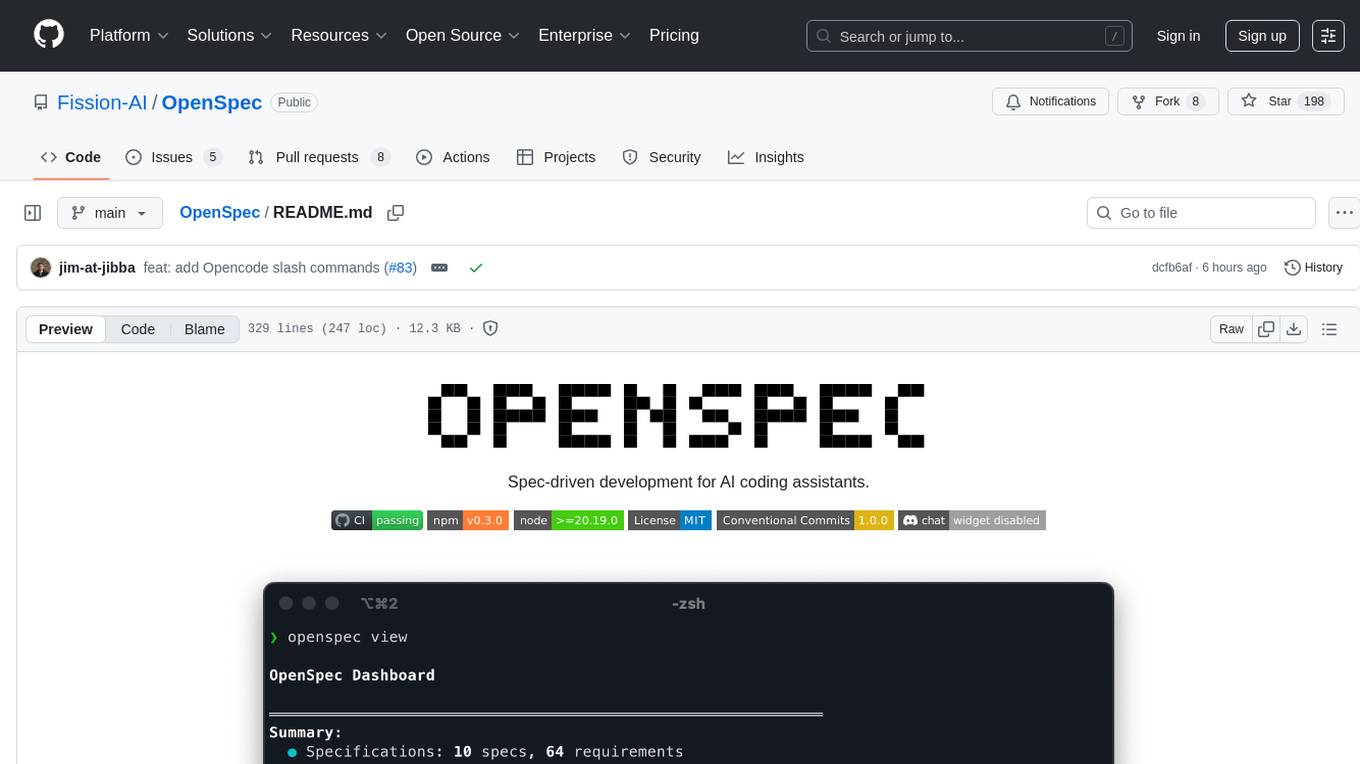
OpenSpec
OpenSpec is a tool for spec-driven development, aligning humans and AI coding assistants to agree on what to build before any code is written. It adds a lightweight specification workflow that ensures deterministic, reviewable outputs without the need for API keys. With OpenSpec, stakeholders can draft change proposals, review and align with AI assistants, implement tasks based on agreed specs, and archive completed changes for merging back into the source-of-truth specs. It works seamlessly with existing AI tools, offering shared visibility into proposed, active, or archived work.
vibe-remote
Vibe Remote is a tool that allows developers to code using AI agents through Slack or Discord, eliminating the need for a laptop or IDE. It provides a seamless experience for coding tasks, enabling users to interact with AI agents in real-time, delegate tasks, and monitor progress. The tool supports multiple coding agents, offers a setup wizard for easy installation, and ensures security by running locally on the user's machine. Vibe Remote enhances productivity by reducing context-switching and enabling parallel task execution within isolated workspaces.
For similar tasks
magic-cli
Magic CLI is a command line utility that leverages Large Language Models (LLMs) to enhance command line efficiency. It is inspired by projects like Amazon Q and GitHub Copilot for CLI. The tool allows users to suggest commands, search across command history, and generate commands for specific tasks using local or remote LLM providers. Magic CLI also provides configuration options for LLM selection and response generation. The project is still in early development, so users should expect breaking changes and bugs.
skyflo
Skyflo.ai is an AI agent designed for Cloud Native operations, providing seamless infrastructure management through natural language interactions. It serves as a safety-first co-pilot with a human-in-the-loop design. The tool offers flexible deployment options for both production and local Kubernetes environments, supporting various LLM providers and self-hosted models. Users can explore the architecture of Skyflo.ai and contribute to its development following the provided guidelines and Code of Conduct. The community engagement includes Discord, Twitter, YouTube, and GitHub Discussions.
lightspeed-service
OpenShift LightSpeed (OLS) is an AI powered assistant that runs on OpenShift and provides answers to product questions using backend LLM services. It supports various LLM providers such as OpenAI, Azure OpenAI, OpenShift AI, RHEL AI, and Watsonx. Users can configure the service, manage API keys securely, and deploy it locally or on OpenShift. The project structure includes REST API handlers, configuration loader, LLM providers registry, and more. Additional tools include generating OpenAPI schema, requirements.txt file, and uploading artifacts to an S3 bucket. The project is open source under the Apache 2.0 License.
easyclaw
EasyClaw is a desktop application that simplifies the usage of OpenClaw, a powerful agent runtime, by providing a user-friendly interface for non-programmers. Users can write rules in plain language, configure multiple LLM providers and messaging channels, manage API keys, and interact with the agent through a local web panel. The application ensures data privacy by keeping all information on the user's machine and offers features like natural language rules, multi-provider LLM support, Gemini CLI OAuth, proxy support, messaging integration, token tracking, speech-to-text, file permissions control, and more. EasyClaw aims to lower the barrier of entry for utilizing OpenClaw by providing a user-friendly cockpit for managing the engine.
gpustack
GPUStack is an open-source GPU cluster manager designed for running large language models (LLMs). It supports a wide variety of hardware, scales with GPU inventory, offers lightweight Python package with minimal dependencies, provides OpenAI-compatible APIs, simplifies user and API key management, enables GPU metrics monitoring, and facilitates token usage and rate metrics tracking. The tool is suitable for managing GPU clusters efficiently and effectively.
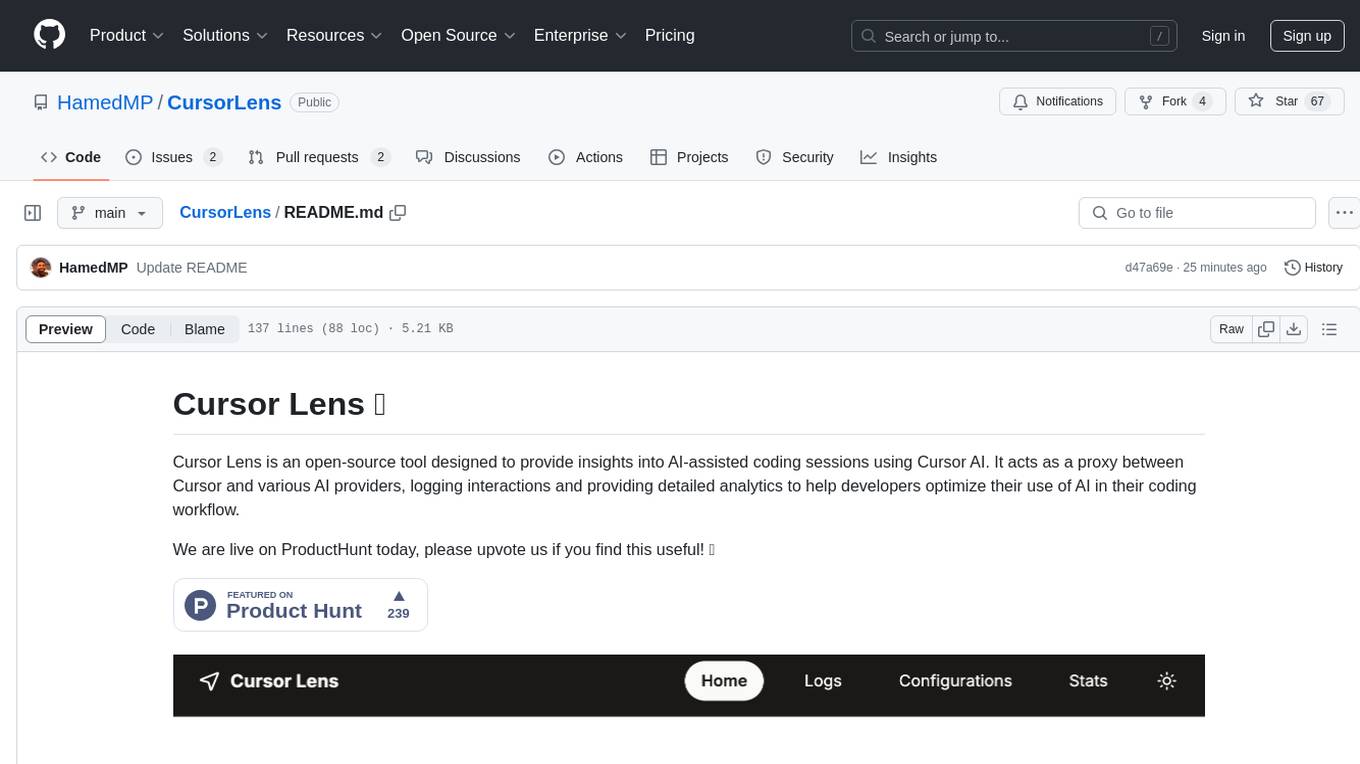
CursorLens
Cursor Lens is an open-source tool that acts as a proxy between Cursor and various AI providers, logging interactions and providing detailed analytics to help developers optimize their use of AI in their coding workflow. It supports multiple AI providers, captures and logs all requests, provides visual analytics on AI usage, allows users to set up and switch between different AI configurations, offers real-time monitoring of AI interactions, tracks token usage, estimates costs based on token usage and model pricing. Built with Next.js, React, PostgreSQL, Prisma ORM, Vercel AI SDK, Tailwind CSS, and shadcn/ui components.
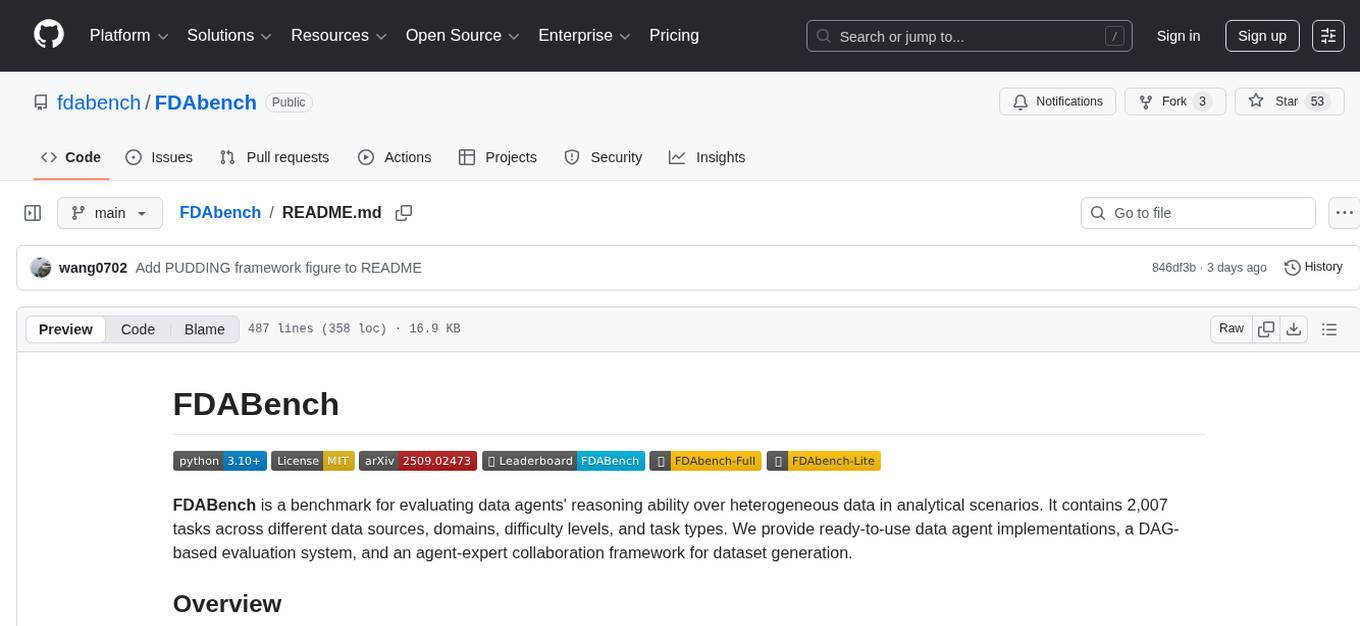
FDAbench
FDABench is a benchmark tool designed for evaluating data agents' reasoning ability over heterogeneous data in analytical scenarios. It offers 2,007 tasks across various data sources, domains, difficulty levels, and task types. The tool provides ready-to-use data agent implementations, a DAG-based evaluation system, and a framework for agent-expert collaboration in dataset generation. Key features include data agent implementations, comprehensive evaluation metrics, multi-database support, different task types, extensible framework for custom agent integration, and cost tracking. Users can set up the environment using Python 3.10+ on Linux, macOS, or Windows. FDABench can be installed with a one-command setup or manually. The tool supports API configuration for LLM access and offers quick start guides for database download, dataset loading, and running examples. It also includes features like dataset generation using the PUDDING framework, custom agent integration, evaluation metrics like accuracy and rubric score, and a directory structure for easy navigation.
For similar jobs

sweep
Sweep is an AI junior developer that turns bugs and feature requests into code changes. It automatically handles developer experience improvements like adding type hints and improving test coverage.

teams-ai
The Teams AI Library is a software development kit (SDK) that helps developers create bots that can interact with Teams and Microsoft 365 applications. It is built on top of the Bot Framework SDK and simplifies the process of developing bots that interact with Teams' artificial intelligence capabilities. The SDK is available for JavaScript/TypeScript, .NET, and Python.

ai-guide
This guide is dedicated to Large Language Models (LLMs) that you can run on your home computer. It assumes your PC is a lower-end, non-gaming setup.

classifai
Supercharge WordPress Content Workflows and Engagement with Artificial Intelligence. Tap into leading cloud-based services like OpenAI, Microsoft Azure AI, Google Gemini and IBM Watson to augment your WordPress-powered websites. Publish content faster while improving SEO performance and increasing audience engagement. ClassifAI integrates Artificial Intelligence and Machine Learning technologies to lighten your workload and eliminate tedious tasks, giving you more time to create original content that matters.

chatbot-ui
Chatbot UI is an open-source AI chat app that allows users to create and deploy their own AI chatbots. It is easy to use and can be customized to fit any need. Chatbot UI is perfect for businesses, developers, and anyone who wants to create a chatbot.

BricksLLM
BricksLLM is a cloud native AI gateway written in Go. Currently, it provides native support for OpenAI, Anthropic, Azure OpenAI and vLLM. BricksLLM aims to provide enterprise level infrastructure that can power any LLM production use cases. Here are some use cases for BricksLLM: * Set LLM usage limits for users on different pricing tiers * Track LLM usage on a per user and per organization basis * Block or redact requests containing PIIs * Improve LLM reliability with failovers, retries and caching * Distribute API keys with rate limits and cost limits for internal development/production use cases * Distribute API keys with rate limits and cost limits for students

uAgents
uAgents is a Python library developed by Fetch.ai that allows for the creation of autonomous AI agents. These agents can perform various tasks on a schedule or take action on various events. uAgents are easy to create and manage, and they are connected to a fast-growing network of other uAgents. They are also secure, with cryptographically secured messages and wallets.

griptape
Griptape is a modular Python framework for building AI-powered applications that securely connect to your enterprise data and APIs. It offers developers the ability to maintain control and flexibility at every step. Griptape's core components include Structures (Agents, Pipelines, and Workflows), Tasks, Tools, Memory (Conversation Memory, Task Memory, and Meta Memory), Drivers (Prompt and Embedding Drivers, Vector Store Drivers, Image Generation Drivers, Image Query Drivers, SQL Drivers, Web Scraper Drivers, and Conversation Memory Drivers), Engines (Query Engines, Extraction Engines, Summary Engines, Image Generation Engines, and Image Query Engines), and additional components (Rulesets, Loaders, Artifacts, Chunkers, and Tokenizers). Griptape enables developers to create AI-powered applications with ease and efficiency.