


node-sdk
The ChatBotKit Node SDK offers a JavaScript-based platform for effortlessly building conversational AI bots and agents.
Stars: 52
The ChatBotKit Node SDK is a JavaScript-based platform for building conversational AI bots and agents. It offers easy setup, serverless compatibility, modern framework support, customizability, and multi-platform deployment. With capabilities like multi-modal and multi-language support, conversation management, chat history review, custom datasets, and various integrations, this SDK enables users to create advanced chatbots for websites, mobile apps, and messaging platforms.
README:





    .d8888b.  888888b.   888    d8P
   d88P  Y88b 888  "88b  888   d8P
   888    888 888  .88P  888  d8P
   888        8888888K.  888d88K
   888        888  "Y88b 8888888b
   888    888 888    888 888  Y88b
   Y88b  d88P 888   d88P 888   Y88b
    "Y8888P"  8888888P"  888    Y88b .ai
Welcome to the ChatBotKit Node SDK. This SDK offers a JavaScript-based platform for effortlessly building conversational AI bots and agents. With ChatBotKit, you can swiftly develop and deploy AI bots capable of natural language interactions.
This is a meta repository for the ChatBotKit Node SDK. It contains the SDK packages for a number of popular platforms and frameworks such as React, Next.js, NextAuth and more.
The ChatBotKit Node SDK is comprised of the following packages:
| Package | Version | Description |
|---|---|---|
| @chatbotkit/cli |  |
The ChatBotKit CLI. |
| @chatbotkit/sdk |  |
The ChatBotKit API SDK. |
| @chatbotkit/react |  |
The ChatBotKit React SDK. |
| @chatbotkit/next |  |
The ChatBotKit Next.js SDK. |
| @chatbotkit/nextauth |  |
The ChatBotKit NextAuth.js SDK. |
| @chatbotkit/fetch |  |
The ChatBotKit isometric fetch implementation. |
This repository also contains the following tools:
| Package | Version | Description |
|---|---|---|
| create-cbk-app |  |
A quick tool to create a new CBK application. |
- Easy Setup: Quick and straightforward installation process.
- Serverless Compatibility: Works seamlessly with modern runtime environments like Serverless, Edge, Vercel, Netlify, Cloudflare Workers, Deno, AWS Lambda, and more.
- Modern Framework Support: Built-in support for CommonJS, ECMAScript Modules, async/await, streams, etc.
- Customizability: Tailor the chatbot’s behavior and responses to fit specific use cases.
- Multi-Platform: Deploy chatbots on websites, mobile apps, and messaging platforms like Slack, Discord, and WhatsApp.
- Multi-Model: Support for a wide range of language models, including GPT-3, GPT-4, Claude, and more.
- 🔄 Multi-modal Support: Support various language and image models from all vendors such as OpenAI, Anthropic, Mistral, AWS, Google and others.
- 🌍 Multi-language Support: Allowing for easy customization and use in diverse linguistic contexts.
- 💬 Conversation Management: Manage complex conversation flaws with ease.
- 🗨 Chat History: Review and reference past conversations.
- 💾 Custom Datasets: Organize data for bot responses.
- 💡 Custom Skillset: Equip chatbots with unique abilities like image generation or web fetching.
- 📄 Document File Importing: Import various document file types into chatbot datasets.
- 🎵 Media File Importing: Import a range of media file formats into chatbot datasets.
- 🌐 Widget Integration: Seamlessly embed chatbots on websites with customizable options.
- 💬 Slack, Discord, WhatsApp Bot Integrations: Easy integration with popular messaging platforms.
- 🗺 Sitemap Integration: Ingest website content into a searchable knowledge base.
- 🎥 Streaming: Enable/disable streaming capabilities.
- 🔒 Data Security: Robust measures to protect user data.
- 🕵 Privacy Focus: Strong privacy controls to ensure responsible data handling.
- 🚫 Content Moderation: Automatic scanning and flagging of abusive content.
- 💵 Simple Pricing: Transparent and straightforward pricing.
Follow these steps to start with ChatBotKit:
-
Installation:
npm install @chatbotkit/sdk
- Usage: Implement the SDK in your chatbot project.
This example demonstrates streaming capabilities in Edge and Serverless environments:
import { ConversationClient } from '@chatbotkit/sdk/conversation/index.js'

const client = new ConversationClient(/* configuration */)

for await (const { type, data } of client
  .complete(null, { model: 'gpt-4', messages })
  .stream()) {
  if (type === 'token') {
    process.stdout.write(data.token)
  }
}This example showcases how to build advanced conversational AI with streaming, function calls, server-side rendering and much more in a Next.js project:
// file: ./app/page.jsx
import ChatArea from '../components/ChatArea.jsx'

export default function Page() {
  return <ChatArea />
}

// file: ./components/ChatArea.jsx
'use client'

import { useContext } from 'react'

import { complete } from '../actions/conversation.jsx'

import { ChatInput, ConversationContext } from '@chatbotkit/react'
import ConversationManager from '@chatbotkit/react/components/ConversationManager'

export function ChatMessages() {
  const {
    thinking,

    text,
    setText,

    messages,

    submit,
  } = useContext(ConversationContext)

  return (
    <div>
      <div>
        {messages.map(({ id, type, text, children }) => {
          switch (type) {
            case 'user':
              return (
                <div key={id}>
                  <div>
                    <strong>user:</strong> {text}
                  </div>
                </div>
              )

            case 'bot':
              return (
                <div key={id}>
                  <div>
                    <strong>bot:</strong> {text}
                  </div>
                  {children ? <div>{children}</div> : null}
                </div>
              )
          }
        })}
        {thinking ? (
          <div key="thinking">
            <strong>bot:</strong> thinking...
          </div>
        ) : null}
      </div>
      <ChatInput
        value={text}
        onChange={(e) => setText(e.target.value)}
        onSubmit={submit}
        placeholder="Type something..."
        style={{
          border: 0,
          outline: 'none',
          resize: 'none',
          width: '100%',
          marginTop: '10px',
        }}
      />
    </div>
  )
}

export default function ChatArea() {
  return (
    <ConversationManager endpoint={complete}>
      <ChatMessages />
    </ConversationManager>
  )
}

// file: ./actions/conversation.jsx
'use server'

import CalendarEvents from '../components/CalendarEvents.jsx'

import { streamComplete } from '@chatbotkit/react/actions/complete'
import { ChatBotKit } from '@chatbotkit/sdk'

const cbk = new ChatBotKit({
  secret: process.env.CHATBOTKIT_API_SECRET,
})

export async function complete({ messages }) {
  return streamComplete({
    client: cbk.conversation,

    messages,

    functions: [
      {
        name: 'getUserName',
        description: 'Get the authenticated user name',
        parameters: {},
        handler: async () => {
          return 'John Doe'
        },
      },

      {
        name: 'getCalendarEvents',
        description: 'Get a list of calendar events',
        parameters: {},
        handler: async () => {
          const events = [
            { id: 1, title: 'Meeting with Jane Doe' },
            { id: 2, title: 'Meeting with Jill Doe' },
          ]

          return {
            children: <CalendarEvents events={events} />,

            result: {
              events,
            },
          }
        },
      },

      {
        name: 'declineCalendarEvent',
        description: 'Decline a calendar event',
        parameters: {
          type: 'object',
          properties: {
            id: {
              type: 'number',
              description: 'The ID of the event to decline',
            },
          },
          required: ['id'],
        },
        handler: async ({ id }) => {
          return `You have declined the event with ID ${id}`
        },
      },
    ],
  })
}This quick example demonstrates how to use the SDK in a Next.js project:
// file: ./pages/index.js
import { AutoTextarea, useConversationManager } from '@chatbotkit/react'

export default function Index() {
  const {
    thinking,

    text,
    setText,

    messages,

    submit,
  } = useConversationManager({
    endpoint: '/api/conversation/complete',
  })

  function handleOnKeyDown(event) {
    if (event.keyCode === 13) {
      event.preventDefault()

      submit()
    }
  }

  return (
    <div style={{ fontFamily: 'monospace', padding: '10px' }}>
      {messages.map(({ id, type, text }) => (
        <div key={id}>
          <strong>{type}:</strong> {text}
        </div>
      ))}
      {thinking && (
        <div key="thinking">
          <strong>bot:</strong> thinking...
        </div>
      )}
      <AutoTextarea
        value={text}
        onChange={(e) => setText(e.target.value)}
        onKeyDown={handleOnKeyDown}
        placeholder="Type something..."
        style={{
          border: 0,
          outline: 'none',
          resize: 'none',
          width: '100%',
          marginTop: '10px',
        }}
      />
    </div>
  )
}

// file: ./pages/api/conversation/complete.js
import { ChatBotKit } from '@chatbotkit/sdk'
import { stream } from '@chatbotkit/next/edge'

const cbk = new ChatBotKit({
  secret: process.env.CHATBOTKIT_API_SECRET,
})

export default async function handler(req) {
  const { messages } = await req.json()

  return stream(cbk.conversation.complete(null, { messages }))
}

export const config = {
  runtime: 'edge',
}Explore a wide range of examples here.
Some notable examples include:
| Platform | Example | Description |
|---|---|---|
| Next.js | Stateless Chat (App Router + RSC + Functions + Function Request) | A stateless chatbot example, where the conversation is managed by the client and the server. This example uses the App Router and Server Actions as well AI functions with function requests. This is a powerful example to demonstrate the full capabilities of the ChatBotKit conversational AI platform. |
| Next.js | Stateless Chat (App Router + RSC + Functions) | A stateless chatbot example, where the conversation is managed by the client and the server. This example uses the App Router and Server Actions as well AI functions. |
| Next.js | Stateless Chat (App Router + RSC) | A stateless chatbot example, where the conversation is managed by the client and the server. This example uses the App Router and Server Actions. |
| Next.js | Stateless Chat (App Router) | A stateless chatbot example, where the conversation is managed by the client. This example uses the App Router. |
| Next.js | Stateless Chat | A stateless chatbot example, where the conversation is managed by the client. |
| Next.js | Basic Chat | A basic chatbot example, where the conversation is managed by ChatBotKit. |
| Next.js | NextAuth Example | Shows how to combine NextAuth and ChatBotKit. |
| Node | GPT4 Streaming AI chatbot | A simple streaming AI chatbot example. |
| Cloudflare Workers | GPT4 AI chatbot | A streaming AI chatbot example for Cloudflare Workers. |
All SDK features are considered unstable unless explicitly marked as stable. Stability is indicated by the presence of a @stable tag in the documentation.
- Type Documentation: Detailed information on available types here.
- Platform Documentation: Comprehensive guide to ChatBotKit here.
- Platform Tutorials: Step-by-step tutorials for ChatBotKit here.
Encounter a bug or want to contribute? Open an issue or submit a pull request on our official GitHub repository.
The project is setup as a monorepo using pnpm and turbo build. Clone the reporitory and run the following commands to get started:
pnpm installTo perform type and lint checks, run:
pnpm check
pnpm lint
To build the project, run:
pnpm buildTo build a specific package, run:
pnpm -F @chatbotkit/${PACKAGE_NAME} buildFor Tasks:
Click tags to check more tools for each tasksFor Jobs:
Alternative AI tools for node-sdk
Similar Open Source Tools
node-sdk
The ChatBotKit Node SDK is a JavaScript-based platform for building conversational AI bots and agents. It offers easy setup, serverless compatibility, modern framework support, customizability, and multi-platform deployment. With capabilities like multi-modal and multi-language support, conversation management, chat history review, custom datasets, and various integrations, this SDK enables users to create advanced chatbots for websites, mobile apps, and messaging platforms.
x
Ant Design X is a tool for crafting AI-driven interfaces effortlessly. It is built on the best practices of enterprise-level AI products, offering flexible and diverse atomic components for various AI dialogue scenarios. The tool provides out-of-the-box model integration with inference services compatible with OpenAI standards. It also enables efficient management of conversation data flows, supports rich template options, complete TypeScript support, and advanced theme customization. Ant Design X is designed to enhance development efficiency and deliver exceptional AI interaction experiences.
pixeltable
Pixeltable is a Python library designed for ML Engineers and Data Scientists to focus on exploration, modeling, and app development without the need to handle data plumbing. It provides a declarative interface for working with text, images, embeddings, and video, enabling users to store, transform, index, and iterate on data within a single table interface. Pixeltable is persistent, acting as a database unlike in-memory Python libraries such as Pandas. It offers features like data storage and versioning, combined data and model lineage, indexing, orchestration of multimodal workloads, incremental updates, and automatic production-ready code generation. The tool emphasizes transparency, reproducibility, cost-saving through incremental data changes, and seamless integration with existing Python code and libraries.

LocalAGI
LocalAGI is a powerful, self-hostable AI Agent platform that allows you to design AI automations without writing code. It provides a complete drop-in replacement for OpenAI's Responses APIs with advanced agentic capabilities. With LocalAGI, you can create customizable AI assistants, automations, chat bots, and agents that run 100% locally, without the need for cloud services or API keys. The platform offers features like no-code agents, web-based interface, advanced agent teaming, connectors for various platforms, comprehensive REST API, short & long-term memory capabilities, planning & reasoning, periodic tasks scheduling, memory management, multimodal support, extensible custom actions, fully customizable models, observability, and more.
island-ai
island-ai is a TypeScript toolkit tailored for developers engaging with structured outputs from Large Language Models. It offers streamlined processes for handling, parsing, streaming, and leveraging AI-generated data across various applications. The toolkit includes packages like zod-stream for interfacing with LLM streams, stream-hooks for integrating streaming JSON data into React applications, and schema-stream for JSON streaming parsing based on Zod schemas. Additionally, related packages like @instructor-ai/instructor-js focus on data validation and retry mechanisms, enhancing the reliability of data processing workflows.
freeGPT
freeGPT provides free access to text and image generation models. It supports various models, including gpt3, gpt4, alpaca_7b, falcon_40b, prodia, and pollinations. The tool offers both asynchronous and non-asynchronous interfaces for text completion and image generation. It also features an interactive Discord bot that provides access to all the models in the repository. The tool is easy to use and can be integrated into various applications.
mcp-ui
mcp-ui is a collection of SDKs that bring interactive web components to the Model Context Protocol (MCP). It allows servers to define reusable UI snippets, render them securely in the client, and react to their actions in the MCP host environment. The SDKs include @mcp-ui/server (TypeScript) for generating UI resources on the server, @mcp-ui/client (TypeScript) for rendering UI components on the client, and mcp_ui_server (Ruby) for generating UI resources in a Ruby environment. The project is an experimental community playground for MCP UI ideas, with rapid iteration and enhancements.
tambo
tambo ai is a React library that simplifies the process of building AI assistants and agents in React by handling thread management, state persistence, streaming responses, AI orchestration, and providing a compatible React UI library. It eliminates React boilerplate for AI features, allowing developers to focus on creating exceptional user experiences with clean React hooks that seamlessly integrate with their codebase.
acte
Acte is a framework designed to build GUI-like tools for AI Agents. It aims to address the issues of cognitive load and freedom degrees when interacting with multiple APIs in complex scenarios. By providing a graphical user interface (GUI) for Agents, Acte helps reduce cognitive load and constraints interaction, similar to how humans interact with computers through GUIs. The tool offers APIs for starting new sessions, executing actions, and displaying screens, accessible via HTTP requests or the SessionManager class.
agentops
AgentOps is a toolkit for evaluating and developing robust and reliable AI agents. It provides benchmarks, observability, and replay analytics to help developers build better agents. AgentOps is open beta and can be signed up for here. Key features of AgentOps include: - Session replays in 3 lines of code: Initialize the AgentOps client and automatically get analytics on every LLM call. - Time travel debugging: (coming soon!) - Agent Arena: (coming soon!) - Callback handlers: AgentOps works seamlessly with applications built using Langchain and LlamaIndex.
ai
The Vercel AI SDK is a library for building AI-powered streaming text and chat UIs. It provides React, Svelte, Vue, and Solid helpers for streaming text responses and building chat and completion UIs. The SDK also includes a React Server Components API for streaming Generative UI and first-class support for various AI providers such as OpenAI, Anthropic, Mistral, Perplexity, AWS Bedrock, Azure, Google Gemini, Hugging Face, Fireworks, Cohere, LangChain, Replicate, Ollama, and more. Additionally, it offers Node.js, Serverless, and Edge Runtime support, as well as lifecycle callbacks for saving completed streaming responses to a database in the same request.
daytona
Daytona is a secure and elastic infrastructure tool designed for running AI-generated code. It offers lightning-fast infrastructure with sub-90ms sandbox creation, separated and isolated runtime for executing AI code with zero risk, massive parallelization for concurrent AI workflows, programmatic control through various APIs, unlimited sandbox persistence, and OCI/Docker compatibility. Users can create sandboxes using Python or TypeScript SDKs, run code securely inside the sandbox, and clean up the sandbox after execution. Daytona is open source under the GNU Affero General Public License and welcomes contributions from developers.
Scrapegraph-ai
ScrapeGraphAI is a Python library that uses Large Language Models (LLMs) and direct graph logic to create web scraping pipelines for websites, documents, and XML files. It allows users to extract specific information from web pages by providing a prompt describing the desired data. ScrapeGraphAI supports various LLMs, including Ollama, OpenAI, Gemini, and Docker, enabling users to choose the most suitable model for their needs. The library provides a user-friendly interface through its `SmartScraper` class, which simplifies the process of building and executing scraping pipelines. ScrapeGraphAI is open-source and available on GitHub, with extensive documentation and examples to guide users. It is particularly useful for researchers and data scientists who need to extract structured data from web pages for analysis and exploration.
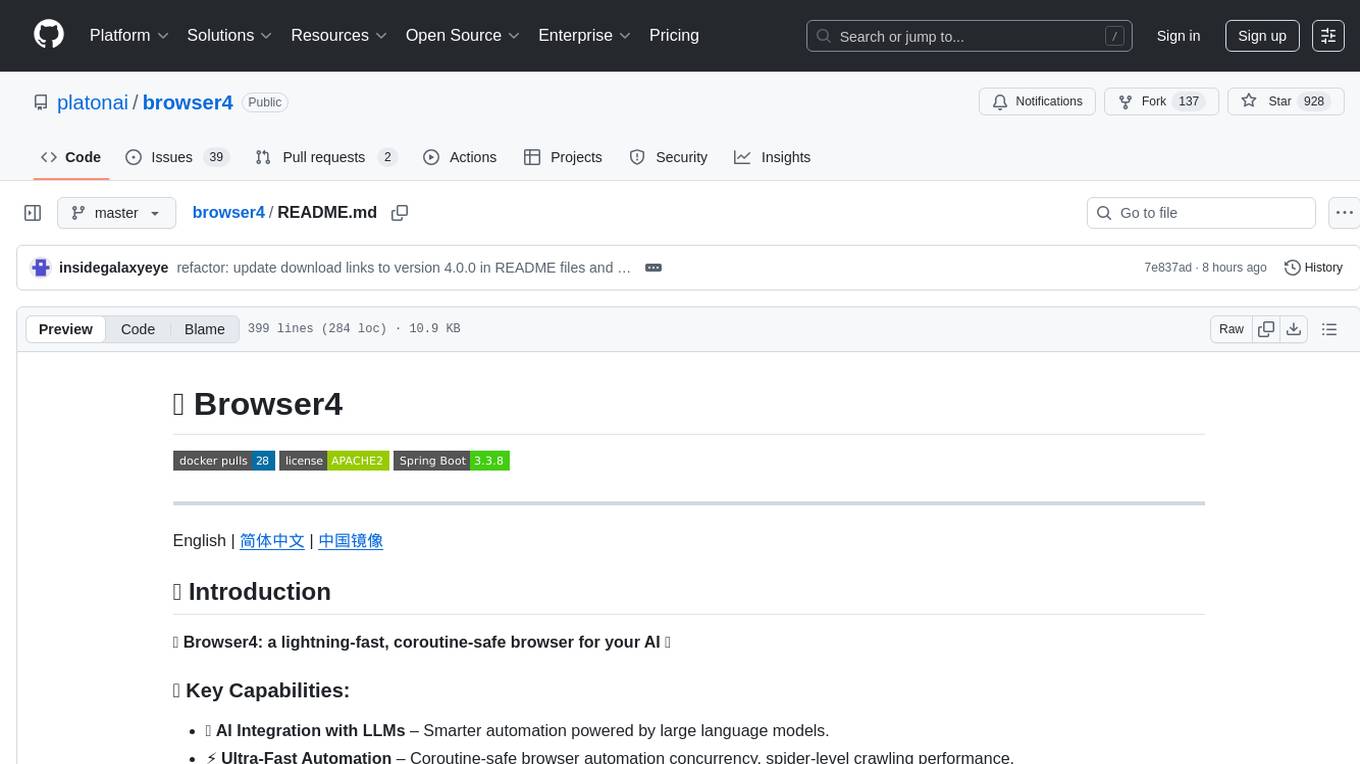
browser4
Browser4 is a lightning-fast, coroutine-safe browser designed for AI integration with large language models. It offers ultra-fast automation, deep web understanding, and powerful data extraction APIs. Users can automate the browser, extract data at scale, and perform tasks like summarizing products, extracting product details, and finding specific links. The tool is developer-friendly, supports AI-powered automation, and provides advanced features like X-SQL for precise data extraction. It also offers RPA capabilities, browser control, and complex data extraction with X-SQL. Browser4 is suitable for web scraping, data extraction, automation, and AI integration tasks.
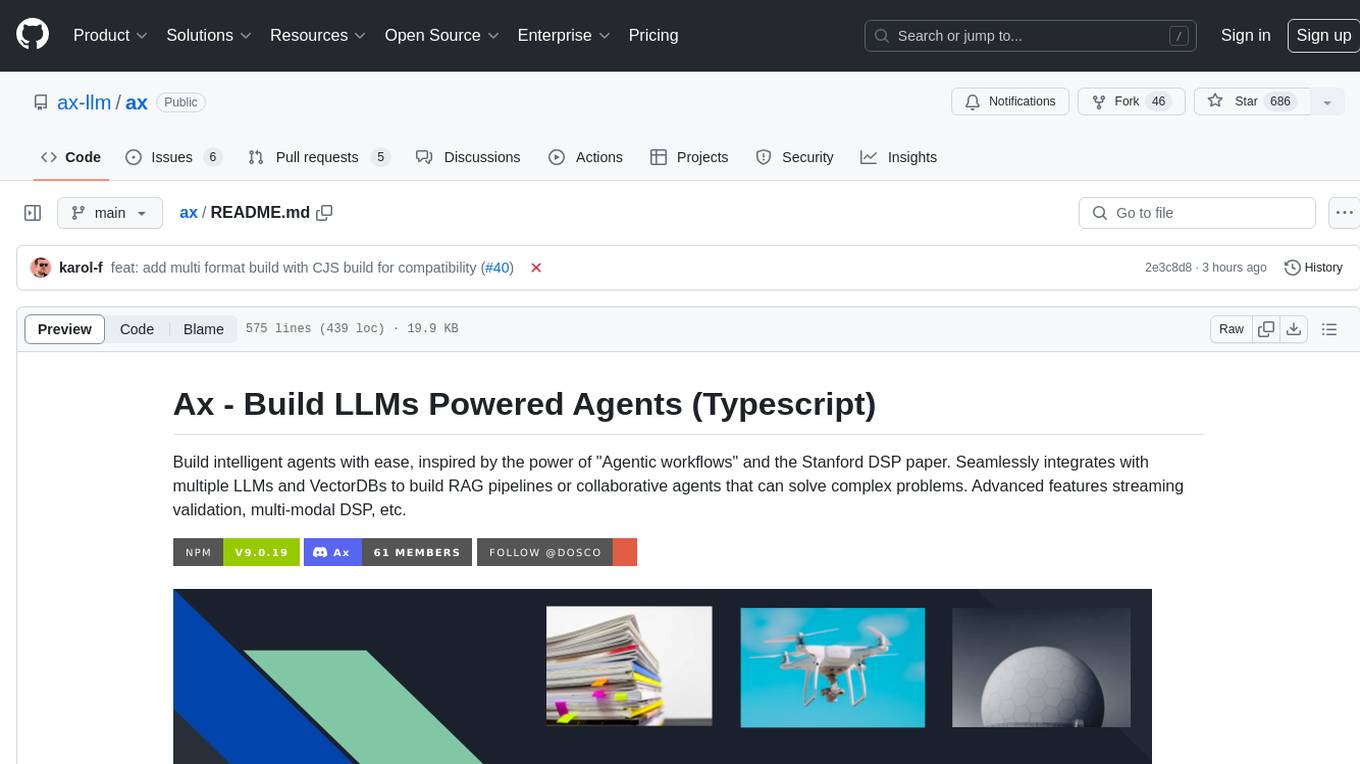
ax
Ax is a Typescript library that allows users to build intelligent agents inspired by agentic workflows and the Stanford DSP paper. It seamlessly integrates with multiple Large Language Models (LLMs) and VectorDBs to create RAG pipelines or collaborative agents capable of solving complex problems. The library offers advanced features such as streaming validation, multi-modal DSP, and automatic prompt tuning using optimizers. Users can easily convert documents of any format to text, perform smart chunking, embedding, and querying, and ensure output validation while streaming. Ax is production-ready, written in Typescript, and has zero dependencies.
client-ts
Mistral Typescript Client is an SDK for Mistral AI API, providing Chat Completion and Embeddings APIs. It allows users to create chat completions, upload files, create agent completions, create embedding requests, and more. The SDK supports various JavaScript runtimes and provides detailed documentation on installation, requirements, API key setup, example usage, error handling, server selection, custom HTTP client, authentication, providers support, standalone functions, debugging, and contributions.
For similar tasks

agentcloud
AgentCloud is an open-source platform that enables companies to build and deploy private LLM chat apps, empowering teams to securely interact with their data. It comprises three main components: Agent Backend, Webapp, and Vector Proxy. To run this project locally, clone the repository, install Docker, and start the services. The project is licensed under the GNU Affero General Public License, version 3 only. Contributions and feedback are welcome from the community.

zep-python
Zep is an open-source platform for building and deploying large language model (LLM) applications. It provides a suite of tools and services that make it easy to integrate LLMs into your applications, including chat history memory, embedding, vector search, and data enrichment. Zep is designed to be scalable, reliable, and easy to use, making it a great choice for developers who want to build LLM-powered applications quickly and easily.
lollms
LoLLMs Server is a text generation server based on large language models. It provides a Flask-based API for generating text using various pre-trained language models. This server is designed to be easy to install and use, allowing developers to integrate powerful text generation capabilities into their applications.
LlamaIndexTS
LlamaIndex.TS is a data framework for your LLM application. Use your own data with large language models (LLMs, OpenAI ChatGPT and others) in Typescript and Javascript.

semantic-kernel
Semantic Kernel is an SDK that integrates Large Language Models (LLMs) like OpenAI, Azure OpenAI, and Hugging Face with conventional programming languages like C#, Python, and Java. Semantic Kernel achieves this by allowing you to define plugins that can be chained together in just a few lines of code. What makes Semantic Kernel _special_ , however, is its ability to _automatically_ orchestrate plugins with AI. With Semantic Kernel planners, you can ask an LLM to generate a plan that achieves a user's unique goal. Afterwards, Semantic Kernel will execute the plan for the user.
botpress
Botpress is a platform for building next-generation chatbots and assistants powered by OpenAI. It provides a range of tools and integrations to help developers quickly and easily create and deploy chatbots for various use cases.
BotSharp
BotSharp is an open-source machine learning framework for building AI bot platforms. It provides a comprehensive set of tools and components for developing and deploying intelligent virtual assistants. BotSharp is designed to be modular and extensible, allowing developers to easily integrate it with their existing systems and applications. With BotSharp, you can quickly and easily create AI-powered chatbots, virtual assistants, and other conversational AI applications.
qdrant
Qdrant is a vector similarity search engine and vector database. It is written in Rust, which makes it fast and reliable even under high load. Qdrant can be used for a variety of applications, including: * Semantic search * Image search * Product recommendations * Chatbots * Anomaly detection Qdrant offers a variety of features, including: * Payload storage and filtering * Hybrid search with sparse vectors * Vector quantization and on-disk storage * Distributed deployment * Highlighted features such as query planning, payload indexes, SIMD hardware acceleration, async I/O, and write-ahead logging Qdrant is available as a fully managed cloud service or as an open-source software that can be deployed on-premises.
For similar jobs

sweep
Sweep is an AI junior developer that turns bugs and feature requests into code changes. It automatically handles developer experience improvements like adding type hints and improving test coverage.

teams-ai
The Teams AI Library is a software development kit (SDK) that helps developers create bots that can interact with Teams and Microsoft 365 applications. It is built on top of the Bot Framework SDK and simplifies the process of developing bots that interact with Teams' artificial intelligence capabilities. The SDK is available for JavaScript/TypeScript, .NET, and Python.

ai-guide
This guide is dedicated to Large Language Models (LLMs) that you can run on your home computer. It assumes your PC is a lower-end, non-gaming setup.

classifai
Supercharge WordPress Content Workflows and Engagement with Artificial Intelligence. Tap into leading cloud-based services like OpenAI, Microsoft Azure AI, Google Gemini and IBM Watson to augment your WordPress-powered websites. Publish content faster while improving SEO performance and increasing audience engagement. ClassifAI integrates Artificial Intelligence and Machine Learning technologies to lighten your workload and eliminate tedious tasks, giving you more time to create original content that matters.

chatbot-ui
Chatbot UI is an open-source AI chat app that allows users to create and deploy their own AI chatbots. It is easy to use and can be customized to fit any need. Chatbot UI is perfect for businesses, developers, and anyone who wants to create a chatbot.

BricksLLM
BricksLLM is a cloud native AI gateway written in Go. Currently, it provides native support for OpenAI, Anthropic, Azure OpenAI and vLLM. BricksLLM aims to provide enterprise level infrastructure that can power any LLM production use cases. Here are some use cases for BricksLLM: * Set LLM usage limits for users on different pricing tiers * Track LLM usage on a per user and per organization basis * Block or redact requests containing PIIs * Improve LLM reliability with failovers, retries and caching * Distribute API keys with rate limits and cost limits for internal development/production use cases * Distribute API keys with rate limits and cost limits for students

uAgents
uAgents is a Python library developed by Fetch.ai that allows for the creation of autonomous AI agents. These agents can perform various tasks on a schedule or take action on various events. uAgents are easy to create and manage, and they are connected to a fast-growing network of other uAgents. They are also secure, with cryptographically secured messages and wallets.

griptape
Griptape is a modular Python framework for building AI-powered applications that securely connect to your enterprise data and APIs. It offers developers the ability to maintain control and flexibility at every step. Griptape's core components include Structures (Agents, Pipelines, and Workflows), Tasks, Tools, Memory (Conversation Memory, Task Memory, and Meta Memory), Drivers (Prompt and Embedding Drivers, Vector Store Drivers, Image Generation Drivers, Image Query Drivers, SQL Drivers, Web Scraper Drivers, and Conversation Memory Drivers), Engines (Query Engines, Extraction Engines, Summary Engines, Image Generation Engines, and Image Query Engines), and additional components (Rulesets, Loaders, Artifacts, Chunkers, and Tokenizers). Griptape enables developers to create AI-powered applications with ease and efficiency.