


crawlee-python
Crawlee—A web scraping and browser automation library for Python to build reliable crawlers. Extract data for AI, LLMs, RAG, or GPTs. Download HTML, PDF, JPG, PNG, and other files from websites. Works with BeautifulSoup, Playwright, and raw HTTP. Both headful and headless mode. With proxy rotation.
Stars: 8059
Crawlee-python is a web scraping and browser automation library that covers crawling and scraping end-to-end, helping users build reliable scrapers fast. It allows users to crawl the web for links, scrape data, and store it in machine-readable formats without worrying about technical details. With rich configuration options, users can customize almost any aspect of Crawlee to suit their project's needs.
README:






Crawlee covers your crawling and scraping end-to-end and helps you build reliable scrapers. Fast.
Your crawlers will appear almost human-like and fly under the radar of modern bot protections even with the default configuration. Crawlee gives you the tools to crawl the web for links, scrape data and persistently store it in machine-readable formats, without having to worry about the technical details. And thanks to rich configuration options, you can tweak almost any aspect of Crawlee to suit your project's needs if the default settings don't cut it.
👉 View full documentation, guides and examples on the Crawlee project website 👈
We also have a TypeScript implementation of the Crawlee, which you can explore and utilize for your projects. Visit our GitHub repository for more information Crawlee for JS/TS on GitHub.
We recommend visiting the Introduction tutorial in Crawlee documentation for more information.
Crawlee is available as crawlee package on PyPI. This package includes the core functionality, while additional features are available as optional extras to keep dependencies and package size minimal.
To install Crawlee with all features, run the following command:
python -m pip install 'crawlee[all]'Then, install the Playwright dependencies:
playwright installVerify that Crawlee is successfully installed:
python -c 'import crawlee; print(crawlee.__version__)'For detailed installation instructions see the Setting up documentation page.
The quickest way to get started with Crawlee is by using the Crawlee CLI and selecting one of the prepared templates. First, ensure you have uv installed:
uv --helpIf uv is not installed, follow the official installation guide.
Then, run the CLI and choose from the available templates:
uvx 'crawlee[cli]' create my-crawlerIf you already have crawlee installed, you can spin it up by running:
crawlee create my-crawlerHere are some practical examples to help you get started with different types of crawlers in Crawlee. Each example demonstrates how to set up and run a crawler for specific use cases, whether you need to handle simple HTML pages or interact with JavaScript-heavy sites. A crawler run will create a storage/ directory in your current working directory.
The BeautifulSoupCrawler downloads web pages using an HTTP library and provides HTML-parsed content to the user. By default it uses HttpxHttpClient for HTTP communication and BeautifulSoup for parsing HTML. It is ideal for projects that require efficient extraction of data from HTML content. This crawler has very good performance since it does not use a browser. However, if you need to execute client-side JavaScript, to get your content, this is not going to be enough and you will need to use PlaywrightCrawler. Also if you want to use this crawler, make sure you install crawlee with beautifulsoup extra.
import asyncio

from crawlee.crawlers import BeautifulSoupCrawler, BeautifulSoupCrawlingContext


async def main() -> None:
    crawler = BeautifulSoupCrawler(
        # Limit the crawl to max requests. Remove or increase it for crawling all links.
        max_requests_per_crawl=10,
    )

    # Define the default request handler, which will be called for every request.
    @crawler.router.default_handler
    async def request_handler(context: BeautifulSoupCrawlingContext) -> None:
        context.log.info(f'Processing {context.request.url} ...')

        # Extract data from the page.
        data = {
            'url': context.request.url,
            'title': context.soup.title.string if context.soup.title else None,
        }

        # Push the extracted data to the default dataset.
        await context.push_data(data)

        # Enqueue all links found on the page.
        await context.enqueue_links()

    # Run the crawler with the initial list of URLs.
    await crawler.run(['https://crawlee.dev'])


if __name__ == '__main__':
asyncio.run(main())The PlaywrightCrawler uses a headless browser to download web pages and provides an API for data extraction. It is built on Playwright, an automation library designed for managing headless browsers. It excels at retrieving web pages that rely on client-side JavaScript for content generation, or tasks requiring interaction with JavaScript-driven content. For scenarios where JavaScript execution is unnecessary or higher performance is required, consider using the BeautifulSoupCrawler. Also if you want to use this crawler, make sure you install crawlee with playwright extra.
import asyncio

from crawlee.crawlers import PlaywrightCrawler, PlaywrightCrawlingContext


async def main() -> None:
    crawler = PlaywrightCrawler(
        # Limit the crawl to max requests. Remove or increase it for crawling all links.
        max_requests_per_crawl=10,
    )

    # Define the default request handler, which will be called for every request.
    @crawler.router.default_handler
    async def request_handler(context: PlaywrightCrawlingContext) -> None:
        context.log.info(f'Processing {context.request.url} ...')

        # Extract data from the page.
        data = {
            'url': context.request.url,
            'title': await context.page.title(),
        }

        # Push the extracted data to the default dataset.
        await context.push_data(data)

        # Enqueue all links found on the page.
        await context.enqueue_links()

    # Run the crawler with the initial list of requests.
    await crawler.run(['https://crawlee.dev'])


if __name__ == '__main__':
asyncio.run(main())Explore our Examples page in the Crawlee documentation for a wide range of additional use cases and demonstrations.
Why Crawlee is the preferred choice for web scraping and crawling?
- Unified interface for HTTP & headless browser crawling.
- Automatic parallel crawling based on available system resources.
- Written in Python with type hints - enhances DX (IDE autocompletion) and reduces bugs (static type checking).
- Automatic retries on errors or when you’re getting blocked.
- Integrated proxy rotation and session management.
- Configurable request routing - direct URLs to the appropriate handlers.
- Persistent queue for URLs to crawl.
- Pluggable storage of both tabular data and files.
- Robust error handling.
- Asyncio-based – Leveraging the standard Asyncio library, Crawlee delivers better performance and seamless compatibility with other modern asynchronous libraries.
- Type hints – Newer project built with modern Python, and complete type hint coverage for a better developer experience.
- Simple integration – Crawlee crawlers are regular Python scripts, requiring no additional launcher executor. This flexibility allows to integrate a crawler directly into other applications.
- State persistence – Supports state persistence during interruptions, saving time and costs by avoiding the need to restart scraping pipelines from scratch after an issue.
- Organized data storages – Allows saving of multiple types of results in a single scraping run. Offers several storing options (see datasets & key-value stores).
Crawlee is open-source and runs anywhere, but since it's developed by Apify, it's easy to set up on the Apify platform and run in the cloud. Visit the Apify SDK website to learn more about deploying Crawlee to the Apify platform.
If you find any bug or issue with Crawlee, please submit an issue on GitHub. For questions, you can ask on Stack Overflow, in GitHub Discussions or you can join our Discord server.
Your code contributions are welcome, and you'll be praised for eternity! If you have any ideas for improvements, either submit an issue or create a pull request. For contribution guidelines and the code of conduct, see CONTRIBUTING.md.
This project is licensed under the Apache License 2.0 - see the LICENSE file for details.
For Tasks:
Click tags to check more tools for each tasksFor Jobs:
Alternative AI tools for crawlee-python
Similar Open Source Tools
crawlee-python
Crawlee-python is a web scraping and browser automation library that covers crawling and scraping end-to-end, helping users build reliable scrapers fast. It allows users to crawl the web for links, scrape data, and store it in machine-readable formats without worrying about technical details. With rich configuration options, users can customize almost any aspect of Crawlee to suit their project's needs.
crawlee
Crawlee is a web scraping and browser automation library that helps you build reliable scrapers quickly. Your crawlers will appear human-like and fly under the radar of modern bot protections even with the default configuration. Crawlee gives you the tools to crawl the web for links, scrape data, and store it to disk or cloud while staying configurable to suit your project's needs.
trafilatura
Trafilatura is a Python package and command-line tool for gathering text on the Web and simplifying the process of turning raw HTML into structured, meaningful data. It includes components for web crawling, downloads, scraping, and extraction of main texts, metadata, and comments. The tool aims to focus on actual content, avoid noise, and make sense of data and metadata. It is robust, fast, and widely used by companies and institutions. Trafilatura outperforms other libraries in text extraction benchmarks and offers various features like support for sitemaps, parallel processing, configurable extraction of key elements, multiple output formats, and optional add-ons. The tool is actively maintained with regular updates and comprehensive documentation.
onlook
Onlook is a web scraping tool that allows users to extract data from websites easily and efficiently. It provides a user-friendly interface for creating web scraping scripts and supports various data formats for exporting the extracted data. With Onlook, users can automate the process of collecting information from multiple websites, saving time and effort. The tool is designed to be flexible and customizable, making it suitable for a wide range of web scraping tasks.
waidrin
Waidrin is a powerful web scraping tool that allows users to easily extract data from websites. It provides a user-friendly interface for creating custom web scraping scripts and supports various data formats for exporting the extracted data. With Waidrin, users can automate the process of collecting information from multiple websites, saving time and effort. The tool is designed to be flexible and scalable, making it suitable for both beginners and advanced users in the field of web scraping.
Website-Crawler
Website-Crawler is a tool designed to extract data from websites in an automated manner. It allows users to scrape information such as text, images, links, and more from web pages. The tool provides functionalities to navigate through websites, handle different types of content, and store extracted data for further analysis. Website-Crawler is useful for tasks like web scraping, data collection, content aggregation, and competitive analysis. It can be customized to extract specific data elements based on user requirements, making it a versatile tool for various web data extraction needs.
databerry
Chaindesk is a no-code platform that allows users to easily set up a semantic search system for personal data without technical knowledge. It supports loading data from various sources such as raw text, web pages, files (Word, Excel, PowerPoint, PDF, Markdown, Plain Text), and upcoming support for web sites, Notion, and Airtable. The platform offers a user-friendly interface for managing datastores, querying data via a secure API endpoint, and auto-generating ChatGPT Plugins for each datastore. Chaindesk utilizes a Vector Database (Qdrant), Openai's text-embedding-ada-002 for embeddings, and has a chunk size of 1024 tokens. The technology stack includes Next.js, Joy UI, LangchainJS, PostgreSQL, Prisma, and Qdrant, inspired by the ChatGPT Retrieval Plugin.
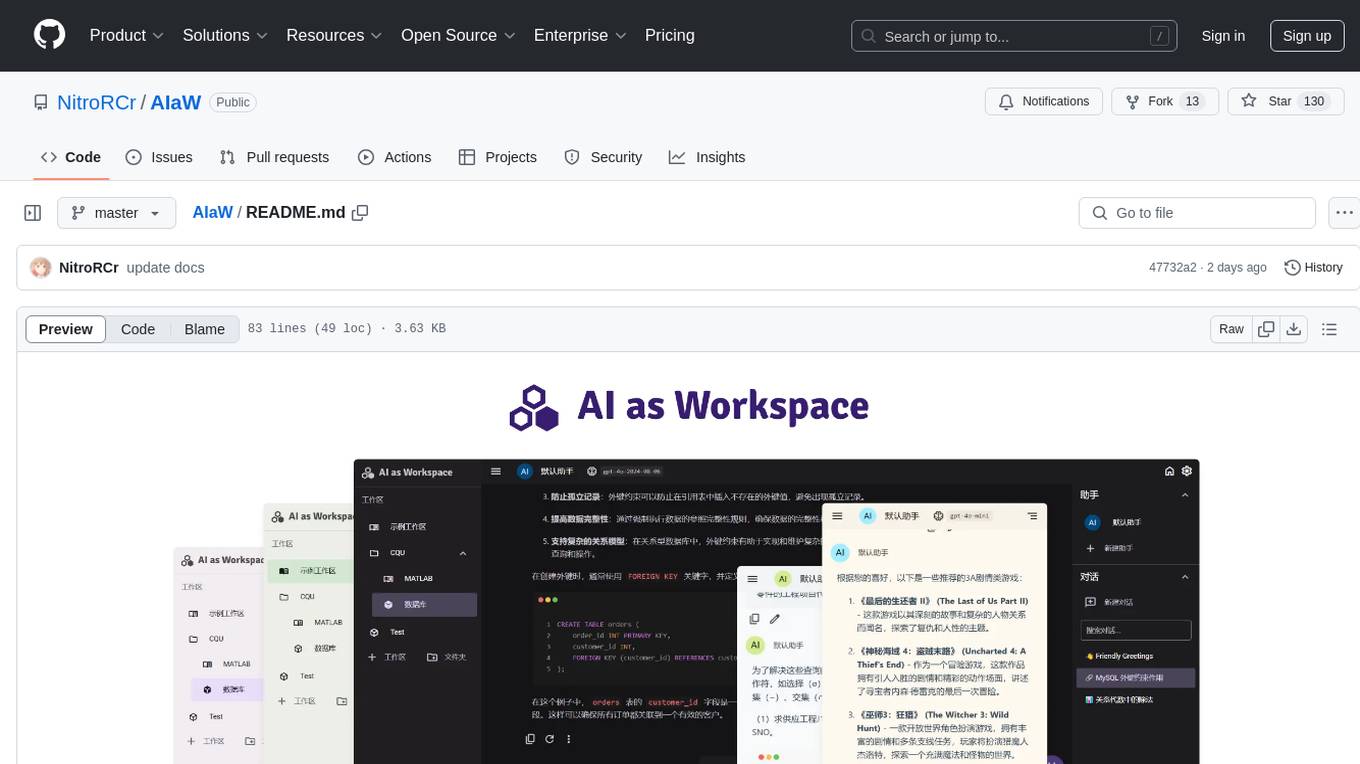
AIaW
AIaW is a next-generation LLM client with full functionality, lightweight, and extensible. It supports various basic functions such as streaming transfer, image uploading, and latex formulas. The tool is cross-platform with a responsive interface design. It supports multiple service providers like OpenAI, Anthropic, and Google. Users can modify questions, regenerate in a forked manner, and visualize conversations in a tree structure. Additionally, it offers features like file parsing, video parsing, plugin system, assistant market, local storage with real-time cloud sync, and customizable interface themes. Users can create multiple workspaces, use dynamic prompt word variables, extend plugins, and benefit from detailed design elements like real-time content preview, optimized code pasting, and support for various file types.
GraphLLM
GraphLLM is a graph-based framework designed to process data using LLMs. It offers a set of tools including a web scraper, PDF parser, YouTube subtitles downloader, Python sandbox, and TTS engine. The framework provides a GUI for building and debugging graphs with advanced features like loops, conditionals, parallel execution, streaming of results, hierarchical graphs, external tool integration, and dynamic scheduling. GraphLLM is a low-level framework that gives users full control over the raw prompt and output of models, with a steeper learning curve. It is tested with llama70b and qwen 32b, under heavy development with breaking changes expected.
llms
llms.py is a lightweight CLI, API, and ChatGPT-like alternative to Open WebUI for accessing multiple LLMs. It operates entirely offline, ensuring all data is kept private in browser storage. The tool provides a convenient way to interact with various LLM models without the need for an internet connection, prioritizing user privacy and data security.
google_workspace_mcp
The Google Workspace MCP Server is a production-ready server that integrates major Google Workspace services with AI assistants. It supports single-user and multi-user authentication via OAuth 2.1, making it a powerful backend for custom applications. Built with FastMCP for optimal performance, it features advanced authentication handling, service caching, and streamlined development patterns. The server provides full natural language control over Google Calendar, Drive, Gmail, Docs, Sheets, Slides, Forms, Tasks, and Chat through all MCP clients, AI assistants, and developer tools. It supports free Google accounts and Google Workspace plans with expanded app options like Chat & Spaces. The server also offers private cloud instance options.
llamabot
LlamaBot is a Pythonic bot interface to Large Language Models (LLMs), providing an easy way to experiment with LLMs in Jupyter notebooks and build Python apps utilizing LLMs. It supports all models available in LiteLLM. Users can access LLMs either through local models with Ollama or by using API providers like OpenAI and Mistral. LlamaBot offers different bot interfaces like SimpleBot, ChatBot, QueryBot, and ImageBot for various tasks such as rephrasing text, maintaining chat history, querying documents, and generating images. The tool also includes CLI demos showcasing its capabilities and supports contributions for new features and bug reports from the community.
memfree
MemFree is an open-source hybrid AI search engine that allows users to simultaneously search their personal knowledge base (bookmarks, notes, documents, etc.) and the Internet. It features a self-hosted super fast serverless vector database, local embedding and rerank service, one-click Chrome bookmarks index, and full code open source. Users can contribute by opening issues for bugs or making pull requests for new features or improvements.
oramacore
OramaCore is a database designed for AI projects, answer engines, copilots, and search functionalities. It offers features such as a full-text search engine, vector database, LLM interface, and various utilities. The tool is currently under active development and not recommended for production use due to potential API changes. OramaCore aims to provide a comprehensive solution for managing data and enabling advanced search capabilities in AI applications.
aide
Aide is a code-first API documentation and utility library for Rust, along with other related utility crates for web-servers. It provides tools for creating API documentation and handling JSON request validation. The repository contains multiple crates that offer drop-in replacements for existing libraries, ensuring compatibility with Aide. Contributions are welcome, and the code is dual licensed under MIT and Apache-2.0. If Aide does not meet your requirements, you can explore similar libraries like paperclip, utoipa, and okapi.
HyperAgent
HyperAgent is a powerful tool for automating repetitive tasks in web scraping and data extraction. It provides a user-friendly interface to create custom web scraping scripts without the need for extensive coding knowledge. With HyperAgent, users can easily extract data from websites, transform it into structured formats, and save it for further analysis. The tool supports various data formats and offers scheduling options for automated data extraction at regular intervals. HyperAgent is suitable for individuals and businesses looking to streamline their data collection processes and improve efficiency in extracting information from the web.
For similar tasks
crawlee-python
Crawlee-python is a web scraping and browser automation library that covers crawling and scraping end-to-end, helping users build reliable scrapers fast. It allows users to crawl the web for links, scrape data, and store it in machine-readable formats without worrying about technical details. With rich configuration options, users can customize almost any aspect of Crawlee to suit their project's needs.
browser-use-webui
Browser-Use WebUI is a project that enhances the original browser-use tool by providing a brand new web interface, expanded LLM support for various Large Language Models, custom browser support for using your own browser with the tool, and a customized agent with optimized prompts. The tool aims to make websites accessible for AI agents and offers user-friendly interaction with the browser agent, eliminating the need for re-login to sites and dealing with authentication challenges. It also supports high-definition screen recording.
TermNet
TermNet is an AI-powered terminal assistant that connects a Large Language Model (LLM) with shell command execution, browser search, and dynamically loaded tools. It streams responses in real-time, executes tools one at a time, and maintains conversational memory across steps. The project features terminal integration for safe shell command execution, dynamic tool loading without code changes, browser automation powered by Playwright, WebSocket architecture for real-time communication, a memory system to track planning and actions, streaming LLM output integration, a safety layer to block dangerous commands, dual interface options, a notification system, and scratchpad memory for persistent note-taking. The architecture includes a multi-server setup with servers for WebSocket, browser automation, notifications, and web UI. The project structure consists of core backend files, various tools like web browsing and notification management, and servers for browser automation and notifications. Installation requires Python 3.9+, Ollama, and Chromium, with setup steps provided in the README. The tool can be used via the launcher for managing components or directly by starting individual servers. Additional tools can be added by registering them in `toolregistry.json` and implementing them in Python modules. Safety notes highlight the blocking of dangerous commands, allowed risky commands with warnings, and the importance of monitoring tool execution and setting appropriate timeouts.
vibium
Vibium is a browser automation infrastructure designed for AI agents, providing a single binary that manages browser lifecycle, WebDriver BiDi protocol, and an MCP server. It offers zero configuration, AI-native capabilities, and is lightweight with no runtime dependencies. It is suitable for AI agents, test automation, and any tasks requiring browser interaction.
skyvern
Skyvern automates browser-based workflows using LLMs and computer vision. It provides a simple API endpoint to fully automate manual workflows, replacing brittle or unreliable automation solutions. Traditional approaches to browser automations required writing custom scripts for websites, often relying on DOM parsing and XPath-based interactions which would break whenever the website layouts changed. Instead of only relying on code-defined XPath interactions, Skyvern adds computer vision and LLMs to the mix to parse items in the viewport in real-time, create a plan for interaction and interact with them. This approach gives us a few advantages: 1. Skyvern can operate on websites it’s never seen before, as it’s able to map visual elements to actions necessary to complete a workflow, without any customized code 2. Skyvern is resistant to website layout changes, as there are no pre-determined XPaths or other selectors our system is looking for while trying to navigate 3. Skyvern leverages LLMs to reason through interactions to ensure we can cover complex situations. Examples include: 1. If you wanted to get an auto insurance quote from Geico, the answer to a common question “Were you eligible to drive at 18?” could be inferred from the driver receiving their license at age 16 2. If you were doing competitor analysis, it’s understanding that an Arnold Palmer 22 oz can at 7/11 is almost definitely the same product as a 23 oz can at Gopuff (even though the sizes are slightly different, which could be a rounding error!) Want to see examples of Skyvern in action? Jump to #real-world-examples-of- skyvern

airbyte-connectors
This repository contains Airbyte connectors used in Faros and Faros Community Edition platforms as well as Airbyte Connector Development Kit (CDK) for JavaScript/TypeScript.
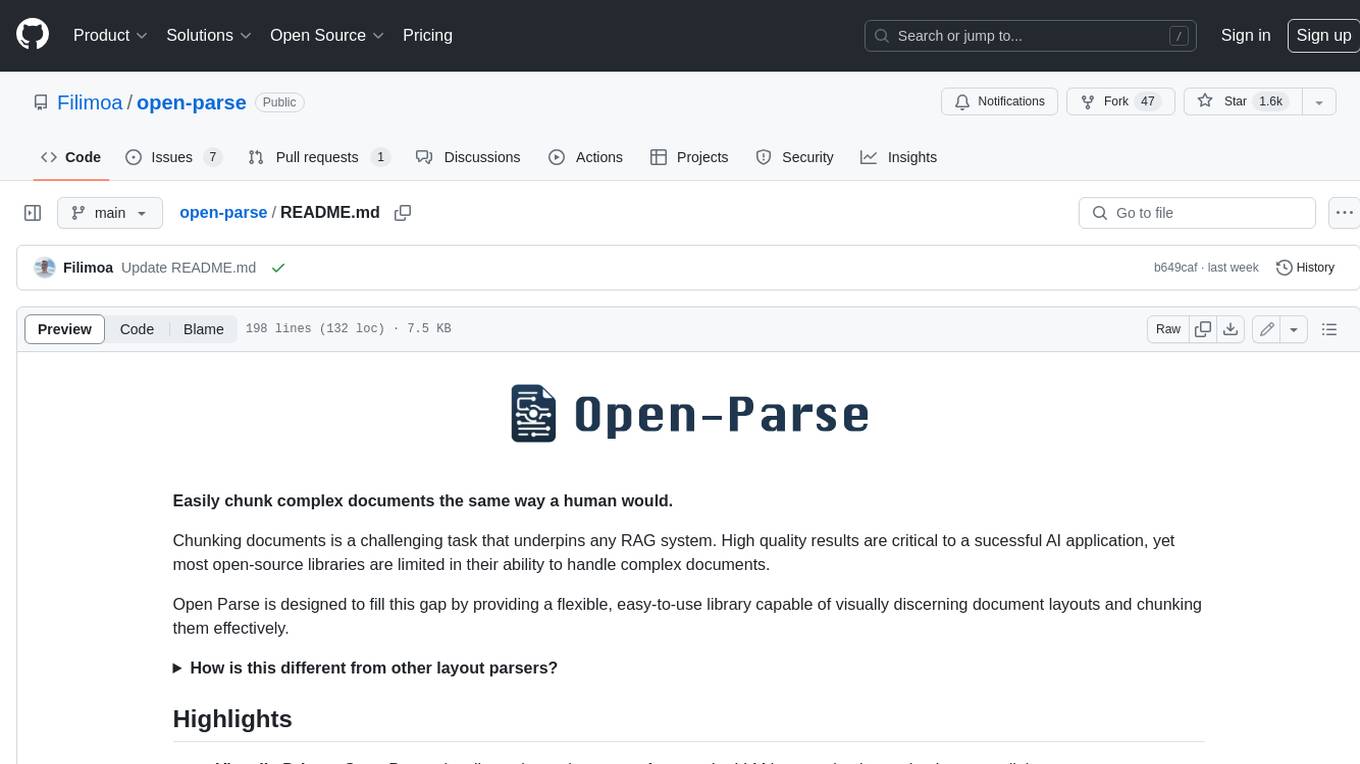
open-parse
Open Parse is a Python library for visually discerning document layouts and chunking them effectively. It is designed to fill the gap in open-source libraries for handling complex documents. Unlike text splitting, which converts a file to raw text and slices it up, Open Parse visually analyzes documents for superior LLM input. It also supports basic markdown for parsing headings, bold, and italics, and has high-precision table support, extracting tables into clean Markdown formats with accuracy that surpasses traditional tools. Open Parse is extensible, allowing users to easily implement their own post-processing steps. It is also intuitive, with great editor support and completion everywhere, making it easy to use and learn.
unstract
Unstract is a no-code platform that enables users to launch APIs and ETL pipelines to structure unstructured documents. With Unstract, users can go beyond co-pilots by enabling machine-to-machine automation. Unstract's Prompt Studio provides a simple, no-code approach to creating prompts for LLMs, vector databases, embedding models, and text extractors. Users can then configure Prompt Studio projects as API deployments or ETL pipelines to automate critical business processes that involve complex documents. Unstract supports a wide range of LLM providers, vector databases, embeddings, text extractors, ETL sources, and ETL destinations, providing users with the flexibility to choose the best tools for their needs.
For similar jobs
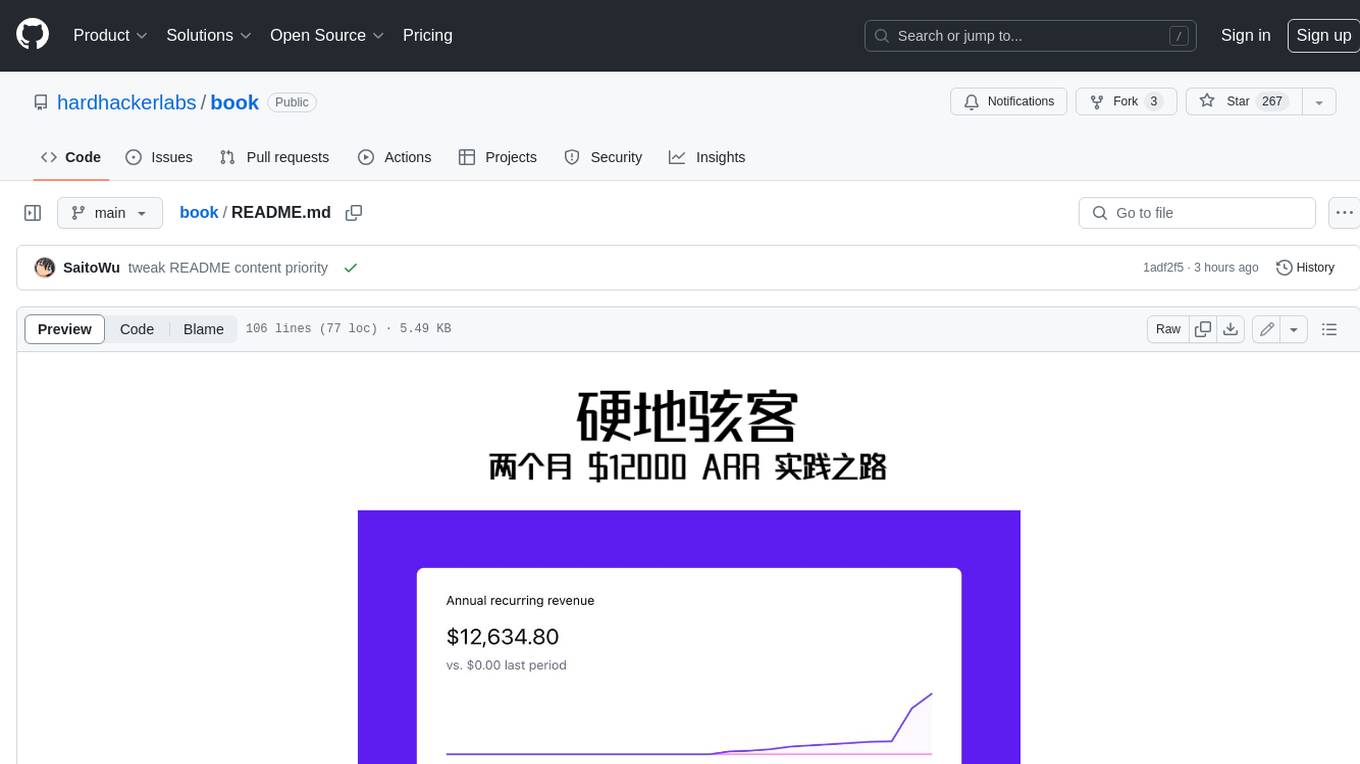
book
Podwise is an AI knowledge management app designed specifically for podcast listeners. With the Podwise platform, you only need to follow your favorite podcasts, such as "Hardcore Hackers". When a program is released, Podwise will use AI to transcribe, extract, summarize, and analyze the podcast content, helping you to break down the hard-core podcast knowledge. At the same time, it is connected to platforms such as Notion, Obsidian, Logseq, and Readwise, embedded in your knowledge management workflow, and integrated with content from other channels including news, newsletters, and blogs, helping you to improve your second brain 🧠.
extractor
Extractor is an AI-powered data extraction library for Laravel that leverages OpenAI's capabilities to effortlessly extract structured data from various sources, including images, PDFs, and emails. It features a convenient wrapper around OpenAI Chat and Completion endpoints, supports multiple input formats, includes a flexible Field Extractor for arbitrary data extraction, and integrates with Textract for OCR functionality. Extractor utilizes JSON Mode from the latest GPT-3.5 and GPT-4 models, providing accurate and efficient data extraction.
Scrapegraph-ai
ScrapeGraphAI is a Python library that uses Large Language Models (LLMs) and direct graph logic to create web scraping pipelines for websites, documents, and XML files. It allows users to extract specific information from web pages by providing a prompt describing the desired data. ScrapeGraphAI supports various LLMs, including Ollama, OpenAI, Gemini, and Docker, enabling users to choose the most suitable model for their needs. The library provides a user-friendly interface through its `SmartScraper` class, which simplifies the process of building and executing scraping pipelines. ScrapeGraphAI is open-source and available on GitHub, with extensive documentation and examples to guide users. It is particularly useful for researchers and data scientists who need to extract structured data from web pages for analysis and exploration.
databerry
Chaindesk is a no-code platform that allows users to easily set up a semantic search system for personal data without technical knowledge. It supports loading data from various sources such as raw text, web pages, files (Word, Excel, PowerPoint, PDF, Markdown, Plain Text), and upcoming support for web sites, Notion, and Airtable. The platform offers a user-friendly interface for managing datastores, querying data via a secure API endpoint, and auto-generating ChatGPT Plugins for each datastore. Chaindesk utilizes a Vector Database (Qdrant), Openai's text-embedding-ada-002 for embeddings, and has a chunk size of 1024 tokens. The technology stack includes Next.js, Joy UI, LangchainJS, PostgreSQL, Prisma, and Qdrant, inspired by the ChatGPT Retrieval Plugin.

auto-news
Auto-News is an automatic news aggregator tool that utilizes Large Language Models (LLM) to pull information from various sources such as Tweets, RSS feeds, YouTube videos, web articles, Reddit, and journal notes. The tool aims to help users efficiently read and filter content based on personal interests, providing a unified reading experience and organizing information effectively. It features feed aggregation with summarization, transcript generation for videos and articles, noise reduction, task organization, and deep dive topic exploration. The tool supports multiple LLM backends, offers weekly top-k aggregations, and can be deployed on Linux/MacOS using docker-compose or Kubernetes.
SemanticFinder
SemanticFinder is a frontend-only live semantic search tool that calculates embeddings and cosine similarity client-side using transformers.js and SOTA embedding models from Huggingface. It allows users to search through large texts like books with pre-indexed examples, customize search parameters, and offers data privacy by keeping input text in the browser. The tool can be used for basic search tasks, analyzing texts for recurring themes, and has potential integrations with various applications like wikis, chat apps, and personal history search. It also provides options for building browser extensions and future ideas for further enhancements and integrations.
1filellm
1filellm is a command-line data aggregation tool designed for LLM ingestion. It aggregates and preprocesses data from various sources into a single text file, facilitating the creation of information-dense prompts for large language models. The tool supports automatic source type detection, handling of multiple file formats, web crawling functionality, integration with Sci-Hub for research paper downloads, text preprocessing, and token count reporting. Users can input local files, directories, GitHub repositories, pull requests, issues, ArXiv papers, YouTube transcripts, web pages, Sci-Hub papers via DOI or PMID. The tool provides uncompressed and compressed text outputs, with the uncompressed text automatically copied to the clipboard for easy pasting into LLMs.
Agently-Daily-News-Collector
Agently Daily News Collector is an open-source project showcasing a workflow powered by the Agent ly AI application development framework. It allows users to generate news collections on various topics by inputting the field topic. The AI agents automatically perform the necessary tasks to generate a high-quality news collection saved in a markdown file. Users can edit settings in the YAML file, install Python and required packages, input their topic idea, and wait for the news collection to be generated. The process involves tasks like outlining, searching, summarizing, and preparing column data. The project dependencies include Agently AI Development Framework, duckduckgo-search, BeautifulSoup4, and PyYAM.