


coral-cloud
Sample application that showcases Data Cloud, Agents and Prompts.
Stars: 62
Coral Cloud Resorts is a sample hospitality application that showcases Data Cloud, Agents, and Prompts. It provides highly personalized guest experiences through smart automation, content generation, and summarization. The app requires licenses for Data Cloud, Agents, Prompt Builder, and Einstein for Sales. Users can activate features, deploy metadata, assign permission sets, import sample data, and troubleshoot common issues. Additionally, the repository offers integration with modern web development tools like Prettier, ESLint, and pre-commit hooks for code formatting and linting.
README:


Welcome to Coral Cloud Resorts, a sample hospitality application. Coral Cloud Resorts is a fictional resort that uses Agentforce, Data Cloud, and the Salesforce Platform to deliver highly personalized guest experiences. Explore ways to bring agents into business workflows, including new smart automation capabilities, content generation, and summarization.
The Coral Cloud Resorts app showcases Data Cloud, Agents and Prompts.
The Coral Cloud Resorts app requires licenses for the following features:
- Data Cloud
- Agents
- Prompt Builder field generation templates
- Einstein for Sales (for Prompt Builder sales emails)
 Obtain an Org with these features and learn more about the app with the Quick Start: Explore the Coral Cloud Sample App Trailhead badge or by watching this short presentation video.
[!IMPORTANT] Start from a brand-new environment to avoid conflicts with previous work you may have done.
Install the Salesforce CLI or check that your installed CLI version is greater than 2.56.7 by running sf -v in a terminal.
If you need to update the Salesforce CLI, either run sf update or npm install --global @salesforce/cli depending on how you installed the CLI.
-
Make sure that Data Cloud provisioning is complete before moving forward.
To check this, go to Data Cloud Setup. The page should look like this if provisioning is complete. If you see a Get Started button, click it and wait for the process to complete. This can take up to ten minutes.

-
From Setup, go to Einstein Setup and click Turn on Einstein.
-
From Setup, go to Agents and toggle on Agentforce. You may need to refresh the page to see the Agents menu after turning on Einstein.
-
From Setup, go to Einstein for Sales and ensure that Turn on Sales Emails is toggled on.
-
Clone this repository:
git clone https://github.com/trailheadapps/coral-cloud cd coral-cloud -
Authorize your org with the Salesforce CLI, set it as the default org for this project and save an alias (
coral-cloudin the command below).sf org login web -s -a coral-cloud
-
Deploy the base app metadata.
sf project deploy start -d cc-base-app
-
Assign the Coral Cloud permission set to the default user.
sf org assign permset -n Coral_Cloud
-
Import some sample data.
sf data tree import -p ./data/data-plan.json
-
Generate additional sample data with this anonymous Apex script.
sf apex run -f apex-scripts/setup.apex
-
Deploy the employee agent metadata.
sf project deploy start -d cc-employee-app
-
Install a Data Kit to add Data Cloud components to your org.
sf package install -p 04tHr000000ku4k -w 10
-
If your org isn't already open, open it now:
sf org open
This may happen if you already have data in the org or if a previous data plan import failed and some records were saved. To fix it, clear existing record by running the following CLI command in a terminal:
sf apex run -f apex-scripts/wipe-data.apexThis repository contains several files that are relevant if you want to integrate modern web development tools into your Salesforce development processes or into your continuous integration/continuous deployment processes.
Prettier is a code formatter used to ensure consistent formatting across your code base. To use Prettier with Visual Studio Code, install this extension from the Visual Studio Code Marketplace. The .prettierignore and .prettierrc files are provided as part of this repository to control the behavior of the Prettier formatter.
[!IMPORTANT] The current Apex Prettier plugin version requires that you install Java 11 or above.
ESLint is a popular JavaScript linting tool used to identify stylistic errors and erroneous constructs. To use ESLint with Visual Studio Code, install this extension from the Visual Studio Code Marketplace. The .eslintignore file is provided as part of this repository to exclude specific files from the linting process in the context of Lightning Web Components development.
This repository also comes with a package.json file that makes it easy to set up a pre-commit hook that enforces code formatting and linting by running Prettier and ESLint every time you git commit changes.
To set up the formatting and linting pre-commit hook:
- Install Node.js if you haven't already done so
- Run
npm installin your project's root folder to install the ESLint and Prettier modules (Note: Mac users should verify that Xcode command line tools are installed before running this command.)
Prettier and ESLint will now run automatically every time you commit changes. The commit will fail if linting errors are detected. You can also run the formatting and linting from the command line using the following commands (check out package.json for the full list):
npm run lint
npm run prettier
For Tasks:
Click tags to check more tools for each tasksFor Jobs:
Alternative AI tools for coral-cloud
Similar Open Source Tools
coral-cloud
Coral Cloud Resorts is a sample hospitality application that showcases Data Cloud, Agents, and Prompts. It provides highly personalized guest experiences through smart automation, content generation, and summarization. The app requires licenses for Data Cloud, Agents, Prompt Builder, and Einstein for Sales. Users can activate features, deploy metadata, assign permission sets, import sample data, and troubleshoot common issues. Additionally, the repository offers integration with modern web development tools like Prettier, ESLint, and pre-commit hooks for code formatting and linting.
burpference
Burpference is an open-source extension designed to capture in-scope HTTP requests and responses from Burp's proxy history and send them to a remote LLM API in JSON format. It automates response capture, integrates with APIs, optimizes resource usage, provides color-coded findings visualization, offers comprehensive logging, supports native Burp reporting, and allows flexible configuration. Users can customize system prompts, API keys, and remote hosts, and host models locally to prevent high inference costs. The tool is ideal for offensive web application engagements to surface findings and vulnerabilities.
dream-team
Build your dream team with Autogen is a repository that leverages Microsoft Autogen 0.4, Azure OpenAI, and Streamlit to create an end-to-end multi-agent application. It provides an advanced multi-agent framework based on Magentic One, with features such as a friendly UI, single-line deployment, secure code execution, managed identities, and observability & debugging tools. Users can deploy Azure resources and the app with simple commands, work locally with virtual environments, install dependencies, update configurations, and run the application. The repository also offers resources for learning more about building applications with Autogen.
shipstation
ShipStation is an AI-based website and agents generation platform that optimizes landing page websites and generic connect-anything-to-anything services. It enables seamless communication between service providers and integration partners, offering features like user authentication, project management, code editing, payment integration, and real-time progress tracking. The project architecture includes server-side (Node.js) and client-side (React with Vite) components. Prerequisites include Node.js, npm or yarn, Anthropic API key, Supabase account, Tavily API key, and Razorpay account. Setup instructions involve cloning the repository, setting up Supabase, configuring environment variables, and starting the backend and frontend servers. Users can access the application through the browser, sign up or log in, create landing pages or portfolios, and get websites stored in an S3 bucket. Deployment to Heroku involves building the client project, committing changes, and pushing to the main branch. Contributions to the project are encouraged, and the license encourages doing good.
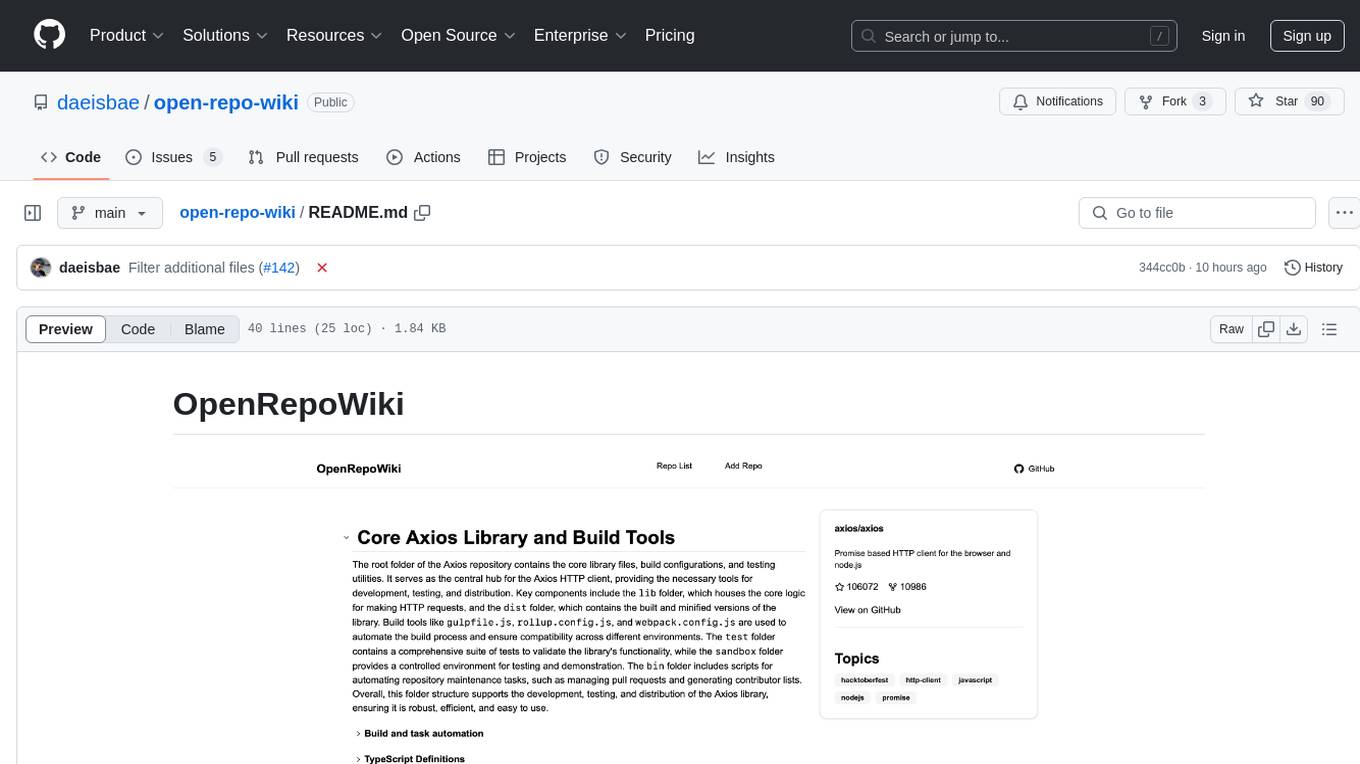
open-repo-wiki
OpenRepoWiki is a tool designed to automatically generate a comprehensive wiki page for any GitHub repository. It simplifies the process of understanding the purpose, functionality, and core components of a repository by analyzing its code structure, identifying key files and functions, and providing explanations. The tool aims to assist individuals who want to learn how to build various projects by providing a summarized overview of the repository's contents. OpenRepoWiki requires certain dependencies such as Google AI Studio or Deepseek API Key, PostgreSQL for storing repository information, Github API Key for accessing repository data, and Amazon S3 for optional usage. Users can configure the tool by setting up environment variables, installing dependencies, building the server, and running the application. It is recommended to consider the token usage and opt for cost-effective options when utilizing the tool.
blinkid-react-native
BlinkID SDK wrapper for React Native provides best-in-class ID scanning software for cross-platform apps built with React Native. It offers complete guidance on installing and linking BlinkID library with iOS and Android apps. The SDK requires a valid license key for scanning, with offline data extraction. It supports React Native v0.71.2 and includes installation and linking instructions for iOS and Android. The repository also contains a script to create a sample React Native project and dependencies. Video tutorials demonstrate using documentVerificationOverlay and CombinedRecognizer for scanning various document types.
firebase-ios-sdk
This repository contains the source code for all Apple platform Firebase SDKs except FirebaseAnalytics. Firebase is an app development platform with tools to help you build, grow, and monetize your app. It provides installation methods like Standard pod install, Swift Package Manager, Installing from the GitHub repo, and Experimental Carthage. Development requires Xcode 16.2 or later, and supports CocoaPods and Swift Package Manager. The repository includes instructions for adding a new Firebase Pod, managing headers and imports, code formatting, running unit tests, running sample apps, and generating coverage reports. Specific component instructions are provided for Firebase AI Logic, Firebase Auth, Firebase Database, Firebase Dynamic Links, Firebase Performance Monitoring, Firebase Storage, and Push Notifications. Firebase also offers beta support for macOS, Catalyst, and tvOS, with community support for visionOS and watchOS.
batteries-included
Batteries Included is an all-in-one platform for building and running modern applications, simplifying cloud infrastructure complexity. It offers production-ready capabilities through an intuitive interface, focusing on automation, security, and enterprise-grade features. The platform includes databases like PostgreSQL and Redis, AI/ML capabilities with Jupyter notebooks, web services deployment, security features like SSL/TLS management, and monitoring tools like Grafana dashboards. Batteries Included is designed to streamline infrastructure setup and management, allowing users to concentrate on application development without dealing with complex configurations.
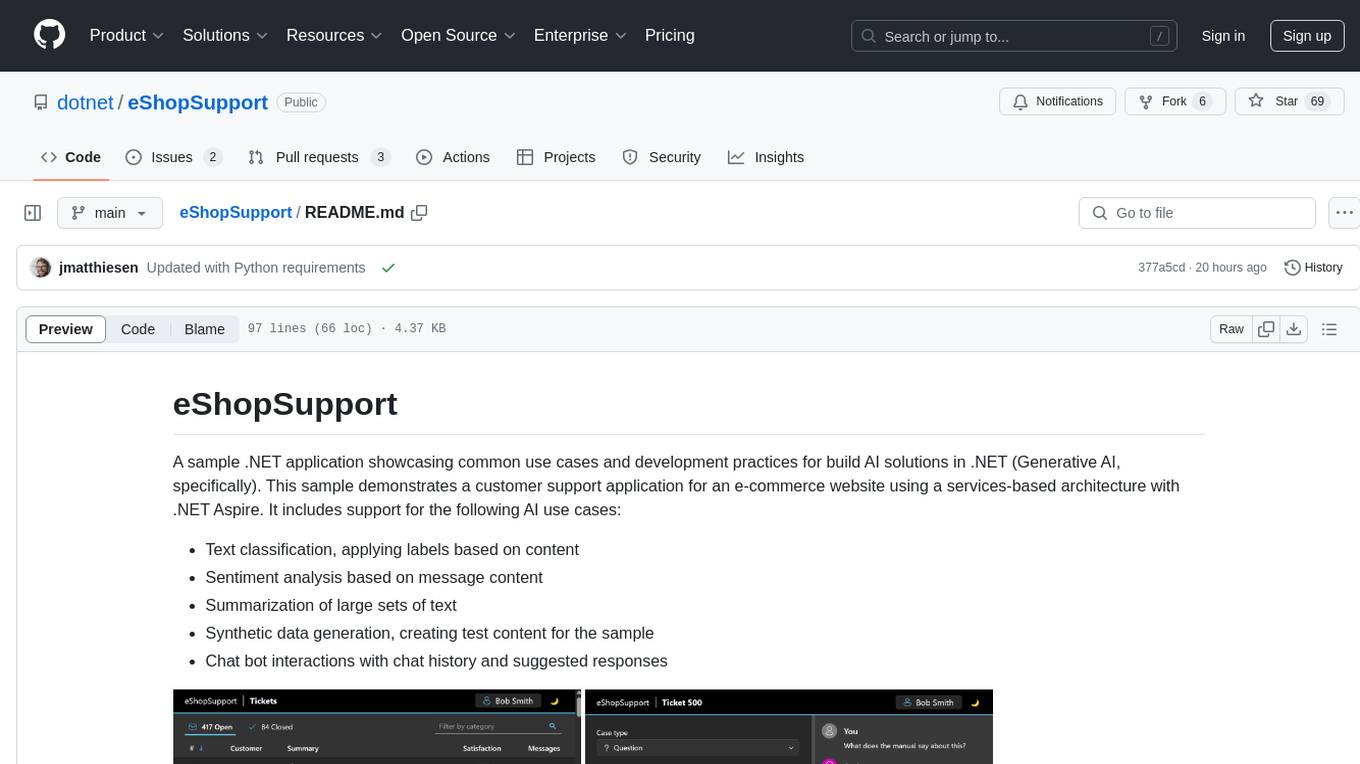
eShopSupport
eShopSupport is a sample .NET application showcasing common use cases and development practices for building AI solutions in .NET, specifically Generative AI. It demonstrates a customer support application for an e-commerce website using a services-based architecture with .NET Aspire. The application includes support for text classification, sentiment analysis, text summarization, synthetic data generation, and chat bot interactions. It also showcases development practices such as developing solutions locally, evaluating AI responses, leveraging Python projects, and deploying applications to the Cloud.
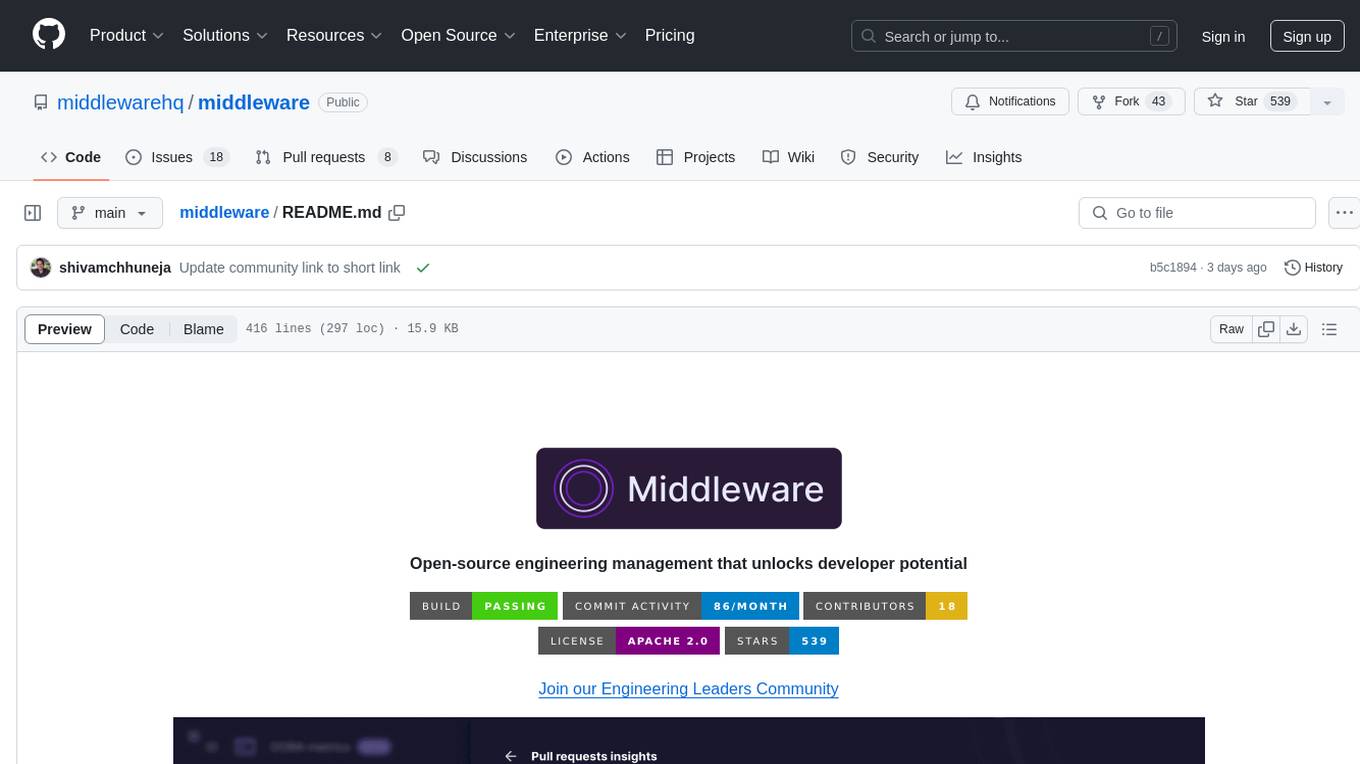
middleware
Middleware is an open-source engineering management tool that helps engineering leaders measure and analyze team effectiveness using DORA metrics. It integrates with CI/CD tools, automates DORA metric collection and analysis, visualizes key performance indicators, provides customizable reports and dashboards, and integrates with project management platforms. Users can set up Middleware using Docker or manually, generate encryption keys, set up backend and web servers, and access the application to view DORA metrics. The tool calculates DORA metrics using GitHub data, including Deployment Frequency, Lead Time for Changes, Mean Time to Restore, and Change Failure Rate. Middleware aims to provide DORA metrics to users based on their Git data, simplifying the process of tracking software delivery performance and operational efficiency.
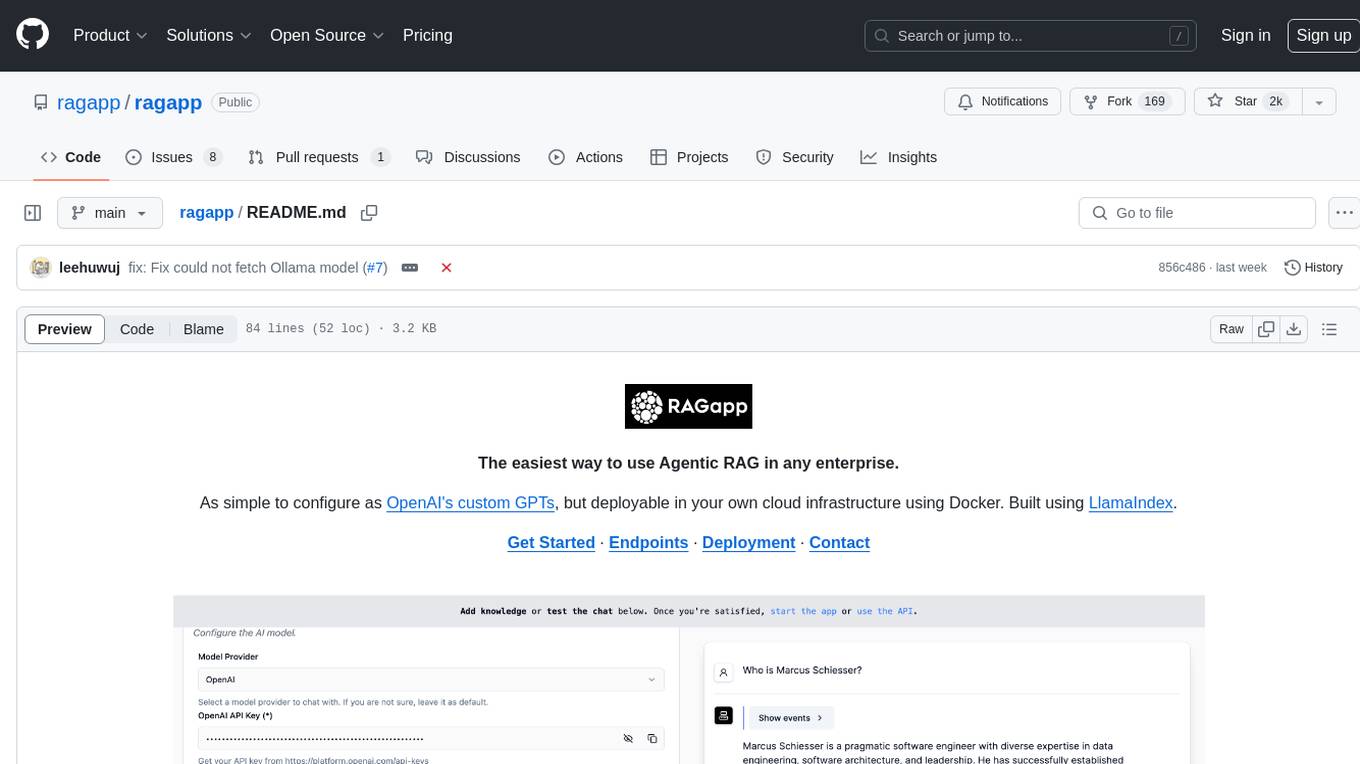
ragapp
RAGapp is a tool designed for easy deployment of Agentic RAG in any enterprise. It allows users to configure and deploy RAG in their own cloud infrastructure using Docker. The tool is built using LlamaIndex and supports hosted AI models from OpenAI or Gemini, as well as local models using Ollama. RAGapp provides endpoints for Admin UI, Chat UI, and API, with the option to specify the model and Ollama host. The tool does not come with an authentication layer, requiring users to secure the '/admin' path in their cloud environment. Deployment can be done using Docker Compose with customizable model and Ollama host settings, or in Kubernetes for cloud infrastructure deployment. Development setup involves using Poetry for installation and building frontends.
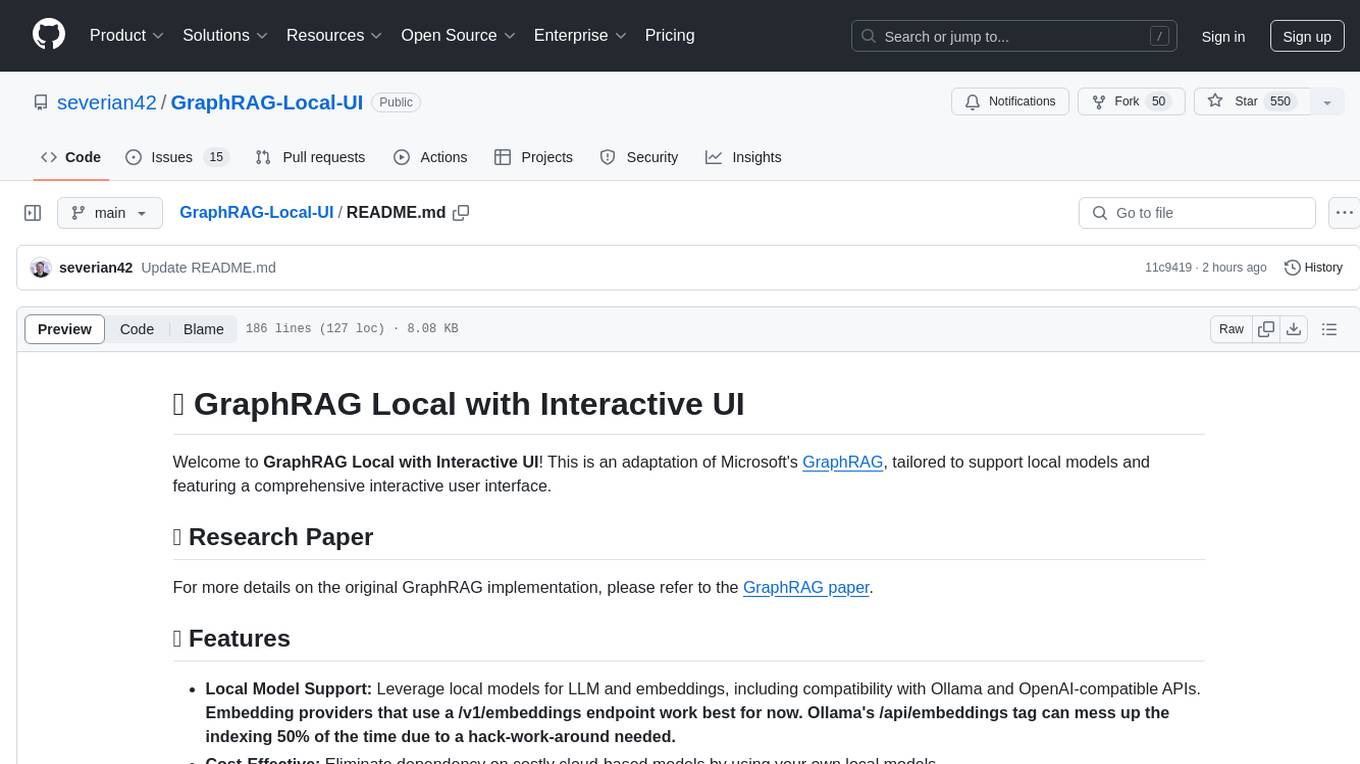
GraphRAG-Local-UI
GraphRAG Local with Interactive UI is an adaptation of Microsoft's GraphRAG, tailored to support local models and featuring a comprehensive interactive user interface. It allows users to leverage local models for LLM and embeddings, visualize knowledge graphs in 2D or 3D, manage files, settings, and queries, and explore indexing outputs. The tool aims to be cost-effective by eliminating dependency on costly cloud-based models and offers flexible querying options for global, local, and direct chat queries.
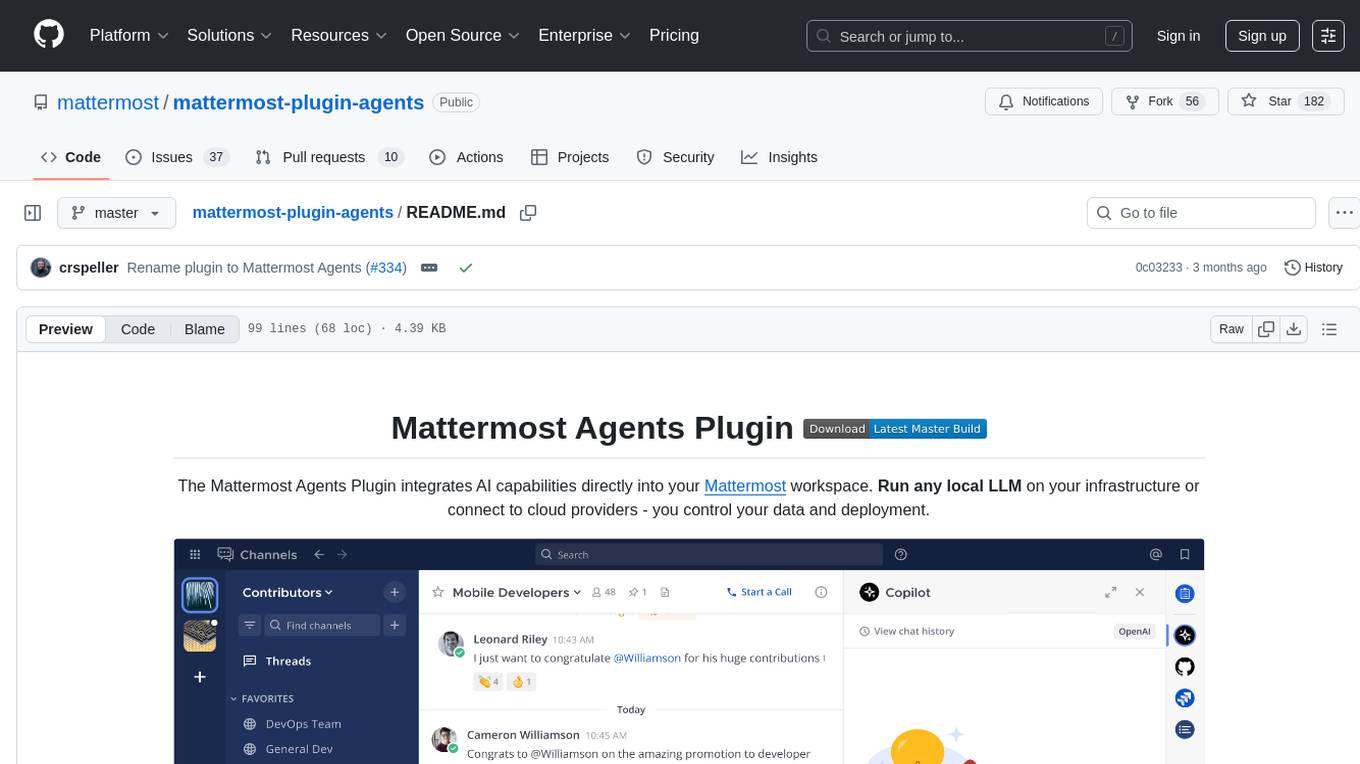
mattermost-plugin-agents
The Mattermost Agents Plugin integrates AI capabilities directly into your Mattermost workspace, allowing users to run local LLMs on their infrastructure or connect to cloud providers. It offers multiple AI assistants with specialized personalities, thread and channel summarization, action item extraction, meeting transcription, semantic search, smart reactions, direct conversations with AI assistants, and flexible LLM support. The plugin comes with comprehensive documentation, installation instructions, system requirements, and development guidelines for users to interact with AI features and configure LLM providers.
ComfyUIMini
ComfyUI Mini is a lightweight and mobile-friendly frontend designed to run ComfyUI workflows. It allows users to save workflows locally on their device or PC, easily import workflows, and view generation progress information. The tool requires ComfyUI to be installed on the PC and a modern browser with WebSocket support on the mobile device. Users can access the WebUI by running the app and connecting to the local address of the PC. ComfyUI Mini provides a simple and efficient way to manage workflows on mobile devices.
ShellOracle
ShellOracle is an innovative terminal utility designed for intelligent shell command generation, bringing a new level of efficiency to your command-line interactions. It supports seamless shell command generation from written descriptions, command history for easy reference, Unix pipe support for advanced command chaining, self-hosted for full control over your environment, and highly configurable to adapt to your preferences. It can be easily installed using pipx, upgraded with simple commands, and used as a BASH/ZSH widget activated by the CTRL+F keyboard shortcut. ShellOracle can also be run as a Python module or using its entrypoint 'shor'. The tool supports providers like Ollama, OpenAI, and LocalAI, with detailed instructions for each provider. Configuration options are available to customize the utility according to user preferences and requirements. ShellOracle is compatible with BASH and ZSH on macOS and Linux, with no specific hardware requirements for cloud providers like OpenAI.
prompty
Prompty is an asset class and format for LLM prompts designed to enhance observability, understandability, and portability for developers. The primary goal is to accelerate the developer inner loop. This repository contains the Prompty Language Specification and a documentation site. The Visual Studio Code extension offers a prompt playground to streamline the prompt engineering process.
For similar tasks
coral-cloud
Coral Cloud Resorts is a sample hospitality application that showcases Data Cloud, Agents, and Prompts. It provides highly personalized guest experiences through smart automation, content generation, and summarization. The app requires licenses for Data Cloud, Agents, Prompt Builder, and Einstein for Sales. Users can activate features, deploy metadata, assign permission sets, import sample data, and troubleshoot common issues. Additionally, the repository offers integration with modern web development tools like Prettier, ESLint, and pre-commit hooks for code formatting and linting.
For similar jobs

aiscript
AiScript is a lightweight scripting language that runs on JavaScript. It supports arrays, objects, and functions as first-class citizens, and is easy to write without the need for semicolons or commas. AiScript runs in a secure sandbox environment, preventing infinite loops from freezing the host. It also allows for easy provision of variables and functions from the host.
askui
AskUI is a reliable, automated end-to-end automation tool that only depends on what is shown on your screen instead of the technology or platform you are running on.
bots
The 'bots' repository is a collection of guides, tools, and example bots for programming bots to play video games. It provides resources on running bots live, installing the BotLab client, debugging bots, testing bots in simulated environments, and more. The repository also includes example bots for games like EVE Online, Tribal Wars 2, and Elvenar. Users can learn about developing bots for specific games, syntax of the Elm programming language, and tools for memory reading development. Additionally, there are guides on bot programming, contributing to BotLab, and exploring Elm syntax and core library.
ain
Ain is a terminal HTTP API client designed for scripting input and processing output via pipes. It allows flexible organization of APIs using files and folders, supports shell-scripts and executables for common tasks, handles url-encoding, and enables sharing the resulting curl, wget, or httpie command-line. Users can put things that change in environment variables or .env-files, and pipe the API output for further processing. Ain targets users who work with many APIs using a simple file format and uses curl, wget, or httpie to make the actual calls.
LaVague
LaVague is an open-source Large Action Model framework that uses advanced AI techniques to compile natural language instructions into browser automation code. It leverages Selenium or Playwright for browser actions. Users can interact with LaVague through an interactive Gradio interface to automate web interactions. The tool requires an OpenAI API key for default examples and offers a Playwright integration guide. Contributors can help by working on outlined tasks, submitting PRs, and engaging with the community on Discord. The project roadmap is available to track progress, but users should exercise caution when executing LLM-generated code using 'exec'.
robocorp
Robocorp is a platform that allows users to create, deploy, and operate Python automations and AI actions. It provides an easy way to extend the capabilities of AI agents, assistants, and copilots with custom actions written in Python. Users can create and deploy tools, skills, loaders, and plugins that securely connect any AI Assistant platform to their data and applications. The Robocorp Action Server makes Python scripts compatible with ChatGPT and LangChain by automatically creating and exposing an API based on function declaration, type hints, and docstrings. It simplifies the process of developing and deploying AI actions, enabling users to interact with AI frameworks effortlessly.
Open-Interface
Open Interface is a self-driving software that automates computer tasks by sending user requests to a language model backend (e.g., GPT-4V) and simulating keyboard and mouse inputs to execute the steps. It course-corrects by sending current screenshots to the language models. The tool supports MacOS, Linux, and Windows, and requires setting up the OpenAI API key for access to GPT-4V. It can automate tasks like creating meal plans, setting up custom language model backends, and more. Open Interface is currently not efficient in accurate spatial reasoning, tracking itself in tabular contexts, and navigating complex GUI-rich applications. Future improvements aim to enhance the tool's capabilities with better models trained on video walkthroughs. The tool is cost-effective, with user requests priced between $0.05 - $0.20, and offers features like interrupting the app and primary display visibility in multi-monitor setups.
AI-Case-Sorter-CS7.1
AI-Case-Sorter-CS7.1 is a project focused on building a case sorter using machine vision and machine learning AI to sort cases by headstamp. The repository includes Arduino code and 3D models necessary for the project.