


chromadb-chart
Chart for deploying ChromaDB in Kubernetes
Stars: 55
Chromadb-chart is a Kubernetes Chart for deploying a single-node Chroma AI application database on a Kubernetes cluster using the Helm package manager. It provides the ability to secure Chroma API with TLS, backup and restore index data, and monitor the cluster using Prometheus and Grafana. The chart configuration values allow customization of ChromaDB version, data persistence, telemetry, authentication, logging, image settings, and more. Users can verify installation, build Docker images, set up a Kubernetes cluster, and configure Chroma authentication using token or basic auth. The chart can also be used as a dependency in other charts, and extra config options are available for Rust server configurations.
README:

This chart deploys a single-node Chroma database on a Kubernetes cluster using the Helm package manager.
[!TIP] Deploying and managing multiple Chroma nodes support will arrive with the Chroma single-node Operator.
[!WARNING] For Chroma
>= 1.0.0(Rust server), chart values underchromadb.auth.*are legacy and ignored. Use network-level security controls (private networking, ingress auth, API gateways, mTLS) when deploying>= 1.0.0.
- [ ]
Work in progressSecurity - the ability to secure chroma API with TLS - [ ]
Work in progressBackup and restore - the ability to back up and restore the index data - [ ]
Work in progressObservability - the ability to monitor the cluster using Prometheus and Grafana
[!NOTE] Note: These prerequisites are necessary for local testing. If you have a Kubernetes cluster already setup you can skip
- Docker
- Minikube
- Helm
Setup the helm repo:
helm repo add chroma https://amikos-tech.github.io/chromadb-chart/
helm repo update
helm search repo chroma/
Update the values.yaml file to match your environment.
helm install chroma chroma/chromadb -f values.yamlExample values.yaml file:
chromadb:
  allowReset: true
Alternatively you can specify each parameter using the --set key=value[,key=value] argument to helm install.
helm install chroma chroma/chromadb --set chromadb.allowReset=true| Key | Type | Default | Description |
|---|---|---|---|
chromadb.apiVersion |
string |
1.5.0 (Chart app version) |
The ChromaDB version. Supported version 0.4.3 - 1.x
|
chromadb.allowReset |
boolean | false |
Allows resetting the index (delete all data). Accepts bool or string true/false (case-insensitive); rendered value is normalized to lowercase. |
chromadb.isPersistent |
boolean | true |
< 1.0.0: controls PVC plus IS_PERSISTENT server mode. >= 1.0.0: controls only PVC creation/mounting for persistDirectory; the Rust server always writes to disk, so data is ephemeral without a PVC. Accepts bool or string true/false (case-insensitive); rendered value is normalized to lowercase. |
chromadb.persistDirectory |
string | /data |
Absolute path where index data is stored. Used for both Chroma server config and mounted persistent volume path. |
chromadb.anonymizedTelemetry |
boolean | false |
Legacy PostHog telemetry flag for < 1.0.0. Note: This has no effect in Chroma >= 1.0.0; use chromadb.telemetry.* for OTEL. |
chromadb.corsAllowOrigins |
list | [] |
List of allowed CORS origins. Wildcard ["*"] is supported. |
chromadb.apiImpl |
string | - "chromadb.api.segment.SegmentAPI" |
Legacy/removed key kept for historical compatibility in docs. The chart does not read this value in current versions. |
chromadb.serverHost |
string | 0.0.0.0 |
The API server host. |
chromadb.serverHttpPort |
int | 8000 |
The API server port. For >= 1.0.0, this sets port in v1-config; CHROMA_SERVER_HTTP_PORT is a legacy env var used only for < 1.0.0. |
chromadb.data.volumeSize |
string | 1Gi |
The data volume size. |
chromadb.data.storageClass |
string |
null (default storage class) |
The storage class |
chromadb.data.accessModes |
string | ReadWriteOnce |
The volume access mode. |
chromadb.data.retentionPolicyOnDelete |
string | "Delete" |
The retention policy on removal. By default the PVC will be remove when Chroma chart is uninstalled. If you wish to keep it set this value to Retain. |
chromadb.auth.enabled |
boolean | true |
Legacy auth toggle for < 1.0.0. Ignored for >= 1.0.0. |
chromadb.auth.type |
string | token |
Legacy auth type for < 1.0.0. Supported values are token (apiVersion>=0.4.8) and basic (apiVersion>=0.4.7). Ignored for >= 1.0.0. |
chromadb.auth.token.headerType |
string | Authorization |
Legacy token header type for < 1.0.0. Possible values: Authorization or X-Chroma-Token (also works with X_CHROMA_TOKEN). Ignored for >= 1.0.0. |
chromadb.auth.existingSecret |
string | "" |
Legacy auth secret reference for < 1.0.0. For token auth the secret should contain token; for basic auth it should contain username and password. Ignored for >= 1.0.0. |
global.imageRegistry |
string | "" |
Global image registry override applied to all images (useful for air-gapped environments). |
image.registry |
string | "" |
Registry override for the ChromaDB image. Takes precedence over global.imageRegistry. |
image.repository |
string | ghcr.io/chroma-core/chroma |
The repository of the ChromaDB image. |
image.tag |
string | "" |
Tag override for the ChromaDB image. Defaults to Chart.AppVersion. |
image.digest |
string | "" |
Digest override for the ChromaDB image. When set, takes precedence over image.tag. |
image.pullPolicy |
string | IfNotPresent |
Image pull policy for the ChromaDB image. |
initImage.registry |
string | "" |
Registry override for the init container image. Takes precedence over global.imageRegistry. |
initImage.repository |
string | docker.io/httpd |
The repository of the init container image. |
initImage.tag |
string | "2" |
Tag for the init container image. |
initImage.digest |
string | "" |
Digest override for the init container image. When set, takes precedence over initImage.tag. |
initImage.pullPolicy |
string | IfNotPresent |
Image pull policy for the init container image. |
chromadb.logging.root |
string | INFO |
Legacy Python logging level for < 1.0.0. Ignored for >= 1.0.0. |
chromadb.logging.chromadb |
string | DEBUG |
Legacy Python logging level for < 1.0.0. Ignored for >= 1.0.0. |
chromadb.logging.uvicorn |
string | INFO |
Legacy Python logging level for < 1.0.0. Ignored for >= 1.0.0. |
chromadb.logConfigFileLocation |
string | /chroma/log_config.yaml |
Path to the Python log config file for < 1.0.0. Ignored for >= 1.0.0. |
chromadb.logConfigMap |
string | null |
ConfigMap name for Python log configuration on < 1.0.0. Ignored for >= 1.0.0. |
chromadb.maintenance.collection_cache_policy |
string | null |
Legacy maintenance setting for < 1.0.0. Possible values: null or LRU. Ignored for >= 1.0.0. |
chromadb.maintenance.collection_cache_limit_bytes |
int | 1000000000 |
Legacy maintenance setting for < 1.0.0. Ignored for >= 1.0.0. |
chromadb.maxPayloadSizeBytes |
int | 41943040 |
The size in bytes of the maximum payload that can be sent to Chroma. This is supported in v1.0.0 or later. |
chromadb.telemetry.enabled |
boolean | false |
Enables chroma to send OTEL telemetry |
chromadb.telemetry.endpoint |
string | `` | OTEL collector endpoint e.g. "http://otel-collector:4317" |
chromadb.telemetry.serviceName |
string | chroma |
The service name that will show up in traces. |
chromadb.telemetry.filters |
list | [] |
Optional open_telemetry.filters entries for per-crate trace filtering in Chroma >= 1.0.0. |
chromadb.sqliteFilename |
string | "" |
Optional sqlite_filename for Chroma >= 1.0.0. Empty means server default (chroma.sqlite3). |
chromadb.sqliteDb.hashType |
string | "" |
Optional sqlitedb.hash_type (md5 or sha256) for Chroma >= 1.0.0. Empty means server default (md5). |
chromadb.sqliteDb.migrationMode |
string | "" |
Optional sqlitedb.migration_mode (apply or validate) for Chroma >= 1.0.0. Empty means server default (apply). |
chromadb.circuitBreaker.requests |
int | null |
Optional circuit_breaker.requests for Chroma >= 1.0.0. Set 0 to disable; null leaves server default (0). |
chromadb.segmentManager.hnswIndexPoolCacheConfig |
object | {} |
Optional segment_manager.hnsw_index_pool_cache_config object for Chroma >= 1.0.0. |
imagePullSecrets |
list | [] |
List of image pull secrets for the ChromaDB pod (e.g. [{name: "my-secret"}]). |
global.imagePullSecrets |
list | [] |
Global image pull secrets shared across all subcharts. Merged with imagePullSecrets. |
serviceAccount.create |
boolean | true |
Specifies whether the chart should create a ServiceAccount. |
serviceAccount.annotations |
object | {} |
Annotations added to the created ServiceAccount. |
serviceAccount.name |
string | "" |
ServiceAccount name used by the pod. If empty and serviceAccount.create=true, the chart fullname is used; if serviceAccount.create=false, Kubernetes default is used unless overridden. |
serviceAccount.automountServiceAccountToken |
boolean | true |
Sets automountServiceAccountToken on the created ServiceAccount. |
chromadb.extraConfig |
object | {} |
Extra config keys merged into the v1 server config (>= 1.0.0). Overrides chart-managed keys. See Extra Config. |
commonLabels |
object | {} |
Additional labels applied to all chart resources (StatefulSet, Service, Ingress, ConfigMaps, Secrets, PVCs, test Jobs). |
podLabels |
object | {} |
Additional labels applied to pods only. Does not affect matchLabels. |
For Chroma >= 1.0.0 (Rust server), the chart keeps the following values only for backward compatibility and ignores them:
chromadb.anonymizedTelemetrychromadb.logging.*chromadb.logConfigFileLocationchromadb.logConfigMapchromadb.maintenance.*chromadb.auth.*-
chromadb.apiImpl(removed; no longer read by the chart)
Use chromadb.telemetry.* and chromadb.extraConfig to configure Rust server behavior in >= 1.0.0.
minikube service chroma-chromadb --urldocker build --no-cache -t <image:tag> -f image/Dockerfile .
docker push <image:tag>For this example we'll set up a Kubernetes cluster using minikube.
minikube start --addons=ingress -p chroma #create a simple minikube cluster with ingress addon
minikube profile chroma #select chroma profile in minikube as active for kubectl commands[!NOTE] Token auth is enabled by default for
< 1.0.0. For>= 1.0.0,chromadb.auth.*values are ignored.
By default, the chart will use a chromadb-auth secret in Chroma's namespace to authenticate requests. This secret is
generated at install time.
Chroma authentication is supported for the following API versions:
-
basic>= 0.4.7 and < 1.0.0 -
token>= 0.4.8 and < 1.0.0
[!NOTE] Using auth parameters outside the supported versions above will result in auth settings being ignored.
Token Auth works with two types of headers that can be configured via chromadb.auth.token.headerType:
-
AUTHORIZATION(default) - the clients are expected to passAuthorization: Bearer <token>header -
X-CHROMA-TOKEN(also works withX_CHROMA_TOKEN) - the clients are expected to passX-Chroma-Token: <token>header
[!NOTE] The header type is case-insensitive.
Get the token:
export CHROMA_TOKEN=$(kubectl --namespace default get secret chromadb-auth -o jsonpath="{.data.token}" | base64 --decode)
export CHROMA_HEADER_NAME=$(kubectl --namespace default get configmap chroma-chromadb-token-auth-config -o jsonpath="{.data.CHROMA_AUTH_TOKEN_TRANSPORT_HEADER}")
[!NOTE] Note: The above examples assume
defaultnamespace is used for Chroma deployment.
Test the token:
curl -v http://localhost:8000/api/v1/collections -H "${CHROMA_HEADER_NAME}: Bearer ${CHROMA_TOKEN}"[!NOTE] The above
curlassumes a localhost forwarding is made to port 8000 If auth header isAUTHORIZATIONthen addBearerprefix to the token when using curl.
Get auth credentials:
CHROMA_BASIC_AUTH_USERNAME=$(kubectl --namespace default get secret chromadb-auth -o jsonpath="{.data.username}" | base64 --decode)
CHROMA_BASIC_AUTH_PASSWORD=$(kubectl --namespace default get secret chromadb-auth -o jsonpath="{.data.password}" | base64 --decode)
[!NOTE] The above examples assume
defaultnamespace is used for Chroma deployment.
Test the token:
curl -v http://localhost:8000/api/v1/collections -u "${CHROMA_BASIC_AUTH_USERNAME}:${CHROMA_BASIC_AUTH_PASSWORD}"
curl -v http://localhost:8000/api/v1/collections -u "${CHROMA_BASIC_AUTH_USERNAME}:${CHROMA_BASIC_AUTH_PASSWORD}"
[!NOTE] The above
curlassumes a localhost forwarding is made to port 8000
Create a secret with the auth credentials:
kubectl create secret generic chromadb-auth-custom --from-literal=token="my-token"To use a custom/existing secret for auth credentials, set chromadb.auth.existingSecret to the name of the secret.
chromadb:
  auth:
    existingSecret: "chromadb-auth-custom"
or
kubectl create secret generic chromadb-auth-custom --from-literal=token="my-token"
helm install chroma chroma/chromadb --set chromadb.auth.existingSecret="chromadb-auth-custom"
Verify the auth is working:
export CHROMA_TOKEN=$(kubectl --namespace default get secret chromadb-auth-custom -o jsonpath="{.data.token}" | base64 --decode)
export CHROMA_HEADER_NAME=$(kubectl --namespace default get configmap chroma-chromadb-token-auth-config -o jsonpath="{.data.CHROMA_AUTH_TOKEN_TRANSPORT_HEADER}")
curl -v http://localhost:8000/api/v1/collections -H "${CHROMA_HEADER_NAME}: Bearer ${CHROMA_TOKEN}"To use the chart as a dependency, add the following to your Chart.yaml file:
dependencies:
  - name: chromadb
    version: 0.2.0
    repository: "https://amikos-tech.github.io/chromadb-chart/"
Then, run helm dependency update to install the chart.
When using as a subchart, global.imagePullSecrets lets you define pull secrets once in the parent chart and have them propagated to all subcharts (including ChromaDB). Chart-level imagePullSecrets only applies to this chart. Both lists are merged, so there is no conflict if the same secret appears in both — though it may appear as a duplicate, Kubernetes handles this gracefully.
For Chroma >= 1.0.0 (Rust server), these dedicated values map directly to the server config:
-
chromadb.sqliteFilename->sqlite_filename -
chromadb.sqliteDb.hashType->sqlitedb.hash_type -
chromadb.sqliteDb.migrationMode->sqlitedb.migration_mode -
chromadb.circuitBreaker.requests->circuit_breaker.requests -
chromadb.telemetry.filters->open_telemetry.filters -
chromadb.segmentManager.hnswIndexPoolCacheConfig->segment_manager.hnsw_index_pool_cache_config
Example:
chromadb:
  sqliteFilename: "custom.db"
  sqliteDb:
    hashType: "sha256"
    migrationMode: "validate"
  circuitBreaker:
    requests: 500
  telemetry:
    filters:
      - crate_name: "chroma_frontend"
        filter_level: "info"
  segmentManager:
    hnswIndexPoolCacheConfig:
      policy: "memory"
capacity: 65536For Chroma >= 1.0.0 (Rust server), chromadb.extraConfig lets you inject arbitrary config keys into the server's YAML
config file. This is useful for setting options not yet exposed as dedicated chart values.
chromadb:
  extraConfig:
    compactor:
      disabled_collections: []
[!WARNING] Keys in
extraConfigoverride chart-managed and dedicated keys of the same name. Dedicated value validation (for example enum/range checks onsqlitedbandcircuit_breaker) is applied beforeextraConfigmerge, so overrides inextraConfigare treated as advanced escape hatches and are not re-validated by the chart.Overriding
portorlisten_addressviaextraConfigis not allowed and will cause template rendering to fail. Usechromadb.serverHttpPortandchromadb.serverHostinstead so that the Service, container port, and health probes remain in sync.
- Chroma: https://docs.trychroma.com/docs/overview/getting-started
- Helm install: https://helm.sh/docs/intro/install/
- Minikube install: https://minikube.sigs.k8s.io/docs/start/
For Tasks:
Click tags to check more tools for each tasksFor Jobs:
Alternative AI tools for chromadb-chart
Similar Open Source Tools
chromadb-chart
Chromadb-chart is a Kubernetes Chart for deploying a single-node Chroma AI application database on a Kubernetes cluster using the Helm package manager. It provides the ability to secure Chroma API with TLS, backup and restore index data, and monitor the cluster using Prometheus and Grafana. The chart configuration values allow customization of ChromaDB version, data persistence, telemetry, authentication, logging, image settings, and more. Users can verify installation, build Docker images, set up a Kubernetes cluster, and configure Chroma authentication using token or basic auth. The chart can also be used as a dependency in other charts, and extra config options are available for Rust server configurations.
worker-vllm
The worker-vLLM repository provides a serverless endpoint for deploying OpenAI-compatible vLLM models with blazing-fast performance. It supports deploying various model architectures, such as Aquila, Baichuan, BLOOM, ChatGLM, Command-R, DBRX, DeciLM, Falcon, Gemma, GPT-2, GPT BigCode, GPT-J, GPT-NeoX, InternLM, Jais, LLaMA, MiniCPM, Mistral, Mixtral, MPT, OLMo, OPT, Orion, Phi, Phi-3, Qwen, Qwen2, Qwen2MoE, StableLM, Starcoder2, Xverse, and Yi. Users can deploy models using pre-built Docker images or build custom images with specified arguments. The repository also supports OpenAI compatibility for chat completions, completions, and models, with customizable input parameters. Users can modify their OpenAI codebase to use the deployed vLLM worker and access a list of available models for deployment.
doc-scraper
A configurable, concurrent, and resumable web crawler written in Go, specifically designed to scrape technical documentation websites, extract core content, convert it cleanly to Markdown format suitable for ingestion by Large Language Models (LLMs), and save the results locally. The tool is built for LLM training and RAG systems, preserving documentation structure, offering production-ready features like resumable crawls and rate limiting, and using Go's concurrency model for efficient parallel processing. It automates the process of gathering and cleaning web-based documentation for use with Large Language Models, providing a dataset that is text-focused, structured, cleaned, and locally accessible.
opencode.nvim
opencode.nvim is a tool that integrates the opencode AI assistant with Neovim, allowing users to streamline editor-aware research, reviews, and requests. It provides features such as connecting to opencode instances, sharing editor context, input prompts with completions, executing commands, and monitoring state via statusline component. Users can define their own prompts, reload edited buffers in real-time, and forward Server-Sent-Events for automation. The tool offers sensible defaults with flexible configuration and API to fit various workflows, supporting ranges and dot-repeat in a Vim-like manner.
opencode.nvim
Opencode.nvim is a neovim frontend for Opencode, a terminal-based AI coding agent. It provides a chat interface between neovim and the Opencode AI agent, capturing editor context to enhance prompts. The plugin maintains persistent sessions for continuous conversations with the AI assistant, similar to Cursor AI.
sonarqube-mcp-server
The SonarQube MCP Server is a Model Context Protocol (MCP) server that enables seamless integration with SonarQube Server or Cloud for code quality and security. It supports the analysis of code snippets directly within the agent context. The server provides various tools for analyzing code, managing issues, accessing metrics, and interacting with SonarQube projects. It also supports advanced features like dependency risk analysis, enterprise portfolio management, and system health checks. The server can be configured for different transport modes, proxy settings, and custom certificates. Telemetry data collection can be disabled if needed.
avante.nvim
avante.nvim is a Neovim plugin that emulates the behavior of the Cursor AI IDE, providing AI-driven code suggestions and enabling users to apply recommendations to their source files effortlessly. It offers AI-powered code assistance and one-click application of suggested changes, streamlining the editing process and saving time. The plugin is still in early development, with functionalities like setting API keys, querying AI about code, reviewing suggestions, and applying changes. Key bindings are available for various actions, and the roadmap includes enhancing AI interactions, stability improvements, and introducing new features for coding tasks.
clawlet
Clawlet is an ultra-lightweight and efficient personal AI assistant that comes as a single binary with no CGO, runtime, or dependencies. It features hybrid semantic memory search and is inspired by OpenClaw and nanobot. Users can easily download Clawlet from GitHub Releases and drop it on any machine to enable memory search functionality. The tool supports various LLM providers like OpenAI, OpenRouter, Anthropic, Gemini, and local endpoints. Users can configure Clawlet for memory search setup and chat app integrations for platforms like Telegram, WhatsApp, Discord, and Slack. Clawlet CLI provides commands for initializing workspace, running the agent, managing channels, scheduling jobs, and more.
ax
Ax is a Typescript library that allows users to build intelligent agents inspired by agentic workflows and the Stanford DSP paper. It seamlessly integrates with multiple Large Language Models (LLMs) and VectorDBs to create RAG pipelines or collaborative agents capable of solving complex problems. The library offers advanced features such as streaming validation, multi-modal DSP, and automatic prompt tuning using optimizers. Users can easily convert documents of any format to text, perform smart chunking, embedding, and querying, and ensure output validation while streaming. Ax is production-ready, written in Typescript, and has zero dependencies.
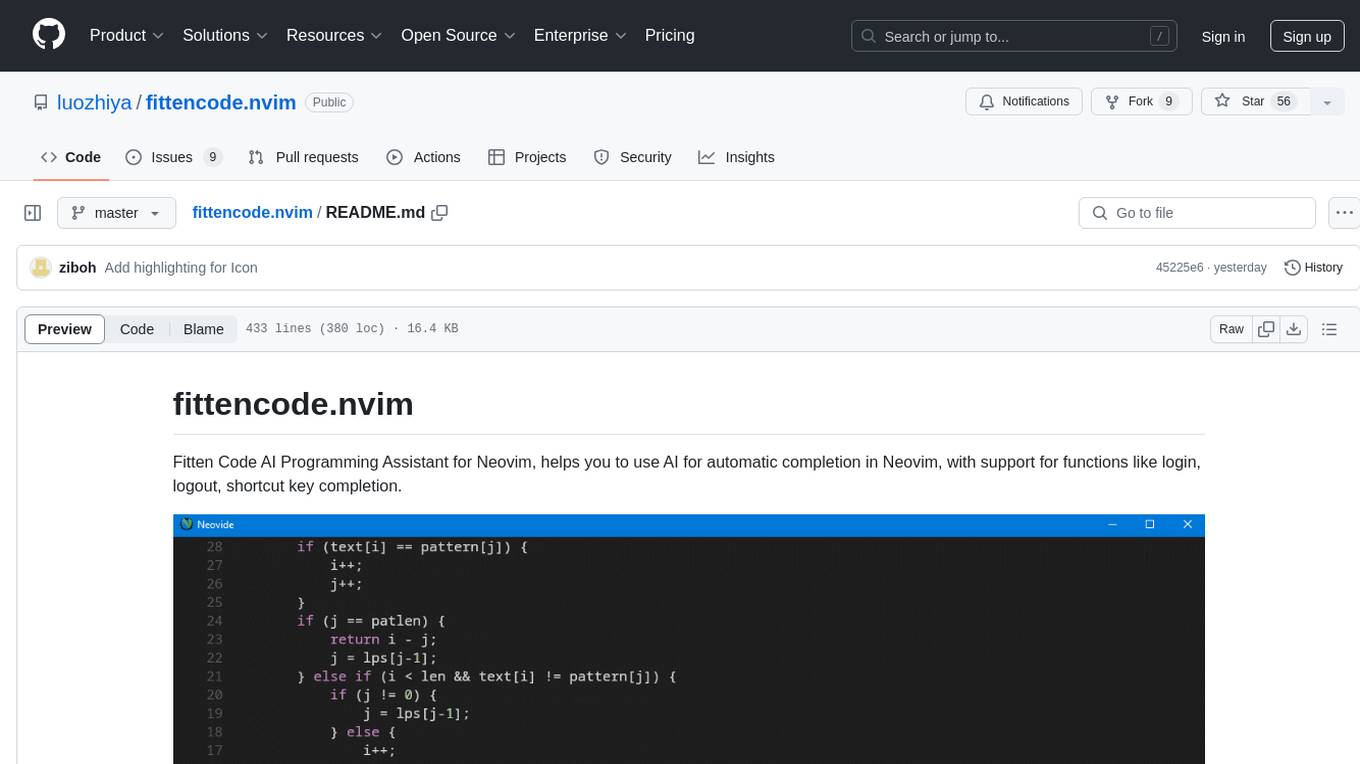
fittencode.nvim
Fitten Code AI Programming Assistant for Neovim provides fast completion using AI, asynchronous I/O, and support for various actions like document code, edit code, explain code, find bugs, generate unit test, implement features, optimize code, refactor code, start chat, and more. It offers features like accepting suggestions with Tab, accepting line with Ctrl + Down, accepting word with Ctrl + Right, undoing accepted text, automatic scrolling, and multiple HTTP/REST backends. It can run as a coc.nvim source or nvim-cmp source.
parrot.nvim
Parrot.nvim is a Neovim plugin that prioritizes a seamless out-of-the-box experience for text generation. It simplifies functionality and focuses solely on text generation, excluding integration of DALLE and Whisper. It supports persistent conversations as markdown files, custom hooks for inline text editing, multiple providers like Anthropic API, perplexity.ai API, OpenAI API, Mistral API, and local/offline serving via ollama. It allows custom agent definitions, flexible API credential support, and repository-specific instructions with a `.parrot.md` file. It does not have autocompletion or hidden requests in the background to analyze files.
onnxruntime-server
ONNX Runtime Server is a server that provides TCP and HTTP/HTTPS REST APIs for ONNX inference. It aims to offer simple, high-performance ML inference and a good developer experience. Users can provide inference APIs for ONNX models without writing additional code by placing the models in the directory structure. Each session can choose between CPU or CUDA, analyze input/output, and provide Swagger API documentation for easy testing. Ready-to-run Docker images are available, making it convenient to deploy the server.
repomix
Repomix is a powerful tool that packs your entire repository into a single, AI-friendly file. It is designed to format your codebase for easy understanding by AI tools like Large Language Models (LLMs), Claude, ChatGPT, and Gemini. Repomix offers features such as AI optimization, token counting, simplicity in usage, customization options, Git awareness, and security-focused checks using Secretlint. It allows users to pack their entire repository or specific directories/files using glob patterns, and even supports processing remote Git repositories. The tool generates output in plain text, XML, or Markdown formats, with options for including/excluding files, removing comments, and performing security checks. Repomix also provides a global configuration option, custom instructions for AI context, and a security check feature to detect sensitive information in files.
probe
Probe is an AI-friendly, fully local, semantic code search tool designed to power the next generation of AI coding assistants. It combines the speed of ripgrep with the code-aware parsing of tree-sitter to deliver precise results with complete code blocks, making it perfect for large codebases and AI-driven development workflows. Probe supports various features like AI-friendly code extraction, fully local operation without external APIs, fast scanning of large codebases, accurate code structure parsing, re-rankers and NLP methods for better search results, multi-language support, interactive AI chat mode, and flexibility to run as a CLI tool, MCP server, or interactive AI chat.
snapai
SnapAI is a tool that leverages AI-powered image generation models to create professional app icons for React Native & Expo developers. It offers lightning-fast icon generation, iOS optimized icons, privacy-first approach with local API key storage, multiple sizes and HD quality icons. The tool is developer-friendly with a simple CLI for easy integration into CI/CD pipelines.
ruby-nano-bots
Ruby Nano Bots is an implementation of the Nano Bots specification supporting various AI providers like Cohere Command, Google Gemini, Maritaca AI MariTalk, Mistral AI, Ollama, OpenAI ChatGPT, and others. It allows calling tools (functions) and provides a helpful assistant for interacting with AI language models. The tool can be used both from the command line and as a library in Ruby projects, offering features like REPL, debugging, and encryption for data privacy.
For similar tasks
minio
MinIO is a High Performance Object Storage released under GNU Affero General Public License v3.0. It is API compatible with Amazon S3 cloud storage service. Use MinIO to build high performance infrastructure for machine learning, analytics and application data workloads.
niledatabase
Nile is a serverless Postgres database designed for modern SaaS applications. It virtualizes tenants/customers/organizations into Postgres to enable native tenant data isolation, performance isolation, per-tenant backups, and tenant placement on shared or dedicated compute globally. With Nile, you can manage multiple tenants effortlessly, without complex permissions or buggy scripts. Additionally, it offers opt-in user management capabilities, customer-specific vector embeddings, and instant tenant admin dashboards. Built for the cloud, Nile provides a true serverless experience with effortless scaling.
1Panel
1Panel is an open-source, modern web-based control panel for Linux server management. It provides efficient management through a user-friendly web graphical interface, enabling users to effortlessly manage their Linux servers. Key features include host monitoring, file management, database administration, container management, rapid website deployment with WordPress integration, an application store for easy installation and updates, security and reliability through containerization and secure application deployment practices, integrated firewall management, log auditing capabilities, and one-click backup & restore functionality supporting various cloud storage solutions.
job-hunting
Job Hunting is a browser extension designed to enhance the job searching experience on popular recruitment platforms in China. It aims to improve job listing visibility, provide personalized job search capabilities, analyze job data, facilitate job discussions, and offer company insights. The extension offers features such as job card display, company reputation checks, quick company information lookup, job and company data storage, job and company tagging, data analysis, data sharing, personal job preferences, automation tasks, discussion forums, data backup and recovery, and data sharing plans. It supports platforms like BOSS 直聘, 前程无忧, 智联招聘, 拉钩网, and 猎聘网, and provides visualizations for job posting trends and company data.
Con-Nav-Item
Con-Nav-Item is a modern personal navigation system designed for digital workers. It is not just a link bookmark but also an all-in-one workspace integrated with AI smart generation, multi-device synchronization, card-based management, and deep browser integration.
ai-toolbox
AI Toolbox is a cross-platform desktop application designed to efficiently manage various AI programming assistant configurations. It supports Windows, macOS, and Linux. The tool provides visual management of OpenCode, Oh-My-OpenCode, Slim plugin configurations, Claude Code API supplier configurations, Codex CLI configurations, MCP server management, Skills management, WSL synchronization, AI supplier management, system tray for quick configuration switching, data backup, theme switching, multilingual support, and automatic update checks.
LunaBox
LunaBox is a lightweight, fast, and feature-rich tool for managing and tracking visual novels, with the ability to customize game categories, automatically track playtime, generate personalized reports through AI analysis, import data from other platforms, backup data locally or on cloud services, and ensure privacy and security by storing sensitive data locally. The tool supports multi-dimensional statistics, offers a variety of customization options, and provides a user-friendly interface for easy navigation and usage.
chromadb-chart
Chromadb-chart is a Kubernetes Chart for deploying a single-node Chroma AI application database on a Kubernetes cluster using the Helm package manager. It provides the ability to secure Chroma API with TLS, backup and restore index data, and monitor the cluster using Prometheus and Grafana. The chart configuration values allow customization of ChromaDB version, data persistence, telemetry, authentication, logging, image settings, and more. Users can verify installation, build Docker images, set up a Kubernetes cluster, and configure Chroma authentication using token or basic auth. The chart can also be used as a dependency in other charts, and extra config options are available for Rust server configurations.
For similar jobs
llm-resource
llm-resource is a comprehensive collection of high-quality resources for Large Language Models (LLM). It covers various aspects of LLM including algorithms, training, fine-tuning, alignment, inference, data engineering, compression, evaluation, prompt engineering, AI frameworks, AI basics, AI infrastructure, AI compilers, LLM application development, LLM operations, AI systems, and practical implementations. The repository aims to gather and share valuable resources related to LLM for the community to benefit from.
LitServe
LitServe is a high-throughput serving engine designed for deploying AI models at scale. It generates an API endpoint for models, handles batching, streaming, and autoscaling across CPU/GPUs. LitServe is built for enterprise scale with a focus on minimal, hackable code-base without bloat. It supports various model types like LLMs, vision, time-series, and works with frameworks like PyTorch, JAX, Tensorflow, and more. The tool allows users to focus on model performance rather than serving boilerplate, providing full control and flexibility.
how-to-optim-algorithm-in-cuda
This repository documents how to optimize common algorithms based on CUDA. It includes subdirectories with code implementations for specific optimizations. The optimizations cover topics such as compiling PyTorch from source, NVIDIA's reduce optimization, OneFlow's elementwise template, fast atomic add for half data types, upsample nearest2d optimization in OneFlow, optimized indexing in PyTorch, OneFlow's softmax kernel, linear attention optimization, and more. The repository also includes learning resources related to deep learning frameworks, compilers, and optimization techniques.
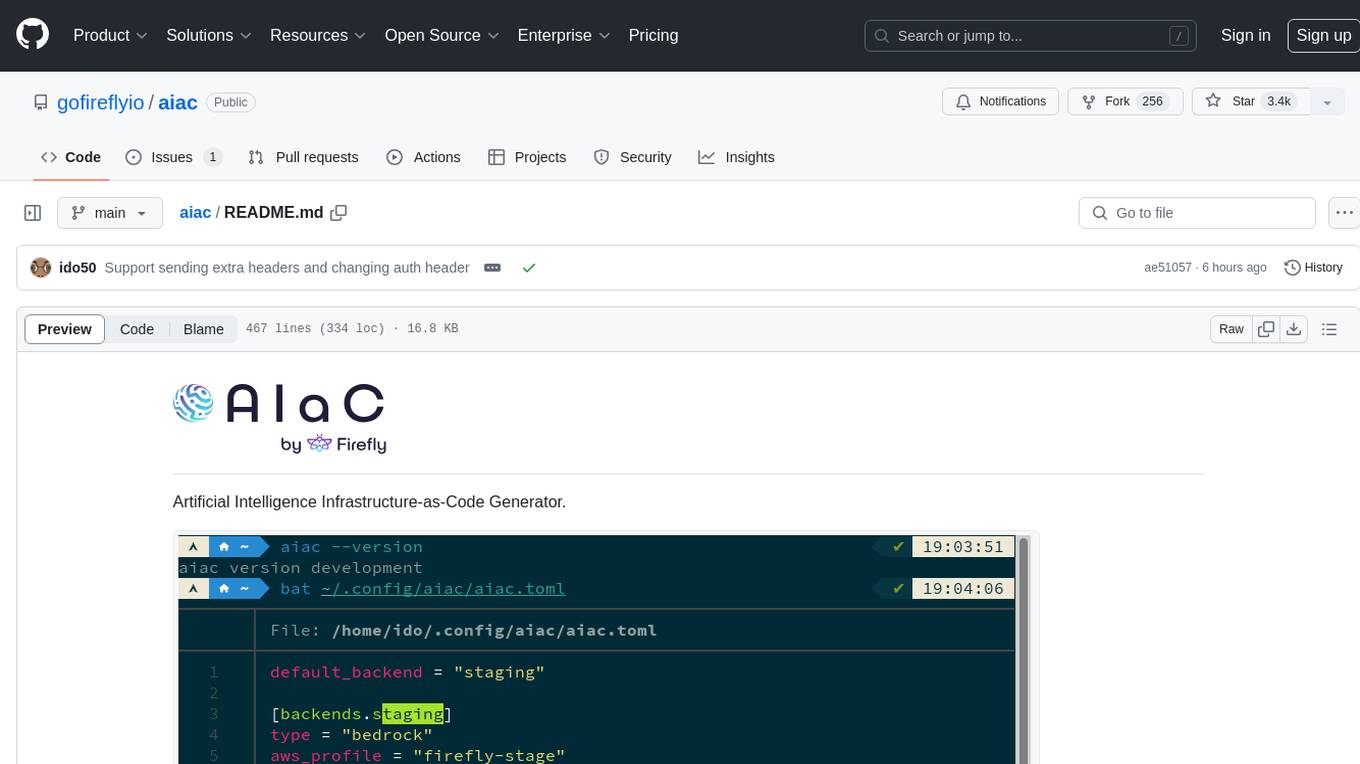
aiac
AIAC is a library and command line tool to generate Infrastructure as Code (IaC) templates, configurations, utilities, queries, and more via LLM providers such as OpenAI, Amazon Bedrock, and Ollama. Users can define multiple 'backends' targeting different LLM providers and environments using a simple configuration file. The tool allows users to ask a model to generate templates for different scenarios and composes an appropriate request to the selected provider, storing the resulting code to a file and/or printing it to standard output.
ENOVA
ENOVA is an open-source service for Large Language Model (LLM) deployment, monitoring, injection, and auto-scaling. It addresses challenges in deploying stable serverless LLM services on GPU clusters with auto-scaling by deconstructing the LLM service execution process and providing configuration recommendations and performance detection. Users can build and deploy LLM with few command lines, recommend optimal computing resources, experience LLM performance, observe operating status, achieve load balancing, and more. ENOVA ensures stable operation, cost-effectiveness, efficiency, and strong scalability of LLM services.
jina
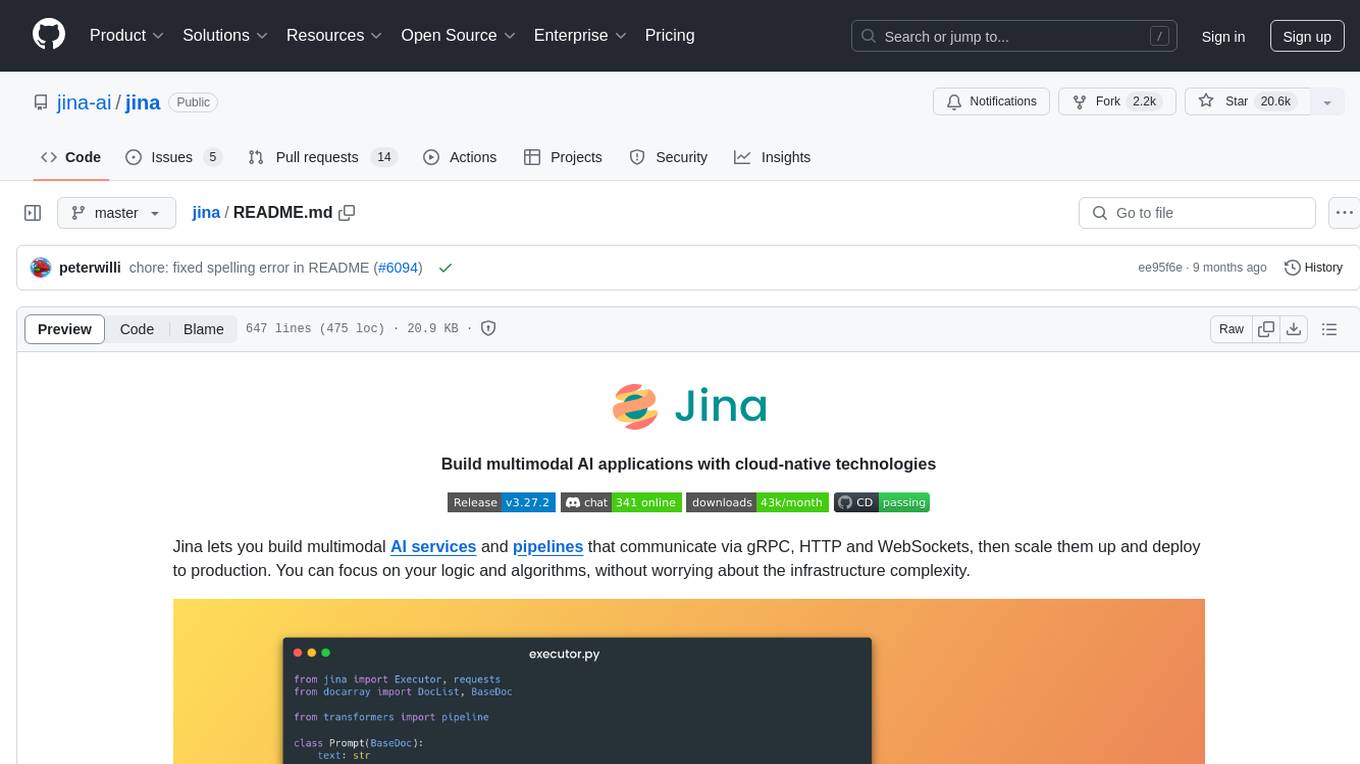
Jina is a tool that allows users to build multimodal AI services and pipelines using cloud-native technologies. It provides a Pythonic experience for serving ML models and transitioning from local deployment to advanced orchestration frameworks like Docker-Compose, Kubernetes, or Jina AI Cloud. Users can build and serve models for any data type and deep learning framework, design high-performance services with easy scaling, serve LLM models while streaming their output, integrate with Docker containers via Executor Hub, and host on CPU/GPU using Jina AI Cloud. Jina also offers advanced orchestration and scaling capabilities, a smooth transition to the cloud, and easy scalability and concurrency features for applications. Users can deploy to their own cloud or system with Kubernetes and Docker Compose integration, and even deploy to JCloud for autoscaling and monitoring.
vidur
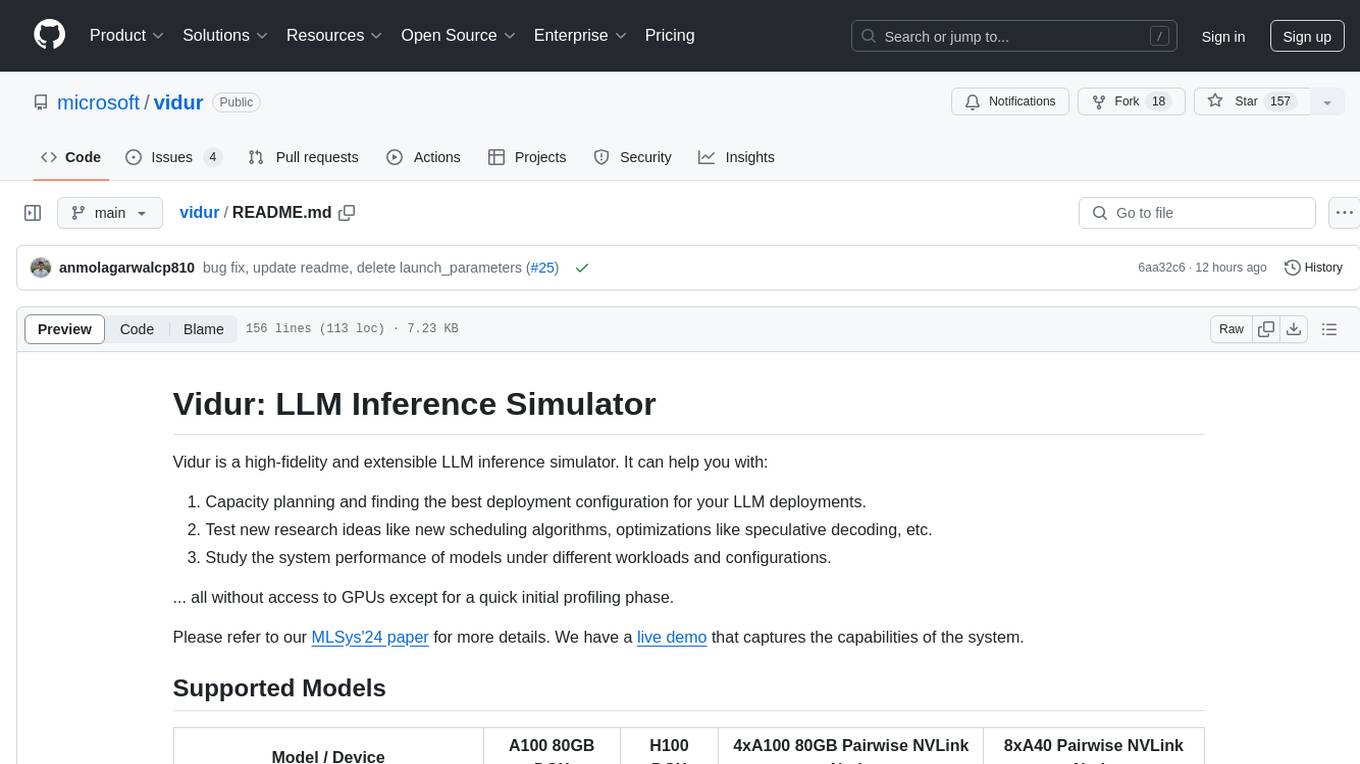
Vidur is a high-fidelity and extensible LLM inference simulator designed for capacity planning, deployment configuration optimization, testing new research ideas, and studying system performance of models under different workloads and configurations. It supports various models and devices, offers chrome trace exports, and can be set up using mamba, venv, or conda. Users can run the simulator with various parameters and monitor metrics using wandb. Contributions are welcome, subject to a Contributor License Agreement and adherence to the Microsoft Open Source Code of Conduct.
AI-System-School
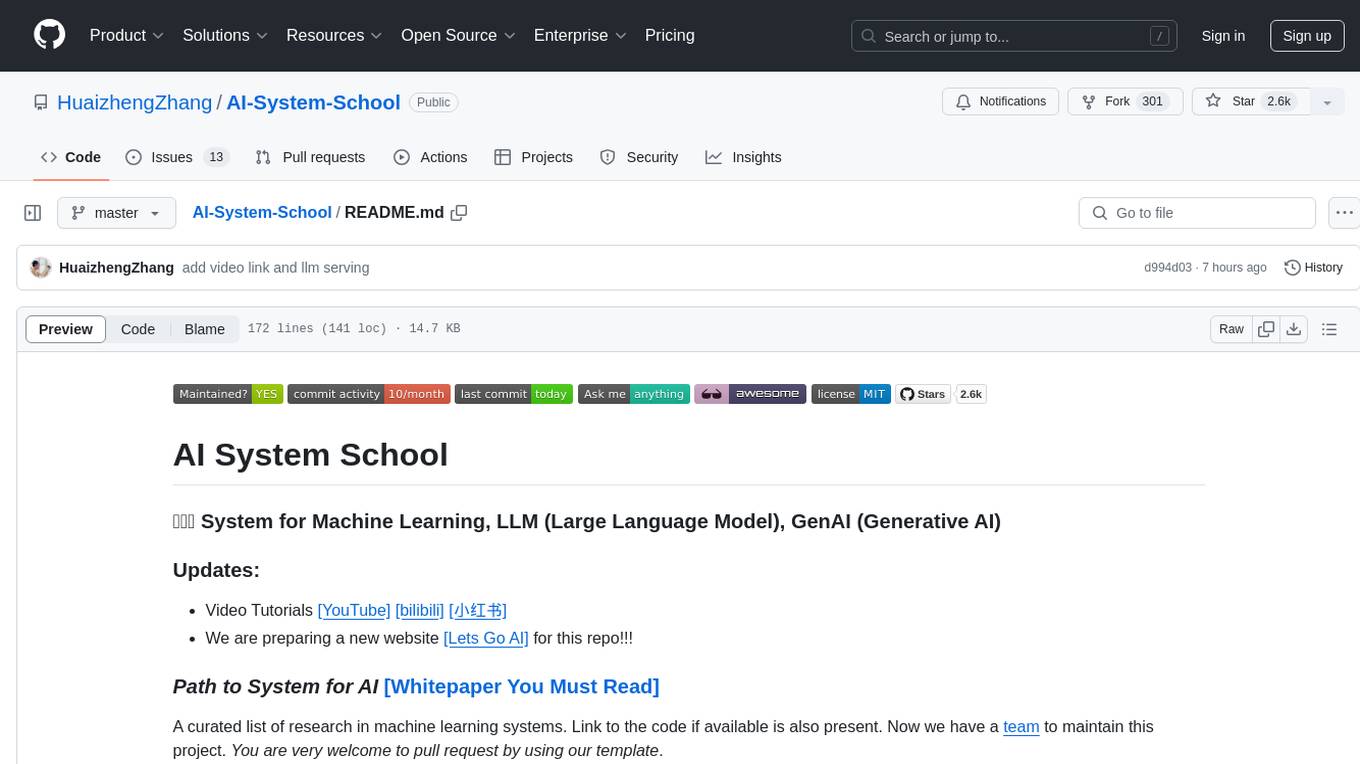
AI System School is a curated list of research in machine learning systems, focusing on ML/DL infra, LLM infra, domain-specific infra, ML/LLM conferences, and general resources. It provides resources such as data processing, training systems, video systems, autoML systems, and more. The repository aims to help users navigate the landscape of AI systems and machine learning infrastructure, offering insights into conferences, surveys, books, videos, courses, and blogs related to the field.