


prisma
Light-weight PHP package for integrating multi-media related Large Language Models (LLMs) using a unified interface
Stars: 61
PHP Prisma is a light-weight PHP package designed for integrating multi-media related Large Language Models (LLMs) into applications using a unified interface. It supports providers for Audio and Images, offering methods like describe, revoice, speak, transcribe for Audio API, and background, describe, detext, erase, imagine, inpaint, isolate, relocate, repaint, uncrop, upscale, vectorize for Image API. Custom providers can be created for Image processing. The package provides API usage examples and response objects for handling data returned by the API.
README:
Light-weight PHP package for integrating multi-media related Large Language Models (LLMs) into your applications using a unified interface.
- ensure: Ensures that the provider has implemented the method
- has: Tests if the provider has implemented the method
- model: Use the model passed by its name
- withClientOptions: Add options for the Guzzle HTTP client
- withSystemPrompt: Add a system prompt for the LLM
- Response objects: How data is returned by the API
- describe: Describe the content of an audio file
- revoice: Exchange the voice in an audio file
- speak: Convert text to speech in an audio file
- transcribe: Converts speech of an audio file to text
- background: Replace background according to the prompt
- describe: Describe the content of an image
- detext: Remove all text from the image
- erase: Erase parts of the image
- imagine: Generate an image from the prompt
- inpaint: Edit an image area according to a prompt
- isolate: Remove the image background
- relocate: Place the foreground object on a new background
- repaint: Repaint an image according to the prompt
- uncrop: Extend/outpaint the image
- upscale: Scale up the image
- vectorize: Creates embedding vectors from images
- Bedrock Titan (AWS)
- Black Forest Labs
- Clipdrop
- Cohere
- ElevenLabs
- Gemini (Google)
- Groq
- Ideogram
- Mistral
- Murf
- OpenAI
- RemoveBG
- StabilityAI
- VertexAI (Google)
- VoyageAI
| describe | revoice | speak | transcribe | |
|---|---|---|---|---|
| AudioPod | - | - | yes | - |
| Deepgram | - | - | yes | yes |
| ElevenLabs | - | yes | yes | yes |
| Gemini | yes | - | - | - |
| Groq | yes | - | yes | yes |
| Mistral | yes | - | - | yes |
| Murf | - | yes | yes | - |
| OpenAI | yes | - | yes | yes |
| background | describe | detext | erase | imagine | inpaint | isolate | recognize | relocate | repaint | uncrop | upscale | vectorize | |
|---|---|---|---|---|---|---|---|---|---|---|---|---|---|
| Bedrock Titan | - | - | - | - | yes | yes | yes | - | - | - | - | - | yes |
| Black Forest Labs | - | - | - | - | beta | beta | - | - | - | - | beta | - | - |
| Clipdrop | yes | - | yes | yes | yes | - | yes | - | - | - | yes | yes | - |
| Cohere | - | - | - | - | - | - | - | - | - | - | - | - | yes |
| Gemini | - | yes | - | - | yes | - | - | - | - | yes | - | - | - |
| Groq | - | yes | - | - | - | - | - | - | - | - | - | - | - |
| Ideogram | beta | beta | - | - | beta | beta | - | - | - | beta | - | beta | - |
| Mistral | - | - | - | - | - | - | - | yes | - | - | - | - | - |
| OpenAI | - | yes | - | - | yes | yes | - | - | - | - | - | - | - |
| RemoveBG | - | - | - | - | - | - | yes | - | yes | - | - | - | - |
| StabilityAI | - | - | - | yes | yes | yes | yes | - | - | - | yes | yes | - |
| VertexAI | - | - | - | - | yes | yes | - | - | - | - | - | yes | yes |
| VoyageAI | - | - | - | - | - | - | - | - | - | - | - | - | yes |
composer req aimeos/prisma
Basic usage:
use Aimeos\Prisma\Prisma;

$image = Prisma::image()
    ->using( '<provider>', ['api_key' => 'xxx'])
    ->model( '<modelname>' ) // if model can be selected
    ->ensure( 'imagine' ) // make sure interface is implemented
    ->imagine( 'a grumpy cat' )
->binary();Ensures that the provider has implemented the method.
public function ensure( string $method ) : self- @param string
$methodMethod name - @return Provider
- @throws \Aimeos\Prisma\Exceptions\NotImplementedException
Example:
\Aimeos\Prisma\Prisma::image()
    ->using( '<provider>', ['api_key' => 'xxx'])
->ensure( 'imagine' );Tests if the provider has implemented the method.
public function has( string $method ) : bool- @param string
$methodMethod name - @return bool TRUE if implemented, FALSE if absent
Example:
\Aimeos\Prisma\Prisma::image()
    ->using( '<provider>', ['api_key' => 'xxx'])
->has( 'imagine' );Use the model passed by its name.
Used if the provider supports more than one model and allows to select between the different models. Otherwise, it's ignored.
public function model( ?string $model ) : self- @param string|null
$modelModel name - @return self Provider interface
Example:
\Aimeos\Prisma\Prisma::image()
    ->using( '<provider>', ['api_key' => 'xxx'])
->model( 'dall-e-3' );Add options for the Guzzle HTTP client.
public function withClientOptions( array `$options` ) : self- @param array<string, mixed>
$optionsAssociative list of name/value pairs - @return self Provider interface
Example:
\Aimeos\Prisma\Prisma::image()
    ->using( '<provider>', ['api_key' => 'xxx'])
->withClientOptions( ['timeout' => 120] );Add a system prompt for the LLM.
It may be used by providers supporting system prompts. Otherwise, it's ignored.
public function withSystemPrompt( ?string $prompt ) : self- @param string|null
$promptSystem prompt - @return self Provider interface
Example:
\Aimeos\Prisma\Prisma::image()
    ->using( '<provider>', ['api_key' => 'xxx'])
->withSystemPrompt( 'You are a professional illustrator' );The methods return a FileResponse, TextResponse or VectorResponse object that contains the returned data with optional meta/usage/description information.
FileResponse objects:
$base64 = $response->base64(); // from binary, base64 and URL, waits for async requests
$file = $response->binary(); // from binary, base64 and URL, waits for async requests
$url = $response->url(); // only if URL is returned, otherwise NULL
$mime = $response->mimetype(); // image mime type, waits for async requests
$text = $response->description(); // image description if returned by provider
$bool = $response->ready(); // False for async APIs until file is available
URLs are automatically converted to binary and base64 data if requested and conversion between binary and base64 data is done on request too.
TextResponse objects:
$text = $response->text(); // text content (non-streaming)VectorResponse objects:
$vectors = $response->vectors(); // embedding vectors for the passed files in the same order
$vector = $response->first(); // first embedding vector if only one file has been passed
Included meta data (optional):
$meta = $response->meta();It returns an associative array whose content totally depends on the provider.
Included usage data (optional):
$usage = $response->usage();It returns an associative array whose content depends on the provider. If the provider returns
usage information, the used array key is available and contains a number. What the number
represents depdends on the provider too.
Describe the content of an audio file.
public function describe( Audio $audio, ?string $lang = null, array $options = [] ) : TextResponse- @param Audio
$audioInput audio object - @param string|null
$langISO language code the description should be generated in - @param array<string, mixed>
$optionsProvider specific options - @return TextResponse Response text
Supported options:
- Gemini
- Groq
- OpenAI
Exchange the voice in an audio file.
public function revoice( Audio $audio, string $voice, array $options = [] ) : FileResponse;- @param Audio
$audioInput audio object - @param string
$voiceVoice name or identifier - @param array<string, mixed>
$optionsProvider specific options - @return FileResponse Audio file response
Supported options:
Converts text to speech.
public function speak( string $text, string $voice = , array $options = [] ) : FileResponse;- @param string
$textText to be converted to speech - @param string|null
$voiceVoice identifier for speech synthesis - @param array<string, mixed>
$optionsProvider specific options - @return FileResponse Audio file response
Supported options:
- AudioPod
- Deepgram
- ElevenLabs
- Groq
- Murf
- OpenAI
Converts speech to text.
public function transcribe( Audio $audio, ?string $lang = null, array $options = [] ) : TextResponse- @param Audio
$audioInput audio object - @param string|null
$langISO language code of the audio content - @param array<string, mixed>
$optionsProvider specific options - @return TextResponse Transcription text response
Supported options:
- Deepgram
- ElevenLabs
- Groq
- Mistral
- OpenAI
Most methods require an image object as input which contains a reference to the image that should be processed. This object can be created by:
use \Aimeos\Prisma\Files\Image;

$image = Image::fromUrl( 'https://example.com/image.php', 'image/png' );
$image = Image::fromLocalPath( 'path/to/image.png', 'image/png' );
$image = Image::fromBinary( 'PNG...', 'image/png' );
$image = Image::fromBase64( 'UE5H...', 'image/png' );

// Laravel only:
$image = Image::fromStoragePath( 'path/to/image.png', 'public', 'image/png' );
The last parameter of all methods (mime type) is optional. If it's not passed, the file content will be retrieved to determine the mime type if reqested.
Note: It's best to use fromUrl() if possible because all other formats (binary and base64) can be derived from the URL content but URLs can't be created from binary/base64 data.
Replace image background with a background described by the prompt.
public function background( Image $image, string $prompt, array $options = [] ) : FileResponse- @param Image
$imageInput image object - @param string
$promptPrompt describing the new background - @param array<string, mixed>
$optionsProvider specific options - @return FileResponse Response file
Supported options:
Example:
use Aimeos\Prisma\Prisma;
use \Aimeos\Prisma\Files\Image;

$image = Image::fromUrl( 'https://example.com/image.png' );

$fileResponse = Prisma::image()
    ->using( '<provider>', ['api_key' => 'xxx'])
    ->background( $image, 'Golden sunset on a caribbean beach' );

$image = $fileResponse->binary();Describe the content of an image.
public function describe( Image $image, ?string $lang = null, array $options = [] ) : TextResponse- @param Image
$imageInput image object - @param string|null
$langISO language code the description should be generated in - @param array<string, mixed>
$optionsProvider specific options - @return TextResponse Response text
Supported options:
- Gemini
- Groq
- Ideogram
- OpenAI
Example:
use Aimeos\Prisma\Prisma;
use \Aimeos\Prisma\Files\Image;

$image = Image::fromUrl( 'https://example.com/image.png' );

$textResponse = Prisma::image()
    ->using( '<provider>', ['api_key' => 'xxx'])
    ->describe( $image, 'de' );

$text = $textResponse->text();Remove all text from the image.
public function detext( Image $image, array $options = [] ) : FileResponse- @param Image
$imageInput image object - @param array<string, mixed>
$optionsProvider specific options - @return FileResponse Response file
Supported options:
- Clipdrop
Example:
use Aimeos\Prisma\Prisma;
use \Aimeos\Prisma\Files\Image;

$image = Image::fromUrl( 'https://example.com/image.png' );

$fileResponse = Prisma::image()
    ->using( '<provider>', ['api_key' => 'xxx'])
    ->detext( `$image` );

$image = $fileResponse->binary();Erase parts of the image.
public function erase( Image $image, Image $mask, array $options = [] ) : FileResponse- @param Image
$imageInput image object - @param Image
$maskMask image object - @param array<string, mixed>
$optionsProvider specific options - @return FileResponse Response file
The mask must be an image with black parts (#000000) to keep and white parts (#FFFFFF) to remove.
Supported options:
Example:
use Aimeos\Prisma\Prisma;
use \Aimeos\Prisma\Files\Image;

$image = Image::fromUrl( 'https://example.com/image.png' );
$mask = Image::fromBinary( 'PNG...' );

$fileResponse = Prisma::image()
    ->using( '<provider>', ['api_key' => 'xxx'])
    ->erase( $image, $mask );

$image = $fileResponse->binary();Generate an image from the prompt.
public function imagine( string $prompt, array $images = [], array $options = [] ) : FileResponse- @param string
$promptPrompt describing the image - @param array<int, \Aimeos\Prisma\Files\Image>
$imagesAssociative list of file name/Image instances - @param array<string, mixed>
$optionsProvider specific options - @return FileResponse Response file
Supported options:
- Bedrock
- Black Forest Labs
- Clipdrop
- Gemini
- Ideogram
- VertexAI
- OpenAI GPT image 1
- OpenAI Dall-e-3
- OpenAI Dall-e-2
- StabilityAI Core
- StabilityAI Ultra
- StabilityAI Stable Diffusion 3.5
Example:
use Aimeos\Prisma\Prisma;

$fileResponse = Prisma::image()
    ->using( '<provider>', ['api_key' => 'xxx'])
    ->imagine( 'Futuristic robot looking at a dashboard' );

$image = $fileResponse->binary();Edit an image by inpainting an area defined by a mask according to a prompt.
public function inpaint( Image $image, Image $mask, string $prompt, array $options = [] ) : FileResponse- @param Image
$imageInput image object - @param Image
$maskInput mask image object - @param string
$promptPrompt describing the changes - @param array<string, mixed>
$optionsProvider specific options - @return FileResponse Response file
The mask must be an image with black parts (#000000) to keep and white parts (#FFFFFF) to edit.
Supported options:
- Bedrock
- Black Forest Labs
- Ideogram
- VertexAI
- OpenAI GPT image 1
- OpenAI Dall-e-3
- OpenAI Dall-e-2
- StabilityAI
Example:
use Aimeos\Prisma\Prisma;
use \Aimeos\Prisma\Files\Image;

$image = Image::fromUrl( 'https://example.com/image.png' );
$mask = Image::fromBinary( 'PNG...' );

$fileResponse = Prisma::image()
    ->using( '<provider>', ['api_key' => 'xxx'])
    ->inpaint( $image, $mask, 'add a pink flamingo' );

$image = $fileResponse->binary();Remove the image background.
public function isolate( Image $image, array $options = [] ) : FileResponse- @param Image
$imageInput image object - @param array<string, mixed>
$optionsProvider specific options - @return FileResponse Response file
Supported options:
Example:
use Aimeos\Prisma\Prisma;
use \Aimeos\Prisma\Files\Image;

$image = Image::fromUrl( 'https://example.com/image.png' );

$fileResponse = Prisma::image()
    ->using( '<provider>', ['api_key' => 'xxx'])
    ->isolate( `$image` );

$image = $fileResponse->binary();Recognizes the text in the given image (OCR).
public function recognize( Image $image, array $options = [] ) : TextResponse;- @param Image
$imageInput image object - @param array<string, mixed>
$optionsProvider specific options - @return TextResponse Response text object
Supported options:
Example:
use Aimeos\Prisma\Prisma;
use \Aimeos\Prisma\Files\Image;

$image = Image::fromUrl( 'https://example.com/image.png' );

$textTesponse = Prisma::image()
    ->using( '<provider>', ['api_key' => 'xxx'])
    ->recognize( `$image` );

$text = $textResponse->text();Place the foreground object on a new background.
public function relocate( Image $image, Image $bgimage, array $options = [] ) : FileResponse- @param Image
$imageInput image with foreground object - @param Image
$bgimageBackground image - @param array<string, mixed>
$optionsProvider specific options - @return FileResponse Response file
Supported options:
Example:
use Aimeos\Prisma\Prisma;
use \Aimeos\Prisma\Files\Image;

$image = Image::fromUrl( 'https://example.com/image.png' );
$bgimage = Image::fromUrl( 'https://example.com/background.png' );

$fileResponse = Prisma::image()
    ->using( '<provider>', ['api_key' => 'xxx'])
    ->relocate( $image, $bgimage );

$image = $fileResponse->binary();Repaint an image according to the prompt.
public function repaint( Image $image, string $prompt, array $options = [] ) : FileResponse- @param Image
$imageInput image object - @param string
$promptPrompt describing the changes - @param array<string, mixed>
$optionsProvider specific options - @return FileResponse Response file
Supported options:
Example:
use Aimeos\Prisma\Prisma;
use \Aimeos\Prisma\Files\Image;

$image = Image::fromUrl( 'https://example.com/image.png' );

$fileResponse = Prisma::image()
    ->using( '<provider>', ['api_key' => 'xxx'])
    ->repaint( $image, 'Use a van Goch style' );

$image = $fileResponse->binary();Extend/outpaint the image.
public function uncrop( Image $image, int $top, int $right, int $bottom, int $left, array $options = [] ) : FileResponse- @param Image
$imageInput image object - @param int
$topNumber of pixels to extend to the top - @param int
$rightNumber of pixels to extend to the right - @param int
$bottomNumber of pixels to extend to the bottom - @param int
$leftNumber of pixels to extend to the left - @param array<string, mixed>
$optionsProvider specific options - @return FileResponse Response file
Supported options:
- Black Forest Labs
- Clipdrop
- StabilityAI
Example:
use Aimeos\Prisma\Prisma;
use \Aimeos\Prisma\Files\Image;

$image = Image::fromUrl( 'https://example.com/image.png' );

$fileResponse = Prisma::image()
    ->using( '<provider>', ['api_key' => 'xxx'])
    ->uncrop( $image, 100, 200, 0, 50 );

$image = $fileResponse->binary();Scale up the image.
public function upscale( Image $image, int $factor, array $options = [] ) : FileResponse- @param Image
$imageInput image object - @param int
$factorUpscaling factor between 2 and the maximum value supported by the provider - @param array<string, mixed>
$optionsProvider specific options - @return FileResponse Response file
Supported options:
- Clipdrop
- Ideogram
- VertexAI
- StabilityAI
Example:
use Aimeos\Prisma\Prisma;
use \Aimeos\Prisma\Files\Image;

$image = Image::fromUrl( 'https://example.com/image.png' );

$fileResponse = Prisma::image()
    ->using( '<provider>', ['api_key' => 'xxx'])
    ->upscale( $image, 4 );

$image = $fileResponse->binary();Creates embedding vectors of the images' content.
public function vectorize( array $images, ?int $size = null, array $options = [] ) : VectorResponse- @param array<int, \Aimeos\Prisma\Files\Image>
$imagesList of input image objects - @param int|null
$sizeSize of the resulting vector or null for provider default - @param array<string, mixed>
$optionsProvider specific options - @return VectorResponse Response vector object
Supported options:
Example:
use Aimeos\Prisma\Prisma;
use \Aimeos\Prisma\Files\Image;

$images = [
    Image::fromUrl( 'https://example.com/image.png' ),
    Image::fromUrl( 'https://example.com/image2.png' ),
];

$vectorResponse = Prisma::image()
    ->using( '<provider>', ['api_key' => 'xxx'])
    ->vectorize( $images, 512 );

$vectors = $vectorResponse->vectors();To create a custom Prisma image provider, use this skeleton and implement all Prisma interfaces supported by the remote API:
<?php

namespace Aimeos\Prisma\Providers\Image;

use Aimeos\Prisma\Contracts\Image\Imagine;
use Aimeos\Prisma\Exceptions\PrismaException;
use Aimeos\Prisma\Files\Image;
use Aimeos\Prisma\Providers\Base;
use Aimeos\Prisma\Responses\FileResponse;
use Psr\Http\Message\ResponseInterface;


class Myprovider extends Base implements Imagine
{
    public function __construct( array $config )
    {
        if( !isset( $config['api_key'] ) ) {
            throw new PrismaException( sprintf( 'No API key' ) );
        }

        // if authentication is done via headers
        $this->header( '<api key name>', $config['api_key'] );
        // base url for all requests (no paths)
        $this->baseUrl( '<provider URL>' );
    }


    public function imagine( string $prompt, array $images = [], array $options = [] ) : FileResponse
    {
        // filter key/value pairs in $options and use the ones allowed by the API
        $allowed = $this->allow( $options, ['<key1>', '<key2>', /* ... */] );
        // filter values to pass only allowed option values
        $allowed = $this->sanitize( $allowed, ['<key1>' => ['<val1>', '<val2>', '<val3>']])

        // Form data
        $data = $this->request( allowed );
        // Multipart data
        $data = ['multipart' => $this->request( allowed, ['image_key' => $image->binary()] )];
        // JSON data
        $data = ['json' => ['image_key' => $image->base64()] + allowed];

        // use Guzzle to send the request and get the response from the server
        $response = $this->client()->post( 'relative/path', $data );
        return $this->toFileResponse( $response );
    }


    protected function toFileResponse( ResponseInterface $response ) : FileResponse
    {
        // from Base class, overwrite as needed
        $this->validate( $response );

        // use binary content or decode JSON content
        $content = $response->getBody()->getContents();

        // if mime type is available in header
        $mimetype = $response->getHeaderLine( 'Content-Type' );

        // use fromBinary(), fromBase64() or fromUrl()
        return FileResponse::fromBinary( content, mimetype )
            ->withDescription( // optional
                '' // image description if returned
            )
            ->withUsage( // optional
                100, // used tokens, credits, etc. if available or NULL
                [] // key/value pairs for the rest of the usage data
            )
            ->withMeta( // optional
                [] // meta data as key/value pairs
            );
    }
For Tasks:
Click tags to check more tools for each tasksFor Jobs:
Alternative AI tools for prisma
Similar Open Source Tools
prisma
PHP Prisma is a light-weight PHP package designed for integrating multi-media related Large Language Models (LLMs) into applications using a unified interface. It supports providers for Audio and Images, offering methods like describe, revoice, speak, transcribe for Audio API, and background, describe, detext, erase, imagine, inpaint, isolate, relocate, repaint, uncrop, upscale, vectorize for Image API. Custom providers can be created for Image processing. The package provides API usage examples and response objects for handling data returned by the API.
openai-scala-client
This is a no-nonsense async Scala client for OpenAI API supporting all the available endpoints and params including streaming, chat completion, vision, and voice routines. It provides a single service called OpenAIService that supports various calls such as Models, Completions, Chat Completions, Edits, Images, Embeddings, Batches, Audio, Files, Fine-tunes, Moderations, Assistants, Threads, Thread Messages, Runs, Run Steps, Vector Stores, Vector Store Files, and Vector Store File Batches. The library aims to be self-contained with minimal dependencies and supports API-compatible providers like Azure OpenAI, Azure AI, Anthropic, Google Vertex AI, Groq, Grok, Fireworks AI, OctoAI, TogetherAI, Cerebras, Mistral, Deepseek, Ollama, FastChat, and more.
mediapipe-rs
MediaPipe-rs is a Rust library designed for MediaPipe tasks on WasmEdge WASI-NN. It offers easy-to-use low-code APIs similar to mediapipe-python, with low overhead and flexibility for custom media input. The library supports various tasks like object detection, image classification, gesture recognition, and more, including TfLite models, TF Hub models, and custom models. Users can create task instances, run sessions for pre-processing, inference, and post-processing, and speed up processing by reusing sessions. The library also provides support for audio tasks using audio data from symphonia, ffmpeg, or raw audio. Users can choose between CPU, GPU, or TPU devices for processing.
herc.ai
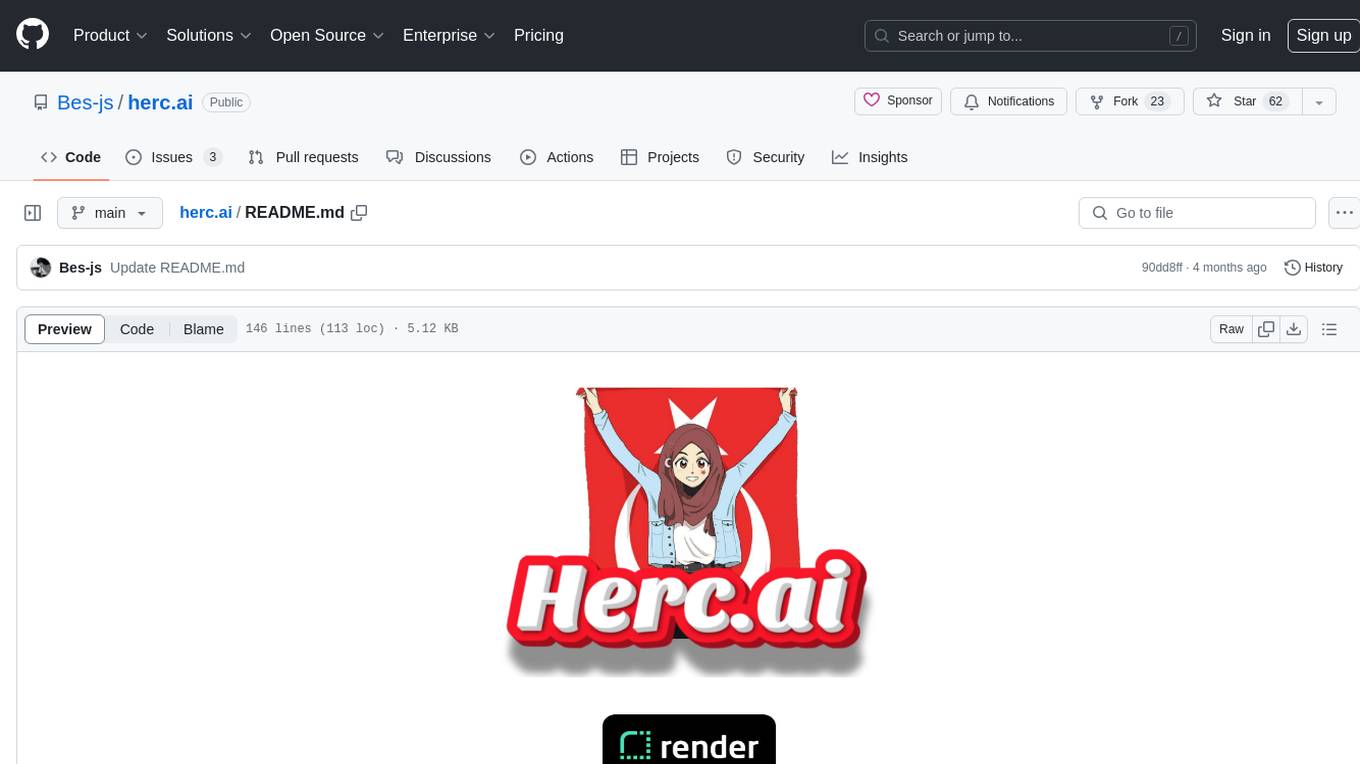
Herc.ai is a powerful library for interacting with the Herc.ai API. It offers free access to users and supports all languages. Users can benefit from Herc.ai's features unlimitedly with a one-time subscription and API key. The tool provides functionalities for question answering and text-to-image generation, with support for various models and customization options. Herc.ai can be easily integrated into CLI, CommonJS, TypeScript, and supports beta models for advanced usage. Developed by FiveSoBes and Luppux Development.
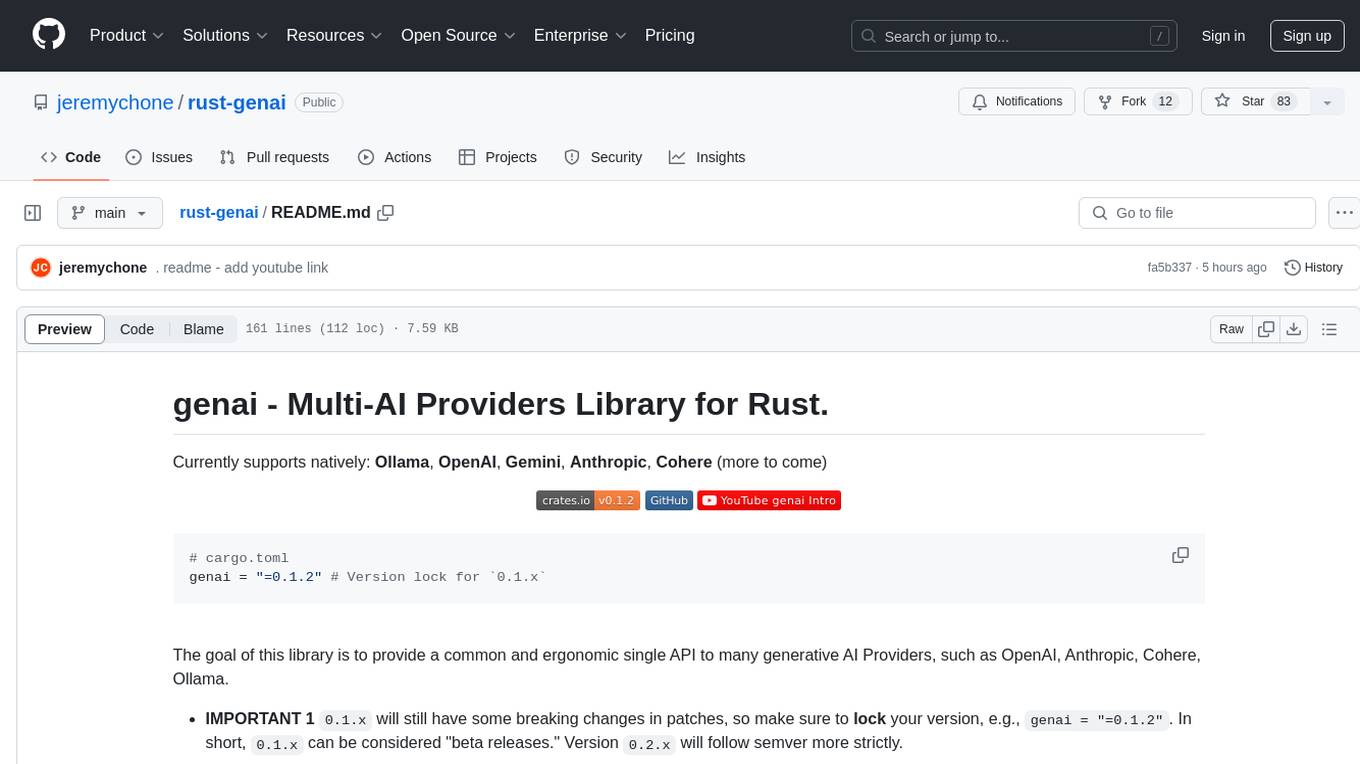
rust-genai
genai is a multi-AI providers library for Rust that aims to provide a common and ergonomic single API to various generative AI providers such as OpenAI, Anthropic, Cohere, Ollama, and Gemini. It focuses on standardizing chat completion APIs across major AI services, prioritizing ergonomics and commonality. The library initially focuses on text chat APIs and plans to expand to support images, function calling, and more in the future versions. Version 0.1.x will have breaking changes in patches, while version 0.2.x will follow semver more strictly. genai does not provide a full representation of a given AI provider but aims to simplify the differences at a lower layer for ease of use.
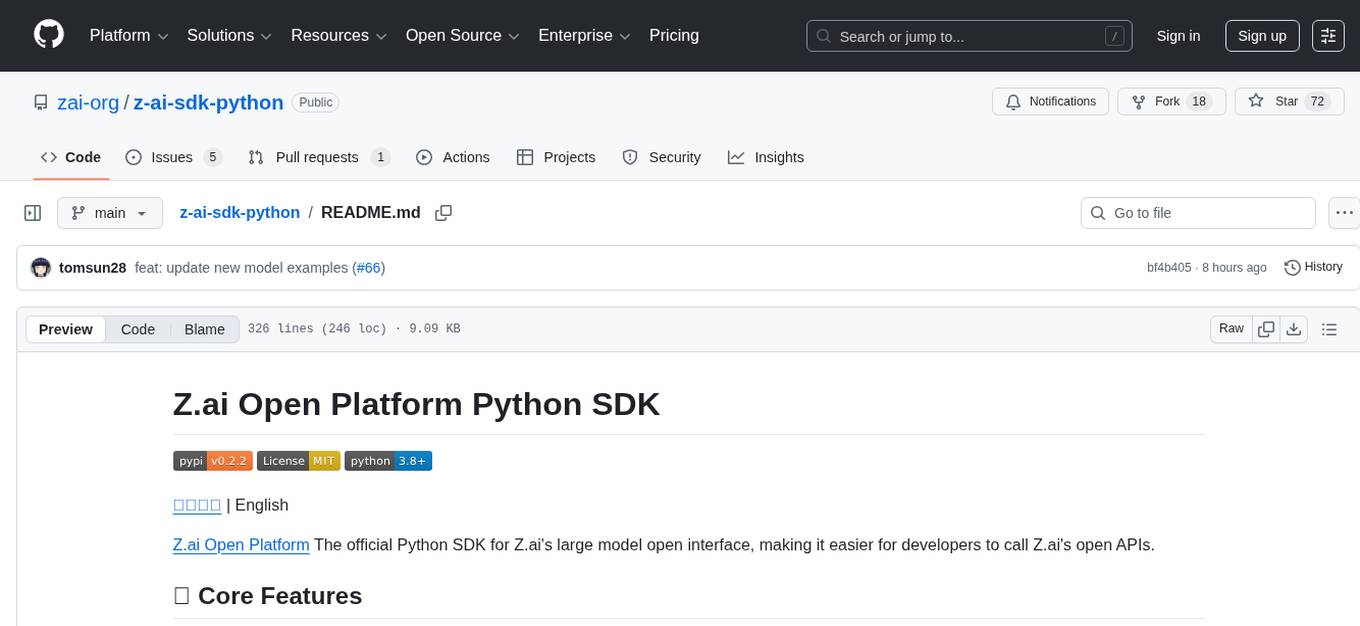
z-ai-sdk-python
Z.ai Open Platform Python SDK is the official Python SDK for Z.ai's large model open interface, providing developers with easy access to Z.ai's open APIs. The SDK offers core features like chat completions, embeddings, video generation, audio processing, assistant API, and advanced tools. It supports various functionalities such as speech transcription, text-to-video generation, image understanding, and structured conversation handling. Developers can customize client behavior, configure API keys, and handle errors efficiently. The SDK is designed to simplify AI interactions and enhance AI capabilities for developers.
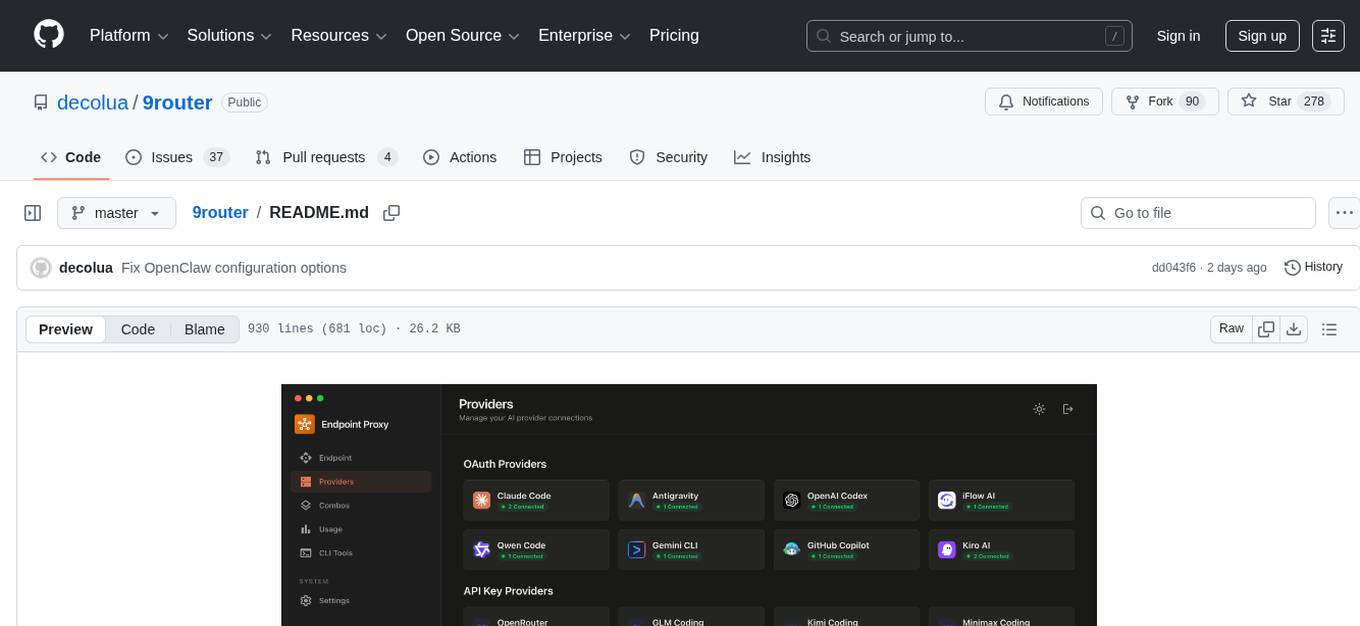
9router
9Router is a free AI router tool designed to help developers maximize their AI subscriptions, auto-route to free and cheap AI models with smart fallback, and avoid hitting limits and wasting money. It offers features like real-time quota tracking, format translation between OpenAI, Claude, and Gemini, multi-account support, auto token refresh, custom model combinations, request logging, cloud sync, usage analytics, and flexible deployment options. The tool supports various providers like Claude Code, Codex, Gemini CLI, GitHub Copilot, GLM, MiniMax, iFlow, Qwen, and Kiro, and allows users to create combos for different scenarios. Users can connect to the tool via CLI tools like Cursor, Claude Code, Codex, OpenClaw, and Cline, and deploy it on VPS, Docker, or Cloudflare Workers.
agents-flex
Agents-Flex is a LLM Application Framework like LangChain base on Java. It provides a set of tools and components for building LLM applications, including LLM Visit, Prompt and Prompt Template Loader, Function Calling Definer, Invoker and Running, Memory, Embedding, Vector Storage, Resource Loaders, Document, Splitter, Loader, Parser, LLMs Chain, and Agents Chain.
Rankify
Rankify is a Python toolkit designed for unified retrieval, re-ranking, and retrieval-augmented generation (RAG) research. It integrates 40 pre-retrieved benchmark datasets and supports 7 retrieval techniques, 24 state-of-the-art re-ranking models, and multiple RAG methods. Rankify provides a modular and extensible framework, enabling seamless experimentation and benchmarking across retrieval pipelines. It offers comprehensive documentation, open-source implementation, and pre-built evaluation tools, making it a powerful resource for researchers and practitioners in the field.
auto-round
AutoRound is an advanced weight-only quantization algorithm for low-bits LLM inference. It competes impressively against recent methods without introducing any additional inference overhead. The method adopts sign gradient descent to fine-tune rounding values and minmax values of weights in just 200 steps, often significantly outperforming SignRound with the cost of more tuning time for quantization. AutoRound is tailored for a wide range of models and consistently delivers noticeable improvements.
llm.nvim
llm.nvim is a universal plugin for a large language model (LLM) designed to enable users to interact with LLM within neovim. Users can customize various LLMs such as gpt, glm, kimi, and local LLM. The plugin provides tools for optimizing code, comparing code, translating text, and more. It also supports integration with free models from Cloudflare, Github models, siliconflow, and others. Users can customize tools, chat with LLM, quickly translate text, and explain code snippets. The plugin offers a flexible window interface for easy interaction and customization.
SwiftAgent
A type-safe, declarative framework for building AI agents in Swift, SwiftAgent is built on Apple FoundationModels. It allows users to compose agents by combining Steps in a declarative syntax similar to SwiftUI. The framework ensures compile-time checked input/output types, native Apple AI integration, structured output generation, and built-in security features like permission, sandbox, and guardrail systems. SwiftAgent is extensible with MCP integration, distributed agents, and a skills system. Users can install SwiftAgent with Swift 6.2+ on iOS 26+, macOS 26+, or Xcode 26+ using Swift Package Manager.
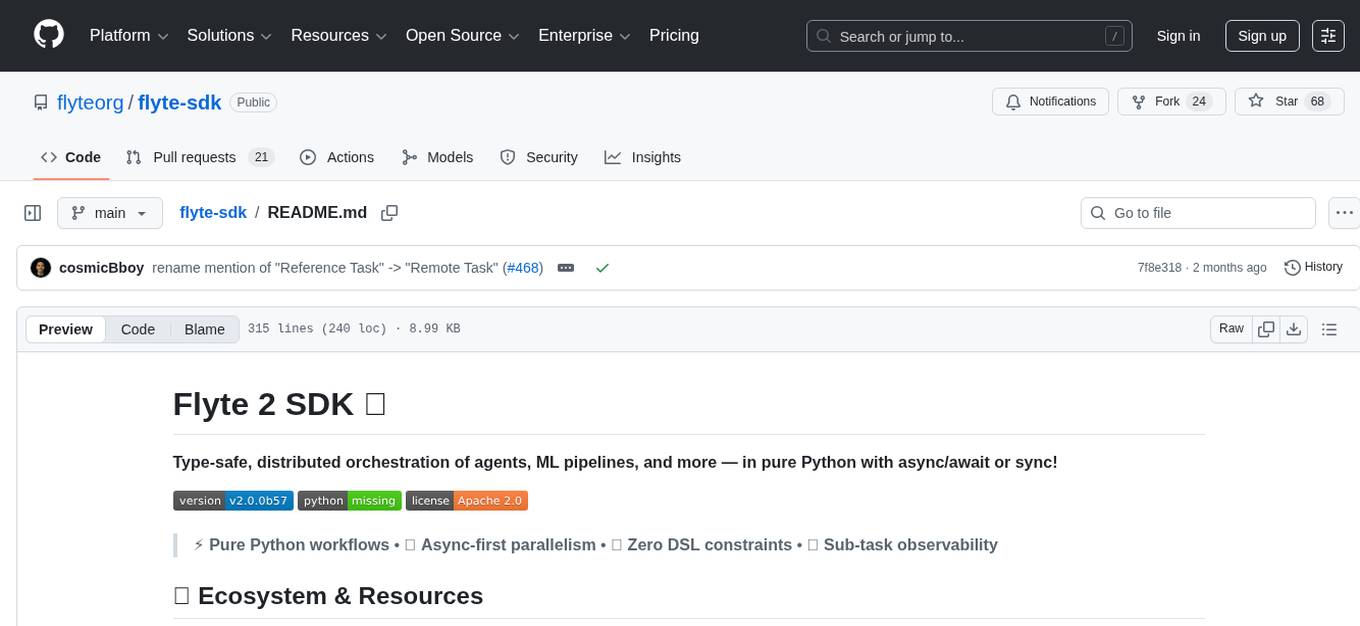
flyte-sdk
Flyte 2 SDK is a pure Python tool for type-safe, distributed orchestration of agents, ML pipelines, and more. It allows users to write data pipelines, ML training jobs, and distributed compute in Python without any DSL constraints. With features like async-first parallelism and fine-grained observability, Flyte 2 offers a seamless workflow experience. Users can leverage core concepts like TaskEnvironments for container configuration, pure Python workflows for flexibility, and async parallelism for distributed execution. Advanced features include sub-task observability with tracing and remote task execution. The tool also provides native Jupyter integration for running and monitoring workflows directly from notebooks. Configuration and deployment are made easy with configuration files and commands for deploying and running workflows. Flyte 2 is licensed under the Apache 2.0 License.
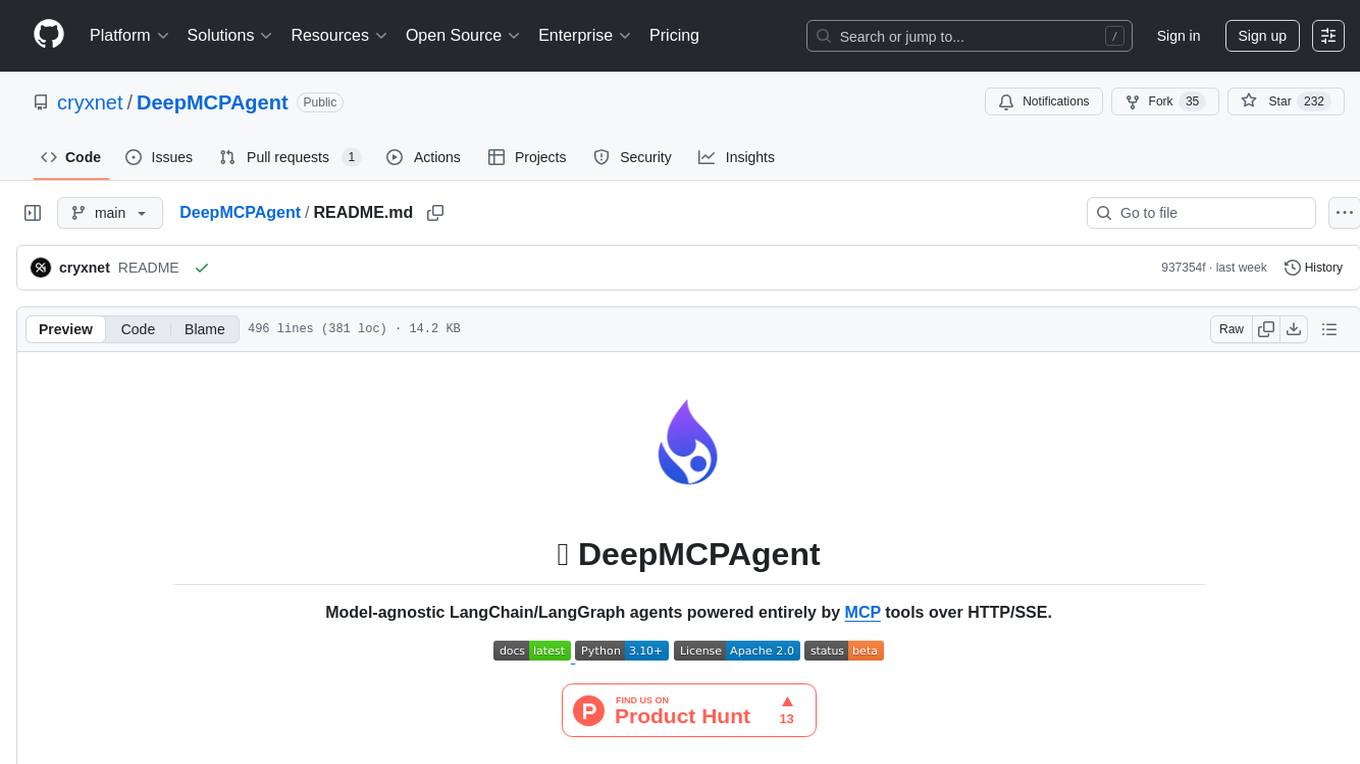
DeepMCPAgent
DeepMCPAgent is a model-agnostic tool that enables the creation of LangChain/LangGraph agents powered by MCP tools over HTTP/SSE. It allows for dynamic discovery of tools, connection to remote MCP servers, and integration with any LangChain chat model instance. The tool provides a deep agent loop for enhanced functionality and supports typed tool arguments for validated calls. DeepMCPAgent emphasizes the importance of MCP-first approach, where agents dynamically discover and call tools rather than hardcoding them.
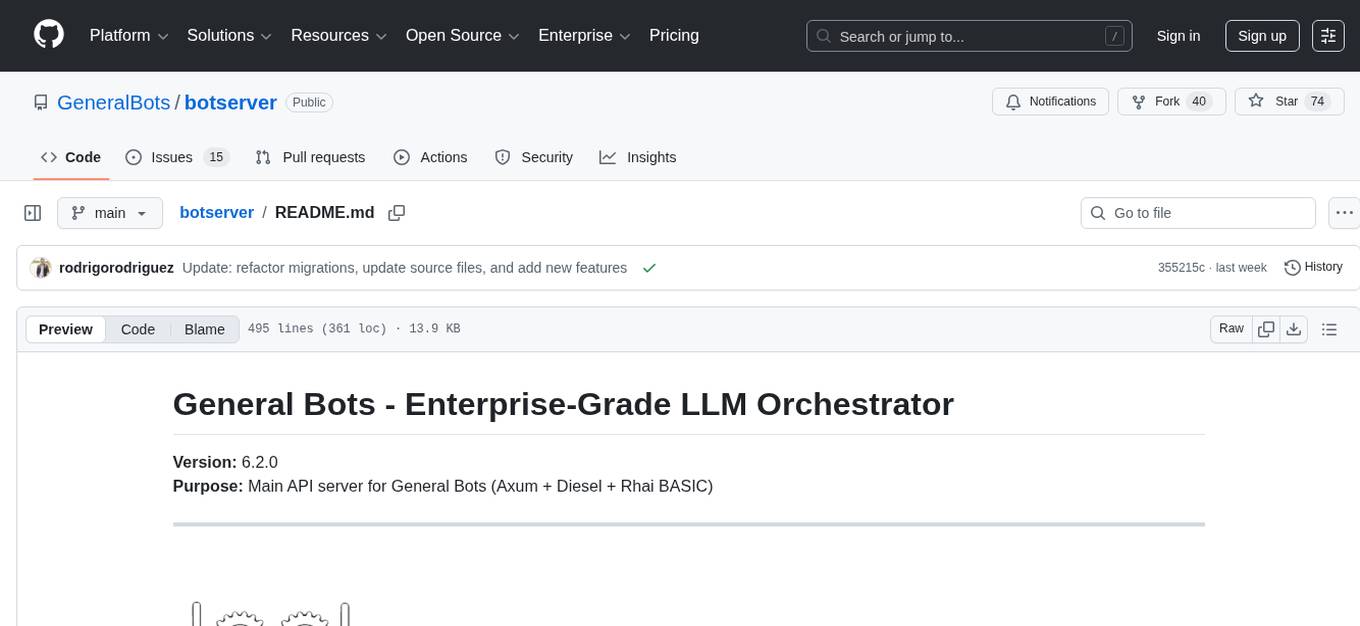
botserver
General Bots is a self-hosted AI automation platform and LLM conversational platform focused on convention over configuration and code-less approaches. It serves as the core API server handling LLM orchestration, business logic, database operations, and multi-channel communication. The platform offers features like multi-vendor LLM API, MCP + LLM Tools Generation, Semantic Caching, Web Automation Engine, Enterprise Data Connectors, and Git-like Version Control. It enforces a ZERO TOLERANCE POLICY for code quality and security, with strict guidelines for error handling, performance optimization, and code patterns. The project structure includes modules for core functionalities like Rhai BASIC interpreter, security, shared types, tasks, auto task system, file operations, learning system, and LLM assistance.

dexto
Dexto is a lightweight runtime for creating and running AI agents that turn natural language into real-world actions. It serves as the missing intelligence layer for building AI applications, standalone chatbots, or as the reasoning engine inside larger products. Dexto features a powerful CLI and Web UI for running AI agents, supports multiple interfaces, allows hot-swapping of LLMs from various providers, connects to remote tool servers via the Model Context Protocol, is config-driven with version-controlled YAML, offers production-ready core features, extensibility for custom services, and enables multi-agent collaboration via MCP and A2A.
For similar tasks
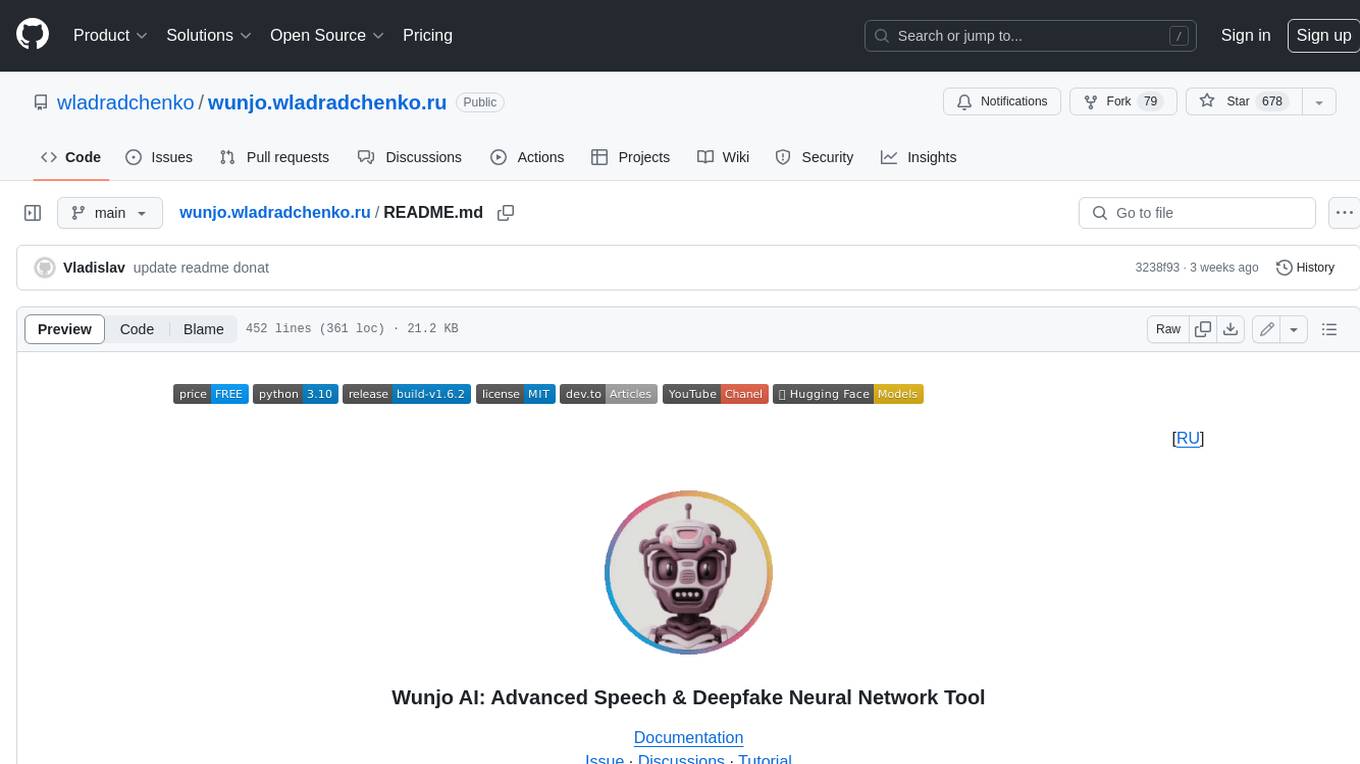
wunjo.wladradchenko.ru
Wunjo AI is a comprehensive tool that empowers users to explore the realm of speech synthesis, deepfake animations, video-to-video transformations, and more. Its user-friendly interface and privacy-first approach make it accessible to both beginners and professionals alike. With Wunjo AI, you can effortlessly convert text into human-like speech, clone voices from audio files, create multi-dialogues with distinct voice profiles, and perform real-time speech recognition. Additionally, you can animate faces using just one photo combined with audio, swap faces in videos, GIFs, and photos, and even remove unwanted objects or enhance the quality of your deepfakes using the AI Retouch Tool. Wunjo AI is an all-in-one solution for your voice and visual AI needs, offering endless possibilities for creativity and expression.
airunner
AI Runner is a multi-modal AI interface that allows users to run open-source large language models and AI image generators on their own hardware. The tool provides features such as voice-based chatbot conversations, text-to-speech, speech-to-text, vision-to-text, text generation with large language models, image generation capabilities, image manipulation tools, utility functions, and more. It aims to provide a stable and user-friendly experience with security updates, a new UI, and a streamlined installation process. The application is designed to run offline on users' hardware without relying on a web server, offering a smooth and responsive user experience.
Wechat-AI-Assistant
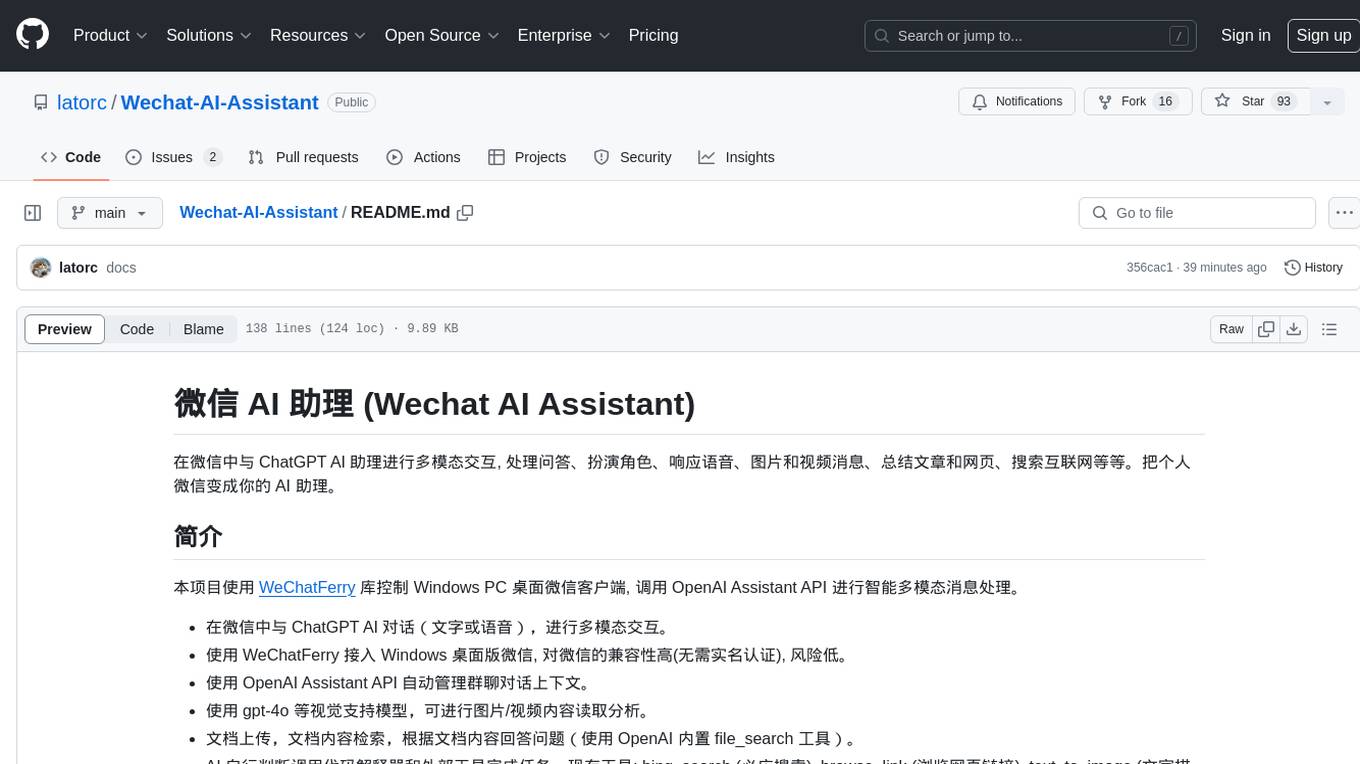
Wechat AI Assistant is a project that enables multi-modal interaction with ChatGPT AI assistant within WeChat. It allows users to engage in conversations, role-playing, respond to voice messages, analyze images and videos, summarize articles and web links, and search the internet. The project utilizes the WeChatFerry library to control the Windows PC desktop WeChat client and leverages the OpenAI Assistant API for intelligent multi-modal message processing. Users can interact with ChatGPT AI in WeChat through text or voice, access various tools like bing_search, browse_link, image_to_text, text_to_image, text_to_speech, video_analysis, and more. The AI autonomously determines which code interpreter and external tools to use to complete tasks. Future developments include file uploads for AI to reference content, integration with other APIs, and login support for enterprise WeChat and WeChat official accounts.
Generative-AI-Pharmacist
Generative AI Pharmacist is a project showcasing the use of generative AI tools to create an animated avatar named Macy, who delivers medication counseling in a realistic and professional manner. The project utilizes tools like Midjourney for image generation, ChatGPT for text generation, ElevenLabs for text-to-speech conversion, and D-ID for creating a photorealistic talking avatar video. The demo video featuring Macy discussing commonly-prescribed medications demonstrates the potential of generative AI in healthcare communication.
AnyGPT
AnyGPT is a unified multimodal language model that utilizes discrete representations for processing various modalities like speech, text, images, and music. It aligns the modalities for intermodal conversions and text processing. AnyInstruct dataset is constructed for generative models. The model proposes a generative training scheme using Next Token Prediction task for training on a Large Language Model (LLM). It aims to compress vast multimodal data on the internet into a single model for emerging capabilities. The tool supports tasks like text-to-image, image captioning, ASR, TTS, text-to-music, and music captioning.
Pallaidium
Pallaidium is a generative AI movie studio integrated into the Blender video editor. It allows users to AI-generate video, image, and audio from text prompts or existing media files. The tool provides various features such as text to video, text to audio, text to speech, text to image, image to image, image to video, video to video, image to text, and more. It requires a Windows system with a CUDA-supported Nvidia card and at least 6 GB VRAM. Pallaidium offers batch processing capabilities, text to audio conversion using Bark, and various performance optimization tips. Users can install the tool by downloading the add-on and following the installation instructions provided. The tool comes with a set of restrictions on usage, prohibiting the generation of harmful, pornographic, violent, or false content.
ElevenLabs-DotNet
ElevenLabs-DotNet is a non-official Eleven Labs voice synthesis RESTful client that allows users to convert text to speech. The library targets .NET 8.0 and above, working across various platforms like console apps, winforms, wpf, and asp.net, and across Windows, Linux, and Mac. Users can authenticate using API keys directly, from a configuration file, or system environment variables. The tool provides functionalities for text to speech conversion, streaming text to speech, accessing voices, dubbing audio or video files, generating sound effects, managing history of synthesized audio clips, and accessing user information and subscription status.
omniai
OmniAI provides a unified Ruby API for integrating with multiple AI providers, streamlining AI development by offering a consistent interface for features such as chat, text-to-speech, speech-to-text, and embeddings. It ensures seamless interoperability across platforms and effortless switching between providers, making integrations more flexible and reliable.
For similar jobs

sweep
Sweep is an AI junior developer that turns bugs and feature requests into code changes. It automatically handles developer experience improvements like adding type hints and improving test coverage.

teams-ai
The Teams AI Library is a software development kit (SDK) that helps developers create bots that can interact with Teams and Microsoft 365 applications. It is built on top of the Bot Framework SDK and simplifies the process of developing bots that interact with Teams' artificial intelligence capabilities. The SDK is available for JavaScript/TypeScript, .NET, and Python.

ai-guide
This guide is dedicated to Large Language Models (LLMs) that you can run on your home computer. It assumes your PC is a lower-end, non-gaming setup.

classifai
Supercharge WordPress Content Workflows and Engagement with Artificial Intelligence. Tap into leading cloud-based services like OpenAI, Microsoft Azure AI, Google Gemini and IBM Watson to augment your WordPress-powered websites. Publish content faster while improving SEO performance and increasing audience engagement. ClassifAI integrates Artificial Intelligence and Machine Learning technologies to lighten your workload and eliminate tedious tasks, giving you more time to create original content that matters.

chatbot-ui
Chatbot UI is an open-source AI chat app that allows users to create and deploy their own AI chatbots. It is easy to use and can be customized to fit any need. Chatbot UI is perfect for businesses, developers, and anyone who wants to create a chatbot.

BricksLLM
BricksLLM is a cloud native AI gateway written in Go. Currently, it provides native support for OpenAI, Anthropic, Azure OpenAI and vLLM. BricksLLM aims to provide enterprise level infrastructure that can power any LLM production use cases. Here are some use cases for BricksLLM: * Set LLM usage limits for users on different pricing tiers * Track LLM usage on a per user and per organization basis * Block or redact requests containing PIIs * Improve LLM reliability with failovers, retries and caching * Distribute API keys with rate limits and cost limits for internal development/production use cases * Distribute API keys with rate limits and cost limits for students

uAgents
uAgents is a Python library developed by Fetch.ai that allows for the creation of autonomous AI agents. These agents can perform various tasks on a schedule or take action on various events. uAgents are easy to create and manage, and they are connected to a fast-growing network of other uAgents. They are also secure, with cryptographically secured messages and wallets.

griptape
Griptape is a modular Python framework for building AI-powered applications that securely connect to your enterprise data and APIs. It offers developers the ability to maintain control and flexibility at every step. Griptape's core components include Structures (Agents, Pipelines, and Workflows), Tasks, Tools, Memory (Conversation Memory, Task Memory, and Meta Memory), Drivers (Prompt and Embedding Drivers, Vector Store Drivers, Image Generation Drivers, Image Query Drivers, SQL Drivers, Web Scraper Drivers, and Conversation Memory Drivers), Engines (Query Engines, Extraction Engines, Summary Engines, Image Generation Engines, and Image Query Engines), and additional components (Rulesets, Loaders, Artifacts, Chunkers, and Tokenizers). Griptape enables developers to create AI-powered applications with ease and efficiency.