


GitVizz
Visualize and analyze GitHub or local repositories using LLM-friendly summaries, file structure, and interactive dependency graphs.
Stars: 236
GitVizz is an AI-powered repository analysis tool that helps developers understand and navigate codebases quickly. It transforms complex code structures into interactive documentation, dependency graphs, and intelligent conversations. With features like interactive dependency graphs, AI-powered code conversations, advanced code visualization, and automatic documentation generation, GitVizz offers instant understanding and insights for any repository. The tool is built with modern technologies like Next.js, FastAPI, and OpenAI, making it scalable and efficient for analyzing large codebases. GitVizz also provides a standalone Python library for core code analysis and dependency graph generation, offering multi-language parsing, AST analysis, dependency graphs, visualizations, and extensibility for custom applications.
README:

Understand Any Codebase in Minutes, Not Hours
AI-powered repository analysis that turns complex codebases into interactive documentation, dependency graphs, and intelligent conversations.


GitVizz revolutionizes how developers understand and navigate codebases. Whether you're onboarding to a new project, reviewing code, or exploring open source repositories, GitVizz transforms complex code structures into intuitive, interactive experiences.
https://github.com/user-attachments/assets/52eeb2c1-598b-4173-b0e8-8d4b986dbf64
|
Interactive dependency graphs with intelligent search capabilities 
|
Visual code navigation with smart highlighting and dependency connections 
|
|
AI-powered conversations about your codebase with context-aware responses 
|
Advanced code visualization with syntax highlighting and navigation 
|
|
Build comprehensive context for Large Language Models automatically 
|
Automatically generate comprehensive documentation from your repository 
|
- Instant Understanding: Analyze any repository in seconds, not hours
- AI-Powered Insights: Get intelligent summaries and explanations
- Visual Code Maps: Interactive dependency graphs and code relationships
- Chat with Code: Ask questions about any codebase and get instant answers
- Auto Documentation: Generate comprehensive docs automatically
- Smart Search: Find functions, classes, and patterns across entire repositories
Visit gitvizz.com and paste any GitHub repository URL to get started instantly!
# Clone the repository
git clone https://github.com/adithya-s-k/gitvizz.git
cd gitvizz

# Copy environment files
cp backend/.env.example backend/.env
cp frontend/.env.example frontend/.env.local

# Start all services
docker-compose up --build
Access Points:
- Frontend: http://localhost:3000
- Backend API: http://localhost:8003
- Phoenix UI: http://localhost:6006 (LLM observability dashboard)
📊 Phoenix Observability: GitVizz includes Arize Phoenix for comprehensive LLM monitoring and tracing. See Phoenix Setup Guide for detailed configuration options.
Click to expand manual setup instructions
# Create virtual environment
python3 -m venv .venv
source .venv/bin/activate

# Install dependencies
pip install -r backend/requirements.txt

# Configure environment
cp backend/.env.example backend/.env
# Edit backend/.env with your settings

# Start backend server
uvicorn backend.server:app --host 0.0.0.0 --port 8003 --reload# Install dependencies
cd frontend
pnpm install
# Configure environment
cp .env.example .env.local
# Edit .env.local with your settings
# Start development server
pnpm devGitVizz is built with modern, scalable technologies:
┌─────────────────┐    ┌─────────────────┐    ┌─────────────────┐
│   Frontend      │    │    Backend      │    │   AI Services   │
│                 │    │                 │    │                 │
│ • Next.js 14    │◄──►│ • FastAPI       │◄──►│ • OpenAI        │
│ • TypeScript    │    │ • Python 3.9+  │    │ • Anthropic     │
│ • Tailwind CSS  │    │ • Async/Await   │    │ • Local LLMs    │
│ • ShadCN UI     │    │ • Pydantic      │    │                 │
└─────────────────┘    └─────────────────┘    └─────────────────┘
Frontend:
- Next.js 14 - React framework with App Router
- Tailwind CSS - Utility-first CSS framework
- ShadCN UI - Beautiful, accessible components
- Responsive Design - Works on all devices
Backend:
- FastAPI - High-performance Python API framework
- AST Parsing - Advanced code analysis
- Graph Generation - Dynamic dependency mapping
- LLM Integration - Multiple AI provider support
- Node.js 18+ and pnpm
- Python 3.9+ and pip
- Docker & Docker Compose (for containerized setup)
- MongoDB - For user data and repository metadata storage
- GitHub Personal Access Token - For private repo access
- GitHub App - For advanced GitHub integration
- OpenAI API Key - For AI-powered features
- Anthropic API Key - Alternative AI provider
- Gemini API Key - Google's AI model support
- Groq API Key - Fast inference API
- Phoenix - LLM observability and tracing platform
Backend (.env)
# GitHub Integration
GITHUB_USER_AGENT=gitvizz-cognitivelab

# JWT Authentication
JWT_SECRET=your-jwt-secret-here-use-openssl-rand-base64-32
JWT_ALGORITHM=HS256
JWT_EXPIRE_MINUTES=10080  # 7 days
REFRESH_TOKEN_EXPIRE_DAYS=30  # 30 days

# Database Configuration
MONGO_URI=mongodb://localhost:27017
MONGODB_DB_NAME=gitvizz

# Server Configuration
HOST=0.0.0.0
PORT=8003

# File Storage
FILE_STORAGE_BASEPATH="storage"

# Data Encryption
ENCRYPTION_KEY=your-32-byte-base64-encryption-key-here
FERNET_KEY=your-32-byte-base64-encryption-key-here

# GitHub OAuth App Credentials
GITHUB_CLIENT_ID=your-github-oauth-client-id
GITHUB_CLIENT_SECRET=your-github-oauth-client-secret

# GitHub App Credentials (if using GitHub App instead of OAuth)
GITHUB_APP_ID=your-github-app-id
GITHUB_PRIVATE_KEY="-----BEGIN RSA PRIVATE KEY-----
your-github-app-private-key-here
-----END RSA PRIVATE KEY-----"

# Phoenix Observability (Optional)
PHOENIX_API_KEY=your-phoenix-api-key
PHOENIX_COLLECTOR_ENDPOINT=https://app.phoenix.arize.com

# LLM API Keys (at least one required)
OPENAI_API_KEY=your-openai-api-key-here
ANTHROPIC_API_KEY=your-anthropic-api-key-here
GEMINI_API_KEY=your-gemini-api-key-here
GROQ_API_KEY=your-groq-api-key-here
Frontend (.env.local)
# API base URL for the frontend application
NEXT_PUBLIC_BACKEND_URL=http://localhost:8003

# NextAuth Configuration
NEXTAUTH_URL=http://localhost:3000
AUTH_SECRET="your-auth-secret-here"

# GitHub App Integration
NEXT_PUBLIC_GITHUB_APP_NAME=your-github-app-name
AUTH_GITHUB_ID=your-github-app-client-id
AUTH_GITHUB_SECRET=your-github-app-client-secretStep-by-step guide to create a GitHub Personal Access Token
- Navigate to GitHub: Go to github.com and sign in
- Access Profile Settings: Click your profile picture → Settings
- Developer Settings: Scroll down and click "Developer settings"
- Personal Access Tokens: Click "Personal access tokens" → "Tokens (classic)"
- Generate New Token: Click "Generate new token" → "Generate new token (classic)"
- Authenticate: Use your password to confirm
-
Configure Token:
- Note: Give your token a descriptive name
- Expiration: Set appropriate expiration date
- Scopes: Select required permissions
- Repository Access: Choose "All repositories" for full access
- Generate: Click "Generate token"
Important: Copy and save the token immediately - you won't be able to see it again!
For detailed instructions with screenshots, see docs/github_personal_token.md
Step-by-step guide to create a GitHub App
-
Navigate to GitHub Apps: Go to GitHub Apps settings
-
Create New App: Click "New GitHub App"
-
App Details:
- GitHub App name: Enter your application name
-
Homepage URL:
http://localhost:3000/ -
Callback URL:
http://localhost:3000/api/auth/callback/github - Expire user authorization tokens: Deselect this
-
Setup URL:
http://localhost:3000/ - Webhook: Deselect "Active" to disable webhooks
-
Set Permissions:
- Repository Permissions → Contents: Read-only
- Account Permissions → Email addresses: Read-only
-
Create App: Click "Create GitHub App"
-
Get Credentials:
- Copy App ID and Client ID
- Generate and copy Client Secret
-
Generate Private Key:
- Click "Generate a private key"
- Download the
.pemfile - Copy entire contents including BEGIN/END lines
- Wrap in double quotes for
.envfile
For detailed instructions with screenshots, see docs/create_github_app.md
We love contributions! GitVizz is open source and community-driven.
- Report Bugs - Found an issue? Let us know!
- Suggest Features - Have ideas? We'd love to hear them!
- Improve Documentation - Help others understand GitVizz better
- Submit Pull Requests - Code contributions are always welcome!
- Star the Repository - Show your support!
- Fork the repository
-
Create a feature branch (
git checkout -b feature/amazing-feature) -
Commit your changes (
git commit -m 'Add amazing feature') -
Push to the branch (
git push origin feature/amazing-feature) - Open a Pull Request
We follow Conventional Commits:
-
feat:New features -
fix:Bug fixes -
docs:Documentation changes -
style:Code style changes -
refactor:Code refactoring -
test:Adding tests -
chore:Maintenance tasks
gitvizz/
├── frontend/                 # Next.js frontend application
│   ├── app/                     # App router pages
│   ├── components/              # Reusable UI components
│   ├── api-client/              # Generated API client
│   └── public/                  # Static assets
├── backend/                  # FastAPI backend application
│   ├── controllers/             # API route handlers
│   ├── documentation_generator/ # AI-powered analysis
│   ├── models/                  # Data models
│   ├── routes/                  # API routes
│   ├── schemas/                 # Request/response schemas
│   ├── services/                # Business logic
│   └── utils/                   # Utility functions
├── gitvizz/                  # 📦 GitVizz Core Library
│   ├── gitvizz/                 # Python package
│   │   ├── graph_generator.py      # Main graph generation engine
│   │   ├── custom_ast_parser.py    # AST parsing with Tree-sitter
│   │   └── modal_app.py            # Optional Modal integration
│   ├── pyproject.toml           # Package configuration
│   └── README.md                # Library documentation
├── docs/                     # Documentation
├── docker-compose.yaml       # Container orchestration
└── README.md                 # You are here!
GitVizz includes a standalone Python library (gitvizz/) that provides the core code analysis and dependency graph generation functionality. This library can be used independently in your own projects:
- 🐍 Multi-language Parsing: Python, JavaScript, TypeScript, React, Next.js
- 🌳 AST Analysis: Advanced Abstract Syntax Tree parsing with Tree-sitter
- 🕸️ Dependency Graphs: Generate detailed code relationship maps
- 📊 Interactive Visualizations: HTML graph outputs with Pyvis
- ⚡ Fast & Efficient: Optimized for large codebases
- 🔧 Extensible: Plugin architecture for new languages
# Install the library
pip install git+https://github.com/adithya-s-k/GitVizz.git#subdirectory=gitvizz

# Use in your Python code
from gitvizz import GraphGenerator

files_data = [{"path": "main.py", "content": "# your code"}]
generator = GraphGenerator(files=files_data)
result = generator.generate()- Code Analysis Tools: Build custom code analysis applications
- Documentation Generation: Auto-generate dependency documentation
- IDE Plugins: Integrate code visualization into development environments
- CI/CD Pipelines: Automated code structure analysis
- Research: Academic research on software architecture
For detailed documentation, see gitvizz/README.md.
-
[ ] Agentic Chat System - Advanced multi-agent conversation system with tool usage and autonomous reasoning
- Context-aware code navigation agents
- Automated refactoring suggestions
- Intelligent bug detection and fix proposals
- Self-healing code recommendations
-
[ ] Enhanced Documentation Generation - Next-generation AI-powered documentation
- Multi-format output (Markdown, HTML, PDF, Confluence)
- Interactive API documentation
- Auto-generated code examples and tutorials
- Version-aware documentation diffing
- Architecture decision records (ADRs) generation
-
[ ] Video Generation from Code - Transform code into visual explanations
- Animated code walkthroughs
- Function execution flow visualizations
- Architecture diagram animations
- Tutorial video generation from codebases
- Code review video summaries
-
[ ] Enhanced AI Models - Support for more LLM providers
- OpenRouter integration for unified model access
- Local LLM support (Ollama, LM Studio)
- Custom model fine-tuning capabilities
- Cost optimization with model routing
-
[ ] PyPI Release - Publish GitVizz core library to PyPI
- Stable v1.0 release
- Comprehensive API documentation
- Usage examples and cookbook
-
[ ] Smart Context Builder - AI-powered retrieval for relevant code
- Semantic code search with embeddings
- Intelligent context pruning for LLM queries
- Multi-hop reasoning across dependencies
- Automated code snippet selection
-
[ ] Code Quality & Security Analysis
- Security vulnerability detection
- Performance bottleneck identification
- Code smell detection and refactoring suggestions
- Test coverage analysis and recommendations
- Technical debt tracking
-
[ ] Advanced Analytics - Comprehensive code quality metrics
- Complexity metrics and visualization
- Code churn analysis
- Developer contribution insights
- Codebase health scoring
-
[ ] Real-time Collaboration - Multi-user code exploration
- Shared analysis sessions
- Collaborative annotations
- Team knowledge bases
- Code review workflow integration
-
[ ] Plugin System - Extensible architecture
- Custom language parsers
- Third-party tool integrations
- Custom visualization plugins
- Export format extensions
-
[ ] VS Code Extension - Native IDE integration
- Inline documentation preview
- Graph visualization in editor
- AI chat sidebar
- Quick analysis commands
-
[ ] JetBrains IDE Plugin - IntelliJ IDEA, PyCharm, WebStorm support
- Native IDE integration
- Context-aware suggestions
- Code navigation enhancements
-
[ ] Mobile App - Code exploration on the go
- iOS and Android native apps
- Offline repository access
- Push notifications for analysis completion
- Mobile-optimized graph visualization
-
[ ] Self-Hosted Enterprise Edition
- On-premise deployment
- LDAP/SAML/SSO authentication
- Advanced security controls
- Audit logging and compliance
-
[ ] Team Collaboration Suite
- Organization-wide knowledge bases
- Team analytics and insights
- Project management integration
- Custom workflows and automations
-
[ ] Multi-Repository Analysis - Cross-project insights
- Microservices dependency mapping
- Shared library usage tracking
- Organization-wide code patterns
-
[ ] Time-Travel Code Analysis - Historical codebase exploration
- Repository evolution visualization
- Regression analysis
- Contributor timeline analysis
- Code archaeology tools
-
[ ] AI Code Generation & Migration
- Automated migration between frameworks
- Legacy code modernization
- Cross-language code translation
- Architecture transformation assistance
-
[ ] Extended Language Support
- Rust, Swift, Kotlin support
- SQL and database schema analysis
- Infrastructure-as-Code (Terraform, CloudFormation)
- Configuration file analysis (YAML, TOML, JSON)
Have an idea? Submit a feature request and help shape the future of GitVizz!
This repository contains multiple components with different licenses:
- Backend & Frontend Applications: Licensed under the GNU Affero General Public License v3.0
- GitVizz Core Library: Licensed under the Apache License 2.0
Please refer to the respective LICENSE files in each component directory for detailed terms and conditions.
- Contributors - Thank you to all our amazing contributors!
- Community - Special thanks to our supportive community
- Open Source - Built on the shoulders of incredible open source projects
- Feedback - Grateful for all user feedback and suggestions


For Tasks:
Click tags to check more tools for each tasksFor Jobs:
Alternative AI tools for GitVizz
Similar Open Source Tools
GitVizz
GitVizz is an AI-powered repository analysis tool that helps developers understand and navigate codebases quickly. It transforms complex code structures into interactive documentation, dependency graphs, and intelligent conversations. With features like interactive dependency graphs, AI-powered code conversations, advanced code visualization, and automatic documentation generation, GitVizz offers instant understanding and insights for any repository. The tool is built with modern technologies like Next.js, FastAPI, and OpenAI, making it scalable and efficient for analyzing large codebases. GitVizz also provides a standalone Python library for core code analysis and dependency graph generation, offering multi-language parsing, AST analysis, dependency graphs, visualizations, and extensibility for custom applications.
mcp-memory-service
The MCP Memory Service is a universal memory service designed for AI assistants, providing semantic memory search and persistent storage. It works with various AI applications and offers fast local search using SQLite-vec and global distribution through Cloudflare. The service supports intelligent memory management, universal compatibility with AI tools, flexible storage options, and is production-ready with cross-platform support and secure connections. Users can store and recall memories, search by tags, check system health, and configure the service for Claude Desktop integration and environment variables.
pluely
Pluely is a versatile and user-friendly tool for managing tasks and projects. It provides a simple interface for creating, organizing, and tracking tasks, making it easy to stay on top of your work. With features like task prioritization, due date reminders, and collaboration options, Pluely helps individuals and teams streamline their workflow and boost productivity. Whether you're a student juggling assignments, a professional managing multiple projects, or a team coordinating tasks, Pluely is the perfect solution to keep you organized and efficient.
Call
Call is an open-source AI-native alternative to Google Meet and Zoom, offering video calling, team collaboration, contact management, meeting scheduling, AI-powered features, security, and privacy. It is cross-platform, web-based, mobile responsive, and supports offline capabilities. The tech stack includes Next.js, TypeScript, Tailwind CSS, Mediasoup-SFU, React Query, Zustand, Hono, PostgreSQL, Drizzle ORM, Better Auth, Turborepo, Docker, Vercel, and Rate Limiting.
aegra
Aegra is a self-hosted AI agent backend platform that provides LangGraph power without vendor lock-in. Built with FastAPI + PostgreSQL, it offers complete control over agent orchestration for teams looking to escape vendor lock-in, meet data sovereignty requirements, enable custom deployments, and optimize costs. Aegra is Agent Protocol compliant and perfect for teams seeking a free, self-hosted alternative to LangGraph Platform with zero lock-in, full control, and compatibility with existing LangGraph Client SDK.
ito
Ito is an intelligent voice assistant that provides seamless voice dictation to any application on your computer. It works in any app, offers global keyboard shortcuts, real-time transcription, and instant text insertion. It is smart and adaptive with features like custom dictionary, context awareness, multi-language support, and intelligent punctuation. Users can customize trigger keys, audio preferences, and privacy controls. It also offers data management features like a notes system, interaction history, cloud sync, and export capabilities. Ito is built as a modern Electron application with a multi-process architecture and utilizes technologies like React, TypeScript, Rust, gRPC, and AWS CDK.
AgriTech
AgriTech is an AI-powered smart agriculture platform designed to assist farmers with crop recommendations, yield prediction, plant disease detection, and community-driven collaboration—enabling sustainable and data-driven farming practices. It offers AI-driven decision support for modern agriculture, early-stage plant disease detection, crop yield forecasting using machine learning models, and a collaborative ecosystem for farmers and stakeholders. The platform includes features like crop recommendation, yield prediction, disease detection, an AI chatbot for platform guidance and agriculture support, a farmer community, and shopkeeper listings. AgriTech's AI chatbot provides comprehensive support for farmers with features like platform guidance, agriculture support, decision making, image analysis, and 24/7 support. The tech stack includes frontend technologies like HTML5, CSS3, JavaScript, backend technologies like Python (Flask) and optional Node.js, machine learning libraries like TensorFlow, Scikit-learn, OpenCV, and database & DevOps tools like MySQL, MongoDB, Firebase, Docker, and GitHub Actions.
Lynkr
Lynkr is a self-hosted proxy server that unlocks various AI coding tools like Claude Code CLI, Cursor IDE, and Codex Cli. It supports multiple LLM providers such as Databricks, AWS Bedrock, OpenRouter, Ollama, llama.cpp, Azure OpenAI, Azure Anthropic, OpenAI, and LM Studio. Lynkr offers cost reduction, local/private execution, remote or local connectivity, zero code changes, and enterprise-ready features. It is perfect for developers needing provider flexibility, cost control, self-hosted AI with observability, local model execution, and cost reduction strategies.
astrsk
astrsk is a tool that pushes the boundaries of AI storytelling by offering advanced AI agents, customizable response formatting, and flexible prompt editing for immersive roleplaying experiences. It provides complete AI agent control, a visual flow editor for conversation flows, and ensures 100% local-first data storage. The tool is true cross-platform with support for various AI providers and modern technologies like React, TypeScript, and Tailwind CSS. Coming soon features include cross-device sync, enhanced session customization, and community features.
opcode
opcode is a powerful desktop application built with Tauri 2 that serves as a command center for interacting with Claude Code. It offers a visual GUI for managing Claude Code sessions, creating custom agents, tracking usage, and more. Users can navigate projects, create specialized AI agents, monitor usage analytics, manage MCP servers, create session checkpoints, edit CLAUDE.md files, and more. The tool bridges the gap between command-line tools and visual experiences, making AI-assisted development more intuitive and productive.
xln
XLN (Cross-Local Network) is a platform that enables instant off-chain settlement with on-chain finality. It combines Byzantine consensus, Bloomberg Terminal functionalities, and VR capabilities to run economic simulations in the browser without the need for a backend. The architecture includes layers for jurisdictions, entities, and accounts, with features like Solidity contracts, BFT consensus, and bilateral channels. The tool offers a panel system similar to Bloomberg Terminal for workspace organization and visualization, along with support for offline blockchain simulations in the browser and VR/Quest compatibility.
timeline-studio
Timeline Studio is a next-generation professional video editor with AI integration that automates content creation for social media. It combines the power of desktop applications with the convenience of web interfaces. With 257 AI tools, GPU acceleration, plugin system, multi-language interface, and local processing, Timeline Studio offers complete video production automation. Users can create videos for various social media platforms like TikTok, YouTube, Vimeo, Telegram, and Instagram with optimized versions. The tool saves time, understands trends, provides professional quality, and allows for easy feature extension through plugins. Timeline Studio is open source, transparent, and offers significant time savings and quality improvements for video editing tasks.
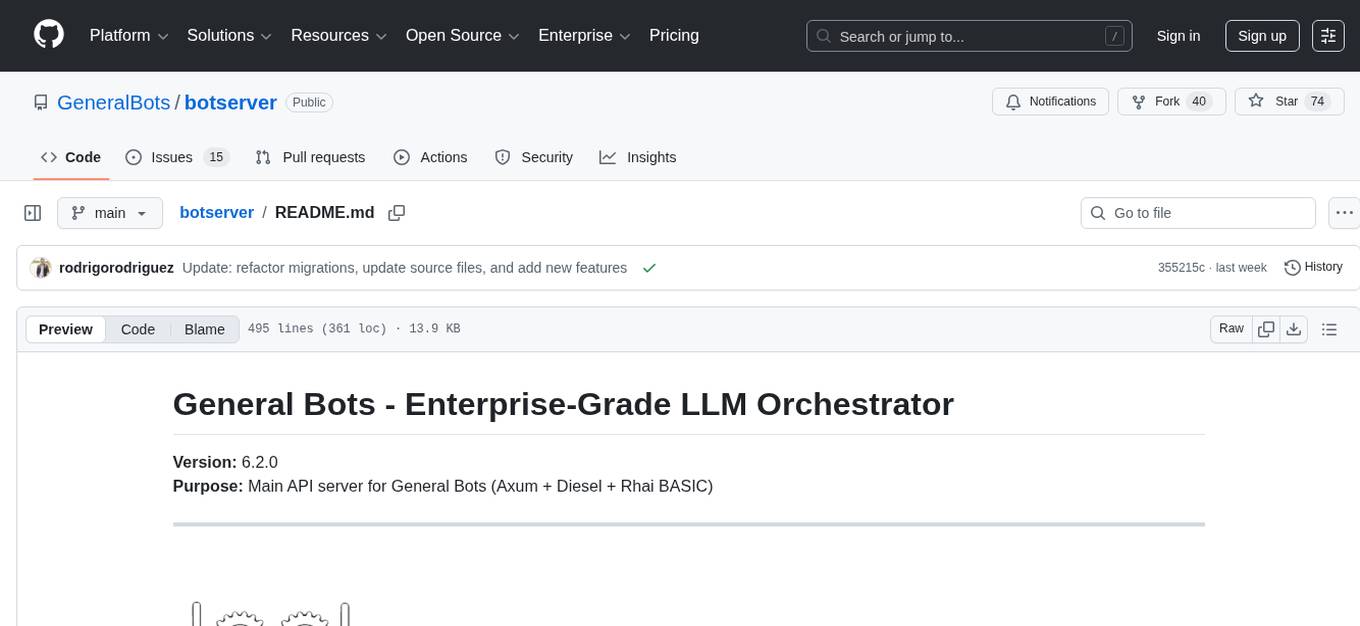
botserver
General Bots is a self-hosted AI automation platform and LLM conversational platform focused on convention over configuration and code-less approaches. It serves as the core API server handling LLM orchestration, business logic, database operations, and multi-channel communication. The platform offers features like multi-vendor LLM API, MCP + LLM Tools Generation, Semantic Caching, Web Automation Engine, Enterprise Data Connectors, and Git-like Version Control. It enforces a ZERO TOLERANCE POLICY for code quality and security, with strict guidelines for error handling, performance optimization, and code patterns. The project structure includes modules for core functionalities like Rhai BASIC interpreter, security, shared types, tasks, auto task system, file operations, learning system, and LLM assistance.
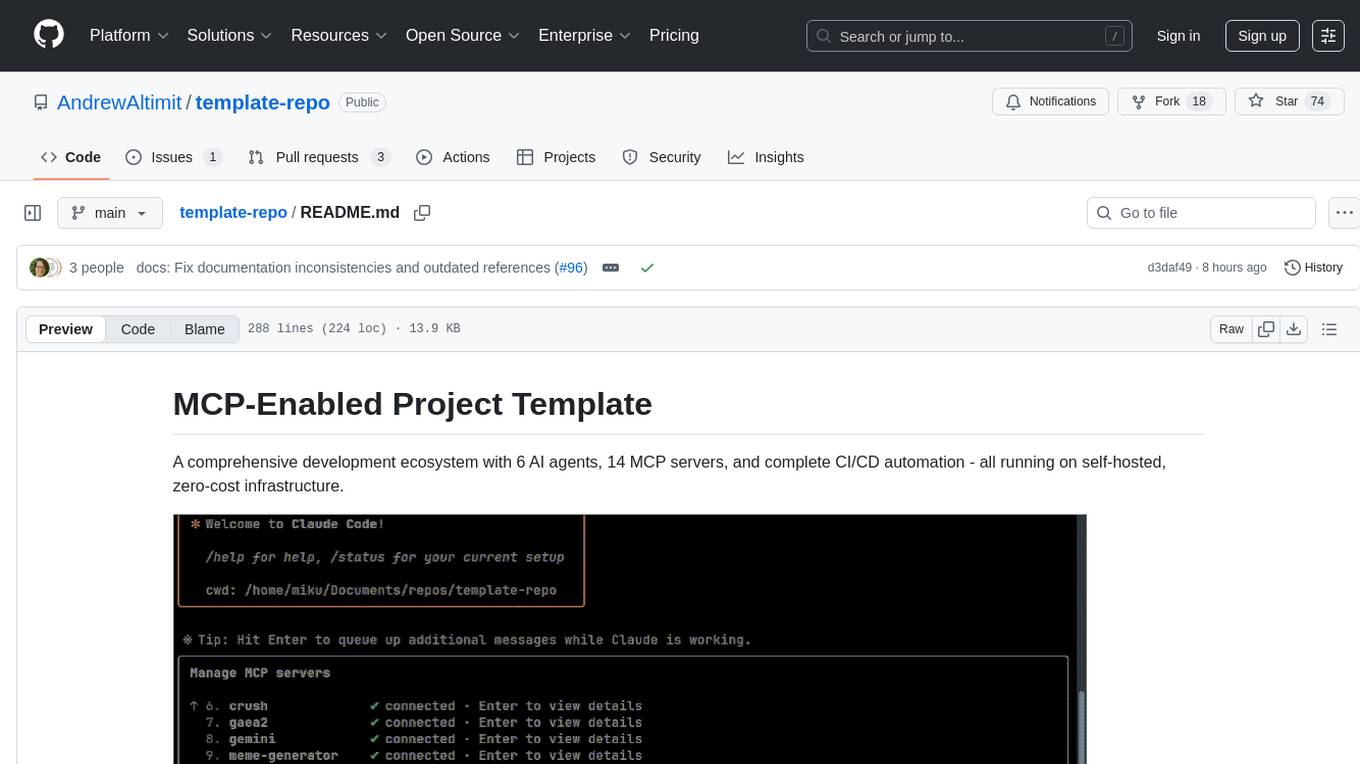
template-repo
The template-repo is a comprehensive development ecosystem with 6 AI agents, 14 MCP servers, and complete CI/CD automation running on self-hosted, zero-cost infrastructure. It follows a container-first approach, with all tools and operations running in Docker containers, zero external dependencies, self-hosted infrastructure, single maintainer design, and modular MCP architecture. The repo provides AI agents for development and automation, features 14 MCP servers for various tasks, and includes security measures, safety training, and sleeper detection system. It offers features like video editing, terrain generation, 3D content creation, AI consultation, image generation, and more, with a focus on maximum portability and consistency.
cc-sdd
The cc-sdd repository provides a tool for AI-Driven Development Life Cycle with Spec-Driven Development workflows for Claude Code and Gemini CLI. It includes powerful slash commands, Project Memory for AI learning, structured AI-DLC workflow, Spec-Driven Development methodology, and Kiro IDE compatibility. Ideal for feature development, code reviews, technical planning, and maintaining development standards. The tool supports multiple coding agents, offers an AI-DLC workflow with quality gates, and allows for advanced options like language and OS selection, preview changes, safe updates, and custom specs directory. It integrates AI-Driven Development Life Cycle, Project Memory, Spec-Driven Development, supports cross-platform usage, multi-language support, and safe updates with backup options.
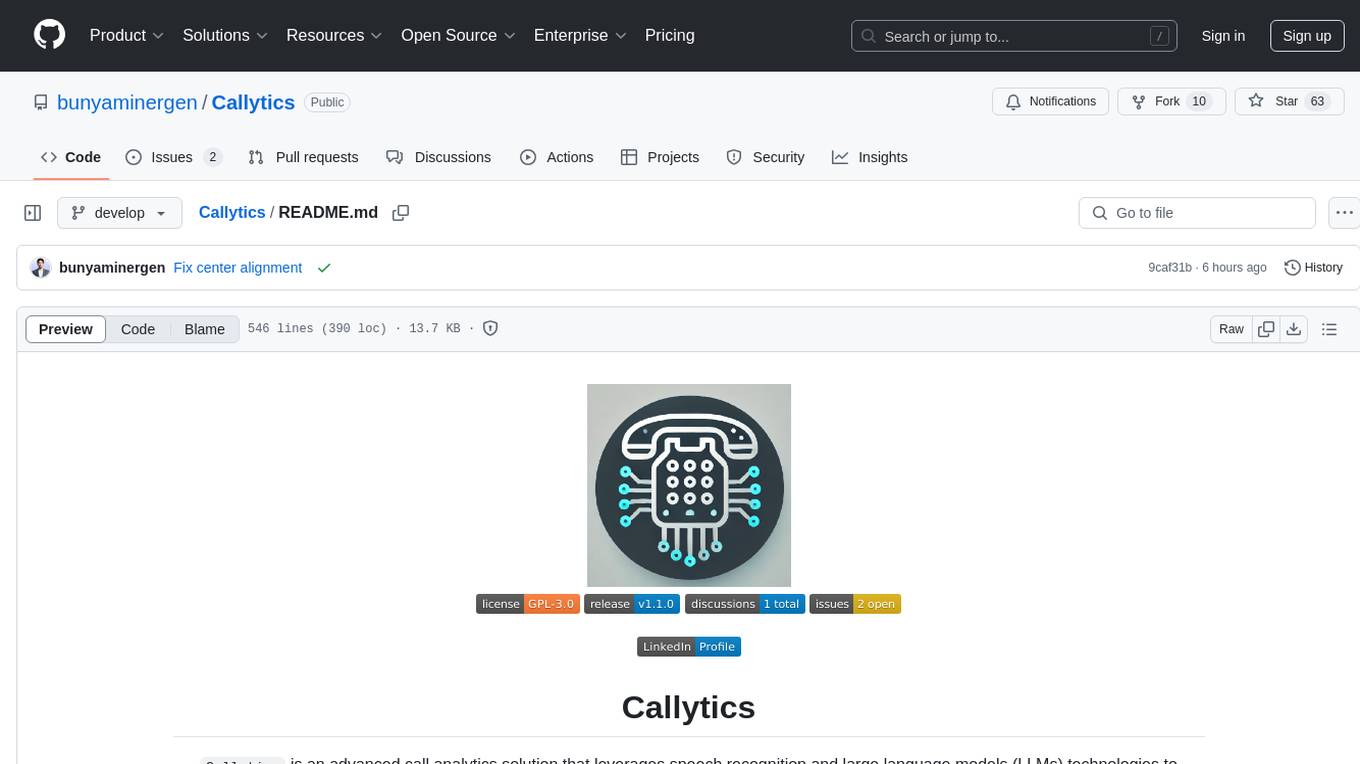
Callytics
Callytics is an advanced call analytics solution that leverages speech recognition and large language models (LLMs) technologies to analyze phone conversations from customer service and call centers. By processing both the audio and text of each call, it provides insights such as sentiment analysis, topic detection, conflict detection, profanity word detection, and summary. These cutting-edge techniques help businesses optimize customer interactions, identify areas for improvement, and enhance overall service quality. When an audio file is placed in the .data/input directory, the entire pipeline automatically starts running, and the resulting data is inserted into the database. This is only a v1.1.0 version; many new features will be added, models will be fine-tuned or trained from scratch, and various optimization efforts will be applied.
For similar tasks
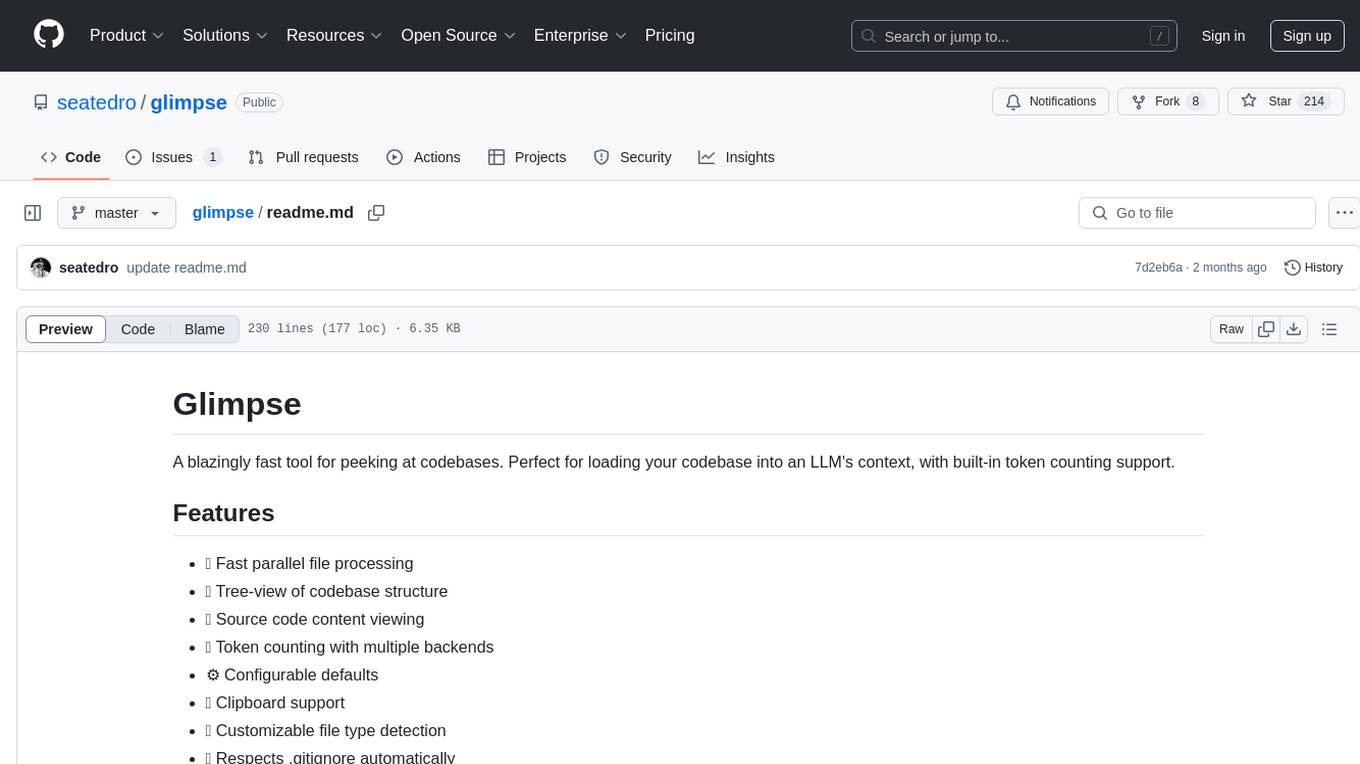
glimpse
Glimpse is a blazingly fast tool for peeking at codebases, offering features like fast parallel file processing, tree-view of codebase structure, source code content viewing, token counting with multiple backends, configurable defaults, clipboard support, customizable file type detection, .gitignore respect, web content processing with Markdown conversion, Git repository support, and URL traversal with configurable depth. It supports token counting using Tiktoken or HuggingFace tokenizer backends, helping estimate context window usage for large language models. Glimpse can process local directories, multiple files, Git repositories, web pages, and convert content to Markdown. It offers various options for customization and configuration, including file type inclusions/exclusions, token counting settings, URL processing settings, and default exclude patterns. Glimpse is suitable for developers and data scientists looking to analyze codebases, estimate token counts, and process web content efficiently.
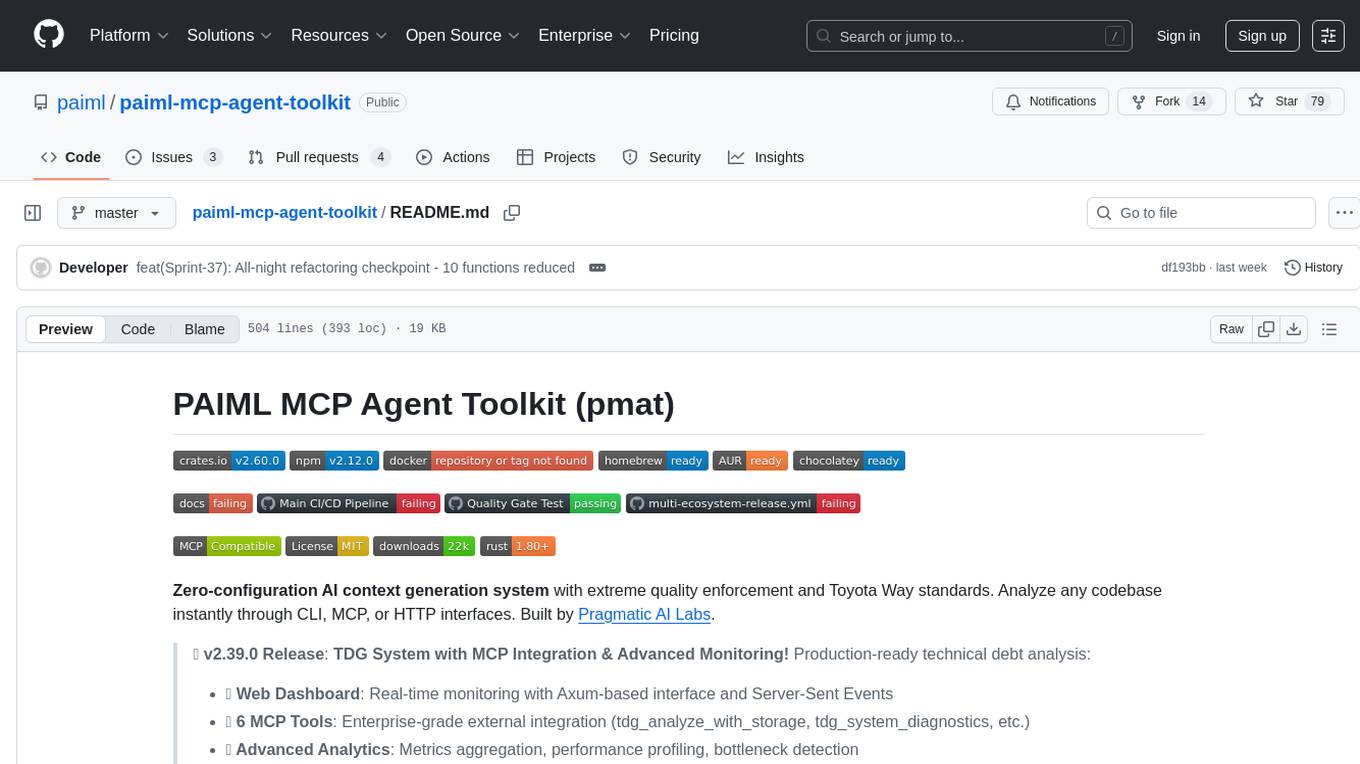
paiml-mcp-agent-toolkit
PAIML MCP Agent Toolkit (PMAT) is a zero-configuration AI context generation system with extreme quality enforcement and Toyota Way standards. It allows users to analyze any codebase instantly through CLI, MCP, or HTTP interfaces. The toolkit provides features such as technical debt analysis, advanced monitoring, metrics aggregation, performance profiling, bottleneck detection, alert system, multi-format export, storage flexibility, and more. It also offers AI-powered intelligence for smart recommendations, polyglot analysis, repository showcase, and integration points. PMAT enforces quality standards like complexity ≤20, zero SATD comments, test coverage >80%, no lint warnings, and synchronized documentation with commits. The toolkit follows Toyota Way development principles for iterative improvement, direct AST traversal, automated quality gates, and zero SATD policy.
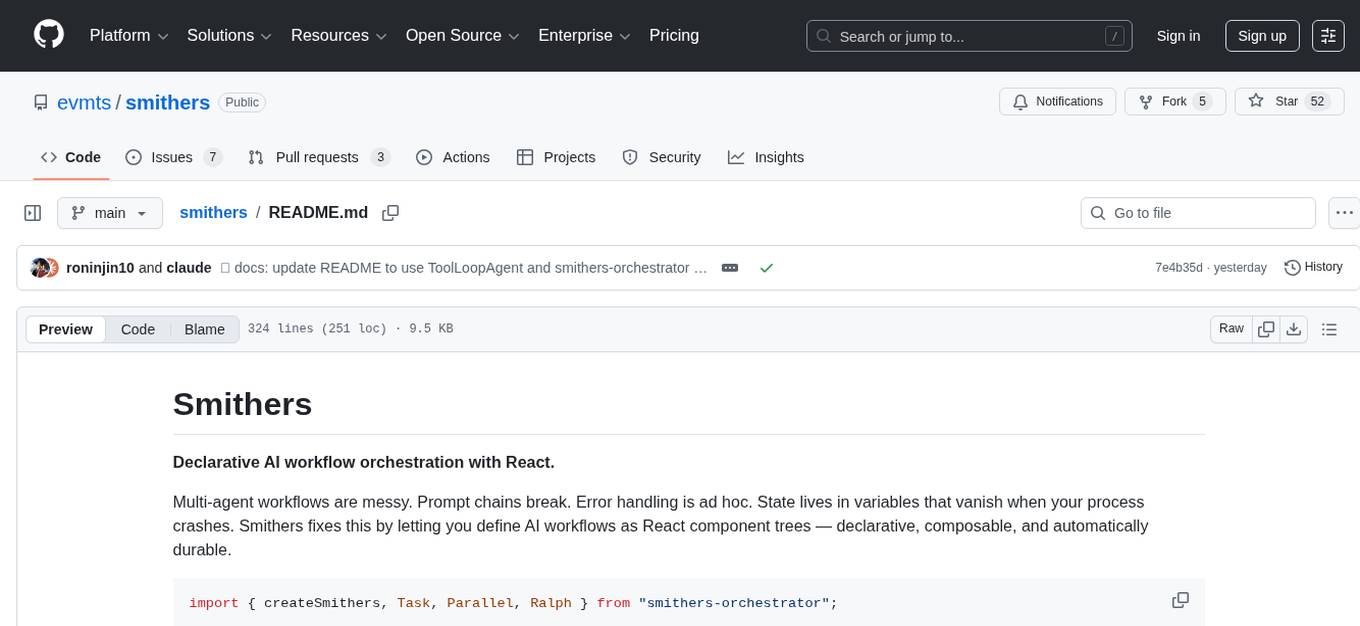
smithers
Smithers is a tool for declarative AI workflow orchestration using React components. It allows users to define complex multi-agent workflows as component trees, ensuring composability, durability, and error handling. The tool leverages React's re-rendering mechanism to persist outputs to SQLite, enabling crashed workflows to resume seamlessly. Users can define schemas for task outputs, create workflow instances, define agents, build workflow trees, and run workflows programmatically or via CLI. Smithers supports components for pipeline stages, structured output validation with Zod, MDX prompts, validation loops with Ralph, dynamic branching, and various built-in tools like read, edit, bash, grep, and write. The tool follows a clear workflow execution process involving defining, rendering, executing, re-rendering, and repeating tasks until completion, all while storing task results in SQLite for fault tolerance.
GitVizz
GitVizz is an AI-powered repository analysis tool that helps developers understand and navigate codebases quickly. It transforms complex code structures into interactive documentation, dependency graphs, and intelligent conversations. With features like interactive dependency graphs, AI-powered code conversations, advanced code visualization, and automatic documentation generation, GitVizz offers instant understanding and insights for any repository. The tool is built with modern technologies like Next.js, FastAPI, and OpenAI, making it scalable and efficient for analyzing large codebases. GitVizz also provides a standalone Python library for core code analysis and dependency graph generation, offering multi-language parsing, AST analysis, dependency graphs, visualizations, and extensibility for custom applications.
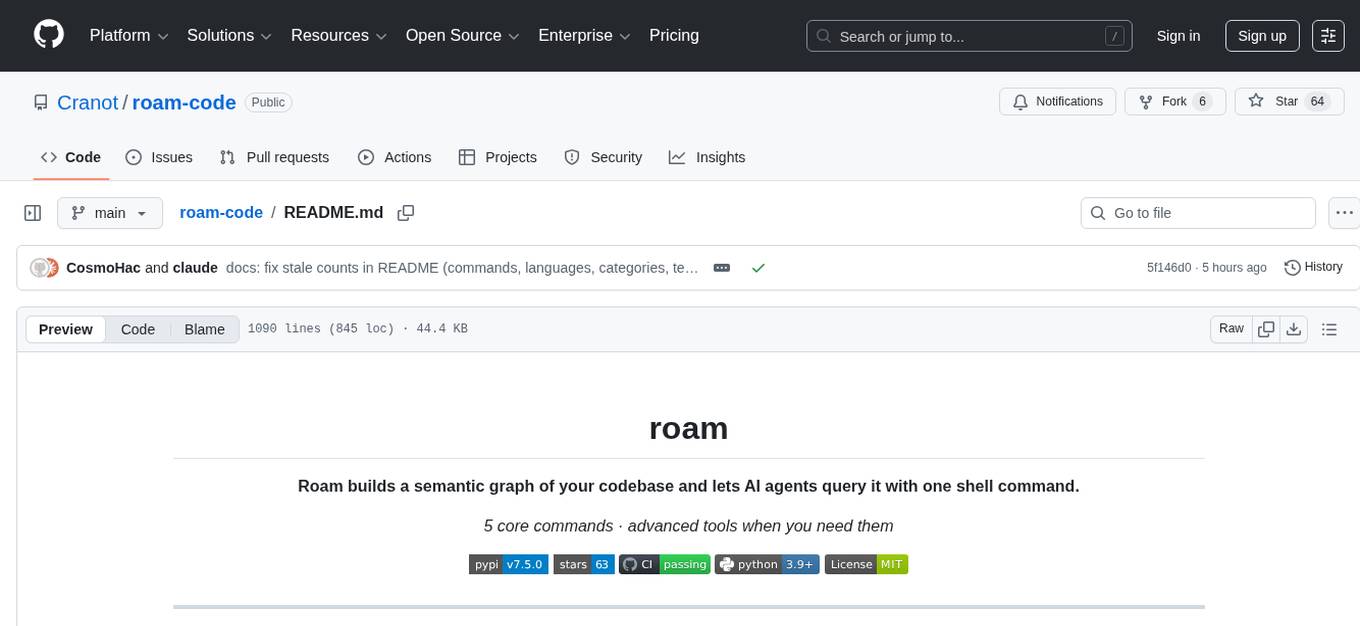
roam-code
Roam is a tool that builds a semantic graph of your codebase and allows AI agents to query it with one shell command. It pre-indexes your codebase into a semantic graph stored in a local SQLite DB, providing architecture-level graph queries offline, cross-language, and compact. Roam understands functions, modules, tests coverage, and overall architecture structure. It is best suited for agent-assisted coding, large codebases, architecture governance, safe refactoring, and multi-repo projects. Roam is not suitable for real-time type checking, dynamic/runtime analysis, small scripts, or pure text search. It offers speed, dependency-awareness, LLM-optimized output, fully local operation, and CI readiness.
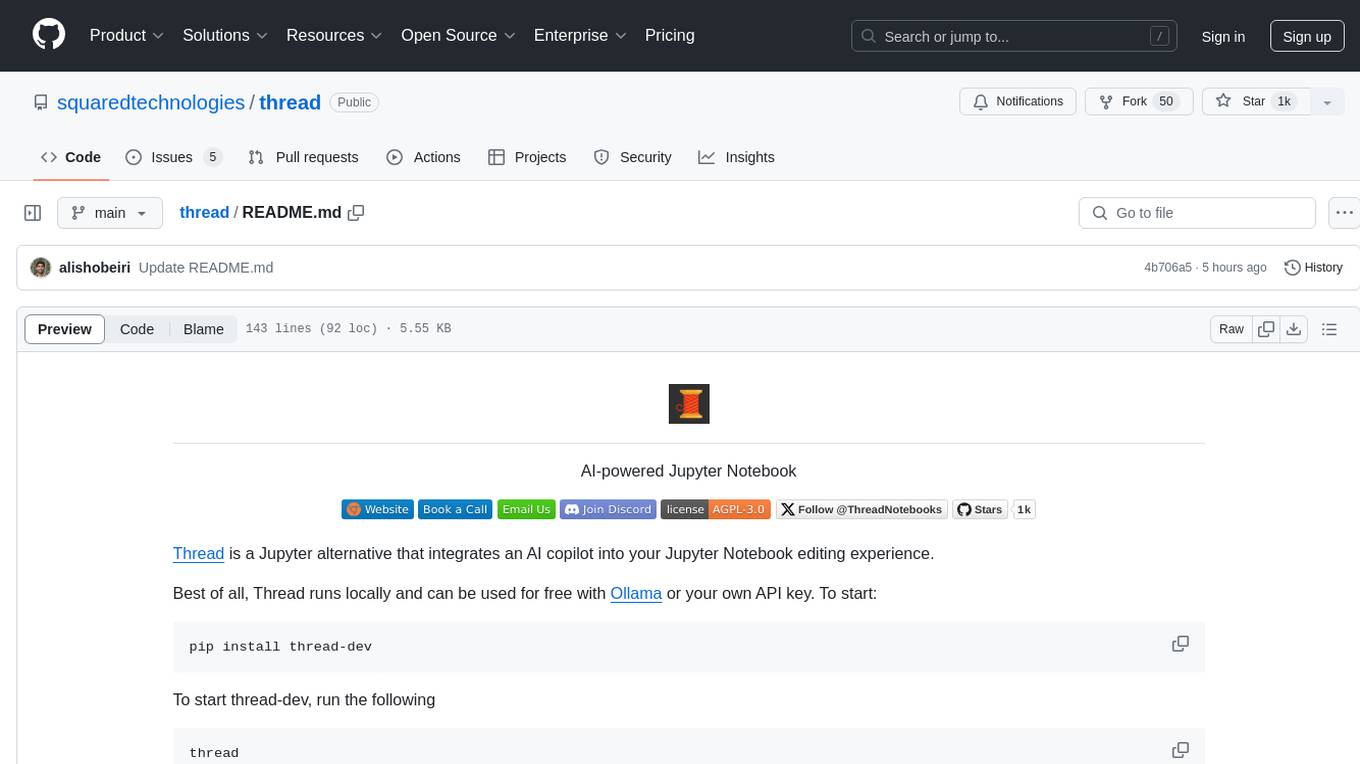
thread
Thread is an AI-powered Jupyter alternative that integrates an AI copilot into your editing experience. It offers a familiar Jupyter Notebook editing experience with features like natural language code edits, generating cells to answer questions, context-aware chat sidebar, and automatic error explanations or fixes. The tool aims to enhance code editing and data exploration by providing a more interactive and intuitive experience for users. Thread can be used for free with Ollama or your own API key, and it runs locally for convenience and privacy.
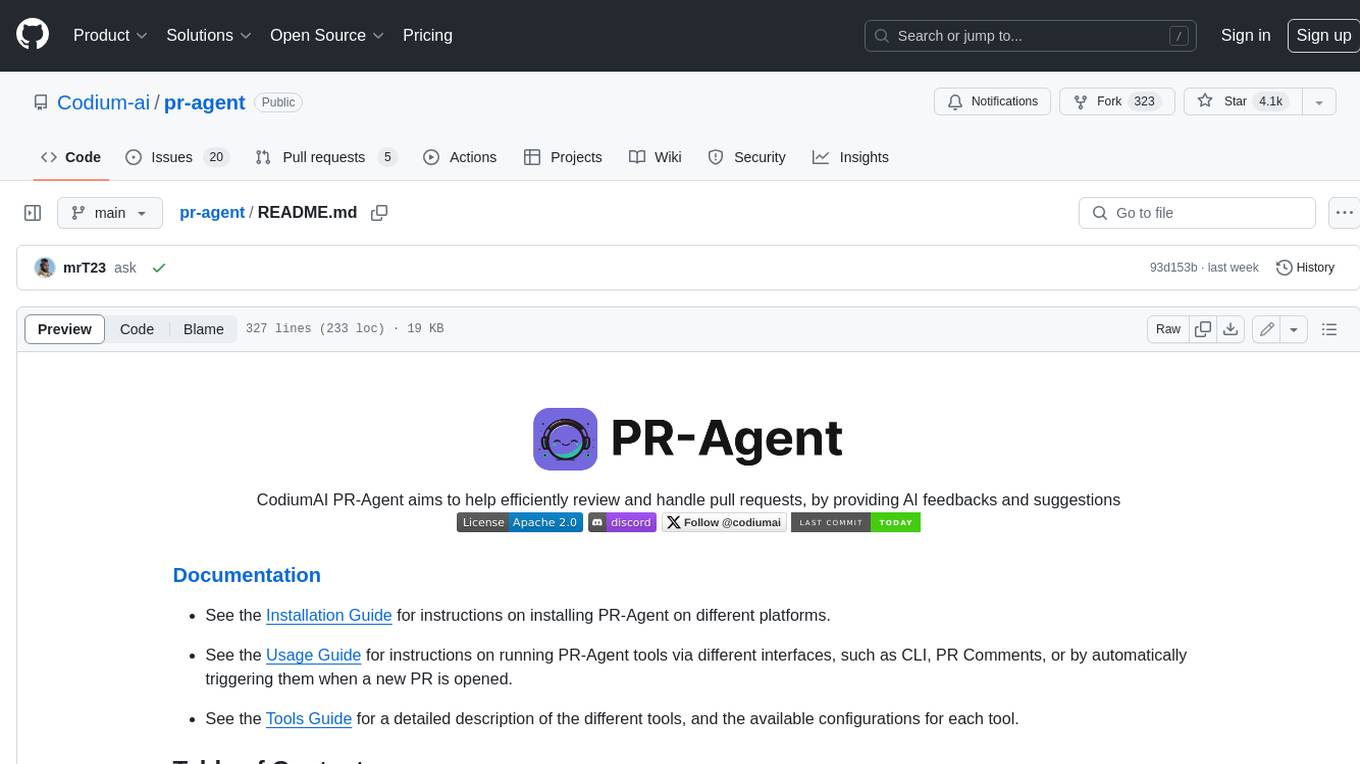
pr-agent
PR-Agent is a tool that helps to efficiently review and handle pull requests by providing AI feedbacks and suggestions. It supports various commands such as generating PR descriptions, providing code suggestions, answering questions about the PR, and updating the CHANGELOG.md file. PR-Agent can be used via CLI, GitHub Action, GitHub App, Docker, and supports multiple git providers and models. It emphasizes real-life practical usage, with each tool having a single GPT-4 call for quick and affordable responses. The PR Compression strategy enables effective handling of both short and long PRs, while the JSON prompting strategy allows for modular and customizable tools. PR-Agent Pro, the hosted version by CodiumAI, provides additional benefits such as full management, improved privacy, priority support, and extra features.
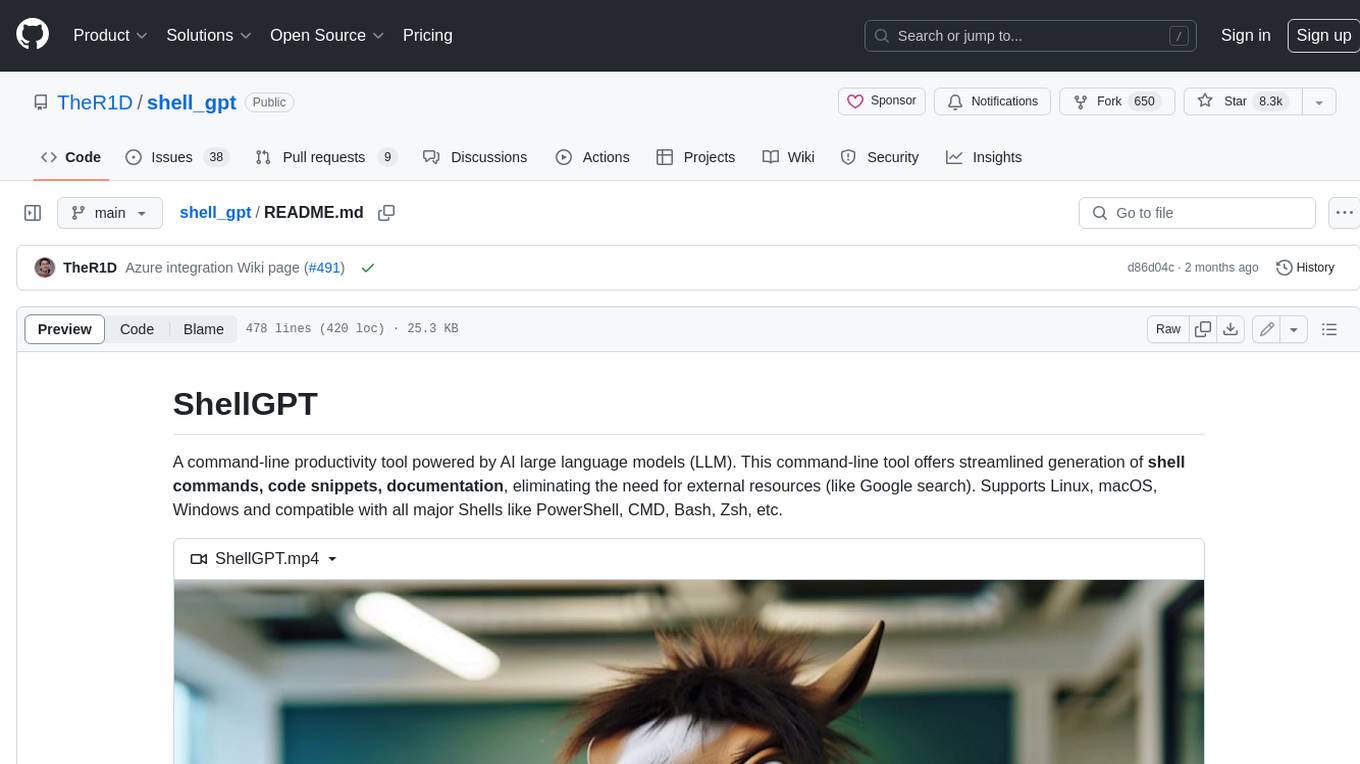
shell_gpt
ShellGPT is a command-line productivity tool powered by AI large language models (LLMs). This command-line tool offers streamlined generation of shell commands, code snippets, documentation, eliminating the need for external resources (like Google search). Supports Linux, macOS, Windows and compatible with all major Shells like PowerShell, CMD, Bash, Zsh, etc.
For similar jobs

sweep
Sweep is an AI junior developer that turns bugs and feature requests into code changes. It automatically handles developer experience improvements like adding type hints and improving test coverage.

teams-ai
The Teams AI Library is a software development kit (SDK) that helps developers create bots that can interact with Teams and Microsoft 365 applications. It is built on top of the Bot Framework SDK and simplifies the process of developing bots that interact with Teams' artificial intelligence capabilities. The SDK is available for JavaScript/TypeScript, .NET, and Python.

ai-guide
This guide is dedicated to Large Language Models (LLMs) that you can run on your home computer. It assumes your PC is a lower-end, non-gaming setup.

classifai
Supercharge WordPress Content Workflows and Engagement with Artificial Intelligence. Tap into leading cloud-based services like OpenAI, Microsoft Azure AI, Google Gemini and IBM Watson to augment your WordPress-powered websites. Publish content faster while improving SEO performance and increasing audience engagement. ClassifAI integrates Artificial Intelligence and Machine Learning technologies to lighten your workload and eliminate tedious tasks, giving you more time to create original content that matters.

chatbot-ui
Chatbot UI is an open-source AI chat app that allows users to create and deploy their own AI chatbots. It is easy to use and can be customized to fit any need. Chatbot UI is perfect for businesses, developers, and anyone who wants to create a chatbot.

BricksLLM
BricksLLM is a cloud native AI gateway written in Go. Currently, it provides native support for OpenAI, Anthropic, Azure OpenAI and vLLM. BricksLLM aims to provide enterprise level infrastructure that can power any LLM production use cases. Here are some use cases for BricksLLM: * Set LLM usage limits for users on different pricing tiers * Track LLM usage on a per user and per organization basis * Block or redact requests containing PIIs * Improve LLM reliability with failovers, retries and caching * Distribute API keys with rate limits and cost limits for internal development/production use cases * Distribute API keys with rate limits and cost limits for students

uAgents
uAgents is a Python library developed by Fetch.ai that allows for the creation of autonomous AI agents. These agents can perform various tasks on a schedule or take action on various events. uAgents are easy to create and manage, and they are connected to a fast-growing network of other uAgents. They are also secure, with cryptographically secured messages and wallets.

griptape
Griptape is a modular Python framework for building AI-powered applications that securely connect to your enterprise data and APIs. It offers developers the ability to maintain control and flexibility at every step. Griptape's core components include Structures (Agents, Pipelines, and Workflows), Tasks, Tools, Memory (Conversation Memory, Task Memory, and Meta Memory), Drivers (Prompt and Embedding Drivers, Vector Store Drivers, Image Generation Drivers, Image Query Drivers, SQL Drivers, Web Scraper Drivers, and Conversation Memory Drivers), Engines (Query Engines, Extraction Engines, Summary Engines, Image Generation Engines, and Image Query Engines), and additional components (Rulesets, Loaders, Artifacts, Chunkers, and Tokenizers). Griptape enables developers to create AI-powered applications with ease and efficiency.