


thepopebot
The Pope Bot is an autonomous AI agent that you can configure and build to do just about anything you want, all day, everyday, 24/7.
Stars: 184
thepopebot is a self-evolving agent that operates through git commits, utilizing free cloud computing time from GitHub accounts. It modifies its own code through pull requests, ensuring auditability and reversibility. Users interact with the bot via web chat or Telegram, creating job branches that trigger Docker containers to perform tasks and open pull requests. Auto-merge handles the completion process, providing notifications upon task completion.
README:
The repository IS the agent — Every action your agent takes is a git commit. You can see exactly what it did, when, and why. If it screws up, revert it. Want to clone your agent? Fork the repo — code, personality, scheduled jobs, full history, all of it goes with your fork.
Free compute, built in — Every GitHub account comes with free cloud computing time. thepopebot uses that to run your agent. One task or a hundred in parallel — the compute is already included.
Self-evolving — The agent modifies its own code through pull requests. Every change is auditable, every change is reversible. You stay in control.
┌──────────────────────────────────────────────────────────────────────┐
│                                                                      │
│  ┌─────────────────┐         ┌─────────────────┐                     │
│  │  Event Handler  │ ──1──►  │     GitHub      │                     │
│  │  (creates job)  │         │ (job/* branch)  │                     │
│  └────────▲────────┘         └────────┬────────┘                     │
│           │                           │                              │
│           │                           2 (triggers run-job.yml)       │
│           │                           │                              │
│           │                           ▼                              │
│           │                  ┌─────────────────┐                     │
│           │                  │  Docker Agent   │                     │
│           │                  │  (runs Pi, PRs) │                     │
│           │                  └────────┬────────┘                     │
│           │                           │                              │
│           │                           3 (creates PR)                 │
│           │                           │                              │
│           │                           ▼                              │
│           │                  ┌─────────────────┐                     │
│           │                  │     GitHub      │                     │
│           │                  │   (PR opened)   │                     │
│           │                  └────────┬────────┘                     │
│           │                           │                              │
│           │                           4a (auto-merge.yml)            │
│           │                           4b (rebuild-event-handler.yml) │
│           │                           │                              │
│           5 (notify-pr-complete.yml / │                              │
│           │  notify-job-failed.yml)   │                              │
│           └───────────────────────────┘                              │
│                                                                      │
└──────────────────────────────────────────────────────────────────────┘
You interact with your bot via the web chat interface or Telegram (optional). The Event Handler creates a job branch. GitHub Actions spins up a Docker container with the Pi coding agent. The agent does the work, commits the results, and opens a PR. Auto-merge handles the rest. You get a notification when it's done.
| Requirement | Install |
|---|---|
| Node.js 18+ | nodejs.org |
| npm | Included with Node.js |
| Git | git-scm.com |
| GitHub CLI | cli.github.com |
| Docker + Docker Compose | docker.com |
| ngrok* | ngrok.com |
*ngrok is only required for local installs without port forwarding. VPS/cloud deployments don't need it.
Step 1 — Scaffold a new project:
mkdir my-agent && cd my-agent
npx thepopebot@latest init
This creates a Next.js project with configuration files, GitHub Actions workflows, and agent templates. You don't need to create a GitHub repo first — the setup wizard handles that.
Step 2 — Run the setup wizard:
npm run setupThe wizard walks you through everything:
- Checks prerequisites (Node.js, Git, GitHub CLI)
- Creates a GitHub repository and pushes your initial commit
- Creates a GitHub Personal Access Token (scoped to your repo)
- Collects API keys (Anthropic required; OpenAI, Brave optional)
- Sets GitHub repository secrets and variables
- Generates
.env - Builds the project
Step 3 — Start your agent:
docker compose up -d- Web Chat: Visit your APP_URL to chat with your agent, create jobs, upload files
-
Telegram (optional): Run
npm run setup-telegramto connect a Telegram bot -
Webhook: Send a POST to
/api/create-jobwith your API key to create jobs programmatically -
Cron: Edit
config/CRONS.jsonto schedule recurring jobs
Local installs: Your server needs to be reachable from the internet for GitHub webhooks and Telegram. On a VPS/cloud server, your APP_URL is just your domain. For local development, use ngrok (
ngrok http 80) or port forwarding to expose your machine. If your ngrok URL changes, update APP_URL in.envand the GitHub repository variable, and re-runnpm run setup-telegramif Telegram is configured.
1. Update the package
npm install thepopebot@latest2. Scaffold and update templates
npx thepopebot initFor most people, that's it — init handles everything. It updates your project files, runs npm install, and updates THEPOPEBOT_VERSION in your local .env. See Understanding init below for details on what this updates and how to handle custom changes.
3. Rebuild for local dev
npm run build4. Commit and push
git add -A && git commit -m "upgrade thepopebot to vX.X.X"
git push
Pushing to main triggers the rebuild-event-handler.yml workflow on your server. It detects the version change, runs thepopebot init, updates THEPOPEBOT_VERSION in the server's .env, pulls the new Docker image, restarts the container, rebuilds .next, and reloads PM2 — no manual docker compose needed.
Upgrade failed? See Recovering from a Failed Upgrade.
When you ran thepopebot init the first time, it scaffolded a project folder with two kinds of files:
Your files — These are yours to customize. init will never overwrite them:
| Files | What they do |
|---|---|
config/SOUL.md, EVENT_HANDLER.md, AGENT.md, etc. |
Your agent's personality, behavior, and prompts |
config/CRONS.json, TRIGGERS.json
|
Your scheduled jobs and webhook triggers |
app/ |
Next.js pages and UI components |
docker/job/ |
The Dockerfile for your agent's job container |
Managed files — These are infrastructure files that need to stay in sync with the package version. init auto-updates them for you:
| Files | What they do |
|---|---|
.github/workflows/ |
GitHub Actions that run jobs, auto-merge PRs, rebuild on deploy |
docker-compose.yml |
Defines how your containers run together (Traefik, event handler, runner) |
docker/event-handler/ |
The Dockerfile for the event handler container |
.dockerignore |
Keeps unnecessary files out of Docker builds |
- Managed files are updated automatically to match the new package version
-
Your files are left alone — but if the package ships new defaults (e.g., a new field in
CRONS.json),initlets you know:
Updated templates available:
These files differ from the current package templates.

  config/CRONS.json

To view differences:  npx thepopebot diff <file>
To reset to default:  npx thepopebot reset <file>
You can review at your own pace:
npx thepopebot diff config/CRONS.json    # see what changed
npx thepopebot reset config/CRONS.json   # accept the new template
If you've made custom changes to managed files (e.g., added extra steps to a GitHub Actions workflow), use --no-managed so init doesn't overwrite your changes:
npx thepopebot init --no-managedAll commands are run via npx thepopebot <command> (or the npm run shortcuts where noted).
Project setup:
| Command | Description |
|---|---|
init |
Scaffold a new project, or update templates in an existing one |
setup |
Run the full interactive setup wizard (npm run setup) |
setup-telegram |
Reconfigure the Telegram webhook (npm run setup-telegram) |
reset-auth |
Regenerate AUTH_SECRET, invalidating all sessions |
Templates:
| Command | Description |
|---|---|
diff [file] |
List files that differ from package templates, or diff a specific file |
reset [file] |
List all template files, or restore a specific one to package default |
Secrets & variables:
These commands set individual GitHub repository secrets/variables using the gh CLI. They read GH_OWNER and GH_REPO from your .env. If VALUE is omitted, you'll be prompted with masked input (keeps secrets out of shell history).
| Command | Description |
|---|---|
set-agent-secret KEY [VALUE] |
Set AGENT_<KEY> GitHub secret and update .env
|
set-agent-llm-secret KEY [VALUE] |
Set AGENT_LLM_<KEY> GitHub secret |
set-var KEY [VALUE] |
Set a GitHub repository variable |
GitHub secrets use a prefix convention so the workflow can route them correctly:
-
AGENT_— Protected secrets passed to the Docker container (filtered from LLM). Example:AGENT_GH_TOKEN,AGENT_ANTHROPIC_API_KEY -
AGENT_LLM_— LLM-accessible secrets (not filtered). Example:AGENT_LLM_BRAVE_API_KEY -
No prefix — Workflow-only secrets, never passed to container. Example:
GH_WEBHOOK_SECRET
The templates/ directory contains files scaffolded into user projects by thepopebot init. Two naming conventions handle files that npm or AI tools would otherwise misinterpret:
.template suffix — Files ending in .template are scaffolded with the suffix stripped. This is used for files that npm mangles (.gitignore) or that AI tools would pick up as real project docs (CLAUDE.md).
In templates/
|
Scaffolded as |
|---|---|
.gitignore.template |
.gitignore |
CLAUDE.md.template |
CLAUDE.md |
api/CLAUDE.md.template |
api/CLAUDE.md |
CLAUDE.md exclusion — The scaffolding walker skips any file named CLAUDE.md (without the .template suffix). This is a safety net so a bare CLAUDE.md accidentally added to templates/ never gets copied into user projects where AI tools would confuse it with real project instructions.
thepopebot includes API key authentication, webhook secret validation (fail-closed), session encryption, secret filtering in the Docker agent, and auto-merge path restrictions. However, all software carries risk — thepopebot is provided as-is, and you are responsible for securing your own infrastructure. If you're running locally with a tunnel (ngrok, Cloudflare Tunnel, port forwarding), be aware that your dev server endpoints are publicly accessible with no rate limiting and no TLS on the local hop.
See docs/SECURITY.md for full details on what's exposed, the risks, and recommendations.
| Document | Description |
|---|---|
| Architecture | Two-layer design, file structure, API endpoints, GitHub Actions, Docker agent |
| Configuration | Environment variables, GitHub secrets, repo variables, ngrok, Telegram setup |
| Customization | Personality, skills, operating system files, using your bot, security details |
| Chat Integrations | Web chat, Telegram, adding new channels |
| Auto-Merge | Auto-merge controls, ALLOWED_PATHS configuration |
| Deployment | VPS setup, Docker Compose, HTTPS with Let's Encrypt |
| How to Use Pi | Guide to the Pi coding agent |
| Pre-Release | Installing beta/alpha builds, going back to stable |
| Security | Security disclaimer, local development risks |
| Upgrading | Automated upgrades, recovering from failed upgrades |
| Document | Description |
|---|---|
| NPM | Updating pi-skills, versioning, and publishing releases |
For Tasks:
Click tags to check more tools for each tasksFor Jobs:
Alternative AI tools for thepopebot
Similar Open Source Tools
thepopebot
thepopebot is a self-evolving agent that operates through git commits, utilizing free cloud computing time from GitHub accounts. It modifies its own code through pull requests, ensuring auditability and reversibility. Users interact with the bot via web chat or Telegram, creating job branches that trigger Docker containers to perform tasks and open pull requests. Auto-merge handles the completion process, providing notifications upon task completion.
nono
nono is a secure, kernel-enforced capability shell for running AI agents and any POSIX style process. It leverages OS security primitives to create an environment where unauthorized operations are structurally impossible. It provides protections against destructive commands and securely stores API keys, tokens, and secrets. The tool is agent-agnostic, works with any AI agent or process, and blocks dangerous commands by default. It follows a capability-based security model with defense-in-depth, ensuring secure execution of commands and protecting sensitive data.
multi-agent-shogun
multi-agent-shogun is a system that runs multiple AI coding CLI instances simultaneously, orchestrating them like a feudal Japanese army. It supports Claude Code, OpenAI Codex, GitHub Copilot, and Kimi Code. The system allows you to command your AI army with zero coordination cost, enabling parallel execution, non-blocking workflow, cross-session memory, event-driven communication, and full transparency. It also features skills discovery, phone notifications, pane border task display, shout mode, and multi-CLI support.
Antigravity-Workflow-System
Antigravity Workflow System is a structured workflow framework for Agentic AI assistants, addressing core pain points of the Vibe Coding era. It enforces architecture design first, tackles issues like architecture drift, spaghetti code, context amnesia, and lack of planning. The system includes workflows like `/genesis`, `/scout`, `/design-system`, `/challenge`, `/blueprint`, `/forge`, `/change`, `/explore`, and `/craft`, emphasizing versioned architecture, deep thinking first, and filesystem as memory. It requires the Antigravity environment with `.agent/workflows/` support and Sequential Thinking MCP Server for deep reasoning. Users can invoke workflows using the Slash Protocol or Intent Protocol, with a defined project structure under `.agent/` directory. Contributions are encouraged, and the system is licensed under MIT.
easyclaw
EasyClaw is a desktop application that simplifies the usage of OpenClaw, a powerful agent runtime, by providing a user-friendly interface for non-programmers. Users can write rules in plain language, configure multiple LLM providers and messaging channels, manage API keys, and interact with the agent through a local web panel. The application ensures data privacy by keeping all information on the user's machine and offers features like natural language rules, multi-provider LLM support, Gemini CLI OAuth, proxy support, messaging integration, token tracking, speech-to-text, file permissions control, and more. EasyClaw aims to lower the barrier of entry for utilizing OpenClaw by providing a user-friendly cockpit for managing the engine.
mcp-ts-template
The MCP TypeScript Server Template is a production-grade framework for building powerful and scalable Model Context Protocol servers with TypeScript. It features built-in observability, declarative tooling, robust error handling, and a modular, DI-driven architecture. The template is designed to be AI-agent-friendly, providing detailed rules and guidance for developers to adhere to best practices. It enforces architectural principles like 'Logic Throws, Handler Catches' pattern, full-stack observability, declarative components, and dependency injection for decoupling. The project structure includes directories for configuration, container setup, server resources, services, storage, utilities, tests, and more. Configuration is done via environment variables, and key scripts are available for development, testing, and publishing to the MCP Registry.
agentboard
Agentboard is a Web GUI for tmux optimized for agent TUI's like claude and codex. It provides a shared workspace across devices with features such as paste support, touch scrolling, virtual arrow keys, log tracking, and session pinning. Users can interact with tmux sessions from any device through a live terminal stream. The tool allows session discovery, status inference, and terminal I/O streaming for efficient agent management.
httpjail
httpjail is a cross-platform tool designed for monitoring and restricting HTTP/HTTPS requests from processes using network isolation and transparent proxy interception. It provides process-level network isolation, HTTP/HTTPS interception with TLS certificate injection, script-based and JavaScript evaluation for custom request logic, request logging, default deny behavior, and zero-configuration setup. The tool operates on Linux and macOS, creating an isolated network environment for target processes and intercepting all HTTP/HTTPS traffic through a transparent proxy enforcing user-defined rules.
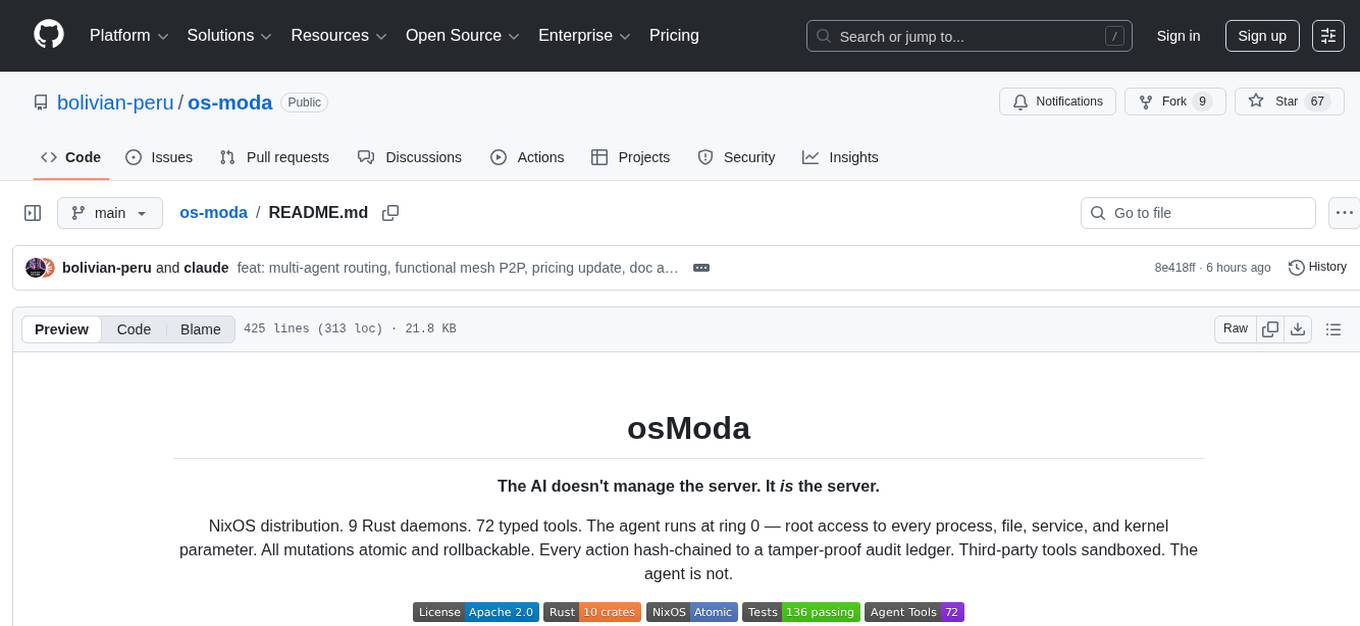
os-moda
osModa is a NixOS distribution with 9 Rust daemons and 72 typed tools, providing structured access to the entire OS without shell parsing. Every mutation is hash-chained, enabling atomic system state rollbacks. The agent runs at ring 0 with root access, ensuring tamper-proof audit logging. Third-party tools are sandboxed, while the agent is not. It offers structured system access, hash-chained audit ledger, FTS5 full-text memory search, ETH + SOL crypto signing, SafeSwitch deploys with auto-rollback, P2P encrypted mesh with hybrid post-quantum crypto, local voice, MCP server management, system learning and self-optimization, service discovery, emergency safety commands, Cloudflare Tunnel + Tailscale remote access, app process management with systemd-run, and 72 bridge tools.
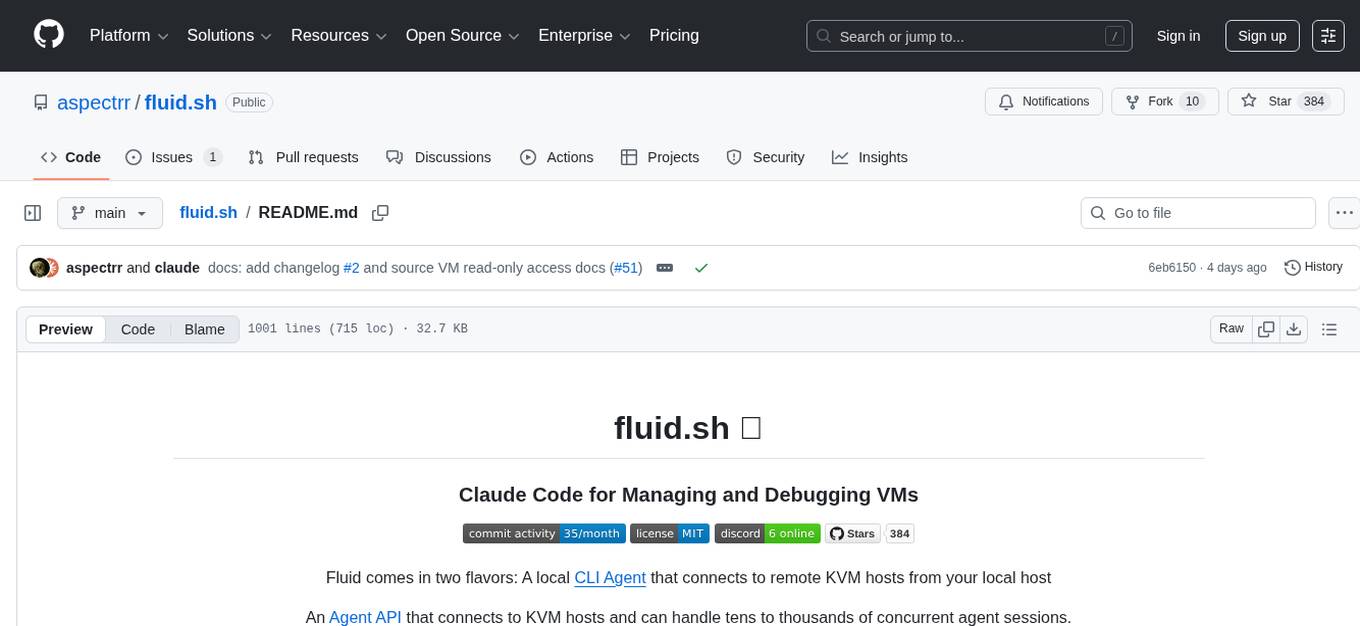
fluid.sh
fluid.sh is a tool designed to manage and debug VMs using AI agents in isolated environments before applying changes to production. It provides a workflow where AI agents work autonomously in sandbox VMs, and human approval is required before any changes are made to production. The tool offers features like autonomous execution, full VM isolation, human-in-the-loop approval workflow, Ansible export, and a Python SDK for building autonomous agents.
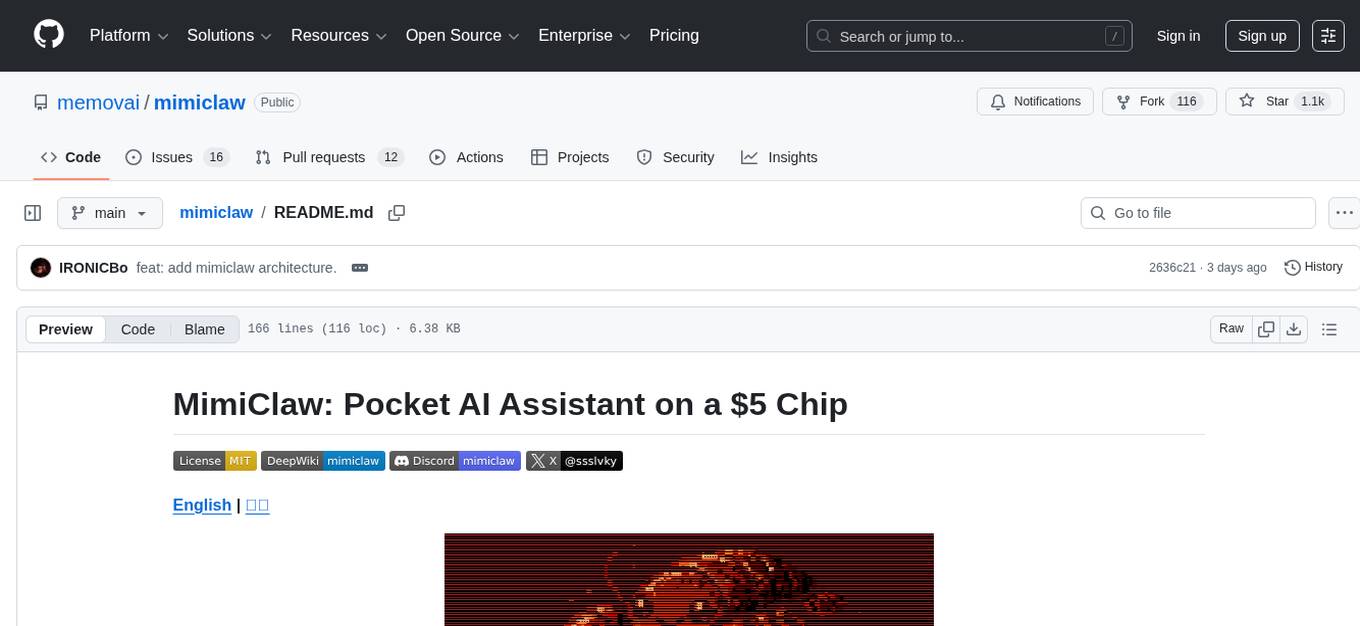
mimiclaw
MimiClaw is a pocket AI assistant that runs on a $5 chip, specifically designed for the ESP32-S3 board. It operates without Linux or Node.js, using pure C language. Users can interact with MimiClaw through Telegram, enabling it to handle various tasks and learn from local memory. The tool is energy-efficient, running on USB power 24/7. With MimiClaw, users can have a personal AI assistant on a chip the size of a thumb, making it convenient and accessible for everyday use.
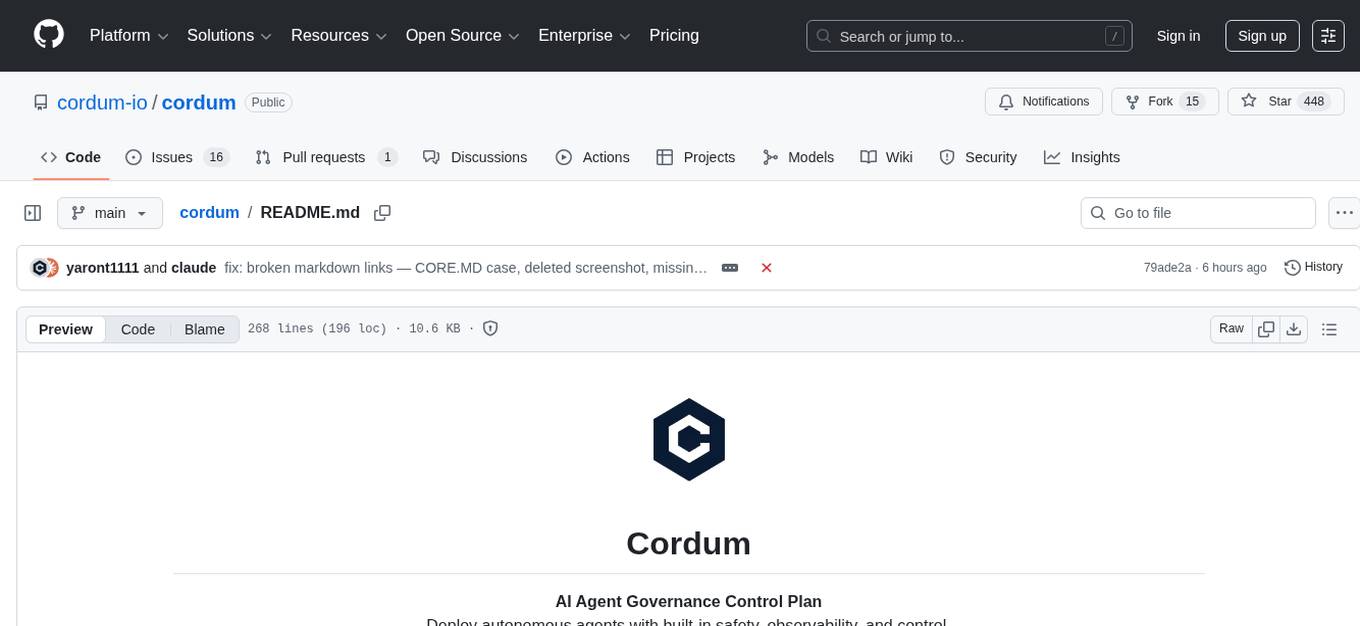
cordum
Cordum is a control plane for AI agents designed to close the Trust Gap by providing safety, observability, and control features. It allows teams to deploy autonomous agents with built-in governance mechanisms, including safety policies, workflow orchestration, job routing, observability, and human-in-the-loop approvals. The tool aims to address the challenges of deploying AI agents in production by offering visibility, safety rails, audit trails, and approval mechanisms for sensitive operations.
lihil
Lihil is a performant, productive, and professional web framework designed to make Python the mainstream programming language for web development. It is 100% test covered and strictly typed, offering fast performance, ergonomic API, and built-in solutions for common problems. Lihil is suitable for enterprise web development, delivering robust and scalable solutions with best practices in microservice architecture and related patterns. It features dependency injection, OpenAPI docs generation, error response generation, data validation, message system, testability, and strong support for AI features. Lihil is ASGI compatible and uses starlette as its ASGI toolkit, ensuring compatibility with starlette classes and middlewares. The framework follows semantic versioning and has a roadmap for future enhancements and features.
Archon
Archon is an AI meta-agent designed to autonomously build, refine, and optimize other AI agents. It serves as a practical tool for developers and an educational framework showcasing the evolution of agentic systems. Through iterative development, Archon demonstrates the power of planning, feedback loops, and domain-specific knowledge in creating robust AI agents.
frankenterm
A swarm-native terminal platform designed to replace legacy terminal workflows for massive AI agent orchestration. `ft` is a full terminal platform for agent swarms with first-class observability, deterministic eventing, policy-gated automation, and machine-native control surfaces. It offers perfect observability, intelligent detection, event-driven automation, Robot Mode API, lexical + hybrid search, and a policy engine for safe multi-agent control. The platform is actively expanding with concepts learned from Ghostty and Zellij, purpose-built subsystems for agent swarms, and integrations from other projects like `/dp/asupersync`, `/dp/frankensqlite`, and `/frankentui`.
For similar tasks
thepopebot
thepopebot is a self-evolving agent that operates through git commits, utilizing free cloud computing time from GitHub accounts. It modifies its own code through pull requests, ensuring auditability and reversibility. Users interact with the bot via web chat or Telegram, creating job branches that trigger Docker containers to perform tasks and open pull requests. Auto-merge handles the completion process, providing notifications upon task completion.
aiomultiprocess
aiomultiprocess is a Python library that combines AsyncIO and multiprocessing to achieve high levels of concurrency in Python applications. It allows running a full AsyncIO event loop on each child process, enabling multiple coroutines to execute simultaneously. The library provides a simple interface for executing asynchronous tasks on a pool of worker processes, making it easy to gather large amounts of network requests quickly. aiomultiprocess is designed to take Python codebases to the next level of performance by leveraging the combined power of AsyncIO and multiprocessing.
promptwright
Promptwright is a Python library designed for generating large synthetic datasets using a local LLM and various LLM service providers. It offers flexible interfaces for generating prompt-led synthetic datasets. The library supports multiple providers, configurable instructions and prompts, YAML configuration for tasks, command line interface for running tasks, push to Hugging Face Hub for dataset upload, and system message control. Users can define generation tasks using YAML configuration or Python code. Promptwright integrates with LiteLLM to interface with LLM providers and supports automatic dataset upload to Hugging Face Hub.
FoR
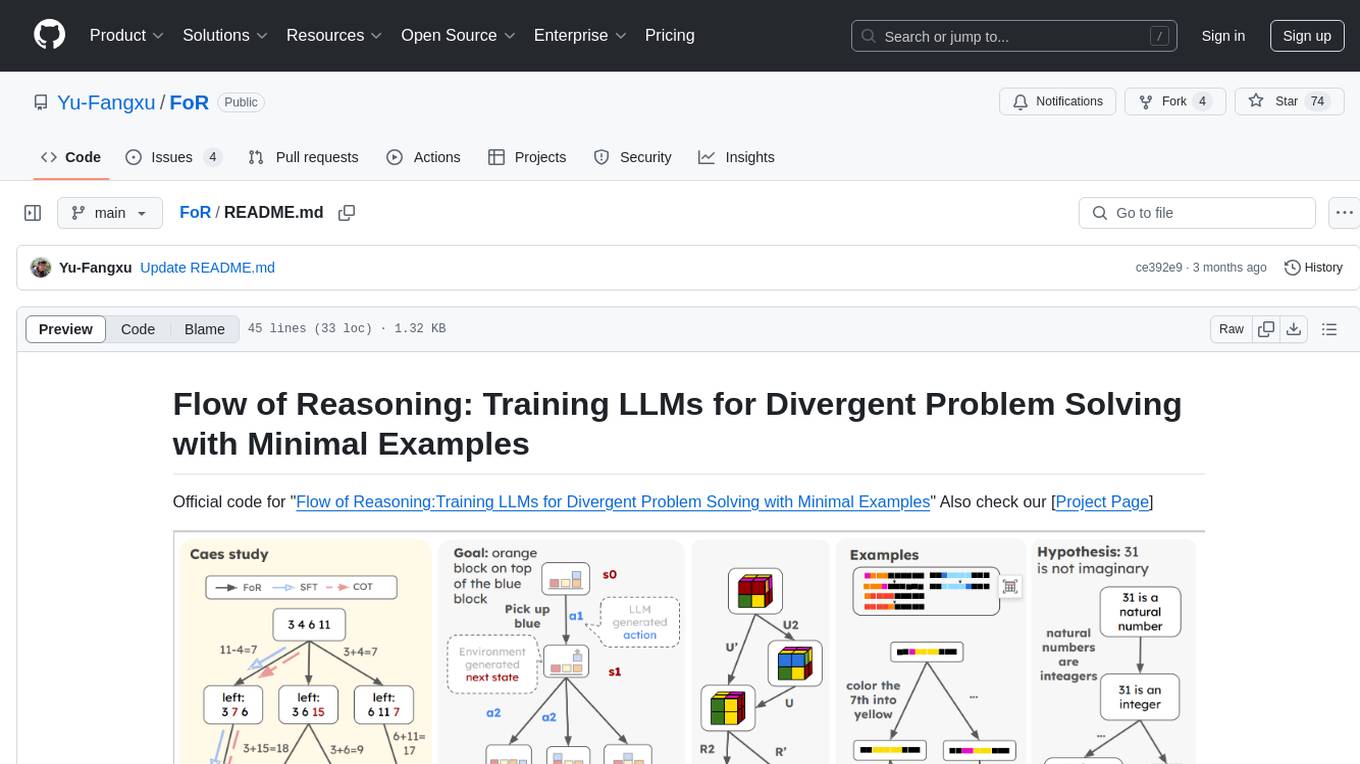
FoR is the official code repository for the 'Flow of Reasoning: Training LLMs for Divergent Problem Solving with Minimal Examples' project. It formulates multi-step reasoning tasks as a flow, involving designing reward functions, collecting trajectories, and training LLM policies with trajectory balance loss. The code provides tools for training and inference in a reproducible experiment environment using conda. Users can choose from 5 tasks to run, each with detailed instructions in the respective branches.
llmariner
LLMariner is an extensible open source platform built on Kubernetes to simplify the management of generative AI workloads. It enables efficient handling of training and inference data within clusters, with OpenAI-compatible APIs for seamless integration with a wide range of AI-driven applications.
mindcraft
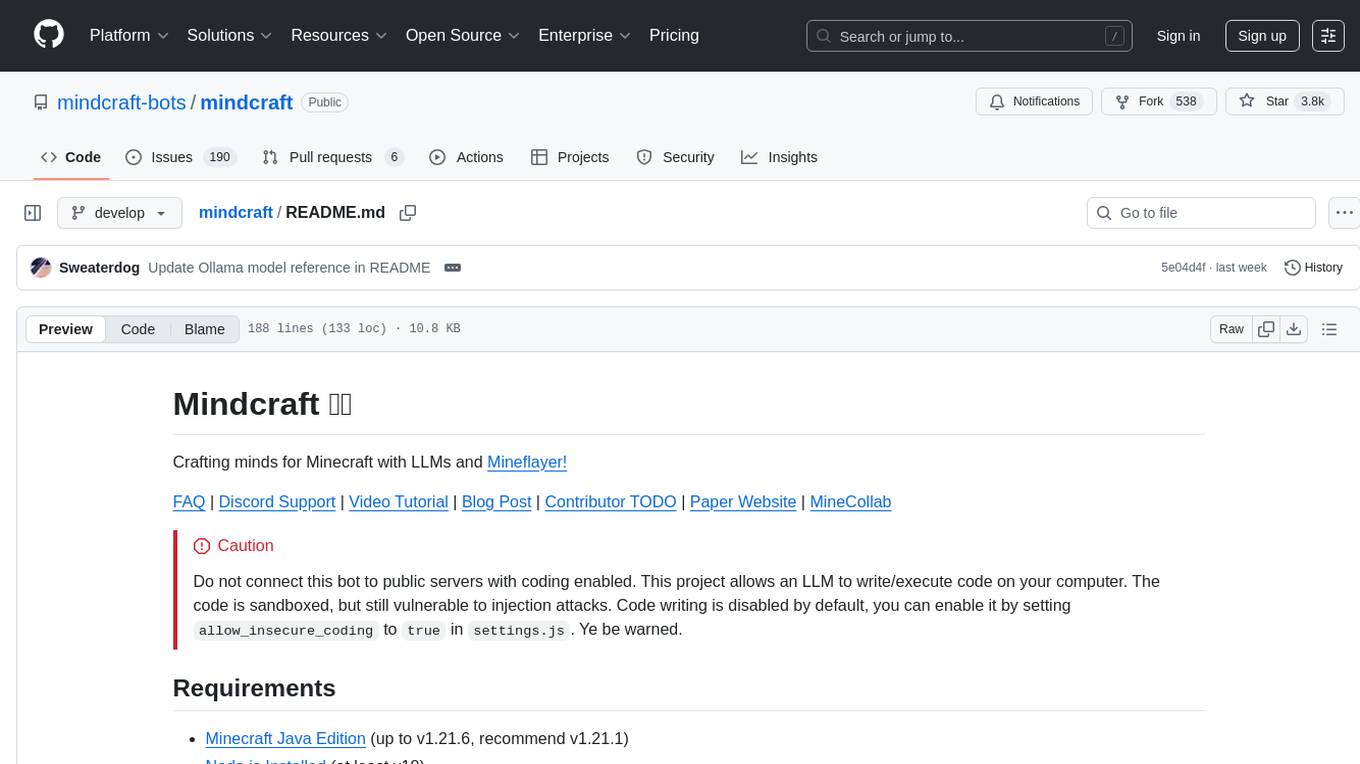
Mindcraft is a project that crafts minds for Minecraft using Large Language Models (LLMs) and Mineflayer. It allows an LLM to write and execute code on your computer, with code sandboxed but still vulnerable to injection attacks. The project requires Minecraft Java Edition, Node.js, and one of several API keys. Users can run tasks to acquire specific items or construct buildings, customize project details in settings.js, and connect to online servers with a Microsoft/Minecraft account. The project also supports Docker container deployment for running in a secure environment.
For similar jobs

sweep
Sweep is an AI junior developer that turns bugs and feature requests into code changes. It automatically handles developer experience improvements like adding type hints and improving test coverage.

teams-ai
The Teams AI Library is a software development kit (SDK) that helps developers create bots that can interact with Teams and Microsoft 365 applications. It is built on top of the Bot Framework SDK and simplifies the process of developing bots that interact with Teams' artificial intelligence capabilities. The SDK is available for JavaScript/TypeScript, .NET, and Python.

ai-guide
This guide is dedicated to Large Language Models (LLMs) that you can run on your home computer. It assumes your PC is a lower-end, non-gaming setup.

classifai
Supercharge WordPress Content Workflows and Engagement with Artificial Intelligence. Tap into leading cloud-based services like OpenAI, Microsoft Azure AI, Google Gemini and IBM Watson to augment your WordPress-powered websites. Publish content faster while improving SEO performance and increasing audience engagement. ClassifAI integrates Artificial Intelligence and Machine Learning technologies to lighten your workload and eliminate tedious tasks, giving you more time to create original content that matters.

chatbot-ui
Chatbot UI is an open-source AI chat app that allows users to create and deploy their own AI chatbots. It is easy to use and can be customized to fit any need. Chatbot UI is perfect for businesses, developers, and anyone who wants to create a chatbot.

BricksLLM
BricksLLM is a cloud native AI gateway written in Go. Currently, it provides native support for OpenAI, Anthropic, Azure OpenAI and vLLM. BricksLLM aims to provide enterprise level infrastructure that can power any LLM production use cases. Here are some use cases for BricksLLM: * Set LLM usage limits for users on different pricing tiers * Track LLM usage on a per user and per organization basis * Block or redact requests containing PIIs * Improve LLM reliability with failovers, retries and caching * Distribute API keys with rate limits and cost limits for internal development/production use cases * Distribute API keys with rate limits and cost limits for students

uAgents
uAgents is a Python library developed by Fetch.ai that allows for the creation of autonomous AI agents. These agents can perform various tasks on a schedule or take action on various events. uAgents are easy to create and manage, and they are connected to a fast-growing network of other uAgents. They are also secure, with cryptographically secured messages and wallets.

griptape
Griptape is a modular Python framework for building AI-powered applications that securely connect to your enterprise data and APIs. It offers developers the ability to maintain control and flexibility at every step. Griptape's core components include Structures (Agents, Pipelines, and Workflows), Tasks, Tools, Memory (Conversation Memory, Task Memory, and Meta Memory), Drivers (Prompt and Embedding Drivers, Vector Store Drivers, Image Generation Drivers, Image Query Drivers, SQL Drivers, Web Scraper Drivers, and Conversation Memory Drivers), Engines (Query Engines, Extraction Engines, Summary Engines, Image Generation Engines, and Image Query Engines), and additional components (Rulesets, Loaders, Artifacts, Chunkers, and Tokenizers). Griptape enables developers to create AI-powered applications with ease and efficiency.