


simili-bot
AI-powered GitHub issue intelligence - semantic duplicate detection, cross-repo search, and intelligent issue routing
Stars: 132
Simili Bot is an AI-powered tool designed for GitHub repositories to automatically detect duplicate issues, find similar issues using semantic search, and intelligently route issues across repositories. It offers features such as semantic duplicate detection, cross-repository search, intelligent routing, smart triage, modular pipeline customization, and multi-repo support. The tool follows a 'Lego with Blueprints' architecture, with Lego Blocks representing independent pipeline steps and Blueprints providing pre-defined workflows. Users can configure AI providers like Gemini and OpenAI, set default models for embeddings, and specify workflows in a 'simili.yaml' file. Simili Bot also offers CLI commands for bulk indexing, processing single issues, and batch operations, enabling local development, testing, and analysis of historical data.
README:

AI-Powered GitHub Issue Intelligence.




Automatically detect duplicate issues, find similar issues with semantic search, and intelligently route issues across repositories.
- Semantic Duplicate Detection — Find related issues using AI-powered embeddings, not just keyword matching.
- Cross-Repository Search — Search for similar issues across your organization.
- Intelligent Routing — Automatically transfer issues to the correct repository based on content.
- Smart Triage — AI-powered labeling and quality assessment.
- Modular Pipeline — Customize workflows with plug-and-play steps.
- Multi-Repo Support — Central configuration with per-repo overrides.
Simili uses a "Lego with Blueprints" architecture:
- Lego Blocks: Independent, reusable pipeline steps (Gatekeeper, Similarity, Triage, etc.).
- Blueprints: Pre-defined workflows for common use cases.
- State Branch: Git-based state management using an orphan branch (no comment scanning).
┌─────────────┐    ┌─────────────┐    ┌─────────────┐    ┌─────────────┐
│ Gatekeeper  │───▶│  Similarity │───▶│   Triage    │───▶│   Action    │
│   Check     │    │   Search    │    │  Analysis   │    │  Executor   │
└─────────────┘    └─────────────┘    └─────────────┘    └─────────────┘
Simili-Bot supports both Single-Repository and Organization-wide setups.
| Guide | Description |
|---|---|
| Single Repo Setup | Instructions for setting up Simili-Bot on a standalone repository. |
| Organization Setup | Best practices for deploying across an organization using Reusable Workflows. |
Simili supports both Gemini and OpenAI.
- Set at least one key:
GEMINI_API_KEYorOPENAI_API_KEY - If both keys are set, Simili uses Gemini by default (Gemini takes precedence)
- If only one key is set, Simili uses that provider
Default models:
- LLM:
gemini-2.0-flash-lite(Gemini),gpt-5.2(OpenAI) - Embeddings:
text-embedding-004(Gemini),text-embedding-3-small(OpenAI)
If you override embedding.model, keep embedding.dimensions aligned with the model:
-
text-embedding-004->768 -
gemini-embedding-001->3072 -
text-embedding-3-small->1536 -
text-embedding-3-large->3072
We provide copy-pasteable examples to get you started quickly:
- Multi-Repo Examples: Includes shared workflow, caller workflow, and central config.
- Single-Repo Examples: Standard workflow and configuration.
You can specify a workflow in your simili.yaml or define custom steps.
| Preset | Description |
|---|---|
issue-triage |
Full pipeline: similarity search, duplicate check, triage analysis, and action execution. |
similarity-only |
Runs similarity search only. Useful for "Find Similar Issues" features without auto-triage. |
index-only |
Indexes issues to the vector database without providing feedback. |
Simili provides a powerful CLI for local development, testing, and batch operations.
Bulk index issues from a GitHub repository into the vector database.
simili index --repo owner/repo --workers 5 --limit 100Flags:
-
--repo(required): Target repository (owner/name) -
--workers: Number of concurrent workers (default: 5) -
--since: Start from issue number or timestamp -
--limit: Maximum issues to index -
--dry-run: Simulate without writing to database
Process a single issue through the pipeline.
simili process --issue issue.json --workflow issue-triage --dry-runFlags:
-
--issue: Path to issue JSON file -
--workflow: Workflow preset to run (default: "issue-triage") -
--dry-run: Run without side effects -
--repo,--org,--number: Override issue fields
Process multiple issues from a JSON file in batch mode. All operations run in dry-run mode to prevent GitHub writes.
simili batch --file issues.json --format csv --out-file results.csv --workers 5Use Cases:
- Test bot logic on historical data without spamming repositories
- Generate reports showing similarity analysis and duplicate detection
- Analyze issues from repositories where you lack write access
- Bulk identify transfer recommendations and quality scores
Flags:
-
--file(required): Path to JSON file with array of issues -
--out-file: Output file path (stdout if not specified) -
--format: Output format:jsonorcsv(default:json) -
--workers: Number of concurrent workers (default: 1) -
--workflow: Workflow preset (default: "issue-triage") -
--collection: Override Qdrant collection name -
--threshold: Override similarity threshold -
--duplicate-threshold: Override duplicate confidence threshold -
--top-k: Override max similar issues to show
Input Format:
Create a JSON file with an array of issues:
[
  {
    "org": "owner",
    "repo": "repo-name",
    "number": 123,
    "title": "Issue title",
    "body": "Issue description...",
    "state": "open",
    "labels": ["bug", "high-priority"],
    "author": "username",
    "created_at": "2026-02-10T10:00:00Z"
  }
]
Output Formats:
- JSON: Full pipeline results with detailed analysis
- CSV: Flattened summary for spreadsheet analysis
Example Workflow:
# 1. Index repository issues
simili index --repo ballerina-platform/ballerina-library --workers 10

# 2. Prepare test issues in batch.json
# 3. Run batch analysis
simili batch --file batch.json --format csv --out-file analysis.csv --workers 5

# 4. Review results
cat analysis.csvMinimal .github/simili.yaml example:
qdrant:
  url: "${QDRANT_URL}"
  api_key: "${QDRANT_API_KEY}"
  collection: "my-issues"

embedding:
  provider: "gemini"
  api_key: "${GEMINI_API_KEY}"
  model: "gemini-embedding-001"

llm:
  provider: "gemini"
  api_key: "${GEMINI_API_KEY}"
  model: "gemini-2.5-flash"
  # temperature: 0.3

defaults:
  similarity_threshold: 0.65
  max_similar_to_show: 5
Notes:
-
llm.modeldefaults togemini-2.5-flashwhen omitted. -
llm.api_keycan be omitted ifGEMINI_API_KEYis set. - You can override the model at runtime with
LLM_MODEL.
# Clone the repository
git clone https://github.com/similigh/simili-bot.git
cd simili-bot

# Build
go build ./...

# Run tests
go test ./...

# Lint
go vet ./...This project is licensed under the Apache License 2.0 — see the LICENSE file for details.
Made by the Simili Team
For Tasks:
Click tags to check more tools for each tasksFor Jobs:
Alternative AI tools for simili-bot
Similar Open Source Tools
simili-bot
Simili Bot is an AI-powered tool designed for GitHub repositories to automatically detect duplicate issues, find similar issues using semantic search, and intelligently route issues across repositories. It offers features such as semantic duplicate detection, cross-repository search, intelligent routing, smart triage, modular pipeline customization, and multi-repo support. The tool follows a 'Lego with Blueprints' architecture, with Lego Blocks representing independent pipeline steps and Blueprints providing pre-defined workflows. Users can configure AI providers like Gemini and OpenAI, set default models for embeddings, and specify workflows in a 'simili.yaml' file. Simili Bot also offers CLI commands for bulk indexing, processing single issues, and batch operations, enabling local development, testing, and analysis of historical data.
kiss_ai
KISS AI is a lightweight and powerful multi-agent evolutionary framework that simplifies building AI agents. It uses native function calling for efficiency and accuracy, making building AI agents as straightforward as possible. The framework includes features like multi-agent orchestration, agent evolution and optimization, relentless coding agent for long-running tasks, output formatting, trajectory saving and visualization, GEPA for prompt optimization, KISSEvolve for algorithm discovery, self-evolving multi-agent, Docker integration, multiprocessing support, and support for various models from OpenAI, Anthropic, Gemini, Together AI, and OpenRouter.
mxcp
MXCP is an enterprise-grade MCP framework for building production-ready AI applications. It provides a structured methodology for data modeling, service design, smart implementation, quality assurance, and production operations. With built-in enterprise features like security, audit trail, type safety, testing framework, performance optimization, and drift detection, MXCP ensures comprehensive security, quality, and operations. The tool supports SQL for data queries and Python for complex logic, ML models, and integrations, allowing users to choose the right tool for each job while maintaining security and governance. MXCP's architecture includes LLM client, MXCP framework, implementations, security & policies, SQL endpoints, Python tools, type system, audit engine, validation & tests, data sources, and APIs. The tool enforces an organized project structure and offers CLI commands for initialization, quality assurance, data management, operations & monitoring, and LLM integration. MXCP is compatible with Claude Desktop, OpenAI-compatible tools, and custom integrations through the Model Context Protocol (MCP) specification. The tool is developed by RAW Labs for production data-to-AI workflows and is released under the Business Source License 1.1 (BSL), with commercial licensing required for certain production scenarios.

rlama
RLAMA is a powerful AI-driven question-answering tool that seamlessly integrates with local Ollama models. It enables users to create, manage, and interact with Retrieval-Augmented Generation (RAG) systems tailored to their documentation needs. RLAMA follows a clean architecture pattern with clear separation of concerns, focusing on lightweight and portable RAG capabilities with minimal dependencies. The tool processes documents, generates embeddings, stores RAG systems locally, and provides contextually-informed responses to user queries. Supported document formats include text, code, and various document types, with troubleshooting steps available for common issues like Ollama accessibility, text extraction problems, and relevance of answers.
WebAI-to-API
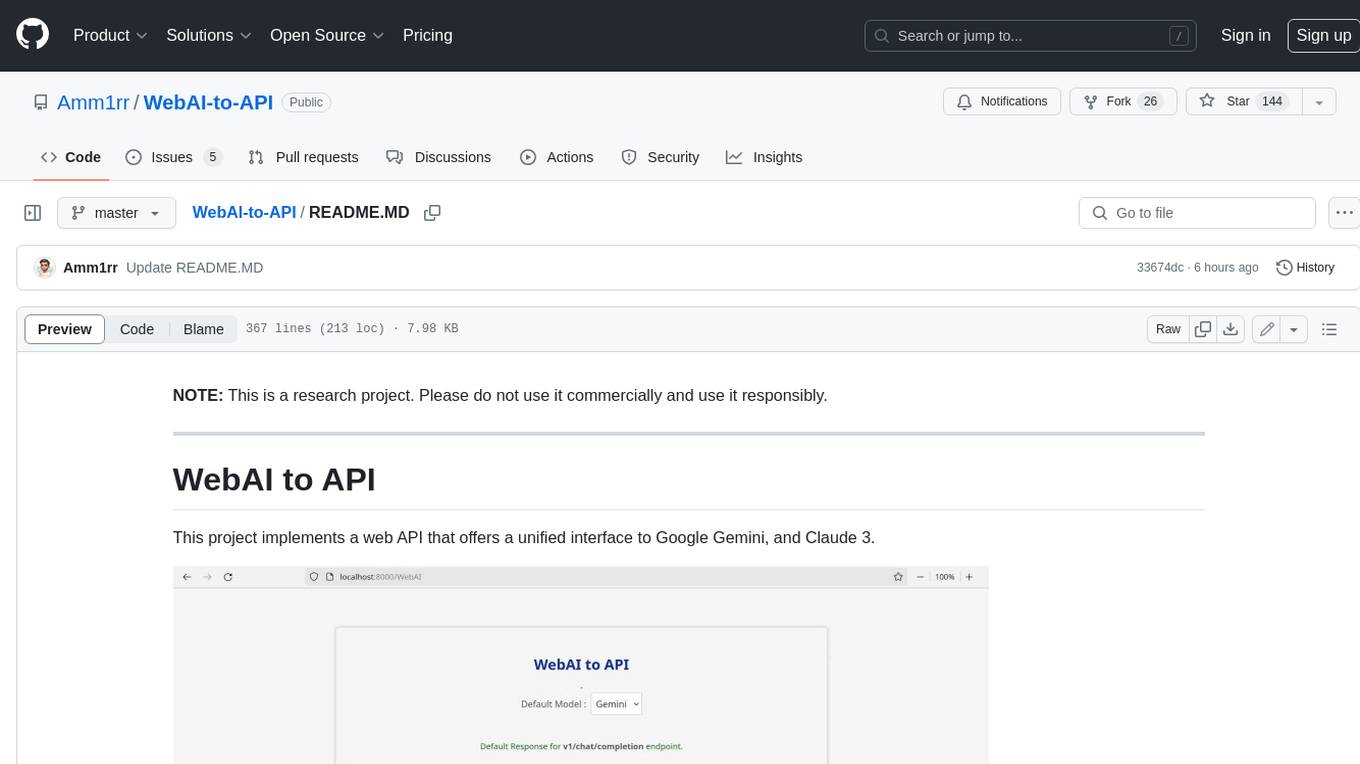
This project implements a web API that offers a unified interface to Google Gemini and Claude 3. It provides a self-hosted, lightweight, and scalable solution for accessing these AI models through a streaming API. The API supports both Claude and Gemini models, allowing users to interact with them in real-time. The project includes a user-friendly web UI for configuration and documentation, making it easy to get started and explore the capabilities of the API.
OpenViking
OpenViking is an open-source Context Database designed specifically for AI Agents. It aims to solve challenges in agent development by unifying memories, resources, and skills in a filesystem management paradigm. The tool offers tiered context loading, directory recursive retrieval, visualized retrieval trajectory, and automatic session management. Developers can interact with OpenViking like managing local files, enabling precise context manipulation and intuitive traceable operations. The tool supports various model services like OpenAI and Volcengine, enhancing semantic retrieval and context understanding for AI Agents.
mcp-debugger
mcp-debugger is a Model Context Protocol (MCP) server that provides debugging tools as structured API calls. It enables AI agents to perform step-through debugging of multiple programming languages using the Debug Adapter Protocol (DAP). The tool supports multi-language debugging with clean adapter patterns, including Python debugging via debugpy, JavaScript (Node.js) debugging via js-debug, and Rust debugging via CodeLLDB. It offers features like mock adapter for testing, STDIO and SSE transport modes, zero-runtime dependencies, Docker and npm packages for deployment, structured JSON responses for easy parsing, path validation to prevent crashes, and AI-aware line context for intelligent breakpoint placement with code context.
OpenSpec
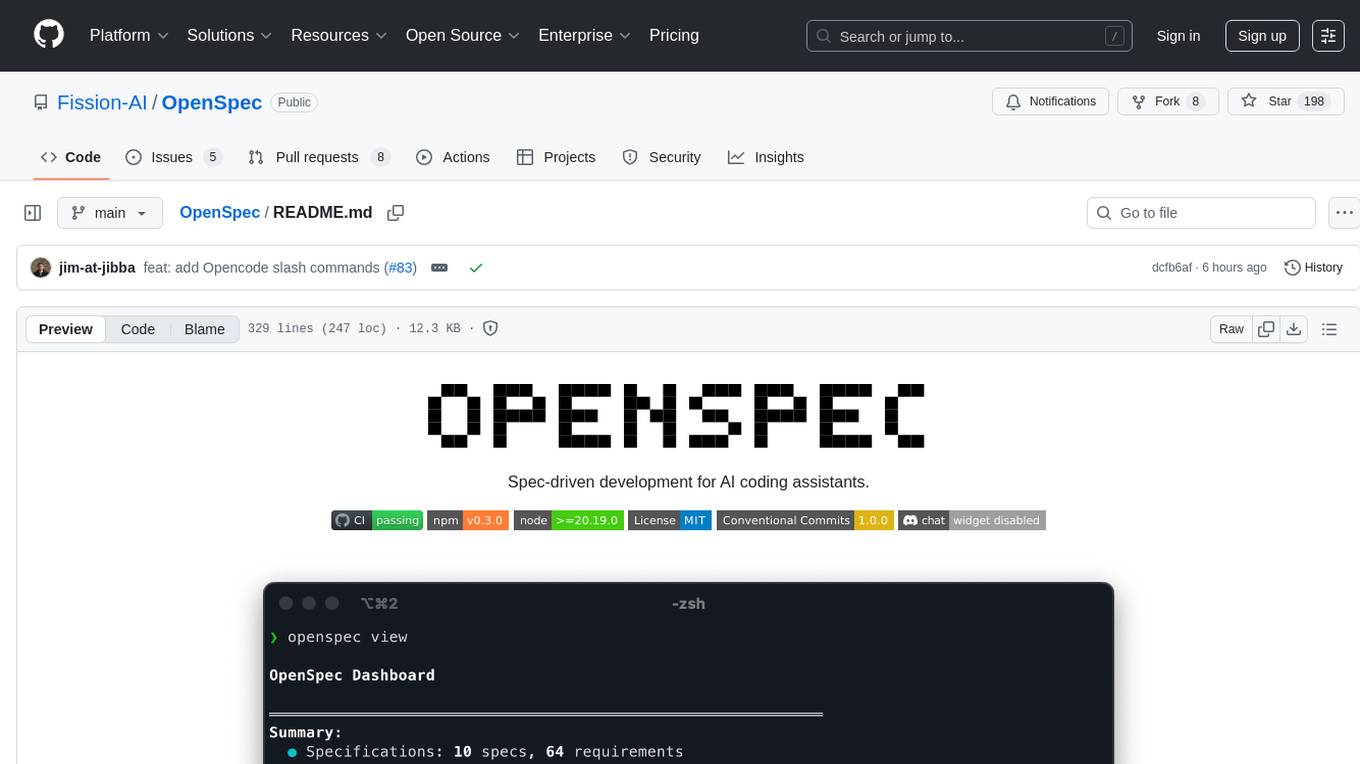
OpenSpec is a tool for spec-driven development, aligning humans and AI coding assistants to agree on what to build before any code is written. It adds a lightweight specification workflow that ensures deterministic, reviewable outputs without the need for API keys. With OpenSpec, stakeholders can draft change proposals, review and align with AI assistants, implement tasks based on agreed specs, and archive completed changes for merging back into the source-of-truth specs. It works seamlessly with existing AI tools, offering shared visibility into proposed, active, or archived work.
claude-code-settings
A repository collecting best practices for Claude Code settings and customization. It provides configuration files for customizing Claude Code's behavior and building an efficient development environment. The repository includes custom agents and skills for specific domains, interactive development workflow features, efficient development rules, and team workflow with Codex MCP. Users can leverage the provided configuration files and tools to enhance their development process and improve code quality.
one
ONE is a modern web and AI agent development toolkit that empowers developers to build AI-powered applications with high performance, beautiful UI, AI integration, responsive design, type safety, and great developer experience. It is perfect for building modern web applications, from simple landing pages to complex AI-powered platforms.
Legacy-Modernization-Agents
Legacy Modernization Agents is an open source migration framework developed to demonstrate AI Agents capabilities for converting legacy COBOL code to Java or C# .NET. The framework uses Microsoft Agent Framework with a dual-API architecture to analyze COBOL code and dependencies, then convert to either Java Quarkus or C# .NET. The web portal provides real-time visualization of migration progress, dependency graphs, and AI-powered Q&A.
aiconfigurator
The `aiconfigurator` tool assists in finding a strong starting configuration for disaggregated serving in AI deployments. It helps optimize throughput at a given latency by evaluating thousands of configurations based on model, GPU count, and GPU type. The tool models LLM inference using collected data for a target machine and framework, running via CLI and web app. It generates configuration files for deployment with Dynamo, offering features like customized configuration, all-in-one automation, and tuning with advanced features. The tool estimates performance by breaking down LLM inference into operations, collecting operation execution times, and searching for strong configurations. Supported features include models like GPT and operations like attention, KV cache, GEMM, AllReduce, embedding, P2P, element-wise, MoE, MLA BMM, TRTLLM versions, and parallel modes like tensor-parallel and pipeline-parallel.
marvin
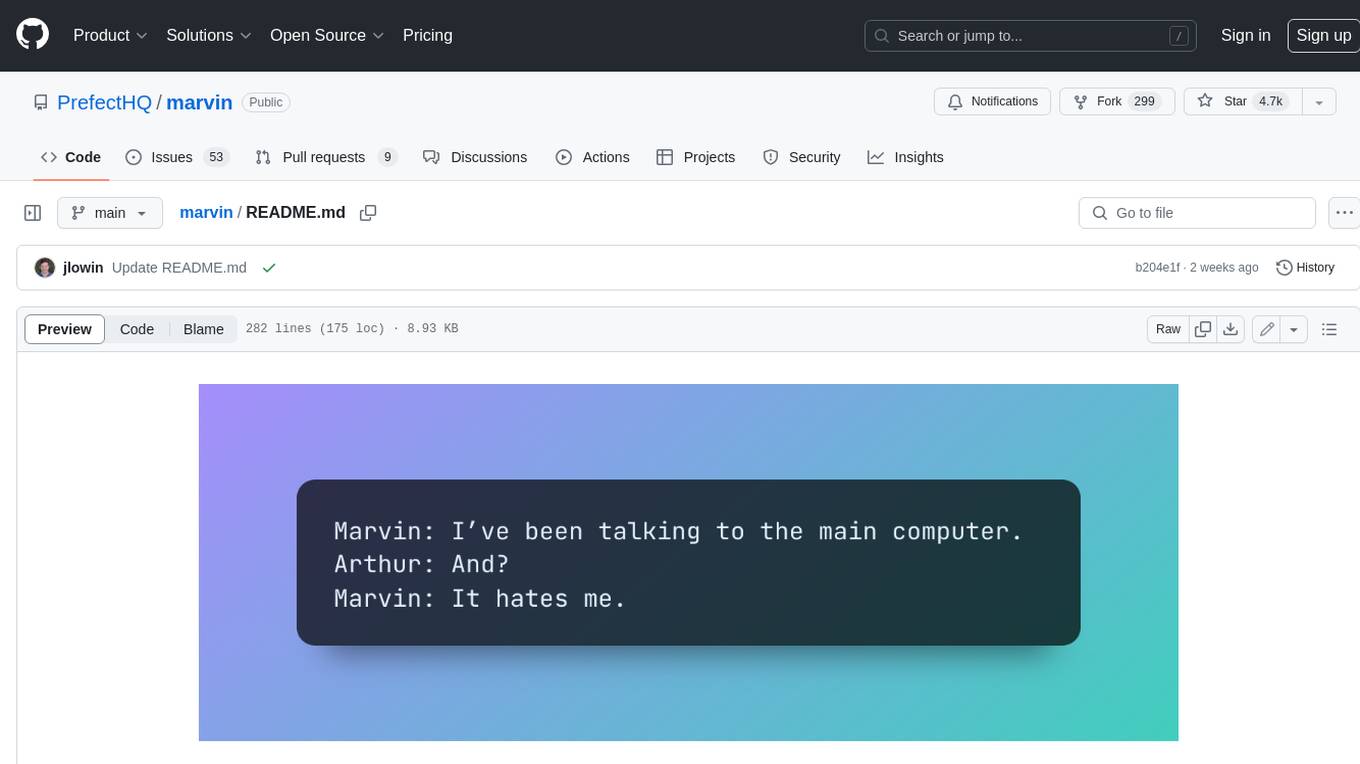
Marvin is a lightweight AI toolkit for building natural language interfaces that are reliable, scalable, and easy to trust. Each of Marvin's tools is simple and self-documenting, using AI to solve common but complex challenges like entity extraction, classification, and generating synthetic data. Each tool is independent and incrementally adoptable, so you can use them on their own or in combination with any other library. Marvin is also multi-modal, supporting both image and audio generation as well using images as inputs for extraction and classification. Marvin is for developers who care more about _using_ AI than _building_ AI, and we are focused on creating an exceptional developer experience. Marvin users should feel empowered to bring tightly-scoped "AI magic" into any traditional software project with just a few extra lines of code. Marvin aims to merge the best practices for building dependable, observable software with the best practices for building with generative AI into a single, easy-to-use library. It's a serious tool, but we hope you have fun with it. Marvin is open-source, free to use, and made with 💙 by the team at Prefect.
FDAbench
FDABench is a benchmark tool designed for evaluating data agents' reasoning ability over heterogeneous data in analytical scenarios. It offers 2,007 tasks across various data sources, domains, difficulty levels, and task types. The tool provides ready-to-use data agent implementations, a DAG-based evaluation system, and a framework for agent-expert collaboration in dataset generation. Key features include data agent implementations, comprehensive evaluation metrics, multi-database support, different task types, extensible framework for custom agent integration, and cost tracking. Users can set up the environment using Python 3.10+ on Linux, macOS, or Windows. FDABench can be installed with a one-command setup or manually. The tool supports API configuration for LLM access and offers quick start guides for database download, dataset loading, and running examples. It also includes features like dataset generation using the PUDDING framework, custom agent integration, evaluation metrics like accuracy and rubric score, and a directory structure for easy navigation.
Archon
Archon is an AI meta-agent designed to autonomously build, refine, and optimize other AI agents. It serves as a practical tool for developers and an educational framework showcasing the evolution of agentic systems. Through iterative development, Archon demonstrates the power of planning, feedback loops, and domain-specific knowledge in creating robust AI agents.
paperbanana
PaperBanana is an automated academic illustration tool designed for AI scientists. It implements an agentic framework for generating publication-quality academic diagrams and statistical plots from text descriptions. The tool utilizes a two-phase multi-agent pipeline with iterative refinement, Gemini-based VLM planning, and image generation. It offers a CLI, Python API, and MCP server for IDE integration, along with Claude Code skills for generating diagrams, plots, and evaluating diagrams. PaperBanana is not affiliated with or endorsed by the original authors or Google Research, and it may differ from the original system described in the paper.
For similar tasks
lecca-io
Lecca.io is an AI platform that enables users to configure and deploy Large Language Models (LLMs) with customizable tools and workflows. Users can easily build, customize, and automate AI agents for various tasks. The platform offers features like custom LLM configuration, tool integration, workflow builder, built-in RAG functionalities, and the ability to create custom apps and triggers. Users can also automate LLMs by setting up triggers for autonomous operation. Lecca.io provides documentation for concepts, local development, creating custom apps, adding AI providers, and running Ollama locally. Contributions are welcome, and the platform is distributed under the Apache-2.0 License with Commons Clause, with enterprise features available under a Commercial License.

chatgpt-mirai-qq-bot
Kirara AI is a chatbot that supports mainstream language models and chat platforms. It features various functionalities such as image sending, keyword-triggered replies, multi-account support, content moderation, personality settings, and support for platforms like QQ, Telegram, Discord, and WeChat. It also offers HTTP server capabilities, plugin support, conditional triggers, admin commands, drawing models, voice replies, multi-turn conversations, cross-platform message sending, and custom workflows. The tool can be accessed via HTTP API for integration with other platforms.
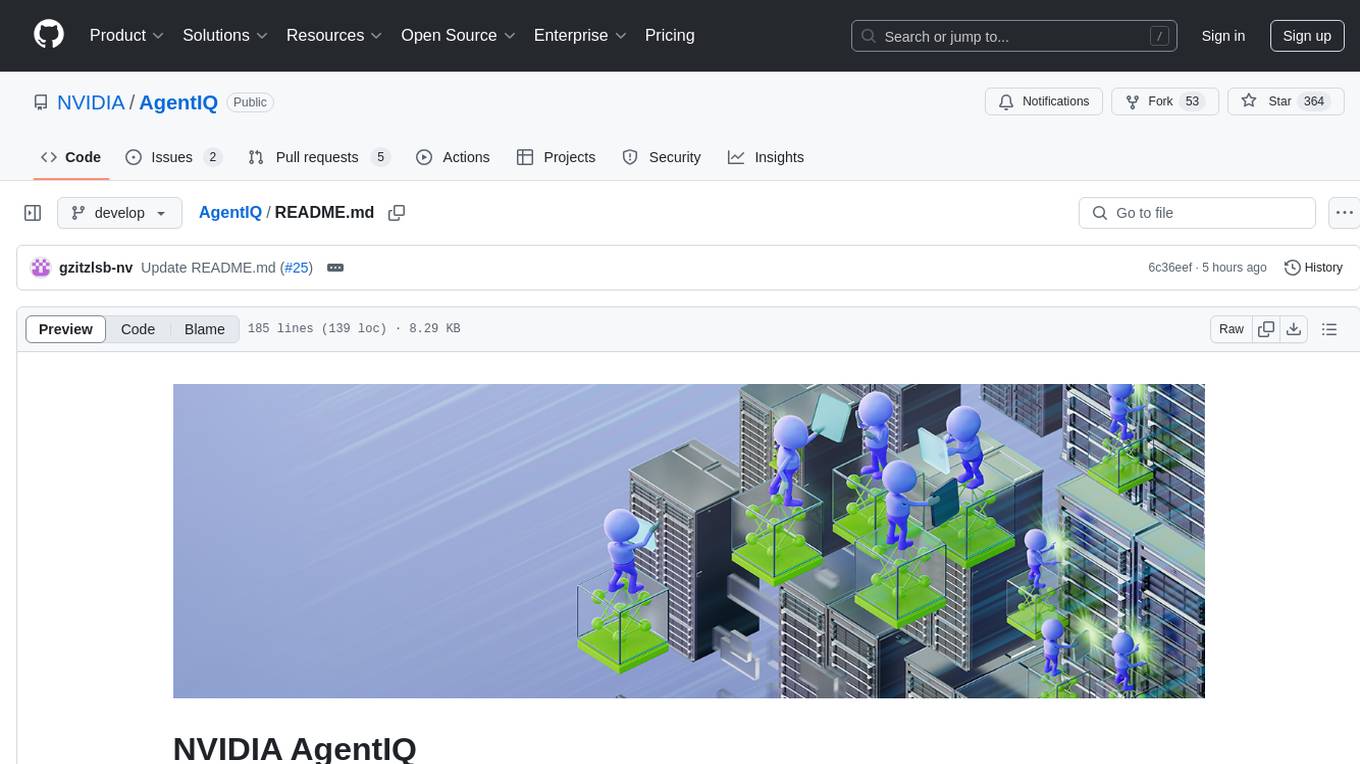
AgentIQ
AgentIQ is a flexible library designed to seamlessly integrate enterprise agents with various data sources and tools. It enables true composability by treating agents, tools, and workflows as simple function calls. With features like framework agnosticism, reusability, rapid development, profiling, observability, evaluation system, user interface, and MCP compatibility, AgentIQ empowers developers to move quickly, experiment freely, and ensure reliability across agent-driven projects.
TypeTale
TypeTale is an AIGC creation software designed specifically for content creators, primarily used for novel promotion. It offers a wide range of AI capabilities such as image, video, and audio generation, as well as text processing and story extraction. The tool also provides workflow customization, AI assistant support, and a vast library of creative materials. With a user-friendly interface and system requirements compatible with Windows operating systems, TypeTale aims to streamline the content creation process for writers and creators.
clai
Clai is a command line context-feeder for AI tasks, supporting MCP client, vendor agnosticism, conversations, rate limit circumvention, profiles, and Unix-like functionality. Users can easily combine and tweak features for diverse use cases. Supported vendors include OpenAI, Anthropic, Mistral, Deepseek, Novita AI, Ollama, and Inception. Users need API keys for model access. Installation via 'go install' or setup script. 'clai help' provides guidance on usage. Glow can be installed for formatted markdown output.
ai-toolbox
AI-Toolbox is a collection of automation scripts and tools designed to streamline AI workflows. It simplifies the installation process of various AI applications, making software deployment effortless for data scientists, researchers, and developers. The toolbox offers automated installation of multiple applications, customization for specific workflows, easy-to-use scripts, and receives regular updates and contributions from the community.
simili-bot
Simili Bot is an AI-powered tool designed for GitHub repositories to automatically detect duplicate issues, find similar issues using semantic search, and intelligently route issues across repositories. It offers features such as semantic duplicate detection, cross-repository search, intelligent routing, smart triage, modular pipeline customization, and multi-repo support. The tool follows a 'Lego with Blueprints' architecture, with Lego Blocks representing independent pipeline steps and Blueprints providing pre-defined workflows. Users can configure AI providers like Gemini and OpenAI, set default models for embeddings, and specify workflows in a 'simili.yaml' file. Simili Bot also offers CLI commands for bulk indexing, processing single issues, and batch operations, enabling local development, testing, and analysis of historical data.
pr-agent
PR-Agent is a tool that helps to efficiently review and handle pull requests by providing AI feedbacks and suggestions. It supports various commands such as generating PR descriptions, providing code suggestions, answering questions about the PR, and updating the CHANGELOG.md file. PR-Agent can be used via CLI, GitHub Action, GitHub App, Docker, and supports multiple git providers and models. It emphasizes real-life practical usage, with each tool having a single GPT-4 call for quick and affordable responses. The PR Compression strategy enables effective handling of both short and long PRs, while the JSON prompting strategy allows for modular and customizable tools. PR-Agent Pro, the hosted version by CodiumAI, provides additional benefits such as full management, improved privacy, priority support, and extra features.
For similar jobs

sweep
Sweep is an AI junior developer that turns bugs and feature requests into code changes. It automatically handles developer experience improvements like adding type hints and improving test coverage.

teams-ai
The Teams AI Library is a software development kit (SDK) that helps developers create bots that can interact with Teams and Microsoft 365 applications. It is built on top of the Bot Framework SDK and simplifies the process of developing bots that interact with Teams' artificial intelligence capabilities. The SDK is available for JavaScript/TypeScript, .NET, and Python.

ai-guide
This guide is dedicated to Large Language Models (LLMs) that you can run on your home computer. It assumes your PC is a lower-end, non-gaming setup.

classifai
Supercharge WordPress Content Workflows and Engagement with Artificial Intelligence. Tap into leading cloud-based services like OpenAI, Microsoft Azure AI, Google Gemini and IBM Watson to augment your WordPress-powered websites. Publish content faster while improving SEO performance and increasing audience engagement. ClassifAI integrates Artificial Intelligence and Machine Learning technologies to lighten your workload and eliminate tedious tasks, giving you more time to create original content that matters.

chatbot-ui
Chatbot UI is an open-source AI chat app that allows users to create and deploy their own AI chatbots. It is easy to use and can be customized to fit any need. Chatbot UI is perfect for businesses, developers, and anyone who wants to create a chatbot.

BricksLLM
BricksLLM is a cloud native AI gateway written in Go. Currently, it provides native support for OpenAI, Anthropic, Azure OpenAI and vLLM. BricksLLM aims to provide enterprise level infrastructure that can power any LLM production use cases. Here are some use cases for BricksLLM: * Set LLM usage limits for users on different pricing tiers * Track LLM usage on a per user and per organization basis * Block or redact requests containing PIIs * Improve LLM reliability with failovers, retries and caching * Distribute API keys with rate limits and cost limits for internal development/production use cases * Distribute API keys with rate limits and cost limits for students

uAgents
uAgents is a Python library developed by Fetch.ai that allows for the creation of autonomous AI agents. These agents can perform various tasks on a schedule or take action on various events. uAgents are easy to create and manage, and they are connected to a fast-growing network of other uAgents. They are also secure, with cryptographically secured messages and wallets.

griptape
Griptape is a modular Python framework for building AI-powered applications that securely connect to your enterprise data and APIs. It offers developers the ability to maintain control and flexibility at every step. Griptape's core components include Structures (Agents, Pipelines, and Workflows), Tasks, Tools, Memory (Conversation Memory, Task Memory, and Meta Memory), Drivers (Prompt and Embedding Drivers, Vector Store Drivers, Image Generation Drivers, Image Query Drivers, SQL Drivers, Web Scraper Drivers, and Conversation Memory Drivers), Engines (Query Engines, Extraction Engines, Summary Engines, Image Generation Engines, and Image Query Engines), and additional components (Rulesets, Loaders, Artifacts, Chunkers, and Tokenizers). Griptape enables developers to create AI-powered applications with ease and efficiency.