


markdrop
A Python package for converting PDFs to markdown while extracting images and tables, generate descriptive text descriptions for extracted tables/images using several LLM clients. And many more functionalities. Markdrop is available on PyPI.
Stars: 80
Markdrop is a Python package that facilitates the conversion of PDFs to markdown format while extracting images and tables. It also generates descriptive text descriptions for extracted tables and images using various LLM clients. The tool offers additional functionalities such as PDF URL support, AI-powered image and table descriptions, interactive HTML output with downloadable Excel tables, customizable image resolution and UI elements, and a comprehensive logging system. Markdrop aims to simplify the process of handling PDF documents and enhancing their content with AI-generated descriptions.
README:







A Python package for converting PDFs to markdown while extracting images and tables, generate descriptive text descriptions for extracted tables/images using several LLM clients. And many more functionalities. Markdrop is available on PyPI.


- [x] PDF to Markdown conversion with formatting preservation using Docling
- [x] Automatic image extraction with quality preservation using XRef Id
- [x] Table detection using Microsoft's Table Transformer
- [x] PDF URL support for core functionalities
- [x] AI-powered image and table descriptions using multiple LLM providers
- [x] Interactive HTML output with downloadable Excel tables
- [x] Customizable image resolution and UI elements
- [x] Comprehensive logging system
- [ ] Support for other files
- [ ] Streamlit/web interface
pip install markdrop Python Package Index (PyPI) Page: https://pypi.org/project/markdrop
from markdrop import extract_images, make_markdown, extract_tables_from_pdf

source_pdf = 'url/or/path/to/pdf/file'    # Replace with your local PDF file path or a URL
output_dir = 'data/output'                 # Replace with desired output directory's path

make_markdown(source_pdf, output_dir)
extract_images(source_pdf, output_dir)
extract_tables_from_pdf(source_pdf, output_dir=output_dir)from markdrop import markdrop, MarkDropConfig, add_downloadable_tables
from pathlib import Path
import logging
# Configure processing options
config = MarkDropConfig(
image_resolution_scale=2.0, # Scale factor for image resolution
download_button_color='#444444', # Color for download buttons in HTML
log_level=logging.INFO, # Logging detail level
log_dir='logs', # Directory for log files
excel_dir='markdropped-excel-tables' # Directory for Excel table exports
)
# Process PDF document
input_doc_path = "path/to/input.pdf"
output_dir = Path('output_directory')
# Convert PDF and generate HTML with images and tables
html_path = markdrop(input_doc_path, output_dir, config)
# Add interactive table download functionality
downloadable_html = add_downloadable_tables(html_path, config)from markdrop import setup_keys, process_markdown, ProcessorConfig, AIProvider, logger
from pathlib import Path
# Set up API keys for AI providers
setup_apikeys(key='gemini') # or setup_keys(key='openai')
# Configure AI processing options
config = ProcessorConfig(
input_path="path/to/markdown/file.md", # Input markdown file path
output_dir=Path("output_directory"), # Output directory
ai_provider=AIProvider.GEMINI, # AI provider (GEMINI or OPENAI)
remove_images=False, # Keep or remove original images
remove_tables=False, # Keep or remove original tables
table_descriptions=True, # Generate table descriptions
image_descriptions=True, # Generate image descriptions
max_retries=3, # Number of API call retries
retry_delay=2, # Delay between retries in seconds
gemini_model_name="gemini-1.5-flash", # Gemini model for images
gemini_text_model_name="gemini-pro", # Gemini model for text
image_prompt=DEFAULT_IMAGE_PROMPT, # Custom prompt for image analysis
table_prompt=DEFAULT_TABLE_PROMPT # Custom prompt for table analysis
)
# Process markdown with AI descriptions
output_path = process_markdown(config)from markdrop import generate_descriptions
prompt = "Give textual highly detailed descriptions from this image ONLY, nothing else."
input_path = 'path/to/img_file/or/dir'
output_dir = 'data/output'
llm_clients = ['gemini', 'llama-vision'] # Available: ['qwen', 'gemini', 'openai', 'llama-vision', 'molmo', 'pixtral']
generate_descriptions(
input_path=input_path,
output_dir=output_dir,
prompt=prompt,
llm_client=llm_clients
)Converts PDF to markdown and HTML with enhanced features.
Parameters:
-
input_doc_path(str): Path to input PDF file -
output_dir(str): Output directory path -
config(MarkDropConfig, optional): Configuration options for processing
Adds interactive table download functionality to HTML output.
Parameters:
-
html_path(Path): Path to HTML file -
config(MarkDropConfig, optional): Configuration options
Configuration for PDF processing:
-
image_resolution_scale(float): Scale factor for image resolution (default: 2.0) -
download_button_color(str): HTML color code for download buttons (default: '#444444') -
log_level(int): Logging level (default: logging.INFO) -
log_dir(str): Directory for log files (default: 'logs') -
excel_dir(str): Directory for Excel table exports (default: 'markdropped-excel-tables')
Configuration for AI processing:
-
input_path(str): Path to markdown file -
output_dir(str): Output directory path -
ai_provider(AIProvider): AI provider selection (GEMINI or OPENAI) -
remove_images(bool): Whether to remove original images -
remove_tables(bool): Whether to remove original tables -
table_descriptions(bool): Generate table descriptions -
image_descriptions(bool): Generate image descriptions -
max_retries(int): Maximum API call retries -
retry_delay(int): Delay between retries in seconds -
gemini_model_name(str): Gemini model for image processing -
gemini_text_model_name(str): Gemini model for text processing -
image_prompt(str): Custom prompt for image analysis -
table_prompt(str): Custom prompt for table analysis
Legacy function for basic PDF to markdown conversion.
Parameters:
-
source(str): Path to input PDF or URL -
output_dir(str): Output directory path -
verbose(bool): Enable detailed logging
Legacy function for basic image extraction.
Parameters:
-
source(str): Path to input PDF or URL -
output_dir(str): Output directory path -
verbose(bool): Enable detailed logging
Legacy function for basic table extraction.
Parameters:
-
pdf_path(str): Path to input PDF or URL -
start_page(int, optional): Starting page number -
end_page(int, optional): Ending page number -
threshold(float, optional): Detection confidence threshold -
output_dir(str): Output directory path
Check an example in run.py
We welcome contributions! Please see our Contributing Guidelines for details.
- Clone the repository:
git clone https://github.com/shoryasethia/markdrop.git
cd markdrop - Create a virtual environment:
python -m venv venv
source venv/bin/activate # On Windows: venv\Scripts\activate - Install development dependencies:
pip install -r requirements.txt markdrop/
├── LICENSE
├── README.md
├── CONTRIBUTING.md
├── CHANGELOG.md
├── requirements.txt
├── setup.py
└── markdrop/
├── __init__.py
├── src
| └── markdrop-logo.png
├── main.py
├── process.py
├── api_setup.py
├── parse.py
├── utils.py
├── helper.py
├── ignore_warnings.py
├── run.py
└── models/
├── __init__.py
├── .env
├── img_descriptions.py
├── logger.py
├── model_loader.py
├── responder.py
└── setup_keys.py This project is licensed under the MIT License - see the LICENSE file for details.
See CHANGELOG.md for version history.
Please note that this project follows our Code of Conduct.
For Tasks:
Click tags to check more tools for each tasksFor Jobs:
Alternative AI tools for markdrop
Similar Open Source Tools
markdrop
Markdrop is a Python package that facilitates the conversion of PDFs to markdown format while extracting images and tables. It also generates descriptive text descriptions for extracted tables and images using various LLM clients. The tool offers additional functionalities such as PDF URL support, AI-powered image and table descriptions, interactive HTML output with downloadable Excel tables, customizable image resolution and UI elements, and a comprehensive logging system. Markdrop aims to simplify the process of handling PDF documents and enhancing their content with AI-generated descriptions.
mdream
Mdream is a lightweight and user-friendly markdown editor designed for developers and writers. It provides a simple and intuitive interface for creating and editing markdown files with real-time preview. The tool offers syntax highlighting, markdown formatting options, and the ability to export files in various formats. Mdream aims to streamline the writing process and enhance productivity for individuals working with markdown documents.
FDAbench
FDABench is a benchmark tool designed for evaluating data agents' reasoning ability over heterogeneous data in analytical scenarios. It offers 2,007 tasks across various data sources, domains, difficulty levels, and task types. The tool provides ready-to-use data agent implementations, a DAG-based evaluation system, and a framework for agent-expert collaboration in dataset generation. Key features include data agent implementations, comprehensive evaluation metrics, multi-database support, different task types, extensible framework for custom agent integration, and cost tracking. Users can set up the environment using Python 3.10+ on Linux, macOS, or Windows. FDABench can be installed with a one-command setup or manually. The tool supports API configuration for LLM access and offers quick start guides for database download, dataset loading, and running examples. It also includes features like dataset generation using the PUDDING framework, custom agent integration, evaluation metrics like accuracy and rubric score, and a directory structure for easy navigation.
AI-Agent-Starter-Kit
AI Agent Starter Kit is a modern full-stack AI-enabled template using Next.js for frontend and Express.js for backend, with Telegram and OpenAI integrations. It offers AI-assisted development, smart environment variable setup assistance, intelligent error resolution, context-aware code completion, and built-in debugging helpers. The kit provides a structured environment for developers to interact with AI tools seamlessly, enhancing the development process and productivity.
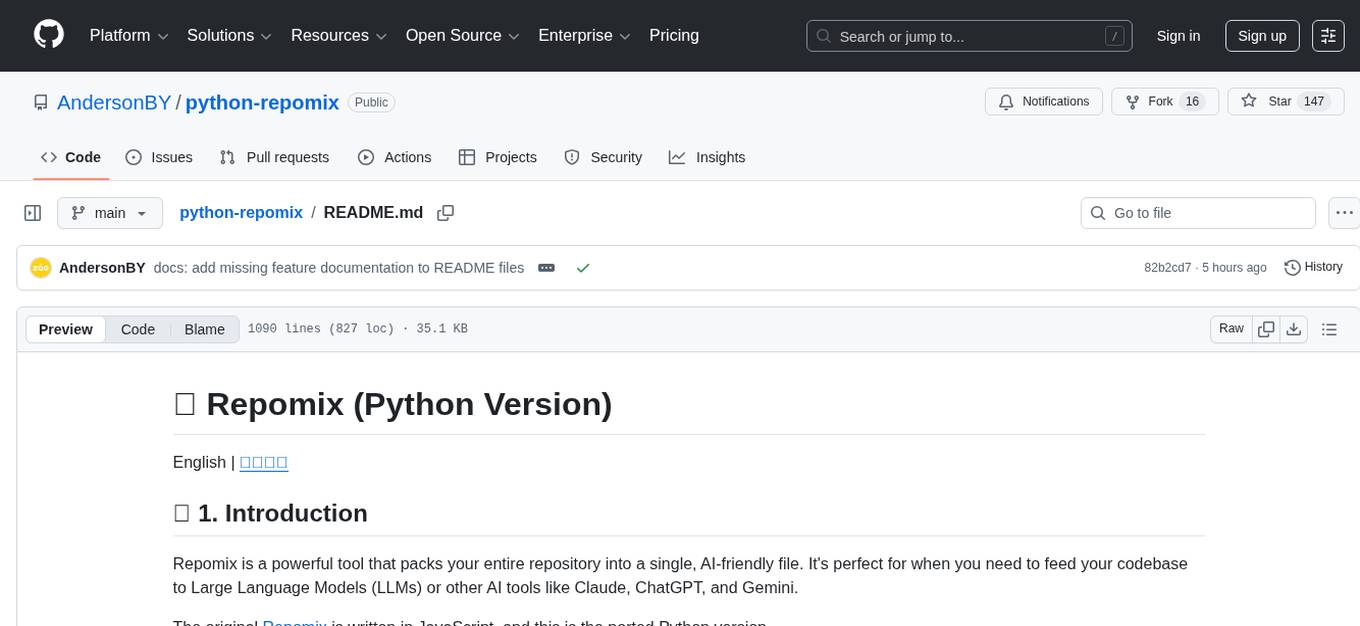
python-repomix
Repomix is a powerful tool that packs your entire repository into a single, AI-friendly file. It formats your codebase for easy AI comprehension, provides token counts, is simple to use with one command, customizable, git-aware, security-focused, and offers advanced code compression. It supports multiprocessing or threading for faster analysis, automatically handles various file encodings, and includes built-in security checks. Repomix can be used with uvx, pipx, or Docker. It offers various configuration options for output style, security checks, compression modes, ignore patterns, and remote repository processing. The tool can be used for code review, documentation generation, test case generation, code quality assessment, library overview, API documentation review, code architecture analysis, and configuration analysis. Repomix can also run as an MCP server for AI assistants like Claude, providing tools for packaging codebases, reading output files, searching within outputs, reading files from the filesystem, listing directory contents, generating Claude Agent Skills, and more.
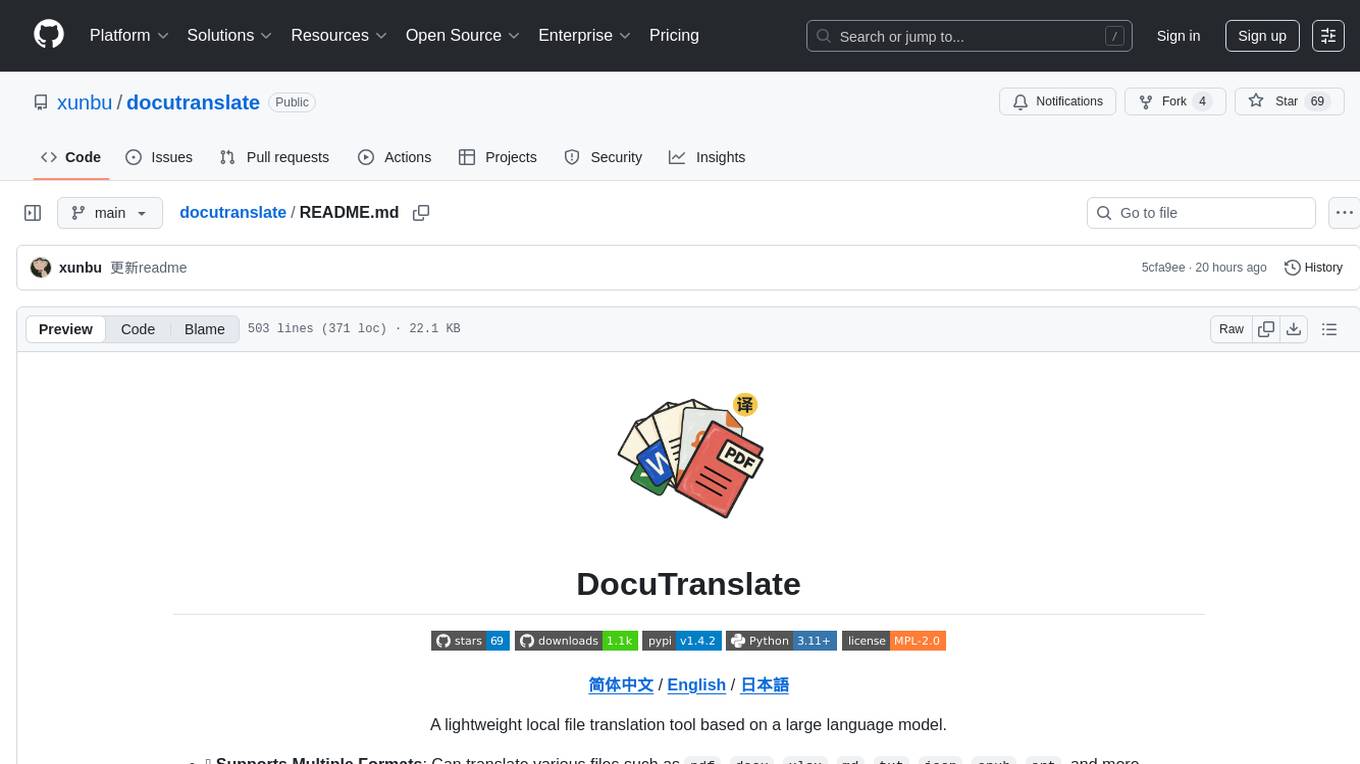
docutranslate
Docutranslate is a versatile tool for translating documents efficiently. It supports multiple file formats and languages, making it ideal for businesses and individuals needing quick and accurate translations. The tool uses advanced algorithms to ensure high-quality translations while maintaining the original document's formatting. With its user-friendly interface, Docutranslate simplifies the translation process and saves time for users. Whether you need to translate legal documents, technical manuals, or personal letters, Docutranslate is the go-to solution for all your document translation needs.
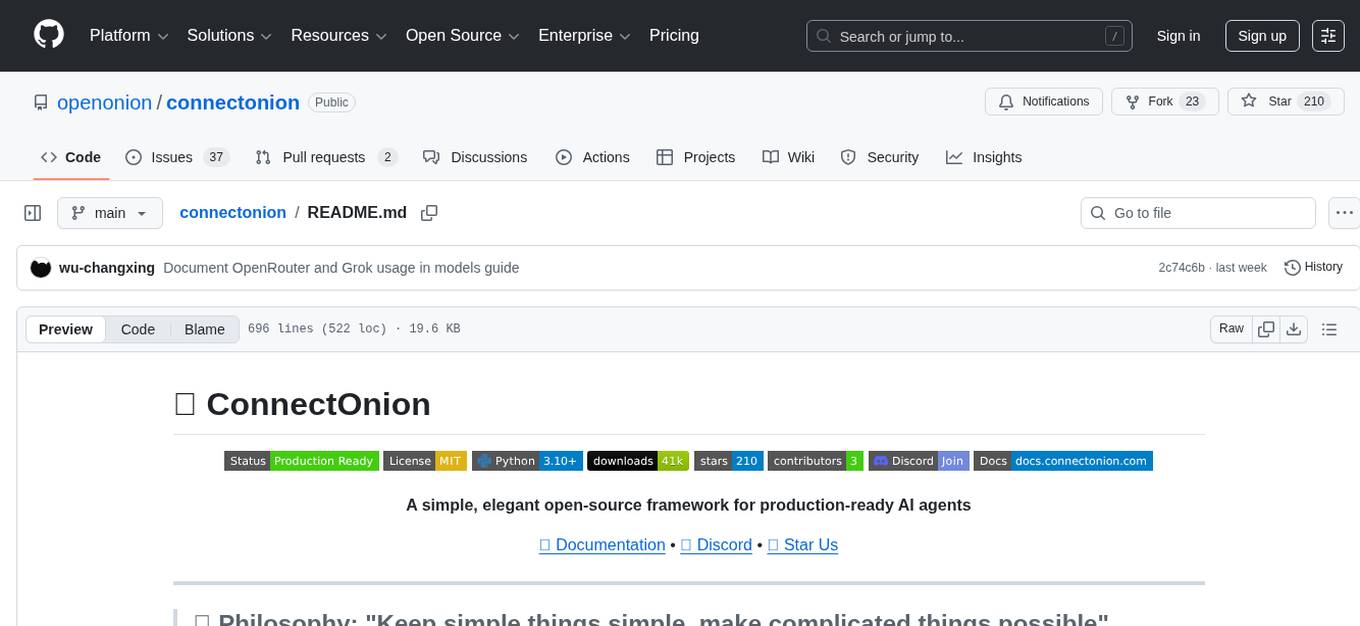
connectonion
ConnectOnion is a simple, elegant open-source framework for production-ready AI agents. It provides a platform for creating and using AI agents with a focus on simplicity and efficiency. The framework allows users to easily add tools, debug agents, make them production-ready, and enable multi-agent capabilities. ConnectOnion offers a simple API, is production-ready with battle-tested models, and is open-source under the MIT license. It features a plugin system for adding reflection and reasoning capabilities, interactive debugging for easy troubleshooting, and no boilerplate code for seamless scaling from prototypes to production systems.
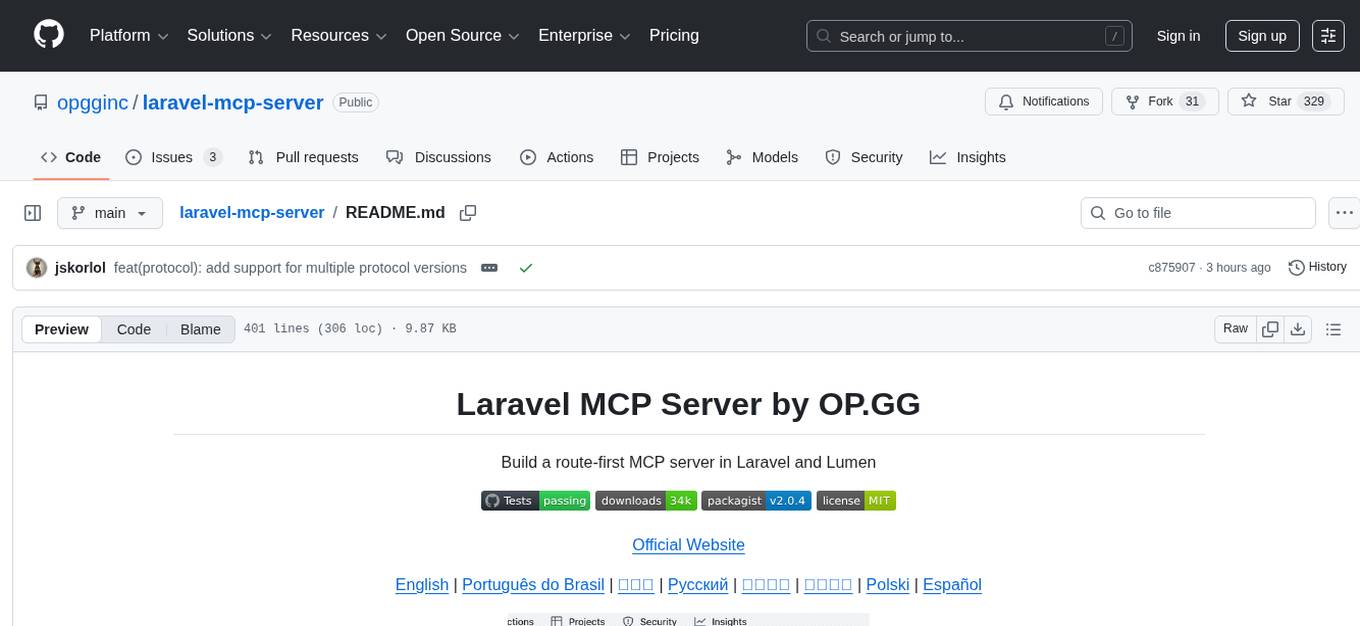
laravel-mcp-server
Laravel MCP Server is a tool that allows users to build a route-first MCP server in Laravel and Lumen. It provides route-based MCP endpoint registration, streamable HTTP transport, and supports tool, resource, resource template, and prompt registration per endpoint. The server metadata is compatible with route cache, and it requires PHP version 8.2 or higher along with Laravel (Illuminate) version 9.x or Lumen version 9.x. Users can quickly install the tool, register endpoints, and verify functionality. Additionally, the tool offers advanced features like creating tools, resources, resource templates, prompts, notifications, and generating tools from OpenAPI specs.
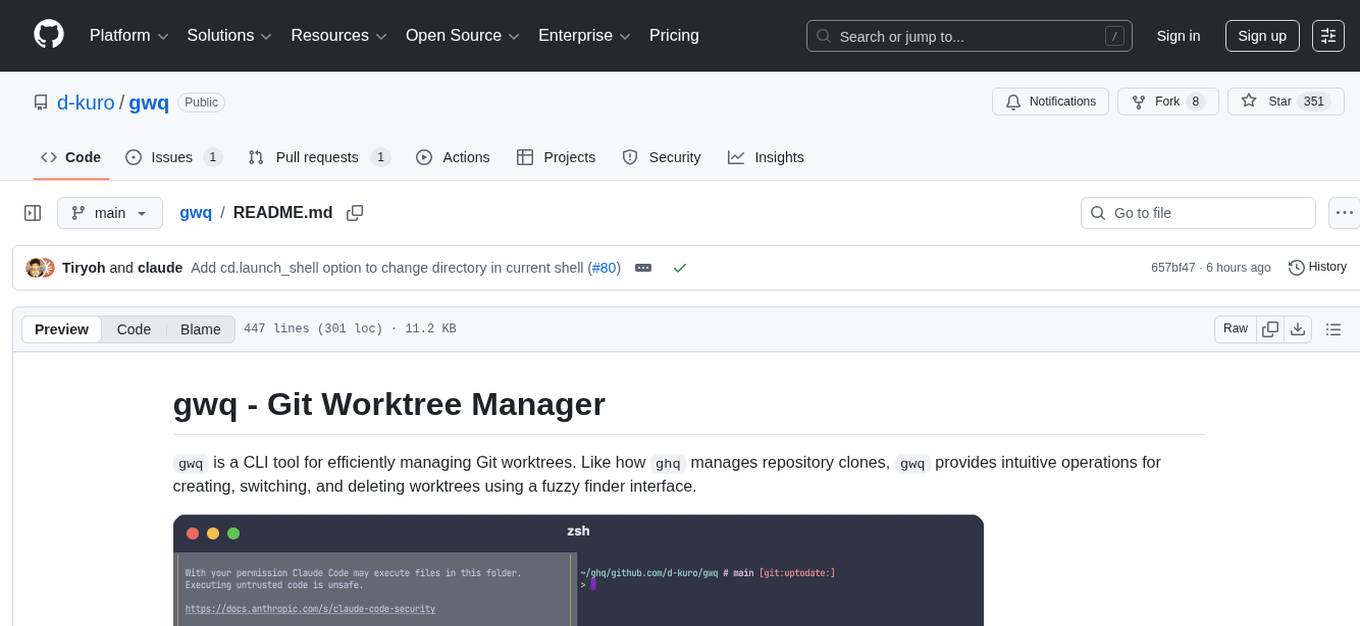
gwq
gwq is a CLI tool for efficiently managing Git worktrees, providing intuitive operations for creating, switching, and deleting worktrees using a fuzzy finder interface. It allows users to work on multiple features simultaneously, run parallel AI coding agents on different tasks, review code while developing new features, and test changes without disrupting the main workspace. The tool is ideal for enabling parallel AI coding workflows, independent tasks, parallel migrations, and code review workflows.
pixeltable
Pixeltable is a Python library designed for ML Engineers and Data Scientists to focus on exploration, modeling, and app development without the need to handle data plumbing. It provides a declarative interface for working with text, images, embeddings, and video, enabling users to store, transform, index, and iterate on data within a single table interface. Pixeltable is persistent, acting as a database unlike in-memory Python libraries such as Pandas. It offers features like data storage and versioning, combined data and model lineage, indexing, orchestration of multimodal workloads, incremental updates, and automatic production-ready code generation. The tool emphasizes transparency, reproducibility, cost-saving through incremental data changes, and seamless integration with existing Python code and libraries.
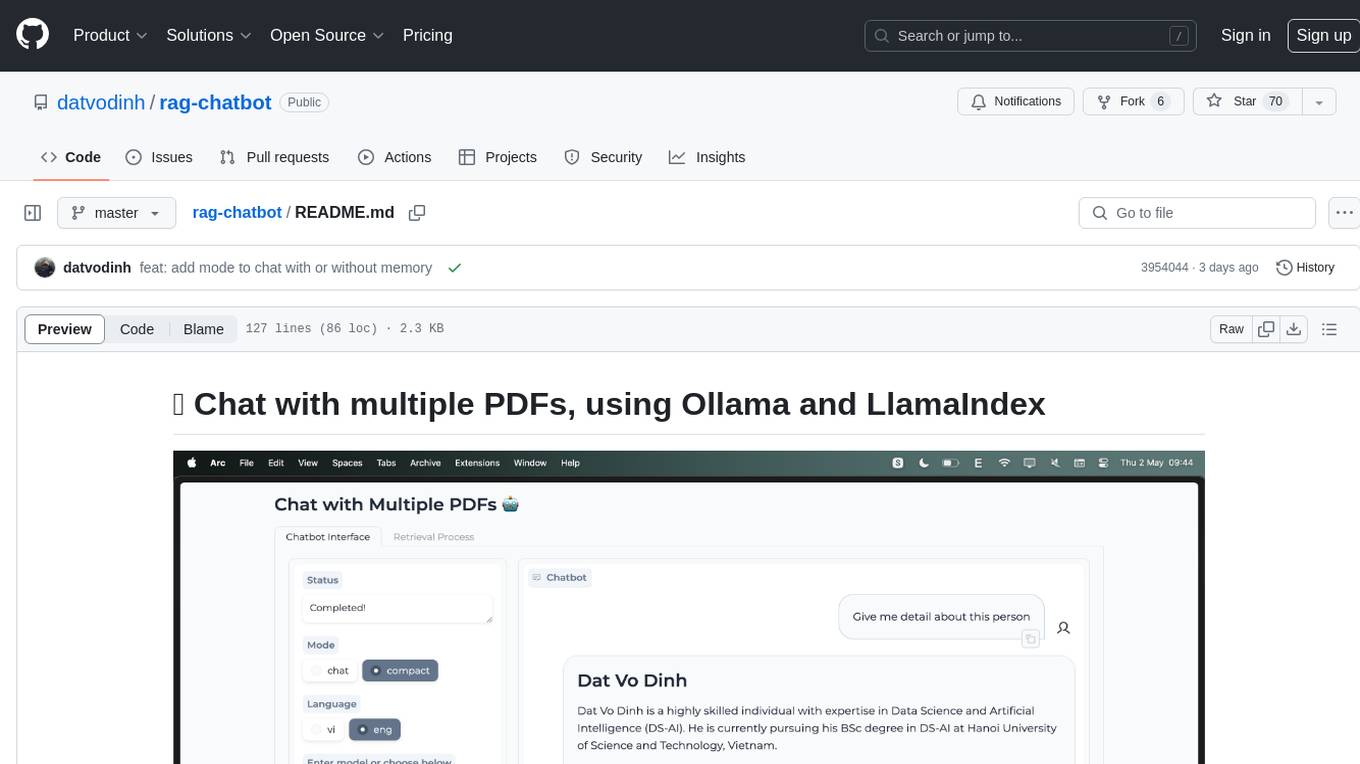
rag-chatbot
rag-chatbot is a tool that allows users to chat with multiple PDFs using Ollama and LlamaIndex. It provides an easy setup for running on local machines or Kaggle notebooks. Users can leverage models from Huggingface and Ollama, process multiple PDF inputs, and chat in multiple languages. The tool offers a simple UI with Gradio, supporting chat with history and QA modes. Setup instructions are provided for both Kaggle and local environments, including installation steps for Docker, Ollama, Ngrok, and the rag_chatbot package. Users can run the tool locally and access it via a web interface. Future enhancements include adding evaluation, better embedding models, knowledge graph support, improved document processing, MLX model integration, and Corrective RAG.
cipher
Cipher is a versatile encryption and decryption tool designed to secure sensitive information. It offers a user-friendly interface with various encryption algorithms to choose from, ensuring data confidentiality and integrity. With Cipher, users can easily encrypt text or files using strong encryption methods, making it suitable for protecting personal data, confidential documents, and communication. The tool also supports decryption of encrypted data, providing a seamless experience for users to access their secured information. Cipher is a reliable solution for individuals and organizations looking to enhance their data security measures.
hud-python
hud-python is a Python library for creating interactive heads-up displays (HUDs) in video games. It provides a simple and flexible way to overlay information on the screen, such as player health, score, and notifications. The library is designed to be easy to use and customizable, allowing game developers to enhance the user experience by adding dynamic elements to their games. With hud-python, developers can create engaging HUDs that improve gameplay and provide important feedback to players.
flyte-sdk
Flyte 2 SDK is a pure Python tool for type-safe, distributed orchestration of agents, ML pipelines, and more. It allows users to write data pipelines, ML training jobs, and distributed compute in Python without any DSL constraints. With features like async-first parallelism and fine-grained observability, Flyte 2 offers a seamless workflow experience. Users can leverage core concepts like TaskEnvironments for container configuration, pure Python workflows for flexibility, and async parallelism for distributed execution. Advanced features include sub-task observability with tracing and remote task execution. The tool also provides native Jupyter integration for running and monitoring workflows directly from notebooks. Configuration and deployment are made easy with configuration files and commands for deploying and running workflows. Flyte 2 is licensed under the Apache 2.0 License.
ollama4j
Ollama4j is a Java library that serves as a wrapper or binding for the Ollama server. It facilitates communication with the Ollama server and provides models for deployment. The tool requires Java 11 or higher and can be installed locally or via Docker. Users can integrate Ollama4j into Maven projects by adding the specified dependency. The tool offers API specifications and supports various development tasks such as building, running unit tests, and integration tests. Releases are automated through GitHub Actions CI workflow. Areas of improvement include adhering to Java naming conventions, updating deprecated code, implementing logging, using lombok, and enhancing request body creation. Contributions to the project are encouraged, whether reporting bugs, suggesting enhancements, or contributing code.
browser4
Browser4 is a lightning-fast, coroutine-safe browser designed for AI integration with large language models. It offers ultra-fast automation, deep web understanding, and powerful data extraction APIs. Users can automate the browser, extract data at scale, and perform tasks like summarizing products, extracting product details, and finding specific links. The tool is developer-friendly, supports AI-powered automation, and provides advanced features like X-SQL for precise data extraction. It also offers RPA capabilities, browser control, and complex data extraction with X-SQL. Browser4 is suitable for web scraping, data extraction, automation, and AI integration tasks.
For similar tasks
Open-DocLLM
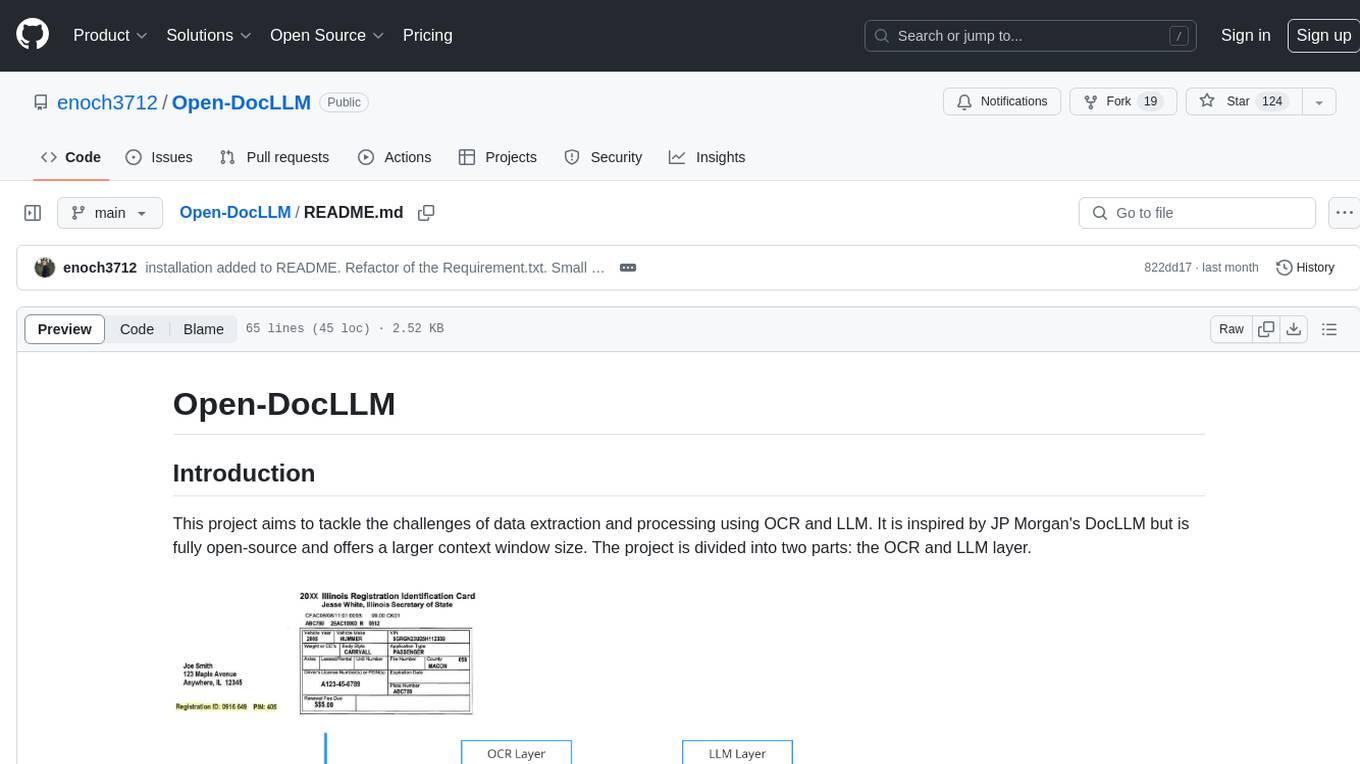
Open-DocLLM is an open-source project that addresses data extraction and processing challenges using OCR and LLM technologies. It consists of two main layers: OCR for reading document content and LLM for extracting specific content in a structured manner. The project offers a larger context window size compared to JP Morgan's DocLLM and integrates tools like Tesseract OCR and Mistral for efficient data analysis. Users can run the models on-premises using LLM studio or Ollama, and the project includes a FastAPI app for testing purposes.
Awesome-AI
Awesome AI is a repository that collects and shares resources in the fields of large language models (LLM), AI-assisted programming, AI drawing, and more. It explores the application and development of generative artificial intelligence. The repository provides information on various AI tools, models, and platforms, along with tutorials and web products related to AI technologies.
Qmedia
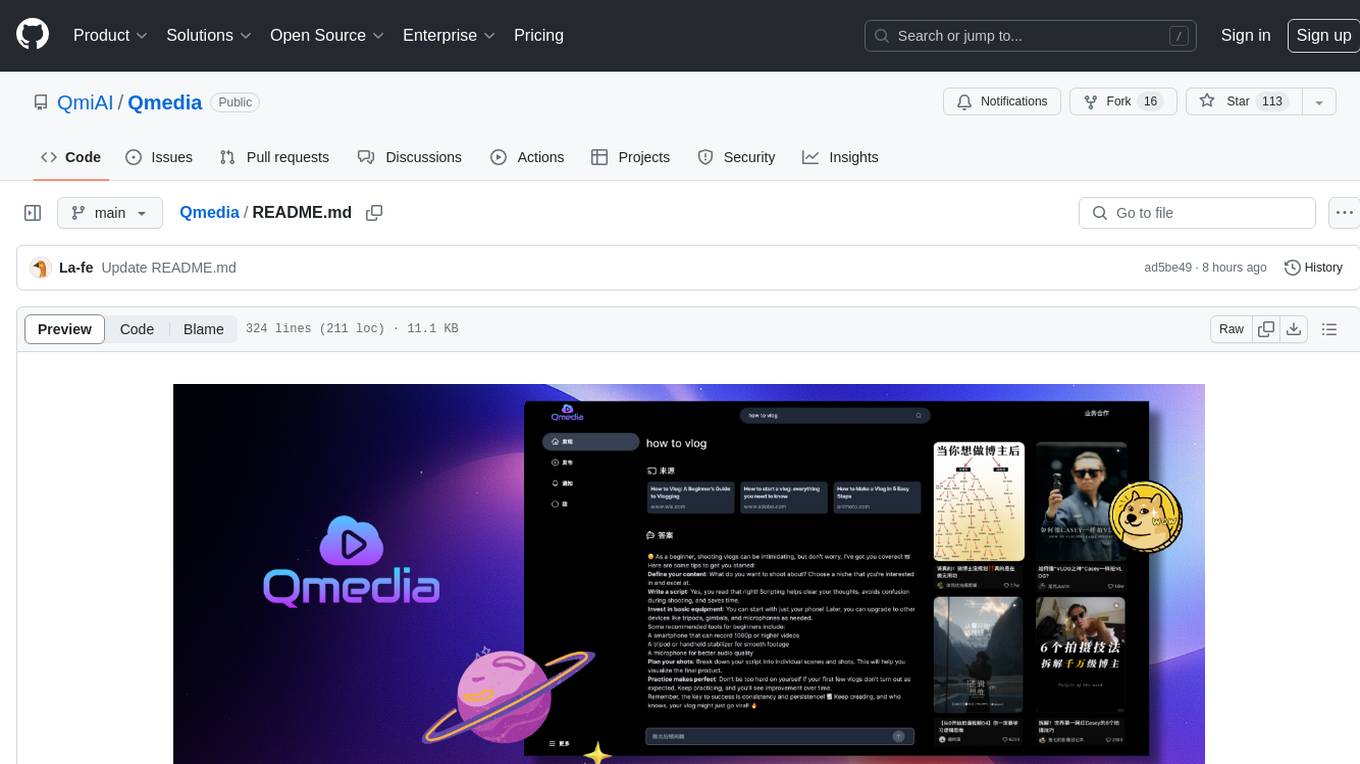
QMedia is an open-source multimedia AI content search engine designed specifically for content creators. It provides rich information extraction methods for text, image, and short video content. The tool integrates unstructured text, image, and short video information to build a multimodal RAG content Q&A system. Users can efficiently search for image/text and short video materials, analyze content, provide content sources, and generate customized search results based on user interests and needs. QMedia supports local deployment for offline content search and Q&A for private data. The tool offers features like content cards display, multimodal content RAG search, and pure local multimodal models deployment. Users can deploy different types of models locally, manage language models, feature embedding models, image models, and video models. QMedia aims to spark new ideas for content creation and share AI content creation concepts in an open-source manner.
aws-ai-intelligent-document-processing
This repository is part of Intelligent Document Processing with AWS AI Services workshop. It aims to automate the extraction of information from complex content in various document formats such as insurance claims, mortgages, healthcare claims, contracts, and legal contracts using AWS Machine Learning services like Amazon Textract and Amazon Comprehend. The repository provides hands-on labs to familiarize users with these AI services and build solutions to automate business processes that rely on manual inputs and intervention across different file types and formats.
Scrapegraph-LabLabAI-Hackathon
ScrapeGraphAI is a web scraping Python library that utilizes LangChain, LLM, and direct graph logic to create scraping pipelines. Users can specify the information they want to extract, and the library will handle the extraction process. The tool is designed to simplify web scraping tasks by providing a streamlined and efficient approach to data extraction.
parsera
Parsera is a lightweight Python library designed for scraping websites using LLMs. It offers simplicity and efficiency by minimizing token usage, enhancing speed, and reducing costs. Users can easily set up and run the tool to extract specific elements from web pages, generating JSON output with relevant data. Additionally, Parsera supports integration with various chat models, such as Azure, expanding its functionality and customization options for web scraping tasks.
Scrapegraph-demo
ScrapeGraphAI is a web scraping Python library that utilizes LangChain, LLM, and direct graph logic to create scraping pipelines. Users can specify the information they want to extract, and the library will handle the extraction process. This repository contains an official demo/trial for the ScrapeGraphAI library, showcasing its capabilities in web scraping tasks. The tool is designed to simplify the process of extracting data from websites by providing a user-friendly interface and powerful scraping functionalities.
you2txt
You2Txt is a tool developed for the Vercel + Nvidia 2-hour hackathon that converts any YouTube video into a transcribed .txt file. The project won first place in the hackathon and is hosted at you2txt.com. Due to rate limiting issues with YouTube requests, it is recommended to run the tool locally. The project was created using Next.js, Tailwind, v0, and Claude, and can be built and accessed locally for development purposes.
For similar jobs

LLMStack
LLMStack is a no-code platform for building generative AI agents, workflows, and chatbots. It allows users to connect their own data, internal tools, and GPT-powered models without any coding experience. LLMStack can be deployed to the cloud or on-premise and can be accessed via HTTP API or triggered from Slack or Discord.
daily-poetry-image
Daily Chinese ancient poetry and AI-generated images powered by Bing DALL-E-3. GitHub Action triggers the process automatically. Poetry is provided by Today's Poem API. The website is built with Astro.

exif-photo-blog
EXIF Photo Blog is a full-stack photo blog application built with Next.js, Vercel, and Postgres. It features built-in authentication, photo upload with EXIF extraction, photo organization by tag, infinite scroll, light/dark mode, automatic OG image generation, a CMD-K menu with photo search, experimental support for AI-generated descriptions, and support for Fujifilm simulations. The application is easy to deploy to Vercel with just a few clicks and can be customized with a variety of environment variables.
SillyTavern
SillyTavern is a user interface you can install on your computer (and Android phones) that allows you to interact with text generation AIs and chat/roleplay with characters you or the community create. SillyTavern is a fork of TavernAI 1.2.8 which is under more active development and has added many major features. At this point, they can be thought of as completely independent programs.
Twitter-Insight-LLM
This project enables you to fetch liked tweets from Twitter (using Selenium), save it to JSON and Excel files, and perform initial data analysis and image captions. This is part of the initial steps for a larger personal project involving Large Language Models (LLMs).
AISuperDomain
Aila Desktop Application is a powerful tool that integrates multiple leading AI models into a single desktop application. It allows users to interact with various AI models simultaneously, providing diverse responses and insights to their inquiries. With its user-friendly interface and customizable features, Aila empowers users to engage with AI seamlessly and efficiently. Whether you're a researcher, student, or professional, Aila can enhance your AI interactions and streamline your workflow.
ChatGPT-On-CS
This project is an intelligent dialogue customer service tool based on a large model, which supports access to platforms such as WeChat, Qianniu, Bilibili, Douyin Enterprise, Douyin, Doudian, Weibo chat, Xiaohongshu professional account operation, Xiaohongshu, Zhihu, etc. You can choose GPT3.5/GPT4.0/ Lazy Treasure Box (more platforms will be supported in the future), which can process text, voice and pictures, and access external resources such as operating systems and the Internet through plug-ins, and support enterprise AI applications customized based on their own knowledge base.
obs-localvocal
LocalVocal is a live-streaming AI assistant plugin for OBS that allows you to transcribe audio speech into text and perform various language processing functions on the text using AI / LLMs (Large Language Models). It's privacy-first, with all data staying on your machine, and requires no GPU, cloud costs, network, or downtime.