


wllama
WebAssembly binding for llama.cpp - Enabling on-browser LLM inference
Stars: 612
Wllama is a WebAssembly binding for llama.cpp, a high-performance and lightweight language model library. It enables you to run inference directly on the browser without the need for a backend or GPU. Wllama provides both high-level and low-level APIs, allowing you to perform various tasks such as completions, embeddings, tokenization, and more. It also supports model splitting, enabling you to load large models in parallel for faster download. With its Typescript support and pre-built npm package, Wllama is easy to integrate into your React Typescript projects.
README:

WebAssembly binding for llama.cpp
For changelog, please visit releases page
[!IMPORTANT]
Version 2.0 is released 👉 read more

- Typescript support
- Can run inference directly on browser (using WebAssembly SIMD), no backend or GPU is needed!
- No runtime dependency (see package.json)
- High-level API: completions, embeddings
- Low-level API: (de)tokenize, KV cache control, sampling control,...
- Ability to split the model into smaller files and load them in parallel (same as
splitandcat) - Auto switch between single-thread and multi-thread build based on browser support
- Inference is done inside a worker, does not block UI render
- Pre-built npm package @wllama/wllama
Limitations:
- To enable multi-thread, you must add
Cross-Origin-Embedder-PolicyandCross-Origin-Opener-Policyheaders. See this discussion for more details. - No WebGPU support, but maybe possible in the future
- Max file size is 2GB, due to size restriction of ArrayBuffer. If your model is bigger than 2GB, please follow the Split model section below.
Demo:
- Basic usages with completions and embeddings: https://github.ngxson.com/wllama/examples/basic/
- Embedding and cosine distance: https://github.ngxson.com/wllama/examples/embeddings/
- For more advanced example using low-level API, have a look at test file: wllama.test.ts
Install it:
npm i @wllama/wllamaThen, import the module:
import { Wllama } from '@wllama/wllama';
let wllamaInstance = new Wllama(WLLAMA_CONFIG_PATHS, ...);
// (the rest is the same with earlier example)
For complete code example, see examples/main/src/utils/wllama.context.tsx
NOTE: this example only covers completions usage. For embeddings, please see examples/embeddings/index.html
- It is recommended to split the model into chunks of maximum 512MB. This will result in slightly faster download speed (because multiple splits can be downloaded in parallel), and also prevent some out-of-memory issues.
See the "Split model" section below for more details. - It is recommended to use quantized Q4, Q5 or Q6 for balance among performance, file size and quality. Using IQ (with imatrix) is not recommended, may result in slow inference and low quality.
For complete code, see examples/basic/index.html
import { Wllama } from './esm/index.js';

(async () => {
  const CONFIG_PATHS = {
    'single-thread/wllama.wasm': './esm/single-thread/wllama.wasm',
    'multi-thread/wllama.wasm' : './esm/multi-thread/wllama.wasm',
  };
  // Automatically switch between single-thread and multi-thread version based on browser support
  // If you want to enforce single-thread, add { "n_threads": 1 } to LoadModelConfig
  const wllama = new Wllama(CONFIG_PATHS);
  // Define a function for tracking the model download progress
  const progressCallback =  ({ loaded, total }) => {
    // Calculate the progress as a percentage
    const progressPercentage = Math.round((loaded / total) * 100);
    // Log the progress in a user-friendly format
    console.log(`Downloading... ${progressPercentage}%`);
  };
  // Load GGUF from Hugging Face hub
  // (alternatively, you can use loadModelFromUrl if the model is not from HF hub)
  await wllama.loadModelFromHF(
    'ggml-org/models',
    'tinyllamas/stories260K.gguf',
    {
      progressCallback,
    }
  );
  const outputText = await wllama.createCompletion(elemInput.value, {
    nPredict: 50,
    sampling: {
      temp: 0.5,
      top_k: 40,
      top_p: 0.9,
    },
  });
  console.log(outputText);
})();
Alternatively, you can use the *.wasm files from CDN:
import WasmFromCDN from '@wllama/wllama/esm/wasm-from-cdn.js';
const wllama = new Wllama(WasmFromCDN);
// NOTE: this is not recommended, only use when you can't embed wasm files in your projectCases where we want to split the model:
- Due to size restriction of ArrayBuffer, the size limitation of a file is 2GB. If your model is bigger than 2GB, you can split the model into small files.
- Even with a small model, splitting into chunks allows the browser to download multiple chunks in parallel, thus making the download process a bit faster.
We use llama-gguf-split to split a big gguf file into smaller files. You can download the pre-built binary via llama.cpp release page:
# Split the model into chunks of 512 Megabytes
./llama-gguf-split --split-max-size 512M ./my_model.gguf ./my_model
This will output files ending with -00001-of-00003.gguf, -00002-of-00003.gguf, and so on.
You can then pass to loadModelFromUrl or loadModelFromHF the URL of the first file and it will automatically load all the chunks:
const wllama = new Wllama(CONFIG_PATHS, {
  parallelDownloads: 5, // optional: maximum files to download in parallel (default: 3)
});
await wllama.loadModelFromHF(
  'ngxson/tinyllama_split_test',
  'stories15M-q8_0-00001-of-00003.gguf'
);When initializing Wllama, you can pass a custom logger to Wllama.
Example 1: Suppress debug message
import { Wllama, LoggerWithoutDebug } from '@wllama/wllama';

const wllama = new Wllama(pathConfig, {
  // LoggerWithoutDebug is predefined inside wllama
  logger: LoggerWithoutDebug,
});
Example 2: Add emoji prefix to log messages
const wllama = new Wllama(pathConfig, {
  logger: {
    debug: (...args) => console.debug('🔧', ...args),
    log: (...args) => console.log('ℹ️', ...args),
    warn: (...args) => console.warn('⚠️', ...args),
    error: (...args) => console.error('☠️', ...args),
  },
});This repository already come with pre-built binary from llama.cpp source code. However, in some cases you may want to compile it yourself:
- You don't trust the pre-built one.
- You want to try out latest - bleeding-edge changes from upstream llama.cpp source code.
You can use the commands below to compile it yourself:
# /!\ IMPORTANT: Require having docker compose installed

# Clone the repository with submodule
git clone --recurse-submodules https://github.com/ngxson/wllama.git
cd wllama

# Optionally, you can run this command to update llama.cpp to latest upstream version (bleeding-edge, use with your own risk!)
# git submodule update --remote --merge

# Install the required modules
npm i

# Firstly, build llama.cpp into wasm
npm run build:wasm
# Then, build ES module
npm run build- Add support for LoRA adapter
- Support GPU inference via WebGL
- Support multi-sequences: knowing the resource limitation when using WASM, I don't think having multi-sequences is a good idea
- Multi-modal: Waiting for refactoring LLaVA implementation from llama.cpp
For Tasks:
Click tags to check more tools for each tasksFor Jobs:
Alternative AI tools for wllama
Similar Open Source Tools
wllama
Wllama is a WebAssembly binding for llama.cpp, a high-performance and lightweight language model library. It enables you to run inference directly on the browser without the need for a backend or GPU. Wllama provides both high-level and low-level APIs, allowing you to perform various tasks such as completions, embeddings, tokenization, and more. It also supports model splitting, enabling you to load large models in parallel for faster download. With its Typescript support and pre-built npm package, Wllama is easy to integrate into your React Typescript projects.
react-native-fast-tflite
A high-performance TensorFlow Lite library for React Native that utilizes JSI for power, zero-copy ArrayBuffers for efficiency, and low-level C/C++ TensorFlow Lite core API for direct memory access. It supports swapping out TensorFlow Models at runtime and GPU-accelerated delegates like CoreML/Metal/OpenGL. Easy VisionCamera integration allows for seamless usage. Users can load TensorFlow Lite models, interpret input and output data, and utilize GPU Delegates for faster computation. The library is suitable for real-time object detection, image classification, and other machine learning tasks in React Native applications.
chromem-go
chromem-go is an embeddable vector database for Go with a Chroma-like interface and zero third-party dependencies. It enables retrieval augmented generation (RAG) and similar embeddings-based features in Go apps without the need for a separate database. The focus is on simplicity and performance for common use cases, allowing querying of documents with minimal memory allocations. The project is in beta and may introduce breaking changes before v1.0.0.
langserve
LangServe helps developers deploy `LangChain` runnables and chains as a REST API. This library is integrated with FastAPI and uses pydantic for data validation. In addition, it provides a client that can be used to call into runnables deployed on a server. A JavaScript client is available in LangChain.js.
python-aiplatform
The Vertex AI SDK for Python is a library that provides a convenient way to use the Vertex AI API. It offers a high-level interface for creating and managing Vertex AI resources, such as datasets, models, and endpoints. The SDK also provides support for training and deploying custom models, as well as using AutoML models. With the Vertex AI SDK for Python, you can quickly and easily build and deploy machine learning models on Vertex AI.
Jlama
Jlama is a modern Java inference engine designed for large language models. It supports various model types such as Gemma, Llama, Mistral, GPT-2, BERT, and more. The tool implements features like Flash Attention, Mixture of Experts, and supports different model quantization formats. Built with Java 21 and utilizing the new Vector API for faster inference, Jlama allows users to add LLM inference directly to their Java applications. The tool includes a CLI for running models, a simple UI for chatting with LLMs, and examples for different model types.
lollms_legacy
Lord of Large Language Models (LoLLMs) Server is a text generation server based on large language models. It provides a Flask-based API for generating text using various pre-trained language models. This server is designed to be easy to install and use, allowing developers to integrate powerful text generation capabilities into their applications. The tool supports multiple personalities for generating text with different styles and tones, real-time text generation with WebSocket-based communication, RESTful API for listing personalities and adding new personalities, easy integration with various applications and frameworks, sending files to personalities, running on multiple nodes to provide a generation service to many outputs at once, and keeping data local even in the remote version.
IntelliNode
IntelliNode is a javascript module that integrates cutting-edge AI models like ChatGPT, LLaMA, WaveNet, Gemini, and Stable diffusion into projects. It offers functions for generating text, speech, and images, as well as semantic search, multi-model evaluation, and chatbot capabilities. The module provides a wrapper layer for low-level model access, a controller layer for unified input handling, and a function layer for abstract functionality tailored to various use cases.
lollms
LoLLMs Server is a text generation server based on large language models. It provides a Flask-based API for generating text using various pre-trained language models. This server is designed to be easy to install and use, allowing developers to integrate powerful text generation capabilities into their applications.
zml
ZML is a high-performance AI inference stack built for production, using Zig language, MLIR, and Bazel. It allows users to create exciting AI projects, run pre-packaged models like MNIST, TinyLlama, OpenLLama, and Meta Llama, and compile models for accelerator runtimes. Users can also run tests, explore examples, and contribute to the project. ZML is licensed under the Apache 2.0 license.
minja
Minja is a minimalistic C++ Jinja templating engine designed specifically for integration with C++ LLM projects, such as llama.cpp or gemma.cpp. It is not a general-purpose tool but focuses on providing a limited set of filters, tests, and language features tailored for chat templates. The library is header-only, requires C++17, and depends only on nlohmann::json. Minja aims to keep the codebase small, easy to understand, and offers decent performance compared to Python. Users should be cautious when using Minja due to potential security risks, and it is not intended for producing HTML or JavaScript output.
swe-rl
SWE-RL is the official codebase for the paper 'SWE-RL: Advancing LLM Reasoning via Reinforcement Learning on Open Software Evolution'. It is the first approach to scale reinforcement learning based LLM reasoning for real-world software engineering, leveraging open-source software evolution data and rule-based rewards. The code provides prompt templates and the implementation of the reward function based on sequence similarity. Agentless Mini, a part of SWE-RL, builds on top of Agentless with improvements like fast async inference, code refactoring for scalability, and support for using multiple reproduction tests for reranking. The tool can be used for localization, repair, and reproduction test generation in software engineering tasks.
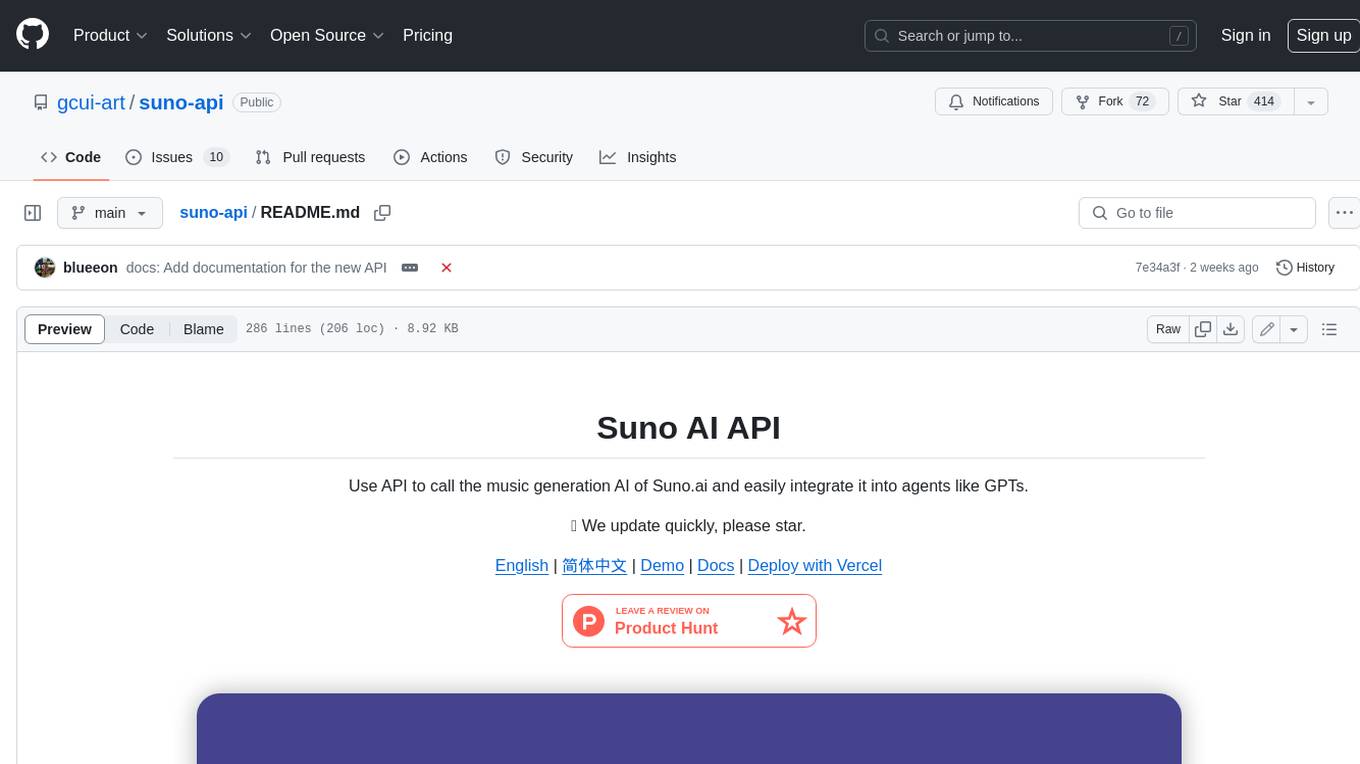
suno-api
Suno AI API is an open-source project that allows developers to integrate the music generation capabilities of Suno.ai into their own applications. The API provides a simple and convenient way to generate music, lyrics, and other audio content using Suno.ai's powerful AI models. With Suno AI API, developers can easily add music generation functionality to their apps, websites, and other projects.
LightRAG
LightRAG is a PyTorch library designed for building and optimizing Retriever-Agent-Generator (RAG) pipelines. It follows principles of simplicity, quality, and optimization, offering developers maximum customizability with minimal abstraction. The library includes components for model interaction, output parsing, and structured data generation. LightRAG facilitates tasks like providing explanations and examples for concepts through a question-answering pipeline.
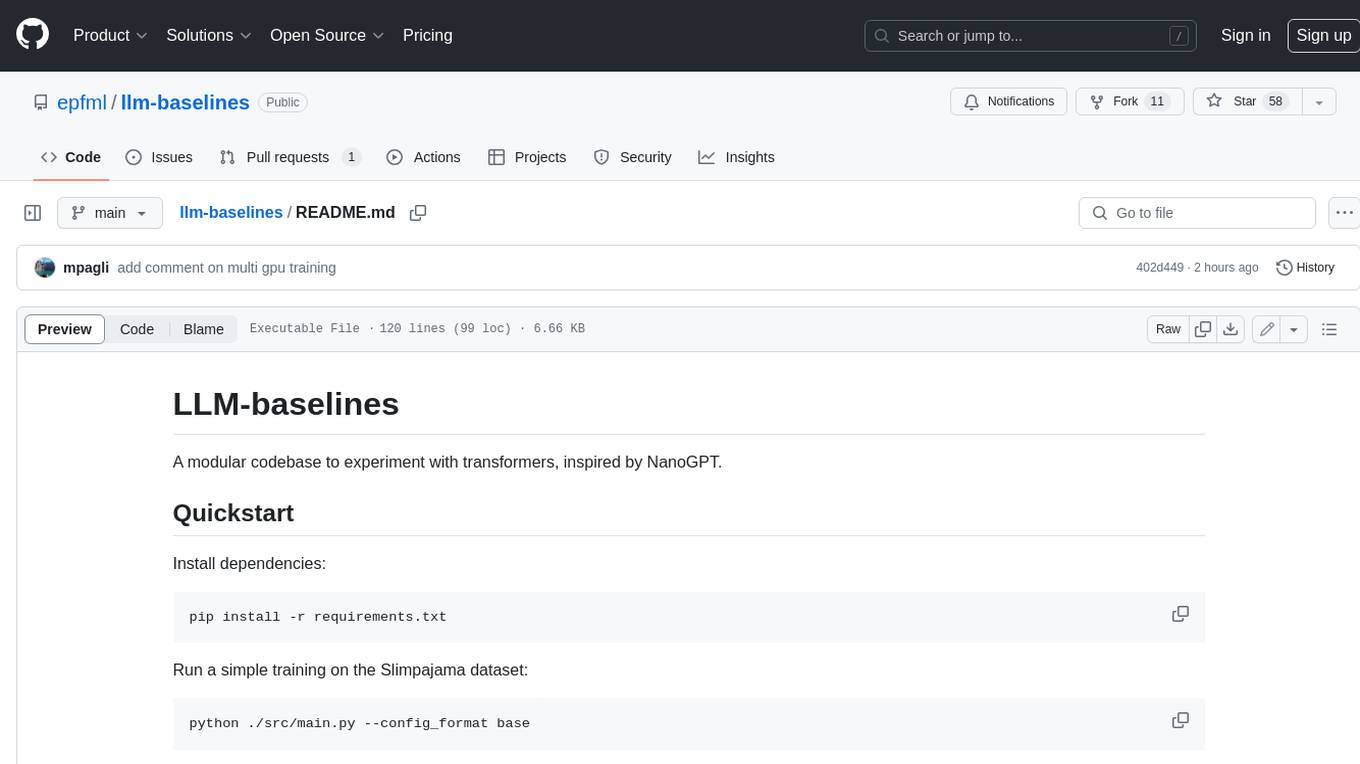
llm-baselines
LLM-baselines is a modular codebase to experiment with transformers, inspired from NanoGPT. It provides a quick and easy way to train and evaluate transformer models on a variety of datasets. The codebase is well-documented and easy to use, making it a great resource for researchers and practitioners alike.
VMind
VMind is an open-source solution for intelligent visualization, providing an intelligent chart component based on LLM by VisActor. It allows users to create chart narrative works with natural language interaction, edit charts through dialogue, and export narratives as videos or GIFs. The tool is easy to use, scalable, supports various chart types, and offers one-click export functionality. Users can customize chart styles, specify themes, and aggregate data using LLM models. VMind aims to enhance efficiency in creating data visualization works through dialogue-based editing and natural language interaction.
For similar tasks

LLMStack
LLMStack is a no-code platform for building generative AI agents, workflows, and chatbots. It allows users to connect their own data, internal tools, and GPT-powered models without any coding experience. LLMStack can be deployed to the cloud or on-premise and can be accessed via HTTP API or triggered from Slack or Discord.
LocalAI
LocalAI is a free and open-source OpenAI alternative that acts as a drop-in replacement REST API compatible with OpenAI (Elevenlabs, Anthropic, etc.) API specifications for local AI inferencing. It allows users to run LLMs, generate images, audio, and more locally or on-premises with consumer-grade hardware, supporting multiple model families and not requiring a GPU. LocalAI offers features such as text generation with GPTs, text-to-audio, audio-to-text transcription, image generation with stable diffusion, OpenAI functions, embeddings generation for vector databases, constrained grammars, downloading models directly from Huggingface, and a Vision API. It provides a detailed step-by-step introduction in its Getting Started guide and supports community integrations such as custom containers, WebUIs, model galleries, and various bots for Discord, Slack, and Telegram. LocalAI also offers resources like an LLM fine-tuning guide, instructions for local building and Kubernetes installation, projects integrating LocalAI, and a how-tos section curated by the community. It encourages users to cite the repository when utilizing it in downstream projects and acknowledges the contributions of various software from the community.
AiTreasureBox
AiTreasureBox is a versatile AI tool that provides a collection of pre-trained models and algorithms for various machine learning tasks. It simplifies the process of implementing AI solutions by offering ready-to-use components that can be easily integrated into projects. With AiTreasureBox, users can quickly prototype and deploy AI applications without the need for extensive knowledge in machine learning or deep learning. The tool covers a wide range of tasks such as image classification, text generation, sentiment analysis, object detection, and more. It is designed to be user-friendly and accessible to both beginners and experienced developers, making AI development more efficient and accessible to a wider audience.
glide
Glide is a cloud-native LLM gateway that provides a unified REST API for accessing various large language models (LLMs) from different providers. It handles LLMOps tasks such as model failover, caching, key management, and more, making it easy to integrate LLMs into applications. Glide supports popular LLM providers like OpenAI, Anthropic, Azure OpenAI, AWS Bedrock (Titan), Cohere, Google Gemini, OctoML, and Ollama. It offers high availability, performance, and observability, and provides SDKs for Python and NodeJS to simplify integration.

jupyter-ai
Jupyter AI connects generative AI with Jupyter notebooks. It provides a user-friendly and powerful way to explore generative AI models in notebooks and improve your productivity in JupyterLab and the Jupyter Notebook. Specifically, Jupyter AI offers: * An `%%ai` magic that turns the Jupyter notebook into a reproducible generative AI playground. This works anywhere the IPython kernel runs (JupyterLab, Jupyter Notebook, Google Colab, Kaggle, VSCode, etc.). * A native chat UI in JupyterLab that enables you to work with generative AI as a conversational assistant. * Support for a wide range of generative model providers, including AI21, Anthropic, AWS, Cohere, Gemini, Hugging Face, NVIDIA, and OpenAI. * Local model support through GPT4All, enabling use of generative AI models on consumer grade machines with ease and privacy.
langchain_dart
LangChain.dart is a Dart port of the popular LangChain Python framework created by Harrison Chase. LangChain provides a set of ready-to-use components for working with language models and a standard interface for chaining them together to formulate more advanced use cases (e.g. chatbots, Q&A with RAG, agents, summarization, extraction, etc.). The components can be grouped into a few core modules: * **Model I/O:** LangChain offers a unified API for interacting with various LLM providers (e.g. OpenAI, Google, Mistral, Ollama, etc.), allowing developers to switch between them with ease. Additionally, it provides tools for managing model inputs (prompt templates and example selectors) and parsing the resulting model outputs (output parsers). * **Retrieval:** assists in loading user data (via document loaders), transforming it (with text splitters), extracting its meaning (using embedding models), storing (in vector stores) and retrieving it (through retrievers) so that it can be used to ground the model's responses (i.e. Retrieval-Augmented Generation or RAG). * **Agents:** "bots" that leverage LLMs to make informed decisions about which available tools (such as web search, calculators, database lookup, etc.) to use to accomplish the designated task. The different components can be composed together using the LangChain Expression Language (LCEL).

infinity
Infinity is an AI-native database designed for LLM applications, providing incredibly fast full-text and vector search capabilities. It supports a wide range of data types, including vectors, full-text, and structured data, and offers a fused search feature that combines multiple embeddings and full text. Infinity is easy to use, with an intuitive Python API and a single-binary architecture that simplifies deployment. It achieves high performance, with 0.1 milliseconds query latency on million-scale vector datasets and up to 15K QPS.
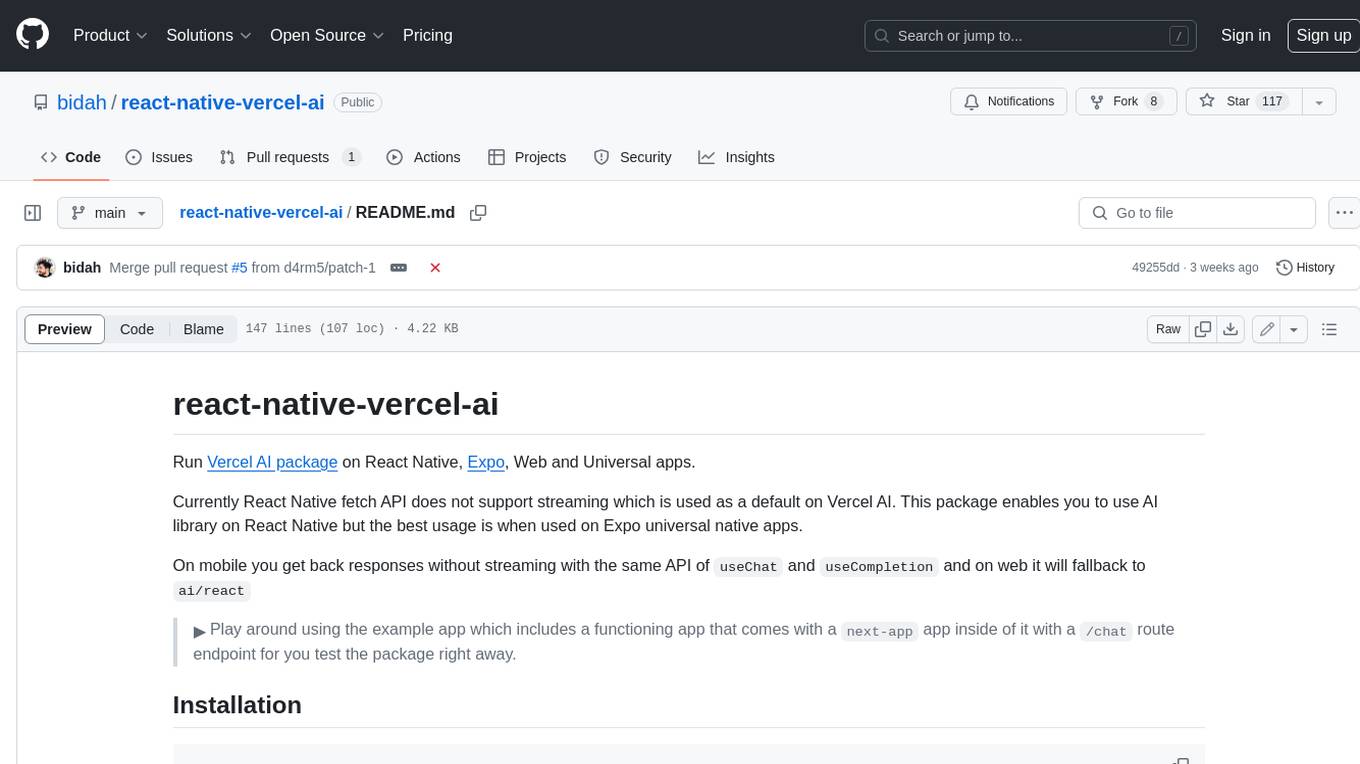
react-native-vercel-ai
Run Vercel AI package on React Native, Expo, Web and Universal apps. Currently React Native fetch API does not support streaming which is used as a default on Vercel AI. This package enables you to use AI library on React Native but the best usage is when used on Expo universal native apps. On mobile you get back responses without streaming with the same API of `useChat` and `useCompletion` and on web it will fallback to `ai/react`
For similar jobs

sweep
Sweep is an AI junior developer that turns bugs and feature requests into code changes. It automatically handles developer experience improvements like adding type hints and improving test coverage.

teams-ai
The Teams AI Library is a software development kit (SDK) that helps developers create bots that can interact with Teams and Microsoft 365 applications. It is built on top of the Bot Framework SDK and simplifies the process of developing bots that interact with Teams' artificial intelligence capabilities. The SDK is available for JavaScript/TypeScript, .NET, and Python.

ai-guide
This guide is dedicated to Large Language Models (LLMs) that you can run on your home computer. It assumes your PC is a lower-end, non-gaming setup.

classifai
Supercharge WordPress Content Workflows and Engagement with Artificial Intelligence. Tap into leading cloud-based services like OpenAI, Microsoft Azure AI, Google Gemini and IBM Watson to augment your WordPress-powered websites. Publish content faster while improving SEO performance and increasing audience engagement. ClassifAI integrates Artificial Intelligence and Machine Learning technologies to lighten your workload and eliminate tedious tasks, giving you more time to create original content that matters.

chatbot-ui
Chatbot UI is an open-source AI chat app that allows users to create and deploy their own AI chatbots. It is easy to use and can be customized to fit any need. Chatbot UI is perfect for businesses, developers, and anyone who wants to create a chatbot.

BricksLLM
BricksLLM is a cloud native AI gateway written in Go. Currently, it provides native support for OpenAI, Anthropic, Azure OpenAI and vLLM. BricksLLM aims to provide enterprise level infrastructure that can power any LLM production use cases. Here are some use cases for BricksLLM: * Set LLM usage limits for users on different pricing tiers * Track LLM usage on a per user and per organization basis * Block or redact requests containing PIIs * Improve LLM reliability with failovers, retries and caching * Distribute API keys with rate limits and cost limits for internal development/production use cases * Distribute API keys with rate limits and cost limits for students

uAgents
uAgents is a Python library developed by Fetch.ai that allows for the creation of autonomous AI agents. These agents can perform various tasks on a schedule or take action on various events. uAgents are easy to create and manage, and they are connected to a fast-growing network of other uAgents. They are also secure, with cryptographically secured messages and wallets.

griptape
Griptape is a modular Python framework for building AI-powered applications that securely connect to your enterprise data and APIs. It offers developers the ability to maintain control and flexibility at every step. Griptape's core components include Structures (Agents, Pipelines, and Workflows), Tasks, Tools, Memory (Conversation Memory, Task Memory, and Meta Memory), Drivers (Prompt and Embedding Drivers, Vector Store Drivers, Image Generation Drivers, Image Query Drivers, SQL Drivers, Web Scraper Drivers, and Conversation Memory Drivers), Engines (Query Engines, Extraction Engines, Summary Engines, Image Generation Engines, and Image Query Engines), and additional components (Rulesets, Loaders, Artifacts, Chunkers, and Tokenizers). Griptape enables developers to create AI-powered applications with ease and efficiency.