


optopsy
AI enabled options backtesting library for Python
Stars: 1262
Optopsy is a fast, flexible backtesting library for options strategies in Python. It helps users generate comprehensive performance statistics from historical options data to answer questions like 'How do iron condors perform on SPX?' or 'What delta range produces the best results for covered calls?' The library features an AI Chat UI for natural language interaction, a trade simulator for full trade-by-trade simulation, 28 built-in strategies, live data providers, smart caching, entry signals with TA indicators, and returns DataFrames that integrate with existing workflows.
README:





A fast, flexible backtesting library for options strategies in Python.
Optopsy helps you answer questions like "How do iron condors perform on SPX?" or "What delta range produces the best results for covered calls?" by generating comprehensive performance statistics from historical options data.
Full Documentation | API Reference | Examples
- AI Chat UI - Run backtests, fetch data, and interpret results using natural language
- Trade Simulator - Full trade-by-trade simulation with capital tracking, equity curves, and performance metrics
- 28 Built-in Strategies - From simple calls/puts to iron condors, butterflies, calendars, and diagonals
- Live Data Providers - Fetch options chains and stock prices directly from supported data sources (e.g. EODHD)
- Smart Caching - Automatic local caching of fetched data with gap detection for efficient re-fetches
- Entry Signals - Filter entries with TA indicators (RSI, MACD, Bollinger Bands, EMA, ATR) via pandas-ta
- Pandas Native - Returns DataFrames that integrate with your existing workflow
An AI-powered chat interface that lets you fetch data, run backtests, and interpret results using natural language.

Install the beta pre-release with the ui extra:
pip install --pre optopsy[ui]Configure your environment variables in a .env file at the project root (the app auto-loads it):
ANTHROPIC_API_KEY=sk-ant-...       # or OPENAI_API_KEY for OpenAI models
EODHD_API_KEY=your-key-here        # enables live data downloads (optional)
OPTOPSY_MODEL=anthropic/claude-haiku-4-5-20251001  # override the default model (optional)
At minimum you need an LLM API key (ANTHROPIC_API_KEY or OPENAI_API_KEY). Set EODHD_API_KEY to enable downloading historical options data directly from EODHD. The OPTOPSY_MODEL variable accepts any LiteLLM model string if you want to use a different model.
The recommended workflow is to download data first via the CLI, then use the chat agent to analyze it:
# Download historical options data (requires EODHD_API_KEY)
optopsy-chat download SPY
optopsy-chat download SPY AAPL TSLA    # multiple symbols
optopsy-chat download SPY -v           # verbose/debug output
Note: If developing with
uv, prefix commands withuv run(e.g.,uv run optopsy-chat download SPY).
Data is stored locally as Parquet files at ~/.optopsy/cache/. Re-running the download command only fetches new data since your last download — it won't re-download what you already have. A Rich progress display shows download progress in the terminal.
Once downloaded, the chat agent can query this data instantly without needing to re-fetch. Stock price history (via yfinance) is also cached locally and fetched automatically when the agent needs it for charting or signal analysis — no manual download required.
optopsy-chat cache size              # show per-symbol disk usage
optopsy-chat cache clear             # clear all cached data
optopsy-chat cache clear SPY # clear specific symboloptopsy-chat # launch (opens browser)
optopsy-chat run --port 9000 # custom port
optopsy-chat run --headless # don't open browser
optopsy-chat run --debug # enable debug logging- Run any of the 28 strategies — ask in plain English (e.g. "Run iron condors on SPY with 30-45 DTE") and the agent picks the right function and parameters
- Fetch live options data — pull options chains from EODHD and cache them locally for fast repeat access
- Fetch stock price history — automatically download OHLCV data via yfinance for charting and signal analysis
- Load & preview CSV data — drag-and-drop a CSV into the chat or point to a file on disk; inspect shape, columns, date ranges, and sample rows
- Scan & compare strategies — run up to 50 strategy/parameter combinations in one call and get a ranked leaderboard
- Suggest parameters — analyze your dataset's DTE and OTM% distributions and recommend sensible starting ranges
- Build entry/exit signals — compose technical analysis signals (RSI, MACD, Bollinger Bands, EMA crossovers, SMA, ATR, day-of-week) with AND/OR logic
- Simulate trades — run chronological simulations with starting capital, position limits, and a full equity curve with metrics (win rate, profit factor, max drawdown, etc.)
- Create interactive charts — generate Plotly charts (line, bar, scatter, histogram, heatmap, candlestick with indicator overlays) from results, simulations, or raw data
- Multi-dataset sessions — load multiple symbols, run the same strategy across each, and compare side-by-side
- Session memory — the agent tracks all strategy runs and results so it can reference prior analysis without re-running
EODHD is the built-in data provider for downloading historical options and stock data. The provider system is pluggable — you can build custom providers by subclassing DataProvider in optopsy/ui/providers/ to integrate your own data sources.
See the Chat UI documentation for more details.
# Core library only (latest stable release)
pip install optopsy

# With AI Chat UI (beta — requires pre-release)
pip install --pre optopsy[ui]
Requirements: Python 3.12-3.13, Pandas 2.0+, NumPy 1.26+
import optopsy as op

# Load your options data
data = op.csv_data(
    "options_data.csv",
    underlying_symbol=0,
    underlying_price=1,
    option_type=2,
    expiration=3,
    quote_date=4,
    strike=5,
    bid=6,
    ask=7,
)

# Backtest long calls and get performance statistics
results = op.long_calls(data)
print(results)
Output:
   dte_range    otm_pct_range  count   mean    std    min    25%    50%    75%    max
0    (0, 7]   (-0.05, -0.0]    505   0.64   1.03  -1.00   0.14   0.37   0.87   7.62
1    (0, 7]    (-0.0, 0.05]    269   2.34   8.65  -1.00  -1.00  -0.89   1.16  68.00
2   (7, 14]   (-0.05, -0.0]    404   1.02   0.68  -0.46   0.58   0.86   1.32   4.40
...
Results are grouped by DTE (days to expiration) and OTM% (out-of-the-money percentage), showing descriptive statistics for percentage returns.
Run a full trade-by-trade simulation with capital tracking, position limits, and performance metrics:
result = op.simulate(
    data,
    op.long_calls,
    capital=100_000,
    quantity=1,
    max_positions=1,
    selector="nearest",       # "nearest", "highest_premium", "lowest_premium", or custom callable
    max_entry_dte=45,
    exit_dte=14,
)

print(result.summary)         # win rate, profit factor, max drawdown, etc.
print(result.trade_log)       # per-trade P&L, entry/exit dates, equity
print(result.equity_curve)    # portfolio value over time
The simulator works with all 28 strategies. It selects one trade per entry date, enforces concurrent position limits, and computes a full equity curve with metrics like win rate, profit factor, max drawdown, and average days in trade.
| Category | Strategies |
|---|---|
| Single Leg |
long_calls, short_calls, long_puts, short_puts
|
| Straddles/Strangles |
long_straddles, short_straddles, long_strangles, short_strangles
|
| Vertical Spreads |
long_call_spread, short_call_spread, long_put_spread, short_put_spread
|
| Butterflies |
long_call_butterfly, short_call_butterfly, long_put_butterfly, short_put_butterfly
|
| Iron Condors |
iron_condor, reverse_iron_condor
|
| Iron Butterflies |
iron_butterfly, reverse_iron_butterfly
|
| Covered |
covered_call, protective_put
|
| Calendar Spreads |
long_call_calendar, short_call_calendar, long_put_calendar, short_put_calendar
|
| Diagonal Spreads |
long_call_diagonal, short_call_diagonal, long_put_diagonal, short_put_diagonal
|
- Getting Started - Installation and first backtest
- Strategies - All 28 strategies explained
- Parameters - Configuration options reference
- Entry Signals - Technical analysis signal filters
- Chat UI - AI-powered chat interface
- Examples - Common use cases and recipes
- API Reference - Complete function documentation
Optopsy is intended for research and educational purposes only. Backtest results are based on historical data and simplified assumptions — they do not account for all real-world factors such as liquidity constraints, execution slippage, assignment risk, or changing market conditions. Past performance is not indicative of future results. Always perform your own due diligence before making any trading decisions.
This project is licensed under the GNU Affero General Public License v3.0 - see the LICENSE file for details.
For Tasks:
Click tags to check more tools for each tasksFor Jobs:
Alternative AI tools for optopsy
Similar Open Source Tools
optopsy
Optopsy is a fast, flexible backtesting library for options strategies in Python. It helps users generate comprehensive performance statistics from historical options data to answer questions like 'How do iron condors perform on SPX?' or 'What delta range produces the best results for covered calls?' The library features an AI Chat UI for natural language interaction, a trade simulator for full trade-by-trade simulation, 28 built-in strategies, live data providers, smart caching, entry signals with TA indicators, and returns DataFrames that integrate with existing workflows.
graphiti
Graphiti is a framework for building and querying temporally-aware knowledge graphs, tailored for AI agents in dynamic environments. It continuously integrates user interactions, structured and unstructured data, and external information into a coherent, queryable graph. The framework supports incremental data updates, efficient retrieval, and precise historical queries without complete graph recomputation, making it suitable for developing interactive, context-aware AI applications.

LEANN
LEANN is an innovative vector database that democratizes personal AI, transforming your laptop into a powerful RAG system that can index and search through millions of documents using 97% less storage than traditional solutions without accuracy loss. It achieves this through graph-based selective recomputation and high-degree preserving pruning, computing embeddings on-demand instead of storing them all. LEANN allows semantic search of file system, emails, browser history, chat history, codebase, or external knowledge bases on your laptop with zero cloud costs and complete privacy. It is a drop-in semantic search MCP service fully compatible with Claude Code, enabling intelligent retrieval without changing your workflow.
RainbowGPT
RainbowGPT is a versatile tool that offers a range of functionalities, including Stock Analysis for financial decision-making, MySQL Management for database navigation, and integration of AI technologies like GPT-4 and ChatGlm3. It provides a user-friendly interface suitable for all skill levels, ensuring seamless information flow and continuous expansion of emerging technologies. The tool enhances adaptability, creativity, and insight, making it a valuable asset for various projects and tasks.
infinite-image-browsing
Infinite Image Browsing (IIB) is a versatile tool that offers excellent performance in displaying images, supports image search and favorite functionalities, allows viewing images/videos with various features like full-screen preview and sending to other tabs, provides multiple usage methods including extension installation, standalone Python usage, and desktop application, supports TikTok-style view, walk mode for automatic loading of folders, preview based on file tree structure, image comparison, topic/tag analysis, smart file organization, multilingual support, privacy and security features, packaging/batch download, keyboard shortcuts, and AI integration. The tool also offers natural language categorization and search capabilities, with API endpoints for embedding, clustering, and prompt retrieval. It supports caching and incremental updates for efficient processing and offers various configuration options through environment variables.
gpt-computer-assistant
GPT Computer Assistant (GCA) is an open-source framework designed to build vertical AI agents that can automate tasks on Windows, macOS, and Ubuntu systems. It leverages the Model Context Protocol (MCP) and its own modules to mimic human-like actions and achieve advanced capabilities. With GCA, users can empower themselves to accomplish more in less time by automating tasks like updating dependencies, analyzing databases, and configuring cloud security settings.
open-mercato
Open Mercato is a modern, AI-supportive platform designed for shipping enterprise-grade CRMs, ERPs, and commerce backends. It offers modular architecture, custom entities, multi-tenancy, RBAC, data indexing, event workflows, and more. The tool is built with a modern stack including Next.js, TypeScript, zod, Awilix DI, MikroORM, and bcryptjs. It also features an AI Assistant for schema discovery, API execution, and hybrid search. Open Mercato provides data encryption, migration guides, Docker setups, standalone app creation, and follows a spec-driven development approach. The Enterprise Edition offers additional support, SLA options, and advanced features beyond the open-source Core version.
sec-code-bench
SecCodeBench is a benchmark suite for evaluating the security of AI-generated code, specifically designed for modern Agentic Coding Tools. It addresses challenges in existing security benchmarks by ensuring test case quality, employing precise evaluation methods, and covering Agentic Coding Tools. The suite includes 98 test cases across 5 programming languages, focusing on functionality-first evaluation and dynamic execution-based validation. It offers a highly extensible testing framework for end-to-end automated evaluation of agentic coding tools, generating comprehensive reports and logs for analysis and improvement.
metis
Metis is an open-source, AI-driven tool for deep security code review, created by Arm's Product Security Team. It helps engineers detect subtle vulnerabilities, improve secure coding practices, and reduce review fatigue. Metis uses LLMs for semantic understanding and reasoning, RAG for context-aware reviews, and supports multiple languages and vector store backends. It provides a plugin-friendly and extensible architecture, named after the Greek goddess of wisdom, Metis. The tool is designed for large, complex, or legacy codebases where traditional tooling falls short.
xFasterTransformer
xFasterTransformer is an optimized solution for Large Language Models (LLMs) on the X86 platform, providing high performance and scalability for inference on mainstream LLM models. It offers C++ and Python APIs for easy integration, along with example codes and benchmark scripts. Users can prepare models in a different format, convert them, and use the APIs for tasks like encoding input prompts, generating token ids, and serving inference requests. The tool supports various data types and models, and can run in single or multi-rank modes using MPI. A web demo based on Gradio is available for popular LLM models like ChatGLM and Llama2. Benchmark scripts help evaluate model inference performance quickly, and MLServer enables serving with REST and gRPC interfaces.
effective_llm_alignment
This is a super customizable, concise, user-friendly, and efficient toolkit for training and aligning LLMs. It provides support for various methods such as SFT, Distillation, DPO, ORPO, CPO, SimPO, SMPO, Non-pair Reward Modeling, Special prompts basket format, Rejection Sampling, Scoring using RM, Effective FAISS Map-Reduce Deduplication, LLM scoring using RM, NER, CLIP, Classification, and STS. The toolkit offers key libraries like PyTorch, Transformers, TRL, Accelerate, FSDP, DeepSpeed, and tools for result logging with wandb or clearml. It allows mixing datasets, generation and logging in wandb/clearml, vLLM batched generation, and aligns models using the SMPO method.
Scrapling
Scrapling is a high-performance, intelligent web scraping library for Python that automatically adapts to website changes while significantly outperforming popular alternatives. For both beginners and experts, Scrapling provides powerful features while maintaining simplicity. It offers features like fast and stealthy HTTP requests, adaptive scraping with smart element tracking and flexible selection, high performance with lightning-fast speed and memory efficiency, and developer-friendly navigation API and rich text processing. It also includes advanced parsing features like smart navigation, content-based selection, handling structural changes, and finding similar elements. Scrapling is designed to handle anti-bot protections and website changes effectively, making it a versatile tool for web scraping tasks.
sec-parser
The `sec-parser` project simplifies extracting meaningful information from SEC EDGAR HTML documents by organizing them into semantic elements and a tree structure. It helps in parsing SEC filings for financial and regulatory analysis, analytics and data science, AI and machine learning, causal AI, and large language models. The tool is especially beneficial for AI, ML, and LLM applications by streamlining data pre-processing and feature extraction.
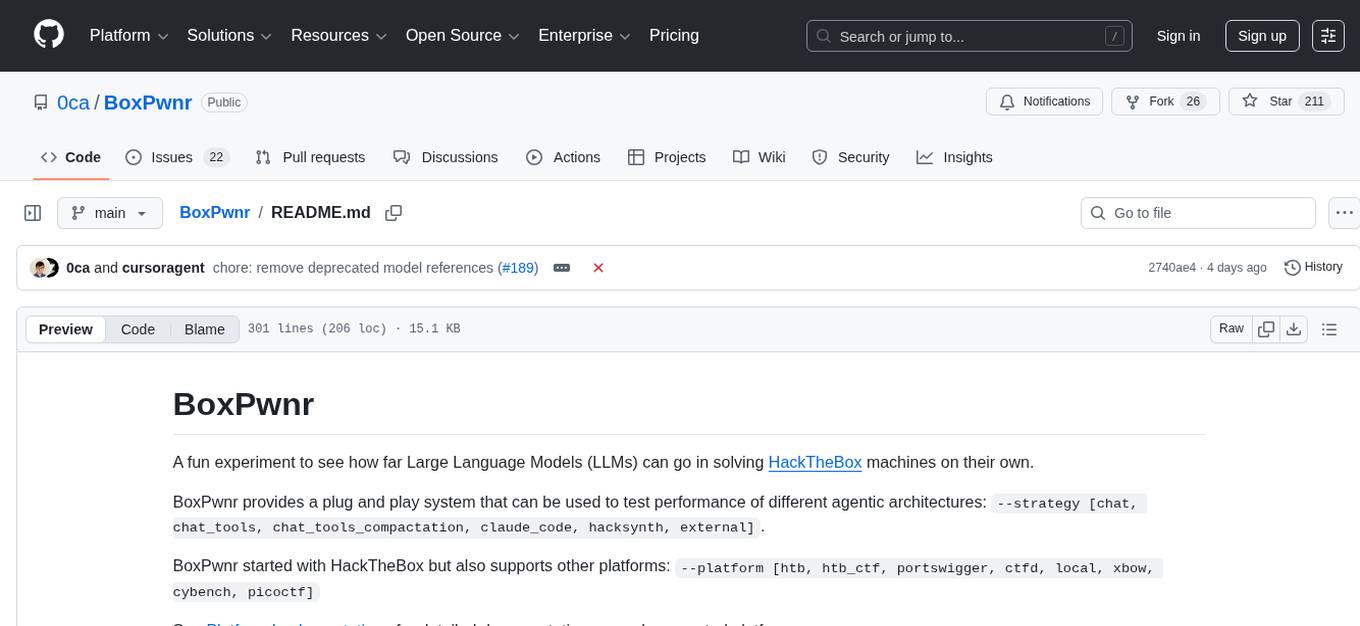
BoxPwnr
BoxPwnr is a tool designed to test the performance of different agentic architectures using Large Language Models (LLMs) to autonomously solve HackTheBox machines. It provides a plug and play system with various strategies and platforms supported. BoxPwnr uses an iterative process where LLMs receive system prompts, suggest commands, execute them in a Docker container, analyze outputs, and repeat until the flag is found. The tool automates commands, saves conversations and commands for analysis, and tracks usage statistics. With recent advancements in LLM technology, BoxPwnr aims to evaluate AI systems' reasoning capabilities, creative thinking, security understanding, problem-solving skills, and code generation abilities.
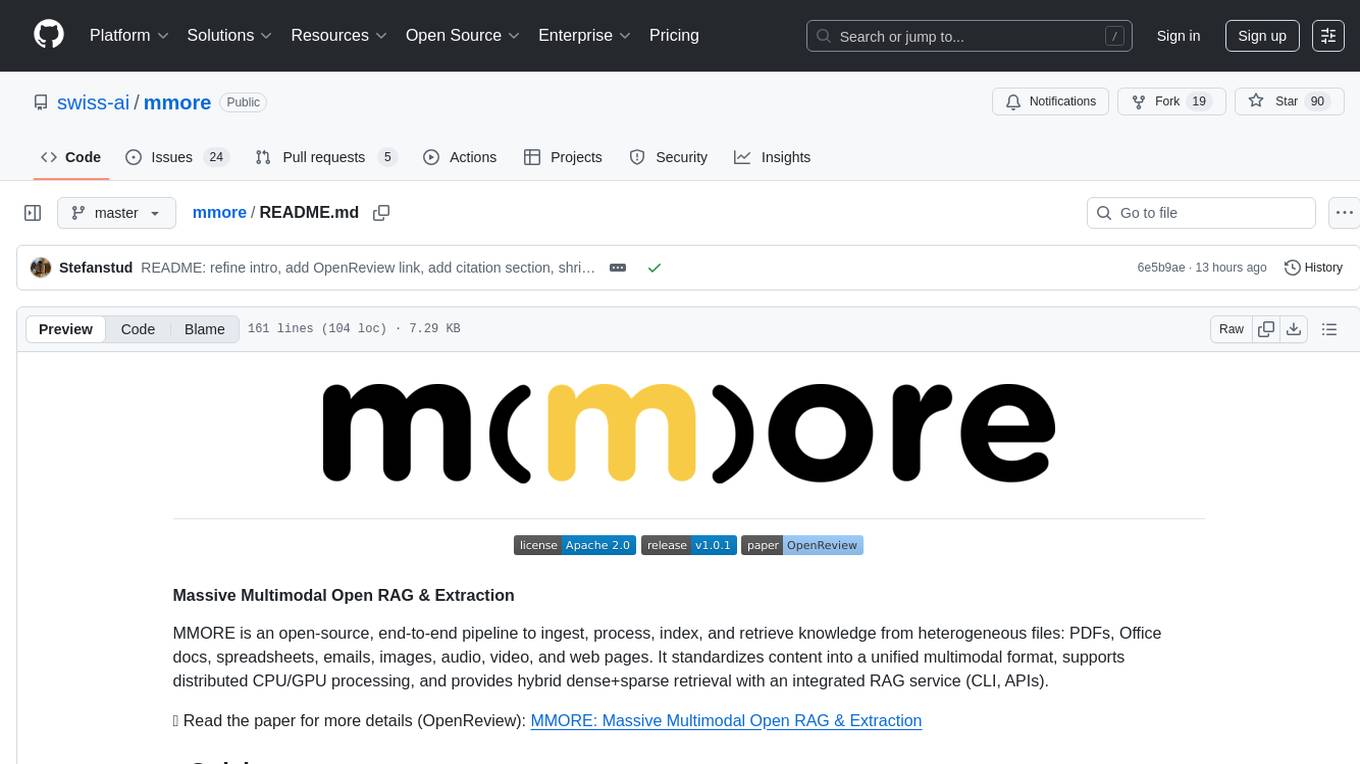
mmore
MMORE is an open-source, end-to-end pipeline for ingesting, processing, indexing, and retrieving knowledge from various file types such as PDFs, Office docs, images, audio, video, and web pages. It standardizes content into a unified multimodal format, supports distributed CPU/GPU processing, and offers hybrid dense+sparse retrieval with an integrated RAG service through CLI and APIs.
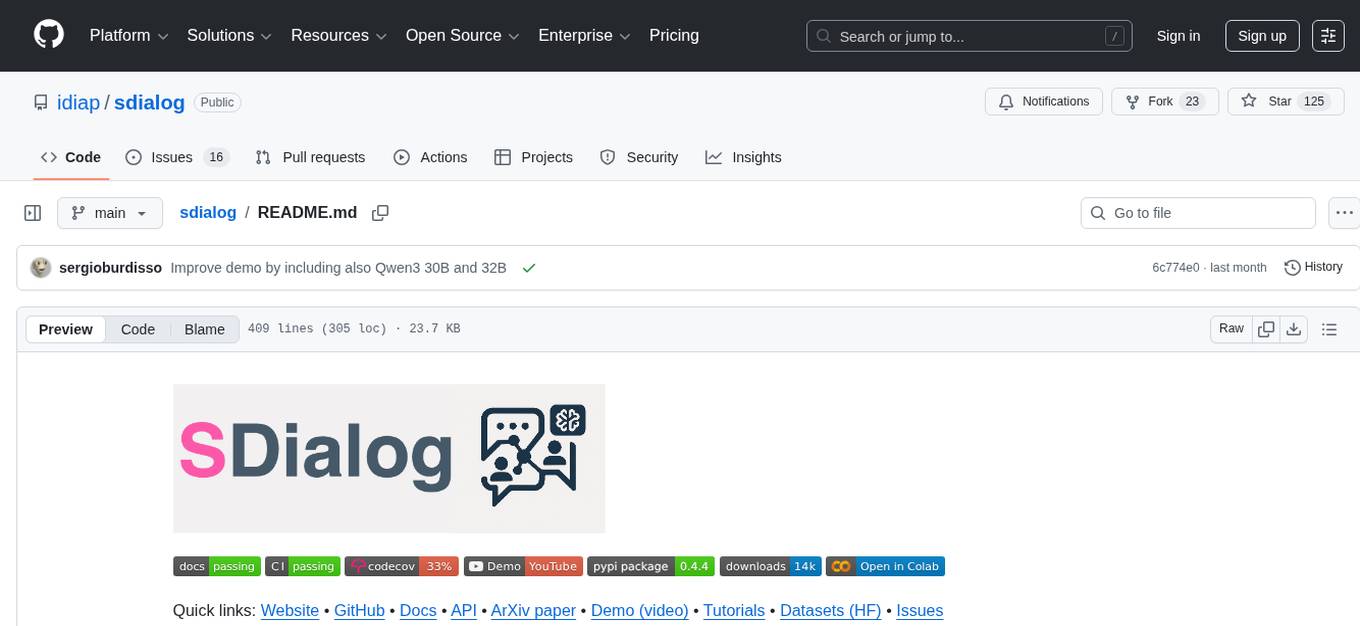
sdialog
SDialog is an MIT-licensed open-source toolkit for building, simulating, and evaluating LLM-based conversational agents end-to-end. It aims to bridge agent construction, user simulation, dialog generation, and evaluation in a single reproducible workflow, enabling the generation of reliable, controllable dialog systems or data at scale. The toolkit standardizes a Dialog schema, offers persona-driven multi-agent simulation with LLMs, provides composable orchestration for precise control over behavior and flow, includes built-in evaluation metrics, and offers mechanistic interpretability. It allows for easy creation of user-defined components and interoperability across various AI platforms.
For similar tasks
optopsy
Optopsy is a fast, flexible backtesting library for options strategies in Python. It helps users generate comprehensive performance statistics from historical options data to answer questions like 'How do iron condors perform on SPX?' or 'What delta range produces the best results for covered calls?' The library features an AI Chat UI for natural language interaction, a trade simulator for full trade-by-trade simulation, 28 built-in strategies, live data providers, smart caching, entry signals with TA indicators, and returns DataFrames that integrate with existing workflows.
For similar jobs
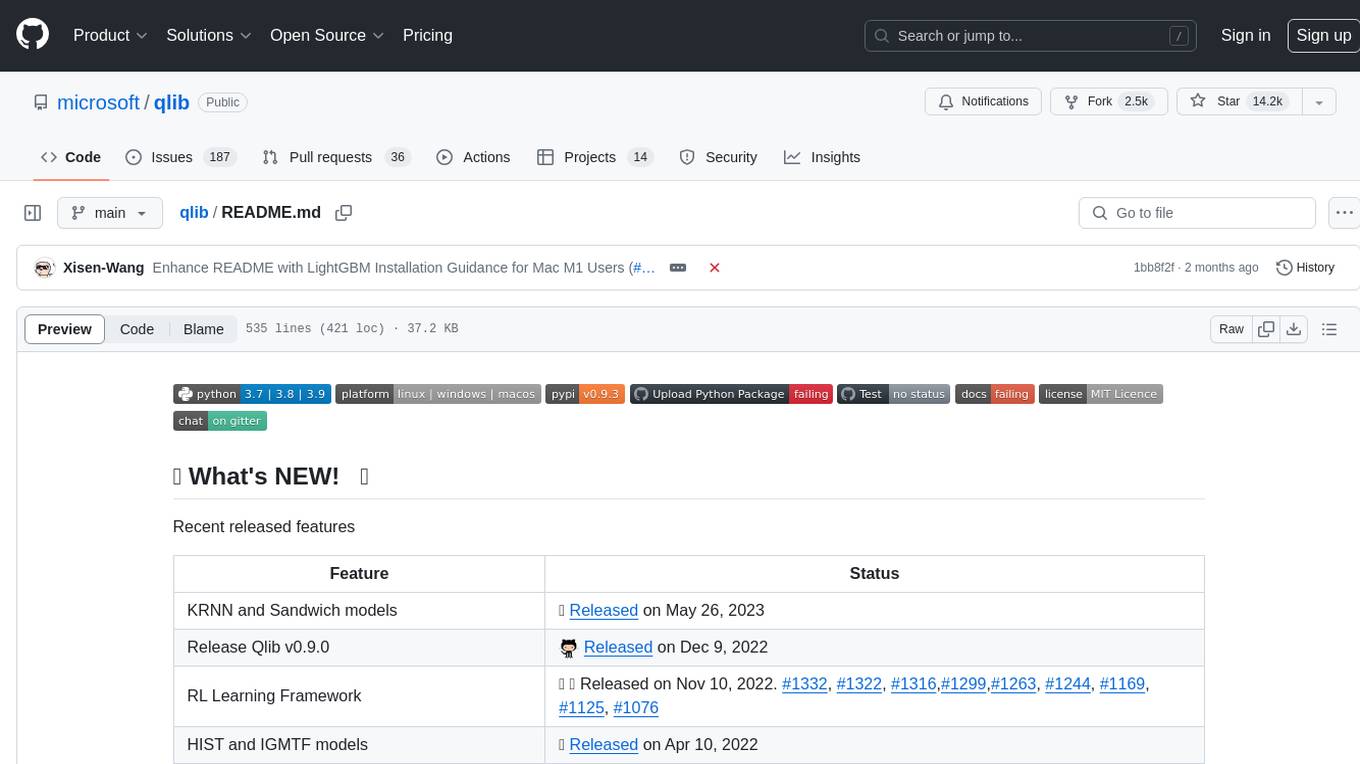
qlib
Qlib is an open-source, AI-oriented quantitative investment platform that supports diverse machine learning modeling paradigms, including supervised learning, market dynamics modeling, and reinforcement learning. It covers the entire chain of quantitative investment, from alpha seeking to order execution. The platform empowers researchers to explore ideas and implement productions using AI technologies in quantitative investment. Qlib collaboratively solves key challenges in quantitative investment by releasing state-of-the-art research works in various paradigms. It provides a full ML pipeline for data processing, model training, and back-testing, enabling users to perform tasks such as forecasting market patterns, adapting to market dynamics, and modeling continuous investment decisions.
jupyter-quant
Jupyter Quant is a dockerized environment tailored for quantitative research, equipped with essential tools like statsmodels, pymc, arch, py_vollib, zipline-reloaded, PyPortfolioOpt, numpy, pandas, sci-py, scikit-learn, yellowbricks, shap, optuna, ib_insync, Cython, Numba, bottleneck, numexpr, jedi language server, jupyterlab-lsp, black, isort, and more. It does not include conda/mamba and relies on pip for package installation. The image is optimized for size, includes common command line utilities, supports apt cache, and allows for the installation of additional packages. It is designed for ephemeral containers, ensuring data persistence, and offers volumes for data, configuration, and notebooks. Common tasks include setting up the server, managing configurations, setting passwords, listing installed packages, passing parameters to jupyter-lab, running commands in the container, building wheels outside the container, installing dotfiles and SSH keys, and creating SSH tunnels.
FinRobot
FinRobot is an open-source AI agent platform designed for financial applications using large language models. It transcends the scope of FinGPT, offering a comprehensive solution that integrates a diverse array of AI technologies. The platform's versatility and adaptability cater to the multifaceted needs of the financial industry. FinRobot's ecosystem is organized into four layers, including Financial AI Agents Layer, Financial LLMs Algorithms Layer, LLMOps and DataOps Layers, and Multi-source LLM Foundation Models Layer. The platform's agent workflow involves Perception, Brain, and Action modules to capture, process, and execute financial data and insights. The Smart Scheduler optimizes model diversity and selection for tasks, managed by components like Director Agent, Agent Registration, Agent Adaptor, and Task Manager. The tool provides a structured file organization with subfolders for agents, data sources, and functional modules, along with installation instructions and hands-on tutorials.
hands-on-lab-neo4j-and-vertex-ai
This repository provides a hands-on lab for learning about Neo4j and Google Cloud Vertex AI. It is intended for data scientists and data engineers to deploy Neo4j and Vertex AI in a Google Cloud account, work with real-world datasets, apply generative AI, build a chatbot over a knowledge graph, and use vector search and index functionality for semantic search. The lab focuses on analyzing quarterly filings of asset managers with $100m+ assets under management, exploring relationships using Neo4j Browser and Cypher query language, and discussing potential applications in capital markets such as algorithmic trading and securities master data management.
jupyter-quant
Jupyter Quant is a dockerized environment tailored for quantitative research, equipped with essential tools like statsmodels, pymc, arch, py_vollib, zipline-reloaded, PyPortfolioOpt, numpy, pandas, sci-py, scikit-learn, yellowbricks, shap, optuna, and more. It provides Interactive Broker connectivity via ib_async and includes major Python packages for statistical and time series analysis. The image is optimized for size, includes jedi language server, jupyterlab-lsp, and common command line utilities. Users can install new packages with sudo, leverage apt cache, and bring their own dot files and SSH keys. The tool is designed for ephemeral containers, ensuring data persistence and flexibility for quantitative analysis tasks.
Qbot
Qbot is an AI-oriented automated quantitative investment platform that supports diverse machine learning modeling paradigms, including supervised learning, market dynamics modeling, and reinforcement learning. It provides a full closed-loop process from data acquisition, strategy development, backtesting, simulation trading to live trading. The platform emphasizes AI strategies such as machine learning, reinforcement learning, and deep learning, combined with multi-factor models to enhance returns. Users with some Python knowledge and trading experience can easily utilize the platform to address trading pain points and gaps in the market.
FinMem-LLM-StockTrading
This repository contains the Python source code for FINMEM, a Performance-Enhanced Large Language Model Trading Agent with Layered Memory and Character Design. It introduces FinMem, a novel LLM-based agent framework devised for financial decision-making, encompassing three core modules: Profiling, Memory with layered processing, and Decision-making. FinMem's memory module aligns closely with the cognitive structure of human traders, offering robust interpretability and real-time tuning. The framework enables the agent to self-evolve its professional knowledge, react agilely to new investment cues, and continuously refine trading decisions in the volatile financial environment. It presents a cutting-edge LLM agent framework for automated trading, boosting cumulative investment returns.
LLMs-in-Finance
This repository focuses on the application of Large Language Models (LLMs) in the field of finance. It provides insights and knowledge about how LLMs can be utilized in various scenarios within the finance industry, particularly in generating AI agents. The repository aims to explore the potential of LLMs to enhance financial processes and decision-making through the use of advanced natural language processing techniques.