


infinite-image-browsing
A full-featured image/video management app with AI-powered organization and semantic search. Supports metadata from SD-webui, ComfyUI, Fooocus, NovelAI, StableSwarmUI, and more. Available as standalone app, SD-webui extension, or library.
Stars: 1254
Infinite Image Browsing (IIB) is a versatile tool that offers excellent performance in displaying images, supports image search and favorite functionalities, allows viewing images/videos with various features like full-screen preview and sending to other tabs, provides multiple usage methods including extension installation, standalone Python usage, and desktop application, supports TikTok-style view, walk mode for automatic loading of folders, preview based on file tree structure, image comparison, topic/tag analysis, smart file organization, multilingual support, privacy and security features, packaging/batch download, keyboard shortcuts, and AI integration. The tool also offers natural language categorization and search capabilities, with API endpoints for embedding, clustering, and prompt retrieval. It supports caching and incremental updates for efficient processing and offers various configuration options through environment variables.
README:
🌍 i18n Advisory: Some translations may be incomplete or inaccurate. Pull requests are welcome for improvements!
🌐 Try our application online at: http://39.105.110.128:0721. This is my idle 2c2g3m cloud server without CDN.
中文文档 Change log Installation / Running
| Software | Support | Provided by |
|---|---|---|
| Stable Diffusion web UI | Supported | Built-in |
| Stable Diffusion web UI (Stealth) | Supported (default: disabled) | Built-in |
| ComfyUI | Partially supported | Built-in |
| Fooocus | Supported | Built-in |
| NovelAI | Supported | Built-in |
| StableSwarmUI | Supported | Built-in |
| Invoke.AI | Supported | Built-in |
| Pixiv | Supported | pixiv_iib_plugin |
If you would like to support more software, please refer to: parsers or pixiv_iib_plugin
- Once caching is generated, images can be displayed in just a few milliseconds.
- Images are displayed with thumbnails by default, with a default size of 512 pixels. You can adjust the thumbnail resolution on the global settings page.
- You can also control the width of the grid images, allowing them to be displayed in widths ranging from 64px to 1024px.
- Supports pre-generating thumbnails and video covers to improve performance using
--generate_video_coverand--generate_image_cache. - Supports specifying the cache directory through the
IIB_CACHE_DIRenvironment variable.
- The prompt, model, Lora, and other information will be converted into tags and sorted by frequency of use for precise searching.
- Supports tag autocomplete, auto-translation, and customization.
- Image favorite can be achieved by toggling custom tags for images in the right-click menu.
- Support for advanced search similar to Google
- Also supports fuzzy search, you can search by a part of the filename or generated information.
- Support adding custom search paths for easy management of folders created by the user.
- Media type filtering, video tag search, and random sort.
- Auto-tagging with custom rules.
- Supports viewing image generation information. Also supported in full-screen preview mode.
- EXIF/metadata is integrated in full-screen preview with nested JSON navigation and highlighting.
- Supports sending images to other tabs and third-party extensions such as ControlNet , openOutpaint.
- Support full-screen preview and enable custom shortcut key operations while in full-screen preview mode.
- Support navigating to the previous or next image in full-screen preview mode by pressing arrow keys or clicking buttons.
- Support playing video files from a remote server.
- You can install it as an extension on SD-webui.
- You can run it independently using Python.
- The desktop app version is also available.
- Supports multiple popular AI software.
- NEW: Use with AI agents (Claude Code, Cursor, OpenClaw, etc.)
- TikTok-style vertical browsing for images and videos.
- Polished info panel with backdrop/preview return improvements.
- Delete events stay in sync across the TikTok view.
- Automatically load the next folder
(similar to os.walk), allowing you to browse all images without paging. - Tested to work properly with over 27,000 files.
- When there are folders, you can switch to walk mode from other modes by clicking the walk button in the upper right corner. It will flatten all the folders, avoiding the tedious operation of going in and out of folders.
- Supports file tree-based preview.
- Supports automatic refreshing.
- Supports basic file operations, such as multiple selection for deleting/moving/copying, and creating new folders.
- Hold down the Ctrl, Shift, or Cmd key to select multiple items.
- Supported multi-select operations include: delete, move, copy, pack download, add tags, remove tags, move to another folder, copy to another folder, drag and drop.
- You can keep the multi-select state by clicking the "Keep Multi-Select" button in the lower right corner, allowing you to perform multiple operations on the selected file collection conveniently.
- Drag-and-drop into folders and safer move/copy (continue on error).
- Provides a side-by-side comparison of two images.
- Provides a comparison of image generation information at the same time.
- Tag relationship graph visualization for topic clusters.
AI-powered automatic file organization
- Semantic Clustering: Automatically groups similar images based on prompt semantics using AI embeddings
- Auto-Generated Folder Names: AI generates meaningful folder names in your preferred language
- Preview Before Action: Review the proposed organization before confirming - skip or adjust as needed
- Background Processing: Large folders are processed in the background, you can continue working
- Flexible Options: Choose between move or copy, set minimum cluster size, include subfolders recursively
Requirements: Same as Topic Search - requires
OPENAI_BASE_URL,OPENAI_API_KEY, and Python dependenciesnumpy,hnswlib📸 See Smart Organize Preview below for screenshots and video demo.
- Currently supports Simplified Chinese/Traditional Chinese/English/German.
- If you would like to add a new language, please refer to i18n.ts and submit the relevant code.
- Supports custom secret key for authentication.
- Supports configuring access control for the file system, which will be enabled by default when the service allows public access (Only when used as an extension of sd-webui).
- Supports customizing the allowed paths for access control.
- Supports controlling access permissions. You can run IIB in read-only mode.
- Click here to see details
- Allows you to download multiple images at once.
- The data source can be search results, a regular image grid view page, walk mode, etc. Images can be added to the processing list through drag-and-drop or "Send To".
- Allows for deleting and adding/removing tags, with customizable trigger buttons in the global settings page.
If you like this project and find it helpful, please consider giving it a ⭐️. This would be very important for me to continue developing and maintaining this project. If you have any suggestions or ideas, please feel free to raise them in the issue section, and I will respond as soon as possible. Thank you again for your support!


- Open the
Extensionstab in SD-webui. - Select the
Install from URLoption. - Enter
https://github.com/zanllp/sd-webui-infinite-image-browsing. - Click on the
Installbutton. - Wait for the installation to complete and click on
Apply and restart UI.
Refer to Can the extension function without the web UI?
If you need to view images generated by ComfyUI/Fooocus/NovelAI, please refer to https://github.com/zanllp/sd-webui-infinite-image-browsing/issues/202.
If you need a Dockerfile, you can refer to this link. https://github.com/zanllp/sd-webui-infinite-image-browsing/discussions/366
The executable version also supports ComfyUI/Fooocus/NovelAI.
Download and install the program from the releases section on the right-hand side of the repository page.
If the antivirus detects a virus, it can be ignored as a false positive. There are two versions of the compiled version for Windows, with the pyinstaller version having a lower false positive rate.
If you need to compile it yourself, please refer to https://github.com/zanllp/sd-webui-infinite-image-browsing/blob/main/.github/workflows/tauri_app_build.yml.
Use iframe to access IIB and use it as a file browser for your application. Refer to https://github.com/zanllp/sd-webui-infinite-image-browsing/blob/main/vue/usage.md
IIB can be used with AI agents like Claude Code, Cursor, and OpenClaw. See AI Agents Documentation for details.

During the first use, you need to click and wait for the index generation. For my case with 20,000 images, it took about 45 seconds (with an AMD 5600X CPU and PCIe SSD). For subsequent uses, it will check whether there are changes in the folder, and if so, it needs to regenerate the index. Usually, this process is very fast.
Image search supports translation, see https://github.com/zanllp/sd-webui-infinite-image-browsing/issues/39 for more detail. Feel free to share files for other languages to facilitate everyone's use.


In full-screen preview mode, you can also view image information and perform operations on the context menu. It supports dragging, resizing and expanding/collapsing .
If you, like me, don't need to view the generation information, you can choose to simply minimize this panel, and all contextual operations will still be available.

You can also trigger it by hovering your mouse over the icon in the top right corner.

AI-powered automatic file organization - groups similar images and creates meaningful folders.


https://github.com/user-attachments/assets/c1279556-d255-4e71-b230-48523a4859bf
This feature groups images by semantic similarity of prompts and supports natural-language retrieval (similar to the retrieval stage in RAG). It’s experimental: results depend on the embedding/chat models and the quality of prompt metadata.
- Open “Natural Language Categorization & Search (Experimental)” from the startup page
- Click Scope and select one or more folders (from QuickMovePaths)
- Categorize: click Refresh to generate topic cards for the selected scope
- Search: type a natural-language query and click Search (auto-opens the result grid)
The selected scope is persisted in backend KV:
app_fe_setting["topic_search_scope"]. Next time it will auto-restore and auto-refresh once.
-
Build/refresh embeddings:
POST /infinite_image_browsing/db/build_iib_output_embeddings- Request:
folder,model,force,batch_size,max_chars
- Request:
-
Cluster (categorize):
POST /infinite_image_browsing/db/cluster_iib_output_job_startthen pollGET /infinite_image_browsing/db/cluster_iib_output_job_status?job_id=...- Request:
folder_paths(required, array),threshold,min_cluster_size,force_embed,title_model,force_title,use_title_cache,assign_noise_threshold,lang
- Request:
-
Prompt retrieval (RAG-like):
POST /infinite_image_browsing/db/search_iib_output_by_prompt- Request:
query,folder_paths(required, array),top_k,min_score,ensure_embed,model,max_chars
- Request:
-
1) Prompt extraction & normalization
- Reads
image.exifand keeps content beforeNegative prompt: - Optionally removes “boilerplate” terms (quality/photography parameters, etc.) to focus on topic semantics (
IIB_PROMPT_NORMALIZE*)
- Reads
-
2) Embeddings
- Calls OpenAI-compatible
/embeddings - Stores vectors in SQLite table
image_embedding(incremental, to avoid repeated costs)
- Calls OpenAI-compatible
-
3) Clustering
- Online centroid-sum clustering, plus a post-merge step for highly similar clusters
- Optionally reassigns members of small clusters into the closest large cluster to reduce noise
-
4) Title generation (LLM)
- Calls
/chat/completionswith tool/function calling to force structured JSON output - Stores titles/keywords in SQLite table
topic_title_cache
- Calls
-
5) Retrieval
- Embeds the query and ranks images in the selected scope by cosine similarity, returning TopK
-
Where: table
image_embedding(keyed byimage_id) -
Skip rule (incremental update): an image is skipped if:
- same
model - same
text_hash - existing
vecis present
- same
-
Re-vectorization cache key:
text_hash = sha256(f"{normalize_version}:{prompt_text}")-
prompt_textis the extracted + (optionally) normalized text used for embeddings -
normalize_versionis a code-derived fingerprint of normalization rules/mode (not user-configurable)
-
-
Force rebuild: pass
force=truetobuild_iib_output_embeddingsorforce_embed=truetocluster_iib_output_job_start
-
Where: table
topic_title_cachekeyed bycluster_hash -
Hit rule: when
use_title_cache=trueandforce_title=false, titles/keywords are reused -
Cache key (
cluster_hash) includes:- member image IDs (sorted)
- embedding
model,threshold,min_cluster_size -
title_model, outputlang - normalization fingerprint (
normalize_version) and mode
-
Force title regeneration:
force_title=true
All calls use an OpenAI-compatible provider:
-
OPENAI_BASE_URL: e.g.https://your-host/v1 -
OPENAI_API_KEY: your API key -
EMBEDDING_MODEL: embeddings model used for clustering -
AI_MODEL: default chat model (fallback) -
TOPIC_TITLE_MODEL: chat model used for cluster titles (falls back toAI_MODEL) -
IIB_PROMPT_NORMALIZE:1/0enable prompt normalization -
IIB_PROMPT_NORMALIZE_MODE:balanced(recommended) /theme_only
Note: There is no mock fallback for AI calls. If the provider/model fails or returns invalid output, the API will return an error directly.
For Tasks:
Click tags to check more tools for each tasksFor Jobs:
Alternative AI tools for infinite-image-browsing
Similar Open Source Tools
infinite-image-browsing
Infinite Image Browsing (IIB) is a versatile tool that offers excellent performance in displaying images, supports image search and favorite functionalities, allows viewing images/videos with various features like full-screen preview and sending to other tabs, provides multiple usage methods including extension installation, standalone Python usage, and desktop application, supports TikTok-style view, walk mode for automatic loading of folders, preview based on file tree structure, image comparison, topic/tag analysis, smart file organization, multilingual support, privacy and security features, packaging/batch download, keyboard shortcuts, and AI integration. The tool also offers natural language categorization and search capabilities, with API endpoints for embedding, clustering, and prompt retrieval. It supports caching and incremental updates for efficient processing and offers various configuration options through environment variables.

easydiffusion
Easy Diffusion 3.0 is a user-friendly tool for installing and using Stable Diffusion on your computer. It offers hassle-free installation, clutter-free UI, task queue, intelligent model detection, live preview, image modifiers, multiple prompts file, saving generated images, UI themes, searchable models dropdown, and supports various image generation tasks like 'Text to Image', 'Image to Image', and 'InPainting'. The tool also provides advanced features such as custom models, merge models, custom VAE models, multi-GPU support, auto-updater, developer console, and more. It is designed for both new users and advanced users looking for powerful AI image generation capabilities.
Cerebr
Cerebr is an intelligent AI assistant browser extension designed to enhance work efficiency and learning experience. It integrates powerful AI capabilities from various sources to provide features such as smart sidebar, multiple API support, cross-browser API configuration synchronization, comprehensive Q&A support, elegant rendering, real-time response, theme switching, and more. With a minimalist design and focus on delivering a seamless, distraction-free browsing experience, Cerebr aims to be your second brain for deep reading and understanding.
DevoxxGenieIDEAPlugin
Devoxx Genie is a Java-based IntelliJ IDEA plugin that integrates with local and cloud-based LLM providers to aid in reviewing, testing, and explaining project code. It supports features like code highlighting, chat conversations, and adding files/code snippets to context. Users can modify REST endpoints and LLM parameters in settings, including support for cloud-based LLMs. The plugin requires IntelliJ version 2023.3.4 and JDK 17. Building and publishing the plugin is done using Gradle tasks. Users can select an LLM provider, choose code, and use commands like review, explain, or generate unit tests for code analysis.
DesktopCommanderMCP
Desktop Commander MCP is a server that allows the Claude desktop app to execute long-running terminal commands on your computer and manage processes through Model Context Protocol (MCP). It is built on top of MCP Filesystem Server to provide additional search and replace file editing capabilities. The tool enables users to execute terminal commands with output streaming, manage processes, perform full filesystem operations, and edit code with surgical text replacements or full file rewrites. It also supports vscode-ripgrep based recursive code or text search in folders.
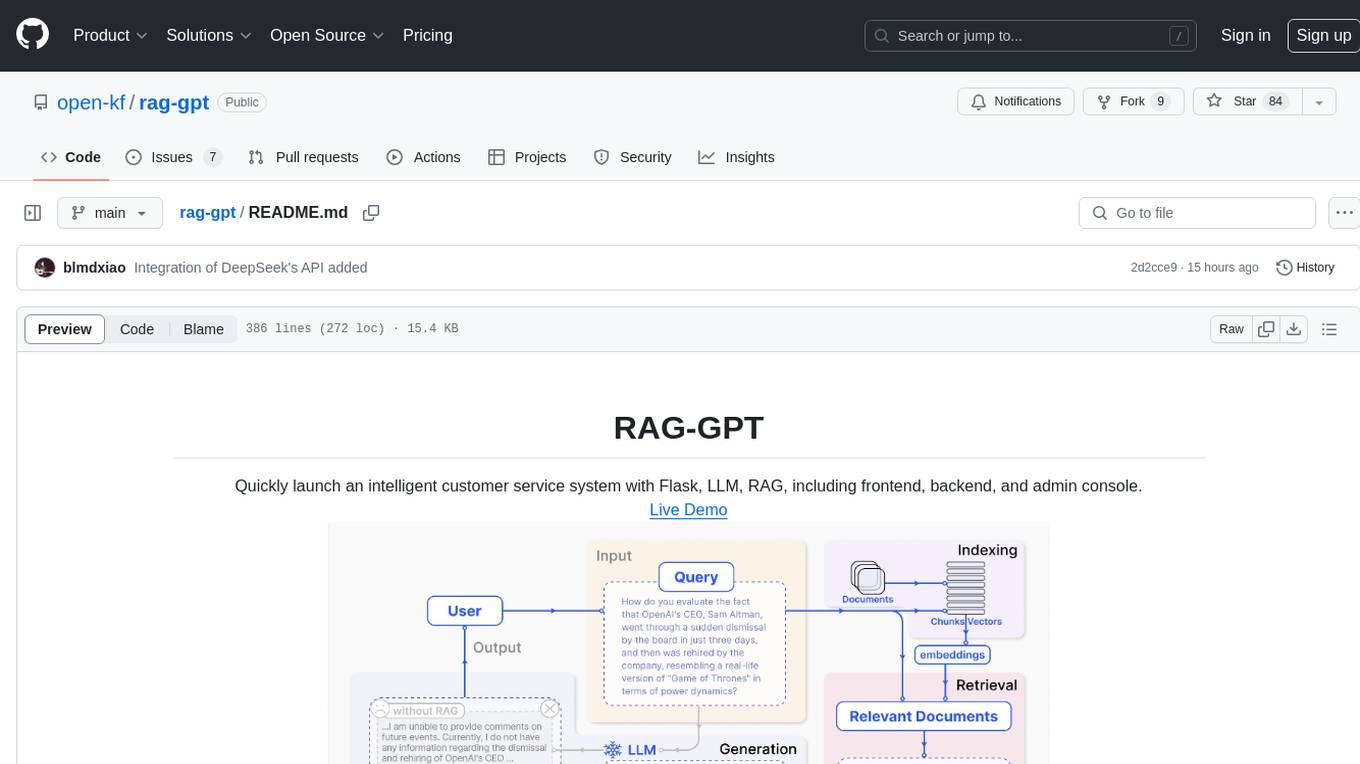
rag-gpt
RAG-GPT is a tool that allows users to quickly launch an intelligent customer service system with Flask, LLM, and RAG. It includes frontend, backend, and admin console components. The tool supports cloud-based and local LLMs, enables deployment of conversational service robots in minutes, integrates diverse knowledge bases, offers flexible configuration options, and features an attractive user interface.
sd-webui-agent-scheduler
AgentScheduler is an Automatic/Vladmandic Stable Diffusion Web UI extension designed to enhance image generation workflows. It allows users to enqueue prompts, settings, and controlnets, manage queued tasks, prioritize, pause, resume, and delete tasks, view generation results, and more. The extension offers hidden features like queuing checkpoints, editing queued tasks, and custom checkpoint selection. Users can access the functionality through HTTP APIs and API callbacks. Troubleshooting steps are provided for common errors. The extension is compatible with latest versions of A1111 and Vladmandic. It is licensed under Apache License 2.0.
AutoAgent
AutoAgent is a fully-automated and zero-code framework that enables users to create and deploy LLM agents through natural language alone. It is a top performer on the GAIA Benchmark, equipped with a native self-managing vector database, and allows for easy creation of tools, agents, and workflows without any coding. AutoAgent seamlessly integrates with a wide range of LLMs and supports both function-calling and ReAct interaction modes. It is designed to be dynamic, extensible, customized, and lightweight, serving as a personal AI assistant.
KrillinAI
KrillinAI is a video subtitle translation and dubbing tool based on AI large models, featuring speech recognition, intelligent sentence segmentation, professional translation, and one-click deployment of the entire process. It provides a one-stop workflow from video downloading to the final product, empowering cross-language cultural communication with AI. The tool supports multiple languages for input and translation, integrates features like automatic dependency installation, video downloading from platforms like YouTube and Bilibili, high-speed subtitle recognition, intelligent subtitle segmentation and alignment, custom vocabulary replacement, professional-level translation engine, and diverse external service selection for speech and large model services.
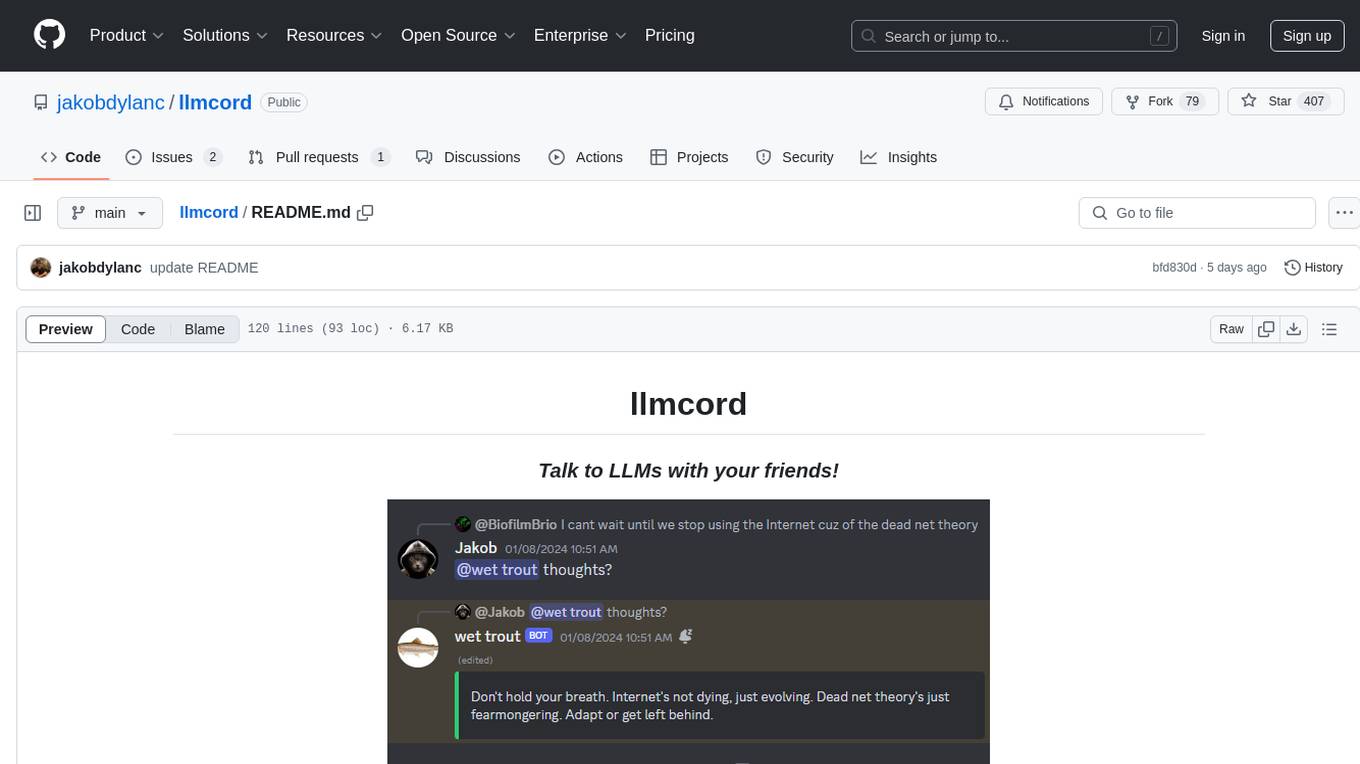
llmcord
llmcord is a Discord bot that transforms Discord into a collaborative LLM frontend, allowing users to interact with various LLM models. It features a reply-based chat system that enables branching conversations, supports remote and local LLM models, allows image and text file attachments, offers customizable personality settings, and provides streamed responses. The bot is fully asynchronous, efficient in managing message data, and offers hot reloading config. With just one Python file and around 200 lines of code, llmcord provides a seamless experience for engaging with LLMs on Discord.
mmore
MMORE is an open-source, end-to-end pipeline for ingesting, processing, indexing, and retrieving knowledge from various file types such as PDFs, Office docs, images, audio, video, and web pages. It standardizes content into a unified multimodal format, supports distributed CPU/GPU processing, and offers hybrid dense+sparse retrieval with an integrated RAG service through CLI and APIs.
KlicStudio
Klic Studio is a versatile audio and video localization and enhancement solution developed by Krillin AI. This minimalist yet powerful tool integrates video translation, dubbing, and voice cloning, supporting both landscape and portrait formats. With an end-to-end workflow, users can transform raw materials into beautifully ready-to-use cross-platform content with just a few clicks. The tool offers features like video acquisition, accurate speech recognition, intelligent segmentation, terminology replacement, professional translation, voice cloning, video composition, and cross-platform support. It also supports various speech recognition services, large language models, and TTS text-to-speech services. Users can easily deploy the tool using Docker and configure it for different tasks like subtitle translation, large model translation, and optional voice services.
ComfyUI_VLM_nodes
ComfyUI_VLM_nodes is a repository containing various nodes for utilizing Vision Language Models (VLMs) and Language Models (LLMs). The repository provides nodes for tasks such as structured output generation, image to music conversion, LLM prompt generation, automatic prompt generation, and more. Users can integrate different models like InternLM-XComposer2-VL, UForm-Gen2, Kosmos-2, moondream1, moondream2, JoyTag, and Chat Musician. The nodes support features like extracting keywords, generating prompts, suggesting prompts, and obtaining structured outputs. The repository includes examples and instructions for using the nodes effectively.

shellChatGPT
ShellChatGPT is a shell wrapper for OpenAI's ChatGPT, DALL-E, Whisper, and TTS, featuring integration with LocalAI, Ollama, Gemini, Mistral, Groq, and GitHub Models. It provides text and chat completions, vision, reasoning, and audio models, voice-in and voice-out chatting mode, text editor interface, markdown rendering support, session management, instruction prompt manager, integration with various service providers, command line completion, file picker dialogs, color scheme personalization, stdin and text file input support, and compatibility with Linux, FreeBSD, MacOS, and Termux for a responsive experience.

AmigaGPT
AmigaGPT is a versatile ChatGPT client for AmigaOS 3.x, 4.1, and MorphOS. It brings the capabilities of OpenAI’s GPT to Amiga systems, enabling text generation, question answering, and creative exploration. AmigaGPT can generate images using DALL-E, supports speech output, and seamlessly integrates with AmigaOS. Users can customize the UI, choose fonts and colors, and enjoy a native user experience. The tool requires specific system requirements and offers features like state-of-the-art language models, AI image generation, speech capability, and UI customization.
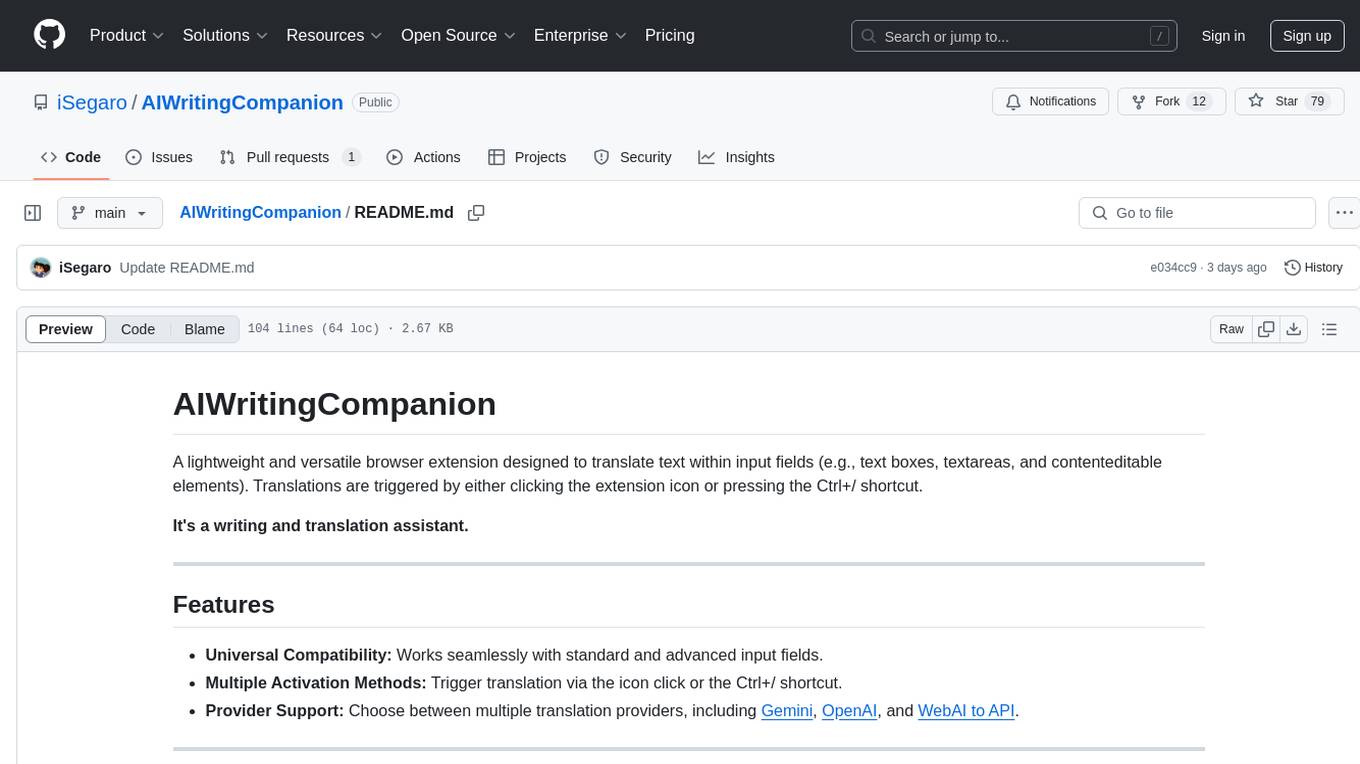
AIWritingCompanion
AIWritingCompanion is a lightweight and versatile browser extension designed to translate text within input fields. It offers universal compatibility, multiple activation methods, and support for various translation providers like Gemini, OpenAI, and WebAI to API. Users can install it via CRX file or Git, set API key, and use it for automatic translation or via shortcut. The tool is suitable for writers, translators, students, researchers, and bloggers. AI keywords include writing assistant, translation tool, browser extension, language translation, and text translator. Users can use it for tasks like translate text, assist in writing, simplify content, check language accuracy, and enhance communication.
For similar tasks
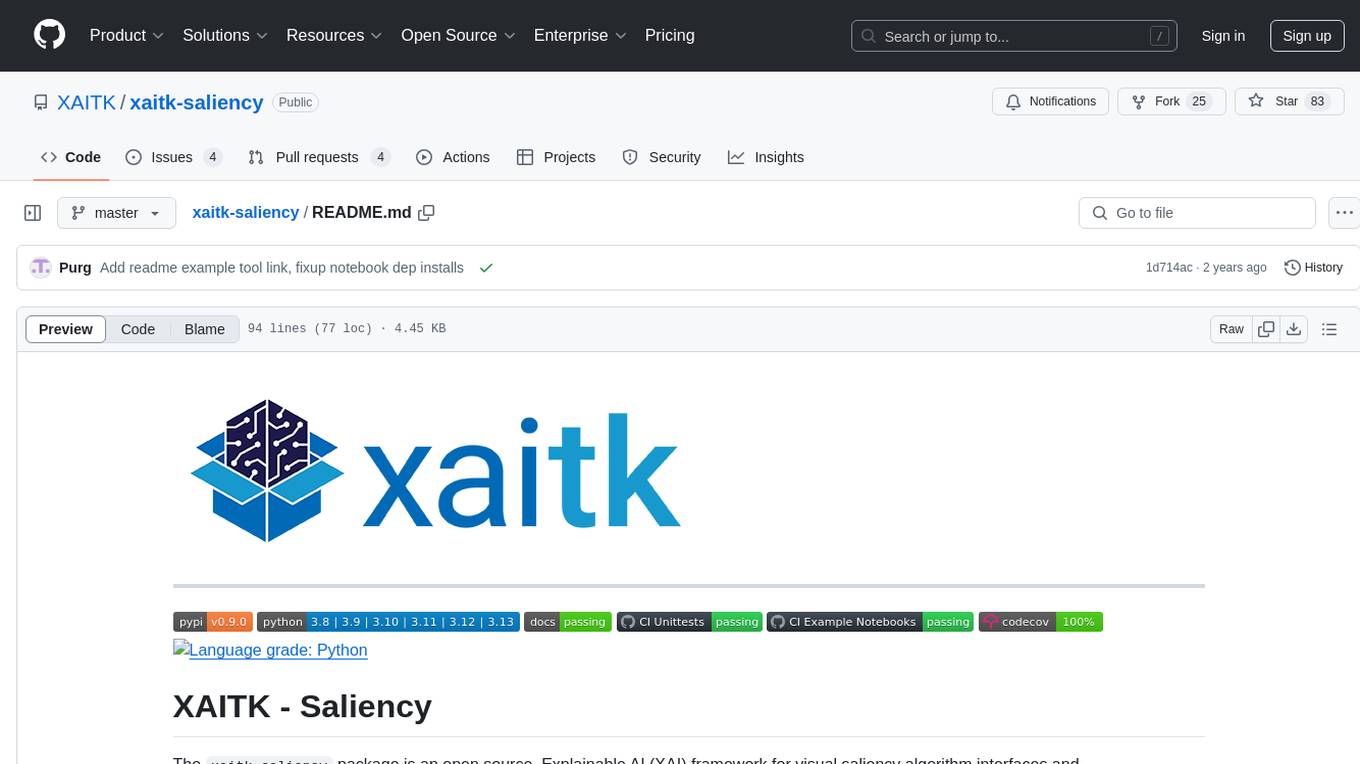
xaitk-saliency
The `xaitk-saliency` package is an open source Explainable AI (XAI) framework for visual saliency algorithm interfaces and implementations, designed for analytics and autonomy applications. It provides saliency algorithms for various image understanding tasks such as image classification, image similarity, object detection, and reinforcement learning. The toolkit targets data scientists and developers who aim to incorporate visual saliency explanations into their workflow or product, offering both direct accessibility for experimentation and modular integration into systems and applications through Strategy and Adapter patterns. The package includes documentation, examples, and a demonstration tool for visual saliency generation in a user-interface.
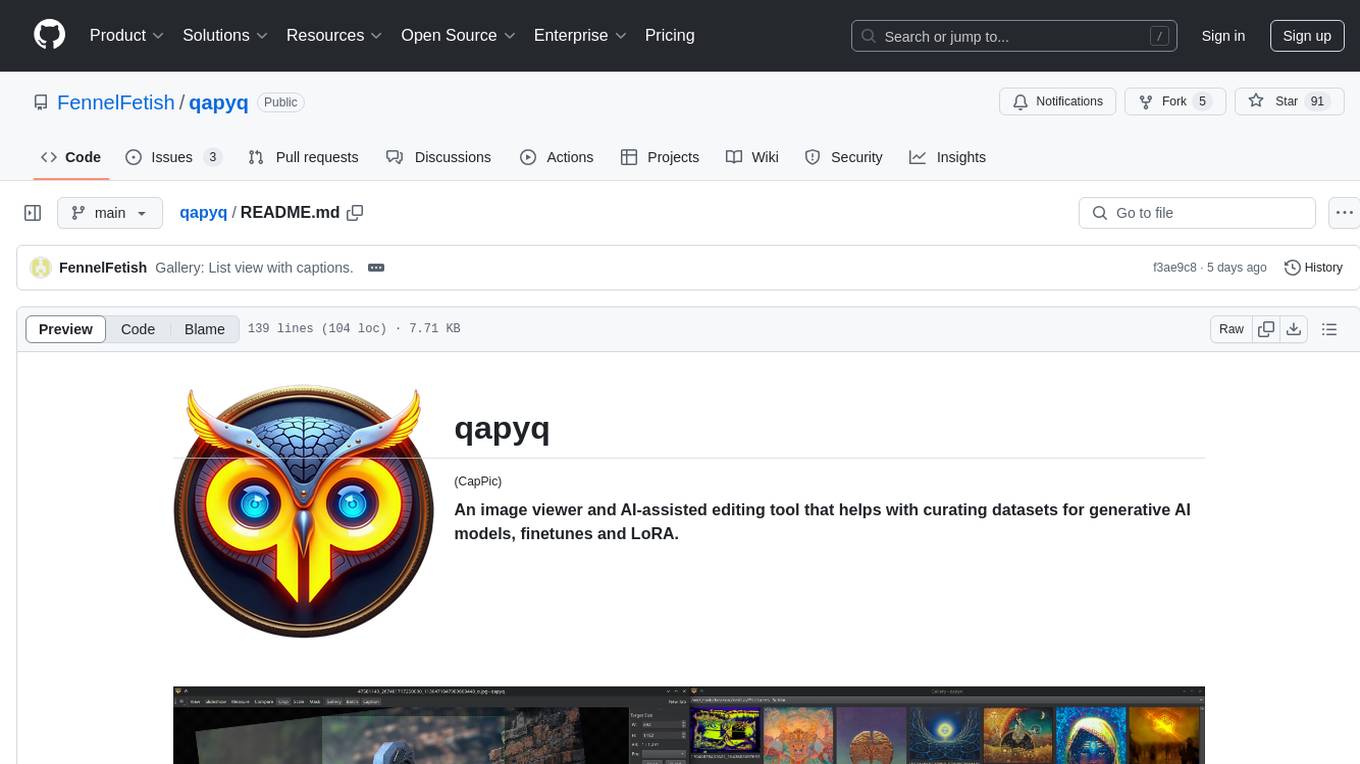
qapyq
qapyq is an image viewer and AI-assisted editing tool designed to help curate datasets for generative AI models. It offers features such as image viewing, editing, captioning, batch processing, and AI assistance. Users can perform tasks like cropping, scaling, editing masks, tagging, and applying sorting and filtering rules. The tool supports state-of-the-art captioning and masking models, with options for model settings, GPU acceleration, and quantization. qapyq aims to streamline the process of preparing images for training AI models by providing a user-friendly interface and advanced functionalities.
infinite-image-browsing
Infinite Image Browsing (IIB) is a versatile tool that offers excellent performance in displaying images, supports image search and favorite functionalities, allows viewing images/videos with various features like full-screen preview and sending to other tabs, provides multiple usage methods including extension installation, standalone Python usage, and desktop application, supports TikTok-style view, walk mode for automatic loading of folders, preview based on file tree structure, image comparison, topic/tag analysis, smart file organization, multilingual support, privacy and security features, packaging/batch download, keyboard shortcuts, and AI integration. The tool also offers natural language categorization and search capabilities, with API endpoints for embedding, clustering, and prompt retrieval. It supports caching and incremental updates for efficient processing and offers various configuration options through environment variables.
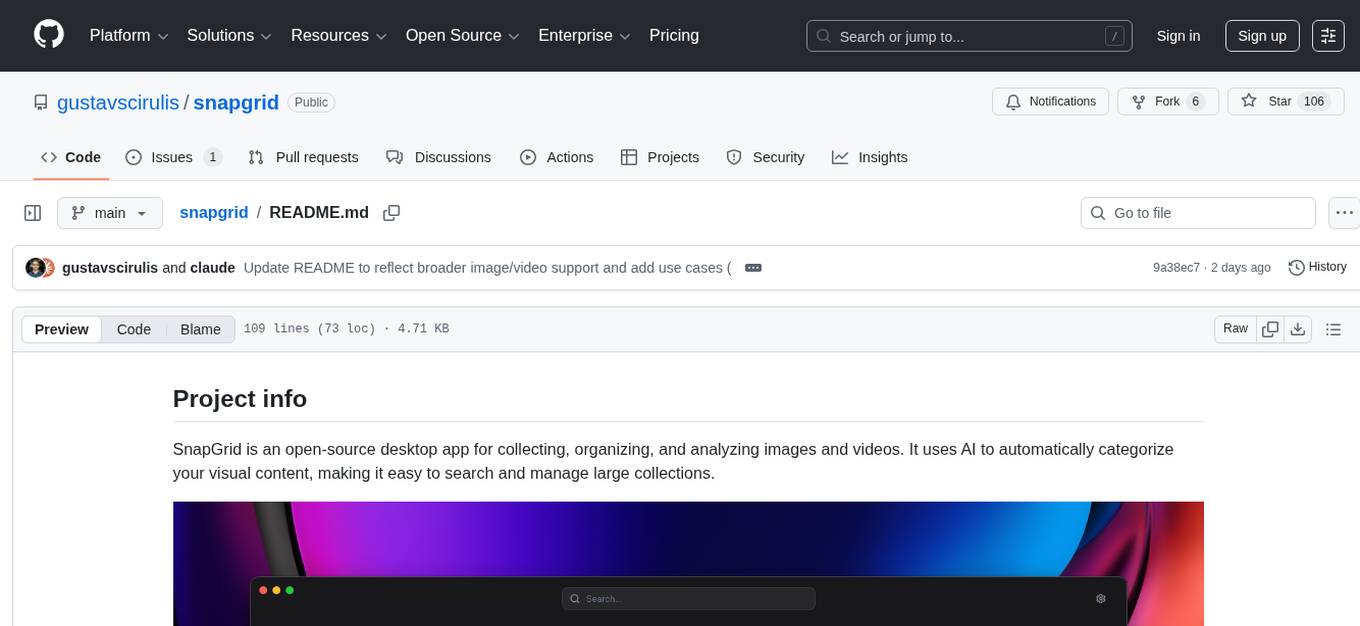
snapgrid
SnapGrid is an open-source desktop app that uses AI to collect, organize, and analyze images and videos. It helps users manage large collections by automatically categorizing visual content. The app offers features like image and video management, organizing media into collections, AI analysis from multiple providers, custom AI instructions, smart organization based on AI-detected categories, and fast local storage. SnapGrid prioritizes privacy by storing all data locally, offering optional AI analysis, and collecting only anonymous usage analytics. Users can contribute to the project, and the app is licensed under the GNU General Public License v3.0.

rclip
rclip is a command-line photo search tool powered by the OpenAI's CLIP neural network. It allows users to search for images using text queries, similar image search, and combining multiple queries. The tool extracts features from photos to enable searching and indexing, with options for previewing results in supported terminals or custom viewers. Users can install rclip on Linux, macOS, and Windows using different installation methods. The repository follows the Conventional Commits standard and welcomes contributions from the community.
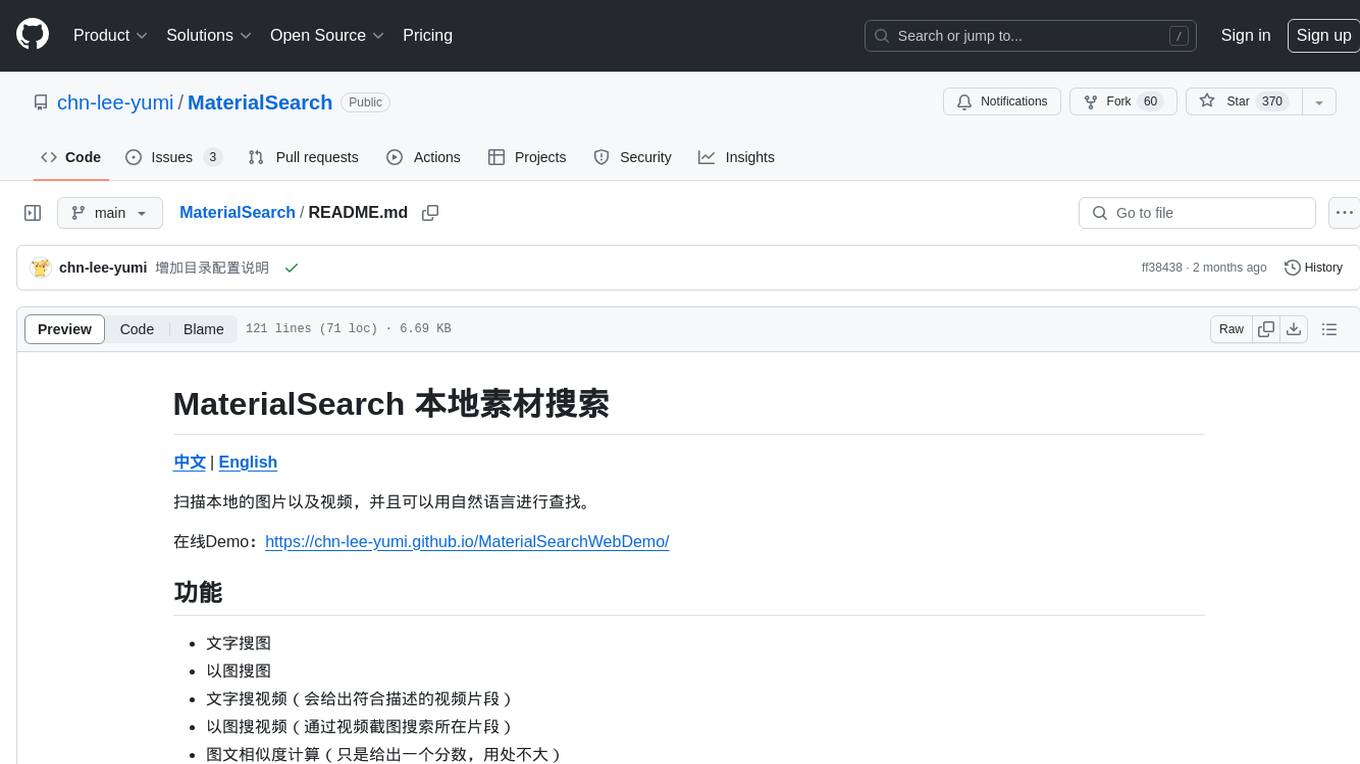
MaterialSearch
MaterialSearch is a tool for searching local images and videos using natural language. It provides functionalities such as text search for images, image search for images, text search for videos (providing matching video clips), image search for videos (searching for the segment in a video through a screenshot), image-text similarity calculation, and Pexels video search. The tool can be deployed through the source code or Docker image, and it supports GPU acceleration. Users can configure the tool through environment variables or a .env file. The tool is still under development, and configurations may change frequently. Users can report issues or suggest improvements through issues or pull requests.
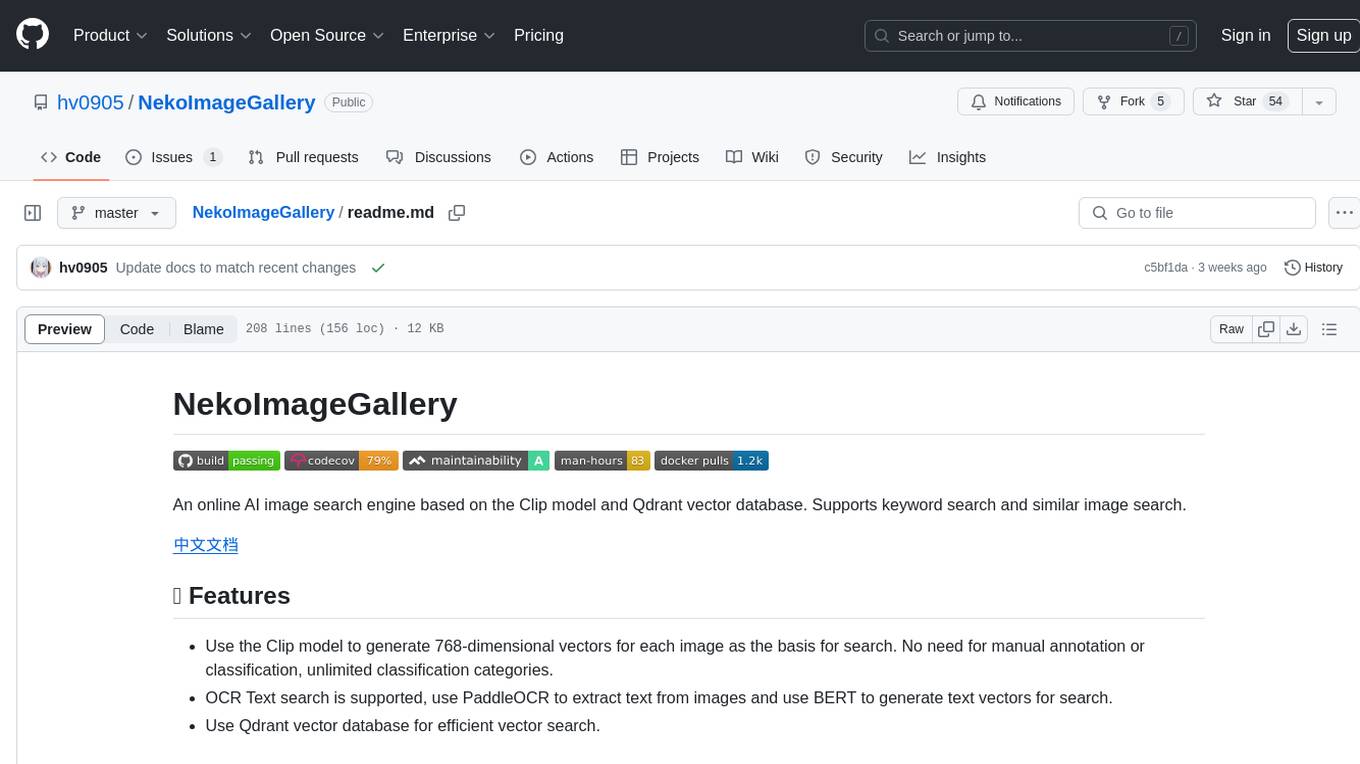
NekoImageGallery
NekoImageGallery is an online AI image search engine that utilizes the Clip model and Qdrant vector database. It supports keyword search and similar image search. The tool generates 768-dimensional vectors for each image using the Clip model, supports OCR text search using PaddleOCR, and efficiently searches vectors using the Qdrant vector database. Users can deploy the tool locally or via Docker, with options for metadata storage using Qdrant database or local file storage. The tool provides API documentation through FastAPI's built-in Swagger UI and can be used for tasks like image search, text extraction, and vector search.
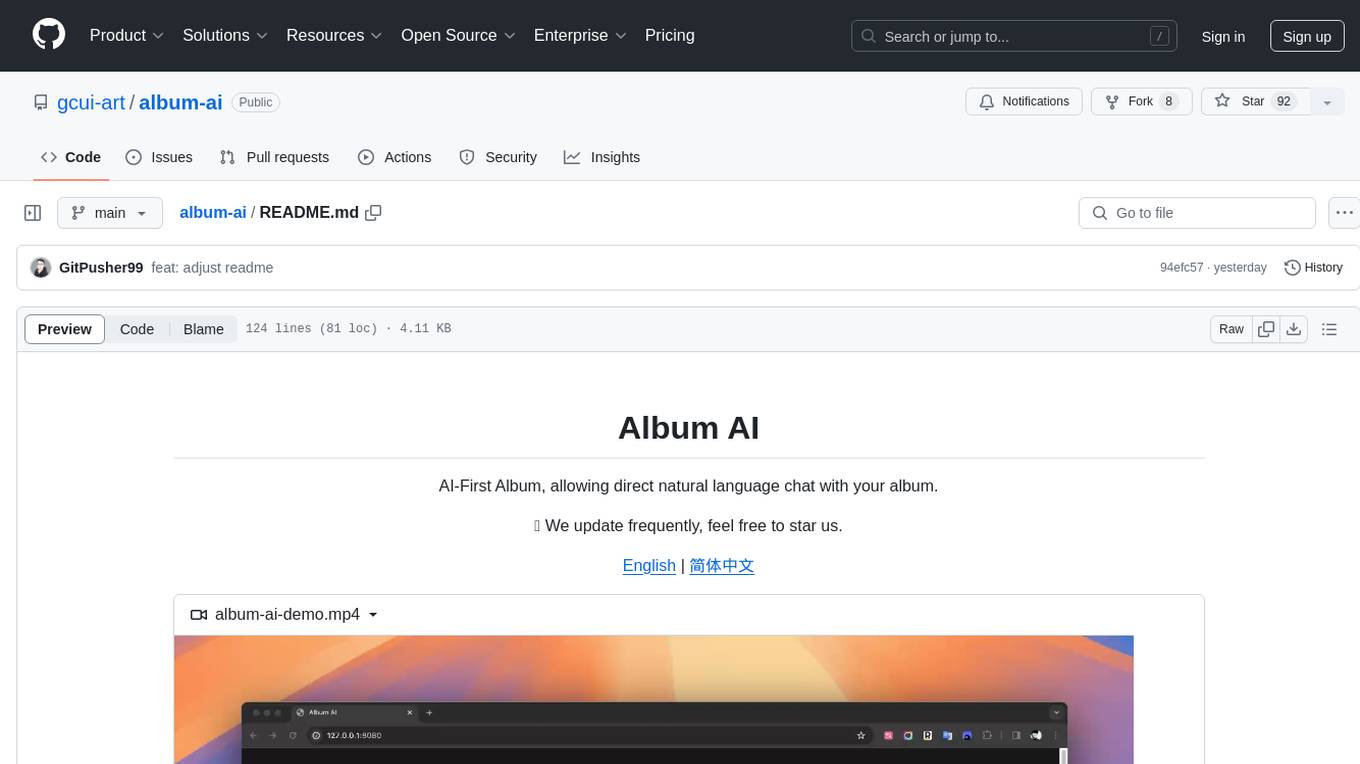
album-ai
Album AI is an experimental project that uses GPT-4o-mini to automatically identify metadata from image files in the album. It leverages RAG technology to enable conversations with the album, serving as a photo album or image knowledge base to assist in content generation. The tool provides APIs for search and chat functionalities, supports one-click deployment to platforms like Render, and allows for integration and modification under a permissive open-source license.
For similar jobs

sweep
Sweep is an AI junior developer that turns bugs and feature requests into code changes. It automatically handles developer experience improvements like adding type hints and improving test coverage.

teams-ai
The Teams AI Library is a software development kit (SDK) that helps developers create bots that can interact with Teams and Microsoft 365 applications. It is built on top of the Bot Framework SDK and simplifies the process of developing bots that interact with Teams' artificial intelligence capabilities. The SDK is available for JavaScript/TypeScript, .NET, and Python.

ai-guide
This guide is dedicated to Large Language Models (LLMs) that you can run on your home computer. It assumes your PC is a lower-end, non-gaming setup.

classifai
Supercharge WordPress Content Workflows and Engagement with Artificial Intelligence. Tap into leading cloud-based services like OpenAI, Microsoft Azure AI, Google Gemini and IBM Watson to augment your WordPress-powered websites. Publish content faster while improving SEO performance and increasing audience engagement. ClassifAI integrates Artificial Intelligence and Machine Learning technologies to lighten your workload and eliminate tedious tasks, giving you more time to create original content that matters.

chatbot-ui
Chatbot UI is an open-source AI chat app that allows users to create and deploy their own AI chatbots. It is easy to use and can be customized to fit any need. Chatbot UI is perfect for businesses, developers, and anyone who wants to create a chatbot.

BricksLLM
BricksLLM is a cloud native AI gateway written in Go. Currently, it provides native support for OpenAI, Anthropic, Azure OpenAI and vLLM. BricksLLM aims to provide enterprise level infrastructure that can power any LLM production use cases. Here are some use cases for BricksLLM: * Set LLM usage limits for users on different pricing tiers * Track LLM usage on a per user and per organization basis * Block or redact requests containing PIIs * Improve LLM reliability with failovers, retries and caching * Distribute API keys with rate limits and cost limits for internal development/production use cases * Distribute API keys with rate limits and cost limits for students

uAgents
uAgents is a Python library developed by Fetch.ai that allows for the creation of autonomous AI agents. These agents can perform various tasks on a schedule or take action on various events. uAgents are easy to create and manage, and they are connected to a fast-growing network of other uAgents. They are also secure, with cryptographically secured messages and wallets.

griptape
Griptape is a modular Python framework for building AI-powered applications that securely connect to your enterprise data and APIs. It offers developers the ability to maintain control and flexibility at every step. Griptape's core components include Structures (Agents, Pipelines, and Workflows), Tasks, Tools, Memory (Conversation Memory, Task Memory, and Meta Memory), Drivers (Prompt and Embedding Drivers, Vector Store Drivers, Image Generation Drivers, Image Query Drivers, SQL Drivers, Web Scraper Drivers, and Conversation Memory Drivers), Engines (Query Engines, Extraction Engines, Summary Engines, Image Generation Engines, and Image Query Engines), and additional components (Rulesets, Loaders, Artifacts, Chunkers, and Tokenizers). Griptape enables developers to create AI-powered applications with ease and efficiency.