


snapgrid
SnapGrid is an open-source Mac app for collecting, organizing, and analyzing UI screenshots. It uses AI to automatically detect UI components and patterns, making it a powerful tool for designers and developers.
Stars: 106
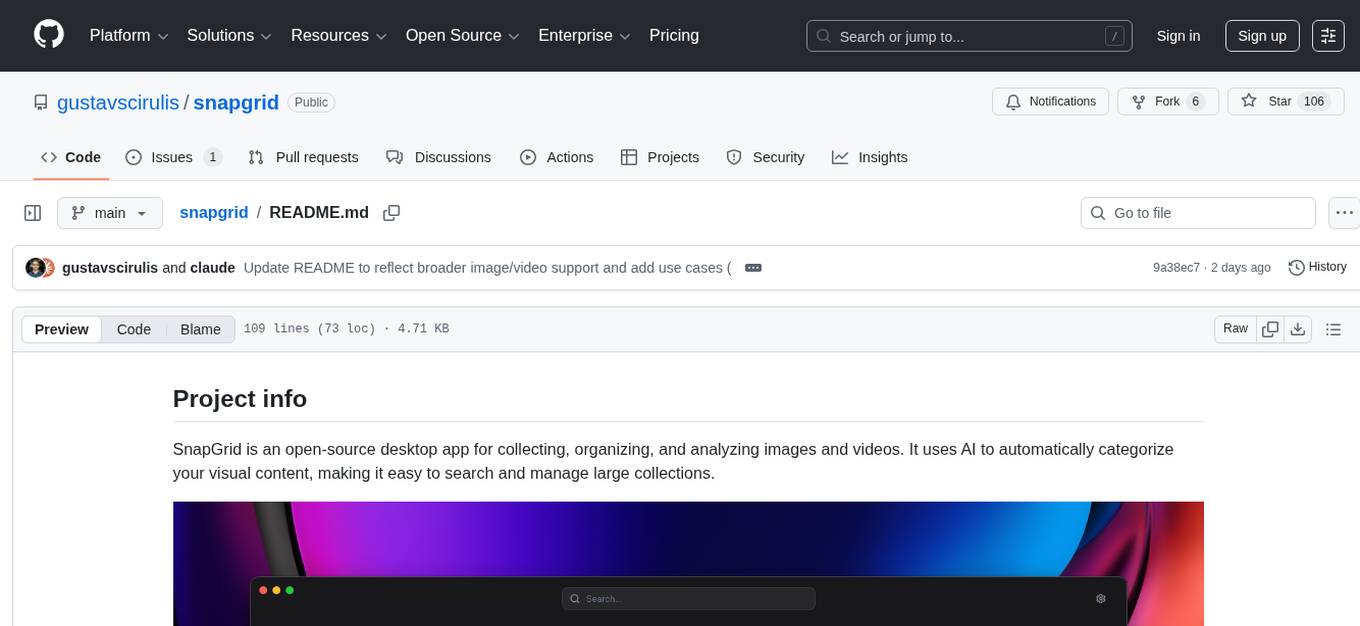
SnapGrid is an open-source desktop app that uses AI to collect, organize, and analyze images and videos. It helps users manage large collections by automatically categorizing visual content. The app offers features like image and video management, organizing media into collections, AI analysis from multiple providers, custom AI instructions, smart organization based on AI-detected categories, and fast local storage. SnapGrid prioritizes privacy by storing all data locally, offering optional AI analysis, and collecting only anonymous usage analytics. Users can contribute to the project, and the app is licensed under the GNU General Public License v3.0.
README:
SnapGrid is an open-source desktop app for collecting, organizing, and analyzing images and videos. It uses AI to automatically categorize your visual content, making it easy to search and manage large collections.

It's built by @gustavscirulis, and all of the code is entirely AI-generated.
- UI/UX Design – Collect reference screenshots, organize design inspiration, and track UI patterns across apps
- Mood Boarding – Gather visual references for creative projects and organize them into themed spaces
- Development – Save and categorize UI states, bugs, and visual regression captures
- Content Creation – Manage image and video assets with AI-powered tagging and search
- Research – Organize visual research material and let AI surface patterns across collections
- Image & Video Management – Collect and organize images and videos in a visual grid layout
- Spaces – Organize media into collections with drag-and-drop support and per-space export
- Multi-Provider AI Analysis – Automatically categorize content using OpenAI, Claude (Anthropic), Google Gemini, or OpenRouter
- Custom AI Instructions – Configure custom analysis prompts per space for tailored insights
- Smart Organization – Search and filter your library based on AI-detected categories and patterns
- iOS Shortcut Import – Export an iOS Shortcut from settings to import media from your phone
- Fast Local Storage – All media and metadata are stored locally and can be synced with iCloud
Download the latest release for your platform from the releases page.
- If you have an Intel Mac (2020 or earlier), download
SnapGrid.dmg - If you have an Apple Silicon Mac (M1/M2/M3), download
SnapGrid-arm64.dmg - Not sure? Click Apple menu () > About This Mac. Under "Chip" or "Processor", you'll see which type you have
To use the AI analysis feature, you'll need to add an API key for at least one supported provider in the settings: OpenAI, Anthropic (Claude), Google Gemini, or OpenRouter. You can choose your preferred provider and model from the settings panel. You can still use the app without AI — it works great as a media organizer on its own.
SnapGrid is built with privacy in mind:
- Local-first by design: All media, metadata, and app data are stored locally on your device. Nothing is uploaded or stored remotely.
- Optional AI analysis: If enabled, images are temporarily sent to your chosen AI provider (OpenAI, Anthropic, Google Gemini, or OpenRouter) for categorization. This feature is optional and can be turned off at any time in the settings.
- Anonymous usage analytics: SnapGrid collects basic, anonymous usage stats and crash reports to help improve the app. No personal data or media are ever collected. You can opt out of tracking in the settings.
SnapGrid stores files in the following locations:
-
macOS:
~/Documents/SnapGrid/ - Other platforms: in the app's user data directory
Inside that folder:
-
images/– All media files (PNG images and MP4 videos) -
metadata/– JSON metadata for each media item -
.trash/– Deleted items are moved here (same structure as above)
SnapGrid is built with:
- Electron
- Vite
- TypeScript
- React
- shadcn-ui
- Tailwind CSS
# Clone the repository
git clone https://github.com/snapgrid/snapgrid.git

# Navigate to the project directory
cd snapgrid

# Install dependencies
npm install

# Start development server
npm run electron:dev# Build for production
npm run electron:buildContributions are welcome! Please feel free to submit a Pull Request.
This project is licensed under the GNU General Public License v3.0 (GPL-3.0) - see the LICENSE file for details. This license ensures that all modifications to this code remain open source.
- Thanks to Cursor and Loveable teams for building the AI code generation tools that made this project possible
- Thanks to Midjourney for the app icon
- Thanks to OpenAI, Anthropic, Google Gemini, and OpenRouter for their AI APIs that power image categorization
- Built with Electron and React
- UI components from shadcn/ui
For Tasks:
Click tags to check more tools for each tasksFor Jobs:
Alternative AI tools for snapgrid
Similar Open Source Tools
snapgrid
SnapGrid is an open-source desktop app that uses AI to collect, organize, and analyze images and videos. It helps users manage large collections by automatically categorizing visual content. The app offers features like image and video management, organizing media into collections, AI analysis from multiple providers, custom AI instructions, smart organization based on AI-detected categories, and fast local storage. SnapGrid prioritizes privacy by storing all data locally, offering optional AI analysis, and collecting only anonymous usage analytics. Users can contribute to the project, and the app is licensed under the GNU General Public License v3.0.
MyDeviceAI
MyDeviceAI is a personal AI assistant app for iPhone that brings the power of artificial intelligence directly to the device. It focuses on privacy, performance, and personalization by running AI models locally and integrating with privacy-focused web services. The app offers seamless user experience, web search integration, advanced reasoning capabilities, personalization features, chat history access, and broad device support. It requires macOS, Xcode, CocoaPods, Node.js, and a React Native development environment for installation. The technical stack includes React Native framework, AI models like Qwen 3 and BGE Small, SearXNG integration, Redux for state management, AsyncStorage for storage, Lucide for UI components, and tools like ESLint and Prettier for code quality.
saga-reader
Saga Reader is an AI-driven think tank-style reader that automatically retrieves information from the internet based on user-specified topics and preferences. It uses cloud or local large models to summarize and provide guidance, and it includes an AI-driven interactive companion reading function, allowing you to discuss and exchange ideas with AI about the content you've read. Saga Reader is completely free and open-source, meaning all data is securely stored on your own computer and is not controlled by third-party service providers. Additionally, you can manage your subscription keywords based on your interests and preferences without being disturbed by advertisements and commercialized content.
ProxyAI
ProxyAI is an open-source AI copilot for JetBrains, offering advanced code assistance features powered by top-tier language models. Users can customize their coding experience, receive AI-suggested code changes, autocomplete suggestions, and context-aware naming suggestions. The tool also allows users to chat with images, reference project files and folders, web docs, git history, and search the web. ProxyAI prioritizes user privacy by not collecting sensitive information and only gathering anonymous usage data with consent.
gemini-android
Gemini Android is a repository showcasing Google's Generative AI on Android using Stream Chat SDK for Compose. It demonstrates the Gemini API for Android, implements UI elements with Jetpack Compose, utilizes Android architecture components like Hilt and AppStartup, performs background tasks with Kotlin Coroutines, and integrates chat systems with Stream Chat Compose SDK for real-time event handling. The project also provides technical content, instructions on building the project, tech stack details, architecture overview, modularization strategies, and a contribution guideline. It follows Google's official architecture guidance and offers a real-world example of app architecture implementation.
Hexabot
Hexabot Community Edition is an open-source chatbot solution designed for flexibility and customization, offering powerful text-to-action capabilities. It allows users to create and manage AI-powered, multi-channel, and multilingual chatbots with ease. The platform features an analytics dashboard, multi-channel support, visual editor, plugin system, NLP/NLU management, multi-lingual support, CMS integration, user roles & permissions, contextual data, subscribers & labels, and inbox & handover functionalities. The directory structure includes frontend, API, widget, NLU, and docker components. Prerequisites for running Hexabot include Docker and Node.js. The installation process involves cloning the repository, setting up the environment, and running the application. Users can access the UI admin panel and live chat widget for interaction. Various commands are available for managing the Docker services. Detailed documentation and contribution guidelines are provided for users interested in contributing to the project.
ai-chat-android
AI Chat Android demonstrates Google's Generative AI on Android with Firebase Realtime Database. It showcases Gemini API integration, Jetpack Compose UI elements, Android architecture components with Hilt, Kotlin Coroutines for background tasks, and Firebase Realtime Database integration for real-time events. The project follows Google's official architecture guidance with a modularized structure for reusability, parallel building, and decentralized focusing.
weam
Weam is an open source platform designed to help teams systematically adopt AI. It provides a production-ready stack with Next.js frontend and Node.js/Python backend, allowing for immediate deployment and use. Weam connects to major LLM providers, enabling easy access to the latest AI models. The platform organizes AI interactions into 'Brains' for different departments, offering customization and expansion options. Features include chat system, productivity tools, sharing & access controls, prompt library, AI agents, RAG, MCP, enterprise features, pre-built automations, and upcoming AI app solutions. Weam is free, open source, and scalable to meet growing needs.
CodeGPT
CodeGPT is an extension for JetBrains IDEs that provides access to state-of-the-art large language models (LLMs) for coding assistance. It offers a range of features to enhance the coding experience, including code completions, a ChatGPT-like interface for instant coding advice, commit message generation, reference file support, name suggestions, and offline development support. CodeGPT is designed to keep privacy in mind, ensuring that user data remains secure and private.
kollektiv
Kollektiv is a Retrieval-Augmented Generation (RAG) system designed to enable users to chat with their favorite documentation easily. It aims to provide LLMs with access to the most up-to-date knowledge, reducing inaccuracies and improving productivity. The system utilizes intelligent web crawling, advanced document processing, vector search, multi-query expansion, smart re-ranking, AI-powered responses, and dynamic system prompts. The technical stack includes Python/FastAPI for backend, Supabase, ChromaDB, and Redis for storage, OpenAI and Anthropic Claude 3.5 Sonnet for AI/ML, and Chainlit for UI. Kollektiv is licensed under a modified version of the Apache License 2.0, allowing free use for non-commercial purposes.

Instrukt
Instrukt is a terminal-based AI integrated environment that allows users to create and instruct modular AI agents, generate document indexes for question-answering, and attach tools to any agent. It provides a platform for users to interact with AI agents in natural language and run them inside secure containers for performing tasks. The tool supports custom AI agents, chat with code and documents, tools customization, prompt console for quick interaction, LangChain ecosystem integration, secure containers for agent execution, and developer console for debugging and introspection. Instrukt aims to make AI accessible to everyone by providing tools that empower users without relying on external APIs and services.
krita-ai-diffusion
Krita-AI-Diffusion is a plugin for Krita that allows users to generate images from within the program. It offers a variety of features, including inpainting, outpainting, generating images from scratch, refining existing content, live painting, and control over image creation. The plugin is designed to fit into an interactive workflow where AI generation is used as just another tool while painting. It is meant to synergize with traditional tools and the layer stack.
codegate
CodeGate is a local gateway that enhances the safety of AI coding assistants by ensuring AI-generated recommendations adhere to best practices, safeguarding code integrity, and protecting individual privacy. Developed by Stacklok, CodeGate allows users to confidently leverage AI in their development workflow without compromising security or productivity. It works seamlessly with coding assistants, providing real-time security analysis of AI suggestions. CodeGate is designed with privacy at its core, keeping all data on the user's machine and offering complete control over data.
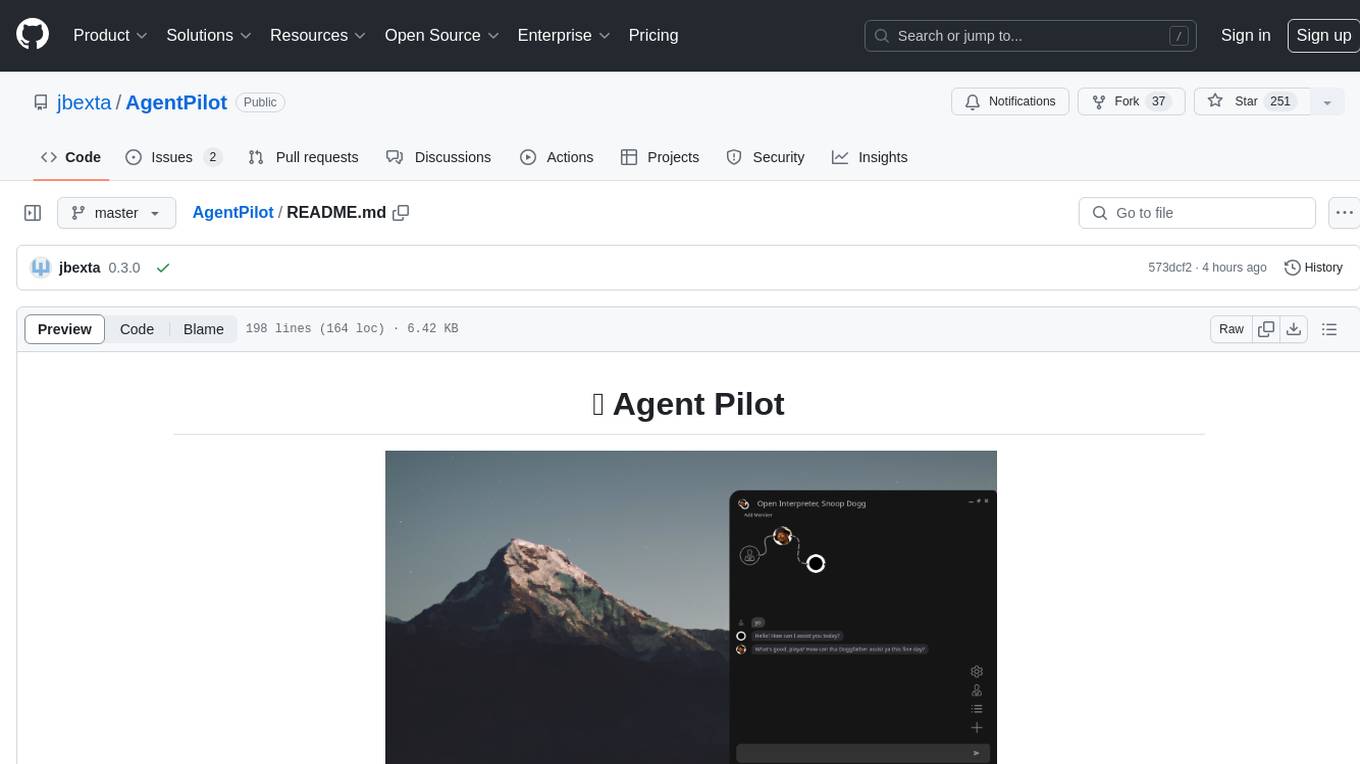
AgentPilot
Agent Pilot is an open source desktop app for creating, managing, and chatting with AI agents. It features multi-agent, branching chats with various providers through LiteLLM. Users can combine models from different providers, configure interactions, and run code using the built-in Open Interpreter. The tool allows users to create agents, manage chats, work with multi-agent workflows, branching workflows, context blocks, tools, and plugins. It also supports a code interpreter, scheduler, voice integration, and integration with various AI providers. Contributions to the project are welcome, and users can report known issues for improvement.

RTutor
RTutor is an AI-based app that generates and tests R code by translating natural language into R scripts using API calls to OpenAI's ChatGPT. It executes the scripts within the Shiny platform, generating R Markdown source files and HTML reports. The tool features GPT-4 for accurate code, comprehensive EDA reports, and a chat window for code explanation, making it ideal for learning R and statistics.
plandex
Plandex is an open source, terminal-based AI coding engine designed for complex tasks. It uses long-running agents to break up large tasks into smaller subtasks, helping users work through backlogs, navigate unfamiliar technologies, and save time on repetitive tasks. Plandex supports various AI models, including OpenAI, Anthropic Claude, Google Gemini, and more. It allows users to manage context efficiently in the terminal, experiment with different approaches using branches, and review changes before applying them. The tool is platform-independent and runs from a single binary with no dependencies.
For similar tasks
snapgrid
SnapGrid is an open-source desktop app that uses AI to collect, organize, and analyze images and videos. It helps users manage large collections by automatically categorizing visual content. The app offers features like image and video management, organizing media into collections, AI analysis from multiple providers, custom AI instructions, smart organization based on AI-detected categories, and fast local storage. SnapGrid prioritizes privacy by storing all data locally, offering optional AI analysis, and collecting only anonymous usage analytics. Users can contribute to the project, and the app is licensed under the GNU General Public License v3.0.
infinite-image-browsing
Infinite Image Browsing (IIB) is a versatile tool that offers excellent performance in displaying images, supports image search and favorite functionalities, allows viewing images/videos with various features like full-screen preview and sending to other tabs, provides multiple usage methods including extension installation, standalone Python usage, and desktop application, supports TikTok-style view, walk mode for automatic loading of folders, preview based on file tree structure, image comparison, topic/tag analysis, smart file organization, multilingual support, privacy and security features, packaging/batch download, keyboard shortcuts, and AI integration. The tool also offers natural language categorization and search capabilities, with API endpoints for embedding, clustering, and prompt retrieval. It supports caching and incremental updates for efficient processing and offers various configuration options through environment variables.
For similar jobs

LLMStack
LLMStack is a no-code platform for building generative AI agents, workflows, and chatbots. It allows users to connect their own data, internal tools, and GPT-powered models without any coding experience. LLMStack can be deployed to the cloud or on-premise and can be accessed via HTTP API or triggered from Slack or Discord.
daily-poetry-image
Daily Chinese ancient poetry and AI-generated images powered by Bing DALL-E-3. GitHub Action triggers the process automatically. Poetry is provided by Today's Poem API. The website is built with Astro.

exif-photo-blog
EXIF Photo Blog is a full-stack photo blog application built with Next.js, Vercel, and Postgres. It features built-in authentication, photo upload with EXIF extraction, photo organization by tag, infinite scroll, light/dark mode, automatic OG image generation, a CMD-K menu with photo search, experimental support for AI-generated descriptions, and support for Fujifilm simulations. The application is easy to deploy to Vercel with just a few clicks and can be customized with a variety of environment variables.
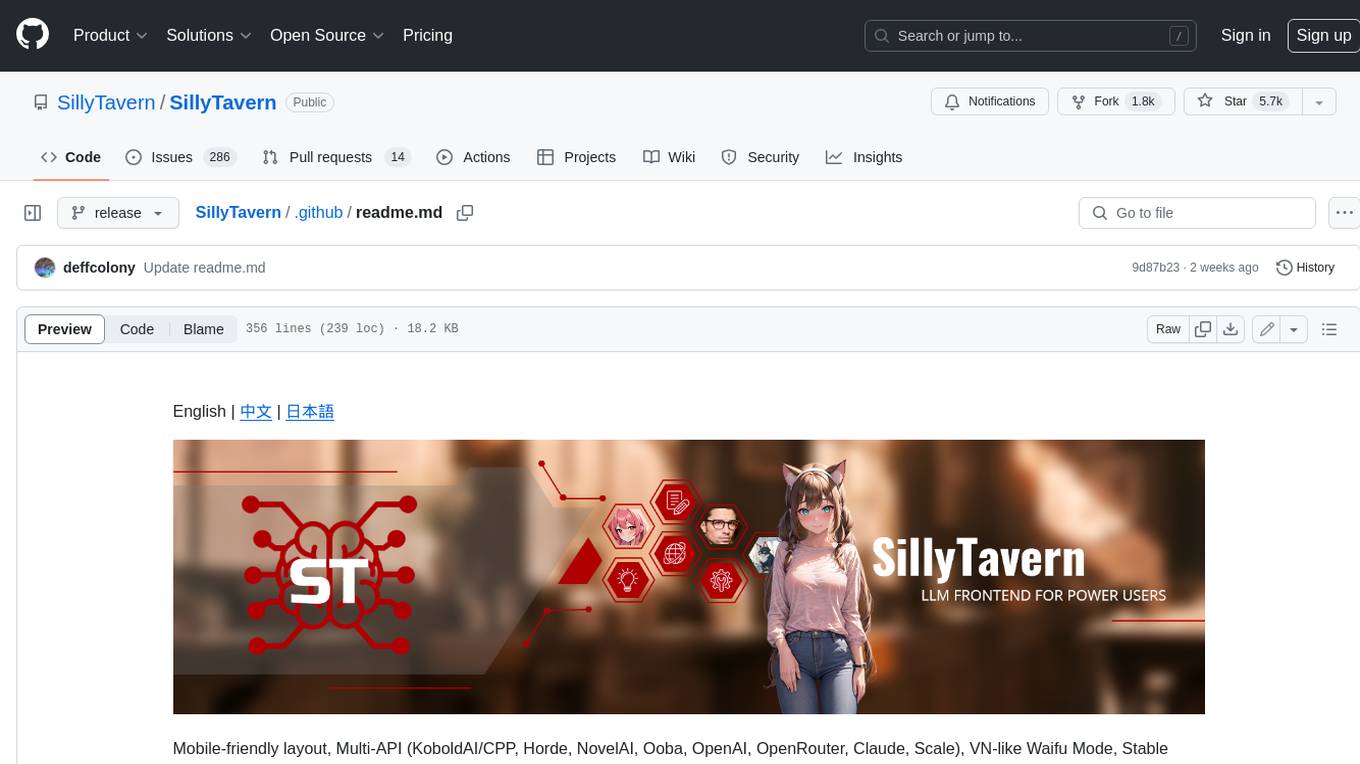
SillyTavern
SillyTavern is a user interface you can install on your computer (and Android phones) that allows you to interact with text generation AIs and chat/roleplay with characters you or the community create. SillyTavern is a fork of TavernAI 1.2.8 which is under more active development and has added many major features. At this point, they can be thought of as completely independent programs.
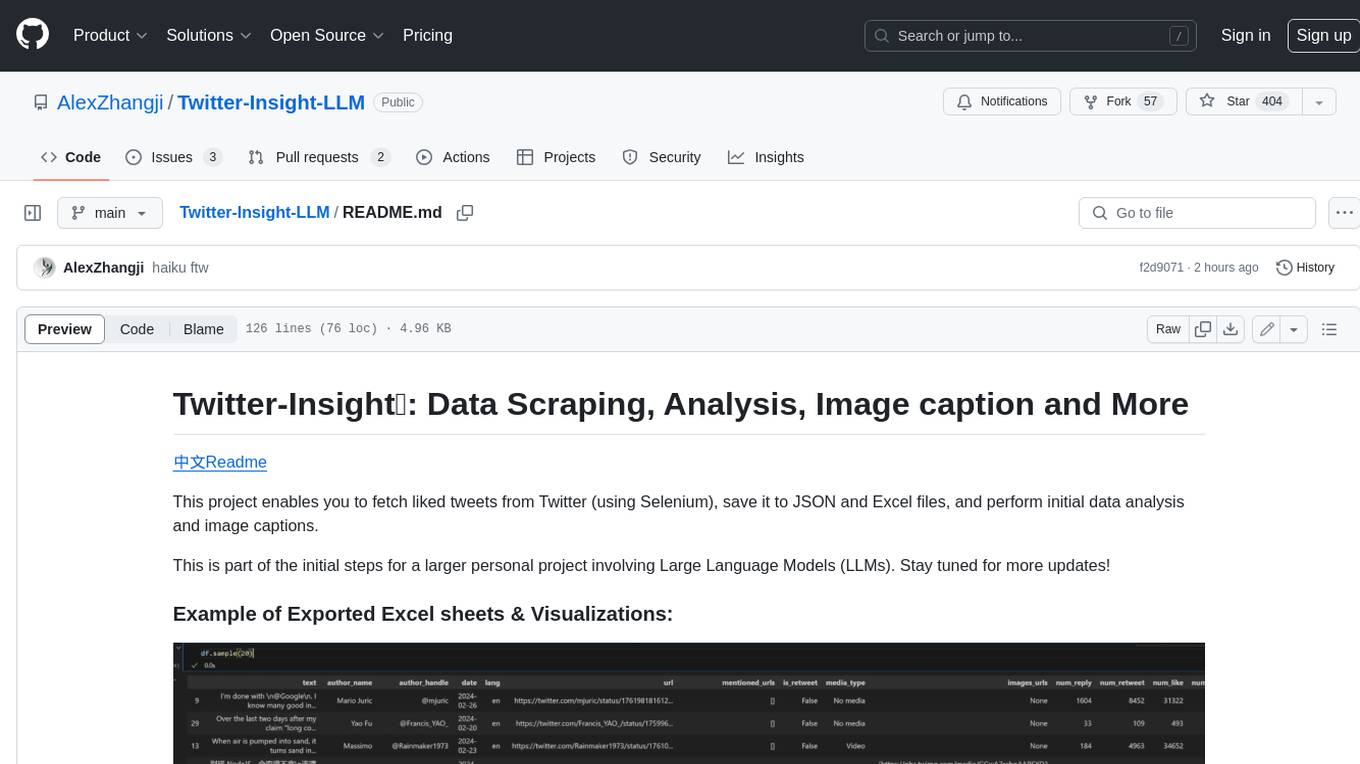
Twitter-Insight-LLM
This project enables you to fetch liked tweets from Twitter (using Selenium), save it to JSON and Excel files, and perform initial data analysis and image captions. This is part of the initial steps for a larger personal project involving Large Language Models (LLMs).
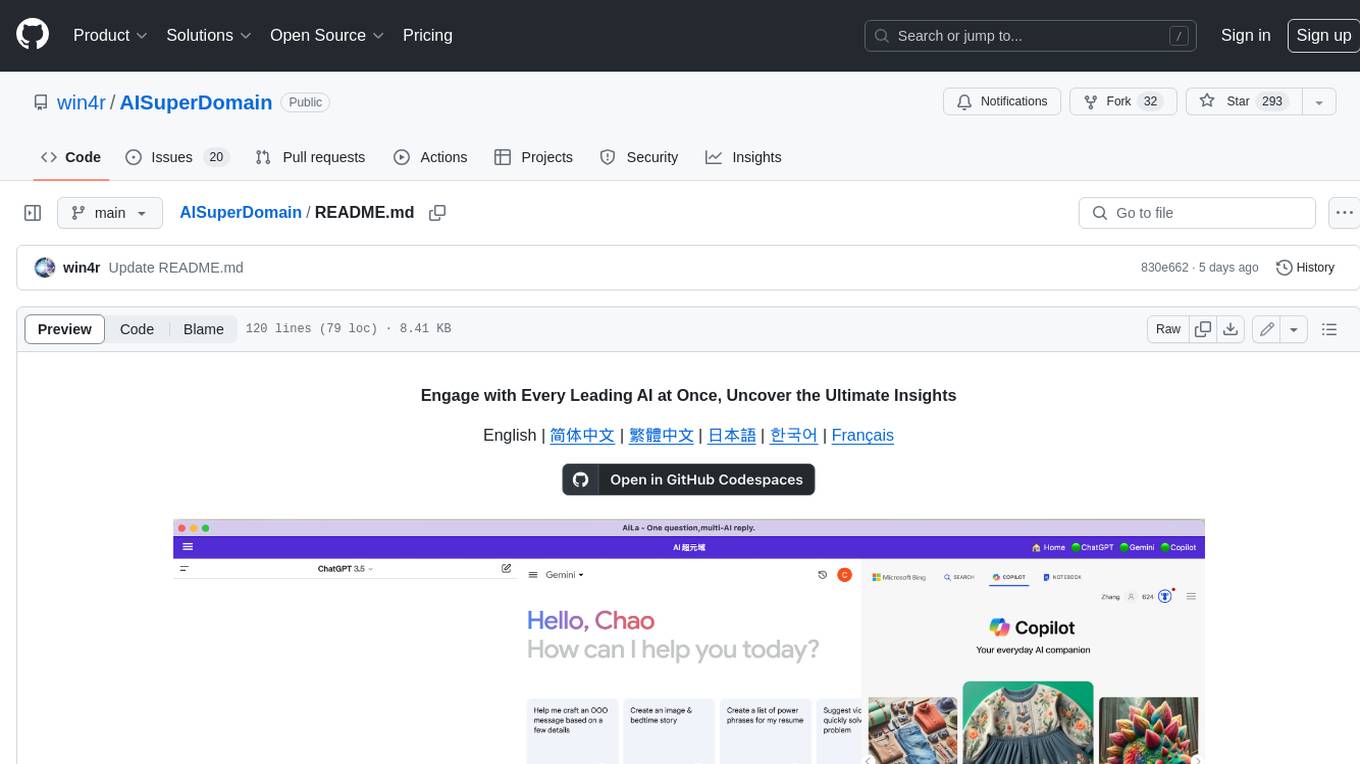
AISuperDomain
Aila Desktop Application is a powerful tool that integrates multiple leading AI models into a single desktop application. It allows users to interact with various AI models simultaneously, providing diverse responses and insights to their inquiries. With its user-friendly interface and customizable features, Aila empowers users to engage with AI seamlessly and efficiently. Whether you're a researcher, student, or professional, Aila can enhance your AI interactions and streamline your workflow.
ChatGPT-On-CS
This project is an intelligent dialogue customer service tool based on a large model, which supports access to platforms such as WeChat, Qianniu, Bilibili, Douyin Enterprise, Douyin, Doudian, Weibo chat, Xiaohongshu professional account operation, Xiaohongshu, Zhihu, etc. You can choose GPT3.5/GPT4.0/ Lazy Treasure Box (more platforms will be supported in the future), which can process text, voice and pictures, and access external resources such as operating systems and the Internet through plug-ins, and support enterprise AI applications customized based on their own knowledge base.
obs-localvocal
LocalVocal is a live-streaming AI assistant plugin for OBS that allows you to transcribe audio speech into text and perform various language processing functions on the text using AI / LLMs (Large Language Models). It's privacy-first, with all data staying on your machine, and requires no GPU, cloud costs, network, or downtime.