


sd-webui-agent-scheduler
An open source Scheduling Agent for Generative AI
Stars: 646
AgentScheduler is an Automatic/Vladmandic Stable Diffusion Web UI extension designed to enhance image generation workflows. It allows users to enqueue prompts, settings, and controlnets, manage queued tasks, prioritize, pause, resume, and delete tasks, view generation results, and more. The extension offers hidden features like queuing checkpoints, editing queued tasks, and custom checkpoint selection. Users can access the functionality through HTTP APIs and API callbacks. Troubleshooting steps are provided for common errors. The extension is compatible with latest versions of A1111 and Vladmandic. It is licensed under Apache License 2.0.
README:
Introducing AgentScheduler, an Automatic1111/Vladmandic Stable Diffusion Web UI extension to power up your image generation workflow!
- Compatibility
- Installation
- Functionality
- Settings
- API Access
- Troubleshooting
- Road Map
- Contributing
- License
- Disclaimer
This version of AgentScheduler is compatible with latest versions of:
- A1111: commit baf6946
- Vladmandic: commit 9726b4d
Older versions may not working properly.
The extension is already included in Vlad fork's builtin extensions.
- Open the Extensions tab
- Open the "Install From URL" sub-tab
- Paste the repo url: https://github.com/ArtVentureX/sd-webui-agent-scheduler.git
- Click "Install"
git clone "https://github.com/ArtVentureX/sd-webui-agent-scheduler.git" extensions/agent-scheduler(The second argument specifies the name of the folder, you can choose whatever you like).
1️⃣ Input your usual Prompts & Settings. Enqueue to send your current prompts, settings, controlnets to AgentScheduler.
2️⃣ AgentScheduler Extension Tab.
3️⃣ See all queued tasks, current image being generated and tasks' associated information. Drag and drop the handle in the begining of each row to reaggrange the generation order.
4️⃣ Pause to stop queue auto generation. Resume to start.
5️⃣ Press
6️⃣ Show queue history.
7️⃣ Filter task status or search by text.
8️⃣ Bookmark task to easier filtering.
9️⃣ Double click the task id to rename and quickly update basic parameters. Click ↩️ to Requeue old task.
🔟 Click on each task to view the generation results.
Hidden Features:
Right click the Enqueue button and select Queue with all checkpoints to quickly queue the current setting with all available checkpoints.
With the custom checkpoint select enabled (see Extension Settings section below), you can select a folder (or subfolder) to queue task with all checkpoints inside. Eg: Select anime will queue anime\AOM3A1B_oragemixs, anime\counterfeit\Counterfeit-V2.5_fp16 and anime\counterfeit\Counterfeit-V2.5_pruned.
Double click a queued task to edit. You can name a task by changing task_id or update some basic parameters: prompt, negative prompt, sampler, checkpoint, steps, cfg scale.
Go to Settings > Agent Scheduler to access extension settings.
Disable Queue Auto-Processing: Check this option to disable queue auto-processing on start-up. You can also temporarily pause or resume the queue from the Extension tab.
Queue Button Placement: Change the placement of the queue button on the UI.
Hide the Checkpoint Dropdown: The Extension provides a custom checkpoint dropdown.
By default, queued tasks use the currently loaded checkpoint. However, changing the system checkpoint requires some time to load the checkpoint into memory, and you also cannot change the checkpoint during image generation. You can use this dropdown to quickly queue a task with a custom checkpoint.
Auto Delete Queue History: Select a timeframe to keep your queue history. Tasks that are older than the configured value will be automatically deleted. Please note that bookmarked tasks will not be deleted.
All the functionality of this extension can be accessed through HTTP APIs. You can access the API documentation via http://127.0.0.1:7860/docs. Remember to include --api in your startup arguments.
The two apis /agent-scheduler/v1/queue/txt2img and /agent-scheduler/v1/queue/img2img support all the parameters of the original webui apis. These apis response the task id, which can be used to perform updates later.
{
  "task_id": "string"
}Use api /agent-scheduler/v1/results/{id} to get the generated images. The api supports two response format:
- json with base64 encoded
{
  "success": true,
  "data": [
    {
      "image": "data:image/png;base64,iVBORw0KGgoAAAAN...",
      "infotext": "1girl\nNegative prompt: EasyNegative, badhandv4..."
    },
    {
      "image": "data:image/png;base64,iVBORw0KGgoAAAAN...",
      "infotext": "1girl\nNegative prompt: EasyNegative, badhandv4..."
    }
  ]
}- zip file with querystring
zip=true
Queue task with param callback_url to register an API callback. Eg:
{
  "prompt": "1girl",
  "negative_prompt": "easynegative",
  "callback_url": "http://somehost:port/task_completed"
}
The callback endpoint must support POST method with body in multipart/form-data encoding. Body format:
{
  "task_id": "abc123",
  "status": "done",
  "files": [list of image files],
}
Example code of the endpoint handle with FastApi:
from fastapi import FastAPI, UploadFile, File, Form

@app.post("/task_completed")
async def handle_task_completed(
    task_id: Annotated[str, Form()],
    status: Annotated[str, Form()],
    files: Optional[List[UploadFile]] = File(None),
):
    print(f"Received {len(files)} files for task {task_id} with status {status}")
    for file in files:
        print(f"* {file.filename} {file.content_type} {file.size}")
        # ... do something with the file contents ...

# Received 1 files for task 3cf8b150-f260-4489-b6e8-d86ed8a564ca with status done
# * 00008-3322209480.png image/png 416400Make sure that you are running the latest version of the extension and an updated version of the WebUI.
- To update the extension, go to
Extensiontab and clickCheck for Updates, then clickApply and restart UI. - To update the WebUI it self, you run the command
git pull origin masterin the same folder as webui.bat (or webui.sh).
Steps to try to find the cause of issues:
- Check the for errors in the WebUI output console.
- Press F12 in the browser then go to the console tab and reload the page, find any error message here.
Common errors:
AttributeError: module 'modules.script_callbacks' has no attribute 'on_before_reload'
If you see this error message in the output console, try update the WebUI to the latest version.
Update: The extension is updated to print this warning message instead: YOUR SD WEBUI IS OUTDATED AND AGENT SCHEDULER WILL NOT WORKING PROPERLY. You can still able to use the extension but it will not working correctly after a reload.
ReferenceError: submit_enqueue is not defined
If you click the Enqueue button and nothing happen, and you find above error message in the browser F12 console, follow the steps in this comment.
Update: This issue is now fixed.
TypeError: issubclass() arg 1 must be a class Please update the extension, there's a chance it's already fixed.
TypeError: Object of type X is not JSON serializable Please update the extension, it should be fixed already. If not, please fire an issue report with the list of installed extensions.
For other errors, feel free to fire a new Github issue.
We welcome contributions to the Agent Scheduler Extension project! Please feel free to submit issues, bug reports, and feature requests through the GitHub repository.
Please give us a ⭐ if you find this extension helpful!
This project is licensed under the Apache License 2.0.
The author(s) of this project are not responsible for any damages or legal issues arising from the use of this software. Users are solely responsible for ensuring that they comply with any applicable laws and regulations when using this software and assume all risks associated with its use. The author(s) are not responsible for any copyright violations or legal issues arising from the use of input or output content.
CRAFTED BY THE PEOPLE BUILDING SIPHER//AGI, PROTOGAIA, ATHERLABS & SIPHER ODYSSEY
ProtoGAIA offers powerful collaboration features for Generative AI Image workflows. It is designed to help designers and creative professionals of all levels collaborate more efficiently, unleash their creativity, and have full transparency and tracking over the creation process.


Like any open project that seeks to bring the powerful of Generative AI to the masses, ProtoGAIA offers the following key features:
✅ Seamless Access: available on desktop and mobile ✅ Powerful Macro Abilities that allowing the chaining of tasks, which is then packaged as Macro Command ready for AI Agent Automation ✅ Multiplayer & Collaborative UX. Strong collaboration features, such as real-time commenting and feedback, version control, and image/file/project sharing. ✅ Rooms Chat for lively discussion between users and running Generative AI workflows right in the chat ✅ Custom Models Management including Lora, Diffusion Models, Controlnet Models and more ✅ Powerful semantic search capabilities ✅ Powerful AI driven chat box that can trigger quick Generative AI tasks and workflows ✅ Building on shoulders of Giants, leveraging A1111/Vladnmandic and other pioneers, provide collaboration process from Idea to Final Results in 1 platform ✅ Automation tooling for certain repeated tasks ✅ Secure and transparent, leveraging hasing and metadata to track the origin and history of models, loras, images to allow for tracability and ease of collaboration. ✅ Personalize UIUX for both beginner and experienced users to quickly remix existing SD images by editing prompts and negative prompts, selecting new training models and output quality as desired. ✅ Provenance Tracking for all models, loras, images to allow for tracability and ease of collaboration. ✅ Custom UIUX for both beginner and experienced users to quickly remix existing SD images by editing prompts and negative prompts, selecting new training models and output quality as desired. ✅ Articles and Tutorials for learning Generative AI ✅ Voting System for best generative AI images, models, recipes, macros etc. ✅ Open sharing of generative AI images, models, recipes, macros etc via the Global Explore tab
ProtoGAIA is designed for the following target audiences:
- Creators
- Small Design Teams or Freelancers
- Design Agencies & Game Studios
- AI Agents
We hope you find this extension to be useful. We will be adding new features and improvements over time as we enhance this extension to support our creative workflows.
To stay up-to-date with the latest news and updates, be sure to follow us on GitHub and Twitter. We welcome your feedback and suggestions, and are excited to hear how AgentScheduler can help you streamline your workflow and unleash your creativity!
For Tasks:
Click tags to check more tools for each tasksFor Jobs:
Alternative AI tools for sd-webui-agent-scheduler
Similar Open Source Tools
sd-webui-agent-scheduler
AgentScheduler is an Automatic/Vladmandic Stable Diffusion Web UI extension designed to enhance image generation workflows. It allows users to enqueue prompts, settings, and controlnets, manage queued tasks, prioritize, pause, resume, and delete tasks, view generation results, and more. The extension offers hidden features like queuing checkpoints, editing queued tasks, and custom checkpoint selection. Users can access the functionality through HTTP APIs and API callbacks. Troubleshooting steps are provided for common errors. The extension is compatible with latest versions of A1111 and Vladmandic. It is licensed under Apache License 2.0.
aiconfig
AIConfig is a framework that makes it easy to build generative AI applications for production. It manages generative AI prompts, models and model parameters as JSON-serializable configs that can be version controlled, evaluated, monitored and opened in a local editor for rapid prototyping. It allows you to store and iterate on generative AI behavior separately from your application code, offering a streamlined AI development workflow.
extensionOS
Extension | OS is an open-source browser extension that brings AI directly to users' web browsers, allowing them to access powerful models like LLMs seamlessly. Users can create prompts, fix grammar, and access intelligent assistance without switching tabs. The extension aims to revolutionize online information interaction by integrating AI into everyday browsing experiences. It offers features like Prompt Factory for tailored prompts, seamless LLM model access, secure API key storage, and a Mixture of Agents feature. The extension was developed to empower users to unleash their creativity with custom prompts and enhance their browsing experience with intelligent assistance.
DesktopCommanderMCP
Desktop Commander MCP is a server that allows the Claude desktop app to execute long-running terminal commands on your computer and manage processes through Model Context Protocol (MCP). It is built on top of MCP Filesystem Server to provide additional search and replace file editing capabilities. The tool enables users to execute terminal commands with output streaming, manage processes, perform full filesystem operations, and edit code with surgical text replacements or full file rewrites. It also supports vscode-ripgrep based recursive code or text search in folders.
Cerebr
Cerebr is an intelligent AI assistant browser extension designed to enhance work efficiency and learning experience. It integrates powerful AI capabilities from various sources to provide features such as smart sidebar, multiple API support, cross-browser API configuration synchronization, comprehensive Q&A support, elegant rendering, real-time response, theme switching, and more. With a minimalist design and focus on delivering a seamless, distraction-free browsing experience, Cerebr aims to be your second brain for deep reading and understanding.
lexido
Lexido is an innovative assistant for the Linux command line, designed to boost your productivity and efficiency. Powered by Gemini Pro 1.0 and utilizing the free API, Lexido offers smart suggestions for commands based on your prompts and importantly your current environment. Whether you're installing software, managing files, or configuring system settings, Lexido streamlines the process, making it faster and more intuitive.
PySpur
PySpur is a graph-based editor designed for LLM workflows, offering modular building blocks for easy workflow creation and debugging at node level. It allows users to evaluate final performance and promises self-improvement features in the future. PySpur is easy-to-hack, supports JSON configs for workflow graphs, and is lightweight with minimal dependencies, making it a versatile tool for workflow management in the field of AI and machine learning.
parllama
PAR LLAMA is a Text UI application for managing and using LLMs, designed with Textual and Rich and PAR AI Core. It runs on major OS's including Windows, Windows WSL, Mac, and Linux. Supports Dark and Light mode, custom themes, and various workflows like Ollama chat, image chat, and OpenAI provider chat. Offers features like custom prompts, themes, environment variables configuration, and remote instance connection. Suitable for managing and using LLMs efficiently.
mobile-use
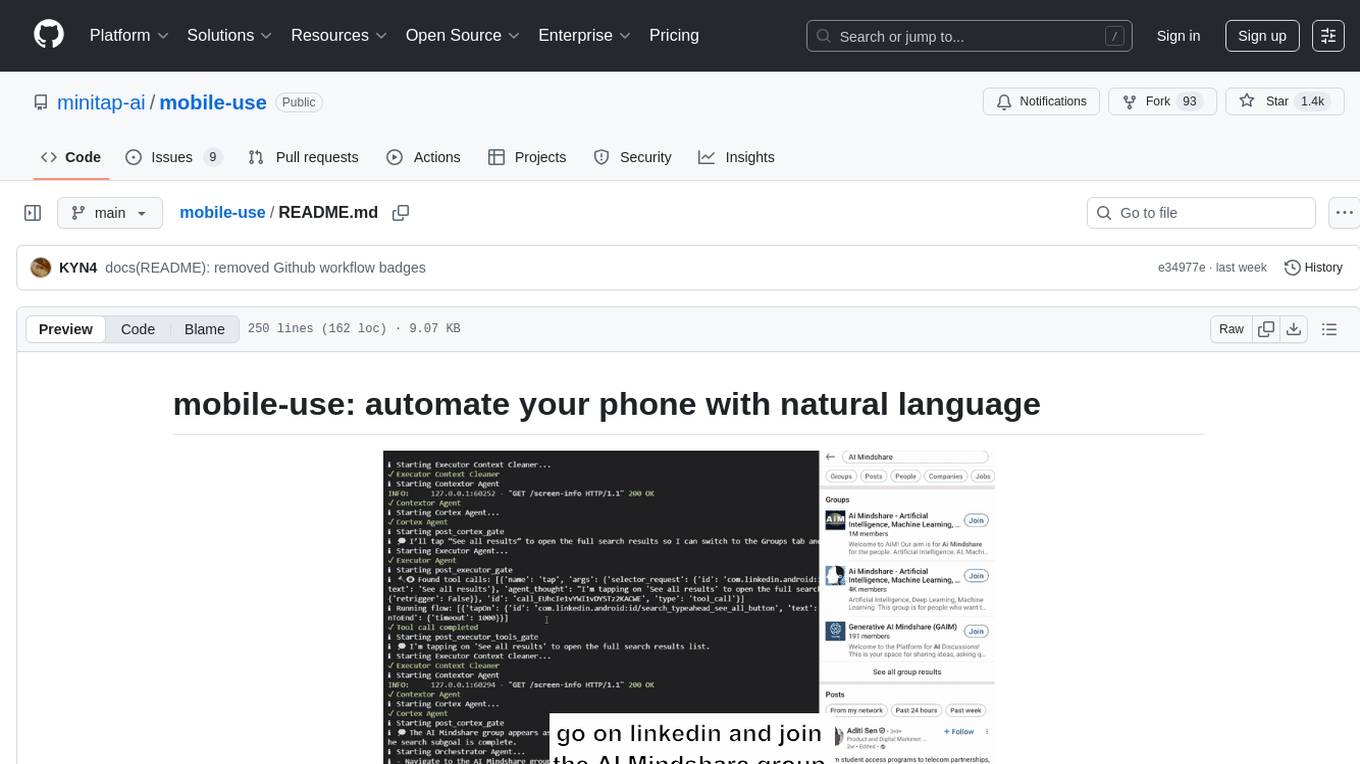
Mobile-use is an open-source AI agent that controls Android or IOS devices using natural language. It understands commands to perform tasks like sending messages and navigating apps. Features include natural language control, UI-aware automation, data scraping, and extensibility. Users can automate their mobile experience by setting up environment variables, customizing LLM configurations, and launching the tool via Docker or manually for development. The tool supports physical Android phones, Android simulators, and iOS simulators. Contributions are welcome, and the project is licensed under MIT.
infinite-image-browsing
Infinite Image Browsing (IIB) is a versatile tool that offers excellent performance in displaying images, supports image search and favorite functionalities, allows viewing images/videos with various features like full-screen preview and sending to other tabs, provides multiple usage methods including extension installation, standalone Python usage, and desktop application, supports TikTok-style view, walk mode for automatic loading of folders, preview based on file tree structure, image comparison, topic/tag analysis, smart file organization, multilingual support, privacy and security features, packaging/batch download, keyboard shortcuts, and AI integration. The tool also offers natural language categorization and search capabilities, with API endpoints for embedding, clustering, and prompt retrieval. It supports caching and incremental updates for efficient processing and offers various configuration options through environment variables.
patchwork
PatchWork is an open-source framework designed for automating development tasks using large language models. It enables users to automate workflows such as PR reviews, bug fixing, security patching, and more through a self-hosted CLI agent and preferred LLMs. The framework consists of reusable atomic actions called Steps, customizable LLM prompts known as Prompt Templates, and LLM-assisted automations called Patchflows. Users can run Patchflows locally in their CLI/IDE or as part of CI/CD pipelines. PatchWork offers predefined patchflows like AutoFix, PRReview, GenerateREADME, DependencyUpgrade, and ResolveIssue, with the flexibility to create custom patchflows. Prompt templates are used to pass queries to LLMs and can be customized. Contributions to new patchflows, steps, and the core framework are encouraged, with chat assistants available to aid in the process. The roadmap includes expanding the patchflow library, introducing a debugger and validation module, supporting large-scale code embeddings, parallelization, fine-tuned models, and an open-source GUI. PatchWork is licensed under AGPL-3.0 terms, while custom patchflows and steps can be shared using the Apache-2.0 licensed patchwork template repository.
ChatGPT-desktop
ChatGPT Desktop Application is a multi-platform tool that provides a powerful AI wrapper for generating text. It offers features like text-to-speech, exporting chat history in various formats, automatic application upgrades, system tray hover window, support for slash commands, customization of global shortcuts, and pop-up search. The application is built using Tauri and aims to enhance user experience by simplifying text generation tasks. It is available for Mac, Windows, and Linux, and is designed for personal learning and research purposes.
gptme
GPTMe is a tool that allows users to interact with an LLM assistant directly in their terminal in a chat-style interface. The tool provides features for the assistant to run shell commands, execute code, read/write files, and more, making it suitable for various development and terminal-based tasks. It serves as a local alternative to ChatGPT's 'Code Interpreter,' offering flexibility and privacy when using a local model. GPTMe supports code execution, file manipulation, context passing, self-correction, and works with various AI models like GPT-4. It also includes a GitHub Bot for requesting changes and operates entirely in GitHub Actions. In progress features include handling long contexts intelligently, a web UI and API for conversations, web and desktop vision, and a tree-based conversation structure.
gptme
Personal AI assistant/agent in your terminal, with tools for using the terminal, running code, editing files, browsing the web, using vision, and more. A great coding agent that is general-purpose to assist in all kinds of knowledge work, from a simple but powerful CLI. An unconstrained local alternative to ChatGPT with 'Code Interpreter', Cursor Agent, etc. Not limited by lack of software, internet access, timeouts, or privacy concerns if using local models.
sdfx
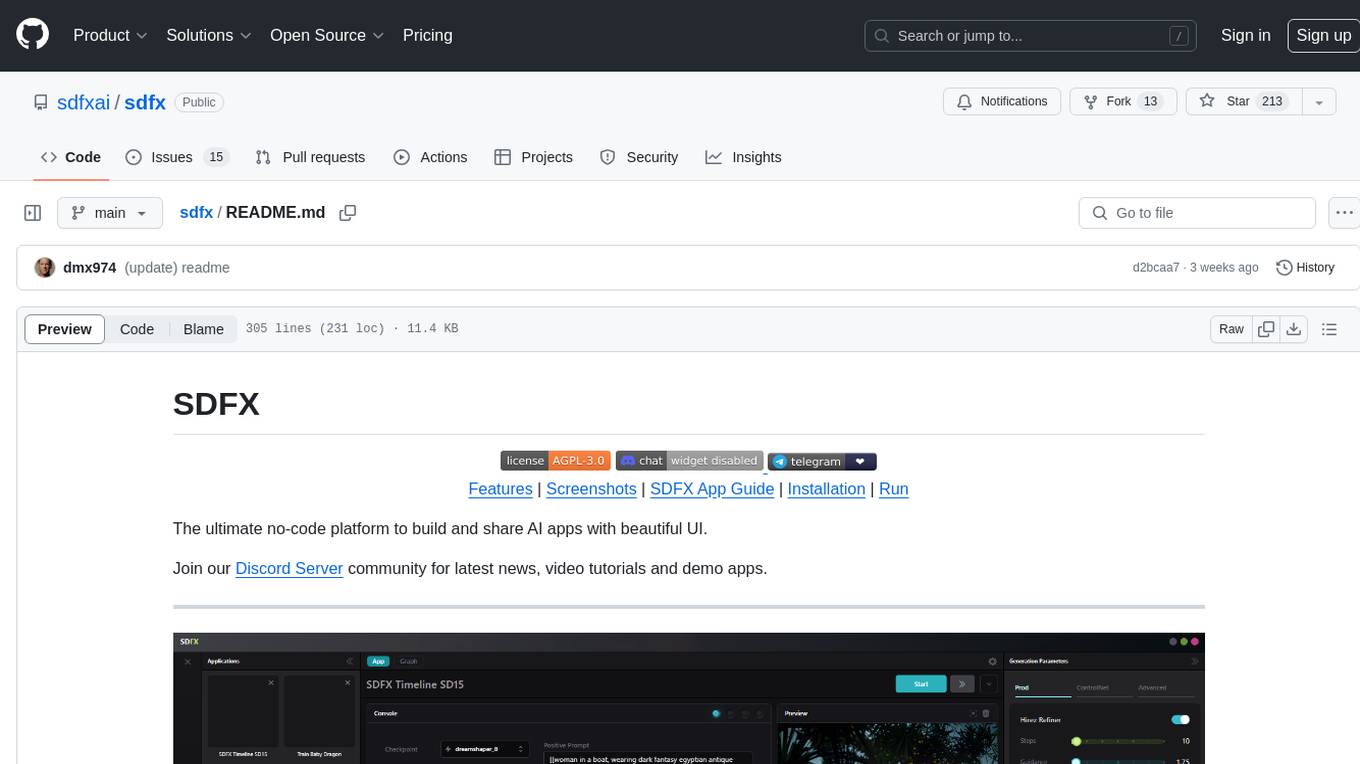
SDFX is the ultimate no-code platform for building and sharing AI apps with beautiful UI. It enables the creation of user-friendly interfaces for complex workflows by combining Comfy workflow with a UI. The tool is designed to merge the benefits of form-based UI and graph-node based UI, allowing users to create intricate graphs with a high-level UI overlay. SDFX is fully compatible with ComfyUI, abstracting the need for installing ComfyUI. It offers features like animated graph navigation, node bookmarks, UI debugger, custom nodes manager, app and template export, image and mask editor, and more. The tool compiles as a native app or web app, making it easy to maintain and add new features.
testzeus-hercules
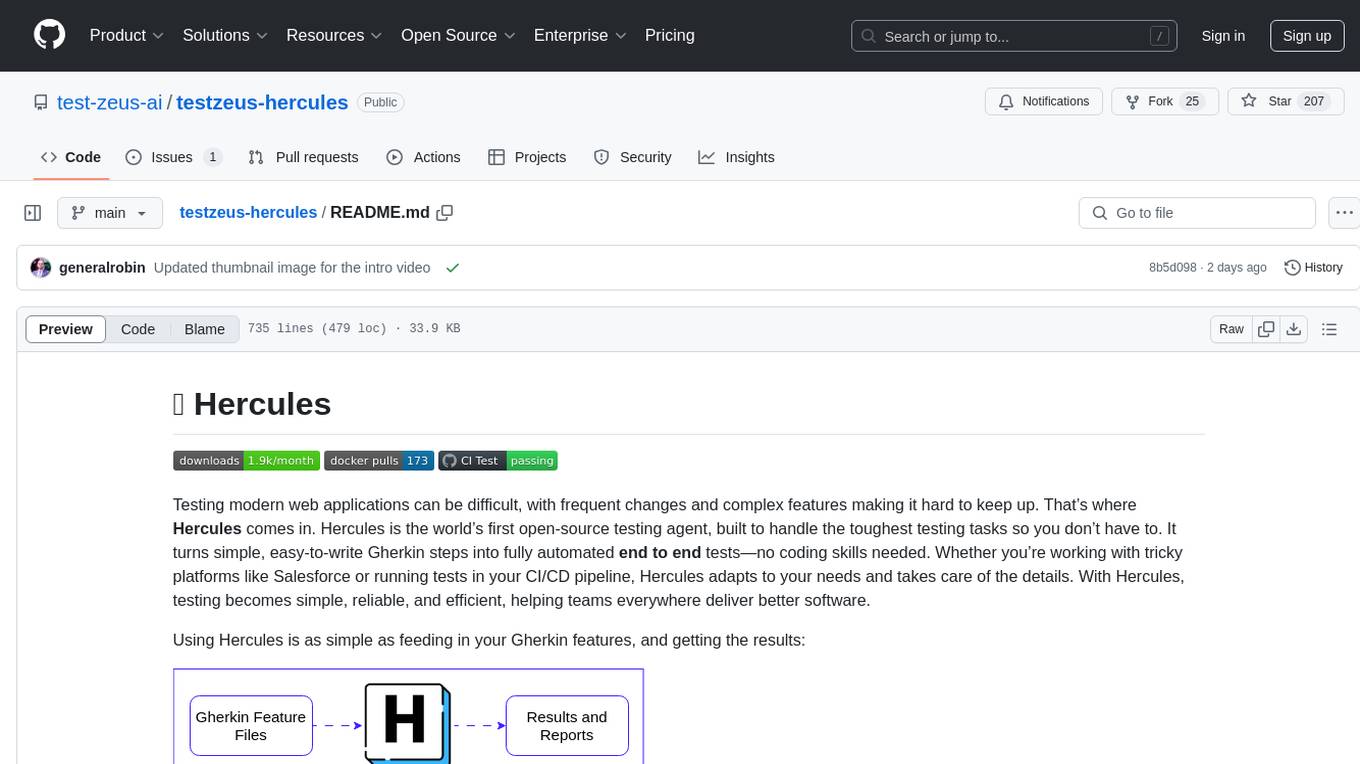
Hercules is the world’s first open-source testing agent designed to handle the toughest testing tasks for modern web applications. It turns simple Gherkin steps into fully automated end-to-end tests, making testing simple, reliable, and efficient. Hercules adapts to various platforms like Salesforce and is suitable for CI/CD pipelines. It aims to democratize and disrupt test automation, making top-tier testing accessible to everyone. The tool is transparent, reliable, and community-driven, empowering teams to deliver better software. Hercules offers multiple ways to get started, including using PyPI package, Docker, or building and running from source code. It supports various AI models, provides detailed installation and usage instructions, and integrates with Nuclei for security testing and WCAG for accessibility testing. The tool is production-ready, open core, and open source, with plans for enhanced LLM support, advanced tooling, improved DOM distillation, community contributions, extensive documentation, and a bounty program.
For similar tasks
sd-webui-agent-scheduler
AgentScheduler is an Automatic/Vladmandic Stable Diffusion Web UI extension designed to enhance image generation workflows. It allows users to enqueue prompts, settings, and controlnets, manage queued tasks, prioritize, pause, resume, and delete tasks, view generation results, and more. The extension offers hidden features like queuing checkpoints, editing queued tasks, and custom checkpoint selection. Users can access the functionality through HTTP APIs and API callbacks. Troubleshooting steps are provided for common errors. The extension is compatible with latest versions of A1111 and Vladmandic. It is licensed under Apache License 2.0.
For similar jobs

sweep
Sweep is an AI junior developer that turns bugs and feature requests into code changes. It automatically handles developer experience improvements like adding type hints and improving test coverage.

teams-ai
The Teams AI Library is a software development kit (SDK) that helps developers create bots that can interact with Teams and Microsoft 365 applications. It is built on top of the Bot Framework SDK and simplifies the process of developing bots that interact with Teams' artificial intelligence capabilities. The SDK is available for JavaScript/TypeScript, .NET, and Python.

ai-guide
This guide is dedicated to Large Language Models (LLMs) that you can run on your home computer. It assumes your PC is a lower-end, non-gaming setup.

classifai
Supercharge WordPress Content Workflows and Engagement with Artificial Intelligence. Tap into leading cloud-based services like OpenAI, Microsoft Azure AI, Google Gemini and IBM Watson to augment your WordPress-powered websites. Publish content faster while improving SEO performance and increasing audience engagement. ClassifAI integrates Artificial Intelligence and Machine Learning technologies to lighten your workload and eliminate tedious tasks, giving you more time to create original content that matters.

chatbot-ui
Chatbot UI is an open-source AI chat app that allows users to create and deploy their own AI chatbots. It is easy to use and can be customized to fit any need. Chatbot UI is perfect for businesses, developers, and anyone who wants to create a chatbot.

BricksLLM
BricksLLM is a cloud native AI gateway written in Go. Currently, it provides native support for OpenAI, Anthropic, Azure OpenAI and vLLM. BricksLLM aims to provide enterprise level infrastructure that can power any LLM production use cases. Here are some use cases for BricksLLM: * Set LLM usage limits for users on different pricing tiers * Track LLM usage on a per user and per organization basis * Block or redact requests containing PIIs * Improve LLM reliability with failovers, retries and caching * Distribute API keys with rate limits and cost limits for internal development/production use cases * Distribute API keys with rate limits and cost limits for students

uAgents
uAgents is a Python library developed by Fetch.ai that allows for the creation of autonomous AI agents. These agents can perform various tasks on a schedule or take action on various events. uAgents are easy to create and manage, and they are connected to a fast-growing network of other uAgents. They are also secure, with cryptographically secured messages and wallets.

griptape
Griptape is a modular Python framework for building AI-powered applications that securely connect to your enterprise data and APIs. It offers developers the ability to maintain control and flexibility at every step. Griptape's core components include Structures (Agents, Pipelines, and Workflows), Tasks, Tools, Memory (Conversation Memory, Task Memory, and Meta Memory), Drivers (Prompt and Embedding Drivers, Vector Store Drivers, Image Generation Drivers, Image Query Drivers, SQL Drivers, Web Scraper Drivers, and Conversation Memory Drivers), Engines (Query Engines, Extraction Engines, Summary Engines, Image Generation Engines, and Image Query Engines), and additional components (Rulesets, Loaders, Artifacts, Chunkers, and Tokenizers). Griptape enables developers to create AI-powered applications with ease and efficiency.