


tandem
Your AI coworker for any folder: local-first, secure by design, cross-platform, and built for supervised automation.
Stars: 59
Tandem is a local-first, privacy-focused AI workspace that runs entirely on your machine. It is inspired by early AI coworking research previews, open source, and provider-agnostic. Tandem offers privacy-first operation, provider agnosticism, zero trust model, true cross-platform support, open-source licensing, modern stack, and developer superpowers for everyone. It provides folder-wide intelligence, multi-step automation, visual change review, complete undo, zero telemetry, provider freedom, secure design, cross-platform support, visual permissions, full undo, long-term memory, skills system, document text extraction, workspace Python venv, rich themes, execution planning, auto-updates, multiple specialized agent modes, multi-agent orchestration, project management, and various artifacts and outputs.
README:


A local-first, privacy-focused AI workspace. Your AI coworker that runs entirely on your machine.

Inspired by early AI coworking research previews, but open source and provider-agnostic.
🔒 Privacy First: Unlike cloud-based AI tools, Tandem runs on your machine. Your code, documents, and API keys never touch our servers because we don't have any.
💰 Provider Agnostic: Use any LLM provider - don't get locked into one vendor. Switch between OpenRouter, Anthropic, OpenAI, or run models locally with Ollama.
🛡️ Zero Trust: Every file operation requires explicit approval. AI agents are powerful but Tandem treats them as "untrusted contractors" with supervised access.
🌐 True Cross-Platform: Native apps for Windows, macOS (Intel & Apple Silicon), and Linux. No Electron bloat - built on Tauri for fast, lightweight performance.
📖 Open Source: MIT licensed. Review the code, contribute features, or fork it for your needs.
🛠️ Modern Stack: Built with Rust, Tauri, React, and sqlite-vec — designed for high performance and low memory footprint on consumer hardware.
In 2024, AI coding tools like Cursor transformed how developers work - letting them interact with entire codebases, automate complex tasks, and review changes before they happen.
But why should only programmers have these capabilities?
- Researchers need to synthesize hundreds of papers
- Writers need consistency across sprawling manuscripts
- Analysts need to cross-reference quarterly reports
- Administrators need to organize mountains of documents
Tandem brings the same transformative capabilities to everyone. Point it at any folder of files, and you get:
- Folder-wide intelligence - AI that understands your entire collection, not just one file
- Multi-step automation - Complex tasks broken into reviewable steps
- Visual change review - See exactly what will change before it happens
- Complete undo - Roll back any operation with one click
What Cursor did for developers, Tandem does for everyone.
- 🔒 Zero telemetry - No data leaves your machine except to your chosen LLM provider
- 🔄 Provider freedom - Use OpenRouter, Anthropic, OpenAI, Ollama, or any OpenAI-compatible API
- 🛡️ Secure by design - API keys stored in encrypted vault using AES-256-GCM, never in plaintext
- 🌐 Cross-platform - Native installers for Windows, macOS (Intel & Apple Silicon), and Linux
- 👁️ Visual permissions - Approve every file access and action with granular control
- ⏪ Full undo - Rollback any AI operation with comprehensive operation journaling
- 🧠 Long-Term Memory - Vector database stores codebase context and history for smarter answers
- 🧩 Skills System - Import and manage custom AI capabilities and instructions
- 🏷️ Skill runtime hints - Starter skill cards show optional runtime requirements (Python/Node/Bash)
- 📎 Document text extraction - Extract text from PDF/DOCX/PPTX/XLSX/RTF for skills and chat context
-
🐍 Workspace Python venv - Guided setup creates
.tandem/.venvand enforces venv-only tools - 🎨 Rich themes - Enhanced background art and consistent gradient rendering across the app
- 📋 Execution Planning - Review and batch-approve multi-step AI operations before execution
- 🔄 Auto-updates - Seamless updates with code-signed releases (when using installers)
Tandem supports multiple specialized agent modes powered by the native Tandem engine:
- 💬 Chat Mode - Interactive conversation with context-aware file operations
-
📝 Plan Mode - Draft comprehensive implementation plans (
.md) before executing changes - ♾️ Ralph Loop - Autonomous iterative loop that works until a task is verifiably complete
- 🔍 Ask Mode - Read-only exploration and analysis without making changes
- 🐛 Debug Mode - Systematic debugging with runtime evidence
New in v0.2.0: Tandem now features a powerful Orchestration Mode that coordinates specialized sub-agents to solve complex problems.

Instead of a single AI trying to do everything, Tandem builds a dependency graph of tasks and delegates them to:
- Planner: Architect your solution
- Builder: Write the code
- Validator: Verify the results
This supervised loop ensures complex features are implemented correctly with human-in-the-loop approval at every critical step.
- 📁 Multi-project support - Manage multiple workspaces with separate contexts
- 🔐 Per-project permissions - Fine-grained file access control
- 📊 Project switching - Quick navigation between different codebases
- 💾 Persistent history - Chat history saved per project
- 📊 HTML/Canvas - Generate secure, interactive HTML dashboards and reports
- 📽️ Presentation Engine - Export high-fidelity PPTX slides with theme support
- 📑 Markdown Reports - Clean, formatted documents and plans
Platform-specific:
| Platform | Additional Requirements |
|---|---|
| Windows | Build Tools for Visual Studio |
| macOS | Xcode Command Line Tools: xcode-select --install
|
| Linux |
libwebkit2gtk-4.1-dev, libappindicator3-dev, librsvg2-dev, build-essential, pkg-config
|
-
Clone the repository
git clone https://github.com/frumu-ai/tandem.git cd tandem -
Install dependencies
pnpm install
-
Build the engine binary
cargo build -p tandem-engine
This builds the native Rust
tandem-enginebinary for your platform. -
Run in development mode
pnpm tauri dev
If you want to build a distributable installer, run:
# Build for current platform
pnpm tauri build
Note on Code Signing: Tandem uses Tauri's secure updater. If you are building the app for yourself, you will need to generate your own signing keys:
- Generate keys:
pnpm tauri signer generate -w ./src-tauri/tandem.key - Set environment variables:
-
TAURI_SIGNING_PRIVATE_KEY: The content of the.keyfile -
TAURI_SIGNING_PASSWORD: The password you set during generation
-
- Update the
pubkeyinsrc-tauri/tauri.conf.jsonwith your new public key.
For more details, see the Tauri signing documentation.
If a macOS user downloads the .dmg from GitHub Releases and macOS says the app is "damaged" or "corrupted", this is usually Gatekeeper rejecting an app bundle/DMG that is not Developer ID signed and notarized.
Things to check:
- Download the correct DMG for the Mac:
- Apple Silicon (M1/M2/M3):
aarch64-apple-darwin/arm64 - Intel:
x86_64-apple-darwin/x64
- Apple Silicon (M1/M2/M3):
- Try opening via Finder:
- Right click the app ->
Open(orSystem Settings -> Privacy & Security->Open Anyway)
- Right click the app ->
For distribution to non-technical users, the real fix is to ship macOS artifacts that are signed + notarized. The release workflow (.github/workflows/release.yml) supports this once the Apple signing/notarization secrets are configured.
# Output locations:
# Windows: src-tauri/target/release/bundle/msi/
# macOS:   src-tauri/target/release/bundle/dmg/
# Linux: src-tauri/target/release/bundle/appimage/Tandem supports multiple LLM providers. Configure them in Settings:
- Launch Tandem
- Click the Settings icon (gear) in the sidebar
- Choose and configure your provider:
Supported Providers:
| Provider | Description | Get API Key |
|---|---|---|
| OpenRouter ⭐ | Access 100+ models through one API (recommended) | openrouter.ai/keys |
| OpenCode Zen | Fast, cost-effective models optimized for coding | opencode.ai/zen |
| Anthropic | Anthropic models (Sonnet, Opus, Haiku) | console.anthropic.com |
| OpenAI | GPT-4, GPT-3.5 and other OpenAI models | platform.openai.com |
| Ollama | Run models locally (no API key needed) | Setup Guide |
| Custom | Any OpenAI-compatible API endpoint | Configure endpoint URL |
- Enter your API key - it's encrypted with AES-256-GCM and stored securely in the local vault
- (Optional) Configure model preferences and endpoints
Tandem operates on a zero-trust model - it can only access folders you explicitly grant permission to:
- Click Projects in the sidebar
- Click + New Project or Select Workspace
- Choose a folder via the native file picker
- Tandem can now read/write files in that folder (with your approval)
You can manage multiple projects and switch between them easily. Each project maintains its own:
- Chat history
- Permission settings
- File access scope
┌─────────────────────────────────────────────────────────────┐
│                    Tandem Desktop App                        │
├─────────────────┬───────────────────┬───────────────────────┤
│  React Frontend │   Tauri Core      │  Tandem Engine Sidecar│
│  (TypeScript)   │   (Rust)          │  (AI Agent Runtime)   │
│  - Modern UI    │   - Security      │  - Multi-mode agents  │
│  - File browser │   - Permissions   │  - Tool execution     │
│  - Chat interface│  - State mgmt    │  - Context awareness  │
├─────────────────┴───────────────────┴───────────────────────┤
│                SecureKeyStore (AES-256-GCM)                  │
│              Encrypted API keys • Secure vault               │
└─────────────────────────────────────────────────────────────┘
Tech Stack:
- Frontend: React 18, TypeScript, Tailwind CSS, Framer Motion
- Backend: Rust, Tauri 2.0
- Agent Runtime: Tandem Engine (Rust, HTTP + SSE)
- Encryption: AES-256-GCM for API key storage
- IPC: Tauri's secure command system
Tandem treats the AI as an "untrusted contractor":
- All operations go through a Tool Proxy
- Write operations require user approval
- Full operation journal with undo capability
- Circuit breaker for resilience
- Execution Planning - Review all changes as a batch before applying
Tandem offers two modes for handling AI operations:
Immediate Mode (default):
- Approve each file change individually via toast notifications
- Good for quick, small changes
- Traditional AI assistant experience
Plan Mode (recommended for complex tasks):
- Toggle with the "Plan Mode" button in the chat header
- Uses Tandem's native Plan mode runtime
- AI proposes file operations that are staged for review
- All changes appear in the Execution Plan panel (bottom-right)
- Review diffs side-by-side before applying
- Remove unwanted operations
- Execute all approved changes with one click
How to use Plan Mode:
- Click "Immediate" → "Plan Mode" toggle in header
- Ask AI to make changes (e.g., "Refactor the auth system")
- AI proposes operations → they appear in Execution Plan panel
- Review diffs and operations
- Click "Execute Plan" button in panel
- All changes applied together + AI continues
The Execution Plan panel appears automatically when the AI proposes file changes in Plan Mode.
- Full undo support for the entire batch
Toggle between modes using the button in the chat header.
Tandem is built with security and privacy as core principles:
- 🔐 API keys: Encrypted with AES-256-GCM in SecureKeyStore, never stored in plaintext
- 📁 File access: Scoped to user-selected directories only - zero-trust model
- 🌐 Network: Only connects to localhost (sidecar) + user-configured LLM endpoints
- 🚫 No telemetry: Zero analytics, zero tracking, zero call home
- ✅ Code-signed releases: All installers are signed for security (Windows, macOS)
- 🔒 Sandboxed: Tauri security model with CSP and permission system
- 💾 Local-first: All data stays on your machine unless sent to your LLM provider
Denied by default:
-
.envfiles and environment variables -
.pem,.keyfiles - SSH keys (
.ssh/*) - Secrets folders
- Password databases
See SECURITY.md for our complete security model and threat analysis.
We welcome contributions! Please see CONTRIBUTING.md.
# Run lints
pnpm lint

# Run tests
pnpm test
cargo test

# Format code
pnpm format
cargo fmt
Engine-specific build/run/smoke instructions (including pnpm tauri dev sidecar setup): see docs/ENGINE_TESTING.md.
Engine CLI usage reference (commands, flags, examples): see docs/ENGINE_CLI.md.
Engine runtime communication contract (desktop/TUI <-> engine): see docs/ENGINE_COMMUNICATION.md.
tandem/
├── src/                    # React frontend
│   ├── components/         # UI components
│   ├── hooks/              # React hooks
│   └── lib/                # Utilities
├── src-tauri/              # Rust backend
│   ├── src/                # Rust source
│   ├── capabilities/       # Permission config
│   └── binaries/           # Sidecar (gitignored)
├── scripts/                # Build scripts
└── docs/                   # Documentation
- [x] Phase 1: Security Foundation - Encrypted vault, permission system
- [x] Phase 2: Sidecar Integration - Tandem agent runtime
- [x] Phase 3: Glass UI - Modern, polished interface
- [x] Phase 4: Provider Routing - Multi-provider support
- [x] Phase 5: Agent Capabilities - Multi-mode agents, execution planning
- [x] Phase 6: Project Management - Multi-workspace support
- [x] Phase 7: Advanced Presentations - PPTX export engine, theme mapping, explicit positioning
- [x] Phase 8: Brand Evolution - Rubik 900 typography, polished boot sequence
- [x] Phase 9: Memory & Context - Vector database integration (
sqlite-vec) - [x] Phase 10: Skills System - Importable agent skills and custom instructions
- [ ] Phase 11: Browser Integration - Web content access
- [ ] Phase 12: Team Features - Collaboration tools
- [ ] Phase 13: Mobile Companion - iOS/Android apps
See docs/todo_specialists.md for ideas on specialized AI assistants for non-technical users.
For developers and teams who want:
- Control: Your data, your keys, your rules
- Flexibility: Any LLM provider, any model
- Security: Encrypted storage, sandboxed execution, zero telemetry
- Transparency: Open source, auditable code
For a deeper dive into Tandem's philosophy and how it compares to other tools, see our Marketing Guide.
If Tandem saves you time or helps you keep your data private while using AI, consider sponsoring development. Your support helps with:
- Cross-platform packaging and code signing
- Security hardening and privacy features
- Quality-of-life improvements and bug fixes
- Documentation and examples
MIT - Use it however you want.
- Anthropic for the Cowork inspiration
- Tauri for the secure desktop framework
- The open source community
Tandem - Your local-first AI coworker.
Note: This codebase communicates with the native tandem-engine sidecar binary for AI agent capabilities and routes to various LLM providers (OpenRouter, Anthropic, OpenAI, Ollama, or custom APIs). All communication stays local except for LLM provider API calls.
For Tasks:
Click tags to check more tools for each tasksFor Jobs:
Alternative AI tools for tandem
Similar Open Source Tools
tandem
Tandem is a local-first, privacy-focused AI workspace that runs entirely on your machine. It is inspired by early AI coworking research previews, open source, and provider-agnostic. Tandem offers privacy-first operation, provider agnosticism, zero trust model, true cross-platform support, open-source licensing, modern stack, and developer superpowers for everyone. It provides folder-wide intelligence, multi-step automation, visual change review, complete undo, zero telemetry, provider freedom, secure design, cross-platform support, visual permissions, full undo, long-term memory, skills system, document text extraction, workspace Python venv, rich themes, execution planning, auto-updates, multiple specialized agent modes, multi-agent orchestration, project management, and various artifacts and outputs.
Archon
Archon is an AI meta-agent designed to autonomously build, refine, and optimize other AI agents. It serves as a practical tool for developers and an educational framework showcasing the evolution of agentic systems. Through iterative development, Archon demonstrates the power of planning, feedback loops, and domain-specific knowledge in creating robust AI agents.
astrsk
astrsk is a tool that pushes the boundaries of AI storytelling by offering advanced AI agents, customizable response formatting, and flexible prompt editing for immersive roleplaying experiences. It provides complete AI agent control, a visual flow editor for conversation flows, and ensures 100% local-first data storage. The tool is true cross-platform with support for various AI providers and modern technologies like React, TypeScript, and Tailwind CSS. Coming soon features include cross-device sync, enhanced session customization, and community features.
pluely
Pluely is a versatile and user-friendly tool for managing tasks and projects. It provides a simple interface for creating, organizing, and tracking tasks, making it easy to stay on top of your work. With features like task prioritization, due date reminders, and collaboration options, Pluely helps individuals and teams streamline their workflow and boost productivity. Whether you're a student juggling assignments, a professional managing multiple projects, or a team coordinating tasks, Pluely is the perfect solution to keep you organized and efficient.
tambourine-voice
Tambourine is a personal voice interface tool that allows users to speak naturally and have their words appear wherever the cursor is. It is powered by customizable AI voice dictation, providing a universal voice-to-text interface for emails, messages, documents, code editors, and terminals. Users can capture ideas quickly, type at the speed of thought, and benefit from AI formatting that cleans up speech, adds punctuation, and applies personal dictionaries. Tambourine offers full control and transparency, with the ability to customize AI providers, formatting, and extensions. The tool supports dual-mode recording, real-time speech-to-text, LLM text formatting, context-aware formatting, customizable prompts, and more, making it a versatile solution for dictation and transcription tasks.
vibe-remote
Vibe Remote is a tool that allows developers to code using AI agents through Slack or Discord, eliminating the need for a laptop or IDE. It provides a seamless experience for coding tasks, enabling users to interact with AI agents in real-time, delegate tasks, and monitor progress. The tool supports multiple coding agents, offers a setup wizard for easy installation, and ensures security by running locally on the user's machine. Vibe Remote enhances productivity by reducing context-switching and enabling parallel task execution within isolated workspaces.
template-repo
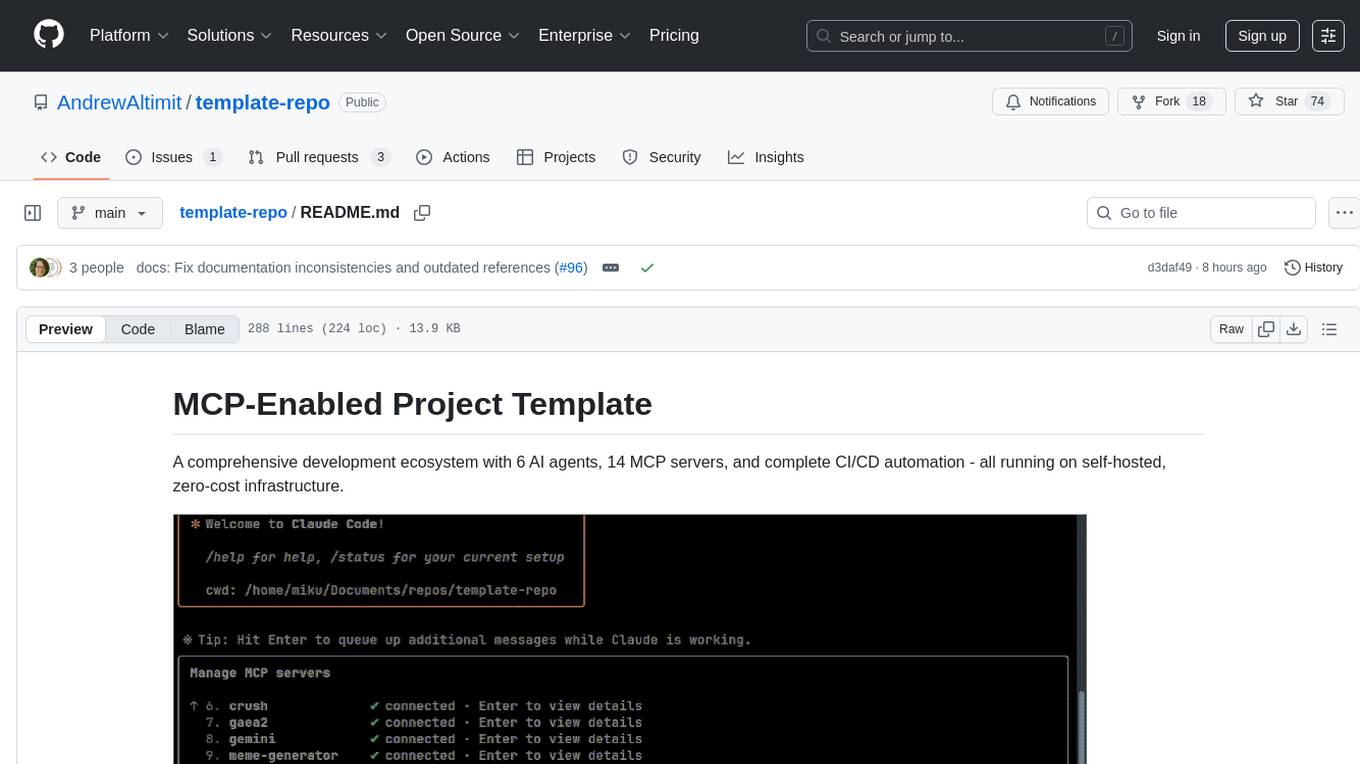
The template-repo is a comprehensive development ecosystem with 6 AI agents, 14 MCP servers, and complete CI/CD automation running on self-hosted, zero-cost infrastructure. It follows a container-first approach, with all tools and operations running in Docker containers, zero external dependencies, self-hosted infrastructure, single maintainer design, and modular MCP architecture. The repo provides AI agents for development and automation, features 14 MCP servers for various tasks, and includes security measures, safety training, and sleeper detection system. It offers features like video editing, terrain generation, 3D content creation, AI consultation, image generation, and more, with a focus on maximum portability and consistency.
AgriTech
AgriTech is an AI-powered smart agriculture platform designed to assist farmers with crop recommendations, yield prediction, plant disease detection, and community-driven collaboration—enabling sustainable and data-driven farming practices. It offers AI-driven decision support for modern agriculture, early-stage plant disease detection, crop yield forecasting using machine learning models, and a collaborative ecosystem for farmers and stakeholders. The platform includes features like crop recommendation, yield prediction, disease detection, an AI chatbot for platform guidance and agriculture support, a farmer community, and shopkeeper listings. AgriTech's AI chatbot provides comprehensive support for farmers with features like platform guidance, agriculture support, decision making, image analysis, and 24/7 support. The tech stack includes frontend technologies like HTML5, CSS3, JavaScript, backend technologies like Python (Flask) and optional Node.js, machine learning libraries like TensorFlow, Scikit-learn, OpenCV, and database & DevOps tools like MySQL, MongoDB, Firebase, Docker, and GitHub Actions.
mcp-memory-service
The MCP Memory Service is a universal memory service designed for AI assistants, providing semantic memory search and persistent storage. It works with various AI applications and offers fast local search using SQLite-vec and global distribution through Cloudflare. The service supports intelligent memory management, universal compatibility with AI tools, flexible storage options, and is production-ready with cross-platform support and secure connections. Users can store and recall memories, search by tags, check system health, and configure the service for Claude Desktop integration and environment variables.
bifrost
Bifrost is a high-performance AI gateway that unifies access to multiple providers through a single OpenAI-compatible API. It offers features like automatic failover, load balancing, semantic caching, and enterprise-grade functionalities. Users can deploy Bifrost in seconds with zero configuration, benefiting from its core infrastructure, advanced features, enterprise and security capabilities, and developer experience. The repository structure is modular, allowing for maximum flexibility. Bifrost is designed for quick setup, easy configuration, and seamless integration with various AI models and tools.
kiss_ai
KISS AI is a lightweight and powerful multi-agent evolutionary framework that simplifies building AI agents. It uses native function calling for efficiency and accuracy, making building AI agents as straightforward as possible. The framework includes features like multi-agent orchestration, agent evolution and optimization, relentless coding agent for long-running tasks, output formatting, trajectory saving and visualization, GEPA for prompt optimization, KISSEvolve for algorithm discovery, self-evolving multi-agent, Docker integration, multiprocessing support, and support for various models from OpenAI, Anthropic, Gemini, Together AI, and OpenRouter.
structured-prompt-builder
A lightweight, browser-first tool for designing well-structured AI prompts with a clean UI, live previews, a local Prompt Library, and optional Gemini-powered prompt optimization. It supports structured fields like Role, Task, Audience, Style, Tone, Constraints, Steps, Inputs, and Few-shot examples. Users can copy/download prompts in Markdown, JSON, and YAML formats, and utilize model parameters like Temperature, Top-p, Max tokens, Presence & Frequency penalties. The tool also features a Local Prompt Library for saving, loading, duplicating, and deleting prompts, as well as a Gemini Optimizer for cleaning grammar/clarity without altering the schema. It offers dark/light friendly styles and a focused reading mode for long prompts.
GitVizz
GitVizz is an AI-powered repository analysis tool that helps developers understand and navigate codebases quickly. It transforms complex code structures into interactive documentation, dependency graphs, and intelligent conversations. With features like interactive dependency graphs, AI-powered code conversations, advanced code visualization, and automatic documentation generation, GitVizz offers instant understanding and insights for any repository. The tool is built with modern technologies like Next.js, FastAPI, and OpenAI, making it scalable and efficient for analyzing large codebases. GitVizz also provides a standalone Python library for core code analysis and dependency graph generation, offering multi-language parsing, AST analysis, dependency graphs, visualizations, and extensibility for custom applications.
specweave
SpecWeave is a spec-driven Skill Fabric for AI coding agents that allows programming AI in English. It provides first-class support for Claude Code and offers reusable logic for controlling AI behavior. With over 100 skills out of the box, SpecWeave eliminates the need to learn Claude Code docs and handles various aspects of feature development. The tool enables users to describe what they want, and SpecWeave autonomously executes tasks, including writing code, running tests, and syncing to GitHub/JIRA. It supports solo developers, agent teams working in parallel, and brownfield projects, offering file-based coordination, autonomous teams, and enterprise-ready features. SpecWeave also integrates LSP Code Intelligence for semantic understanding of codebases and allows for extensible skills without forking.
BioAgents
BioAgents AgentKit is an advanced AI agent framework tailored for biological and scientific research. It offers powerful conversational AI capabilities with specialized knowledge in biology, life sciences, and scientific research methodologies. The framework includes state-of-the-art analysis agents, configurable research agents, and a variety of specialized agents for tasks such as file parsing, research planning, literature search, data analysis, hypothesis generation, research reflection, and user-facing responses. BioAgents also provides support for LLM libraries, multiple search backends for literature agents, and two backends for data analysis. The project structure includes backend source code, services for chat, job queue system, real-time notifications, and JWT authentication, as well as a frontend UI built with Preact.
ito
Ito is an intelligent voice assistant that provides seamless voice dictation to any application on your computer. It works in any app, offers global keyboard shortcuts, real-time transcription, and instant text insertion. It is smart and adaptive with features like custom dictionary, context awareness, multi-language support, and intelligent punctuation. Users can customize trigger keys, audio preferences, and privacy controls. It also offers data management features like a notes system, interaction history, cloud sync, and export capabilities. Ito is built as a modern Electron application with a multi-process architecture and utilizes technologies like React, TypeScript, Rust, gRPC, and AWS CDK.
For similar tasks

Magick
Magick is a groundbreaking visual AIDE (Artificial Intelligence Development Environment) for no-code data pipelines and multimodal agents. Magick can connect to other services and comes with nodes and templates well-suited for intelligent agents, chatbots, complex reasoning systems and realistic characters.

danswer
Danswer is an open-source Gen-AI Chat and Unified Search tool that connects to your company's docs, apps, and people. It provides a Chat interface and plugs into any LLM of your choice. Danswer can be deployed anywhere and for any scale - on a laptop, on-premise, or to cloud. Since you own the deployment, your user data and chats are fully in your own control. Danswer is MIT licensed and designed to be modular and easily extensible. The system also comes fully ready for production usage with user authentication, role management (admin/basic users), chat persistence, and a UI for configuring Personas (AI Assistants) and their Prompts. Danswer also serves as a Unified Search across all common workplace tools such as Slack, Google Drive, Confluence, etc. By combining LLMs and team specific knowledge, Danswer becomes a subject matter expert for the team. Imagine ChatGPT if it had access to your team's unique knowledge! It enables questions such as "A customer wants feature X, is this already supported?" or "Where's the pull request for feature Y?"

semantic-kernel
Semantic Kernel is an SDK that integrates Large Language Models (LLMs) like OpenAI, Azure OpenAI, and Hugging Face with conventional programming languages like C#, Python, and Java. Semantic Kernel achieves this by allowing you to define plugins that can be chained together in just a few lines of code. What makes Semantic Kernel _special_ , however, is its ability to _automatically_ orchestrate plugins with AI. With Semantic Kernel planners, you can ask an LLM to generate a plan that achieves a user's unique goal. Afterwards, Semantic Kernel will execute the plan for the user.

floneum
Floneum is a graph editor that makes it easy to develop your own AI workflows. It uses large language models (LLMs) to run AI models locally, without any external dependencies or even a GPU. This makes it easy to use LLMs with your own data, without worrying about privacy. Floneum also has a plugin system that allows you to improve the performance of LLMs and make them work better for your specific use case. Plugins can be used in any language that supports web assembly, and they can control the output of LLMs with a process similar to JSONformer or guidance.
mindsdb
MindsDB is a platform for customizing AI from enterprise data. You can create, serve, and fine-tune models in real-time from your database, vector store, and application data. MindsDB "enhances" SQL syntax with AI capabilities to make it accessible for developers worldwide. With MindsDB’s nearly 200 integrations, any developer can create AI customized for their purpose, faster and more securely. Their AI systems will constantly improve themselves — using companies’ own data, in real-time.

aiscript
AiScript is a lightweight scripting language that runs on JavaScript. It supports arrays, objects, and functions as first-class citizens, and is easy to write without the need for semicolons or commas. AiScript runs in a secure sandbox environment, preventing infinite loops from freezing the host. It also allows for easy provision of variables and functions from the host.

activepieces
Activepieces is an open source replacement for Zapier, designed to be extensible through a type-safe pieces framework written in Typescript. It features a user-friendly Workflow Builder with support for Branches, Loops, and Drag and Drop. Activepieces integrates with Google Sheets, OpenAI, Discord, and RSS, along with 80+ other integrations. The list of supported integrations continues to grow rapidly, thanks to valuable contributions from the community. Activepieces is an open ecosystem; all piece source code is available in the repository, and they are versioned and published directly to npmjs.com upon contributions. If you cannot find a specific piece on the pieces roadmap, please submit a request by visiting the following link: Request Piece Alternatively, if you are a developer, you can quickly build your own piece using our TypeScript framework. For guidance, please refer to the following guide: Contributor's Guide
superagent-js
Superagent is an open source framework that enables any developer to integrate production ready AI Assistants into any application in a matter of minutes.
For similar jobs
tandem
Tandem is a local-first, privacy-focused AI workspace that runs entirely on your machine. It is inspired by early AI coworking research previews, open source, and provider-agnostic. Tandem offers privacy-first operation, provider agnosticism, zero trust model, true cross-platform support, open-source licensing, modern stack, and developer superpowers for everyone. It provides folder-wide intelligence, multi-step automation, visual change review, complete undo, zero telemetry, provider freedom, secure design, cross-platform support, visual permissions, full undo, long-term memory, skills system, document text extraction, workspace Python venv, rich themes, execution planning, auto-updates, multiple specialized agent modes, multi-agent orchestration, project management, and various artifacts and outputs.
vectara-answer
Vectara Answer is a sample app for Vectara-powered Summarized Semantic Search (or question-answering) with advanced configuration options. For examples of what you can build with Vectara Answer, check out Ask News, LegalAid, or any of the other demo applications.
smartcat
Smartcat is a CLI interface that brings language models into the Unix ecosystem, allowing power users to leverage the capabilities of LLMs in their daily workflows. It features a minimalist design, seamless integration with terminal and editor workflows, and customizable prompts for specific tasks. Smartcat currently supports OpenAI, Mistral AI, and Anthropic APIs, providing access to a range of language models. With its ability to manipulate file and text streams, integrate with editors, and offer configurable settings, Smartcat empowers users to automate tasks, enhance code quality, and explore creative possibilities.
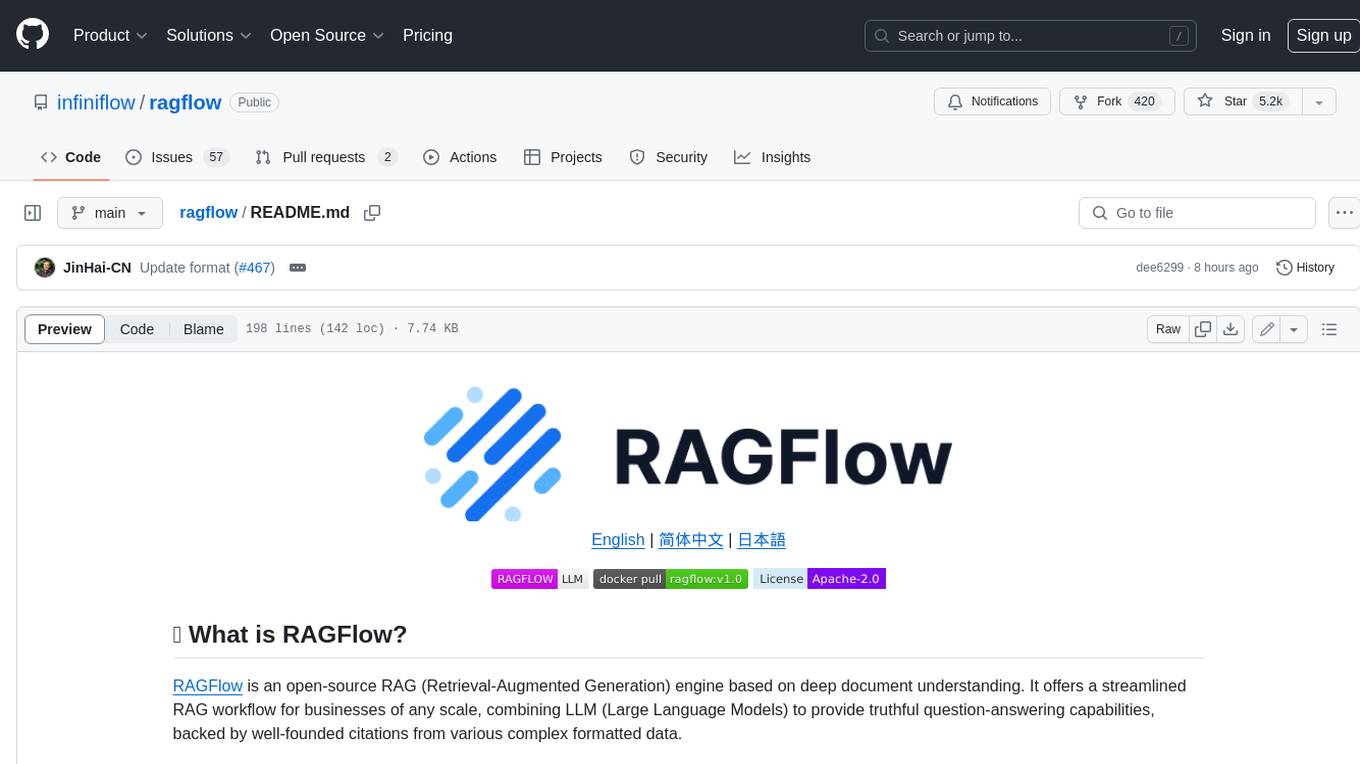
ragflow
RAGFlow is an open-source Retrieval-Augmented Generation (RAG) engine that combines deep document understanding with Large Language Models (LLMs) to provide accurate question-answering capabilities. It offers a streamlined RAG workflow for businesses of all sizes, enabling them to extract knowledge from unstructured data in various formats, including Word documents, slides, Excel files, images, and more. RAGFlow's key features include deep document understanding, template-based chunking, grounded citations with reduced hallucinations, compatibility with heterogeneous data sources, and an automated and effortless RAG workflow. It supports multiple recall paired with fused re-ranking, configurable LLMs and embedding models, and intuitive APIs for seamless integration with business applications.
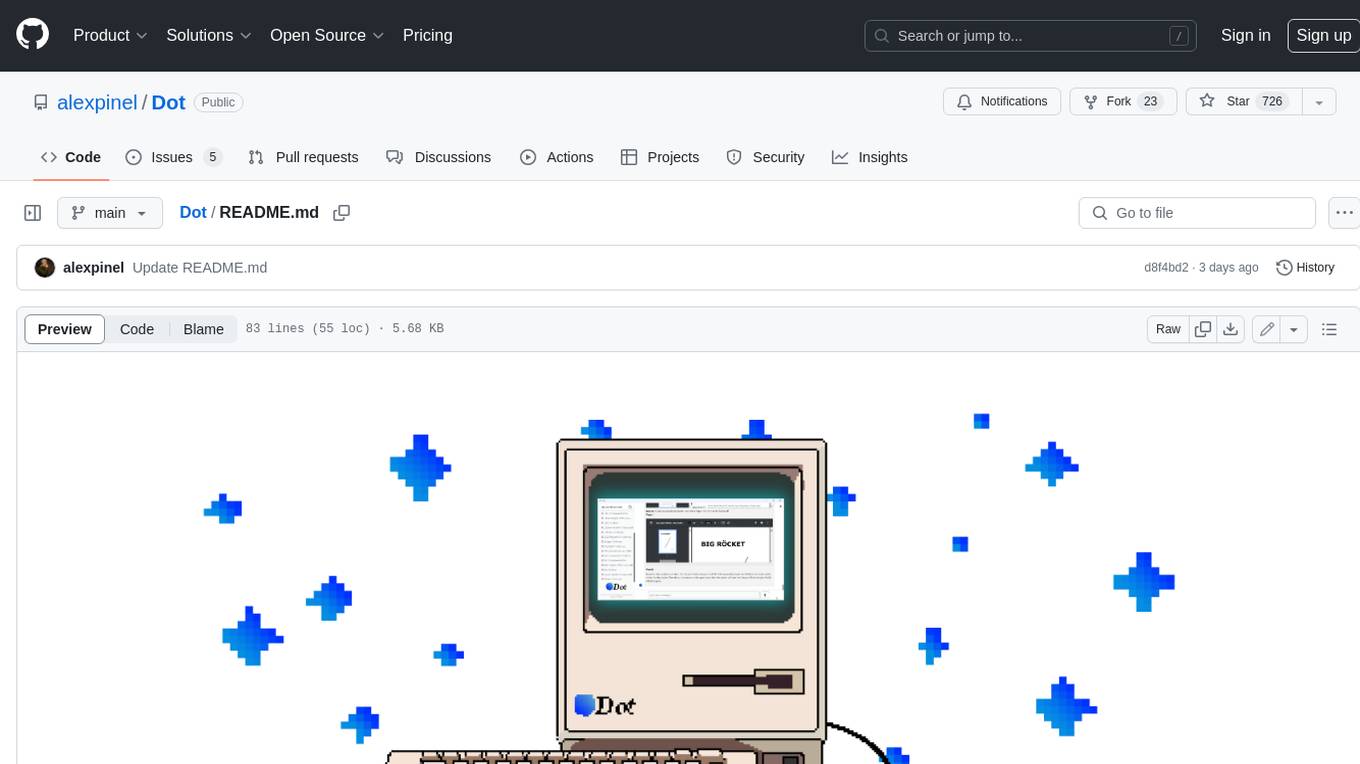
Dot
Dot is a standalone, open-source application designed for seamless interaction with documents and files using local LLMs and Retrieval Augmented Generation (RAG). It is inspired by solutions like Nvidia's Chat with RTX, providing a user-friendly interface for those without a programming background. Pre-packaged with Mistral 7B, Dot ensures accessibility and simplicity right out of the box. Dot allows you to load multiple documents into an LLM and interact with them in a fully local environment. Supported document types include PDF, DOCX, PPTX, XLSX, and Markdown. Users can also engage with Big Dot for inquiries not directly related to their documents, similar to interacting with ChatGPT. Built with Electron JS, Dot encapsulates a comprehensive Python environment that includes all necessary libraries. The application leverages libraries such as FAISS for creating local vector stores, Langchain, llama.cpp & Huggingface for setting up conversation chains, and additional tools for document management and interaction.
emerging-trajectories
Emerging Trajectories is an open source library for tracking and saving forecasts of political, economic, and social events. It provides a way to organize and store forecasts, as well as track their accuracy over time. This can be useful for researchers, analysts, and anyone else who wants to keep track of their predictions.
reor
Reor is an AI-powered desktop note-taking app that automatically links related notes, answers questions on your notes, and provides semantic search. Everything is stored locally and you can edit your notes with an Obsidian-like markdown editor. The hypothesis of the project is that AI tools for thought should run models locally by default. Reor stands on the shoulders of the giants Ollama, Transformers.js & LanceDB to enable both LLMs and embedding models to run locally. Connecting to OpenAI or OpenAI-compatible APIs like Oobabooga is also supported.
swirl-search
Swirl is an open-source software that allows users to simultaneously search multiple content sources and receive AI-ranked results. It connects to various data sources, including databases, public data services, and enterprise sources, and utilizes AI and LLMs to generate insights and answers based on the user's data. Swirl is easy to use, requiring only the download of a YML file, starting in Docker, and searching with Swirl. Users can add credentials to preloaded SearchProviders to access more sources. Swirl also offers integration with ChatGPT as a configured AI model. It adapts and distributes user queries to anything with a search API, re-ranking the unified results using Large Language Models without extracting or indexing anything. Swirl includes five Google Programmable Search Engines (PSEs) to get users up and running quickly. Key features of Swirl include Microsoft 365 integration, SearchProvider configurations, query adaptation, synchronous or asynchronous search federation, optional subscribe feature, pipelining of Processor stages, results stored in SQLite3 or PostgreSQL, built-in Query Transformation support, matching on word stems and handling of stopwords, duplicate detection, re-ranking of unified results using Cosine Vector Similarity, result mixers, page through all results requested, sample data sets, optional spell correction, optional search/result expiration service, easily extensible Connector and Mixer objects, and a welcoming community for collaboration and support.