


sql-eval
Evaluate the accuracy of LLM generated outputs
Stars: 589
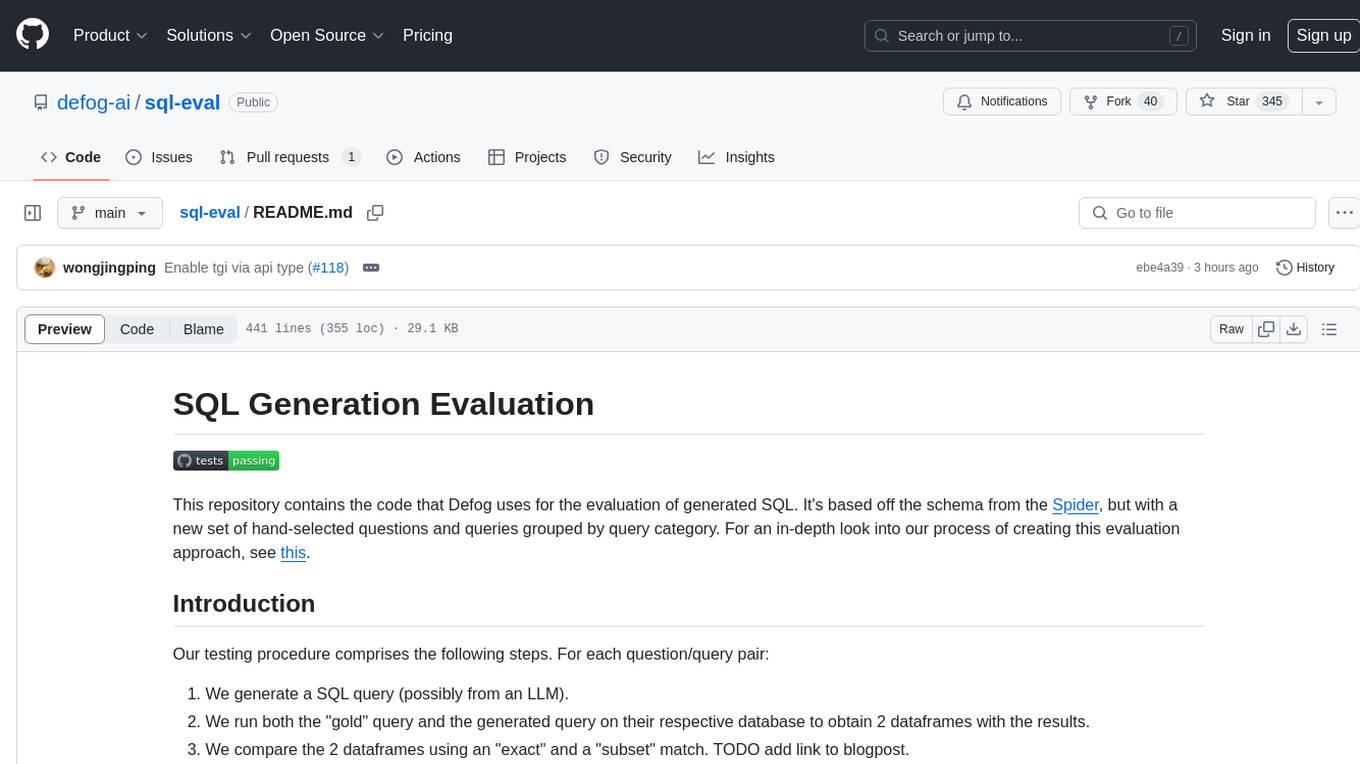
This repository contains the code that Defog uses for the evaluation of generated SQL. It's based off the schema from the Spider, but with a new set of hand-selected questions and queries grouped by query category. The testing procedure involves generating a SQL query, running both the 'gold' query and the generated query on their respective database to obtain dataframes with the results, comparing the dataframes using an 'exact' and a 'subset' match, logging these alongside other metrics of interest, and aggregating the results for reporting. The repository provides comprehensive instructions for installing dependencies, starting a Postgres instance, importing data into Postgres, importing data into Snowflake, using private data, implementing a query generator, and running the test with different runners.
README:

This repository contains the code that Defog uses for the evaluation of generated SQL. It's based off the schema from the Spider, but with a new set of hand-selected questions and queries grouped by query category. For an in-depth look into our process of creating this evaluation approach, see this.
Our testing procedure comprises the following steps. For each question/query pair:
- We generate a SQL query (possibly from an LLM).
- We run both the "gold" query and the generated query on their respective database to obtain 2 dataframes with the results.
- We compare the 2 dataframes using an "exact" and a "subset" match. TODO add link to blogpost.
- We log these alongside other metrics of interest (e.g. tokens used, latency) and aggregate the results for reporting.
This is a comprehensive set of instructions that assumes basic familiarity with the command line, Docker, running SQL queries on a database, and common Python data manipulation libraries (e.g. pandas).
Firstly, clone the repository where we store our database data and schema. Install all Python libraries listed in the requirements.txt file. You would also need to download a spacy model if you're using the NER heuristic for our metadata-pruning method (set by any values of the c parameter that is more than 0, more below). Finally, install the library.
git clone https://github.com/defog-ai/defog-data.git
cd defog-data
pip install -r requirements.txt
python -m spacy download en_core_web_sm
pip install -e .Next, you would need to set up the databases that the queries are executed on. We use Postgres here, since it is the most common OSS database with the widest distribution and usage in production. In addition, we would recommend using Docker to do this, as it is the easiest way to get started. You can install Docker here.
Once you have Docker installed, you can create the Docker container and start the Postgres database using the following commands. We recommend mounting a volume on data/postgres to persist the data, as well as data/export to make it easier to import the data. To create the container, run:
mkdir data/postgres data/export
docker create --name postgres-sql-eval -e POSTGRES_PASSWORD=postgres -p 5432:5432 -v $(pwd)/data/postgres:/var/lib/postgresql/data -v $(pwd)/data/export:/export postgres:16-alpine
To start the container, run:
docker start postgres-sql-evalIf you want to reset the Postgres server instance's state (e.g. memory leaks from transient connections), you can turn it off (and start it back up after):
docker stop postgres-sql-eval
# see that the container is still there:
docker container list -a
Some notes:
- You would need to stop other Postgres instances listening on port 5432 before running the above command.
- You only need to run the
docker create ...once to create the image, and then subsequently onlydocker start/stop postgres-sql-eval. - The data is persisted in
data/postgres, so turning it off isn't critical. On the other hand, if you delete thedata/postgresfolder, then all is lost T.T - While we will use Docker for deploying Postgres and the initialization, you are free to modify the scripts/instructions to work with your local installation.
The data for importing is in the defog-data repository which we cloned earlier. Each folder contains the metadata and data corresponding to a single database (e.g. academic contains all the data required to reload the 'academic' database). We assume that you have a psql client installed locally. We will create a new database in our postgres instance for each of the 7 SQL databases with the following commands:
# set the following environment variables
cd defog-data # if you're not already in the defog-data directory
export DBPASSWORD="postgres"
export DBUSER="postgres"
export DBHOST="localhost"
export DBPORT=5432
./setup.shShould you wish to import the data into Snowflake, the setup instructions are also in the defog-data repository. After installing the Snowflake CLI, configure your credentials as per the docs and set them as environment variables like below, then run the setup command.
export SFDBPASSWORD="your_password"
export SFDBUSER="your_username"
export SFDBACCOUNT="your_account"
export SFDBWAREHOUSE="your_warehouse"
./setup_snowflake.sh
Note that during evaluation you'll have to use the _snowflake question files in /data. The queries been modified to be valid on Snowflake databases.
The setup instructions for these database management systems are found in the defog-data repository. Configure your credentials accordingly, set up your environment variables, then translate and import the eval databases with the command:
python translate_ddl_dialect.pyDuring evaluation, you'll have to set the right --db_type flag and use the corresponding _{dialect} question files in /data.
If you have a private dataset that you do not want to make publicly available but would still like to repurpose the code here for evaluations, you can do so by following the steps below.
- Begin by creating a separate git repository for your private data, that has a
setup.pyfile, similar to defog-data. - Create the metadata and data files, and import them into your database. This is to allow our evaluation framework to run the generated queries with some actual data. You can refer to
defog-data's metadata objects for the schema, and setup.sh as an example on how import the data into your database. We do not prescribe any specific folder structure, and leave it to you to decide how you want to organize your data, so long as you can import it into your database easily. - To use our metadata pruning utilities, you would need to have the following defined:
- A way to load your embeddings. In our case, we call a function load_embeddings from
defog-data's supplementary module to load a dictionary of database name to a tuple of the 2D embedding matrix (num examples x embedding dimension) and the associated text metadata for each row/example. If you would like to see how we generate this tuple, you may refer to generate_embeddings in thedefog-datarepository. - A way to load columns associated with various named entities. In our case, we call a dictionary columns_ner of database name to a nested dictionary that maps each named entity type to a list of column metadata strings that are associated with that named entity type. You can refer to the raw data for an example of how we generate this dictionary.
- A way to define joinable columns between tables. In our case, we call a dictionary columns_join of database name to a nested dictionary of table tuples to column name tuples. You can refer to the raw data for an example of how we generate this dictionary.
- A way to load your embeddings. In our case, we call a function load_embeddings from
Once all of the 3 above steps have completed, you would need to
- Install your data library as a dependency, by running
pip install -e .(-e to automatically incorporate edits without reinstalling) - Replace the associated function calls and variables in prune_metadata_str with your own imported functions and variables. Note that you might not name your package/module
defog_data_private.supplementary, so do modify accordingly.
Some things to take note of:
- If you do not populate your database with data (ie only create the tables without inserting data), you would return empty dataframes most of the time (regardless of whether the query generated was what you want), and it would result in results matching all the time and generate a lot of false positives. Hence, you might want to consider populating your database with some meaningful data that would return different results if the queries should be different from what you want.
- If testing out on your private data, you would also need to change the questions file to point to your own questions file (tailored to your database schema).
To test your own query generator with our framework, you would need to extend Query Generator and implement the generate_query method to return the query of interest. We create a new class for each question/query pair to isolate each pair's runtime state against the others when running concurrently. You can also reference OpenAIQueryGenerator which implements Query Generator and uses a simple prompt to send a message over to OpenAI's API. Feel free to extend it for your own use.
If there are functions that are generally useful for all query generators, they can be placed in the utils folder. If you need to incorporate specific verbose templates (e.g. for prompt testing), you can store them in the prompts folder, and later import them. Being able to version control the prompts in a central place has been a productivity win for our team.
Having implemented the query generator, the next piece of abstraction would be the runner. The runner calls the query generator, and is responsible for handling the configuration of work (e.g. parallelization / batching / model selected etc.) to the query generator for each question/query pair.
We have provided a few common runners: eval/openai_runner.py for calling OpenAI's API (with parallelization support), eval/anthropic_runner for calling Anthropic's API, eval/hf_runner.py for calling a local Hugging Face model and finally, eval/api_runner.py makes it possible to use a custom API for evaluation.
When testing your own query generator with an existing runner, you can replace the qg_class in the runner's code with your own query generator class.
Remember to have your API key (OPENAI_API_KEY or ANTHROPIC_API_KEY) set as an environment variable before running the test if you plan to call the OpenAI or Anthropic/other LLM API's accordingly.
To test it out with just 10 questions (instead of all 200), parallelized across 5 :
python main.py \
  -db postgres \
  -q "data/questions_gen_postgres.csv" "data/instruct_basic_postgres.csv" "data/instruct_advanced_postgres.csv" \
  -o results/openai_classic.csv results/openai_basic.csv results/openai_advanced.csv \
  -g oa \
  -f prompts/prompt_openai.json \
  -m gpt-4-turbo \
  -p 5 \
  -c 0
If testing with the latest o1-* models (which do not support system prompts), you should use a different prompt file, reduce parallel requests and increase the timeout:
python main.py \
  -db postgres \
  -q "data/questions_gen_postgres.csv" "data/instruct_basic_postgres.csv" "data/instruct_advanced_postgres.csv" \
  -o results/openai_o1mini_classic.csv results/openai_o1mini_basic.csv results/openai_o1mini_advanced.csv \
  -g oa \
  -f prompts/prompt_openai_o1.json \
  -m o1-mini \
  -p 1 \
  -t 120 \
-c 0To test out the full suite of questions for claude-3:
python main.py \
  -db postgres \
  -q "data/questions_gen_postgres.csv" "data/instruct_basic_postgres.csv" "data/instruct_advanced_postgres.csv" \
  -o results/claude3_classic.csv results/claude3_basic.csv results/claude3_advanced.csv \
  -g anthropic \
  -f prompts/prompt_anthropic.md \
  -m claude-3-opus-20240229 \
  -p 5 \
-c 0To test it out with our fine-tuned sql model with just 10 questions (instead of all 200):
# use the -W option to ignore warnings about sequential use of transformers pipeline
python -W ignore main.py \
  -db postgres \
  -q "data/questions_gen_postgres.csv" "data/instruct_basic_postgres.csv" "data/instruct_advanced_postgres.csv" \
  -o results/hf_classic.csv results/hf_basic.csv results/hf_advanced.csv \
  -g hf \
  -f prompts/prompt.md \
  -m defog/llama-3-sqlcoder-8b \
  -c 0
We also support loading a peft adapter here as well via the -a flag. Note that the loading of the adapter with the model will take slightly longer than usual.
We also have a vllm runner which uses the vLLM engine to run the inference altogether as a single batch. It is much faster to do so especially when num_beams > 1. You would have to pass in a single set of merged model weights, path to LoRA adapters if applicable, and the model architecture needs to be supported by vLLM. Here's a sample command:
python -W ignore main.py \
  -db postgres \
  -q "data/questions_gen_postgres.csv" "data/instruct_basic_postgres.csv" "data/instruct_advanced_postgres.csv" \
  -o results/vllm_classic.csv results/vllm_basic.csv results/vllm_advanced.csv \
  -g vllm \
  -f "prompts/prompt.md" \
  -m defog/llama-3-sqlcoder-8b \
  -a path/to_adapter \
  -c 0
Optionally, if you're running evals on a model that is quantized with AWQ, add the -qz or --quantized parameter. Only applicable for the vllm runner.
If running with different settings, you can setup an api server to avoid reloading for each test setting and then run the tests subsequently. We enable setting up 2 types of api servers, namely the vllm api server, as well as the TGI server.
We also provide our custom modification of the vllm api server, which only returns the generated output.
# to set up a vllm server
python -m vllm.entrypoints.api_server \
    --model defog/defog-llama-3-sqlcoder-8b \
    --tensor-parallel-size 4 \
    --dtype float16

# to set up a vllm server that supports LoRA adapters
python -m vllm.entrypoints.api_server \
    --model defog/llama-3-sqlcoder-8b \
    --tensor-parallel-size 1 \
    --dtype float16 \
    --max-model-len 4096 \
    --enable-lora \
    --max-lora-rank 64

# to use our modified api server
python utils/api_server.py \
    --model defog/llama-3-sqlcoder-8b \
    --tensor-parallel-size 4 \
    --dtype float16 \
    --max-model-len 4096 \
    --enable-lora \
    --max-lora-rank 64

# to run sql-eval using the api runner - depending on how much your GPUs can take, can increase p and b to higher values
python main.py \
  -db postgres \
  -q "data/questions_gen_postgres.csv" \
  -o results/api.csv \
  -g api \
  -b 1 \
  -f prompts/prompt.md \
  --api_url "http://localhost:8000/generate" \
  --api_type "vllm" \
  -a path/to_adapter_if_applicable \
-p 8You may consult the TGI documentation for more information on how to set up a TGI server. Here's a sample command to set up a TGI server using a preset docker image and run the evaluation using the API runner. Note that you would want to change the number of shards and the model id accordingly, depending on how many gpu's you have available and your model of choice.
# to set up a tgi server
model="defog/llama-3-sqlcoder-8b"
docker run --gpus all \
  --shm-size 1g \
  -p 8000:80 \
  -v /models:/models ghcr.io/huggingface/text-generation-inference:2.0 \
  --model-id "${model}" \
  --max-best-of 4 \
  --max-input-tokens 3072 \
  --sharded true \
  --num-shard 4 \
  --hostname 0.0.0.0 \
  --port 80

# to run sql-eval using the api runner - depending on how much your GPUs can take, can increase p and b to higher values. Note that cuda graphs in tgi is optimized for batch sizes that are powers of 2 by default.
python main.py \
  -db postgres \
  -q "data/questions_gen_postgres.csv" \
  -o results/api.csv \
  -g api \
  -b 1 \
  -f prompts/prompt.md \
  --api_url "http://localhost:8000/generate" \
  --api_type "vllm" \
-p 8If you'd like to test out a few prompts in a single run (to save the few minutes spent loading the model into GPU at the start of each run), you can specify a list of prompt files in --prompt_file (e.g. -f prompts/prompt-1.md prompts/prompt-2.md prompts/prompt-3.md), as well as a corresponding list of output files in --output_file (e.g. -o results/results-1.csv results/results-2.csv results/results-3.csv). The number of prompts and output files must be the same. Here's a sample command:
python -W ignore main.py \
  -db postgres \
  -q "data/questions_gen_postgres.csv" \
  -o results/results_1.csv results/results_2.csv \
  -g vllm \
  -f prompts/prompt_1.md prompts/prompt_2.md \
  -m defog/sqlcoder2
While you can do the same for the other runners, the time savings are most significant when loading a large model locally, vs calling an always-on API.
python -W ignore main.py \
  -db postgres \
  -q "data/questions_gen_postgres.csv" \
  -o results/llama3_70b.csv \
  -g bedrock \
  -f prompts/prompt.md \
-m meta.llama3-70b-instruct-v1:0To run the eval using Llama CPP, you can use the following code. Before running this, you must install llama-cpp-python with the following (on Apple Silicon)
CMAKE_ARGS="-DLLAMA_METAL=on" pip install llama-cpp-python
Note that llama-cpp-python library does not currently have beam search, and hence will have lower quality results.
python -W ignore main.py \
  -q "data/questions_gen_postgres.csv" \
  -db postgres \
  -o "results/llama_cpp.csv" \
  -g llama_cpp \
  -f "prompts/prompt.md" \
-m path/to/model.ggufTo run the eval using MLX, you can use the following code. Before running this, you must install mlx-lm package with pip install mlx-lm
Note that MLX does not currently have beam search, and hence will have lower quality results.
python -W ignore main.py \
  -db postgres \
  -q "data/questions_gen_postgres.csv" \
  -o "results/mlx_llama-3-sqlcoder-8b.csv" \
  -g mlx \
  -f "prompts/prompt.md" \
-m mlx-community/defog-llama-3-sqlcoder-8bBefore running this, you need to set your credentials with export GEMINI_API_KEY=<your_api_key>. Then, install these packages with pip install google-generative-ai.
python main.py \
  -db postgres \
  -q "data/questions_gen_postgres.csv" "data/instruct_basic_postgres.csv" "data/instruct_advanced_postgres.csv" \
  -o "results/gemini_flash_basic.csv" "results/gemini_flash_basic.csv" "results/gemini_flash_advanced.csv" \
  -g gemini \
  -f "prompts/prompt_gemini.md" "prompts/prompt_gemini.md" "prompts/prompt_gemini.md" \
  -m gemini-2.0-flash-exp \
-p 10Before running this, you must create an account with Mistral and obtain an API key and store it with export MISTRAL_API_KEY=<your_api_key>. Then, install mistralai with pip install mistralai.
python -W ignore main.py \
  -db postgres \
  -q "data/questions_gen_postgres.csv" \
  -o "results/results.csv" \
  -g mistral \
  -f "prompts/prompt_mistral.md" \
  -m mistral-medium \
  -p 5 \
-n 10Before running this, you would need to export the following environment variables for the boto3 client to work:
AWS_ACCESS_KEY_IDAWS_SECRET_ACCESS_KEYAWS_DEFAULT_REGION
python3 main.py \
  -db postgres \
  -q data/instruct_basic_postgres.csv data/instruct_advanced_postgres.csv data/questions_gen_postgres.csv \
  -o results/bedrock_llama_70b_basic.csv results/bedrock_llama_70b_advanced.csv results/bedrock_llama_70b_v1.csv \
  -g bedrock \
  -f prompts/prompt_cot_postgres.md \
  -m meta.llama3-70b-instruct-v1:0 \
  -c 0 \
-p 10Before running this, you must create an account with Deepseek and obtain an API key and store it with export DEEPSEEK_API_KEY=<your_api_key>. Then, install openai with pip install openai. You can then run the following command:
python main.py
-db postgres
-q "data/questions_gen_postgres.csv" "data/instruct_basic_postgres.csv" "data/instruct_advanced_postgres.csv"
-o results/deepseek_classic.csv results/deepseek_basic.csv results/deepseek_advanced.csv
-g deepseek
-f prompts/prompt_openai.json
-m deepseek-chat
-p 5
-c 0
python main.py
-db postgres
-q "data/questions_gen_postgres.csv" "data/instruct_basic_postgres.csv" "data/instruct_advanced_postgres.csv"
-o results/deepseek_classic.csv results/deepseek_basic.csv results/deepseek_advanced.csv
-g deepseek
-f prompts/prompt_openai_o1.json
-m deepseek-reasoner
-p 5
-c 0
Before running this, you must create an account with Together.ai and obtain an API key and store it with export TOGETHER_API_KEY=<your_api_key>. Then, install together with pip install together. You can then run the following command:
python3 main.py \
  -db postgres \
  -q data/instruct_basic_postgres.csv data/instruct_advanced_postgres.csv data/questions_gen_postgres.csv \
  -o results/together_llama_70b_basic.csv results/together_llama_70b_advanced.csv results/together_llama_70b_v1.csv \
  -g together \
  -f prompts/prompt_together.json \
  -m "meta-llama/Meta-Llama-3.1-70B-Instruct-Turbo" \
  -c 0 \
-p 10You can use the following flags in the command line to change the configurations of your evaluation runs.
| CLI Flags | Description |
|---|---|
| -q, --questions_file | CSV file that contains the test questions and true queries. If this is not set, it will default to the relevant questions_gen_<db_type>.csv file. It may be helpful to always end your questions*file name with *<db_type>.csv to ensure compatibility between the queries and selected db_type. |
| -n, --num_questions | Use this to limit the total number of questions you want to test. |
| -db, --db_type | Database type to run your queries on. Currently supported types are postgres and snowflake. |
| -d, --use_private_data | Use this to read from your own private data library. |
| -dp, --decimal_points | Use this to specify the number of decimal points a result should be rounded to. This is None by default |
| CLI Flags | Description |
|---|---|
| -g, --model_type | Model type used. Make sure this matches the model used. Currently defined options in main.py are oa for OpenAI models, anthropic for Anthropic models, hf for Hugging Face models, vllm for a vllm runner, api for API endpoints, llama_cpp for llama cpp, mlx for mlx, bedrock for AWS bedrock API, together for together.ai's API |
| -m, --model | Model that will be tested and used to generate the queries. Some options for OpenAI models are chat models gpt-3.5-turbo-0613 and gpt-4-0613. Options for Anthropic include the latest claude-3 family of models (e.g. claude-3-opus-20240229). For Hugging Face, and VLLM models, simply use the path of your chosen model (e.g. defog/sqlcoder). |
| -a, --adapter | Path to the relevant adapter model you're using. Only available for the hf_runner. |
| --api_url | The URL of the custom API you want to send the prompt to. Only used when model_type is api. |
| -qz, --quantized | Indicate whether the model is an AWQ quantized model. Only available for vllm_runner. |
| CLI Flags | Description | |
|---|---|---|
| -f, --prompt_file | Markdown file with the prompt used for query generation. You can pass in a list of prompts to test sequentially without reloading the script. | |
| -b, --num_beams | Indicates the number of beams you want to use for beam search at inference. Only available for hf_runner, vllm_runner, and api_runner. |
|
| -c, --num_columns | Number of columns, default 20. To not prune the columns, set it to 0. | |
| -s, --shuffle_metadata | Shuffle metadata, default False. This shuffles the order of the tables within the schema and the order of the columns within each table but does not shift columns between tables (to preserve the structure of the database). | |
| -k, --k_shot | Used when you want to include k-shot examples in your prompt. Make sure that the column 'k_shot_prompt' exists in your questions_file. | |
| --cot_table_alias | (Experimental) Used when you want to include chain-of-thought instructions before the actual sql generation. Allowed values are instruct. If using instruct, make sure that the placeholder '{cot_instructions}' exists in your prompt file. instruct will get your model generate the chain-of-thought table aliases. |
| CLI Flags | Description |
|---|---|
| -o, --output_file | Output CSV file that will store your results. You need to pass the same number of output file paths as the number of prompt files. |
| -p, --parallel_threads | No. of parallel workers available for generating and processing queries |
| -t, --timeout_gen | No. of seconds before timeout occurs for query generation. The default is 30.0s. |
| -u, --timeout_exec | No. of seconds before timeout occurs for query execution on the database. The default is 10.0s. |
| -v, --verbose | Prints details in command line. |
| --upload_url | (optional) the URL that you want to report the results to. The server that serves this URL must have functionality that is similar to the sample server in utils/webserver.py. |
| --run_name | (optional) the name of this run for logging purposes |
To better understand your query generator's performance, you can explore the results generated and aggregated for the various metrics that you care about.
If you would like to start a google cloud function to receive the results, you can use the --upload_url flag to specify the URL that you want to report the results to. Before running the evaluation code with this flag, you would need to create a server that serves at the provided URL. We have provided 2 sample cloud function endpoints for writing either to bigquery or postgres, in the results_fn_bigquery and results_fn_postgres folders. You may also implement your own server to take in similar arguments. Before deploying either cloud functions, you would need to set up the environment variables by making a copy of .env.yaml.template and renaming it to .env.yaml, and then filling in the relevant fields. For the bigquery cloud function, you would also need to put your service account's key.json file in the same folder, and put the file name in the CREDENTIALS_PATH field in the .env.yaml file.
After doing so, you can deploy the google cloud function:
# for uploading to bigquery
gcloud functions deploy results_bigquery \
  --source results_fn_bigquery \
  --entry-point bigquery \
  --env-vars-file results_fn_bigquery/.env.yaml \
  --runtime python311 \
  --memory 512MB \
  --trigger-http \
  --allow-unauthenticated \
  --gen2

# for uploading to postgres
gcloud functions deploy results_postgres \
  --source results_fn_postgres \
  --entry-point postgres \
  --env-vars-file results_fn_postgres/.env.yaml \
  --runtime python311 \
  --memory 512MB \
  --trigger-http \
  --allow-unauthenticated \
  --gen2
The cloud function's name is whatever comes after gcloud functions deploy (in this case, results_bigquery), and you can use it to check the logs of the function by running gcloud functions logs read results_bigquery.
You can then run the evaluation code with the --upload_url flag to report the results to the cloud function. The cloud function will then write the results to the relevant database.
python main.py \
  -db postgres \
  -o results/test.csv \
  -g oa \
  -f prompts/prompt_openai.json \
  -m gpt-3.5-turbo-0613 \
  -n 1 \
  --upload_url <your cloud function url>
If you would like to always report your results to an upload_url, even if it's not explicitly provided, you can set it in your environment variables as SQL_EVAL_UPLOAD_URL
If you'd like to modify the functions and test it out locally, you can run these sample commands to deploy the function locally and then trigger the openai runner:
functions-framework --target bigquery --source results_fn_bigquery --debug
python main.py \
  -db postgres \
  -o results/test.csv \
  -g oa \
  -f prompts/prompt_openai.json \
  -m gpt-3.5-turbo-0613 \
  -n 1 \
--upload_url http://127.0.0.1:8080/We welcome contributions to our project, specifically:
- Dataset
- Adding new database schema/data
- Framework code
- New query generators/runners (in the query_generators and eval folders respectively)
- Improving existing generators/runners (e.g. adding new metrics)
Please see CONTRIBUTING.md for more information.
For Tasks:
Click tags to check more tools for each tasksFor Jobs:
Alternative AI tools for sql-eval
Similar Open Source Tools
sql-eval
This repository contains the code that Defog uses for the evaluation of generated SQL. It's based off the schema from the Spider, but with a new set of hand-selected questions and queries grouped by query category. The testing procedure involves generating a SQL query, running both the 'gold' query and the generated query on their respective database to obtain dataframes with the results, comparing the dataframes using an 'exact' and a 'subset' match, logging these alongside other metrics of interest, and aggregating the results for reporting. The repository provides comprehensive instructions for installing dependencies, starting a Postgres instance, importing data into Postgres, importing data into Snowflake, using private data, implementing a query generator, and running the test with different runners.
vectorflow
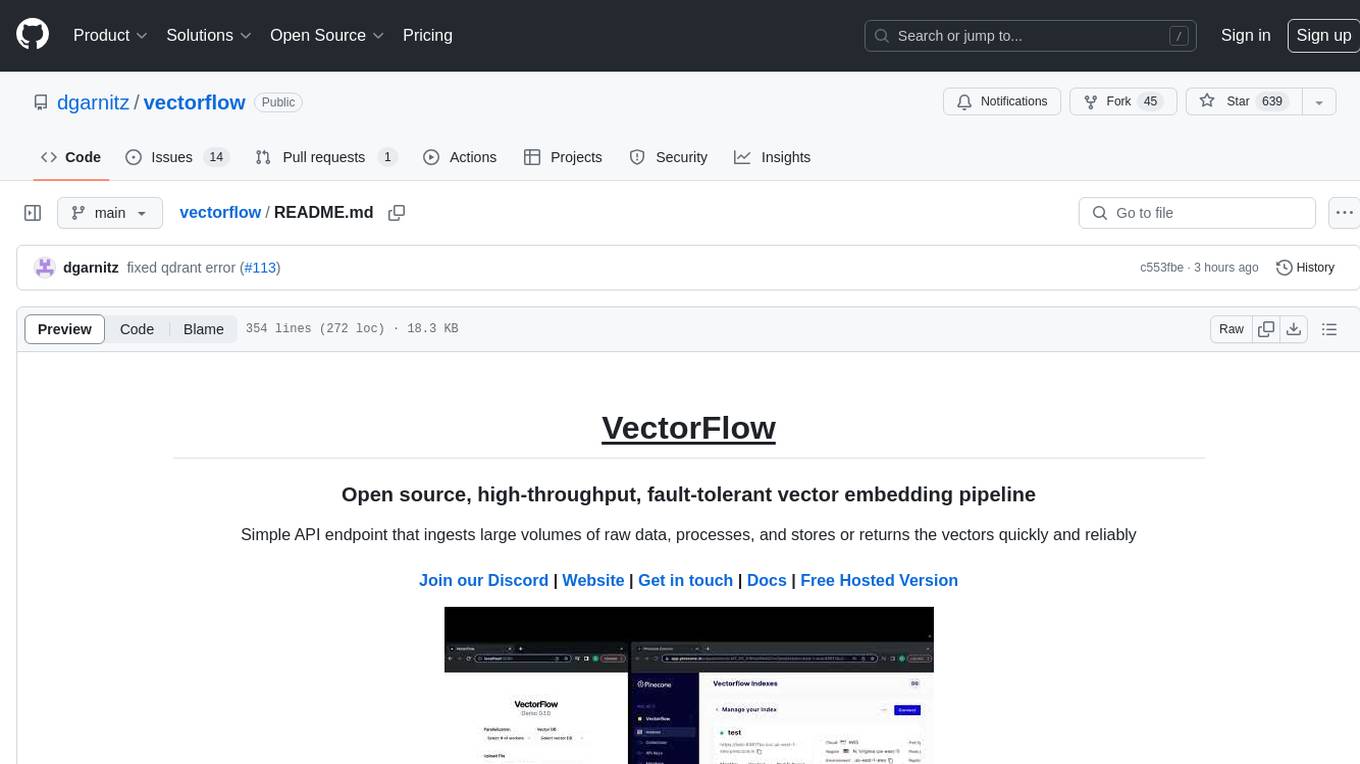
VectorFlow is an open source, high throughput, fault tolerant vector embedding pipeline. It provides a simple API endpoint for ingesting large volumes of raw data, processing, and storing or returning the vectors quickly and reliably. The tool supports text-based files like TXT, PDF, HTML, and DOCX, and can be run locally with Kubernetes in production. VectorFlow offers functionalities like embedding documents, running chunking schemas, custom chunking, and integrating with vector databases like Pinecone, Qdrant, and Weaviate. It enforces a standardized schema for uploading data to a vector store and supports features like raw embeddings webhook, chunk validation webhook, S3 endpoint, and telemetry. The tool can be used with the Python client and provides detailed instructions for running and testing the functionalities.
debug-gym
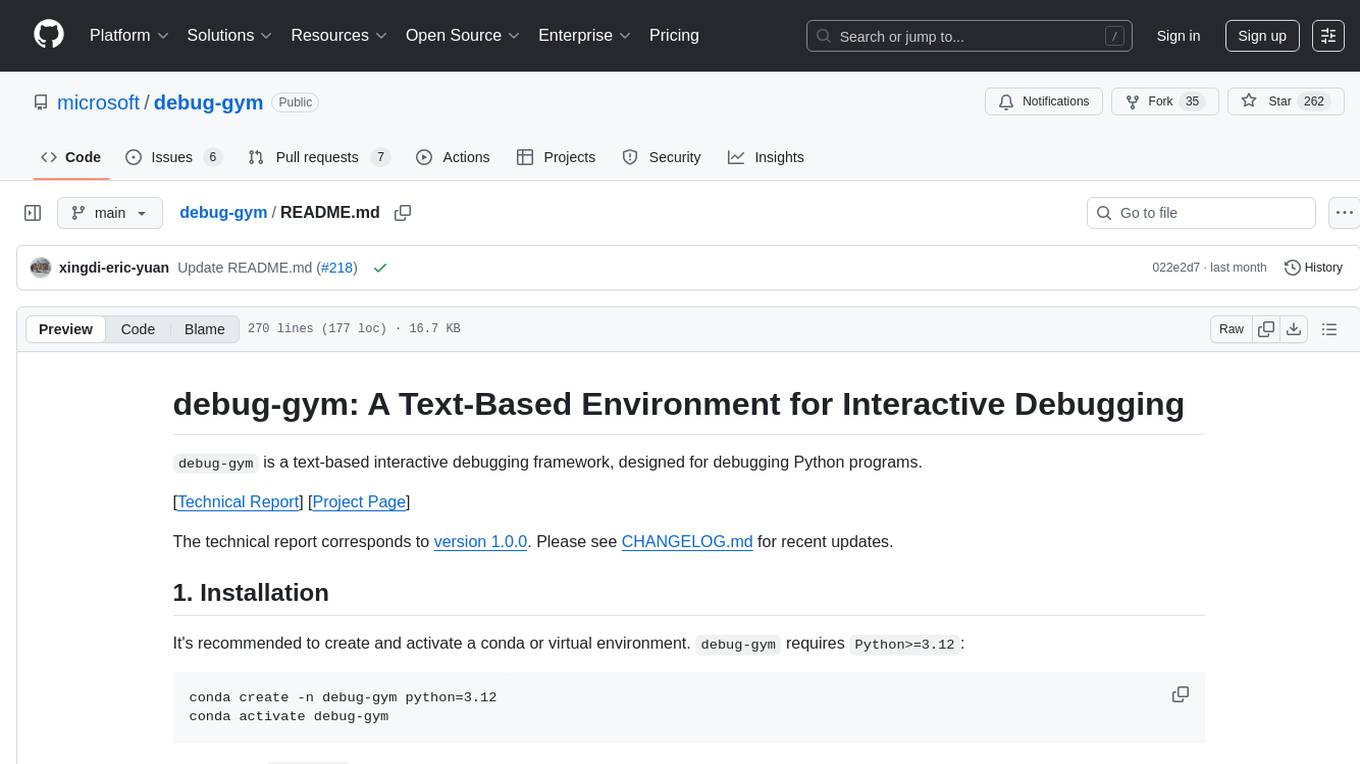
debug-gym is a text-based interactive debugging framework designed for debugging Python programs. It provides an environment where agents can interact with code repositories, use various tools like pdb and grep to investigate and fix bugs, and propose code patches. The framework supports different LLM backends such as OpenAI, Azure OpenAI, and Anthropic. Users can customize tools, manage environment states, and run agents to debug code effectively. debug-gym is modular, extensible, and suitable for interactive debugging tasks in a text-based environment.
vector-inference
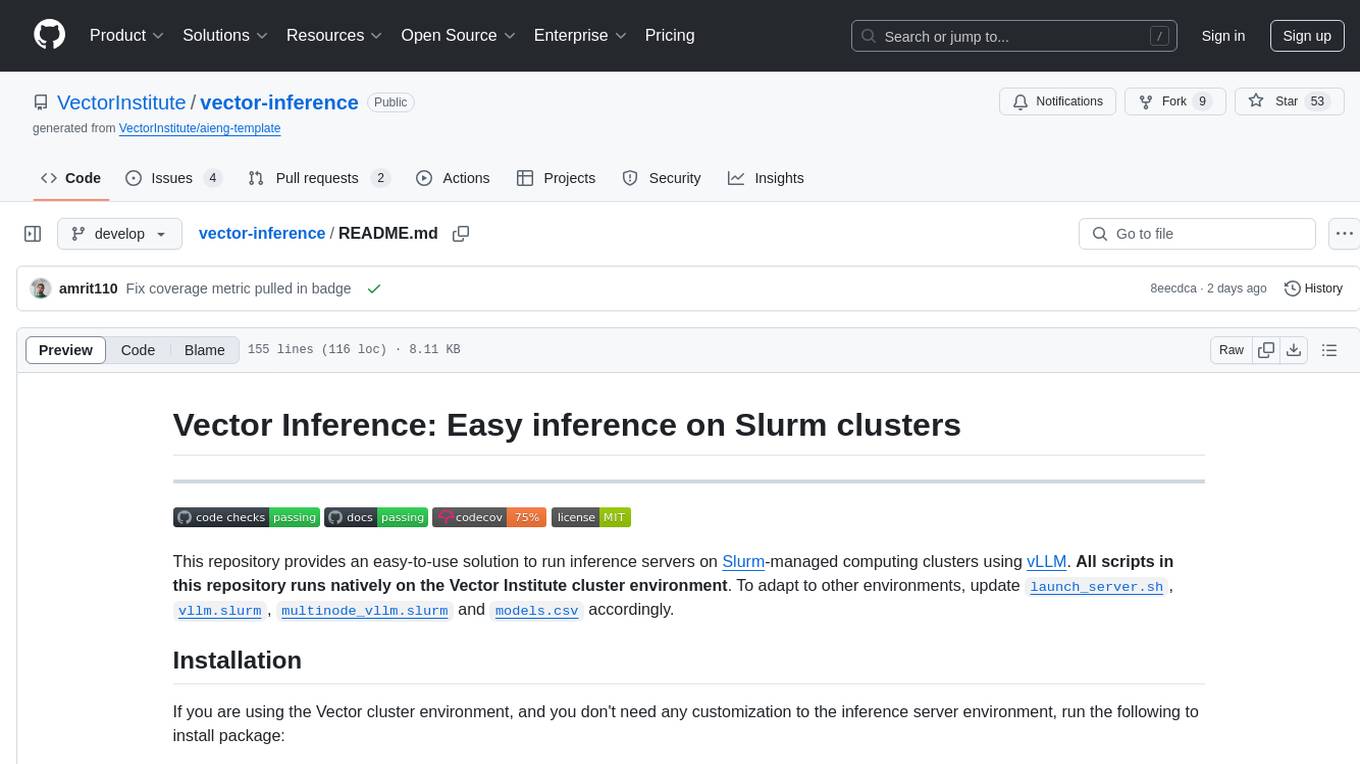
This repository provides an easy-to-use solution for running inference servers on Slurm-managed computing clusters using vLLM. All scripts in this repository run natively on the Vector Institute cluster environment. Users can deploy models as Slurm jobs, check server status and performance metrics, and shut down models. The repository also supports launching custom models with specific configurations. Additionally, users can send inference requests and set up an SSH tunnel to run inference from a local device.
safety-tooling
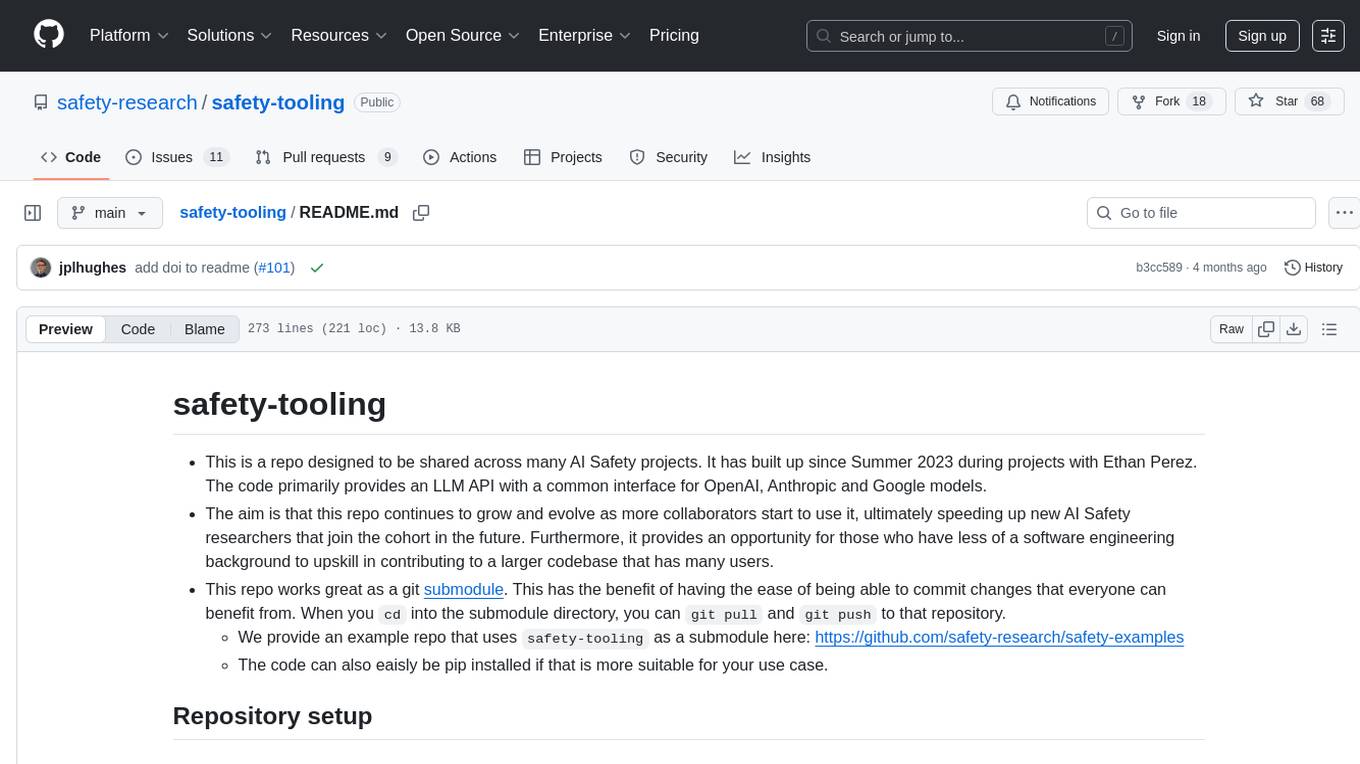
This repository, safety-tooling, is designed to be shared across various AI Safety projects. It provides an LLM API with a common interface for OpenAI, Anthropic, and Google models. The aim is to facilitate collaboration among AI Safety researchers, especially those with limited software engineering backgrounds, by offering a platform for contributing to a larger codebase. The repo can be used as a git submodule for easy collaboration and updates. It also supports pip installation for convenience. The repository includes features for installation, secrets management, linting, formatting, Redis configuration, testing, dependency management, inference, finetuning, API usage tracking, and various utilities for data processing and experimentation.
laragenie
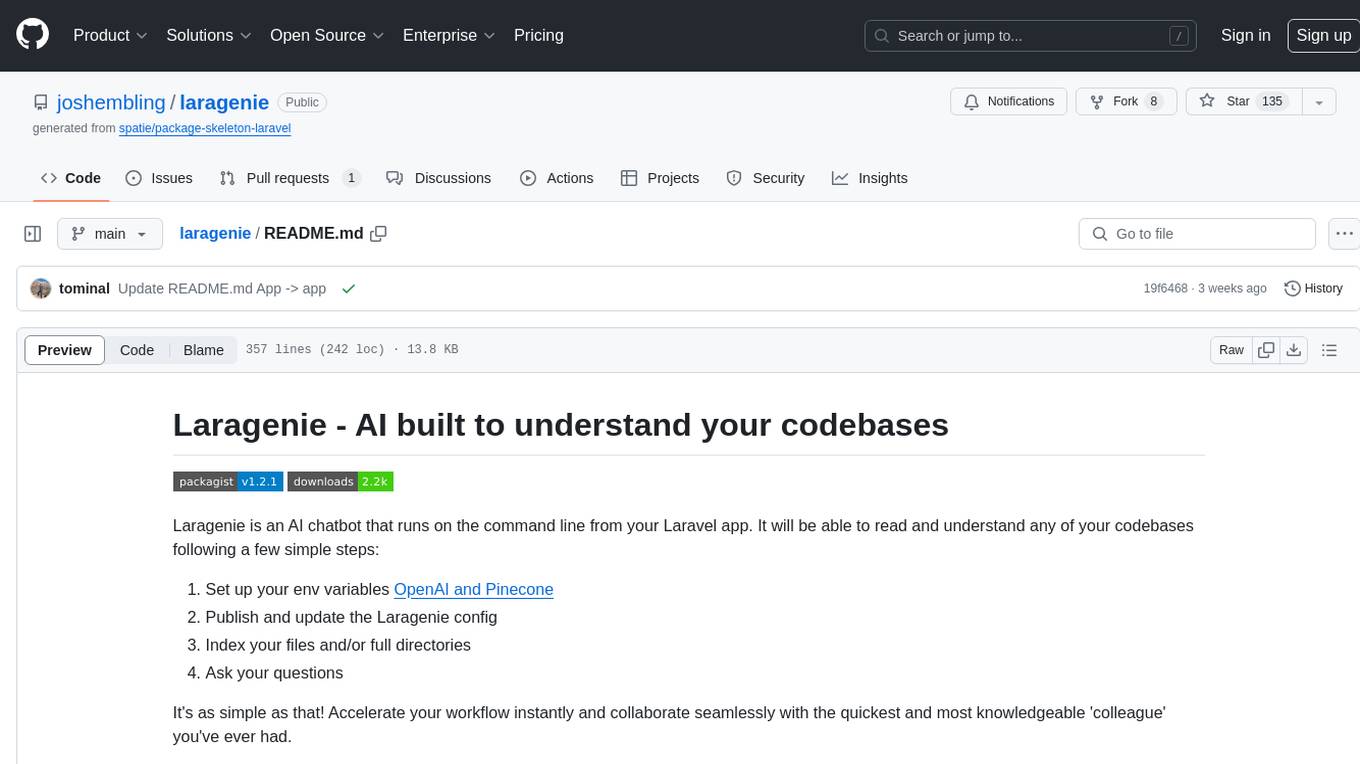
Laragenie is an AI chatbot designed to understand and assist developers with their codebases. It runs on the command line from a Laravel app, helping developers onboard to new projects, understand codebases, and provide daily support. Laragenie accelerates workflow and collaboration by indexing files and directories, allowing users to ask questions and receive AI-generated responses. It supports OpenAI and Pinecone for processing and indexing data, making it a versatile tool for any repo in any language.
chatgpt-cli
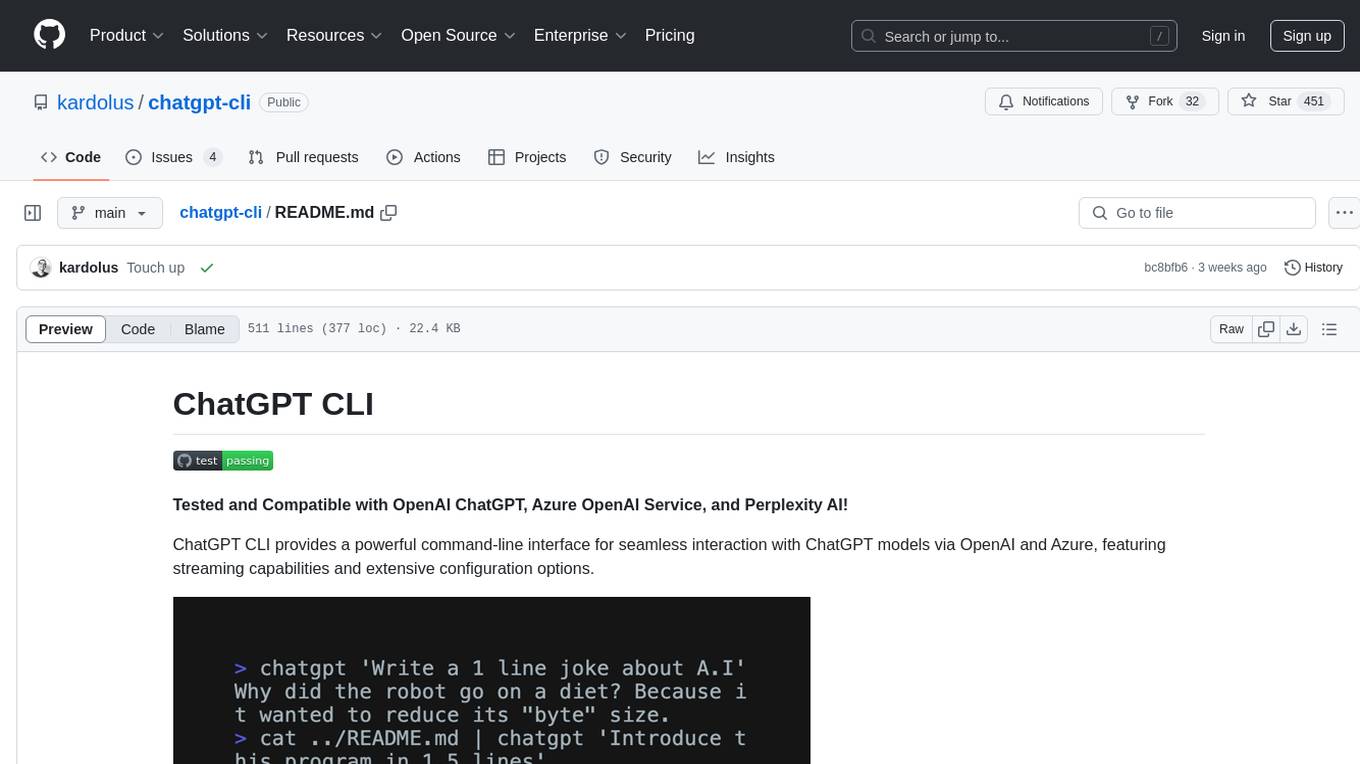
ChatGPT CLI provides a powerful command-line interface for seamless interaction with ChatGPT models via OpenAI and Azure. It features streaming capabilities, extensive configuration options, and supports various modes like streaming, query, and interactive mode. Users can manage thread-based context, sliding window history, and provide custom context from any source. The CLI also offers model and thread listing, advanced configuration options, and supports GPT-4, GPT-3.5-turbo, and Perplexity's models. Installation is available via Homebrew or direct download, and users can configure settings through default values, a config.yaml file, or environment variables.
mcp-server-qdrant
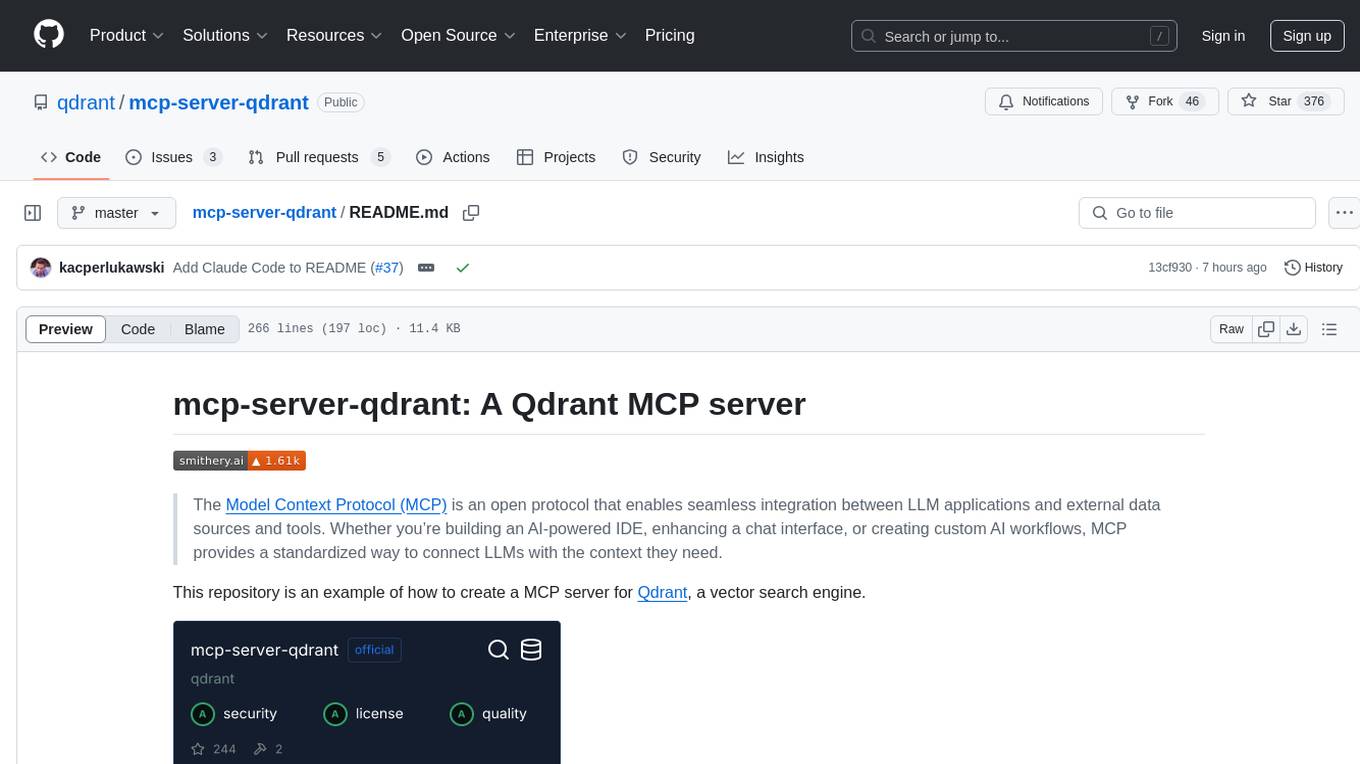
The mcp-server-qdrant repository is an official Model Context Protocol (MCP) server designed for keeping and retrieving memories in the Qdrant vector search engine. It acts as a semantic memory layer on top of the Qdrant database. The server provides tools like 'qdrant-store' for storing information in the database and 'qdrant-find' for retrieving relevant information. Configuration is done using environment variables, and the server supports different transport protocols. It can be installed using 'uvx' or Docker, and can also be installed via Smithery for Claude Desktop. The server can be used with Cursor/Windsurf as a code search tool by customizing tool descriptions. It can store code snippets and help developers find specific implementations or usage patterns. The repository is licensed under the Apache License 2.0.
ethereum-etl-airflow
This repository contains Airflow DAGs for extracting, transforming, and loading (ETL) data from the Ethereum blockchain into BigQuery. The DAGs use the Google Cloud Platform (GCP) services, including BigQuery, Cloud Storage, and Cloud Composer, to automate the ETL process. The repository also includes scripts for setting up the GCP environment and running the DAGs locally.
hordelib
horde-engine is a wrapper around ComfyUI designed to run inference pipelines visually designed in the ComfyUI GUI. It enables users to design inference pipelines in ComfyUI and then call them programmatically, maintaining compatibility with the existing horde implementation. The library provides features for processing Horde payloads, initializing the library, downloading and validating models, and generating images based on input data. It also includes custom nodes for preprocessing and tasks such as face restoration and QR code generation. The project depends on various open source projects and bundles some dependencies within the library itself. Users can design ComfyUI pipelines, convert them to the backend format, and run them using the run_image_pipeline() method in hordelib.comfy.Comfy(). The project is actively developed and tested using git, tox, and a specific model directory structure.
vulnerability-analysis
The NVIDIA AI Blueprint for Vulnerability Analysis for Container Security showcases accelerated analysis on common vulnerabilities and exposures (CVE) at an enterprise scale, reducing mitigation time from days to seconds. It enables security analysts to determine software package vulnerabilities using large language models (LLMs) and retrieval-augmented generation (RAG). The blueprint is designed for security analysts, IT engineers, and AI practitioners in cybersecurity. It requires NVAIE developer license and API keys for vulnerability databases, search engines, and LLM model services. Hardware requirements include L40 GPU for pipeline operation and optional LLM NIM and Embedding NIM. The workflow involves LLM pipeline for CVE impact analysis, utilizing LLM planner, agent, and summarization nodes. The blueprint uses NVIDIA NIM microservices and Morpheus Cybersecurity AI SDK for vulnerability analysis.
nextjs-openai-doc-search
This starter project is designed to process `.mdx` files in the `pages` directory to use as custom context within OpenAI Text Completion prompts. It involves building a custom ChatGPT style doc search powered by Next.js, OpenAI, and Supabase. The project includes steps for pre-processing knowledge base, storing embeddings in Postgres, performing vector similarity search, and injecting content into OpenAI GPT-3 text completion prompt.
qsv
qsv is a command line program for querying, slicing, indexing, analyzing, filtering, enriching, transforming, sorting, validating, joining, formatting & converting tabular data (CSV, spreadsheets, DBs, parquet, etc). Commands are simple, composable & 'blazing fast'. It is a blazing-fast data-wrangling toolkit with a focus on speed, processing very large files, and being a complete data-wrangling toolkit. It is designed to be portable, easy to use, secure, and easy to contribute to. qsv follows the RFC 4180 CSV standard, requires UTF-8 encoding, and supports various file formats. It has extensive shell completion support, automatic compression/decompression using Snappy, and supports environment variables and dotenv files. qsv has a comprehensive test suite and is dual-licensed under MIT or the UNLICENSE.
LayerSkip
LayerSkip is an implementation enabling early exit inference and self-speculative decoding. It provides a code base for running models trained using the LayerSkip recipe, offering speedup through self-speculative decoding. The tool integrates with Hugging Face transformers and provides checkpoints for various LLMs. Users can generate tokens, benchmark on datasets, evaluate tasks, and sweep over hyperparameters to optimize inference speed. The tool also includes correctness verification scripts and Docker setup instructions. Additionally, other implementations like gpt-fast and Native HuggingFace are available. Training implementation is a work-in-progress, and contributions are welcome under the CC BY-NC license.
garak
Garak is a vulnerability scanner designed for LLMs (Large Language Models) that checks for various weaknesses such as hallucination, data leakage, prompt injection, misinformation, toxicity generation, and jailbreaks. It combines static, dynamic, and adaptive probes to explore vulnerabilities in LLMs. Garak is a free tool developed for red-teaming and assessment purposes, focusing on making LLMs or dialog systems fail. It supports various LLM models and can be used to assess their security and robustness.
paper-qa
PaperQA is a minimal package for question and answering from PDFs or text files, providing very good answers with in-text citations. It uses OpenAI Embeddings to embed and search documents, and includes a process of embedding docs, queries, searching for top passages, creating summaries, using an LLM to re-score and select relevant summaries, putting summaries into prompt, and generating answers. The tool can be used to answer specific questions related to scientific research by leveraging citations and relevant passages from documents.
For similar tasks
sql-eval
This repository contains the code that Defog uses for the evaluation of generated SQL. It's based off the schema from the Spider, but with a new set of hand-selected questions and queries grouped by query category. The testing procedure involves generating a SQL query, running both the 'gold' query and the generated query on their respective database to obtain dataframes with the results, comparing the dataframes using an 'exact' and a 'subset' match, logging these alongside other metrics of interest, and aggregating the results for reporting. The repository provides comprehensive instructions for installing dependencies, starting a Postgres instance, importing data into Postgres, importing data into Snowflake, using private data, implementing a query generator, and running the test with different runners.
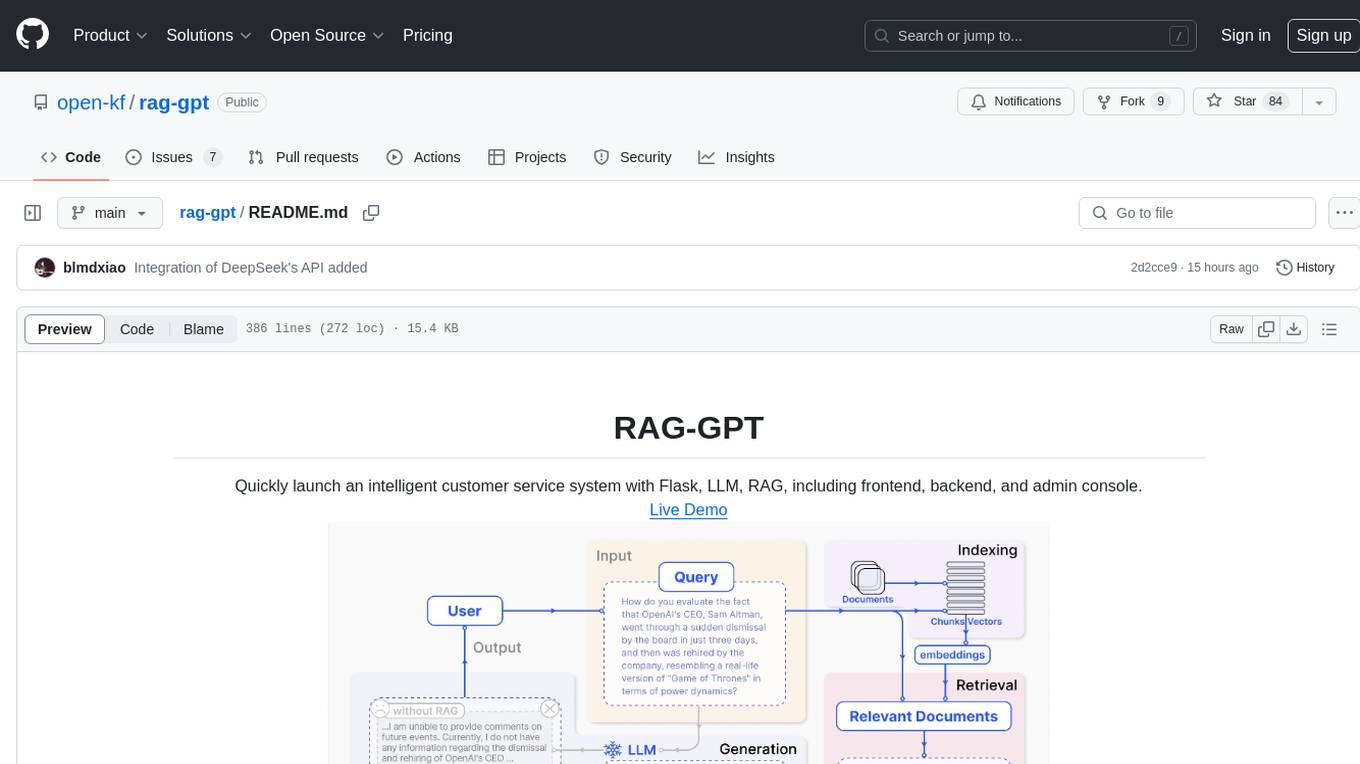
rag-gpt
RAG-GPT is a tool that allows users to quickly launch an intelligent customer service system with Flask, LLM, and RAG. It includes frontend, backend, and admin console components. The tool supports cloud-based and local LLMs, enables deployment of conversational service robots in minutes, integrates diverse knowledge bases, offers flexible configuration options, and features an attractive user interface.
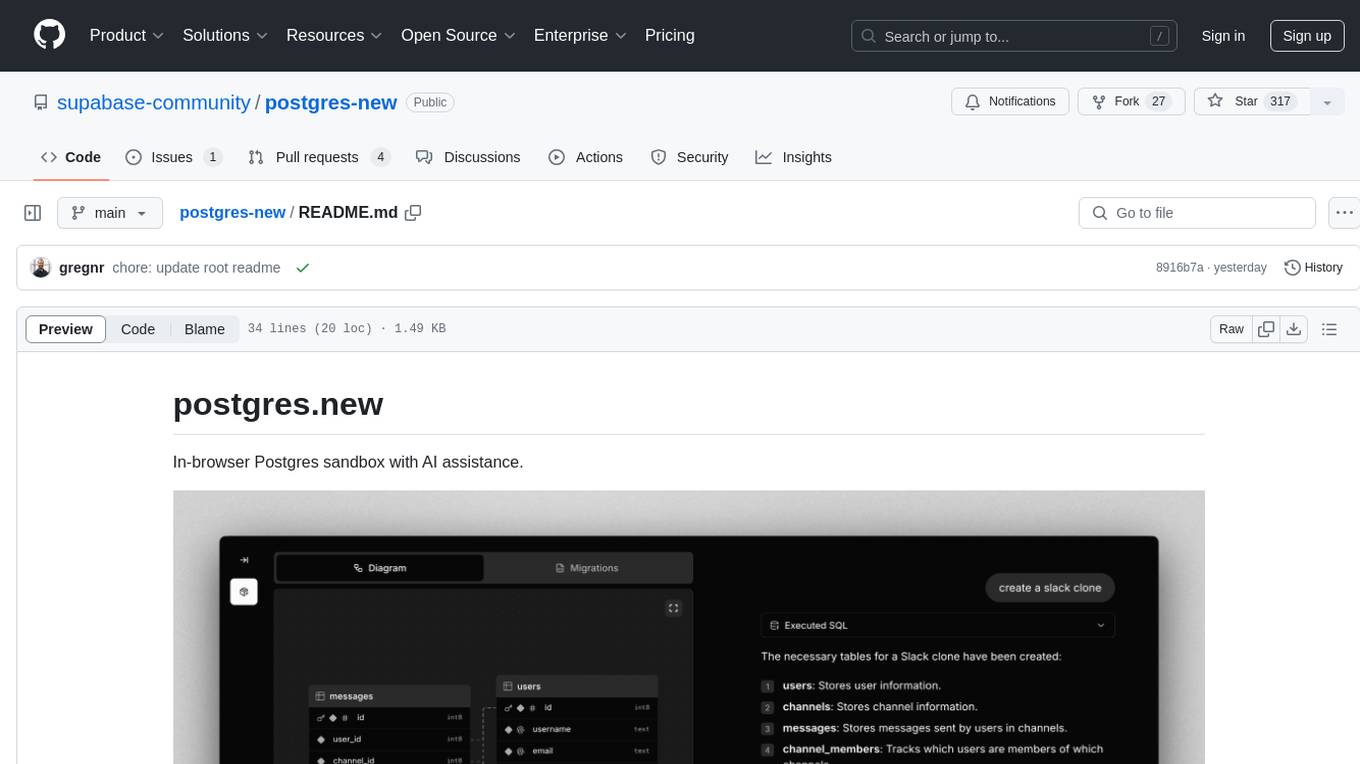
postgres-new
Postgres.new is an in-browser Postgres sandbox with AI assistance that allows users to spin up unlimited Postgres databases directly in the browser. Each database comes with a large language model (LLM) enabling features like drag-and-drop CSV import, report generation, chart creation, and database diagram building. The tool utilizes PGlite, a WASM version of Postgres, to run databases in the browser and store data in IndexedDB for persistence. The monorepo includes a frontend built with Next.js and a backend serving S3-backed PGlite databases over the PG wire protocol using pg-gateway.
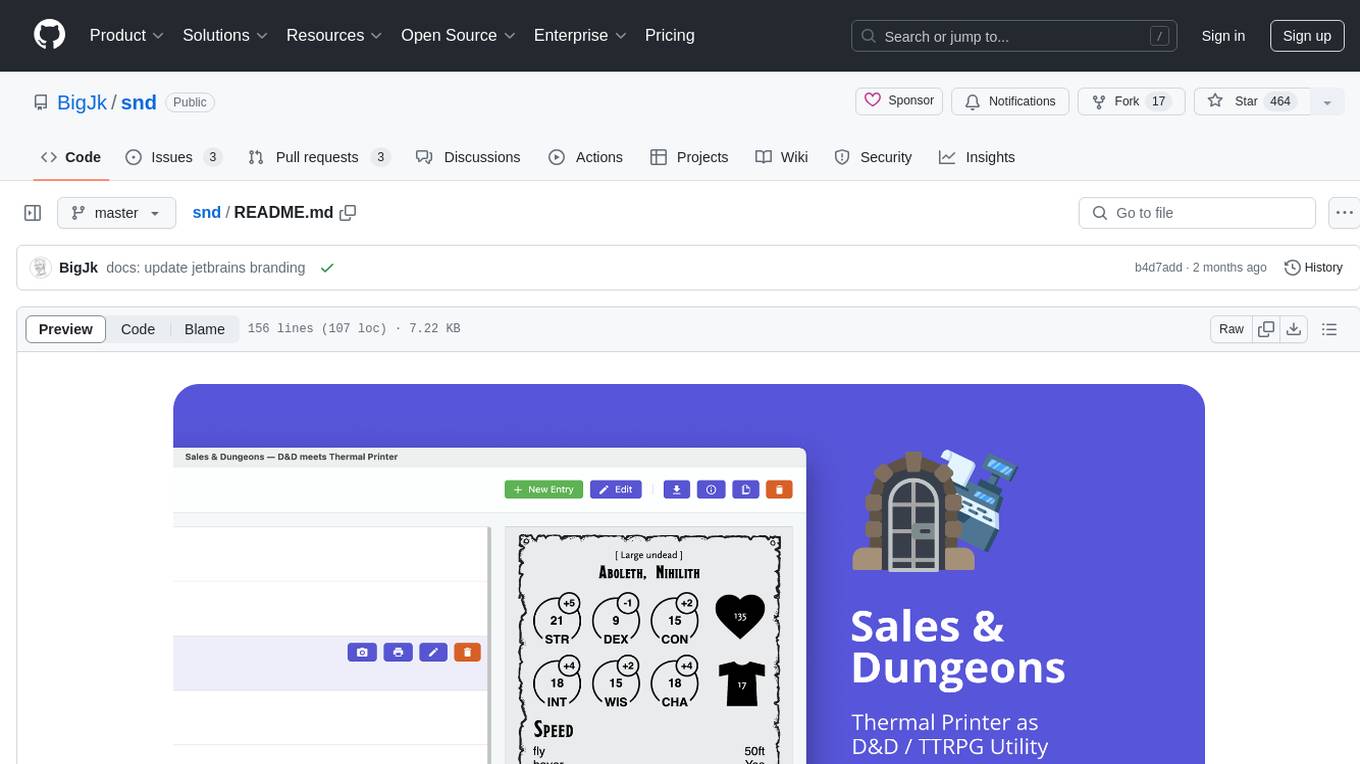
snd
Sales & Dungeons is a tool that utilizes thermal printers for creating customizable handouts, quick references, and more for Dungeons and Dragons sessions. It offers extensive templating and random generation systems, supports various connection methods, and allows importing/exporting templates and data sources. Users can access external data sources like Open5e, import data from CSV and other formats, and utilize AI prompt generation and translation. The tool supports cloud sync and is compatible with multiple operating systems and devices.
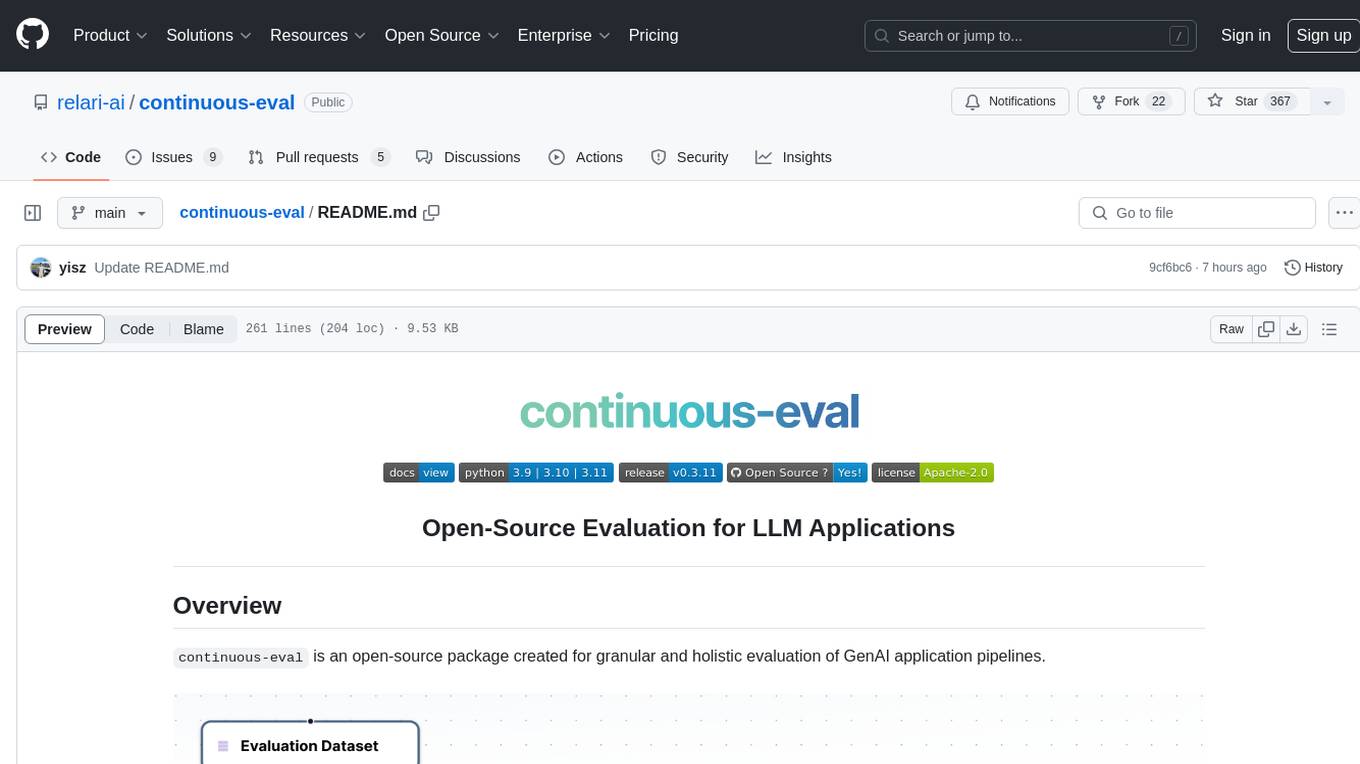
continuous-eval
Open-Source Evaluation for LLM Applications. `continuous-eval` is an open-source package created for granular and holistic evaluation of GenAI application pipelines. It offers modularized evaluation, a comprehensive metric library covering various LLM use cases, the ability to leverage user feedback in evaluation, and synthetic dataset generation for testing pipelines. Users can define their own metrics by extending the Metric class. The tool allows running evaluation on a pipeline defined with modules and corresponding metrics. Additionally, it provides synthetic data generation capabilities to create user interaction data for evaluation or training purposes.
RAGFoundry
RAG Foundry is a library designed to enhance Large Language Models (LLMs) by fine-tuning models on RAG-augmented datasets. It helps create training data, train models using parameter-efficient finetuning (PEFT), and measure performance using RAG-specific metrics. The library is modular, customizable using configuration files, and facilitates prototyping with various RAG settings and configurations for tasks like data processing, retrieval, training, inference, and evaluation.
RAG-FiT
RAG-FiT is a library designed to improve Language Models' ability to use external information by fine-tuning models on specially created RAG-augmented datasets. The library assists in creating training data, training models using parameter-efficient finetuning (PEFT), and evaluating performance using RAG-specific metrics. It is modular, customizable via configuration files, and facilitates fast prototyping and experimentation with various RAG settings and configurations.
For similar jobs
lollms-webui
LoLLMs WebUI (Lord of Large Language Multimodal Systems: One tool to rule them all) is a user-friendly interface to access and utilize various LLM (Large Language Models) and other AI models for a wide range of tasks. With over 500 AI expert conditionings across diverse domains and more than 2500 fine tuned models over multiple domains, LoLLMs WebUI provides an immediate resource for any problem, from car repair to coding assistance, legal matters, medical diagnosis, entertainment, and more. The easy-to-use UI with light and dark mode options, integration with GitHub repository, support for different personalities, and features like thumb up/down rating, copy, edit, and remove messages, local database storage, search, export, and delete multiple discussions, make LoLLMs WebUI a powerful and versatile tool.

Azure-Analytics-and-AI-Engagement
The Azure-Analytics-and-AI-Engagement repository provides packaged Industry Scenario DREAM Demos with ARM templates (Containing a demo web application, Power BI reports, Synapse resources, AML Notebooks etc.) that can be deployed in a customer’s subscription using the CAPE tool within a matter of few hours. Partners can also deploy DREAM Demos in their own subscriptions using DPoC.
minio
MinIO is a High Performance Object Storage released under GNU Affero General Public License v3.0. It is API compatible with Amazon S3 cloud storage service. Use MinIO to build high performance infrastructure for machine learning, analytics and application data workloads.
mage-ai
Mage is an open-source data pipeline tool for transforming and integrating data. It offers an easy developer experience, engineering best practices built-in, and data as a first-class citizen. Mage makes it easy to build, preview, and launch data pipelines, and provides observability and scaling capabilities. It supports data integrations, streaming pipelines, and dbt integration.
AiTreasureBox
AiTreasureBox is a versatile AI tool that provides a collection of pre-trained models and algorithms for various machine learning tasks. It simplifies the process of implementing AI solutions by offering ready-to-use components that can be easily integrated into projects. With AiTreasureBox, users can quickly prototype and deploy AI applications without the need for extensive knowledge in machine learning or deep learning. The tool covers a wide range of tasks such as image classification, text generation, sentiment analysis, object detection, and more. It is designed to be user-friendly and accessible to both beginners and experienced developers, making AI development more efficient and accessible to a wider audience.

tidb
TiDB is an open-source distributed SQL database that supports Hybrid Transactional and Analytical Processing (HTAP) workloads. It is MySQL compatible and features horizontal scalability, strong consistency, and high availability.
airbyte
Airbyte is an open-source data integration platform that makes it easy to move data from any source to any destination. With Airbyte, you can build and manage data pipelines without writing any code. Airbyte provides a library of pre-built connectors that make it easy to connect to popular data sources and destinations. You can also create your own connectors using Airbyte's no-code Connector Builder or low-code CDK. Airbyte is used by data engineers and analysts at companies of all sizes to build and manage their data pipelines.
labelbox-python
Labelbox is a data-centric AI platform for enterprises to develop, optimize, and use AI to solve problems and power new products and services. Enterprises use Labelbox to curate data, generate high-quality human feedback data for computer vision and LLMs, evaluate model performance, and automate tasks by combining AI and human-centric workflows. The academic & research community uses Labelbox for cutting-edge AI research.