


ova
Outrageous Voice Assistant - Fully local end-to-end ASR + LLM + TTS pipeline using open weight models and a simple web based UI
Stars: 53
Outrageous Voice Assistant is a fully-local voice assistant demo with a simple FastAPI backend and HTML front-end. It showcases running AI models locally without sending data to the internet. The tool captures user audio, transcribes it, processes it through language models, and generates a text-to-speech response, all locally. It includes voice cloning capabilities and aims to demonstrate the ease of setting up a local AI system on affordable hardware, while raising ethical considerations. The project is a proof-of-concept for educational and experimental purposes, emphasizing the potential risks of voice cloning technology.
README:

A fully-local voice assistant demo with a super simple FastAPI backend and a simple HTML front-end. All the models (ASR / LLM / TTS) are open weight and running locally, i.e. no data is being sent to the Internet nor any API. It's intended to demonstrate how easy it is to run a fully-local AI setup on affordable commodity hardware, while also demonstrating the uncanny valley and teasing out the ethical considerations of such a setup (see Disclaimer and Ethical Considerations at the bottom).
Models used:
- ASR: NVIDIA parakeet-tdt-0.6b-v3 600M
- LLM: Mistral ministral-3 3b 4-bit quantized
- TTS (Simple): Hexgrad Kokoro 82M
- TTS (With Voice Cloning): Qwen3-TTS
Why "Outrageous"? Because it was outrageously easy to create!
How it works:
- Frontend captures user's audio and sends a blob of bytes to the backend
/chatendpoint - Backend parses the bytes, extracts sample rate (SR) and channels, then:
- Transcribes the audio to text using an automatic speech recognition (ASR) model
- Sends the transcribed text to the LLM, i.e. "the brain"
- Sends the LLM response to a text-to-speech (TTS) model
- Performs normalization of TTS output, converts it to bytes, and sends the bytes back to frontend
- The frontend plays the response audio back to the user
On my system (RTX5070 12GiB VRAM), the whole round-trip-time using Kokoro is ~1 second.
When using "profiles" (or voice cloning), there is an additional pre-step where a 3-5 second wav clip with a corresponding transcription and a prompt, is used for TTS. This leverages Qwen3-TTS and doesn't require any finetuning. Note however that responses will be slightly slower. The reason I included Kokoro as a default / non-voice cloning TTS is (1) it's very fast, and (2) I really like the quality of the default voice.
- [x] Add Apple Silicon (MLX) support
- [ ] Add Voice Activity Detection (VAD) client-side (e.g. see https://docs.vad.ricky0123.com/)
- [ ] Remove the need for prepared transcript for voice cloning - use ASR as part of a "warmup"
- [ ] Add orchestration to detect more complex tasks (e.g. requiring GPT/Claude) or whether tool calls (web search, file search, other cli/API calls are needed)
https://github.com/user-attachments/assets/9b546ab1-8c71-44f2-85d8-433b3a3d267f
https://github.com/user-attachments/assets/a296dbf7-9fa9-4904-bf22-d0cdc1e625a4
- Python >=3.12
-
uvinstalled and available in PATH - Ollama installed and running (
ollamaCLI available) - Verified on a system with RTX 5070 (12GiB VRAM); lower-end setups should be possible
Fetch Python deps and HF/Ollama models:
# NVIDIA/CUDA
./ova.sh install --cuda

# Apple/MLX
./ova.sh install --mlx
Start the front-end and back-end services (non-blocking) with a fast default voice assistant:
./ova.sh startTo start the voice assistant with one of the pre-cloned voices (NOTE: response time will be slower):
OVA_PROFILE=dua ./ova.sh start # NOTE: with cloned voice of a famous artist- Front-end: http://localhost:8000
- Back-end: http://localhost:5173
Logs and PIDs are stored under .ova/. If you want to follow the logs in another terminal window:
tail -f .ova/backend.logStop all services:
./ova.sh stopIn order to add a new voice, no code changes are required. You simply need to do the following:
- Create a new directory
profiles/<voice>/ - Add a 3-5 second voice clip
ref_audio.wav, a direct transcription of that clipref_text.txt, and any instructions in theprompt.txt- all under the sub-directory created in the previous step. - To start the service with the new voice, simply run
OVA_PROFILE=<voice> ./ova.sh start
And that's it!
Enjoy!
Disclaimer & Ethical Considerations: This project is a proof-of-concept demonstration and is provided as is without any warranties or guarantees. It is intended for educational and experimental purposes only. The voice cloning is also purely for educational purposes - for real-life/commercial use, one should always seek the relevant permissions. This demo also highlights the ethical and security aspects - the ease with which one can clone a voice with no finetuning, using only a 3-5 second audio clip - which is both eerie, and potentially dangerous in the wrong hands. All this can be accomplished on a commodity PC that most people can afford.
For Tasks:
Click tags to check more tools for each tasksFor Jobs:
Alternative AI tools for ova
Similar Open Source Tools
ova
Outrageous Voice Assistant is a fully-local voice assistant demo with a simple FastAPI backend and HTML front-end. It showcases running AI models locally without sending data to the internet. The tool captures user audio, transcribes it, processes it through language models, and generates a text-to-speech response, all locally. It includes voice cloning capabilities and aims to demonstrate the ease of setting up a local AI system on affordable hardware, while raising ethical considerations. The project is a proof-of-concept for educational and experimental purposes, emphasizing the potential risks of voice cloning technology.
MARS5-TTS
MARS5 is a novel English speech model (TTS) developed by CAMB.AI, featuring a two-stage AR-NAR pipeline with a unique NAR component. The model can generate speech for various scenarios like sports commentary and anime with just 5 seconds of audio and a text snippet. It allows steering prosody using punctuation and capitalization in the transcript. Speaker identity is specified using an audio reference file, enabling 'deep clone' for improved quality. The model can be used via torch.hub or HuggingFace, supporting both shallow and deep cloning for inference. Checkpoints are provided for AR and NAR models, with hardware requirements of 750M+450M params on GPU. Contributions to improve model stability, performance, and reference audio selection are welcome.
metavoice-src
MetaVoice-1B is a 1.2B parameter base model trained on 100K hours of speech for TTS (text-to-speech). It has been built with the following priorities: * Emotional speech rhythm and tone in English. * Zero-shot cloning for American & British voices, with 30s reference audio. * Support for (cross-lingual) voice cloning with finetuning. * We have had success with as little as 1 minute training data for Indian speakers. * Synthesis of arbitrary length text
Pandrator
Pandrator is a GUI tool for generating audiobooks and dubbing using voice cloning and AI. It transforms text, PDF, EPUB, and SRT files into spoken audio in multiple languages. It leverages XTTS, Silero, and VoiceCraft models for text-to-speech conversion and voice cloning, with additional features like LLM-based text preprocessing and NISQA for audio quality evaluation. The tool aims to be user-friendly with a one-click installer and a graphical interface.
noScribe
noScribe is an AI-based software designed for automated audio transcription, specifically tailored for transcribing interviews for qualitative social research or journalistic purposes. It is a free and open-source tool that runs locally on the user's computer, ensuring data privacy. The software can differentiate between speakers and supports transcription in 99 languages. It includes a user-friendly editor for reviewing and correcting transcripts. Developed by Kai Dröge, a PhD in sociology with a background in computer science, noScribe aims to streamline the transcription process and enhance the efficiency of qualitative analysis.
Whisper-TikTok
Discover Whisper-TikTok, an innovative AI-powered tool that leverages the prowess of Edge TTS, OpenAI-Whisper, and FFMPEG to craft captivating TikTok videos. Whisper-TikTok effortlessly generates accurate transcriptions from audio files and integrates Microsoft Edge Cloud Text-to-Speech API for vibrant voiceovers. The program orchestrates the synthesis of videos using a structured JSON dataset, generating mesmerizing TikTok content in minutes.
talking-avatar-with-ai
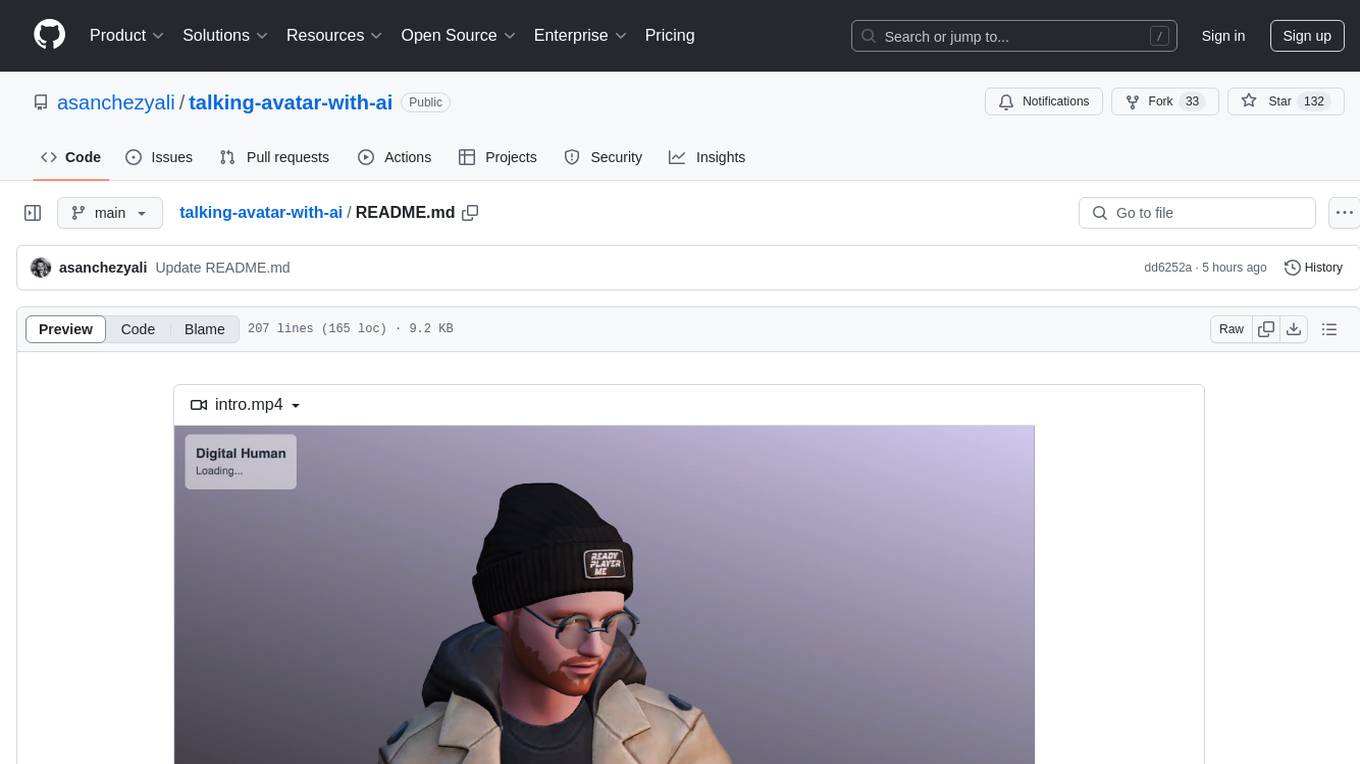
The 'talking-avatar-with-ai' project is a digital human system that utilizes OpenAI's GPT-3 for generating responses, Whisper for audio transcription, Eleven Labs for voice generation, and Rhubarb Lip Sync for lip synchronization. The system allows users to interact with a digital avatar that responds with text, facial expressions, and animations, creating a realistic conversational experience. The project includes setup for environment variables, chat prompt templates, chat model configuration, and structured output parsing to enhance the interaction with the digital human.
kobold_assistant
Kobold-Assistant is a fully offline voice assistant interface to KoboldAI's large language model API. It can work online with the KoboldAI horde and online speech-to-text and text-to-speech models. The assistant, called Jenny by default, uses the latest coqui 'jenny' text to speech model and openAI's whisper speech recognition. Users can customize the assistant name, speech-to-text model, text-to-speech model, and prompts through configuration. The tool requires system packages like GCC, portaudio development libraries, and ffmpeg, along with Python >=3.7, <3.11, and runs on Ubuntu/Debian systems. Users can interact with the assistant through commands like 'serve' and 'list-mics'.
EdgeChains
EdgeChains is an open-source chain-of-thought engineering framework tailored for Large Language Models (LLMs)- like OpenAI GPT, LLama2, Falcon, etc. - With a focus on enterprise-grade deployability and scalability. EdgeChains is specifically designed to **orchestrate** such applications. At EdgeChains, we take a unique approach to Generative AI - we think Generative AI is a deployment and configuration management challenge rather than a UI and library design pattern challenge. We build on top of a tech that has solved this problem in a different domain - Kubernetes Config Management - and bring that to Generative AI. Edgechains is built on top of jsonnet, originally built by Google based on their experience managing a vast amount of configuration code in the Borg infrastructure.
gptauthor
GPT Author is a command-line tool designed to help users write long form, multi-chapter stories by providing a story prompt and generating a synopsis and subsequent chapters using ChatGPT. Users can review and make changes to the generated content before finalizing the story output in Markdown and HTML formats. The tool aims to unleash storytelling genius by combining human input with AI-generated content, offering a seamless writing experience for creating engaging narratives.
OpenAdapt
OpenAdapt is an open-source software adapter between Large Multimodal Models (LMMs) and traditional desktop and web Graphical User Interfaces (GUIs). It aims to automate repetitive GUI workflows by leveraging the power of LMMs. OpenAdapt records user input and screenshots, converts them into tokenized format, and generates synthetic input via transformer model completions. It also analyzes recordings to generate task trees and replay synthetic input to complete tasks. OpenAdapt is model agnostic and generates prompts automatically by learning from human demonstration, ensuring that agents are grounded in existing processes and mitigating hallucinations. It works with all types of desktop GUIs, including virtualized and web, and is open source under the MIT license.
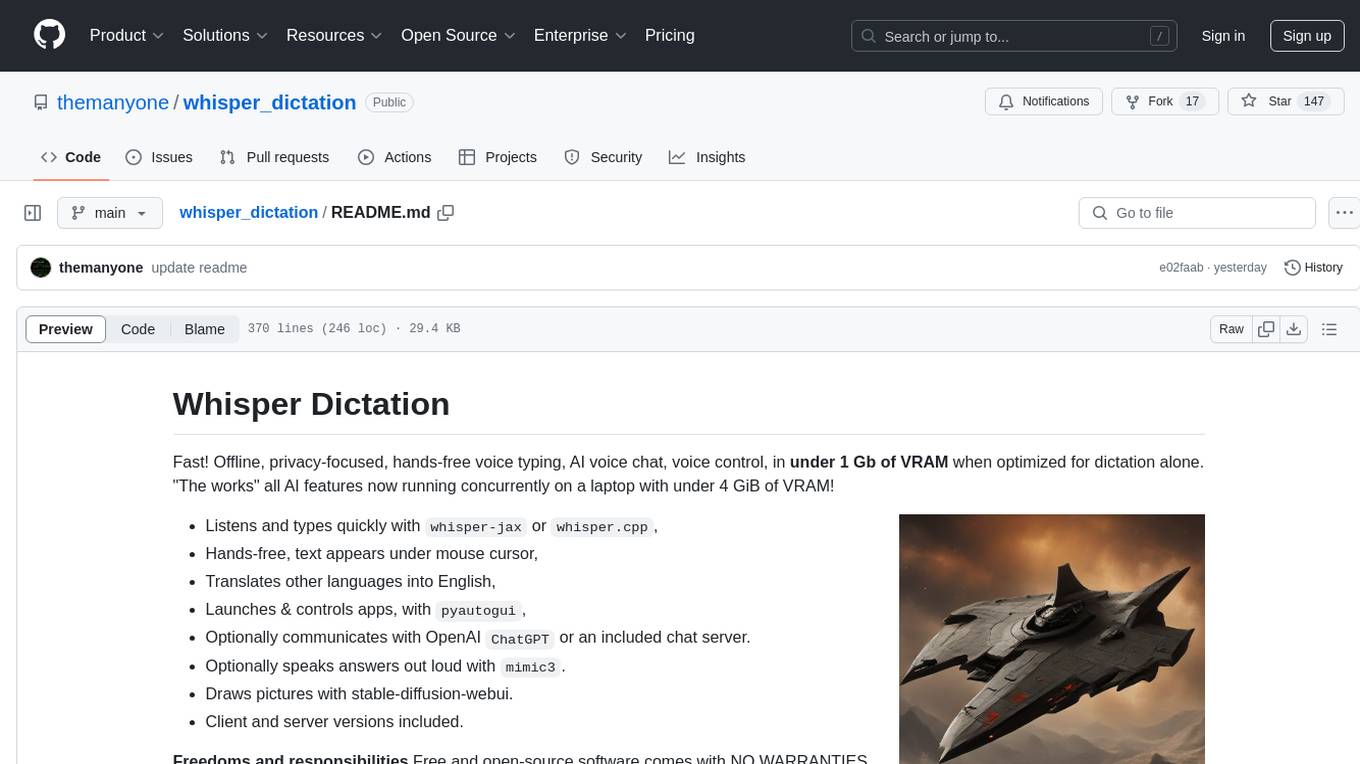
whisper_dictation
Whisper Dictation is a fast, offline, privacy-focused tool for voice typing, AI voice chat, voice control, and translation. It allows hands-free operation, launching and controlling apps, and communicating with OpenAI ChatGPT or a local chat server. The tool also offers the option to speak answers out loud and draw pictures. It includes client and server versions, inspired by the Star Trek series, and is designed to keep data off the internet and confidential. The project is optimized for dictation and translation tasks, with voice control capabilities and AI image generation using stable-diffusion API.
MITSUHA
OneReality is a virtual waifu/assistant that you can speak to through your mic and it'll speak back to you! It has many features such as: * You can speak to her with a mic * It can speak back to you * Has short-term memory and long-term memory * Can open apps * Smarter than you * Fluent in English, Japanese, Korean, and Chinese * Can control your smart home like Alexa if you set up Tuya (more info in Prerequisites) It is built with Python, Llama-cpp-python, Whisper, SpeechRecognition, PocketSphinx, VITS-fast-fine-tuning, VITS-simple-api, HyperDB, Sentence Transformers, and Tuya Cloud IoT.
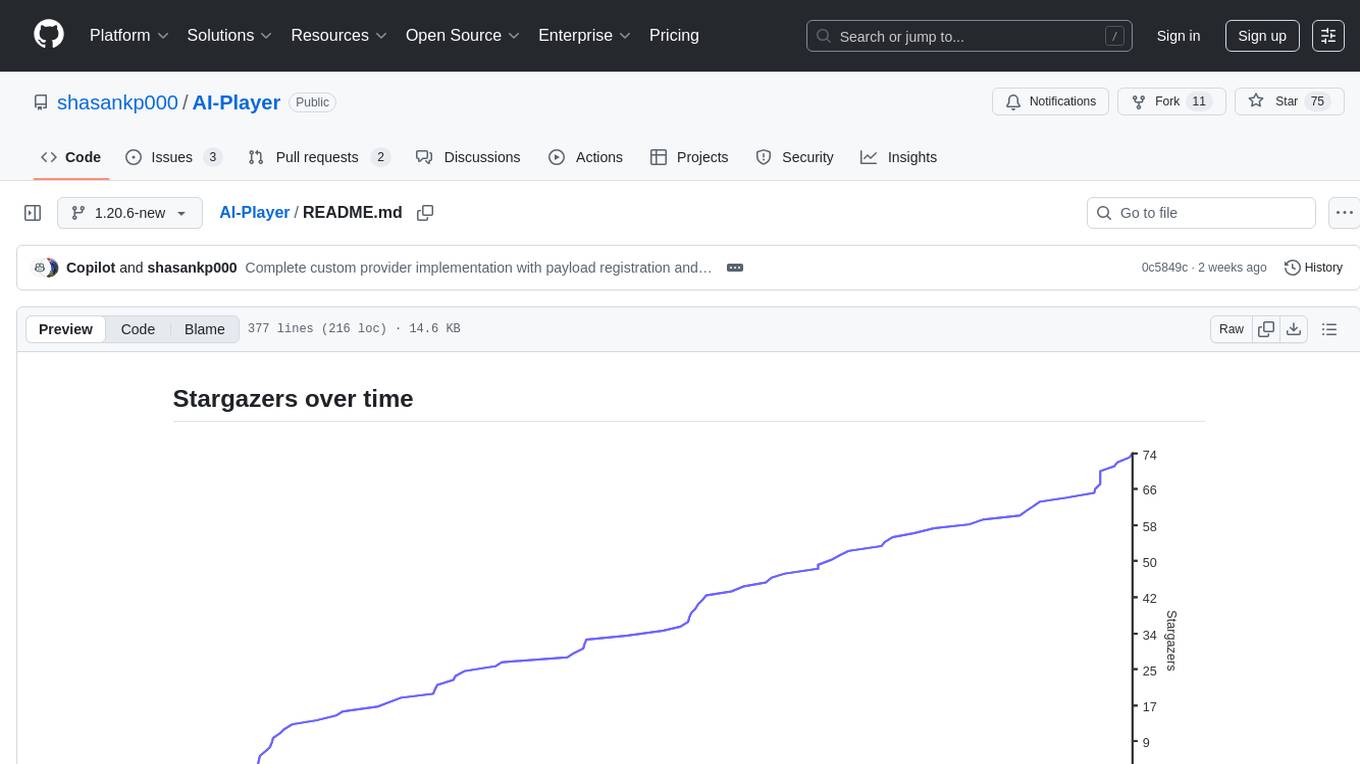
AI-Player
AI-Player is a Minecraft mod that adds an 'intelligent' second player to the game to combat loneliness while playing solo. It aims to enhance gameplay by providing companionship and interactive features. The mod leverages advanced AI algorithms and integrates with external tools to enhance the player experience. Developed with a focus on addressing the social aspect of gaming, AI-Player is a community-driven project that continues to evolve with user feedback and contributions.
LLPlayer
LLPlayer is a specialized media player designed for language learning, offering unique features such as dual subtitles, AI-generated subtitles, real-time OCR, real-time translation, word lookup, and more. It supports multiple languages, online video playback, customizable settings, and integration with browser extensions. Written in C#/WPF, LLPlayer is free, open-source, and aims to enhance the language learning experience through innovative functionalities.
pydantic-ai
PydanticAI is a Python agent framework designed to make it less painful to build production grade applications with Generative AI. It is built by the Pydantic Team and supports various AI models like OpenAI, Anthropic, Gemini, Ollama, Groq, and Mistral. PydanticAI seamlessly integrates with Pydantic Logfire for real-time debugging, performance monitoring, and behavior tracking of LLM-powered applications. It is type-safe, Python-centric, and offers structured responses, dependency injection system, and streamed responses. PydanticAI is in early beta, offering a Python-centric design to apply standard Python best practices in AI-driven projects.
For similar tasks
ova
Outrageous Voice Assistant is a fully-local voice assistant demo with a simple FastAPI backend and HTML front-end. It showcases running AI models locally without sending data to the internet. The tool captures user audio, transcribes it, processes it through language models, and generates a text-to-speech response, all locally. It includes voice cloning capabilities and aims to demonstrate the ease of setting up a local AI system on affordable hardware, while raising ethical considerations. The project is a proof-of-concept for educational and experimental purposes, emphasizing the potential risks of voice cloning technology.
metavoice-src
MetaVoice-1B is a 1.2B parameter base model trained on 100K hours of speech for TTS (text-to-speech). It has been built with the following priorities: * Emotional speech rhythm and tone in English. * Zero-shot cloning for American & British voices, with 30s reference audio. * Support for (cross-lingual) voice cloning with finetuning. * We have had success with as little as 1 minute training data for Indian speakers. * Synthesis of arbitrary length text
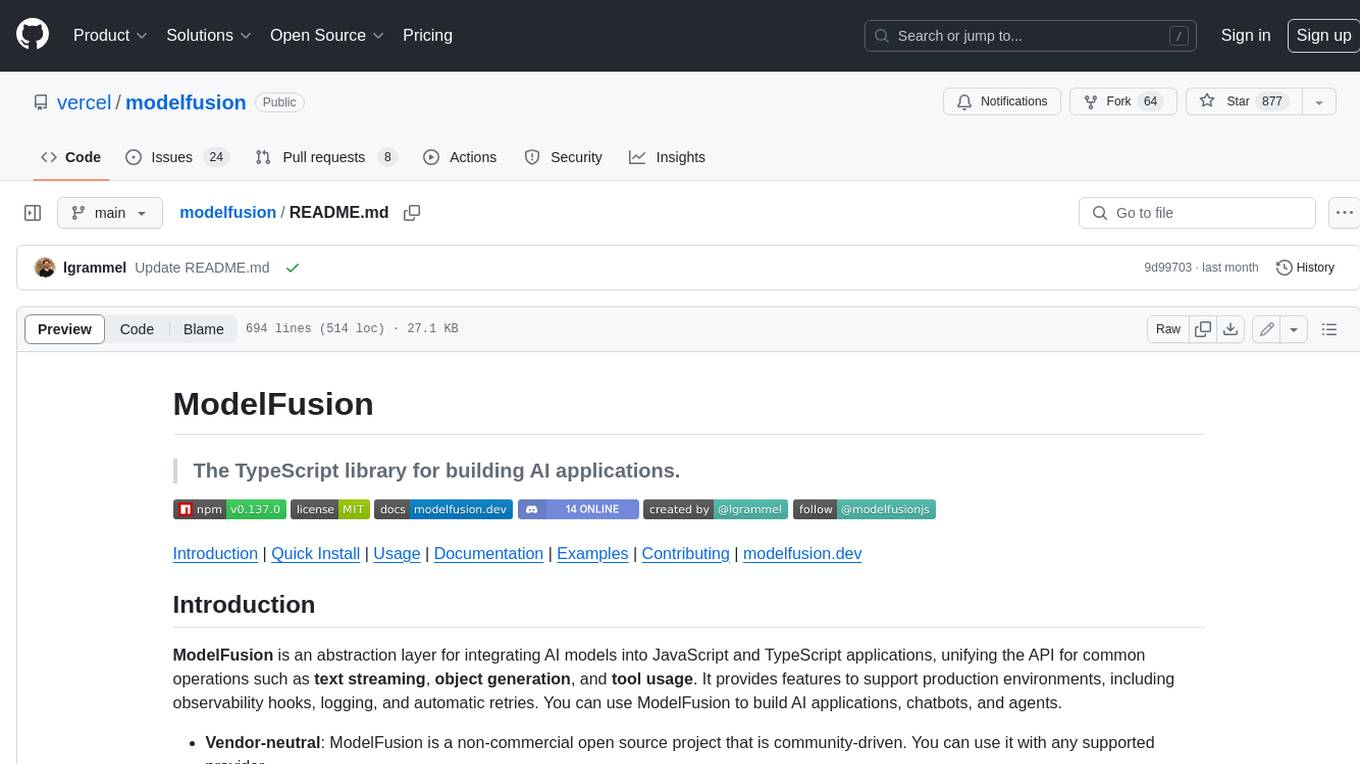
modelfusion
ModelFusion is an abstraction layer for integrating AI models into JavaScript and TypeScript applications, unifying the API for common operations such as text streaming, object generation, and tool usage. It provides features to support production environments, including observability hooks, logging, and automatic retries. You can use ModelFusion to build AI applications, chatbots, and agents. ModelFusion is a non-commercial open source project that is community-driven. You can use it with any supported provider. ModelFusion supports a wide range of models including text generation, image generation, vision, text-to-speech, speech-to-text, and embedding models. ModelFusion infers TypeScript types wherever possible and validates model responses. ModelFusion provides an observer framework and logging support. ModelFusion ensures seamless operation through automatic retries, throttling, and error handling mechanisms. ModelFusion is fully tree-shakeable, can be used in serverless environments, and only uses a minimal set of dependencies.
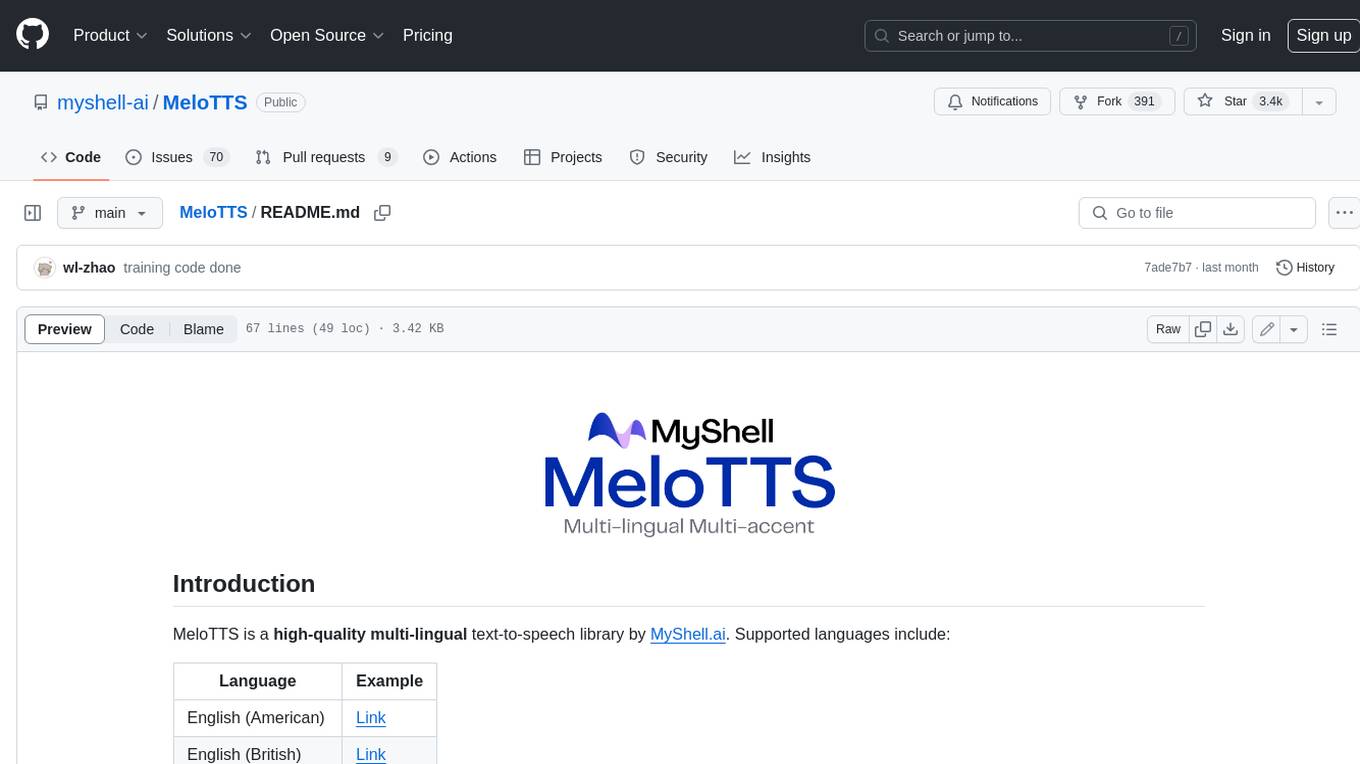
MeloTTS
MeloTTS is a high-quality multi-lingual text-to-speech library by MyShell.ai. It supports various languages including English (American, British, Indian, Australian), Spanish, French, Chinese, Japanese, and Korean. The Chinese speaker also supports mixed Chinese and English. The library is fast enough for CPU real-time inference and offers features like using without installation, local installation, and training on custom datasets. The Python API and model cards are available in the repository and on HuggingFace. The community can join the Discord channel for discussions and collaboration opportunities. Contributions are welcome, and the library is under the MIT License. MeloTTS is based on TTS, VITS, VITS2, and Bert-VITS2.
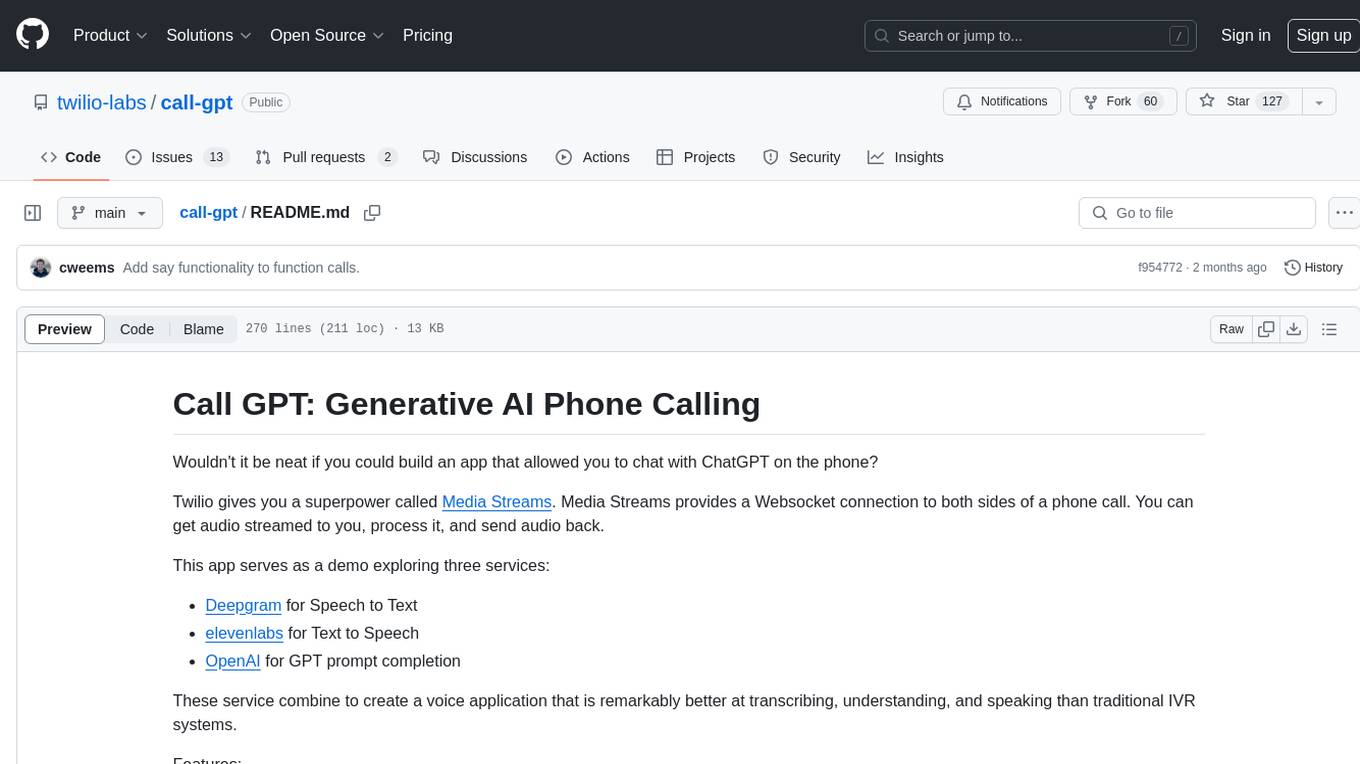
call-gpt
Call GPT is a voice application that utilizes Deepgram for Speech to Text, elevenlabs for Text to Speech, and OpenAI for GPT prompt completion. It allows users to chat with ChatGPT on the phone, providing better transcription, understanding, and speaking capabilities than traditional IVR systems. The app returns responses with low latency, allows user interruptions, maintains chat history, and enables GPT to call external tools. It coordinates data flow between Deepgram, OpenAI, ElevenLabs, and Twilio Media Streams, enhancing voice interactions.
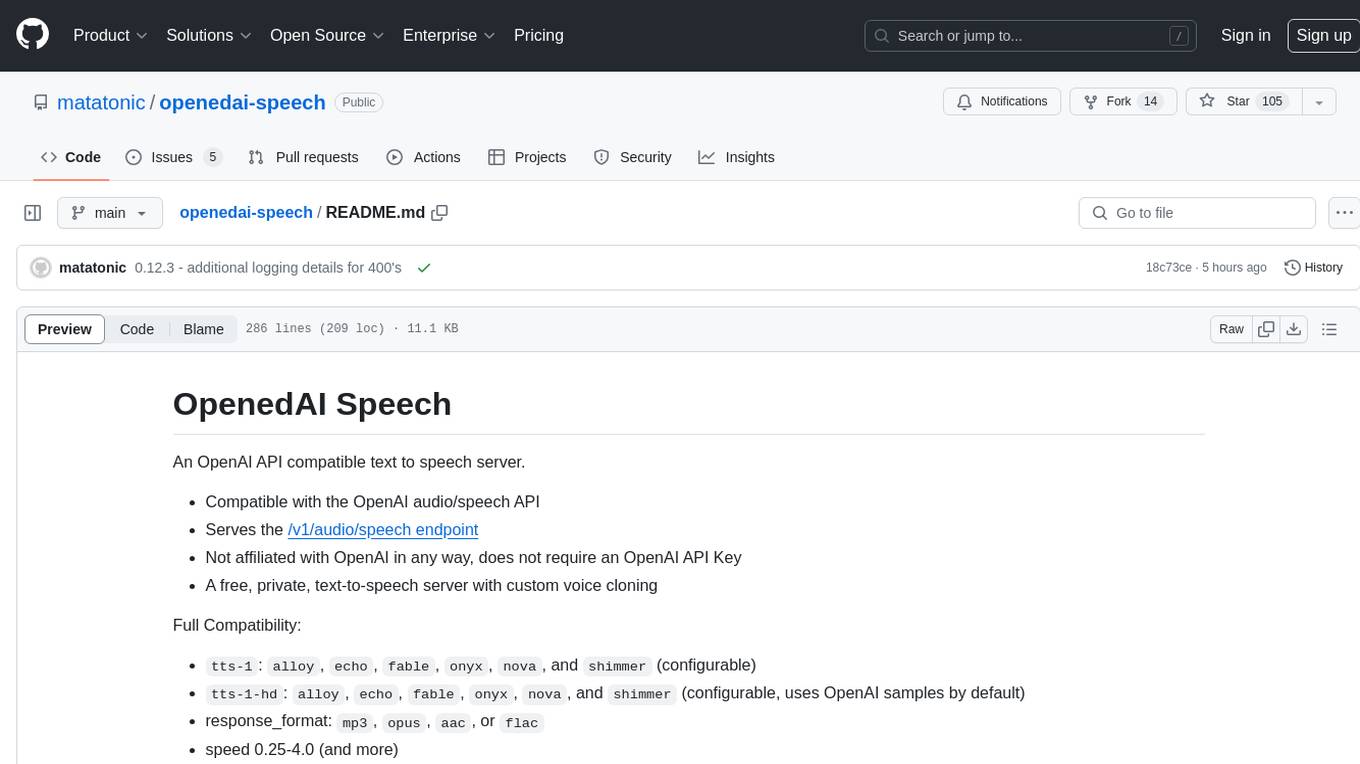
openedai-speech
OpenedAI Speech is a free, private text-to-speech server compatible with the OpenAI audio/speech API. It offers custom voice cloning and supports various models like tts-1 and tts-1-hd. Users can map their own piper voices and create custom cloned voices. The server provides multilingual support with XTTS voices and allows fixing incorrect sounds with regex. Recent changes include bug fixes, improved error handling, and updates for multilingual support. Installation can be done via Docker or manual setup, with usage instructions provided. Custom voices can be created using Piper or Coqui XTTS v2, with guidelines for preparing audio files. The tool is suitable for tasks like generating speech from text, creating custom voices, and multilingual text-to-speech applications.
MARS5-TTS
MARS5 is a novel English speech model (TTS) developed by CAMB.AI, featuring a two-stage AR-NAR pipeline with a unique NAR component. The model can generate speech for various scenarios like sports commentary and anime with just 5 seconds of audio and a text snippet. It allows steering prosody using punctuation and capitalization in the transcript. Speaker identity is specified using an audio reference file, enabling 'deep clone' for improved quality. The model can be used via torch.hub or HuggingFace, supporting both shallow and deep cloning for inference. Checkpoints are provided for AR and NAR models, with hardware requirements of 750M+450M params on GPU. Contributions to improve model stability, performance, and reference audio selection are welcome.
cgft-llm
The cgft-llm repository is a collection of video tutorials and documentation for implementing large models. It provides guidance on topics such as fine-tuning llama3 with llama-factory, lightweight deployment and quantization using llama.cpp, speech generation with ChatTTS, introduction to Ollama for large model deployment, deployment tools for vllm and paged attention, and implementing RAG with llama-index. Users can find detailed code documentation and video tutorials for each project in the repository.
For similar jobs

sweep
Sweep is an AI junior developer that turns bugs and feature requests into code changes. It automatically handles developer experience improvements like adding type hints and improving test coverage.

teams-ai
The Teams AI Library is a software development kit (SDK) that helps developers create bots that can interact with Teams and Microsoft 365 applications. It is built on top of the Bot Framework SDK and simplifies the process of developing bots that interact with Teams' artificial intelligence capabilities. The SDK is available for JavaScript/TypeScript, .NET, and Python.

ai-guide
This guide is dedicated to Large Language Models (LLMs) that you can run on your home computer. It assumes your PC is a lower-end, non-gaming setup.

classifai
Supercharge WordPress Content Workflows and Engagement with Artificial Intelligence. Tap into leading cloud-based services like OpenAI, Microsoft Azure AI, Google Gemini and IBM Watson to augment your WordPress-powered websites. Publish content faster while improving SEO performance and increasing audience engagement. ClassifAI integrates Artificial Intelligence and Machine Learning technologies to lighten your workload and eliminate tedious tasks, giving you more time to create original content that matters.

chatbot-ui
Chatbot UI is an open-source AI chat app that allows users to create and deploy their own AI chatbots. It is easy to use and can be customized to fit any need. Chatbot UI is perfect for businesses, developers, and anyone who wants to create a chatbot.

BricksLLM
BricksLLM is a cloud native AI gateway written in Go. Currently, it provides native support for OpenAI, Anthropic, Azure OpenAI and vLLM. BricksLLM aims to provide enterprise level infrastructure that can power any LLM production use cases. Here are some use cases for BricksLLM: * Set LLM usage limits for users on different pricing tiers * Track LLM usage on a per user and per organization basis * Block or redact requests containing PIIs * Improve LLM reliability with failovers, retries and caching * Distribute API keys with rate limits and cost limits for internal development/production use cases * Distribute API keys with rate limits and cost limits for students

uAgents
uAgents is a Python library developed by Fetch.ai that allows for the creation of autonomous AI agents. These agents can perform various tasks on a schedule or take action on various events. uAgents are easy to create and manage, and they are connected to a fast-growing network of other uAgents. They are also secure, with cryptographically secured messages and wallets.

griptape
Griptape is a modular Python framework for building AI-powered applications that securely connect to your enterprise data and APIs. It offers developers the ability to maintain control and flexibility at every step. Griptape's core components include Structures (Agents, Pipelines, and Workflows), Tasks, Tools, Memory (Conversation Memory, Task Memory, and Meta Memory), Drivers (Prompt and Embedding Drivers, Vector Store Drivers, Image Generation Drivers, Image Query Drivers, SQL Drivers, Web Scraper Drivers, and Conversation Memory Drivers), Engines (Query Engines, Extraction Engines, Summary Engines, Image Generation Engines, and Image Query Engines), and additional components (Rulesets, Loaders, Artifacts, Chunkers, and Tokenizers). Griptape enables developers to create AI-powered applications with ease and efficiency.