


AI-Office-Translator
None
Stars: 74
AI-Office-Translator is a free, fully localized, user-friendly translation tool that helps you translate Office files (Word, PowerPoint, and Excel) between different languages. It supports .docx, .pptx, and .xlsx files and allows translation between English, Chinese, and Japanese. Users can run the tool after installing CUDA, downloading Ollama dependencies and models, setting up a virtual environment (optional), and installing requirements. The tool provides a UI where users can select languages, models, upload files for translation, start translation, and download translated files. It also supports an online mode with API key integration. The software is open-source under GPL-3.0 license and only provides AI translation services, with users expected to engage in legal translation activities.
README:
UI based on PyQt-Fluent-Widgets developing...
Over 100 files have been tested
If you find this project useful, please give it a star ^ ^_
Model Download / Please save it in the "Models" folder after downloading
Model Download / Please save it in the "Models" folder after downloading
Model Download / Please save it in the "Models" folder after downloading
This software is a Free, Fully Localized, User-friendly translation tool that helps you translate Office files (Word, PowerPoint, and Excel) between different languages.
Here's what it offers:
- Supported File Types: Accepts .docx, .pptx, and .xlsx files.
- Language Options: You can translate between English, Chinese, and Japanese.
You need to install CUDA (Currently there are no problems with 11.7 and 12.1 tests)
You need to download Ollama dependencies and models for translation
-
Download Ollama
https://ollama.com/ -
Download model (QWen series models are recommended)
ollama pull qwen2.5Create and start a virtual environment
conda create -n ai-translator python=3.10
conda activate ai-translatorInstall requirements
pip install -r requirements.txtRun the tool
python app.py
- Select Language
Select the source language (the language of the source file) and the target language (the language you want to translate into). - Select Model
In Model, you can select the model downloaded by ollama. It is not recommended to modify Max_tokens (unless you understand LLM well enough). - Upload File
Click Upload Office Flie/drag the file to this location to upload the file need to be translated.
The program will automatically determine the file type to be translated. - Start Translate
Click Translate and the program will start translating. - Download Translated File
When the translation is completed, the translated file will be returned at Download Translated File.
You can also view the translation results in the ~/result folder.
 Added Online mode, currently only supports Deepseek-v3 (Cheap and fast->0.1 CNY/million tokens)
After selecting Online mode, you will need to enter API-KEY. Please refer to the official website for how to obtain it
https://www.deepseek.com/ After the translation is completed, a download box will pop up.
- Excel File: English to Japanese

- PPT File: English to Japanese

- Word File: English to Japanese

- PDF File: English to Japanese

The default access address is
http://127.0.0.1:9980If you need to share in the LAN, please open the last line
iface.launch(share=True)- Support more models and more file types
The software code is completely open-source and can be freely used in accordance with the GPL-3.0 license.
The software only provides AI translation services, and any content translated using this software is unrelated to its creators.
Users are expected to comply with the law and engage in legal translation activities.
Qwen Model Disclaimer
The code and model weights are fully open for academic research and support commercial use.
Please refer to the Qwen LICENSE for detailed information on the specific open-source agreement.
- 2025/02/01
Updated the logic for translation failure text. - 2025/01/15
Fixed a bug in PDF translation, added multi-language support, and petted a kitty. - 2025/01/11
Add support for PDF。Referenced Projects:PDFMathTranslate - 2025/01/10
Add support for deepseek-v3. Now you can use the api for translation. (more stable)
API GET: https://www.deepseek.com/ - 2025/01/03
Happy New Year! The logic has been revised, a review feature has been added, and logging has been enhanced. - 2024/12/16
Update Error detection and Re-translation - 2024/12/15
Added some validations and fixed the bug of getting context function - 2024/12/12
Updated the handling of line breaks. Fixed some bugs
For Tasks:
Click tags to check more tools for each tasksFor Jobs:
Alternative AI tools for AI-Office-Translator
Similar Open Source Tools
AI-Office-Translator
AI-Office-Translator is a free, fully localized, user-friendly translation tool that helps you translate Office files (Word, PowerPoint, and Excel) between different languages. It supports .docx, .pptx, and .xlsx files and allows translation between English, Chinese, and Japanese. Users can run the tool after installing CUDA, downloading Ollama dependencies and models, setting up a virtual environment (optional), and installing requirements. The tool provides a UI where users can select languages, models, upload files for translation, start translation, and download translated files. It also supports an online mode with API key integration. The software is open-source under GPL-3.0 license and only provides AI translation services, with users expected to engage in legal translation activities.
Transtation-KMP
Transtation is an easy-to-use and powerful translation software for Android/Desktop based on Kotlin Multiplatform + Compose Multiplatform. It allows users to translate one item using multiple engines simultaneously, utilize advanced Large Language Models for translation, chat with LLMs for translation, translate long text, support plugin development, image translation, and screen translation. The application is designed for Chinese users and serves as a reference for learning Jetpack Compose or Compose Multiplatform. It features Kotlin Multiplatform, Compose Multiplatform, MVVM, Kotlin Coroutine, Flow, SqlDelight, synchronized translation with multiple engines, plugin development, and makes use of Kotlin language features like lazy loading, Coroutine, sealed classes, and reflection. The application gradually adapts to Android13 with features like setting application language separately and supporting Monet icon.
llocal
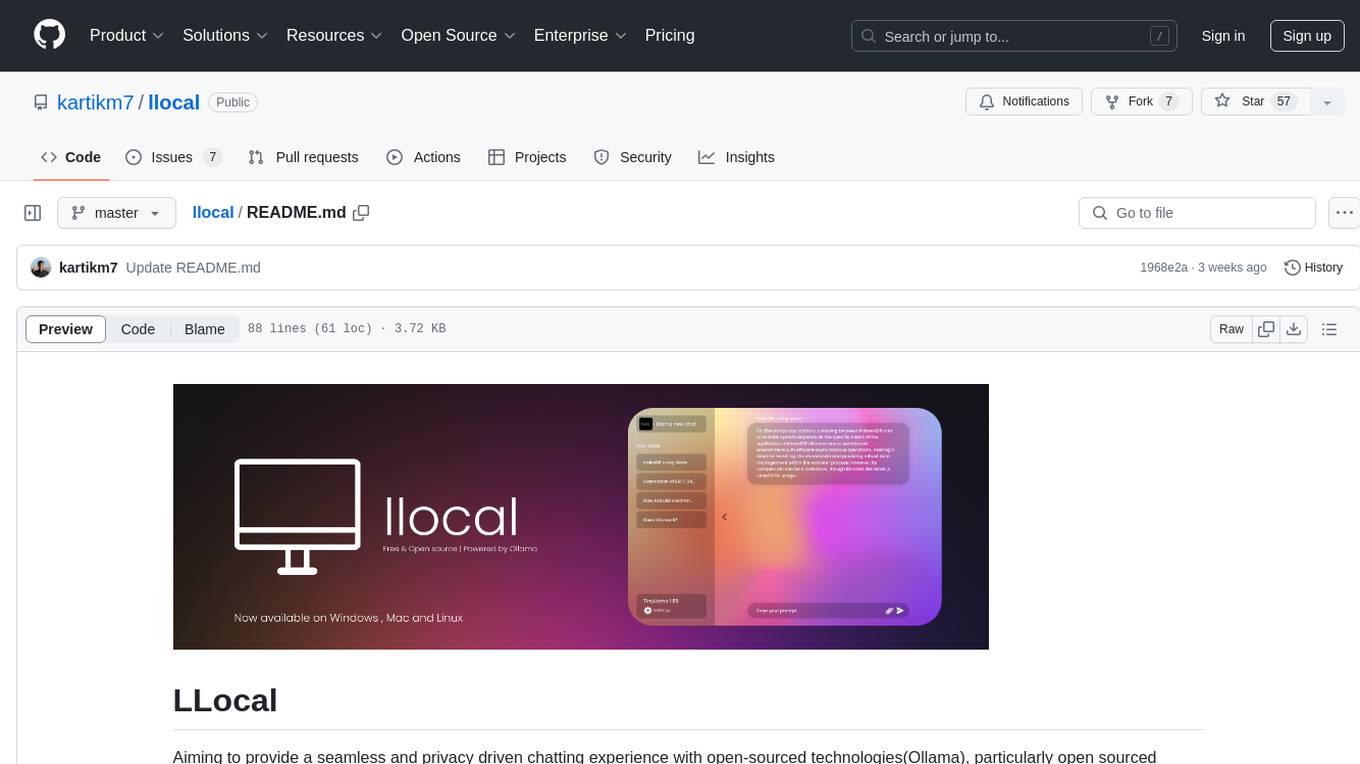
LLocal is an Electron application focused on providing a seamless and privacy-driven chatting experience using open-sourced technologies, particularly open-sourced LLM's. It allows users to store chats locally, switch between models, pull new models, upload images, perform web searches, and render responses as markdown. The tool also offers multiple themes, seamless integration with Ollama, and upcoming features like chat with images, web search improvements, retrieval augmented generation, multiple PDF chat, text to speech models, community wallpapers, lofi music, speech to text, and more. LLocal's builds are currently unsigned, requiring manual builds or using the universal build for stability.
pyqt-openai
VividNode is a cross-platform AI desktop chatbot application for LLM such as GPT, Claude, Gemini, Llama chatbot interaction and image generation. It offers customizable features, local chat history, and enhanced performance without requiring a browser. The application is powered by GPT4Free and allows users to interact with chatbots and generate images seamlessly. VividNode supports Windows, Mac, and Linux, securely stores chat history locally, and provides features like chat interface customization, image generation, focus and accessibility modes, and extensive customization options with keyboard shortcuts for efficient operations.
Easy-Voice-Toolkit
Easy Voice Toolkit is a toolkit based on open source voice projects, providing automated audio tools including speech model training. Users can seamlessly integrate functions like audio processing, voice recognition, voice transcription, dataset creation, model training, and voice conversion to transform raw audio files into ideal speech models. The toolkit supports multiple languages and is currently only compatible with Windows systems. It acknowledges the contributions of various projects and offers local deployment options for both users and developers. Additionally, cloud deployment on Google Colab is available. The toolkit has been tested on Windows OS devices and includes a FAQ section and terms of use for academic exchange purposes.

QodeAssist
QodeAssist is an AI-powered coding assistant plugin for Qt Creator, offering intelligent code completion and suggestions for C++ and QML. It leverages large language models like Ollama to enhance coding productivity with context-aware AI assistance directly in the Qt development environment. The plugin supports multiple LLM providers, extensive model-specific templates, and easy configuration for enhanced coding experience.
Delphi-AI-Developer
Delphi AI Developer is a plugin that enhances the Delphi IDE with AI capabilities from OpenAI, Gemini, and Groq APIs. It assists in code generation, refactoring, and speeding up development by providing code suggestions and predefined questions. Users can interact with AI chat and databases within the IDE, customize settings, and access documentation. The plugin is open-source and under the MIT License.
ai-research-assistant
Aria is a Zotero plugin that serves as an AI Research Assistant powered by Large Language Models (LLMs). It offers features like drag-and-drop referencing, autocompletion for creators and tags, visual analysis using GPT-4 Vision, and saving chats as notes and annotations. Aria requires the OpenAI GPT-4 model family and provides a configurable interface through preferences. Users can install Aria by downloading the latest release from GitHub and activating it in Zotero. The tool allows users to interact with Zotero library through conversational AI and probabilistic models, with the ability to troubleshoot errors and provide feedback for improvement.
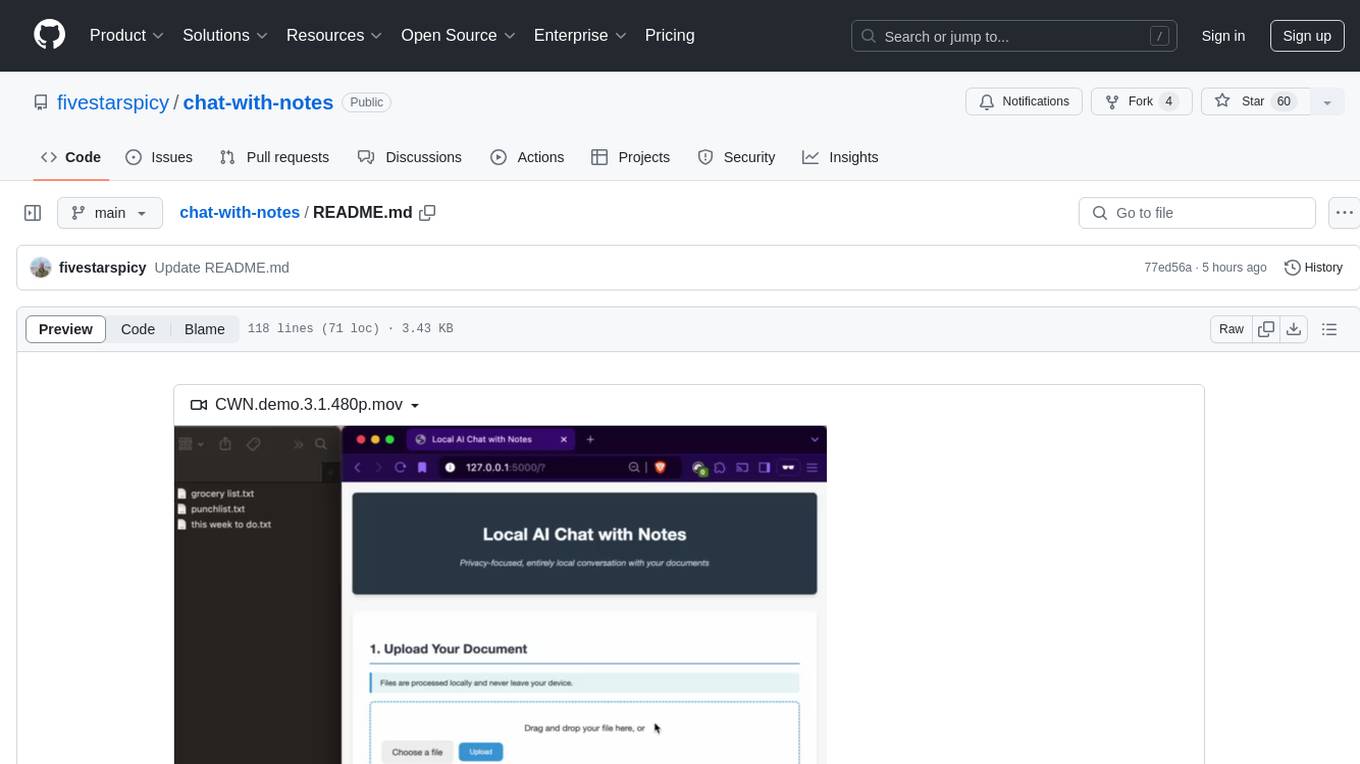
chat-with-notes
Chat-with-Notes is a Flask web application that enables users to upload text files, view their content, and engage with an AI chatbot for discussions. The application prioritizes privacy by utilizing a locally hosted Ollama Llama 3.1 (8B) model for AI responses, ensuring data security. Users can upload files during conversations, clear chat history, and export chat logs. The tool operates locally, requiring Python 3.x, pip, Git, and a locally running Ollama Llama 3.1 (8B) model as prerequisites.
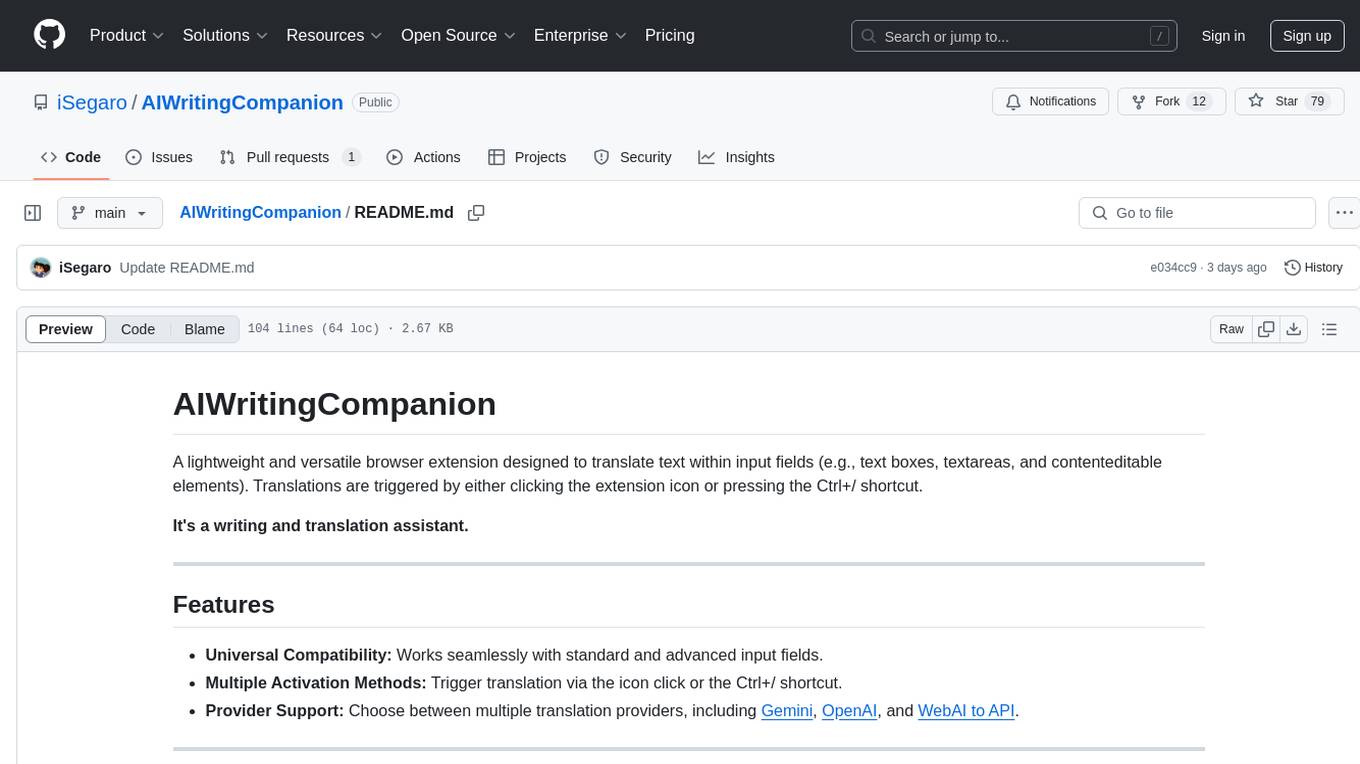
AIWritingCompanion
AIWritingCompanion is a lightweight and versatile browser extension designed to translate text within input fields. It offers universal compatibility, multiple activation methods, and support for various translation providers like Gemini, OpenAI, and WebAI to API. Users can install it via CRX file or Git, set API key, and use it for automatic translation or via shortcut. The tool is suitable for writers, translators, students, researchers, and bloggers. AI keywords include writing assistant, translation tool, browser extension, language translation, and text translator. Users can use it for tasks like translate text, assist in writing, simplify content, check language accuracy, and enhance communication.
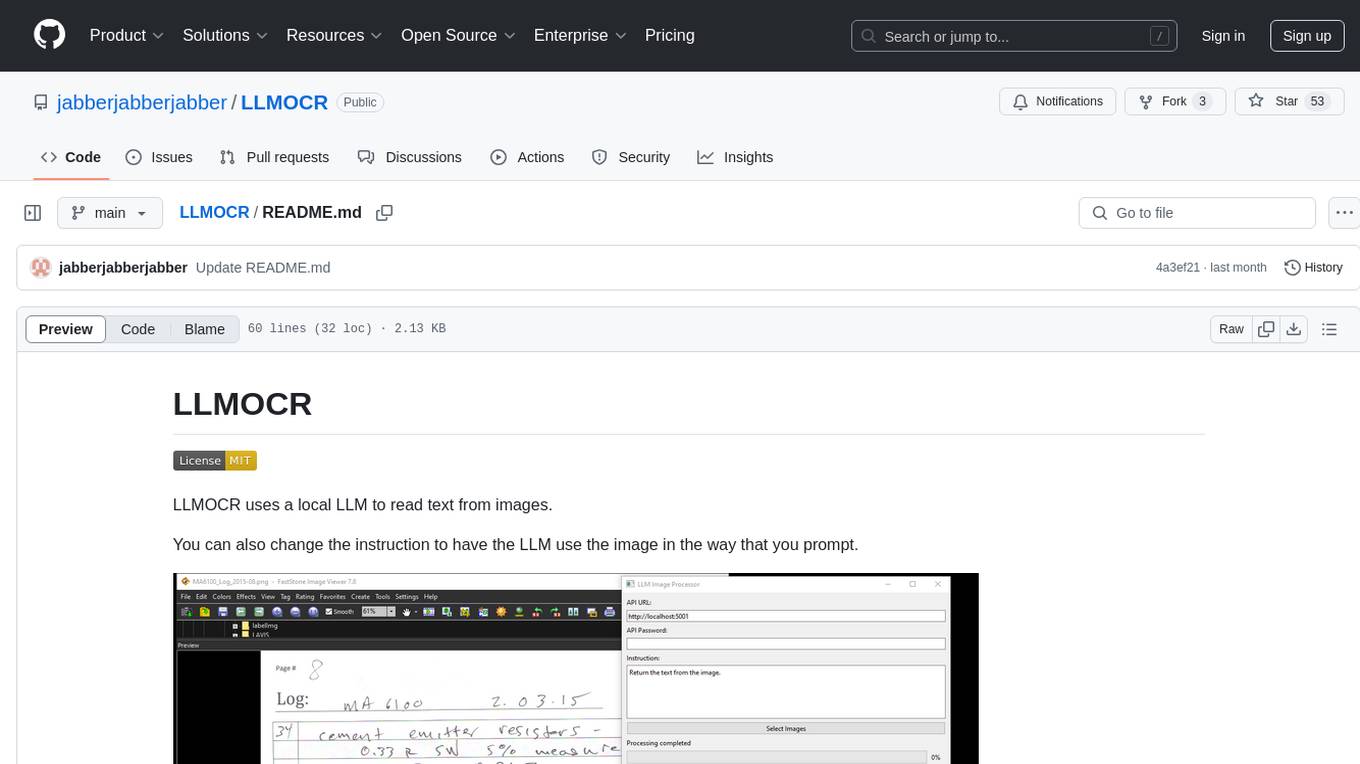
LLMOCR
LLMOCR is a tool that utilizes a local Large Language Model (LLM) to extract text from images. It offers a user-friendly GUI and supports GPU acceleration for faster inference. The tool is cross-platform, compatible with Windows, macOS ARM, and Linux. Users can prompt the LLM to process images in a customized way. The processing is done locally on the user's machine, ensuring data privacy and security. LLMOCR requires Python 3.8 or higher and KoboldCPP for installation and operation.
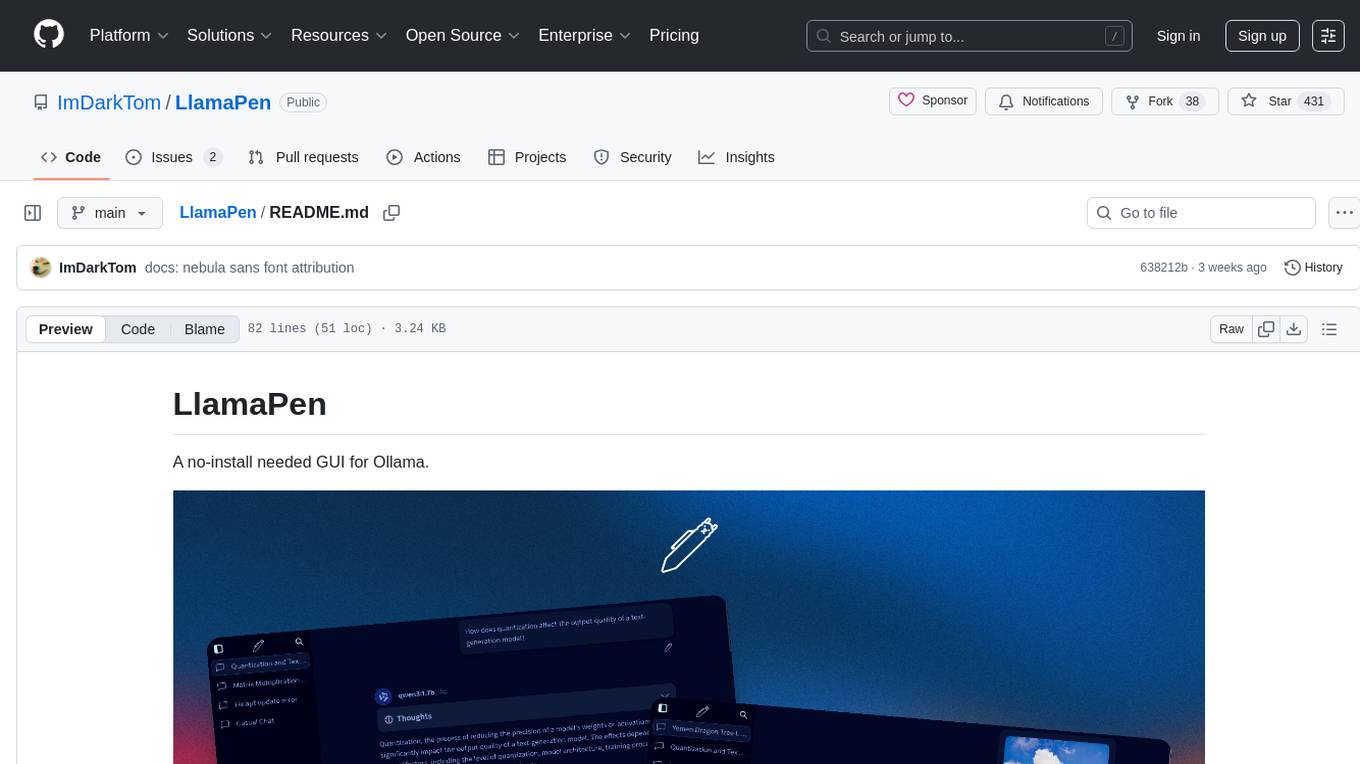
LlamaPen
LlamaPen is a no-install needed GUI tool for Ollama, featuring a web-based interface accessible on both desktop and mobile. It allows easy setup and configuration, renders markdown, text, and LaTeX math, provides keyboard shortcuts for quick navigation, includes a built-in model and download manager, supports offline and PWA, and is 100% free and open-source. Users can chat with complete privacy as all chats are stored locally in the browser, ensuring near-instant chat load times. The tool also offers an optional cloud service, LlamaPen API, for running up-to-date models if unable to run locally, with a subscription option for increased rate limits and access to more expensive models.
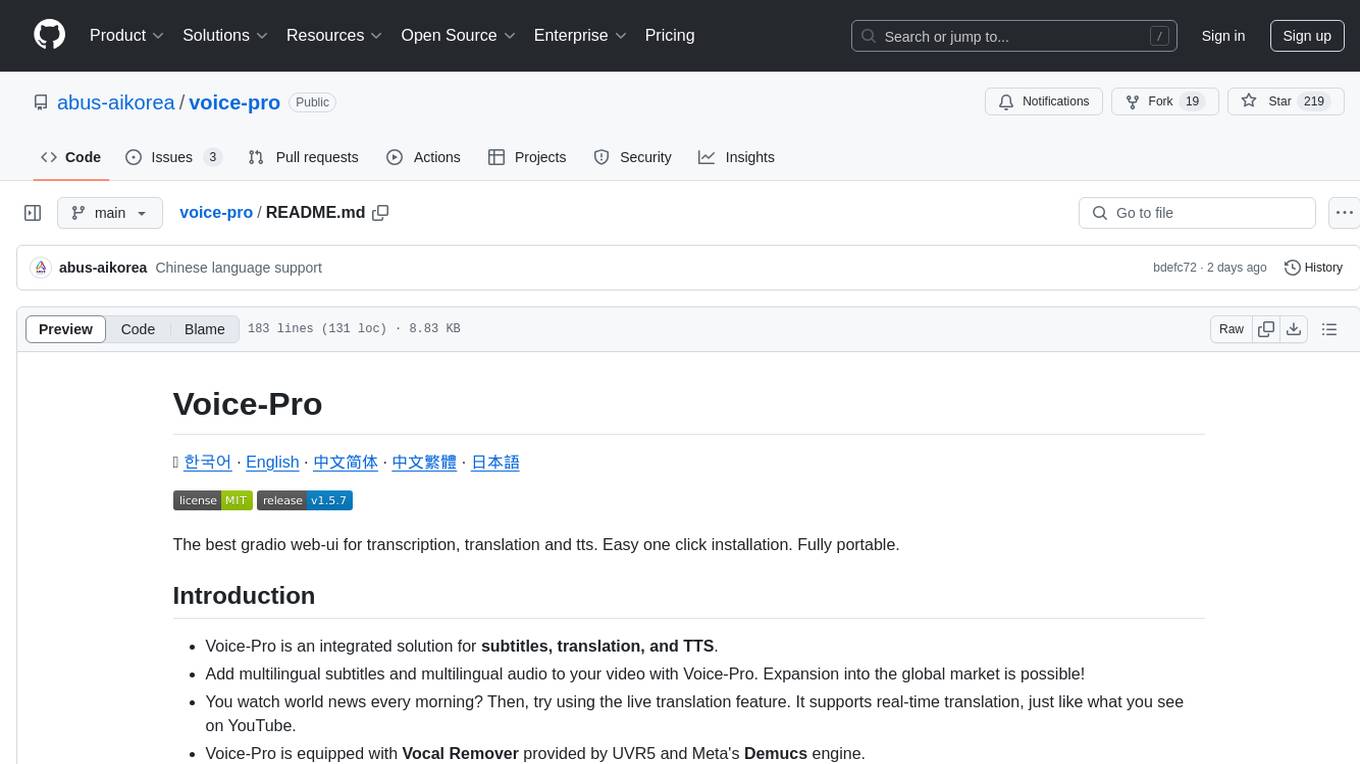
voice-pro
Voice-Pro is an integrated solution for subtitles, translation, and TTS. It offers features like multilingual subtitles, live translation, vocal remover, and supports OpenAI Whisper and Open-Source Translator. The tool provides a Studio tab for various functions, Whisper Caption tab for subtitle creation, Translate tab for translation, TTS tab for text-to-speech, Live Translation tab for real-time voice recognition, and Batch tab for processing multiple files. Users can download YouTube videos, improve voice recognition accuracy, create automatic subtitles, and produce multilingual videos with ease. The tool is easy to install with one-click and offers a Web-UI for user convenience.
Loyal-Elephie
Embark on an exciting adventure with Loyal Elephie, your faithful AI sidekick! This project combines the power of a neat Next.js web UI and a mighty Python backend, leveraging the latest advancements in Large Language Models (LLMs) and Retrieval Augmented Generation (RAG) to deliver a seamless and meaningful chatting experience. Features include controllable memory, hybrid search, secure web access, streamlined LLM agent, and optional Markdown editor integration. Loyal Elephie supports both open and proprietary LLMs and embeddings serving as OpenAI compatible APIs.
RapidRAG
RapidRAG is a project focused on Knowledge QA with LLM, combining Questions & Answers based on local knowledge base with a large language model. The project aims to provide a flexible and deployment-friendly solution for building a knowledge question answering system. It is modularized, allowing easy replacement of parts and simple code understanding. The tool supports various document formats and can utilize CPU for most parts, with the large language model interface requiring separate deployment.
LafTools
LafTools is a privacy-first, self-hosted, fully open source toolbox designed for programmers. It offers a wide range of tools, including code generation, translation, encryption, compression, data analysis, and more. LafTools is highly integrated with a productive UI and supports full GPT-alike functionality. It is available as Docker images and portable edition, with desktop edition support planned for the future.
For similar tasks
AI-Office-Translator
AI-Office-Translator is a free, fully localized, user-friendly translation tool that helps you translate Office files (Word, PowerPoint, and Excel) between different languages. It supports .docx, .pptx, and .xlsx files and allows translation between English, Chinese, and Japanese. Users can run the tool after installing CUDA, downloading Ollama dependencies and models, setting up a virtual environment (optional), and installing requirements. The tool provides a UI where users can select languages, models, upload files for translation, start translation, and download translated files. It also supports an online mode with API key integration. The software is open-source under GPL-3.0 license and only provides AI translation services, with users expected to engage in legal translation activities.
haystack-core-integrations
This repository contains integrations to extend the capabilities of Haystack version 2.0 and onwards. The code in this repo is maintained by deepset, see each integration's `README` file for details around installation, usage and support.
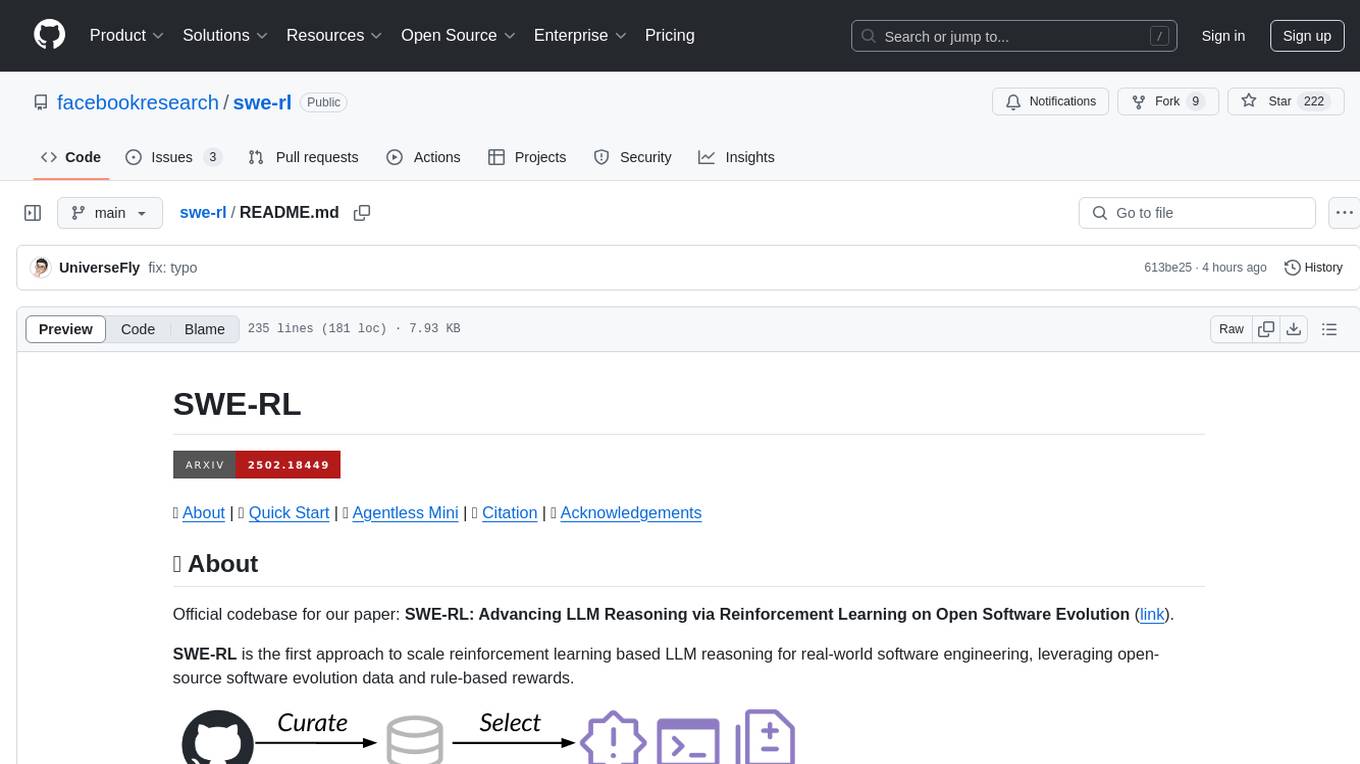
swe-rl
SWE-RL is the official codebase for the paper 'SWE-RL: Advancing LLM Reasoning via Reinforcement Learning on Open Software Evolution'. It is the first approach to scale reinforcement learning based LLM reasoning for real-world software engineering, leveraging open-source software evolution data and rule-based rewards. The code provides prompt templates and the implementation of the reward function based on sequence similarity. Agentless Mini, a part of SWE-RL, builds on top of Agentless with improvements like fast async inference, code refactoring for scalability, and support for using multiple reproduction tests for reranking. The tool can be used for localization, repair, and reproduction test generation in software engineering tasks.
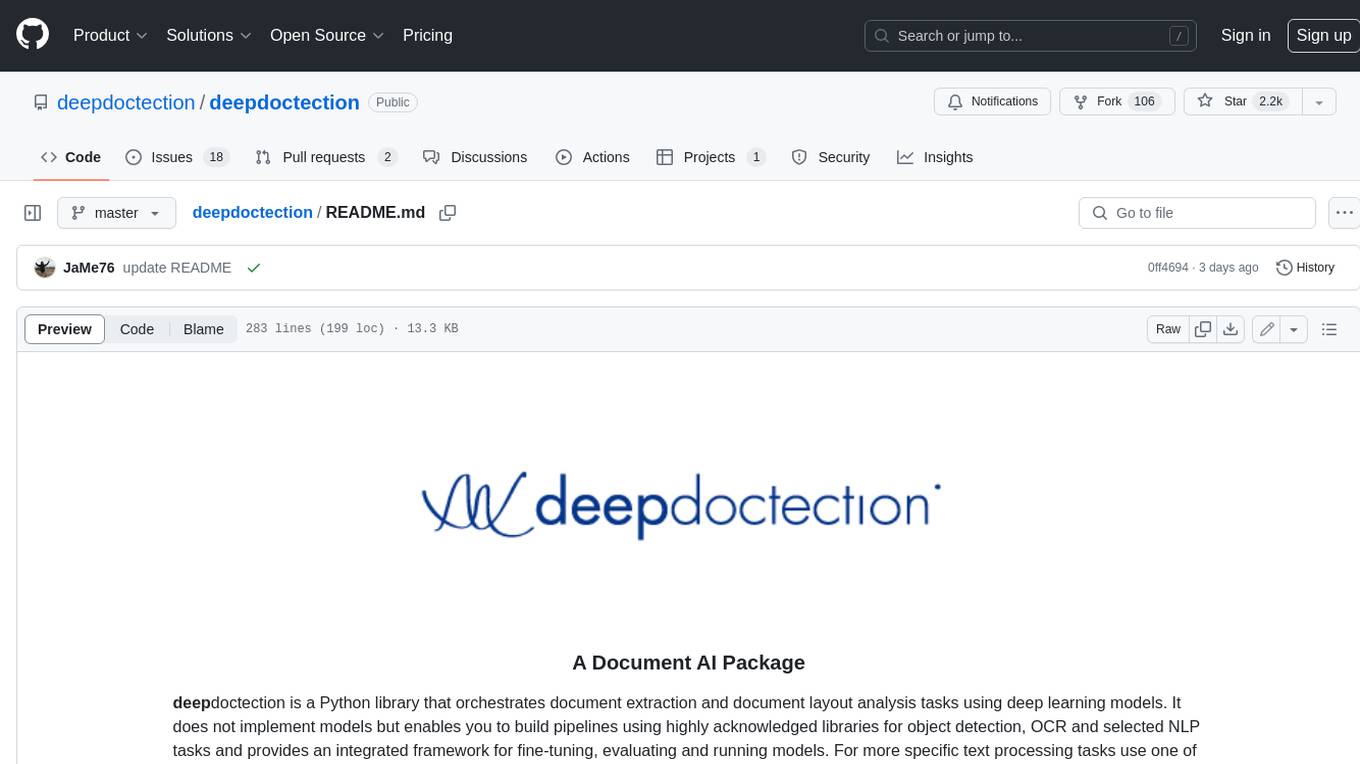
deepdoctection
**deep** doctection is a Python library that orchestrates document extraction and document layout analysis tasks using deep learning models. It does not implement models but enables you to build pipelines using highly acknowledged libraries for object detection, OCR and selected NLP tasks and provides an integrated framework for fine-tuning, evaluating and running models. For more specific text processing tasks use one of the many other great NLP libraries. **deep** doctection focuses on applications and is made for those who want to solve real world problems related to document extraction from PDFs or scans in various image formats. **deep** doctection provides model wrappers of supported libraries for various tasks to be integrated into pipelines. Its core function does not depend on any specific deep learning library. Selected models for the following tasks are currently supported: * Document layout analysis including table recognition in Tensorflow with **Tensorpack**, or PyTorch with **Detectron2**, * OCR with support of **Tesseract**, **DocTr** (Tensorflow and PyTorch implementations available) and a wrapper to an API for a commercial solution, * Text mining for native PDFs with **pdfplumber**, * Language detection with **fastText**, * Deskewing and rotating images with **jdeskew**. * Document and token classification with all LayoutLM models provided by the **Transformer library**. (Yes, you can use any LayoutLM-model with any of the provided OCR-or pdfplumber tools straight away!). * Table detection and table structure recognition with **table-transformer**. * There is a small dataset for token classification available and a lot of new tutorials to show, how to train and evaluate this dataset using LayoutLMv1, LayoutLMv2, LayoutXLM and LayoutLMv3. * Comprehensive configuration of **analyzer** like choosing different models, output parsing, OCR selection. Check this notebook or the docs for more infos. * Document layout analysis and table recognition now runs with **Torchscript** (CPU) as well and **Detectron2** is not required anymore for basic inference. * [**new**] More angle predictors for determining the rotation of a document based on **Tesseract** and **DocTr** (not contained in the built-in Analyzer). * [**new**] Token classification with **LiLT** via **transformers**. We have added a model wrapper for token classification with LiLT and added a some LiLT models to the model catalog that seem to look promising, especially if you want to train a model on non-english data. The training script for LayoutLM can be used for LiLT as well and we will be providing a notebook on how to train a model on a custom dataset soon. **deep** doctection provides on top of that methods for pre-processing inputs to models like cropping or resizing and to post-process results, like validating duplicate outputs, relating words to detected layout segments or ordering words into contiguous text. You will get an output in JSON format that you can customize even further by yourself. Have a look at the **introduction notebook** in the notebook repo for an easy start. Check the **release notes** for recent updates. **deep** doctection or its support libraries provide pre-trained models that are in most of the cases available at the **Hugging Face Model Hub** or that will be automatically downloaded once requested. For instance, you can find pre-trained object detection models from the Tensorpack or Detectron2 framework for coarse layout analysis, table cell detection and table recognition. Training is a substantial part to get pipelines ready on some specific domain, let it be document layout analysis, document classification or NER. **deep** doctection provides training scripts for models that are based on trainers developed from the library that hosts the model code. Moreover, **deep** doctection hosts code to some well established datasets like **Publaynet** that makes it easy to experiment. It also contains mappings from widely used data formats like COCO and it has a dataset framework (akin to **datasets** so that setting up training on a custom dataset becomes very easy. **This notebook** shows you how to do this. **deep** doctection comes equipped with a framework that allows you to evaluate predictions of a single or multiple models in a pipeline against some ground truth. Check again **here** how it is done. Having set up a pipeline it takes you a few lines of code to instantiate the pipeline and after a for loop all pages will be processed through the pipeline.
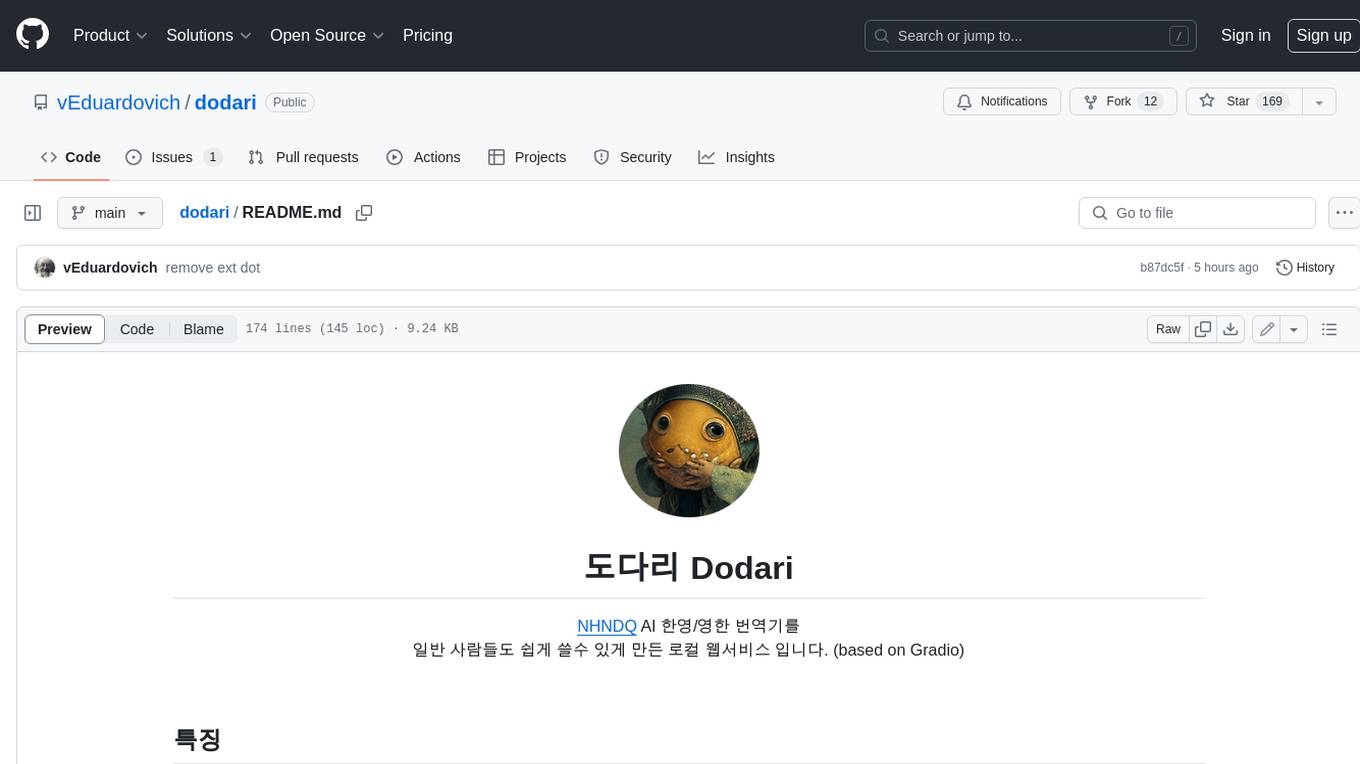
dodari
Dodari is a local web service that makes NHNDQ AI Korean-English/English-Korean translation easy for everyday people to use (based on Gradio).
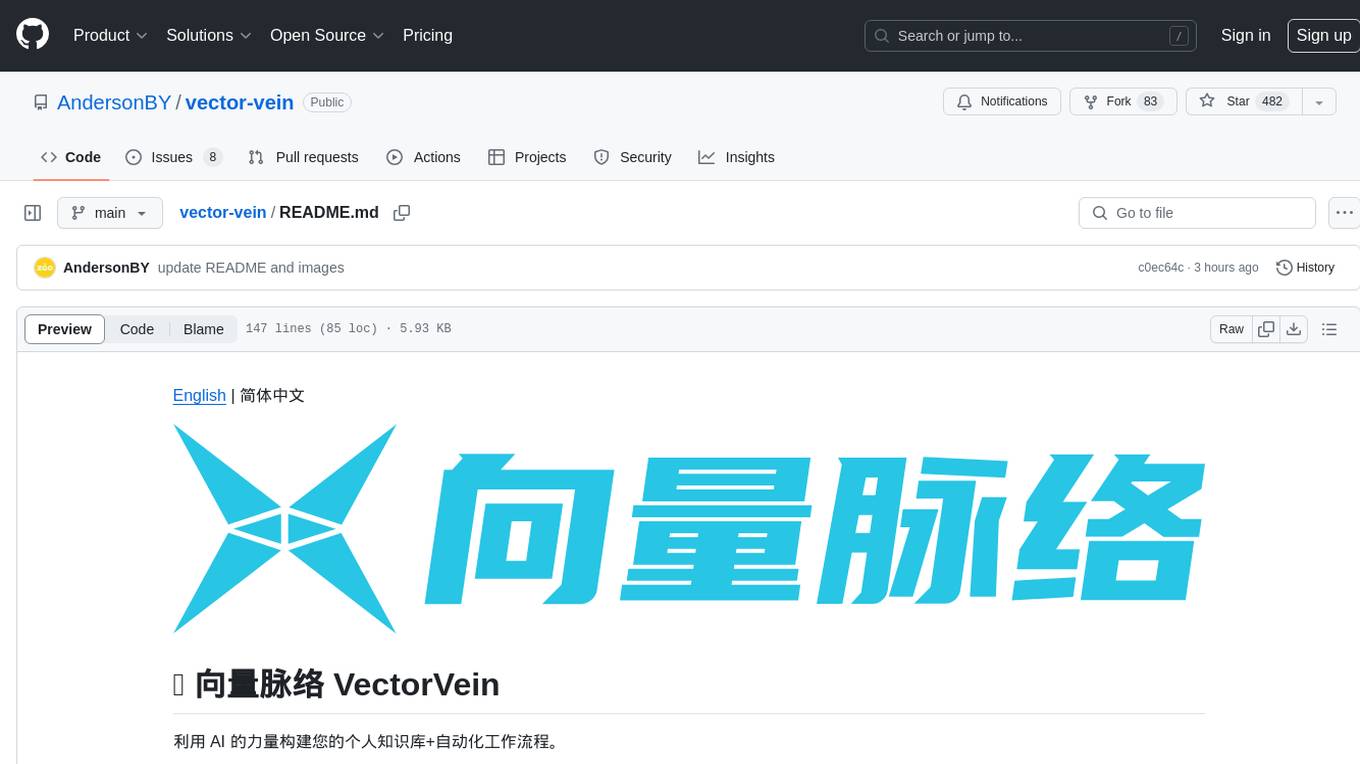
vector-vein
VectorVein is a no-code AI workflow software inspired by LangChain and langflow, aiming to combine the powerful capabilities of large language models and enable users to achieve intelligent and automated daily workflows through simple drag-and-drop actions. Users can create powerful workflows without the need for programming, automating all tasks with ease. The software allows users to define inputs, outputs, and processing methods to create customized workflow processes for various tasks such as translation, mind mapping, summarizing web articles, and automatic categorization of customer reviews.
project-lakechain
Project Lakechain is a cloud-native, AI-powered framework for building document processing pipelines on AWS. It provides a composable API with built-in middlewares for common tasks, scalable architecture, cost efficiency, GPU and CPU support, and the ability to create custom transform middlewares. With ready-made examples and emphasis on modularity, Lakechain simplifies the deployment of scalable document pipelines for tasks like metadata extraction, NLP analysis, text summarization, translations, audio transcriptions, computer vision, and more.
ezwork-ai-doc-translation
EZ-Work AI Document Translation is an AI document translation assistant accessible to everyone. It enables quick and cost-effective utilization of major language model APIs like OpenAI to translate documents in formats such as txt, word, csv, excel, pdf, and ppt. The tool supports AI translation for various document types, including pdf scanning, compatibility with OpenAI format endpoints via intermediary API, batch operations, multi-threading, and Docker deployment.
For similar jobs

sweep
Sweep is an AI junior developer that turns bugs and feature requests into code changes. It automatically handles developer experience improvements like adding type hints and improving test coverage.

teams-ai
The Teams AI Library is a software development kit (SDK) that helps developers create bots that can interact with Teams and Microsoft 365 applications. It is built on top of the Bot Framework SDK and simplifies the process of developing bots that interact with Teams' artificial intelligence capabilities. The SDK is available for JavaScript/TypeScript, .NET, and Python.

ai-guide
This guide is dedicated to Large Language Models (LLMs) that you can run on your home computer. It assumes your PC is a lower-end, non-gaming setup.

classifai
Supercharge WordPress Content Workflows and Engagement with Artificial Intelligence. Tap into leading cloud-based services like OpenAI, Microsoft Azure AI, Google Gemini and IBM Watson to augment your WordPress-powered websites. Publish content faster while improving SEO performance and increasing audience engagement. ClassifAI integrates Artificial Intelligence and Machine Learning technologies to lighten your workload and eliminate tedious tasks, giving you more time to create original content that matters.

chatbot-ui
Chatbot UI is an open-source AI chat app that allows users to create and deploy their own AI chatbots. It is easy to use and can be customized to fit any need. Chatbot UI is perfect for businesses, developers, and anyone who wants to create a chatbot.

BricksLLM
BricksLLM is a cloud native AI gateway written in Go. Currently, it provides native support for OpenAI, Anthropic, Azure OpenAI and vLLM. BricksLLM aims to provide enterprise level infrastructure that can power any LLM production use cases. Here are some use cases for BricksLLM: * Set LLM usage limits for users on different pricing tiers * Track LLM usage on a per user and per organization basis * Block or redact requests containing PIIs * Improve LLM reliability with failovers, retries and caching * Distribute API keys with rate limits and cost limits for internal development/production use cases * Distribute API keys with rate limits and cost limits for students

uAgents
uAgents is a Python library developed by Fetch.ai that allows for the creation of autonomous AI agents. These agents can perform various tasks on a schedule or take action on various events. uAgents are easy to create and manage, and they are connected to a fast-growing network of other uAgents. They are also secure, with cryptographically secured messages and wallets.

griptape
Griptape is a modular Python framework for building AI-powered applications that securely connect to your enterprise data and APIs. It offers developers the ability to maintain control and flexibility at every step. Griptape's core components include Structures (Agents, Pipelines, and Workflows), Tasks, Tools, Memory (Conversation Memory, Task Memory, and Meta Memory), Drivers (Prompt and Embedding Drivers, Vector Store Drivers, Image Generation Drivers, Image Query Drivers, SQL Drivers, Web Scraper Drivers, and Conversation Memory Drivers), Engines (Query Engines, Extraction Engines, Summary Engines, Image Generation Engines, and Image Query Engines), and additional components (Rulesets, Loaders, Artifacts, Chunkers, and Tokenizers). Griptape enables developers to create AI-powered applications with ease and efficiency.