


OpenCAGE
A modding toolkit for Alien: Isolation that gives access to scripting, assets, configurations, and behaviour trees.
Stars: 278
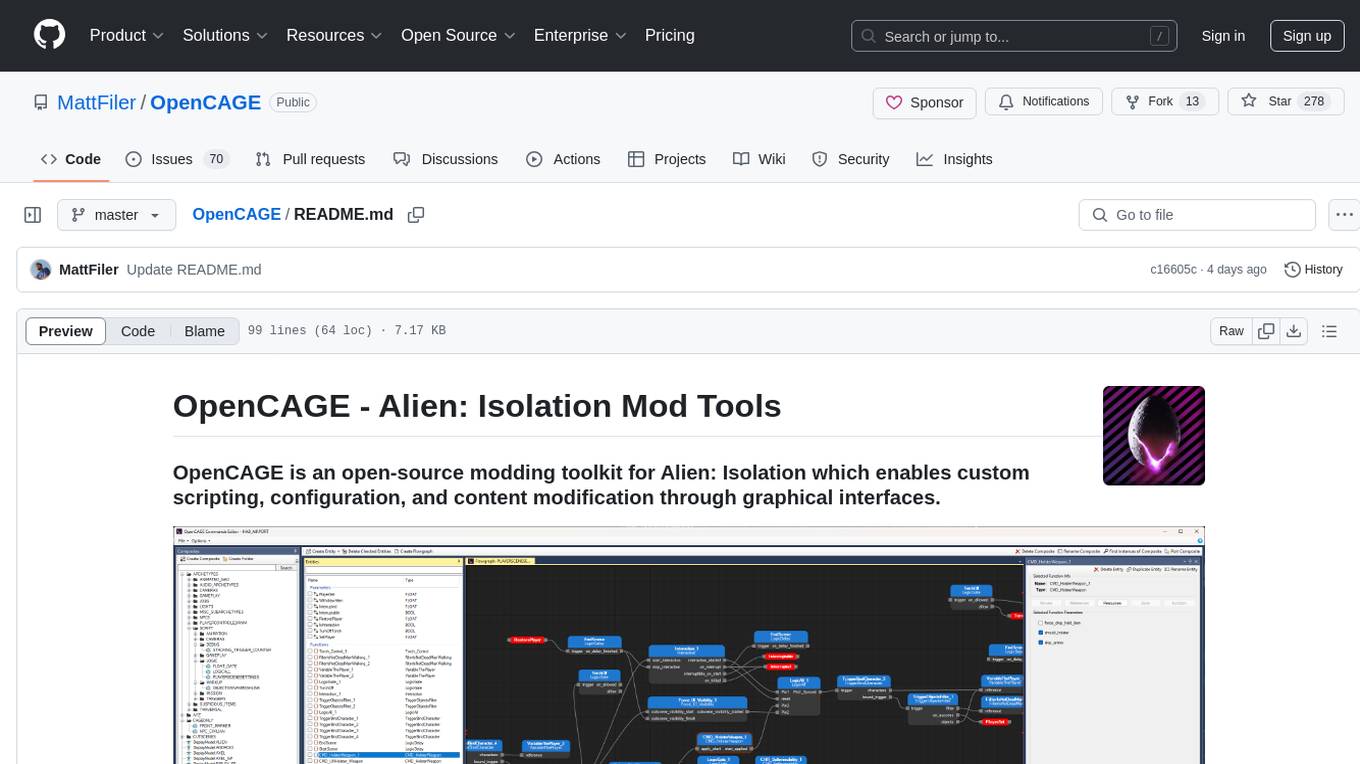
OpenCAGE is an open-source modding toolkit for Alien: Isolation, enabling custom scripting, configuration, and content modification through graphical interfaces. It includes tools for editing assets, configurations, scripts, behaviour trees, launching the game, and managing backups. The project is constantly evolving with a roadmap that includes features like contextual script editing, content porter, new level creator, mod installers, 3D viewer improvements, navmesh generation, skinned meshes support, sound import/export, and more. OpenCAGE is supported financially by the community and welcomes code contributions.
README:

OpenCAGE is an open-source modding toolkit for Alien: Isolation which enables custom scripting, configuration, and content modification through graphical interfaces.

- Join the Discord to share your mods, and get tips & tricks from the community!
- Follow on X (Twitter) or Bluesky to get the latest news, including update previews and modding videos!
OpenCAGE can be downloaded via Steam, ModDB, Nexus Mods, or directly via GitHub.
 |
 |
 |
 |
After downloading, launch OpenCAGE and locate Alien: Isolation's AI.exe if requested.
The tools will set themselves up on first launch, and any future updates will be automatically downloaded and applied if you are connected to the internet.

From OpenCAGE's main window you'll be presented with five options:
- Edit Assets: A tool to import/export textures, models, UI, and animations
- Edit Configurations: A tool to modify a range of game configurations (including weapons, ammo, NPC viewcones and locomotion, player attributes, and more)
- Edit Cathode Scripts: A tool allowing full access to the game's scripting system (including level population, missions, characters, weapons, and more)
- Edit Behaviour Trees: A tool giving full access to every behaviour tree in the game
- Launch Game: Functionality to launch the game directly to a level with various optional extras (including Cinematic Tools, debug helpers, and more)
There's also functionality for creating/managing/restoring backups of levels, and reverting configurations and behaviour trees.
Check out the "roadmap" section below to learn more about upcoming features.

The docs are slowly being put together to explain a number of functions within the toolkit, however most should be pretty simple to understand through tooltips and added descriptions.
If there is a section missing from the docs currently that you'd like to see added, feel free to open an issue on GitHub and it will be prioritised. Additionally, join the Discord to get direct help from the community!
As this is a live project and something I'm developing in my free time, certain things may be unfinished or temperamental. Any in-development sections of the tools will always be labelled as such!
When you're importing/exporting content with OpenCAGE, the following tools are recommended for working with the files:
-
JPEXS Flash Decompiler - for UI
.GFXfiles -
NVidia Texture Tools Exporter - for texture
.DDSfiles
OpenCAGE is a project that is constantly evolving - here's a vague roadmap of things I'm currently working towards, or have plans to start in the near future:
- Contextual script editing: follow composite chains to modify instanced mover entities
- Extended script resource editing: support for physics/collision resources
- Content porter: ability to port composites and all contained resources and assets between levels
- New level creator: create a new game level from scratch
- Mod installers: compile your maps and modifications out to installer executables
- 3D viewer improvements: extended support for editing levels within Unity
- Navmeshes: generate custom navmeshes for your modified levels to support AI
- Skinned meshes: import and export skinned meshes for custom animated models
- Extended animation support: view animations by name and display animated skeleton previews
- Sound import/export: integrated support for importing and exporting sounds
- Unified asset/script experience: modify assets within the Script Editor (Asset Editor to be deprecated)
- Improved configuration editor UI: improvements to the UI within the Config Editor
This is an ongoing project, supported financially by the community. I don't expect donations, but if you'd like to contribute you can do so via GitHub Sponsors, where a variety of options are available! Similarly, this project is fully open source, and any code contributions are welcome!
OpenCAGE includes libraries and code from the following 3rd party sources:
- Brainiac Designer: created by Daniel Kollmann.
- Cinematic Tools: created by Matti Hietanen.
- AlienBML: created by x1nixmzeng.
- STNodeEditor: created by st233.
- Assimp-net: created by Tesla3D.
- DirectXTexNet: created by deng0.
This code is used either with permission, or under license.
Additionally I'd like to thank Daniel Maciel, Ryan Gray, and Jeff for their help in expanding and testing the toolkit.

OpenCAGE is in no way related to (or endorsed by) Creative Assembly or SEGA.
Alien: Isolation must be purchased and installed to use OpenCAGE.
For Tasks:
Click tags to check more tools for each tasksFor Jobs:
Alternative AI tools for OpenCAGE
Similar Open Source Tools
OpenCAGE
OpenCAGE is an open-source modding toolkit for Alien: Isolation, enabling custom scripting, configuration, and content modification through graphical interfaces. It includes tools for editing assets, configurations, scripts, behaviour trees, launching the game, and managing backups. The project is constantly evolving with a roadmap that includes features like contextual script editing, content porter, new level creator, mod installers, 3D viewer improvements, navmesh generation, skinned meshes support, sound import/export, and more. OpenCAGE is supported financially by the community and welcomes code contributions.
OpenDAN-Personal-AI-OS
OpenDAN is an open source Personal AI OS that consolidates various AI modules for personal use. It empowers users to create powerful AI agents like assistants, tutors, and companions. The OS allows agents to collaborate, integrate with services, and control smart devices. OpenDAN offers features like rapid installation, AI agent customization, connectivity via Telegram/Email, building a local knowledge base, distributed AI computing, and more. It aims to simplify life by putting AI in users' hands. The project is in early stages with ongoing development and future plans for user and kernel mode separation, home IoT device control, and an official OpenDAN SDK release.
ShortGPT
ShortGPT is a powerful framework for automating content creation, simplifying video creation, footage sourcing, voiceover synthesis, and editing tasks. It offers features like automated editing framework, scripts and prompts, voiceover support in multiple languages, caption generation, asset sourcing, and persistency of editing variables. The tool is designed for youtube automation, Tiktok creativity program automation, and offers customization options for efficient and creative content creation.
doc2plan
doc2plan is a browser-based application that helps users create personalized learning plans by extracting content from documents. It features a Creator for manual or AI-assisted plan construction and a Viewer for interactive plan navigation. Users can extract chapters, key topics, generate quizzes, and track progress. The application includes AI-driven content extraction, quiz generation, progress tracking, plan import/export, assistant management, customizable settings, viewer chat with text-to-speech and speech-to-text support, and integration with various Retrieval-Augmented Generation (RAG) models. It aims to simplify the creation of comprehensive learning modules tailored to individual needs.
aide
Aide is an Open Source AI-native code editor that combines the powerful features of VS Code with advanced AI capabilities. It provides a combined chat + edit flow, proactive agents for fixing errors, inline editing widget, intelligent code completion, and AST navigation. Aide is designed to be an intelligent coding companion, helping users write better code faster while maintaining control over the development process.
supervisely
Supervisely is a computer vision platform that provides a range of tools and services for developing and deploying computer vision solutions. It includes a data labeling platform, a model training platform, and a marketplace for computer vision apps. Supervisely is used by a variety of organizations, including Fortune 500 companies, research institutions, and government agencies.
draive
draive is an open-source Python library designed to simplify and accelerate the development of LLM-based applications. It offers abstract building blocks for connecting functionalities with large language models, flexible integration with various AI solutions, and a user-friendly framework for building scalable data processing pipelines. The library follows a function-oriented design, allowing users to represent complex programs as simple functions. It also provides tools for measuring and debugging functionalities, ensuring type safety and efficient asynchronous operations for modern Python apps.
snapgrid
SnapGrid is an open-source desktop app that uses AI to collect, organize, and analyze images and videos. It helps users manage large collections by automatically categorizing visual content. The app offers features like image and video management, organizing media into collections, AI analysis from multiple providers, custom AI instructions, smart organization based on AI-detected categories, and fast local storage. SnapGrid prioritizes privacy by storing all data locally, offering optional AI analysis, and collecting only anonymous usage analytics. Users can contribute to the project, and the app is licensed under the GNU General Public License v3.0.

Instrukt
Instrukt is a terminal-based AI integrated environment that allows users to create and instruct modular AI agents, generate document indexes for question-answering, and attach tools to any agent. It provides a platform for users to interact with AI agents in natural language and run them inside secure containers for performing tasks. The tool supports custom AI agents, chat with code and documents, tools customization, prompt console for quick interaction, LangChain ecosystem integration, secure containers for agent execution, and developer console for debugging and introspection. Instrukt aims to make AI accessible to everyone by providing tools that empower users without relying on external APIs and services.
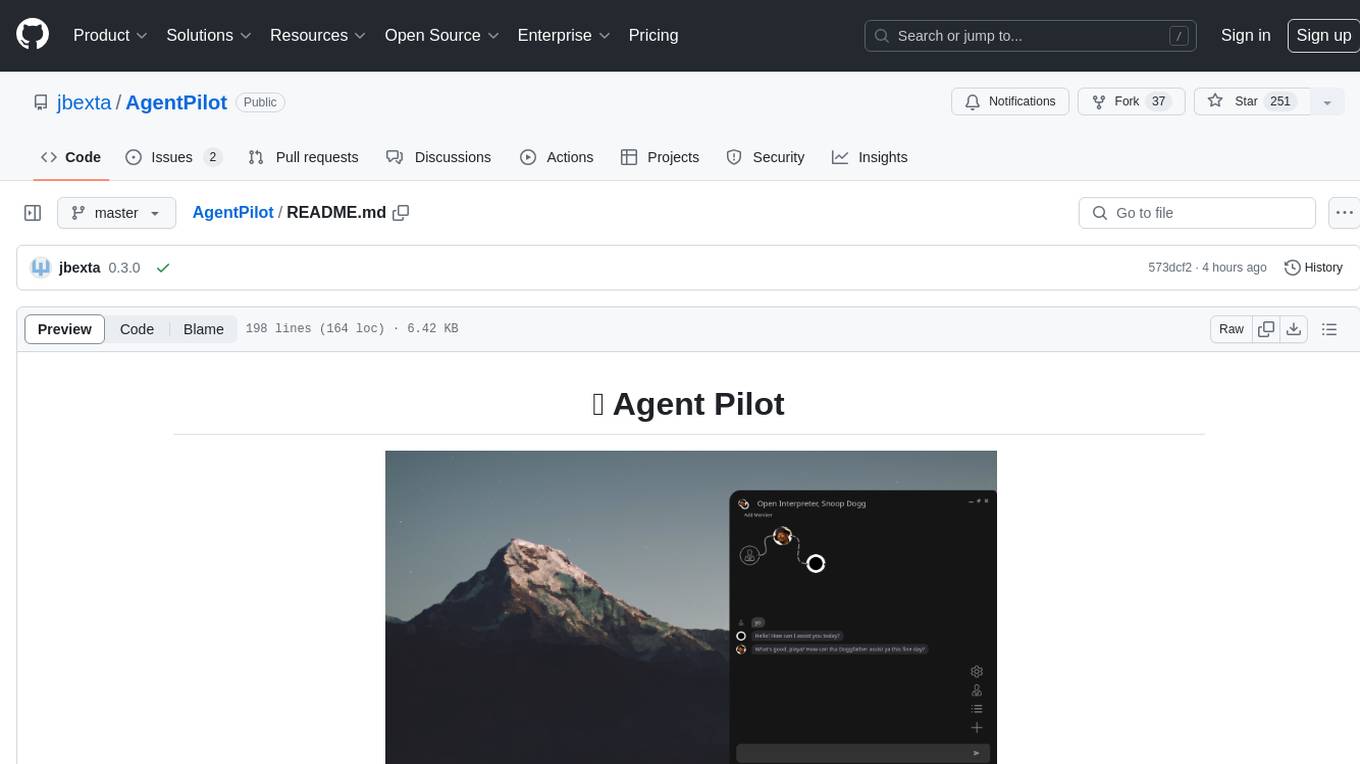
AgentPilot
Agent Pilot is an open source desktop app for creating, managing, and chatting with AI agents. It features multi-agent, branching chats with various providers through LiteLLM. Users can combine models from different providers, configure interactions, and run code using the built-in Open Interpreter. The tool allows users to create agents, manage chats, work with multi-agent workflows, branching workflows, context blocks, tools, and plugins. It also supports a code interpreter, scheduler, voice integration, and integration with various AI providers. Contributions to the project are welcome, and users can report known issues for improvement.
ZetaForge
ZetaForge is an open-source AI platform designed for rapid development of advanced AI and AGI pipelines. It allows users to assemble reusable, customizable, and containerized Blocks into highly visual AI Pipelines, enabling rapid experimentation and collaboration. With ZetaForge, users can work with AI technologies in any programming language, easily modify and update AI pipelines, dive into the code whenever needed, utilize community-driven blocks and pipelines, and share their own creations. The platform aims to accelerate the development and deployment of advanced AI solutions through its user-friendly interface and community support.
ai-dev-gallery
The AI Dev Gallery is an app designed to help Windows developers integrate AI capabilities within their own apps and projects. It contains over 25 interactive samples powered by local AI models, allows users to explore, download, and run models from Hugging Face and GitHub, and provides the ability to view the C# source code and export a standalone Visual Studio project for each sample. The app is open-source and welcomes contributions and suggestions from the community.
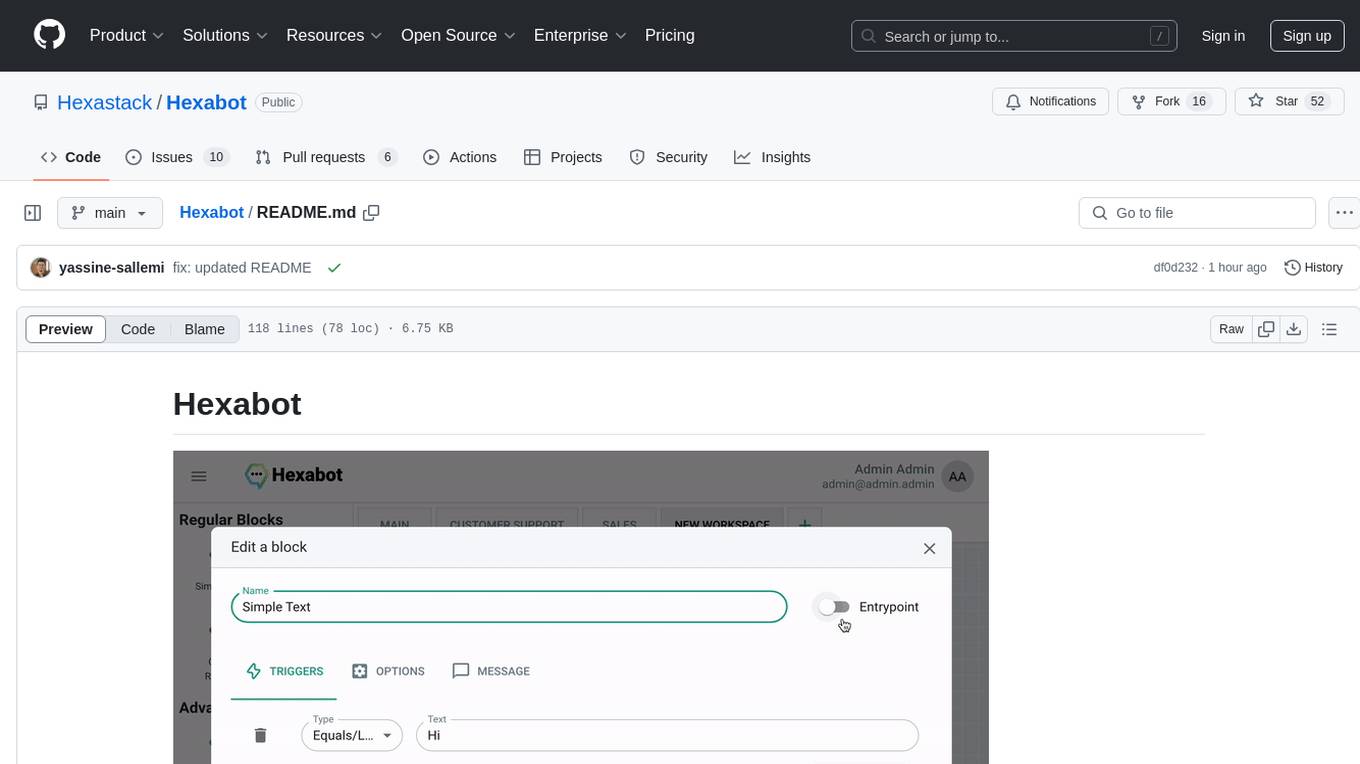
Hexabot
Hexabot Community Edition is an open-source chatbot solution designed for flexibility and customization, offering powerful text-to-action capabilities. It allows users to create and manage AI-powered, multi-channel, and multilingual chatbots with ease. The platform features an analytics dashboard, multi-channel support, visual editor, plugin system, NLP/NLU management, multi-lingual support, CMS integration, user roles & permissions, contextual data, subscribers & labels, and inbox & handover functionalities. The directory structure includes frontend, API, widget, NLU, and docker components. Prerequisites for running Hexabot include Docker and Node.js. The installation process involves cloning the repository, setting up the environment, and running the application. Users can access the UI admin panel and live chat widget for interaction. Various commands are available for managing the Docker services. Detailed documentation and contribution guidelines are provided for users interested in contributing to the project.
MagicMirror
MagicMirror is an AI-powered tool that allows users to instantly try on new faces, hairstyles, and outfits with a simple drag and drop interface. It runs smoothly on standard computers without the need for dedicated GPU hardware, ensuring privacy with completely offline processing. The tool is ultra-lightweight with a small installer size and model files, providing a fun and easy way to experiment with different looks.
Local-Multimodal-AI-Chat
Local Multimodal AI Chat is a multimodal chat application that integrates various AI models to manage audio, images, and PDFs seamlessly within a single interface. It offers local model processing with Ollama for data privacy, integration with OpenAI API for broader AI capabilities, audio chatting with Whisper AI for accurate voice interpretation, and PDF chatting with Chroma DB for efficient PDF interactions. The application is designed for AI enthusiasts and developers seeking a comprehensive solution for multimodal AI technologies.
CodeGPT
CodeGPT is an extension for JetBrains IDEs that provides access to state-of-the-art large language models (LLMs) for coding assistance. It offers a range of features to enhance the coding experience, including code completions, a ChatGPT-like interface for instant coding advice, commit message generation, reference file support, name suggestions, and offline development support. CodeGPT is designed to keep privacy in mind, ensuring that user data remains secure and private.
For similar tasks
OpenCAGE
OpenCAGE is an open-source modding toolkit for Alien: Isolation, enabling custom scripting, configuration, and content modification through graphical interfaces. It includes tools for editing assets, configurations, scripts, behaviour trees, launching the game, and managing backups. The project is constantly evolving with a roadmap that includes features like contextual script editing, content porter, new level creator, mod installers, 3D viewer improvements, navmesh generation, skinned meshes support, sound import/export, and more. OpenCAGE is supported financially by the community and welcomes code contributions.
DQN_WUKONG
DQN_WUKONG is a repository containing code for training an AI model to play a specific game. It provides instructions for setting up the environment using Conda or venv, as well as details on key files such as window.py, judge.py, restart.py, and main.py. The repository includes scripts for training the model and specific configurations for gameplay. It also references a BossRush V3 mod for repetitive training and acknowledges code contributions from other repositories like DQN_play_sekiro and pygta5. For a more general AI framework, users can refer to the GameAISDK repository.
For similar jobs

spear
SPEAR (Simulator for Photorealistic Embodied AI Research) is a powerful tool for training embodied agents. It features 300 unique virtual indoor environments with 2,566 unique rooms and 17,234 unique objects that can be manipulated individually. Each environment is designed by a professional artist and features detailed geometry, photorealistic materials, and a unique floor plan and object layout. SPEAR is implemented as Unreal Engine assets and provides an OpenAI Gym interface for interacting with the environments via Python.

Magick
Magick is a groundbreaking visual AIDE (Artificial Intelligence Development Environment) for no-code data pipelines and multimodal agents. Magick can connect to other services and comes with nodes and templates well-suited for intelligent agents, chatbots, complex reasoning systems and realistic characters.
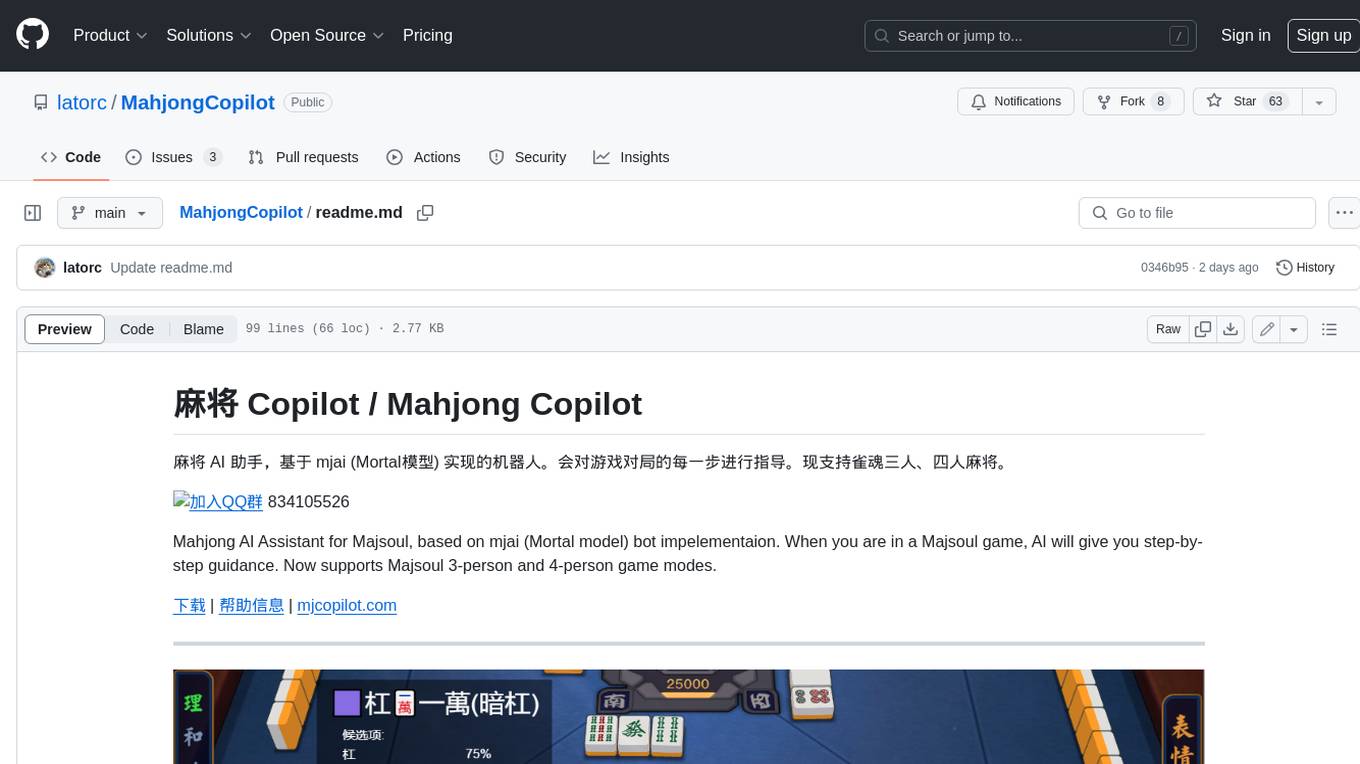
MahjongCopilot
Mahjong Copilot is an AI assistant for the game Mahjong, based on the mjai (Mortal model) bot implementation. It provides step-by-step guidance for each move in the game, and can also be used to automatically play and join games. Mahjong Copilot supports both 3-person and 4-person Mahjong games, and is available in multiple languages.
DotRecast
DotRecast is a C# port of Recast & Detour, a navigation library used in many AAA and indie games and engines. It provides automatic navmesh generation, fast turnaround times, detailed customization options, and is dependency-free. Recast Navigation is divided into multiple modules, each contained in its own folder: - DotRecast.Core: Core utils - DotRecast.Recast: Navmesh generation - DotRecast.Detour: Runtime loading of navmesh data, pathfinding, navmesh queries - DotRecast.Detour.TileCache: Navmesh streaming. Useful for large levels and open-world games - DotRecast.Detour.Crowd: Agent movement, collision avoidance, and crowd simulation - DotRecast.Detour.Dynamic: Robust support for dynamic nav meshes combining pre-built voxels with dynamic objects which can be freely added and removed - DotRecast.Detour.Extras: Simple tool to import navmeshes created with A* Pathfinding Project - DotRecast.Recast.Toolset: All modules - DotRecast.Recast.Demo: Standalone, comprehensive demo app showcasing all aspects of Recast & Detour's functionality - Tests: Unit tests Recast constructs a navmesh through a multi-step mesh rasterization process: 1. First Recast rasterizes the input triangle meshes into voxels. 2. Voxels in areas where agents would not be able to move are filtered and removed. 3. The walkable areas described by the voxel grid are then divided into sets of polygonal regions. 4. The navigation polygons are generated by re-triangulating the generated polygonal regions into a navmesh. You can use Recast to build a single navmesh, or a tiled navmesh. Single meshes are suitable for many simple, static cases and are easy to work with. Tiled navmeshes are more complex to work with but better support larger, more dynamic environments. Tiled meshes enable advanced Detour features like re-baking, hierarchical path-planning, and navmesh data-streaming.
better-genshin-impact
BetterGI is a project based on computer vision technology, which aims to make Genshin Impact better. It can automatically pick up items, skip dialogues, automatically select options, automatically submit items, close pop-up pages, etc. When talking to Katherine, it can automatically receive the "Daily Commission" rewards and automatically re-dispatch. When the automatic plot function is turned on, this function will take effect, and the invitation options will be automatically selected. AI recognizes automatic casting, automatically reels in when the fish is hooked, and automatically completes the fishing progress. Help you easily complete the Seven Saint Summoning character invitation, weekly visitor challenge and other PVE content. Automatically use the "King Tree Blessing" with the `Z` key, and use the principle of refreshing wood by going online and offline to hang up a backpack full of wood. Write combat scripts to let the team fight automatically according to your strategy. Fully automatic secret realm hangs up to restore physical strength, automatically enters the secret realm to open the key, fight, walk to the ancient tree and receive rewards. Click the teleportation point on the map, or if there is a teleportation point in the list that appears after clicking, it will automatically click the teleportation point and teleport. Set a shortcut key, and long press to continuously rotate the perspective horizontally (of course you can also use it to rotate the grass god). Quickly switch between "Details" and "Enhance" pages to skip the display of holy relic enhancement results and quickly +20. You can quickly purchase items in the store in full quantity, which is suitable for quickly clearing event redemptions,塵歌壺 store redemptions, etc.
Egaroucid
Egaroucid is one of the strongest Othello AI applications in the world. It is available as a GUI application for Windows, a console application for Windows, MacOS, and Linux, and a web application. Egaroucid is free to use and open source under the GPL 3.0 license. It is highly customizable and can be used for a variety of purposes, including playing Othello against a computer opponent, analyzing Othello games, and developing Othello AI algorithms.
emgucv
Emgu CV is a cross-platform .Net wrapper for the OpenCV image-processing library. It allows OpenCV functions to be called from .NET compatible languages. The wrapper can be compiled by Visual Studio, Unity, and "dotnet" command, and it can run on Windows, Mac OS, Linux, iOS, and Android.
ai-game-development-tools
Here we will keep track of the AI Game Development Tools, including LLM, Agent, Code, Writer, Image, Texture, Shader, 3D Model, Animation, Video, Audio, Music, Singing Voice and Analytics. 🔥 * Tool (AI LLM) * Game (Agent) * Code * Framework * Writer * Image * Texture * Shader * 3D Model * Avatar * Animation * Video * Audio * Music * Singing Voice * Speech * Analytics * Video Tool