


99
Neovim AI agent done right
Stars: 3536
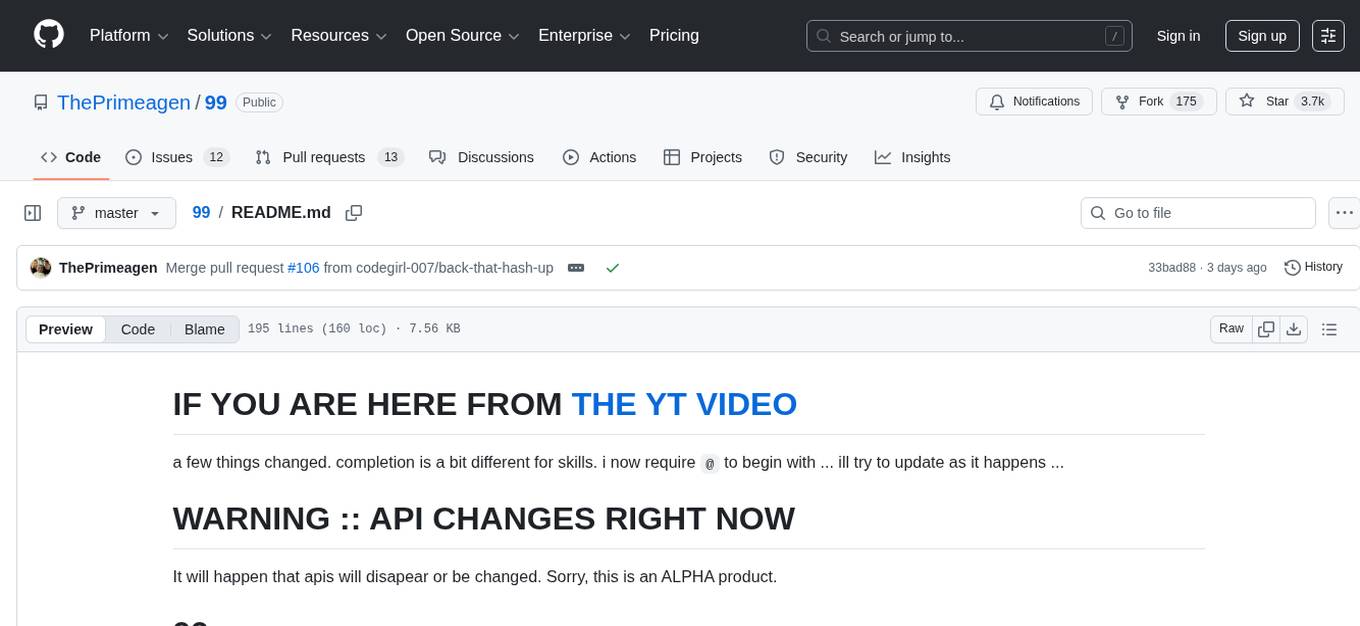
The AI client 99 is designed for Neovim users to streamline requests to AI and limit them to restricted areas. It supports visual, search, and debug functionalities. Users must have a supported AI CLI installed such as opencode, claude, or cursor-agent. The tool allows for configuration of completions, referencing rules and files to add context to requests. 99 supports multiple AI CLI backends and providers. Users can report bugs by providing full running debug logs and are advised not to request features directly. Known usability issues include long function definition problems, duplication of comment definitions in lua and jsdoc, visual selection sending the whole file, occasional issues with auto-complete, and potential errors with 'export function' prompts.
README:
IF YOU ARE HERE FROM THE YT VIDEO
a few things changed. completion is a bit different for skills. i now require @ to begin with
... ill try to update as it happens ...
It will happen that apis will disapear or be changed. Sorry, this is an ALPHA product.
The AI client that Neovim deserves, built by those that still enjoy to code.
- visual
- search (upcoming, not ready yet)
- debug (planned)
This is an example repo where i want to test what i think the ideal AI workflow is for people who dont have "skill issues." This is meant to streamline the requests to AI and limit them it restricted areas. For more general requests, please just use opencode. Dont use neovim.
- Prompts are temporary right now. they could be massively improved
- TS and Lua language support, open to more
- Still very alpha, could have severe problems
you must have a supported AI CLI installed (opencode, claude, or cursor-agent — see Providers below)
Add the following configuration to your neovim config
I make the assumption you are using Lazy
	{
		"ThePrimeagen/99",
		config = function()
			local _99 = require("99")

            -- For logging that is to a file if you wish to trace through requests
            -- for reporting bugs, i would not rely on this, but instead the provided
            -- logging mechanisms within 99.  This is for more debugging purposes
            local cwd = vim.uv.cwd()
            local basename = vim.fs.basename(cwd)
			_99.setup({
                -- provider = _99.ClaudeCodeProvider,  -- default: OpenCodeProvider
				logger = {
					level = _99.DEBUG,
					path = "/tmp/" .. basename .. ".99.debug",
					print_on_error = true,
				},

                --- Completions: #rules and @files in the prompt buffer
                completion = {
                    -- I am going to disable these until i understand the
                    -- problem better.  Inside of cursor rules there is also
                    -- application rules, which means i need to apply these
                    -- differently
                    -- cursor_rules = "<custom path to cursor rules>"

                    --- A list of folders where you have your own SKILL.md
                    --- Expected format:
                    --- /path/to/dir/<skill_name>/SKILL.md
                    ---
                    --- Example:
                    --- Input Path:
                    --- "scratch/custom_rules/"
                    ---
                    --- Output Rules:
                    --- {path = "scratch/custom_rules/vim/SKILL.md", name = "vim"},
                    --- ... the other rules in that dir ...
                    ---
                    custom_rules = {
                      "scratch/custom_rules/",
                    },

                    --- Configure @file completion (all fields optional, sensible defaults)
                    files = {
                        -- enabled = true,
                        -- max_file_size = 102400,     -- bytes, skip files larger than this
                        -- max_files = 5000,            -- cap on total discovered files
                        -- exclude = { ".env", ".env.*", "node_modules", ".git", ... },
                    },

                    --- What autocomplete do you use.  We currently only
                    --- support cmp right now
                    source = "cmp",
                },

                --- WARNING: if you change cwd then this is likely broken
                --- ill likely fix this in a later change
                ---
                --- md_files is a list of files to look for and auto add based on the location
                --- of the originating request.  That means if you are at /foo/bar/baz.lua
                --- the system will automagically look for:
                --- /foo/bar/AGENT.md
                --- /foo/AGENT.md
                --- assuming that /foo is project root (based on cwd)
				md_files = {
					"AGENT.md",
				},
			})

            -- take extra note that i have visual selection only in v mode
            -- technically whatever your last visual selection is, will be used
            -- so i have this set to visual mode so i dont screw up and use an
            -- old visual selection
            --
            -- likely ill add a mode check and assert on required visual mode
            -- so just prepare for it now
			vim.keymap.set("v", "<leader>9v", function()
				_99.visual()
			end)

            --- if you have a request you dont want to make any changes, just cancel it
			vim.keymap.set("v", "<leader>9s", function()
				_99.stop_all_requests()
			end)
		end,
},When prompting, you can reference rules and files to add context to your request.
-
#references rules — type#in the prompt to autocomplete rule files from your configured rule directories -
@references files — type@to fuzzy-search project files
Referenced content is automatically resolved and injected into the AI context. Requires cmp (source = "cmp" in your completion config).
99 supports multiple AI CLI backends. Set provider in your setup to switch. If you don't set model, the provider's default is used.
| Provider | CLI tool | Default model |
|---|---|---|
OpenCodeProvider (default) |
opencode |
opencode/claude-sonnet-4-5 |
ClaudeCodeProvider |
claude |
claude-sonnet-4-5 |
CursorAgentProvider |
cursor-agent |
sonnet-4.5 |
_99.setup({
    provider = _99.ClaudeCodeProvider,
    -- model is optional, overrides the provider's default
    model = "claude-sonnet-4-5",
})You can see the full api at 99 API
To report a bug, please provide the full running debug logs. This may require a bit of back and forth.
Please do not request features. We will hold a public discussion on Twitch about features, which will be a much better jumping point then a bunch of requests that i have to close down. If you do make a feature request ill just shut it down instantly.
To get the last run's logs execute :lua require("99").view_logs(). If this happens to not be the log, you can navigate the logs with:
function _99.prev_request_logs() ... end
function _99.next_request_logs() ... endIf there are secrets or other information in the logs you want to be removed make sure that you delete the query printing. This will likely contain information you may not want to share.
- long function definition issues.
function display_text(
  game_state: GameState,
  text: string,
  x: number,
  y: number,
): void {
  const ctx = game_state.canvas.getContext("2d");
  assert(ctx, "cannot get game context");
  ctx.fillStyle = "white";
  ctx.fillText(text, x, y);
}
Then the virtual text will be displayed one line below "function" instead of first line in body
-
in lua and likely jsdoc, the replacing function will duplicate comment definitions
- this wont happen in languages with types in the syntax
-
visual selection sends the whole file. there is likely a better way to use treesitter to make the selection of the content being sent more sensible.
-
every now and then the replacement seems to get jacked up and it screws up what i am currently editing.. I think it may have something to do with auto-complete
- definitely not suure on this one
-
export function ... sometimes gets export as well. I think the prompt could help prevent this
For Tasks:
Click tags to check more tools for each tasksFor Jobs:
Alternative AI tools for 99
Similar Open Source Tools
99
The AI client 99 is designed for Neovim users to streamline requests to AI and limit them to restricted areas. It supports visual, search, and debug functionalities. Users must have a supported AI CLI installed such as opencode, claude, or cursor-agent. The tool allows for configuration of completions, referencing rules and files to add context to requests. 99 supports multiple AI CLI backends and providers. Users can report bugs by providing full running debug logs and are advised not to request features directly. Known usability issues include long function definition problems, duplication of comment definitions in lua and jsdoc, visual selection sending the whole file, occasional issues with auto-complete, and potential errors with 'export function' prompts.
node_characterai
Node.js client for the unofficial Character AI API, an awesome website which brings characters to life with AI! This repository is inspired by RichardDorian's unofficial node API. Though, I found it hard to use and it was not really stable and archived. So I remade it in javascript. This project is not affiliated with Character AI in any way! It is a community project. The purpose of this project is to bring and build projects powered by Character AI. If you like this project, please check their website.
aiorun
aiorun is a Python package that provides a `run()` function as the starting point of your `asyncio`-based application. The `run()` function handles everything needed during the shutdown sequence of the application, such as creating a `Task` for the given coroutine, running the event loop, adding signal handlers for `SIGINT` and `SIGTERM`, cancelling tasks, waiting for the executor to complete shutdown, and closing the loop. It automates standard actions for asyncio apps, eliminating the need to write boilerplate code. The package also offers error handling options and tools for specific scenarios like TCP server startup and smart shield for shutdown.
openai-cf-workers-ai
OpenAI for Workers AI is a simple, quick, and dirty implementation of OpenAI's API on Cloudflare's new Workers AI platform. It allows developers to use the OpenAI SDKs with the new LLMs without having to rewrite all of their code. The API currently supports completions, chat completions, audio transcription, embeddings, audio translation, and image generation. It is not production ready but will be semi-regularly updated with new features as they roll out to Workers AI.
kwaak
Kwaak is a tool that allows users to run a team of autonomous AI agents locally from their own machine. It enables users to write code, improve test coverage, update documentation, and enhance code quality while focusing on building innovative projects. Kwaak is designed to run multiple agents in parallel, interact with codebases, answer questions about code, find examples, write and execute code, create pull requests, and more. It is free and open-source, allowing users to bring their own API keys or models via Ollama. Kwaak is part of the bosun.ai project, aiming to be a platform for autonomous code improvement.
1backend
1Backend is a flexible and scalable platform designed for running AI models on private servers and handling high-concurrency workloads. It provides a ChatGPT-like interface for users and a network-accessible API for machines, serving as a general-purpose backend framework. The platform offers on-premise ChatGPT alternatives, a microservices-first web framework, out-of-the-box services like file uploads and user management, infrastructure simplification acting as a container orchestrator, reverse proxy, multi-database support with its own ORM, and AI integration with platforms like LlamaCpp and StableDiffusion.
json_repair
This simple package can be used to fix an invalid json string. To know all cases in which this package will work, check out the unit test. Inspired by https://github.com/josdejong/jsonrepair Motivation Some LLMs are a bit iffy when it comes to returning well formed JSON data, sometimes they skip a parentheses and sometimes they add some words in it, because that's what an LLM does. Luckily, the mistakes LLMs make are simple enough to be fixed without destroying the content. I searched for a lightweight python package that was able to reliably fix this problem but couldn't find any. So I wrote one How to use from json_repair import repair_json good_json_string = repair_json(bad_json_string) # If the string was super broken this will return an empty string You can use this library to completely replace `json.loads()`: import json_repair decoded_object = json_repair.loads(json_string) or just import json_repair decoded_object = json_repair.repair_json(json_string, return_objects=True) Read json from a file or file descriptor JSON repair provides also a drop-in replacement for `json.load()`: import json_repair try: file_descriptor = open(fname, 'rb') except OSError: ... with file_descriptor: decoded_object = json_repair.load(file_descriptor) and another method to read from a file: import json_repair try: decoded_object = json_repair.from_file(json_file) except OSError: ... except IOError: ... Keep in mind that the library will not catch any IO-related exception and those will need to be managed by you Performance considerations If you find this library too slow because is using `json.loads()` you can skip that by passing `skip_json_loads=True` to `repair_json`. Like: from json_repair import repair_json good_json_string = repair_json(bad_json_string, skip_json_loads=True) I made a choice of not using any fast json library to avoid having any external dependency, so that anybody can use it regardless of their stack. Some rules of thumb to use: - Setting `return_objects=True` will always be faster because the parser returns an object already and it doesn't have serialize that object to JSON - `skip_json_loads` is faster only if you 100% know that the string is not a valid JSON - If you are having issues with escaping pass the string as **raw** string like: `r"string with escaping\"" Adding to requirements Please pin this library only on the major version! We use TDD and strict semantic versioning, there will be frequent updates and no breaking changes in minor and patch versions. To ensure that you only pin the major version of this library in your `requirements.txt`, specify the package name followed by the major version and a wildcard for minor and patch versions. For example: json_repair==0.* In this example, any version that starts with `0.` will be acceptable, allowing for updates on minor and patch versions. How it works This module will parse the JSON file following the BNF definition:
Bard-API
The Bard API is a Python package that returns responses from Google Bard through the value of a cookie. It is an unofficial API that operates through reverse-engineering, utilizing cookie values to interact with Google Bard for users struggling with frequent authentication problems or unable to authenticate via Google Authentication. The Bard API is not a free service, but rather a tool provided to assist developers with testing certain functionalities due to the delayed development and release of Google Bard's API. It has been designed with a lightweight structure that can easily adapt to the emergence of an official API. Therefore, using it for any other purposes is strongly discouraged. If you have access to a reliable official PaLM-2 API or Google Generative AI API, replace the provided response with the corresponding official code. Check out https://github.com/dsdanielpark/Bard-API/issues/262.
openorch
OpenOrch is a daemon that transforms servers into a powerful development environment, running AI models, containers, and microservices. It serves as a blend of Kubernetes and a language-agnostic backend framework for building applications on fixed-resource setups. Users can deploy AI models and build microservices, managing applications while retaining control over infrastructure and data.
baml
BAML is a config file format for declaring LLM functions that you can then use in TypeScript or Python. With BAML you can Classify or Extract any structured data using Anthropic, OpenAI or local models (using Ollama) ## Resources  [Discord Community](https://discord.gg/boundaryml)  [Follow us on Twitter](https://twitter.com/boundaryml) * Discord Office Hours - Come ask us anything! We hold office hours most days (9am - 12pm PST). * Documentation - Learn BAML * Documentation - BAML Syntax Reference * Documentation - Prompt engineering tips * Boundary Studio - Observability and more #### Starter projects * BAML + NextJS 14 * BAML + FastAPI + Streaming ## Motivation Calling LLMs in your code is frustrating: * your code uses types everywhere: classes, enums, and arrays * but LLMs speak English, not types BAML makes calling LLMs easy by taking a type-first approach that lives fully in your codebase: 1. Define what your LLM output type is in a .baml file, with rich syntax to describe any field (even enum values) 2. Declare your prompt in the .baml config using those types 3. Add additional LLM config like retries or redundancy 4. Transpile the .baml files to a callable Python or TS function with a type-safe interface. (VSCode extension does this for you automatically). We were inspired by similar patterns for type safety: protobuf and OpenAPI for RPCs, Prisma and SQLAlchemy for databases. BAML guarantees type safety for LLMs and comes with tools to give you a great developer experience:  Jump to BAML code or how Flexible Parsing works without additional LLM calls. | BAML Tooling | Capabilities | | ----------------------------------------------------------------------------------------- | ---------------------------------------------------------------------------------------------------------------------------------------------------------------------------------------------------------------------------------------------------------------------------------------------------------------------------------- | | BAML Compiler install | Transpiles BAML code to a native Python / Typescript library (you only need it for development, never for releases) Works on Mac, Windows, Linux  | | VSCode Extension install | Syntax highlighting for BAML files Real-time prompt preview Testing UI | | Boundary Studio open (not open source) | Type-safe observability Labeling |
OpenAI-sublime-text
The OpenAI Completion plugin for Sublime Text provides first-class code assistant support within the editor. It utilizes LLM models to manipulate code, engage in chat mode, and perform various tasks. The plugin supports OpenAI, llama.cpp, and ollama models, allowing users to customize their AI assistant experience. It offers separated chat histories and assistant settings for different projects, enabling context-specific interactions. Additionally, the plugin supports Markdown syntax with code language syntax highlighting, server-side streaming for faster response times, and proxy support for secure connections. Users can configure the plugin's settings to set their OpenAI API key, adjust assistant modes, and manage chat history. Overall, the OpenAI Completion plugin enhances the Sublime Text editor with powerful AI capabilities, streamlining coding workflows and fostering collaboration with AI assistants.
bia-bob
BIA `bob` is a Jupyter-based assistant for interacting with data using large language models to generate Python code. It can utilize OpenAI's chatGPT, Google's Gemini, Helmholtz' blablador, and Ollama. Users need respective accounts to access these services. Bob can assist in code generation, bug fixing, code documentation, GPU-acceleration, and offers a no-code custom Jupyter Kernel. It provides example notebooks for various tasks like bio-image analysis, model selection, and bug fixing. Installation is recommended via conda/mamba environment. Custom endpoints like blablador and ollama can be used. Google Cloud AI API integration is also supported. The tool is extensible for Python libraries to enhance Bob's functionality.
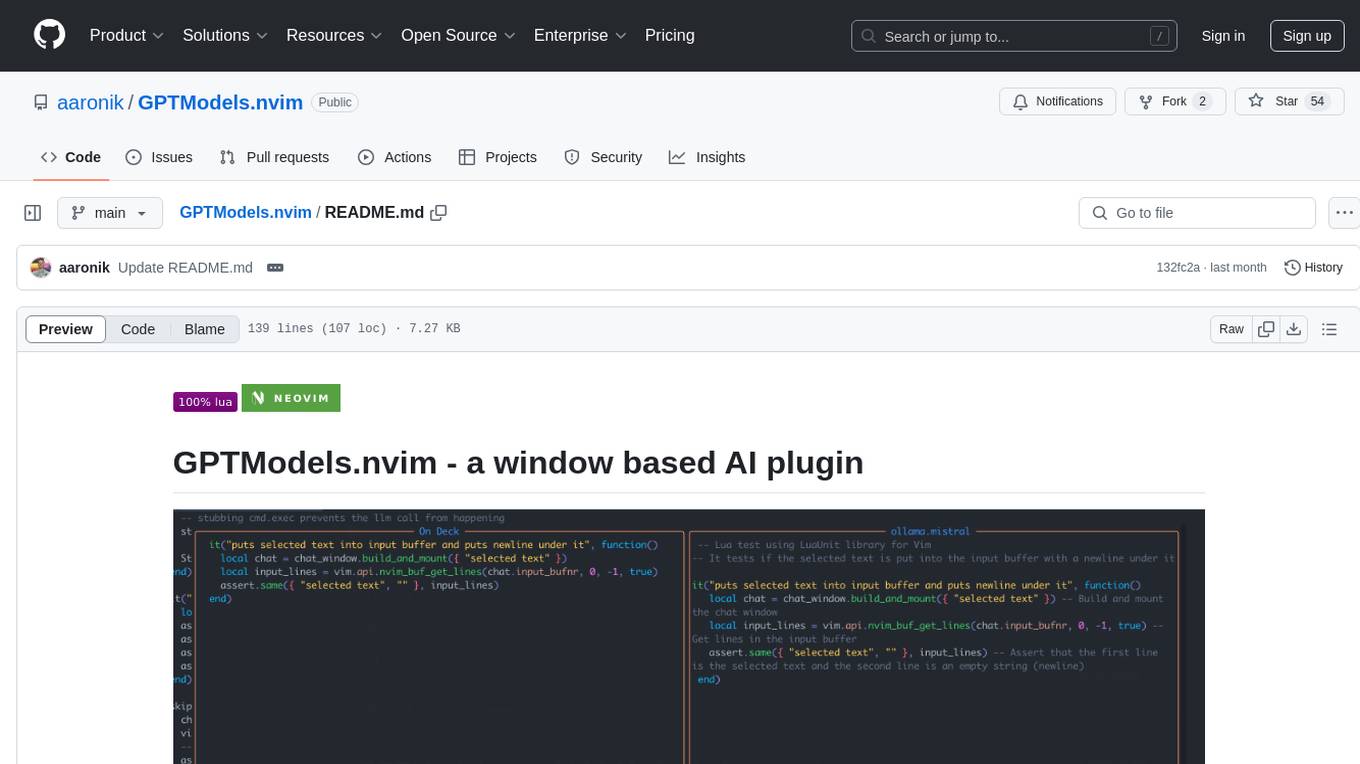
GPTModels.nvim
GPTModels.nvim is a window-based AI plugin for Neovim that enhances workflow with AI LLMs. It provides two popup windows for chat and code editing, focusing on stability and user experience. The plugin supports OpenAI and Ollama, includes LSP diagnostics, file inclusion, background processing, request cancellation, selection inclusion, and filetype inclusion. Developed with stability in mind, the plugin offers a seamless user experience with various features to streamline AI integration in Neovim.

reader
Reader is a tool that converts any URL to an LLM-friendly input with a simple prefix `https://r.jina.ai/`. It improves the output for your agent and RAG systems at no cost. Reader supports image reading, captioning all images at the specified URL and adding `Image [idx]: [caption]` as an alt tag. This enables downstream LLMs to interact with the images in reasoning, summarizing, etc. Reader offers a streaming mode, useful when the standard mode provides an incomplete result. In streaming mode, Reader waits a bit longer until the page is fully rendered, providing more complete information. Reader also supports a JSON mode, which contains three fields: `url`, `title`, and `content`. Reader is backed by Jina AI and licensed under Apache-2.0.
nobodywho
NobodyWho is a plugin for the Godot game engine that enables interaction with local LLMs for interactive storytelling. Users can install it from Godot editor or GitHub releases page, providing their own LLM in GGUF format. The plugin consists of `NobodyWhoModel` node for model file, `NobodyWhoChat` node for chat interaction, and `NobodyWhoEmbedding` node for generating embeddings. It offers a programming interface for sending text to LLM, receiving responses, and starting the LLM worker.
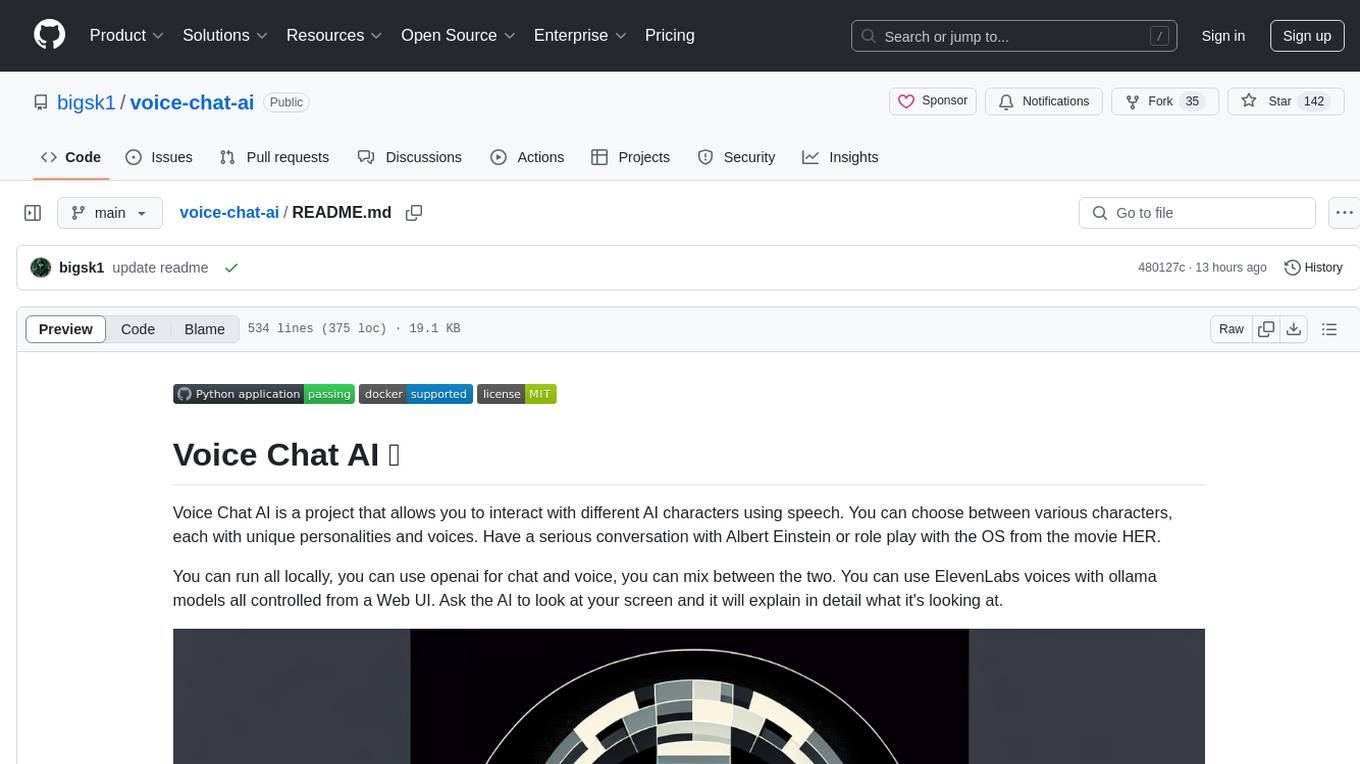
voice-chat-ai
Voice Chat AI is a project that allows users to interact with different AI characters using speech. Users can choose from various characters with unique personalities and voices, and have conversations or role play with them. The project supports OpenAI, xAI, or Ollama language models for chat, and provides text-to-speech synthesis using XTTS, OpenAI TTS, or ElevenLabs. Users can seamlessly integrate visual context into conversations by having the AI analyze their screen. The project offers easy configuration through environment variables and can be run via WebUI or Terminal. It also includes a huge selection of built-in characters for engaging conversations.
For similar tasks
99
The AI client 99 is designed for Neovim users to streamline requests to AI and limit them to restricted areas. It supports visual, search, and debug functionalities. Users must have a supported AI CLI installed such as opencode, claude, or cursor-agent. The tool allows for configuration of completions, referencing rules and files to add context to requests. 99 supports multiple AI CLI backends and providers. Users can report bugs by providing full running debug logs and are advised not to request features directly. Known usability issues include long function definition problems, duplication of comment definitions in lua and jsdoc, visual selection sending the whole file, occasional issues with auto-complete, and potential errors with 'export function' prompts.
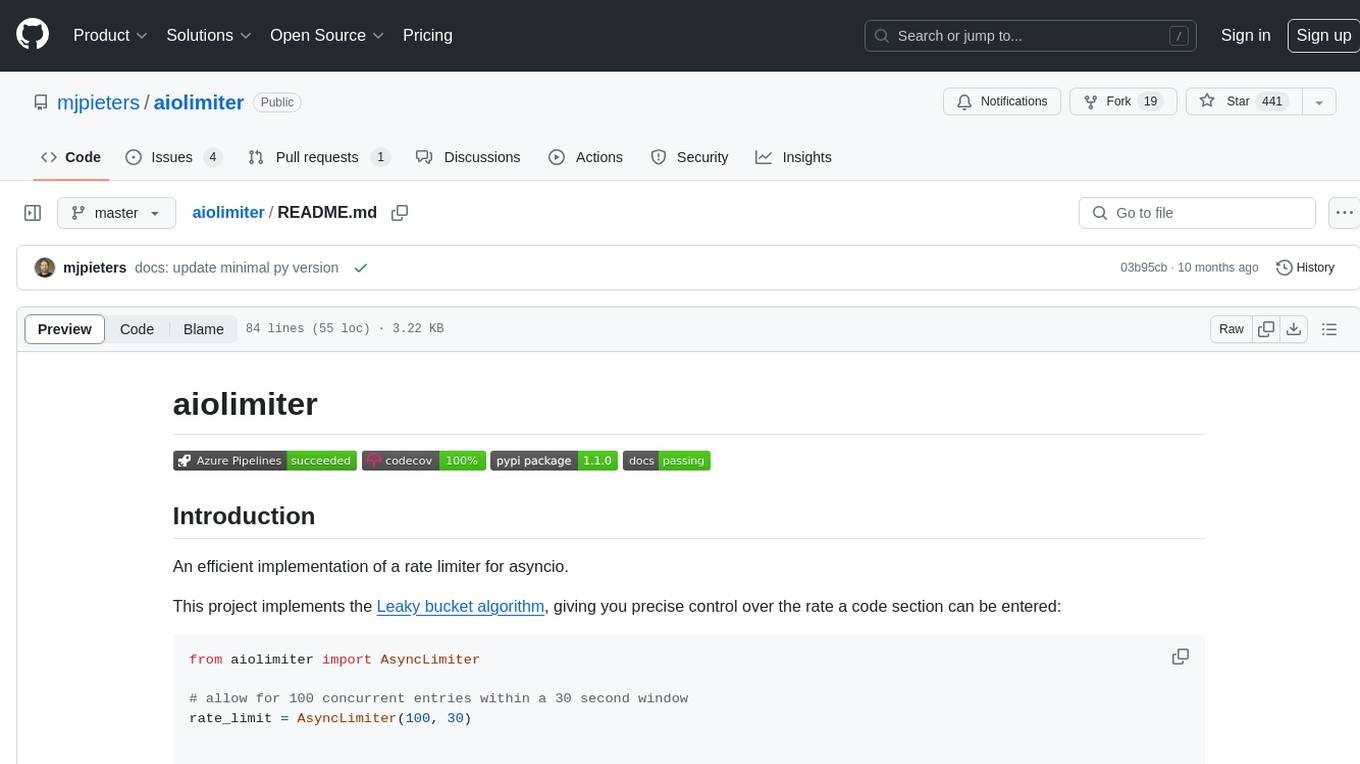
aiolimiter
An efficient implementation of a rate limiter for asyncio using the Leaky bucket algorithm, providing precise control over the rate a code section can be entered. It allows for limiting the number of concurrent entries within a specified time window, ensuring that a section of code is executed a maximum number of times in that period.
OpenDevin
OpenDevin is an open-source project aiming to replicate Devin, an autonomous AI software engineer capable of executing complex engineering tasks and collaborating actively with users on software development projects. The project aspires to enhance and innovate upon Devin through the power of the open-source community. Users can contribute to the project by developing core functionalities, frontend interface, or sandboxing solutions, participating in research and evaluation of LLMs in software engineering, and providing feedback and testing on the OpenDevin toolset.
novel
Novel is an open-source Notion-style WYSIWYG editor with AI-powered autocompletions. It allows users to easily create and edit content with the help of AI suggestions. The tool is built on a modern tech stack and supports cross-framework development. Users can deploy their own version of Novel to Vercel with one click and contribute to the project by reporting bugs or making feature enhancements through pull requests.
core
OpenSumi is a framework designed to help users quickly build AI Native IDE products. It provides a set of tools and templates for creating Cloud IDEs, Desktop IDEs based on Electron, CodeBlitz web IDE Framework, Lite Web IDE on the Browser, and Mini-App liked IDE. The framework also offers documentation for users to refer to and a detailed guide on contributing to the project. OpenSumi encourages contributions from the community and provides a platform for users to report bugs, contribute code, or improve documentation. The project is licensed under the MIT license and contains third-party code under other open source licenses.
openkore
OpenKore is a custom client and intelligent automated assistant for Ragnarok Online. It is a free, open source, and cross-platform program (Linux, Windows, and MacOS are supported). To run OpenKore, you need to download and extract it or clone the repository using Git. Configure OpenKore according to the documentation and run openkore.pl to start. The tool provides a FAQ section for troubleshooting, guidelines for reporting issues, and information about botting status on official servers. OpenKore is developed by a global team, and contributions are welcome through pull requests. Various community resources are available for support and communication. Users are advised to comply with the GNU General Public License when using and distributing the software.
Model-References
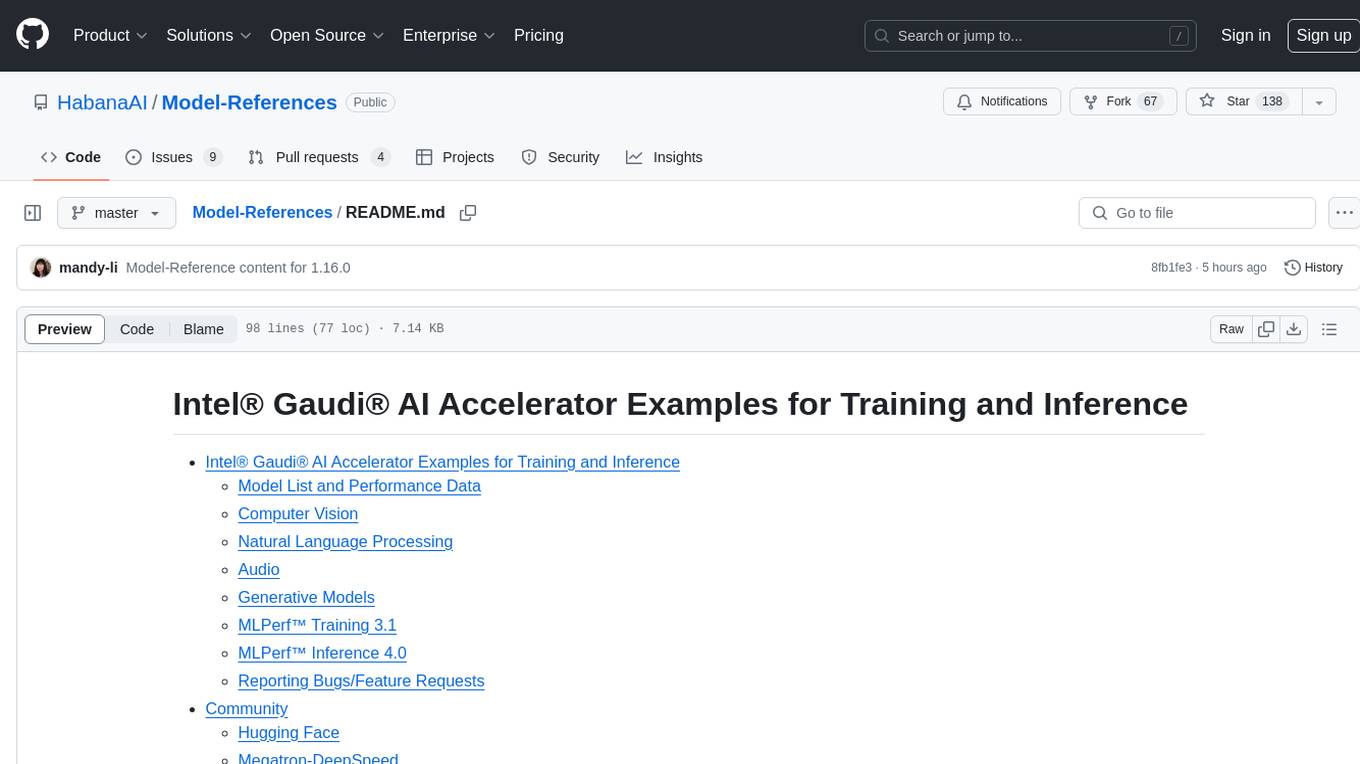
The 'Model-References' repository contains examples for training and inference using Intel Gaudi AI Accelerator. It includes models for computer vision, natural language processing, audio, generative models, MLPerf™ training, and MLPerf™ inference. The repository provides performance data and model validation information for various frameworks like PyTorch. Users can find examples of popular models like ResNet, BERT, and Stable Diffusion optimized for Intel Gaudi AI accelerator.
ollama4j-web-ui
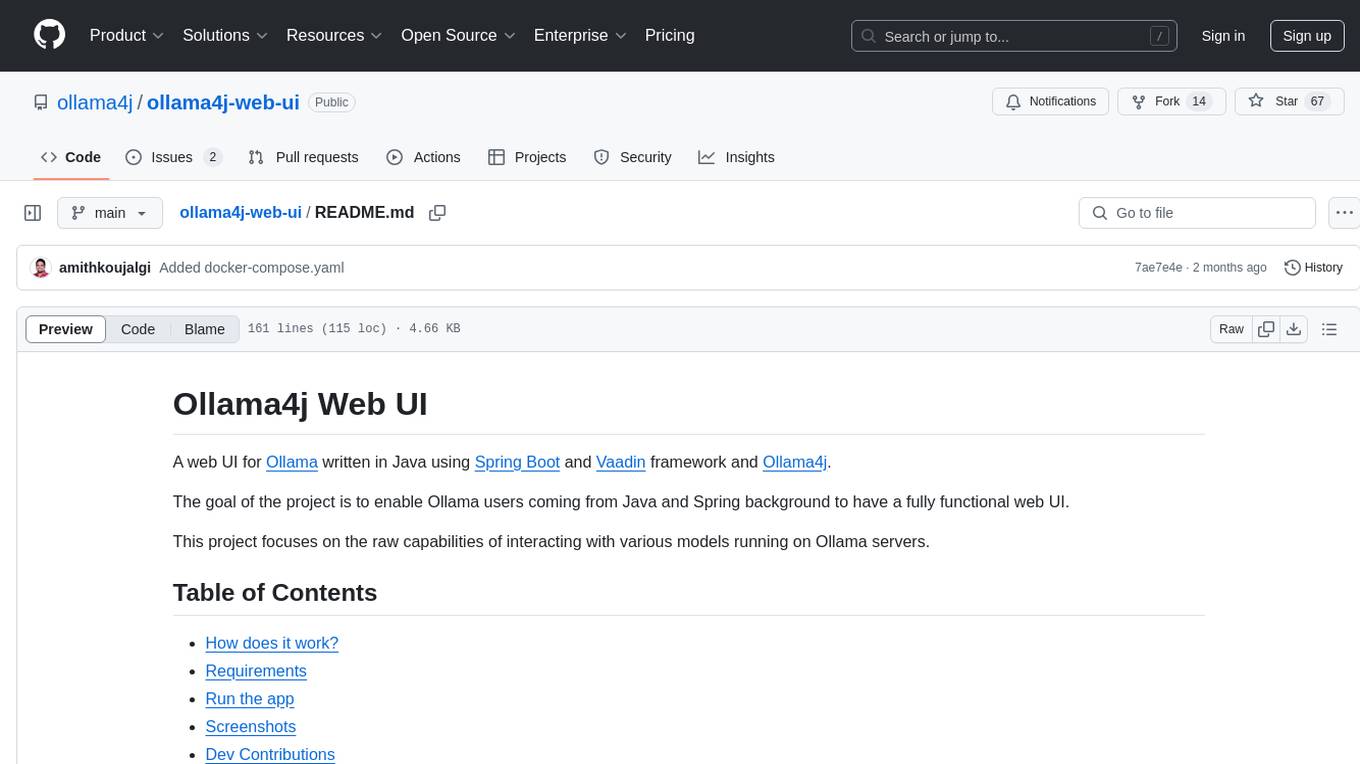
Ollama4j Web UI is a Java-based web interface built using Spring Boot and Vaadin framework for Ollama users with Java and Spring background. It allows users to interact with various models running on Ollama servers, providing a fully functional web UI experience. The project offers multiple ways to run the application, including via Docker, Docker Compose, or as a standalone JAR. Users can configure the environment variables and access the web UI through a browser. The project also includes features for error handling on the UI and settings pane for customizing default parameters.
For similar jobs

sweep
Sweep is an AI junior developer that turns bugs and feature requests into code changes. It automatically handles developer experience improvements like adding type hints and improving test coverage.

teams-ai
The Teams AI Library is a software development kit (SDK) that helps developers create bots that can interact with Teams and Microsoft 365 applications. It is built on top of the Bot Framework SDK and simplifies the process of developing bots that interact with Teams' artificial intelligence capabilities. The SDK is available for JavaScript/TypeScript, .NET, and Python.

ai-guide
This guide is dedicated to Large Language Models (LLMs) that you can run on your home computer. It assumes your PC is a lower-end, non-gaming setup.

classifai
Supercharge WordPress Content Workflows and Engagement with Artificial Intelligence. Tap into leading cloud-based services like OpenAI, Microsoft Azure AI, Google Gemini and IBM Watson to augment your WordPress-powered websites. Publish content faster while improving SEO performance and increasing audience engagement. ClassifAI integrates Artificial Intelligence and Machine Learning technologies to lighten your workload and eliminate tedious tasks, giving you more time to create original content that matters.

chatbot-ui
Chatbot UI is an open-source AI chat app that allows users to create and deploy their own AI chatbots. It is easy to use and can be customized to fit any need. Chatbot UI is perfect for businesses, developers, and anyone who wants to create a chatbot.

BricksLLM
BricksLLM is a cloud native AI gateway written in Go. Currently, it provides native support for OpenAI, Anthropic, Azure OpenAI and vLLM. BricksLLM aims to provide enterprise level infrastructure that can power any LLM production use cases. Here are some use cases for BricksLLM: * Set LLM usage limits for users on different pricing tiers * Track LLM usage on a per user and per organization basis * Block or redact requests containing PIIs * Improve LLM reliability with failovers, retries and caching * Distribute API keys with rate limits and cost limits for internal development/production use cases * Distribute API keys with rate limits and cost limits for students

uAgents
uAgents is a Python library developed by Fetch.ai that allows for the creation of autonomous AI agents. These agents can perform various tasks on a schedule or take action on various events. uAgents are easy to create and manage, and they are connected to a fast-growing network of other uAgents. They are also secure, with cryptographically secured messages and wallets.

griptape
Griptape is a modular Python framework for building AI-powered applications that securely connect to your enterprise data and APIs. It offers developers the ability to maintain control and flexibility at every step. Griptape's core components include Structures (Agents, Pipelines, and Workflows), Tasks, Tools, Memory (Conversation Memory, Task Memory, and Meta Memory), Drivers (Prompt and Embedding Drivers, Vector Store Drivers, Image Generation Drivers, Image Query Drivers, SQL Drivers, Web Scraper Drivers, and Conversation Memory Drivers), Engines (Query Engines, Extraction Engines, Summary Engines, Image Generation Engines, and Image Query Engines), and additional components (Rulesets, Loaders, Artifacts, Chunkers, and Tokenizers). Griptape enables developers to create AI-powered applications with ease and efficiency.