


openorch
Build AI products faster. A language-agnostic microservices platform for building AI applications.
Stars: 186
OpenOrch is a daemon that transforms servers into a powerful development environment, running AI models, containers, and microservices. It serves as a blend of Kubernetes and a language-agnostic backend framework for building applications on fixed-resource setups. Users can deploy AI models and build microservices, managing applications while retaining control over infrastructure and data.
README:


OpenOrch was initially created to solve the challenge of running AI models on private servers, handling many concurrent prompts from both users and services. The goal was to build a ChatGPT-like interface for humans and a network-accessible API for machines.
As the system grew, the authors—despite 10+ years of building both closed and open-source microservices platforms—realized there was still no backend framework that met their needs. So, OpenOrch evolved into the flexible, scalable microservices platform they had been searching for.
- On-premise ChatGPT alternative – Run your AI models locally through a UI, CLI or API.
- A "microservices-first" web framework – Think of it like Angular for the backend, built for large, scalable enterprise codebases.
- Out-of-the-box services – Includes built-in file uploads, downloads, user management, and more.
- Infrastructure simplification – Acts as a container orchestrator, reverse proxy, and more.
- Multi-database support – Comes with its own built-in ORM.
- AI integration – Works with LlamaCpp, StableDiffusion, and other AI platforms.
Easiest way to run OpenOrch is with Docker. Install Docker if you don't have it. Step into repo root and:
docker compose upto run the platform in foreground. It stops running if you Ctrl+C it. If you want to run it in the background:
docker compose up -dNow that the OpenOrch is running you have a few options to interact with it.
You can go to http://127.0.0.1:3901 and log in with username openorch and password changeme and start using it just like you would use ChatGPT.
Click on the big "AI" button and download a model first. Don't worry, this model will be persisted across restarts (see volumes in the docker-compose.yaml).
For brevity the below example assumes you went to the UI and downloaded a model already. (That could also be done in code with the clients but then the code snippet would be longer).
Let's do a sync prompting in JS. In your project run
npm init -y && jq '. + { "type": "module" }' package.json > temp.json && mv temp.json package.json
npm i -s @openorch/client
Make sure your package.json contains "type": "module", put the following snippet into index.js
import { UserSvcApi, PromptSvcApi, Configuration } from "@openorch/client";

async function testDrive() {
  let userService = new UserSvcApi();
  let loginResponse = await userService.login({
    body: {
      slug: "openorch",
      password: "changeme",
    },
  });

  const promptSvc = new PromptSvcApi(
    new Configuration({
      apiKey: loginResponse.token?.token,
    })
  );

  // Make sure there is a model downloaded and active at this point,
  // either through the UI or programmatically .

  let promptRsp = await promptSvc.prompt({
    body: {
      sync: true,
      prompt: "Is a cat an animal? Just answer with yes or no please.",
    },
  });

  console.log(promptRsp);
}

testDrive();
and run
$ node index.js
{
  prompt: {
    createdAt: '2025-02-03T16:53:09.883792389Z',
    id: 'prom_emaAv7SlM2',
    prompt: 'Is a cat an animal? Just answer with yes or no please.',
    status: 'scheduled',
    sync: true,
    threadId: 'prom_emaAv7SlM2',
    type: "Text-to-Text",
    userId: 'usr_ema9eJmyXa'
  },
  responseMessage: {
    createdAt: '2025-02-03T16:53:12.128062235Z',
    id: 'msg_emaAzDnLtq',
    text: '\n' +
      'I think the question is asking about dogs, so we should use "Dogs are animals". But what about cats?',
    threadId: 'prom_emaAv7SlM2'
  }
}
Depending on your system it might take a while for the AI to respond. In case it takes long check the backend logs if it's processing, you should see something like this:
openorch-backend-1   | {"time":"2024-11-27T17:27:14.602762664Z","level":"DEBUG","msg":"LLM is streaming","promptId":"prom_e3SA9bJV5u","responsesPerSecond":1,"totalResponses":1}
openorch-backend-1 | {"time":"2024-11-27T17:27:15.602328634Z","level":"DEBUG","msg":"LLM is streaming","promptId":"prom_e3SA9bJV5u","responsesPerSecond":4,"totalResponses":9}Install oo to get started (at the moment you need Go to install it):
go install github.com/openorch/openorch/cli/oo@latest$ oo env add local http://127.0.0.1:58231
$ oo env ls
ENV NAME SELECTED URL DESCRIPTION
local * http://127.0.0.1:58231$ oo login openorch changeme
$ oo whoami
slug: openorch
id: usr_e9WSQYiJc9
roles:
- user-svc:admin$ oo post /prompt-svc/prompt --sync=true --prompt="Is a cat an animal? Just answer with yes or no please."
# see example response above...OpenOrch is a microservices-based AI platform, the seeds of which began taking shape in 2013 while I was at Hailo, an Uber competitor. The idea stuck with me and kept evolving over the years – including during my time at Micro, a microservices platform company. I assumed someone else would eventually build it, but with the AI boom and the wave of AI apps we’re rolling out, I’ve realized it’s time to build it myself.
See the Running the daemon page to help you get started.
For articles about the built-in services see the Built-in services page. For comprehensive API docs see the OpenOrch API page.
We have temporarily discontinued the distribution of the desktop version. Please refer to this page for alternative methods to run the software.
OpenOrch is licensed under AGPL-3.0.
For Tasks:
Click tags to check more tools for each tasksFor Jobs:
Alternative AI tools for openorch
Similar Open Source Tools
openorch
OpenOrch is a daemon that transforms servers into a powerful development environment, running AI models, containers, and microservices. It serves as a blend of Kubernetes and a language-agnostic backend framework for building applications on fixed-resource setups. Users can deploy AI models and build microservices, managing applications while retaining control over infrastructure and data.
1backend
1Backend is a flexible and scalable platform designed for running AI models on private servers and handling high-concurrency workloads. It provides a ChatGPT-like interface for users and a network-accessible API for machines, serving as a general-purpose backend framework. The platform offers on-premise ChatGPT alternatives, a microservices-first web framework, out-of-the-box services like file uploads and user management, infrastructure simplification acting as a container orchestrator, reverse proxy, multi-database support with its own ORM, and AI integration with platforms like LlamaCpp and StableDiffusion.
web-llm
WebLLM is a modular and customizable javascript package that directly brings language model chats directly onto web browsers with hardware acceleration. Everything runs inside the browser with no server support and is accelerated with WebGPU. WebLLM is fully compatible with OpenAI API. That is, you can use the same OpenAI API on any open source models locally, with functionalities including json-mode, function-calling, streaming, etc. We can bring a lot of fun opportunities to build AI assistants for everyone and enable privacy while enjoying GPU acceleration.
otto-m8
otto-m8 is a flowchart based automation platform designed to run deep learning workloads with minimal to no code. It provides a user-friendly interface to spin up a wide range of AI models, including traditional deep learning models and large language models. The tool deploys Docker containers of workflows as APIs for integration with existing workflows, building AI chatbots, or standalone applications. Otto-m8 operates on an Input, Process, Output paradigm, simplifying the process of running AI models into a flowchart-like UI.
core
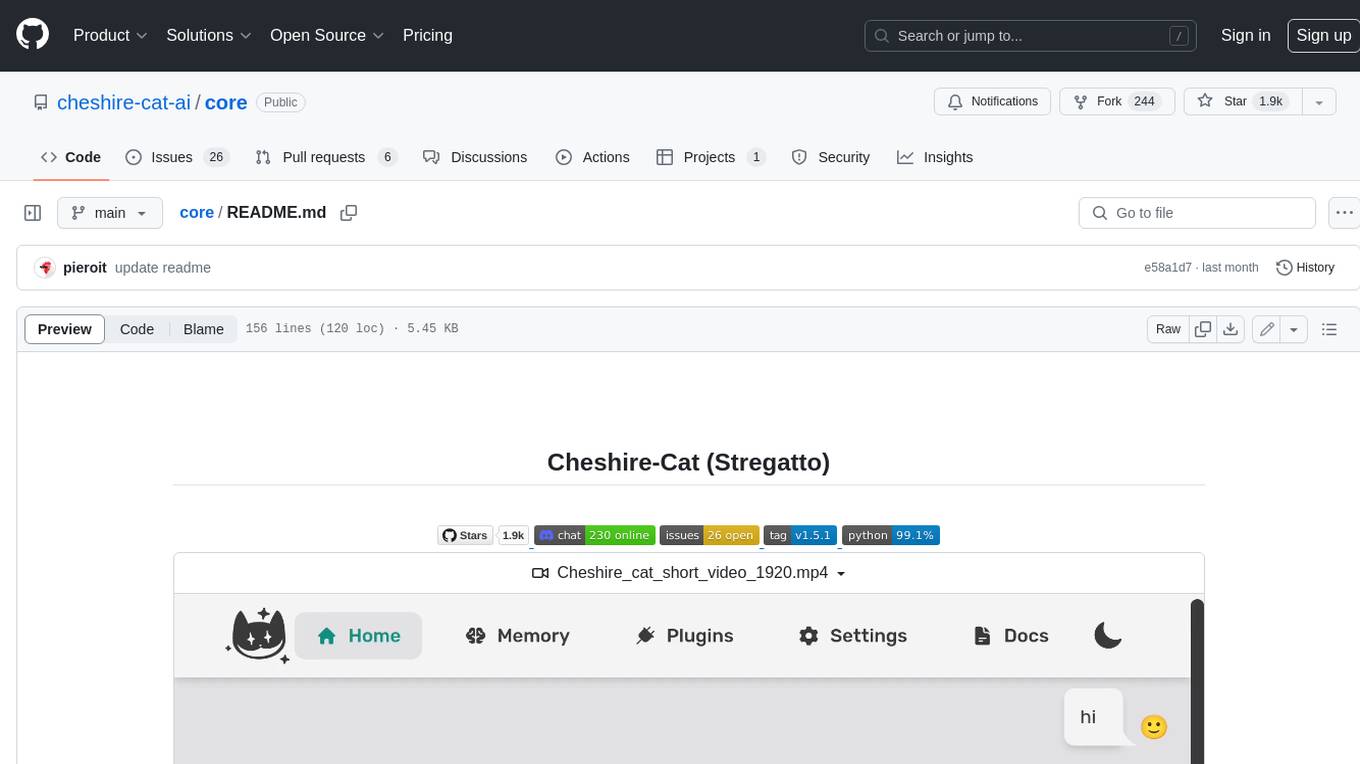
The Cheshire Cat is a framework for building custom AIs on top of any language model. It provides an API-first approach, making it easy to add a conversational layer to your application. The Cat remembers conversations and documents, and uses them in conversation. It is extensible via plugins, and supports event callbacks, function calling, and conversational forms. The Cat is easy to use, with an admin panel that allows you to chat with the AI, visualize memory and plugins, and adjust settings. It is also production-ready, 100% dockerized, and supports any language model.
99
The AI client 99 is designed for Neovim users to streamline requests to AI and limit them to restricted areas. It supports visual, search, and debug functionalities. Users must have a supported AI CLI installed such as opencode, claude, or cursor-agent. The tool allows for configuration of completions, referencing rules and files to add context to requests. 99 supports multiple AI CLI backends and providers. Users can report bugs by providing full running debug logs and are advised not to request features directly. Known usability issues include long function definition problems, duplication of comment definitions in lua and jsdoc, visual selection sending the whole file, occasional issues with auto-complete, and potential errors with 'export function' prompts.
simpleAI
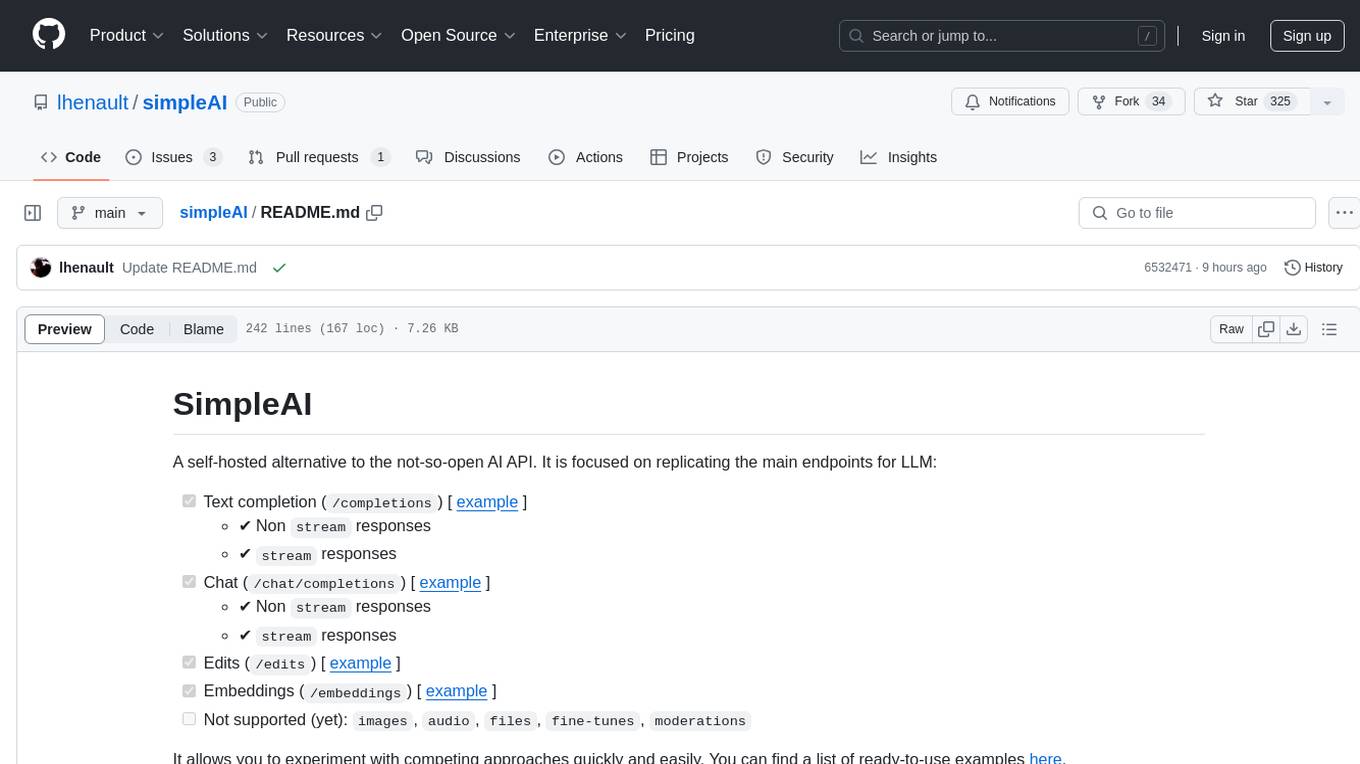
SimpleAI is a self-hosted alternative to the not-so-open AI API, focused on replicating main endpoints for LLM such as text completion, chat, edits, and embeddings. It allows quick experimentation with different models, creating benchmarks, and handling specific use cases without relying on external services. Users can integrate and declare models through gRPC, query endpoints using Swagger UI or API, and resolve common issues like CORS with FastAPI middleware. The project is open for contributions and welcomes PRs, issues, documentation, and more.
allms
allms is a versatile and powerful library designed to streamline the process of querying Large Language Models (LLMs). Developed by Allegro engineers, it simplifies working with LLM applications by providing a user-friendly interface, asynchronous querying, automatic retrying mechanism, error handling, and output parsing. It supports various LLM families hosted on different platforms like OpenAI, Google, Azure, and GCP. The library offers features for configuring endpoint credentials, batch querying with symbolic variables, and forcing structured output format. It also provides documentation, quickstart guides, and instructions for local development, testing, updating documentation, and making new releases.
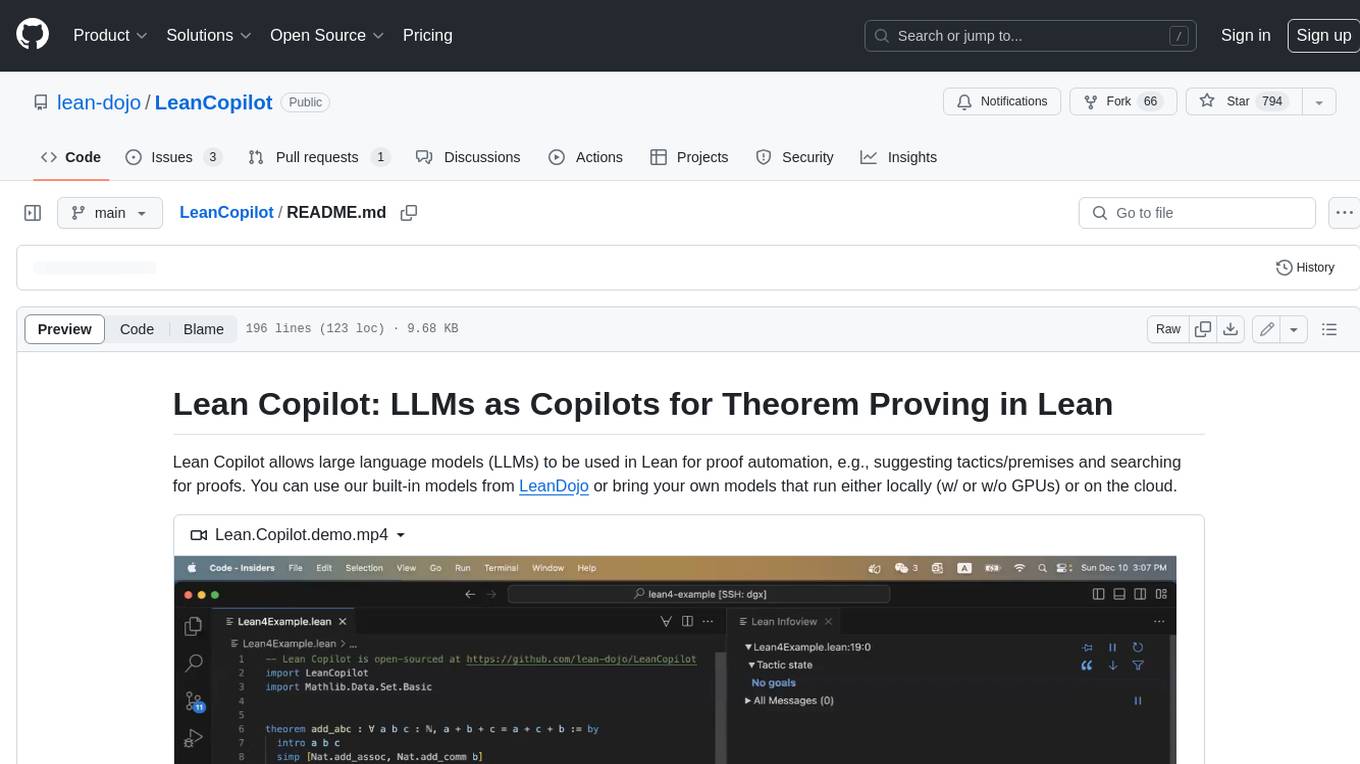
LeanCopilot
Lean Copilot is a tool that enables the use of large language models (LLMs) in Lean for proof automation. It provides features such as suggesting tactics/premises, searching for proofs, and running inference of LLMs. Users can utilize built-in models from LeanDojo or bring their own models to run locally or on the cloud. The tool supports platforms like Linux, macOS, and Windows WSL, with optional CUDA and cuDNN for GPU acceleration. Advanced users can customize behavior using Tactic APIs and Model APIs. Lean Copilot also allows users to bring their own models through ExternalGenerator or ExternalEncoder. The tool comes with caveats such as occasional crashes and issues with premise selection and proof search. Users can get in touch through GitHub Discussions for questions, bug reports, feature requests, and suggestions. The tool is designed to enhance theorem proving in Lean using LLMs.
tiny-ai-client
Tiny AI Client is a lightweight tool designed for easy usage and switching of Language Model Models (LLMs) with support for vision and tool usage. It aims to provide a simple and intuitive interface for interacting with various LLMs, allowing users to easily set, change models, send messages, use tools, and handle vision tasks. The core logic of the tool is kept minimal and easy to understand, with separate modules for vision and tool usage utilities. Users can interact with the tool through simple Python scripts, passing model names, messages, tools, and images as required.
voice-chat-ai
Voice Chat AI is a project that allows users to interact with different AI characters using speech. Users can choose from various characters with unique personalities and voices, and have conversations or role play with them. The project supports OpenAI, xAI, or Ollama language models for chat, and provides text-to-speech synthesis using XTTS, OpenAI TTS, or ElevenLabs. Users can seamlessly integrate visual context into conversations by having the AI analyze their screen. The project offers easy configuration through environment variables and can be run via WebUI or Terminal. It also includes a huge selection of built-in characters for engaging conversations.
kwaak
Kwaak is a tool that allows users to run a team of autonomous AI agents locally from their own machine. It enables users to write code, improve test coverage, update documentation, and enhance code quality while focusing on building innovative projects. Kwaak is designed to run multiple agents in parallel, interact with codebases, answer questions about code, find examples, write and execute code, create pull requests, and more. It is free and open-source, allowing users to bring their own API keys or models via Ollama. Kwaak is part of the bosun.ai project, aiming to be a platform for autonomous code improvement.
ash_ai
Ash AI is a tool that provides a Model Context Protocol (MCP) server for exposing tool definitions to an MCP client. It allows for the installation of dev and production MCP servers, and supports features like OAuth2 flow with AshAuthentication, tool data access, tool execution callbacks, prompt-backed actions, and vectorization strategies. Users can also generate a chat feature for their Ash & Phoenix application using `ash_oban` and `ash_postgres`, and specify LLM API keys for OpenAI. The tool is designed to help developers experiment with tools and actions, monitor tool execution, and expose actions as tool calls.
litlyx
Litlyx is a single-line code analytics solution that integrates with every JavaScript/TypeScript framework. It allows you to track 10+ KPIs and custom events for your website or web app. The tool comes with an AI Data Analyst Assistant that can analyze your data, compare data, query metadata, visualize charts, and more. Litlyx is open-source, allowing users to self-host it and create their own version of the dashboard. The tool is user-friendly and supports various JavaScript/TypeScript frameworks, making it versatile for different projects.
ollama-r
The Ollama R library provides an easy way to integrate R with Ollama for running language models locally on your machine. It supports working with standard data structures for different LLMs, offers various output formats, and enables integration with other libraries/tools. The library uses the Ollama REST API and requires the Ollama app to be installed, with GPU support for accelerating LLM inference. It is inspired by Ollama Python and JavaScript libraries, making it familiar for users of those languages. The installation process involves downloading the Ollama app, installing the 'ollamar' package, and starting the local server. Example usage includes testing connection, downloading models, generating responses, and listing available models.
aiconfig
AIConfig is a framework that makes it easy to build generative AI applications for production. It manages generative AI prompts, models and model parameters as JSON-serializable configs that can be version controlled, evaluated, monitored and opened in a local editor for rapid prototyping. It allows you to store and iterate on generative AI behavior separately from your application code, offering a streamlined AI development workflow.
For similar tasks
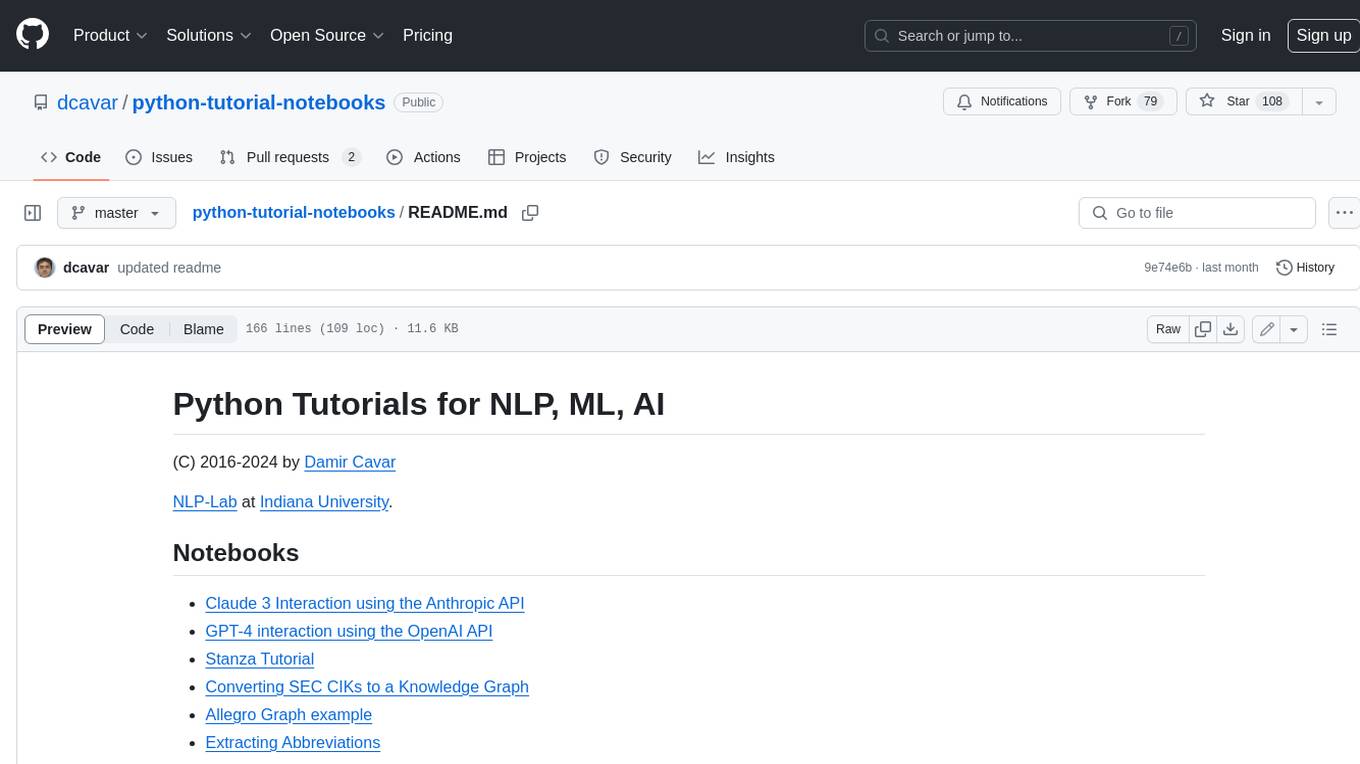
python-tutorial-notebooks
This repository contains Jupyter-based tutorials for NLP, ML, AI in Python for classes in Computational Linguistics, Natural Language Processing (NLP), Machine Learning (ML), and Artificial Intelligence (AI) at Indiana University.
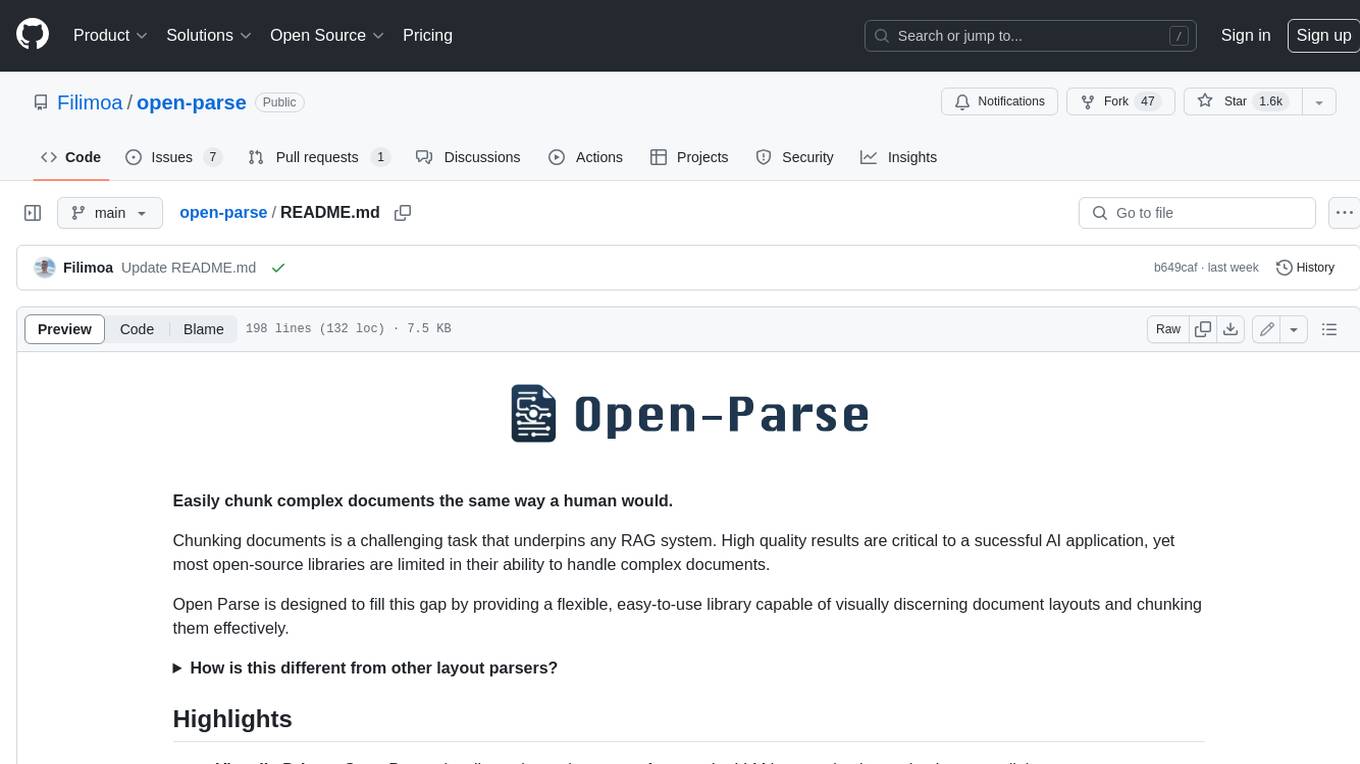
open-parse
Open Parse is a Python library for visually discerning document layouts and chunking them effectively. It is designed to fill the gap in open-source libraries for handling complex documents. Unlike text splitting, which converts a file to raw text and slices it up, Open Parse visually analyzes documents for superior LLM input. It also supports basic markdown for parsing headings, bold, and italics, and has high-precision table support, extracting tables into clean Markdown formats with accuracy that surpasses traditional tools. Open Parse is extensible, allowing users to easily implement their own post-processing steps. It is also intuitive, with great editor support and completion everywhere, making it easy to use and learn.
MoonshotAI-Cookbook
The MoonshotAI-Cookbook provides example code and guides for accomplishing common tasks with the MoonshotAI API. To run these examples, you'll need an MoonshotAI account and associated API key. Most code examples are written in Python, though the concepts can be applied in any language.
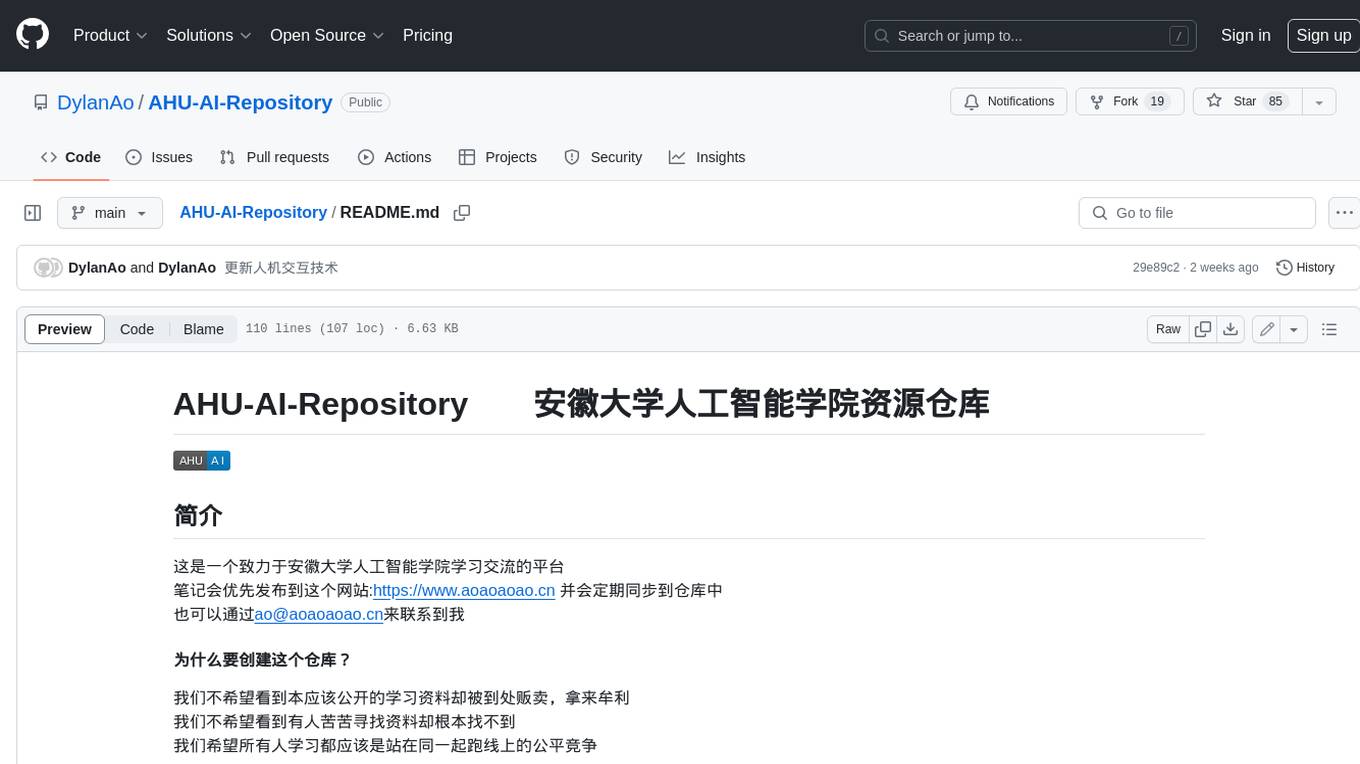
AHU-AI-Repository
This repository is dedicated to the learning and exchange of resources for the School of Artificial Intelligence at Anhui University. Notes will be published on this website first: https://www.aoaoaoao.cn and will be synchronized to the repository regularly. You can also contact me at [email protected].
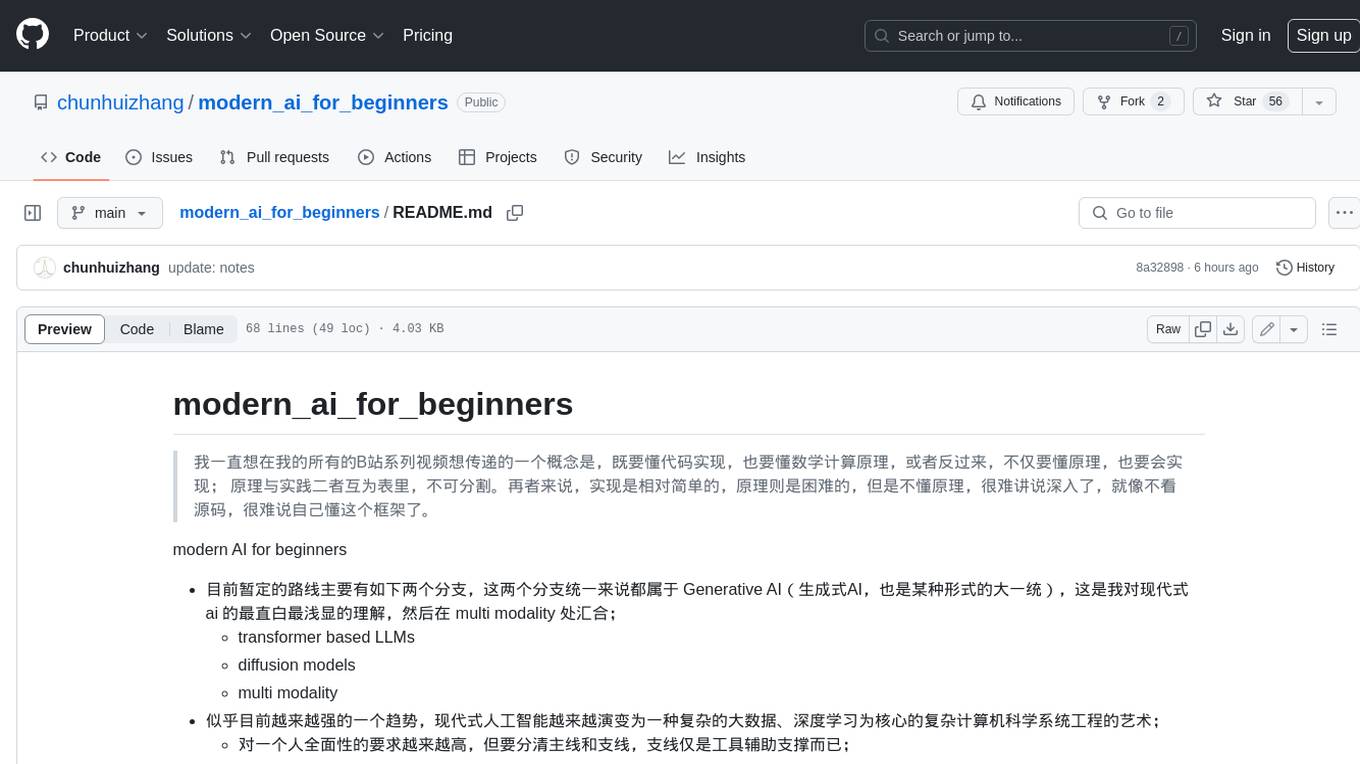
modern_ai_for_beginners
This repository provides a comprehensive guide to modern AI for beginners, covering both theoretical foundations and practical implementation. It emphasizes the importance of understanding both the mathematical principles and the code implementation of AI models. The repository includes resources on PyTorch, deep learning fundamentals, mathematical foundations, transformer-based LLMs, diffusion models, software engineering, and full-stack development. It also features tutorials on natural language processing with transformers, reinforcement learning, and practical deep learning for coders.
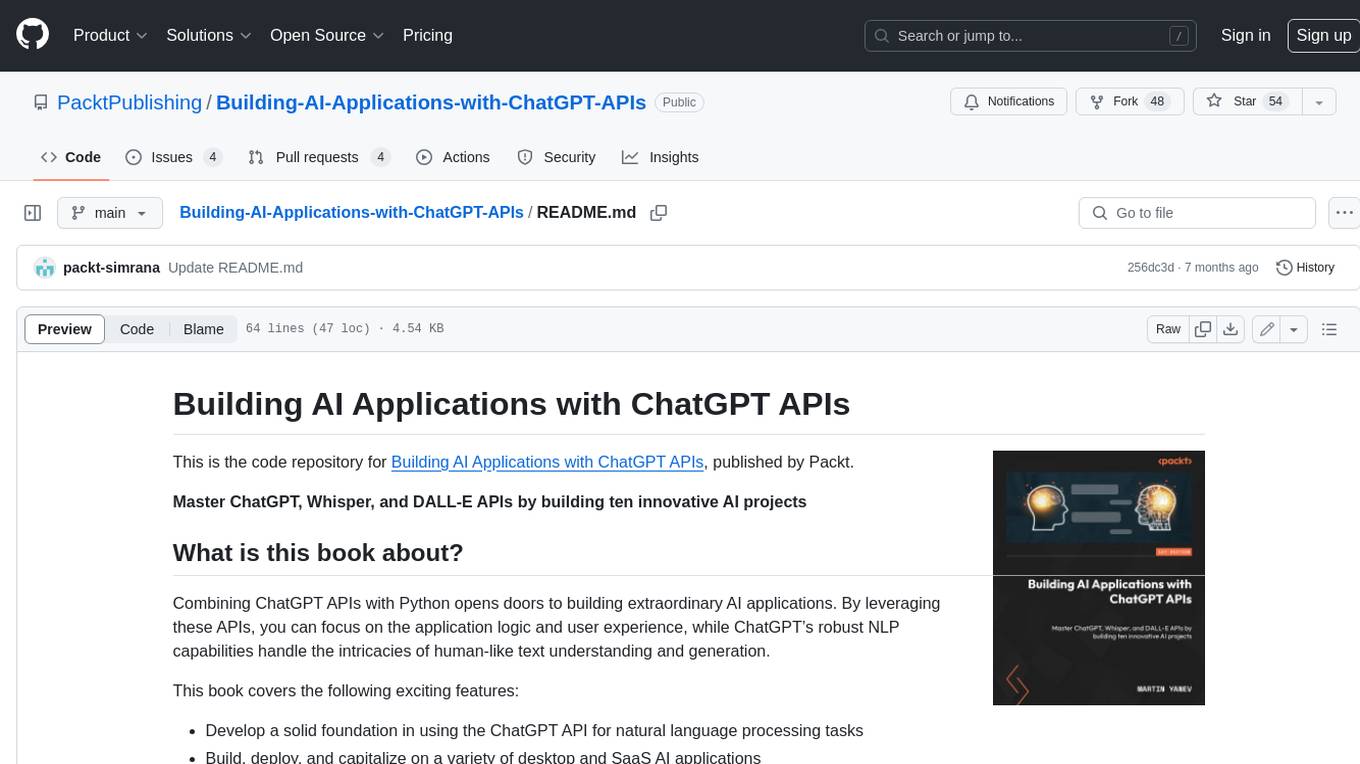
Building-AI-Applications-with-ChatGPT-APIs
This repository is for the book 'Building AI Applications with ChatGPT APIs' published by Packt. It provides code examples and instructions for mastering ChatGPT, Whisper, and DALL-E APIs through building innovative AI projects. Readers will learn to develop AI applications using ChatGPT APIs, integrate them with frameworks like Flask and Django, create AI-generated art with DALL-E APIs, and optimize ChatGPT models through fine-tuning.
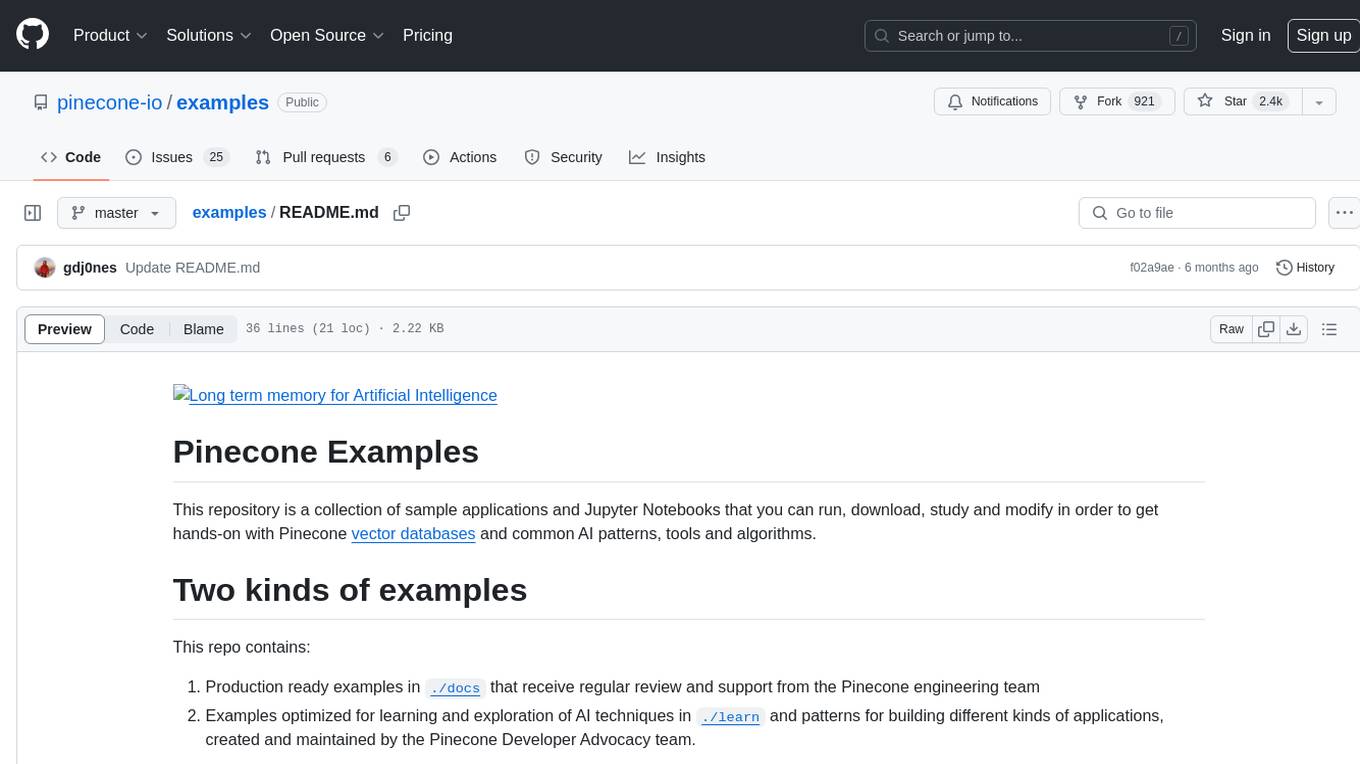
examples
This repository contains a collection of sample applications and Jupyter Notebooks for hands-on experience with Pinecone vector databases and common AI patterns, tools, and algorithms. It includes production-ready examples for review and support, as well as learning-optimized examples for exploring AI techniques and building applications. Users can contribute, provide feedback, and collaborate to improve the resource.
lingoose
LinGoose is a modular Go framework designed for building AI/LLM applications. It offers the flexibility to import only the necessary modules, abstracts features for customization, and provides a comprehensive solution for developing AI/LLM applications from scratch. The framework simplifies the process of creating intelligent applications by allowing users to choose preferred implementations or create their own. LinGoose empowers developers to leverage its capabilities to streamline the development of cutting-edge AI and LLM projects.
For similar jobs

sweep
Sweep is an AI junior developer that turns bugs and feature requests into code changes. It automatically handles developer experience improvements like adding type hints and improving test coverage.

teams-ai
The Teams AI Library is a software development kit (SDK) that helps developers create bots that can interact with Teams and Microsoft 365 applications. It is built on top of the Bot Framework SDK and simplifies the process of developing bots that interact with Teams' artificial intelligence capabilities. The SDK is available for JavaScript/TypeScript, .NET, and Python.

ai-guide
This guide is dedicated to Large Language Models (LLMs) that you can run on your home computer. It assumes your PC is a lower-end, non-gaming setup.

classifai
Supercharge WordPress Content Workflows and Engagement with Artificial Intelligence. Tap into leading cloud-based services like OpenAI, Microsoft Azure AI, Google Gemini and IBM Watson to augment your WordPress-powered websites. Publish content faster while improving SEO performance and increasing audience engagement. ClassifAI integrates Artificial Intelligence and Machine Learning technologies to lighten your workload and eliminate tedious tasks, giving you more time to create original content that matters.

chatbot-ui
Chatbot UI is an open-source AI chat app that allows users to create and deploy their own AI chatbots. It is easy to use and can be customized to fit any need. Chatbot UI is perfect for businesses, developers, and anyone who wants to create a chatbot.

BricksLLM
BricksLLM is a cloud native AI gateway written in Go. Currently, it provides native support for OpenAI, Anthropic, Azure OpenAI and vLLM. BricksLLM aims to provide enterprise level infrastructure that can power any LLM production use cases. Here are some use cases for BricksLLM: * Set LLM usage limits for users on different pricing tiers * Track LLM usage on a per user and per organization basis * Block or redact requests containing PIIs * Improve LLM reliability with failovers, retries and caching * Distribute API keys with rate limits and cost limits for internal development/production use cases * Distribute API keys with rate limits and cost limits for students

uAgents
uAgents is a Python library developed by Fetch.ai that allows for the creation of autonomous AI agents. These agents can perform various tasks on a schedule or take action on various events. uAgents are easy to create and manage, and they are connected to a fast-growing network of other uAgents. They are also secure, with cryptographically secured messages and wallets.

griptape
Griptape is a modular Python framework for building AI-powered applications that securely connect to your enterprise data and APIs. It offers developers the ability to maintain control and flexibility at every step. Griptape's core components include Structures (Agents, Pipelines, and Workflows), Tasks, Tools, Memory (Conversation Memory, Task Memory, and Meta Memory), Drivers (Prompt and Embedding Drivers, Vector Store Drivers, Image Generation Drivers, Image Query Drivers, SQL Drivers, Web Scraper Drivers, and Conversation Memory Drivers), Engines (Query Engines, Extraction Engines, Summary Engines, Image Generation Engines, and Image Query Engines), and additional components (Rulesets, Loaders, Artifacts, Chunkers, and Tokenizers). Griptape enables developers to create AI-powered applications with ease and efficiency.