


SREGym
An AI-Native Platform for Benchmarking SRE Agents
Stars: 117
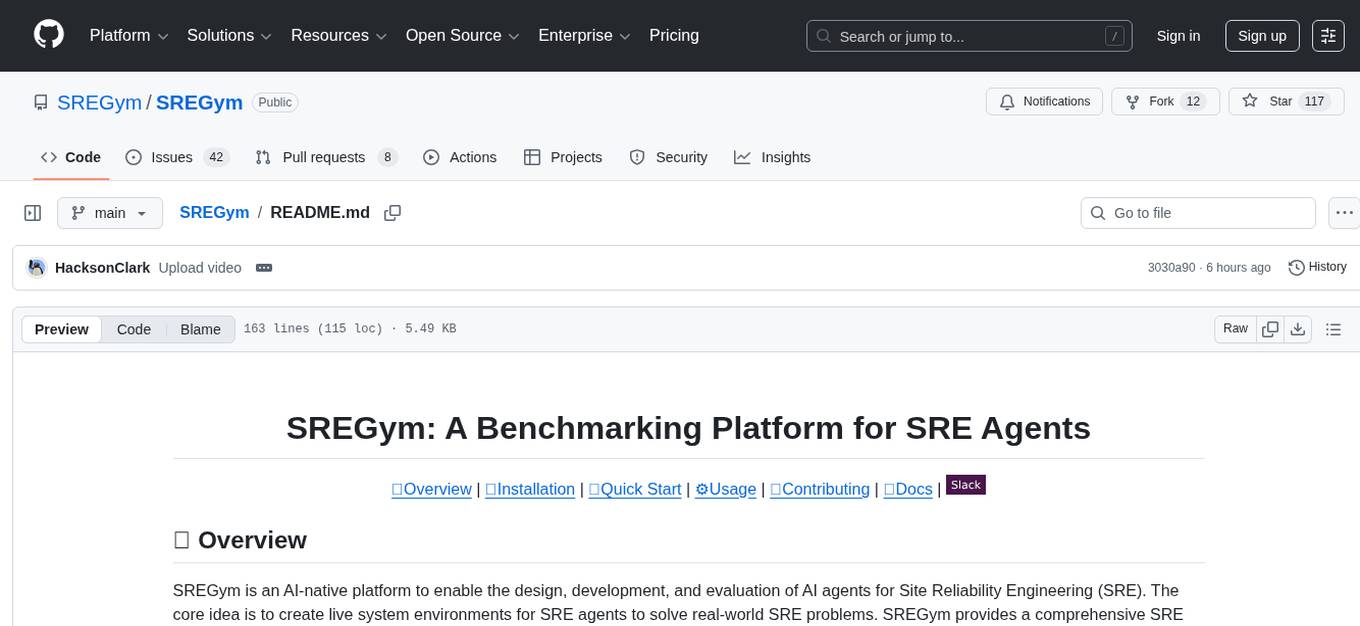
SREGym is an AI-native platform for designing, developing, and evaluating AI agents for Site Reliability Engineering (SRE). It provides a comprehensive benchmark suite with 86 different SRE problems, including OS-level faults, metastable failures, and concurrent failures. Users can run agents in isolated Docker containers, specify models from multiple providers, and access detailed documentation on the platform's website.
README:
🔍Overview |
📦Installation |
🚀Quick Start |
⚙️Usage |
🤝Contributing |
📖Docs |


SREGym is inspired by our prior work on AIOpsLab and ITBench. It is architectured with AI-native usability and extensibility as first-class principles. The SREGym benchmark suites contain 86 different SRE problems. It supports all the problems from AIOpsLab and ITBench, and includes new problems such as OS-level faults, metastable failures, and concurrent failures. See our problem set for a complete list of problems.
- MCP Inspector to test MCP tools.
- k9s to observe the cluster.
git clone --recurse-submodules https://github.com/SREGym/SREGym
cd SREGym
uv sync
uv run pre-commit installChoose either a) or b) to set up your cluster and then proceed to the next steps.
SREGym supports any kubernetes cluster that your kubectl context is set to, whether it's a cluster from a cloud provider or one you build yourself.
We have an Ansible playbook to setup clusters on providers like CloudLab and our own machines. Follow this README to set up your own cluster.
SREGym can be run on an emulated cluster using kind on your local machine. However, not all problems are supported.
Note: If you run into pod crashes or "too many open files" errors, see the kind README for required host kernel settings and troubleshooting.
# For x86 machines
kind create cluster --config kind/kind-config-x86.yaml

# For ARM machines
kind create cluster --config kind/kind-config-arm.yamlTo get started with the included Stratus agent:
- Create your
.envfile:
mv .env.example .env-
Open the
.envfile and configure your model and API key. -
Run the benchmark:
python main.py --agent <agent-name> --model <model-id>For example, to run the Stratus agent:
python main.py --agent stratus --model gpt-4oAgents always run in isolated Docker containers, preventing access to SREGym internals like problem definitions and grading logic. The image is built automatically on first run.
Use --force-build to rebuild the container image after updating dependencies or agent code:
python main.py --agent codex --model gpt-4o --force-buildSREGym supports multiple LLM providers. Specify your model using the --model flag:
python main.py --agent <agent-name> --model <model-id>| Model ID | Provider | Model Name | Required Environment Variables |
|---|---|---|---|
gpt-5 |
OpenAI | GPT-5 | OPENAI_API_KEY |
gemini-2.5-pro |
Gemini 2.5 Pro | GEMINI_API_KEY |
|
claude-sonnet-4 |
Anthropic | Claude Sonnet 4 | ANTHROPIC_API_KEY |
bedrock-claude-sonnet-4.5 |
AWS Bedrock | Claude Sonnet 4.5 |
AWS_PROFILE, AWS_DEFAULT_REGION
|
Default: If no model is specified, gpt-4o is used by default.
Provider Examples
OpenAI:
# In .env file
OPENAI_API_KEY="sk-proj-..."

# Run with GPT-4o
python main.py --agent stratus --model gpt-4o
Anthropic:
# In .env file
ANTHROPIC_API_KEY="sk-ant-api03-..."

# Run with Claude Sonnet 4
python main.py --agent stratus --model claude-sonnet-4
AWS Bedrock:
# In .env file
AWS_PROFILE="bedrock"
AWS_DEFAULT_REGION=us-east-2

# Run with Claude Sonnet 4.5 on Bedrock
python main.py --agent stratus --model bedrock-claude-sonnet-4.5
Note: For AWS Bedrock, ensure your AWS credentials are configured via ~/.aws/credentials and your profile has permissions to access Bedrock.
This project is generously supported by a Slingshot grant from the Laude Institute.
https://github.com/user-attachments/assets/e7b2ee27-e7a9-436a-858d-ee58e8bbd61d
Licensed under the MIT license.
For Tasks:
Click tags to check more tools for each tasksFor Jobs:
Alternative AI tools for SREGym
Similar Open Source Tools
SREGym
SREGym is an AI-native platform for designing, developing, and evaluating AI agents for Site Reliability Engineering (SRE). It provides a comprehensive benchmark suite with 86 different SRE problems, including OS-level faults, metastable failures, and concurrent failures. Users can run agents in isolated Docker containers, specify models from multiple providers, and access detailed documentation on the platform's website.
comfyui
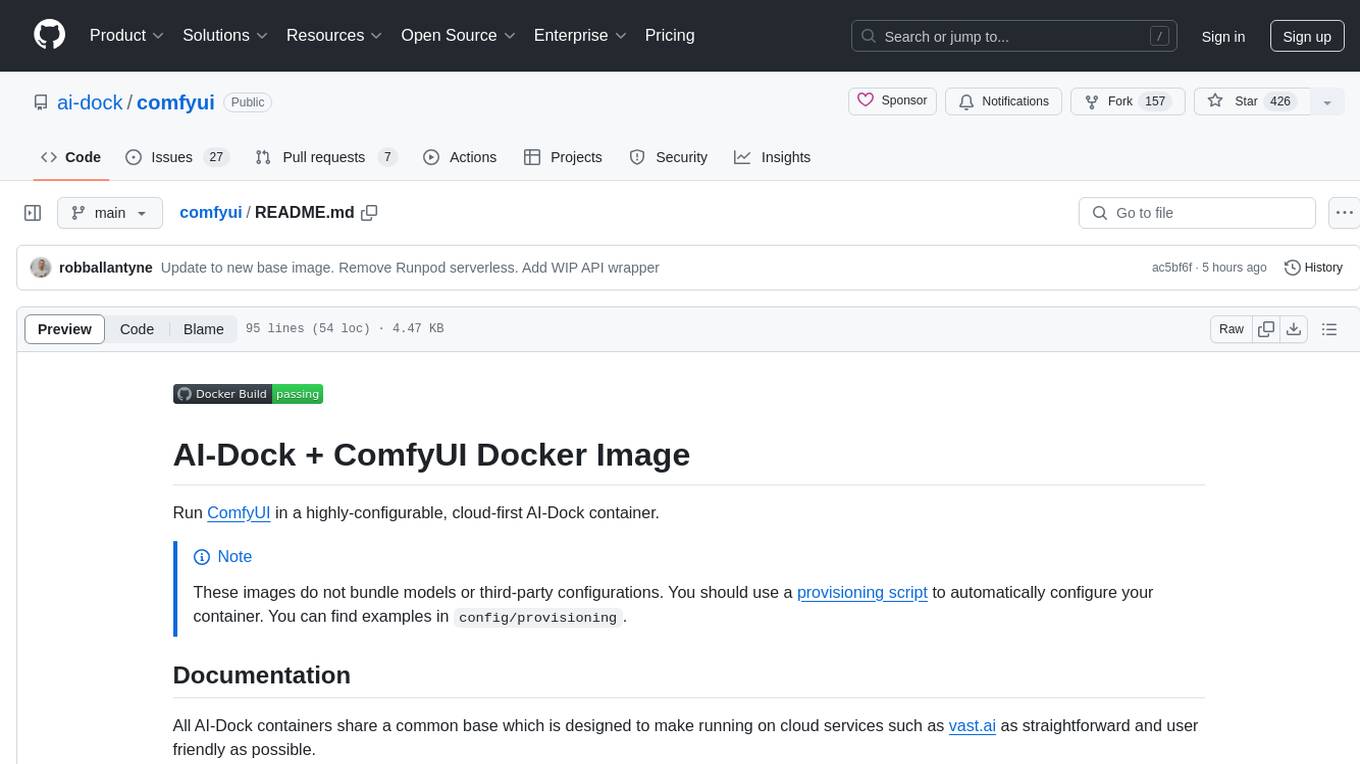
ComfyUI is a highly-configurable, cloud-first AI-Dock container that allows users to run ComfyUI without bundled models or third-party configurations. Users can configure the container using provisioning scripts. The Docker image supports NVIDIA CUDA, AMD ROCm, and CPU platforms, with version tags for different configurations. Additional environment variables and Python environments are provided for customization. ComfyUI service runs on port 8188 and can be managed using supervisorctl. The tool also includes an API wrapper service and pre-configured templates for Vast.ai. The author may receive compensation for services linked in the documentation.
trieve
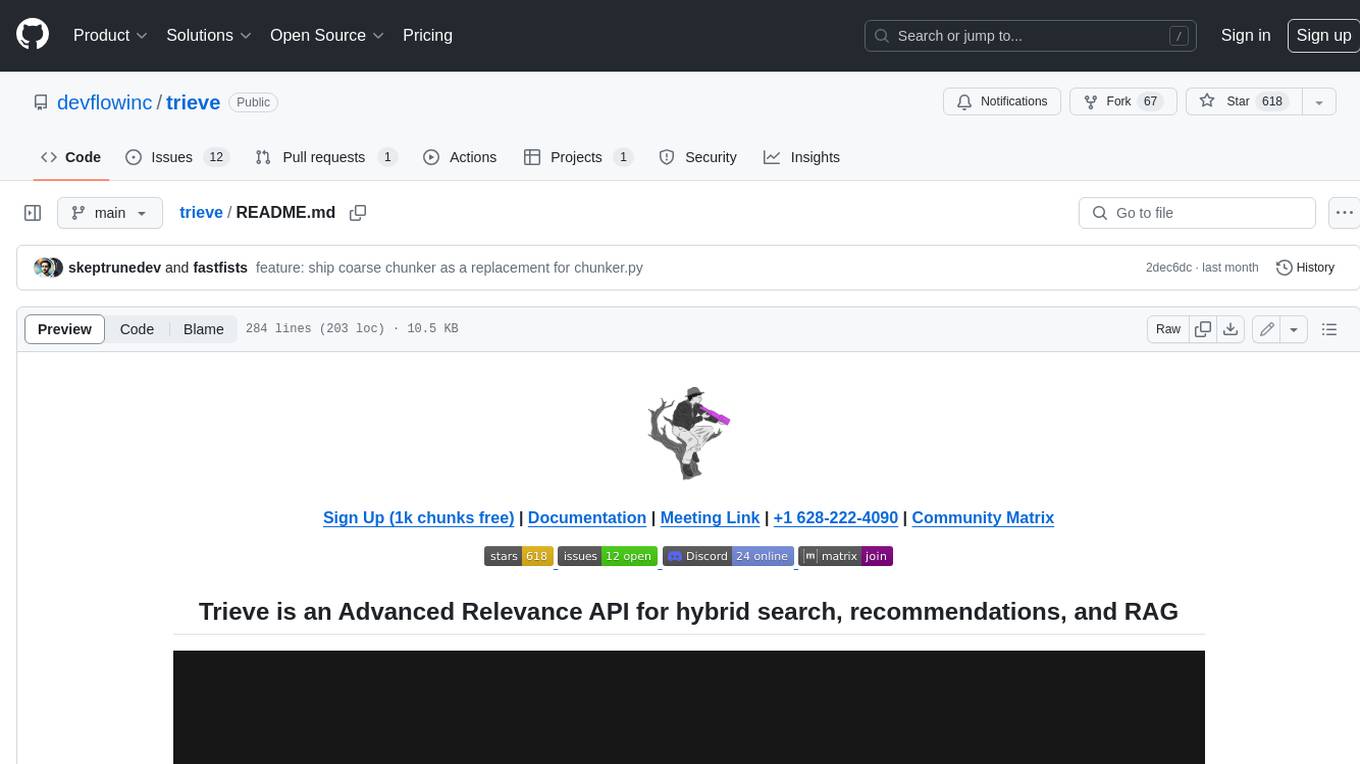
Trieve is an advanced relevance API for hybrid search, recommendations, and RAG. It offers a range of features including self-hosting, semantic dense vector search, typo tolerant full-text/neural search, sub-sentence highlighting, recommendations, convenient RAG API routes, the ability to bring your own models, hybrid search with cross-encoder re-ranking, recency biasing, tunable popularity-based ranking, filtering, duplicate detection, and grouping. Trieve is designed to be flexible and customizable, allowing users to tailor it to their specific needs. It is also easy to use, with a simple API and well-documented features.
counselors
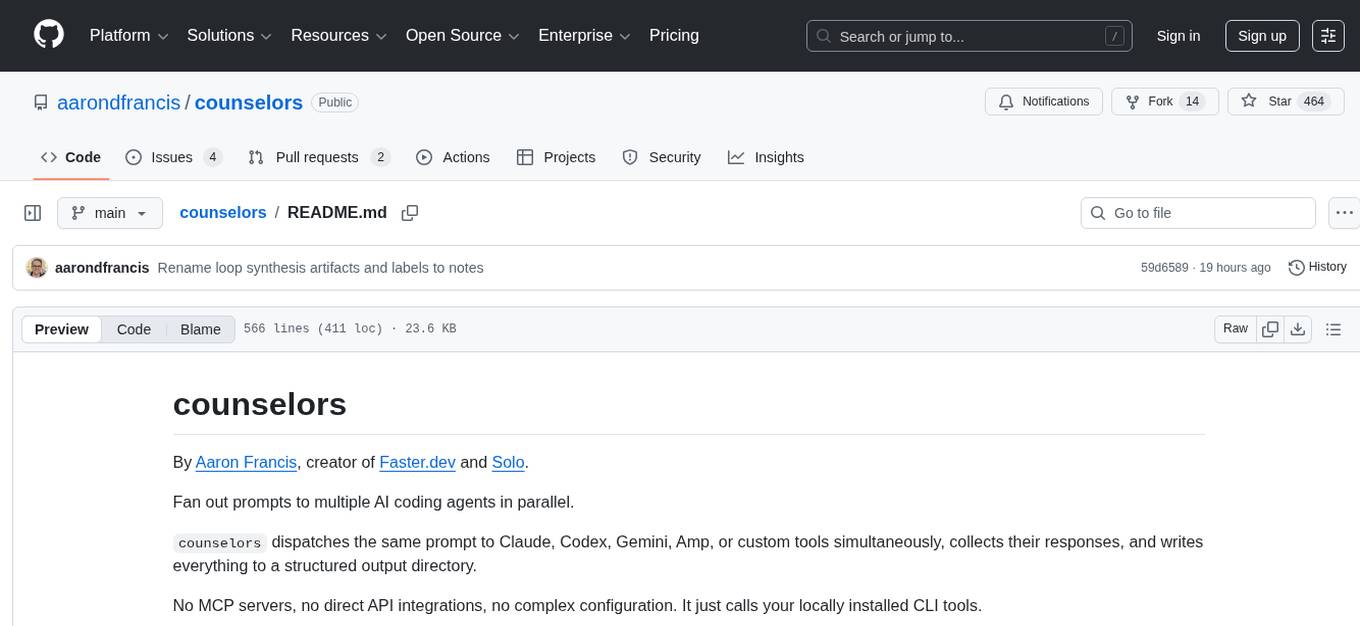
Counselors is a tool created by Aaron Francis to fan out prompts to multiple AI coding agents in parallel. It dispatches prompts to AI tools like Claude, Codex, Gemini, Amp, or custom tools simultaneously, collects their responses, and writes everything to a structured output directory. The tool does not call provider APIs directly, extract or reuse auth tokens, or perform any 'tricky' actions. It orchestrates around the CLIs installed locally, providing an easy way to interact with multiple AI agents. Users can install the CLI via npm, Homebrew, or a standalone binary, and then configure and run prompts to gather insights from various AI agents.
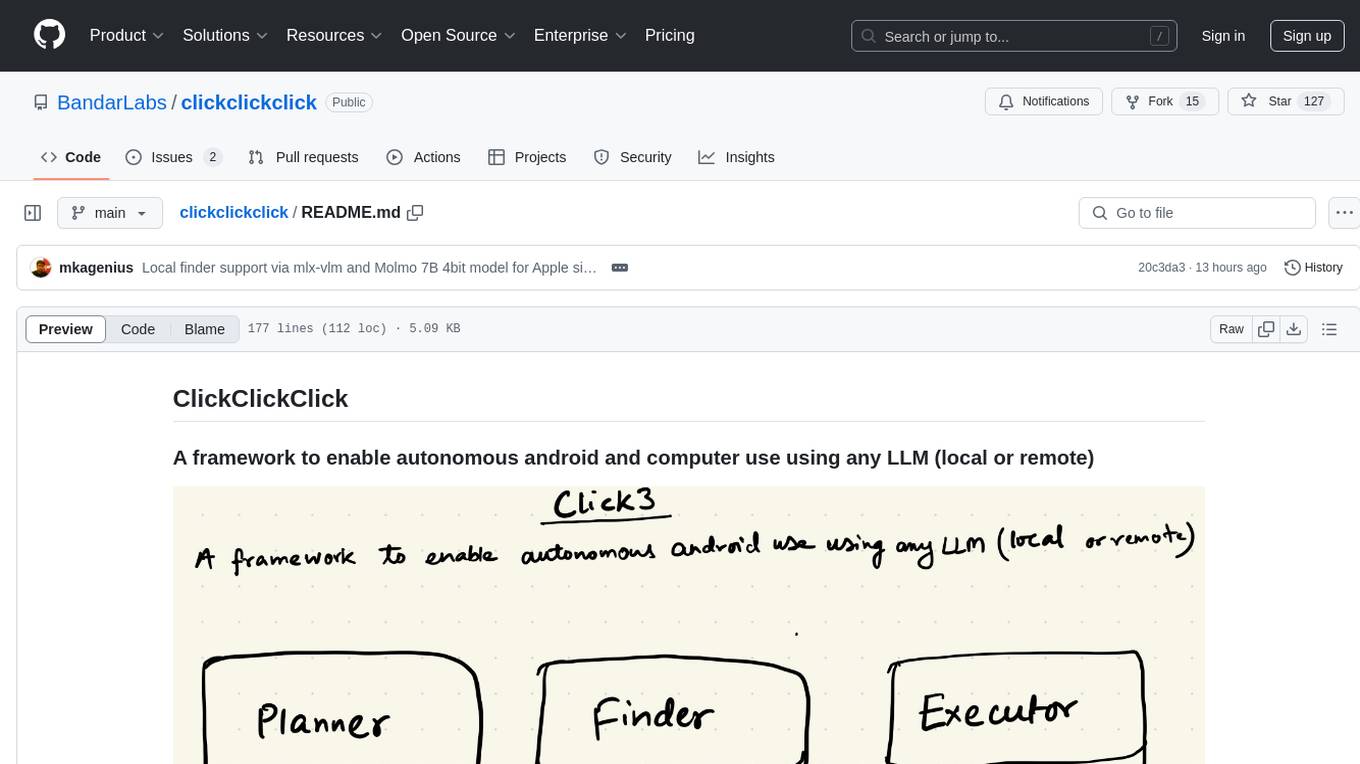
clickclickclick
ClickClickClick is a framework designed to enable autonomous Android and computer use using various LLM models, both locally and remotely. It supports tasks such as drafting emails, opening browsers, and starting games, with current support for local models via Ollama, Gemini, and GPT 4o. The tool is highly experimental and evolving, with the best results achieved using specific model combinations. Users need prerequisites like `adb` installation and USB debugging enabled on Android phones. The tool can be installed via cloning the repository, setting up a virtual environment, and installing dependencies. It can be used as a CLI tool or script, allowing users to configure planner and finder models for different tasks. Additionally, it can be used as an API to execute tasks based on provided prompts, platform, and models.
TokenFormer
TokenFormer is a fully attention-based neural network architecture that leverages tokenized model parameters to enhance architectural flexibility. It aims to maximize the flexibility of neural networks by unifying token-token and token-parameter interactions through the attention mechanism. The architecture allows for incremental model scaling and has shown promising results in language modeling and visual modeling tasks. The codebase is clean, concise, easily readable, state-of-the-art, and relies on minimal dependencies.
raycast_api_proxy
The Raycast AI Proxy is a tool that acts as a proxy for the Raycast AI application, allowing users to utilize the application without subscribing. It intercepts and forwards Raycast requests to various AI APIs, then reformats the responses for Raycast. The tool supports multiple AI providers and allows for custom model configurations. Users can generate self-signed certificates, add them to the system keychain, and modify DNS settings to redirect requests to the proxy. The tool is designed to work with providers like OpenAI, Azure OpenAI, Google, and more, enabling tasks such as AI chat completions, translations, and image generation.
labo
LABO is a time series forecasting and analysis framework that integrates pre-trained and fine-tuned LLMs with multi-domain agent-based systems. It allows users to create and tune agents easily for various scenarios, such as stock market trend prediction and web public opinion analysis. LABO requires a specific runtime environment setup, including system requirements, Python environment, dependency installations, and configurations. Users can fine-tune their own models using LABO's Low-Rank Adaptation (LoRA) for computational efficiency and continuous model updates. Additionally, LABO provides a Python library for building model training pipelines and customizing agents for specific tasks.
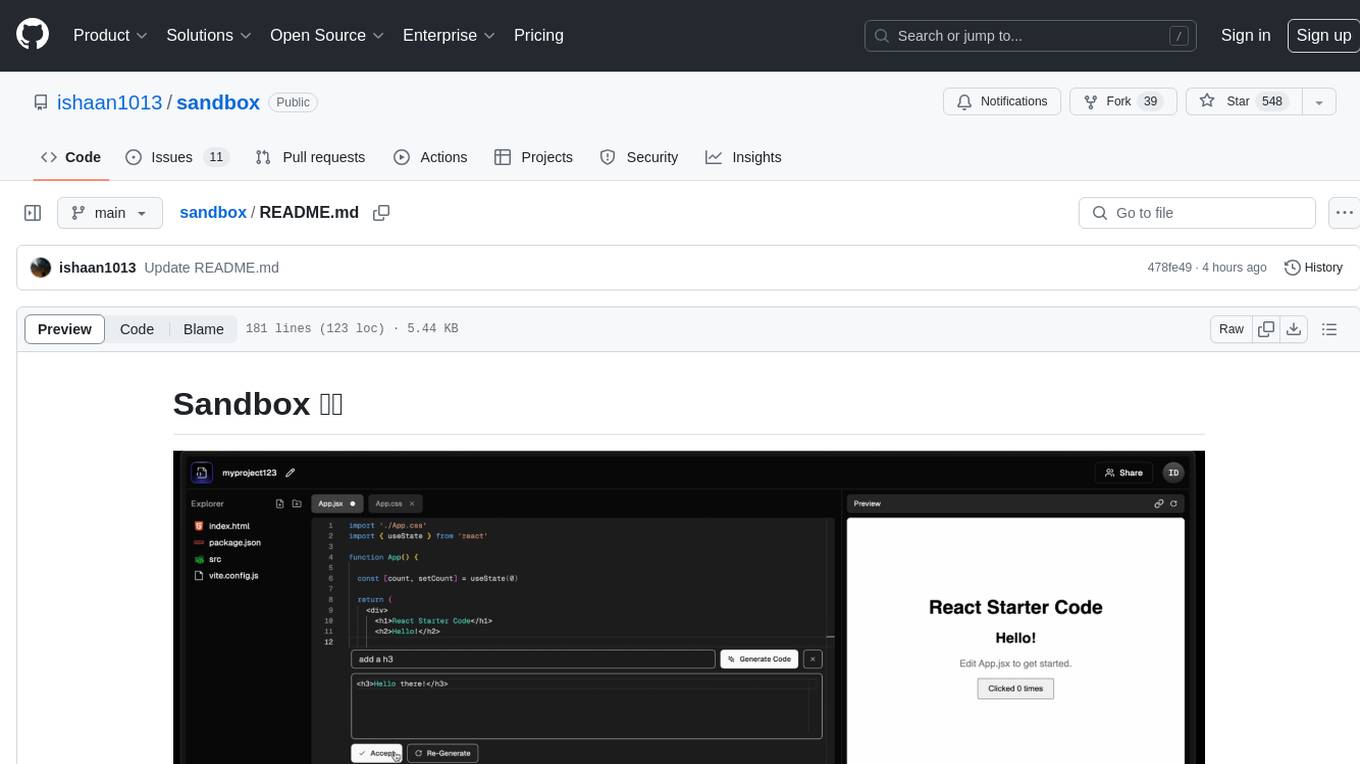
sandbox
Sandbox is an open-source cloud-based code editing environment with custom AI code autocompletion and real-time collaboration. It consists of a frontend built with Next.js, TailwindCSS, Shadcn UI, Clerk, Monaco, and Liveblocks, and a backend with Express, Socket.io, Cloudflare Workers, D1 database, R2 storage, Workers AI, and Drizzle ORM. The backend includes microservices for database, storage, and AI functionalities. Users can run the project locally by setting up environment variables and deploying the containers. Contributions are welcome following the commit convention and structure provided in the repository.
nosia
Nosia is a platform that allows users to run an AI model on their own data. It is designed to be easy to install and use. Users can follow the provided guides for quickstart, API usage, upgrading, starting, stopping, and troubleshooting. The platform supports custom installations with options for remote Ollama instances, custom completion models, and custom embeddings models. Advanced installation instructions are also available for macOS with a Debian or Ubuntu VM setup. Users can access the platform at 'https://nosia.localhost' and troubleshoot any issues by checking logs and job statuses.
mcpd
mcpd is a tool developed by Mozilla AI to declaratively manage Model Context Protocol (MCP) servers, enabling consistent interface for defining and running tools across different environments. It bridges the gap between local development and enterprise deployment by providing secure secrets management, declarative configuration, and seamless environment promotion. mcpd simplifies the developer experience by offering zero-config tool setup, language-agnostic tooling, version-controlled configuration files, enterprise-ready secrets management, and smooth transition from local to production environments.
langstream
LangStream is a tool for natural language processing tasks, providing a CLI for easy installation and usage. Users can try sample applications like Chat Completions and create their own applications using the developer documentation. It supports running on Kubernetes for production-ready deployment, with support for various Kubernetes distributions and external components like Apache Kafka or Apache Pulsar cluster. Users can deploy LangStream locally using minikube and manage the cluster with mini-langstream. Development requirements include Docker, Java 17, Git, Python 3.11+, and PIP, with the option to test local code changes using mini-langstream.
sosumi.ai
sosumi.ai provides Apple Developer documentation in an AI-readable format by converting JavaScript-rendered pages into Markdown. It offers an HTTP API to access Apple docs, supports external Swift-DocC sites, integrates with MCP server, and provides tools like searchAppleDocumentation and fetchAppleDocumentation. The project can be self-hosted and is currently hosted on Cloudflare Workers. It is built with Hono and supports various runtimes. The application is designed for accessibility-first, on-demand rendering of Apple Developer pages to Markdown.
MindSearch
MindSearch is an open-source AI Search Engine Framework that mimics human minds to provide deep AI search capabilities. It allows users to deploy their own search engine using either close-source or open-source language models. MindSearch offers features such as answering any question using web knowledge, in-depth knowledge discovery, detailed solution paths, optimized UI experience, and dynamic graph construction process.
oxy
Oxy is an open-source framework for building comprehensive agentic analytics systems grounded in deterministic execution principles. Written in Rust and declarative by design, Oxy provides the foundational components needed to transform AI-driven data analysis into reliable, production-ready systems through structured primitives, semantic understanding, and predictable execution.
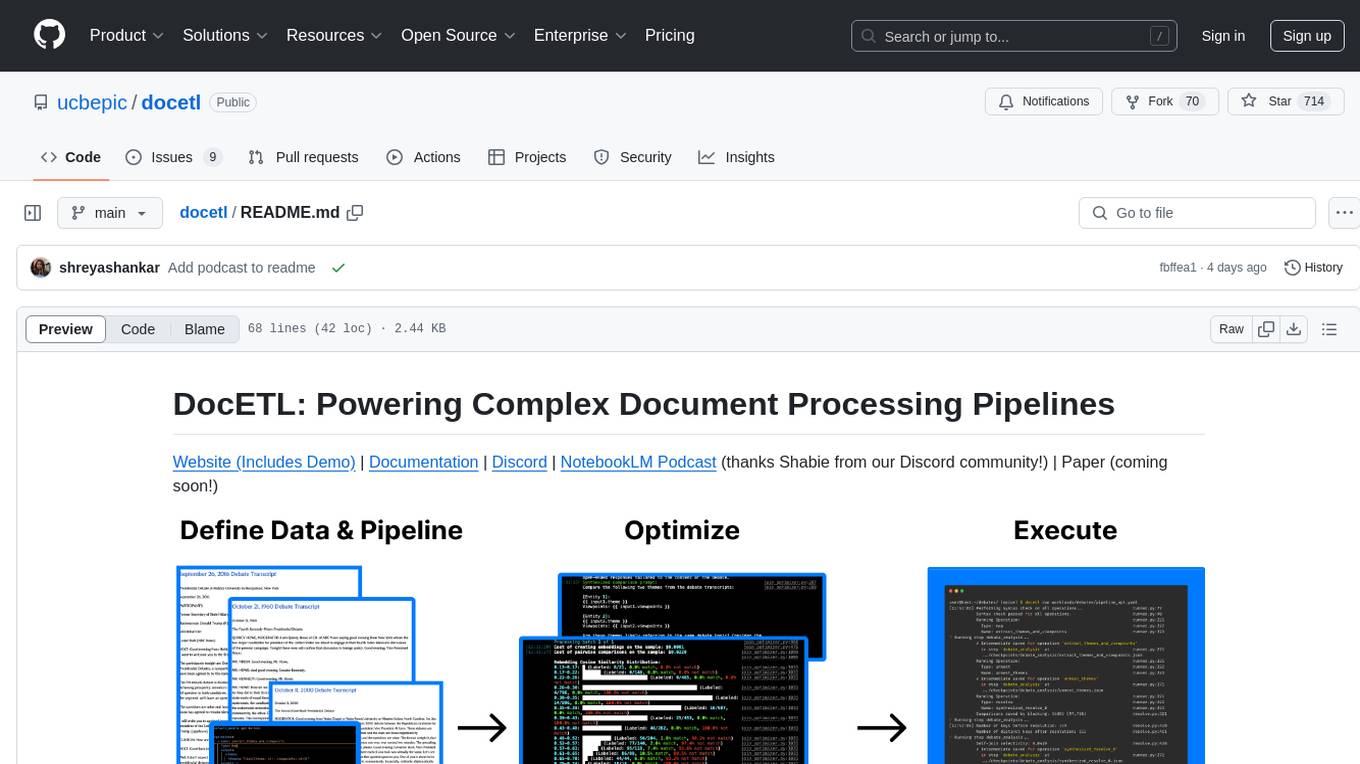
docetl
DocETL is a tool for creating and executing data processing pipelines, especially suited for complex document processing tasks. It offers a low-code, declarative YAML interface to define LLM-powered operations on complex data. Ideal for maximizing correctness and output quality for semantic processing on a collection of data, representing complex tasks via map-reduce, maximizing LLM accuracy, handling long documents, and automating task retries based on validation criteria.
For similar tasks
SREGym
SREGym is an AI-native platform for designing, developing, and evaluating AI agents for Site Reliability Engineering (SRE). It provides a comprehensive benchmark suite with 86 different SRE problems, including OS-level faults, metastable failures, and concurrent failures. Users can run agents in isolated Docker containers, specify models from multiple providers, and access detailed documentation on the platform's website.
MobileWorld
MobileWorld is a benchmark for evaluating autonomous mobile agents in realistic scenarios. It offers a challenging online mobile-use benchmark with 201 tasks across 20 mobile applications, including long-horizon tasks, agent-user interaction tasks, and MCP-augmented tasks. The benchmark features a containerized environment, open-source applications, and snapshot-based state management for reproducible results. Task evaluation methods include textual answer verification, backend database verification, local storage inspection, and application callbacks.
Arcade-Learning-Environment
The Arcade Learning Environment (ALE) is a simple framework that allows researchers and hobbyists to develop AI agents for Atari 2600 games. It is built on top of the Atari 2600 emulator Stella and separates the details of emulation from agent design. The ALE currently supports three different interfaces: C++, Python, and OpenAI Gym.
paper_notes
This repository is a manually curated collection of AI-related papers and related resources, such as blog posts, repositories, slides, and SNS posts. It serves as a personal study log and memory aid for the maintainer, with paper notes written in Japanese. The repository focuses on research areas like Natural Language Processing, Computer Vision, Speech Processing, and Recommender Systems. It covers topics such as Large Language Models, Proprietary/Open-Source Models, AI Agents, Datasets, Reinforcement Learning, and Transformer architectures. The issues contain links, paper metadata, Japanese translations, notes, labels, and external references, with varying levels of detail based on the maintainer's time and interest.
NetSecGame
The NetSecGame (Network Security Game) is a framework for training and evaluation of AI agents in network security tasks. It enables rapid development and testing of AI agents in highly configurable scenarios using the CYST network simulator. The framework includes examples of implemented agents in the submodule NetSecGameAgents.
For similar jobs

sweep
Sweep is an AI junior developer that turns bugs and feature requests into code changes. It automatically handles developer experience improvements like adding type hints and improving test coverage.

teams-ai
The Teams AI Library is a software development kit (SDK) that helps developers create bots that can interact with Teams and Microsoft 365 applications. It is built on top of the Bot Framework SDK and simplifies the process of developing bots that interact with Teams' artificial intelligence capabilities. The SDK is available for JavaScript/TypeScript, .NET, and Python.

ai-guide
This guide is dedicated to Large Language Models (LLMs) that you can run on your home computer. It assumes your PC is a lower-end, non-gaming setup.

classifai
Supercharge WordPress Content Workflows and Engagement with Artificial Intelligence. Tap into leading cloud-based services like OpenAI, Microsoft Azure AI, Google Gemini and IBM Watson to augment your WordPress-powered websites. Publish content faster while improving SEO performance and increasing audience engagement. ClassifAI integrates Artificial Intelligence and Machine Learning technologies to lighten your workload and eliminate tedious tasks, giving you more time to create original content that matters.

chatbot-ui
Chatbot UI is an open-source AI chat app that allows users to create and deploy their own AI chatbots. It is easy to use and can be customized to fit any need. Chatbot UI is perfect for businesses, developers, and anyone who wants to create a chatbot.

BricksLLM
BricksLLM is a cloud native AI gateway written in Go. Currently, it provides native support for OpenAI, Anthropic, Azure OpenAI and vLLM. BricksLLM aims to provide enterprise level infrastructure that can power any LLM production use cases. Here are some use cases for BricksLLM: * Set LLM usage limits for users on different pricing tiers * Track LLM usage on a per user and per organization basis * Block or redact requests containing PIIs * Improve LLM reliability with failovers, retries and caching * Distribute API keys with rate limits and cost limits for internal development/production use cases * Distribute API keys with rate limits and cost limits for students

uAgents
uAgents is a Python library developed by Fetch.ai that allows for the creation of autonomous AI agents. These agents can perform various tasks on a schedule or take action on various events. uAgents are easy to create and manage, and they are connected to a fast-growing network of other uAgents. They are also secure, with cryptographically secured messages and wallets.

griptape
Griptape is a modular Python framework for building AI-powered applications that securely connect to your enterprise data and APIs. It offers developers the ability to maintain control and flexibility at every step. Griptape's core components include Structures (Agents, Pipelines, and Workflows), Tasks, Tools, Memory (Conversation Memory, Task Memory, and Meta Memory), Drivers (Prompt and Embedding Drivers, Vector Store Drivers, Image Generation Drivers, Image Query Drivers, SQL Drivers, Web Scraper Drivers, and Conversation Memory Drivers), Engines (Query Engines, Extraction Engines, Summary Engines, Image Generation Engines, and Image Query Engines), and additional components (Rulesets, Loaders, Artifacts, Chunkers, and Tokenizers). Griptape enables developers to create AI-powered applications with ease and efficiency.