


bmalph
Unified AI Development Framework - BMAD phases with Ralph execution loop for Claude Code
Stars: 52
bmalph is a tool that bundles and installs two AI development systems, BMAD-METHOD for planning agents and workflows (Phases 1-3) and Ralph for autonomous implementation loop (Phase 4). It provides commands like `bmalph init` to install both systems, `bmalph upgrade` to update to the latest versions, `bmalph doctor` to check installation health, and `/bmalph-implement` to transition from BMAD to Ralph. Users can work through BMAD phases 1-3 with commands like BP, MR, DR, CP, VP, CA, etc., and then transition to Ralph for implementation.
README:






BMAD-METHOD planning + Ralph autonomous implementation, glued by slash commands.

bmalph bundles and installs two AI development systems:
- BMAD-METHOD — Planning agents and workflows (Phases 1-3)
- Ralph — Autonomous implementation loop (Phase 4)
bmalph provides:
-
bmalph init— Install both systems -
bmalph upgrade— Update to latest versions -
bmalph doctor— Check installation health -
/bmalph-implement— Transition from BMAD to Ralph
- Node.js 20+
- Bash (WSL or Git Bash on Windows)
- Claude Code (
claudein PATH) — needed for Ralph loop
npm install -g bmalphcd my-project
bmalph init --name my-project
# Use /bmalph slash command in Claude Code to navigate phases
# ... work through BMAD phases 1-3 ...
# Use /bmalph-implement to transition and start Ralphcd my-project
bmalph initThis installs:
-
_bmad/— BMAD agents and workflows -
.ralph/— Ralph loop, libs, templates -
bmalph/— State management (config.json) - Updates
CLAUDE.mdwith BMAD workflow instructions - Installs slash commands in
.claude/commands/
Work interactively in Claude Code with BMAD agents. Use the /bmalph slash command to see your current phase, available commands, and advance phases.
| Phase | Agent | Commands |
|---|---|---|
| 1 Analysis | Analyst | BP, MR, DR, TR, CB |
| 2 Planning | PM / UX Designer | CP, VP, EP, CU |
| 3 Solutioning | Architect / PM | CA, CE, IR |
Validation commands (/validate-brief, /validate-prd, /validate-ux, /validate-architecture, /validate-epics-stories) run the same workflow in Validate mode.
Phase 1 — Analysis
-
BPBrainstorm Project — guided facilitation through brainstorming techniques -
MRMarket Research — market analysis, competitive landscape, customer needs -
DRDomain Research — industry domain deep dive -
TRTechnical Research — technical feasibility, architecture options -
CBCreate Brief — guided experience to nail down your product idea
Phase 2 — Planning
-
CPCreate PRD — expert led facilitation to produce your PRD (required) -
VPValidate PRD — validate PRD is comprehensive and cohesive -
EPEdit PRD — improve and enhance an existing PRD -
CUCreate UX — guidance through realizing the plan for your UX
Phase 3 — Solutioning
-
CACreate Architecture — guided workflow to document technical decisions (required) -
CECreate Epics and Stories — create the epics and stories listing (required) -
IRImplementation Readiness — ensure PRD, UX, architecture, and stories are aligned (required)
Anytime Commands
Available in any phase for supporting tasks:
-
QSQuick Spec — lightweight spec for small tasks without full planning -
QDQuick Dev — quick implementation for small tasks -
DPDocument Project — analyze existing project to produce documentation -
GPCGenerate Project Context — scan codebase to generate LLM-optimized context -
CCCorrect Course — navigate significant changes mid-project -
WDWrite Document — tech writer agent for documentation -
MGMermaid Generate — create Mermaid diagrams -
VDValidate Document — review documents against standards -
BSPBrainstorming — interactive idea generation techniques (core, distinct from BP) -
IDIndex Docs — create lightweight doc index for LLM scanning -
SDShard Document — split large documents into smaller files -
ESEditorial Review (Structure) — propose document reorganization -
ARAdversarial Review — critical content review for QA -
USUpdate Standards — update tech-writer documentation standards -
ECExplain Concept — create technical explanations with examples -
/bmad-help— list all available commands
Note:
EPmeans Edit PRD in the bmm workflow (Phase 2) and Editorial Review — Prose in the core module.PMis Party Mode in core. The bmm meanings are the primary workflow codes.
Use the /bmalph-implement slash command in Claude Code.
This transitions your BMAD artifacts into Ralph's format:
- Reads your stories from BMAD output
- Generates
.ralph/@fix_plan.mdwith ordered tasks - Copies specs to
.ralph/specs/with changelog tracking - Instructs you to start the Ralph autonomous loop
Then start Ralph:
bash .ralph/ralph_loop.shRalph picks stories one by one, implements with TDD, and commits. The loop stops when all stories are done or the circuit breaker triggers.
bmalph supports iterative development cycles:
BMAD (Epic 1) → /bmalph-implement → Ralph works on Epic 1
     ↓
BMAD (add Epic 2) → /bmalph-implement → Ralph sees changes + picks up Epic 2
Smart Merge: When you run /bmalph-implement again after Ralph has made progress:
- Completed stories (
[x]) are preserved in the new fix_plan - New stories from BMAD are added as pending (
[ ])
Specs Changelog: .ralph/SPECS_CHANGELOG.md shows what changed in specs since the last run, so Ralph knows what's new or modified.
| Command | Description |
|---|---|
bmalph init |
Install BMAD + Ralph into project |
bmalph upgrade |
Update bundled assets to current version |
bmalph doctor |
Check installation health |
bmalph check-updates |
Check if bundled BMAD/Ralph versions are up to date |
bmalph status |
Show current project status and phase |
| Flag | Description |
|---|---|
--verbose |
Enable debug logging |
--no-color |
Disable colored output |
--quiet |
Suppress non-essential output |
-C, --project-dir <path> |
Run in specified directory |
--version |
Show version |
--help |
Show help |
| Flag | Description | Default |
|---|---|---|
-n, --name <name> |
Project name | directory name |
-d, --description <desc> |
Project description | (prompted) |
| Flag | Description |
|---|---|
--force |
Skip confirmation prompts |
--dry-run |
Preview changes |
bmalph installs 47 BMAD slash commands. Key commands:
| Command | Description |
|---|---|
/bmalph |
BMAD master agent — navigate phases |
/analyst |
Analyst agent |
/pm |
Product Manager agent |
/architect |
Architect agent |
/dev |
Developer agent |
/sm |
Scrum Master agent |
/qa |
QA agent |
/ux-designer |
UX Designer agent |
/tech-writer |
Tech Writer agent |
/quick-flow-solo-dev |
Quick Flow solo developer agent |
/create-prd |
Create PRD workflow |
/create-architecture |
Create architecture workflow |
/create-epics-stories |
Create epics and stories |
/bmad-help |
List all BMAD commands |
For full list, run /bmad-help in Claude Code.
Use /bmalph-implement to transition from BMAD planning to Ralph implementation.
project/
├── _bmad/                     # BMAD agents, workflows, core
│   ├── _config/               # Generated configuration
│   │   └── config.yaml        # Platform config
│   ├── core/
│   │   ├── agents/            # Master agent
│   │   ├── tasks/             # Workflow tasks
│   │   └── workflows/         # Brainstorming, party-mode, etc.
│   └── bmm/
│       ├── agents/            # Analyst, PM, Architect, Dev, QA, etc.
│       ├── workflows/         # Phase 1-4 workflows
│       └── teams/             # Agent team definitions
├── _bmad-output/              # BMAD planning artifacts (generated)
│   ├── planning-artifacts/    # PRD, architecture, stories
│   ├── implementation-artifacts/ # Sprint plans (optional)
│   └── brainstorming/         # Brainstorm sessions (optional)
├── .ralph/                    # Ralph autonomous loop
│   ├── ralph_loop.sh          # Main loop script
│   ├── ralph_import.sh        # Import requirements into Ralph
│   ├── ralph_monitor.sh       # Monitor loop progress
│   ├── .ralphrc               # Ralph configuration
│   ├── RALPH-REFERENCE.md     # Ralph usage reference
│   ├── lib/                   # Circuit breaker, response analyzer
│   ├── specs/                 # Copied from _bmad-output during transition
│   ├── logs/                  # Loop execution logs
│   ├── PROMPT.md              # Iteration prompt template
│   ├── PROJECT_CONTEXT.md     # Extracted project context (after /bmalph-implement)
│   ├── SPECS_CHANGELOG.md     # Spec diff since last run (after /bmalph-implement)
│   ├── @AGENT.md              # Agent build instructions
│   └── @fix_plan.md           # Generated task list (after /bmalph-implement)
├── bmalph/                    # State management
│   ├── config.json            # Project config (name, description)
│   └── state/                 # Phase tracking data
├── .claude/
│   └── commands/              # Slash commands for Claude Code
└── CLAUDE.md                  # Updated with BMAD instructions
Ralph is a bash loop that spawns fresh Claude Code instances:
- Pick the next unchecked story from
@fix_plan.md - Implement with TDD (tests first, then code)
- Commit the changes
- Move to the next story
Safety mechanisms:
- Circuit breaker — prevents infinite loops on failing stories
- Response analyzer — detects stuck or repeating outputs
-
Completion — loop exits when all
@fix_plan.mditems are checked off
Press Ctrl+C to stop the loop at any time.
Ralph requires bash to run. On Windows, install one of:
Git Bash (Recommended)
# Install Git for Windows from https://git-scm.com/downloads
# Git Bash is included and works well with bmalph
WSL (Windows Subsystem for Linux)
# In PowerShell as Administrator
wsl --install
# Then restart and run bmalph from WSL terminalIf you get permission errors:
# Unix/Mac: Make ralph_loop.sh executable
chmod +x .ralph/ralph_loop.sh

# Check file ownership
ls -la .ralph/| Scenario | Solution |
|---|---|
| Commands fail before init | Run bmalph init first |
| Transition finds no stories | Create stories in Phase 3 with /create-epics-stories
|
| Ralph stops mid-loop | Circuit breaker detected stagnation. Check .ralph/logs/
|
| Doctor reports version drift | Run bmalph upgrade to update bundled assets |
If something goes wrong, you can manually reset:
# Remove bmalph directories (preserves your project code)
rm -rf _bmad .ralph bmalph .claude/commands/
# Note: manually remove the bmalph section from CLAUDE.md and .gitignore entries

# Reinitialize
bmalph init# Interactive mode (prompts for name/description)
bmalph init
# Non-interactive mode
bmalph init --name my-app --description "My awesome app"
# Preview what would be created
bmalph init --dry-run# Human-readable output
bmalph doctor
# JSON output for scripting
bmalph doctor --json# Update BMAD and Ralph to latest bundled versions
bmalph upgrade
# Preview changes first
bmalph upgrade --dry-run# 1. Open Claude Code in your project
claude
# 2. Use the /bmalph slash command to start
# This shows your current phase and available commands
# 3. Follow the BMAD workflow:
# Phase 1: /analyst → create product brief
# Phase 2: /pm → create PRD
# Phase 3: /architect → create architecture and stories
# 4. Transition to Ralph
# Use /bmalph-implement to generate @fix_plan.md
# 5. Start autonomous implementation
bash .ralph/ralph_loop.shSee CONTRIBUTING.md for development setup, test workflow, and commit guidelines.
MIT
For Tasks:
Click tags to check more tools for each tasksFor Jobs:
Alternative AI tools for bmalph
Similar Open Source Tools
bmalph
bmalph is a tool that bundles and installs two AI development systems, BMAD-METHOD for planning agents and workflows (Phases 1-3) and Ralph for autonomous implementation loop (Phase 4). It provides commands like `bmalph init` to install both systems, `bmalph upgrade` to update to the latest versions, `bmalph doctor` to check installation health, and `/bmalph-implement` to transition from BMAD to Ralph. Users can work through BMAD phases 1-3 with commands like BP, MR, DR, CP, VP, CA, etc., and then transition to Ralph for implementation.
smart-ralph
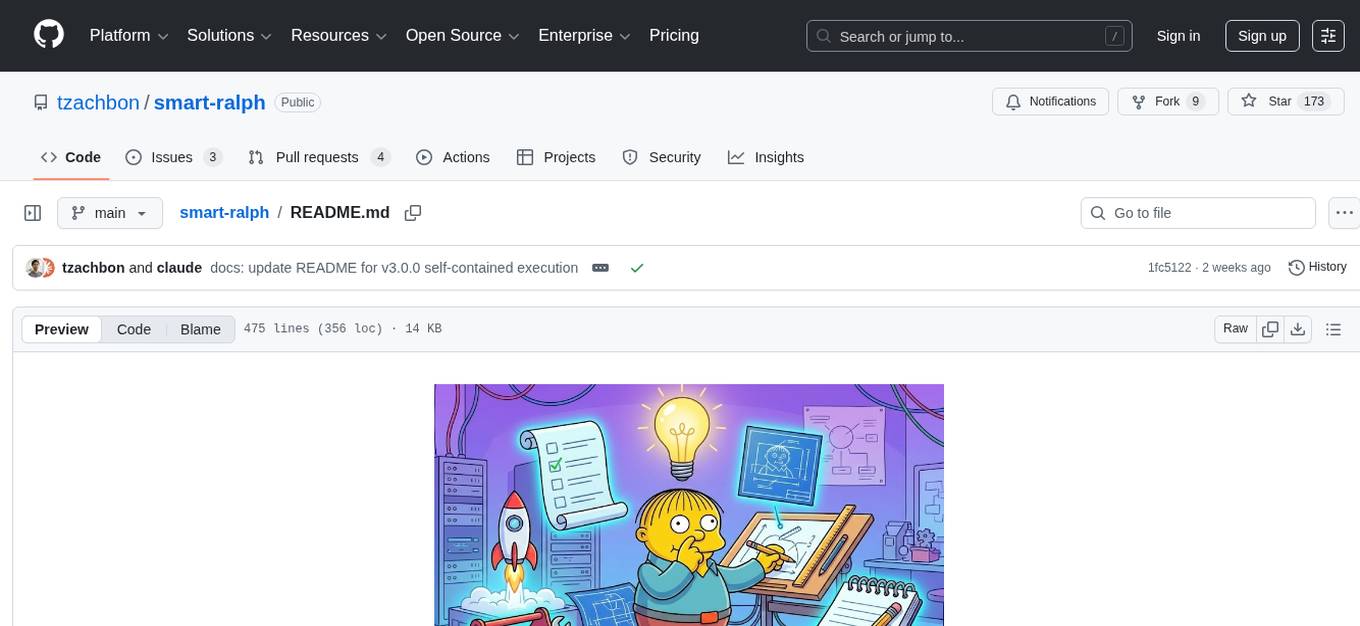
Smart Ralph is a Claude Code plugin designed for spec-driven development. It helps users turn vague feature ideas into structured specs and executes them task-by-task. The tool operates within a self-contained execution loop without external dependencies, providing a seamless workflow for feature development. Named after the Ralph agentic loop pattern, Smart Ralph simplifies the development process by focusing on the next task at hand, akin to the simplicity of the Springfield student, Ralph.
paperbanana
PaperBanana is an automated academic illustration tool designed for AI scientists. It implements an agentic framework for generating publication-quality academic diagrams and statistical plots from text descriptions. The tool utilizes a two-phase multi-agent pipeline with iterative refinement, Gemini-based VLM planning, and image generation. It offers a CLI, Python API, and MCP server for IDE integration, along with Claude Code skills for generating diagrams, plots, and evaluating diagrams. PaperBanana is not affiliated with or endorsed by the original authors or Google Research, and it may differ from the original system described in the paper.
multi-agent-ralph-loop
Multi-agent RALPH (Reinforcement Learning with Probabilistic Hierarchies) Loop is a framework for multi-agent reinforcement learning research. It provides a flexible and extensible platform for developing and testing multi-agent reinforcement learning algorithms. The framework supports various environments, including grid-world environments, and allows users to easily define custom environments. Multi-agent RALPH Loop is designed to facilitate research in the field of multi-agent reinforcement learning by providing a set of tools and utilities for experimenting with different algorithms and scenarios.
rho
Rho is an AI agent that runs on macOS, Linux, and Android, staying active, remembering past interactions, and checking in autonomously. It operates without cloud storage, allowing users to retain ownership of their data. Users can bring their own LLM provider and have full control over the agent's functionalities. Rho is built on the pi coding agent framework, offering features like persistent memory, scheduled tasks, and real email capabilities. The agent can be customized through checklists, scheduled triggers, and personalized voice and identity settings. Skills and extensions enhance the agent's capabilities, providing tools for notifications, clipboard management, text-to-speech, and more. Users can interact with Rho through commands and scripts, enabling tasks like checking status, triggering actions, and managing preferences.
tunacode
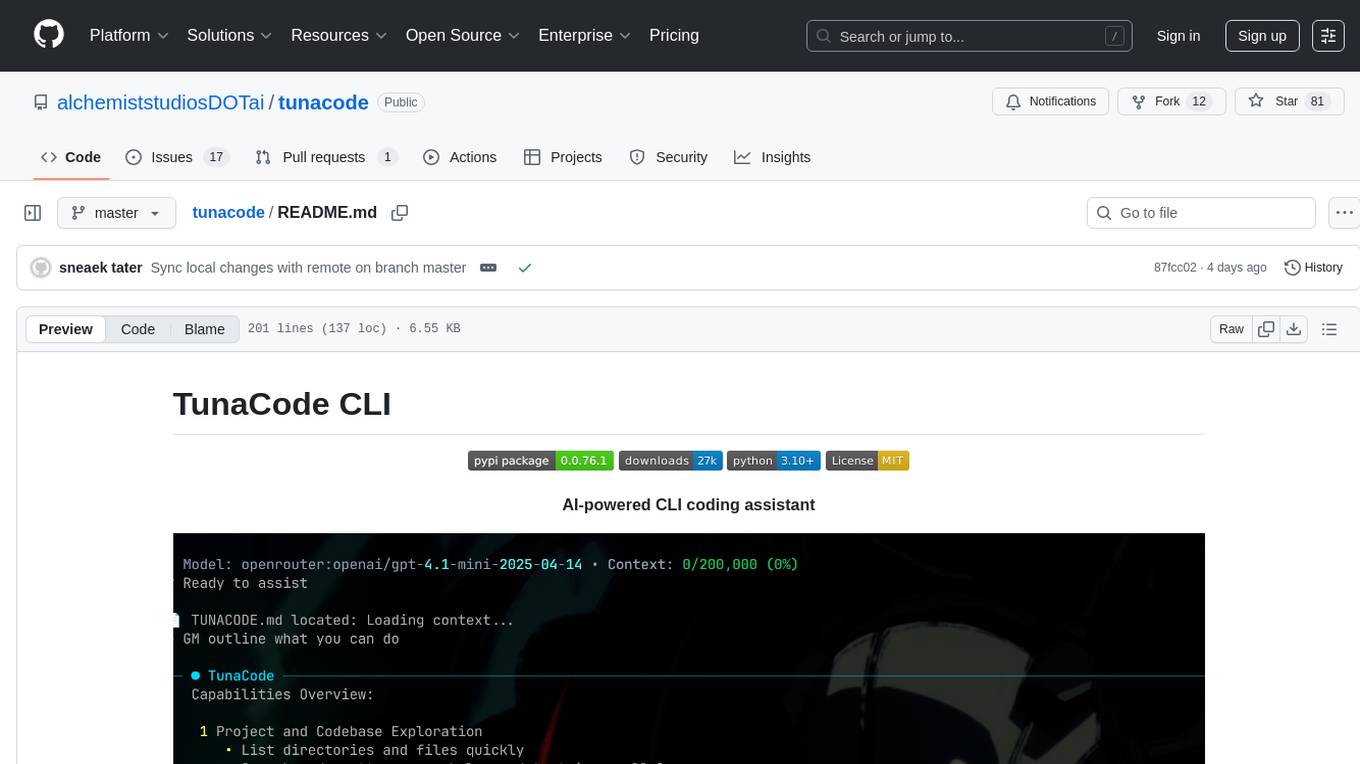
TunaCode CLI is an AI-powered coding assistant that provides a command-line interface for developers to enhance their coding experience. It offers features like model selection, parallel execution for faster file operations, and various commands for code management. The tool aims to improve coding efficiency and provide a seamless coding environment for developers.
claude-code-settings
A repository collecting best practices for Claude Code settings and customization. It provides configuration files for customizing Claude Code's behavior and building an efficient development environment. The repository includes custom agents and skills for specific domains, interactive development workflow features, efficient development rules, and team workflow with Codex MCP. Users can leverage the provided configuration files and tools to enhance their development process and improve code quality.

everything-claude-code
The 'Everything Claude Code' repository is a comprehensive collection of production-ready agents, skills, hooks, commands, rules, and MCP configurations developed over 10+ months. It includes guides for setup, foundations, and philosophy, as well as detailed explanations of various topics such as token optimization, memory persistence, continuous learning, verification loops, parallelization, and subagent orchestration. The repository also provides updates on bug fixes, multi-language rules, installation wizard, PM2 support, OpenCode plugin integration, unified commands and skills, and cross-platform support. It offers a quick start guide for installation, ecosystem tools like Skill Creator and Continuous Learning v2, requirements for CLI version compatibility, key concepts like agents, skills, hooks, and rules, running tests, contributing guidelines, OpenCode support, background information, important notes on context window management and customization, star history chart, and relevant links.
skillshare
One source of truth for AI CLI skills. Sync everywhere with one command — from personal to organization-wide. Stop managing skills tool-by-tool. `skillshare` gives you one shared skill source and pushes it everywhere your AI agents work. Safe by default with non-destructive merge mode. True bidirectional flow with `collect`. Cross-machine ready with Git-native `push`/`pull`. Team + project friendly with global skills for personal workflows and repo-scoped collaboration. Visual control panel with `skillshare ui` for browsing, install, target management, and sync status in one place.
roam-code
Roam is a tool that builds a semantic graph of your codebase and allows AI agents to query it with one shell command. It pre-indexes your codebase into a semantic graph stored in a local SQLite DB, providing architecture-level graph queries offline, cross-language, and compact. Roam understands functions, modules, tests coverage, and overall architecture structure. It is best suited for agent-assisted coding, large codebases, architecture governance, safe refactoring, and multi-repo projects. Roam is not suitable for real-time type checking, dynamic/runtime analysis, small scripts, or pure text search. It offers speed, dependency-awareness, LLM-optimized output, fully local operation, and CI readiness.
agents
AI agent tooling for data engineering workflows. Includes an MCP server for Airflow, a CLI tool for interacting with Airflow from your terminal, and skills that extend AI coding agents with specialized capabilities for working with Airflow and data warehouses. Works with Claude Code, Cursor, and other agentic coding tools. The tool provides a comprehensive set of features for data discovery & analysis, data lineage, DAG development, dbt integration, migration, and more. It also offers user journeys for data analysis flow and DAG development flow. The Airflow CLI tool allows users to interact with Airflow directly from the terminal. The tool supports various databases like Snowflake, PostgreSQL, Google BigQuery, and more, with auto-detected SQLAlchemy databases. Skills are invoked automatically based on user queries or can be invoked directly using specific commands.
llm4s
LLM4S provides a simple, robust, and scalable framework for building Large Language Models (LLM) applications in Scala. It aims to leverage Scala's type safety, functional programming, JVM ecosystem, concurrency, and performance advantages to create reliable and maintainable AI-powered applications. The framework supports multi-provider integration, execution environments, error handling, Model Context Protocol (MCP) support, agent frameworks, multimodal generation, and Retrieval-Augmented Generation (RAG) workflows. It also offers observability features like detailed trace logging, monitoring, and analytics for debugging and performance insights.

tokscale
Tokscale is a high-performance CLI tool and visualization dashboard for tracking token usage and costs across multiple AI coding agents. It helps monitor and analyze token consumption from various AI coding tools, providing real-time pricing calculations using LiteLLM's pricing data. Inspired by the Kardashev scale, Tokscale measures token consumption as users scale the ranks of AI-augmented development. It offers interactive TUI mode, multi-platform support, real-time pricing, detailed breakdowns, web visualization, flexible filtering, and social platform features.
RepairAgent
RepairAgent is an autonomous LLM-based agent for automated program repair targeting the Defects4J benchmark. It uses an LLM-driven loop to localize, analyze, and fix Java bugs. The tool requires Docker, VS Code with Dev Containers extension, OpenAI API key, disk space of ~40 GB, and internet access. Users can get started with RepairAgent using either VS Code Dev Container or Docker Image. Running RepairAgent involves checking out the buggy project version, autonomous bug analysis, fix candidate generation, and testing against the project's test suite. Users can configure hyperparameters for budget control, repetition handling, commands limit, and external fix strategy. The tool provides output structure, experiment overview, individual analysis scripts, and data on fixed bugs from the Defects4J dataset.
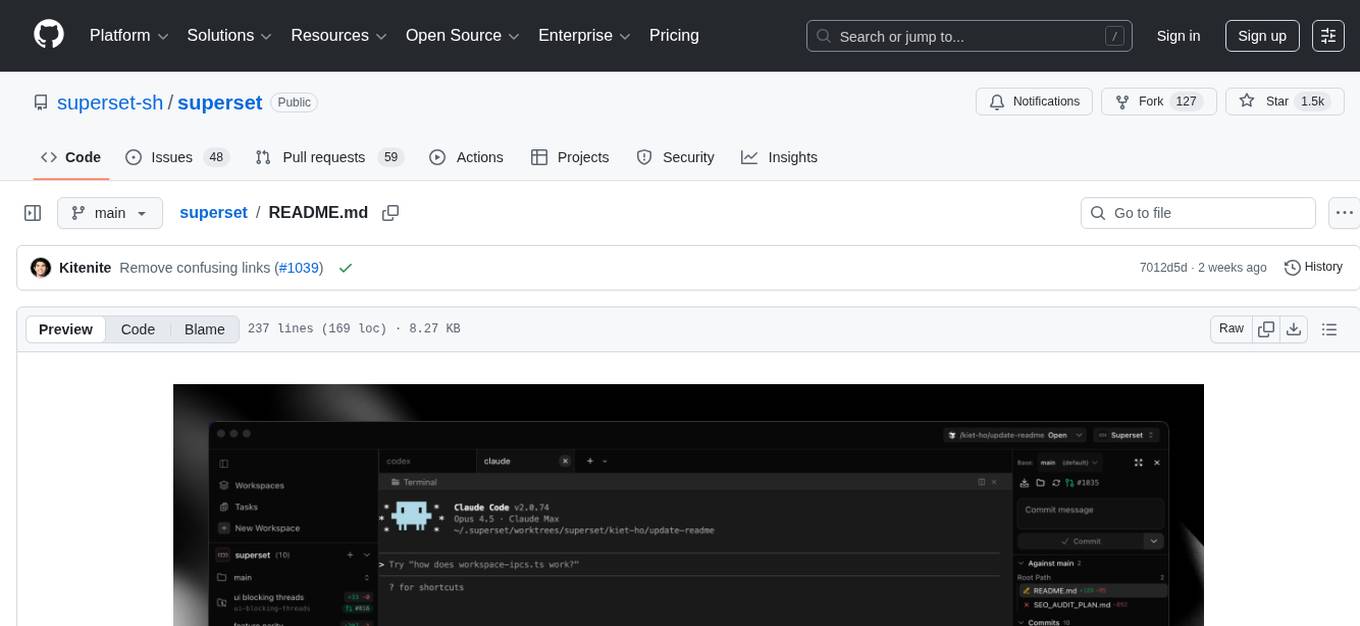
superset
Superset is a turbocharged terminal that allows users to run multiple CLI coding agents simultaneously, isolate tasks in separate worktrees, monitor agent status, review changes quickly, and enhance development workflow. It supports any CLI-based coding agent and offers features like parallel execution, worktree isolation, agent monitoring, built-in diff viewer, workspace presets, universal compatibility, quick context switching, and IDE integration. Users can customize keyboard shortcuts, configure workspace setup, and teardown, and contribute to the project. The tech stack includes Electron, React, TailwindCSS, Bun, Turborepo, Vite, Biome, Drizzle ORM, Neon, and tRPC. The community provides support through Discord, Twitter, GitHub Issues, and GitHub Discussions.
claude-talk-to-figma-mcp
A Model Context Protocol (MCP) plugin named Claude Talk to Figma MCP that enables Claude Desktop and other AI tools to interact directly with Figma for AI-assisted design capabilities. It provides document interaction, element creation, smart modifications, text mastery, and component integration. Users can connect the plugin to Figma, start designing, and utilize various tools for document analysis, element creation, modification, text manipulation, and component management. The project offers installation instructions, AI client configuration options, usage patterns, command references, troubleshooting support, testing guidelines, architecture overview, contribution guidelines, version history, and licensing information.
For similar tasks
bmalph
bmalph is a tool that bundles and installs two AI development systems, BMAD-METHOD for planning agents and workflows (Phases 1-3) and Ralph for autonomous implementation loop (Phase 4). It provides commands like `bmalph init` to install both systems, `bmalph upgrade` to update to the latest versions, `bmalph doctor` to check installation health, and `/bmalph-implement` to transition from BMAD to Ralph. Users can work through BMAD phases 1-3 with commands like BP, MR, DR, CP, VP, CA, etc., and then transition to Ralph for implementation.
aicodeguide
AI Code Guide is a comprehensive guide that covers everything you need to know about using AI to help you code or even code for you. It provides insights into the changing landscape of coding with AI, new tools, editors, and practices. The guide aims to consolidate information on AI coding and AI-assisted code generation in one accessible place. It caters to both experienced coders looking to leverage AI tools and beginners interested in 'vibe coding' to build software products. The guide covers various topics such as AI coding practices, different ways to use AI in coding, recommended resources, tools for AI coding, best practices for structuring prompts, and tips for using specific tools like Claude Code.
For similar jobs

promptflow
**Prompt flow** is a suite of development tools designed to streamline the end-to-end development cycle of LLM-based AI applications, from ideation, prototyping, testing, evaluation to production deployment and monitoring. It makes prompt engineering much easier and enables you to build LLM apps with production quality.

deepeval
DeepEval is a simple-to-use, open-source LLM evaluation framework specialized for unit testing LLM outputs. It incorporates various metrics such as G-Eval, hallucination, answer relevancy, RAGAS, etc., and runs locally on your machine for evaluation. It provides a wide range of ready-to-use evaluation metrics, allows for creating custom metrics, integrates with any CI/CD environment, and enables benchmarking LLMs on popular benchmarks. DeepEval is designed for evaluating RAG and fine-tuning applications, helping users optimize hyperparameters, prevent prompt drifting, and transition from OpenAI to hosting their own Llama2 with confidence.

MegaDetector
MegaDetector is an AI model that identifies animals, people, and vehicles in camera trap images (which also makes it useful for eliminating blank images). This model is trained on several million images from a variety of ecosystems. MegaDetector is just one of many tools that aims to make conservation biologists more efficient with AI. If you want to learn about other ways to use AI to accelerate camera trap workflows, check out our of the field, affectionately titled "Everything I know about machine learning and camera traps".

leapfrogai
LeapfrogAI is a self-hosted AI platform designed to be deployed in air-gapped resource-constrained environments. It brings sophisticated AI solutions to these environments by hosting all the necessary components of an AI stack, including vector databases, model backends, API, and UI. LeapfrogAI's API closely matches that of OpenAI, allowing tools built for OpenAI/ChatGPT to function seamlessly with a LeapfrogAI backend. It provides several backends for various use cases, including llama-cpp-python, whisper, text-embeddings, and vllm. LeapfrogAI leverages Chainguard's apko to harden base python images, ensuring the latest supported Python versions are used by the other components of the stack. The LeapfrogAI SDK provides a standard set of protobuffs and python utilities for implementing backends and gRPC. LeapfrogAI offers UI options for common use-cases like chat, summarization, and transcription. It can be deployed and run locally via UDS and Kubernetes, built out using Zarf packages. LeapfrogAI is supported by a community of users and contributors, including Defense Unicorns, Beast Code, Chainguard, Exovera, Hypergiant, Pulze, SOSi, United States Navy, United States Air Force, and United States Space Force.

llava-docker
This Docker image for LLaVA (Large Language and Vision Assistant) provides a convenient way to run LLaVA locally or on RunPod. LLaVA is a powerful AI tool that combines natural language processing and computer vision capabilities. With this Docker image, you can easily access LLaVA's functionalities for various tasks, including image captioning, visual question answering, text summarization, and more. The image comes pre-installed with LLaVA v1.2.0, Torch 2.1.2, xformers 0.0.23.post1, and other necessary dependencies. You can customize the model used by setting the MODEL environment variable. The image also includes a Jupyter Lab environment for interactive development and exploration. Overall, this Docker image offers a comprehensive and user-friendly platform for leveraging LLaVA's capabilities.

carrot
The 'carrot' repository on GitHub provides a list of free and user-friendly ChatGPT mirror sites for easy access. The repository includes sponsored sites offering various GPT models and services. Users can find and share sites, report errors, and access stable and recommended sites for ChatGPT usage. The repository also includes a detailed list of ChatGPT sites, their features, and accessibility options, making it a valuable resource for ChatGPT users seeking free and unlimited GPT services.

TrustLLM
TrustLLM is a comprehensive study of trustworthiness in LLMs, including principles for different dimensions of trustworthiness, established benchmark, evaluation, and analysis of trustworthiness for mainstream LLMs, and discussion of open challenges and future directions. Specifically, we first propose a set of principles for trustworthy LLMs that span eight different dimensions. Based on these principles, we further establish a benchmark across six dimensions including truthfulness, safety, fairness, robustness, privacy, and machine ethics. We then present a study evaluating 16 mainstream LLMs in TrustLLM, consisting of over 30 datasets. The document explains how to use the trustllm python package to help you assess the performance of your LLM in trustworthiness more quickly. For more details about TrustLLM, please refer to project website.

AI-YinMei
AI-YinMei is an AI virtual anchor Vtuber development tool (N card version). It supports fastgpt knowledge base chat dialogue, a complete set of solutions for LLM large language models: [fastgpt] + [one-api] + [Xinference], supports docking bilibili live broadcast barrage reply and entering live broadcast welcome speech, supports Microsoft edge-tts speech synthesis, supports Bert-VITS2 speech synthesis, supports GPT-SoVITS speech synthesis, supports expression control Vtuber Studio, supports painting stable-diffusion-webui output OBS live broadcast room, supports painting picture pornography public-NSFW-y-distinguish, supports search and image search service duckduckgo (requires magic Internet access), supports image search service Baidu image search (no magic Internet access), supports AI reply chat box [html plug-in], supports AI singing Auto-Convert-Music, supports playlist [html plug-in], supports dancing function, supports expression video playback, supports head touching action, supports gift smashing action, supports singing automatic start dancing function, chat and singing automatic cycle swing action, supports multi scene switching, background music switching, day and night automatic switching scene, supports open singing and painting, let AI automatically judge the content.