


aicodeguide
AI Code Guide is a roadmap to start coding with AI
Stars: 2120
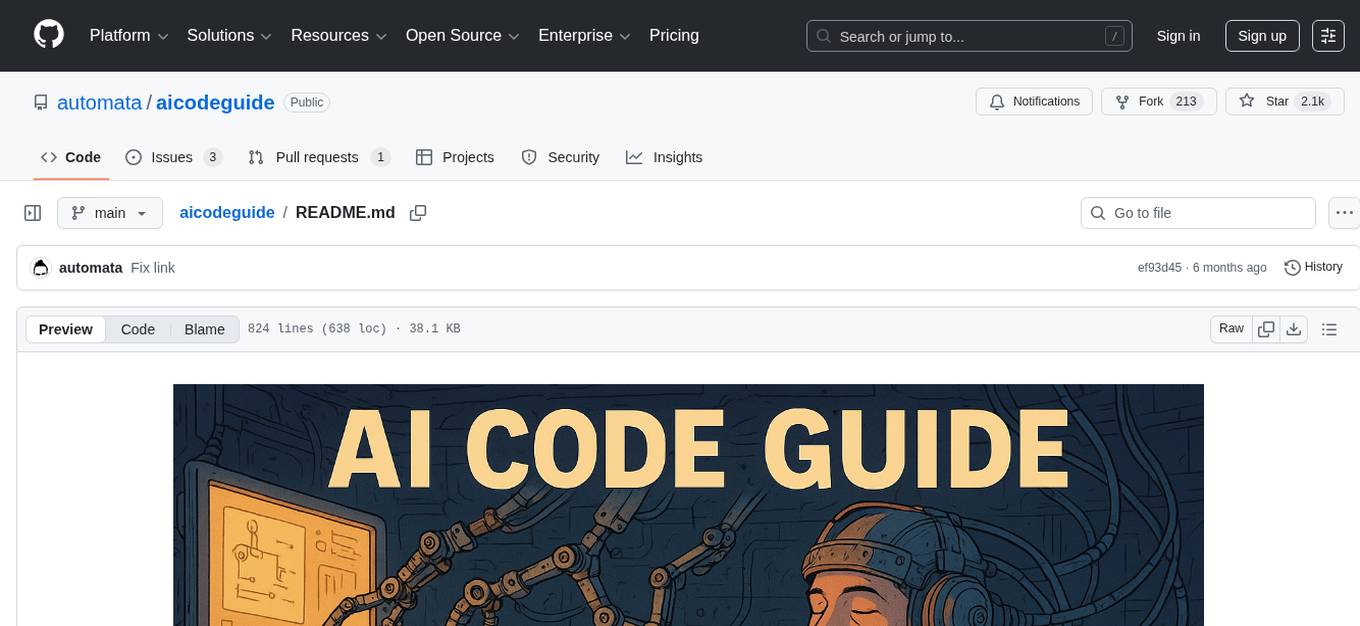
AI Code Guide is a comprehensive guide that covers everything you need to know about using AI to help you code or even code for you. It provides insights into the changing landscape of coding with AI, new tools, editors, and practices. The guide aims to consolidate information on AI coding and AI-assisted code generation in one accessible place. It caters to both experienced coders looking to leverage AI tools and beginners interested in 'vibe coding' to build software products. The guide covers various topics such as AI coding practices, different ways to use AI in coding, recommended resources, tools for AI coding, best practices for structuring prompts, and tips for using specific tools like Claude Code.
README:


Everything you wanted to know about using AI to help you code and/or to code for you.
The way we interact with computers and write code for them is changing. And it's a profound change: on the tools we use, the way we code and think about software products and systems.
And it's changing super fast! New LLM models are being released every week. New tools, new editors, new "vibe coding" practices, new protocols, MCP, A2A, SLOP, ... And it's really hard to keep track of all that. Everything is scattered in different places, websites, repos, YouTube videos, etc.
That's why we decided to write this guide. It's our humble attempt to put everything together and present you the practices and tools around AI coding or AI assisted code generation, all in one place, with no fuss, in an accessible form.
-
If you're a coder but is not using AI code assistants yet, this guide is for you: it presents the most recent tools and good practices to make the most of them to help on your daily jobs. Either having AI as your copilot or being the copilot for an AI agent.
-
If you never coded before but you're interested in this new "vibe coding" thing to build your own SaaS and other software products, this guide is definetely for you: We'll try to do my best to remove obscurity and leave you with what's required to start your journey, but being super critic about what is really important and what's "just hype".
Cool, let's start!
📚 Resources:
- The End of Programming as We Know It by Tim O'Reilly
- How to prepare for the future of development and AI by Santiago
- The revenge of the junior developer by Steve Yegge
- Dear Student: Yes, AI is here, you're screwed unless you take action... by Geoffrey Huntley
- How to Build an Agent by Thorsten Ball
- Using LLMs for code by Simon Willison
- The 70% problem: Hard truths about AI-assisted coding by Addy Osmani
- Become an AI-augmented engineer by Mary Rose Cook
- Raising an Agent podcast by Amp team
- Software Is Changing (Again) by Andrej Karpathy
All those terms are pretty similar. But basically AI coding is about using AI models (specially LLMs these days) and all the tooling around it to help you write software. It's also called "AI for code generation" or "code gen" for short, and there's an entire fascinating field of research and engineering, that dates back to 1950's when we used Lisp to generate code. Now we have LLMs as main engines to power code generation, and there's also some threads on neurosymbolic hybrid approaches starting to show up. AI coding is also a practice: if you're using Cursor and tab-tab-tab your way to get completions, you're "AI coding"; if you're full on using Cursor's agent mode, you're also "AI coding". In summary: it's any way to use AI models to help you to generate code. Generally you have people who already know how to code in this group.
Vibe coding is AI coding cranked up :-) Here you don't care much about the code being generated, you just give a prompt and expect the AI to code everything for you. The term was coined by Karpathy in 2025 and it's getting pretty popular. IMHO it's helping to democratize coding for everyone that never thought about coding before!
So, in summary, no matter if you're using AI to discuss your software ideas or to help on coding only parts of your already existing code base, or if you're full on vibe coding, you're using AI to help you generate code. Let's call it AI coding and move on.
You can use AI coding in many different ways, but in summary:
-
AI is your copilot: you use AI models to augment yourself, to boost your productivity. Either by firing up ChatGPT to help you on brainstroming ideas for your SaaS; or using Cursor to autocomplete your docstrings. There are many gains here, specially for creative exploration and to automate boring parts of your work.
-
AI is the pilot: here you are the copilot. This is where the "vibe coding" happens. You turn on the Cursor Agent YOLO mode and trust everything the agents do to generate your code. Really powerful way to automate yourself, but demands some good practices on how to design systems, tame the agents and jumping in on a spaghetti of code you actually don't know about, specially to solve errors.
You should learn and practice both!
But lean more towards copiloting and away from pure YOLO vibecoding as project complexity scales up. The more likely it is that another human (or yourself in six months) will have to maintain the code, the more important this is.
-
If you don't know how to code and want to play with it, we recommend starting with some web-based tool like Bolt, Replit, v0 or Lovable.
-
If you already know how to code, install Cursor or Windsurf. You can start with the free plan and then upgrade to $20 monthly plan. Cursor, is pretty good and cheap, given you'll have tons of tokens to use on most recent LLM models out there. VSCode recently introduced their own Agent Mode as well. It pairs with Github Copilot and uses and Agentic Workflow to make changes and edit files. Other editors are rapidly adding Agentic features, so check your favorite editor's website for more information. These agentic features are often only enabled within Beta or Insider builds.
-
If you want a more open source alternative, try OpenHands. You run it as a Docker container that exposes a webapp. You'll have to create an Anthropic API account to get access to an API key, or use some LLM available in OpenRouter.
-
If you already know how to code and are a terminal maniac like us, check aider, Claude Code or OpenAI Codex. For those you'll need to setup API keys for Anthropic Claude, OpenAI GPT or for OpenRouter.
-
If you already know how to code, loves both terminal and some VSCode flavour, and really want to experiment the power of having subagents running in parallel for you, and don't care about costs but about getting things done, try Amp.
Suggestion: We really recommend creating an account in OpenRouter. It's really easy and you'll get access to the most updated LLM models and even free versions of it. For instance, our go-to LLM model these days is Gemini 2.5 Pro and it's possible to run it through OpenRouter for free (there are daily quotas of credits, but it's still an interesting option for experiments with aider and OpenHands, for instance).
Important note: Claude Code is super expensive these days! You can easily spend $50/day. So be careful, monitor your usage. That's why it's recommended to start with Cursor so you don't have to worry about it.
📚 Resources:
After you installed and played with those tools a bit, you'll notice they will hallucinate, enter in endless cycles of trying to fix a possible error, etc. It's important to know how to prompt well. Some tips:
- Do not ask everything in one prompt. Only prompting "hey, building me an app to for my pet store" doesn't help a software engineer and much less an AI :-) Understand your project, brainstorm first with an LLM, create a PRD (Product Requirements Document), make a plan and split them in tasks. You'll find bellow a recipe on how to use ChatGPT to create one for you.
- Give it details. If you know what you want, say it. If you know which programming language you want, which tech stack, what type of audience, add it to your prompt.
- Markdown or any other light text-based format like asciidoc should be OK for LLMs to interpret. In the end the text will be encoded as tokens. However, to put emphasis in specific parts of your prompt it's recommended to use some symbols like XML tags.
- Break you project into tasks and subtasks.
- Try different models for different goals.
- Try different models to confirm and validate output of other models.
- LLMs are "yes machines", so apply critical thinking.
In the rest of our examples we will use the .md file extension associated with Markdown If you prefer asciidoc (which has somewhat better support for structured documents) use that and substitute ".adoc" in these instructions. The LLMs don't care, they will handle Markdown or asciidoc or any other purely textual format you throw at them.
Here is a method/procedure/strategy/workflow that generally works well:
- Use
ChatGPT 4.5,4ooro3with the following prompt:
You're a senior software engineer. We're going to build the PRD of a project
together.

VERY IMPORTANT:
- Ask one question at a time
- Each question should be based on previous answers
- Go deeper on every important detail required

IDEA:
<paste here your idea>
- You're going to enter in a loop of questions/answers for a few minutes. Try to answer as much as you can with as much details as possible. When finished (or when you decide it's enough), send this prompt to guide the model to compile it as a PRD:
Compile those findings into a PRD. Use markdown format. It should contain the
following sections:

- Project overview
- Core requirements
- Core features
- Core components
- App/user flow
- Techstack
- Implementation plan
- Copy and save this file into a
docs/specs.mdinside your project folder - Now let's create the task list for your project. Ask the following:
Based on the generated PRD, create a detailed step-by-step plan to build this project.
Then break it down into small tasks that build on each other.
Based on those tasks, break them into smaller subtasks.
Make sure the steps are small enough to be implemented in a step but big enough
to finish the project with success.
Use best practices of software development and project management, no big
complexity jumps. Wire tasks into others, creating a dependency list. There
should be no orphan tasks.

VERY IMPORTANT:
- Use markdown or asciidoc
- Each task and subtask should be a checklist item
- Provide context enough per task so a developer should be able to implement it
- Each task should have a number id
- Each task should list dependent task ids
- Save this as
docs/todo.mdinside your project folder
Here is an example of a brainstorming/planning session done with ChatGPT 4o for a simple CLI tool, use it as inspiration for yours.
Now create a local folder for you project, remember to install and run git init inside the folder to keep it under version control.
This should give you the PRD and the tasks lists to build your project! With that in hands, you can open your Cursor (or other AI code editor), point it to those files and ask:
You're a senior software engineer. Study @docs/specs.md and implement what's
still missing in @docs/todo.md. Implement each task each time and respect task
and subtask dependencies. Once finished a task, check it in the list and move
to the next.
Enable YOLO mode the first time Cursor Agent executes a command and then keep
accepting or asking continue in the prompt.
In the case of Cursor, sometimes the LLM will reach some limits and ask for retry. Just do it and continue. Yep, you're vibe coding :-)
And here you'll find the Git repos for a CLI tool built in 10 min based on the this workflow: https://github.com/automata/localbiz
Important: although it's super cool to "vibe code", it's also really interesting to know what you're doing :-) Reviewing the code the agent is generating will also help you a lot when errors happen (and they will!) and to improve your skills on code reviewing (not only made by AIs but by yourself and other developers).
📚 Resources:
- You are using Cursor AI incorrectly... by Geoffrey Huntley: here Geoff introduces his idea of using a stdlib of Cursor rules
- From Design doc to code: the Groundhog AI coding assistant (and new Cursor vibecoding meta) by Geoffrey Huntley: part 2 of the previous post, where Geoff suggests to use LLMs to build specs (PRD) and Cursor rules automatically
- My LLM codegen workflow atm by Harper Reed
- An LLM Codegen Hero's Journey by Harper Reed
- Claude Code: Best practices for agentic coding by Anthropic: it's towards their Claude Code tool but it has interesting tips for AI coding workflows based on any LLM model
- Prompt Engineering by Lee Boonstra from Google: it's a 70 pages doc with interesting tips on how to prompt engineer, with a section about code generation
- Prompt Engineering Guide by Anthropic
- GPT 4.1 Prompting Guide by OpenAI
- RepoPrompt is a tool to help assemble context from your project. It's worth watching an overview video of a RepoPrompt Workflow to learn how to easily leverage these tools to provide more context in your vibe coding prompts.
- Not all AI-assisted programming is vibe coding (but vibe coding rocks) by Simon Willison
LLMs are trained and finetuned with different goals, here is a comprehensive list of goals/use you might have and which model to use it for:
| Goal | Models |
|---|---|
| Brainstorming | GPT 5, 4o, o3, Grok |
| Coding | Claude Sonnet 4, Gemini 2.5 Pro, Grok, GPT 5, o3, o4-mini |
Given LLMs change in a daily basis, this table gets outdated fast. Please check the following leaderboards for more accurate comparison:
-
OpenRouter's Models: Set categories as
programmingand also filtering only the models that supporttoolsis generally a good way to select models for AI assisted coding - Models.dev: An open-source database of AI models
- Agent Leaderboard
Switch to a different model.
There are at least two different reasons this can happen. You can make a heavy request that exceeds the model's input/output token limit. Or, if the server cluster it's running on is having a bad day, you may be throttled to reduce the load. The error messages you get are often not transparent about this. You can find a more detailed explanation here.
Different models have very different token limits. For example, as I write in late April 2025, gpt-4.1-mini is much more generous than gpt-4.1. Have several API keys in your pocket (this is inexpensive, since you pay as you go) and visit the pages describing rate limits. Here's Anthropic's as an example.
You can define rules or conventions that will be applied to your project by "injecting" them in the context of the LLM. Each editor have some ways to do it:
- In Cursor, just create
markdown files inside a
.cursor/rules/folder. Cursor will make it sure to apply those on all communication with the LLM. - In Aider, create markdown files with rules/conventions you want to use (like
rules.md) and add the following in your.aider.conf.ymlfile:read: rules.md.
Also, many tools support configuring a rules/conventions file in your home directory to be applied to all your projects. For instance, in Aider you can basically add global conventions in a file
called ~/.global_conventions.md and then add it to the .aider.conf.yml with read: [~/.global_conventions.md, rules.md].
You can add part of your PRD as rules, for instance, like the tech stack or some guidelines on code formating and style.
Rules are super powerful and you can even use the AI itself to create the rules for you! Check Geoff's method on that.
📚 Resources:
- Cursor Rules Docs
- Windsurf Rules Docs
- Aider Conventions Docs
- Aider Conventions Collection: a collection of community-contributed convention files for use with Aider.
- Awesome Cursor Rules: a curated list of awesome .cursorrules files for enhancing your Cursor AI experience.
PRD. What?! They say that the best ways to solve a problem in engineering is to create a new acronym and here it's no exception :-) J/k... PRD is short for Product Requirements Document. Basically, it's just a bunch of docs (or only one doc) describing the requirements and other details about your software project.
Turns out, if you leave your loved LLM free, with not much context of what to do, it will hallucinate pretty wild and quick. You need to tame the beast and PRDs are a great way to do it.
What I most like about PRDs is how they are super helpful to anyone, from people who never coded before to senior SWE or product managers.
You don't need any background to start a PRD, you just need your idea for an app and that's it.
Check here how to use a LLM to create one for you.
Record every prompt you send, with (this is important) your interspersed comments on what you were thinking and any surprises you got. This prompt log is your record of design intent; it will be invaluable to anyone approaching the project without having been involved in it, including you in six months after you have forgotten what you were thinking.
There isn't any convention for the name of this file yet, you can use something like
vibecode.adoc or history.md.
There are tools like aider that keep a log of all the back-and-forth chat you had with your LLM. So one option is to set the following env vars and keep all those history files under version control:
# History Files:

## Specify the chat input history file (default: .aider.input.history)
#AIDER_INPUT_HISTORY_FILE=.aider.input.history

## Specify the chat history file (default: .aider.chat.history.md)
#AIDER_CHAT_HISTORY_FILE=.aider.chat.history.md

## Log the conversation with the LLM to this file (for example, .aider.llm.history)
#AIDER_LLM_HISTORY_FILE=.aider.llm.history
With those files in hand, you can then comment on them with your own thoughts while you go. You (and others) can learn a lot about your project when you revisit it in the future, and you'll probably start noticing patterns and tips you can use in your next sessions.
Modern Web development is pretty overwhelming. There are tons of JavaScript/ TypeScript frameworks, CSS frameworks, etc so it's really hard to get started and think about which one to use. After spending last weeks building frontends, that's what I ended up using:
- Next.js so you can deploy to Vercel and embrace their ecosystem (can get expensive fast)
- Vanilla React and using React Router so you can deploy to anywhere
- Remix so you can have good routing support and still deploy to anywhere
- FastHTML if you love Python and care more about exposing a core backend functionality (eg some data analysis, or AI/ML model pipeline) than super pretty UI
Web-based AI coding platforms like Lovable use React while v0 uses Next.js.
One trick you can use is to start your project at Lovable (you can get up to 5 messages per day on their free plan), setup it to output your project to GitHub and then just clone it in your local machine and continue AI coding it using Cursor. Then you can deploy it to places like Render, Fly.io, CloudFlare, etc. No strings attached. Specially interesting if you specifics/more complex routines in your backend.
If you're also coding the backend, make sure to have either one folder for backend and other for frontend in your root folder for your Git repos; or have different repos for backend and frontend, and then add them to the same workspace in Cursor (so you can reference files of backend in your frontend agent and vice-versa).
To avoid integrating the frontend into the backend too early, instruct the AI agent to use mock/dummy data instead, so you can update it later once you have the backend implemented.
Another interesting tip is to use good MCP tools to integrate your coding agent to playwright or browser-use. This way you can avoid the copy-paste cycle of errors from the web browser into your AI agent, given the AI will control the browser and grab screenshots and errors messages by itself.
If you want to use 3D content in your webapp and you're using React, it's interesting to use React Three Fiber instead of trying to use the three.js library directly. R3F makes it easier to deal with state given it wraps all three.js objects as React components.
Backends are not well done in Web based tools like Lovable. So you will probably need to get your hands at Cursor/Windsurf/aider or any other non-Web-based tool.
Using Python and FastAPI is a great option. If you prefer to stay with the same language of your frontend (guessing it will be JavaScript or TypeScript most of the time), you can use Nodejs and Express.
Backends are a great target for end-to-end tests, so consider guiding the agent to write tests and run them for each new feature and its subtasks.
Once you're done with you backend, you can use its documentation (specially on HTTP endpoints) as input for the agent working in your frontend. This way you'll be able to move your frontend from using mock/dummy data to real one coming from the backend.
For small games, use vanilla JS in a single .js file and use threejs for 3D games or pixijs for 2D games.
Games are all about good assets, so consider using services like Tripo AI and Anything World to generate 3D assets and rig/animate them.
One thing you must know about coding and software in general: they will fail. No matter what you try to prevent that, it will happen. So let's first embrace that and be friends with errors and bugs.
The first strategy here is to mimic what SWE do: see what the interpreter/compiler gave to you as an error message and try to understand it. Copy and paste the error back to the LLM and ask it to fix it. Another great idea is to add MCP tools great for debugging like BrowserTools.
MCP is short for Model Context Protocol. It was developed by Anthropic but it's starting to be considered by other LLMs like OpenAI's GPT and Google's Gemini. It's a powerful concept and it's pretty linked to another one: function/tool calling.
Tool calling is a way for LLMs to call tools or functions to execute some
operation. It's a way to update the knowledge window of a LLM (trained on data from the past)
with new information and at same time to integrate it with external tools and
endpoints. For instance, if you want to search the web for some information, you can instruct the LLM
to use a tool that does that (eg Hey, if you need to search for something on web, use this tool: search(term)). Then, instead of spending many tokens, iteration steps and
parsing workloads, the LLM will call the tool, get the output and use it when
generating new predictions for you.
MCP extends this idea by creating a standard for it. This way we can create a MCP server that will expose some resource (a database, for instance) or tool (a specific piece of software that will compute something and return the results, for instance) to the LLM.
Wait, but it's not just an API? Couldn't I just mimic the same with a REST API server/client and some parsing in the LLM prompts? Kinda, and that's what SLOP (Simple Language Open Protocol) proposes. However, having a standard like MCP makes it easier to make sure the LLM will support it natively without extra parsing and tricks on the client side.
A2A (Agent to Agent Protocol) is pretty recent in the game. It was created by Google to "complement" MCP, focusing on multiagent communication while MCP focuses on LLM-tools communications.
Important: There are lots of good MCP servers out there and editors like Cursor support them. For now, only Anthropic Claude LLM supports them, so make sure to use it Claude when you want to work with MCP tools.
Anthropic keeps an updated list of MCP servers here: https://github.com/modelcontextprotocol/servers
📚 Resources:
Generally LLMs do better starting fresh. But you can also start with a boilerplate (basically a starter kit: a folder with initial skeletons of minimal source files and configs needed to get a working project running for a specific tech stack) and add rules in the context window to make it sure it will respect your starter kit.
Another great idea is to index your project (that you just created with the starter kit) using Cursor's own indexing feature, or using some tool like repomix or files-to-prompt.
If you have an existing codebase, a good idea is to use repomix or files-to-prompt pack it into the context window.
Another great tip is to prompt for changes at task level and not in project level. For instance, focus in one feature you want to implement and ask Cursor Agent to implement it. Give a mini-PRD for the specific feature. Imagine that you're guiding a junior developer to work in a specific GH ticket :-)
📚 Resources:
At present (in April 2025) LLMs are already good at generating working code, but they're not very good at generating well-structured code - that is, with proper layering and separation of concerns. Good structure is important for readability and maintainability, and reduces your defect rate.
Think through your design and then prompt-engineer it in a sequence that produces good structure. In a database-centered application, for example, it's a good idea to specify your record types first, then guide your LLM through building a manager class or module that encapsulates access to them. Only after that should you begin prompting for business logic.
More generally, when you prompt, think about separating engine code from policy code, and issue your prompts in a sequence that guides the LLM to do that.
You should include in your project rules, one that tells the LLM not to violate layering - if it needs a new engine method, it should add something to a clean encapsulation layer rather than having low-level implementation details entangled with business logic.
Another interesting practice is to start with the core of you project and spend time making sure to get the main functionality implemented and organized the way you want. You can even write classes and functions skeletons and then let the LLM fill the gaps. Only after you have a good foundation and with good tests you can move to consumers of this core library, like exposing it as CLI or REST API to a future webapp, for instance.
Yes, tests are more important than ever. At current state of the art in 2025, LLMs are good at generating clean and correct code, but they sometimes hallucinate - and more importantly, they can fail at understanding specifications and generate correct code to do the wrong thing.
It is not likely that this will change even if and when we get full human-equivalent artificial general intelligence - after all, human beings misunderstand specifications too! Ambiguity of language is why tests will continue to be important even into the future.
Using TDD to create skeletons of what you want as result can really help guiding LLMs to implement the target piece of code you're testing. Instructing your LLM to create tests and to run them is also a great practice: it will be able to add possible errors breaking a given test to its context and act on it, trying to make the test pass.
Tests are fundamental for growing your code base together with a LLM, only moving forward when all current tests pass.
Property-based tests are really interesting when working with LLMs. Testing for a whole domain/range of values instead of just specific ones that you pinpointed will help making sure the code generated by the agent will still be valid even if later changes end up hitting edge cases you didn't think in advance. There are good libraries for property-based tests in every language, like hypothesis for Python or fast-check for JavaScript/TypeScript.
It's also important to always check the code generated by LLMs while trying to write or fix a test: sometimes they will even try to generate some hardcoded output just to make the test pass :-)
The exact same rules and best practices advised for non-AI assisted coding are valid here. Research more about them and apply to your code. Here an initial safe-check list:
- Don't trust the code generated by an AI. Always verify. Remember that the AI will not be responsible for the code you run out there, YOU WILL!
- Do not store any API keys or other secrets as hardcoded strings, and specially in frontend code. Store on backend as protected environment variables (eg platforms like Vercel offer this option)
- When querying API endpoints, always use HTTPS
- When creating HTML forms, always do input validation and sanitization
- Do not store sensible data in
localStorage,sessionStorageor cookies - Run validators and security vulnerability scanners in your package requirements
You just want to try Kimi K2 or other LLM in your Claude Code CLI? You can use claude-code-router to make Claude Code CLI use a "proxy" running locally at your machine to route it to any model available at OpenRouter! The instructions bellow work for Kimi K2 but you can adapt it to any other LLM you want.
First create an account at OpenRouter and grab your API key.
Make sure you have Claude Code CLI installed:
npm install -g @anthropic-ai/claude-code
Then install claude-code-router:
npm install -g @musistudio/claude-code-router
Add the following lines to your ~/.claude-code-router/config.json file,
replacing OPENROUTER_API_KEY with your API key from OpenRouter:
{
  "Providers": [
    {
      "name": "kimi-k2",
      "api_base_url": "https://openrouter.ai/api/v1/chat/completions",
      "api_key": "OPENROUTER_API_KEY",
      "models": [
        "moonshotai/kimi-k2"
      ],
      "transformer": {
        "use": ["openrouter"]
      }
    }
  ],
  "Router": {
    "default": "kimi-k2,moonshotai/kimi-k2"
  }
}
Now just run Claude Code through the router:
ccr code
You should see Claude Code API Base URL: http://127.0.0.1:3456, which means it's
using the local proxy created by claude-code-router. That's it!
If you're only interested in Kimi K2 or other models from Moonshot, an alternative is to use the model provided by Moonshot itself: https://github.com/LLM-Red-Team/kimi-cc/blob/main/README_EN.md
We're working on some tutorials on how to do it while building our own tools, so keep posted.
The best intro is
this practical tutorial by Thorsten
where you build a simple agent that uses basic the
minimal amount of tools (list_files, read_file, edit_file) in Go, step-by-step.
If you want to go deeper, this series of open source books by Gerred is definetely a great start.
- Claude Code Guide: Covers every discoverable Claude Code command, including many features that are not widely known or documented in basic tutorials
Here we keep an updated list of main tools around using AI for coding. We tested most of them and you'll find our honest opinion during the time we tested them.
- Specstory
- Claude Task master
- CodeGuide
- repomix
- files-to-prompt
- repo2txt
- stakgraph
- Repo Prompt
- Uzi
- Claudia
Some super interesting people implementing AI coding models/tools or using it on their own projects.
- Addy Osmani
- Andrej Karpathy
- Beyang Liu (Amp)
- Cat Wu (Claude Code)
- Eric S. Raymond
- Eyal Toledano (TaskMaster)
- Geoffrey Huntley
- Gerred Dillon
- Harper Reed
- Nathan Wilbanks (agnt, SLOP)
- Pietro Schirano
- Quinn Slack (Amp)
- Sandeep Pani (Aider, AgentFarm)
- Simon Willison
- Vilson Vieira
- Thorsten Ball (Amp)
- Xingyao Wang (OpenHands, AllHands)
This guide was inspired by the great llm-course from Maxime Labonne.
Special thanks to:
- Gabriela Thumé for everything ❤️
- Albert Espín for thoughtful feedback and the first error corrections
- Geoffrey Huntley for pointing me to property-based tests and for all his great tutorials and experiments around autonomous agents
- ChatGPT 4o for generating the banner you see on the top, inspired by the incredible artist Deathburger
If you want to contribute with corrections, feedbacks or some missing tool or reference, please feel free to open a new PR, a new issue or get in touch with Eric or Vilson.
If you like this guide, please consider giving it a star ⭐ and follow it for new updates!
MIT
For Tasks:
Click tags to check more tools for each tasksFor Jobs:
Alternative AI tools for aicodeguide
Similar Open Source Tools
aicodeguide
AI Code Guide is a comprehensive guide that covers everything you need to know about using AI to help you code or even code for you. It provides insights into the changing landscape of coding with AI, new tools, editors, and practices. The guide aims to consolidate information on AI coding and AI-assisted code generation in one accessible place. It caters to both experienced coders looking to leverage AI tools and beginners interested in 'vibe coding' to build software products. The guide covers various topics such as AI coding practices, different ways to use AI in coding, recommended resources, tools for AI coding, best practices for structuring prompts, and tips for using specific tools like Claude Code.
ai-agents-masterclass
AI Agents Masterclass is a repository dedicated to teaching developers how to use AI agents to transform businesses and create powerful software. It provides weekly videos with accompanying code folders, guiding users on setting up Python environments, using environment variables, and installing necessary packages to run the code. The focus is on Large Language Models that can interact with the outside world to perform tasks like drafting emails, booking appointments, and managing tasks, enabling users to create innovative applications with minimal coding effort.
yet-another-applied-llm-benchmark
Yet Another Applied LLM Benchmark is a collection of diverse tests designed to evaluate the capabilities of language models in performing real-world tasks. The benchmark includes tests such as converting code, decompiling bytecode, explaining minified JavaScript, identifying encoding formats, writing parsers, and generating SQL queries. It features a dataflow domain-specific language for easily adding new tests and has nearly 100 tests based on actual scenarios encountered when working with language models. The benchmark aims to assess whether models can effectively handle tasks that users genuinely care about.
discourse-chatbot
The discourse-chatbot is an original AI chatbot for Discourse forums that allows users to converse with the bot in posts or chat channels. Users can customize the character of the bot, enable RAG mode for expert answers, search Wikipedia, news, and Google, provide market data, perform accurate math calculations, and experiment with vision support. The bot uses cutting-edge Open AI API and supports Azure and proxy server connections. It includes a quota system for access management and can be used in RAG mode or basic bot mode. The setup involves creating embeddings to make the bot aware of forum content and setting up bot access permissions based on trust levels. Users must obtain an API token from Open AI and configure group quotas to interact with the bot. The plugin is extensible to support other cloud bots and content search beyond the provided set.
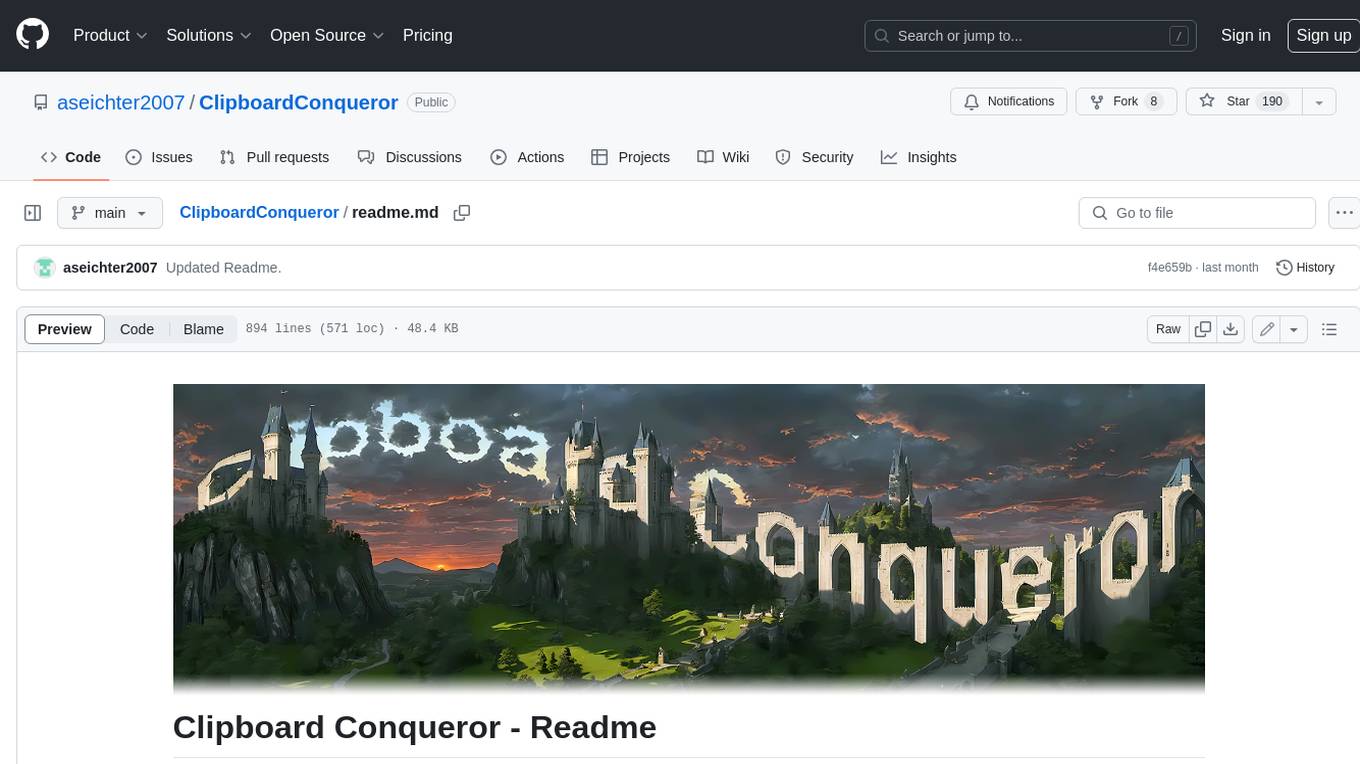
ClipboardConqueror
Clipboard Conqueror is a multi-platform omnipresent copilot alternative. Currently requiring a kobold united or openAI compatible back end, this software brings powerful LLM based tools to any text field, the universal copilot you deserve. It simply works anywhere. No need to sign in, no required key. Provided you are using local AI, CC is a data secure alternative integration provided you trust whatever backend you use. *Special thank you to the creators of KoboldAi, KoboldCPP, llamma, openAi, and the communities that made all this possible to figure out.
wtffmpeg
wtffmpeg is a command-line tool that uses a Large Language Model (LLM) to translate plain-English descriptions of video or audio tasks into actual, executable ffmpeg commands. It aims to streamline the process of generating ffmpeg commands by allowing users to describe what they want to do in natural language, review the generated command, optionally edit it, and then decide whether to run it. The tool provides an interactive REPL interface where users can input their commands, retain conversational context, and history, and control the level of interactivity. wtffmpeg is designed to assist users in efficiently working with ffmpeg commands, reducing the need to search for solutions, read lengthy explanations, and manually adjust commands.
AnnA_Anki_neuronal_Appendix
AnnA is a Python script designed to create filtered decks in optimal review order for Anki flashcards. It uses Machine Learning / AI to ensure semantically linked cards are reviewed far apart. The script helps users manage their daily reviews by creating special filtered decks that prioritize reviewing cards that are most different from the rest. It also allows users to reduce the number of daily reviews while increasing retention and automatically identifies semantic neighbors for each note.
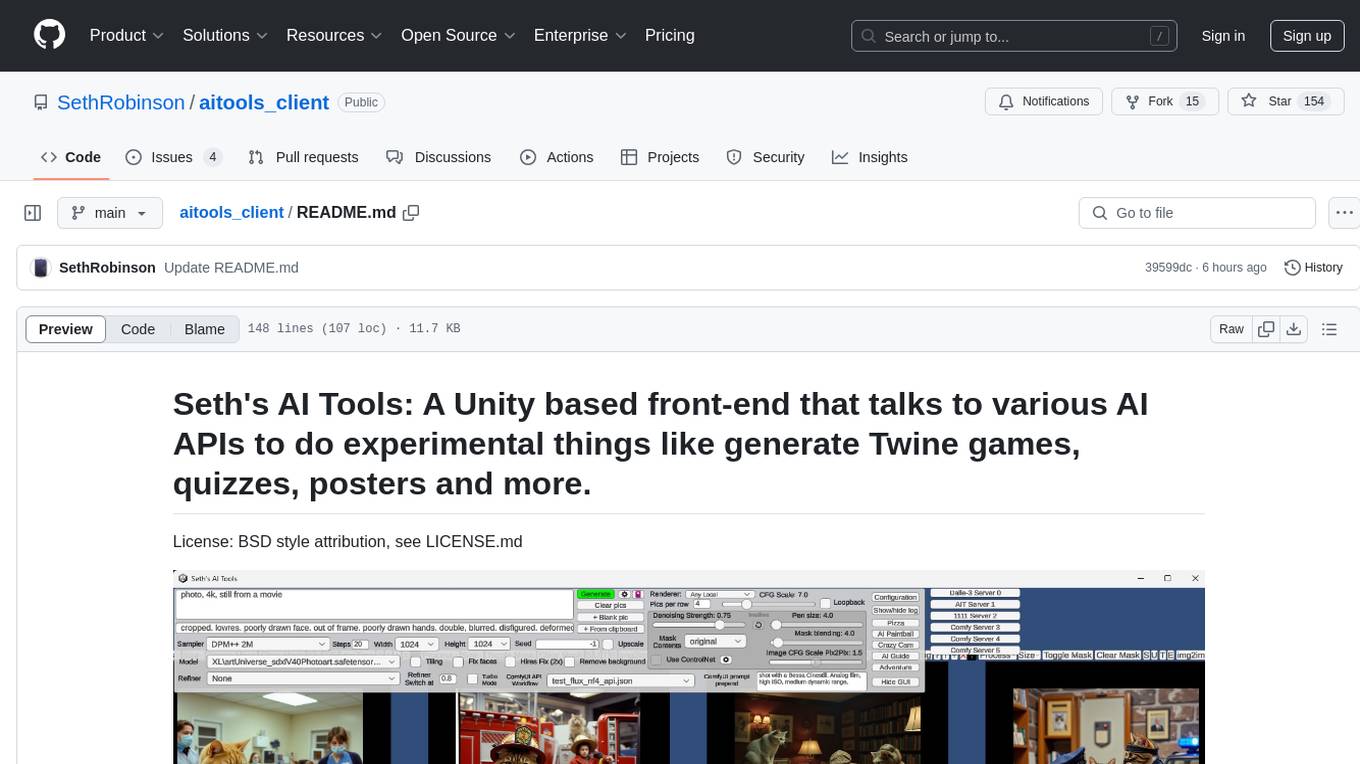
aitools_client
Seth's AI Tools is a Unity-based front-end that interfaces with various AI APIs to perform tasks such as generating Twine games, quizzes, posters, and more. The tool is a native Windows application that supports features like live update integration with image editors, text-to-image conversion, image processing, mask painting, and more. It allows users to connect to multiple servers for fast generation using GPUs and offers a neat workflow for evolving images in real-time. The tool respects user privacy by operating locally and includes built-in games and apps to test AI/SD capabilities. Additionally, it features an AI Guide for creating motivational posters and illustrated stories, as well as an Adventure mode with presets for generating web quizzes and Twine game projects.
llm_engineering
LLM Engineering is an 8-week course designed to help learners master AI and LLMs through a series of projects that gradually increase in complexity. The course covers setting up the environment, working with APIs, using Google Colab for GPU processing, and building an autonomous Agentic AI solution. Learners are encouraged to actively participate, run code cells, tweak code, and share their progress with the community. The emphasis is on practical, educational projects that teach valuable business skills.
modelbench
ModelBench is a tool for running safety benchmarks against AI models and generating detailed reports. It is part of the MLCommons project and is designed as a proof of concept to aggregate measures, relate them to specific harms, create benchmarks, and produce reports. The tool requires LlamaGuard for evaluating responses and a TogetherAI account for running benchmarks. Users can install ModelBench from GitHub or PyPI, run tests using Poetry, and create benchmarks by providing necessary API keys. The tool generates static HTML pages displaying benchmark scores and allows users to dump raw scores and manage cache for faster runs. ModelBench is aimed at enabling users to test their own models and create tests and benchmarks.
coding-with-ai
Coding-with-ai is a curated collection of techniques and best practices for utilizing AI coding tools to achieve transformative results in coding projects. It bridges the gap between AI coding demos and daily coding reality by providing insights into specific patterns like memory files, test-driven regeneration, and parallel AI sessions. The repository offers guidance on setting up memory files, writing detailed specs, drafting solutions before using assistants, getting multiple options, choosing stable libraries, and triggering careful planning. It also covers UI prototyping, coding practices, debugging strategies, testing methodologies, and cross-stage techniques for efficient coding with AI tools.
WeeaBlind
Weeablind is a program that uses modern AI speech synthesis, diarization, language identification, and voice cloning to dub multi-lingual media and anime. It aims to create a pleasant alternative for folks facing accessibility hurdles such as blindness, dyslexia, learning disabilities, or simply those that don't enjoy reading subtitles. The program relies on state-of-the-art technologies such as ffmpeg, pydub, Coqui TTS, speechbrain, and pyannote.audio to analyze and synthesize speech that stays in-line with the source video file. Users have the option of dubbing every subtitle in the video, setting the start and end times, dubbing only foreign-language content, or full-blown multi-speaker dubbing with speaking rate and volume matching.
aiohomekit
aiohomekit is a Python library that implements the HomeKit protocol for controlling HomeKit accessories using asyncio. It is primarily used with Home Assistant, targeting the same versions of Python and following their code standards. The library is still under development and does not offer API guarantees yet. It aims to match the behavior of real HAP controllers, even when not strictly specified, and works around issues like JSON formatting, boolean encoding, header sensitivity, and TCP packet splitting. aiohomekit is primarily tested with Phillips Hue and Eve Extend bridges via Home Assistant, but is known to work with many more devices. It does not support BLE accessories and is intended for client-side use only.

local-chat
LocalChat is a simple, easy-to-set-up, and open-source local AI chat tool that allows users to interact with generative language models on their own computers without transmitting data to a cloud server. It provides a chat-like interface for users to experience ChatGPT-like behavior locally, ensuring GDPR compliance and data privacy. Users can download LocalChat for macOS, Windows, or Linux to chat with open-weight generative language models.
dota2ai
The Dota2 AI Framework project aims to provide a framework for creating AI bots for Dota2, focusing on coordination and teamwork. It offers a LUA sandbox for scripting, allowing developers to code bots that can compete in standard matches. The project acts as a proxy between the game and a web service through JSON objects, enabling bots to perform actions like moving, attacking, casting spells, and buying items. It encourages contributions and aims to enhance the AI capabilities in Dota2 modding.
LLocalSearch
LLocalSearch is a completely locally running search aggregator using LLM Agents. The user can ask a question and the system will use a chain of LLMs to find the answer. The user can see the progress of the agents and the final answer. No OpenAI or Google API keys are needed.
For similar tasks
aicodeguide
AI Code Guide is a comprehensive guide that covers everything you need to know about using AI to help you code or even code for you. It provides insights into the changing landscape of coding with AI, new tools, editors, and practices. The guide aims to consolidate information on AI coding and AI-assisted code generation in one accessible place. It caters to both experienced coders looking to leverage AI tools and beginners interested in 'vibe coding' to build software products. The guide covers various topics such as AI coding practices, different ways to use AI in coding, recommended resources, tools for AI coding, best practices for structuring prompts, and tips for using specific tools like Claude Code.
code-review-gpt
Code Review GPT uses Large Language Models to review code in your CI/CD pipeline. It helps streamline the code review process by providing feedback on code that may have issues or areas for improvement. It should pick up on common issues such as exposed secrets, slow or inefficient code, and unreadable code. It can also be run locally in your command line to review staged files. Code Review GPT is in alpha and should be used for fun only. It may provide useful feedback but please check any suggestions thoroughly.
shell_gpt
ShellGPT is a command-line productivity tool powered by AI large language models (LLMs). This command-line tool offers streamlined generation of shell commands, code snippets, documentation, eliminating the need for external resources (like Google search). Supports Linux, macOS, Windows and compatible with all major Shells like PowerShell, CMD, Bash, Zsh, etc.
syncode
SynCode is a novel framework for the grammar-guided generation of Large Language Models (LLMs) that ensures syntactically valid output with respect to defined Context-Free Grammar (CFG) rules. It supports general-purpose programming languages like Python, Go, SQL, JSON, and more, allowing users to define custom grammars using EBNF syntax. The tool compares favorably to other constrained decoders and offers features like fast grammar-guided generation, compatibility with HuggingFace Language Models, and the ability to work with various decoding strategies.
llm.nvim
llm.nvim is a plugin for Neovim that enables code completion using LLM models. It supports 'ghost-text' code completion similar to Copilot and allows users to choose their model for code generation via HTTP requests. The plugin interfaces with multiple backends like Hugging Face, Ollama, Open AI, and TGI, providing flexibility in model selection and configuration. Users can customize the behavior of suggestions, tokenization, and model parameters to enhance their coding experience. llm.nvim also includes commands for toggling auto-suggestions and manually requesting suggestions, making it a versatile tool for developers using Neovim.
DemoGPT
DemoGPT is an all-in-one agent library that provides tools, prompts, frameworks, and LLM models for streamlined agent development. It leverages GPT-3.5-turbo to generate LangChain code, creating interactive Streamlit applications. The tool is designed for creating intelligent, interactive, and inclusive solutions in LLM-based application development. It offers model flexibility, iterative development, and a commitment to user engagement. Future enhancements include integrating Gorilla for autonomous API usage and adding a publicly available database for refining the generation process.
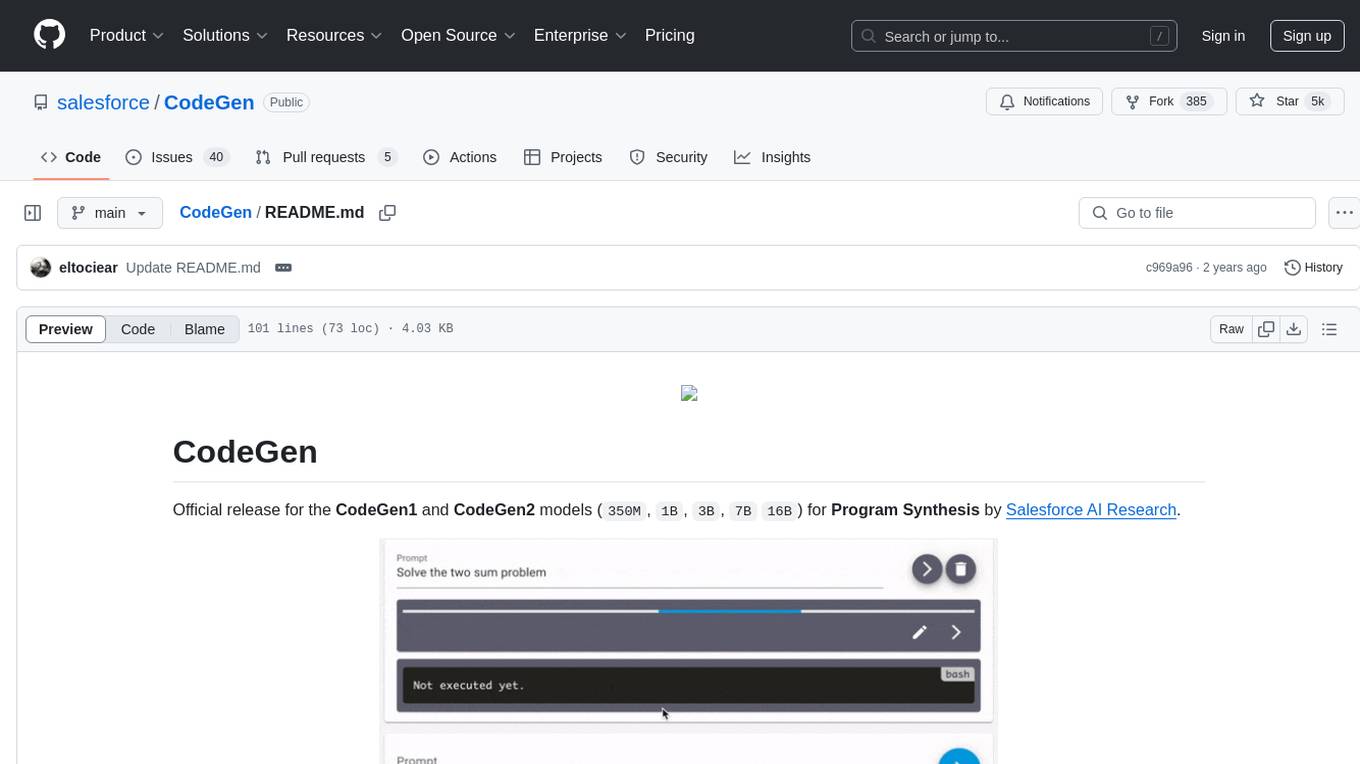
CodeGen
CodeGen is an official release of models for Program Synthesis by Salesforce AI Research. It includes CodeGen1 and CodeGen2 models with varying parameters. The latest version, CodeGen2.5, outperforms previous models. The tool is designed for code generation tasks using large language models trained on programming and natural languages. Users can access the models through the Hugging Face Hub and utilize them for program synthesis and infill sampling. The accompanying Jaxformer library provides support for data pre-processing, training, and fine-tuning of the CodeGen models.
llm.hunyuan.T1
Hunyuan-T1 is a cutting-edge large-scale hybrid Mamba reasoning model driven by reinforcement learning. It has been officially released as an upgrade to the Hunyuan Thinker-1-Preview model. The model showcases exceptional performance in deep reasoning tasks, leveraging the TurboS base and Mamba architecture to enhance inference capabilities and align with human preferences. With a focus on reinforcement learning training, the model excels in various reasoning tasks across different domains, showcasing superior abilities in mathematical, logical, scientific, and coding reasoning. Through innovative training strategies and alignment with human preferences, Hunyuan-T1 demonstrates remarkable performance in public benchmarks and internal evaluations, positioning itself as a leading model in the field of reasoning.
For similar jobs

sweep
Sweep is an AI junior developer that turns bugs and feature requests into code changes. It automatically handles developer experience improvements like adding type hints and improving test coverage.

teams-ai
The Teams AI Library is a software development kit (SDK) that helps developers create bots that can interact with Teams and Microsoft 365 applications. It is built on top of the Bot Framework SDK and simplifies the process of developing bots that interact with Teams' artificial intelligence capabilities. The SDK is available for JavaScript/TypeScript, .NET, and Python.

ai-guide
This guide is dedicated to Large Language Models (LLMs) that you can run on your home computer. It assumes your PC is a lower-end, non-gaming setup.

classifai
Supercharge WordPress Content Workflows and Engagement with Artificial Intelligence. Tap into leading cloud-based services like OpenAI, Microsoft Azure AI, Google Gemini and IBM Watson to augment your WordPress-powered websites. Publish content faster while improving SEO performance and increasing audience engagement. ClassifAI integrates Artificial Intelligence and Machine Learning technologies to lighten your workload and eliminate tedious tasks, giving you more time to create original content that matters.

chatbot-ui
Chatbot UI is an open-source AI chat app that allows users to create and deploy their own AI chatbots. It is easy to use and can be customized to fit any need. Chatbot UI is perfect for businesses, developers, and anyone who wants to create a chatbot.

BricksLLM
BricksLLM is a cloud native AI gateway written in Go. Currently, it provides native support for OpenAI, Anthropic, Azure OpenAI and vLLM. BricksLLM aims to provide enterprise level infrastructure that can power any LLM production use cases. Here are some use cases for BricksLLM: * Set LLM usage limits for users on different pricing tiers * Track LLM usage on a per user and per organization basis * Block or redact requests containing PIIs * Improve LLM reliability with failovers, retries and caching * Distribute API keys with rate limits and cost limits for internal development/production use cases * Distribute API keys with rate limits and cost limits for students

uAgents
uAgents is a Python library developed by Fetch.ai that allows for the creation of autonomous AI agents. These agents can perform various tasks on a schedule or take action on various events. uAgents are easy to create and manage, and they are connected to a fast-growing network of other uAgents. They are also secure, with cryptographically secured messages and wallets.

griptape
Griptape is a modular Python framework for building AI-powered applications that securely connect to your enterprise data and APIs. It offers developers the ability to maintain control and flexibility at every step. Griptape's core components include Structures (Agents, Pipelines, and Workflows), Tasks, Tools, Memory (Conversation Memory, Task Memory, and Meta Memory), Drivers (Prompt and Embedding Drivers, Vector Store Drivers, Image Generation Drivers, Image Query Drivers, SQL Drivers, Web Scraper Drivers, and Conversation Memory Drivers), Engines (Query Engines, Extraction Engines, Summary Engines, Image Generation Engines, and Image Query Engines), and additional components (Rulesets, Loaders, Artifacts, Chunkers, and Tokenizers). Griptape enables developers to create AI-powered applications with ease and efficiency.