


LocalAIVoiceChat
Local AI talk with a custom voice based on Zephyr 7B model. Uses RealtimeSTT with faster_whisper for transcription and RealtimeTTS with Coqui XTTS for synthesis.
Stars: 362
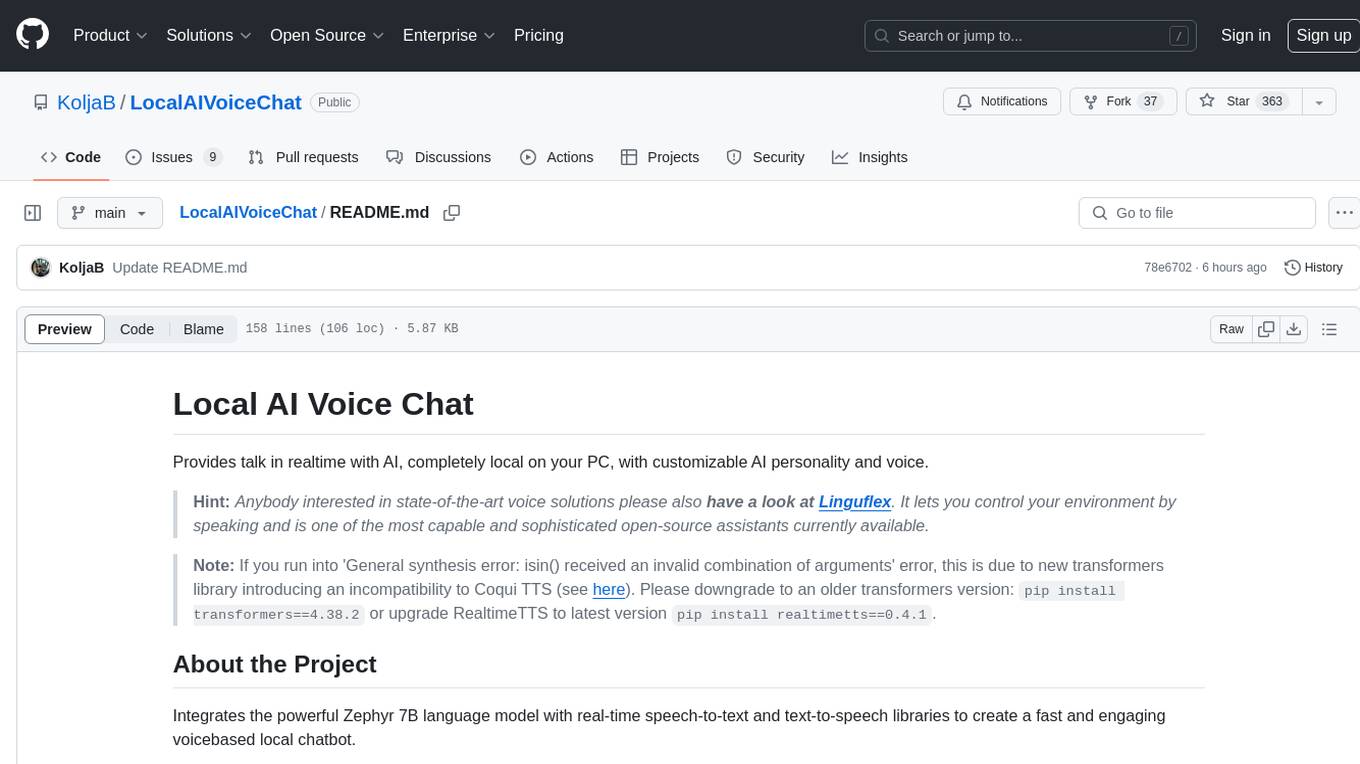
LocalAIVoiceChat is an experimental alpha software that enables real-time voice chat with a customizable AI personality and voice on your PC. It integrates Zephyr 7B language model with speech-to-text and text-to-speech libraries. The tool is designed for users interested in state-of-the-art voice solutions and provides an early version of a local real-time chatbot.
README:
Provides talk in realtime with AI, completely local on your PC, with customizable AI personality and voice.
Hint: Anybody interested in state-of-the-art voice solutions please also have a look at Linguflex. It lets you control your environment by speaking and is one of the most capable and sophisticated open-source assistants currently available.
Note: If you run into 'General synthesis error: isin() received an invalid combination of arguments' error, this is due to new transformers library introducing an incompatibility to Coqui TTS (see here). Please downgrade to an older transformers version:
pip install transformers==4.38.2or upgrade RealtimeTTS to latest versionpip install realtimetts==0.4.1.
Integrates the powerful Zephyr 7B language model with real-time speech-to-text and text-to-speech libraries to create a fast and engaging voicebased local chatbot.
https://github.com/KoljaB/LocalAIVoiceChat/assets/7604638/cebacdad-8a57-4a03-bfd1-a469730dda51
-
llama_cpp with Zephyr 7B
- library interface for llamabased language models
-
RealtimeSTT with faster_whisper
- real-time speech-to-text transcription library
-
RealtimeTTS with Coqui XTTS
- real-time text-to-speech synthesis library
This software is in an experimental alpha state and does not provide production ready stability. The current XTTS model used for synthesis still has glitches and also Zephyr - while really good for a 7B model - of course can not compete with the answer quality of GPT 4, Claude or Perplexity.
Please take this as a first attempt to provide an early version of a local realtime chatbot.
- Update to Coqui XTTS 2.0 model
- Bugfix to RealtimeTTS (download of Coqui model did not work properly)
You will need a GPU with around 8 GB VRAM to run this in real-time.
-
NVIDIA CUDA Toolkit 11.8:
- Access the NVIDIA CUDA Toolkit Archive.
- Choose version 11.x and follow the instructions for downloading and installation.
-
NVIDIA cuDNN 8.7.0 for CUDA 11.x:
- Navigate to NVIDIA cuDNN Archive.
- Locate and download "cuDNN v8.7.0 (November 28th, 2022), for CUDA 11.x".
- Follow the provided installation guide.
-
Install ROCm v.5.7.1
- Download ROCm SDK version 5.7.1
- Follow the provided installation guide.
-
FFmpeg:
Install FFmpeg according to your operating system:
-
Ubuntu/Debian:
sudo apt update && sudo apt install ffmpeg -
Arch Linux:
sudo pacman -S ffmpeg
-
macOS (Homebrew):
brew install ffmpeg
-
Windows (Chocolatey):
choco install ffmpeg
-
Windows (Scoop):
scoop install ffmpeg
-
-
Clone the repository or download the source code package.
-
Install llama.cpp
-
(for AMD users) Before the next step set env variable
LLAMA_HIPBLASvalue toon -
Official way:
pip install llama-cpp-python --force-reinstall --upgrade --no-cache-dir --verbose
- If the official installation does not work for you, please install text-generation-webui, which provides some excellent wheels for a lot of platforms and environments
-
-
Install realtime libraries
- Install the main libraries:
pip install RealtimeSTT==0.1.7
pip install RealtimeTTS==0.2.7
- Install the main libraries:
-
Download zephyr-7b-beta.Q5_K_M.gguf from here.
- Open creation_params.json and enter the filepath to the downloaded model into
model_path. - Adjust n_gpu_layers (0-35, raise if you have more VRAM) and n_threads (number of CPU threads, i recommend not using all available cores but leave some for TTS)
- Open creation_params.json and enter the filepath to the downloaded model into
-
If dependency conflicts occur, install specific versions of conflicting libraries:
pip install networkx==2.8.8
pip install typing_extensions==4.8.0
pip install fsspec==2023.6.0
pip install imageio==2.31.6
pip install numpy==1.24.3
pip install requests==2.31.0
python ai_voicetalk_local.py
Open chat_params.json to change the talk scenario.
- Open ai_voicetalk_local.py.
- Find this line: coqui_engine = CoquiEngine(cloning_reference_wav="female.wav", language="en")
- Change "female.wav" to the filename of a wave file (44100 or 22050 Hz mono 16-bit) containing the voice to clone
If the first sentence is transcribed before you get to the second one, raise post_speech_silence_duration on AudioToTextRecorder:
AudioToTextRecorder(model="tiny.en", language="en", spinner=False, post_speech_silence_duration = 1.5)
Contributions to enhance or improve the project are warmly welcomed. Feel free to open a pull request with your proposed changes or fixes.
The project is under Coqui Public Model License 1.0.0.
This license allows only non-commercial use of a machine learning model and its outputs.
Kolja Beigel
- Email: [email protected]
Feel free to reach out for any queries or support related to this project.
For Tasks:
Click tags to check more tools for each tasksFor Jobs:
Alternative AI tools for LocalAIVoiceChat
Similar Open Source Tools
LocalAIVoiceChat
LocalAIVoiceChat is an experimental alpha software that enables real-time voice chat with a customizable AI personality and voice on your PC. It integrates Zephyr 7B language model with speech-to-text and text-to-speech libraries. The tool is designed for users interested in state-of-the-art voice solutions and provides an early version of a local real-time chatbot.
ChatGPT-desktop
ChatGPT Desktop Application is a multi-platform tool that provides a powerful AI wrapper for generating text. It offers features like text-to-speech, exporting chat history in various formats, automatic application upgrades, system tray hover window, support for slash commands, customization of global shortcuts, and pop-up search. The application is built using Tauri and aims to enhance user experience by simplifying text generation tasks. It is available for Mac, Windows, and Linux, and is designed for personal learning and research purposes.
LLMinator
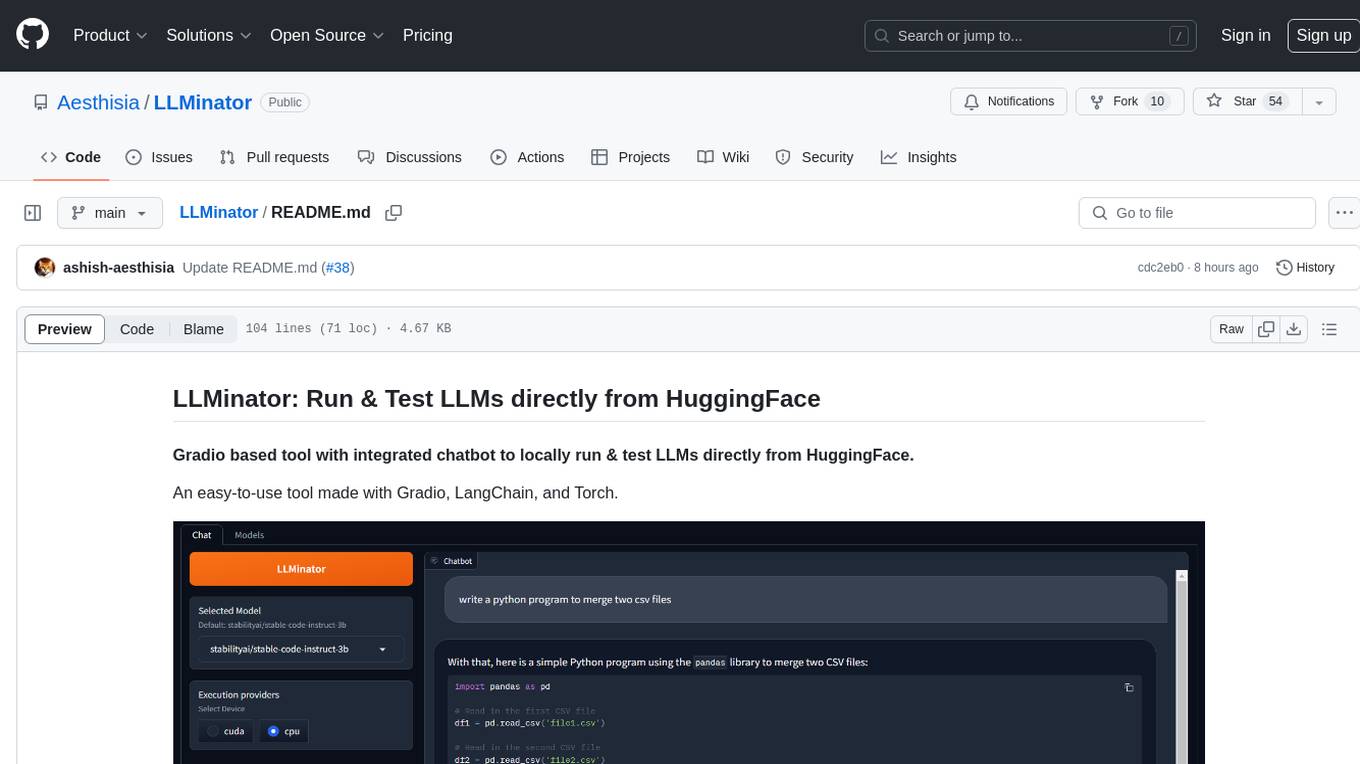
LLMinator is a Gradio-based tool with an integrated chatbot designed to locally run and test Language Model Models (LLMs) directly from HuggingFace. It provides an easy-to-use interface made with Gradio, LangChain, and Torch, offering features such as context-aware streaming chatbot, inbuilt code syntax highlighting, loading any LLM repo from HuggingFace, support for both CPU and CUDA modes, enabling LLM inference with llama.cpp, and model conversion capabilities.
Easy-Voice-Toolkit
Easy Voice Toolkit is a toolkit based on open source voice projects, providing automated audio tools including speech model training. Users can seamlessly integrate functions like audio processing, voice recognition, voice transcription, dataset creation, model training, and voice conversion to transform raw audio files into ideal speech models. The toolkit supports multiple languages and is currently only compatible with Windows systems. It acknowledges the contributions of various projects and offers local deployment options for both users and developers. Additionally, cloud deployment on Google Colab is available. The toolkit has been tested on Windows OS devices and includes a FAQ section and terms of use for academic exchange purposes.
vision-agent
AskUI Vision Agent is a powerful automation framework that enables you and AI agents to control your desktop, mobile, and HMI devices and automate tasks. It supports multiple AI models, multi-platform compatibility, and enterprise-ready features. The tool provides support for Windows, Linux, MacOS, Android, and iOS device automation, single-step UI automation commands, in-background automation on Windows machines, flexible model use, and secure deployment of agents in enterprise environments.
ai-driven-dev-community
AI Driven Dev Community is a repository aimed at helping developers become more efficient by utilizing AI tools in their daily coding tasks. It provides a collection of tools, prompts, snippets, and agents for developers to integrate AI into their workflow. The repository is regularly updated with new resources and focuses on best practices for using AI in development work. Users can find tools like Espanso, ChatGPT, GitHub Copilot, and VSCode recommended for enhancing their coding experience. Additionally, the repository offers guidance on customizing AI for developers, installing AI toolbox for software engineers, and contributing to the community through easy steps.
mobile-use
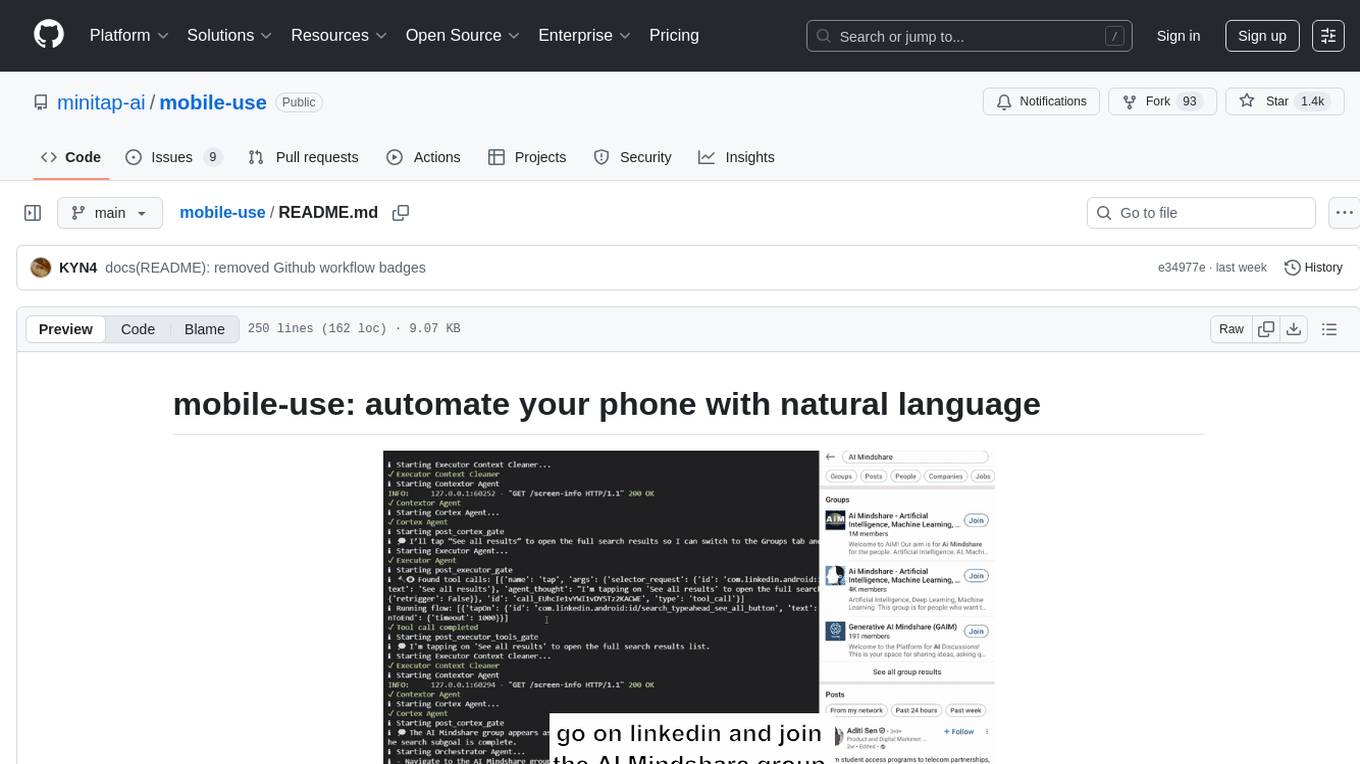
Mobile-use is an open-source AI agent that controls Android or IOS devices using natural language. It understands commands to perform tasks like sending messages and navigating apps. Features include natural language control, UI-aware automation, data scraping, and extensibility. Users can automate their mobile experience by setting up environment variables, customizing LLM configurations, and launching the tool via Docker or manually for development. The tool supports physical Android phones, Android simulators, and iOS simulators. Contributions are welcome, and the project is licensed under MIT.
llm-answer-engine
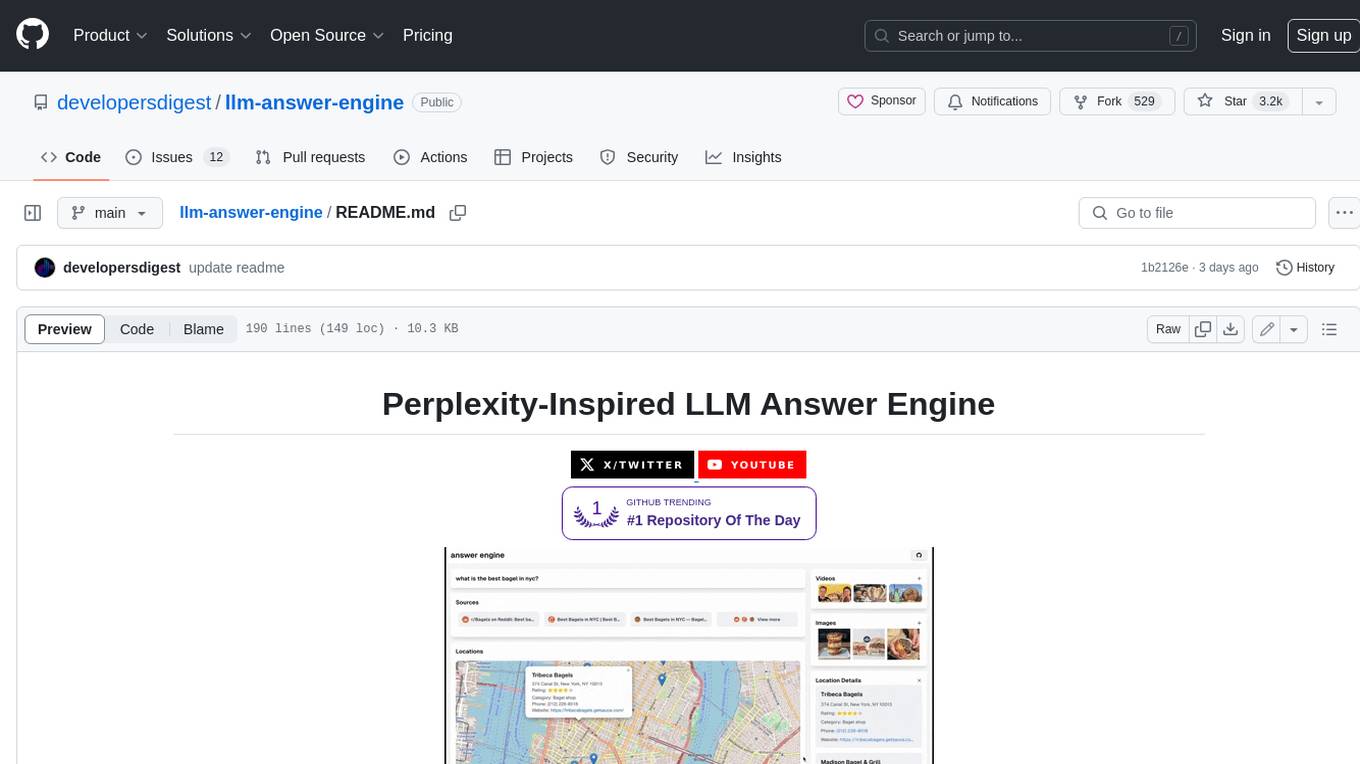
This repository contains the code and instructions needed to build a sophisticated answer engine that leverages the capabilities of Groq, Mistral AI's Mixtral, Langchain.JS, Brave Search, Serper API, and OpenAI. Designed to efficiently return sources, answers, images, videos, and follow-up questions based on user queries, this project is an ideal starting point for developers interested in natural language processing and search technologies.
upscayl
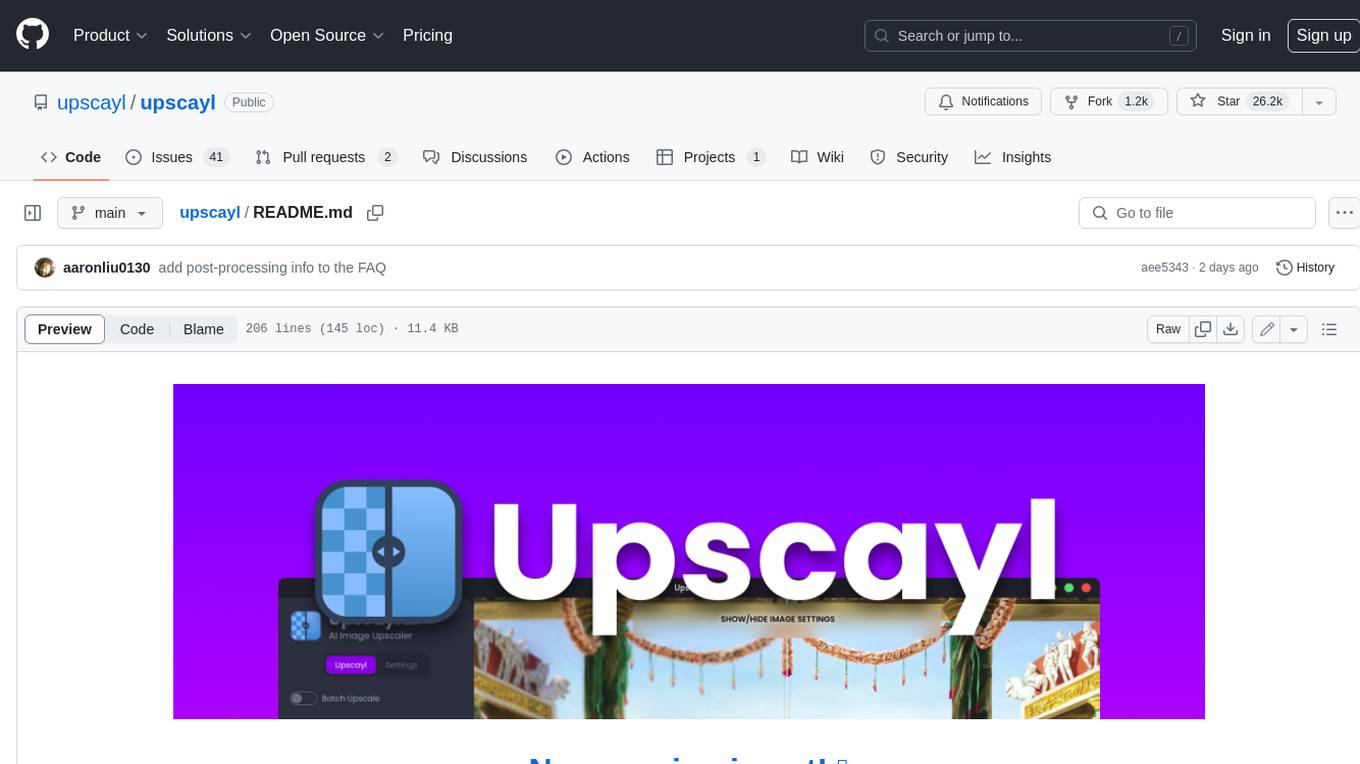
Upscayl is a free and open-source AI image upscaler that uses advanced AI algorithms to enlarge and enhance low-resolution images without losing quality. It is a cross-platform application built with the Linux-first philosophy, available on all major desktop operating systems. Upscayl utilizes Real-ESRGAN and Vulkan architecture for image enhancement, and its backend is fully open-source under the AGPLv3 license. It is important to note that a Vulkan compatible GPU is required for Upscayl to function effectively.
transcriptionstream
Transcription Stream is a self-hosted diarization service that works offline, allowing users to easily transcribe and summarize audio files. It includes a web interface for file management, Ollama for complex operations on transcriptions, and Meilisearch for fast full-text search. Users can upload files via SSH or web interface, with output stored in named folders. The tool requires a NVIDIA GPU and provides various scripts for installation and running. Ports for SSH, HTTP, Ollama, and Meilisearch are specified, along with access details for SSH server and web interface. Customization options and troubleshooting tips are provided in the documentation.
DevoxxGenieIDEAPlugin
Devoxx Genie is a Java-based IntelliJ IDEA plugin that integrates with local and cloud-based LLM providers to aid in reviewing, testing, and explaining project code. It supports features like code highlighting, chat conversations, and adding files/code snippets to context. Users can modify REST endpoints and LLM parameters in settings, including support for cloud-based LLMs. The plugin requires IntelliJ version 2023.3.4 and JDK 17. Building and publishing the plugin is done using Gradle tasks. Users can select an LLM provider, choose code, and use commands like review, explain, or generate unit tests for code analysis.
voice-pro
Voice-Pro is an integrated solution for subtitles, translation, and TTS. It offers features like multilingual subtitles, live translation, vocal remover, and supports OpenAI Whisper and Open-Source Translator. The tool provides a Studio tab for various functions, Whisper Caption tab for subtitle creation, Translate tab for translation, TTS tab for text-to-speech, Live Translation tab for real-time voice recognition, and Batch tab for processing multiple files. Users can download YouTube videos, improve voice recognition accuracy, create automatic subtitles, and produce multilingual videos with ease. The tool is easy to install with one-click and offers a Web-UI for user convenience.
VideoLingo
VideoLingo is an all-in-one video translation and localization dubbing tool designed to generate Netflix-level high-quality subtitles. It aims to eliminate stiff machine translation, multiple lines of subtitles, and can even add high-quality dubbing, allowing knowledge from around the world to be shared across language barriers. Through an intuitive Streamlit web interface, the entire process from video link to embedded high-quality bilingual subtitles and even dubbing can be completed with just two clicks, easily creating Netflix-quality localized videos. Key features and functions include using yt-dlp to download videos from Youtube links, using WhisperX for word-level timeline subtitle recognition, using NLP and GPT for subtitle segmentation based on sentence meaning, summarizing intelligent term knowledge base with GPT for context-aware translation, three-step direct translation, reflection, and free translation to eliminate strange machine translation, checking single-line subtitle length and translation quality according to Netflix standards, using GPT-SoVITS for high-quality aligned dubbing, and integrating package for one-click startup and one-click output in streamlit.
pyht
pyht is a Python SDK for the PlayHT's AI Text-to-Speech API, allowing users to convert text into high-quality audio streams in humanlike voice. It supports real-time text-to-speech streaming, pre-built and custom voices, various audio formats, and different sample rates.
KlicStudio
Klic Studio is a versatile audio and video localization and enhancement solution developed by Krillin AI. This minimalist yet powerful tool integrates video translation, dubbing, and voice cloning, supporting both landscape and portrait formats. With an end-to-end workflow, users can transform raw materials into beautifully ready-to-use cross-platform content with just a few clicks. The tool offers features like video acquisition, accurate speech recognition, intelligent segmentation, terminology replacement, professional translation, voice cloning, video composition, and cross-platform support. It also supports various speech recognition services, large language models, and TTS text-to-speech services. Users can easily deploy the tool using Docker and configure it for different tasks like subtitle translation, large model translation, and optional voice services.
extensionOS
Extension | OS is an open-source browser extension that brings AI directly to users' web browsers, allowing them to access powerful models like LLMs seamlessly. Users can create prompts, fix grammar, and access intelligent assistance without switching tabs. The extension aims to revolutionize online information interaction by integrating AI into everyday browsing experiences. It offers features like Prompt Factory for tailored prompts, seamless LLM model access, secure API key storage, and a Mixture of Agents feature. The extension was developed to empower users to unleash their creativity with custom prompts and enhance their browsing experience with intelligent assistance.
For similar tasks
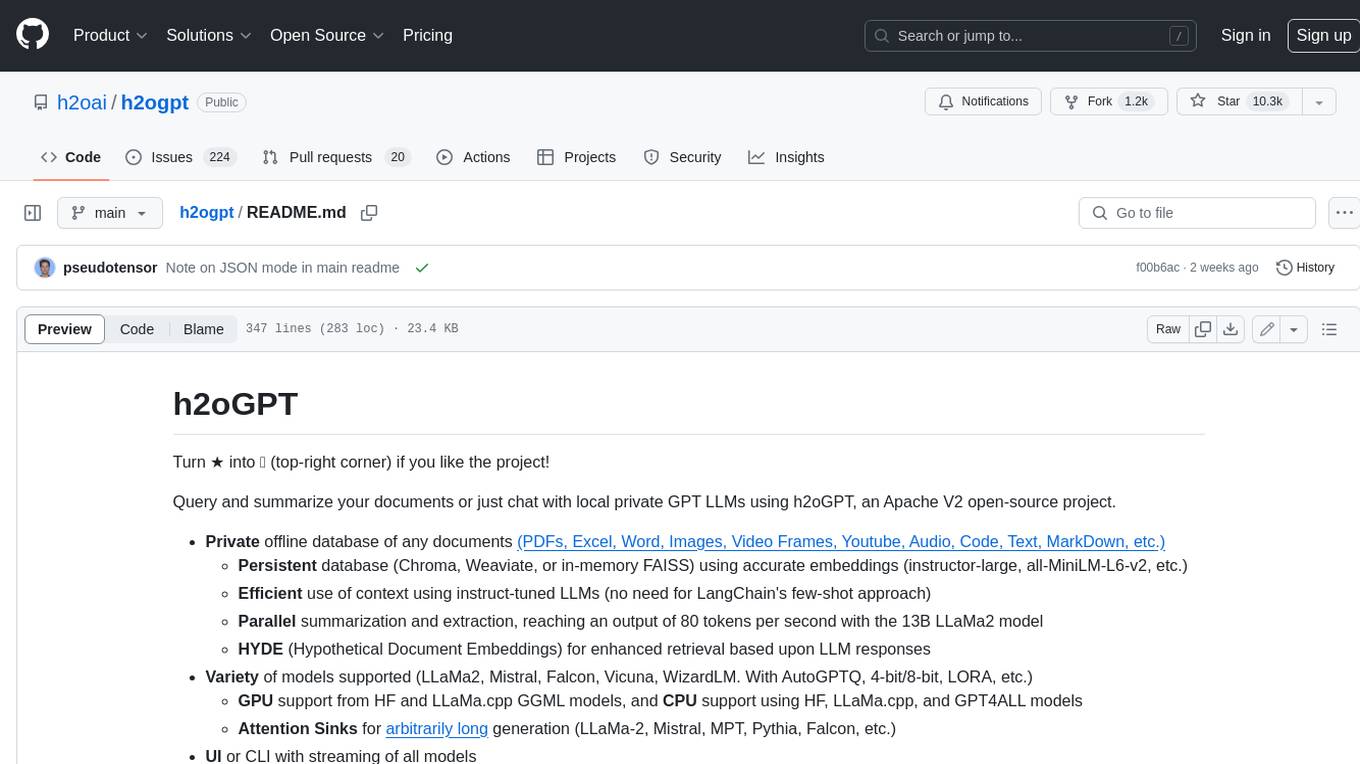
h2ogpt
h2oGPT is an Apache V2 open-source project that allows users to query and summarize documents or chat with local private GPT LLMs. It features a private offline database of any documents (PDFs, Excel, Word, Images, Video Frames, Youtube, Audio, Code, Text, MarkDown, etc.), a persistent database (Chroma, Weaviate, or in-memory FAISS) using accurate embeddings (instructor-large, all-MiniLM-L6-v2, etc.), and efficient use of context using instruct-tuned LLMs (no need for LangChain's few-shot approach). h2oGPT also offers parallel summarization and extraction, reaching an output of 80 tokens per second with the 13B LLaMa2 model, HYDE (Hypothetical Document Embeddings) for enhanced retrieval based upon LLM responses, a variety of models supported (LLaMa2, Mistral, Falcon, Vicuna, WizardLM. With AutoGPTQ, 4-bit/8-bit, LORA, etc.), GPU support from HF and LLaMa.cpp GGML models, and CPU support using HF, LLaMa.cpp, and GPT4ALL models. Additionally, h2oGPT provides Attention Sinks for arbitrarily long generation (LLaMa-2, Mistral, MPT, Pythia, Falcon, etc.), a UI or CLI with streaming of all models, the ability to upload and view documents through the UI (control multiple collaborative or personal collections), Vision Models LLaVa, Claude-3, Gemini-Pro-Vision, GPT-4-Vision, Image Generation Stable Diffusion (sdxl-turbo, sdxl) and PlaygroundAI (playv2), Voice STT using Whisper with streaming audio conversion, Voice TTS using MIT-Licensed Microsoft Speech T5 with multiple voices and Streaming audio conversion, Voice TTS using MPL2-Licensed TTS including Voice Cloning and Streaming audio conversion, AI Assistant Voice Control Mode for hands-free control of h2oGPT chat, Bake-off UI mode against many models at the same time, Easy Download of model artifacts and control over models like LLaMa.cpp through the UI, Authentication in the UI by user/password via Native or Google OAuth, State Preservation in the UI by user/password, Linux, Docker, macOS, and Windows support, Easy Windows Installer for Windows 10 64-bit (CPU/CUDA), Easy macOS Installer for macOS (CPU/M1/M2), Inference Servers support (oLLaMa, HF TGI server, vLLM, Gradio, ExLLaMa, Replicate, OpenAI, Azure OpenAI, Anthropic), OpenAI-compliant, Server Proxy API (h2oGPT acts as drop-in-replacement to OpenAI server), Python client API (to talk to Gradio server), JSON Mode with any model via code block extraction. Also supports MistralAI JSON mode, Claude-3 via function calling with strict Schema, OpenAI via JSON mode, and vLLM via guided_json with strict Schema, Web-Search integration with Chat and Document Q/A, Agents for Search, Document Q/A, Python Code, CSV frames (Experimental, best with OpenAI currently), Evaluate performance using reward models, and Quality maintained with over 1000 unit and integration tests taking over 4 GPU-hours.
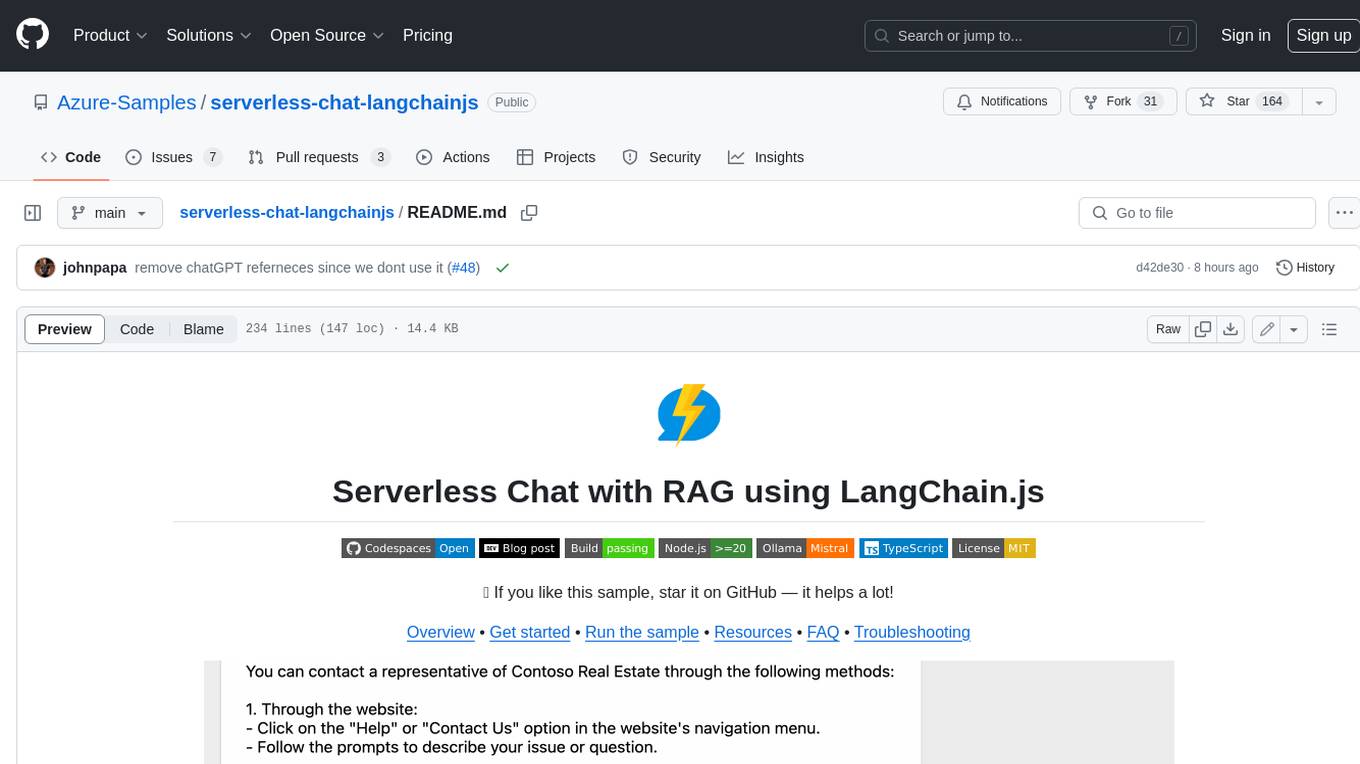
serverless-chat-langchainjs
This sample shows how to build a serverless chat experience with Retrieval-Augmented Generation using LangChain.js and Azure. The application is hosted on Azure Static Web Apps and Azure Functions, with Azure Cosmos DB for MongoDB vCore as the vector database. You can use it as a starting point for building more complex AI applications.
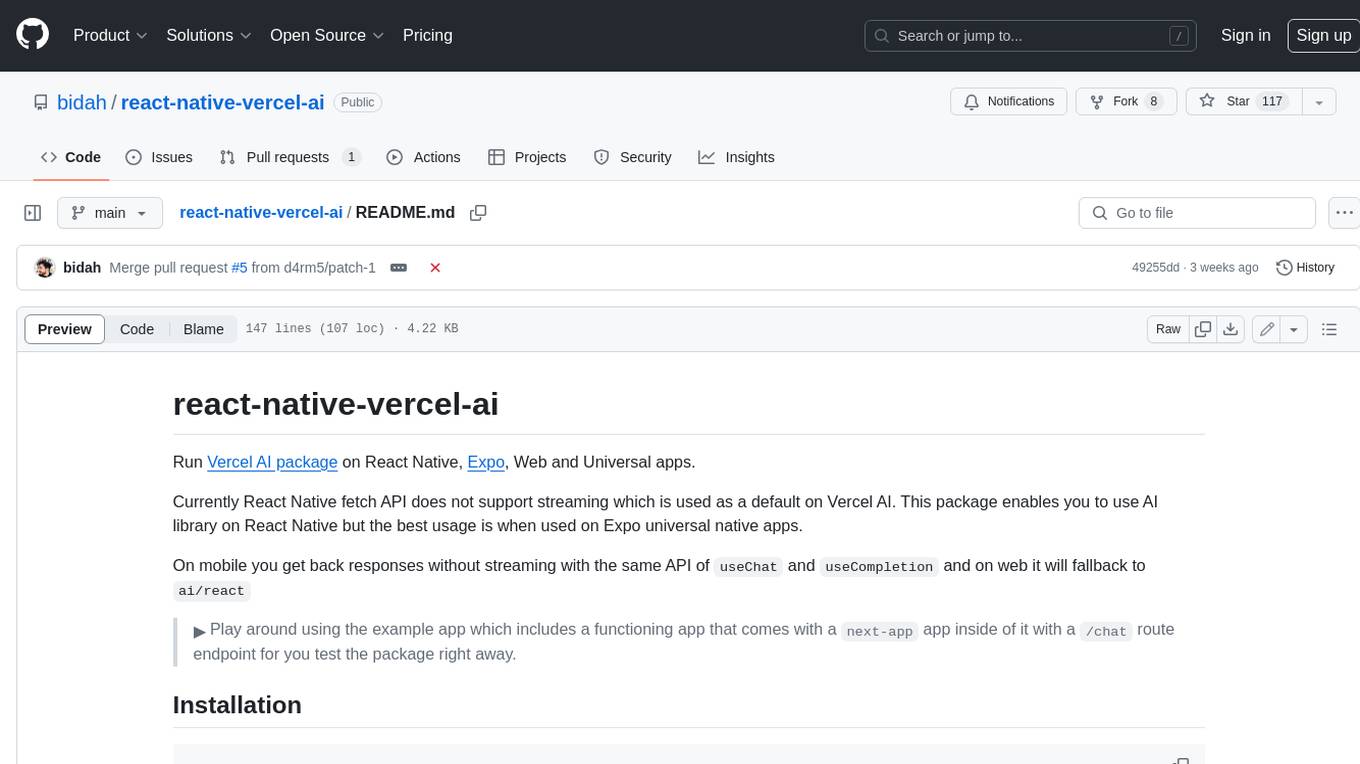
react-native-vercel-ai
Run Vercel AI package on React Native, Expo, Web and Universal apps. Currently React Native fetch API does not support streaming which is used as a default on Vercel AI. This package enables you to use AI library on React Native but the best usage is when used on Expo universal native apps. On mobile you get back responses without streaming with the same API of `useChat` and `useCompletion` and on web it will fallback to `ai/react`
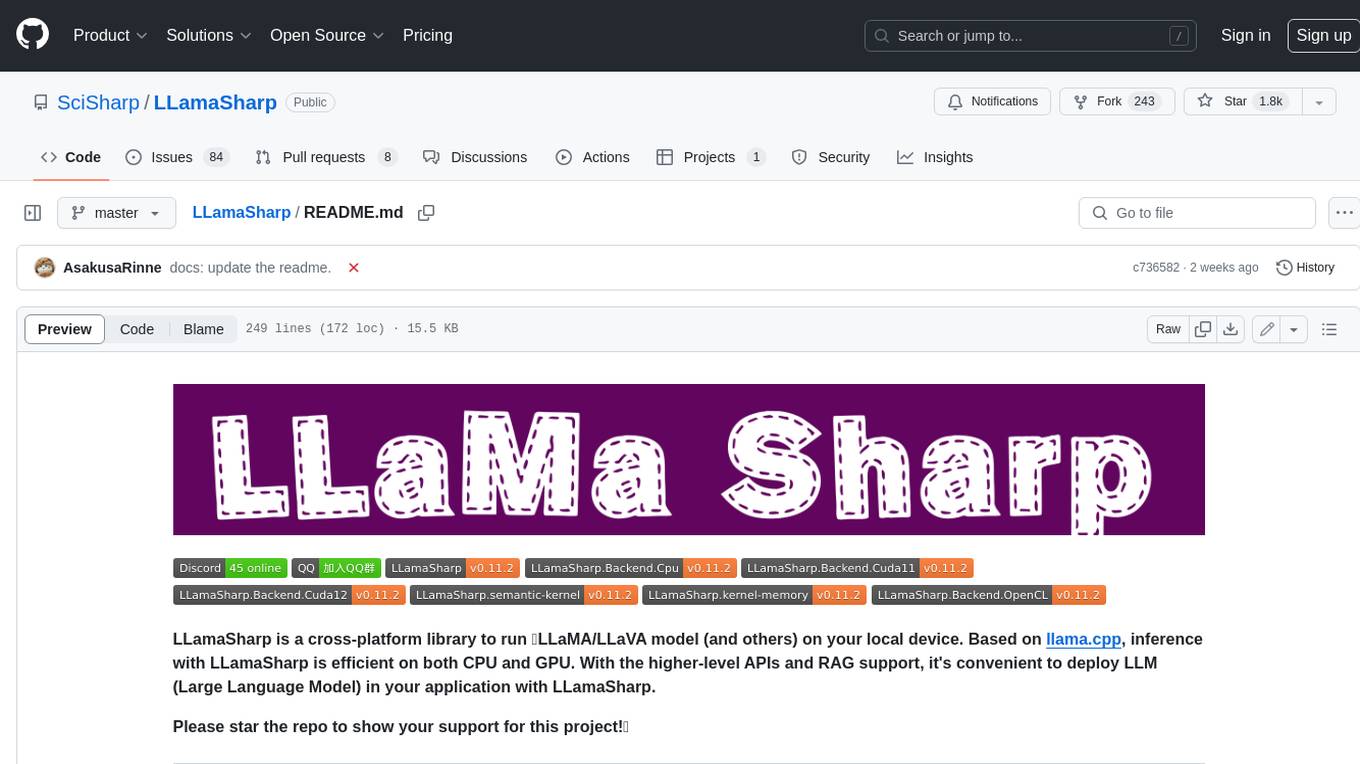
LLamaSharp
LLamaSharp is a cross-platform library to run 🦙LLaMA/LLaVA model (and others) on your local device. Based on llama.cpp, inference with LLamaSharp is efficient on both CPU and GPU. With the higher-level APIs and RAG support, it's convenient to deploy LLM (Large Language Model) in your application with LLamaSharp.
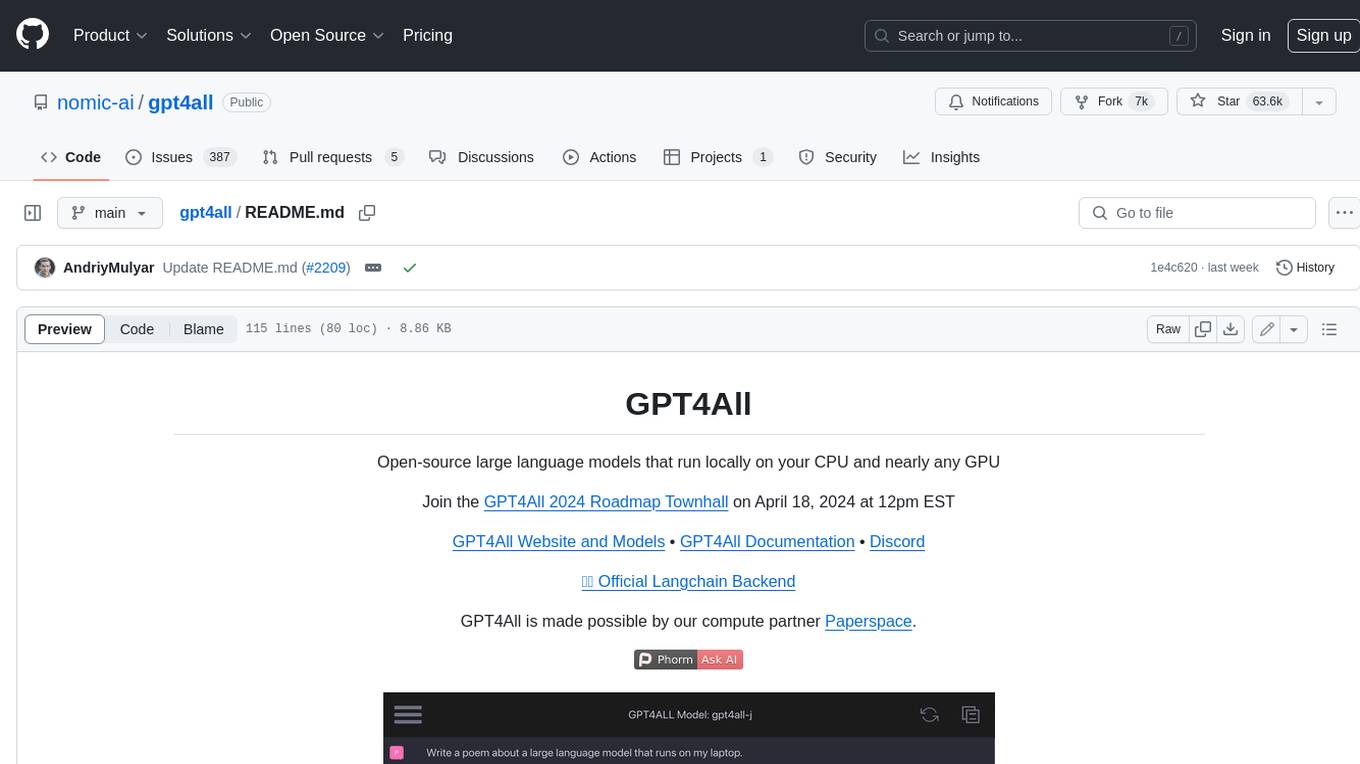
gpt4all
GPT4All is an ecosystem to run powerful and customized large language models that work locally on consumer grade CPUs and any GPU. Note that your CPU needs to support AVX or AVX2 instructions. Learn more in the documentation. A GPT4All model is a 3GB - 8GB file that you can download and plug into the GPT4All open-source ecosystem software. Nomic AI supports and maintains this software ecosystem to enforce quality and security alongside spearheading the effort to allow any person or enterprise to easily train and deploy their own on-edge large language models.
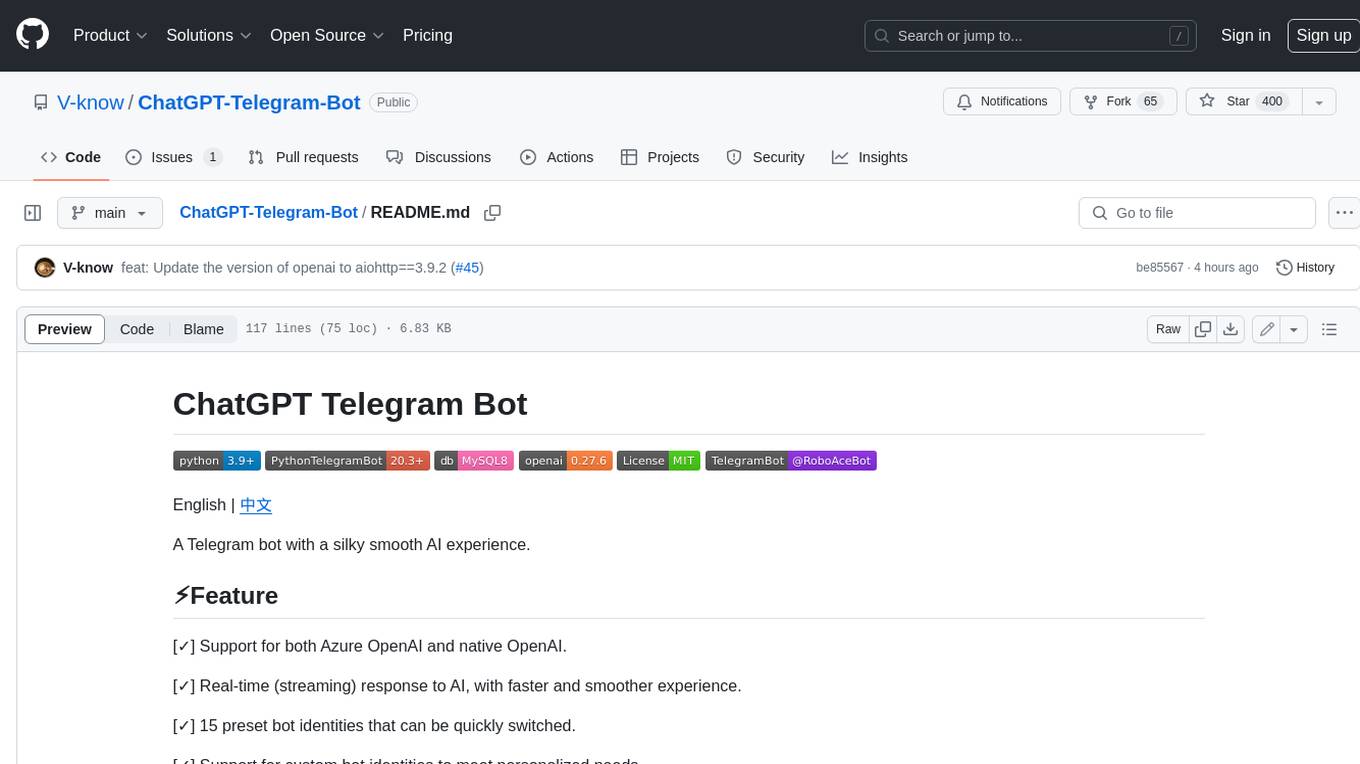
ChatGPT-Telegram-Bot
ChatGPT Telegram Bot is a Telegram bot that provides a smooth AI experience. It supports both Azure OpenAI and native OpenAI, and offers real-time (streaming) response to AI, with a faster and smoother experience. The bot also has 15 preset bot identities that can be quickly switched, and supports custom bot identities to meet personalized needs. Additionally, it supports clearing the contents of the chat with a single click, and restarting the conversation at any time. The bot also supports native Telegram bot button support, making it easy and intuitive to implement required functions. User level division is also supported, with different levels enjoying different single session token numbers, context numbers, and session frequencies. The bot supports English and Chinese on UI, and is containerized for easy deployment.
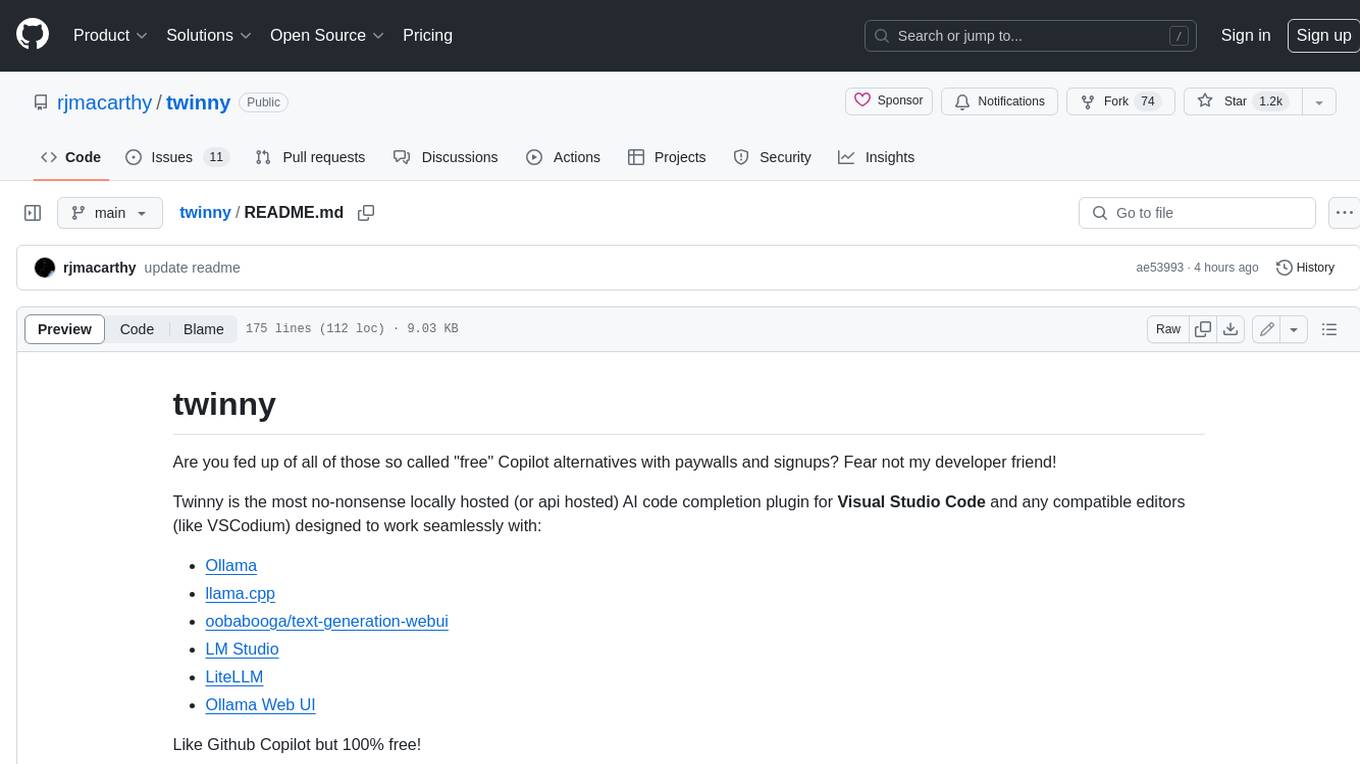
twinny
Twinny is a free and open-source AI code completion plugin for Visual Studio Code and compatible editors. It integrates with various tools and frameworks, including Ollama, llama.cpp, oobabooga/text-generation-webui, LM Studio, LiteLLM, and Open WebUI. Twinny offers features such as fill-in-the-middle code completion, chat with AI about your code, customizable API endpoints, and support for single or multiline fill-in-middle completions. It is easy to install via the Visual Studio Code extensions marketplace and provides a range of customization options. Twinny supports both online and offline operation and conforms to the OpenAI API standard.
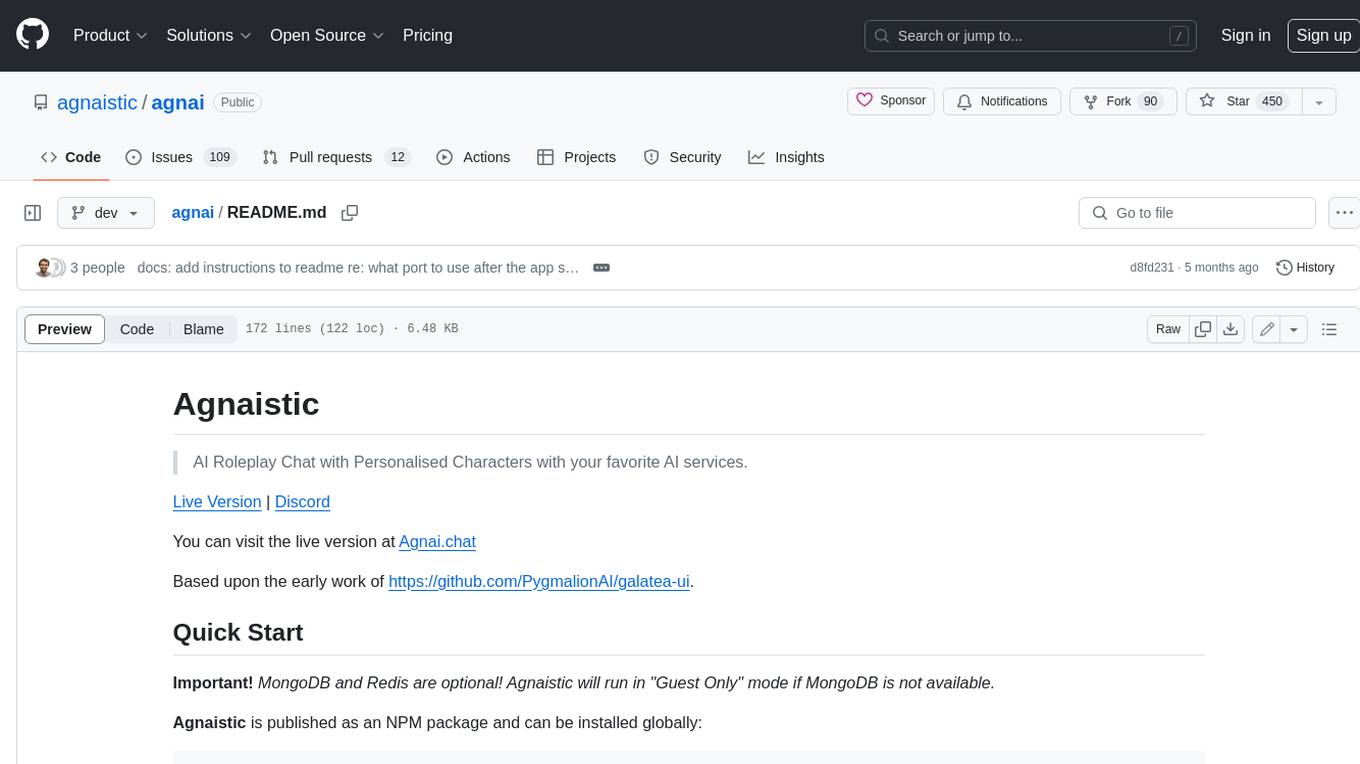
agnai
Agnaistic is an AI roleplay chat tool that allows users to interact with personalized characters using their favorite AI services. It supports multiple AI services, persona schema formats, and features such as group conversations, user authentication, and memory/lore books. Agnaistic can be self-hosted or run using Docker, and it provides a range of customization options through its settings.json file. The tool is designed to be user-friendly and accessible, making it suitable for both casual users and developers.
For similar jobs

sweep
Sweep is an AI junior developer that turns bugs and feature requests into code changes. It automatically handles developer experience improvements like adding type hints and improving test coverage.

teams-ai
The Teams AI Library is a software development kit (SDK) that helps developers create bots that can interact with Teams and Microsoft 365 applications. It is built on top of the Bot Framework SDK and simplifies the process of developing bots that interact with Teams' artificial intelligence capabilities. The SDK is available for JavaScript/TypeScript, .NET, and Python.

ai-guide
This guide is dedicated to Large Language Models (LLMs) that you can run on your home computer. It assumes your PC is a lower-end, non-gaming setup.

classifai
Supercharge WordPress Content Workflows and Engagement with Artificial Intelligence. Tap into leading cloud-based services like OpenAI, Microsoft Azure AI, Google Gemini and IBM Watson to augment your WordPress-powered websites. Publish content faster while improving SEO performance and increasing audience engagement. ClassifAI integrates Artificial Intelligence and Machine Learning technologies to lighten your workload and eliminate tedious tasks, giving you more time to create original content that matters.

chatbot-ui
Chatbot UI is an open-source AI chat app that allows users to create and deploy their own AI chatbots. It is easy to use and can be customized to fit any need. Chatbot UI is perfect for businesses, developers, and anyone who wants to create a chatbot.

BricksLLM
BricksLLM is a cloud native AI gateway written in Go. Currently, it provides native support for OpenAI, Anthropic, Azure OpenAI and vLLM. BricksLLM aims to provide enterprise level infrastructure that can power any LLM production use cases. Here are some use cases for BricksLLM: * Set LLM usage limits for users on different pricing tiers * Track LLM usage on a per user and per organization basis * Block or redact requests containing PIIs * Improve LLM reliability with failovers, retries and caching * Distribute API keys with rate limits and cost limits for internal development/production use cases * Distribute API keys with rate limits and cost limits for students

uAgents
uAgents is a Python library developed by Fetch.ai that allows for the creation of autonomous AI agents. These agents can perform various tasks on a schedule or take action on various events. uAgents are easy to create and manage, and they are connected to a fast-growing network of other uAgents. They are also secure, with cryptographically secured messages and wallets.

griptape
Griptape is a modular Python framework for building AI-powered applications that securely connect to your enterprise data and APIs. It offers developers the ability to maintain control and flexibility at every step. Griptape's core components include Structures (Agents, Pipelines, and Workflows), Tasks, Tools, Memory (Conversation Memory, Task Memory, and Meta Memory), Drivers (Prompt and Embedding Drivers, Vector Store Drivers, Image Generation Drivers, Image Query Drivers, SQL Drivers, Web Scraper Drivers, and Conversation Memory Drivers), Engines (Query Engines, Extraction Engines, Summary Engines, Image Generation Engines, and Image Query Engines), and additional components (Rulesets, Loaders, Artifacts, Chunkers, and Tokenizers). Griptape enables developers to create AI-powered applications with ease and efficiency.