


Project-AI-MemoryCore
None
Stars: 87
AI MemoryCore is a universal AI memory architecture that helps create AI companions maintaining memory across conversations. It offers persistent memory, personal learning, time intelligence, simple setup, markdown database, session continuity, and self-maintaining features. The system uses markdown files as a database and includes core components like Master Memory, Identity Core, Relationship Memory, Current Session, Daily Diary, and Save Protocol. Users can set up, configure, activate, and use the AI for learning and growth through conversation. The tool supports basic commands, custom protocols, effective AI training, memory management, and customization tips. Common use cases include professional, educational, creative, personal, and technical tasks. Advanced features include auto-archive, session RAM, protocol system, self-update, and modular design. Available feature extensions cover time-based aware system, LRU project management system, memory consolidation system, and skill plugin system.
README:
A simple template for creating persistent AI companions that remember you
AI MemoryCore helps you create AI companions that maintain memory across conversations. Using simple .md files as a database, your AI can remember your preferences, learn your communication style, and provide consistent interactions.
- Persistent Memory: AI remembers conversations across sessions
- Personal Learning: Adapts to your communication style and preferences
- Time Intelligence: Dynamic greetings and behavior based on time of day
- Simple Setup: 30-second automated setup or manual customization
-
Markdown Database: Human-readable
.md filesstore all memory - Session Continuity: RAM-like working memory for smooth conversation flow
- Self-Maintaining: Updates memory through natural conversation
- Storage: Markdown files (.md) as database
- Memory Types: Essential files + optional components + session RAM
- Setup: 30 seconds automated or 2-5 minutes manual
- Core Files: 4 essential files + optional diary system
- Updates: Through natural conversation
- Compatibility: Claude and other AI systems with memory support
ai-memorycore/
├── master-memory.md         # Entry point & loading system
├── main/                    # Essential components
│   ├── identity-core.md     # AI personality template
│   ├── relationship-memory.md # User learning system
│   └── current-session.md   # RAM-like working memory
├── Feature/                 # Optional feature extensions
│   ├── Time-based-Aware-System/ # Time intelligence feature
│   │   ├── README.md        # Feature explanation & benefits
│   │   └── time-aware-core.md # Complete implementation
│   ├── LRU-Project-Management-System/ # Smart project tracking
│   │   ├── README.md        # System documentation
│   │   ├── install-lru-projects-core.md # Auto-installation wizard
│   │   ├── new-project-protocol.md # Create project workflow
│   │   ├── load-project-protocol.md # Resume project workflow
│   │   ├── save-project-protocol.md # Save progress workflow
│   │   └── project-templates/ # Type-specific templates
│   │       ├── coding-template.md
│   │       ├── writing-template.md
│   │       ├── research-template.md
│   │       └── business-template.md
│   ├── Memory-Consolidation-System/ # Unified memory upgrade
│   │   ├── README.md        # Feature explanation & benefits
│   │   ├── consolidation-core.md # Integration protocol
│   │   ├── main-memory-format.md # Sample format for unified memory
│   │   └── session-format.md # Sample format for session RAM
│   └── Skill-Plugin-System/ # Claude Code skill plugin
│       ├── README.md        # Feature explanation & benefits
│       ├── install-skill-plugin.md # Installation protocol
│       └── skill-format.md  # Sample format for SKILL.md files
├── daily-diary/             # Optional conversation archive
│   ├── daily-diary-protocol.md # Archive management rules
│   ├── Daily-Diary-001.md   # Current active diary
│   └── archive/             # Auto-archived files (>1k lines)
├── projects/                # LRU managed projects (after install)
│   ├── coding-projects/
│   │   ├── active/          # Positions 1-10
│   │   └── archived/        # Position 11+
│   └── project-list.md     # Master project index
└── save-protocol.md         # Manual save system
- Master Memory - System entry point and command center
- Identity Core - AI personality and communication style
- Relationship Memory - User preferences and learning patterns
- Current Session - Temporary working memory (resets each session)
- Daily Diary - Optional conversation history with auto-archiving
- Save Protocol - User-triggered save system
-
Setup: Run
setup-wizard.mdfor automated setup (30 seconds) - Configure: Add the memory instructions to Claude
- Activate: Type your AI's name to load personality
- Use: Your AI learns and grows through conversation
[AI_NAME]     → Load AI personality and memory
save          → Save current progress to files
update memory → Refresh AI's learning
review growth → Check AI's development
Step 1: Define the Protocol
Create a new .md file with your protocol rules:
# My Custom Protocol
## When to Use: [trigger conditions]
## What It Does: [specific actions]
## How It Works: [step-by-step process]
Step 2: Add to Master Memory
Edit master-memory.md and add your protocol to the "Optional Components" section:
### My Custom Feature
*Load when you say: "load my feature"*
- [Brief description]
- [Usage instructions]
Step 3: Train Your AI Tell your AI about the new protocol:
"I've created a new protocol in [filename]. When I say '[trigger phrase]',
load that protocol and follow its instructions."
Effective AI Training:
- Be Specific: "I prefer short responses" vs "communicate better"
- Give Examples: Show what you want, not just describe it
- Use Consistent Language: Same terms for same concepts
- Provide Feedback: "That was perfect" or "try a different approach"
Memory Management:
- Use
saveafter important conversations - Your AI updates files automatically during conversation
- Daily diary is optional but helpful for long-term memory
Customization Tips:
- Edit files gradually, test changes
- Start with small personality adjustments
- Add domain expertise through conversation
- Use the protocol system for specialized features
Your AI companion can specialize in:
- Professional: Business analysis, project management, strategic planning
- Educational: Tutoring, study assistance, curriculum development
- Creative: Writing support, brainstorming, artistic collaboration
- Personal: Life coaching, goal tracking, decision support
- Technical: Code review, troubleshooting, system design
- Auto-Archive: Diary files automatically archive at 1k lines
- Session RAM: Temporary memory that resets each conversation
- Protocol System: Create custom AI behaviors and responses
- Self-Update: AI modifies its own memory through conversation
- Modular Design: Add or remove features as needed
Intelligent temporal behavior adaptation
What It Does:
- Dynamic greetings that adapt to morning/afternoon/evening/night
- Energy levels that match the time of day (high morning energy → gentle night support)
- Precise timestamp documentation for all interactions
- Natural conversation flow with time-appropriate responses
Quick Setup:
- Navigate to
Feature/Time-based-Aware-System/ - Type: "Load time-aware-core"
- Your AI instantly gains time intelligence like Alice
Benefits:
- More natural, contextually perfect interactions
- Shows care for your schedule and time
- Professional adaptability for different times of day
- Enhanced memory with precise temporal tracking
Based on Alice's proven time-awareness implementation
Smart project tracking with automatic memory management
What It Does:
- Tracks multiple projects with intelligent LRU (Least Recently Used) positioning
- Automatically archives old projects when reaching capacity (10 active slots)
- Type-specific memory patterns (coding, writing, research, business)
- Seamless context switching between different projects
- Maintains complete project history and progress logs
Quick Setup:
- Navigate to
Feature/LRU-Project-Management-System/ - Type: "install lru projects" (loads install-lru-projects-core.md)
- Select project type(s) you want to manage
- System auto-integrates and removes installation files
Benefits:
- Never lose track of multiple ongoing projects
- AI remembers exactly where you left off in each project
- Automatic organization with smart archiving
- Type-specific memory loading for optimal context
- Perfect for developers, writers, researchers, and business professionals
Available Commands:
-
new [type] project [name]- Create new project with LRU management -
load project [name]- Resume any project instantly -
save project- Save current project progress (separate from AI memory save) -
list projects- View all active and archived projects -
archive project [name]- Manually archive completed projects
Revolutionary project memory system proven in production
Unified memory architecture for faster loading and better context
What It Does:
- Merges split memory files (identity + relationship) into one unified
main-memory.md - Adds format templates as permanent structure references for main memory and session memory
- Adds 500-line limit to session memory with RAM-style auto-reset
- Faster AI restoration - loads 1 file instead of 2
- Format templates ensure consistent structure after every reset
Quick Setup:
- Navigate to
Feature/Memory-Consolidation-System/ - Type: "Load memory-consolidation"
- Your AI merges identity + relationship into unified memory
- Format templates and session limits auto-install
Benefits:
- Single-file loading for faster startup and restoration
- Session memory stays lightweight with automatic 500-line limit
- Format templates prevent structure drift after resets
- Proven architecture from production AI companion systems
- No data loss - all existing customizations preserved during merge
Post-Consolidation Structure:
main/
├── main-memory.md           # UNIFIED: AI identity + User profile
├── current-session.md       # Session RAM with 500-line limit
├── main-memory-format.md    # Permanent format reference (sample)
└── session-format.md        # Permanent format reference (sample)
Based on Alice's proven unified memory architecture
Teach your AI new abilities with auto-triggered skills (Claude Code)
What It Does:
- Creates a Claude Code plugin with auto-triggered skills for your AI companion
- Skills are markdown files that activate automatically based on conversation context
- Zero configuration — drop a folder with a
SKILL.mdand it's live - Includes a sample skill and format template for creating more
- Skills evolve through a leveling system (Lv.1 → Lv.2 → Lv.3+)
Quick Setup:
- Navigate to
Feature/Skill-Plugin-System/ - Type: "Load skill-plugin"
- Choose your plugin name and configure
- Plugin auto-installs with a sample skill ready to use
Benefits:
- Modular skill system — add or remove abilities independently
- Auto-triggering — skills fire when conversation matches their description
- Human-readable — skills are plain markdown, easy to edit and share
- Evolving — skills level up as you refine them through use
- Extensible — create unlimited custom skills for your AI companion
Post-Installation Structure:
plugins/
└── [ai-name]-skills/
    ├── .claude-plugin/
    │   └── plugin.json          # Plugin identity
    ├── skills/
    │   └── save-memory/
    │       └── SKILL.md         # Sample starter skill
    ├── skill-format.md          # Permanent format reference
    └── README.md
Platform Note: Requires Claude Code for auto-triggering. On other AI platforms, skills can be used as protocol files loaded manually.
Based on the proven alice-enchantments plugin system (20 skills in production)
Version: 2.4 - Skill Plugin System Created by: Kiyoraka Ken & Alice License: Open Source Community Project Last Updated: February 18, 2026 - Added Skill Plugin System feature Purpose: Simple, effective AI memory for everyone
Transform basic AI conversations into meaningful, growing relationships
For Tasks:
Click tags to check more tools for each tasksFor Jobs:
Alternative AI tools for Project-AI-MemoryCore
Similar Open Source Tools
Project-AI-MemoryCore
AI MemoryCore is a universal AI memory architecture that helps create AI companions maintaining memory across conversations. It offers persistent memory, personal learning, time intelligence, simple setup, markdown database, session continuity, and self-maintaining features. The system uses markdown files as a database and includes core components like Master Memory, Identity Core, Relationship Memory, Current Session, Daily Diary, and Save Protocol. Users can set up, configure, activate, and use the AI for learning and growth through conversation. The tool supports basic commands, custom protocols, effective AI training, memory management, and customization tips. Common use cases include professional, educational, creative, personal, and technical tasks. Advanced features include auto-archive, session RAM, protocol system, self-update, and modular design. Available feature extensions cover time-based aware system, LRU project management system, memory consolidation system, and skill plugin system.
tandem
Tandem is a local-first, privacy-focused AI workspace that runs entirely on your machine. It is inspired by early AI coworking research previews, open source, and provider-agnostic. Tandem offers privacy-first operation, provider agnosticism, zero trust model, true cross-platform support, open-source licensing, modern stack, and developer superpowers for everyone. It provides folder-wide intelligence, multi-step automation, visual change review, complete undo, zero telemetry, provider freedom, secure design, cross-platform support, visual permissions, full undo, long-term memory, skills system, document text extraction, workspace Python venv, rich themes, execution planning, auto-updates, multiple specialized agent modes, multi-agent orchestration, project management, and various artifacts and outputs.
llmos
LLMos is an operating system designed for physical AI agents, providing a hybrid runtime environment where AI agents can perceive, reason, act on hardware, and evolve over time locally without cloud dependency. It allows natural language programming, dual-brain architecture for fast instinct and deep planner brains, markdown-as-code for defining agents and skills, and supports swarm intelligence and cognitive world models. The tool is built on a tech stack including Next.js, Electron, Python, and WebAssembly, and is structured around a dual-brain cognitive architecture, volume system, HAL for hardware abstraction, applet system for dynamic UI, and dreaming & evolution for robot improvement. The project is in Phase 1 (Foundation) and aims to move into Phase 2 (Dual-Brain & Local Intelligence), with contributions welcomed under the Apache 2.0 license by Evolving Agents Labs.

layra
LAYRA is the world's first visual-native AI automation engine that sees documents like a human, preserves layout and graphical elements, and executes arbitrarily complex workflows with full Python control. It empowers users to build next-generation intelligent systems with no limits or compromises. Built for Enterprise-Grade deployment, LAYRA features a modern frontend, high-performance backend, decoupled service architecture, visual-native multimodal document understanding, and a powerful workflow engine.
AgriTech
AgriTech is an AI-powered smart agriculture platform designed to assist farmers with crop recommendations, yield prediction, plant disease detection, and community-driven collaboration—enabling sustainable and data-driven farming practices. It offers AI-driven decision support for modern agriculture, early-stage plant disease detection, crop yield forecasting using machine learning models, and a collaborative ecosystem for farmers and stakeholders. The platform includes features like crop recommendation, yield prediction, disease detection, an AI chatbot for platform guidance and agriculture support, a farmer community, and shopkeeper listings. AgriTech's AI chatbot provides comprehensive support for farmers with features like platform guidance, agriculture support, decision making, image analysis, and 24/7 support. The tech stack includes frontend technologies like HTML5, CSS3, JavaScript, backend technologies like Python (Flask) and optional Node.js, machine learning libraries like TensorFlow, Scikit-learn, OpenCV, and database & DevOps tools like MySQL, MongoDB, Firebase, Docker, and GitHub Actions.
evi-run
evi-run is a powerful, production-ready multi-agent AI system built on Python using the OpenAI Agents SDK. It offers instant deployment, ultimate flexibility, built-in analytics, Telegram integration, and scalable architecture. The system features memory management, knowledge integration, task scheduling, multi-agent orchestration, custom agent creation, deep research, web intelligence, document processing, image generation, DEX analytics, and Solana token swap. It supports flexible usage modes like private, free, and pay mode, with upcoming features including NSFW mode, task scheduler, and automatic limit orders. The technology stack includes Python 3.11, OpenAI Agents SDK, Telegram Bot API, PostgreSQL, Redis, and Docker & Docker Compose for deployment.
bifrost
Bifrost is a high-performance AI gateway that unifies access to multiple providers through a single OpenAI-compatible API. It offers features like automatic failover, load balancing, semantic caching, and enterprise-grade functionalities. Users can deploy Bifrost in seconds with zero configuration, benefiting from its core infrastructure, advanced features, enterprise and security capabilities, and developer experience. The repository structure is modular, allowing for maximum flexibility. Bifrost is designed for quick setup, easy configuration, and seamless integration with various AI models and tools.
BioAgents
BioAgents AgentKit is an advanced AI agent framework tailored for biological and scientific research. It offers powerful conversational AI capabilities with specialized knowledge in biology, life sciences, and scientific research methodologies. The framework includes state-of-the-art analysis agents, configurable research agents, and a variety of specialized agents for tasks such as file parsing, research planning, literature search, data analysis, hypothesis generation, research reflection, and user-facing responses. BioAgents also provides support for LLM libraries, multiple search backends for literature agents, and two backends for data analysis. The project structure includes backend source code, services for chat, job queue system, real-time notifications, and JWT authentication, as well as a frontend UI built with Preact.
retrace
Retrace is a local-first screen recording and search application for macOS, inspired by Rewind AI. It captures screen activity, extracts text via OCR, and makes everything searchable locally on-device. The project is in very early development, offering features like continuous screen capture, OCR text extraction, full-text search, timeline viewer, dashboard analytics, Rewind AI import, settings panel, global hotkeys, HEVC video encoding, search highlighting, privacy controls, and more. Built with a modular architecture, Retrace uses Swift 5.9+, SwiftUI, Vision framework, SQLite with FTS5, HEVC video encoding, CryptoKit for encryption, and more. Future releases will include features like audio transcription and semantic search. Retrace requires macOS 13.0+ (Apple Silicon required) and Xcode 15.0+ for building from source, with permissions for screen recording and accessibility. Contributions are welcome, and the project is licensed under the MIT License.
claude-code-plugins-plus-skills
Claude Code Skills & Plugins Hub is a comprehensive marketplace for agent skills and plugins, offering 1537 production-ready agent skills and 270 total plugins. It provides a learning lab with guides, diagrams, and examples for building production agent workflows. The package manager CLI allows users to discover, install, and manage plugins from their terminal, with features like searching, listing, installing, updating, and validating plugins. The marketplace is not on GitHub Marketplace and does not support built-in monetization. It is community-driven, actively maintained, and focuses on quality over quantity, aiming to be the definitive resource for Claude Code plugins.
AionUi
AionUi is a user interface library for building modern and responsive web applications. It provides a set of customizable components and styles to create visually appealing user interfaces. With AionUi, developers can easily design and implement interactive web interfaces that are both functional and aesthetically pleasing. The library is built using the latest web technologies and follows best practices for performance and accessibility. Whether you are working on a personal project or a professional application, AionUi can help you streamline the UI development process and deliver a seamless user experience.
octocode-mcp
Octocode is a methodology and platform that empowers AI assistants with the skills of a Senior Staff Engineer. It transforms how AI interacts with code by moving from 'guessing' based on training data to 'knowing' based on deep, evidence-based research. The ecosystem includes the Manifest for Research Driven Development, the MCP Server for code interaction, Agent Skills for extending AI capabilities, a CLI for managing agent capabilities, and comprehensive documentation covering installation, core concepts, tutorials, and reference materials.
sandboxed.sh
sandboxed.sh is a self-hosted cloud orchestrator for AI coding agents that provides isolated Linux workspaces with Claude Code, OpenCode & Amp runtimes. It allows users to hand off entire development cycles, run multi-day operations unattended, and keep sensitive data local by analyzing data against scientific literature. The tool features dual runtime support, mission control for remote agent management, isolated workspaces, a git-backed library, MCP registry, and multi-platform support with a web dashboard and iOS app.
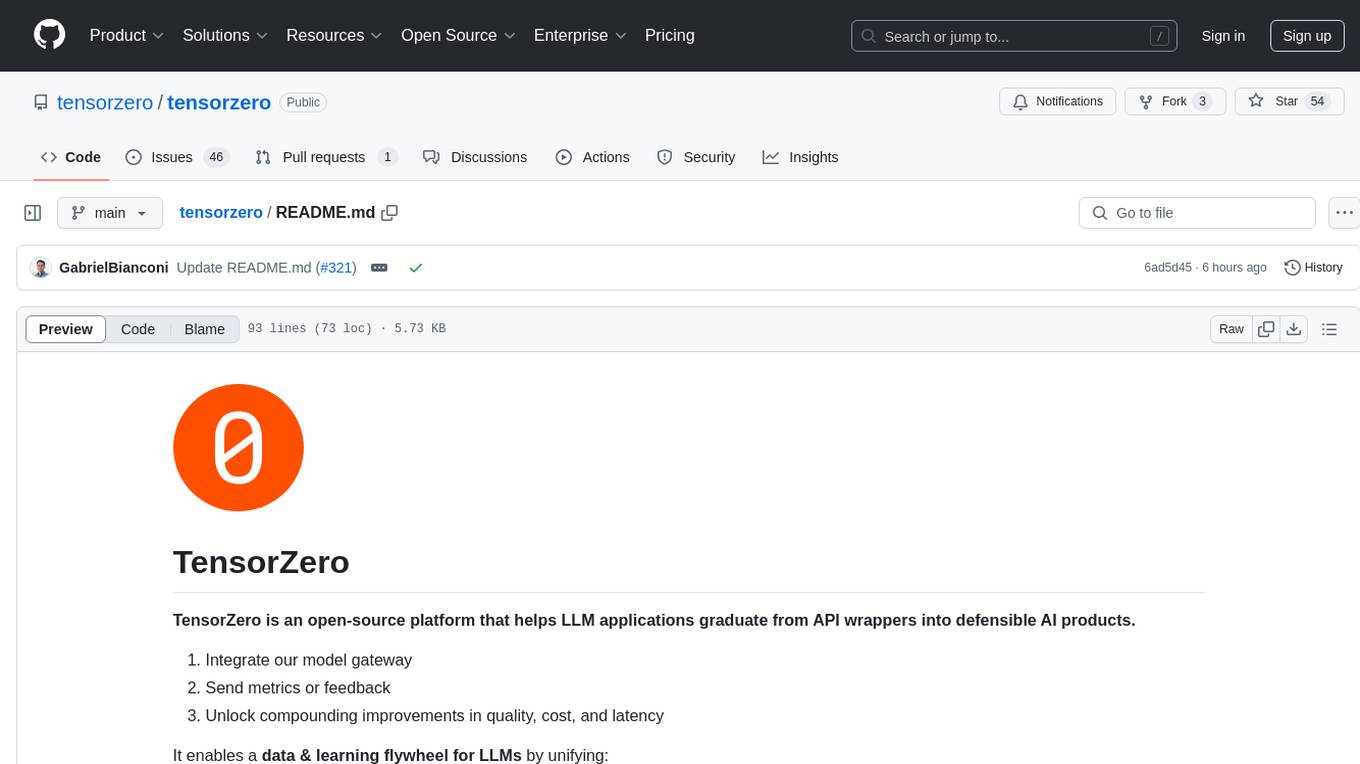
tensorzero
TensorZero is an open-source platform that helps LLM applications graduate from API wrappers into defensible AI products. It enables a data & learning flywheel for LLMs by unifying inference, observability, optimization, and experimentation. The platform includes a high-performance model gateway, structured schema-based inference, observability, experimentation, and data warehouse for analytics. TensorZero Recipes optimize prompts and models, and the platform supports experimentation features and GitOps orchestration for deployment.
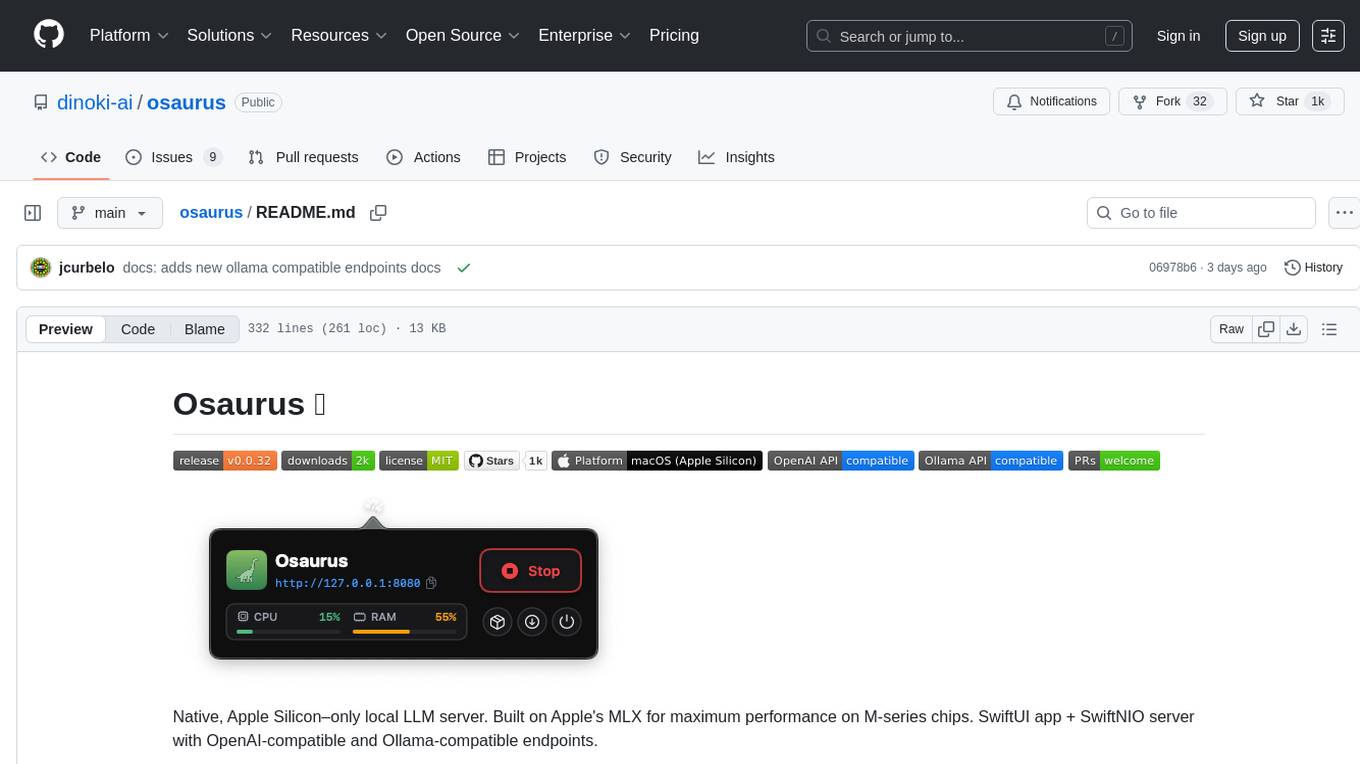
osaurus
Osaurus is a native, Apple Silicon-only local LLM server built on Apple's MLX for maximum performance on M‑series chips. It is a SwiftUI app + SwiftNIO server with OpenAI‑compatible and Ollama‑compatible endpoints. The tool supports native MLX text generation, model management, streaming and non‑streaming chat completions, OpenAI‑compatible function calling, real-time system resource monitoring, and path normalization for API compatibility. Osaurus is designed for macOS 15.5+ and Apple Silicon (M1 or newer) with Xcode 16.4+ required for building from source.
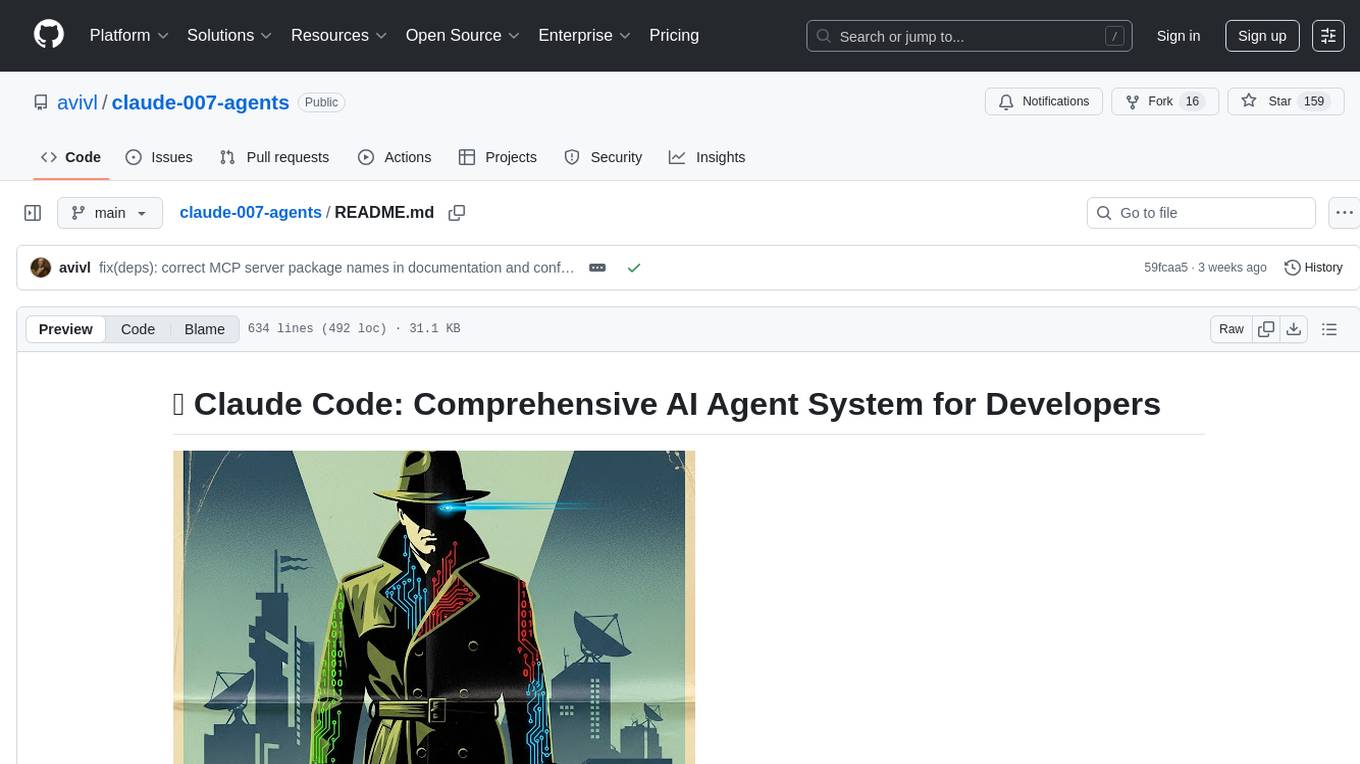
claude-007-agents
Claude Code Agents is an open-source AI agent system designed to enhance development workflows by providing specialized AI agents for orchestration, resilience engineering, and organizational memory. These agents offer specialized expertise across technologies, AI system with organizational memory, and an agent orchestration system. The system includes features such as engineering excellence by design, advanced orchestration system, Task Master integration, live MCP integrations, professional-grade workflows, and organizational intelligence. It is suitable for solo developers, small teams, enterprise teams, and open-source projects. The system requires a one-time bootstrap setup for each project to analyze the tech stack, select optimal agents, create configuration files, set up Task Master integration, and validate system readiness.
For similar tasks
Trellis
Trellis is an all-in-one AI framework and toolkit designed for Claude Code, Cursor, and iFlow. It offers features such as auto-injection of required specs and workflows, auto-updated spec library, parallel sessions for running multiple agents simultaneously, team sync for sharing specs, and session persistence. Trellis helps users educate their AI, work on multiple features in parallel, define custom workflows, and provides a structured project environment with workflow guides, spec library, personal journal, task management, and utilities. The tool aims to enhance code review, introduce skill packs, integrate with broader tools, improve session continuity, and visualize progress for each agent.
codemie-code
Unified AI Coding Assistant CLI for managing multiple AI agents like Claude Code, Google Gemini, OpenCode, and custom AI agents. Supports OpenAI, Azure OpenAI, AWS Bedrock, LiteLLM, Ollama, and Enterprise SSO. Features built-in LangGraph agent with file operations, command execution, and planning tools. Cross-platform support for Windows, Linux, and macOS. Ideal for developers seeking a powerful alternative to GitHub Copilot or Cursor.
oh-my-pi
oh-my-pi is an AI coding agent for the terminal, providing tools for interactive coding, AI-powered git commits, Python code execution, LSP integration, time-traveling streamed rules, interactive code review, task management, interactive questioning, custom TypeScript slash commands, universal config discovery, MCP & plugin system, web search & fetch, SSH tool, Cursor provider integration, multi-credential support, image generation, TUI overhaul, edit fuzzy matching, and more. It offers a modern terminal interface with smart session management, supports multiple AI providers, and includes various tools for coding, task management, code review, and interactive questioning.
Project-AI-MemoryCore
AI MemoryCore is a universal AI memory architecture that helps create AI companions maintaining memory across conversations. It offers persistent memory, personal learning, time intelligence, simple setup, markdown database, session continuity, and self-maintaining features. The system uses markdown files as a database and includes core components like Master Memory, Identity Core, Relationship Memory, Current Session, Daily Diary, and Save Protocol. Users can set up, configure, activate, and use the AI for learning and growth through conversation. The tool supports basic commands, custom protocols, effective AI training, memory management, and customization tips. Common use cases include professional, educational, creative, personal, and technical tasks. Advanced features include auto-archive, session RAM, protocol system, self-update, and modular design. Available feature extensions cover time-based aware system, LRU project management system, memory consolidation system, and skill plugin system.
claude_code_bridge
Claude Code Bridge (ccb) is a new multi-model collaboration tool that enables effective collaboration among multiple AI models in a split-pane CLI environment. It offers features like visual and controllable interface, persistent context maintenance, token savings, and native workflow integration. The tool allows users to unleash the full power of CLI by avoiding model bias, cognitive blind spots, and context limitations. It provides a new WYSIWYG solution for multi-model collaboration, making it easier to control and visualize multiple AI models simultaneously.

Azure-Analytics-and-AI-Engagement
The Azure-Analytics-and-AI-Engagement repository provides packaged Industry Scenario DREAM Demos with ARM templates (Containing a demo web application, Power BI reports, Synapse resources, AML Notebooks etc.) that can be deployed in a customer’s subscription using the CAPE tool within a matter of few hours. Partners can also deploy DREAM Demos in their own subscriptions using DPoC.
MetaGPT
MetaGPT is a multi-agent framework that enables GPT to work in a software company, collaborating to tackle more complex tasks. It assigns different roles to GPTs to form a collaborative entity for complex tasks. MetaGPT takes a one-line requirement as input and outputs user stories, competitive analysis, requirements, data structures, APIs, documents, etc. Internally, MetaGPT includes product managers, architects, project managers, and engineers. It provides the entire process of a software company along with carefully orchestrated SOPs. MetaGPT's core philosophy is "Code = SOP(Team)", materializing SOP and applying it to teams composed of LLMs.
For similar jobs
Azure-Analytics-and-AI-Engagement
The Azure-Analytics-and-AI-Engagement repository provides packaged Industry Scenario DREAM Demos with ARM templates (Containing a demo web application, Power BI reports, Synapse resources, AML Notebooks etc.) that can be deployed in a customer’s subscription using the CAPE tool within a matter of few hours. Partners can also deploy DREAM Demos in their own subscriptions using DPoC.
skyvern
Skyvern automates browser-based workflows using LLMs and computer vision. It provides a simple API endpoint to fully automate manual workflows, replacing brittle or unreliable automation solutions. Traditional approaches to browser automations required writing custom scripts for websites, often relying on DOM parsing and XPath-based interactions which would break whenever the website layouts changed. Instead of only relying on code-defined XPath interactions, Skyvern adds computer vision and LLMs to the mix to parse items in the viewport in real-time, create a plan for interaction and interact with them. This approach gives us a few advantages: 1. Skyvern can operate on websites it’s never seen before, as it’s able to map visual elements to actions necessary to complete a workflow, without any customized code 2. Skyvern is resistant to website layout changes, as there are no pre-determined XPaths or other selectors our system is looking for while trying to navigate 3. Skyvern leverages LLMs to reason through interactions to ensure we can cover complex situations. Examples include: 1. If you wanted to get an auto insurance quote from Geico, the answer to a common question “Were you eligible to drive at 18?” could be inferred from the driver receiving their license at age 16 2. If you were doing competitor analysis, it’s understanding that an Arnold Palmer 22 oz can at 7/11 is almost definitely the same product as a 23 oz can at Gopuff (even though the sizes are slightly different, which could be a rounding error!) Want to see examples of Skyvern in action? Jump to #real-world-examples-of- skyvern

pandas-ai
PandasAI is a Python library that makes it easy to ask questions to your data in natural language. It helps you to explore, clean, and analyze your data using generative AI.
vanna
Vanna is an open-source Python framework for SQL generation and related functionality. It uses Retrieval-Augmented Generation (RAG) to train a model on your data, which can then be used to ask questions and get back SQL queries. Vanna is designed to be portable across different LLMs and vector databases, and it supports any SQL database. It is also secure and private, as your database contents are never sent to the LLM or the vector database.

databend
Databend is an open-source cloud data warehouse that serves as a cost-effective alternative to Snowflake. With its focus on fast query execution and data ingestion, it's designed for complex analysis of the world's largest datasets.
Avalonia-Assistant
Avalonia-Assistant is an open-source desktop intelligent assistant that aims to provide a user-friendly interactive experience based on the Avalonia UI framework and the integration of Semantic Kernel with OpenAI or other large LLM models. By utilizing Avalonia-Assistant, you can perform various desktop operations through text or voice commands, enhancing your productivity and daily office experience.
marvin
Marvin is a lightweight AI toolkit for building natural language interfaces that are reliable, scalable, and easy to trust. Each of Marvin's tools is simple and self-documenting, using AI to solve common but complex challenges like entity extraction, classification, and generating synthetic data. Each tool is independent and incrementally adoptable, so you can use them on their own or in combination with any other library. Marvin is also multi-modal, supporting both image and audio generation as well using images as inputs for extraction and classification. Marvin is for developers who care more about _using_ AI than _building_ AI, and we are focused on creating an exceptional developer experience. Marvin users should feel empowered to bring tightly-scoped "AI magic" into any traditional software project with just a few extra lines of code. Marvin aims to merge the best practices for building dependable, observable software with the best practices for building with generative AI into a single, easy-to-use library. It's a serious tool, but we hope you have fun with it. Marvin is open-source, free to use, and made with 💙 by the team at Prefect.

activepieces
Activepieces is an open source replacement for Zapier, designed to be extensible through a type-safe pieces framework written in Typescript. It features a user-friendly Workflow Builder with support for Branches, Loops, and Drag and Drop. Activepieces integrates with Google Sheets, OpenAI, Discord, and RSS, along with 80+ other integrations. The list of supported integrations continues to grow rapidly, thanks to valuable contributions from the community. Activepieces is an open ecosystem; all piece source code is available in the repository, and they are versioned and published directly to npmjs.com upon contributions. If you cannot find a specific piece on the pieces roadmap, please submit a request by visiting the following link: Request Piece Alternatively, if you are a developer, you can quickly build your own piece using our TypeScript framework. For guidance, please refer to the following guide: Contributor's Guide