


retrace
The Open Source and Free Rewind AI (but better)
Stars: 72
Retrace is a local-first screen recording and search application for macOS, inspired by Rewind AI. It captures screen activity, extracts text via OCR, and makes everything searchable locally on-device. The project is in very early development, offering features like continuous screen capture, OCR text extraction, full-text search, timeline viewer, dashboard analytics, Rewind AI import, settings panel, global hotkeys, HEVC video encoding, search highlighting, privacy controls, and more. Built with a modular architecture, Retrace uses Swift 5.9+, SwiftUI, Vision framework, SQLite with FTS5, HEVC video encoding, CryptoKit for encryption, and more. Future releases will include features like audio transcription and semantic search. Retrace requires macOS 13.0+ (Apple Silicon required) and Xcode 15.0+ for building from source, with permissions for screen recording and accessibility. Contributions are welcome, and the project is licensed under the MIT License.
README:
⚠️ VERY EARLY DEVELOPMENT - This project is in very early development. Expect breaking changes, incomplete features, and bugs.
A local-first screen recording and search application for macOS, inspired by Rewind AI. Retrace captures your screen activity, extracts text via OCR, and makes everything searchable—all locally on-device.
Retrace is an open source alternative to Rewind AI that gives you photographic memory of everything you've seen on your screen. It continuously captures screenshots (every 2 seconds by default), extracts text using OCR, and stores everything in a searchable database—entirely on your Mac with no cloud dependencies.
- Continuous screen capture with configurable intervals (every 2 seconds default)
- OCR text extraction using Apple's Vision framework
- Full-text search with advanced filters (app, date, exclusions)
- Timeline viewer - Scrub through your screen history frame-by-frame
- Dashboard analytics - Visualize app usage, screen time, and activity patterns
- Rewind AI import - Seamless, resumable background import of existing Rewind data
- Settings panel - Comprehensive controls for capture, storage, privacy, and shortcuts
- Global hotkeys - Quick access (Cmd+Shift+T for timeline, Cmd+Shift+D for dashboard)
- HEVC video encoding - Working but not yet optimized for efficiency
- Search highlighting - Visual highlighting of search results in frames
- Privacy controls - Exclude apps and private browsing windows
- Optimized storage - Improving HEVC compression efficiency
- Audio recording and transcription - Whisper.cpp integration ready but disabled
- Advanced keyboard shortcuts - More customizable shortcuts
- Decrypt and backup Rewind database - Export your Rewind data
Data Flow:
CGWindowListCapture (every 2s)
    ↓
Frame Deduplication
    ↓
Split into two paths:
    ├─ OCR Path: Vision OCR → Text Extraction → SQLite Database
    └─ Video Path: HEVC Encoding → .mp4 segments
    ↓
Full-Text Search (FTS5) → Timeline/Dashboard UI
Retrace is built with a modular architecture:
- Database - SQLite + FTS5 for metadata and full-text search
- Storage - HEVC video encoding for screen recordings
- Capture - Screen capture using CGWindowListCapture API
- Processing - OCR text extraction using Apple's Vision framework
- Search - Query parsing, FTS5 ranking, and result snippets
- Migration - Import from Rewind AI databases
- App - Coordination, lifecycle management, service container
- UI - SwiftUI interface with search, timeline, and settings
See AGENTS.md for detailed architecture documentation.
- Language: Swift 5.9+ with async/await, Actors, Sendable
- Platform: macOS 13.0+ (Apple Silicon required)
- UI: SwiftUI with custom design system
- Screen Capture: CGWindowListCapture API (legacy, no privacy indicator)
- OCR: Vision framework (macOS native)
- Video: VideoToolbox (HEVC encoding)
- Database: SQLite with FTS5 full-text search
- Encryption: CryptoKit (AES-256-GCM) for database
- Audio transcription: whisper.cpp (bundled, ready but disabled)
- Embeddings: llama.cpp for semantic search (prepared but not active)
- macOS 13.0+ (Ventura or later)
- Apple Silicon (M1/M2/M3) - Intel not supported
- Xcode 15.0+ or Swift 5.9+ for building from source
Retrace needs the following macOS permissions:
- Screen Recording - To capture your screen
- Accessibility - For enhanced context extraction (app names, window titles, browser URLs)
git clone https://github.com/haseab/retrace.git
cd retraceOption A: Using Xcode (Recommended)
open Package.swift- Wait for Swift Package Manager to resolve dependencies
- Select the
Retracescheme in Xcode - Build and run (⌘R)
Option B: Command Line
# Build the project
swift build -c release

# Run the executable
.build/release/Retrace
First Launch:
- Grant Screen Recording permission when prompted (System Settings → Privacy & Security)
- Grant Accessibility permission for enhanced context extraction
- Complete the onboarding flow
- Optionally import existing Rewind AI data
- Configure settings (capture interval, excluded apps, shortcuts)
The app will create its database at the default location (~/Library/Application Support/Retrace/) or a custom location if configured in Settings.
Reset database (keeps settings):
./scripts/reset_database.shReset onboarding (safe, preserves data):
./scripts/reset_onboarding_safe.shHard reset (deletes everything):
./scripts/hardreset_onboarding.shRetrace follows a Test-Driven Development (TDD) approach. See CONTRIBUTING.md for:
- Development workflow and conventions
- Testing requirements (TDD, mocking protocols)
- AI-assisted development guidelines
- Module boundaries and architecture decisions
- Code style and Swift patterns
swift testretrace/
├── App/ # App coordination and lifecycle
├── UI/ # SwiftUI views and view models
├── Database/ # SQLite + FTS5 implementation
├── Storage/ # HEVC video encoding and file management
├── Capture/ # Screen capture (CGWindowListCapture)
├── Processing/ # OCR and text extraction
├── Search/ # Query parsing and FTS5 ranking
├── Migration/ # Rewind import tools
├── Shared/ # Protocols and shared models
└── scripts/ # Build and utility scripts
- [x] Screen capture with deduplication
- [x] OCR text extraction (Vision framework)
- [x] Full-text search (SQLite FTS5)
- [x] Dashboard with app usage analytics
- [x] Timeline frame viewer
- [x] HEVC video encoding (working but not optimized)
- [x] Settings and preferences
- [x] Rewind AI import (resumable)
- [x] Menu bar and global hotkeys
- [x] Search highlighting
Roadmap for future releases to be determined based on user feedback and priorities.
Current Metrics:
- Capture Rate: Every 2 seconds (configurable: 1-60 seconds)
- OCR Speed: ~200-500ms per frame on Apple Silicon
- Search Speed: <100ms for typical queries
Storage (Work in Progress):
- Current: ~50-70GB/month (HEVC working but not optimized)
- Target: ~15-20GB/month with optimized compression
- macOS 13.0+ and Apple Silicon only - Intel Macs not supported
- Storage not yet efficient - Currently 4-5x less efficient than Rewind AI (~50-70GB/month vs ~15GB/month). HEVC encoding is working but not optimized
- No audio capture - Audio recording and transcription infrastructure exists but is currently disabled
See GitHub Issues for known bugs and feature requests.
- 100% Local - All processing happens on your device
- Encrypted at Rest - AES-256-GCM encryption for stored data
- No Telemetry - No data sent to external servers
- Open Source - Audit the code yourself
Retrace uses minimal external dependencies:
- swift-sqlcipher - SQLite with encryption for Rewind database import
- Sparkle - Auto-update framework
- Apple Frameworks: CoreGraphics, Vision, AppKit, SwiftUI, VideoToolbox, CryptoKit
Future releases will add:
- whisper.cpp (bundled in Vendors/) - Local audio transcription
- llama.cpp (bundled in Vendors/) - Local embeddings for semantic search
Contributions are welcome! Please read CONTRIBUTING.md for guidelines on:
- Code conventions and testing requirements
- How to work with AI assistants (Claude, GitHub Copilot)
- Architecture decisions and module boundaries
- Submitting pull requests
This project is licensed under the MIT License - see the LICENSE file for details.
Created with ♥ by @haseab
- GitHub: haseab/retrace
- Twitter/X: @haseab_
- Inspired by Rewind AI
- Future audio transcription will use whisper.cpp by @ggerganov
- Future semantic search will use llama.cpp by @ggerganov
Would appreciate a Github Star if the project is useful! ⭐
For Tasks:
Click tags to check more tools for each tasksFor Jobs:
Alternative AI tools for retrace
Similar Open Source Tools
retrace
Retrace is a local-first screen recording and search application for macOS, inspired by Rewind AI. It captures screen activity, extracts text via OCR, and makes everything searchable locally on-device. The project is in very early development, offering features like continuous screen capture, OCR text extraction, full-text search, timeline viewer, dashboard analytics, Rewind AI import, settings panel, global hotkeys, HEVC video encoding, search highlighting, privacy controls, and more. Built with a modular architecture, Retrace uses Swift 5.9+, SwiftUI, Vision framework, SQLite with FTS5, HEVC video encoding, CryptoKit for encryption, and more. Future releases will include features like audio transcription and semantic search. Retrace requires macOS 13.0+ (Apple Silicon required) and Xcode 15.0+ for building from source, with permissions for screen recording and accessibility. Contributions are welcome, and the project is licensed under the MIT License.

layra
LAYRA is the world's first visual-native AI automation engine that sees documents like a human, preserves layout and graphical elements, and executes arbitrarily complex workflows with full Python control. It empowers users to build next-generation intelligent systems with no limits or compromises. Built for Enterprise-Grade deployment, LAYRA features a modern frontend, high-performance backend, decoupled service architecture, visual-native multimodal document understanding, and a powerful workflow engine.
ito
Ito is an intelligent voice assistant that provides seamless voice dictation to any application on your computer. It works in any app, offers global keyboard shortcuts, real-time transcription, and instant text insertion. It is smart and adaptive with features like custom dictionary, context awareness, multi-language support, and intelligent punctuation. Users can customize trigger keys, audio preferences, and privacy controls. It also offers data management features like a notes system, interaction history, cloud sync, and export capabilities. Ito is built as a modern Electron application with a multi-process architecture and utilizes technologies like React, TypeScript, Rust, gRPC, and AWS CDK.
persistent-ai-memory
Persistent AI Memory System is a comprehensive tool that offers persistent, searchable storage for AI assistants. It includes features like conversation tracking, MCP tool call logging, and intelligent scheduling. The system supports multiple databases, provides enhanced memory management, and offers various tools for memory operations, schedule management, and system health checks. It also integrates with various platforms like LM Studio, VS Code, Koboldcpp, Ollama, and more. The system is designed to be modular, platform-agnostic, and scalable, allowing users to handle large conversation histories efficiently.
llmchat
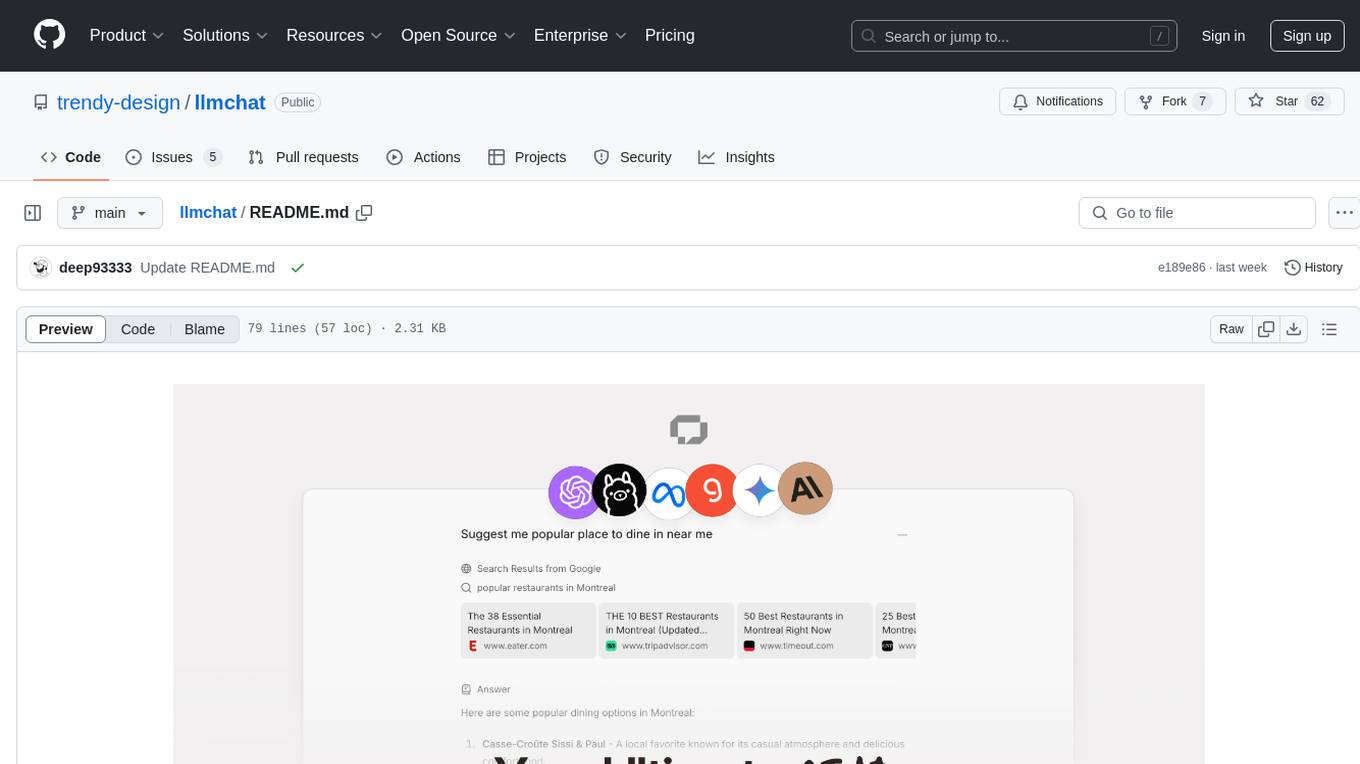
LLMChat is an all-in-one AI chat interface that supports multiple language models, offers a plugin library for enhanced functionality, enables web search capabilities, allows customization of AI assistants, provides text-to-speech conversion, ensures secure local data storage, and facilitates data import/export. It also includes features like knowledge spaces, prompt library, personalization, and can be installed as a Progressive Web App (PWA). The tech stack includes Next.js, TypeScript, Pglite, LangChain, Zustand, React Query, Supabase, Tailwind CSS, Framer Motion, Shadcn, and Tiptap. The roadmap includes upcoming features like speech-to-text and knowledge spaces.
CBbot
CBbot is an AI-powered coding assistant for macOS that helps users write code more efficiently, process documents, and automate tasks. It offers easy installation, built-in AI coding capabilities, auto configuration, and smart tools. Users can download CBbot for macOS 10.15 or higher, with Apple Silicon or Intel chip, and at least 6GB memory and 10GB disk space. The tool requires an internet connection for AI features. CBbot assists users in installing Docker Desktop, binding keys, troubleshooting, and using various skills for document processing and automation tasks. It also provides community support, billing based on usage, and network tips for using overseas AI models.
RSTGameTranslation
RSTGameTranslation is a tool designed for translating game text into multiple languages efficiently. It provides a user-friendly interface for game developers to easily manage and localize their game content. With RSTGameTranslation, developers can streamline the translation process, ensuring consistency and accuracy across different language versions of their games. The tool supports various file formats commonly used in game development, making it versatile and adaptable to different project requirements. Whether you are working on a small indie game or a large-scale production, RSTGameTranslation can help you reach a global audience by making localization a seamless and hassle-free experience.
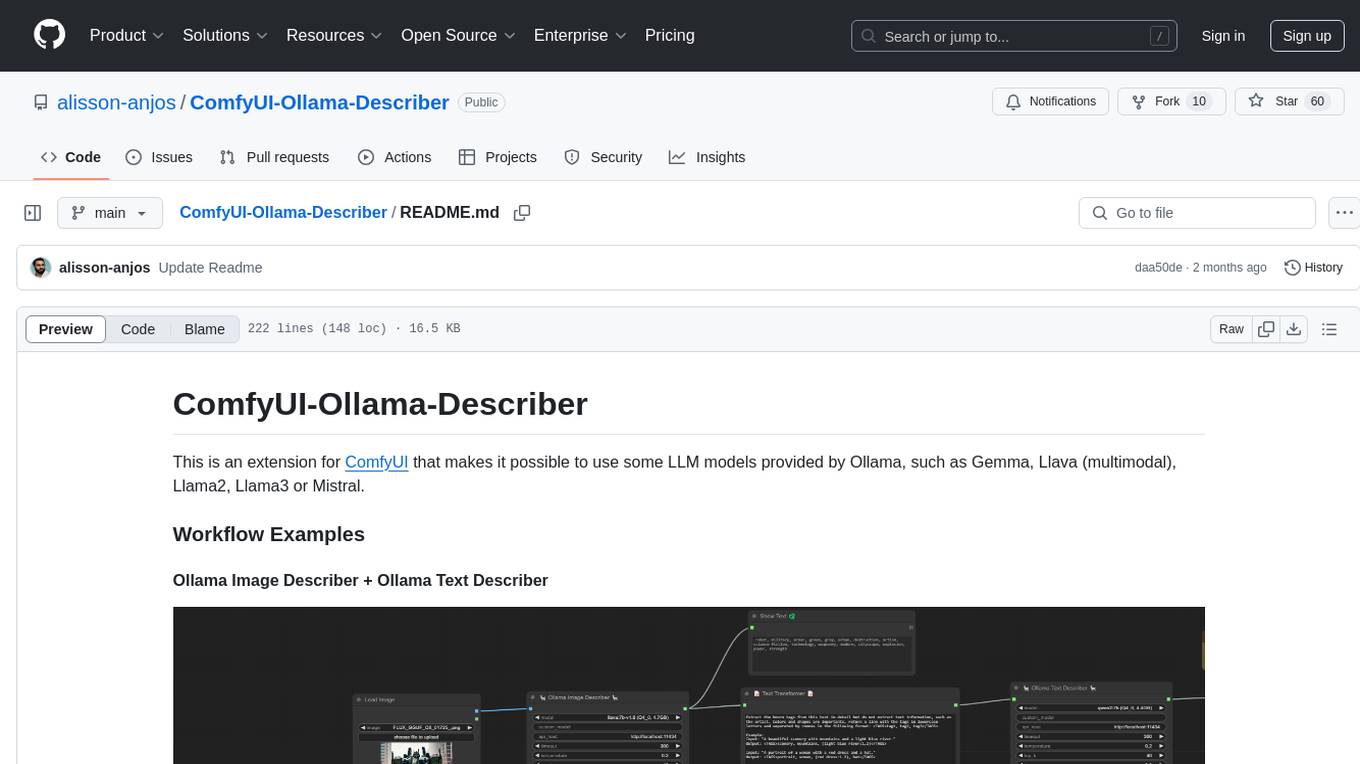
ComfyUI-Ollama-Describer
ComfyUI-Ollama-Describer is an extension for ComfyUI that enables the use of LLM models provided by Ollama, such as Gemma, Llava (multimodal), Llama2, Llama3, or Mistral. It requires the Ollama library for interacting with large-scale language models, supporting GPUs using CUDA and AMD GPUs on Windows, Linux, and Mac. The extension allows users to run Ollama through Docker and utilize NVIDIA GPUs for faster processing. It provides nodes for image description, text description, image captioning, and text transformation, with various customizable parameters for model selection, API communication, response generation, and model memory management.
VisioFirm
VisioFirm is an open-source, AI-powered image annotation tool designed to accelerate labeling for computer vision tasks like classification, object detection, oriented bounding boxes (OBB), segmentation and video annotation. Built for speed and simplicity, it leverages state-of-the-art models for semi-automated pre-annotations, allowing you to focus on refining rather than starting from scratch. Whether you're preparing datasets for YOLO, SAM, or custom models, VisioFirm streamlines your workflow with an intuitive web interface and powerful backend. Perfect for researchers, data scientists, and ML engineers handling large image datasets—get high-quality annotations in minutes, not hours!
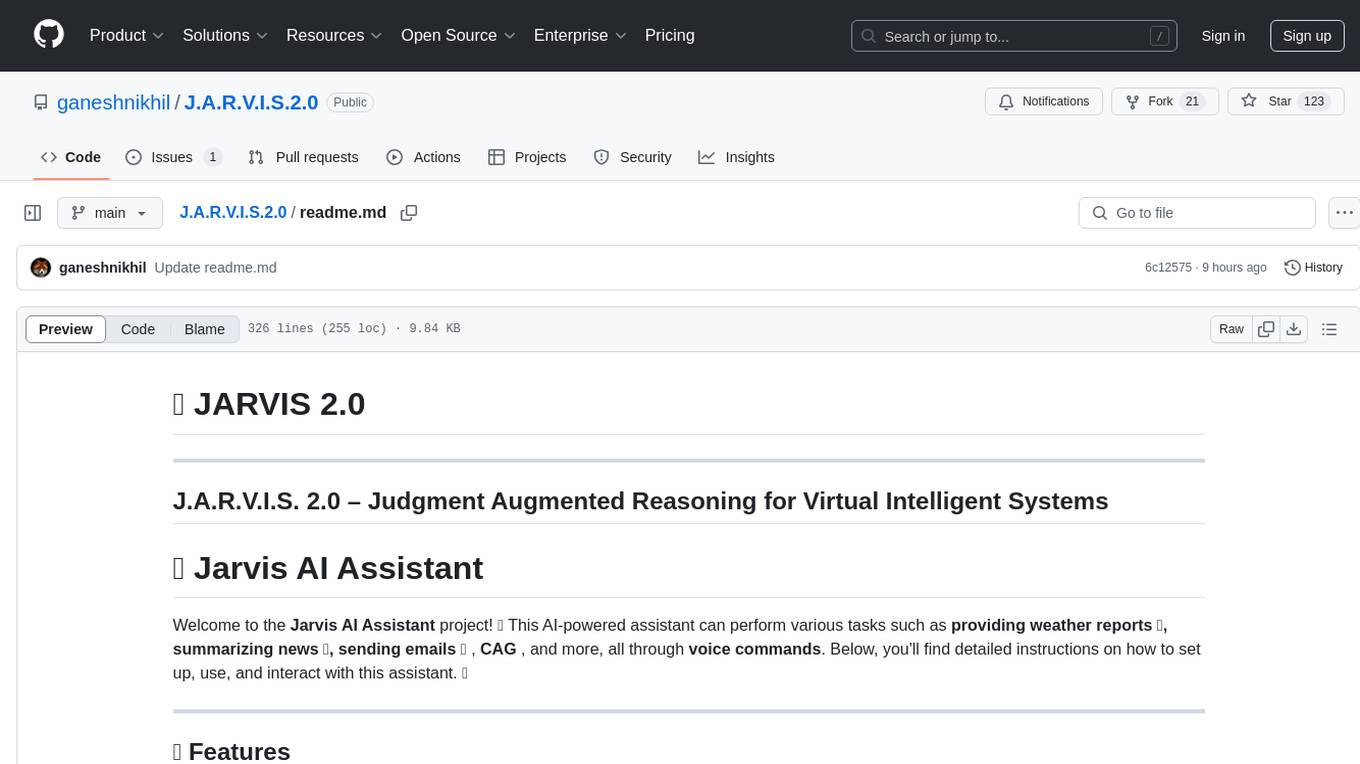
J.A.R.V.I.S.2.0
J.A.R.V.I.S. 2.0 is an AI-powered assistant designed for voice commands, capable of tasks like providing weather reports, summarizing news, sending emails, and more. It features voice activation, speech recognition, AI responses, and handles multiple tasks including email sending, weather reports, news reading, image generation, database functions, phone call automation, AI-based task execution, website & application automation, and knowledge-based interactions. The assistant also includes timeout handling, automatic input processing, and the ability to call multiple functions simultaneously. It requires Python 3.9 or later and specific API keys for weather, news, email, and AI access. The tool integrates Gemini AI for function execution and Ollama as a fallback mechanism. It utilizes a RAG-based knowledge system and ADB integration for phone automation. Future enhancements include deeper mobile integration, advanced AI-driven automation, improved NLP-based command execution, and multi-modal interactions.
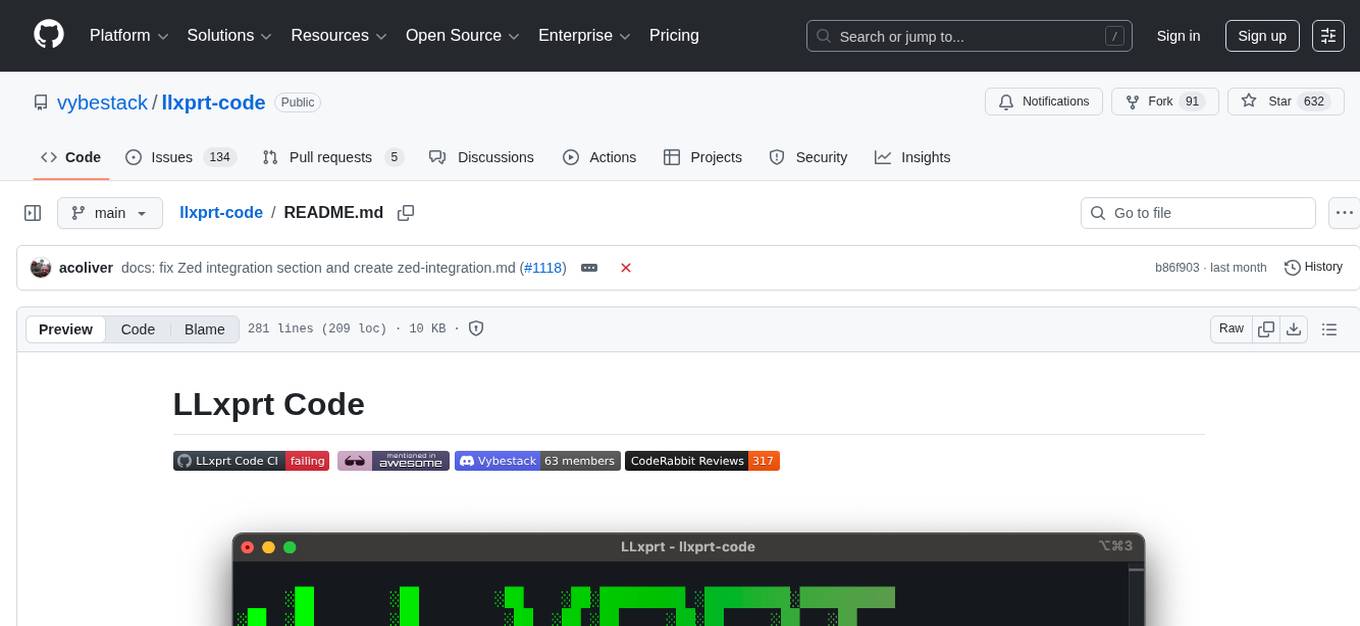
llxprt-code
LLxprt Code is an AI-powered coding assistant that works with any LLM provider, offering a command-line interface for querying and editing codebases, generating applications, and automating development workflows. It supports various subscriptions, provider flexibility, top open models, local model support, and a privacy-first approach. Users can interact with LLxprt Code in both interactive and non-interactive modes, leveraging features like subscription OAuth, multi-account failover, load balancer profiles, and extensive provider support. The tool also allows for the creation of advanced subagents for specialized tasks and integrates with the Zed editor for in-editor chat and code selection.
sokuji
Sokuji is a desktop application that provides live speech translation using advanced AI models from OpenAI, Google Gemini, CometAPI, Palabra.ai, and Kizuna AI. It aims to bridge language barriers in live conversations by capturing audio input, processing it through AI models, and delivering real-time translated output. The tool goes beyond basic translation by offering audio routing solutions with virtual device management (Linux only) for seamless integration with other applications. It features a modern interface with real-time audio visualization, comprehensive logging, and support for multiple AI providers and models.
AionUi
AionUi is a user interface library for building modern and responsive web applications. It provides a set of customizable components and styles to create visually appealing user interfaces. With AionUi, developers can easily design and implement interactive web interfaces that are both functional and aesthetically pleasing. The library is built using the latest web technologies and follows best practices for performance and accessibility. Whether you are working on a personal project or a professional application, AionUi can help you streamline the UI development process and deliver a seamless user experience.
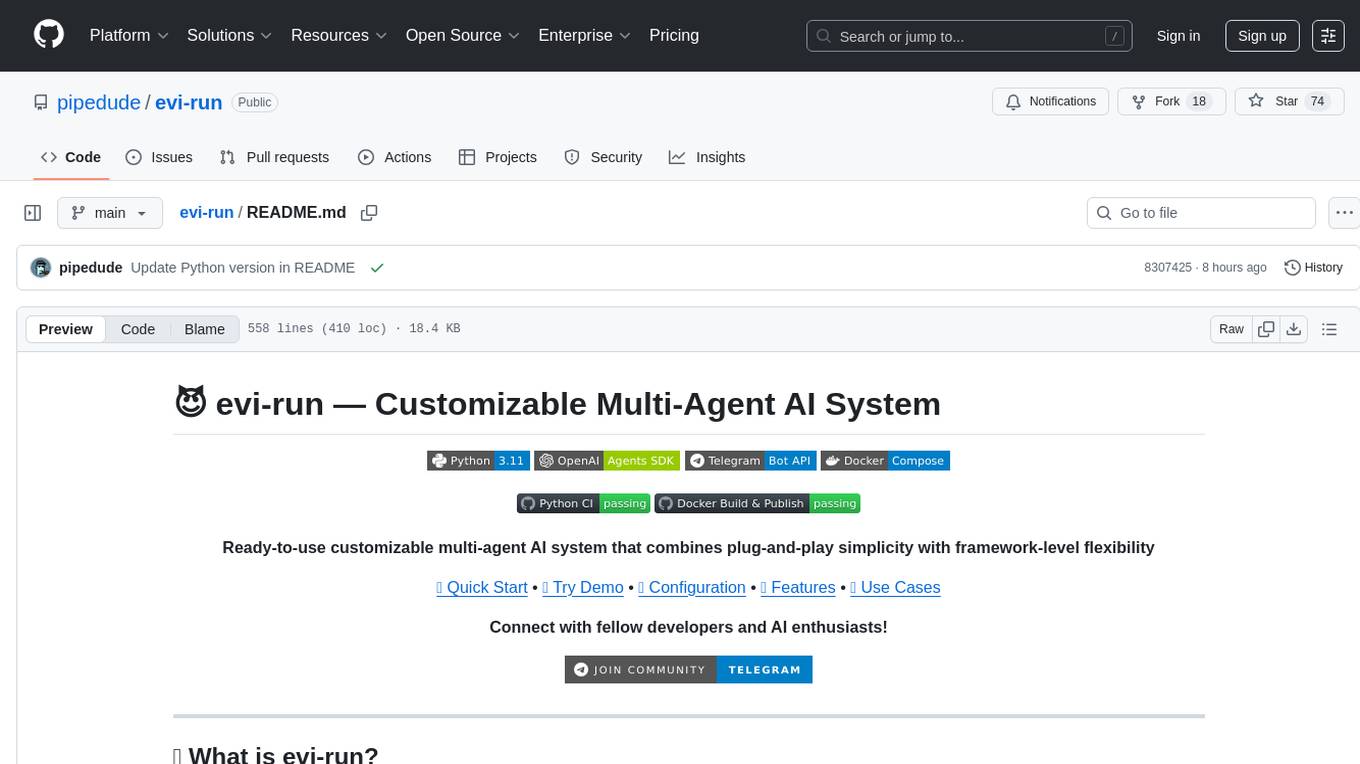
evi-run
evi-run is a powerful, production-ready multi-agent AI system built on Python using the OpenAI Agents SDK. It offers instant deployment, ultimate flexibility, built-in analytics, Telegram integration, and scalable architecture. The system features memory management, knowledge integration, task scheduling, multi-agent orchestration, custom agent creation, deep research, web intelligence, document processing, image generation, DEX analytics, and Solana token swap. It supports flexible usage modes like private, free, and pay mode, with upcoming features including NSFW mode, task scheduler, and automatic limit orders. The technology stack includes Python 3.11, OpenAI Agents SDK, Telegram Bot API, PostgreSQL, Redis, and Docker & Docker Compose for deployment.
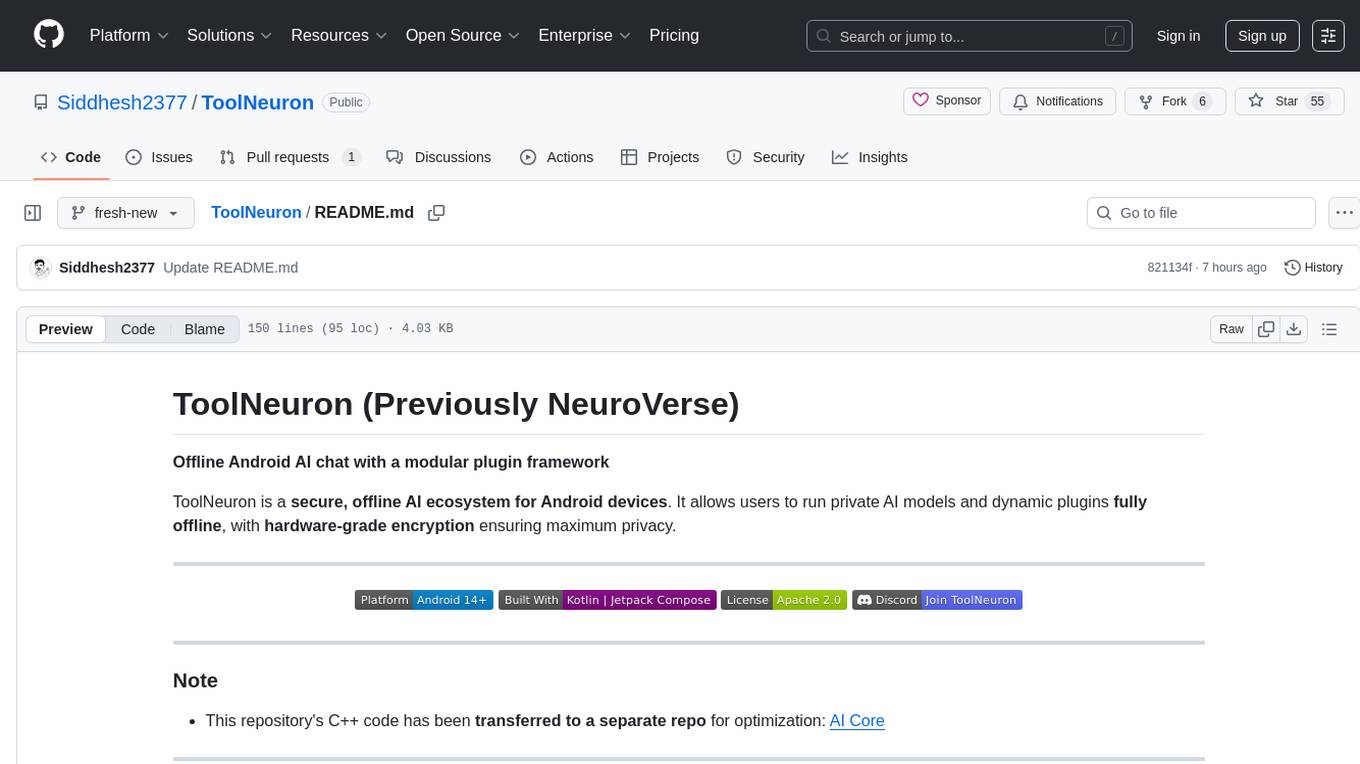
ToolNeuron
ToolNeuron is a secure, offline AI ecosystem for Android devices that allows users to run private AI models and dynamic plugins fully offline, with hardware-grade encryption ensuring maximum privacy. It enables users to have an offline-first experience, add capabilities without app updates through pluggable tools, and ensures security by design with strict plugin validation and sandboxing.
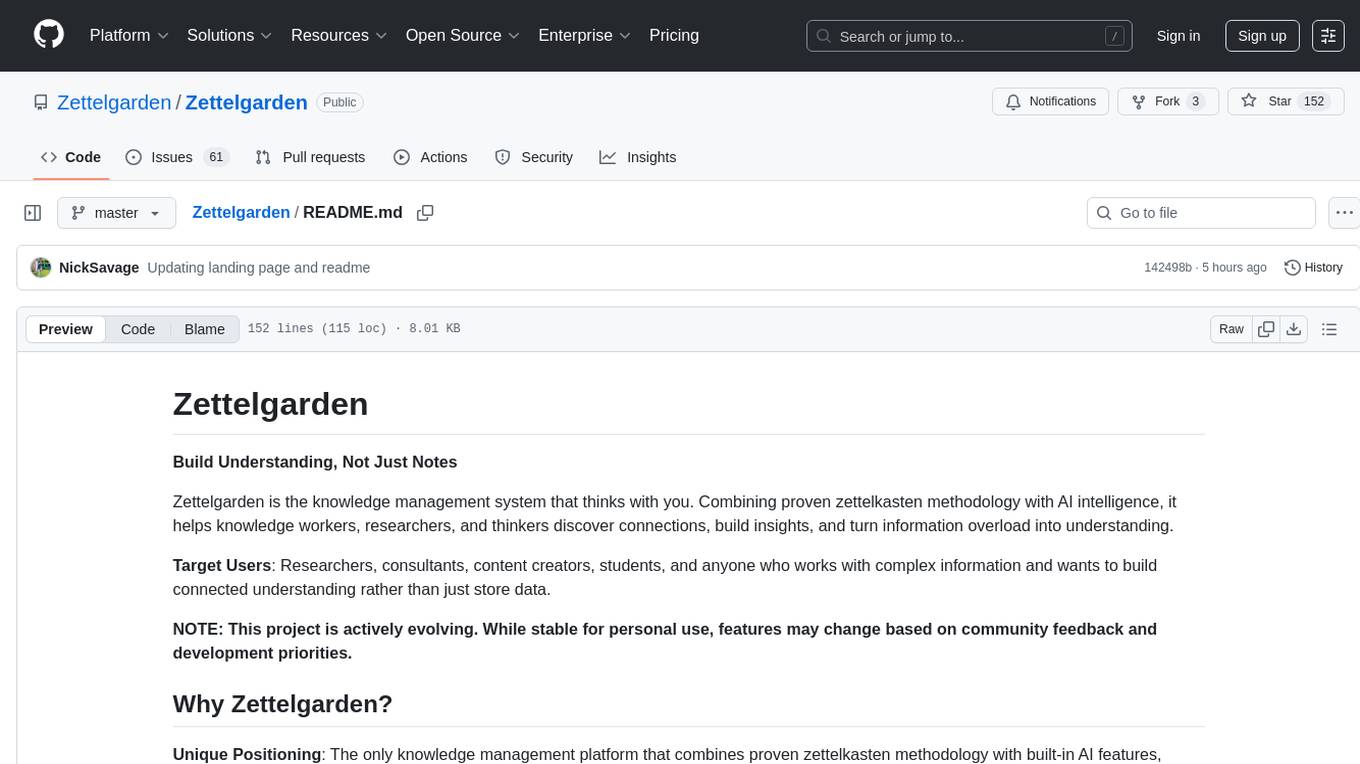
Zettelgarden
Zettelgarden is a human-centric, open-source personal knowledge management system that helps users develop and maintain their understanding of the world. It focuses on creating and connecting atomic notes, thoughtful AI integration, and scalability from personal notes to company knowledge bases. The project is actively evolving, with features subject to change based on community feedback and development priorities.
For similar tasks
retrace
Retrace is a local-first screen recording and search application for macOS, inspired by Rewind AI. It captures screen activity, extracts text via OCR, and makes everything searchable locally on-device. The project is in very early development, offering features like continuous screen capture, OCR text extraction, full-text search, timeline viewer, dashboard analytics, Rewind AI import, settings panel, global hotkeys, HEVC video encoding, search highlighting, privacy controls, and more. Built with a modular architecture, Retrace uses Swift 5.9+, SwiftUI, Vision framework, SQLite with FTS5, HEVC video encoding, CryptoKit for encryption, and more. Future releases will include features like audio transcription and semantic search. Retrace requires macOS 13.0+ (Apple Silicon required) and Xcode 15.0+ for building from source, with permissions for screen recording and accessibility. Contributions are welcome, and the project is licensed under the MIT License.
For similar jobs
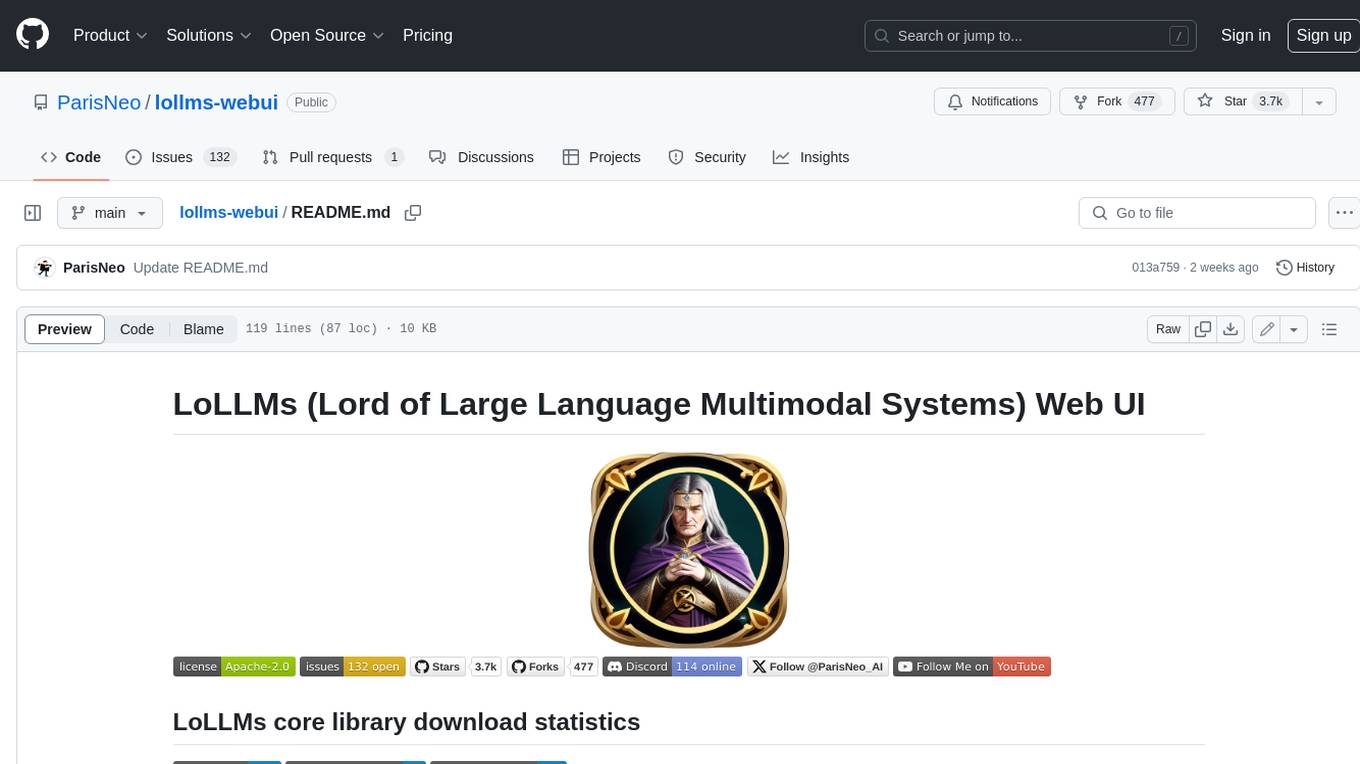
lollms-webui
LoLLMs WebUI (Lord of Large Language Multimodal Systems: One tool to rule them all) is a user-friendly interface to access and utilize various LLM (Large Language Models) and other AI models for a wide range of tasks. With over 500 AI expert conditionings across diverse domains and more than 2500 fine tuned models over multiple domains, LoLLMs WebUI provides an immediate resource for any problem, from car repair to coding assistance, legal matters, medical diagnosis, entertainment, and more. The easy-to-use UI with light and dark mode options, integration with GitHub repository, support for different personalities, and features like thumb up/down rating, copy, edit, and remove messages, local database storage, search, export, and delete multiple discussions, make LoLLMs WebUI a powerful and versatile tool.

Azure-Analytics-and-AI-Engagement
The Azure-Analytics-and-AI-Engagement repository provides packaged Industry Scenario DREAM Demos with ARM templates (Containing a demo web application, Power BI reports, Synapse resources, AML Notebooks etc.) that can be deployed in a customer’s subscription using the CAPE tool within a matter of few hours. Partners can also deploy DREAM Demos in their own subscriptions using DPoC.
minio
MinIO is a High Performance Object Storage released under GNU Affero General Public License v3.0. It is API compatible with Amazon S3 cloud storage service. Use MinIO to build high performance infrastructure for machine learning, analytics and application data workloads.
mage-ai
Mage is an open-source data pipeline tool for transforming and integrating data. It offers an easy developer experience, engineering best practices built-in, and data as a first-class citizen. Mage makes it easy to build, preview, and launch data pipelines, and provides observability and scaling capabilities. It supports data integrations, streaming pipelines, and dbt integration.
AiTreasureBox
AiTreasureBox is a versatile AI tool that provides a collection of pre-trained models and algorithms for various machine learning tasks. It simplifies the process of implementing AI solutions by offering ready-to-use components that can be easily integrated into projects. With AiTreasureBox, users can quickly prototype and deploy AI applications without the need for extensive knowledge in machine learning or deep learning. The tool covers a wide range of tasks such as image classification, text generation, sentiment analysis, object detection, and more. It is designed to be user-friendly and accessible to both beginners and experienced developers, making AI development more efficient and accessible to a wider audience.

tidb
TiDB is an open-source distributed SQL database that supports Hybrid Transactional and Analytical Processing (HTAP) workloads. It is MySQL compatible and features horizontal scalability, strong consistency, and high availability.
airbyte
Airbyte is an open-source data integration platform that makes it easy to move data from any source to any destination. With Airbyte, you can build and manage data pipelines without writing any code. Airbyte provides a library of pre-built connectors that make it easy to connect to popular data sources and destinations. You can also create your own connectors using Airbyte's no-code Connector Builder or low-code CDK. Airbyte is used by data engineers and analysts at companies of all sizes to build and manage their data pipelines.
labelbox-python
Labelbox is a data-centric AI platform for enterprises to develop, optimize, and use AI to solve problems and power new products and services. Enterprises use Labelbox to curate data, generate high-quality human feedback data for computer vision and LLMs, evaluate model performance, and automate tasks by combining AI and human-centric workflows. The academic & research community uses Labelbox for cutting-edge AI research.