


dev3000
Captures your web app's complete development timeline - server logs, browser events, console messages, network requests, and automatic screenshots - in a unified, timestamped feed for AI debugging.
Stars: 416
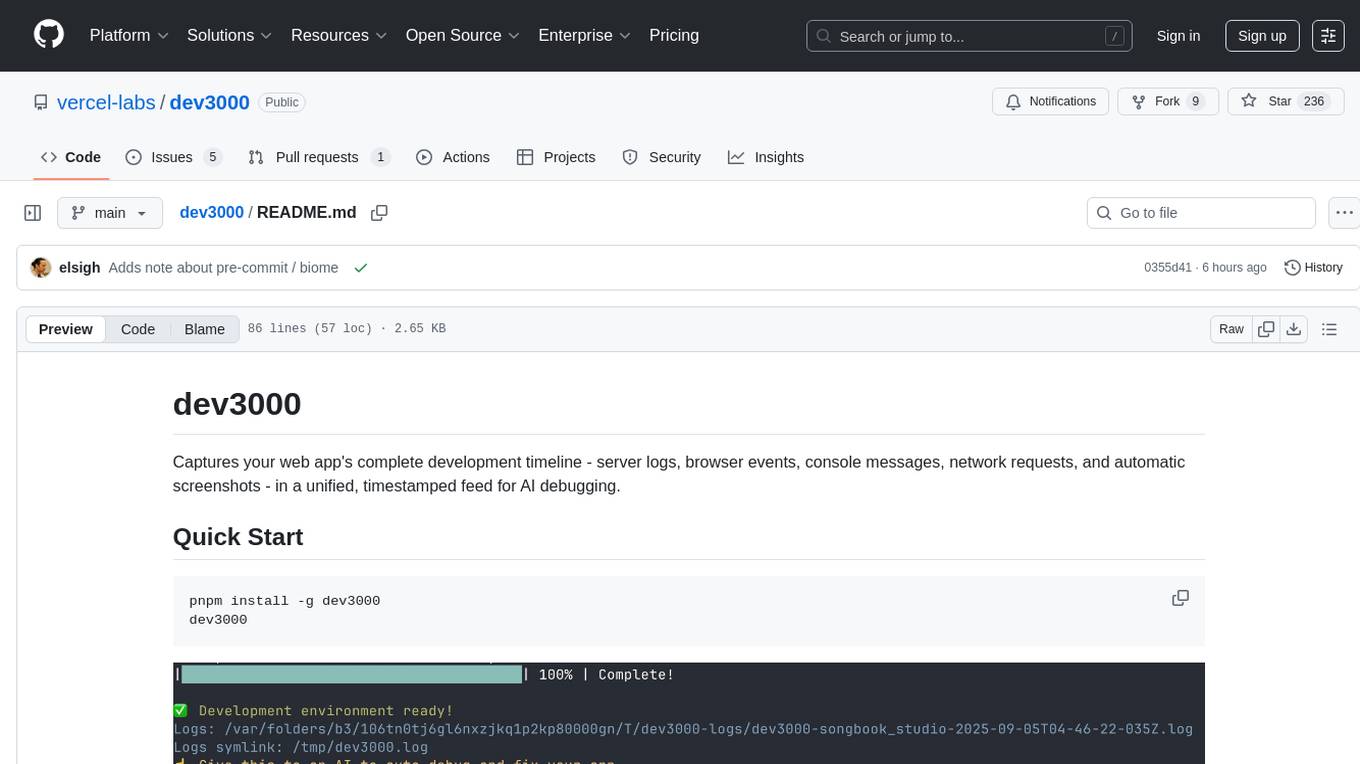
dev3000 captures your web app's complete development timeline including server logs, browser events, console messages, network requests, and automatic screenshots in a unified, timestamped feed for AI debugging. It creates a comprehensive log of your development session that AI assistants can easily understand, monitoring your app in a real browser and capturing server logs, console output, browser console messages and errors, network requests and responses, and automatic screenshots on navigation, errors, and key events. Logs are saved with timestamps and rotated to keep the 10 most recent per project, with the current session symlinked for easy access. The tool integrates with AI assistants for instant debugging and provides advanced querying options through the MCP server.
README:
Captures your web app's complete development timeline - server logs, browser events, console messages, network requests, and automatic screenshots - in a unified, timestamped feed for AI debugging.
pnpm install -g dev3000
dev3000You should connect claude code or any AI tool to the mcp-server to have it issue commands to the browser.
claude mcp add -t http -s user dev3000 http://localhost:3684/mcpThen issue the following prompt:
Use dev3000 to debug my app

Creates a comprehensive log of your development session that AI assistants can easily understand. When you have a bug or issue, Claude can see your server output, browser console, network requests, and screenshots all in chronological order.
The tool monitors your app in a real browser and captures:
- Server logs and console output
- Browser console messages and errors
- Network requests and responses
- Automatic screenshots on navigation, errors, and key events
- Visual timeline at
http://localhost:3684/logs

Logs are automatically saved with timestamps in /var/log/dev3000/ (or temp directory) and rotated to keep the 10 most recent per project. Each instance has its own timestamped log file displayed when starting dev3000.
The MCP server at http://localhost:3684/mcp supports the HTTP prototcol (not stdio) as well as the following commands for advanced querying:
-
read_consolidated_logs- Get recent logs with filtering -
search_logs- Regex search with context -
get_browser_errors- Extract browser errors by time period -
execute_browser_action- Control the browser (click, navigate, screenshot, evaluate, scroll, type)
Cursor:
{
  "mcpServers": {
      "dev3000": {
          "type": "http",
          "url": "http://localhost:3684/mcp"
      }
  }
}dev3000 supports two monitoring modes:
By default, dev3000 launches a Playwright-controlled Chrome instance for comprehensive monitoring.
For a lighter approach, install the dev3000 Chrome extension to monitor your existing browser session.
Since the extension isn't published to the Chrome Web Store, install it locally:
- Open Chrome and navigate to
chrome://extensions/ - Enable "Developer mode" (toggle in top-right corner)
- Click "Load unpacked"
- Navigate to your dev3000 installation directory and select the
chrome-extensionfolder - The extension will now monitor localhost tabs automatically
When using the Chrome extension, start dev3000 with the --servers-only flag to skip Playwright:
dev3000 --servers-only| Feature | Playwright (Default) | Chrome Extension |
|---|---|---|
| Setup | Automatic | Manual install required |
| Performance | Higher resource usage | Lightweight |
| Browser Control | Full automation support | Monitoring only |
| User Experience | Separate browser window | Your existing browser |
| Screenshots | Automatic on events | Manual via extension |
| Best For | Automated testing, CI/CD | Development debugging |
dev3000 [options]

  -p, --port <port>         Your app's port (default: 3000)
  --mcp-port <port>         MCP server port (default: 3684)
  -s, --script <script>     Package.json script to run (default: dev)
  --browser <path>          Full path to browser executable (e.g. Arc, custom Chrome)
  --servers-only            Run servers only, skip browser launch (use with Chrome extension)
  --profile-dir <dir>       Chrome profile directory (default: /tmp/dev3000-chrome-profile)
Examples:
# Custom port
dev3000 --port 5173

# Use Arc browser
dev3000 --browser '/Applications/Arc.app/Contents/MacOS/Arc'

# Use with Chrome extension (no Playwright)
dev3000 --servers-only

# Custom profile directory
dev3000 --profile-dir ./chrome-profile
Made by elsigh
We welcome contributions! Here's how to get started:
Use the canary script to build and test your changes on your machine:
./scripts/canary.shThis will:
- Build the project (including MCP server)
- Create a local package
- Install it globally for testing
- You can verify with
dev3000 --version(should show canary version)
-
Pull the latest changes from
main -
Run the canary build to test your changes:
./scripts/canary.sh -
Ensure tests pass:
pnpm test - Note: Pre-commit hooks will automatically format your code with Biome
- Use
pnpm run lintto check code style - Use
pnpm run typecheckfor TypeScript validation - The canary script is the best way to test the full user experience locally
-
pnpm test- Run unit tests -
pnpm run test-clean-install- Test clean installations in isolated environments -
pnpm run test-release- Run comprehensive release tests (includes all of the above plus build, pack, and MCP server tests)
We use a semi-automated release process that handles testing while accommodating npm's 2FA requirement:
- Go to Actions → "Prepare Release"
- Select release type (patch/minor/major) and run
- Wait for tests to pass on all platforms
- Download the release artifact (tarball)
- Publish locally:
./scripts/publish.sh dev3000-*.tgz
./scripts/release.sh  # Creates tag and updates version
./scripts/publish.sh  # Publishes to npm (requires 2FA)
git push origin main --tags
The release script automatically handles re-releases by cleaning up existing tags if needed.
For detailed instructions, see docs/RELEASE_PROCESS.md.
For Tasks:
Click tags to check more tools for each tasksFor Jobs:
Alternative AI tools for dev3000
Similar Open Source Tools
dev3000
dev3000 captures your web app's complete development timeline including server logs, browser events, console messages, network requests, and automatic screenshots in a unified, timestamped feed for AI debugging. It creates a comprehensive log of your development session that AI assistants can easily understand, monitoring your app in a real browser and capturing server logs, console output, browser console messages and errors, network requests and responses, and automatic screenshots on navigation, errors, and key events. Logs are saved with timestamps and rotated to keep the 10 most recent per project, with the current session symlinked for easy access. The tool integrates with AI assistants for instant debugging and provides advanced querying options through the MCP server.
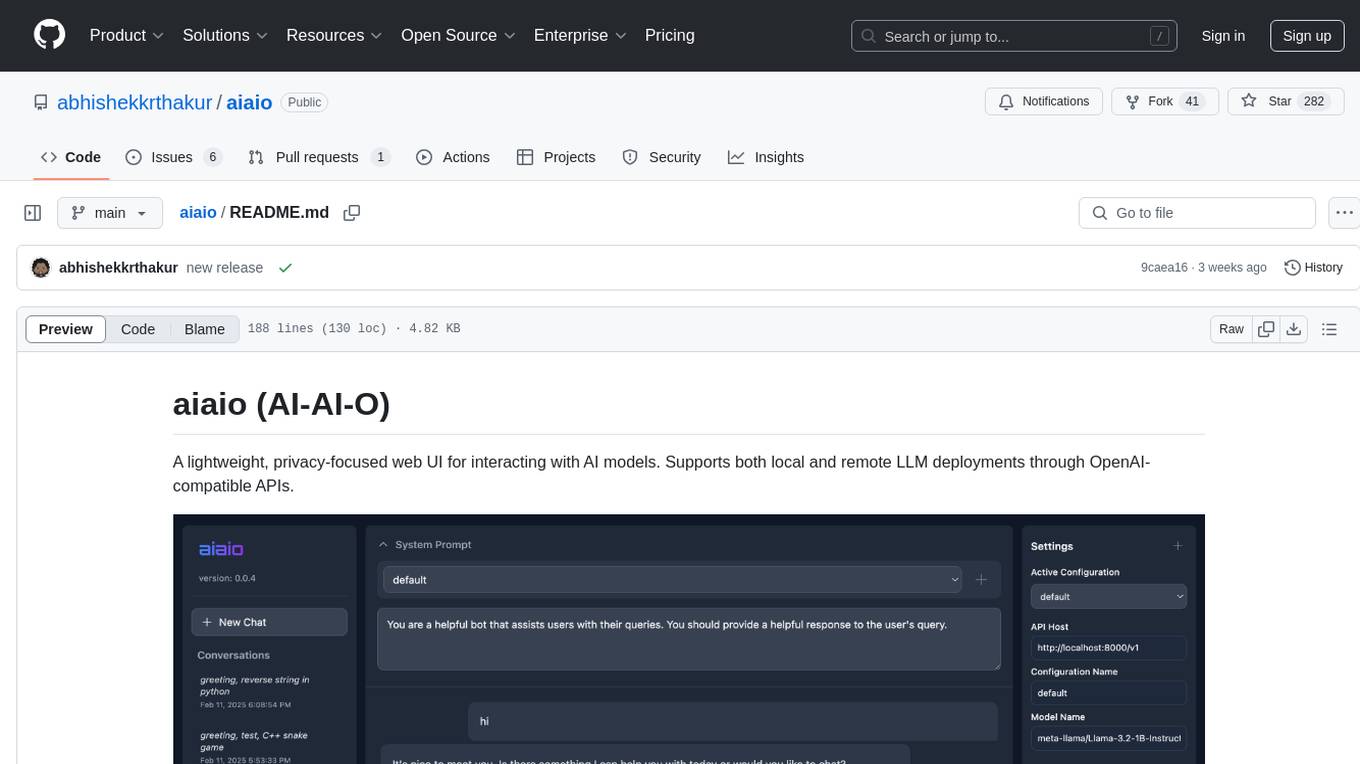
aiaio
aiaio (AI-AI-O) is a lightweight, privacy-focused web UI for interacting with AI models. It supports both local and remote LLM deployments through OpenAI-compatible APIs. The tool provides features such as dark/light mode support, local SQLite database for conversation storage, file upload and processing, configurable model parameters through UI, privacy-focused design, responsive design for mobile/desktop, syntax highlighting for code blocks, real-time conversation updates, automatic conversation summarization, customizable system prompts, WebSocket support for real-time updates, Docker support for deployment, multiple API endpoint support, and multiple system prompt support. Users can configure model parameters and API settings through the UI, handle file uploads, manage conversations, and use keyboard shortcuts for efficient interaction. The tool uses SQLite for storage with tables for conversations, messages, attachments, and settings. Contributions to the project are welcome under the Apache License 2.0.
DesktopCommanderMCP
Desktop Commander MCP is a server that allows the Claude desktop app to execute long-running terminal commands on your computer and manage processes through Model Context Protocol (MCP). It is built on top of MCP Filesystem Server to provide additional search and replace file editing capabilities. The tool enables users to execute terminal commands with output streaming, manage processes, perform full filesystem operations, and edit code with surgical text replacements or full file rewrites. It also supports vscode-ripgrep based recursive code or text search in folders.
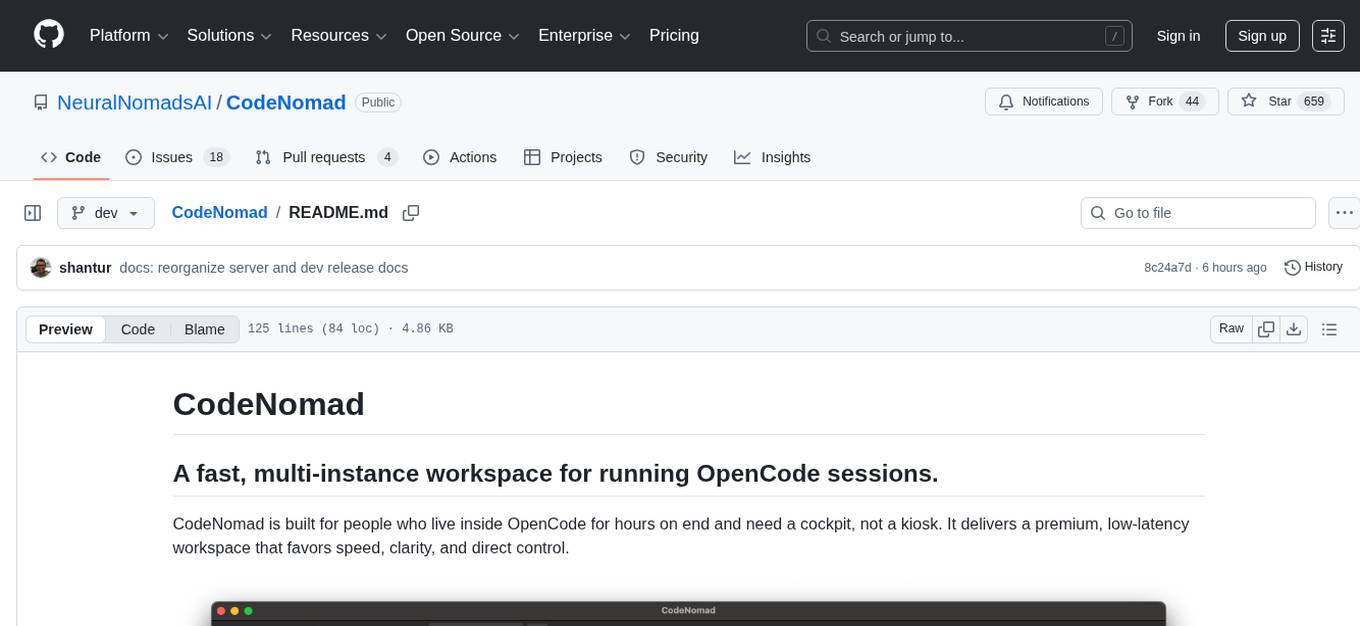
CodeNomad
CodeNomad is a fast, multi-instance workspace designed for users who spend extended hours in OpenCode. It provides a premium, low-latency environment with features like managing multiple OpenCode sessions side-by-side, global command palette for keyboard-first control, rich media previews, and browser support via CodeNomad Server. Users can choose between a Desktop App (Electron-based) with global shortcuts and deeper system integration, a Tauri App for lightweight high-performance experience, or run CodeNomad as a local server accessed via web browser. The tool supports multi-instance workspace, long-session native scrolling, command palette for easy navigation, and deep task awareness to monitor background tasks and child sessions without interruptions.
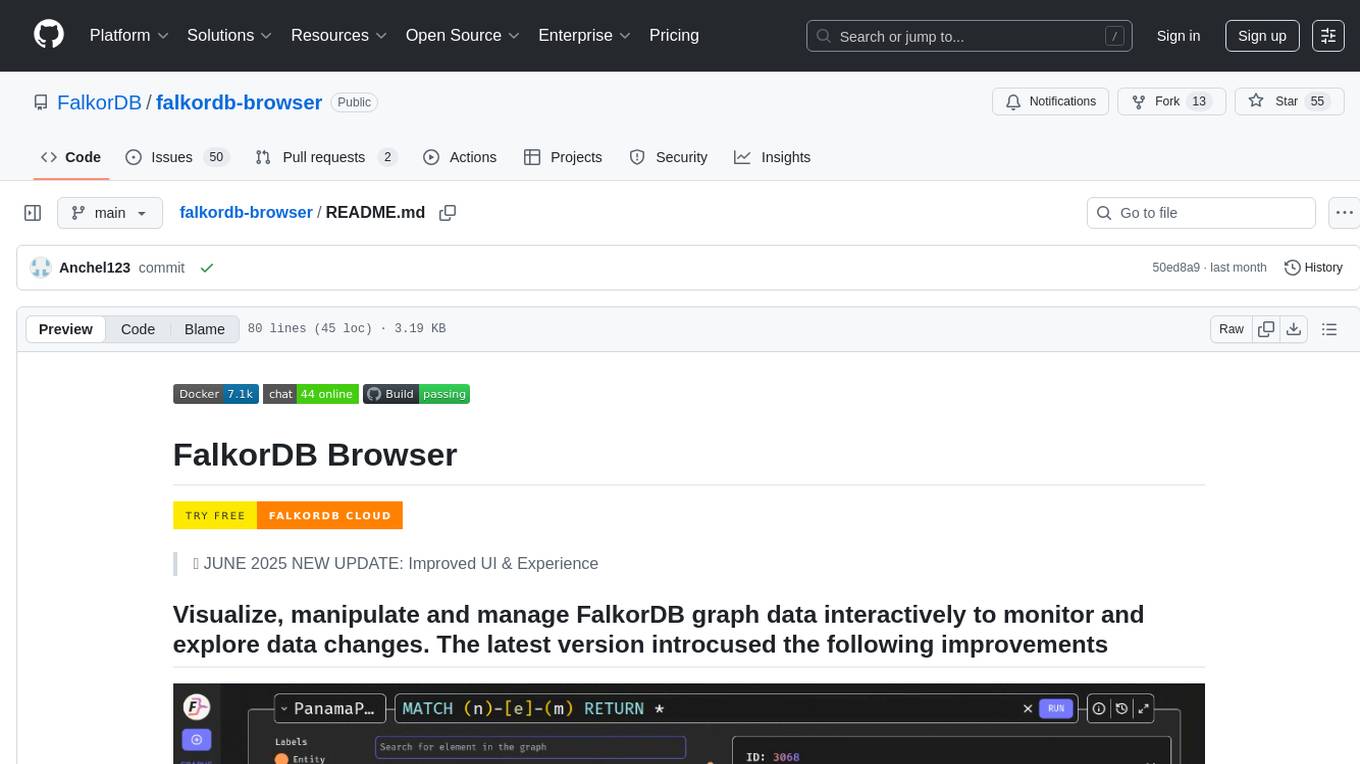
falkordb-browser
FalkorDB Browser is a user-friendly web application for browsing and managing databases. It provides an intuitive interface for users to interact with their databases, allowing them to view, edit, and query data easily. With FalkorDB Browser, users can perform various database operations without the need for complex commands or scripts, making database management more accessible and efficient.
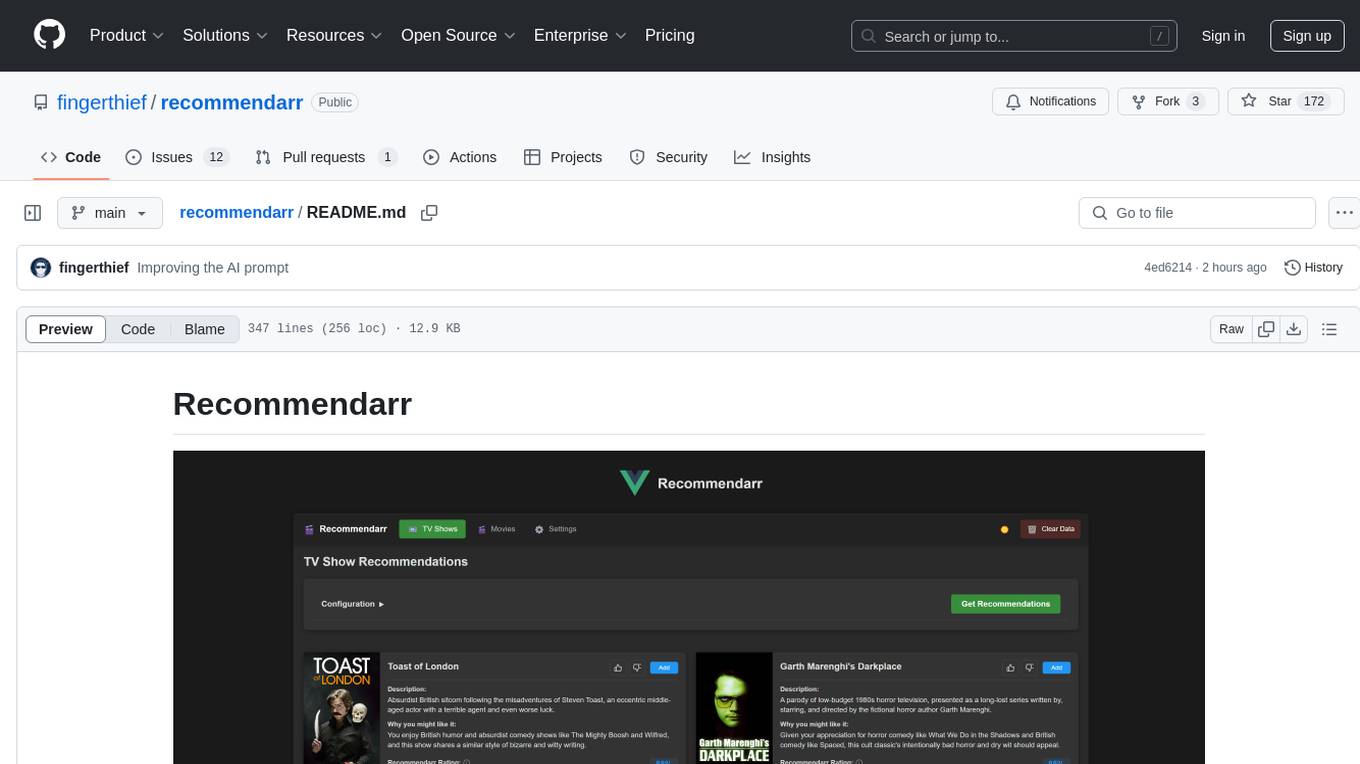
recommendarr
Recommendarr is a tool that generates personalized TV show and movie recommendations based on your Sonarr, Radarr, Plex, and Jellyfin libraries using AI. It offers AI-powered recommendations, media server integration, flexible AI support, watch history analysis, customization options, and dark/light mode toggle. Users can connect their media libraries and watch history services, configure AI service settings, and get personalized recommendations based on genre, language, and mood/vibe preferences. The tool works with any OpenAI-compatible API and offers various recommended models for different cost options and performance levels. It provides personalized suggestions, detailed information, filter options, watch history analysis, and one-click adding of recommended content to Sonarr/Radarr.

OmniSteward
OmniSteward is an AI-powered steward system based on large language models that can interact with users through voice or text to help control smart home devices and computer programs. It supports multi-turn dialogue, tool calling for complex tasks, multiple LLM models, voice recognition, smart home control, computer program management, online information retrieval, command line operations, and file management. The system is highly extensible, allowing users to customize and share their own tools.
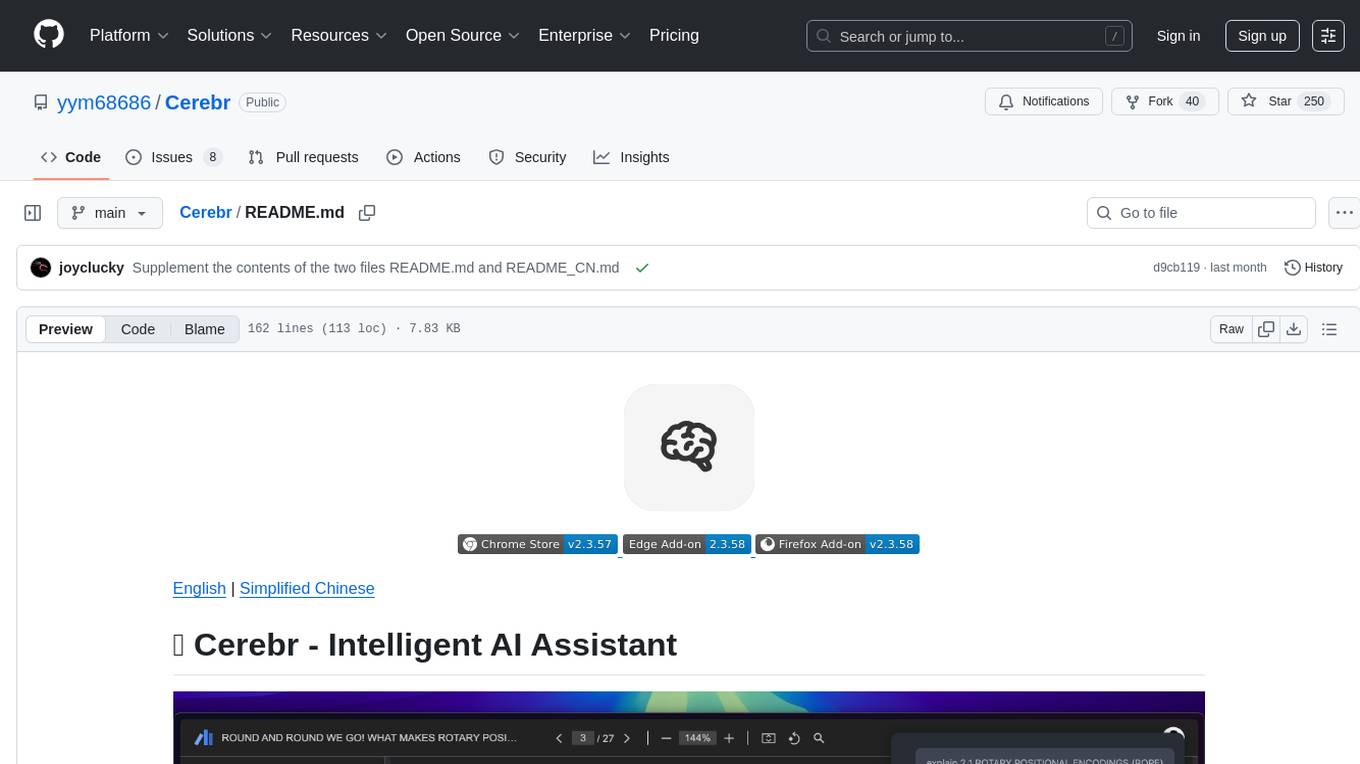
Cerebr
Cerebr is an intelligent AI assistant browser extension designed to enhance work efficiency and learning experience. It integrates powerful AI capabilities from various sources to provide features such as smart sidebar, multiple API support, cross-browser API configuration synchronization, comprehensive Q&A support, elegant rendering, real-time response, theme switching, and more. With a minimalist design and focus on delivering a seamless, distraction-free browsing experience, Cerebr aims to be your second brain for deep reading and understanding.
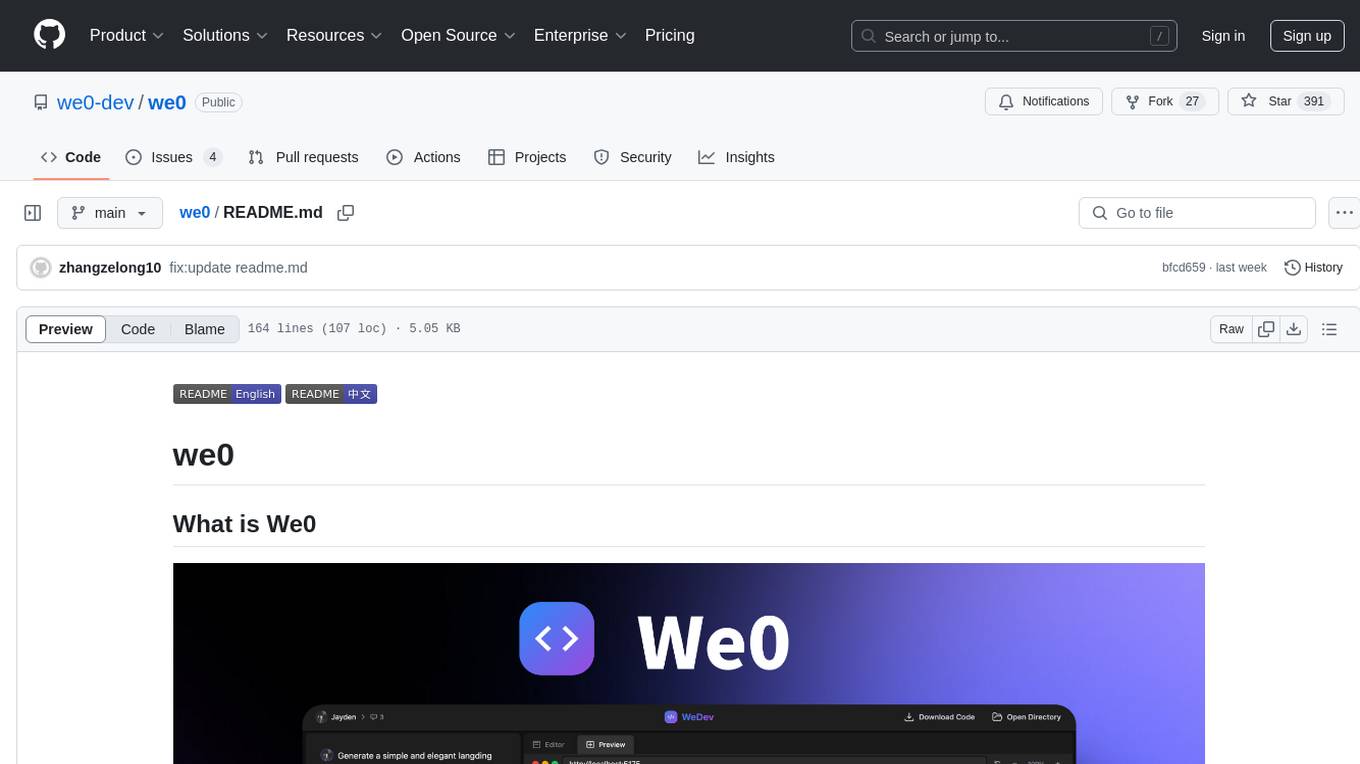
we0
We0 is a web project generation tool that offers browser-based debugging, high-fidelity design restoration, importing historical projects, integration with WeChat Mini Program Developer Tools, and multi-platform support. It supports code generation, design-to-code conversion, open-source projects, WeChat Mini Program Tools preview, existing projects, and Deepseek. The tool uses pnpm as the package management tool and requires Node.js version 18.20. Users can install and configure the tool for web development and utilize quick start methods for building the web editor. Additionally, instructions are provided for installing and using the client version on Mac, along with troubleshooting tips. For any questions or support, users can contact [email protected] or join the WeChat group chat.
comfyui-web-viewer
The ComfyUI Web Viewer by vrch.ai is a real-time AI-generated interactive art framework that integrates realtime streaming into ComfyUI workflows. It supports keyboard control nodes, OSC control nodes, sound input nodes, and more, accessible from any device with a web browser. It enables real-time interaction with AI-generated content, ideal for interactive visual projects and enhancing ComfyUI workflows with efficient content management and display.
VibeSurf
VibeSurf is an open-source AI agentic browser that combines workflow automation with intelligent AI agents, offering faster, cheaper, and smarter browser automation. It allows users to create revolutionary browser workflows, run multiple AI agents in parallel, perform intelligent AI automation tasks, maintain privacy with local LLM support, and seamlessly integrate as a Chrome extension. Users can save on token costs, achieve efficiency gains, and enjoy deterministic workflows for consistent and accurate results. VibeSurf also provides a Docker image for easy deployment and offers pre-built workflow templates for common tasks.
RooFlow
RooFlow is a VS Code extension that enhances AI-assisted development by providing persistent project context and optimized mode interactions. It reduces token consumption and streamlines workflow by integrating Architect, Code, Test, Debug, and Ask modes. The tool simplifies setup, offers real-time updates, and provides clearer instructions through YAML-based rule files. It includes components like Memory Bank, System Prompts, VS Code Integration, and Real-time Updates. Users can install RooFlow by downloading specific files, placing them in the project structure, and running an insert-variables script. They can then start a chat, select a mode, interact with Roo, and use the 'Update Memory Bank' command for synchronization. The Memory Bank structure includes files for active context, decision log, product context, progress tracking, and system patterns. RooFlow features persistent context, real-time updates, mode collaboration, and reduced token consumption.
youtube_summarizer
YouTube AI Summarizer is a modern Next.js-based tool for AI-powered YouTube video summarization. It allows users to generate concise summaries of YouTube videos using various AI models, with support for multiple languages and summary styles. The application features flexible API key requirements, multilingual support, flexible summary modes, a smart history system, modern UI/UX design, and more. Users can easily input a YouTube URL, select language, summary type, and AI model, and generate summaries with real-time progress tracking. The tool offers a clean, well-structured summary view, history dashboard, and detailed history view for past summaries. It also provides configuration options for API keys and database setup, along with technical highlights, performance improvements, and a modern tech stack.
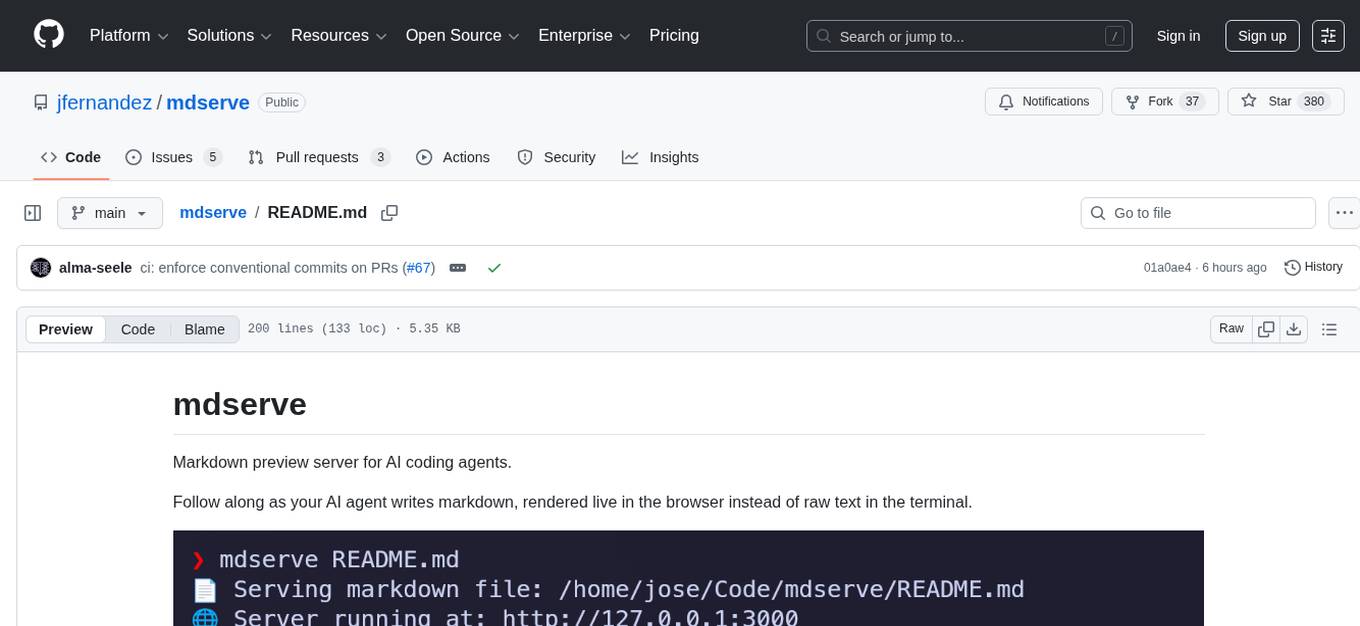
mdserve
Markdown preview server for AI coding agents. mdserve is a tool that allows AI agents to write markdown and see it rendered live in the browser. It features zero configuration, single binary installation, instant live reload via WebSocket, ephemeral sessions, and agent-friendly content support. It is not a documentation site generator, static site server, or general-purpose markdown authoring tool. mdserve is designed for AI coding agents to produce content like tables, diagrams, and code blocks.
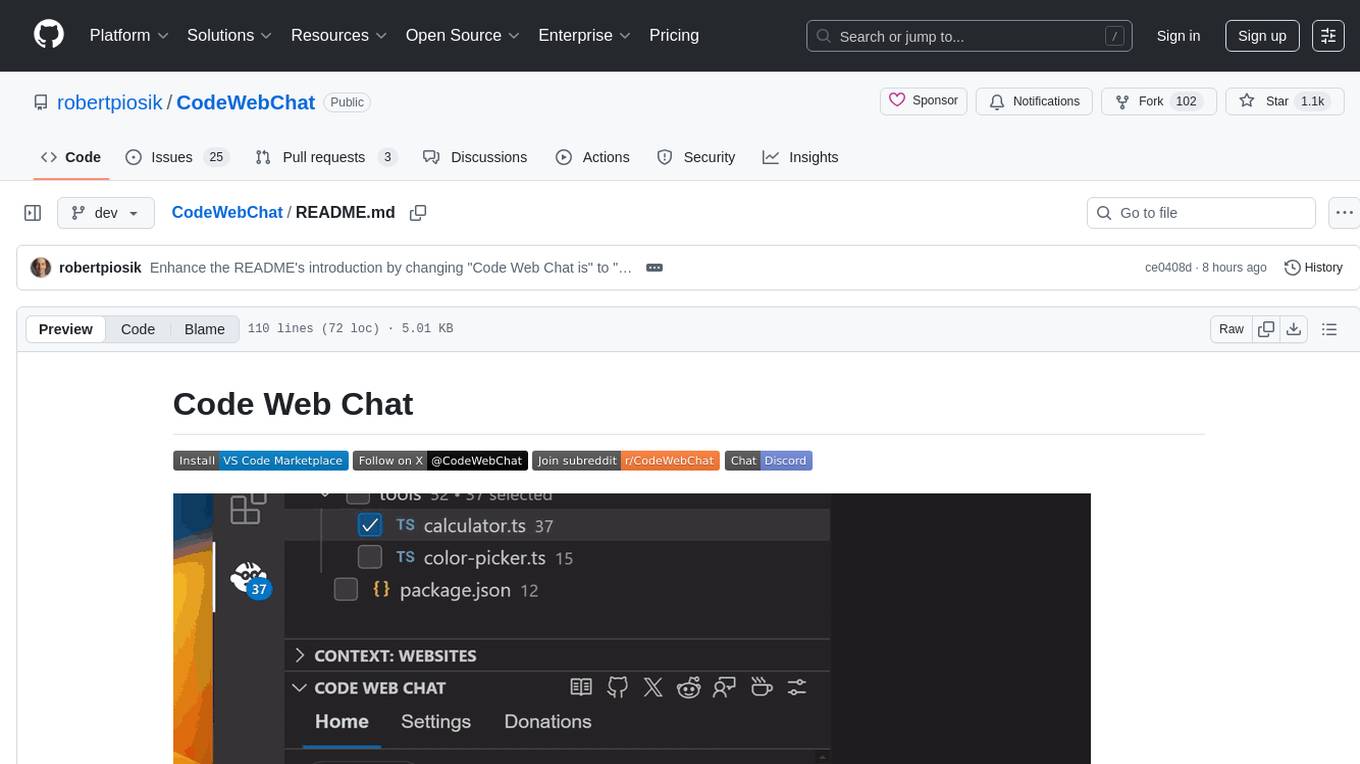
CodeWebChat
Code Web Chat is a versatile, free, and open-source AI pair programming tool with a unique web-based workflow. Users can select files, type instructions, and initialize various chatbots like ChatGPT, Gemini, Claude, and more hands-free. The tool helps users save money with free tiers and subscription-based billing and save time with multi-file edits from a single prompt. It supports chatbot initialization through the Connector browser extension and offers API tools for code completions, editing context, intelligent updates, and commit messages. Users can handle AI responses, code completions, and version control through various commands. The tool is privacy-focused, operates locally, and supports any OpenAI-API compatible provider for its utilities.
Chital
Chital is a native macOS app designed for chatting with Ollama models. It offers low memory usage and fast app launch times, supports multiple chat threads, allows users to switch between different models, provides Markdown support, and automatically summarizes chat thread titles. The app requires macOS 14 Sonoma or above, the installation of Ollama, and at least one downloaded LLM model. Chital is a user-friendly tool that simplifies the process of engaging with Ollama models through chat threads on macOS systems.
For similar tasks
galah
Galah is an LLM-powered web honeypot designed to mimic various applications and dynamically respond to arbitrary HTTP requests. It supports multiple LLM providers, including OpenAI. Unlike traditional web honeypots, Galah dynamically crafts responses for any HTTP request, caching them to reduce repetitive generation and API costs. The honeypot's configuration is crucial, directing the LLM to produce responses in a specified JSON format. Note that Galah is a weekend project exploring LLM capabilities and not intended for production use, as it may be identifiable through network fingerprinting and non-standard responses.
StratosphereLinuxIPS
Slips is a powerful endpoint behavioral intrusion prevention and detection system that uses machine learning to detect malicious behaviors in network traffic. It can work with network traffic in real-time, PCAP files, and network flows from tools like Suricata, Zeek/Bro, and Argus. Slips threat detection is based on machine learning models, threat intelligence feeds, and expert heuristics. It gathers evidence of malicious behavior and triggers alerts when enough evidence is accumulated. The tool is Python-based and supported on Linux and MacOS, with blocking features only on Linux. Slips relies on Zeek network analysis framework and Redis for interprocess communication. It offers a graphical user interface for easy monitoring and analysis.
awsome_kali_MCPServers
awsome-kali-MCPServers is a repository containing Model Context Protocol (MCP) servers tailored for Kali Linux environments. It aims to optimize reverse engineering, security testing, and automation tasks by incorporating powerful tools and flexible features. The collection includes network analysis tools, support for binary understanding, and automation scripts to streamline repetitive tasks. The repository is continuously evolving with new features and integrations based on the FastMCP framework, such as network scanning, symbol analysis, binary analysis, string extraction, network traffic analysis, and sandbox support using Docker containers.
dev3000
dev3000 captures your web app's complete development timeline including server logs, browser events, console messages, network requests, and automatic screenshots in a unified, timestamped feed for AI debugging. It creates a comprehensive log of your development session that AI assistants can easily understand, monitoring your app in a real browser and capturing server logs, console output, browser console messages and errors, network requests and responses, and automatic screenshots on navigation, errors, and key events. Logs are saved with timestamps and rotated to keep the 10 most recent per project, with the current session symlinked for easy access. The tool integrates with AI assistants for instant debugging and provides advanced querying options through the MCP server.
awesome-ai-cybersecurity
This repository is a comprehensive collection of resources for utilizing AI in cybersecurity. It covers various aspects such as prediction, prevention, detection, response, monitoring, and more. The resources include tools, frameworks, case studies, best practices, tutorials, and research papers. The repository aims to assist professionals, researchers, and enthusiasts in staying updated and advancing their knowledge in the field of AI cybersecurity.
auto-playwright
Auto Playwright is a tool that allows users to run Playwright tests using AI. It eliminates the need for selectors by determining actions at runtime based on plain-text instructions. Users can automate complex scenarios, write tests concurrently with or before functionality development, and benefit from rapid test creation. The tool supports various Playwright actions and offers additional options for debugging and customization. It uses HTML sanitization to reduce costs and improve text quality when interacting with the OpenAI API.
awesome-mcp-servers
Awesome MCP Servers is a curated list of Model Context Protocol (MCP) servers that enable AI models to securely interact with local and remote resources through standardized server implementations. The list includes production-ready and experimental servers that extend AI capabilities through file access, database connections, API integrations, and other contextual services.
kilocode
Kilo Code is an open-source VS Code AI agent that allows users to generate code from natural language, check its own work, run terminal commands, automate the browser, and utilize the latest AI models. It offers features like task automation, automated refactoring, and integration with MCP servers. Users can access 400+ AI models and benefit from transparent pricing. Kilo Code is a fork of Roo Code and Cline, with improvements and unique features developed independently.
For similar jobs

promptflow
**Prompt flow** is a suite of development tools designed to streamline the end-to-end development cycle of LLM-based AI applications, from ideation, prototyping, testing, evaluation to production deployment and monitoring. It makes prompt engineering much easier and enables you to build LLM apps with production quality.

deepeval
DeepEval is a simple-to-use, open-source LLM evaluation framework specialized for unit testing LLM outputs. It incorporates various metrics such as G-Eval, hallucination, answer relevancy, RAGAS, etc., and runs locally on your machine for evaluation. It provides a wide range of ready-to-use evaluation metrics, allows for creating custom metrics, integrates with any CI/CD environment, and enables benchmarking LLMs on popular benchmarks. DeepEval is designed for evaluating RAG and fine-tuning applications, helping users optimize hyperparameters, prevent prompt drifting, and transition from OpenAI to hosting their own Llama2 with confidence.

MegaDetector
MegaDetector is an AI model that identifies animals, people, and vehicles in camera trap images (which also makes it useful for eliminating blank images). This model is trained on several million images from a variety of ecosystems. MegaDetector is just one of many tools that aims to make conservation biologists more efficient with AI. If you want to learn about other ways to use AI to accelerate camera trap workflows, check out our of the field, affectionately titled "Everything I know about machine learning and camera traps".

leapfrogai
LeapfrogAI is a self-hosted AI platform designed to be deployed in air-gapped resource-constrained environments. It brings sophisticated AI solutions to these environments by hosting all the necessary components of an AI stack, including vector databases, model backends, API, and UI. LeapfrogAI's API closely matches that of OpenAI, allowing tools built for OpenAI/ChatGPT to function seamlessly with a LeapfrogAI backend. It provides several backends for various use cases, including llama-cpp-python, whisper, text-embeddings, and vllm. LeapfrogAI leverages Chainguard's apko to harden base python images, ensuring the latest supported Python versions are used by the other components of the stack. The LeapfrogAI SDK provides a standard set of protobuffs and python utilities for implementing backends and gRPC. LeapfrogAI offers UI options for common use-cases like chat, summarization, and transcription. It can be deployed and run locally via UDS and Kubernetes, built out using Zarf packages. LeapfrogAI is supported by a community of users and contributors, including Defense Unicorns, Beast Code, Chainguard, Exovera, Hypergiant, Pulze, SOSi, United States Navy, United States Air Force, and United States Space Force.

llava-docker
This Docker image for LLaVA (Large Language and Vision Assistant) provides a convenient way to run LLaVA locally or on RunPod. LLaVA is a powerful AI tool that combines natural language processing and computer vision capabilities. With this Docker image, you can easily access LLaVA's functionalities for various tasks, including image captioning, visual question answering, text summarization, and more. The image comes pre-installed with LLaVA v1.2.0, Torch 2.1.2, xformers 0.0.23.post1, and other necessary dependencies. You can customize the model used by setting the MODEL environment variable. The image also includes a Jupyter Lab environment for interactive development and exploration. Overall, this Docker image offers a comprehensive and user-friendly platform for leveraging LLaVA's capabilities.

carrot
The 'carrot' repository on GitHub provides a list of free and user-friendly ChatGPT mirror sites for easy access. The repository includes sponsored sites offering various GPT models and services. Users can find and share sites, report errors, and access stable and recommended sites for ChatGPT usage. The repository also includes a detailed list of ChatGPT sites, their features, and accessibility options, making it a valuable resource for ChatGPT users seeking free and unlimited GPT services.

TrustLLM
TrustLLM is a comprehensive study of trustworthiness in LLMs, including principles for different dimensions of trustworthiness, established benchmark, evaluation, and analysis of trustworthiness for mainstream LLMs, and discussion of open challenges and future directions. Specifically, we first propose a set of principles for trustworthy LLMs that span eight different dimensions. Based on these principles, we further establish a benchmark across six dimensions including truthfulness, safety, fairness, robustness, privacy, and machine ethics. We then present a study evaluating 16 mainstream LLMs in TrustLLM, consisting of over 30 datasets. The document explains how to use the trustllm python package to help you assess the performance of your LLM in trustworthiness more quickly. For more details about TrustLLM, please refer to project website.

AI-YinMei
AI-YinMei is an AI virtual anchor Vtuber development tool (N card version). It supports fastgpt knowledge base chat dialogue, a complete set of solutions for LLM large language models: [fastgpt] + [one-api] + [Xinference], supports docking bilibili live broadcast barrage reply and entering live broadcast welcome speech, supports Microsoft edge-tts speech synthesis, supports Bert-VITS2 speech synthesis, supports GPT-SoVITS speech synthesis, supports expression control Vtuber Studio, supports painting stable-diffusion-webui output OBS live broadcast room, supports painting picture pornography public-NSFW-y-distinguish, supports search and image search service duckduckgo (requires magic Internet access), supports image search service Baidu image search (no magic Internet access), supports AI reply chat box [html plug-in], supports AI singing Auto-Convert-Music, supports playlist [html plug-in], supports dancing function, supports expression video playback, supports head touching action, supports gift smashing action, supports singing automatic start dancing function, chat and singing automatic cycle swing action, supports multi scene switching, background music switching, day and night automatic switching scene, supports open singing and painting, let AI automatically judge the content.