


unpod
Wordpress for Voice AI.
Stars: 53
Unpod is a lightweight and easy-to-use tool for extracting audio from video files. It allows users to quickly and efficiently separate audio tracks from video content without the need for complex software or technical knowledge. With Unpod, users can easily extract audio for various purposes such as creating podcasts, remixing music, or enhancing video content with custom soundtracks. The tool supports a wide range of video formats and provides a simple interface for selecting and extracting audio tracks with just a few clicks. Unpod is a versatile solution for anyone looking to work with audio extracted from video files in a hassle-free manner.
README:




Unpod is an open-source communication platform for creating AI agents with dedicated phone numbers. Build agents that handle incoming calls and messages, filter communications intelligently, and deliver actionable insights — all while integrating with your existing business tools.
- AI Voice Agents — Build conversational voice agents powered by LLMs with customizable personality, knowledge, and tools
- Multi-Channel — Voice calls, WhatsApp, and email through a unified agent interface
- Real-Time Voice Pipeline — Sub-second latency using LiveKit, Pipecat, and streaming TTS/STT
- Agent Studio — Visual no-code builder for configuring agent behavior, prompts, and workflows
- Knowledge Base — Upload documents and data sources for RAG-powered agent responses
- Multi-Tenant Workspaces — Organizations, teams, RBAC, and shared spaces
- Telephony Integration — Dedicated phone numbers with SIP trunking and call routing
- Call Analytics — Real-time dashboards, conversation logs, and performance metrics
- Workflow Automation — Trigger actions (scheduling, CRM updates, notifications) from conversations
- Desktop App — Native cross-platform desktop client built with Tauri
- Node.js 20+ / npm 10+
-
Python 3.11+ (3.10+ for
apps/super) - Docker & Docker Compose
-
uv (only for
apps/super)
make quick-start    # Install deps, start Docker, run migrations
make dev # Start frontend (port 3000) + backend (port 8000)docker compose -f docker-compose.simple.yml up -d --buildStarts everything in containers with working defaults. Default admin: [email protected] / admin123.
# Install Node.js dependencies
npm install

# Create Python venv for backend
python3 -m venv apps/backend-core/.venv
source apps/backend-core/.venv/bin/activate
pip install -r apps/backend-core/requirements/local.txt

# Start infrastructure (PostgreSQL, MongoDB, Redis, Centrifugo)
docker compose -f docker-compose.simple.yml up -d postgres mongodb redis centrifugo

# Run migrations and start dev servers
cd apps/backend-core && python manage.py migrate --no-input && cd ../..
npm run dev| Service | URL |
|---|---|
| Frontend | http://localhost:3000 |
| Backend API | http://localhost:8000/api/v1/ |
| Admin Panel | http://localhost:8000/unpod-admin/ |
| API Services | http://localhost:9116/docs |
| Centrifugo | http://localhost:8100 |
Unpod is an NX monorepo with four main applications and a shared library layer:
unpod/
├── apps/
│   ├── web/              # Next.js 16 frontend (React 19)
│   ├── backend-core/     # Django 5 REST API
│   ├── api-services/     # FastAPI microservices
│   ├── super/            # Voice AI engine (LiveKit + Pipecat)
│   └── unpod-tauri/      # Desktop app (Tauri 2)
├── libs/
│   └── nextjs/           # Shared React libraries (@unpod/*)
├── infrastructure/
│   └── docker/           # Dockerfiles & service configs
└── scripts/              # Setup, migration, and utility scripts
| Layer | Technology |
|---|---|
| Frontend | Next.js 16 / React 19 / styled-components / Ant Design |
| Monorepo | NX 22 |
| Desktop | Tauri 2 |
| Backend | Django 5 + DRF / FastAPI |
| Voice AI | LiveKit + Pipecat + LangChain |
| Databases | PostgreSQL 16, MongoDB 7, Redis 7 |
| Messaging | Kafka (KRaft), Centrifugo v5 |
Next.js 16 frontend with App Router, group-based layouts, styled-components, and Ant Design.
npx nx dev web              # Dev server at port 3000
npx nx build web            # Production build
npx nx e2e web              # Playwright E2E tests
Environment: copy apps/web/.env.local.example to apps/web/.env.local.
Key routes
| Area | Routes |
|---|---|
| Auth |
/auth/signin, /auth/signup, /auth/forgot-password, /auth/reset-password
|
| Onboarding |
/create-org, /join-org, /verify-invite, /ai-identity, /business-identity
|
| Dashboard | /dashboard |
| AI Studio |
/ai-studio, /ai-studio/new, /ai-studio/[pilotSlug]
|
| Agent Studio |
/agent-studio/[spaceSlug], /configure-agent/[spaceSlug]
|
| Spaces |
/spaces, /spaces/[spaceSlug]/chat, /spaces/[spaceSlug]/call, /spaces/[spaceSlug]/doc
|
| Knowledge |
/knowledge-bases, /knowledge-bases/[kbSlug]
|
| Settings |
/profile, /settings, /org/settings, /api-keys
|
Desktop app (Tauri): npm run desktop:dev / npm run desktop:build
Django 5 REST API with JWT auth, multi-tenant organizations, RBAC, and background tasks.
cd apps/backend-core
source .venv/bin/activate
python manage.py runserver        # API at port 8000
pytest                            # Run tests
Management commands
python manage.py migrate                # Run migrations
python manage.py createsuperuser        # Create admin user
python manage.py create_default_user    # Create default test user
python manage.py seed_reference_data    # Seed initial data
python manage.py setup_schedules        # Setup scheduled tasks
python manage.py update_pilot           # Update AI pilot configs
python manage.py update_voice_profile   # Update voice profiles
python manage.py update_models          # Update AI model configs
python manage.py process_calls          # Process call logs
API endpoints (all under /api/v1/)
| Prefix | Description |
|---|---|
auth/ |
JWT authentication & registration |
password/ |
Password reset flow |
organization/ |
Organization management |
spaces/ |
Workspace management |
threads/ |
Conversation threads |
roles/ |
RBAC roles & permissions |
knowledge_base/ |
Knowledge base & documents |
documents/ |
File management |
metrics/ |
Analytics & call logs |
core/pilots/ |
AI voice agent profiles |
core/providers/ |
LLM/voice provider listing |
core/voice/ |
LiveKit room tokens |
core/voice-profiles/ |
Voice profile management |
media/upload/ |
File upload |
FastAPI microservices for messaging, document store, AI search, and task management. MongoDB primary storage.
cd apps/api-services
pip install -r requirements.txt
uvicorn main:app --host 0.0.0.0 --port 9116 --reload
Interactive docs at http://localhost:9116/docs.
| Route | Service | Description |
|---|---|---|
/api/v1/store |
store_service | Document store & indexing |
/api/v1/connector |
store_service | Data connectors |
/api/v1/voice |
store_service | LiveKit voice/video |
/api/v1/search |
search_service | AI-powered search |
/api/v1/conversation |
messaging_service | Chat conversations |
/api/v1/agent |
messaging_service | Agent management |
/api/v1/task |
task_service | Task management |
WebSocket: ws://localhost:9116/ws/v1/conversation/{thread_id}/
Voice AI engine built on LiveKit and Pipecat. Orchestrates real-time voice agents with LLM providers, TTS/STT engines, and workflow automation via Prefect.
cd apps/super

# Install (uv recommended)
uv pip install -r requirements/super.txt -r requirements/super_services.txt

# Run voice executor
uv run super_services/orchestration/executors/voice_executor_v3.py start

# Run Prefect worker
uv run -m prefect worker start --pool call-work-pool
# Testing
pytest # All tests
pytest -m unit # Unit tests only
pytest -m integration # Integration testsRequired env vars: LIVEKIT_URL, LIVEKIT_API_KEY, LIVEKIT_API_SECRET, OPENAI_API_KEY, ANTHROPIC_API_KEY, DEEPGRAM_API_KEY, CARTESIA_API_KEY, PREFECT_API_URL
Uses docker-compose.simple.yml — single PostgreSQL instance, all services pre-configured:
docker compose -f docker-compose.simple.yml up -d        # Start
docker compose -f docker-compose.simple.yml logs -f       # Logs
docker compose -f docker-compose.simple.yml down          # Stop
docker compose -f docker-compose.simple.yml down -v # Stop + remove data| Container | Port | Service |
|---|---|---|
| unpod-postgres | 5432 | PostgreSQL 16 |
| unpod-mongodb | 27017 | MongoDB 7 |
| unpod-redis | 6379 | Redis 7 |
| unpod-centrifugo | 8100 | Centrifugo v5 |
| unpod-backend-core | 8000 | Django API |
| unpod-api-services | 9116 | FastAPI |
| unpod-web | 3000 | Next.js |
Uses docker-compose.yml — separate PostgreSQL per service + Kafka (KRaft). For microservices development:
docker compose up -dFull infrastructure containers
| Container | Port | Purpose |
|---|---|---|
| unpod-postgres-auth | 5432 | Auth service DB |
| unpod-postgres-orders | 5433 | Orders service DB |
| unpod-postgres-notifications | 5434 | Notifications service DB |
| unpod-postgres-analytics | 5435 | Analytics service DB |
| unpod-postgres-store | 5436 | Store service DB |
| unpod-postgres-main | 5437 | Backend-core DB |
| unpod-mongodb | 27017 | Shared MongoDB |
| unpod-redis | 6379 | Shared Redis |
| unpod-kafka | 9092 | Kafka broker (KRaft) |
| unpod-kafka-ui | 8080 | Kafka management UI |
| Command | Description |
|---|---|
make quick-start |
Full setup: env + deps + docker + db + migrate |
make dev |
Start frontend + backend dev servers |
make docker |
Start Docker containers |
make migrate |
Run Django migrations |
make stop |
Stop Docker containers |
make clean |
Stop containers and remove all data |
make logs |
Tail Docker container logs |
make superuser |
Create Django superuser |
| Command | Description |
|---|---|
npm run dev |
Start web + backend-core (via NX) |
npm run dev:frontend |
Frontend only (port 3000) |
npm run build |
Build frontend |
npm run test |
Run tests |
npm run e2e |
E2E tests (Playwright) |
npm run lint:all |
Lint all projects |
npm run graph |
View NX dependency graph |
Copy .env.example to .env at the repo root. The Docker simple setup passes all variables to containers automatically.
For local development, each app reads config from:
| App | Config Source |
|---|---|
| backend-core |
.env in its own directory (DJANGO_READ_DOT_ENV_FILE=True) |
| api-services |
.env from monorepo root via python-dotenv
|
| web |
apps/web/.env.local (copy from .env.local.example) |
| super |
.env from monorepo root via python-dotenv
|
Required variables
DJANGO_SECRET_KEY=<random-string>
POSTGRES_DB=unpod_db
POSTGRES_USER=postgres
POSTGRES_PASSWORD=postgres
POSTGRES_HOST=localhost
POSTGRES_PORT=5432
MONGO_DSN=mongodb://admin:admin@localhost:27017/messaging_service?authSource=admin
REDIS_URL=redis://localhost:6379/1
Optional variables (AI, voice, payments, storage)
# AI / LLM
OPENAI_API_KEY=           # GPT models
ANTHROPIC_API_KEY=        # Claude models
DEEPGRAM_API_KEY=         # Speech-to-text
ELEVENLABS_API_KEY=       # Text-to-speech
CARTESIA_API_KEY=         # Text-to-speech
GROQ_API_KEY=             # Fast inference

# Voice & Video
LIVEKIT_URL=
LIVEKIT_API_KEY=
LIVEKIT_API_SECRET=

# Real-time
CENTRIFUGO_API_KEY=
CENTRIFUGO_TOKEN_HMAC_SECRET_KEY=

# Storage (AWS S3)
AWS_ACCESS_KEY_ID=
AWS_SECRET_ACCESS_KEY=
AWS_STORAGE_BUCKET_NAME=

# Payments
RAZORPAY_KEY=
RAZORPAY_SECRET=

# Email
SENDGRID_API_KEY=
See .env.example for the full list.
- Create a feature branch from
main - Make your changes
- Run linting:
npm run lint:all - Create a pull request
See docs.unpod.dev for detailed contribution guidelines.
MIT License - see LICENSE
For Tasks:
Click tags to check more tools for each tasksFor Jobs:
Alternative AI tools for unpod
Similar Open Source Tools
unpod
Unpod is a lightweight and easy-to-use tool for extracting audio from video files. It allows users to quickly and efficiently separate audio tracks from video content without the need for complex software or technical knowledge. With Unpod, users can easily extract audio for various purposes such as creating podcasts, remixing music, or enhancing video content with custom soundtracks. The tool supports a wide range of video formats and provides a simple interface for selecting and extracting audio tracks with just a few clicks. Unpod is a versatile solution for anyone looking to work with audio extracted from video files in a hassle-free manner.
subtitler
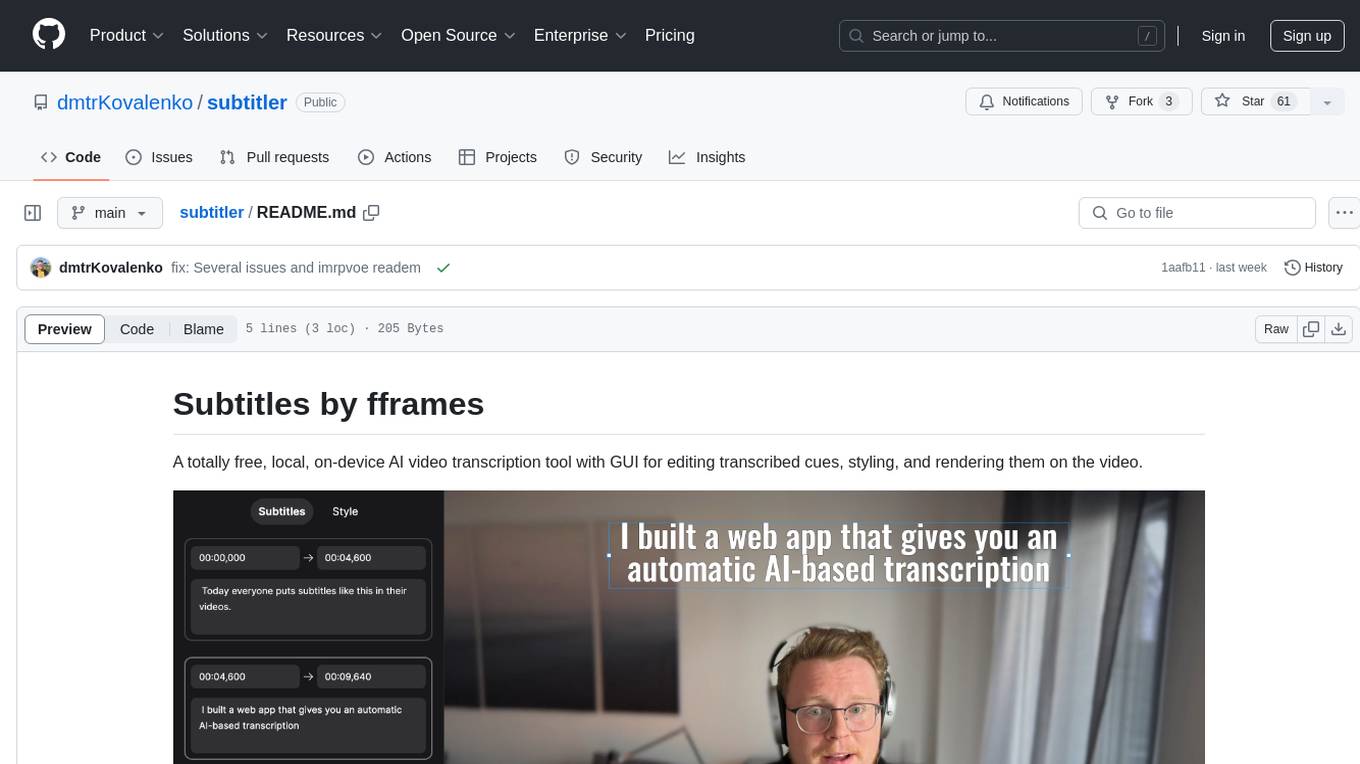
Subtitles by fframes is a free, local, on-device AI video transcription tool with a user-friendly GUI. It allows users to transcribe video content, edit transcribed cues, style the subtitles, and render them directly onto the video. The tool provides a convenient way to create accurate subtitles for videos without the need for an internet connection.
ai-audio-startups
The 'ai-audio-startups' repository is a community list of startups working with AI for audio and music tech. It includes a comprehensive collection of tools and platforms that leverage artificial intelligence to enhance various aspects of music creation, production, source separation, analysis, recommendation, health & wellbeing, radio/podcast, hearing, sound detection, speech transcription, synthesis, enhancement, and manipulation. The repository serves as a valuable resource for individuals interested in exploring innovative AI applications in the audio and music industry.
lite.koboldai.net
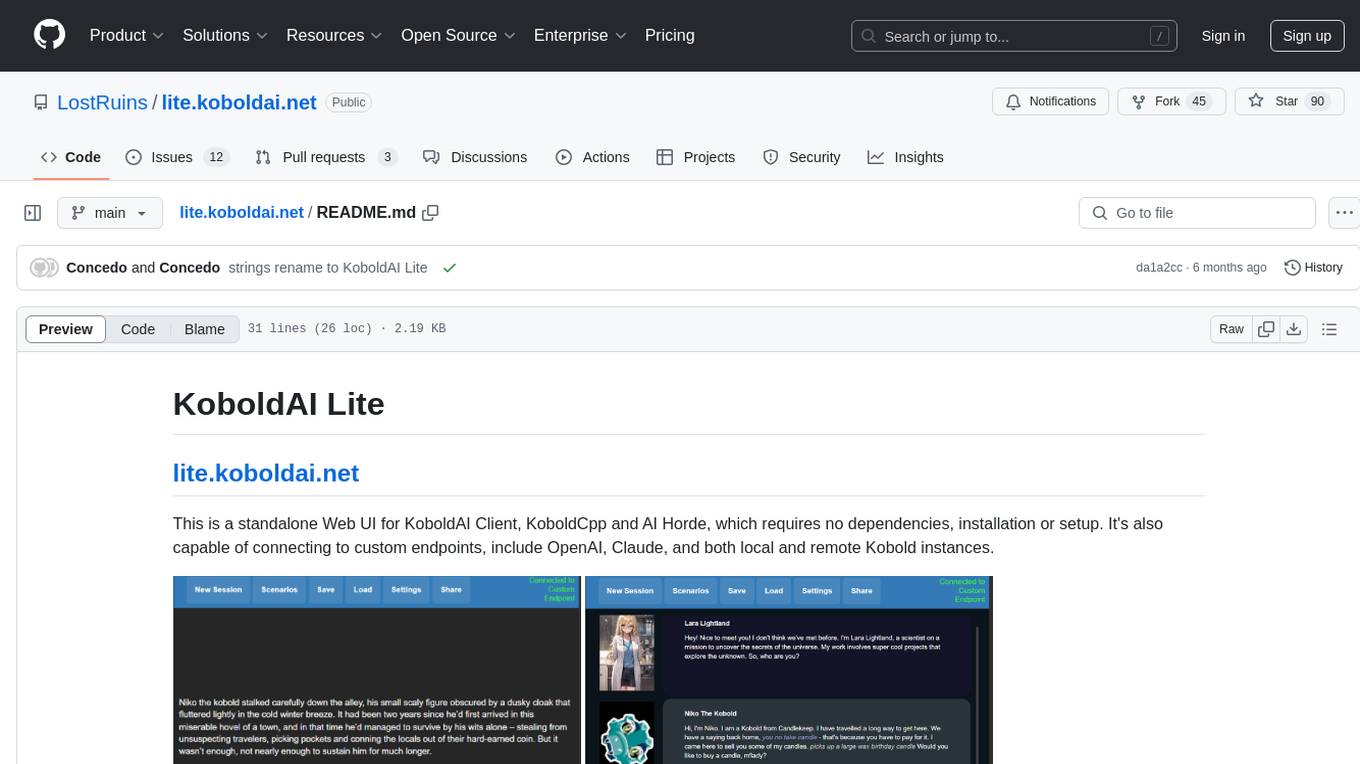
KoboldAI Lite is a standalone Web UI that serves as a text editor designed for use with generative LLMs. It is compatible with KoboldAI United and KoboldAI Client, bundled with KoboldCPP, and integrates with the AI Horde for text and image generation. The UI offers multiple modes for different writing styles, supports various file formats, includes premade scenarios, and allows easy sharing of stories. Users can enjoy features such as memory, undo/redo, text-to-speech, and a range of samplers and configurations. The tool is mobile-friendly and can be used directly from a browser without any setup or installation.
StoryToolKit
StoryToolkitAI is a film editing tool that utilizes AI to transcribe, index scenes, search through footage, and create stories. It offers features such as automatic transcription, translation, story creation, speaker detection, project file management, and more. The tool works locally on your machine and integrates with DaVinci Resolve Studio 18. It aims to streamline the editing process by leveraging AI capabilities and enhancing user efficiency.
PotPlayer_ChatGPT_Translate
PotPlayer_ChatGPT_Translate is a GitHub repository that provides a script to integrate ChatGPT with PotPlayer for real-time translation of chat messages during video playback. The script utilizes the power of ChatGPT's natural language processing capabilities to translate chat messages in various languages, enhancing the viewing experience for users who consume video content with subtitles or chat interactions. By seamlessly integrating ChatGPT with PotPlayer, this tool offers a convenient solution for users to enjoy multilingual content without the need for manual translation efforts. The repository includes detailed instructions on how to set up and use the script, making it accessible for both novice and experienced users interested in leveraging AI-powered translation services within the PotPlayer environment.
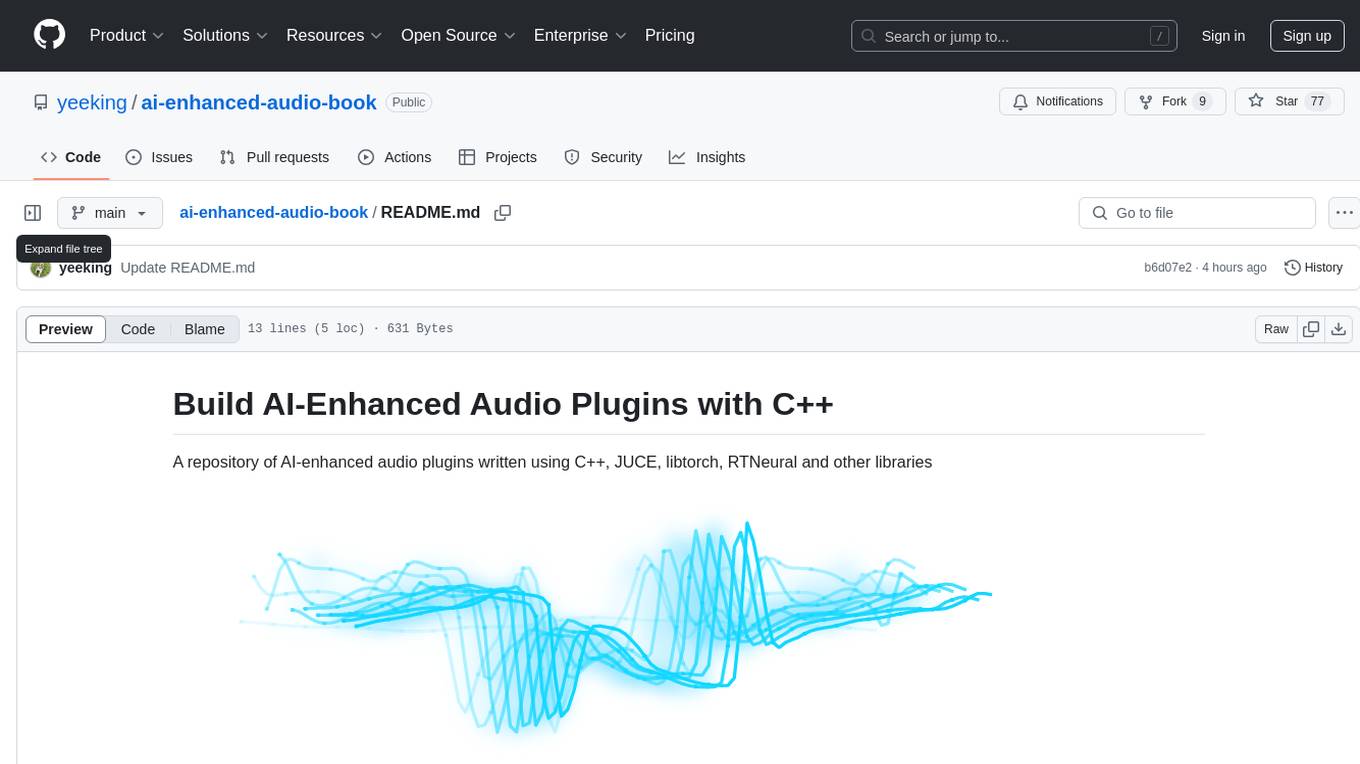
ai-enhanced-audio-book
The ai-enhanced-audio-book repository contains AI-enhanced audio plugins developed using C++, JUCE, libtorch, RTNeural, and other libraries. It showcases neural networks learning to emulate guitar amplifiers through waveforms. Users can visit the official website for more information and obtain a copy of the book from the publisher Taylor and Francis/ Routledge/ Focal.
file-organizer-2000
AI File Organizer 2000 is an Obsidian Plugin that uses AI to transcribe audio, annotate images, and automatically organize files by moving them to the most likely folders. It supports text, audio, and images, with upcoming local-first LLM support. Users can simply place unorganized files into the 'Inbox' folder for automatic organization. The tool renames and moves files quickly, providing a seamless file organization experience. Self-hosting is also possible by running the server and enabling the 'Self-hosted' option in the plugin settings. Join the community Discord server for more information and use the provided iOS shortcut for easy access on mobile devices.
AI-Infinity
AI-Infinity is a comprehensive collection of cutting-edge AI tools designed for experimenting with new ideas, technologies, and algorithms. The repository offers over 1600 AI tools across various categories such as AI Detection, Audio, Avatars, Chat, Coding, Copywriting, Customer Support, Design Assistant, Developer, Education, Email, Fashion, Gift Ideas, Healthcare, Image Editing, Image Generator, Legal Assistant, Logo Generator, Music, No/Low Code, Paraphraser, Personalised Video, Phone Calls, Presentation, Productivity, Prompts, Real Estate, Research, Search Engine, SEO, Social Media Assistant, Spreadsheets, Summarizer, Text To Speech, Transcriber, Video Editing, Video Generator, and more. Users can find tools for tasks like detecting AI-generated content, creating AI avatars, generating AI music, transcribing audio, editing images, summarizing text, converting text to speech, and much more.
crawl4ai
Crawl4AI is a powerful and free web crawling service that extracts valuable data from websites and provides LLM-friendly output formats. It supports crawling multiple URLs simultaneously, replaces media tags with ALT, and is completely free to use and open-source. Users can integrate Crawl4AI into Python projects as a library or run it as a standalone local server. The tool allows users to crawl and extract data from specified URLs using different providers and models, with options to include raw HTML content, force fresh crawls, and extract meaningful text blocks. Configuration settings can be adjusted in the `crawler/config.py` file to customize providers, API keys, chunk processing, and word thresholds. Contributions to Crawl4AI are welcome from the open-source community to enhance its value for AI enthusiasts and developers.
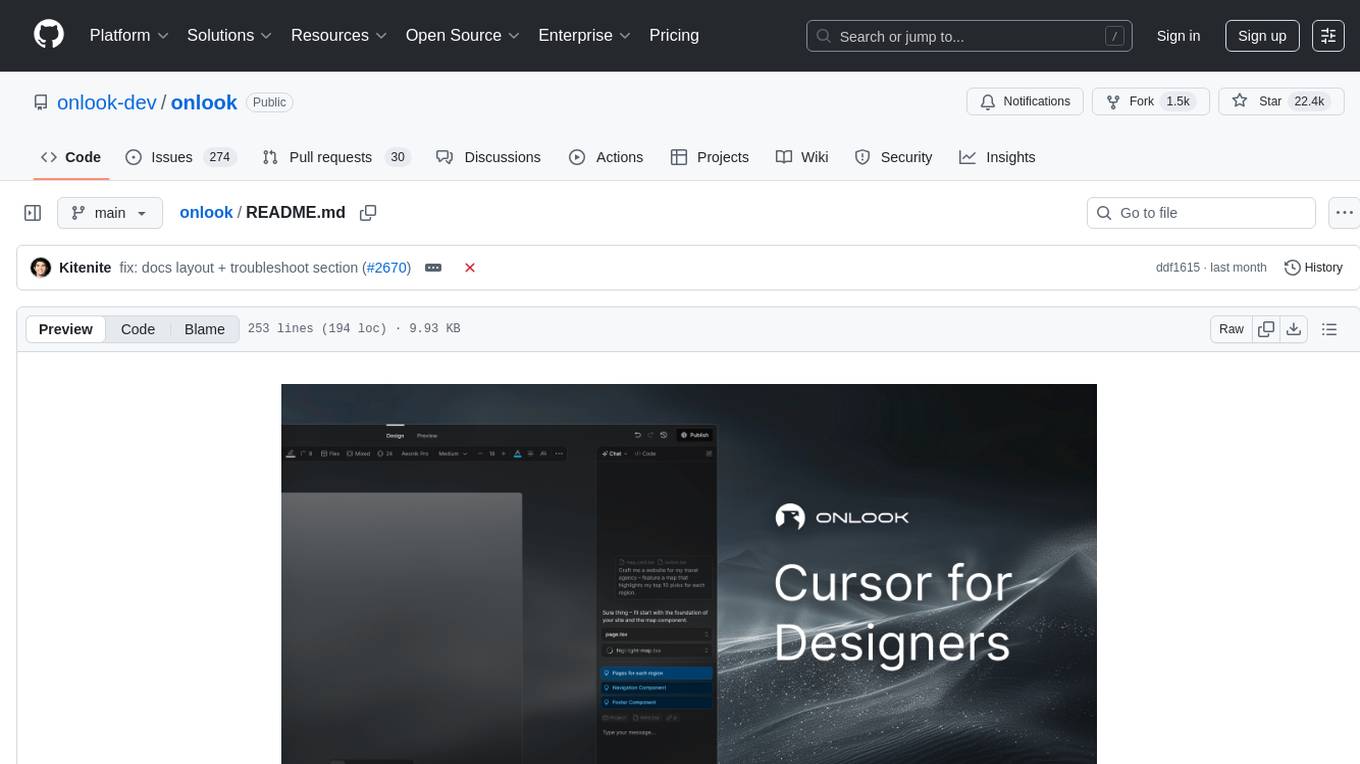
onlook
Onlook is a web scraping tool that allows users to extract data from websites easily and efficiently. It provides a user-friendly interface for creating web scraping scripts and supports various data formats for exporting the extracted data. With Onlook, users can automate the process of collecting information from multiple websites, saving time and effort. The tool is designed to be flexible and customizable, making it suitable for a wide range of web scraping tasks.
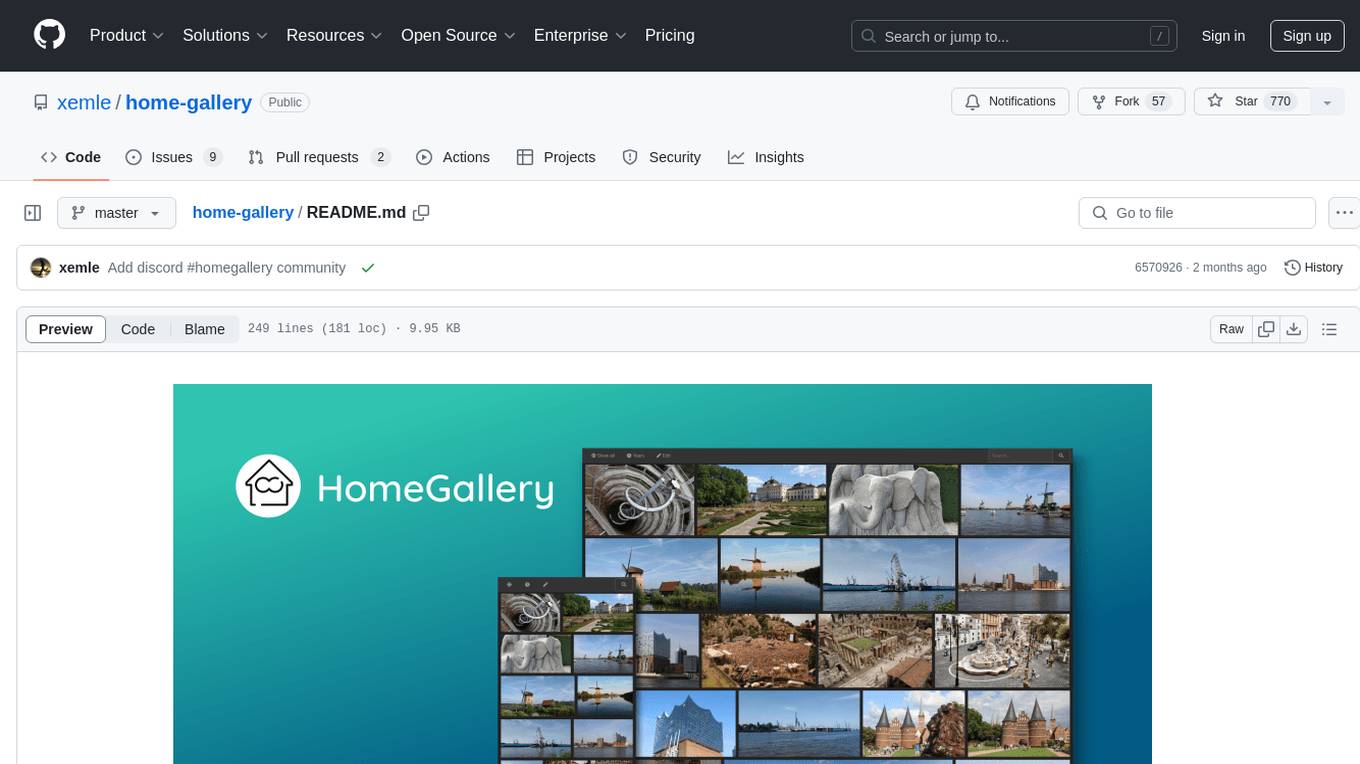
home-gallery
Home-Gallery.org is a self-hosted open-source web gallery for browsing personal photos and videos with tagging, mobile-friendly interface, and AI-powered image and face discovery. It aims to provide a fast user experience on mobile phones and help users browse and rediscover memories from their media archive. The tool allows users to serve their local data without relying on cloud services, view photos and videos from mobile phones, and manage images from multiple media source directories. Features include endless photo stream, video transcoding, reverse image lookup, face detection, GEO location reverse lookups, tagging, and more. The tool runs on NodeJS and supports various platforms like Linux, Mac, and Windows.
orate
Orate is an AI toolkit designed for speech processing tasks. It allows users to generate realistic, human-like speech and transcribe audio using a unified API that integrates with popular AI providers such as OpenAI, ElevenLabs, and AssemblyAI. The toolkit can be easily installed using npm or other package managers. For more details, visit the website.
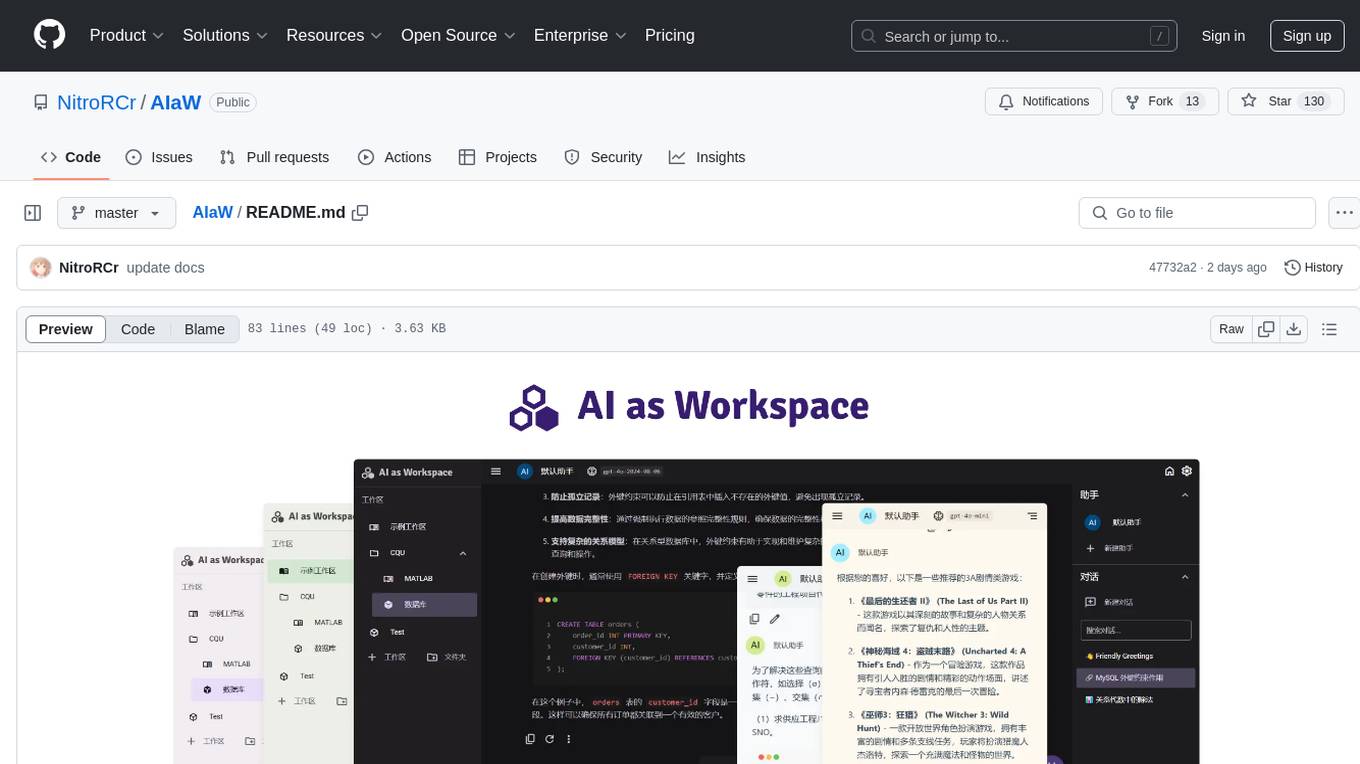
AIaW
AIaW is a next-generation LLM client with full functionality, lightweight, and extensible. It supports various basic functions such as streaming transfer, image uploading, and latex formulas. The tool is cross-platform with a responsive interface design. It supports multiple service providers like OpenAI, Anthropic, and Google. Users can modify questions, regenerate in a forked manner, and visualize conversations in a tree structure. Additionally, it offers features like file parsing, video parsing, plugin system, assistant market, local storage with real-time cloud sync, and customizable interface themes. Users can create multiple workspaces, use dynamic prompt word variables, extend plugins, and benefit from detailed design elements like real-time content preview, optimized code pasting, and support for various file types.
unmute
Unmute is a simple tool that allows users to easily unmute themselves during video calls. It provides a quick and convenient way to toggle your microphone on and off without having to navigate through multiple menus or settings. With Unmute, you can ensure that you are heard when you need to speak up, and easily mute yourself when you need to listen. This tool is especially useful for remote workers, students attending online classes, and anyone participating in virtual meetings or conferences. Unmute is designed to streamline the process of managing your audio settings during video calls, making communication more efficient and hassle-free.
izwi
Izwi is a local-first audio inference engine for text-to-speech (TTS), automatic speech recognition (ASR), and voice AI workflows. It operates on your machine without relying on cloud services or API keys, ensuring data privacy. Izwi offers core capabilities such as real-time voice conversations with AI, generating natural speech from text, converting audio to text accurately, identifying multiple speakers, voice cloning, creating custom voices, word-level audio-text alignment, and text-based AI conversations. The server provides OpenAI-compatible API routes under `/v1`.
For similar tasks
Speech-AI-Forge
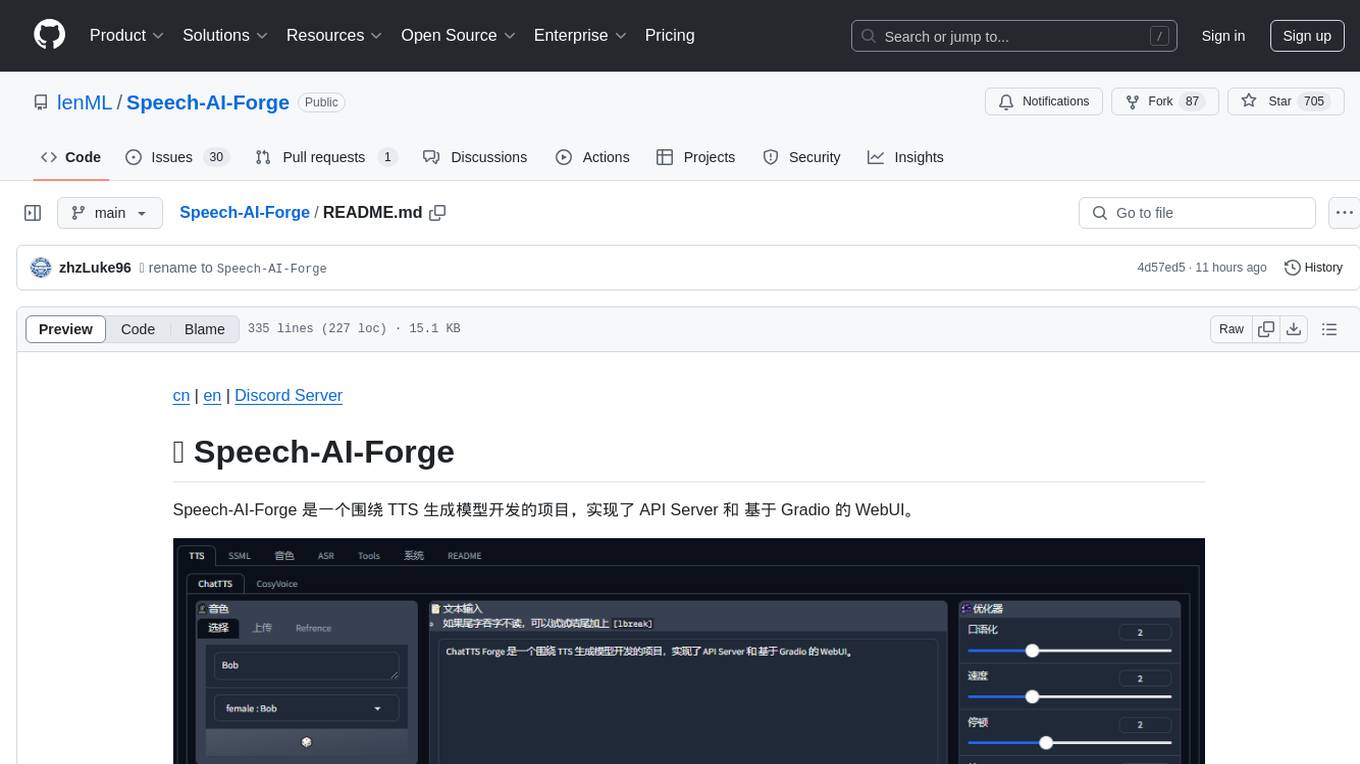
Speech-AI-Forge is a project developed around TTS generation models, implementing an API Server and a WebUI based on Gradio. The project offers various ways to experience and deploy Speech-AI-Forge, including online experience on HuggingFace Spaces, one-click launch on Colab, container deployment with Docker, and local deployment. The WebUI features include TTS model functionality, speaker switch for changing voices, style control, long text support with automatic text segmentation, refiner for ChatTTS native text refinement, various tools for voice control and enhancement, support for multiple TTS models, SSML synthesis control, podcast creation tools, voice creation, voice testing, ASR tools, and post-processing tools. The API Server can be launched separately for higher API throughput. The project roadmap includes support for various TTS models, ASR models, voice clone models, and enhancer models. Model downloads can be manually initiated using provided scripts. The project aims to provide inference services and may include training-related functionalities in the future.
unpod
Unpod is a lightweight and easy-to-use tool for extracting audio from video files. It allows users to quickly and efficiently separate audio tracks from video content without the need for complex software or technical knowledge. With Unpod, users can easily extract audio for various purposes such as creating podcasts, remixing music, or enhancing video content with custom soundtracks. The tool supports a wide range of video formats and provides a simple interface for selecting and extracting audio tracks with just a few clicks. Unpod is a versatile solution for anyone looking to work with audio extracted from video files in a hassle-free manner.
facefusion-docker
FaceFusion Docker is an industry leading face manipulation platform that provides a seamless way to manipulate faces in images and videos. The repository offers Docker containers for CPU, CUDA, TensorRT, and ROCm environments, allowing users to easily set up and run the platform. Users can access different containers through specific ports to browse and interact with the face manipulation features. The platform is designed to be user-friendly and efficient for various face manipulation tasks.
Topaz-Video-AI
Topaz-Video-AI is a software tool designed to enhance video quality and provide various editing features. Users can utilize this tool to improve the visual appeal of their videos by applying filters, adjusting colors, and enhancing details. The software offers a user-friendly interface and a range of customization options to cater to different editing needs. Despite potential triggers from antivirus programs, Topaz-Video-AI is safe to use and has been tested by numerous users. By following the provided instructions, users can easily download, install, and run the software to enhance their video content.
AI-B-roll
AI-B-roll is a tool designed to generate broll for videos using AI. Users can automatically add AI b-roll to their videos with the provided API. The tool aims to streamline the process of creating engaging video content by leveraging artificial intelligence technology. It offers a convenient solution for video creators looking to enhance their projects with visually appealing footage.

ComfyUI-TopazVideoAI
ComfyUI-TopazVideoAI is a tool designed to facilitate the usage of TopazVideoAI for creating short AI-generated videos. Users can connect this node between video output and video save to enhance the quality of videos. The tool requires a licensed installation of TopazVideoAI and provides instructions for setting up environment variables and paths. It is recommended to use upscale factors of 2 or 4 to avoid errors. The tool encodes and decodes videos as image batches, which may result in longer processing times compared to the TopazVideoAI GUI. Common errors include 'No such filter: 'tvai_up'' which can be resolved by ensuring the correct ffmpeg path and removing conflicting ffmpeg installations.
AIO-Video-Downloader
AIO Video Downloader is an open-source Android application built on the robust yt-dlp backend with the help of youtubedl-android. It aims to be the most powerful download manager available, offering a clean and efficient interface while unlocking advanced downloading capabilities with minimal setup. With support for 1000+ sites and virtually any downloadable content across the web, AIO delivers a seamless yet powerful experience that balances speed, flexibility, and simplicity.
wtffmpeg
wtffmpeg is a command-line tool that uses a Large Language Model (LLM) to translate plain-English descriptions of video or audio tasks into actual, executable ffmpeg commands. It aims to streamline the process of generating ffmpeg commands by allowing users to describe what they want to do in natural language, review the generated command, optionally edit it, and then decide whether to run it. The tool provides an interactive REPL interface where users can input their commands, retain conversational context, and history, and control the level of interactivity. wtffmpeg is designed to assist users in efficiently working with ffmpeg commands, reducing the need to search for solutions, read lengthy explanations, and manually adjust commands.
For similar jobs
RVC_CLI
**RVC_CLI: Retrieval-based Voice Conversion Command Line Interface** This command-line interface (CLI) provides a comprehensive set of tools for voice conversion, enabling you to modify the pitch, timbre, and other characteristics of audio recordings. It leverages advanced machine learning models to achieve realistic and high-quality voice conversions. **Key Features:** * **Inference:** Convert the pitch and timbre of audio in real-time or process audio files in batch mode. * **TTS Inference:** Synthesize speech from text using a variety of voices and apply voice conversion techniques. * **Training:** Train custom voice conversion models to meet specific requirements. * **Model Management:** Extract, blend, and analyze models to fine-tune and optimize performance. * **Audio Analysis:** Inspect audio files to gain insights into their characteristics. * **API:** Integrate the CLI's functionality into your own applications or workflows. **Applications:** The RVC_CLI finds applications in various domains, including: * **Music Production:** Create unique vocal effects, harmonies, and backing vocals. * **Voiceovers:** Generate voiceovers with different accents, emotions, and styles. * **Audio Editing:** Enhance or modify audio recordings for podcasts, audiobooks, and other content. * **Research and Development:** Explore and advance the field of voice conversion technology. **For Jobs:** * Audio Engineer * Music Producer * Voiceover Artist * Audio Editor * Machine Learning Engineer **AI Keywords:** * Voice Conversion * Pitch Shifting * Timbre Modification * Machine Learning * Audio Processing **For Tasks:** * Convert Pitch * Change Timbre * Synthesize Speech * Train Model * Analyze Audio
WavCraft
WavCraft is an LLM-driven agent for audio content creation and editing. It applies LLM to connect various audio expert models and DSP function together. With WavCraft, users can edit the content of given audio clip(s) conditioned on text input, create an audio clip given text input, get more inspiration from WavCraft by prompting a script setting and let the model do the scriptwriting and create the sound, and check if your audio file is synthesized by WavCraft.
Pandrator
Pandrator is a GUI tool for generating audiobooks and dubbing using voice cloning and AI. It transforms text, PDF, EPUB, and SRT files into spoken audio in multiple languages. It leverages XTTS, Silero, and VoiceCraft models for text-to-speech conversion and voice cloning, with additional features like LLM-based text preprocessing and NISQA for audio quality evaluation. The tool aims to be user-friendly with a one-click installer and a graphical interface.
transcriptionstream
Transcription Stream is a self-hosted diarization service that works offline, allowing users to easily transcribe and summarize audio files. It includes a web interface for file management, Ollama for complex operations on transcriptions, and Meilisearch for fast full-text search. Users can upload files via SSH or web interface, with output stored in named folders. The tool requires a NVIDIA GPU and provides various scripts for installation and running. Ports for SSH, HTTP, Ollama, and Meilisearch are specified, along with access details for SSH server and web interface. Customization options and troubleshooting tips are provided in the documentation.
podscript
Podscript is a tool designed to generate transcripts for podcasts and similar audio files using Language Model Models (LLMs) and Speech-to-Text (STT) APIs. It provides a command-line interface (CLI) for transcribing audio from various sources, including YouTube videos and audio files, using different speech-to-text services like Deepgram, Assembly AI, and Groq. Additionally, Podscript offers a web-based user interface for convenience. Users can configure keys for supported services, transcribe audio, and customize the transcription models. The tool aims to simplify the process of creating accurate transcripts for audio content.
alexandria-audiobook
Alexandria Audiobook Generator is a tool that transforms any book or novel into a fully-voiced audiobook using AI-powered script annotation and text-to-speech. It features a built-in Qwen3-TTS engine with batch processing and a browser-based editor for fine-tuning every line before final export. The tool offers AI-powered pipeline for automatic script annotation, smart chunking, and context preservation. It also provides voice generation capabilities with built-in TTS engine, multi-language support, custom voices, voice cloning, and LoRA voice training. The web UI editor allows users to edit, preview, and export the audiobook. Export options include combined audiobook, individual voicelines, and Audacity export for DAW editing.
unpod
Unpod is a lightweight and easy-to-use tool for extracting audio from video files. It allows users to quickly and efficiently separate audio tracks from video content without the need for complex software or technical knowledge. With Unpod, users can easily extract audio for various purposes such as creating podcasts, remixing music, or enhancing video content with custom soundtracks. The tool supports a wide range of video formats and provides a simple interface for selecting and extracting audio tracks with just a few clicks. Unpod is a versatile solution for anyone looking to work with audio extracted from video files in a hassle-free manner.

LLMStack
LLMStack is a no-code platform for building generative AI agents, workflows, and chatbots. It allows users to connect their own data, internal tools, and GPT-powered models without any coding experience. LLMStack can be deployed to the cloud or on-premise and can be accessed via HTTP API or triggered from Slack or Discord.